



14 Inch vs 15 Inch Laptops: Which Laptop Size Should You Choose?
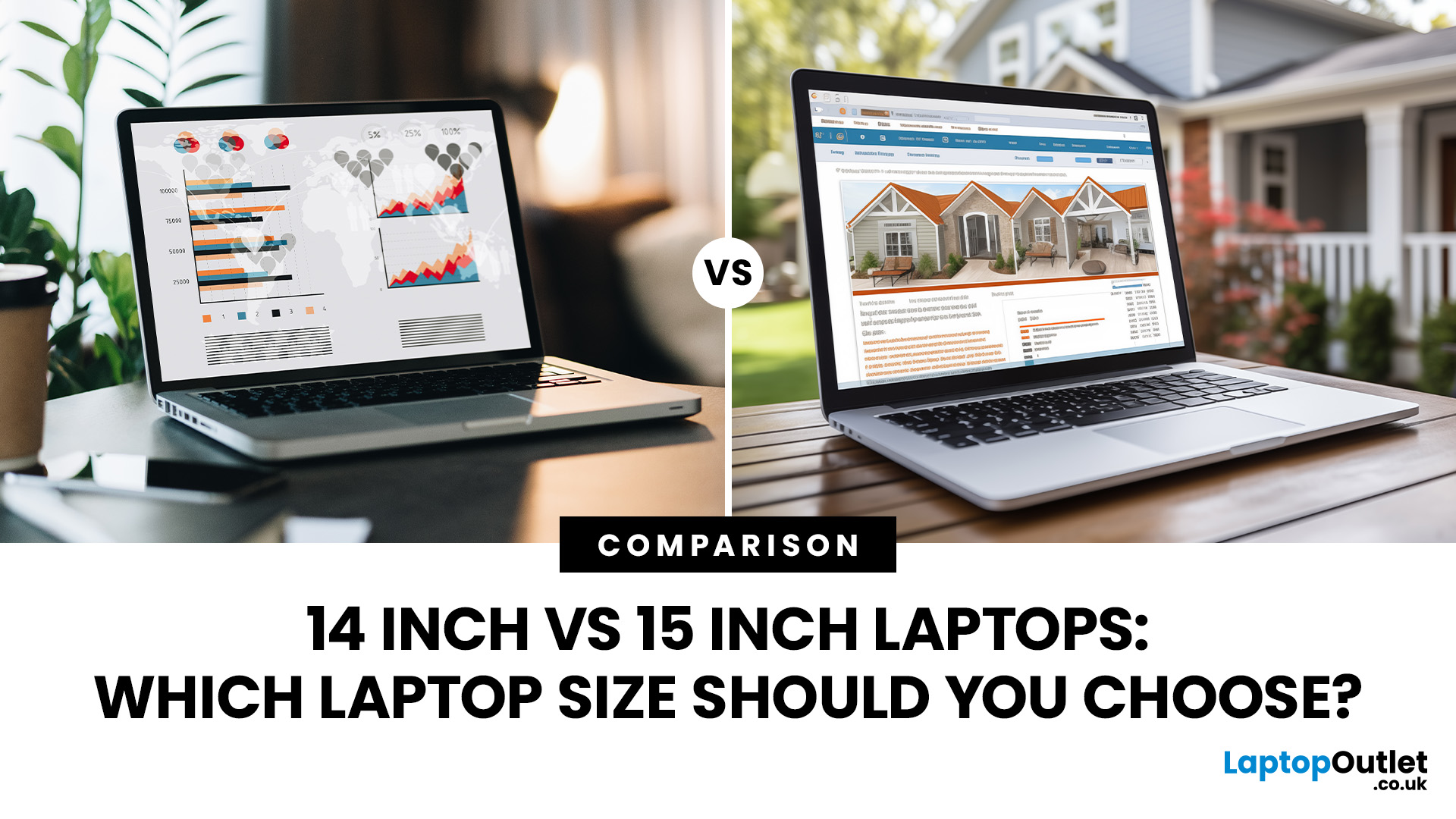
Choosing between a 14-inch and 15-inch laptop is mainly portability vs screen space: 14-inch is lighter and easier to carry, while 15-inch offers a larger display and more comfortable keyboard for work, entertainment and multitasking.
A 14-inch laptop is generally better for students, commuters and frequent travellers because it is lighter and easier to carry. A 15-inch or 15.6-inch laptop is better for multitasking, spreadsheets, gaming and entertainment because its larger display provides more screen space. Choose 14-inch if portability matters most, or 15-inch if the laptop will mainly stay on a desk. Performance and battery life depend more on the individual specifications than the screen size alone. For most users, 14 inches offers the best overall balance.
However, screen size alone does not define performance, battery life or quality. Two laptops of different sizes can have the same processor, memory and storage but still feel different due to variations in display resolution, aspect ratio, weight, keyboard design and cooling systems.
This 14 inch vs 15 inch laptop comparison explains those differences so you can choose a practical size for work, university, home or travel.
14 Inch vs 15 Inch Laptop: Quick Comparison
|
Feature |
14-Inch Laptop |
15-Inch or 15.6-Inch Laptop |
|
Portability |
More compact and generally lighter |
Larger and usually heavier |
|
Screen space |
Suitable for everyday work and study |
Better for multitasking and detailed content |
|
Keyboard |
Usually no separate number pad |
More likely to include a number pad |
|
Desk space |
Convenient for small desks and shared spaces |
Needs a slightly larger working area |
|
Travel |
Easier to use on trains, flights and in cafés |
Portable, but less convenient in confined spaces |
|
Entertainment |
Good for casual streaming |
More immersive for films and games |
|
Typical user |
Commuters, students and hybrid workers |
Home users, office workers and content creators |
|
Main compromise |
Less room for multiple windows |
Extra size and laptop weight |
A 14-inch laptop is the better all-round choice when mobility matters. A 15-inch model is generally more suitable when the laptop will spend most of its time on a desk and the user values a larger display.
How Laptop Screen Size Is Measured
Laptop display size is measured diagonally from one corner of the visible panel to the opposite corner. It does not describe the laptop’s complete width or depth, and it does not include the bezel around the screen.
The term “15-inch laptop” also commonly includes models with a 15.6-inch display. Consequently, the difference between a typical 14-inch and 15.6-inch panel is more substantial than the category names suggest. At the same aspect ratio, a 15.6-inch panel has approximately 24% more physical display area than a 14-inch panel.
Screen dimensions can still vary between models because modern laptops use different aspect ratios. A 14-inch display with a 16:10 ratio is slightly taller than a traditional 16:9 screen, providing more vertical room for documents and web pages. This taller format can make a compact laptop feel more spacious without greatly increasing its footprint.
Bezel thickness matters too. A modern laptop with slim bezels may fit a larger display into a chassis similar in size to an older, smaller-screen model. Always compare the complete product dimensions rather than relying only on the advertised display size.
Screen Space and Everyday Usability
The biggest advantage of a 15-inch or 15.6-inch display is additional screen real estate. Text, application controls and video timelines can appear larger, while two windows are generally more comfortable to view side by side.
This helps with tasks such as:
- Comparing documents or web pages
- Working across a spreadsheet and email
- Editing images or video
- Following an online lesson while taking notes
- Keeping communication and productivity apps open together
A 14-inch display remains large enough for browsing, writing, video calls, streaming and everyday office applications. The experience may feel tighter when several windows are open, but operating-system scaling and virtual desktops can help users organise their workspace.
For people who connect their laptop to a monitor at home or in the office, the smaller built-in screen may not be a significant disadvantage. A portable 14-inch machine combined with a larger external display can provide a useful balance between mobility and desk-based productivity.

Does Resolution Matter More Than Screen Size?
Display size and resolution measure different things. Size describes the physical panel, while resolution tells you how many pixels the panel contains. A larger screen is not automatically sharper.
Full HD, usually 1920 × 1080 pixels, remains practical for everyday work, online study and entertainment. Many newer productivity laptops use 1920 × 1200 resolution on a 16:10 display, adding useful vertical space. QHD, 2.8K and 4K panels can make fine text and detailed visuals look sharper, although they may increase cost and power consumption.
A 14-inch Full HD display may look slightly sharper than a 15.6-inch Full HD panel because the same number of pixels is packed into a smaller area. Conversely, the larger panel may be easier to view at a comfortable scaling level.
The ze s best laptop screen si hould therefore be judged alongside:
- Resolution and aspect ratio
- Brightness
- Colour coverage and accuracy
- IPS or OLED panel technology
- Refresh rate
- Anti-glare or glossy finish
- Touchscreen support
Someone working outdoors or under bright office lighting may benefit more from a bright anti-glare panel than from an extra inch of display size.
Portability, Dimensions and Laptop Weight
A 14-inch laptop usually has a smaller footprint and weighs less than a comparable 15-inch model. It is easier to place in a backpack, carry between meetings and use on a train table or fold-down aeroplane tray.
That difference becomes important for people who carry a laptop, charger, books and other equipment every day. Even a few hundred grams can become noticeable during a long commute.
However, size does not guarantee weight. Premium 15-inch ultraportables can weigh less than some thick 14-inch gaming or business laptops. Materials, cooling hardware, battery capacity and graphics components all affect the final figure.
Check the manufacturer’s listed weight and remember that it usually excludes the charger. If mobility is the priority, also inspect charger size, laptop thickness and the weight of any required adapters.
You can compare lightweight 14 inch laptops if you regularly travel, commute or move between different working locations.
Which Size Provides Better Performance?
A 15-inch laptop is not inherently faster than a 14-inch laptop. Performance primarily depends on the processor, graphics chip, RAM, storage and cooling system.
Both sizes are available with modern Intel Core, Intel Core Ultra, AMD Ryzen, AMD Ryzen AI, Qualcomm Snapdragon and Apple silicon platforms, depending on the operating system and manufacturer. A well-configured 14-inch business laptop can easily outperform an entry-level 15-inch model.
Larger chassis can provide more room for cooling fans, heat pipes and dedicated graphics. This is one reason many gaming laptops and mobile workstations use 15-inch, 15.6-inch or larger displays. Nevertheless, powerful 14-inch gaming and creative laptops are also available. Their compact cooling systems may run warmer or louder under sustained workloads, so model-specific reviews are more informative than screen size alone.
For browsing, Microsoft 365, video calls and general multitasking, prioritise a capable current-generation processor, at least 8GB of RAM and SSD storage. For heavier multitasking or longer-term usability, 16GB of RAM is usually the more comfortable choice.
Battery Life: Is a Smaller Laptop Better?
A 14-inch display may consume less power than a comparable larger panel, but that does not guarantee longer battery life. A 15-inch chassis can accommodate a larger battery, while screen brightness, resolution, processor efficiency and software optimisation also affect runtime.
Higher-resolution OLED displays and powerful dedicated graphics can use considerably more energy than a basic Full HD panel. Two laptops with the same display size can consequently deliver very different results.
Manufacturer battery claims are useful for comparison, but they are usually based on controlled tests. Look for independent testing that reflects your likely workload and check the battery capacity in watt-hours where possible.
If you work away from a socket, prioritise verified battery endurance, USB-C charging and a compact charger rather than assuming that either laptop size will last longer.
Our real-world student laptop battery study provides a closer look at how advertised runtimes can differ from everyday use.

14 vs 15 inch Laptop: What Is the Best Laptop Size for Study & Work?
The best laptop size for work depends on whether the device is mainly used at a desk or carried between locations.
A 14-inch laptop suits hybrid workers, field staff, consultants and commuters. It is compact enough for travel while still providing a practical keyboard and display for documents, presentations, email and video meetings. Pairing it with a monitor at a permanent workspace addresses its main limitation.
A 15-inch laptop can be more comfortable for desk-based work because documents, dashboards and application controls are easier to view. Models with a dedicated number pad are particularly useful for accounting, data entry and frequent spreadsheet work, although not every 15-inch model includes one.
For creative applications, software development or complex spreadsheets, the larger screen is beneficial. Display quality, memory and processing performance remain more important than size alone.
If you need more screen space without moving to an oversized device, compare some of the best 15-inch laptops for gaming and work before choosing a model.
What Is the Best Laptop Screen Size Between 14 and 15 Inches?
For most pupils and university students, 14 inches is the most balanced option. It offers enough display space for research, essays, online lectures and everyday entertainment without adding unnecessary bulk to a bag.
The best laptop screen size between 14 and 15 inches can still depend on the course:
- Humanities and social sciences: A 14-inch model is usually sufficient for writing, reading and research.
- Business and accounting: A 15-inch laptop may be useful for spreadsheets, particularly if it includes a number pad.
- Graphic design and media: A larger, colour-accurate display can improve the editing experience.
- Computing and engineering: Either size can work, but screen resolution, RAM, processor performance and software requirements require closer attention.
- Students who commute: A lighter 14-inch model will usually be more convenient.
Before buying, check the course’s software requirements and the laptop’s complete weight. Our range of best laptops for students covers portable models and larger options for more demanding study.
Which Laptop Size Is Better for Travel?
A 14 inch laptop size is usually the more practical travel companion. Its smaller footprint makes it easier to use in tight spaces and leaves more room in a bag for other essentials.
Frequent travellers should consider more than the laptop screen size comparison. Battery endurance, build quality, USB-C charging and charger weight can have an equally large effect on convenience. A durable 14-inch business laptop may be a better travel purchase than the thinnest consumer model.
A 15 inch laptop size is not necessarily too large for occasional journeys. Slim modern designs are reasonably portable, especially when transported by car. However, people who fly frequently or work on public transport will generally notice the additional width and depth.
Which Size Is Better for Gaming and Entertainment?
A 15-inch or 15.6-inch display creates a more immersive experience for films, television and games. The larger chassis is also more likely to provide space for powerful graphics hardware, extensive cooling and additional ports.
Screen quality remains critical. Gamers should examine refresh rate, response time, graphics performance and adaptive-sync support. A fast 14-inch gaming laptop can provide a better experience than a basic 15-inch machine with a slow panel.
A larger laptop is preferable when it will act as the main entertainment screen. A 14-inch model makes more sense for players who frequently travel or normally connect to an external gaming monitor.
Gamers who prioritise maximum screen space over portability can also consider 17-inch gaming laptops for a more immersive large-screen experience.
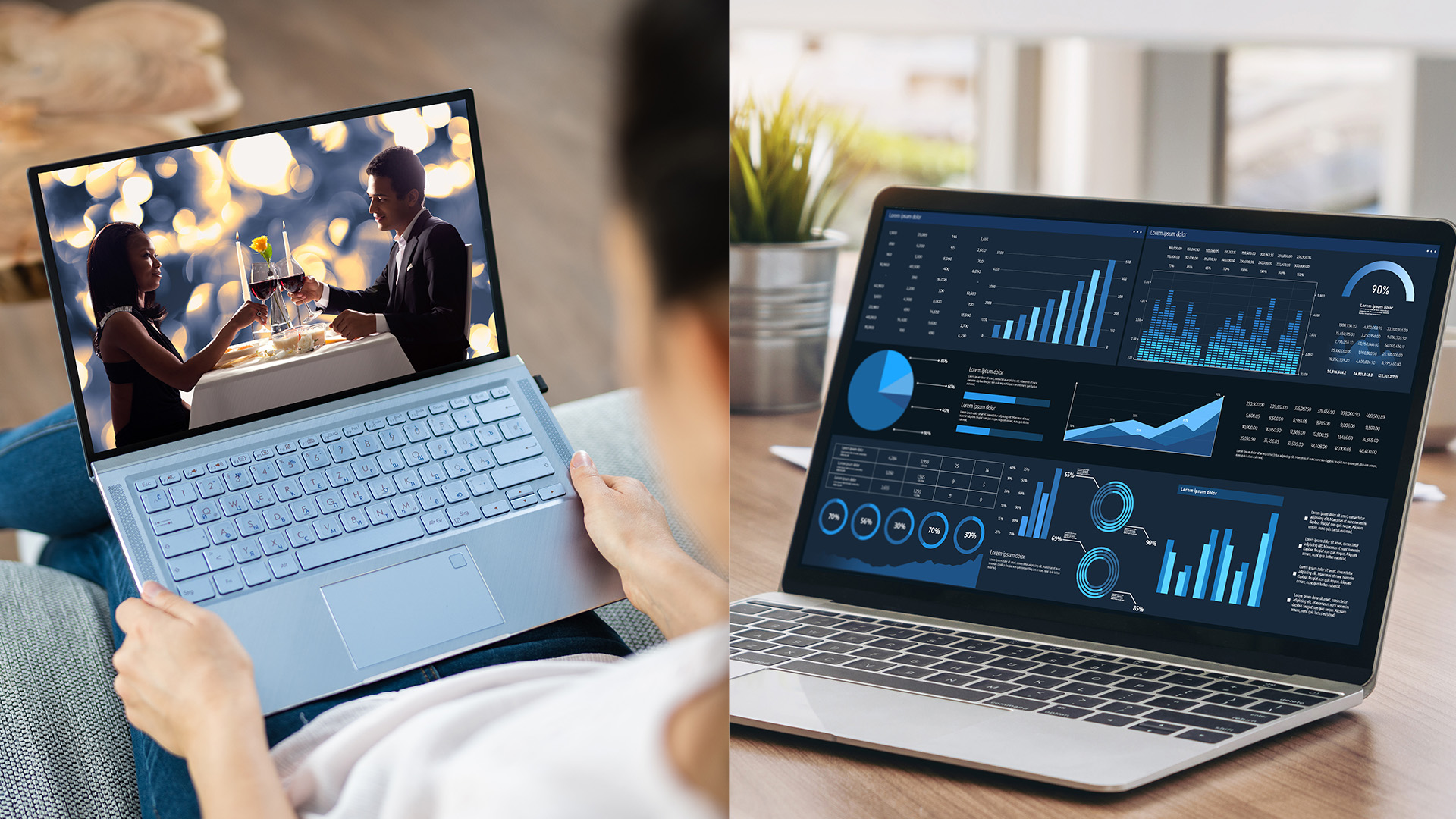
How to Choose Between a 14-Inch and 15-Inch Laptop
Ask these questions before deciding:
- How often will I carry the laptop?
- Will I regularly work with two windows side by side?
- Do I need a dedicated number pad?
- Will I connect the laptop to an external monitor?
- Does it fit my existing bag and workspace?
- Is low weight more important than a larger display?
- What resolution and aspect ratio does the screen use?
- Do independent tests confirm acceptable battery life?
If possible, view both sizes in person. Check whether text is comfortable at your preferred scaling level, test the keyboard and lift the laptop with one hand. These practical checks can be more valuable than choosing from specifications alone.
Final Verdict: Should You Buy a 14-Inch or 15-Inch Laptop?
In the 14 inch vs 15 inch laptop debate, neither size is universally better.
Choose a 14-inch laptop if you commute, travel regularly or want the most convenient balance of usable screen space and portability. It is the most practical size for many students, hybrid workers and general users.
Choose a 15-inch or 15.6-inch laptop if you prioritise a larger display, spend long periods working directly on the laptop or want a more immersive entertainment experience. It is also worth considering for spreadsheets, creative software and gaming.
Once you have chosen your preferred display size, compare the processor, RAM, storage, screen quality, battery results, ports and weight of individual models.
You can explore laptops across different sizes and specifications or browse 15 inch notebook laptops for a roomier everyday setup.
Still Have Questions for 14 inch vs 15 inch Laptop
Is a 14-Inch or 15-Inch Laptop Better?
A 14-inch laptop is better for portability, commuting and frequent travel. A 15-inch laptop is better for screen space, extended desk use and entertainment. The right option depends on how often you carry the device and whether you need a larger working area.
Is a 14-Inch Laptop Too Small for Everyday Use?
No. A 14-inch display is suitable for browsing, office work, video calls, study and streaming. A 16:10 aspect ratio can provide additional vertical space. Users who regularly edit detailed content or keep several windows open may prefer a larger screen or external monitor.
Is a 14-Inch or 15-Inch Laptop Better for Students?
A 14-inch laptop is generally better for students who carry their device between classes because it is compact and usually lighter. A 15-inch model may suit students who mainly work from one location or need more screen room for design, coding or spreadsheets.
Is a 15-Inch Laptop Too Big for Travelling?
A slim 15-inch laptop is manageable for occasional travel, but it takes up more bag and table space than a 14-inch model. Frequent commuters and air travellers will usually find a lightweight 14-inch laptop more convenient.
What Is the Most Practical Laptop Screen Size?
For most people, 14 inches offers the most practical balance between portability and everyday usability. Users who work mainly at a desk and do not use an external monitor may find a 15-inch or 15.6-inch display more comfortable.
| Read More: |
| Top 10 Laptops with 17-Inch Screens for Gamers in 2026 |
| Best 15-Inch Gaming and Work Laptops |
| The Real Battery Life Study 2025: How Long Do Student Laptops Actually Last? |
Related Articles

Last Updated: September 02, 2026
Looking beyond the MacBook Pro in 2026? This guide explores the best high-performance laptop alternatives for creators, developers, designers, and power users who want premium speed, displays, battery life, and value without being locked into Apple’s ecosystem.
If you're searching for the best MacBook Pro alternatives 2026 has to offer, you're not alone. Apple's flagship laptop remains one of the most impressive machines on the market, but it comes at a significant cost, and it isn't the right fit for everyone. Whether you're moving from macOS to Windows, exploring a different ecosystem, or simply want to know your options before spending over £1,500, this guide is for you.
Why Look for MacBook Pro Alternatives in 2026?
Apple's engineering is exceptional, but there are compelling reasons why even dedicated Mac users are reconsidering their options.
Price
The MacBook Pro starts at well over £1,500 in the UK. For many buyers, particularly students, freelancers, and small business owners,
Published: June 04, 2026
Big-screen laptops are becoming essential for UK buyers who want more workspace, stronger performance and immersive entertainment in one device. This 2026 guide compares 16-inch, 17-inch and larger laptops for work, gaming, study and creativity, helping you choose the right model for productivity, portability, battery life and long-term value today.
A larger display gives you more room for spreadsheets, timelines, browser tabs, creative apps, coding windows, and immersive games. Whether you are comparing laptops and notebooks, upgrading your work-from-home setup or searching for a capable gaming machine, large screen laptops now offer a much better balance of performance, display quality and portability than older bulky models.
Why Big Screen Laptops are More Popular Than Ever in 2026
Big-screen laptops are having a strong moment because people expect more from one device. A laptop is no longer used only for emails and web browsing. It may now need to handle video calls, AI meeting notes,
Last Updated: September 03, 2026
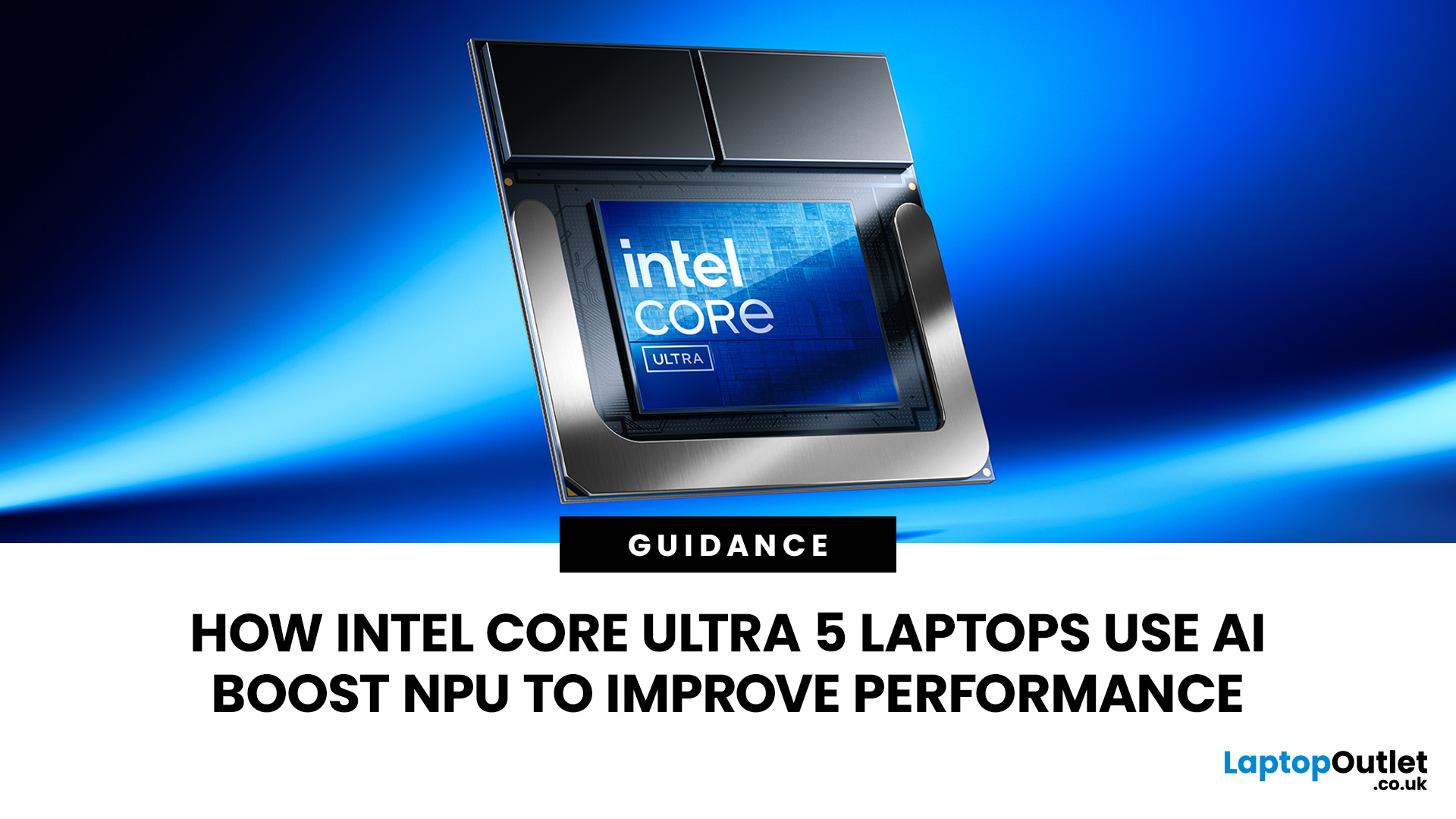
AI is no longer limited to the cloud or research labs. It’s now built into everyday laptops, powering features like clearer video calls, live captions, and smarter editing tools. At the heart of this is the intel core ultra 5 NPU, a dedicated AI engine within the processor that handles machine-learning tasks efficiently. An intel core ultra 5 processor combines CPU, GPU, and NPU, allowing each task to run on the most suitable hardware. This setup improves multitasking and efficiency, though benefits depend on software support and the specific processor model.
What is Intel AI Boost NPU in Core Ultra 5 Laptops?
Intel AI Boost is the name Intel uses for the neural processing hardware integrated into supported Core Ultra processors. It is designed to process AI inference workloads efficiently, particularly tasks that run continuously or repeatedly in the background.
The AI boost NPU complements the CPU and GPU rather than replacing them. It becomes a low-power engine for longer-running AI
Last Updated: September 08, 2026
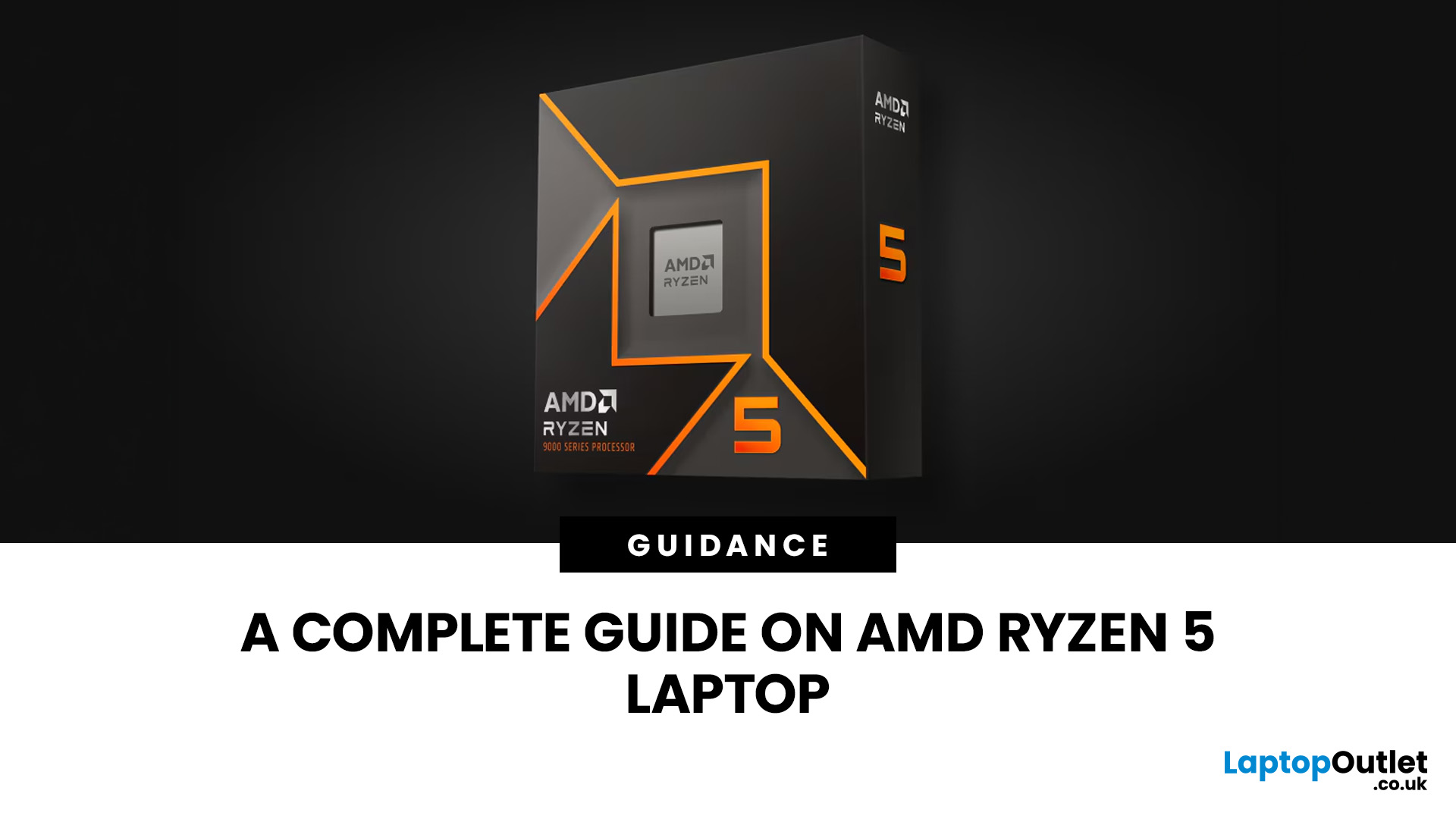
Two laptops can both say AMD Ryzen 5 on the specification sheet and still be built for very different jobs. One may prioritise battery efficiency and portability, while another is designed to sustain more performance for gaming, coding or creative work.
That is why choosing an AMD Ryzen 5 laptop in 2026 means looking beyond the tier name. AMD currently spans several mobile naming families, from Ryzen 7000 and 8000 to newer Ryzen 100, Ryzen 200 and Ryzen AI ranges. The exact processor, power class, memory, graphics, storage and laptop design all influence the experience.
This guide explains how to read those specifications, avoid misleading shortcuts and match the complete configuration to the way you actually use your laptop.
Quick Answer: How to Choose a Ryzen 5 Laptop
For most buyers, the right Ryzen 5 laptop is the one with a balanced specification rather than simply the largest processor number. Start with your main workload, then check the full CPU name, RAM, storage, graphics, display

Last Updated: July 21, 2026
Using your laptop in public is normal now. Cafés, trains, airports, libraries, lecture halls, shared offices, the laptop comes everywhere. But if the person sitting next to you can casually read your emails, bank details, work chats or assignments, that is not exactly ideal.
That is where privacy screen protectors laptops come in. Whether you are a student, business user, commuter or hybrid worker, this guide explains how privacy screens work, their benefits, disadvantages, types and whether they are actually worth buying.
How Does a Privacy Screen Protector Work?
Most laptop privacy screens use tiny vertical filter layers, often called micro-louvres. These work a bit like blinds. When you look at the laptop straight on, you can see the display clearly. When someone looks from the side, the filter blocks the view.
This is also how laptops and notebooks privacy screens work in everyday spaces. If you are working on a train, someone sitting beside you should find it much harder to read your
Last Updated: July 22, 2026
Last Updated: July 23, 2026
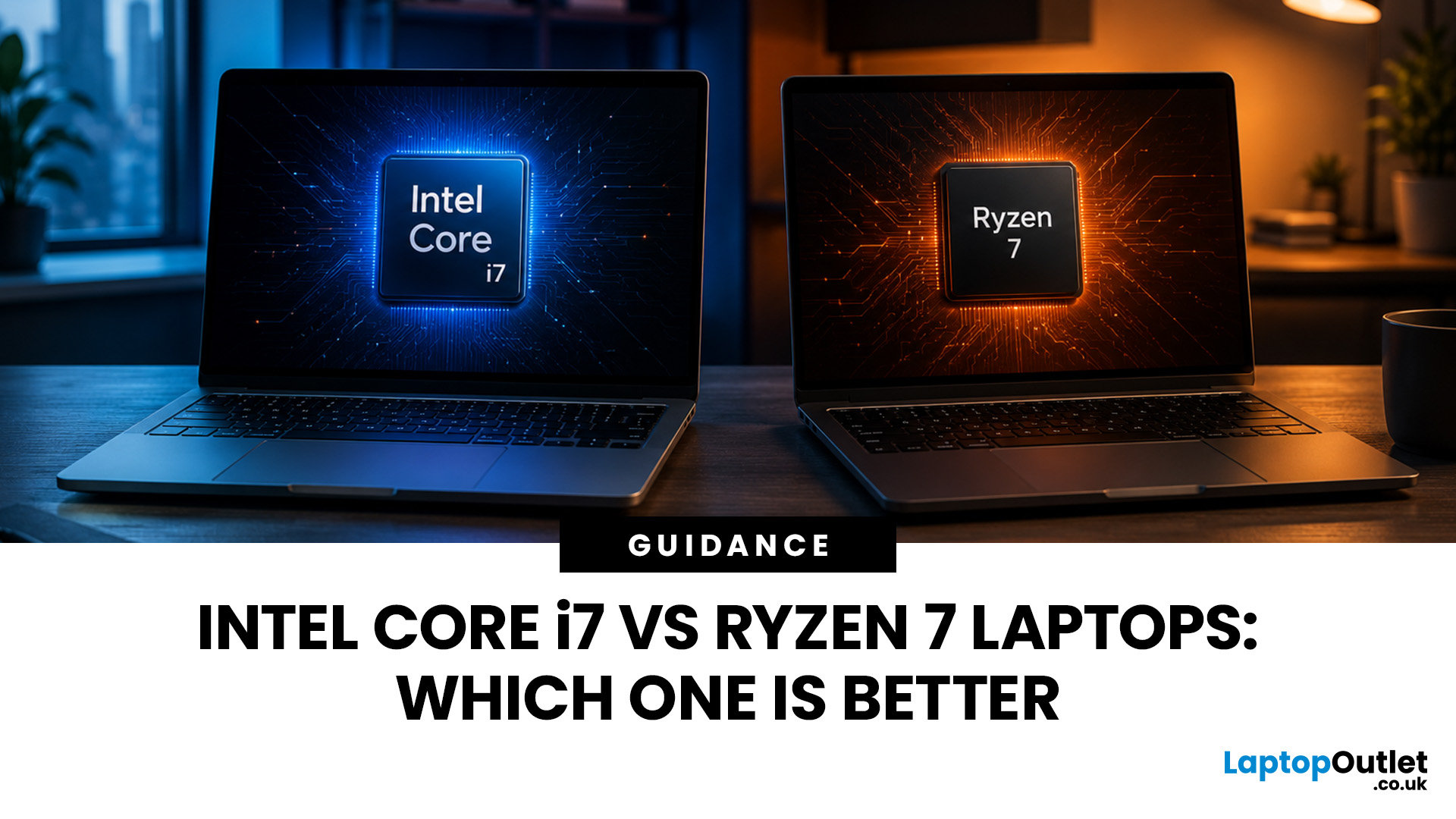
Neither processor family is automatically better. An Intel Core i7 laptop is often a strong choice for demanding productivity, supported video workflows and high-powered gaming configurations. A Ryzen 7 laptop can be especially attractive for efficient multitasking, capable integrated graphics and specification value.
When comparing an i7 vs Ryzen 7 laptop, the exact processor number matters more than the badge. A Core i7 U-series processor designed for a lightweight laptop is not equivalent to a Core i7 H-series gaming chip. The same applies to Ryzen 7 U, HS and HX processors.
For the broader brand-level differences, read our AMD vs Intel laptop guide. This guide goes deeper into the Core i7 and Ryzen 7 performance tier.
Intel Core i7 vs Ryzen 7 Laptops: Quick Answer
| Your priority | Better starting point | What to check |
| Everyday office work | Either | RAM, battery, screen and price |
| Heavy multitasking | Either | Exact CPU model, cooling and at least 16GB RAM |
| Gaming with dedicated graphics | Either | GPU |
Last Updated: September 03, 2026
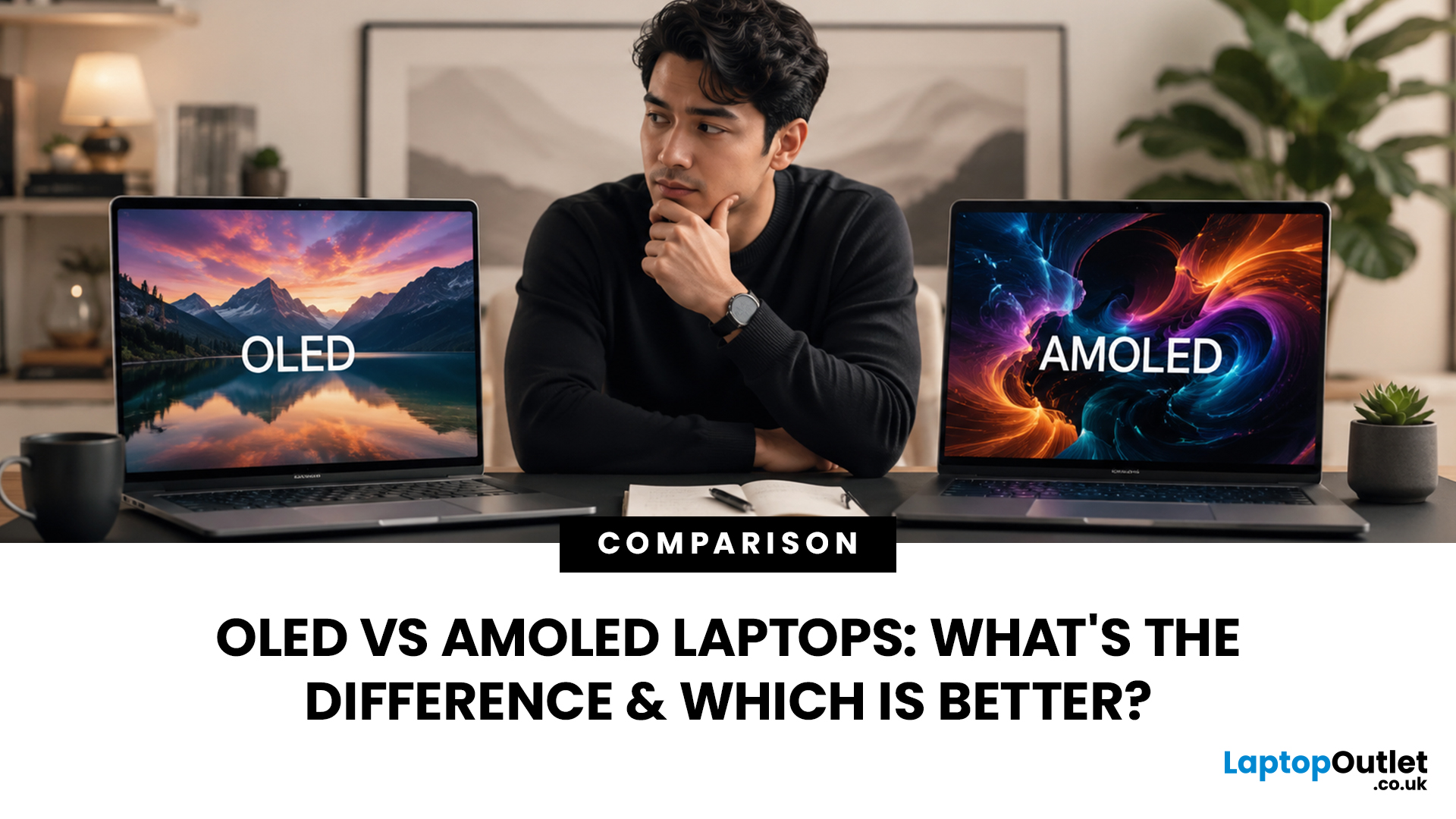
When comparing premium laptop screens, the OLED vs AMOLED debate is simpler than it seems. Both deliver deep blacks, vibrant colours, fast response times and strong contrast. OLED is the broader technology, while AMOLED is a type of OLED that uses an active-matrix system to control pixels. Many modern OLED laptops already use this system, even if not labelled AMOLED. Instead of focusing on the name, buyers should compare resolution, refresh rate, brightness, colour accuracy, battery life and burn-in protection. This guide helps you understand the differences and choose the right display for your needs.
OLED vs AMOLED: The Quick Answer
OLED, or Organic Light-Emitting Diode (OLED), is a display technology in which each pixel creates its own light. An OLED screen does not require the separate backlight used by traditional LCD panels.
AMOLED, or Active Matrix OLED (AMOLED), is a type of OLED display that uses an active-matrix transistor system to control each pixel quickly and individually.
Last Updated: August 20, 2026
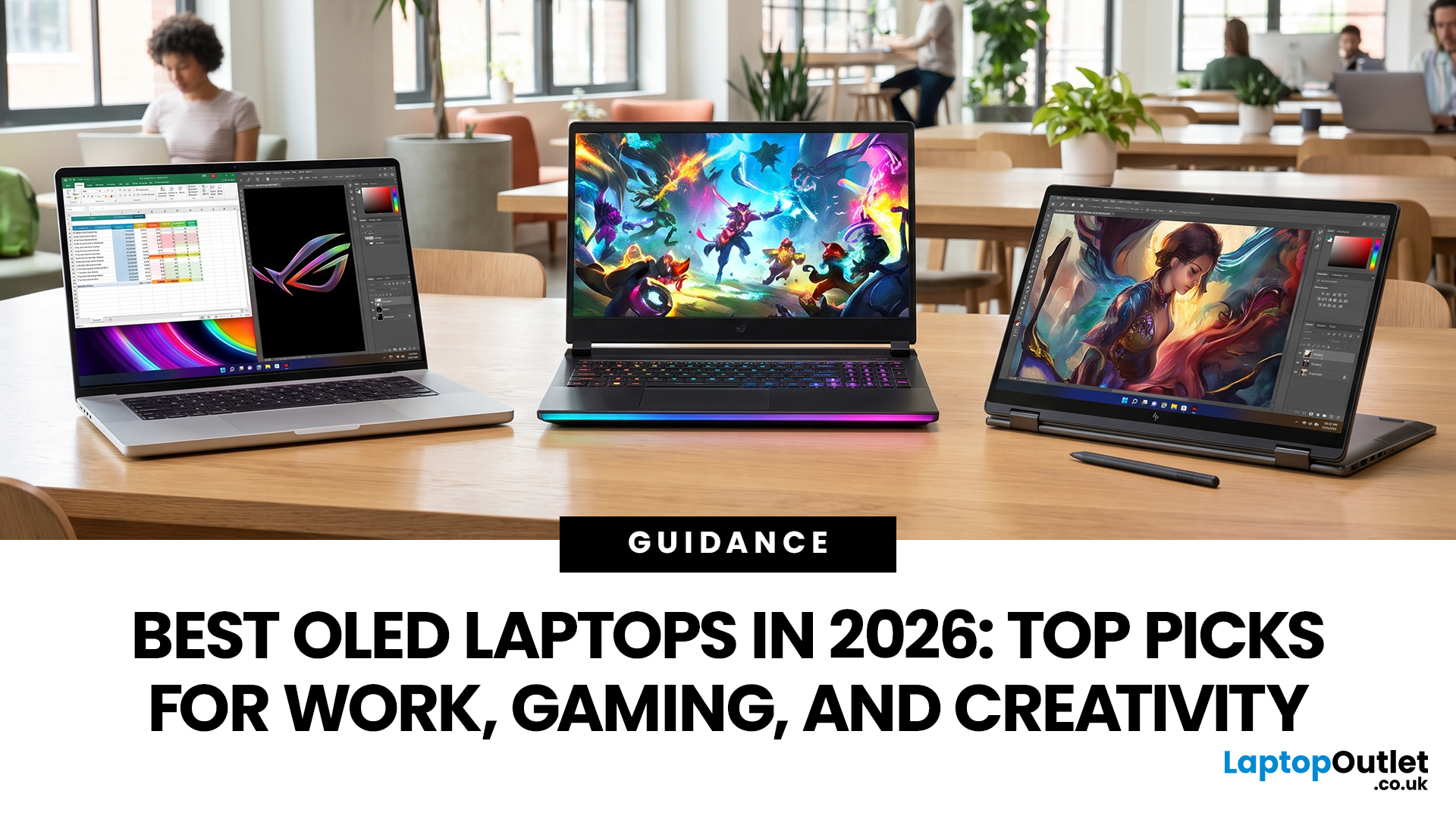
OLED screens are becoming more common across premium ultrabooks, creator workstations and gaming laptops in 2026. Newer panels offer higher resolutions, faster refresh rates and improved efficiency, while recent tandem OLED developments are also increasing brightness and durability.
However, an OLED screen does not automatically make a laptop suitable for every buyer. Processing power, graphics, memory, ports, battery life and weight remain equally important.
This guide compares the best OLED laptops for students, professionals, creators, gamers and everyday users. It also explains the specifications that matter, helping you understand what each feature means when choosing a laptop.
Quick Picks: Best OLED Laptops in 2026
| Category | Laptop |
| Best Overall | ASUS Zenbook S 16 |
| Best Premium | Samsung Galaxy Book5 Pro |
| Best Value | Samsung Galaxy Book4 |
| Best Student Laptop | ASUS Zenbook 14 OLED |
| Best Business Laptop | Samsung Galaxy XE550XGA |
| Best Creator Laptop | ASUS ProArt PX13 |
| Best Professional Workstation |
Published: August 03, 2026
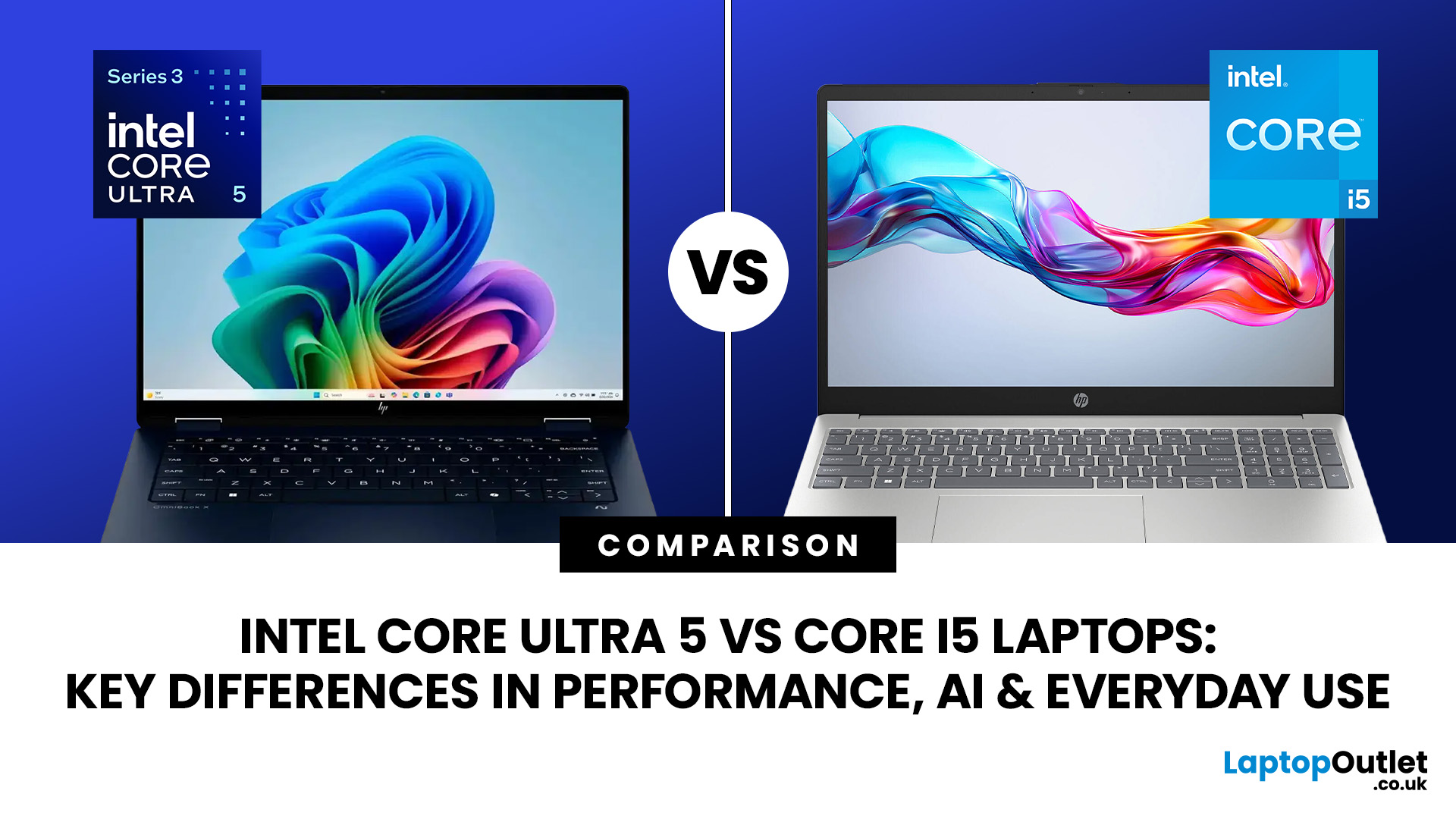
Intel has changed how it names and builds its laptop processors (CPUs). Traditional Core i5 chips remain widely available, but newer premium laptops increasingly use the Core Ultra 5 name, which Intel introduced alongside a major architectural redesign and built-in AI acceleration. That makes the Intel Core Ultra 5 vs i5 comparison more complicated than simply checking which number looks newer.
This guide explains the differences in everyday speed, multitasking, graphics, gaming, AI features, and battery life, without burying the answer under unnecessary technical jargon.
Quick Answer: Should You Buy Intel Core Ultra 5 or Core i5?
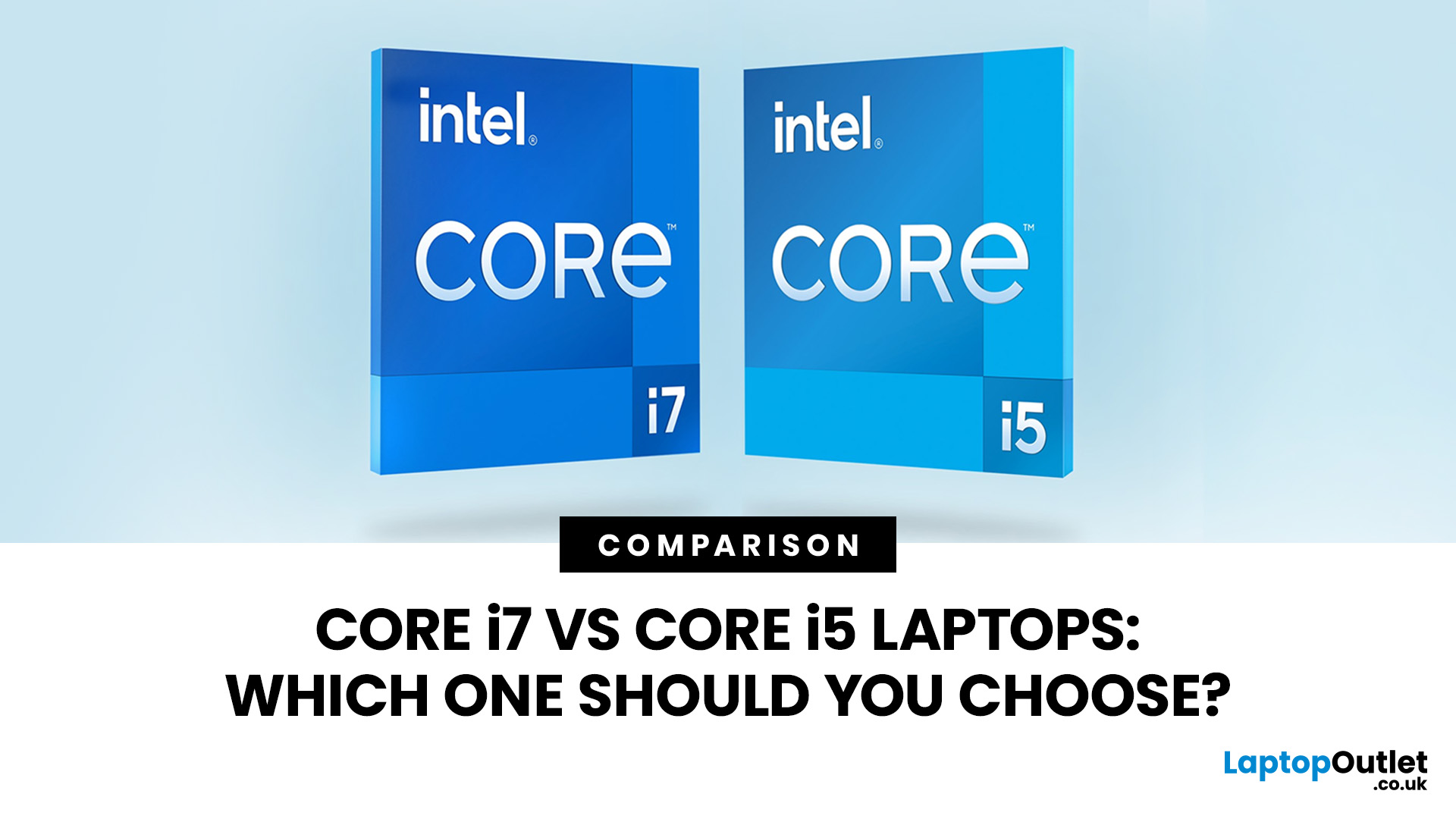
Buy Core Ultra 5 for stronger integrated graphics, on-device AI features and generally better efficiency. Buy Core i5 when price matters most, especially for office work or laptops with dedicated graphics card. Always compare the exact processor suffix and laptop configuration.
| If you want... | Buy | Why |
| Lowest price | Core i5 | Older i5 laptops are regularly discounted |

