



The Ultimate Buying Guide to HP Laptops: Models, Features and Usage
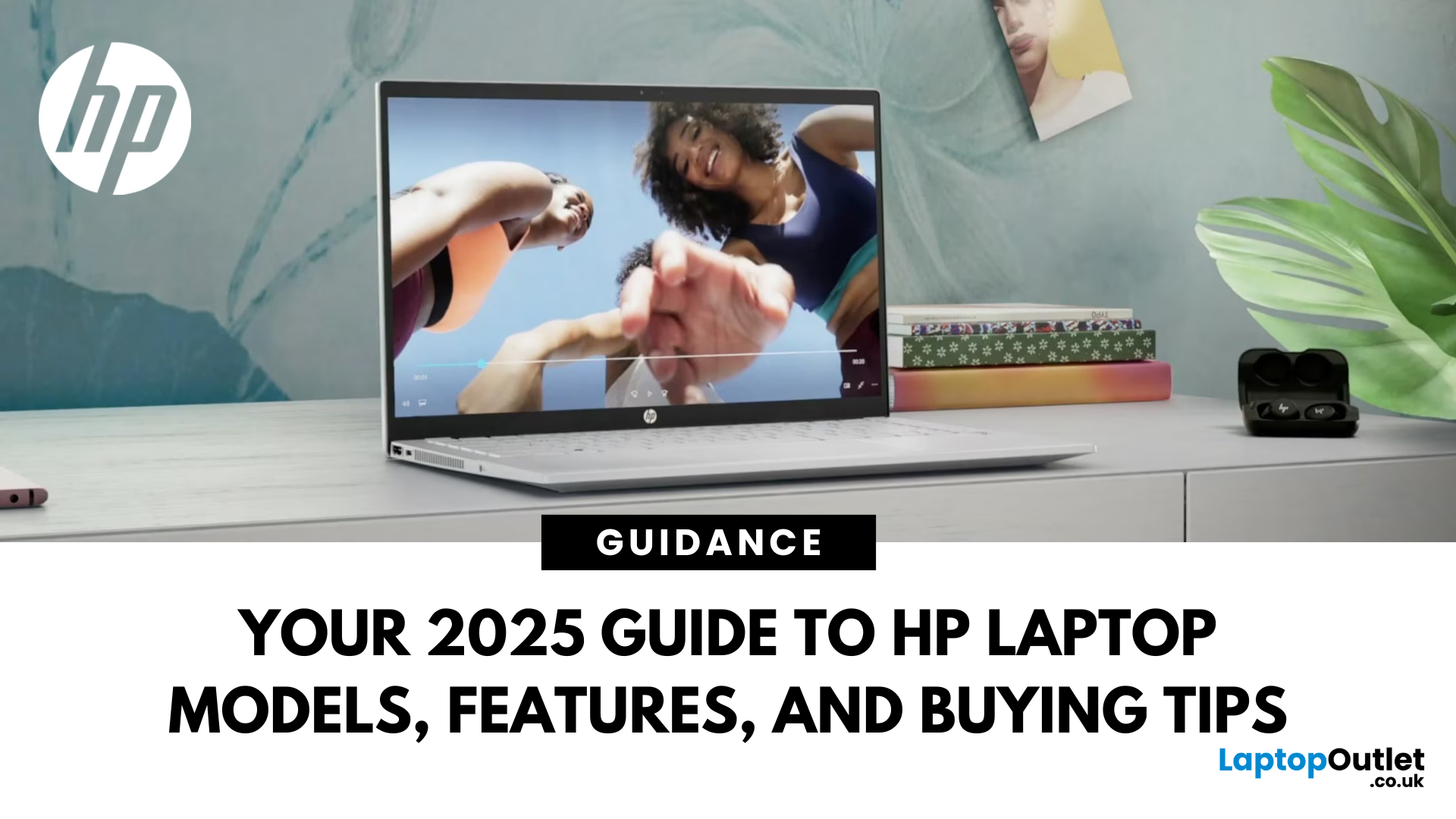
Choosing a laptop in 2026 can feel confusing. HP offers devices for everyday home use, education, business, gaming, content creation and demanding professional workloads, but each range serves a different type of user.
This buying guide explains the current HP laptop models, specifications and price levels. It also clarifies how the modern OmniBook family has replaced older consumer names such as HP Pavilion, HP Envy and HP Spectre.
Whether you need one of the top rated HP laptops for creative work or a more affordable device for study, the right choice depends on your workload, preferred size and budget. Instead of simply buying the most powerful model, match the processor, memory, graphics and design to the tasks you perform regularly.
HP’s Heritage and Approach to Laptop Design
HP began in 1939 when Bill Hewlett and Dave Packard established an electronics company in Palo Alto, California. The company later expanded into calculators, printers, desktop computers, laptops and business technology.
In 2015, the organisation separated into HP Inc. and Hewlett Packard Enterprise. HP Inc. now focuses primarily on personal computers, printers and related consumer and business technologies.
One of HP’s main strengths is the variety within its laptop portfolio. It produces affordable everyday notebooks, premium AI PCs, secure business devices, high-performance gaming laptops and professional mobile workstations.
Depending on the HP model, laptops' features may include privacy screens, biometric security, fast charging, touch displays, 2-in-1 hinges, high-refresh-rate gaming panels and dedicated neural processing units. Availability varies between configurations, so specifications should always be checked before purchasing.
The Current HP Laptop Line-up
HP has reorganised its consumer laptop portfolio around the OmniBook name. Older ranges such as HP Pavilion, HP Envy and HP Spectre may still appear as refurbished, clearance or previous-generation products, but they are no longer the main names used for HP’s newest consumer devices.
The latest HP laptops now sit within clearly defined consumer, gaming, business and workstation categories. Understanding these categories makes it much easier to narrow down your options.
HP OmniBook: The New Consumer Laptop Family
HP OmniBook is the brand’s current consumer laptop family. It includes models for basic home computing, university work, professional productivity, creative applications and premium mobile performance.
The range uses a tiered naming system consisting of OmniBook 3, OmniBook 5, OmniBook 7, OmniBook X and OmniBook Ultra. The higher tiers generally provide more premium materials, stronger processors, better displays and additional AI capabilities.
HP OmniBook 3: Affordable Everyday Computing
HP OmniBook 3 laptops are designed for straightforward everyday use. They suit web browsing, emails, online shopping, document editing, video calls and streaming.
Configurations may include AMD Ryzen, AMD Ryzen AI or other efficient processors, depending on the individual model. Memory and storage options also vary, but 8GB of RAM and a 256GB or 512GB SSD provide a sensible starting point for general use.
The OmniBook 3 is one of the most relevant budget laptops for students, families and home users who do not require dedicated graphics or premium display technology.
HP OmniBook 5: The Modern Pavilion Alternative
HP OmniBook 5 broadly replaces the role previously filled by HP Pavilion and Pavilion x360 laptops. It is aimed at families, students and professionals who want more performance and flexibility than a basic notebook provides.
The range includes traditional clamshell laptops and selected 2-in-1 models. Depending on the configuration, you may find Intel Core Ultra, AMD Ryzen AI or Snapdragon processors, along with Full HD or 2K displays.
An OmniBook 5 is a practical choice for university assignments, hybrid working, multitasking and everyday entertainment. Selected models also qualify as Copilot+ PCs and provide access to compatible on-device AI features.
HP OmniBook 7: More Power for Students and Creators
HP OmniBook 7 models provide stronger performance for demanding productivity, creative applications and heavier multitasking. This tier incorporates elements previously associated with HP Envy, Envy x360 and Pavilion Plus laptops.
Models may include Intel Core Ultra or AMD Ryzen AI processors, increased memory capacities and higher-resolution displays. Some configurations may also offer dedicated graphics for creative workloads and light gaming.
The OmniBook 7 is suitable for power users, university students running demanding software and creators working with photography, design or short-form video projects.
HP OmniBook X: Premium Portable Performance
HP OmniBook X is the modern evolution of the HP Envy range. It combines premium portable design with AI-ready processors, modern connectivity and higher-quality display options.
Traditional and convertible OmniBook X models are available. The convertible versions use a 360-degree hinge, allowing the screen to be positioned in laptop, tent, stand or tablet mode.
This range is particularly useful for mobile professionals, content creators and students who want a lightweight device without dropping down to entry-level performance. Some models include OLED touch displays, although panel specifications vary.
HP OmniBook Ultra: The Successor to HP Spectre
HP OmniBook Ultra is the premium flagship of the consumer portfolio. It replaces the role previously occupied by the HP Spectre and Spectre x360 series.
These laptops focus on high-end materials, portability, display quality and advanced AI performance. Depending on the configuration, they may include Intel Core Ultra or AMD Ryzen AI processors, high-resolution OLED touchscreens and up to 32GB of memory.
OmniBook Ultra is intended for freelancers, business leaders, creators and professionals who want one of HP’s most advanced consumer laptops. It is less suitable for buyers who only need basic browsing or office software, as much of its value comes from its premium construction and higher-end hardware.
HP Victus and HP OMEN Gaming Laptops
HP divides its gaming portfolio into Victus and OMEN. Although both ranges can include dedicated NVIDIA GeForce graphics, they target different price and performance levels.
HP Victus: Accessible Gaming Performance
HP Victus laptops are designed for gamers who want dedicated graphics without paying for the most expensive gaming hardware. They commonly include Intel Core or AMD Ryzen processors, NVIDIA GeForce RTX graphics and Full HD or QHD displays.
Victus models can handle modern games, esports titles, streaming and general productivity. The exact frame rate depends on the GPU, cooling, power limits and display resolution rather than the Victus name alone.
The understated design also makes Victus suitable for students or professionals who want gaming performance without an aggressive appearance.
Buyers searching for budget HP gaming laptops can compare Victus and OMEN configurations in one place.
HP OMEN: Higher-End Gaming Hardware
HP OMEN laptops sit above Victus in the gaming range. They are built for demanding games, higher graphics settings, competitive play and more intensive creative workloads.
Depending on the model, OMEN laptops may include higher-tier Intel Core or AMD Ryzen processors, powerful NVIDIA GeForce RTX graphics, fast QHD displays and more advanced cooling systems. Memory and storage capacities also tend to be higher than those found in entry-level gaming laptops.
An OMEN laptop is generally the better choice when maximum gaming performance, better cooling and a high-refresh-rate screen matter more than keeping the purchase price low.
HP ProBook and EliteBook Business Laptops
HP ProBook and EliteBook laptops are designed for professional environments. They commonly include Windows 11 Pro, business-focused security, docking support and durable chassis designs.
HP ProBook: Practical Business Computing
HP ProBook laptops are aimed at small businesses, growing organisations and professionals who need reliable everyday performance. They offer a balance between cost, security and build quality.
Common configurations include Intel Core or AMD Ryzen processors, 8GB to 32GB of memory and SSD storage. Many models also provide HDMI, USB-C and multiple USB-A ports for office peripherals.
ProBook is a sensible option for office applications, web-based platforms, accounting software, meetings and remote working.
HP EliteBook: Premium Business Mobility
HP EliteBook sits above ProBook and focuses on mobile professionals, corporate deployments and users with more advanced security requirements.
Selected models include enhanced biometric authentication, privacy features, self-healing BIOS protection and HP Wolf Security tools. Availability depends on the exact generation and specification.
EliteBook models also tend to use more premium materials and lighter designs.
You can explore business-grade HP laptops when comparing EliteBook and ProBook options for professional use.
HP ZBook Mobile Workstations
HP ZBook laptops are mobile workstations built for technical and creative professionals. They are designed for applications that require more processing power, memory or graphics performance than a standard business laptop can provide.
The ZBook family includes portable models such as ZBook Firefly, balanced performance options such as ZBook Power and more powerful machines such as ZBook Studio and ZBook Fury. The availability of each series can vary over time.
Selected configurations offer professional NVIDIA RTX graphics, high memory capacities and certification for specialist applications. These features can benefit engineers, architects, animators, video editors, data scientists and 3D designers.
A ZBook is not automatically the best choice for gaming. Professional GPUs and drivers are primarily optimised for stability and certified software rather than maximising gaming frame rates.
HP Chromebooks for Simple Cloud-Based Computing
HP Chromebooks run ChromeOS rather than Windows. They are designed around web applications, cloud storage and the Google ecosystem.
These laptops work well for browsing, emails, Google Docs, online learning, streaming and basic Android applications. Their straightforward operating system also makes them popular in education and shared-device environments.
Before purchasing an HP Chromebook, check that your essential applications are available through a browser, Android app or Linux environment. Specialist Windows programs and many PC games may not be compatible.
How to Choose the Right HP Laptop
Finding the right model is less about chasing the highest specification and more about matching the hardware to your normal workload. The following steps can help you avoid overspending or choosing an underpowered device.
1. Define Your Primary Use
Start by listing the applications and tasks you expect to perform. Browsing, online classes and document editing require far less power than video editing, 3D modelling or modern gaming.
A Chromebook, OmniBook 3 or entry-level HP notebook may be enough for basic use. OmniBook 5 and OmniBook 7 models suit broader productivity, while OMEN and ZBook laptops are built for more specialised workloads.
2. Choose a Suitable Form Factor
A traditional clamshell laptop is usually the most practical choice for typing and desk-based work. It provides a stable keyboard and is often better value than a convertible with similar internal hardware.
A 2-in-1 laptop is useful for handwritten notes, presentations, drawing and touch-based interaction. HP OmniBook Flip models can rotate into different positions, but touch and pen support should be confirmed for the individual device.
Screen size also affects portability. A 13-inch or 14-inch laptop is easier to carry, while 15-inch, 16-inch and 17-inch models provide more workspace.
3. Select the Right Processor
Intel Core i3, Intel Core 3, AMD Ryzen 3 and similar processors can handle basic applications. For everyday multitasking, an Intel Core i5, Intel Core 5 or AMD Ryzen 5 provides a better balance.
Intel Core Ultra and AMD Ryzen AI processors include neural processing hardware for supported AI workloads. However, the processor name alone does not guarantee that every laptop meets Copilot+ PC requirements.
Creative professionals, gamers and technical users should consider higher-tier processors, but they should also check cooling, graphics and memory. A powerful processor cannot compensate for an unsuitable GPU or insufficient RAM.
4. Check Memory and Storage
For everyday Windows use, 8GB of RAM should be treated as a basic starting point. Choosing 16GB provides more room for multitasking, larger browser sessions and modern productivity applications.
Creative software, virtual machines and professional workloads may require 32GB or more. Check whether the memory is upgradeable, as many thin laptops use soldered RAM.
A 256GB SSD can work for light use, while 512GB offers a better balance for most people. Gamers, creators and users with large project files may prefer 1TB or more.
5. Decide Whether You Need Dedicated Graphics
Integrated Intel, AMD or Qualcomm graphics are suitable for office applications, streaming, browsing and light creative work. They also consume less power than many dedicated GPUs.
For modern gaming, 3D rendering or GPU-accelerated creative software, look for a dedicated NVIDIA GeForce or professional NVIDIA RTX GPU. Compare the exact graphics model rather than relying only on the OMEN, Victus or ZBook name.
6. Consider Long-Term Ownership
A laptop should remain suitable for several years, so consider future software demands before buying. Additional RAM, larger storage and a stronger processor can extend its useful life.
Battery replacement, warranty cover and access to repair services may also affect long-term value. Upgradeability varies considerably between models, especially within thin and light ranges.
HP Laptop Series Compared: Find the Right Range for Your Needs
The table below compares the current HP laptop families by their typical features, price levels and intended users. Prices are approximate and can change according to the processor, graphics card, condition and promotional offers.
|
HP series |
Typical features |
Approximate UK price |
Best suited to |
|
OmniBook 3 |
Everyday processors, integrated graphics, 8GB to 16GB RAM and SSD storage |
£400 to £700 |
Home users, students and basic productivity |
|
OmniBook 5 |
Intel, AMD or Snapdragon options, 16GB configurations, clamshell and Flip designs |
£600 to £1,000 |
Families, university students and hybrid workers |
|
OmniBook 7 |
Higher-tier processors, premium displays and selected dedicated graphics |
£800 to £1,400 |
Power users, creators and demanding students |
|
OmniBook X |
Thin premium design, AI processors, touch and convertible options |
£850 to £1,500 |
Mobile professionals and content creators |
|
OmniBook Ultra |
Premium materials, advanced AI processors and high-resolution display options |
£1,200 to £2,400 |
Freelancers, executives and creative professionals |
|
Chromebook |
ChromeOS, efficient processors, cloud-focused storage and simple management |
£200 to £600 |
Online learning, web applications and light home use |
|
Victus |
Dedicated GeForce RTX graphics and high-refresh-rate displays |
£700 to £1,300 |
Entry-level and mid-range PC gaming |
|
OMEN |
Higher-tier CPUs and GPUs, advanced cooling and fast QHD displays |
£1,200 to £2,500+ |
Enthusiast gaming and intensive creative work |
|
ProBook |
Windows 11 Pro, business connectivity and security features |
£600 to £1,300 |
Small businesses and everyday office work |
|
EliteBook |
Premium construction, corporate security and portable designs |
£900 to £2,000+ |
Executives, corporate teams and mobile workers |
|
ZBook |
Professional graphics, high memory capacities and selected ISV certifications |
£1,500 to £4,000+ |
Engineering, 3D, CAD, data and media production |
When comparing top rated HP laptops, avoid choosing solely by range name. Processor generation, memory, graphics, display and battery capacity can differ considerably between two models from the same family.
How Much Does an HP Laptops Cost?
An HP laptop can cost from approximately £200 for an entry-level Chromebook or discounted refurbished device to more than £4,000 for a high-end ZBook workstation. Most everyday users will find suitable options between £400 and £1,000.
Under £500
This price level includes selected Chromebooks, basic HP notebooks, OmniBook 3 configurations and refurbished business laptops. These devices are generally suitable for browsing, emails, coursework and standard office applications.
Check the memory and display carefully. A very low price may mean the laptop has 4GB of RAM, limited storage or a lower-resolution screen.
Between £500 and £900
This is the main price range for mainstream OmniBook models, well-equipped everyday notebooks and selected ProBook laptops. You can often find 16GB of RAM, 512GB SSD storage and a modern Intel or AMD processor.
Some discounted Victus gaming laptops may also enter this category. Graphics specifications should still be checked before purchasing for a particular game.
Between £900 and £1,500
This bracket includes more powerful OmniBook 7 and OmniBook X configurations, premium business laptops and many gaming models.
Buyers can expect stronger processors, improved displays and better build quality. However, a premium design does not always provide more performance than a similarly priced gaming laptop.
Above £1,500
Premium OmniBook Ultra, high-performance OMEN, EliteBook and ZBook configurations can exceed £1,500. These laptops are aimed at users who need advanced performance, security, display quality or professional graphics.
Before spending at this level, confirm that the additional hardware directly benefits your applications. General browsing and document editing rarely require a flagship laptop.
Prices also vary between new, open-box and refurbished devices. Buyers comparing budget HP laptops should consider the product’s condition, warranty, battery information and included accessories rather than focusing only on the headline price.
Important HP Laptop Features to Compare
Display Quality
Full HD and WUXGA displays are suitable for most users. Higher-resolution 2K, 2.8K and 3K panels provide sharper images but may increase power consumption.
OLED displays offer deep blacks, strong contrast and vivid colours. Creators should also check colour-gamut coverage and brightness rather than assuming every OLED or IPS display provides the same accuracy.
Battery and Charging
Battery life varies according to the processor, display, battery capacity, power mode and workload. Manufacturer figures are normally measured under controlled conditions and may differ from everyday use.
HP Fast Charge is available on selected laptops, but charging performance depends on the model and compatible power adapter. Frequent travellers should compare battery capacity and tested endurance rather than relying on a single headline figure.
Ports and Connectivity
Check that the laptop supports the monitors, docks and accessories you use. USB-C does not always include Thunderbolt, DisplayPort output or laptop charging.
Business and workstation models often provide a wider selection of ports. Thin consumer laptops may require a USB-C hub for Ethernet, HDMI or additional USB devices.
AI PC Features
Many current HP laptops include Intel Core Ultra, AMD Ryzen AI, Snapdragon X or other processors with dedicated neural processing units. These NPUs can accelerate supported background effects, security tools and creative features.
Not every AI laptop or pc is a Copilot+ PC. Confirm the processor, NPU performance and Windows requirements when a specific AI feature is important to your purchase.
Maintaining an HP Laptop
Regular maintenance can improve reliability and help prevent avoidable performance problems. Keep Windows, ChromeOS, drivers and applications updated through their official update tools.
Avoid blocking the cooling vents when using the laptop on a bed or sofa. Dust around the vents can restrict airflow and increase fan noise or temperatures.
You should also remove unnecessary startup applications, maintain available SSD space and back up important files. Battery health can be protected by avoiding excessive heat and using the correct charger.
Physical upgrades are not possible on every model. Consult the device’s service documentation before attempting to replace memory, storage or internal components.
Conclusion: Finding the Right HP Laptop
HP’s modern range covers almost every major laptop requirement, from affordable everyday computing to professional workstation performance. The most important update is that OmniBook now serves as HP’s main consumer family, replacing the roles previously held by Pavilion, Envy and Spectre.
OmniBook 3 and 5 models suit home users and students, while OmniBook 7, X and Ultra provide increasingly premium performance. Victus and OMEN cover gaming, ProBook and EliteBook support business users, and ZBook targets technical professionals.
Use this buying guide to compare the complete specification rather than judging a laptop only by its series. Processor, memory, graphics, screen quality and price should all reflect the applications you expect to use.
When you are ready to compare configurations, shop HP laptops for home, study, business, gaming and creative work.
Frequently Asked Questions
Which HP laptop should I buy?
Choose OmniBook for everyday or creative use, Victus or OMEN for gaming, ProBook or EliteBook for business, and ZBook for demanding professional software.
Is HP Victus or HP OMEN better for gaming?
HP OMEN provides stronger cooling, higher-tier hardware and more premium displays. HP Victus offers better value for casual gamers and buyers with a tighter budget.
Which HP laptop is best?
OmniBook 5 suits most everyday users, OmniBook X suits mobile creators, OMEN suits serious gamers, EliteBook suits professionals, and ZBook suits technical workloads.
Are refurbished HP laptops worth buying?
Yes, provided the laptop is professionally tested, clearly graded and covered by a warranty. Check battery condition, cosmetic wear, specifications and included accessories before buying.
| Read More: |
| Which HP Laptops for gaming? |
| HP Laptop and Desktop Deals: A Guide to Saving Money |
| What are HP Planet Partners? What Are the Three Pillars of HP's Sustainability Strategy? |
Related Articles

Last Updated: August 06, 2026
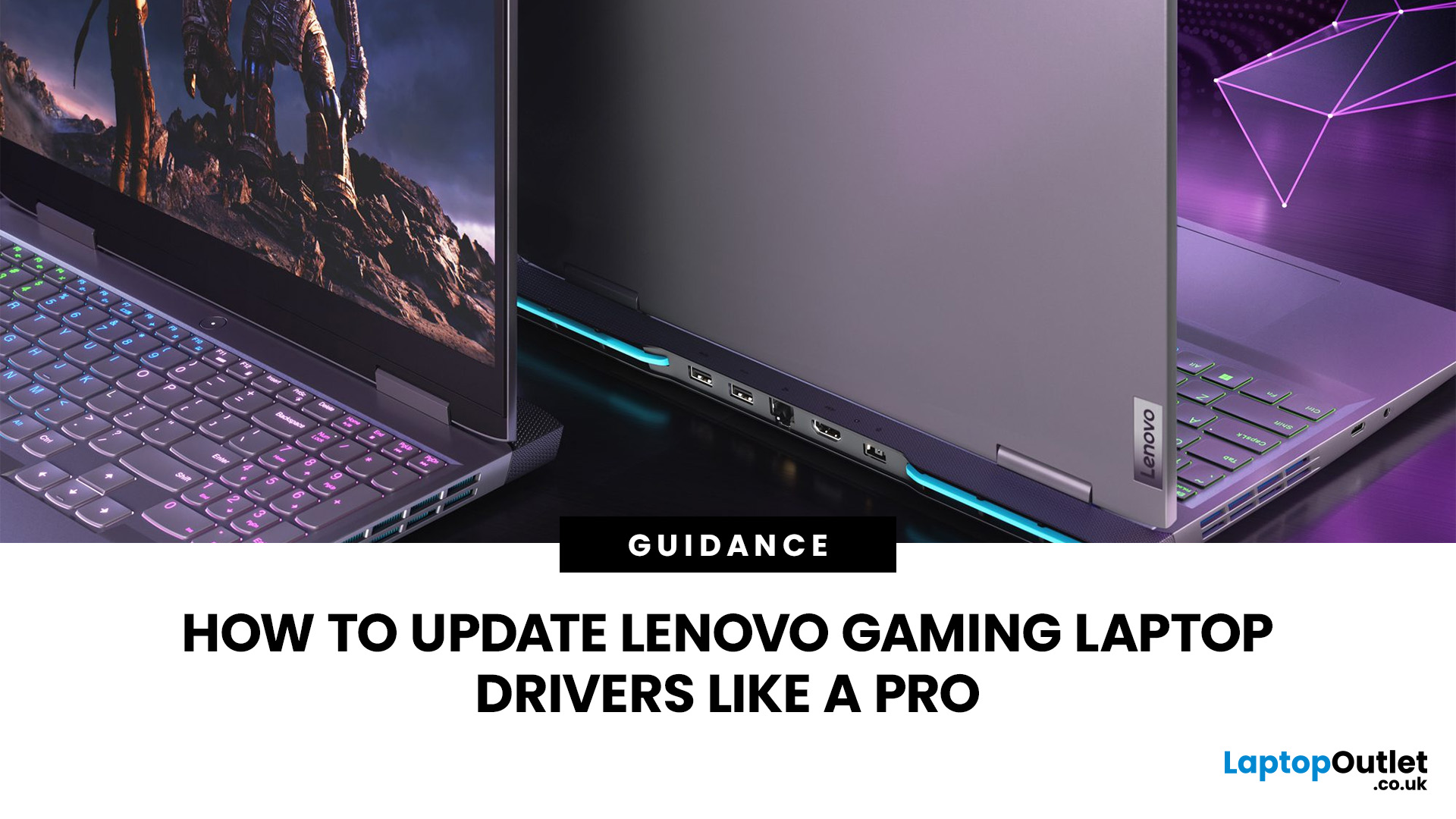
A safe Lenovo drivers update should begin with Lenovo Vantage or Lenovo Support, followed by Windows Update and, when needed, the official NVIDIA or AMD graphics software. Using these trusted sources helps ensure that chipset, graphics, audio, network, firmware and system drivers are matched to your specific Lenovo Legion or LOQ laptop.
Updating drivers can fix hardware problems, improve compatibility with newer games and address security or stability issues. However, installing every available update immediately is not always necessary. Graphics drivers often change frequently, while BIOS and firmware updates require more caution.
This guide explains how to check your current versions, install Lenovo laptop drivers safely and recover if an update causes problems. The same general process can also apply to professional Lenovo laptops for work, although gaming systems require additional attention to graphics and performance-related drivers.
Quick Driver Update Order
For most Lenovo gaming
Last Updated: July 28, 2026
Last Updated: September 28, 2026
Quick Answer
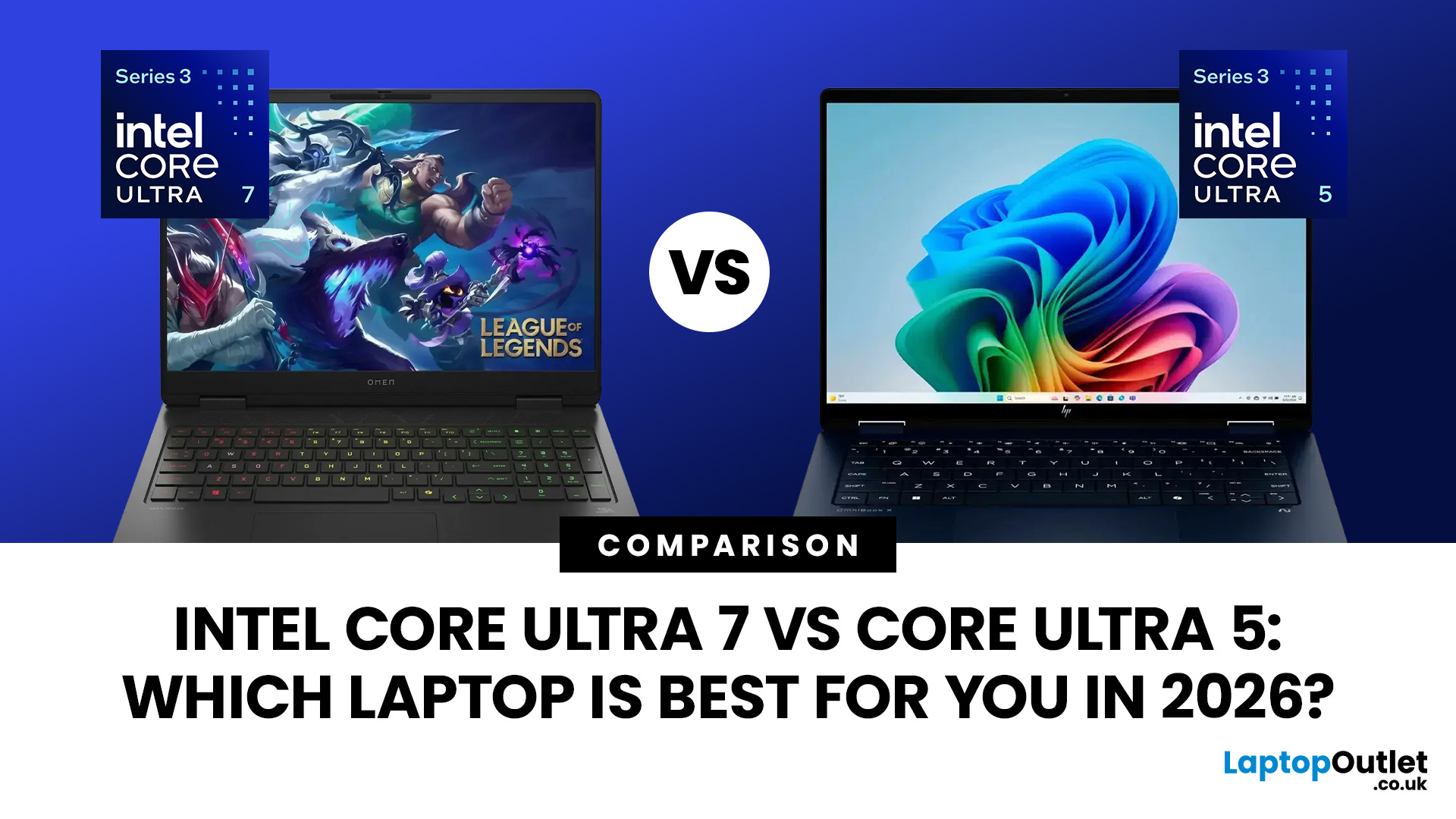
Intel Core Ultra 7 vs Core Ultra 5 comes down to workload, generation and laptop design. Core Ultra 5 is typically sufficient for productivity, study and moderate creative work, while Core Ultra 7 offers more CPU headroom for heavier multitasking and sustained workloads. However, graphics, NPU performance, cooling, RAM and processor suffix can matter more than the tier name alone.
Choosing between Intel Core Ultra 5 and Core Ultra 7 is more complicated in 2026 than simply assuming the higher number will always give you the better laptop.
Intel now has Core Ultra Series 1, Series 2 and Series 3 processors in circulation. Within those generations you will also find different processor classes designed for thin-and-light systems, efficient mobile computing and higher sustained performance. Intel identifies Ultra 5 and Ultra 7 as performance tiers, while the processor number indicates the series or generation.
That means the sensible comparison is not simply Ultra 5 vs Ultra 7.
Last Updated: July 29, 2026
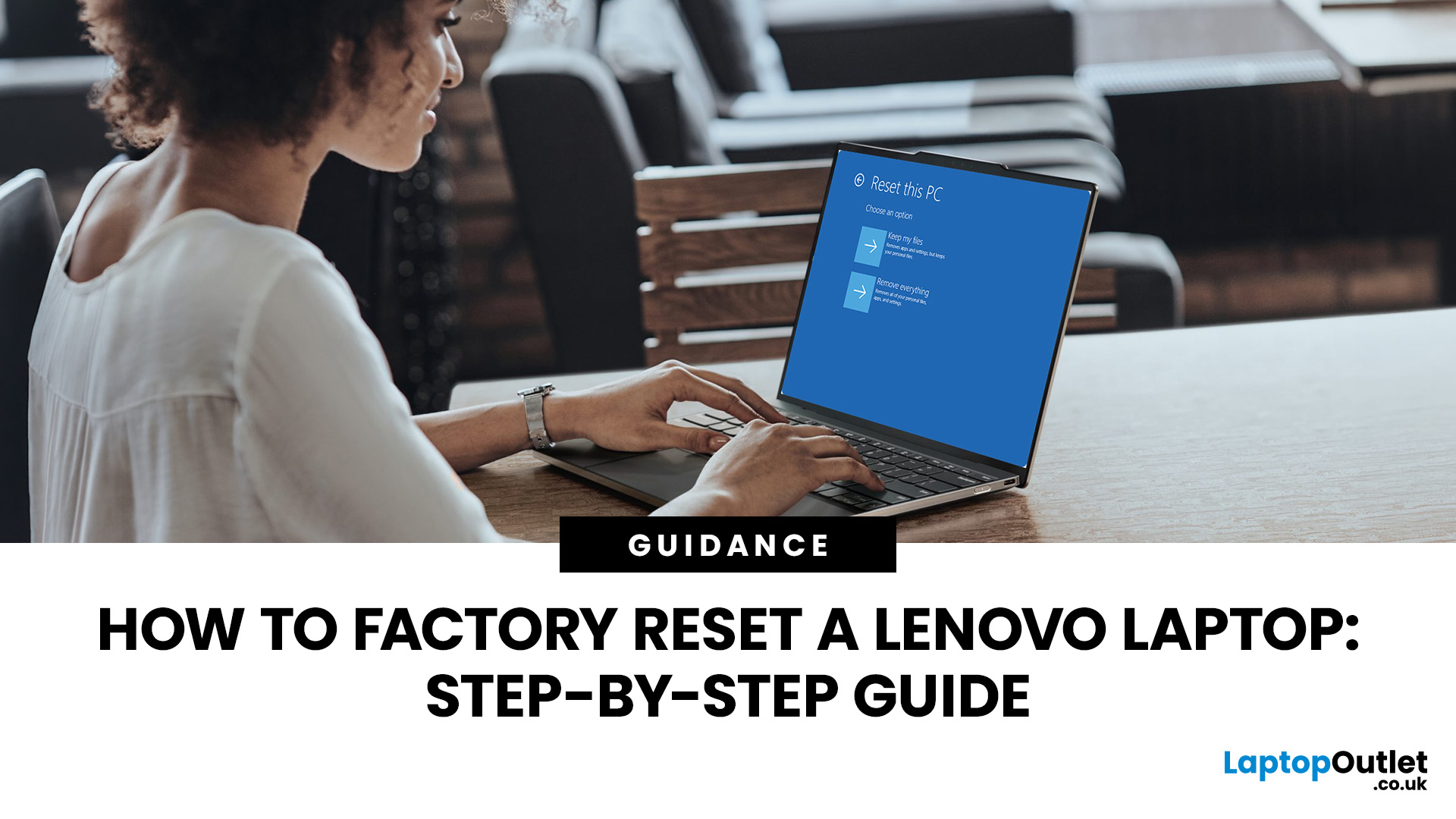
Your Lenovo laptop is slow, crashing, affected by persistent software problems or being prepared for a new owner; don't panic, it’s simply time for a factory reset.
A proper Lenovo factory reset reinstalls Windows and may remove applications, settings and personal data. This guide explains how to reset Lenovo laptop systems through Settings, the sign-in screen, Lenovo recovery mode, the Novo button or recovery media.
Before You Factory Reset Your Lenovo Laptop
- Back up documents, photos and other important files to cloud storage or an external drive.
- Keep the charger connected, remove unnecessary laptop accessories
Last Updated: September 03, 2026
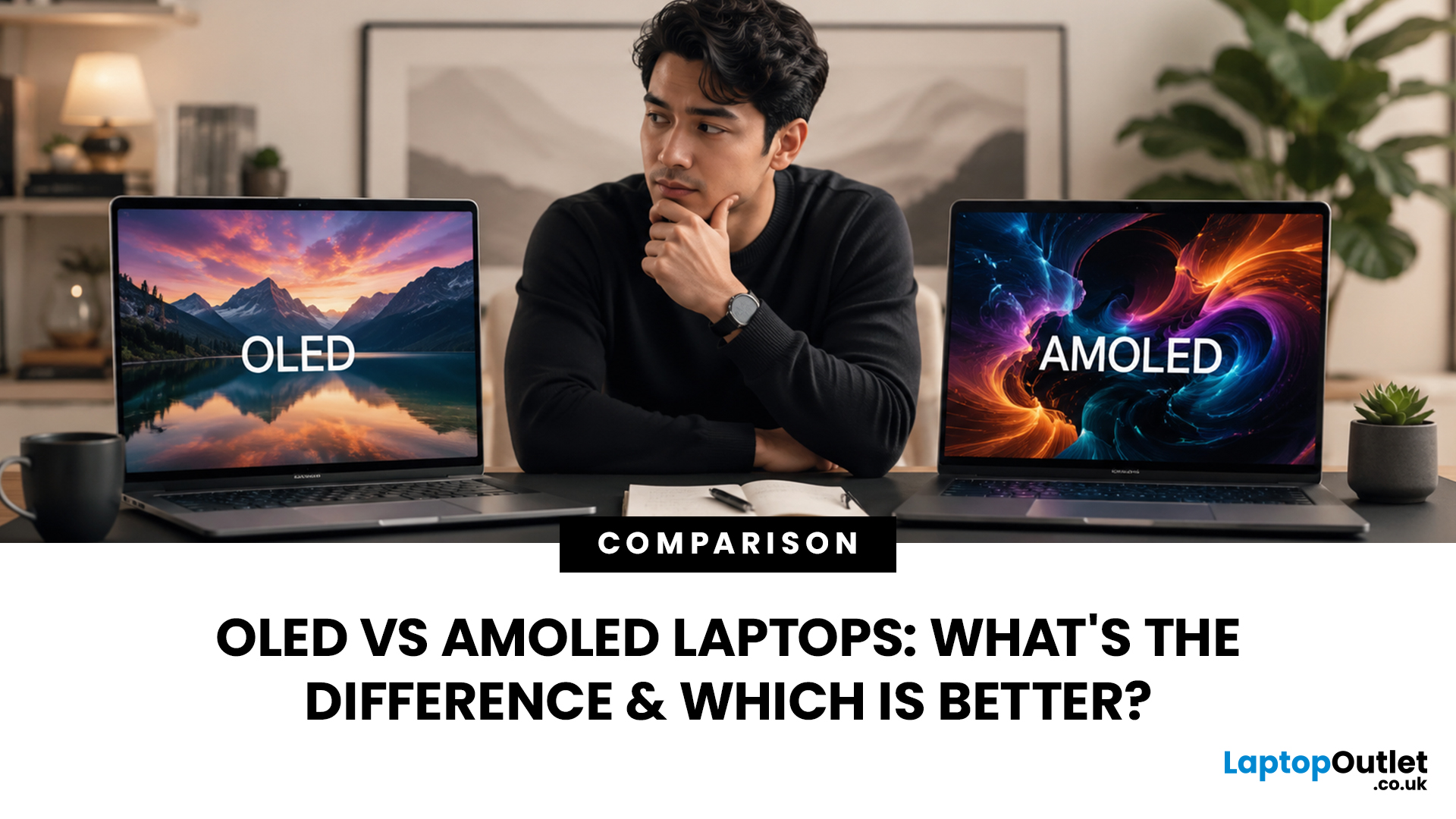
When comparing premium laptop screens, the OLED vs AMOLED debate is simpler than it seems. Both deliver deep blacks, vibrant colours, fast response times and strong contrast. OLED is the broader technology, while AMOLED is a type of OLED that uses an active-matrix system to control pixels. Many modern OLED laptops already use this system, even if not labelled AMOLED. Instead of focusing on the name, buyers should compare resolution, refresh rate, brightness, colour accuracy, battery life and burn-in protection. This guide helps you understand the differences and choose the right display for your needs.
OLED vs AMOLED: The Quick Answer
OLED, or Organic Light-Emitting Diode (OLED), is a display technology in which each pixel creates its own light. An OLED screen does not require the separate backlight used by traditional LCD panels.
AMOLED, or Active Matrix OLED (AMOLED), is a type of OLED display that uses an active-matrix transistor system to control each pixel quickly and individually.
Last Updated: August 17, 2026
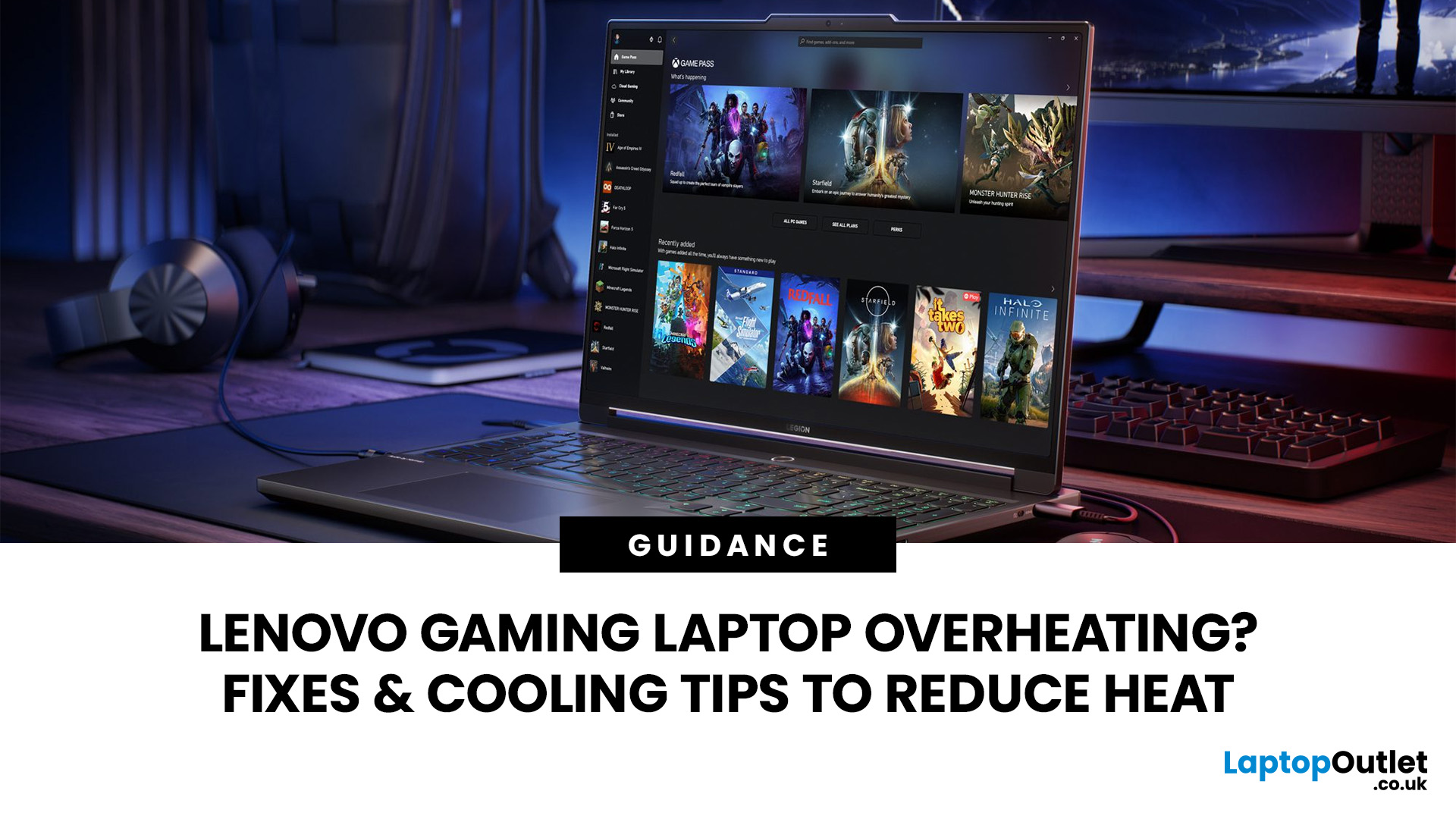
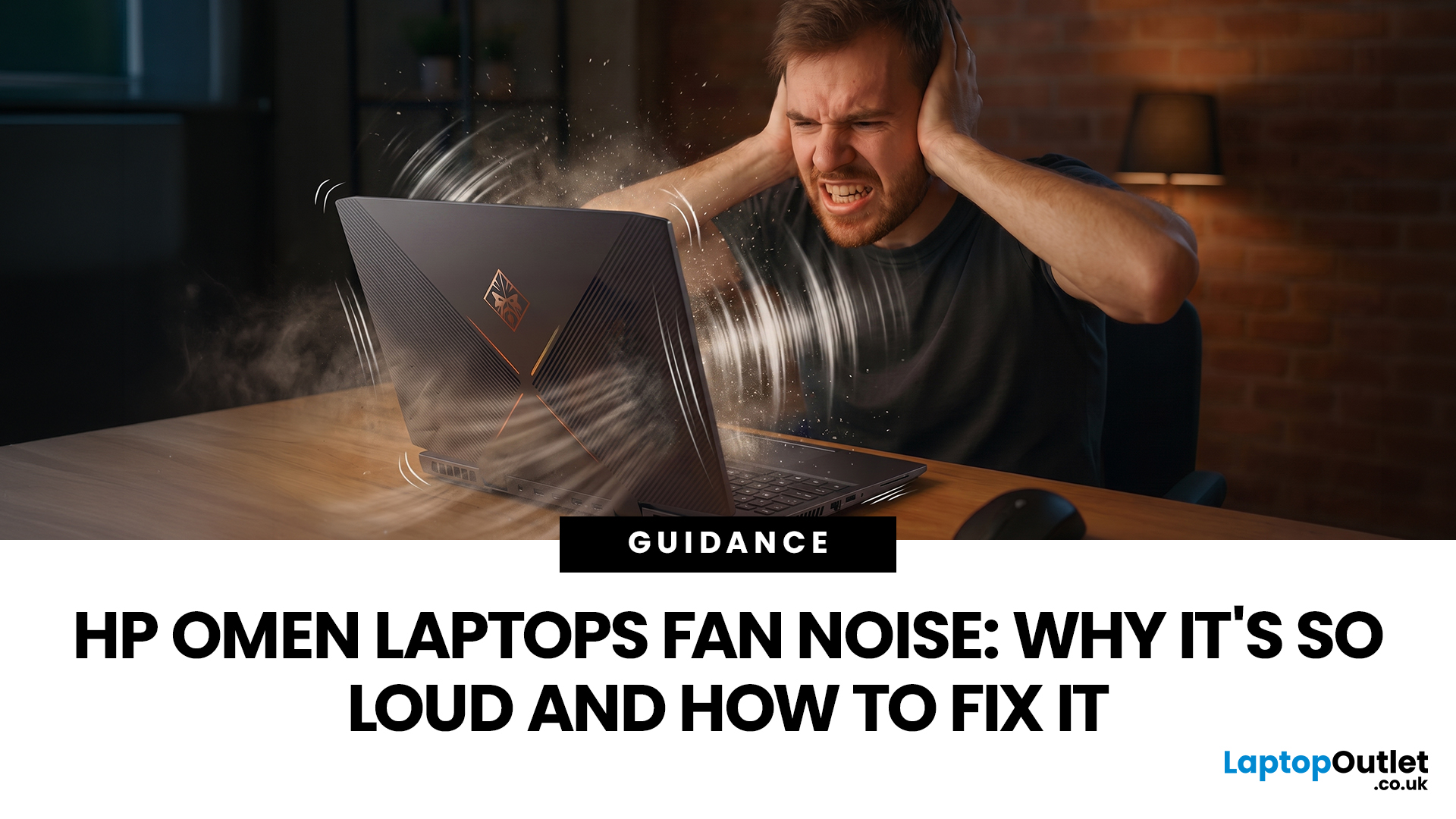
HP OMEN laptops use powerful processors and dedicated graphics, so their cooling systems can become clearly audible during gaming and other demanding work. Some HP OMEN fan noise is normal, but constant noise at idle, grinding or repeated overheating deserves attention. This guide explains how to identify the sound, diagnose the cause and choose a safe fix across the top HP OMEN laptop range.
| HP OMEN Fan Noise: Quick Answer Loud fan noise is normal while an OMEN laptop starts, updates, games, renders or runs a demanding AI task. HP says a brief fan surge for about five to twenty seconds at startup can be normal, while Performance mode deliberately increases fan speed to manage higher CPU and GPU power and temperature. Investigate an HP OMEN loud fan when it remains noisy during light use, produces mechanical sounds or appears with weak airflow, throttling or shutdowns. Many cases improve after reducing background load, changing settings, updating HP software and BIOS, restoring airflow |
Last Updated: August 20, 2026
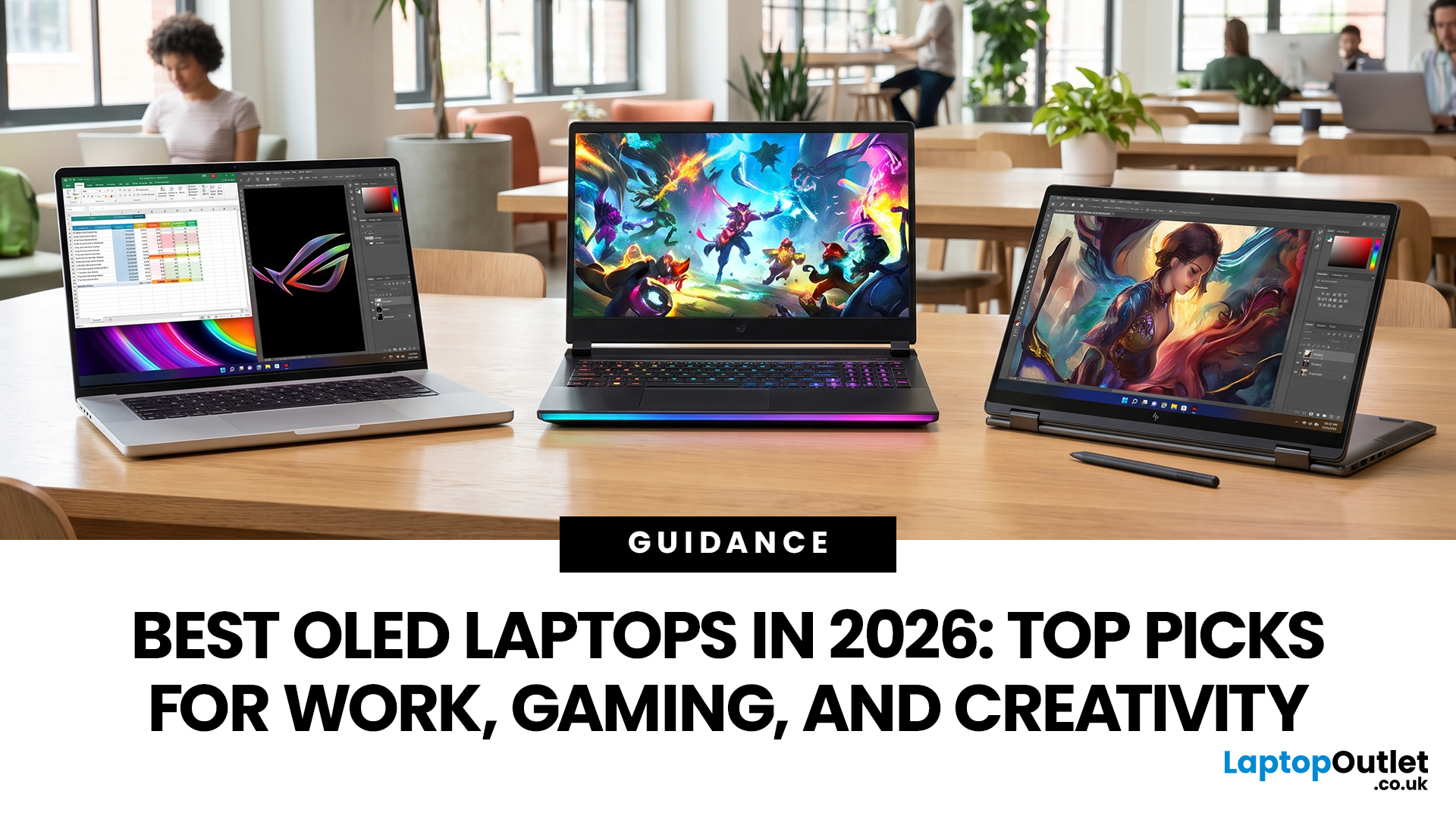
OLED screens are becoming more common across premium ultrabooks, creator workstations and gaming laptops in 2026. Newer panels offer higher resolutions, faster refresh rates and improved efficiency, while recent tandem OLED developments are also increasing brightness and durability.
However, an OLED screen does not automatically make a laptop suitable for every buyer. Processing power, graphics, memory, ports, battery life and weight remain equally important.
This guide compares the best OLED laptops for students, professionals, creators, gamers and everyday users. It also explains the specifications that matter, helping you understand what each feature means when choosing a laptop.
Quick Picks: Best OLED Laptops in 2026
| Category | Laptop |
| Best Overall | ASUS Zenbook S 16 |
| Best Premium | Samsung Galaxy Book5 Pro |
| Best Value | Samsung Galaxy Book4 |
| Best Student Laptop | ASUS Zenbook 14 OLED |
| Best Business Laptop | Samsung Galaxy XE550XGA |
| Best Creator Laptop | ASUS ProArt PX13 |
| Best Professional Workstation |
Published: August 03, 2026
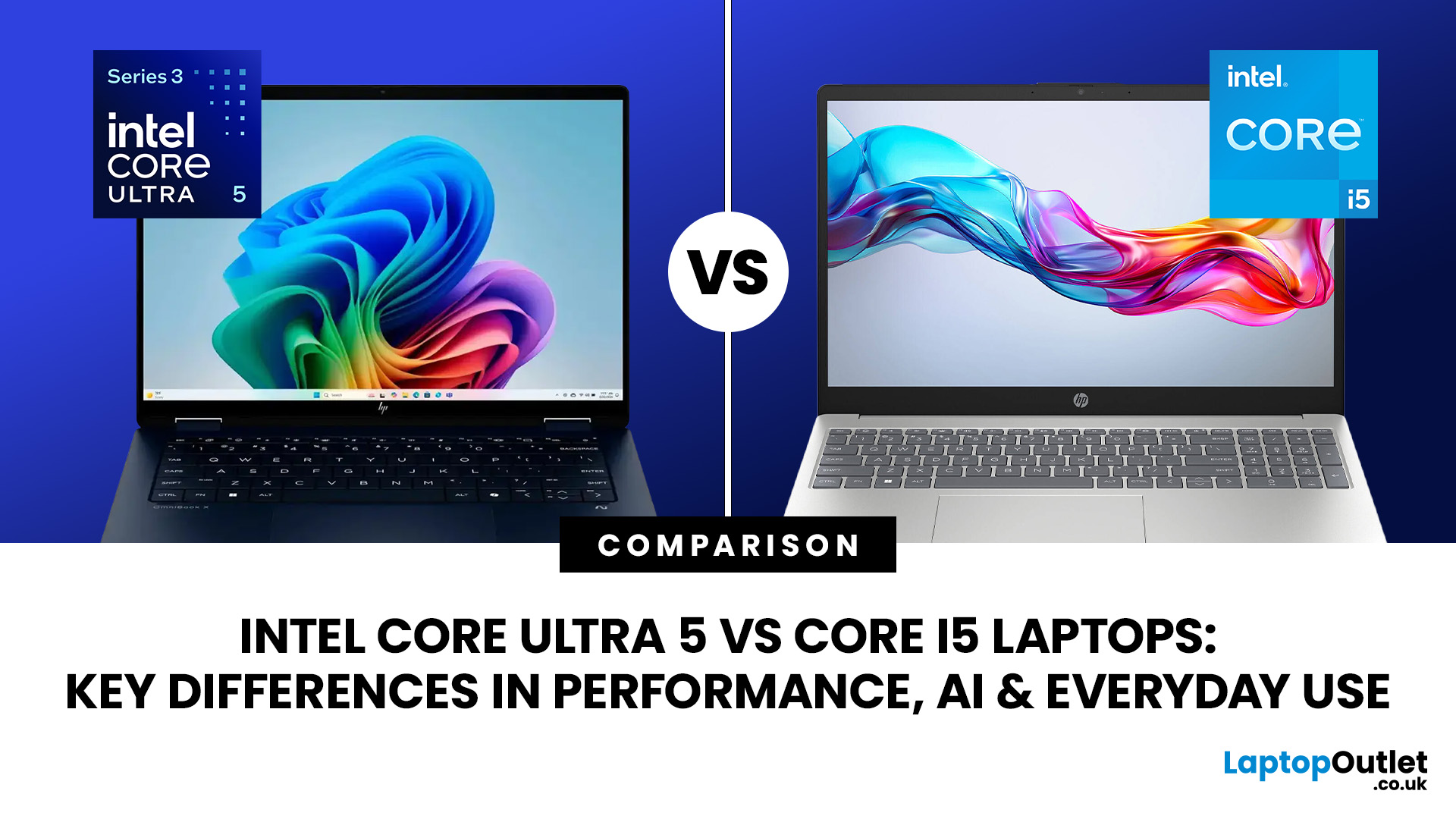
Intel has changed how it names and builds its laptop processors (CPUs). Traditional Core i5 chips remain widely available, but newer premium laptops increasingly use the Core Ultra 5 name, which Intel introduced alongside a major architectural redesign and built-in AI acceleration. That makes the Intel Core Ultra 5 vs i5 comparison more complicated than simply checking which number looks newer.
This guide explains the differences in everyday speed, multitasking, graphics, gaming, AI features, and battery life, without burying the answer under unnecessary technical jargon.
Quick Answer: Should You Buy Intel Core Ultra 5 or Core i5?
Buy Core Ultra 5 for stronger integrated graphics, on-device AI features and generally better efficiency. Buy Core i5 when price matters most, especially for office work or laptops with dedicated graphics card. Always compare the exact processor suffix and laptop configuration.
| If you want... | Buy | Why |
| Lowest price | Core i5 | Older i5 laptops are regularly discounted |
Last Updated: August 13, 2026
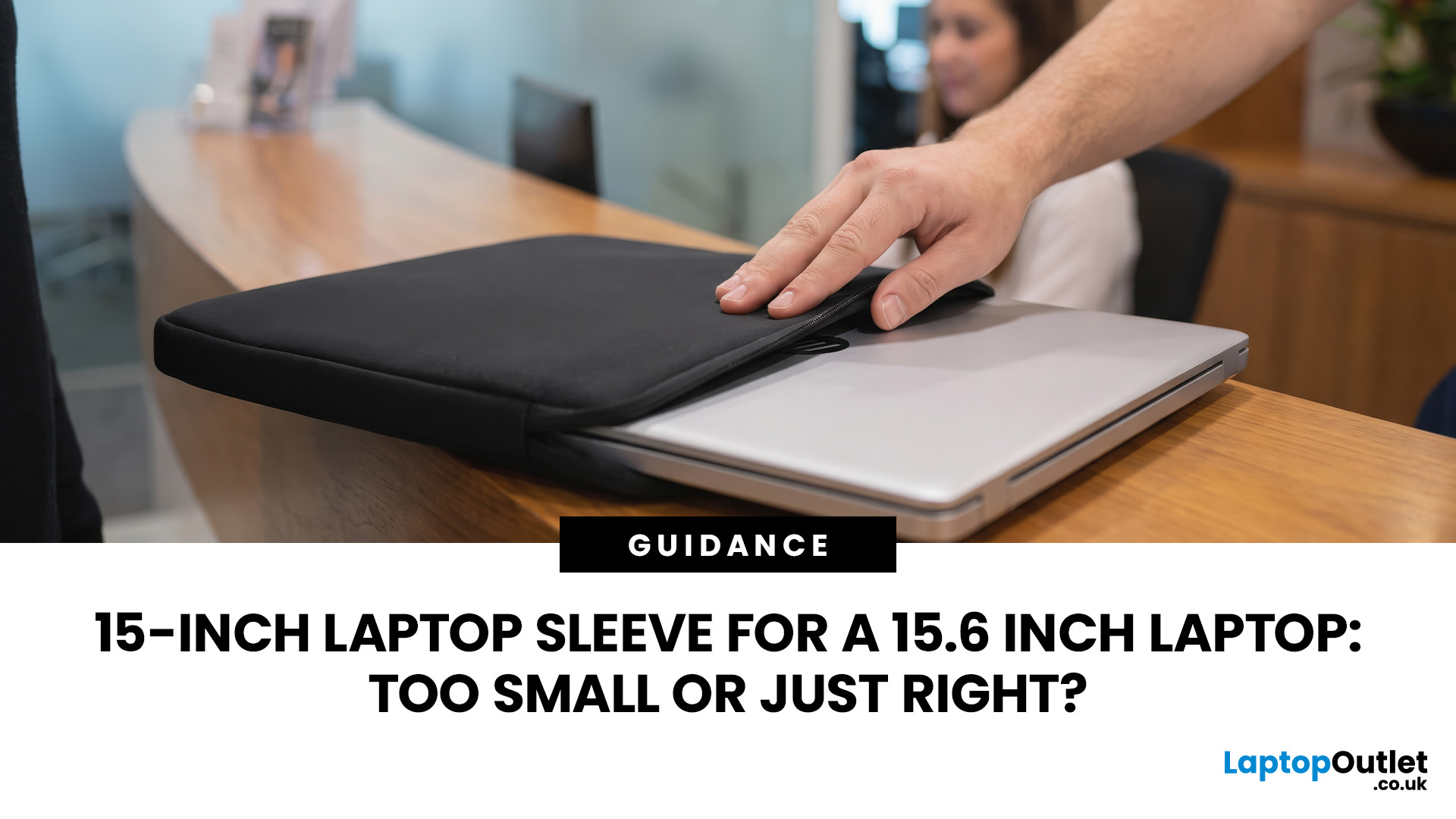
A 15 inch laptop sleeve can fit a 15.6-inch laptop, but the label alone does not guarantee it. The deciding factor is whether your laptop’s actual width, depth, and thickness fit within the sleeve’s internal measurements.
Laptop screen sizes are measured diagonally, whereas sleeves must accommodate the complete device. This means a slim 15.6-inch laptop may fit comfortably inside some 15 inch laptop sleeves, while a thicker model with wide bezels may not.
Before buying, compare the external dimensions of your laptop with the internal dimensions of the sleeve rather than relying only on the advertised screen size.
Why 15-Inch vs. 15.6-Inch Laptop Sleeve Sizing Causes Confusion
The 15-inch measurement usually refers to the diagonal display size, not the overall size of the laptop. It does not tell you the device’s width, depth, or thickness.
Retailers and accessory manufacturers also use “15-inch” as a broad size category. Laptop Outlet, for example, groups many 15-inch and 15.6-inch models
Last Updated: August 05, 2026
I made almost every mistake possible when I bought my first laptop as a student. I focused on the processor name, ignored the RAM, underestimated how heavy it would feel in my backpack and had no idea what half the technical jargon meant.
Within months, I realised I had paid for features I barely used while missing the ones I actually needed. Choosing between Core i5, Core Ultra, SSD sizes and different Dell series can still feel just as confusing today.
To help you avoid the same blunder, we reviewed the best Dell laptops for students in 2026 and narrowed them down based on real student needs, including performance, mobility,

