



Storage Speed on the 512GB SSD: What to Expect & How to Optimise
Meet the ROG Ally — the Portable Gaming Beast
If you’ve been anywhere near gaming TikTok or Reddit lately, you’ll know the ASUS ROG Ally has taken the handheld scene by storm. It’s sleek, powerful, and gives a proper run for its money. But beyond its flashy white shell and 120 Hz display, there’s one detail everyone’s curious about: how fast is the storage really?
What Kind of SSD are We Talking About?
The 512 GB variant packs a PCIe Gen 4 NVMe SSD, fancy words for “blistering quick”, running over the M.2 2230 form factor (the compact size used in handhelds).
Typical specs:
- Sequential Read Speed – around 5,000 MB/s
- Sequential Write Speed – around 3,500 MB/s
- Random 4K Read/Write – 500K / 600K IOPS
That’s several times faster than older SATA SSDs and absolutely galaxies ahead of traditional hard drives. Translation? Instant game launches, smoother texture streaming, and snappier OS performance.
What is ROG Xbox Ally 512GB SSD Speed in Real-World Use?

Loading Times
When you’re booting up large titles like Cyberpunk 2077, Forza Horizon 5, or Call of Duty MW3, load times hover between 7–12 seconds. On slower eMMC storage (found in some budget handhelds), those same loads can hit 40 + seconds.
In-Game Performance
While FPS isn’t directly tied to SSD speed, texture and asset streaming are. Open-world games such as Starfield and No Man’s Sky feel smoother because the SSD feeds the CPU and GPU faster.
Transfers & Updates
Expect 4–5 GB/s sustained speeds when moving data internally or between fast drives. Game updates that used to feel eternal now zip by in minutes.
Comparing SSD Performance – Ally vs the Competition
|
Device |
Drive Type |
Read/Write Speed |
Load Time (Cyberpunk 2077) |
|
PCIe Gen 4 NVMe |
5,000 / 3,500 MB/s |
~10s |
|
|
PCIe Gen 4 NVMe |
4,800 / 3,000 MB/s |
~11s |
|
|
eMMC Storage (Budget handhelds) |
eMMC 5.1 |
~400 MB/s |
45 – 60s |
Why SSD Speed Matters More than You Think
Faster Boot & Resume
Quick Resume on the ROG Ally relies heavily on SSD speed. You can jump between titles almost instantly without watching those awkward splash screens.
Smoother Texture Streaming
Modern games pull assets dynamically. If your storage can’t keep up, you’ll see textures loading in late or stuttering when moving fast through dense areas.
Quicker System Updates
Windows 11 updates (yes, the Ally runs full Windows) install faster, meaning less downtime and more gaming.
How to Optimise Your ROG Ally 512GB SSD Speed

Even the fastest drive can slow down if it’s cluttered or thermally throttled. Here’s how to keep yours flying:
1. Keep 20 % Free Space
NVMe SSDs use spare blocks for wear levelling. When you fill them up, performance tanks. Try to leave 80–100 GB free.
2. Enable Windows TRIM
TRIM helps maintain SSD health and speed by clearing deleted data blocks. It’s on by default, but double-check:
fsutil behaviour query DisableDeleteNotify
If it returns 0, you’re good.
3. Update Firmware & Drivers
Head to ASUS Armoury Crate → Device → Storage for firmware updates. Fresh firmware can improve thermal management and write speeds.
4. Optimise Power Mode
In Windows, select Performance Mode under Armoury Crate. Balanced or Silent modes can throttle SSD performance to save power.
5. Manage Thermals
Heat is the enemy. Keep vents clear, and if you game long sessions, prop the Ally on a small stand to improve airflow.
6. Use Fast MicroSD or External SSD
If 512 GB isn’t enough, go for a USB 4 external SSD or high-speed UHS-II MicroSD card. Games installed there will load slightly slower (10–15 %), but still playable.
How to Benchmark Your SSD
Using CrystalDiskMark
- Download the app from the Microsoft Store.
- Run the test on the “C:” drive.
- You should see ~5000 MB/s read and ~3500 MB/s write.
Using AS SSD Benchmark
Another lightweight tool that tests random 4K performance, important for system responsiveness. If your numbers look significantly lower, check for thermal throttling or background tasks hogging disk access.
Common SSD Speed Killers
|
Issue |
What Happens |
Fix |
|
Drive too full |
Write speed drops |
Keep 20 % free space |
|
Thermal throttling |
SSD gets hot → slows down |
Improve airflow / cool stand |
|
Outdated firmware |
Reduced throughput / stability issues |
Update via Armoury Crate |
|
Fragmented data |
Minor lag in Windows loading |
Use “Optimise Drives” tool |
|
Background sync apps |
Constant writes limit speed |
Pause OneDrive / Steam downloads |
SSD Lifespan & Health
The Ally’s SSD is rated for hundreds of terabytes written (TBW). With typical gaming usage, that’s 7 + years of life. To monitor wear:
- Open CrystalDiskInfo.
- Check “Health Status” → should read 100 % Good.
- Keep temperatures below 70 °C during gaming.
When to Consider a Replacement
- Sustained speeds drop > 50 %.
- Frequent game crashes / corrupt installs.
- SMART errors in CrystalDiskInfo.
Real User Feedback
Across forums and reviews, players highlight how the ROG Xbox Ally 512GB SSD speed makes the handheld feel console fast. Users report:
- Booting Halo Infinite in under 12 seconds.
- Loading Elden Ring areas seamlessly without stutter.
- Installing 100 GB titles in minutes, not hours.

Your What & Why?
How fast is the ROG Xbox Ally 512GB SSD?
The ROG Xbox Ally 512GB SSD speed reaches up to 5,000 MB/s read and 3,500 MB/s write, thanks to its PCIe Gen 4 NVMe SSD.
Does SSD speed affect gaming performance?
Not directly in FPS, but yes a faster SSD reduces load times, eliminates texture pop-ins, and makes open-world games feel smoother.
Can I upgrade the ROG Ally’s 512GB SSD?
Yes. The Ally supports M.2 2230 PCIe Gen 4 NVMe SSDs, up to 2 TB. Upgrading boosts capacity without sacrificing performance.
How can I optimise SSD speed on the ROG Ally?
Keep 20 % free space, use Performance Mode, update SSD firmware through Armoury Crate, and avoid overheating. Regular benchmarks with CrystalDiskMark also help track performance.
How does the Ally’s SSD compare to Steam Deck or Legion Go?
The ROG Ally’s PCIe Gen 4 SSD outpaces the Steam Deck’s Gen 3 drive and slightly edges the Legion Go, offering the best load times and faster game transfers among current handhelds.

Storage That Keeps Up with You
The ROG Xbox Ally 512GB SSD speed delivers up to 5,000 MB/s read and 3,500 MB/s write using PCIe Gen 4 NVMe storage. This results in rapid game loading, smooth texture streaming, and faster system updates. Optimise it by leaving free space, enabling Performance Mode, and keeping firmware up to date. Explore our website Laptop Outlet to upgrade your storage.
| Read More: |
| How to Add Xbox Game Pass, Steam, and Epic to the ROG Ally Home Screen |
| Xbox Game Pass on the ROG Xbox Ally 2025: The Ultimate Handheld Combo? |
| ASUS ROG Xbox Ally (2025) RC73YA-NH002W Review |
Related Articles

Last Updated: September 02, 2026
Have you got your hands on an Xbox console and wondering how to set it up with a PC monitor? Let's find out some of the best ways to connect the Xbox with a monitor.
Xbox is widely used among those who require their computers for gaming because of its convenient usage and ability to connect to a PC. You may have thought of connecting the Xbox to a computer to get an immersive experience, but it might be possible to get intimidated by all those ports, wires, and cords in the Xbox.
This article will explain the best and easiest methods of connecting the Xbox with the PC monitor. So, let's dive right into it!
How do You Connect an Xbox to a Computer Monitor?
Enhancing the gaming experience by connecting the Xbox with the larger display is a brilliant move to get improved refresh rates, high resolutions, and better colour reproduction in online games.
As per the recommendations of Microsoft, the Xbox Series X or S should be in a detachable position with almost a 10 to 15 cm distance between
Last Updated: October 14, 2025
You’ve probably clocked the name ASUS ROG Xbox Ally floating around. But here’s the deal: it’s not just another Xbox app - it’s born from a Microsoft x ASUS collab, blending console power with PC freedom. Phil Spencer even called it “the tightest collaboration between Xbox and Windows teams in 30 years”. Big words, and honestly, the hype feels justified.
That’s why we’ve put together this Xbox Ally review - not the boring, corporate kind, but a proper walkthrough that shows you what it does, how it works, and whether it’s worth your time in 2025.
If you’re already knee-deep in the Xbox ecosystem or just nosy about where Microsoft’s headed, this is the lowdown you need.
What Is Xbox Ally?

Right, let’s cut through the noise. Xbox Ally isn’t just some side app you download, mess about with once, and then forget exists. It’s Microsoft’s latest move to glue the whole Xbox ecosystem together - console, PC, mobile, even handhelds like the ASUS ROG Xbox Ally (2025). Basically, it’s the command
Last Updated: July 03, 2026
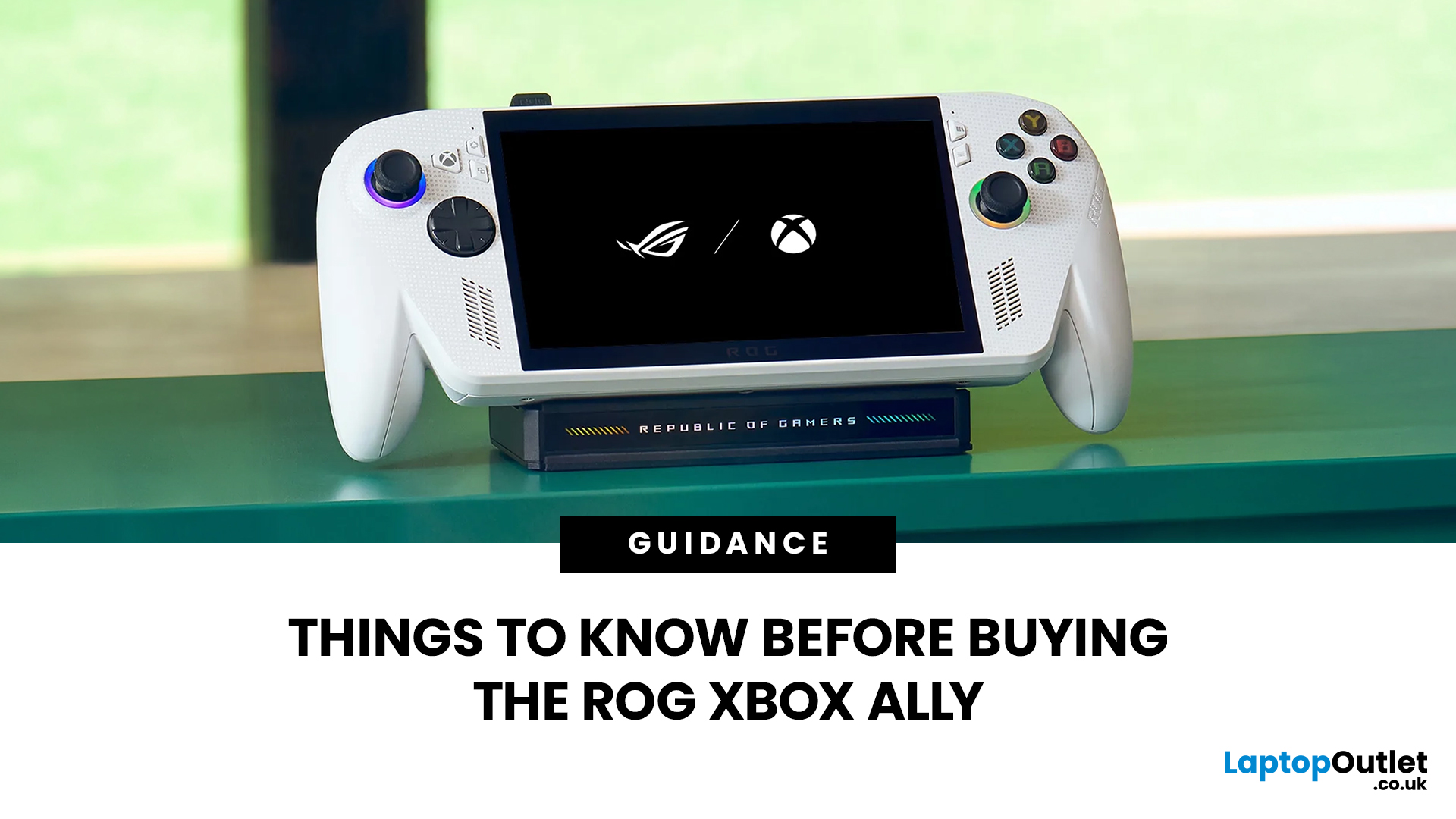
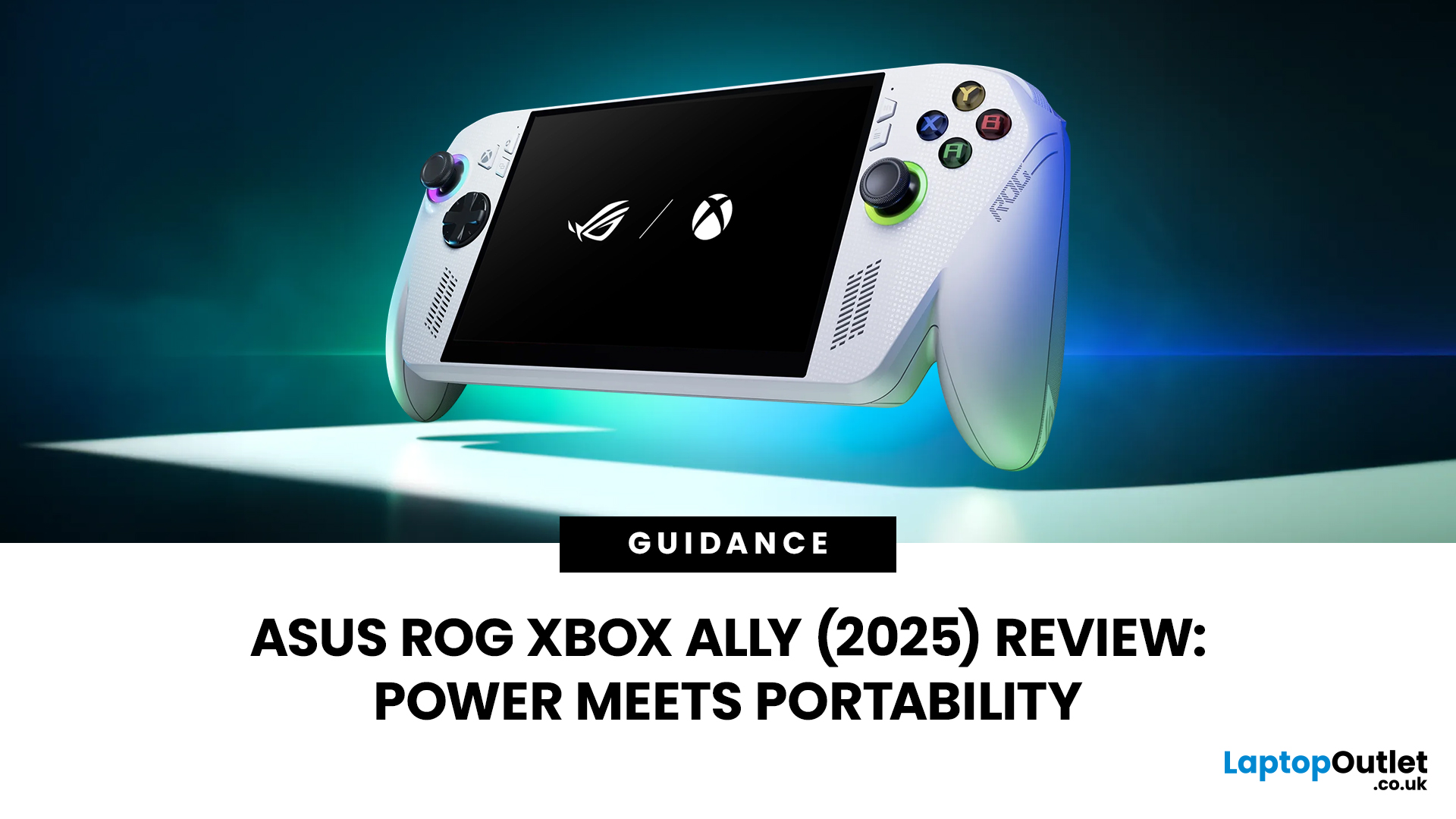
The ROG Xbox Ally is ASUS's latest handheld gaming console, built in collaboration with Xbox. It combines ASUS's ROG hardware expertise with Microsoft's gaming ecosystem, and it has been making waves in the UK gaming community since its launch in October 2025.
Whether you are a weekend warrior or a competitive gamer, this device promises a lot. But is it actually worth your money?
This guide covers everything you need to know before buying: UK pricing, hardware specs, real-world performance, battery life, and honest pros and cons. No fluff. Just the facts you need to make a smart purchase.
1. Design and Build Quality
Feels Solid, Not Plasticky
The ROG Xbox Ally has a premium polycarbonate shell with a matte finish that resists fingerprints well. The build feels genuinely robust in hand. It doesn't feel cheap or toy-like.
- Weighs 1.47lbs (approximately 667g), well balanced for long sessions
- Chunkier, more ergonomic grips than most competing handhelds
- Subtle ROG eye and Xbox sphere co-branding
Last Updated: April 02, 2026
Hands-on Verdict: Ryzen Z2 a Performance, Thermals & Value
When ASUS first launched the ROG Ally in 2023, it was a statement, Windows handheld gaming done properly. But three years later, we’re looking at something subtler: refinement. The 2025 ROG Xbox Ally (RC73YA-NH002W) swaps its original Ryzen Z1 Extreme for AMD’s Ryzen Z2 A — a newer, cooler, and more efficient APU built on Zen 5 and RDNA 3.5 architecture.
The question isn’t whether the Ally is still good - it’s whether this revision is worth the upgrade for existing owners or the clear pick for newcomers. After three weeks of daily use, testing everything from Game Pass titles to Steam AAA releases, here’s the full verdict.
1. Design & Build Quality — Lighter Touch, Same DNA
The 2025 Ally doesn’t reinvent its chassis. At 608 grams, it’s still comfortably lighter than the Steam Deck OLED, with the same 7-inch 120 Hz Full HD display, tactile hall-effect sticks, and well-spaced face buttons.
Subtle tweaks make it nicer to live with:

Last Updated: March 04, 2026
When ASUS and Microsoft teamed up to introduce the ROG Xbox Ally, it wasn’t just another handheld - it was a statement. A Windows 11 machine built from the ground up to feel like a handheld, but with no compromises on compatibility. And if there’s one service that bridges console, PC, and cloud play better than almost any other, it’s Xbox Game Pass.
In 2026, pairing Game Pass with Ally feels almost inevitable. The idea of carrying your full Game Pass library - Halo Infinite, Forza Horizon 5, Pentiment, Starfield - in a pocketable device is no longer fantasy. Load times shrink, cloud saves sync across devices, and Game Pass titles optimized for PC run (often better) on handheld hardware. The Ally’s design leans into this: ASUS stripped down Windows, layered on its Xbox Full-Screen Experience, and baked in controller-first navigation, so the transition from console to handheld is seamless.
But is this more than a promising spec sheet? Can Game Pass truly deliver a console-grade handheld experience
Last Updated: October 14, 2025
If you’ve just unboxed your ASUS ROG Ally, your first question might be: how do I get all my launchers - Xbox Game Pass, Steam, Epic Games, into one unified view?
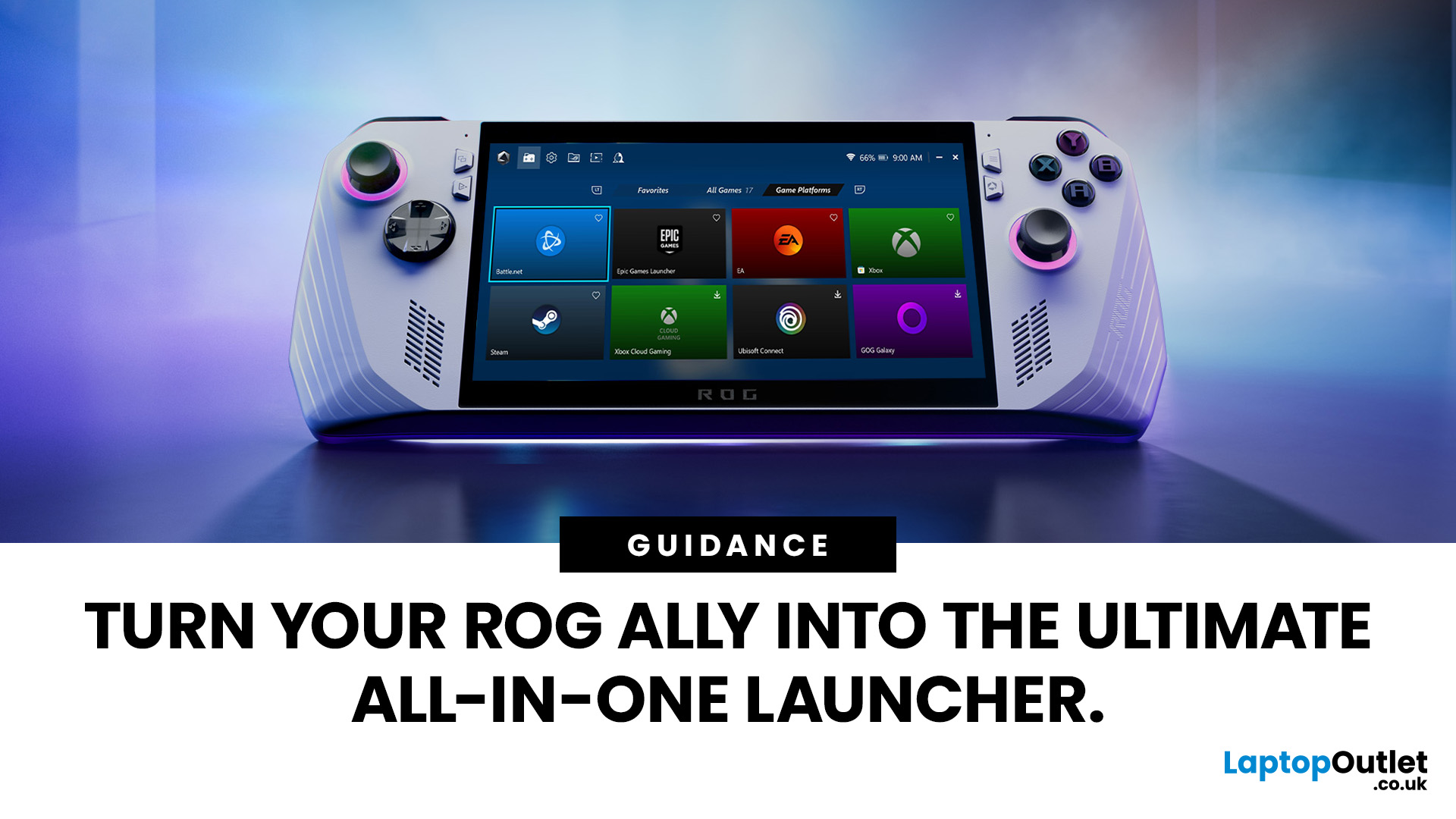
Ally runs Windows 11, but its front-facing UI is Armoury Crate SE, which provides a console-like experience. Armoury Crate SE auto-scans installed games and apps, lets you pin games or launchers, and offers control-mode switching and performance profiles. Note that while many units ship with Game Pass integration or promotional offers, that can vary by region or bundle.
Here’s how to set everything up properly and reliably.
Understanding the Armoury Crate SE Home Screen
- Armoury Crate SE is your central “hub” - it aggregates games, apps, and hardware settings in one interface, so you rarely must go back to the Windows desktop.
- Every title on the home screen is a shortcut to a game or application. Some are auto detected (e.g. Xbox App/Game Pass), while others must be added manually (like Steam or Epic).
- You have control: you can

