



What to Look for When Buying a Refurbished SSD or HDD?
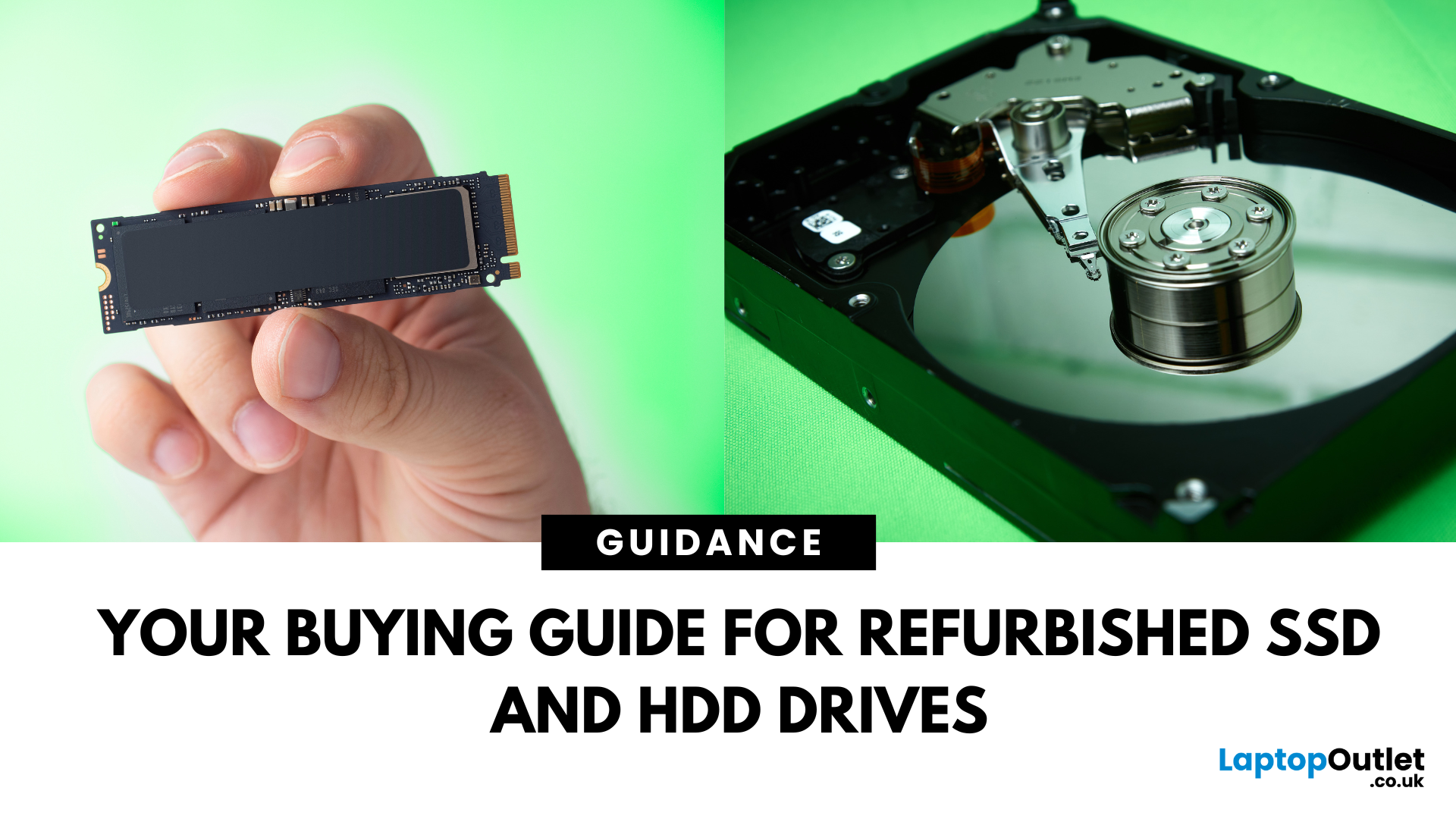
Need more storage or speed but don’t fancy paying full price? Buying a refurbished SSD or HDD could be the budget-friendly solution you’re after. Whether you're upgrading your current device or adding extra space for files, games, or media, refurbished drives offer great value without compromising functionality.
However, not all refurbished storage is created equal. To ensure your investment lasts and performs well, you need to understand the difference between drive types, evaluate their health, and select based on your specific needs, whether it’s for day-to-day use, gaming, or business tasks.
This guide covers everything you should know before buying refurbished SSD or HDD, external refurbished drives, or upgrading your refurbished SSD laptop. It’s your go-to resource for making a smart, informed choice.
Understanding the Difference Between SSD and HDD
When choosing between a refurbished SSD and HDD, it’s important to know how each works and which suits your needs better. Both offer specific advantages in terms of speed, storage, and cost, but their performance and application can vary greatly depending on your everyday computing requirements and usage habits.
What Sets SSDs Apart?
Solid State Drives (SSDs) use flash memory to store data and have no moving parts. This gives them several advantages over traditional hard drives:
- Faster boot times
- Quicker file transfers
- Lower power consumption
- Less noise and heat output
For users looking to speed up their system or improve multitasking, a refurbished SSD is an ideal choice. These are commonly found in refurbished SSD laptops designed for everyday performance and reliability.
H3: Where Do HDDs Fit In?
Hard Disk Drives (HDDs) use spinning disks and mechanical arms to read and write data. While they’re generally slower than SSDs, they shine in two key areas:
- Larger storage capacities
- Lower cost per gigabyte
If you need more space for large files, backups, or media libraries, a refurbished hard drive for your laptop or desktop can provide excellent value.
Buying Refurbished SSD or HDD: Evaluate Performance and Drive Health
Before committing to a refurbished drive, it's vital to check its health and remaining lifespan. Unlike new storage, refurbished drives may have been previously used, so a proper assessment ensures you're not installing a failing component that could cause data loss or slowdowns in your system.
Why Drive Health Matters
When it comes to hard drives health check, a key factor to consider is the condition of the storage. Unlike new drives, refurbished ones may have previous wear and tear. This makes it vital to check the drive’s health before relying on it for important data or daily use.
How to Check Drive Health
You can check a refurbished drive’s health using SMART (Self-Monitoring, Analysis and Reporting Technology) tools. Look out for:
- Power-on hours
- Reallocated sectors
- Read/write errors
- Temperature records
Drives with low usage time, minimal reallocated sectors, and no critical faults are usually a safe bet for regular use.
Choose Between Internal and External Refurbished Drives
Storage drives are available in both internal and external formats, and your choice depends on how you plan to use the drive. Internal drives are designed for installation inside your PC or laptop, while external drives are portable and easy to plug in when needed.
Internal Refurbished Drives for Upgrades
Internal refurbished drives are installed inside your device. They're ideal for users who want to replace or upgrade the primary storage in a desktop PC or laptop. SSDs, in particular, can drastically improve boot speeds and responsiveness in older machines.
Before buying, ensure compatibility with your system’s connection interface, whether it’s SATA, NVMe, or IDE.
External Refurbished Drives for Portable Storage
External refurbished drives are perfect for on-the-go use. Whether you're transferring files between systems, backing up photos, or storing large media files, an external drive offers convenience and flexibility.
These drives often come pre-assembled in enclosures with USB or Thunderbolt connections, making them plug-and-play ready.
Buying Refurbished SSD or HDD: Common Myths About These Storage Drives
Refurbished drives often carry an unfair reputation, but many of these concerns are based on myths rather than real-world facts.
The following are reasons these myths don’t hold up:
- Myth: Refurbished means faulty.
Reality: Most refurbished drives are fully tested and function like new, often with minimal prior usage. - Myth: Used drives won’t last long.
Reality: With low wear and proper health checks, refurbished SSDs and HDDs can last for years. - Myth: Performance is reduced.
Reality: SSDs retain their speed advantage, and refurbished models still deliver excellent boot and load times. - Myth: Refurbished drives are risky.
Reality: When health-checked and maintained properly, they're just as reliable for everyday use as new drives. - Myth: You can’t trust older storage tech.
Reality: Drives sourced from overstock or lightly used systems often perform just as well as recent models.
Environmental Benefits of Choosing Refurbished Drives
Choosing refurbished drives doesn’t just save money, it also supports sustainability and reduces the environmental impact of modern digital consumption.
The following are reasons why refurbished storage is eco-friendly:
- Reduces electronic waste by reusing existing components instead of sending them to the landfill.
- Conserves resources like rare metals, plastics, and energy used in manufacturing new drives.
- Supports the circular economy, promoting sustainable tech habits through product reuse and lifespan extension.
- Lowers your carbon footprint by decreasing the demand for energy-intensive production of new electronics.
- Encourages responsible consumption, helping consumers and businesses make eco-friendly tech choices without sacrificing functionality.
Match the Drive to Your Use Case
Your everyday tech use plays a major role in determining which type of refurbished storage will work best for you. Different workloads benefit from different drive types, whether you’re handling light tasks, running software, gaming, or creating digital content.
Everyday Users and Students
If you’re browsing the web, writing documents, or streaming, a refurbished HDD offers plenty of storage at a lower cost. Pairing a refurbished hard drive for laptop use with cloud storage can be an affordable option for students and home users.
Gamers and Creatives
For high-performance applications like gaming, photo editing, or video rendering, an SSD is the way to go. A refurbished SSD helps cut down loading times, speeds up large file transfers, and reduces lag.
Business or Productivity Users
If you're handling spreadsheets, databases, or office multitasking, go for a refurbished SSD laptop or an internal SSD. The faster performance improves efficiency and ensures smooth multitasking, essential for work-from-home setups or mobile professionals.
Best Practices for Prolonging the Life of a Refurbished Drive
A few simple habits can help extend the life of your refurbished SSD or HDD and ensure optimal performance over time.
The following are reasons these practices matter:
- Keep 20% of the drive free to prevent slowdown and reduce write-cycle stress.
- Enable TRIM support (for SSDs) to maintain speed and optimise memory management.
- Safely eject external drives before unplugging to prevent data corruption.
- Avoid overheating by ensuring proper airflow and avoiding hot environments.
- Run SMART diagnostics regularly to monitor drive health and catch issues early.
- Keep firmware and OS updated for optimal compatibility and drive performance.
- Use surge protection to shield your drive from unexpected power spikes or failures.
FAQs: Buying Refurbished SSD or HDD
1. Is a refurbished SSD or HDD safe to use for everyday tasks?
Yes. As long as the drive has passed proper health checks and shows no signs of significant wear, refurbished drives can perform just as well for browsing, writing, and media consumption.
2. Can I upgrade an older laptop with a refurbished SSD?
Absolutely. Installing a refurbished SSD in place of an older HDD can greatly improve boot time, responsiveness, and overall performance, especially on ageing systems.
3. How long do refurbished hard drives typically last?
The lifespan depends on prior usage, but many refurbished drives still have thousands of operational hours left. Always check SMART health data before committing.
4. Are refurbished external drives good for backups?
Yes, external refurbished drives offer a cost-effective way to back up important files, especially if you're storing media libraries or documents. Just remember to keep multiple backups if your data is critical.
5. What’s better for storage — a refurbished SSD or HDD?
It depends on your priorities. SSDs offer faster speeds, while HDDs offer more space for less money. For speed, go SSD. For storage capacity, HDDs are better.
Final Thoughts
By taking the time to understand drive types and assess refurbished storage properly, you can get excellent performance at a fraction of the cost. Whether you need long-term storage or a speed boost, there's a refurbished SSD or HDD out there to match your exact requirements and usage style.
Choosing a refurbished storage solution is a clever way to enhance your device’s performance without spending a fortune. Whether you need speed, capacity, or portability, buying a refurbished SSD or HDD is a smart choice that can save you hundreds of pounds. There’s a refurbished option that fits your needs, from internal refurbished drives to external refurbished drives, and even complete refurbished SSD laptops. By understanding drive types, checking performance stats, and aligning your purchase with your use case, you’ll get the most out of your investment.
Ready to upgrade without overpaying? Explore top deals on refurbished SSDs and HDDs now at Laptop Outlet!
| Read More: |
| What is the Cheapest Laptop that Comes with 32GB RAM? |
| Hard Drive Prices: Storage Capacity, Robustness and Reliability |
| Which Is The Best External Hard Drive? Top Brands And Prices |
Related Articles

Last Updated: March 30, 2026
Are you searching for a powerful laptop packed with ample RAM without breaking the bank? Look no further than our best picks of 32 GB RAM laptops!
Laptops have become indispensable tools in our daily lives. Whether you're a student working on complicated assignments, a hardcore gamer intending for an enthralling experience or creative professional looking for seamless multitasking, or a gaming enthusiast looking for lag-free experiences, the right laptop can excel or reduce your productivity.
Under the hood, the RAM capacity of a laptop plays an essential role in evaluating the computer's overall performance. You might be surprised that 32GB of RAM is adequate for fast data retrieval and improves the processor's rendering capabilities.
Tech users like dedicated gamers, graphic designers, computer scientists, Machine Learning enthusiasts, content creators, engineers, and even 3D modellers need this much RAM capacity to handle various applications, software, and memory-intensive
Last Updated: October 28, 2025
Are you looking for an ultrafast hard drive for video editing or a rugged device to back up your photos? The best external hard drives are a convenient way to backup and store important data.
Let's face it. Cloud storage costs a mere pounds per month, and trim, slim external SSDs are extremely handy and cheaper. The latest portable SSDs are more stylish and more durable due to the absence of moving parts. While these would be great reasons to choose external SSD drives, the advantage of having efficient backup is the primary reason.
However, with the hundreds of hard drive options ranging from dirt cheap to super expensive—choosing which one is right for your needs is not a DIY job. The storage space is the most important factor; you can increase or decrease it per your preferences. Physical size, quality, connectivity and colour also make sense.
We have tested dozens of brands to find the best portable hard drives for your workflow. Below here, check out our favourite external hard drive

Last Updated: May 05, 2026
The best external hard drives offer a convenient way to back up large amounts of data and keep them safe from malware attacks, hardware failures and theft.
The demand for storage capacity continues to grow rapidly as individuals and businesses accumulate vast amounts of data. Whether it's storing essential documents, multimedia files, or complex software applications, having sufficient storage space is crucial for maintaining productivity and efficiency.
However, the considerations extend beyond mere capacity regarding hard drives. Robustness and reliability are pivotal in ensuring that stored data remains safe and accessible over time.
This blog will explore the intricacies of hard drive prices and how storage capacity, robustness, and reliability influence purchasing decisions.
Whether you're a casual user needing extra storage for personal files or a business professional seeking dependable data storage solutions, understanding these factors is essential for making informed choices and
Last Updated: September 09, 2025
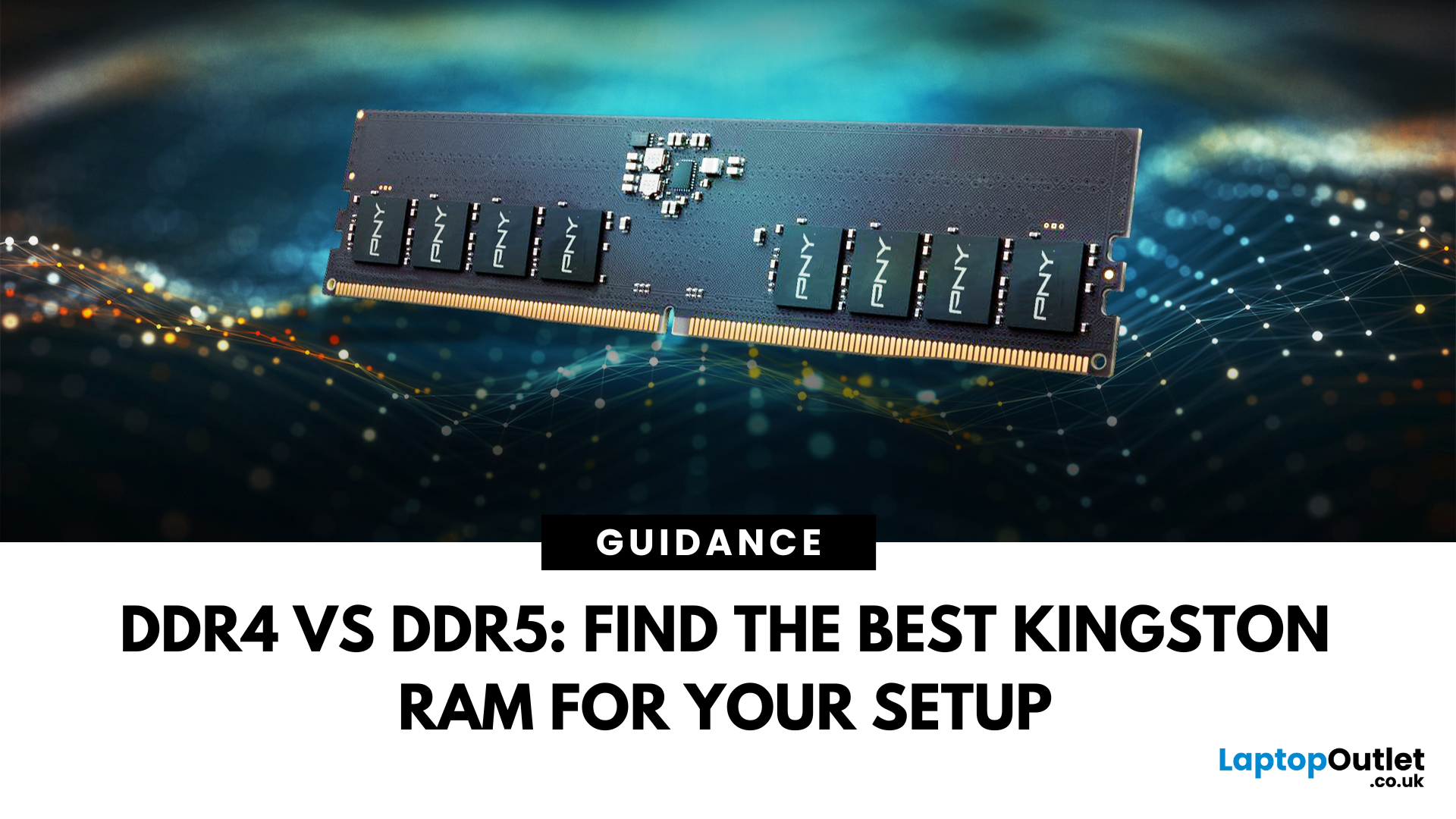
DDR4 vs DDR5 Explained: Find the Best Kingston RAM for Your Setup
Upgrading your computer memory is one of the smartest ways to boost system performance, but with the launch of next-gen memory modules, the debate of DDR4 vs DDR5 is more relevant than ever. Whether you’re a gamer, creator, or multitasker, choosing the right PC RAM can significantly impact how fast your system runs and how future-ready it is.
In this guide, we’ll dive into the differences between DDR4 vs DDR5 RAM, comparing their performance, price, compatibility, and use cases, especially for gaming. We’ll also look at why Kingston RAM remains a top-tier choice for both generations.
If you’re wondering which RAM is best for your setup in 2025, keep reading and don’t forget to check our handpicked selection at Laptop Outlet’s RAM & Memory section.
DDR4 vs DDR5: What’s the Real Performance Difference?
When it comes to the performance of RAM computer, DDR5 RAM undeniably leads the charge. It offers substantially higher bandwidth

