



SSD vs HDD: Which Storage Option is Right for You?
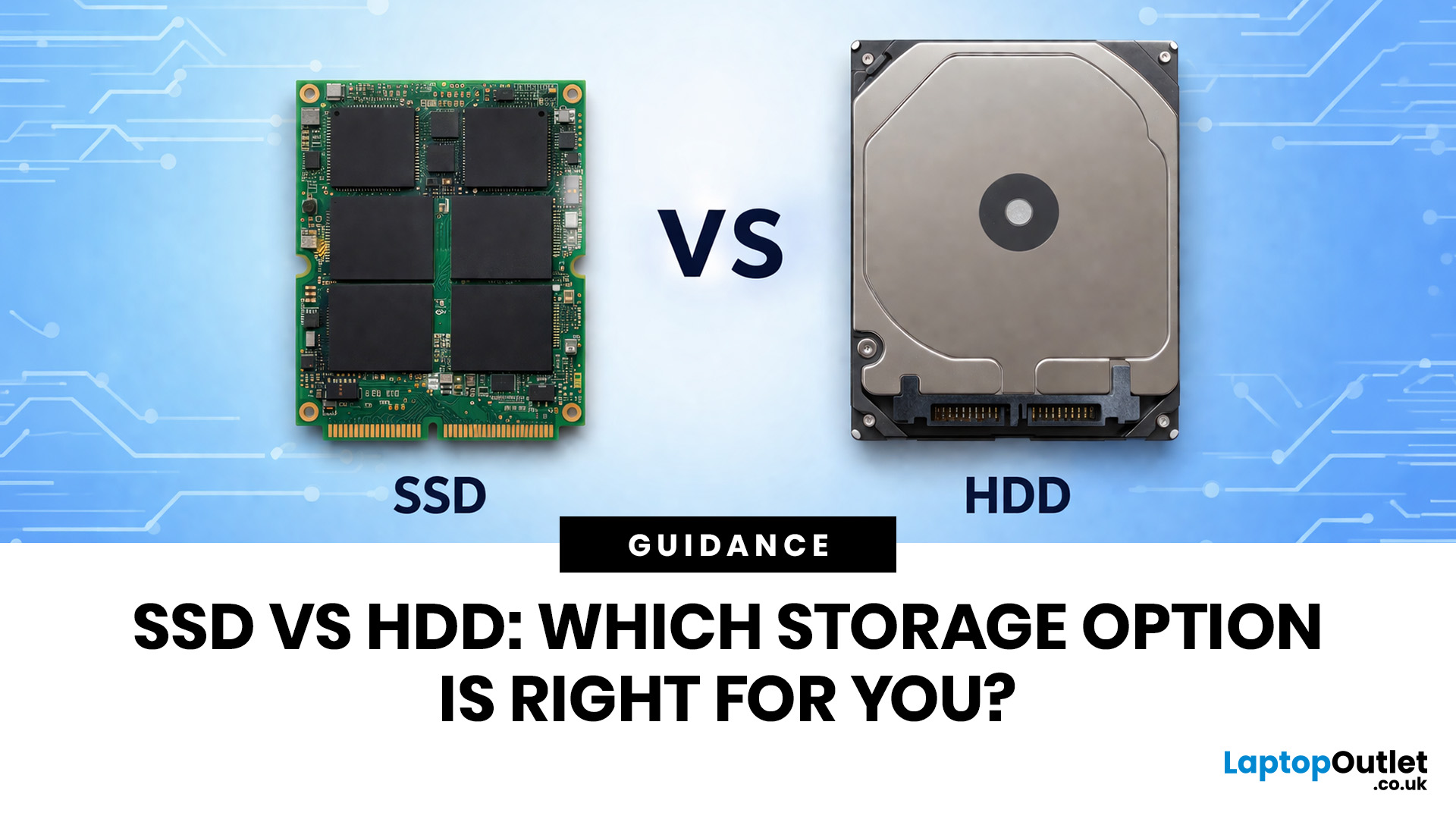
Your laptop can have a great screen, a decent processor, and enough RAM to survive the day, but if the storage is slow, the whole thing still feels off. That is why the SSD vs HDD laptop debate matters more than most people think. One option is built for speed, faster boot-ups, quicker app launches, and way less waiting around. The other is better known for giving you more storage for less money.
So which one actually makes sense for you?
That depends on how you use your laptop. If you want something that feels fast, smooth, and ready to move when you are, an SSD usually wins. If you need loads of space without spending too much, an HDD can still hold its ground.
In this guide, we will break down the real difference between HDD and SSD drives, compare speed, lifespan, value, and help you figure out which one is actually worth it.
SSD vs HDD laptop: what is the actual difference?
An HDD, or hard disk drive, is the old-school storage option. It stores your files, apps, operating system, photos, videos, all of that, on spinning magnetic disks inside the drive. So yes, there are actual moving parts in there doing the work.
That is also why HDDs have stuck around for so long. They are cheaper, they offer big storage capacities, and for years they were the standard in laptops and desktop PCs. If someone wanted more space without spending too much, an HDD made perfect sense.
The catch? They are not exactly built for speed. So, while they can store a lot, they can also make a laptop feel slower, louder, and a bit more dated in everyday use.
What an SSD does and why it feels so much faster
An SSD, or solid-state drive, does the same basic job. It stores your files, runs your system, and keeps your apps and data where they need to be. But the way it works is very different.
Instead of spinning disks, an SSD uses flash memory. No moving parts. No mechanical read head. Just much faster access to your data. That is why laptops with SSDs usually feel way more responsive. They boot faster, open apps quicker, and handle everyday tasks with a lot less waiting around.
This is the reason so many people ask should I get SSD or HDD. Because once you use a laptop with an SSD, going back to a slow hard drive can feel like willingly choosing buffering.
The difference between solid state drive and hard disk drive in simple terms
If we strip away the tech language, the difference between solid state drive and hard disk drive is actually pretty simple:
An HDD is about more storage for less money.
An SSD is about more speed, better responsiveness, and a smoother laptop experience.
Think of it like this:
- an HDD is a big backpack, loads of room, not the fastest to dig through
- an SSD is a smart organiser, less delay, quicker access, way less mess
That is the real hdd ssd difference most people notice. Not the inside-the-drive engineering. Just how the laptop feels when you use it.
If your main priority is storing lots of files cheaply, an HDD still has a place. But if you care about speed and a laptop that feels properly awake, SSD usually takes it.
SSD vs HDD comparison at a glance
|
Feature |
SSD |
HDD |
|
Speed |
Much faster |
Slower |
|
Moving parts |
No |
Yes |
|
Noise |
Silent |
Can make noise |
|
Durability |
Better for bumps and movement |
More fragile because of moving parts |
|
Capacity for the price |
Lower |
Higher |
|
Everyday laptop feel |
Smooth and responsive |
More sluggish |
|
Best for |
Speed, boot drive, modern laptops |
Cheap bulk storage |
Quick take
If you want your laptop to feel fast, go SSD.
If you want the most storage for the least money, HDD still has a reason to exist.
SSD vs HDD comparison: speed, storage, and everyday performance
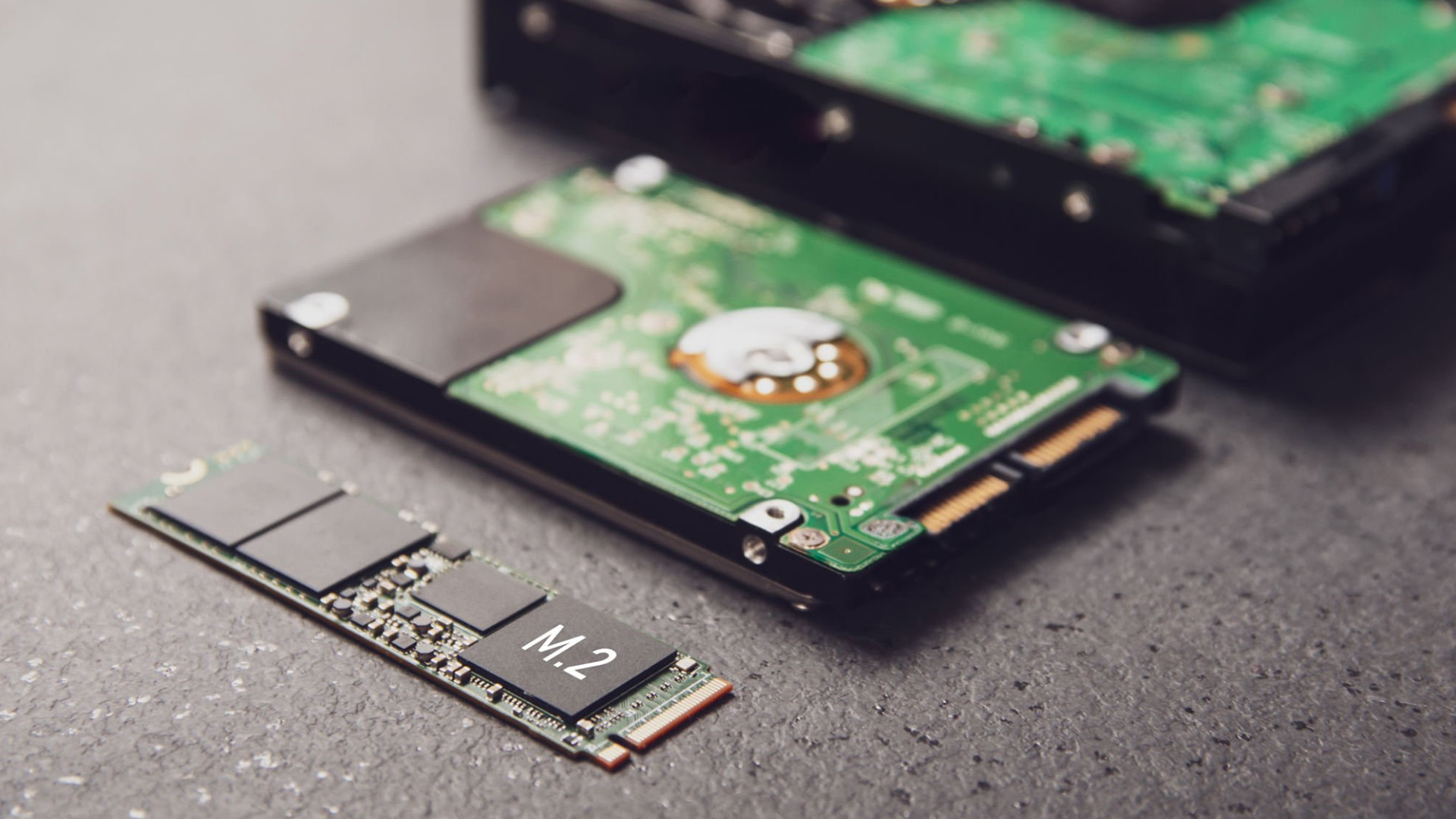
This is where the fight gets unfair.
If you are comparing HDD vs SSD speed, SSD wins so hard it almost feels rude. A laptop with an SSD usually boots in seconds, opens apps faster, and handles file transfers without making you stare at a loading bar like it is a full-time job.
An HDD can still do the job, sure, but it is slower because it has to physically read data from spinning disks. That means more waiting when starting Windows, launching games, opening big files, or moving folders around.
So when people ask is SSD better than hard drive, speed is usually the first reason the answer leans yes.
Storage capacity and price per gigabyte
Now here is where HDD gets its comeback moment.
If your main goal is getting more storage for less money, HDD still has a solid argument. You can usually get a much larger hard drive for the same price as a smaller SSD. That is why HDDs still appeal to people storing lots of media, backups, old files, or huge libraries they do not access every five seconds.
SSDs are faster, but they are more expensive per gigabyte. So if you are choosing between pure value and pure speed, this is the split:
- SSD = pay more, get speed
- HDD = pay less, get space
Very different priorities. Very different vibes.
Performance of SSD vs HDD in real daily use
In real life, the performance of SSD vs HDD is not just about benchmarks. It is about how the laptop feels on a random Tuesday.
With an SSD, everything feels more immediate. Logging in, opening your browser, launching Spotify, loading a document, installing updates, all of it feels quicker and less annoying. The whole system feels sharper.
With an HDD, the laptop can still work fine for basic stuff, but it often feels slower getting there. More loading, more waiting, more little pauses that start adding up. It is not always unusable. It is just less smooth.
That is the real SSD vs HDD comparison most people care about. One feels fast and modern. The other feels more budget-friendly, but also more old-school.
At a glance: SSD vs HDD in everyday use
|
What matters |
SSD |
HDD |
|
Boot times |
Fast |
Slower |
|
App loading |
Quick and smooth |
More delay |
|
File transfers |
Faster |
Slower |
|
Price per GB |
Higher |
Lower |
|
Large storage value |
Less cost-effective |
Better value |
|
Overall laptop feel |
Snappy |
More sluggish |
Quick take
Choose SSD if you care about speed, responsiveness, and a laptop that feels properly awake.
Choose HDD if your top priority is cheap, high-capacity storage.
But speed is only part of the story. Next up, we get into the actual benefits of a SSD drive and the few places where HDD still manages to hold its ground.
Benefits of a SSD drive and where HDD still wins
Let’s start with the obvious: SSDs make laptops feel alive.
That is the biggest reason people choose them. You open the lid, the laptop boots faster, apps load quicker, and everything feels less laggy and more ready to move. For students, that means less waiting between tabs, files, and assignments. For work users, it means smoother multitasking, faster file access, and fewer “why is this taking so long?” moments. For everyday users, it just means the laptop feels nicer to use.
That is why the benefits of a SSD drive go way beyond storage. It is not just where your files sit. It affects how your whole laptop behaves.
HDD advantages for large storage and budget-focused buyers
Now let’s give HDD its moment, because it is not useless. It is just a niche now.
The biggest HDD advantages are simple: more storage and lower cost. If you need loads of space for photos, videos, archives, downloads, or backups, an HDD still gives you more gigabytes for your money. That matters, especially if you are trying to store a lot without overspending.
So, if your priority is not speed but volume, HDD still makes sense. It is less about performance and more about cheap, practical storage.
HDD disadvantages and where they start to feel outdated
This is where HDD starts losing aura.
Because while hard drives are cheaper, they also come with the stuff modern users notice fast: slower boot times, longer loading, more noise, and less durability. Since they rely on spinning parts, they are also more vulnerable to bumps and drops, which is not exactly ideal for laptop life.
That is why hdd disadvantages feel more obvious now than they used to. In an external backup drive? Fine. In an old budget machine? Still workable. But in a modern everyday laptop where speed and smoothness matter, HDD can start to feel like the thing holding the whole setup back.
Pros and cons grid
|
Drive type |
Pros |
Cons |
|
SSD |
Fast, quiet, durable, responsive |
More expensive per GB |
|
HDD |
Cheaper, bigger capacities, good for mass storage |
Slower, noisier, less durable |
Quick take
If you want performance, SSD is the main character.
If you want cheap bulk storage, HDD still has a supporting role.
Lifespan of SSD vs HDD: which one lasts longer?
A lot of people hear “moving parts” and instantly understand why SSDs are easier to trust in laptops.
Because they do not have spinning disks inside, SSDs are generally better at handling everyday bumps, movement, and travel. That makes them a strong fit for laptops that get carried around, thrown into bags, moved between classes, or used on the go without much ceremony.
So, in normal day-to-day use, SSDs often feel like the safer, more durable option.
How HDD wear and moving parts affect long-term reliability
HDDs can last a long time too, but they are more mechanical by nature. That means more parts that can be worn down over time or get damaged if the laptop takes a hit.
It does not mean every hard drive is fragile or doomed. It just means they are working with more physical motion, and that adds risk. In a desktop sitting still on a desk, that is one thing. In a laptop that gets moved around constantly, it is a different story.
That is a big part of the lifespan of SSD vs HDD conversation. It is not just about years. It is also about how the device is actually used.
What lifespan really means for normal users
Here is the non-dramatic truth: for most normal users, both SSDs and HDDs can last years.
The real difference is that SSDs usually age more gracefully in modern laptop use, while HDDs are more likely to show their limits through noise, slower performance, or physical wear. Most people are not going to “wear out” a decent SSD through everyday browsing, studying, working, or gaming. That fear gets overhyped.
So when people ask ssd or hdd, lifespan matters, but not in a scary way. For most buyers, the decision still comes down more to speed, budget, and storage needs than some doomsday countdown on the drive.
Myth vs fact
|
Myth |
Reality |
|
HDD always lasts longer |
Not necessarily, especially in laptops that move around a lot |
|
SSDs wear out too fast |
Not in normal everyday use for most people |
|
Lifespan should be the only deciding factor |
Speed, storage, and budget matter more for most buyers |
Quick take
For laptop use, SSD usually feels like the more durable and future-friendly choice.
HDD can still last well, but it is more vulnerable to wear, movement, and that old-school mechanical life.
Absolutely, here are the
in the same style, with shorter, punchier blocks and visual elements built in.
Should I get SSD or HDD for different types of users?
SSD or HDD for gaming, editing, and creative work
If you game, edit videos, work with large files, or do anything even slightly heavy, SSD is the obvious pick.
Games load faster, files transfer quicker, and creative apps feel way less dramatic. An HDD can still store big projects, sure, but if you are actively working from that drive every day, the slower speed starts showing up fast.
So for performance-heavy use, this is not even a close fight. SSD is the one.
SSD or HDD for students, office work, and general home use
For most students and everyday users, SSD still makes more sense.
Why? Because daily laptop life is basically made of small speed moments. Opening the browser. Launching Word. Joining a meeting. Saving files. Installing updates. SSD helps all of that feel quicker and smoother, which is exactly what most people actually notice.
Unless your only priority is storing loads of stuff cheaply, SSD gives a better everyday experience.
SSD or HDD if you need the most space for the least money
Now, if your whole goal is maximum storage on a tighter budget, HDD still has a place.
It is useful for people with huge media libraries, large backups, years of photos, or files they want to keep without paying SSD prices. So yes, if capacity matters more than speed, HDD can still make sense.
That is why the answer to should I get SSD or HDD depends on what you value more: speed or space.
Best choice by user type
|
User type |
Better choice |
|
Gamer |
SSD |
|
Video editor or creator |
SSD |
|
Student |
SSD |
|
Office user |
SSD |
|
Casual home user |
SSD |
|
File hoarder / backup-heavy user |
HDD |
|
Wants both speed and lots of space |
SSD + HDD or SSD + external drive |
Quick take
If you use your laptop actively, SSD is usually the smarter choice.
If you just need loads of cheap storage, HDD still has a reason to exist.
Is SSD better than hard drive for laptops specifically?
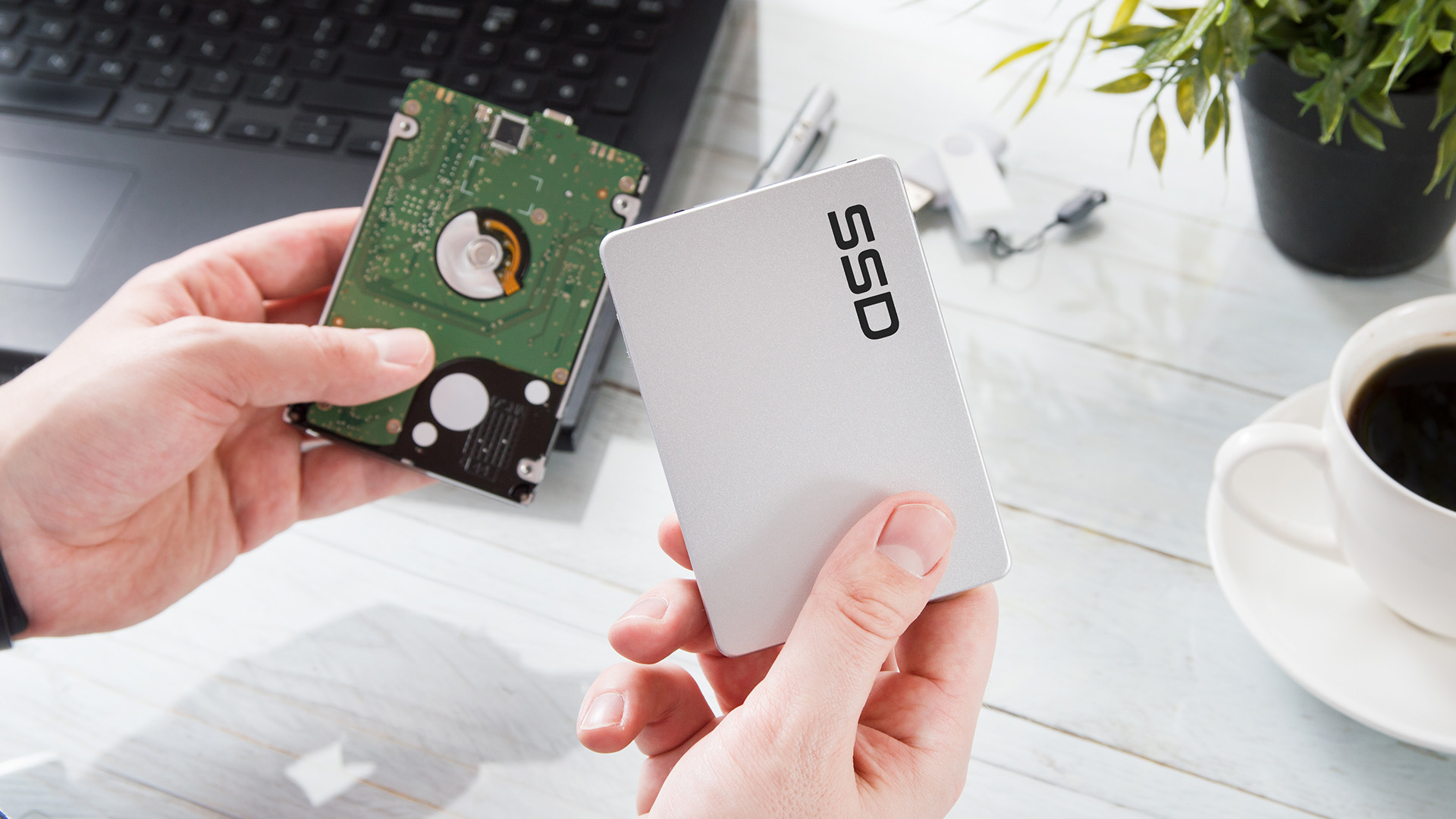
For modern laptops, SSD usually wins by a mile.
Laptops are meant to feel quick, portable, and low maintenance. SSD fits perfectly. It helps the whole system feel lighter on its feet, which matters more on a laptop than it does on an old desktop sitting under a desk for six years.
That is why, when people ask is SSD better than hard drive, the answer for laptops is usually yes.
Battery life, portability, and noise differences
SSDs are also quieter and better suited to portable use.
No spinning parts means no drive noise, less vibration, and a setup that is generally better at handling being moved around. That matters because laptops get carried, bumped, packed into bags, and used everywhere. HDDs can do that too, but they are just less elegant about it.
In simple terms, SSD feels more aligned with how laptops are actually used now.
When an HDD still makes sense in a laptop setup
There are still a few situations where HDD can work in a laptop. Usually that means an older machine, a budget setup, or a laptop being used mostly for file storage rather than speed.
But even then, HDD is rarely the “better” drive for the laptop itself. It is more the cheaper or larger one. That is a different conversation.
So yes, for most people choosing laptop storage today, SSD is the better fit.
Laptop-specific quick take
For most laptops: SSD is the better main drive.
For cheap bulk storage: HDD still works, especially as a secondary or backup option.
SSD or HDD when buying a new laptop
If you are buying a new laptop, SSD should usually be the baseline, not the luxury option.
That is because modern laptops are expected to boot fast, open apps quickly, and handle multitasking without feeling sleepy. SSD helps with all of that, which is why it makes the most sense for most buyers right out of the gate.
If you are browsing new models, it is usually smarter to explore all laptops with SSD storage first instead of treating it like an upgrade you will think about later.
How much SSD storage most laptop buyers actually need
This part gets overcomplicated for no reason.
Here is the simple version:
- 256GB SSD = okay for light use, documents, streaming, and basic apps
- 512GB SSD = the sweet spot for most people
- 1TB SSD = better for gaming, creative work, and larger software libraries
If you keep loads of files locally, then yes, you may want more than that. But for a lot of people, 512GB is already a very solid place to be.
When to choose a laptop with SSD only, HDD only, or both
SSD only is the best option for most people. It is faster, cleaner, and much more in line with how laptops are used now.
HDD only usually makes sense only in low-budget or older-style setups where capacity matters more than speed.
SSD + HDD can still be a nice combo if you want fast performance plus lots of extra storage, though this is more common in certain desktops and larger laptops than slim modern machines.
And if you already know you will be multitasking hard, pairing fast storage with affordable laptop RAM can make the whole system feel even more balanced.
Buyer checklist
|
What you need |
Best fit |
|
Basic everyday use |
256GB or 512GB SSD |
|
Best all-round setup |
512GB SSD |
|
Gaming or creative work |
1TB SSD |
|
More storage later |
SSD + external drive |
|
Better multitasking too |
SSD + RAM upgrade |
SSD vs HDD for upgrades: what should you buy?
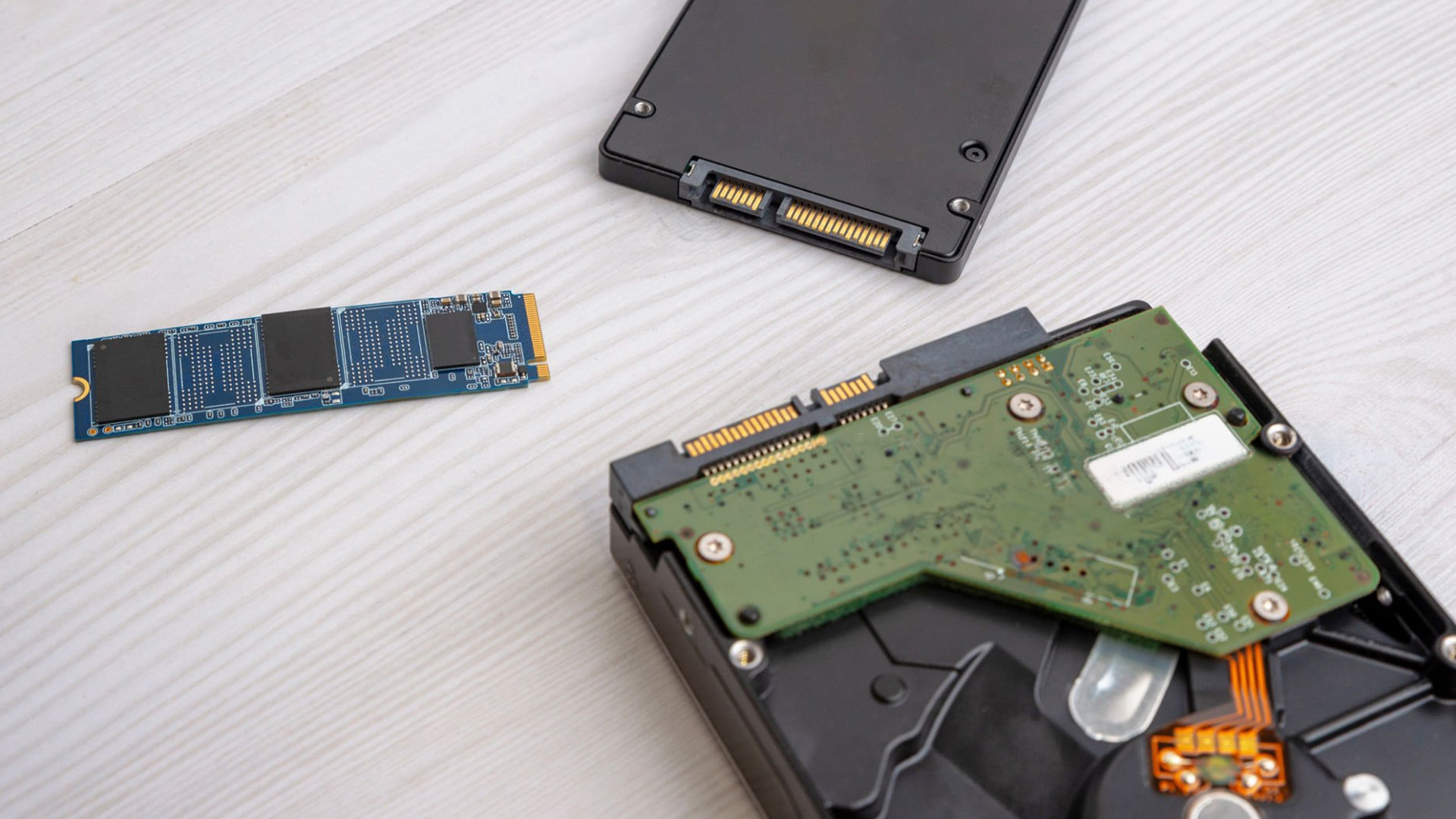
If your current laptop feels slow, upgrading to an SSD is usually the smartest move.
That is because storage speed has a huge effect on how responsive the laptop feels. You can keep the same machine, spend less than buying new, and still get a very noticeable improvement.
So if you are upgrading for performance, a reliable internal SSD storage option makes way more sense than swapping in another hard drive.
When an HDD is still useful as secondary or backup storage
HDD still has value, just not always as the main event.
It works well as secondary storage, backup space, or somewhere to keep large files you do not need constant fast access to. That is where hard drives still do their thing without trying to compete with SSD on speed.
Basically, HDD is still useful. It just shines more in the background now.
Internal vs external storage for flexibility and value
This is where the best setup can get kind of smart.
If you want your laptop to feel fast, use an internal SSD. If you want extra space for backups, media, or archived files, add an external hard drive. That gives you speed where it matters and cheap extra storage where it helps.
It is a very no-drama setup, and honestly one of the most sensible ones. If that sounds like your kind of move, check out the best external hard drives for extra space without filling up your main drive.
Upgrade path cheat sheet
|
Situation |
Best upgrade |
|
Laptop feels slow |
Internal SSD |
|
Need more backup space |
External HDD |
|
Need speed and storage |
Internal SSD + external HDD |
|
Need better all-round performance |
SSD + RAM upgrade |

Final verdict: SSD or HDD?
Choose SSD if speed and responsiveness matter most
If you want a laptop that feels faster, smoother, quieter, and more modern, SSD is the easy winner.
It improves the stuff people actually notice every day: startup time, app loading, multitasking, file access, and overall responsiveness. For most users, that matters more than chasing the absolute cheapest storage.
Choose HDD if low cost and high capacity matter most
If your priority is getting the most space for the least money, HDD still makes sense.
It is especially useful for backups, archives, media collections, and situations where speed is not the top priority. It is not the exciting option, but it can still be the practical one.
Choose both if you want a balanced setup
And honestly, the most balanced answer is sometim es both.
Use SSD for your main system and everyday speed. Use HDD for big files and cheaper bulk storage. That way you get performance where it counts and capacity where it helps.
That is the real answer to SSD or HDD: it depends on what you need your laptop to do, not just which one sounds more powerful on paper.
Final decision cheat sheet
- Want speed? SSD
- Want cheap bulk storage? HDD
- Want the best mix? SSD + HDD or SSD + external hard drive

FAQs
Should I get SSD or HDD for a laptop?
For most laptops, SSD is the better choice because it is faster, quieter, and makes the whole system feel more responsive.
Is SSD better than hard drive for everyday use?
Yes. For everyday tasks like browsing, working, streaming, and opening apps, SSD usually gives a much smoother experience.
What is the difference between HDD and SSD drives?
The main difference is how they store data. HDD uses spinning disks, while SSD uses flash memory. In real use, SSD is faster and HDD is cheaper for bigger storage.
What are the advantages and disadvantages of SSD?
SSD is fast, quiet, durable, and great for modern laptops. The main downside is that it usually costs more per gigabyte than HDD.
What are the main HDD disadvantages?
HDD is slower, noisier, and more vulnerable to physical wear because it has moving parts inside.
What is the lifespan of SSD vs HDD?
Both can last for years, but SSD is usually better suited to everyday laptop use because it handles movement and bumps more gracefully.
Is SSD or HDD better for gaming?
SSD is better for gaming because it improves loading times and makes the whole system feel faster.
Can I use both SSD and HDD together?
Yes. A lot of people use SSD for speed and HDD for extra storage, which can be a very practical setup.
Related Articles

Last Updated: May 20, 2025
Last Updated: September 09, 2025
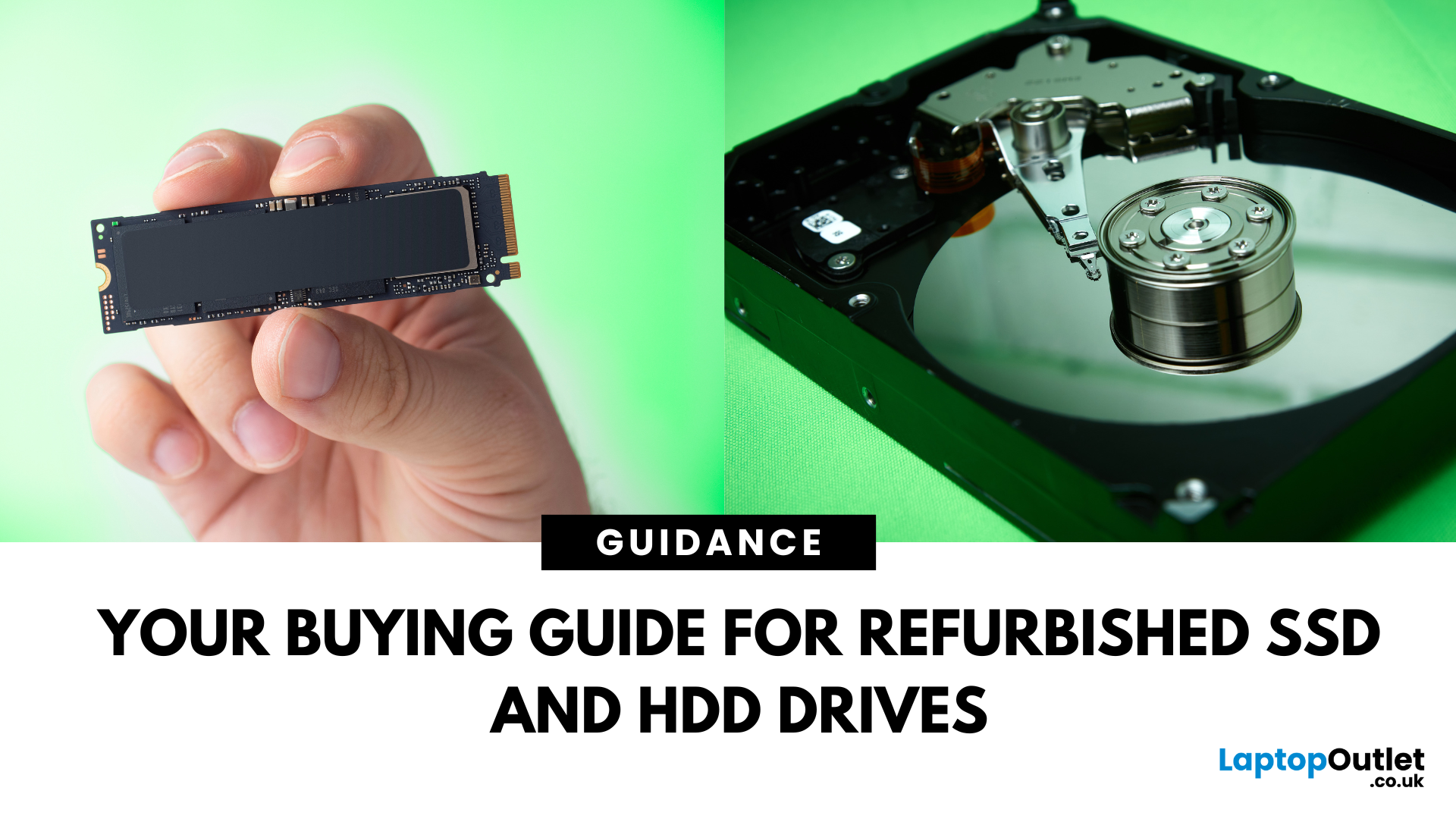
Need more storage or speed but don’t fancy paying full price? Buying a refurbished SSD or HDD could be the budget-friendly solution you’re after. Whether you're upgrading your current device or adding extra space for files, games, or media, refurbished drives offer great value without compromising functionality.
However, not all refurbished storage is created equal. To ensure your investment lasts and performs well, you need to understand the difference between drive types, evaluate their health, and select based on your specific needs, whether it’s for day-to-day use, gaming, or business tasks.
This guide covers everything you should know before buying refurbished SSD or HDD, external refurbished drives, or upgrading your refurbished SSD laptop. It’s your go-to resource for making a smart, informed choice.
Understanding the Difference Between SSD and HDD
When choosing between a refurbished SSD and HDD, it’s important to know how each works and which suits your needs better. Both offer
Last Updated: May 06, 2026
If your computer is slowing down when you’ve got too many tabs open or your favourite game is stuttering, chances are you’ve asked yourself: How much RAM do I actually need? It’s one of the most common questions when buying a new PC, laptop, or planning an upgrade, and the answer isn’t the same for everyone.
RAM, short for Random Access Memory, works as your computer’s short-term memory. It’s where your system stores active data while juggling multiple tasks. Not enough RAM and everything slows to a crawl, no matter how fast your processor or SSD is. Too much RAM, however, can feel like money wasted if you’ll never use it.
Let’s break down RAM requirements for everyday users, gamers, and professionals, plus how to future-proof your setup. By the end, you’ll know exactly how much RAM you need today (and tomorrow).
What Is RAM and Why Does It Matter?
Think of RAM as your computer’s workbench. The bigger the bench, the more projects you can spread out and handle at once. If your bench is tiny,
Last Updated: May 06, 2026
Your laptop takes forever to boot, browser tabs keep freezing, and that giant Excel sheet crawls open like it’s stuck in traffic. Sound familiar? The issue might not be your Wi-Fi or a buggy update; it could simply be that your PC doesn’t have enough RAM.
RAM (Random Access Memory) is your computer’s short-term workspace. It’s where apps, games, and background tasks all line up for quick access. The more you multitask, the more memory your system needs. When it runs out, performance nosedives, slow startups, stuttering games, and even random crashes.
The upside? RAM is one of the easiest and most affordable upgrades you can make, and the improvement is immediate. Let’s get into the fixing journey.
1. Your PC Takes Forever to Start Up
If your morning routine involves switching on your computer and then making a cup of tea while it crawls through startup, that’s a big red flag for memory problems.
When Windows or macOS boots, it doesn’t just load the operating system; it also fires up background
Last Updated: May 06, 2026
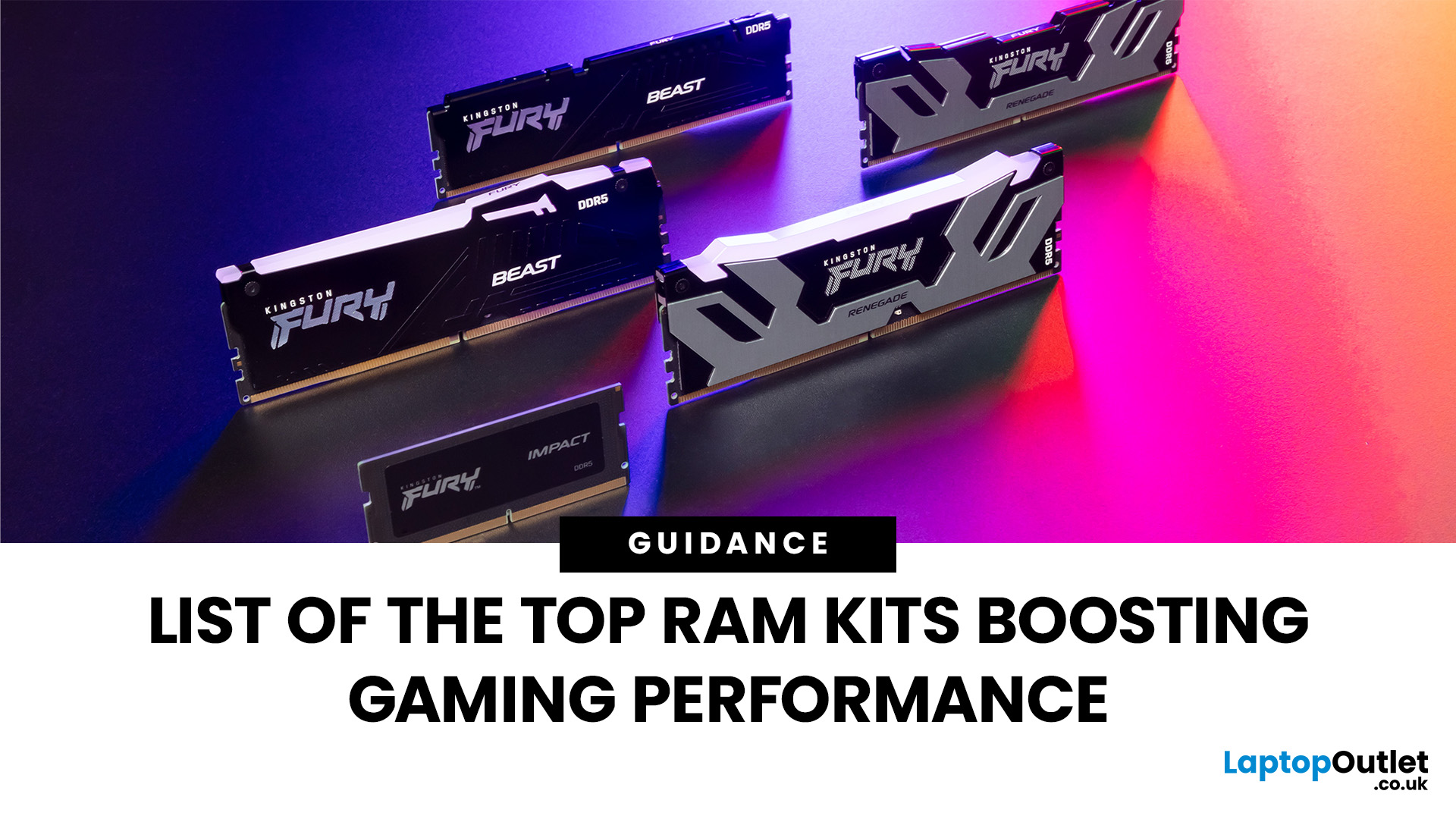
When building or upgrading a gaming PC in 2025, RAM is one of the most important components you’ll need to choose carefully. With DDR5 now mainstream and DDR4 still relevant for budget or older builds, there’s a wide variety of options on the market. But with so many choices, it’s easy to feel overwhelmed. Do you go for raw speed, bigger capacity, or flashy RGB? The truth is the best RAM kits for gaming in 2025 balance speed, latency, and capacity. Let’s highlight the top 10 RAM kits worth buying this year, from budget-friendly DDR4 sets to premium DDR5 kits designed for enthusiasts.
What Makes a RAM Kit Great for Gaming in 2025
The right kit can make the difference between smooth, responsive gameplay and frustrating stutters, especially in modern titles that demand more memory. Before the list, some essentials so you get RAM that actually improves your gaming:
- Capacity First: 32 GB is the new sweet spot. 16 GB still works for many (especially eSports, lighter titles) but headroom matters.
Last Updated: October 15, 2025
Buying a MacBook isn’t just about picking between an Air or a Pro - it’s also about making smart choices with RAM and storage. These two specs are often overlooked, yet they’re the backbone of your laptop’s performance and longevity. Choose too little, and you’ll quickly hit frustrating slowdowns or run out of space. Choose wisely, and your MacBook will stay fast, reliable, and future-proof for years.
Unlike many Windows laptops, MacBook RAM and storage can’t be upgraded later - what you buy upfront is what you’ll live with. That makes it essential to understand how much you really need. Do students get by with 8GB of RAM? Should professionals always go for 16GB or more? Is 256GB storage enough in the cloud era, or do video editors really need 1TB and beyond?
Why RAM & Storage Matter in a MacBook
When you’re choosing a MacBook, the processor often gets the spotlight - but RAM and storage are just as important. They determine how smooth your experience is today and how well your laptop
Last Updated: October 14, 2025
Meet the ROG Ally — the Portable Gaming Beast
If you’ve been anywhere near gaming TikTok or Reddit lately, you’ll know the ASUS ROG Ally has taken the handheld scene by storm. It’s sleek, powerful, and gives a proper run for its money. But beyond its flashy white shell and 120 Hz display, there’s one detail everyone’s curious about: how fast is the storage really?
What Kind of SSD are We Talking About?
The 512 GB variant packs a PCIe Gen 4 NVMe SSD, fancy words for “blistering quick”, running over the M.2 2230 form factor (the compact size used in handhelds).
Typical specs:
- Sequential Read Speed – around 5,000 MB/s
- Sequential Write Speed – around 3,500 MB/s
- Random 4K Read/Write – 500K / 600K IOPS
That’s several times faster than older SATA SSDs and absolutely galaxies ahead of traditional hard drives. Translation? Instant game launches, smoother texture streaming, and snappier OS performance.
What is ROG Xbox Ally 512GB SSD Speed in Real-World Use?

Loading Times
When you’re booting
Last Updated: April 02, 2026
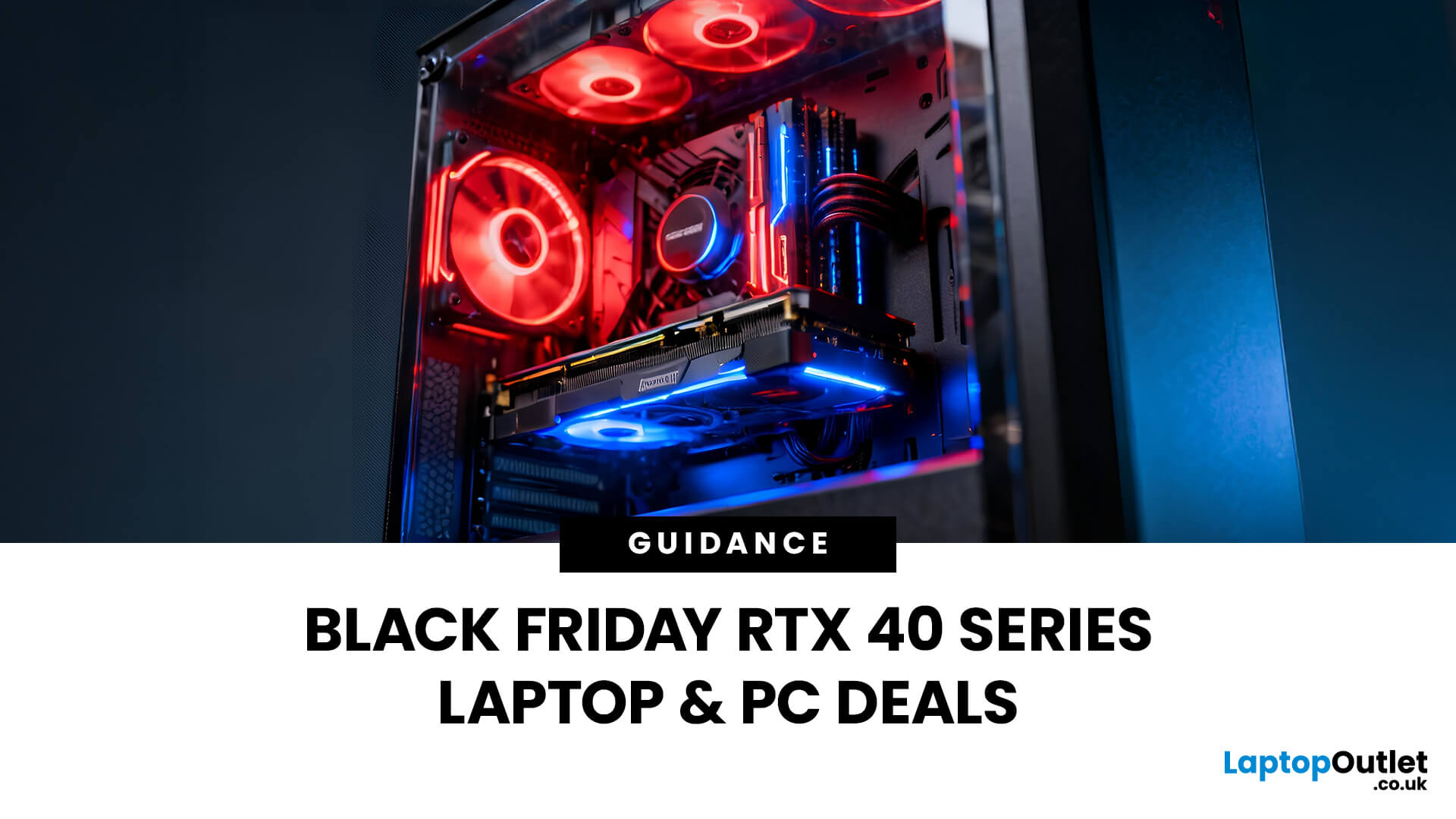
Black Friday 2025 is set to bring some of the best deals we’ve seen yet on gaming laptops and PCs, especially those powered by NVIDIA’s RTX 40-series graphics. But this year, smart buyers aren’t just chasing discounts, they’re targeting the right specs for lasting performance. The RTX 4060 and RTX 4070 GPUs have become the ideal mid-to-high range picks, balancing power, efficiency, and price. Pair that with fast DDR5 RAM and a 1TB NVMe SSD, and you have a future-ready setup built for modern gaming. This guide breaks down exactly what to look for in fast DDR5 RAM and a 1TB NVMe SSD, and you have a future-ready setup built for modern gaming. This guide breaks down exactly what to look for and make the most of Black Friday gaming laptop deals (RTX 4070) in the UK.
The 2025 Gaming Hardware Landscape: What’s Changed
Gaming hardware has evolved quickly over the past year, and 2025’s market looks very different from before. NVIDIA’s RTX 40-series GPUs, like the RTX 4060 and RTX 4070, now deliver

Last Updated: February 17, 2026
Storage problems aren’t just annoying; they’re productivity killers. Studies show that nearly 60% of laptop slowdowns are linked to storage-related issues, whether it’s low disk space, corrupted files, or failing SSDs. When your drive is over 85% full, performance can drop significantly because your system has less room to manage temporary files and virtual memory. Add disk errors or early SSD/HDD failure into the mix, and suddenly your “quick task” turns into a 30-minute meltdown.
Laptop storage issues don’t just slow things down, they risk your data, crash your apps, and test your patience.
The good news? Most storage problems are fixable in real time. In this guide, we’ll break down exactly what’s happening, why it’s happening, and how to fix it step-by-step, no tech degree required.
SSD vs HDD: What’s Actually Inside Your Laptop (And Why It Matters)

Before you panic about laptop storage issues, you need to know what you’re working with. Not all drives fail the same way and the fix
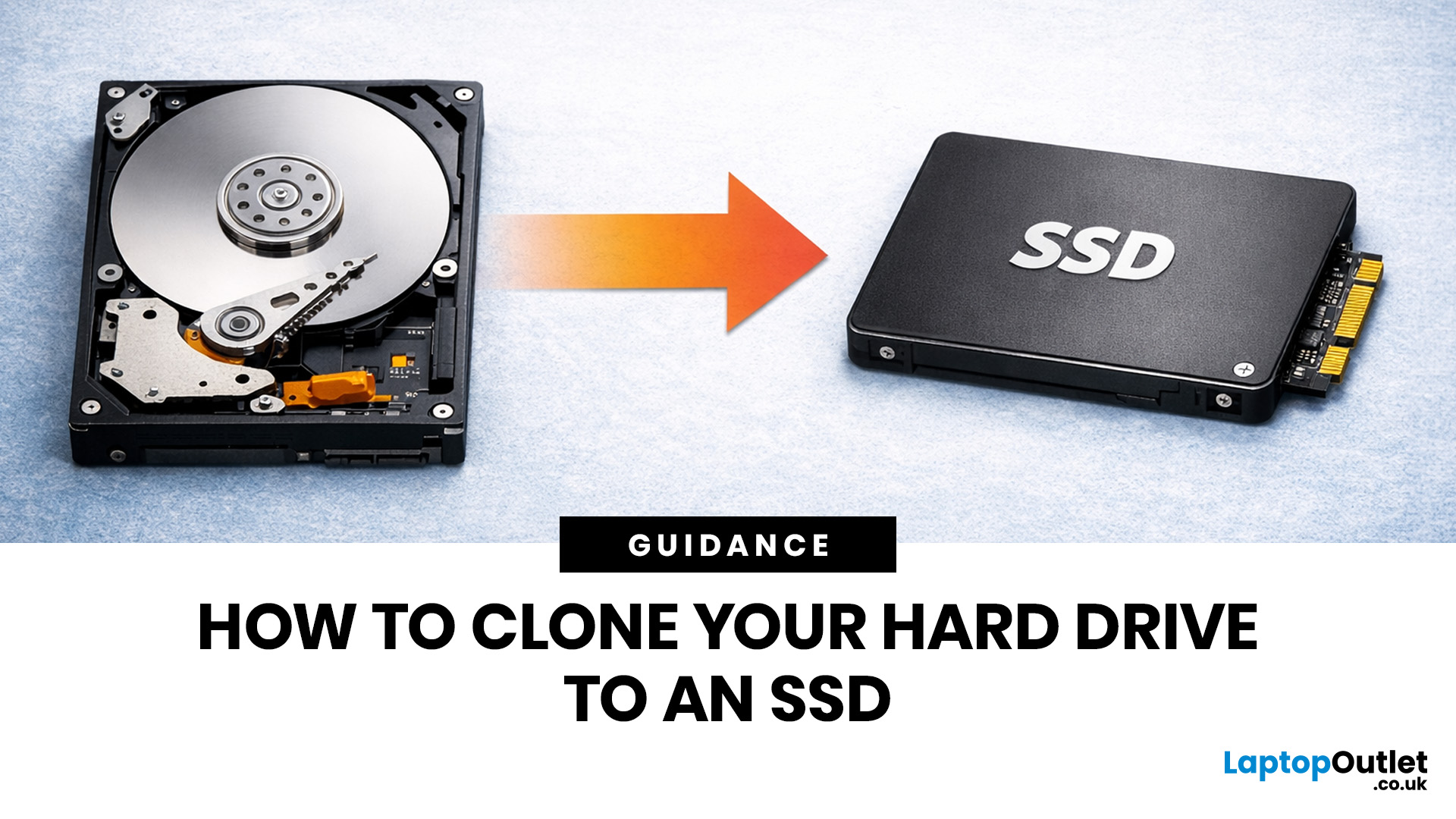
Last Updated: May 01, 2026
If your laptop feels slow to boot, takes too long to open files, or struggles with everyday performance, it may be time to clone hard drive to SSD and give your system a faster, more responsive upgrade. Moving from a traditional hard disk drive to a solid-state drive is one of the most effective ways to improve speed without replacing your entire device.
In this guide, you’ll learn how to clone a hard drive safely, what you need before you start, and how to handle the SSD migration process step by step. Whether you want to clone HDD to SSD for quicker startup times or simply transfer hard drive to SSD without losing your files, this guide will help you do it with confidence.
Why Upgrade from HDD to SSD?
A hard disk drive stores data using moving parts, while an SSD uses flash memory to access files much faster. That means quicker boot times, faster app launches, smoother multitasking, and less waiting around. If you use your laptop daily for work, study, browsing, or entertainment, choosing

