




Blog Categories







May 01, 2026

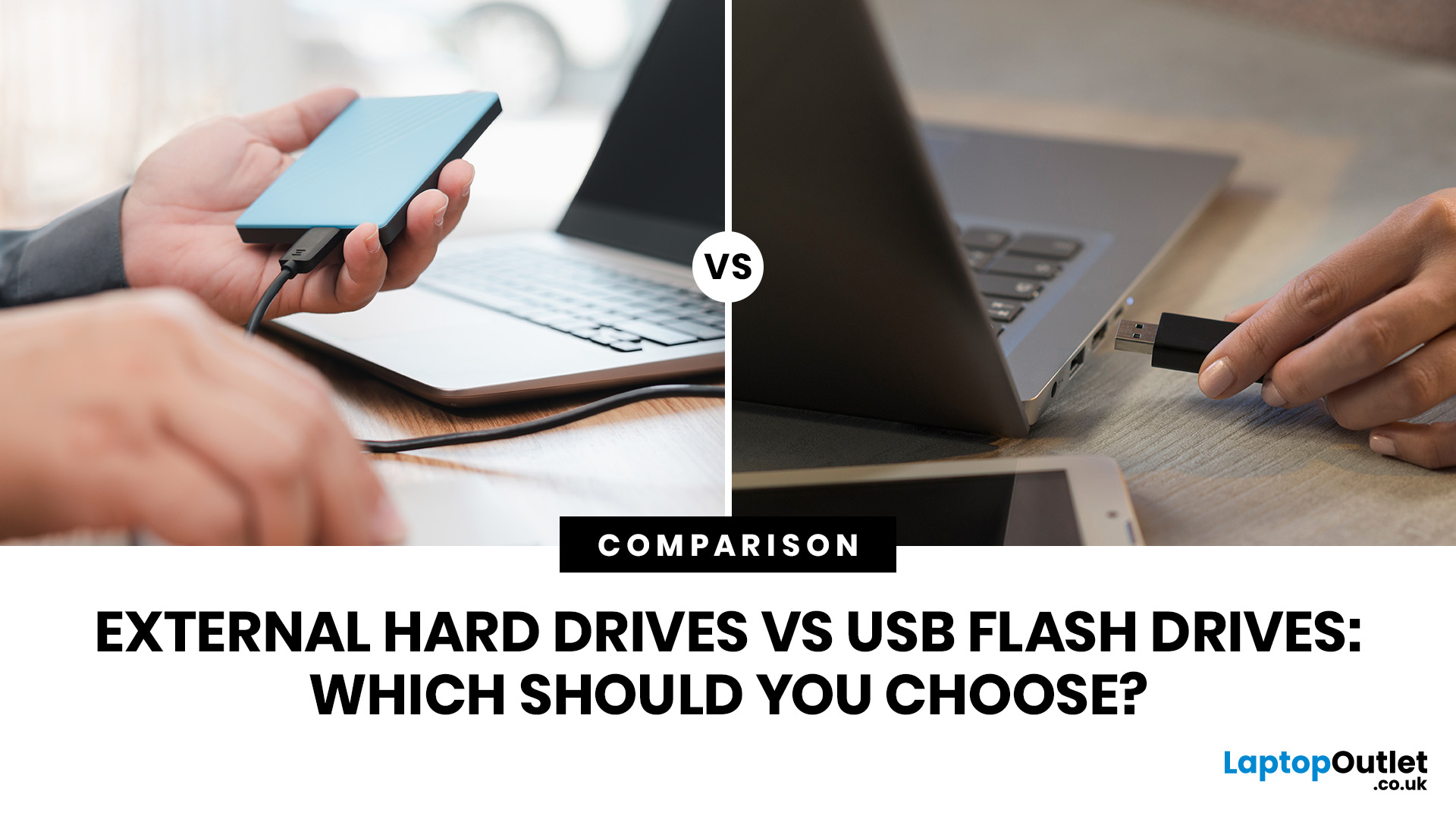
Quick Answer: External hard drives (HDDs/SSDs) are best for high-capacity, long-term storage and backups, offering cheaper cost-per-gigabyte. USB flash drives are superior for portability, quick file transfers, and convenience.
Choosing between an external hard drive vs USB flash drive is one of those decisions that seems simple until you actually try to pick one. Both plug in via USB and store your files, but they are built for very different jobs. This guide covers every key factor of these storage options, so you can make a confident, informed choice.
What is an External Hard Drive?
An external hard drive is a portable storage device that connects to your computer via USB, USB-C, or Thunderbolt. It is designed for large-scale storage, serious backups, and long-term data archiving, offering far greater capacity than most other portable options.
Types of External Hard Drive
There are two main formats to know: hard disk drives (HDDs) and solid-state drives (SSDs).
| External HDD (Hard |
May 01, 2026
Formatting an SSD takes less than five minutes when you know what you're doing. The tricky part is knowing which tool to use, which file system to pick, and how to avoid losing data along the way. That's exactly what this guide covers.
You will learn how to format a solid state drive on Windows, macOS, and Linux laptops, with step-by-step instructions for each. You'll also find out how to partition your SSD and wipe it securely when needed.
Before You Start: What You Need to Know
Before you touch any settings, take a few minutes to prepare. Skipping this stage is the most common reason people run into problems when setting up or reformatting a drive.
Back Up Your Data First
Formatting wipes everything. Every file, folder, and installed programme will be gone.
- Copy important files to a USB drive or cloud storage
- Use an external drive for large backups (if you need one, you can buy external hard drive options from Laptop Outlet)
- Double-check your backup before proceeding
There's no undo
May 01, 2026
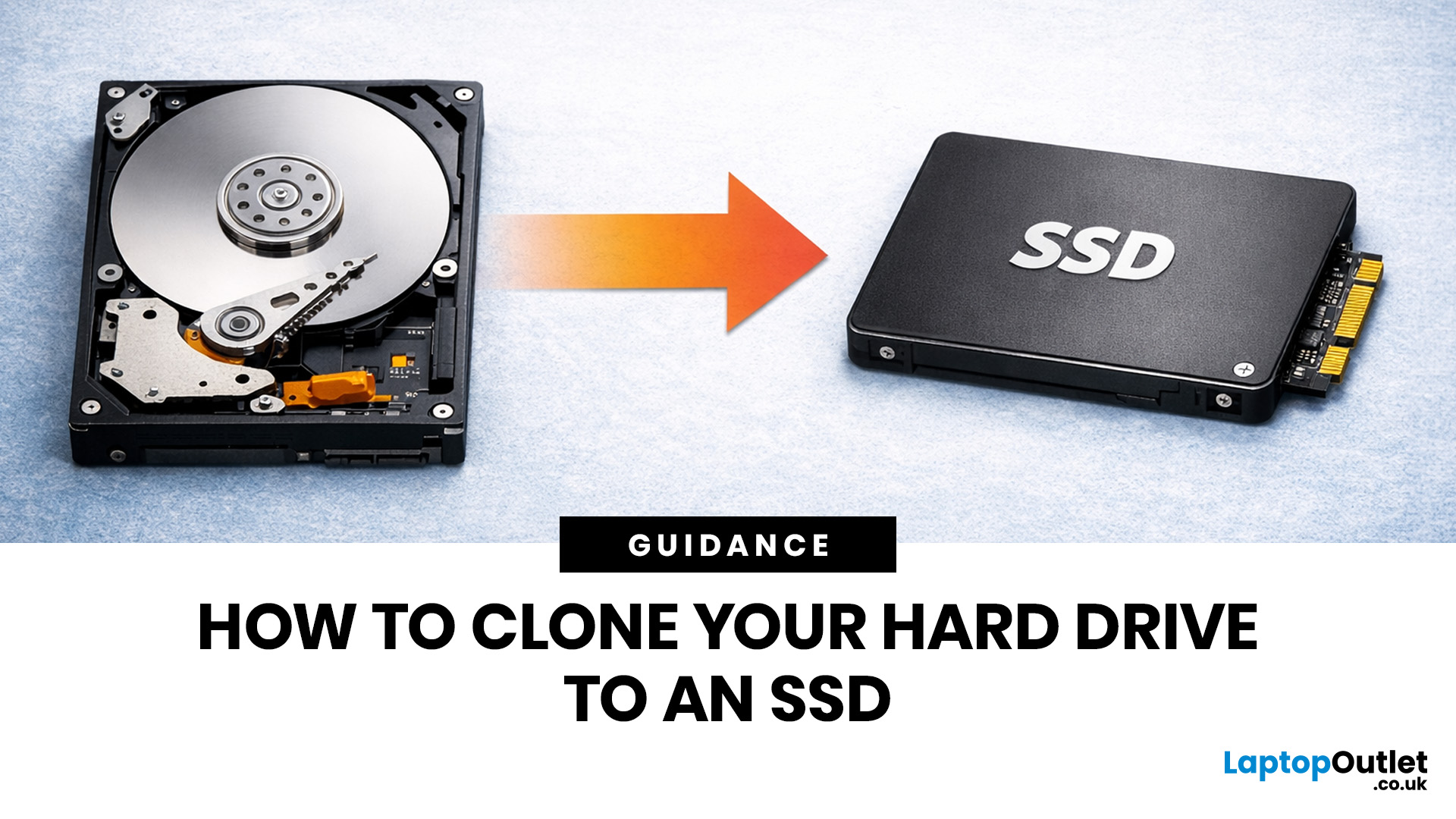
If your laptop feels slow to boot, takes too long to open files, or struggles with everyday performance, it may be time to clone hard drive to SSD and give your system a faster, more responsive upgrade. Moving from a traditional hard disk drive to a solid-state drive is one of the most effective ways to improve speed without replacing your entire device.
In this guide, you’ll learn how to clone a hard drive safely, what you need before you start, and how to handle the SSD migration process step by step. Whether you want to clone HDD to SSD for quicker startup times or simply transfer hard drive to SSD without losing your files, this guide will help you do it with confidence.
Why Upgrade from HDD to SSD?
A hard disk drive stores data using moving parts, while an SSD uses flash memory to access files much faster. That means quicker boot times, faster app launches, smoother multitasking, and less waiting around. If you use your laptop daily for work, study, browsing, or entertainment, choosing

December 31, 2025
There’s a certain kind of satisfaction that comes with starting 2026 with a faster, cooler, cleaner PC setup. Maybe you’re planning a full build. Maybe you’re simply trying to fix the two things that quietly ruin daily performance—slow storage and noisy cooling. Either way, the New Year PC components & accessories season is when upgrades feel both exciting and sensible: you can refresh your system without committing to an entirely new machine.
If you’re shopping at Laptop Outlet, it’s worth starting by simply browsing and filtering the wider sale selection, think of it as your “big picture” view, so you can spot bundle-worthy deals across categories. It’s the fastest way to explore New Year tech discounts while keeping an eye on the parts you actually need.
The “smart upgrade order” for 2026 (what to buy first)
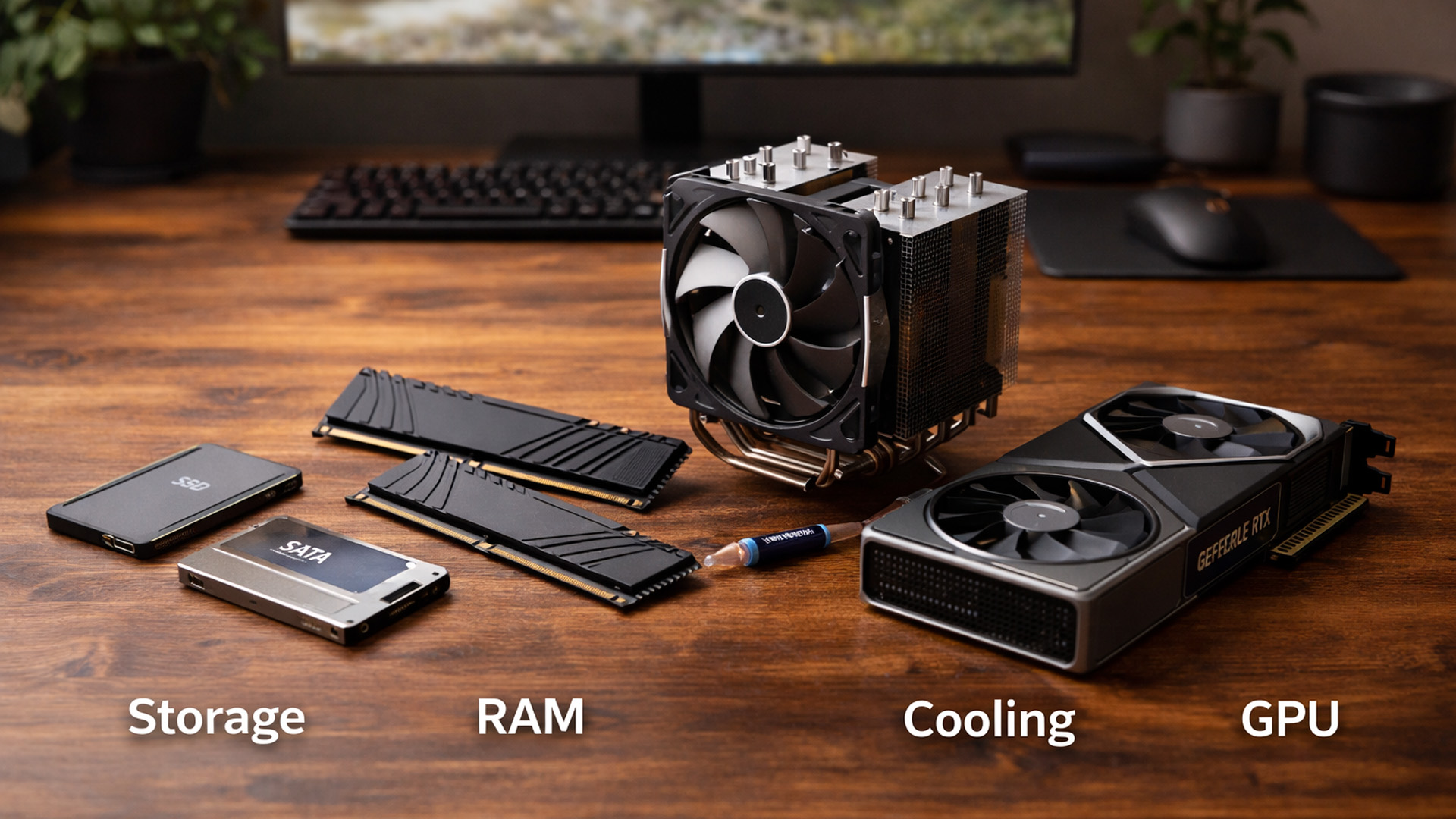
When you’re surrounded by deals, it’s easy to buy what looks exciting rather than what fixes your bottlenecks. A better approach is to upgrade in the order you’ll actually notice:
September 09, 2025
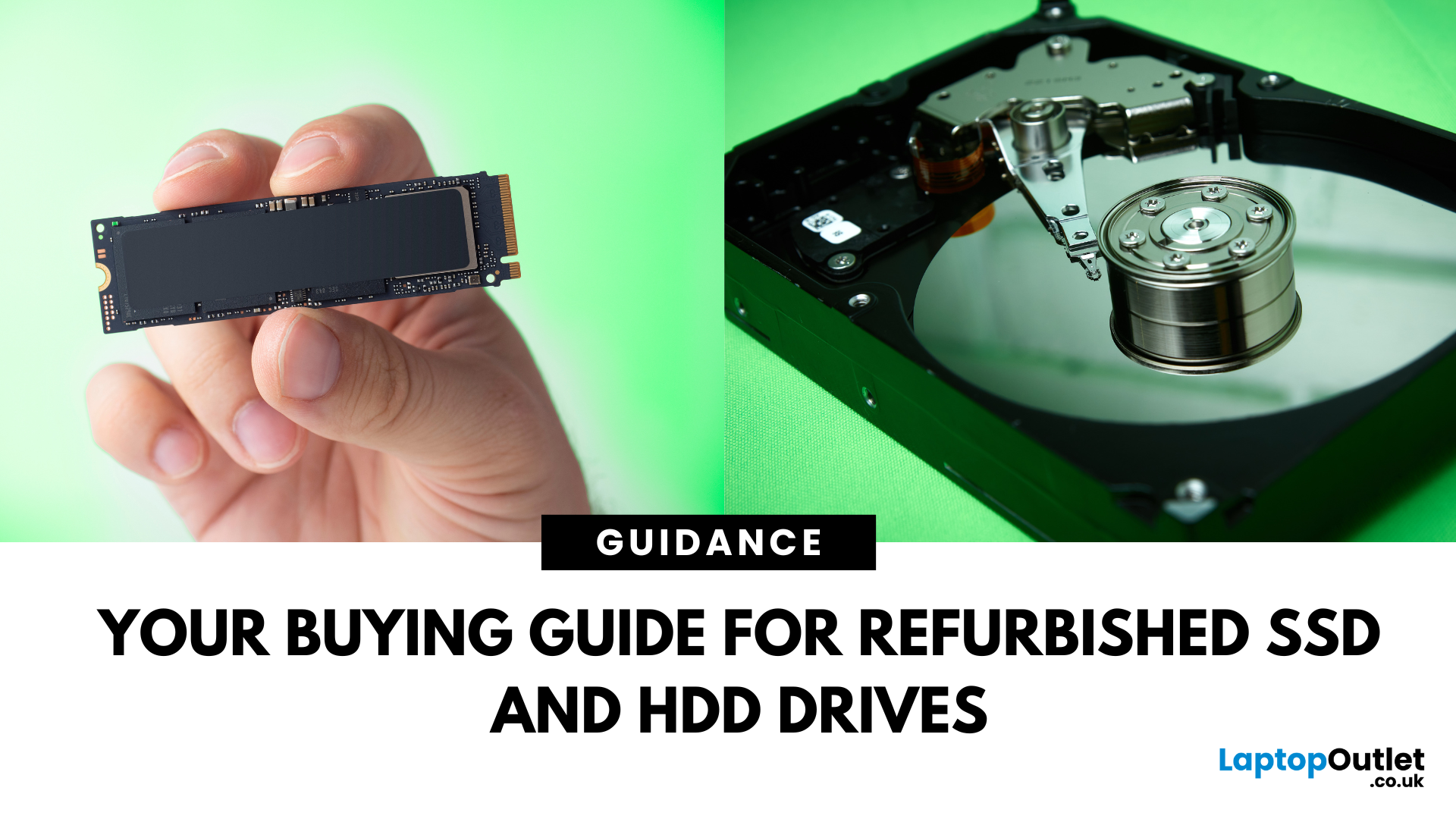
Need more storage or speed but don’t fancy paying full price? Buying a refurbished SSD or HDD could be the budget-friendly solution you’re after. Whether you're upgrading your current device or adding extra space for files, games, or media, refurbished drives offer great value without compromising functionality.
However, not all refurbished storage is created equal. To ensure your investment lasts and performs well, you need to understand the difference between drive types, evaluate their health, and select based on your specific needs, whether it’s for day-to-day use, gaming, or business tasks.
This guide covers everything you should know before buying refurbished SSD or HDD, external refurbished drives, or upgrading your refurbished SSD laptop. It’s your go-to resource for making a smart, informed choice.
Understanding the Difference Between SSD and HDD
When choosing between a refurbished SSD and HDD, it’s important to know how each works and which suits your needs better. Both offer

May 05, 2026
The best external hard drives offer a convenient way to back up large amounts of data and keep them safe from malware attacks, hardware failures and theft.
The demand for storage capacity continues to grow rapidly as individuals and businesses accumulate vast amounts of data. Whether it's storing essential documents, multimedia files, or complex software applications, having sufficient storage space is crucial for maintaining productivity and efficiency.
However, the considerations extend beyond mere capacity regarding hard drives. Robustness and reliability are pivotal in ensuring that stored data remains safe and accessible over time.
This blog will explore the intricacies of hard drive prices and how storage capacity, robustness, and reliability influence purchasing decisions.
Whether you're a casual user needing extra storage for personal files or a business professional seeking dependable data storage solutions, understanding these factors is essential for making informed choices and
October 28, 2025
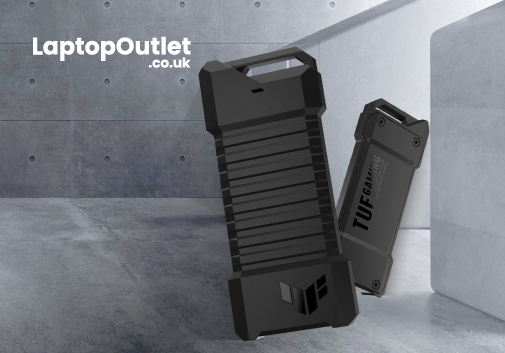
Are you looking for an ultrafast hard drive for video editing or a rugged device to back up your photos? The best external hard drives are a convenient way to backup and store important data.
Let's face it. Cloud storage costs a mere pounds per month, and trim, slim external SSDs are extremely handy and cheaper. The latest portable SSDs are more stylish and more durable due to the absence of moving parts. While these would be great reasons to choose external SSD drives, the advantage of having efficient backup is the primary reason.
However, with the hundreds of hard drive options ranging from dirt cheap to super expensive—choosing which one is right for your needs is not a DIY job. The storage space is the most important factor; you can increase or decrease it per your preferences. Physical size, quality, connectivity and colour also make sense.
We have tested dozens of brands to find the best portable hard drives for your workflow. Below here, check out our favourite external hard drive