



HP Monitors 2026: Essential Displays for Business and Productivity
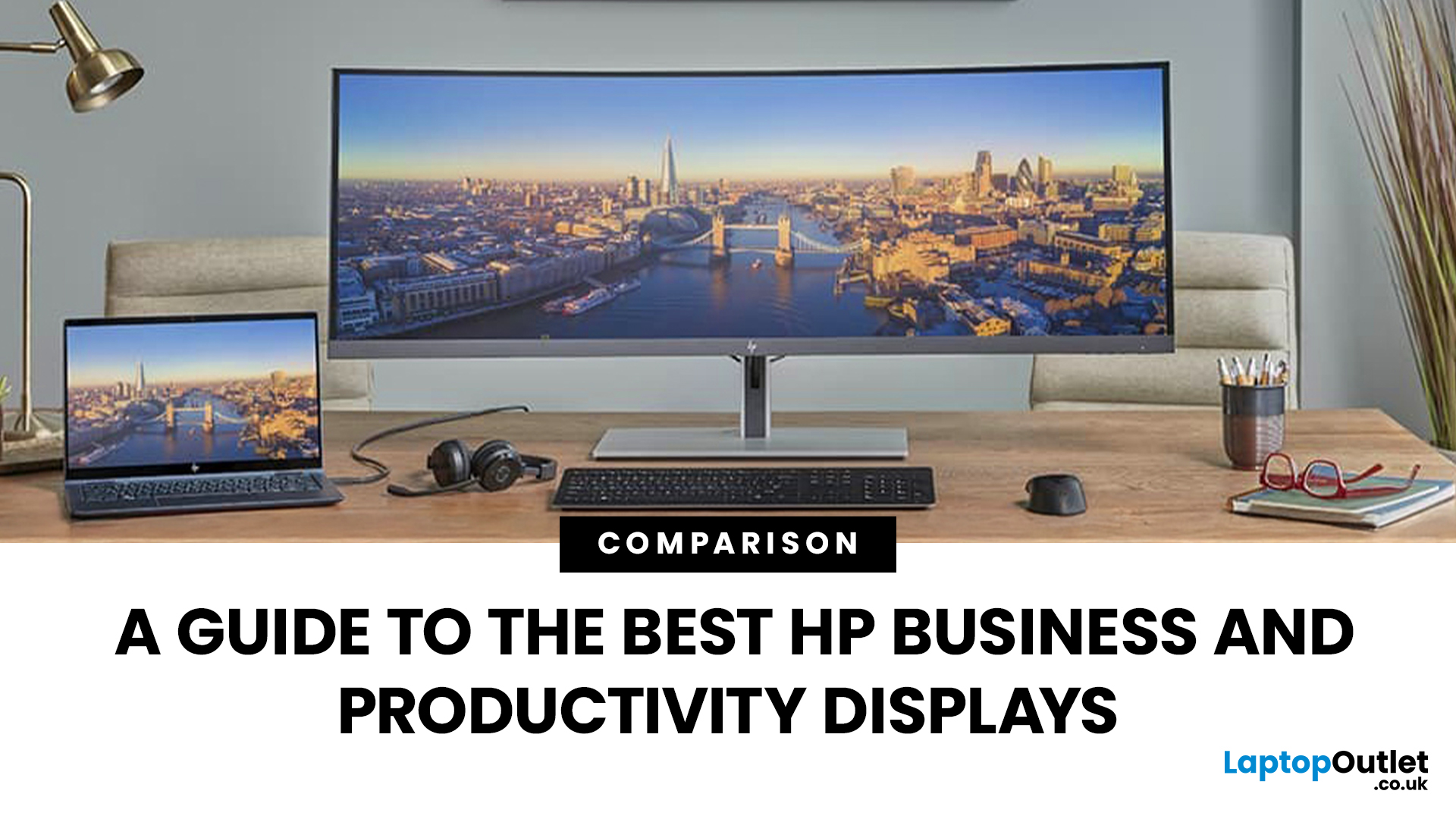
Walk into any modern office in the world and you’ll see how much the workplace has changed. Some desks sit empty while their owners log in from home; others are built around dual screens, webcams, and docking stations. A monitor used to be a passive rectangle on your desk. In 2026, it’s the centre of your working day.
A good business monitor now is about how well it supports the way you work, whether that means sharper spreadsheets, smoother scrolling, cleaner video calls, or simply reducing eye fatigue after hours of screen time.
HP has quietly positioned itself as one of the most dependable names in this space. Its business and productivity monitors don’t rely on gimmicks. Instead, they focus on the fundamentals professionals actually need: clear panels, comfortable ergonomics, sensible refresh rates, and connectivity that fits real office setups. HP also continues to build around eye comfort features like HP Eye Ease on many models, with an always on low blue light approach that’s designed to reduce blue light without distorting colour.
So, what should you look at in 2026 if you want an HP monitor for work?
HP Series 5 Line: Designed for Modern Workflow
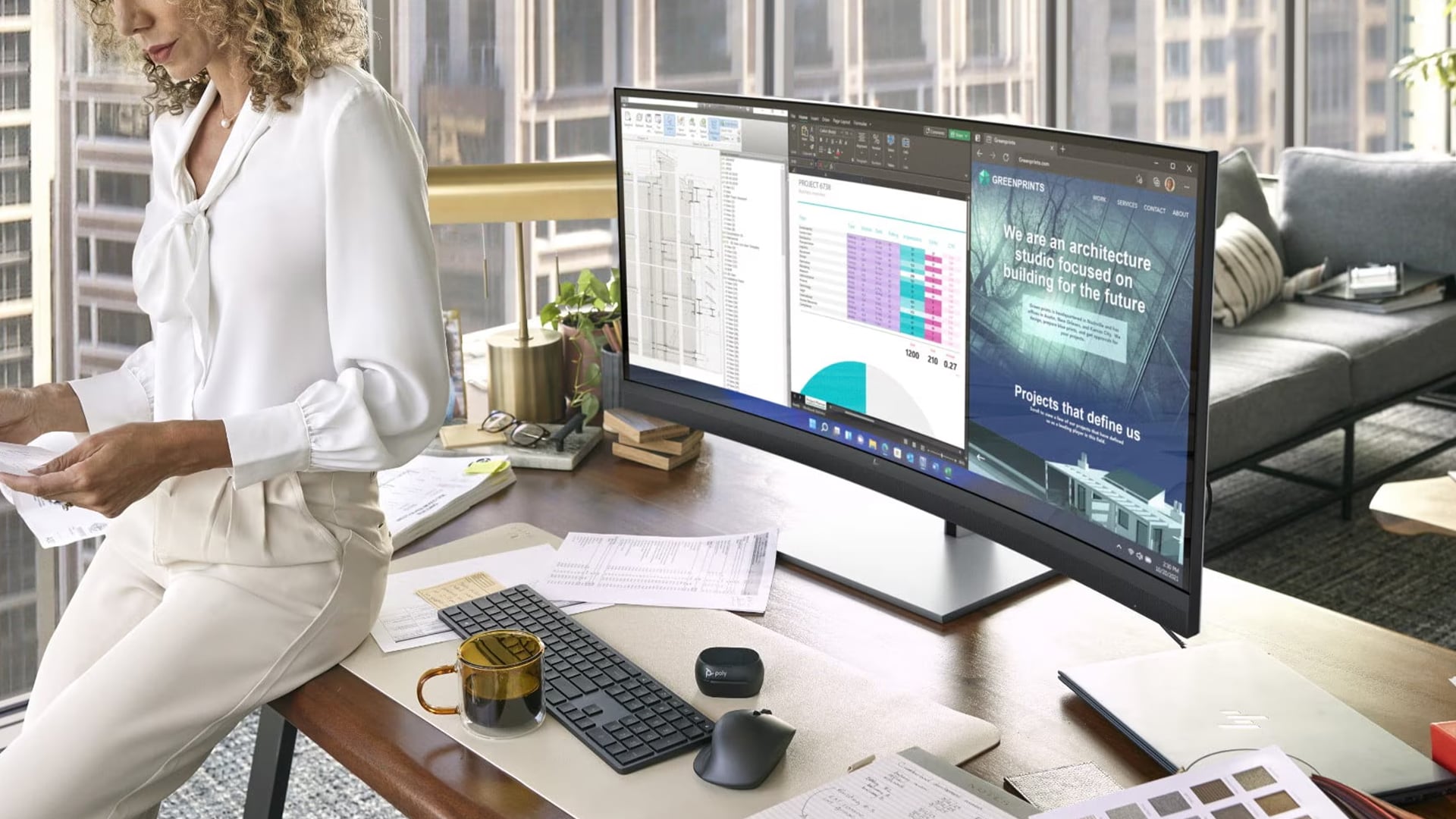
The HP Series 5 range has become a familiar sight in productivity setups because it hits a practical balance. It is built for everyday work, it looks clean on a desk, and it usually focuses on comfort and clarity rather than chasing specs that only matter to a small slice of buyers.
What makes Series 5 especially relevant in 2026 is how it aligns with how people work now. Hybrid routines are normal, so monitors need to handle frequent plugging and unplugging. Teams use more video calls, so comfort and screen readability matter over long sessions. And multitasking has become the default, which makes screen size and smoothness more important than they were a few years ago.
HP also positions Series 5 as a productivity family with options that include higher resolutions on certain variants and, on some models, USB C style convenience features such as docking and laptop charging.
Below are the Series 5 choices that tend to fit most business and productivity setups, written in a way that stays useful even when specific model numbers change.
Series 5 27 inch Full HD option: The widescreen multitasker
If you’ve ever tried to run a spreadsheet, a browser, and a Teams chat across a cramped laptop screen, you’ll know how quickly it becomes draining. A 27 inch Full HD monitor is often the simplest upgrade for daily multitasking. It gives you room to keep multiple windows open without constantly resizing and switching.
In the Series 5 style of monitor, you are typically looking for three things at this size.
First, an IPS panel. IPS is popular for office work because it holds up well at different viewing angles, which matters when you shift posture, share your screen with someone next to you, or simply lean back during a call.
Second, a refresh rate above the old 60Hz baseline. You do not need extreme numbers for business use, but smoother motion can make scrolling through long reports or moving between windows feel calmer. HP has publicly discussed Series 5 productivity monitors with 100Hz IPS panels, and that kind of spec is increasingly common in modern productivity displays.
Third, sensible connectivity. For office setups, HDMI is still the everyday standard. DisplayPort is common on desktops and docks. Some workplaces still use older connections, so having flexibility can be useful.
Who is it for? The 27 inch Series 5 style option suits people who live in spreadsheets, admins who juggle systems, analysts who keep dashboards open, and anyone who wants a single main screen that feels spacious without becoming awkward on a normal desk.
Series 5 24-inch option with ergonomic focus: Comfort built in
Spend enough time at a desk and you realise that resolution is not the only thing that matters. Posture is everything. If a monitor forces you to look down for hours, it is not just uncomfortable; it slowly changes how you sit and how your shoulders hold tension.
That is why the best productivity upgrade for many people is not a bigger screen, it is a better stand.
For a 23.8-to-24-inch Series 5 style monitor, look for a version with height adjustment if it is available. Height adjustment helps you align the screen so the top of the display is roughly at eye level, with the main viewing area slightly below, which is a common ergonomic guideline.
This size is also a sweet spot for many desks. It is large enough to work comfortably, but it does not dominate a smaller workstation. It suits shared desks, home offices, and environments where space matters.
Who is it for? Writers, legal professionals, operations teams, customer support, and anyone doing long sessions of reading and typing. If you finish the day with a stiff neck, this is the direction to move in.
Series 5 24-inch standard stand: Reliable everyday clarity
Not every workstation needs full ergonomic adjustment. In many offices, a clean, stable monitor with a crisp panel is all that is required. That is where the standard 23.8-to-24-inch Series 5 style monitor fits best.
The goal here is dependable clarity. Full HD remains practical at this size for most business tasks: email, documents, web apps, meetings, and general admin. An IPS panel keeps the image consistent, and an anti-glare finish helps in bright offices or home setups near windows.
If the monitor also offers a smoother refresh rate, it is a bonus that can make day to day use feel more pleasant, especially for people who scroll all day.
Who is it for? Teams rolling out multiple desks, businesses that want consistency, and individuals who want a solid productivity monitor that simply gets the job done.
Budget Smart Alternatives: Refurbished HP Monitors
Not every business wants to buy a new kit, especially when equipping several desks at once. That does not mean you have to settle for poor screens or dated specs. Refurbished business monitors can be a smart way to standardise workstations while keeping spend under control.
A common example in business environments is the HP P series style of monitor, which tends to focus on practical Full HD productivity and compatibility. One reason P series models often work well in offices is connectivity. Many include HDMI and DisplayPort alongside older options like VGA, which is still useful in mixed hardware environments.
If you are using older connections, it is worth knowing that some business monitors support higher refresh rates over HDMI or DisplayPort but fall back to traditional limits over VGA. That detail matters if you are trying to keep a consistent experience across different desks.
Who are refurbished HP monitors for? Startups, schools, charities, and cost conscious organisations that need reliable screens in quantity. They can also suit home office buyers who want a solid display without paying brand new pricing.
Why Professionals in the UK Turn to HP

Every brand has its strengths, but HP has carved out a niche in producing monitors that focus on what people actually need at work. You do not always require 4K resolution or the kind of refresh rates gamers obsess over. Most professionals need a clear, reliable screen that is comfortable to use for long stretches of the day.
HP monitors are often chosen because they tend to deliver five things consistently.
- Strong IPS viewing on many productivity models, so the screen stays readable even when you shift position.
- Resolutions that balance clarity with affordability.
- Ergonomic options on selected models, including adjustable stands that make posture easier to maintain.
- Eye comfort features on supported models, including HP Eye Ease and Eyesafe certified approaches that aim to reduce high energy blue light without obvious colour compromise.
- Sensible ports that work with both modern laptops and older desktops, which matters in real UK workplaces where hardware is often mixed.
How HP Compares to Other Brands
The UK monitor market is packed with choices. Some brands are known for premium office displays with advanced docking features. Others compete aggressively on price. Some focus heavily on creative colour performance or entertainment.
What actually matters is “context”.
If you need built in conferencing features, premium connectivity, or specialised colour work, you may find better fit options in higher end ranges across the market. HP does play in that premium space too, and its newer announcements show it is pushing forward with features like Smart KVM and modern connectivity on more advanced monitors.
But for everyday office productivity, HP’s strength remains its sensible middle ground. You are typically getting business grade design and practical comfort features without paying for extras you may never use. That is why HP is a common choice when the goal is to equip whole teams, not just one desk.
What to Look for in a Productivity Monitor
An HP monitor for work should make your day feel easier, not more complicated. When you are choosing, focus on the features that change everyday comfort and output.
1. Resolution
Full HD remains the sensible choice for many desks, especially around 24 inches. If you want sharper text and more working space at 27 inches, QHD becomes more appealing. 4K makes most sense when clarity is central to your job, such as detailed creative work, heavy multitasking, or very large screen sizes.
2. Refresh rate
A higher refresh rate is not just for gaming. It can make daily movement smoother, especially scrolling. HP has discussed Series 5 productivity monitors with 100Hz class refresh rates, which reflects the wider shift in productivity displays toward smoother everyday performance.
3. Ergonomics
Tilt is helpful. Height adjustment is the big one. If you work long hours at a desk, the ability to position the monitor correctly matters for comfort and posture. Ergonomic guidance is also a real workplace consideration in the UK, with clear health and safety attention on display screen equipment setups for office and home workers.
4. Connectivity
Look for HDMI and DisplayPort as your modern baseline. Keep VGA in the mix if you still have older equipment. If your setup is laptop led, USB C options can simplify the desk experience when available, reducing cable clutter and making docking feel quicker.
5. Eye comfort
Anti-glare finishes, stable brightness, and low blue light approaches can make long sessions feel less tiring. Eyesafe certified display approaches are promoted as always on solutions designed to reduce high energy blue light while maintaining a natural colour experience compared with software only modes.
Beyond HP: Other Options to Consider
While HP’s line up suits most professionals, different workflows can change what you need from a screen.
If your work involves gaming or high refresh entertainment, a dedicated gaming monitor range may offer different priorities. If you want immersion or more space without multiple screens, curved ultrawide displays can be worth exploring, especially for multitasking and conferencing setups. If creative work is your main focus, a higher resolution monitor with strong colour coverage may suit you better, and HP’s premium direction in this area shows that business and creative features are increasingly blending at the higher end.

Conclusion
The right monitor is one of the smartest quality of life upgrades you can make in 2026. It shapes how comfortably you work, how clearly you see, and how smoothly your day flows.
HP’s business and productivity monitors remain popular because they focus on the fundamentals that matter in real UK workplaces: clear screens for documents and spreadsheets, practical comfort for long sessions, sensible performance for everyday workflows, and connectivity that supports both modern and older setups.
From the Series 5 style displays that suit most desk workers to budget-friendly refurbished business options, HP continues to offer practical choices for professionals who want to work comfortably and efficiently.

Questions People Ask Before Buying
Which HP monitor is best for business use in 2026?
For many UK office setups, HP’s Series 5 family is a strong starting point because it is positioned around everyday productivity, with options across common sizes and comfort features. If you multitask heavily, a 27 inch display is often the most noticeable upgrade. If you work long hours, prioritise height adjustment where possible.
What features should I prioritise when buying an HP monitor for office work?
Start with screen size and ergonomics. A comfortable posture setup matters as much as resolution. Then focus on resolution, connectivity, and eye comfort features. Smooth refresh rates can also improve the feel of daily scrolling and motion.
Are refurbished HP monitors a good option for businesses on a budget?
Yes, they can be a practical choice for multi desk rollouts and cost conscious organisations. Confirm the ports you need, check what stand is included, and look for warranty coverage so you have reassurance on business purchases.
Can HP business monitors connect to older equipment?
Many business monitors still include older connections such as VGA alongside HDMI and DisplayPort, which helps in mixed environments. If you rely on older connections, it is worth checking how performance differs by port, as some features can vary depending on the connection used.
How do HP monitors compare to other brands like Dell or Samsung for office productivity?
HP often sits in the practical middle ground for office use: business friendly design, comfort features, and sensible pricing for equipping multiple desks. Some competing brands may offer more premium docking features or specialised high resolution options, but HP remains a strong fit when the goal is dependable productivity without unnecessary extras.
Do HP business monitors help reduce eye strain during long hours?
Many HP monitors promote eye comfort features such as HP Eye Ease and Eyesafe certified low blue light approaches on supported displays. These are positioned as always on solutions intended to reduce high energy blue light while keeping colours looking natural, alongside anti glare designs that help in bright environments.
| Read More: |
| What are the key features to look for when choosing an HP monitor? |
| Ready to Level Up? Cheap Monitors with Speakers That Don't Suck |
| Top 3 HP Monitors |
Related Articles


Published: November 19, 2025
Display technology has come a long way, from bulky CRTs to razor-thin, high-definition screens. In today’s tech landscape, two contenders are leading the race for the future of visual excellence: Mini-LED and OLED monitors. Both offer stunning image quality and advanced engineering, but each has unique strengths that make it better suited for specific users and use cases.
Understanding the Display Technology
Before comparing performance, it’s important to understand how each display type works.
What is OLED?
OLED (Organic Light Emitting Diode) technology uses pixels that emit their own light. Each pixel can turn on or off independently, producing perfect blacks and infinite contrast. Because there’s no backlight, OLED displays are thin, power-efficient (for darker content), and capable of exceptional colour accuracy.
What is Mini-LED?
Mini-LED (Mini Light Emitting Diode) is an evolution of traditional LED-backlit LCD screens. Instead of a few large LEDs behind the panel, Mini-LED displays
Last Updated: August 24, 2026
Choosing between dual-mode and standard gaming monitors is becoming a key decision for gamers seeking better speed, visuals, and flexibility. As display technology advances, players now expect sharper colour, higher refresh rates, smoother motion, and features that adapt to different gaming styles.
Dual-mode monitors add a new option by offering two performance profiles in one screen, while standard gaming monitors remain popular for their simplicity and value. So, which is right for you? This guide compares their features, performance, benefits, and real-world uses to help you choose confidently, whether you play competitive shooters or immersive story-driven games at home.
Understanding the Basics: What are Dual Mode Gaming Monitors?
Dual mode gaming monitors are a relatively new category that provide two optimised display profiles within the same screen. These modes usually include:
1. A High-Resolution Mode
This mode might support 4K displays for gamers, or QHD resolution, higher brightness,

Last Updated: December 05, 2025
Portable monitors have completely changed the way we work, game, and watch media on the move. They offer a much larger display than your smartphone, transforming your pocket-sized device into a mini-desktop or a fully immersive entertainment system.
If you want to connect smartphone to a portable monitor for work or play, you've come to the right place. This complete guide will walk you through every possible connection method, covering both Android and iPhone devices, as well as essential tips for a seamless setup.
What You Need to Connect Smartphone to a Portable Monitor
Before we dive into 'how to use phone with portable monitor, you need to check a few things. Having the right kit is essential for a successful smartphone to portable monitor setup.

1. The Right Portable Monitor
Your monitor needs to have the correct input ports. The best portable monitors for phones feature a dual-connection design, offering both USB-C (for single-cable power and video) and Mini-HDMI ports (for universal
Published: November 24, 2025
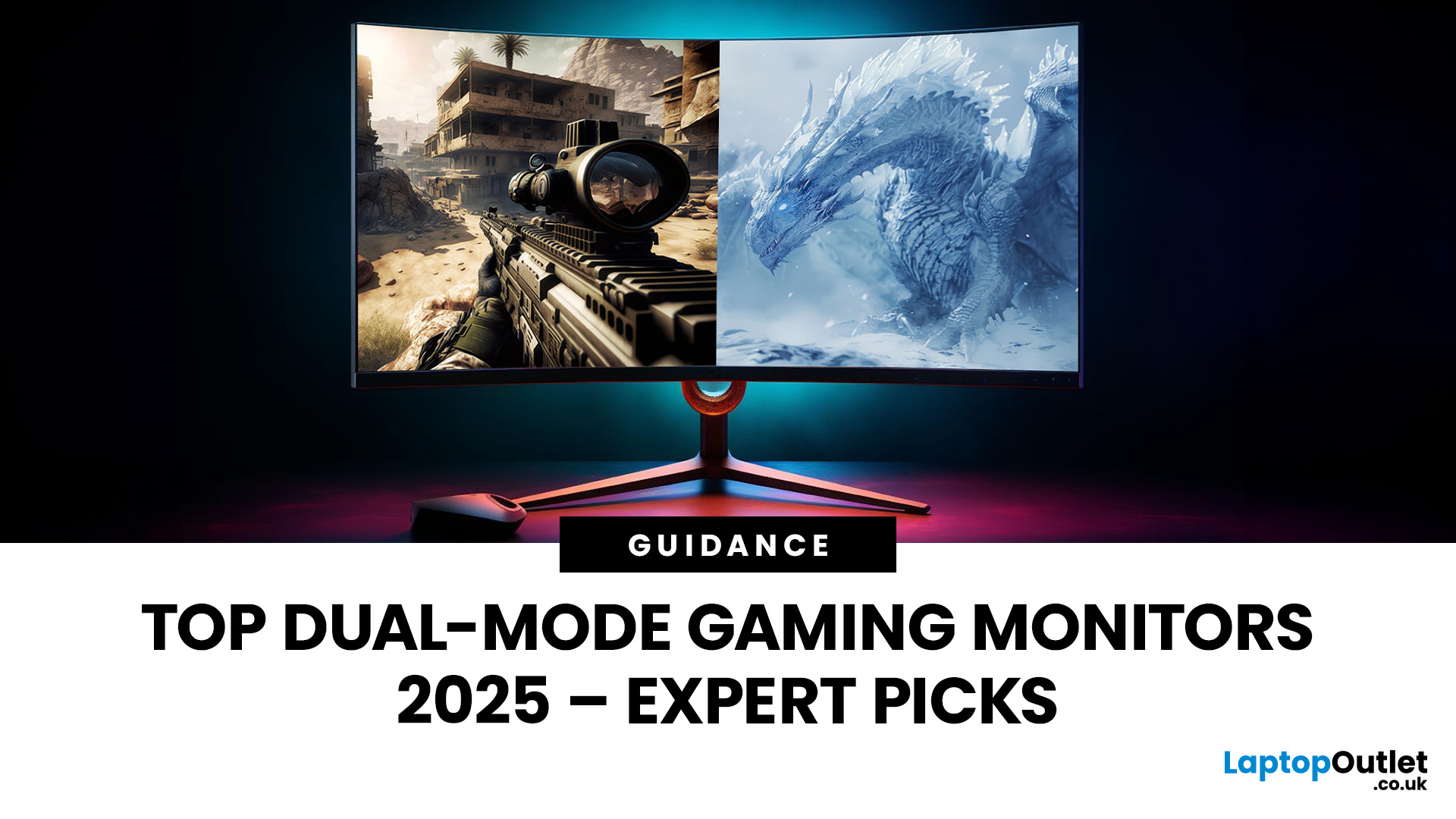
The gaming landscape in 2025 is more advanced than ever, and at the centre of every elite gaming setup lies one essential component, the monitor. Performance-focused gamers now have new demands: adaptability, fluid responsiveness, and pinpoint accuracy tailored to various game genres. This is where dual mode gaming monitors stand out. Designed to deliver extraordinary flexibility, they allow you to switch between ultra-high-resolution visuals and lightning-fast frame rates depending on your playstyle.
What Are Dual Mode Gaming Monitors?
Dual mode gaming monitors are cutting-edge displays with the ability to switch between two distinct performance profiles:
- High-resolution mode – ideal for immersive open-world titles, with sharp visuals and cinematic detail.
- High refresh rate mode – optimised for competitive and fast-paced gameplay, where responsiveness and precision are key.
This new category bridges the gap between high-resolution gaming monitors for sharp visuals and high refresh rate
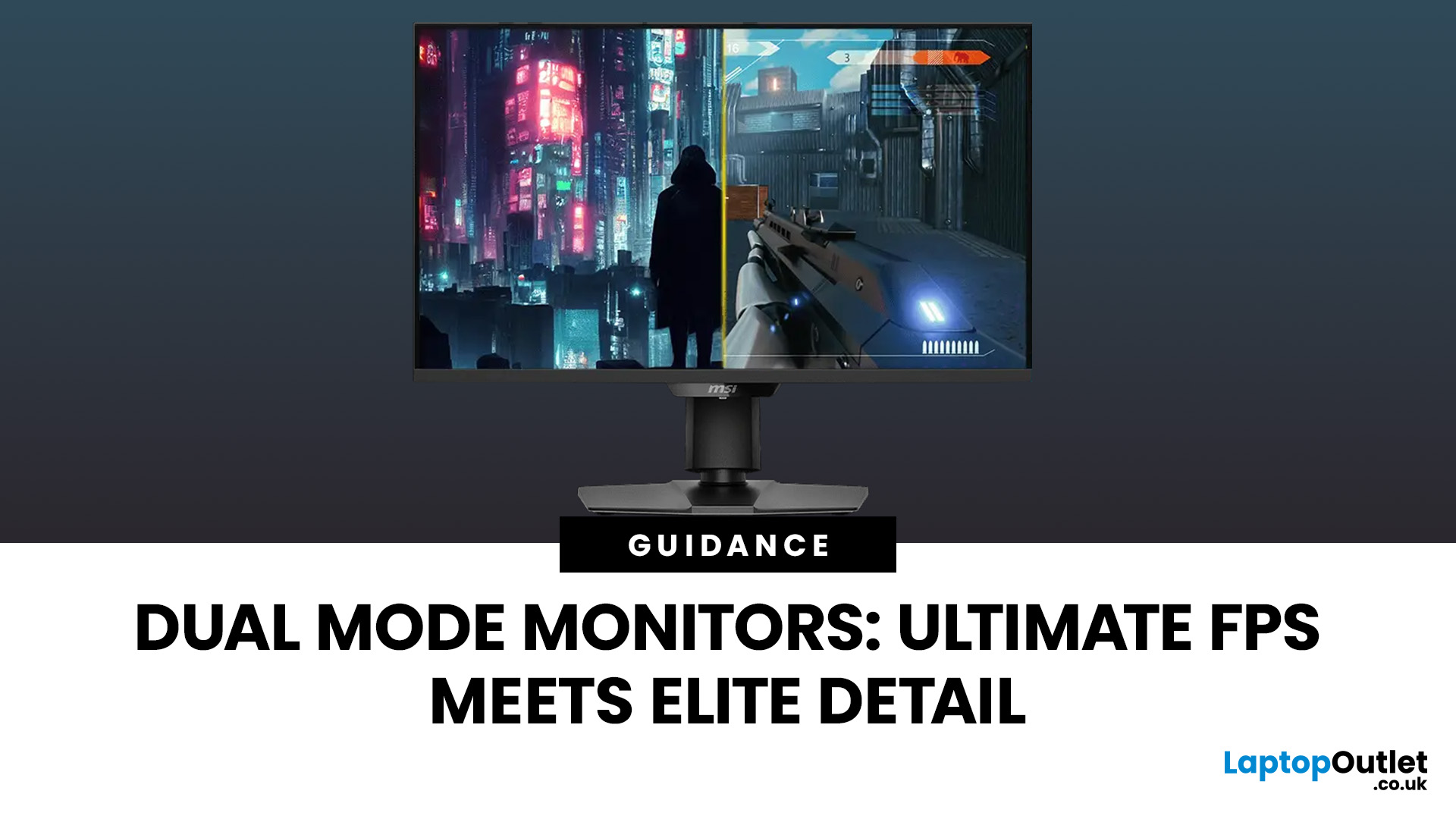
Last Updated: June 15, 2026
One monitor, two personalities; perfectly tuned for any game.
For years, gamers have faced a tough choice: do you pick a monitor with crystal-clear display and high resolution, or one with fast refresh rates for maximum speed? Trying to achieve both usually meant compromising on one side. That compromise is now a thing of the past, thanks to the dual mode gaming monitor.
This cutting-edge technology gives you the power to switch instantly between two different display modes, each optimised for a specific type of gaming. This simple switch can genuinely help improve FPS and dramatically enhance your overall visual quality.
If you want to know how dual mode gaming monitors improve FPS & visual quality, read on.
What Exactly are Dual Mode Gaming Monitors?
Before we get to the nuts and bolts of why dual mode monitor performance is so remarkable, let's nail down what they are.
A dual mode gaming monitor is a single display that has the unique, built-in ability to switch between two distinctly
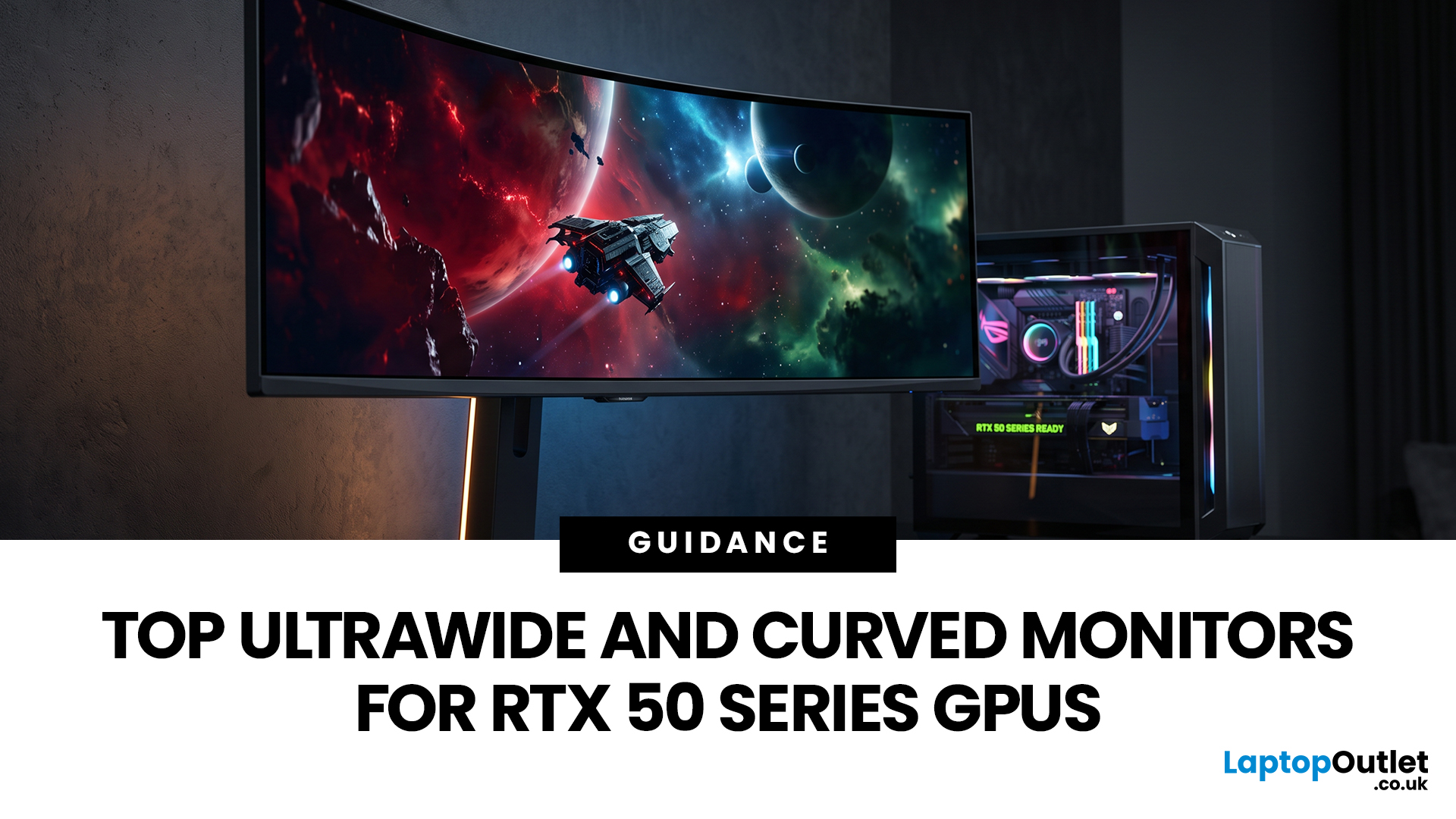
Last Updated: August 12, 2026
Picking a monitor for an RTX 50 Series GPU isn’t just about chasing the highest refresh rate, it’s about getting the right vibe for your setup. Think resolution, panel type and aspect ratio that actually match how you game, how powerful your RTX 5080 or RTX 5070 Ti is, and how much space you’ve got on your desk.
If you’re on an RTX 5080, a massive 49-inch 5120 × 1440 ultrawide hits different for immersive racing, sim and open-world gameplay. The RTX 5070 Ti feels right at home on a 34-inch 3440 × 1440 ultrawide, while a compact QHD curved monitor is perfect if you want smooth, high-refresh gaming on a budget.
Quick Comparison
| Best For | Monitor | Screen and Resolution | Refresh Rate | Panel | Main Strength | Consider Before Buying |
| RTX 5080 | Philips Evnia 49M2C8900 | 48.9-inch, 5120 × 1440, 32:9 | 240Hz | QD-OLED | Maximum immersion with OLED picture quality | Requires substantial desk space and strong GPU performance |
| RTX 5070 Ti | AOC G4 CU34G4Z | 34-inch, 3440 × 1440, 21:9 | 240Hz | Fast VA | Strong balance of speed, |
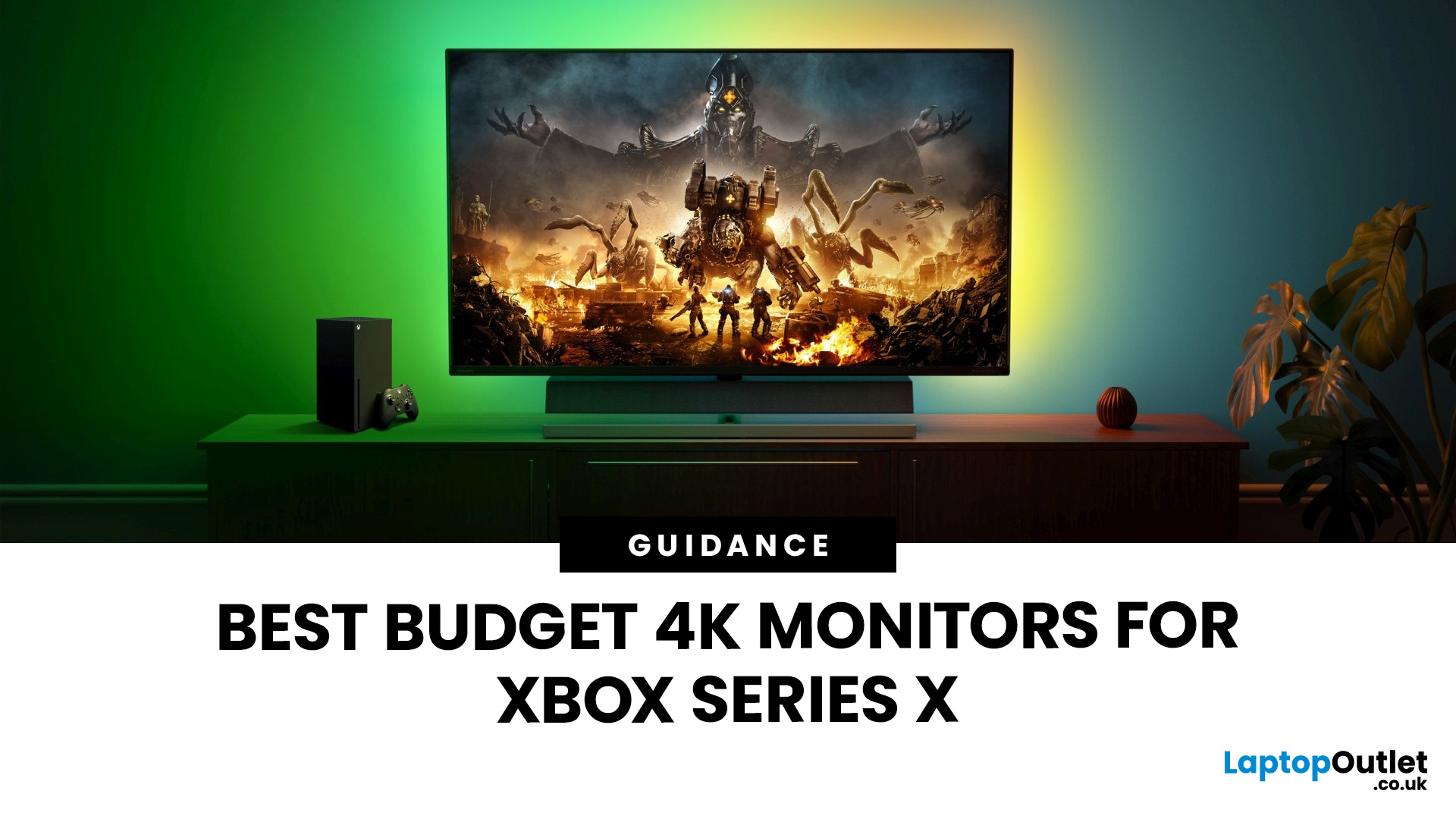
Last Updated: September 01, 2026
If you're looking to unlock true next-gen performance on your Xbox Series X without stretching your budget, you’re in the right place. The console is capable of extraordinary visuals, which includes from razor-sharp 4K resolution and buttery-smooth 120Hz gameplay to HDR brilliance and ultra-low latency. But to experience these features properly, you need the right display. That’s why we’ve curated a detailed guide to the best budget-friendly 4K monitors for Xbox Series X, helping you choose a display that enhances every moment of your gaming while keeping your wallet happy.
Why a 4K Monitor is Ideal for Xbox Series X
The Xbox Series X was built for 4K gaming. While you can play on lower resolutions, a monitor that fully supports the console’s capabilities will significantly improve your experience. Here’s why a 4K monitor for next-gen consoles is the perfect match:
True 4K Resolution
With a 4K monitor, you get four times the pixel density of 1080p, giving you:
- Sharper textures
- Improved

Last Updated: August 28, 2026
Gaming has changed forever. If you are still using an old LCD screen, you are missing out on the best visuals possible. In 2026, the best OLED gaming monitors have become the gold standard for every serious player. Whether you want a competitive edge in shooters or deep immersion in RPGs, OLED is the answer.
But why is everyone switching? It comes down to speed and colour. OLED panels offer near-instant response times. They also provide "true blacks" that no other screen can match. In this guide, we will look at the top OLED gaming screens available. We will also explain what to look for so you can find the perfect match for your PC or console.
1. AOC Gaming Q27G41ZDF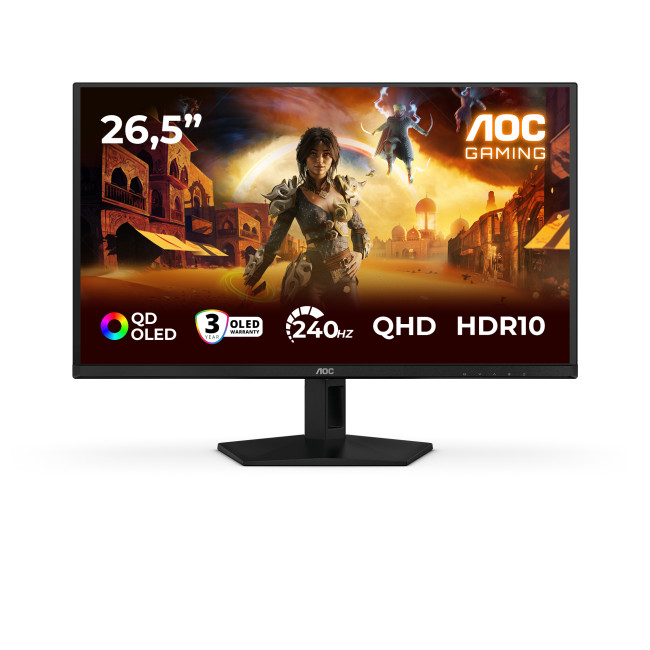
Key Specifications:
- Screen Size: 26.5-inch
- Panel Type: QD OLED
- Resolution: 2560 x 1440 (QHD)
- Refresh Rate: 240Hz
- Response Time: 0.03ms
- Aspect Ratio: 16:9
- Screen Shape: Flat
- Sync Technology: G-SYNC Compatible, Adaptive Sync
- Low Blue Light Technology: Yes
- HDR Standards: HDR10
Last Updated: August 28, 2026
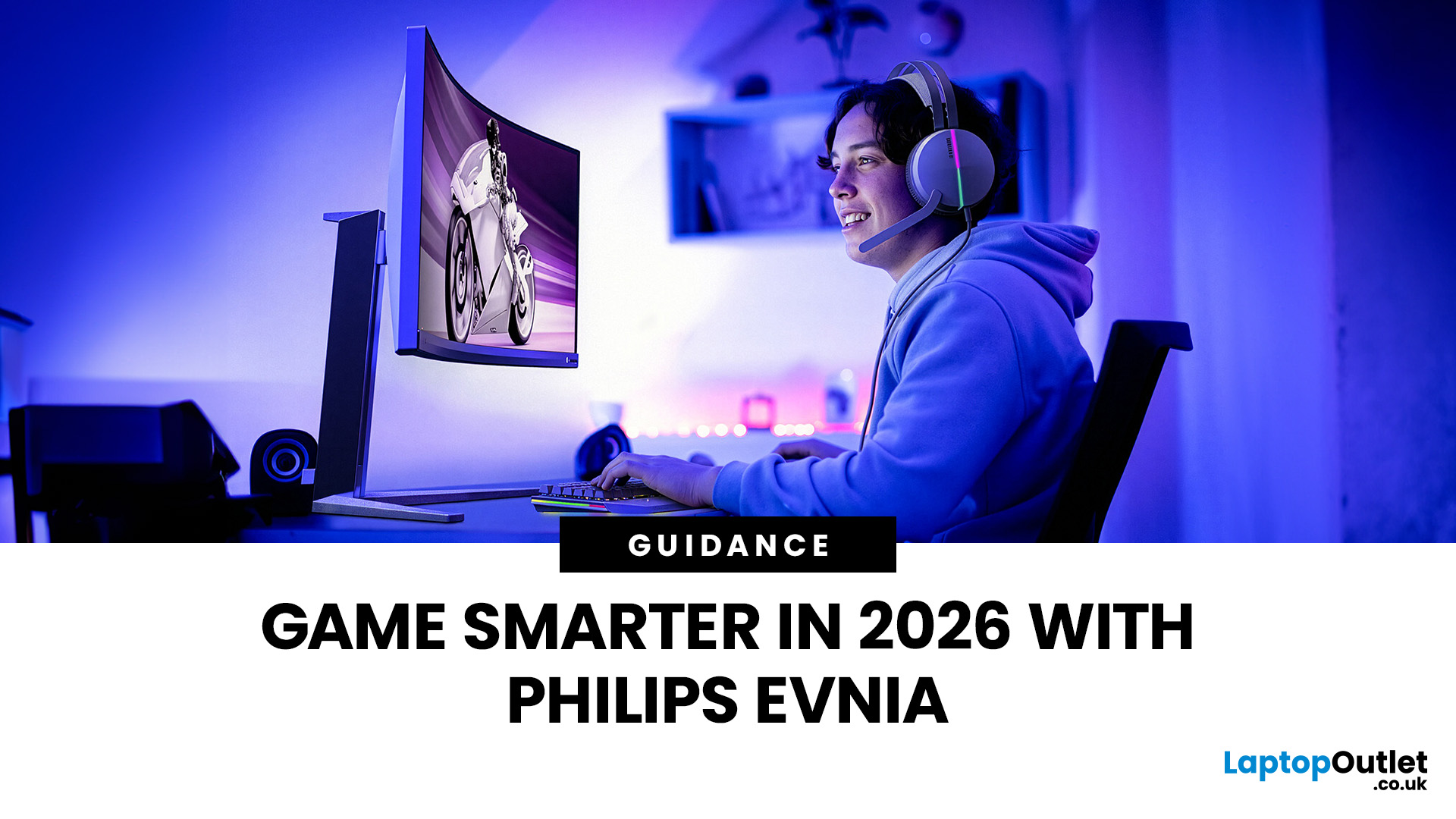
Gaming has changed rapidly over the last few years. In 2026, players demand more than just a clear picture. They want fluid movement, deep colours, and hardware that looks as good as the game itself. This is where Philips Evnia monitors come into play.
The Evnia range was designed to break the "typical gamer" stereotype. These screens combine high-end performance with a sleek, modern aesthetic. Whether you are a competitive esports player or a casual console gamer, there is a model tailored for you.
Finding the right display can be tricky. You have to balance refresh rates, resolution, and panel types. In this guide, we break down the five best Philips monitors for gaming to help you level up your setup.
1. Philips Evnia 24M2N3201A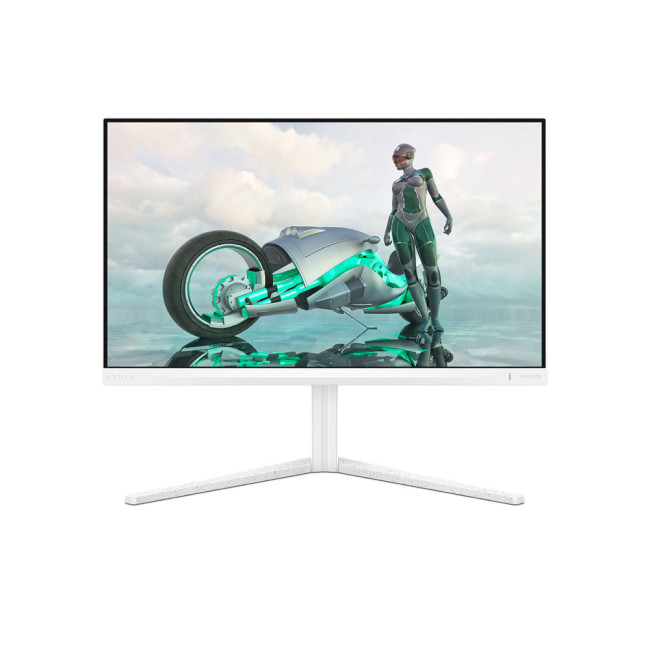
Key Specifications:
- Screen Size: 23.8 Inches
- Panel Type: Fast IPS
- Resolution: Full HD (1920 x 1080)
- Refresh Rate: 180Hz
- Response Time: 1ms (GtG)
- Aspect Ratio: 16:9
- Screen Shape: Flat
- Connectivity: 2x HDMI 2.0, 1x DisplayPort 1.4
- Features: Adaptive Sync,
Last Updated: July 10, 2026
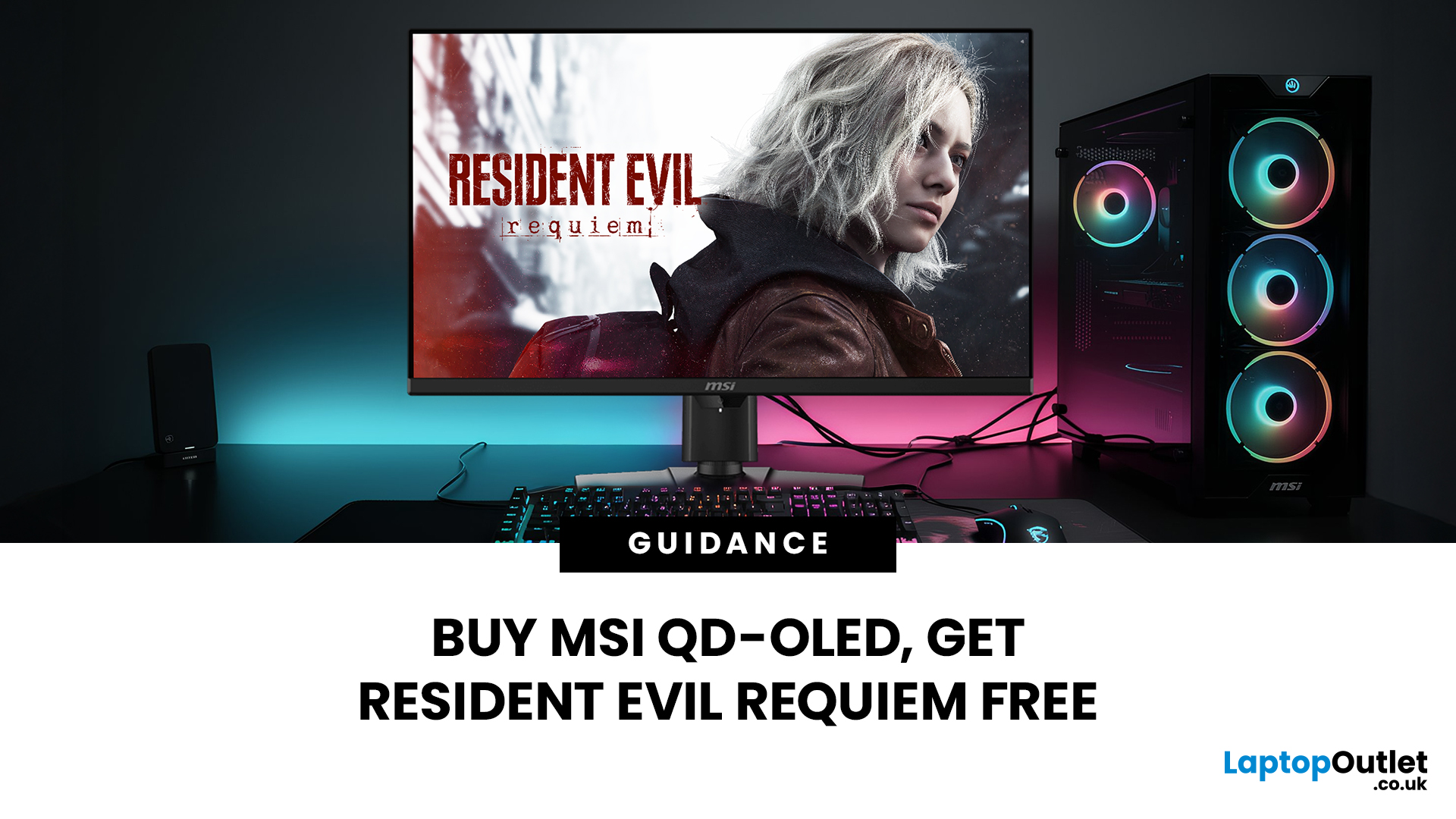
Gaming is about to get a whole lot better. If you are looking for a screen upgrade, now is the perfect time. MSI is currently offering a deal that is hard to ignore. When you buy a selected MSI QD-OLED monitor, you can get Resident Evil Requiem free.
This latest title usually costs £51.99. However, for a limited time, you can add it to your library without spending an extra penny. Combining the terrifying visuals of Resident Evil with the ground-breaking technology of QD-OLED is a match made in heaven.
In this guide, we will look at the best MSI gaming monitors included in this deal.
Why This Gaming Deal Matters
Gaming hardware is expensive. Getting a £51.99 game for free helps offset the cost of your new screen. But beyond the money, it is about the experience. MSI QD-OLED monitors are currently the pinnacle of display technology.
They offer:
- Perfect Blacks: No "halo" effect around bright objects.
- Vivid Colours: Quantum Dots provide a wider colour gamut.
- Instant Response: 0.03 ms is

