



MacBook Neo Launched: Apple’s Cheapest Laptop Ever

If you have been waiting for a proper budget Mac, it is finally here. MacBook Neo launched as Apple’s most affordable laptop ever, and it is clearly built for students, first-time Mac buyers, and anyone who just needs a reliable everyday laptop for browsing, documents, streaming, and calls. The big headline is the price. In the UK, MacBook Neo starts at £599, with £499 education pricing, and it goes on sale on Wednesday, March 11, 2026. Pre-orders are open now.
This guide breaks down what MacBook Neo is, who it is for, what you get for the money, and the trade-offs you should know before ordering.
Want to Buy a MacBook Neo? Quick Verdict
Buy MacBook Neo If You Want the Cheapest New Mac
MacBook Neo makes sense if your daily laptop life looks like this:
- Browsing and web apps
- Word, PowerPoint, Google Docs
- Email and admin
- Zoom or FaceTime calls
- School work and research
- Light photo editing and creative hobbies
It is designed to feel like a real MacBook, just at a lower cost.
Skip MacBook Neo If You Need a Workhorse for Heavy Creative Work
If you do serious video editing, 3D work, or need a multi-monitor desk setup every day, you will be happier with a MacBook Air or MacBook Pro. MacBook Neo is intentionally simpler and more entry-level.
MacBook Neo Price And Release Details
Price
- £599 starting price in the UK
- £499 for education
Availability
- Pre-order: March 4, 2026 (the press release date)
- In stores and shipping: Wednesday, March 11, 2026
Where You Can Buy It
It will be available through Apple and Apple Authorised Resellers.
What Is a MacBook Neo?
MacBook Neo is a new entry point into the Mac lineup. It brings the Mac experience to a lower price point by using the A18 Pro chip, the same “Apple silicon” family approach that powers iPhones, while still running macOS and supporting everyday Mac apps. It is positioned as a simple laptop that does the basics really well:
- quick everyday performance
- silent use (fanless design)
- long battery life for all-day use
- strong screen and audio for the price
Design: Durable Aluminium and the Most Colourful MacBook Yet
This is not a cheap plastic laptop. MacBook Neo features a durable aluminium enclosure with soft, rounded corners and is designed to feel solid in the hand.
Colours
You get four finishes:
- Blush
- Indigo
- Silver
- Citrus
Apple also matched the design theme across the keyboard colours and even the wallpapers, giving it more personality than the typical “budget laptop” look.
Weight
MacBook Neo weighs 2.7 pounds, which makes it genuinely easy to carry daily in a backpack or handbag.
Display: Surprisingly Premium for the Price
MacBook Neo includes a 13-inch Liquid Retina display with:
- 2408 x 1506 resolution
- 500 nits brightness
- Support for 1 billion colours
- Anti-reflective coating
For students and home users, this is one of the best parts of the Neo package. It is bright enough for classrooms and cafés, and crisp enough for reading and writing all day.
Performance and the A18 Pro Setup
MacBook Neo runs on A18 Pro, and it is targeted at the work most people do every day:
- Web browsing and streaming
- Documents and school work
- Photo edits and creative hobbies
- AI features inside apps
What The A18 Pro Setup Looks Like
Key pieces called out:
- 5-core GPU
- 16-core Neural Engine
- Fanless, so it runs completely silent
What This Means in Real Life
This is the kind of laptop that feels fast for:
- Browsing with lots of tabs
- Writing and presentations
- Switching between Messages, Safari, documents, and email
- Casual creative tools like Canva and similar apps
It is not a laptop designed to replace a MacBook Pro for heavy creative workloads, and that is fine. The whole point is to make a Mac you can buy without spending MacBook Air money.
Battery Life: Built For Full Days
MacBook Neo is rated for up to 16 hours of battery life on a single charge.
In plain terms, that usually means:
- A full day of lectures, notes, and research without stress
- A solid workday of email, docs, and web tools
- Plenty of time for streaming at night without reaching for the charger
Video calls drain any laptop faster than normal browsing, but the overall battery target here is clearly “all-day school and work.”
Camera, Mics, And Speakers: Better Than Budget-Laptop Standards
For students and remote workers, calls matter. MacBook Neo includes:
- A 1080p FaceTime HD camera with optimised image processing
- Dual mics with directional beamforming to reduce background noise and keep the voice clear
- Dual side-firing speakers with Spatial Audio and Dolby Atmos support
This is a big part of what makes it feel like a proper MacBook rather than a basic Chromebook alternative.
Keyboard And Trackpad: The “Mac Feel” Still Matters
MacBook Neo includes:
- Apple’s Magic Keyboard for comfortable, precise typing
- A large Multi-Touch trackpad for smooth gestures and control
Touch ID: Check The Configuration
There is a model option that includes Touch ID, which helps with faster sign-in and Apple Pay approvals.
If Touch ID matters to you, do not assume every configuration includes it. Confirm before checkout.
Ports And Wireless: Simple But Practical
Ports
MacBook Neo includes:
- 2 USB-C ports for accessories and an external display
- Both USB-C ports can be used for charging
- A headphone jack
This is enough for most students and everyday users, but it is not a ports-heavy machine. If you rely on HDMI, SD cards, or multiple monitors, plan to use a USB-C hub or buy a higher-tier Mac.
Wireless
- Wi-Fi 6E
- Bluetooth 6
Wi-Fi 6E is a strong spec for 2026, especially for modern home routers and campus networks.
macOS Tahoe, Apple Intelligence, and iPhone Integration
MacBook Neo ships with macOS Tahoe and includes built-in apps like Safari, Photos, Messages, and FaceTime.
It also supports Apple Intelligence features integrated across apps, and common iPhone-to-Mac features like:
- Handoff
- Universal Clipboard
- iPhone Mirroring
If your audience is iPhone-heavy, this is one of the best “hidden” reasons Neo feels like a good buy.
Continuity With iPhone
If you use an iPhone, this is where the Mac experience becomes hard to leave:
- Handoff to continue tasks across devices
- Universal Clipboard for copy and paste between iPhone and Mac
- iPhone Mirroring to view and interact with your iPhone on the Mac
- simple setup and secure transfer of files, photos, passwords, and settings for first-time Mac buyers
For first-time Mac buyers, that setup and integration can be the difference between “new laptop stress” and “I’m ready in 20 minutes.”
Who Is MacBook Neo Actually For?
Students Who Need a Real Laptop
If your workload is essays, research, presentations, and calls, Neo is built exactly for that. Lightweight, long battery, solid screen, good camera. (Apple)
Parents Buying a First Mac
It is priced like a mainstream Windows laptop but offers a more premium build, a strong display, and access to the Mac ecosystem.
Everyday Home Users
Bills, browsing, email, streaming, light photo edits, and basic life admin. This is the target.
People Who Wanted macOS at the Lowest Price
This is the simplest pitch: it is the cheapest new MacBook Apple sells.
MacBook Neo Vs MacBook Air: What You Give Up
Choose MacBook Neo if
- Price is the priority
- Your work is web, docs, streaming, calls
- You are fine with USB-C only life and maybe using a hub
Choose MacBook Air if
- You want a stronger long-term machine for heavier multitasking
- You want more performance headroom for creative work
- Your laptop setup includes lots of accessories, displays, or “desk-first” use
Quick Snapshot Table
|
What you care about |
MacBook Neo |
MacBook Air |
|
Starting price in the UK |
From £599 |
Higher tier in the lineup |
|
Best for |
Students, everyday use |
Longer-term and heavier workloads |
|
Chip |
A18 Pro |
M-series platform |
|
Screen |
13-inch Liquid Retina, 500 nits |
Air lineup options and sizes |
|
Ports |
Two USB-C, headphone jack |
More premium positioning |
|
Wireless |
Wi-Fi 6E, Bluetooth 6 |
Newer wireless on the newest models |
Sustainability
MacBook Neo is positioned as Apple’s lowest-carbon MacBook, with:
- 60 percent recycled content
- 90 percent recycled aluminium overall
- 100 percent recycled cobalt in the battery
- fibre-based packaging
For schools and families, this is a strong extra plus.

Final Take
MacBook Neo is the simplest way to buy a brand-new MacBook in 2026 without stretching your budget. You get a premium-feeling aluminium build, a bright 13-inch Liquid Retina display, strong call-quality hardware, silent, fanless operation, and battery life designed for a full day of school and everyday work.
If your workload is web, documents, classes, calls, and light creativity, Neo is a smart buy. If you want more power headroom, a more flexible desk life, or your creative work is getting heavier, look at MacBook Air instead.
Looking for the best price on MacBooks in the UK? Check Laptop Outlet for current MacBook deals, student-friendly options, and fast delivery.

MacBook Neo: What People Ask Most
What is MacBook Neo?
MacBook Neo is a new, entry-level MacBook designed as Apple’s most affordable laptop ever, featuring a 13-inch Liquid Retina display, an aluminium build, all-day battery life, and macOS Tahoe.
How much does MacBook Neo cost in the UK?
£599, with £499 education pricing.
When will MacBook Neo be available?
It is available to pre-order now, with availability starting Wednesday, March 11, 2026.
What chip does MacBook Neo use?
It uses the A18 Pro chip, with a 5-core GPU and a 16-core Neural Engine.
How long does the MacBook Neo battery last?
Up to 16 hours on a single charge.
Does MacBook Neo work well with iPhone?
Yes. It supports Continuity features like Handoff, Universal Clipboard, and iPhone Mirroring, plus an easy transfer process for first-time Mac users.
| Read More: |
| MacBook Neo Price in the UK: Specs, Features & Availability |
| MacBook Neo vs Budget Windows Laptops |
| A18 Pro Chip in MacBook Neo: What It Means for Performance |
Related Articles


Last Updated: March 09, 2026
You just got (or are about to get) the M5 MacBook Air. Congrats, your backpack is about to get lighter, and your vibe is about to get cleaner. But here’s the thing: the laptop is the main character… and the right accessories are the supporting cast that makes the whole show hit.
This guide breaks down the best MacBook Air M5 accessories for 2026, what’s worth buying, what’s overhyped, and how to build a setup that fits your life (commuter, student, creator, desk goblin… all valid).
What to Consider Before Buying MacBook Air M5 Accessories
Let’s skip the “add to cart frenzy” and do a 30-second reality check.
1) What ports do you need?
Most people don’t need a spaceship dock, they need a few essentials:
- USB-A for random flash drives or older accessories
- HDMI for monitors/classroom projectors
- SD/microSD if you shoot content
- A pass-through charging port so your hub isn’t stealing your only charging slot
2) Where do you use your MacBook the most?
- On the go: prioritize protection + compact

Last Updated: March 09, 2026
If you are looking up MacBook Air M5 battery life, you probably care about two things more than anything else: how long it lasts away from the charger, and how easy it is to carry every day. The 2026 MacBook Air refresh keeps the same thin, lightweight vibe, but tightens the experience around travel: strong battery ratings, fast charging, modern Wi-Fi 7, and a simple port setup that is actually practical.
This guide breaks down what to expect from Apple’s MacBook M5 battery performance and portability.
Quick Answer: Is The MacBook Air M5 Good for Battery and Travel?
Yes, if you want a true all-day laptop
The MacBook Air with M5 chip is rated for up to 18 hours of battery life, with a separate rating of up to 15 hours for wireless web use. That combination usually covers a full day of classes or meetings without having to plan your life around sockets.
Yes, if portability matters more than raw power
The 13-inch model weighs 1.23 kg, and the 15-inch model weighs 1.51 kg, both staying
Last Updated: March 05, 2026
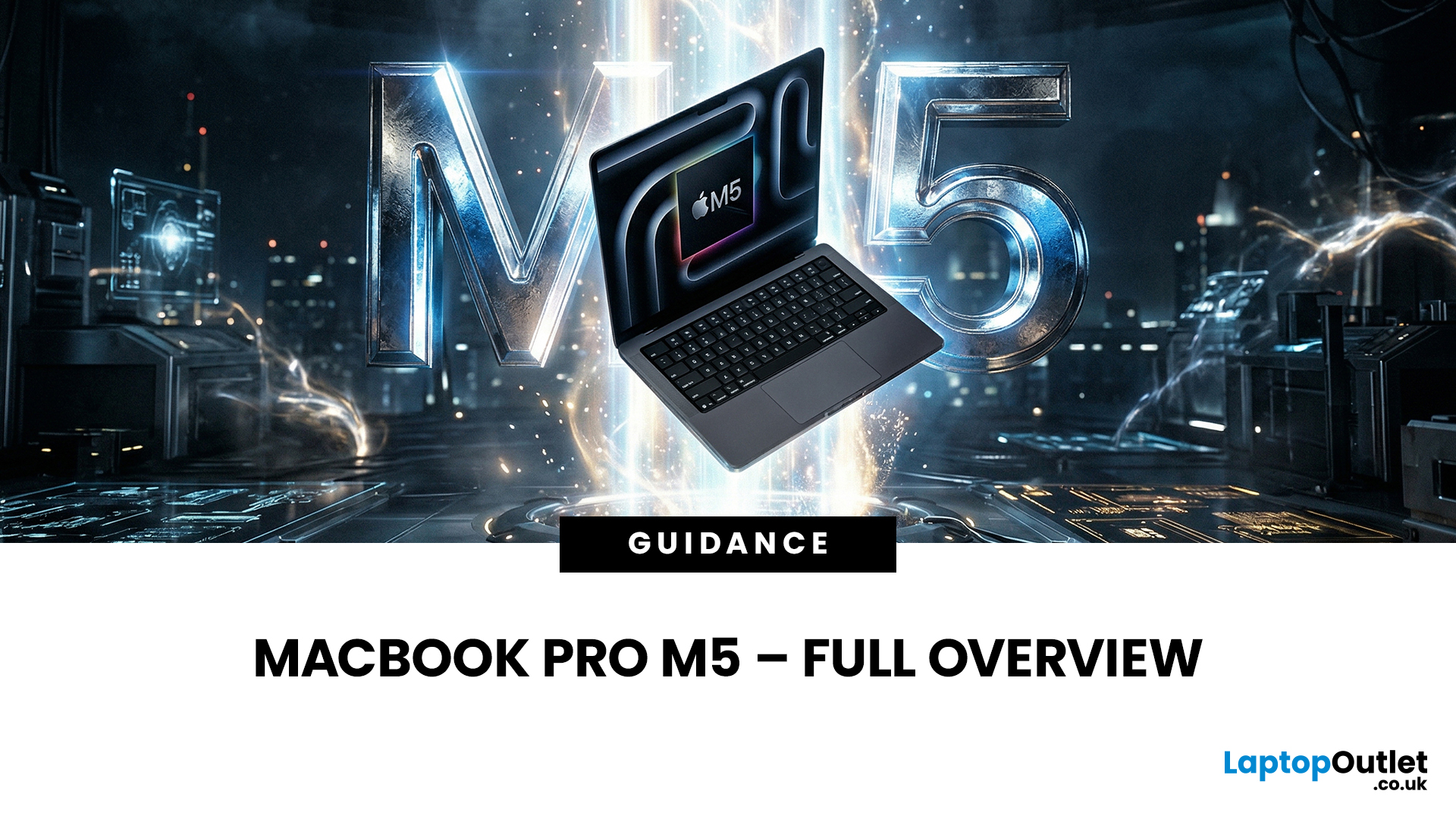
Apple just dropped another powerhouse, and tech lovers everywhere are paying attention. The MacBook Pro with the new M5 chip has officially arrived, and it’s bringing some serious upgrades in performance, AI capabilities, and efficiency. If you’re a creator, developer, student, or someone who simply loves fast and powerful machines, this launch is worth checking out.
Apple’s MacBook Pro M5: What’s the Big Deal?
Apple’s MacBook Pro lineup has already been dominating the laptop space with its custom silicon chips. Starting from the M1, Apple proved that it could build processors that outperform many traditional laptop chips while using less power.
Now, the M5 generation takes things to the next level.
The new MacBook Pro models come powered by M5 Pro and M5 Max chips, which promise faster speeds, stronger graphics performance, and better AI processing compared to previous models. Apple designed these chips to handle demanding tasks like video editing, software development, 3D rendering,
Last Updated: March 09, 2026
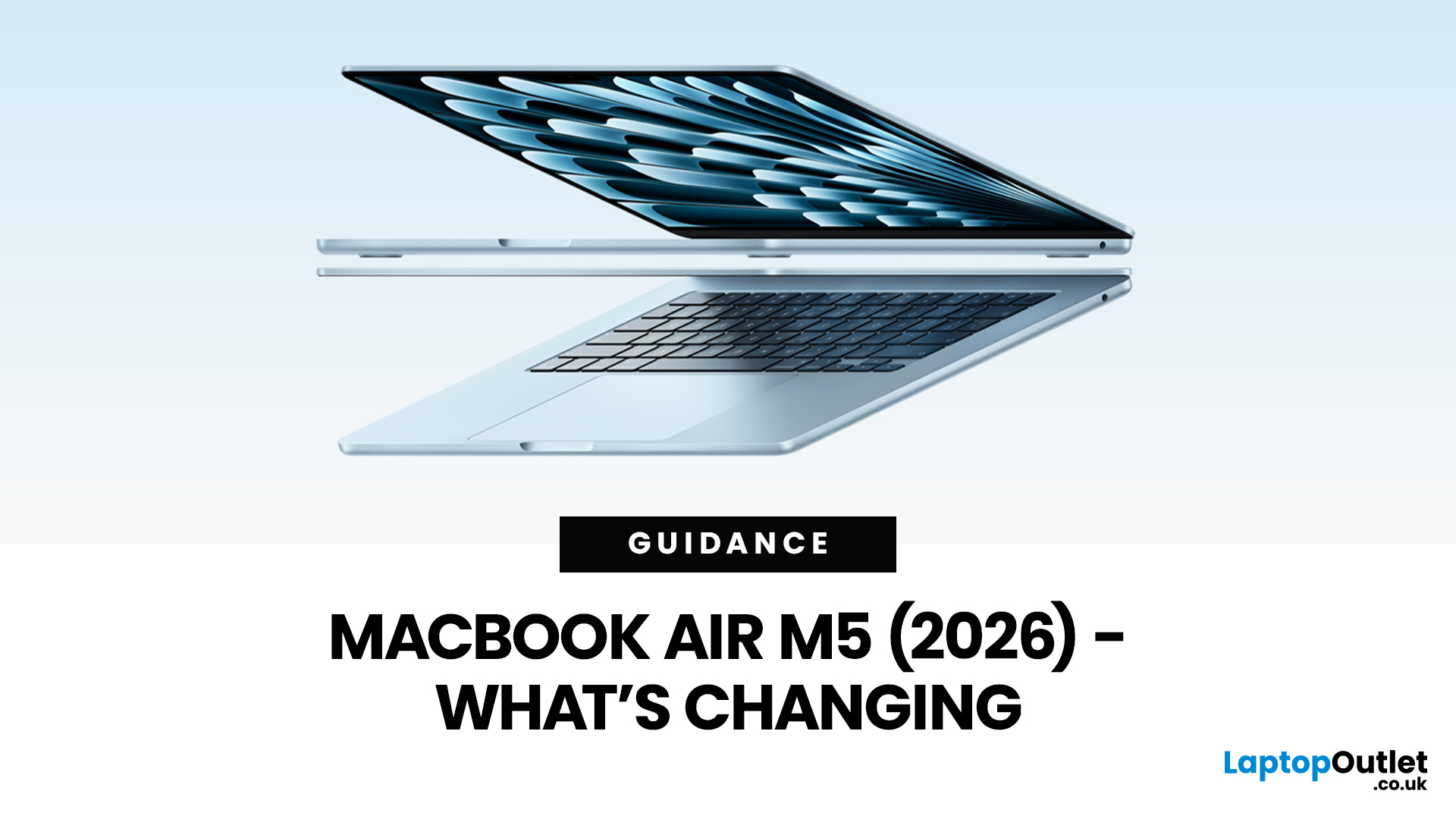
Apple’s MacBook Air refresh for 2026 is official: on 3rd March, 2026, Apple announced the MacBook Air with M5 in 13-inch and 15-inch sizes. The headline isn’t a dramatic redesign, this update is about refining the “already-right” formula: the same thin, fanless aluminium build and the same approachable colour lineup, paired with meaningful under-the-hood upgrades like 512GB base storage, Wi-Fi 7, and a faster SSD.
If your primary focus is MacBook Air M5 design and colours, here’s the most up-to-date, source-backed breakdown of what’s new, what’s unchanged, and how to pick the finish that fits your style (and your tolerance for fingerprints).
MacBook Air M5 design updates at a glance
Apple positions the M5 MacBook Air as a continuation of the current design language: thin, light, durable aluminium, and completely silent because it’s fanless. In other words, no big chassis overhaul this generation.
What’s actually changing in 2026:
- Colours: Apple confirms four finishes: Sky Blue - Midnight

Last Updated: April 03, 2026
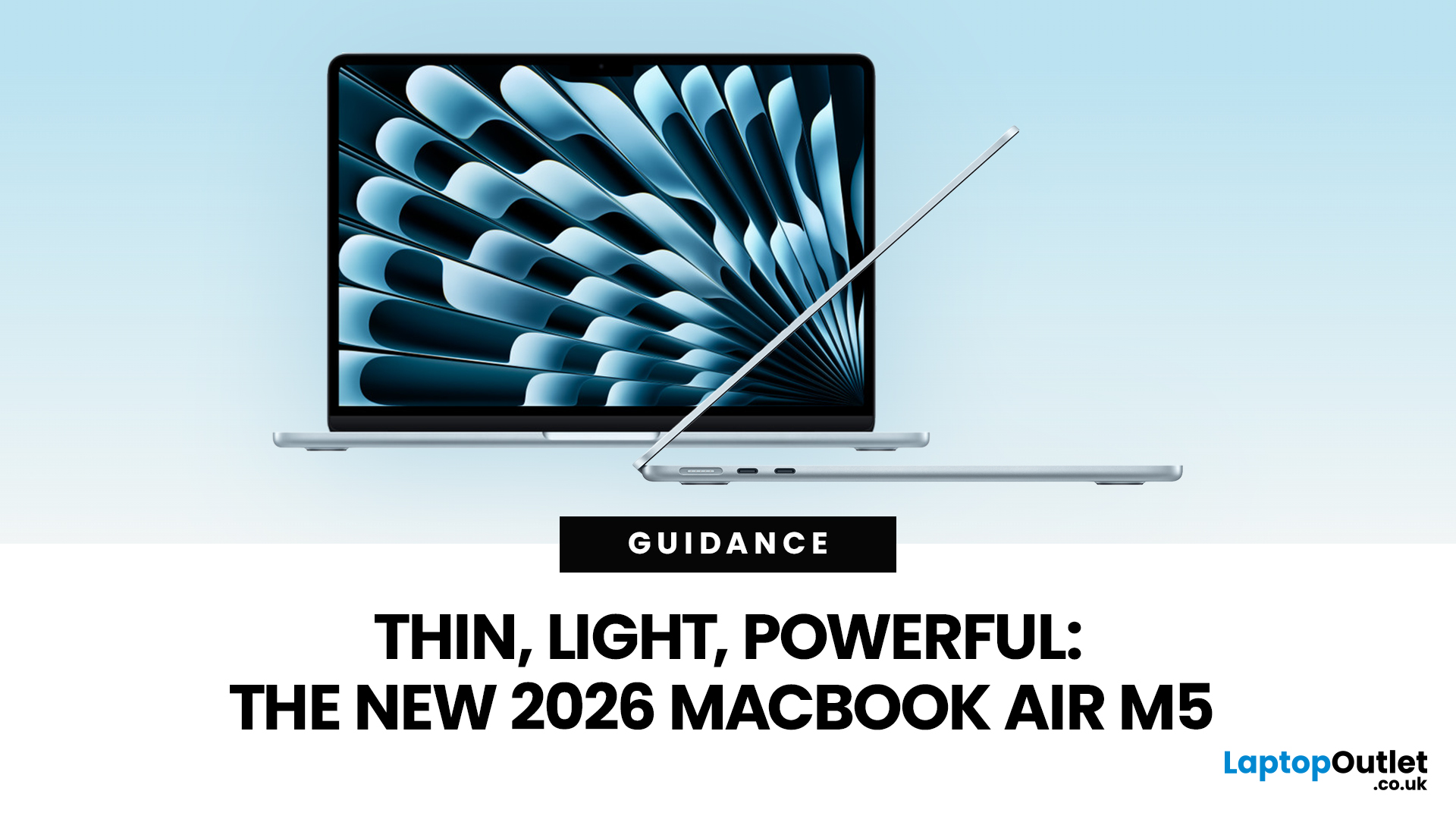
If you’re eyeing the MacBook Air M5 for students (or for your work era), you’re not alone. The MacBook Air is basically the “does-everything-without-being-annoying” laptop, portable, quiet, and powerful enough for most real-life tasks. But the big question is: is it the right buy for you in 2026, or are you about to spend money on features you’ll never use?
What’s New with the MacBook Air M5 in 2026 (Quick Recap)
Without turning this into a specs spreadsheet, here’s what matters in the latest model vibes:
Performance
Think: faster app launches, smoother multitasking, fewer “why is everything lagging?” moments when you have 42 tabs open. For most people, the M5 Air will feel effortlessly quick for years.
Battery + Portability (the Air’s whole personality)
The MacBook Air is built for life on the move, classes, cafes, commutes, and travel days. Expect strong battery performance in real usage and a laptop that doesn’t make your bag feel like a gym session.
Display, Camera, Speakers (the
Last Updated: March 09, 2026
Apple has just announced the MacBook Air M5, and it is one of the most capable versions of the world's most popular laptop yet.
Announced on 3 March 2026, with pre-orders open now and availability from 11 March, the 2026 model brings real, meaningful upgrades. From a faster chip to doubled storage and next-generation wireless connectivity, there is plenty to talk about.
So, what exactly is new with the latest MacBook Air model? Let us walk through everything.
A Familiar Shape, Refined to Perfection
When it comes to MacBook Air design and features, Apple has kept what works. The 2026 model carries forward the same clean, aluminium unibody chassis introduced with the M2 generation back in 2022. It is still fanless, still wedge-free, and still one of the most refined thin and lightweight laptops available in 2026.
Both the 13-inch and 15-inch models remain impressively slim. The 13-inch continues to be the go-to for those who want maximum portability. The 15-inch offers more screen real
Last Updated: March 09, 2026
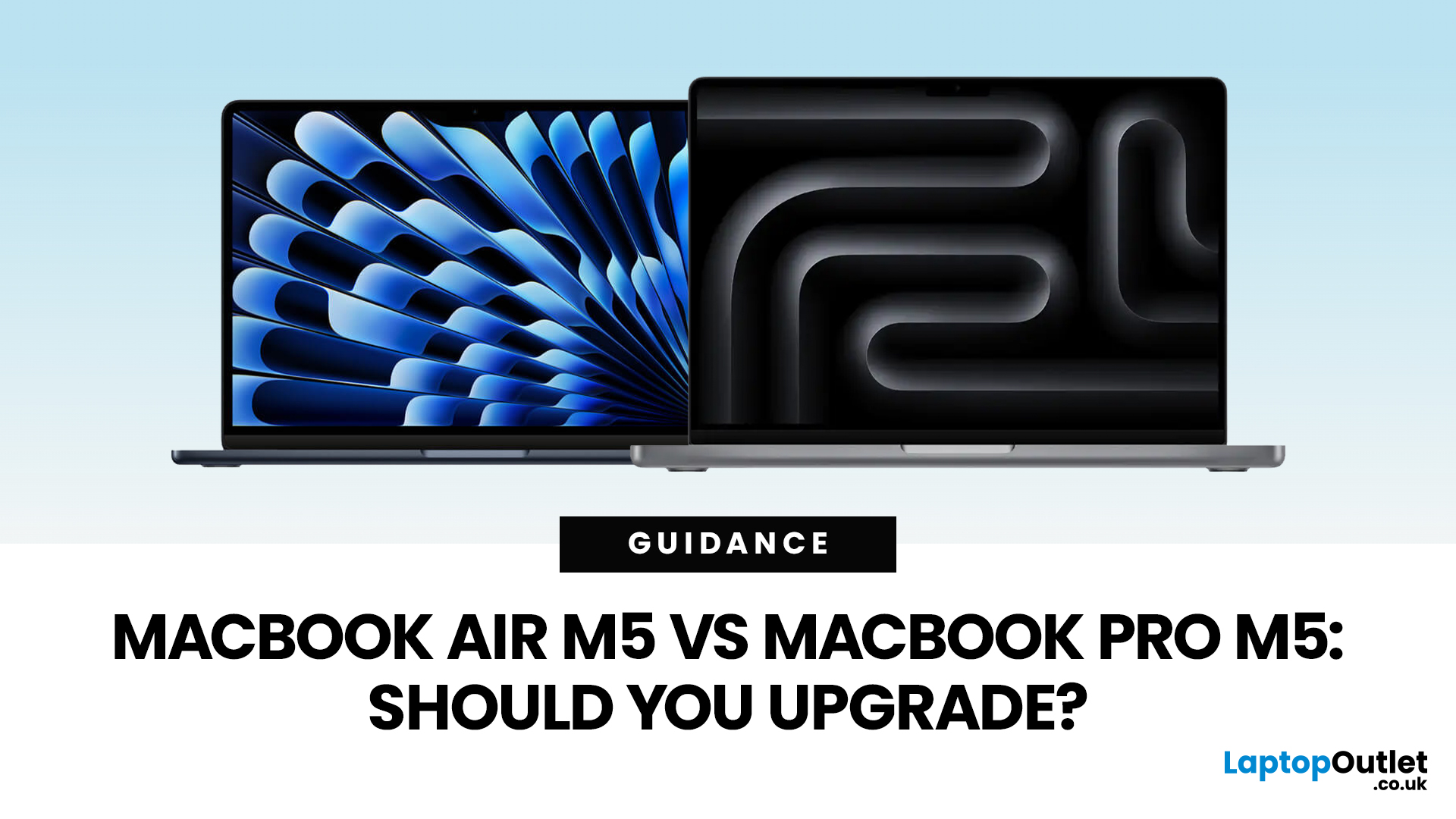
Apple just dropped another round of MacBook upgrades, and the internet is already debating: MacBook Air M5 vs MacBook Pro M5,which one makes sense? If you’re a student, creator, developer, or someone deep in the Apple ecosystem, this decision matters. The M5 generation brings faster AI performance, stronger GPUs, and bigger base storage, but the Air and Pro are designed for very different users.
MacBook Air M5 vs MacBook Pro M5: Quick Overview
Before diving deep, here’s the quick comparison.
| Feature | MacBook Air M5 | MacBook Pro M5 |
| Target user | Students, everyday users | Creators, developers, professionals |
| Chip | M5 | M5 Pro / M5 Max |
| CPU | Up to standard M5 cores | Up to 18-core CPU |
| GPU | Integrated GPU | Up to 40-core GPU |
| Cooling | Fanless | Active cooling |
| Battery | Up to ~18 hours | Up to ~24 hours |
| Base Storage | 512GB | 1TB |
| Price (starting) | ~$1,099 | ~$2,199 |
TheTL;DR:
Air = portability and value.
Pro = raw power.
What’s New in the M5 MacBooks?
Apple’sM5 chip generation focuses heavily on performance and AI workloads.

Last Updated: March 09, 2026
The MacBook Air M5 landed on 3rd March 2026, and it has instantly become the most talked-about laptop of the year. This is the latest MacBook Air model yet, and it delivers upgrades across nearly every single category. Chip performance, display quality, AI features, battery life, storage, wireless connectivity — all of it improved.
This is not just a minor refresh. It is a well-rounded, thoughtfully improved machine that raises the bar for what a thin and light laptop can do in 2026. Let us go through every major feature, so you can decide whether this is the one worth buying.
Apple M5 Chip: A Meaningful Generational Jump
The Apple M5 chip performance is the centrepiece of this entire upgrade. Built on TSMC's third-generation 3-nanometer process, the M5 brings tangible improvements that users will notice from day one.
Here is a clear breakdown of how the M5 compares to the M4:
| Spec | MacBook Air M4 | MacBook Air M5 |
| CPU | 10-core (4P + 6E) | 10-core (4P + 6E), faster per core |
| GPU | Up to 10-core |
Last Updated: March 19, 2026
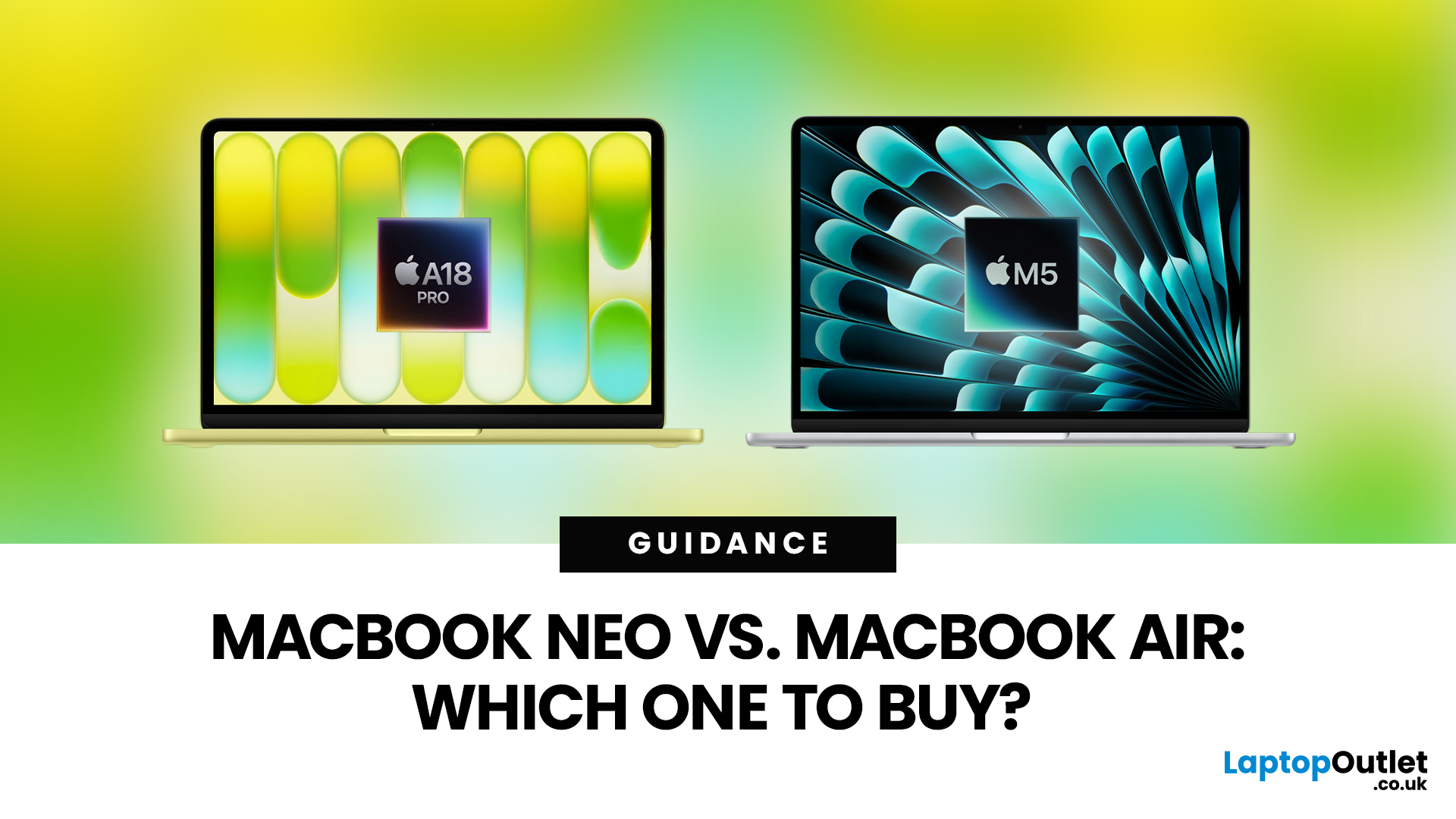
Apple’s 2026 MacBook line-up has a new talking point: MacBook Neo, a genuinely lower-cost Mac designed to bring more people into macOS without asking them to pay MacBook Air money. But the Air hasn’t suddenly become irrelevant. In fact, the newest MacBook Air (M5) is still Apple’s “default” recommendation for most buyers, thanks to stronger performance, more premium extras, and broader long-term headroom.
So, in this MacBook Neo vs MacBook Air guide, we’ll cut through the marketing, look at the real trade-offs (performance, ports, display, battery, and price), and help you choose the right Apple laptop for how you live and work in 2026.
MacBook Neo Overview
The MacBook Neo is Apple’s new entry-level MacBook, positioned below the Air on price. In the UK, Apple lists it from £599. To hit that price, Apple leans on iPhone-class silicon, the Neo is powered by the A18 Pro (the chip family used in iPhone Pro models), paired with 8GB of unified memory and 256GB or 512GB storage.
It also comes
Last Updated: March 09, 2026
Apple has done something it has not done in years. It has built a MacBook that almost anyone can actually afford.
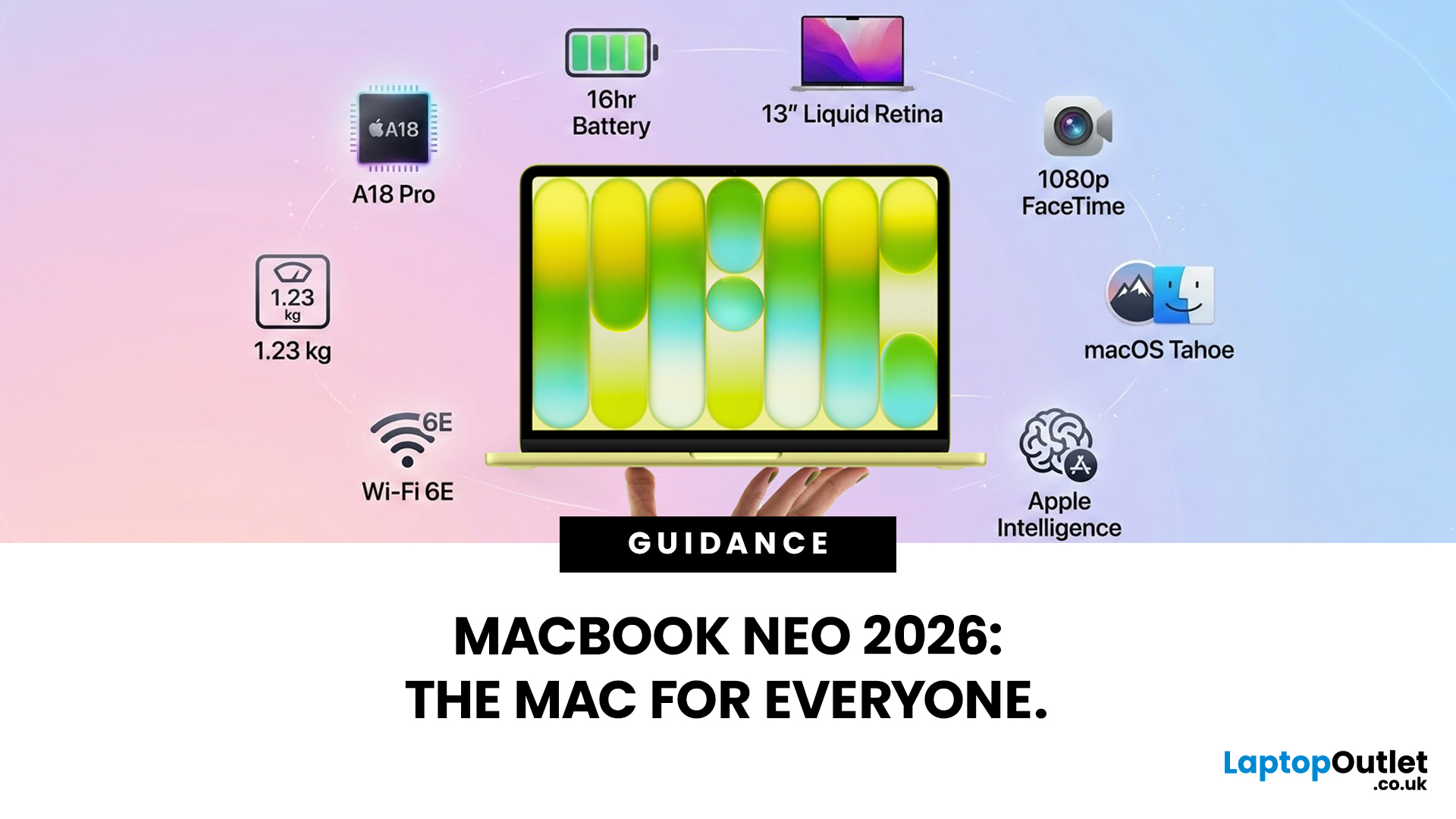
The MacBook Neo 2026 was announced on 4th March 2026 and went on sale from 11th March 2026. Starting at just £599, it is the most affordable Mac laptop Apple has ever made. That is a bold statement. And this time, Apple means it.
So, what exactly is the MacBook Neo, what can it do, and is it worth buying? Let us break it all down.
What Is the MacBook Neo 2026?
The MacBook Neo is Apple's brand new entry-level laptop. It sits below the MacBook Air and MacBook Pro in the lineup. Think of it as a proper Mac for everyone.
For years, the cheapest way into the Mac world was the MacBook Air at £999. That was too steep for many students and first-time buyers. The MacBook Neo changes that. It brings macOS, Apple silicon, and the full Mac experience to people who want a quality laptop without paying a premium price.
It is not a watered-down product. It is simply a smarter, more accessible

