



Optimising Remote Work in the UK: What Research Reveals About Hardware, Ergonomics and Productivity
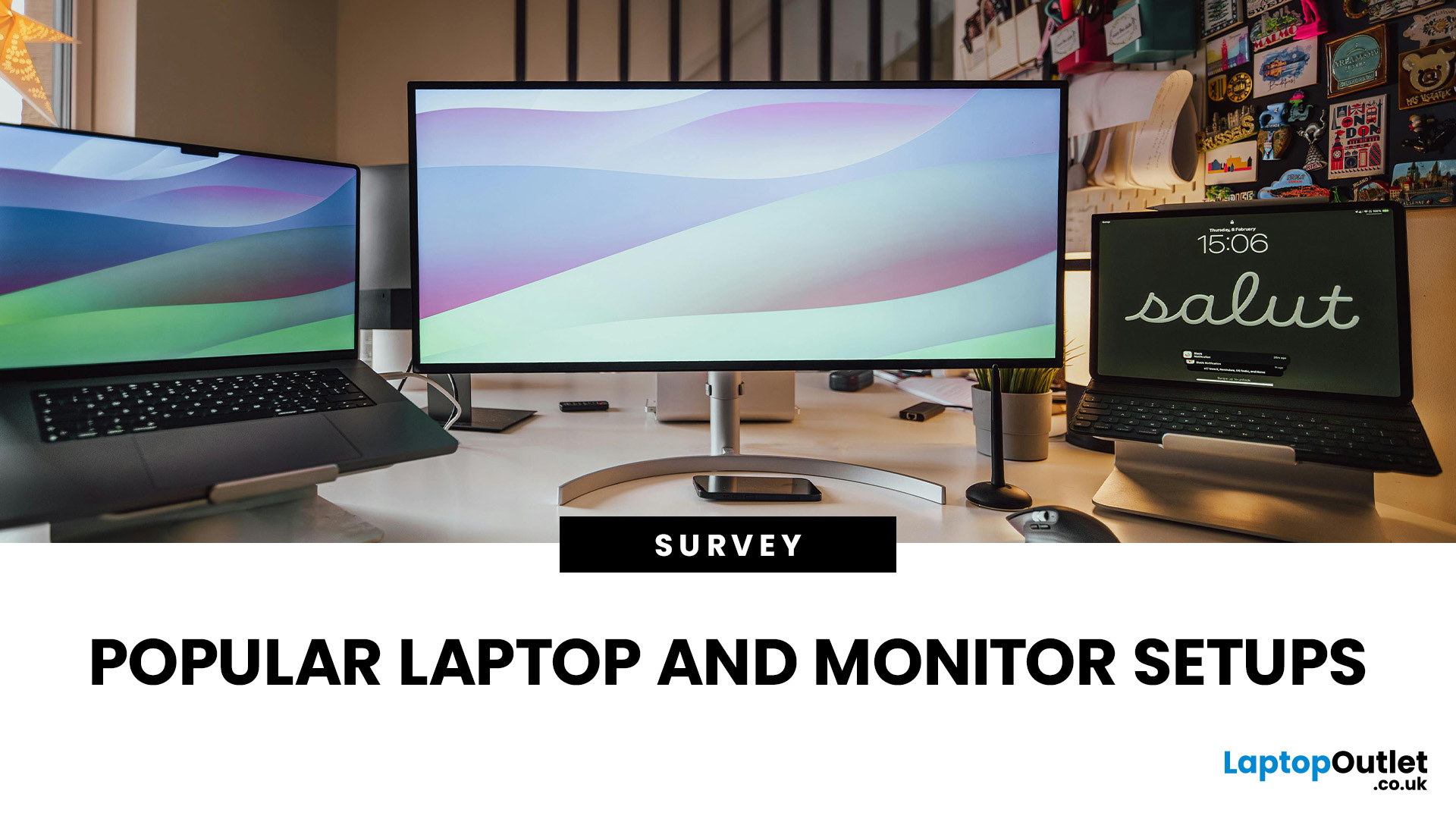
In the years, since hybrid and remote work became widespread across the UK, a crucial question has reshaped how organisations equip their staff: what research reveals about hardware, ergonomics, and productivity? In this survey-style analysis, we will examine UK-specific guidance (HSE, Acas, GOV.UK), peer-reviewed ergonomics & productivity studies, academic findings on posture, dual monitors, and screen design, evidence-based home hardware trends in 2025, to explore what users actually prefer.
Work-From-Home Hardware Shaping Users’ Productivity
Hybrid Work is Now the UK’s Norm
The Office for National Statistics (ONS) reports that hybrid working is most common among professional and managerial occupations, jobs that depend heavily on computer use, document handling, communication platforms and online collaboration.
(ONS, “Who Are The Hybrid Workers?” 2024)
Professionals who rely on digital productivity naturally gravitate toward larger screens, dual monitors, and ergonomic peripherals, shaping the home hardware landscape in 2025.
UK Health & Safety Guidance Strongly Influences Hardware
The Health and Safety Executive (HSE) states explicitly that the Display Screen Equipment (DSE) Regulations apply at home when workers use screens for sustained periods (e.g., 1+ hours at a time).
HSE’s DSE guidance requires:
- screens at eye level
- external keyboards and mice for regular use
- screens positioned at arm’s length
- adjustable seating and neutral posture
(HSE, Working Safely with Display Screen Equipment, 2024)
Socio-Demographic Variations in Hybrid Working Access (2025)
- “According to ONS data from January-March 2025, 28% of working adults in Great Britain were in hybrid working arrangements (ONS, 2025).”
- Workers with a degree or equivalent were 41% likely to hybrid work in that period, compared with 4% among those with no qualifications.
- Among those earning £50,000 or more, 56% were hybrid workers; compared with 26% for those earning under £20,000.
- Disabled workers: only 24% were hybrid workers, compared with 29% of non-disabled workers.
- From the ONS dataset “Home working by region and month, UK, April 2017 to March 2025” there is updated data showing proportions of workers who usually work from home, by region and month (up to March 2025).
- From the ONS dataset “Public opinions and social trends, Great Britain: working arrangements …” (released 14 November 2025), there are updated figures regarding working-from-home exclusively in July 2025.
These statistics provide context for “how many professionals are working at home / hybrid”, which supports the relevance of our hardware study. The data doesn’t directly tell us monitor or laptop hardware usage.
- In the systematic review by, ‘Does Using Multiple Computer Monitors for Office Tasks Affect User Health and Performance Outcomes?’ (De Carvalho et al., 2019), 18 studies were reviewed and there was moderate evidence that multiple-monitor configurations may increase task efficiency and reduce desktop interaction.
- In the empirical study Use and Perceptions of Multi‑Monitor Workstations: A Natural Experiment (Amir et al., 2021) with 101 practitioners, 19 % of respondents reported adding a monitor to their home setup when working from home due to COVID-19.
Actual Hardware Choices: An Academic Research
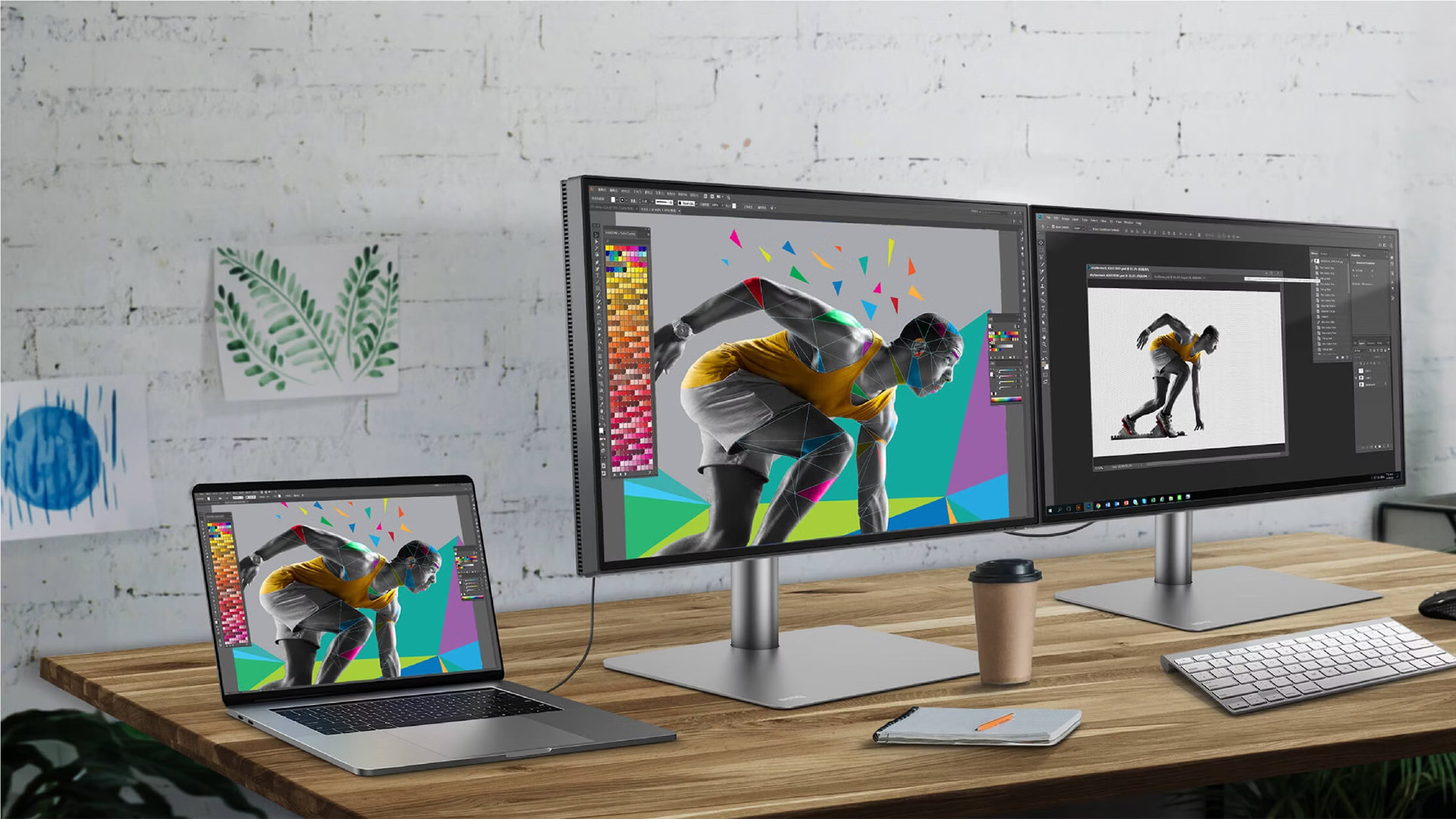
The following peer-reviewed studies have directly influenced modern home-office design and the hardware professionals choose.
Multi-Monitor Productivity Impact on Work
One of the most influential studies remains:
The Effect of Display Size on Performance. Microsoft Research.
Czerwinski, M., Smith, G., & Robertson, G. (2003).
The researchers found that:
- Multi-monitor setups improved productivity by 9–50% depending on task type.
- Participants made fewer errors.
- Larger displays significantly reduced “mental workload.”
Later research confirms the same pattern:
Shupp, L., et al. (2006). Evaluating Wide vs. Narrow Field of View Displays with Multi-Display Configurations. Proceedings of Graphics Interface.
They conclude wide and multi-monitor layouts:
- reduce task switching costs
- improve user satisfaction
- support complex knowledge work
This is why dual monitors are common among UK analysts, developers, designers and project managers.
Ergonomics & Posture for Remote Users
A major review published in Applied Ergonomics found:
Computer User Posture and Health Outcomes: A Systematic Review. Applied Ergonomics.
Gerr, F., Marcus, M., & Monteilh, C. (2004).
Key findings include:
- Laptop-only use consistently creates forward neck flexion, increasing muscle load.
- External monitors significantly improve spinal alignment.
- Ergonomic keyboards and adjustable seating reduce musculoskeletal strain.
Another influential study:
Children Using Laptops: Ergonomic and Postural Concerns. Ergonomics.
Straker, L., Pollock, C., & Maslen, B. (2009).
Though focused on children, the findings apply directly to adults:
- Laptop-only setups induce highly non-neutral postures.
- Devices should be separated (screen raised, external keyboard used).
This evidence aligns fully with HSE guidance, external screens are not a “nice-to-have,” they are critical to preventing injury.
Visual & Cognitive Fatigue in Remote Users
A modern remote-work review:
THE INFLUENCE OF FATIGUE ON SUBJECTIVE USABILITY OF DIGITAL PRODUCTS
(Panakaduwa, Chamara, et al, 2024)
This explains why UK professionals increasingly use external monitors for long-term remote work.
Findings include:
- Workers reported higher levels of headaches, eye strain and difficulty concentrating.
- Fatigue was strongly associated with stress and tension, especially during days with many meetings.
- Blurring of home/work boundaries made it harder for participants to switch off, increasing overall exhaustion.
- Larger displays reduce eye strain and increase efficiency
What UK Work from Home Professionals Actually Use in 2025
Drawing on workplace surveys, HSE compliance patterns and academic evidence, we can outline the four dominant home-office setups used in the UK today.
Setup 1: The Basic Corporate Laptop (Least Common in 2025)
This setup is increasingly rare and discouraged in UK companies.
Used by:
- occasional home workers
- interns
- those with ad-hoc home days
Problems (supported by ergonomic research):
- induces neck flexion (Gerr et al., 2004)
- limits productivity due to small display (Czerwinski et al., 2003)
- fails multiple HSE DSE recommendations
Setup 2: Laptop + 24–27″ External Monitor (Most Common)
This is the standard 2025 home-office configuration, most widely reimbursed configuration under UK employer policies.
Typical components:
- 13–15″ laptop
- 24″ or 27″ height-adjustable monitor
- external keyboard & mouse
- laptop riser
- office-grade chairWhy this setup dominates:
- Meets HSE requirements for posture
- Maximises real-world productivity
- Reduces errors and fatigue (Panakaduwa, Chamara, et al, 2024)
Setup 3: Dual Monitors or Large 27–32″ Displays (High-Performance Setup)
This setup is becoming increasingly common for senior or technical roles.
Used by:
- analysts
- designers
- developers
- consultants
- project managers
Benefits supported by research:
- faster task switching
- reduced mental effort
- better multitasking
- improved posture when positioned correctly
Setup 4: Ultra-Wide or Curved Displays (Emerging Trend)
Growing among creative and data-intensive professionals.
Academic research (Shupp et al., 2006) suggests wide field-of-view displays:
- reduce display fragmentation
- provide smoother peripheral visibility
- improve spatial organisation of information
Many users report reduced eye strain and more immersive workspace layouts.
Hardware Longevity & Performance: Key Takeaways
Laptops
Typical corporate lifecycle: 4–5 years
Monitors
Panel longevity: 5–7 years
Higher for IPS panels commonly used in work setups.
Ergonomic Accessories
Often last: 7–10 years
Academic studies on equipment lifespan (various lifecycle assessments in ICT research) confirm that monitors and peripherals last far longer than laptops.
Implications for UK Remote Workers & Organisations

For Employees
- Use external monitors wherever possible
- Raise screens to eye level
- Position keyboards to maintain neutral wrist posture
- Ensure screens are one arm’s length away (HSE guidance)
- Invest in adjustable chairs (supported by ergonomic research)
For Employers
- Provide DSE assessments for home workers
- Fund or subsidise external monitors
- Offer approved hardware lists
- Align ICT procurement with ergonomic research
- Provide education to reduce musculoskeletal risk
For Universities & Public-Sector Organisations
- Educate young professionals on sustainable workstation habits
- Provide ergonomic resources for remote staff
- Use research-backed hardware selection criteria
Gaps in the Current Knowledge Remote Work Landscape
While UK guidance and academic research provide strong insights, gaps remain:
- No large-scale longitudinal UK study on home worker hardware
- Limited ergonomic research on hybrid vs. fully remote workers
- Insufficient sector-level data on monitor usage patterns
- Need for UK-specific research linking productivity to hardware setups
There is a clear opportunity for universities, employers, and government bodies to collaborate on deeper hardware usage studies.

Wrapping Up
Based on UK government guidance and peer-reviewed academic research, the work from home hardware landscape in 2025 is defined by:
- Laptop-only setups (declining)
- Laptop + 24–27″ monitor (dominant choice)
- Dual or large monitors (growing rapidly)
- Ultra-wide displays (emerging professional preference)
Research consistently shows that larger or multi-monitor setups:
- improve productivity
- reduce fatigue
- support safer posture
- align with HSE DSE requirements
Professionals who invest in properly designed home setups benefit from improved well-being, reduced strain, and enhanced task performance. As the UK's hybrid work culture continues to evolve, evidence-based hardware choices will remain essential, not just for productivity, but for long-term health.
Related Articles

Last Updated: August 21, 2026
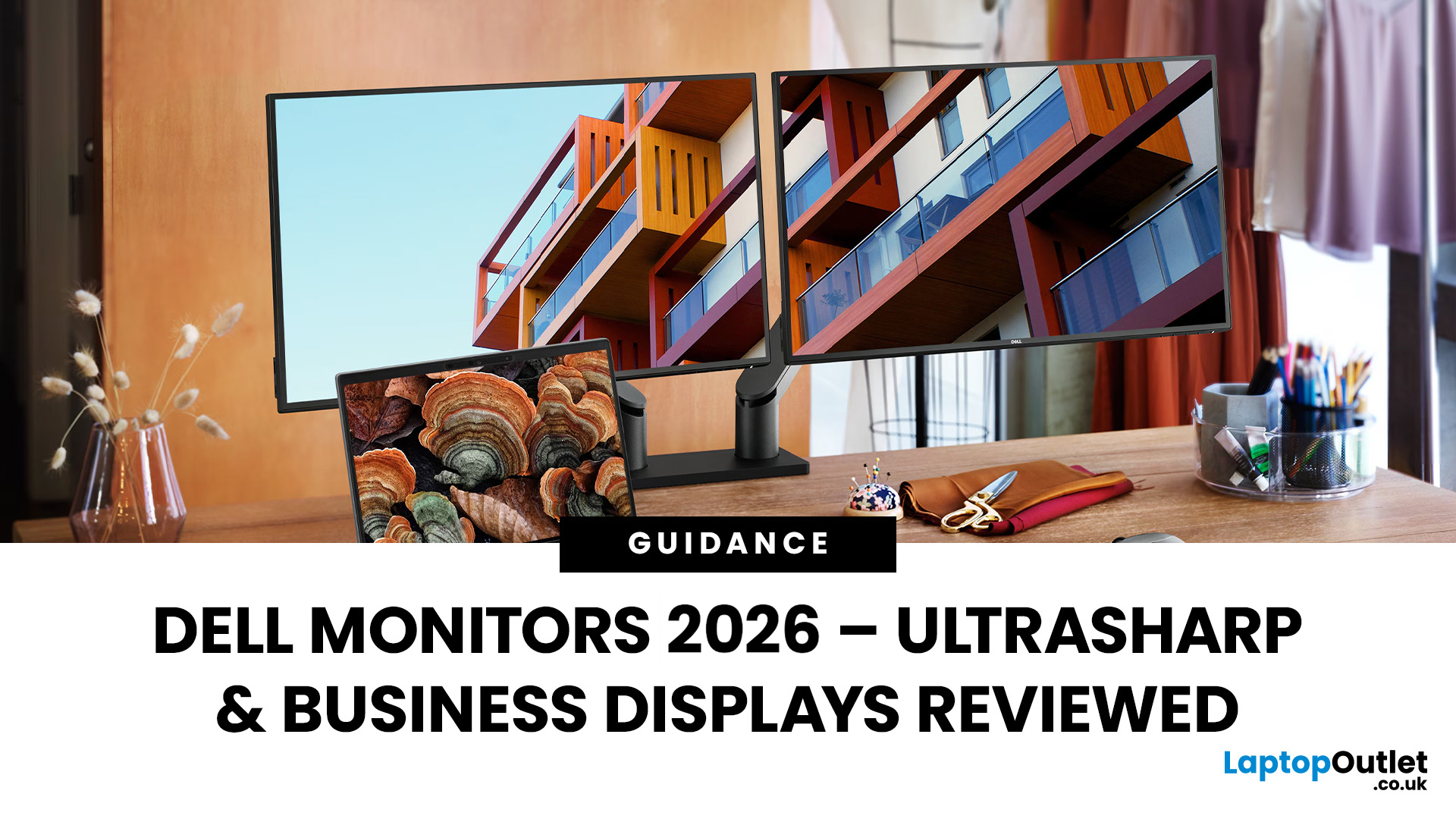
Dell UltraSharp business monitors are the strongest choice for colour-sensitive work, complex multitasking and premium USB-C or Thunderbolt setups. Dell Pro Plus models suit most office and hybrid workers, while Dell Pro displays cover essential everyday tasks at a lower cost. In 2026, choose by resolution, connectivity, ergonomics and workload, not by screen size, series name or headline price alone.
Read the complete guide for a deep dive into the world of Dell UltraSharp monitors and their broader Dell office and productivity ranges.
Which Dell Monitor Range Should You Choose?
Dell's business monitor range now covers several distinct needs. UltraSharp sits at the premium end, Dell Pro Plus focuses on productive office features and Dell Pro covers essential workplace requirements. Dell Plus serves broader home and mixed-use setups, while Alienware remains the gaming-focused family.
| Your Main Requirement | Best Starting Point | Features to Prioritise |
| Everyday admin, email and web work | Dell |
Last Updated: August 25, 2026
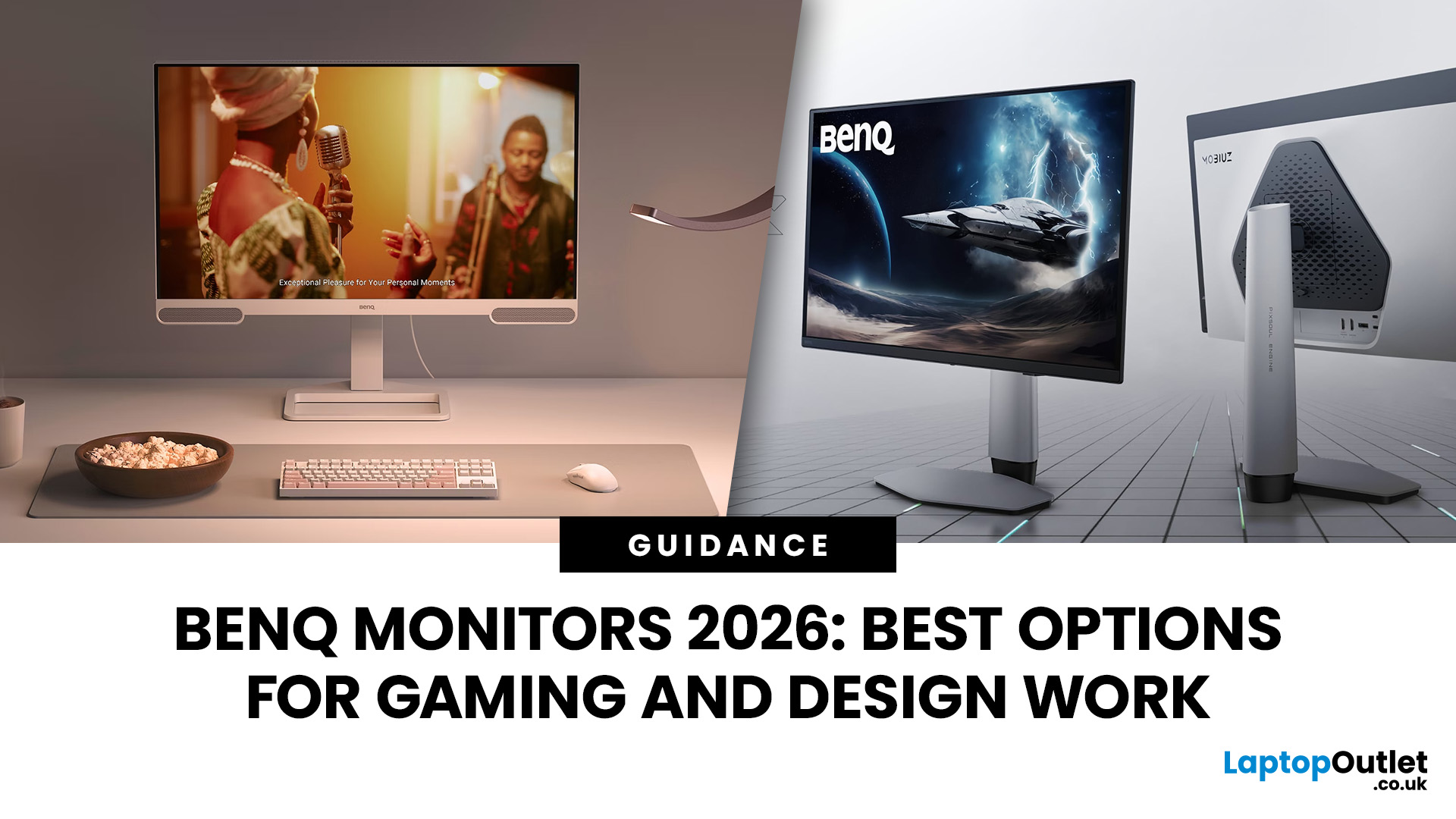
In 2026, BenQ screens for gaming and design stand out as some of the most versatile displays available, combining advanced technology, eye-care features, and excellent build quality. From BenQ gaming monitors designed for esports and AAA titles to BenQ design monitors aimed at creative professionals, the BenQ monitor lineup covers every need. This blog highlights the best BenQ monitors you can buy at Laptop Outlet, with a breakdown of their features, benefits, and why they’re trusted worldwide.
Why Choose BenQ Monitors in 2026?
Before diving into specific models, let’s explore why BenQ remains a top choice for professionals and gamers.
Innovation Across Categories
For competitive players, BenQ gaming monitors now feature refresh rates up to 240Hz, 1ms response times, and adaptive sync technologies like AMD FreeSync Premium and NVIDIA G-Sync compatibility. On the other hand, its design monitors offer factory-calibrated colour accuracy, HDR10 support, and wide gamut coverage (sRGB, AdobeRGB,
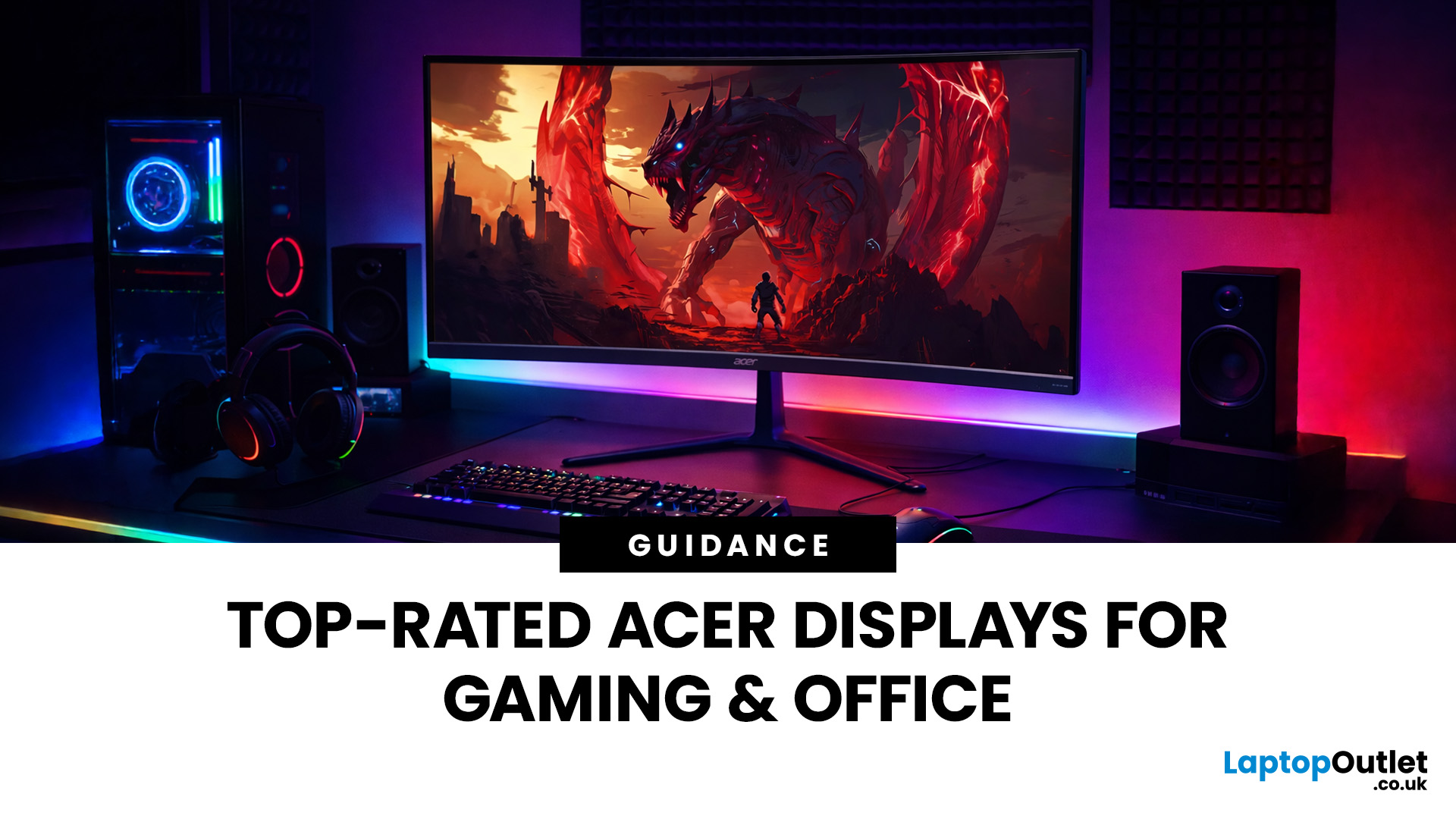
Last Updated: September 03, 2026
A good monitor changes everything. It makes your gaming sessions sharper, your workday less draining, and your screen time far more enjoyable. The trouble is, decent monitors can be pricey — and not everyone wants to overspend just to get a clear picture.
That is where Acer comes in.
Acer has become one of the most trusted names in affordable display technology. Whether you are gaming late into the night or working through spreadsheets from home, there is an Acer monitor for your lifestyle and your budget. In 2026, their range spans from compact 21.5-inch office panels to sprawling 34-inch ultrawide gaming screens.
This guide covers the best Acer monitors currently available at Laptop Outlet, split into gaming and office categories, so you can find the right display without overthinking it.
Best Acer Gaming Monitors in 2026
A gaming monitor is a display built to keep up with fast-paced gameplay. Unlike standard screens designed for everyday tasks, gaming monitors prioritise speed, smoothness,
Last Updated: August 24, 2026
Getting a better monitor does not necessarily mean buying the most expensive screen or chasing the biggest specifications. The better approach is finding the features that improve what you actually do, whether that means clearer documents, more workspace, smoother gaming or a more comfortable everyday setup.
That is where KOORUI monitors offer plenty of choice. The range stretches from straightforward everyday displays to faster, higher-resolution and more advanced options. This guide breaks down what you get, where the value lies and what to consider before spending your money.
What Are KOORUI Monitors and Who Makes Them?
KOORUI is a display and consumer-electronics brand established in 2021 under HKC Group, a company involved in display-panel manufacturing and semiconductor display technology. The relationship gives KOORUI access to an established display supply chain while the consumer brand itself remains comparatively young.
For buyers, the important point is that KOORUI is not one

Last Updated: August 04, 2026
Choosing the right monitor makes a real difference. Whether you're gaming at high frame rates, editing photos, or managing spreadsheets all day, the display in front of you shapes your entire experience.
ASUS has become one of the most trusted monitor brands in the UK — and for good reason. Their line-up covers everything from portable office screens to ultrawide gaming monitors and colour-accurate displays for creative work.
In this guide, we've broken down the best ASUS monitors for 2026 by use case, so you can find exactly what you need, fast.
Best ASUS Monitors for Office Workers
Office monitors need to be reliable, comfortable, and practical. ASUS's business and ZenScreen ranges tick every box, offering everything from portable displays to large 4K screens designed for long working days.
1. ASUS ZenScreen Go MB16AHP — Best Portable Office Monitor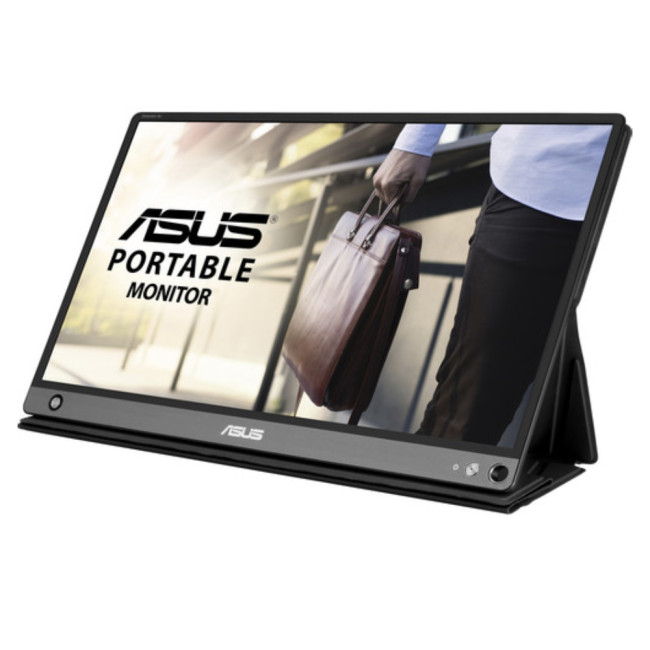
- Screen Size: 15.6"
- Panel Type: IPS
- Resolution: 1920 x 1080 (Full HD)
- Refresh Rate: 60 Hz
- Response Time: 5 ms
- Brightness: 220
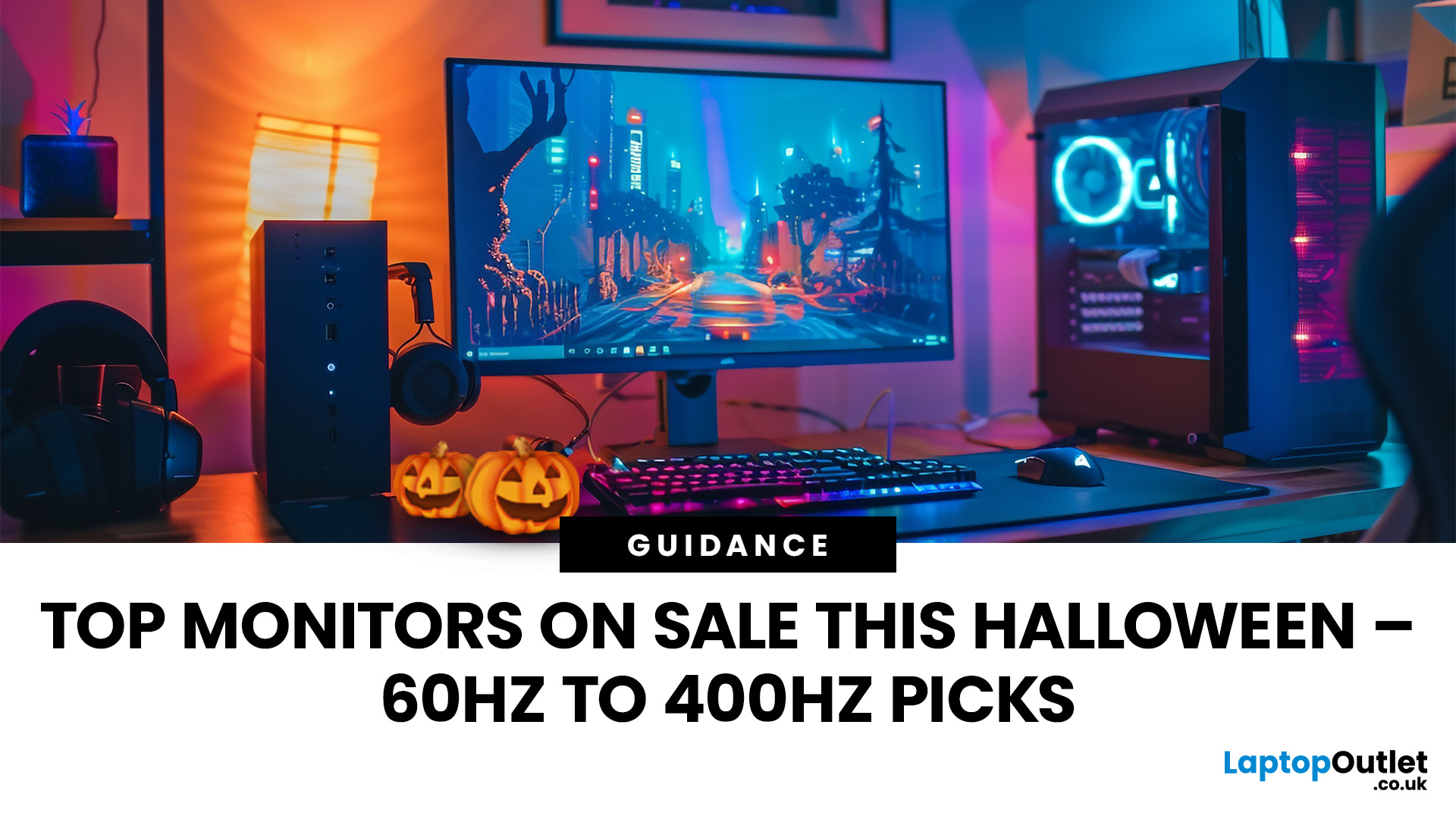
Last Updated: October 16, 2026
A better monitor can make a noticeable difference to your daily setup, whether you're working across several windows, editing detailed images or playing fast-paced games. With Halloween monitor deals available this October, there's an opportunity to upgrade your screen while spending less.
We've selected 12 brand-new monitors on sale, featuring ASUS, LG, Philips, AOC, Samsung, Acer and MSI. From compact 15.6-inch portable displays to expansive 49-inch ultrawides, our selection covers Full HD, QHD and 4K resolutions, with refresh rates ranging from 60Hz to 400Hz.
Below, we break down what each monitor offers, who it's best suited for and how much you could save, helping you find the right upgrade for your needs.
1. ASUS ZenScreen MB166C – 15.6-inch 60Hz Portable Monitor
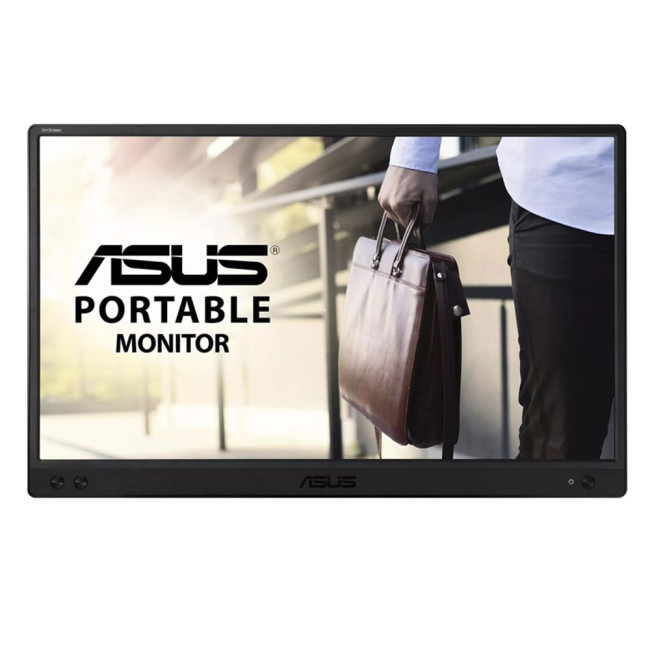
- Display: 15.6-inch IPS, Full HD (1920 × 1080)
- Refresh rate: 60Hz, 5ms response time
- Connectivity: USB-C
- Price:
£119£94 | Save £25
The ASUS ZenScreen MB166C adds a second workspace beside your laptop without needing
Last Updated: August 25, 2026
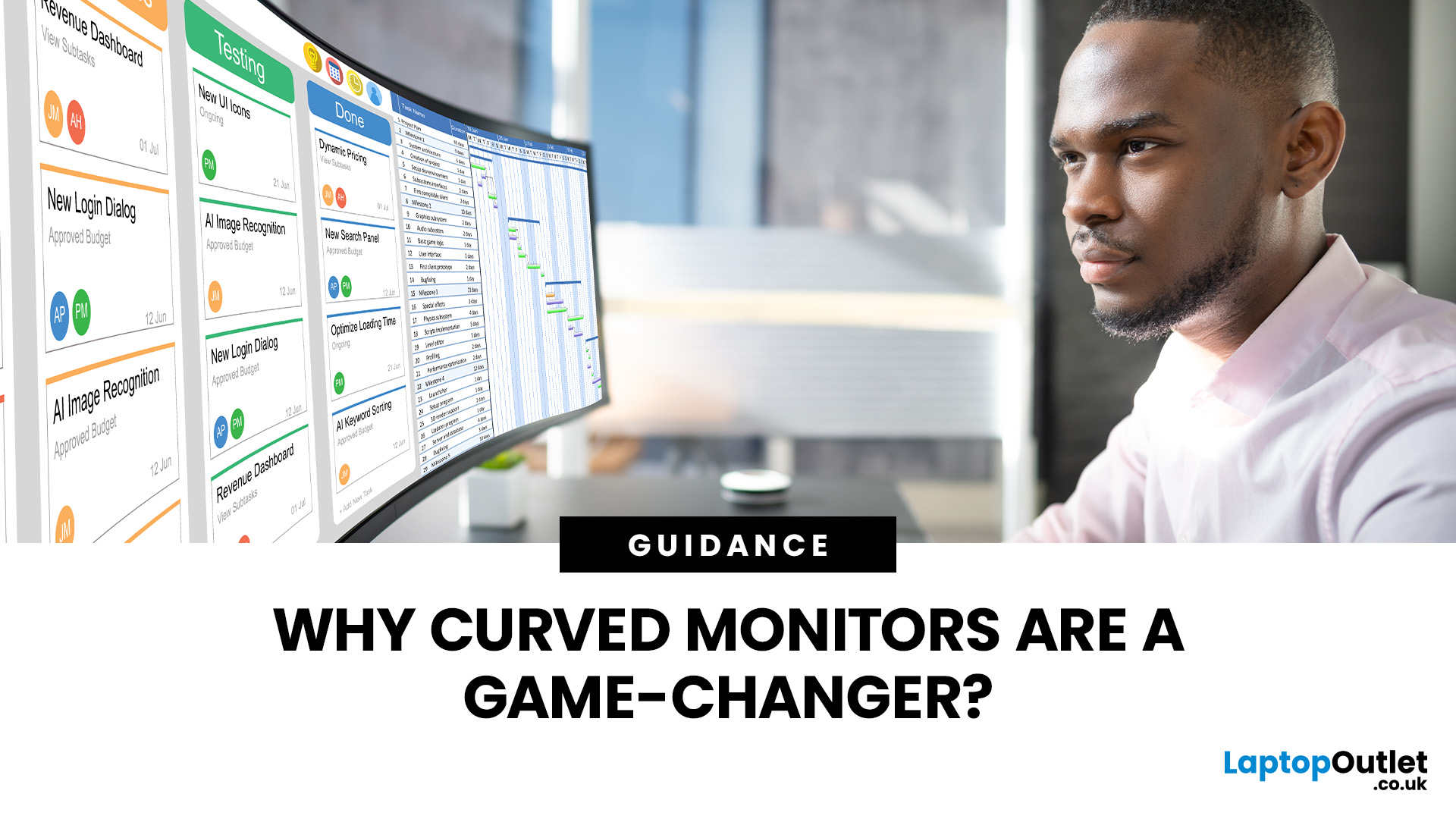
A bigger monitor gives you more room to work, watch and play, but wider flat screens can place their outer edges noticeably farther from your natural viewing position. Curved monitors address this by bringing those edges towards you, creating a more cohesive view across the screen.
That difference is useful far beyond gaming. From managing multiple work windows to editing timelines, watching films or creating a more immersive setup, the right curved monitor can make a large display feel easier and more engaging to use.
What Makes a Curved Monitor Different?
Curved computer displays change the relationship between your eyes and a wide screen. Instead of stretching straight across the desk, the edges angle gently towards your viewing position.
Monitor curvature is measured using figures such as 1000R, 1500R and 1800R. The number represents the radius of the curve in millimetres, with a lower number indicating a tighter, more pronounced curve.
| Curvature | How It Feels | Often Suited To |
| 800R-1000R |
Last Updated: May 06, 2026
Buying a certified refurbished monitor can feel like discovering a hidden gem. You get the same premium performance as a brand-new product, but at a fraction of the price. Still, many shoppers wonder, “How do I know it’s really been tested and certified properly?”
At Laptop Outlet, we believe that refurbished does not mean second-best. Our refurbished monitors are carefully tested, restored, and certified to deliver the same level of reliability, performance, and visual quality you would expect from a new device.
Here is a closer look at how our refurbished monitor testing process works, how each unit is certified, and what that certification means for you.
What are Refurbished Monitors?
Refurbished monitors are not “used” in the everyday sense. They’re often returns, display models, or items that have been opened but never actually used. Some may have had minor cosmetic imperfections or packaging damage, while others might simply be surplus stock.
Before these monitors reach our customers,

Published: November 19, 2025
Display technology has come a long way, from bulky CRTs to razor-thin, high-definition screens. In today’s tech landscape, two contenders are leading the race for the future of visual excellence: Mini-LED and OLED monitors. Both offer stunning image quality and advanced engineering, but each has unique strengths that make it better suited for specific users and use cases.
Understanding the Display Technology
Before comparing performance, it’s important to understand how each display type works.
What is OLED?
OLED (Organic Light Emitting Diode) technology uses pixels that emit their own light. Each pixel can turn on or off independently, producing perfect blacks and infinite contrast. Because there’s no backlight, OLED displays are thin, power-efficient (for darker content), and capable of exceptional colour accuracy.
What is Mini-LED?
Mini-LED (Mini Light Emitting Diode) is an evolution of traditional LED-backlit LCD screens. Instead of a few large LEDs behind the panel, Mini-LED displays
Last Updated: August 24, 2026
Choosing between dual-mode and standard gaming monitors is becoming a key decision for gamers seeking better speed, visuals, and flexibility. As display technology advances, players now expect sharper colour, higher refresh rates, smoother motion, and features that adapt to different gaming styles.
Dual-mode monitors add a new option by offering two performance profiles in one screen, while standard gaming monitors remain popular for their simplicity and value. So, which is right for you? This guide compares their features, performance, benefits, and real-world uses to help you choose confidently, whether you play competitive shooters or immersive story-driven games at home.
Understanding the Basics: What are Dual Mode Gaming Monitors?
Dual mode gaming monitors are a relatively new category that provide two optimised display profiles within the same screen. These modes usually include:
1. A High-Resolution Mode
This mode might support 4K displays for gamers, or QHD resolution, higher brightness,

