



Best Work From Home Webcams for Video Calls in 2026
The best work from home webcam in 2026 depends on how you use video calls. For premium business conferencing, the Poly Video Room Kit is a strong overall choice. For everyday Zoom meetings, the ViewSonic UMB202 Conferencing Camera is a practical pick, while the Logitech C925e Webcam is ideal for Teams and hybrid work. Streamers and content creators should consider the ASUS ROG Eye S Webcam for smooth Full HD video and AI-powered noise-cancelling microphones.
Working from home now demands clear video, sharp audio and a professional setup for Zoom, Teams, interviews and client calls. Choosing one of the best webcams UK 2026 buyers can get helps you look clearer, sound better and upgrade your home office. This guide compares top webcams for video calls, remote work, streaming and everyday meetings.
Quick Picks: Best Webcams for Working From Home in 2026
|
Category |
Best Webcam Pick |
Best For |
|
Best overall work from home webcam |
Poly Video Room Kit |
Premium business conferencing |
|
Best webcam for Zoom meetings |
ViewSonic UMB202 Conferencing Camera |
Everyday video meetings |
|
Best premium conferencing webcam |
BenQ DVY23 Video Conference Webcam |
Professional presentations and conferencing |
|
Best webcam for Teams |
Logitech C925e Webcam |
Microsoft Teams and hybrid work |
|
Best webcam for streaming |
ASUS ROG Eye S Webcam |
Streamers and content creators |
Why Upgrade Your Laptop Webcam?
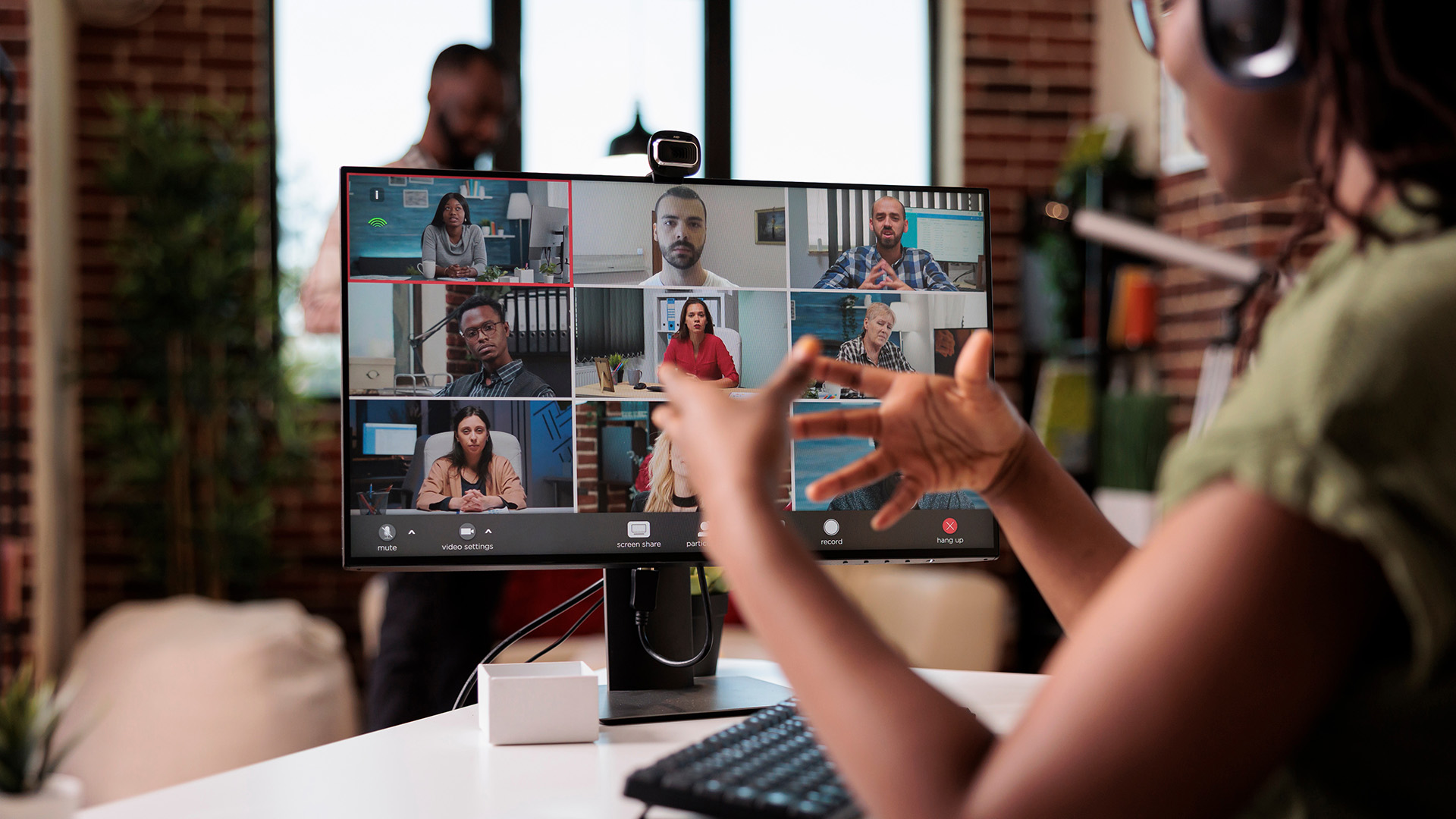
Most laptops include a built-in webcam, but many still struggle with poor lighting, soft detail, weak microphones and awkward angles. A dedicated webcam for laptop users usually gives you better image quality, a wider field of view and more control over how you appear on screen.
External web cams are especially useful if you:
- Work from home several days a week
- Attend frequent Zoom or Teams meetings
- Use a monitor instead of only a laptop screen
- Need better low-light performance
- Record training videos, webinars or presentations
- Want a more professional setup for interviews or client calls
A high quality webcam also helps you position the camera at eye level, which looks more natural than looking down at a laptop camera.
For the best results, pair your webcam with reliable home networking accessories, especially if your video calls often freeze, blur or drop.
For a cleaner home office setup, it is also worth choosing the right laptop accessories, such as a monitor, keyboard, mouse and docking station, so your webcam sits at the right height for calls.
1. Poly Video Room Kit-Best Overall Work from Home Webcam
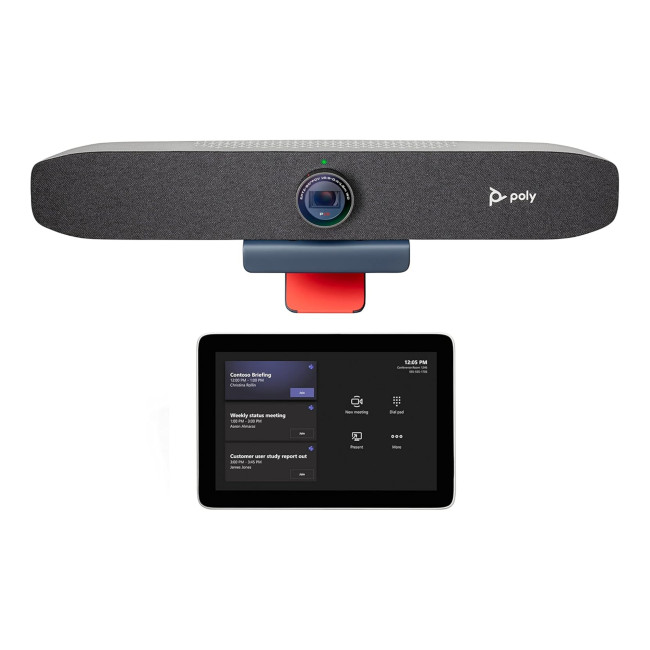
Highlights:
- 8" Touchscreen Console | Video Bar
- 3-microphone array - integrated
- Motion sensor | LED backlight | 1280 x 800 resolution
- 1 x fibre optic USB cable - 10 m | 1 x USB type A to micro-USB type B cable - 1.8 m | 1 x mini HDMI-HDMI cable - 90 cm
- Black Colour
The Poly Video Room Kit is a premium conferencing solution designed for professional video meetings, hybrid work and business collaboration. It is a strong choice for users who want a more complete video conferencing setup rather than a basic webcam.
It is built for smooth communication in meeting rooms, home offices and hybrid workspaces, making it ideal for professionals who need dependable video and audio performance during important calls.
Why it is great for remote work
The Poly Video Room Kit is ideal for people who spend a lot of time on video calls. Its business-focused design makes it suitable for Zoom meetings, Microsoft Teams calls, client presentations and collaborative sessions.
It is also a good option if you use a desktop monitor with a laptop docking setup, because it can help create a cleaner and more professional conferencing environment.
|
Best for Professionals, managers, hybrid workers, consultants, executives and anyone who wants one of the best webcams for video calls in a premium home office or business setup. |
2. ViewSonic UMB202 Conferencing Camera-Best Webcam for Zoom Meetings
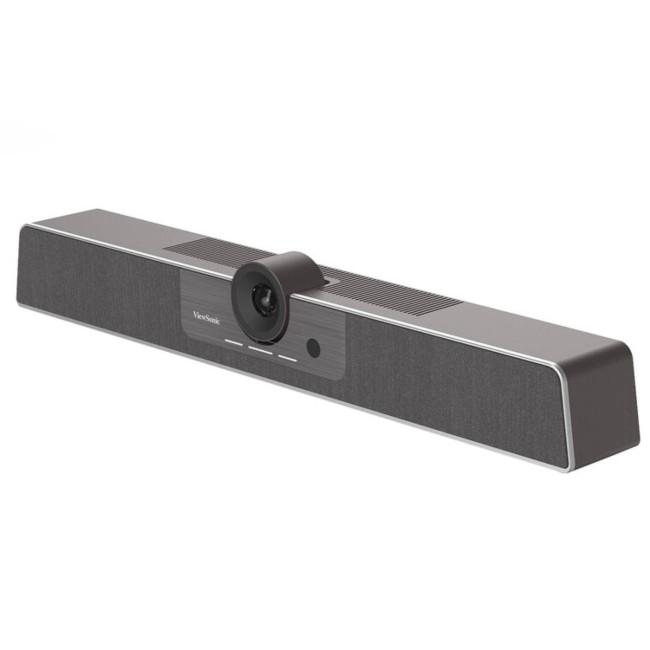
Highlights
- 5x Digital Zoom
- Supports up to UHD 4K30 Resolution
- USB-C and RJ45 Ports
- Grey Colour
The ViewSonic UMB202 Conferencing Camera is a practical choice if you want a reliable webcam for Zoom meetings without overcomplicating your setup. It is designed for clear video conferencing and everyday online collaboration.
This camera works well for remote workers who need a dependable webcam for laptop or desktop use, especially for regular meetings, online classes and hybrid team catch-ups.
Why it is great for Zoom
For most video meetings, reliability matters just as much as resolution. Zoom, Teams and Google Meet often compress video, so lighting, camera positioning, microphone quality and connection stability can matter more than raw specifications.
The ViewSonic UMB202 is a sensible option for users who want a straightforward conferencing camera for daily video calls. It is especially useful for home workers who need a simple, work-focused webcam for laptop or monitor setups.
|
Best for Daily Zoom meetings, online classes, hybrid work, interviews and general business video calls. |
BenQ DVY23 Video Conference Webcam-Best Premium Conferencing Webcam
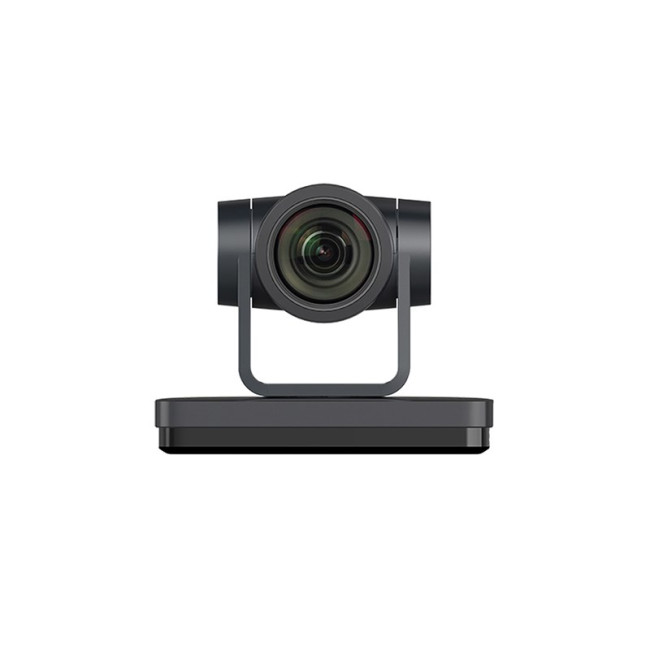
Highlights
- Pan: ±170° | Tilt: -30° to +90°
- Black Colour
- 1 Year Warranty
The BenQ DVY23 Video Conference Webcam is built for professional video conferencing and business communication. It offers Full HD 1080p video at 30fps and includes a range of connection options, making it a flexible choice for modern meeting environments.
This webcam is suitable for users who need a more capable conferencing camera for presentations, webinars and professional calls.
Why it is great for business conferencing
The BenQ DVY23 is designed for users who want dependable image quality and flexible setup options. Its 1080p video performance is suitable for video meetings, online presentations and hybrid work sessions.
It is especially useful for professionals who need a conferencing camera that can fit into a more advanced setup, rather than a simple USB-only home office webcam.
|
Best for Business meetings, webinars, professional presentations, hybrid workspaces and users who need a flexible conferencing camera. |
4. Logitech C925e Webcam-Best Webcam for Teams
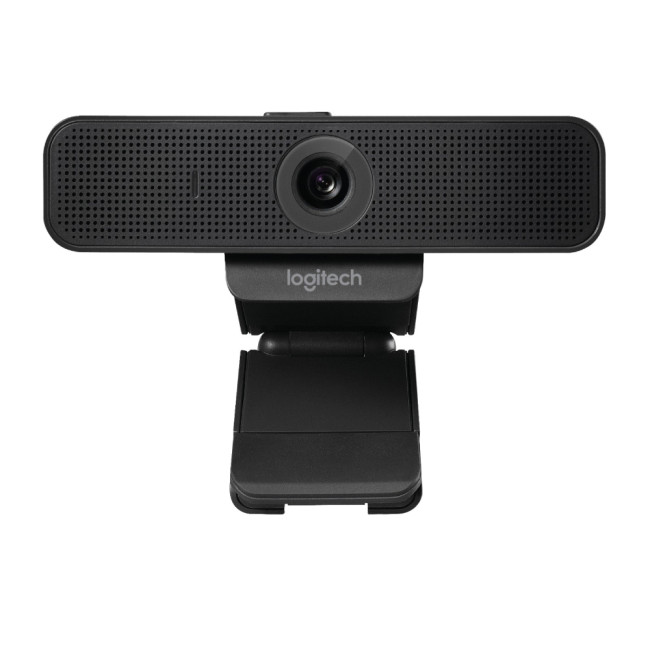
Highlights
- Maximum Video Resolution: 1920 x 1080 pixels
- Megapixel: 3 MP
- Maximum Frame Rate: 30 fps
- USB
- Black Colour
The Logitech C925e Webcam is a business-focused webcam designed for professional video calls. It is a strong choice for Microsoft Teams users, office workers and hybrid professionals who need reliable video quality in a simple setup.
It offers a practical balance of work-friendly features, making it a dependable option for everyday conferencing.
Why it works well for Teams
The main advantage of the Logitech C925e is simplicity. It is designed for business communication and works well with common conferencing platforms, including Microsoft Teams, Zoom and Google Meet.
It is not a creator-focused webcam, but it is a sensible choice for users who want a clean, reliable and work-focused camera for Teams calls.
|
Best for Microsoft Teams meetings, corporate users, Windows laptops, hybrid workers and simple plug-and-play work setups. |
5. ASUS ROG Eye S Webcam-Best Webcam for Streaming
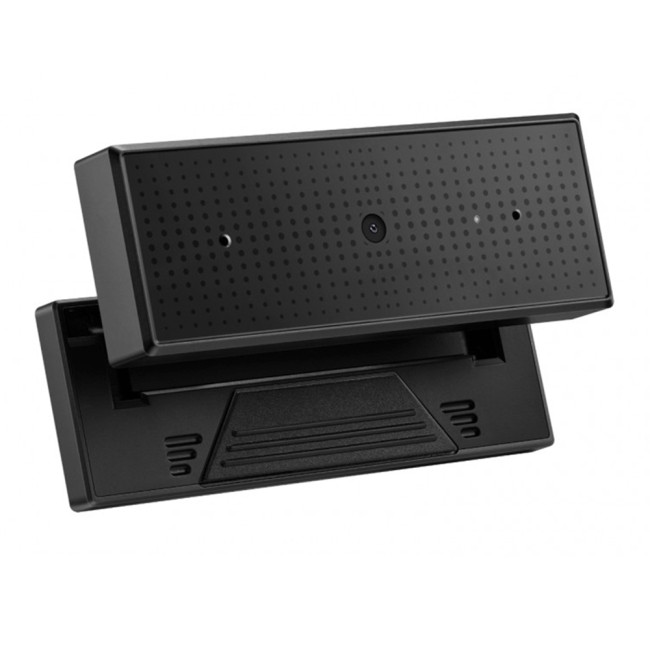
- Full HD 1080p 60FPS Webcam
- Beamforming microphone withAI-powered noise-cancelling
- Connectivity: USB Type A
- Black Colour
If you need the best webcam for streaming as well as work calls, the ASUS ROG Eye S Webcam is a strong pick. It supports Full HD 1080p video at 60fps and includes AI-powered noise-cancelling microphones for clearer communication.
Its compact foldable design also makes it a practical option for users who want a webcam they can use at home, at work or while travelling.
Why streamers like it
The ASUS ROG Eye S is built for users who want smoother video than a basic office webcam. The 60fps support is useful for streaming, webinars, training videos and recorded presentations where motion needs to look more natural.
Its AI-powered noise-cancelling microphones also make it useful for remote workers who want clearer audio without immediately buying a separate microphone.
|
Best for Streamers, YouTubers, trainers, webinar hosts, content creators and remote workers who want smoother Full HD video. |
Wired vs Wireless Webcam: Which Is Better for Work From Home?
A wireless webcam may sound convenient, but for most home office webcams, a wired USB connection is still the better option. Wired web cams usually offer more stable video, lower latency and fewer connection issues than wireless models.
For video calls, your Wi-Fi connection matters more than whether your webcam is wireless. If your camera looks blurry or your calls keep freezing, the problem may be your home network rather than the webcam itself.
To improve call stability, consider upgrading your wireless routers or choosing better Wi-Fi solutions for video calls, especially if several people in your home are streaming, gaming or working online at the same time.
If you create tutorials, sketches or online lessons, pairing your webcam with a drawing tablet for beginners can make presentations more interactive and easier to follow.
What to Look for in the Best Webcams UK 2026 Buyers Should Consider
1. Resolution
For most work calls, 1080p is enough. However, a higher quality webcam gives you sharper detail and more flexibility for cropping, recording and presenting.
Choose:
- 1080p for everyday Zoom and Teams calls
- Full HD at higher frame rates for smoother streaming and webinars
- Business conferencing cameras for professional meeting rooms and hybrid workspaces
2. Frame Rate
A webcam with 30fps is fine for meetings. A 60fps webcam looks smoother, especially for streaming, webinars and recorded training.
The ASUS ROG Eye S is a good option if you want smoother Full HD video for streaming and online content.
3. Low-Light Performance
Low-light webcams are useful if your room is dim or you often work early mornings and evenings. Look for cameras with strong image processing, good sensors, light correction or professional conferencing features.
A dedicated webcam will usually handle lighting better than a basic webcam on computer or laptop.
4. Built-In Microphones
Webcams with built-in microphones are convenient, especially for laptop users. However, a dedicated headset or external microphone will usually sound better.
If you take important client calls, choose a webcam with noise-reducing microphones or use a separate audio device. The ASUS ROG Eye S is a strong option for users who want AI-powered noise-cancelling microphones in a compact webcam.
5. Field of View
A narrow field of view keeps the focus on your face. A wider field of view is better if you want to show more of your room, include another person or present physical items.
For business conferencing, products such as the Poly Video Room Kit or BenQ DVY23 may be more suitable than a standard personal webcam.
6. Privacy and Professional Setup
Some webcams include privacy features, while others focus more on business conferencing performance. If privacy is important to you, check whether the camera includes a physical cover or use a separate webcam cover when needed.
7. Mounting and Desk Setup
If you use a monitor, make sure your webcam mount fits securely. If you use multiple screens, you may also want laptop docking stations to keep your webcam, monitor, keyboard, mouse and other accessories connected neatly.
Best Webcam for Zoom Meetings
The best webcam for Zoom meetings should be simple, reliable and clear. You do not always need a 4K quality webcam for Zoom because video quality depends on your internet speed, lighting and Zoom’s compression.
Recommended picks:
- ViewSonic UMB202 Conferencing Camera for most Zoom users
- Poly Video Room Kit for premium business conferencing
- Logitech C925e Webcam for everyday work calls
- ASUS ROG Eye S Webcam for users who also stream or record content
For Zoom, focus on good lighting, stable internet and a clear microphone. These will often improve your calls more than resolution alone.
While webcams with built-in microphones are useful, users who record podcasts, webinars or client presentations may also want to compare the best microphones for PC and recording for clearer audio.
Best Webcam for Teams
The best webcam for Teams should offer easy setup, clear 1080p or better video and reliable microphones.
Recommended picks:
- Logitech C925e Webcam for business-focused Teams calls
- ViewSonic UMB202 Conferencing Camera for everyday Teams meetings
- Poly Video Room Kit for premium professional use
- BenQ DVY23 Video Conference Webcam for business conferencing and presentations
If your company relies heavily on Microsoft Teams, choose a webcam that is easy to manage, reliable and compatible with your laptop or docking station.
Best Webcam for Streaming and Content Creation
The best webcam for streaming should offer smoother frame rates, clear colours and dependable audio performance.
Recommended picks:
- ASUS ROG Eye S Webcam for 1080p 60fps streaming
- BenQ DVY23 Video Conference Webcam for professional video presentations
- Poly Video Room Kit for premium conferencing and hybrid setups
- Logitech C925e Webcam for simple business video calls and content use
For streaming, you should also think about lighting, background, microphone quality and software control. A great webcam will look much better when paired with a stable desk setup and good lighting.
Best Budget Webcams for Work
Budget webcams for work are ideal if you simply need to look clearer than your laptop camera allows.
Recommended picks:
- Logitech C925e Webcam
- ViewSonic UMB202 Conferencing Camera
- ASUS ROG Eye S Webcam
Look for at least 1080p resolution, a built-in microphone and reliable video performance. Avoid very cheap no-brand webcams if you need dependable video for professional calls.
How to Make Any Webcam Look Better
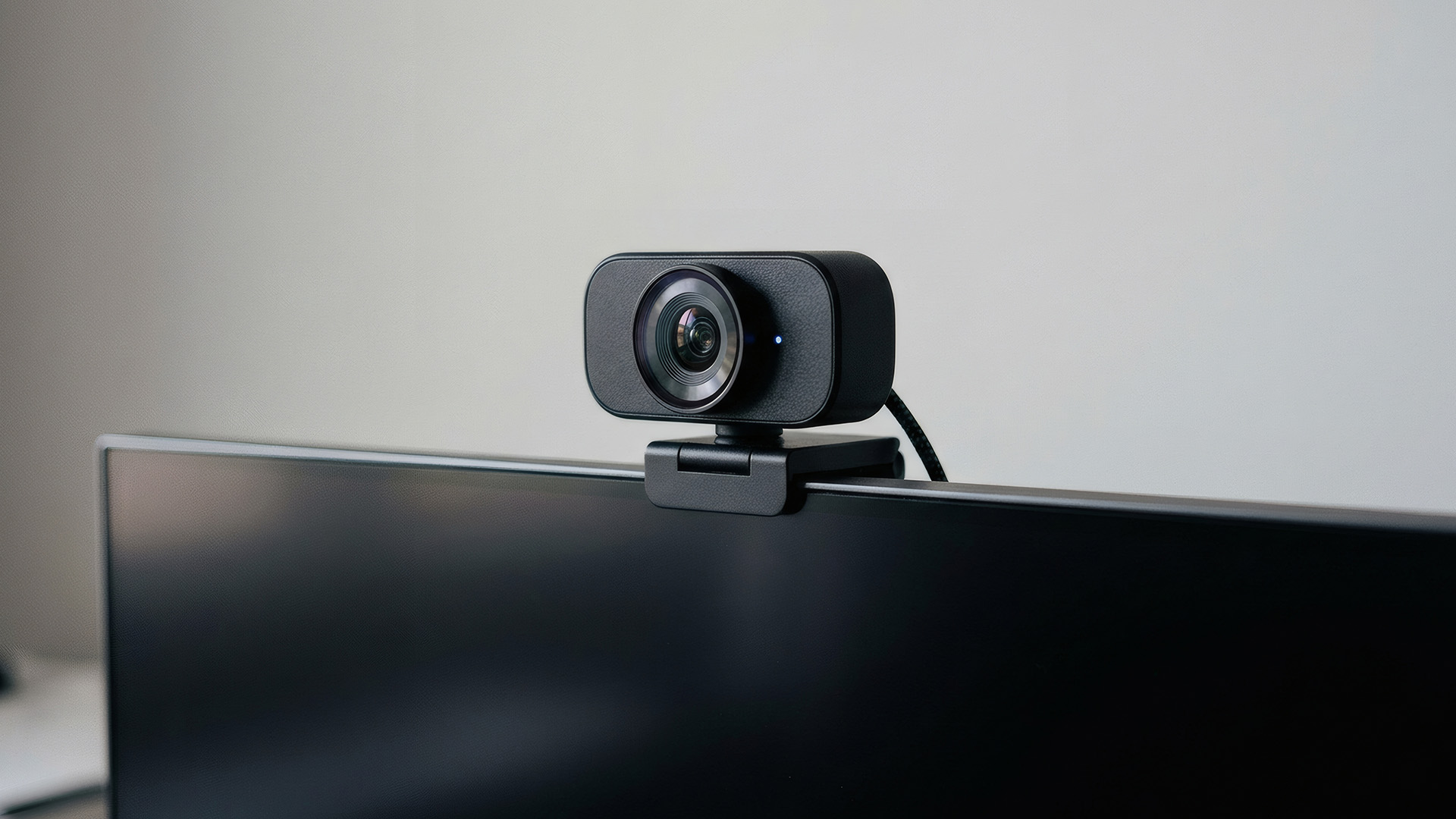
Even the best webcam can look poor with bad lighting or weak internet. Before replacing your camera, try these tips:
- Place the webcam at eye level.
- Face a window or soft light source.
- Avoid sitting with a bright window behind you.
- Keep your background clean and uncluttered.
- Use a wired internet connection where possible.
- Close unused apps before joining meetings.
- Clean the camera lens regularly.
- Check your video settings in Zoom, Teams or Google Meet.
A stable internet connection is essential for webcams for video calls. If your call quality drops even with a high-quality webcam, your router or Wi-Fi coverage may need attention.

Final Verdict: Which Webcam Should You Buy in 2026?
The best work from home webcam depends on how you use video calls.
For most professionals who want a premium business conferencing setup, the Poly Video Room Kit is the best overall choice. It is designed for professional video meetings, hybrid collaboration and polished business communication.
For everyday meetings, the ViewSonic UMB202 Conferencing Camera is a practical option for Zoom and Teams. For business users who want a simple and reliable webcam, the Logitech C925e Webcam is a strong choice. If you stream, record content or host webinars, the ASUS ROG Eye S Webcam offers smooth 1080p 60fps video and AI-powered noise-cancelling microphones. For professional presentations and advanced conferencing setups, the BenQ DVY23 Video Conference Webcam is also worth considering.
Whichever webcam you choose, remember that clear calls depend on more than the camera. A strong home network, reliable Wi-Fi, good lighting and a tidy desk setup can make your video meetings look and sound much more professional.

Common Questions for Webcam
What is the best webcam for working from home in 2026?
The Poly Video Room Kit is one of the best webcams for working from home in 2026 if you want a premium business conferencing setup. For everyday work calls, the ViewSonic UMB202 Conferencing Camera and Logitech C925e Webcam are also strong options.
Is a 4K webcam worth it for video calls?
A 4K webcam can be worth it if you want sharper image quality, better cropping and a more professional look. However, for normal Zoom and Teams meetings, a good 1080p webcam or business conferencing camera can still be enough.
What is the best webcam for Zoom meetings?
The ViewSonic UMB202 Conferencing Camera is a strong webcam for Zoom meetings because it is designed for clear, reliable video conferencing and everyday online collaboration.
What is the best webcam for Teams?
The Logitech C925e Webcam is a good choice for Teams users because it is business-focused, reliable and suitable for everyday professional video calls. The Poly Video Room Kit is also a strong option for premium business conferencing.
Are webcams with built-in microphones good enough?
Webcams with built-in microphones are good enough for everyday meetings, especially if they include noise reduction. For podcasts, webinars or important client presentations, a dedicated headset or external microphone will usually sound better.
Should I buy a wireless webcam?
For most home office users, a wired USB webcam is better than a wireless webcam because it is more stable and has lower latency. If your video calls keep freezing, upgrading your router or Wi-Fi setup may help more than switching to a wireless webcam.
What is the best budget webcam for work?
The Logitech C925e Webcam and ViewSonic UMB202 Conferencing Camera are practical choices for work users who want reliable video calls without overcomplicating their setup.
Can I use an external webcam with a laptop?
Yes. Most external webcams can be used as a webcam for laptop setups through USB-A or USB-C. You may need to select the external camera in Zoom, Teams or your video meeting app settings.
Related Articles


Last Updated: November 04, 2025
In today’s connected world, security is a top priority, especially for businesses handling sensitive data and remote workflows. Microsoft’s latest operating system brings advanced protection designed for the modern workforce. Windows 11 security features deliver multiple layers of defence, offering a robust shield against cyber threats, ransomware, and data breaches.
Compared to its predecessor, Windows 11 vs Windows 10 security shows clear improvements in encryption, authentication, and hardware-based protection. Whether you’re an enterprise leader or a small business owner, investing in Windows 11 laptops with advanced security ensures your data, devices, and users remain protected, wherever work happens.
What Makes Windows 11 the Most Secure OS Yet
Enhanced Hardware-Based Protection
Windows 11 is built for zero-trust security, meaning protection starts from the chip level. All certified Windows 11 business laptops include:
- Trusted Platform Module (TPM) 2.0 – A secure crypto-processor
Last Updated: November 18, 2025
Staying competitive means leveraging technology that works smarter, faster, and more securely. Artificial Intelligence (AI) is transforming industries worldwide, from streamlining workflows to enhancing cybersecurity. A particularly exciting innovation within this revolution is the AI laptop, a new class of computing devices designed to optimise productivity and protect sensitive data.
The Rise of AI for Business
AI has evolved from a futuristic concept into a core driver of efficiency across all sectors. Companies use it to analyse data, automate decisions, enhance customer experiences, and predict market trends. According to recent studies, organisations that integrate AI into their daily operations report higher productivity, lower operational costs, and improved employee satisfaction.
However, until recently, much of this innovation happened in the cloud. Now, with AI chips and neural processing units (NPUs) embedded in personal devices, AI is moving to the edge, directly onto the
Last Updated: April 17, 2026
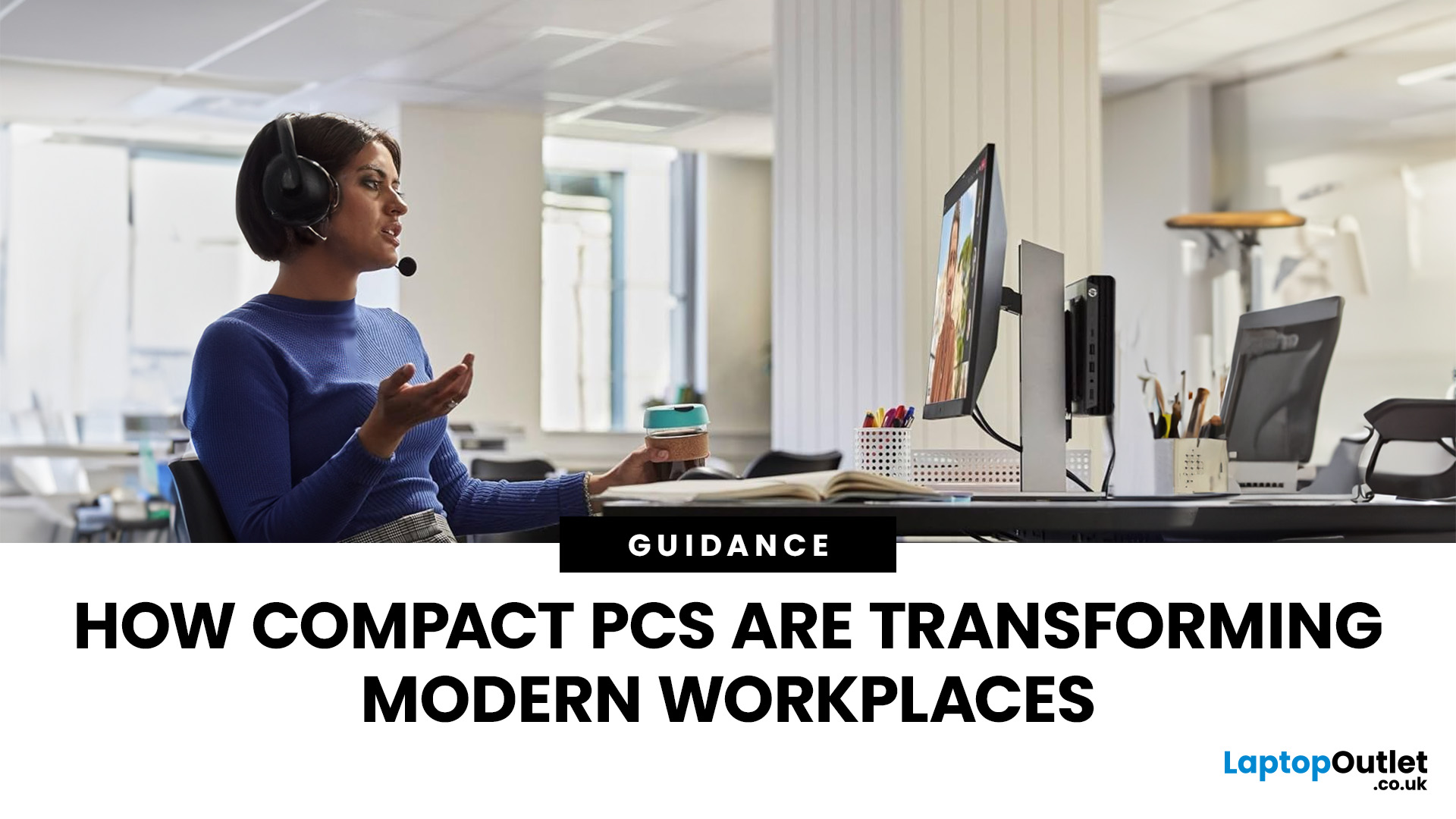
Businesses don’t usually change their hardware habits quickly. But across 2026, many companies large and small are moving away from traditional desktop towers and switching to mini PCs.
This isn’t a trend pushed by marketing. It’s happening because compact systems are proving more practical in day-to-day business use: they take up less space, are easier to deploy at scale, and handle modern office workloads reliably.
Here’s what is driving the shift.
1. Mini PCs Free Up the Kind of Space Offices Never Seem to Have
A full-size desktop setup often needs more room than people realise: the tower, the cables, and the desk space you have to keep clear for airflow. Mini PCs reduce most of that clutter.
They can sit behind a monitor, on a shelf, or be mounted out of sight which makes them ideal for workplaces where:
- desks are shared
- teams rotate seats
- offices want cleaner setups
- hybrid workers plug in and out frequently
Employees get more usable space. IT teams get simpler layouts. Offices look
Last Updated: February 27, 2026
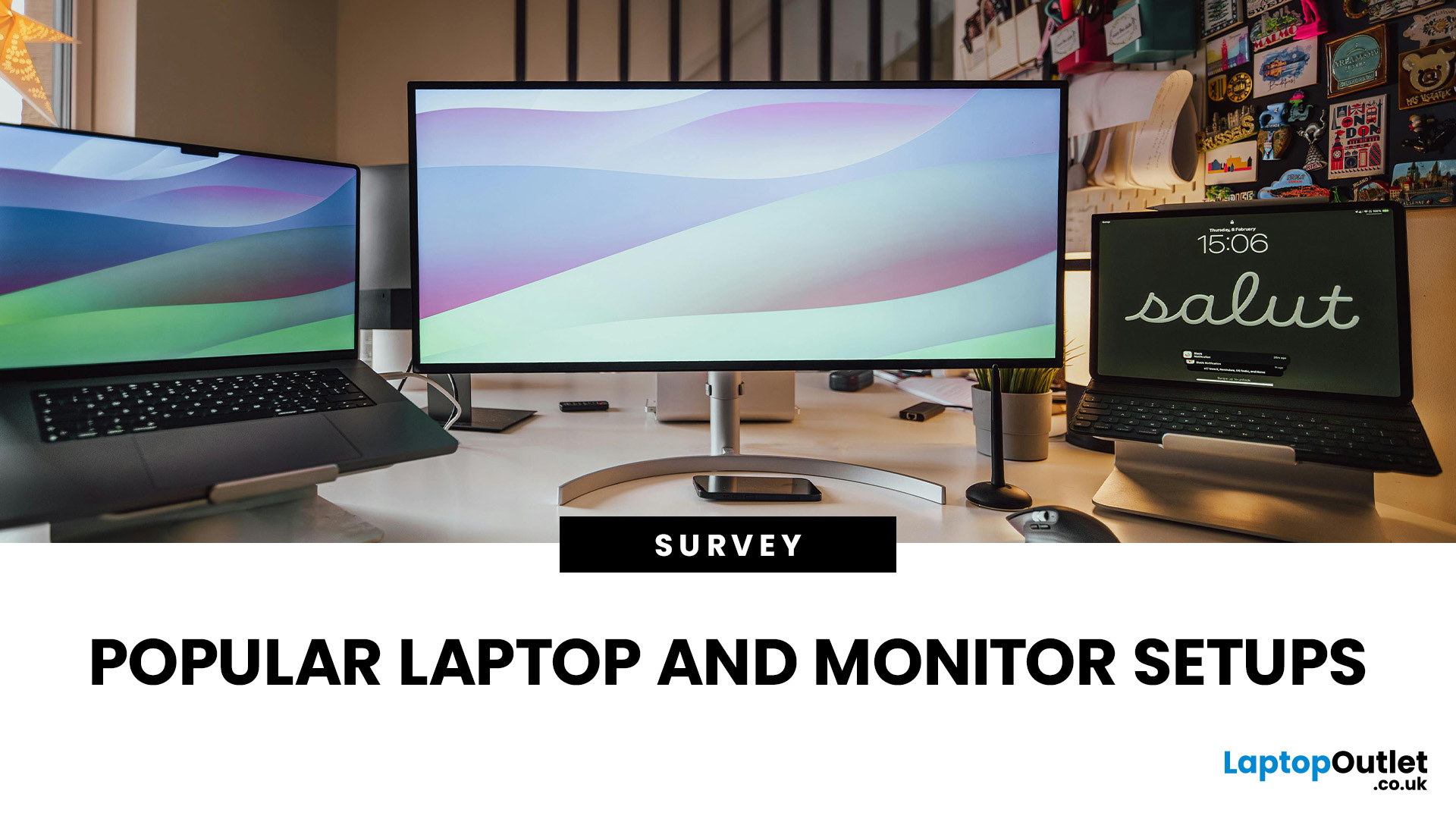
In the years, since hybrid and remote work became widespread across the UK, a crucial question has reshaped how organisations equip their staff: what research reveals about hardware, ergonomics, and productivity? In this survey-style analysis, we will examine UK-specific guidance (HSE, Acas, GOV.UK), peer-reviewed ergonomics & productivity studies, academic findings on posture, dual monitors, and screen design, evidence-based home hardware trends in 2025, to explore what users actually prefer.
Work-From-Home Hardware Shaping Users’ Productivity
Hybrid Work is Now the UK’s Norm
The Office for National Statistics (ONS) reports that hybrid working is most common among professional and managerial occupations, jobs that depend heavily on computer use, document handling, communication platforms and online collaboration.
(ONS, “Who Are The Hybrid Workers?” 2024)
Professionals who rely on digital productivity naturally gravitate toward larger screens, dual monitors, and ergonomic peripherals,

Last Updated: April 28, 2026
Stop settling for a laptop that can't keep up with your ambition. Whether you need a workstation-grade powerhouse for complex data or a feather-light 2-in-1 for back-to-back meetings, the New Year business laptop deals at Laptop Outlet offer the year’s best opportunity to upgrade for less.
We have analysed the 10 best laptops for business use, focusing on the three pillars every professional needs: uncompromised security, all-day stamina, and peak processing power. Let’s explore them:
1. Acer Extensa 15 EX215-24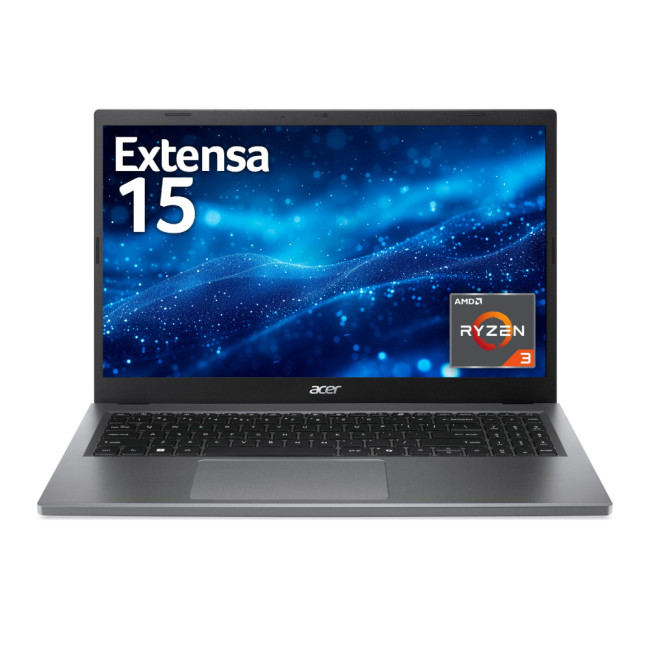
Key Specifications:
- Processor: AMD Ryzen 5 7520U Quad-Core
- RAM: 16 GB LPDDR5
- Storage: 512 GB SSD
- Display: 15.6" Full HD (1920 x 1080) IPS, Anti-glare
- Graphics: Integrated AMD Radeon
- Operating System: Microsoft Windows 11 Home
- Connectivity: USB Type-C | USB-A | HDMI | Wi-Fi | Bluetooth | Ethernet
- Weight: 1.73 kg
Why It’s Perfect for You:
The Acer Extensa 15 is a reliable workhorse designed for professionals who need efficiency without a premium price tag. The AMD Ryzen
Last Updated: March 13, 2026
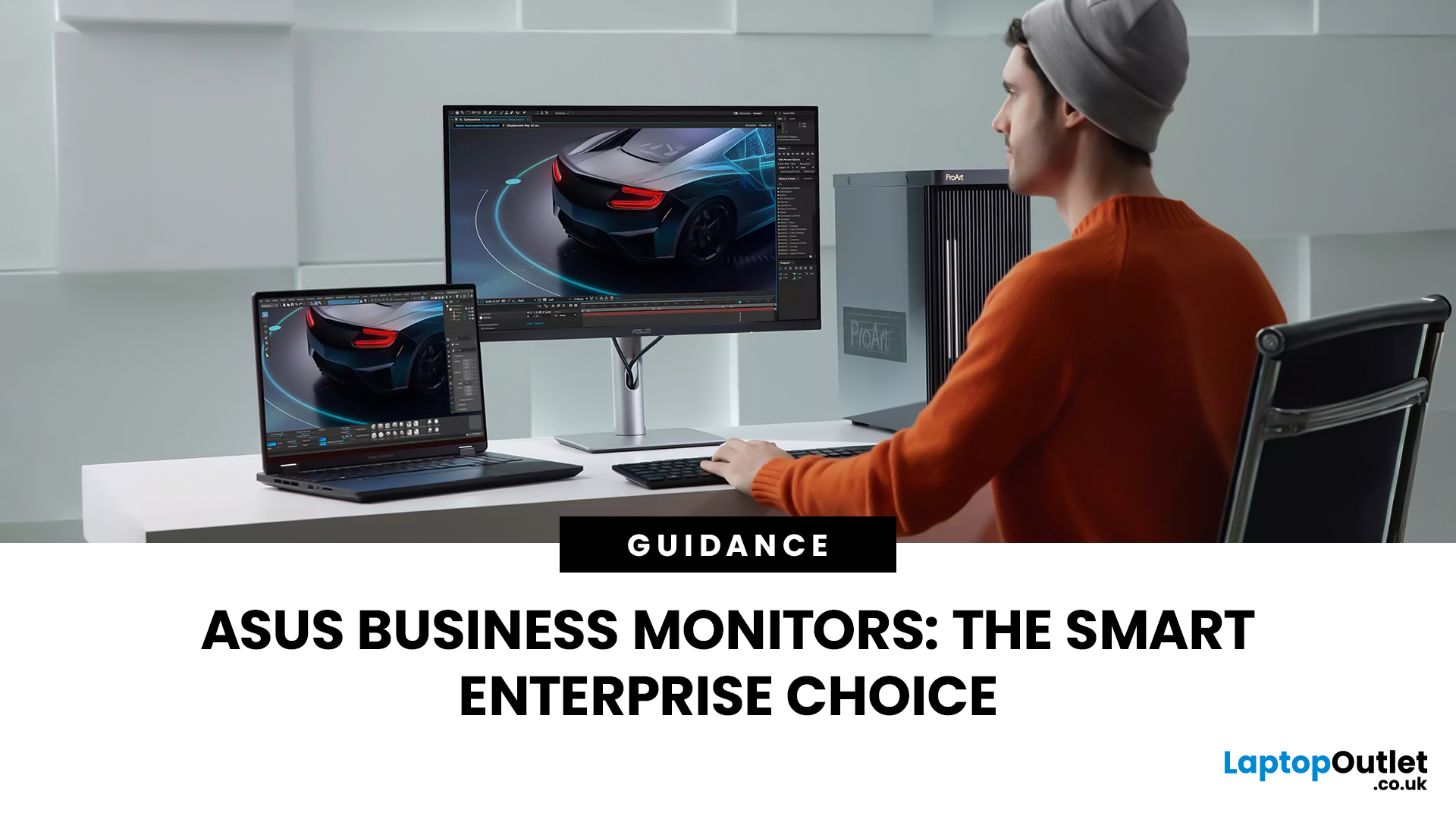
Modern workplaces are more screen-based than ever and in the UK, the average office employee now spends over 6 hours a day looking at a monitor. For businesses, that makes display choice more than just a tech detail; it’s a productivity and wellbeing decision.
The right ASUS business monitors can improve workflow efficiency, reduce eye strain, and support hybrid teams with flexible connectivity like USB-C docking. Whether you’re equipping a corporate office, a call centre, or a growing enterprise rolling out hundreds of workstations, choosing the right monitor spec matters.
In this buying framework, we’ll break down what UK organisations should prioritise, from screen size and ergonomics to ASUS Eye Care features, bulk purchasing, and the best monitor options for business use in 2026.
Why ASUS Monitors Work Well for Modern Workplaces

In today’s business environment, monitors are no longer just office accessories, they’re core productivity tools. From finance teams working across spreadsheets
Last Updated: March 13, 2026
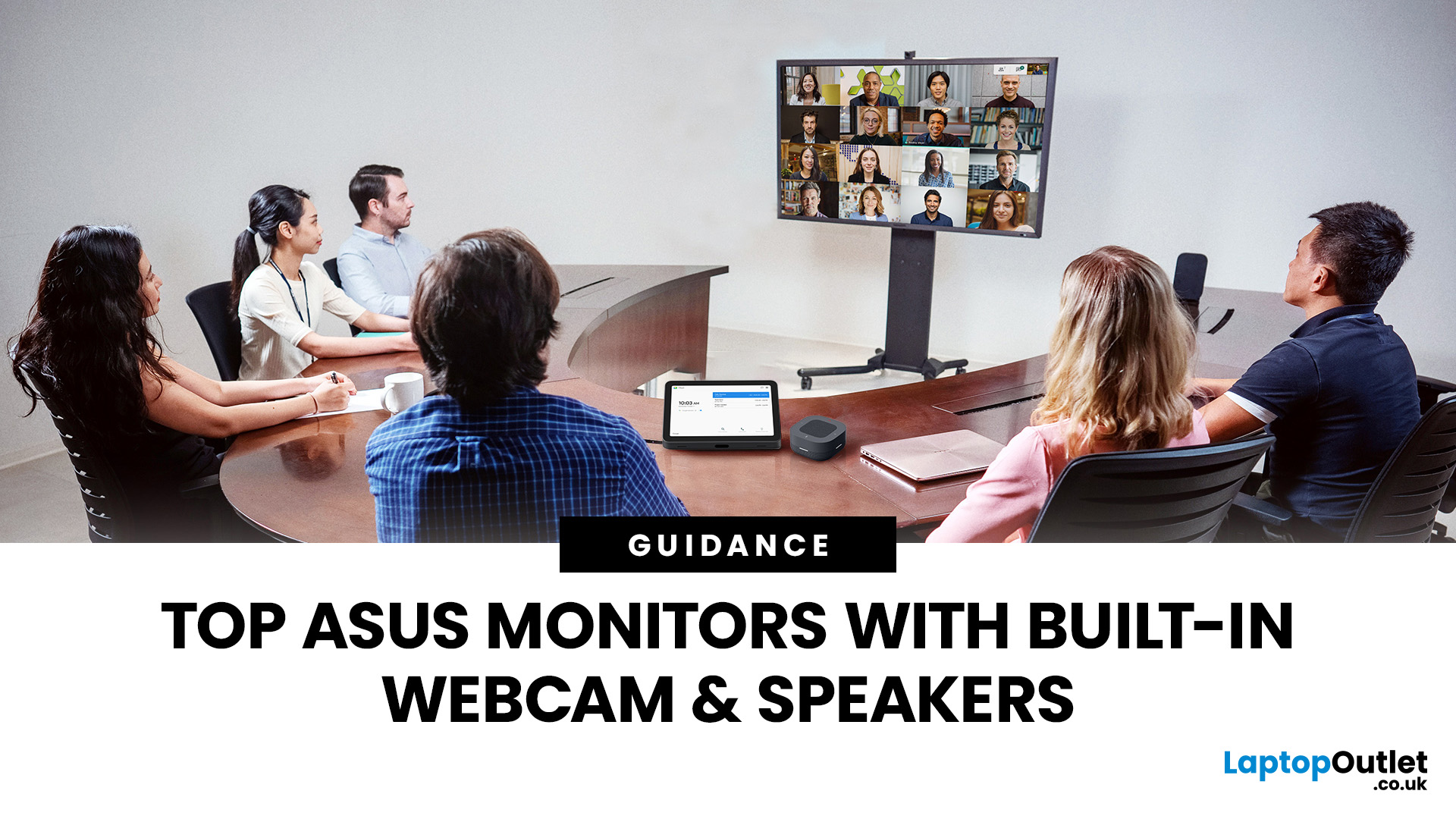
Choosing the right ASUS monitor with a webcam can significantly simplify how modern meeting rooms operate. As hybrid work becomes the norm, businesses are looking for cleaner, more efficient conferencing setups that don’t rely on multiple external peripherals. An integrated solution that combines display, camera, microphone, and speakers into one device makes deployment faster and more cost-effective. For small meeting spaces and huddle rooms in particular, an ASUS business monitor with speakers and a built-in webcam offers a practical alternative to a full conferencing kit.
What to Know About Microsoft Teams Rooms Compatibility
It’s important to clarify how an ASUS monitor with webcam fits into a Microsoft Teams Rooms environment.
Microsoft Teams Rooms (MTR) systems are typically powered by a dedicated PC or collaboration bar. The monitor itself is not the Teams Rooms system, instead, it acts as the display and USB conferencing endpoint. When paired with a Teams-enabled PC, many ASUS
Published: March 04, 2026
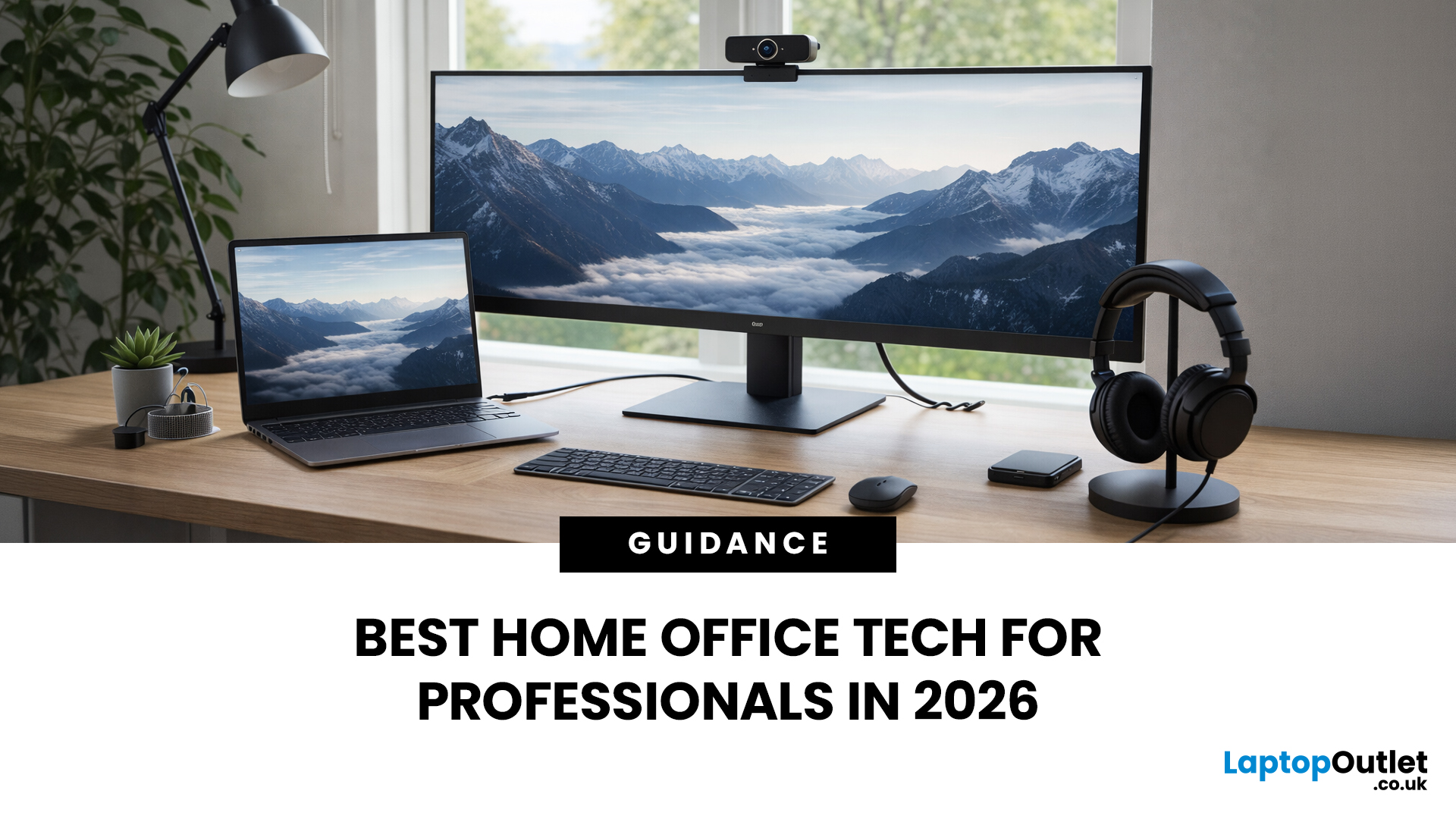
If your remote setup still revolves around “a decent laptop and home Wi-Fi”, you’re behind. In 2026, remote work is judged by output and presence. Your audio quality affects how credible you sound. Your connectivity affects whether clients trust you. Your screen space affects how quickly you work. And your security setup determines whether your business data is actually protected.
Most people still treat home-office tech like: A chair. A webcam. A desk lamp. Useful, yes, but disconnected. What professionals need now is a deliberate tech stack. One that reduces friction, prevents small failures, and works the same way every single day.
That is Remote Work 2.0. It is not about owning more gear. It is about engineering reliability into your workday.
What Remote Work 2.0 Really Means in 2026
For professionals, four elements matter more than anything else:
1. Stable connectivity
If your connection drops mid-presentation, nothing else matters. Wi-Fi 7 and modern mesh systems are no longer

Published: April 14, 2026
Remote work is no longer a temporary perk. In 2026, it has become a steady work pattern for many UK employees, and the laptop has effectively turned into the main workplace tool, meeting room, and travel companion rolled into one.
That shift is changing what people prioritise when they buy. Price still matters, but buyers are more likely to pay for reliability, better video-call hardware, stronger security, and a setup that works just as well at home as on the train.
Hybrid Work is Pushing Standards Up, Not Down
UK hybrid working is best understood as a long-term rebalancing rather than a short-lived trend. In Great Britain, the Office for National Statistics has shown how hybrid working varies across demographic groups, reinforcing that it is embedded unevenly but persistently across the workforce rather than disappearing.
Employer practice points in the same direction. The CIPD’s research on flexible and hybrid working practices reports that a large share of organisations have hybrid
Last Updated: May 12, 2026
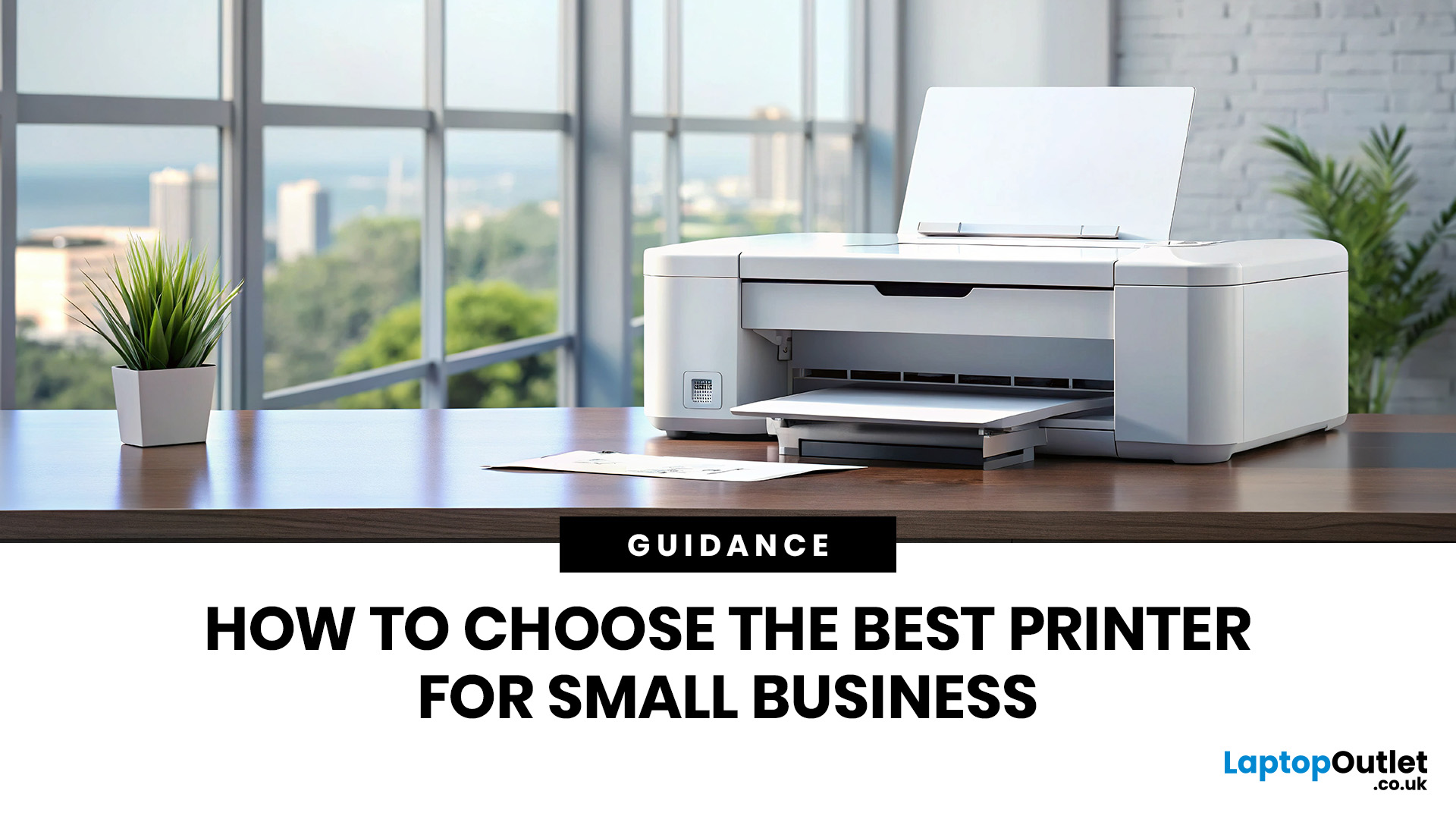
Quick Answer: Choosing the best printer for small business comes down to your print volume, budget, and document types. For mostly text, a laser printer offers fast speeds and low running costs. For colour-rich output, an inkjet is worth a look. If you need to print, scan, and copy, an all-in-one covers every base.
Running a small business means every purchase needs to earn its keep. A printer is no different. Whether you're producing invoices, contracts, client proposals, or marketing materials, finding the best printer for small business use can save you a surprising amount of time, money, and frustration over a year.
The UK printer market in 2026 is packed with options. Getting this decision wrong costs you far more in ink, toner, and paper waste than the device itself. This guide covers everything you genuinely need to know before you buy a printer, from print technology and running costs to connectivity and security.

