



Windows 11 Laptop Security Features for Business Users

In today’s connected world, security is a top priority, especially for businesses handling sensitive data and remote workflows. Microsoft’s latest operating system brings advanced protection designed for the modern workforce. Windows 11 security features deliver multiple layers of defence, offering a robust shield against cyber threats, ransomware, and data breaches.
Compared to its predecessor, Windows 11 vs Windows 10 security shows clear improvements in encryption, authentication, and hardware-based protection. Whether you’re an enterprise leader or a small business owner, investing in Windows 11 laptops with advanced security ensures your data, devices, and users remain protected, wherever work happens.
What Makes Windows 11 the Most Secure OS Yet
Enhanced Hardware-Based Protection
Windows 11 is built for zero-trust security, meaning protection starts from the chip level. All certified Windows 11 business laptops include:
- Trusted Platform Module (TPM) 2.0 – A secure crypto-processor that stores encryption keys, ensuring hardware-level protection against tampering.
- Secure Boot – Prevents unauthorised firmware or malicious software from loading during startup.
- Virtualisation-Based Security (VBS) – Isolates sensitive system processes from regular applications, limiting damage from malware or system exploits.
This makes Windows 11 laptops significantly more resilient than older Windows 10 models, ideal for enterprise environments.
Advanced Authentication and Identity Protection
In 2025, Microsoft has significantly enhanced identity and access management in Windows 11, addressing one of the biggest challenges in modern cybersecurity, compromised credentials. Passwords remain the weakest link, which is why Windows 11 laptops for business users now include multiple, AI-enhanced layers of authentication designed to verify users securely and seamlessly.
Windows Hello Enhanced Biometrics (2025 Update)
The latest version of Windows Hello supports multi-spectral facial recognition, fingerprint scanning, and IR depth sensors that work even in low-light conditions. Many business laptops now include AI-based anti-spoofing detection, ensuring photos or 3D masks cannot bypass login.
Windows Hello for Business integrates directly with Microsoft Entra ID, allowing organisations to enforce strong authentication across hybrid and remote setups.
Password Less Login with FIDO2 and Passkeys
Microsoft continues to push toward a password less future. Passkeys, built on the FIDO2 standard, are now the default sign-in option for enterprise systems. These cryptographic keys are stored securely in the TPM 2.0 or Microsoft Pluton security processor, meaning credentials never leave the device, even during cloud-based authentication.
This eliminates phishing risks and drastically reduces credential leaks.
Conditional Access via Microsoft Entra ID (formerly Azure AD)
Windows 11’s identity management system is deeply integrated with Microsoft Entra, giving IT teams advanced control over authentication policies. Conditional access ensures employees can only log in from approved devices, locations, or risk profiles, automatically blocking suspicious sign-in attempts.
New adaptive authentication uses machine learning to analyse behaviour, if an employee logs in from an unfamiliar location or device, Windows 11 can prompt for additional verification or temporarily lock access.
Integration with Endpoint Security Platforms
Microsoft has expanded compatibility with third-party SSO and MFA solutions like Okta, Duo, and YubiKey. Enterprise users can mix and match their preferred authentication systems within Windows 11’s secure identity framework.
Credential Guard and Isolated Authentication
For high-security environments, Windows 11 Pro and Enterprise editions use Credential Guard, which stores logon tokens in a virtualised environment, separate from the OS. Even if malware gains system access, it can’t extract sensitive login credentials.
Together, these advanced authentication methods deliver a multi-layered defence framework, making Windows 11 laptops the most secure business devices yet. By combining biometrics, password less technology, and AI-driven access control, Microsoft ensures that users can log in faster and cybercriminals stay locked out.
Windows 11 Security vs Windows 10: What’s New for Businesses
While Windows 10 provided reliable defences, Windows 11 security takes enterprise protection several steps further.
|
Security Feature |
Windows 10 |
Windows 11 |
|
Hardware Security |
Optional TPM |
TPM 2.0 Required |
|
Secure Boot |
Optional |
Enabled by Default |
|
Virtualisation-Based Security |
Optional |
Always On |
|
Microsoft Pluton Chip Integration |
Not Available |
Supported in New Laptops |
|
AI-Based Threat Detection |
Limited |
Integrated with Microsoft Defender |
Modern Windows 11 laptops for professionals use a security-by-design approach, integrating hardware and software protection seamlessly. Business-grade devices from HP, ASUS, and Lenovo now ship with built-in encryption, secure firmware, and enterprise identity control, all fully compatible with Microsoft 365 and Intune.
In addition, if you want to read full guide differentiating the Windows 10 and Windows 11, our other article is perfect for this, which is: Windows 11 vs Windows 10 laptops.
Enterprise-Grade Data Protection
Business users rely on consistent uptime and safe data exchange. The enhancements make Windows 11 laptop security a powerful ally for businesses prioritising data protection and compliance.Several key features to keep confidential information secure.
- BitLocker Drive Encryption – Encrypts entire drives, protecting files even if a laptop is lost or stolen.
- Windows Information Protection (WIP) – Prevents sensitive data from being shared outside secure apps or networks.
- Cloud Security Integration – Syncs with Microsoft Defender for Endpoint, allowing IT admins to monitor threats in real time.
- Isolated User Sessions – Through Hyper-V and Application Guard, risky websites or documents run in secure containers separate from the main system.
Protection Against Modern Cyber Threats

Built-In Ransomware Defence
The latest Windows 11 laptops with advanced security include Controlled Folder Access, a feature that blocks unauthorised apps from modifying files. Combined with Microsoft Defender SmartScreen, users get early warnings about unsafe downloads or suspicious links.
AI-Powered Threat Detection
Microsoft’s AI-driven security engine analyses billions of signals daily, helping identify new malware and phishing threats before they reach your device. This system continuously evolves, adapting to new forms of attacks in real time.
Remote Device Management
Businesses using Windows 11 Pro or Enterprise can deploy Microsoft Intune for centralised management. Admins can enforce policies, lock lost devices, and wipe data remotely, ensuring company assets remain protected even outside the office network.
Why Windows 11 Is the Ideal Choice for Business Laptops
Windows 11 isn’t just about security,it’s also designed for productivity, collaboration, and long-term reliability. The following benefits make Windows 11 laptops the preferred choice for modern businesses that value both speed and safety:
- Optimised for hybrid work with cloud integration and Microsoft Teams built-in.
- Improved multitasking and performance with AI-based resource allocation.
- Enhanced device longevity with secure firmware updates and modern driver architecture.
- Fully compatible with Windows 365 Cloud PC, letting employees access secure virtual desktops from anywhere.
Furthermore, read our guide to Windows 11 laptop tips to maximise your laptop’s performance.
Explore Secure Windows 11 Business Laptops
At Laptop Outlet, you’ll find a curated range of Windows 11 laptops for professionals, featuring powerful hardware and enterprise-grade protection.
- ASUS ExpertBook and HP EliteBook – combine durability with comprehensive data protection tools.
- Lenovo ThinkBook and Microsoft Surface Laptop – offer robust security and effortless manageability.
- Refurbished Windows 11 Pro laptops – a cost-effective, eco-friendly option with the same core security benefits.
Have you bought your new laptop? If yes, we are here to help you setup it. Read our guide Windows 11 laptop setup guide to make your laptop good to go.

Wrapping Up!
Windows 11 represents a major leap forward in business protection, offering a secure, intelligent, and resilient operating system designed for today’s digital landscape. From chip-to-cloud security and AI-powered threat detection to seamless management, it’s clear that Microsoft has built the most secure OS for business use to date.
For the ultimate peace of mind, explore the latest Windows 11 laptops at Laptop Outlet, where innovation meets reliability.

In Case You're Wondering...
How is Windows 11 more secure than Windows 10?
Windows 11 includes mandatory TPM 2.0, secure boot by default, and integrated AI-driven threat protection, making it significantly more secure than Windows 10.
Are Windows 11 laptops suitable for enterprise environments?
Yes. They support advanced management tools like Microsoft Intune, BitLocker encryption, and Azure Active Directory integration for business security.
Can Windows 11 protect against ransomware?
Absolutely. With Controlled Folder Access and Microsoft Defender, Windows 11 prevents unauthorised changes to files and actively blocks ransomware activity.
Is Windows 11 Pro better for business use?
Yes. Windows 11 Pro offers features like BitLocker, remote desktop access, and device management, essential for professional and enterprise users.
Where can I buy secure Windows 11 laptops?
At Laptop Outlet, you can find the latest Windows 11 ASUS laptops, HP, and Lenovo business models designed with built-in security and reliability.
Related Articles

Last Updated: March 17, 2026
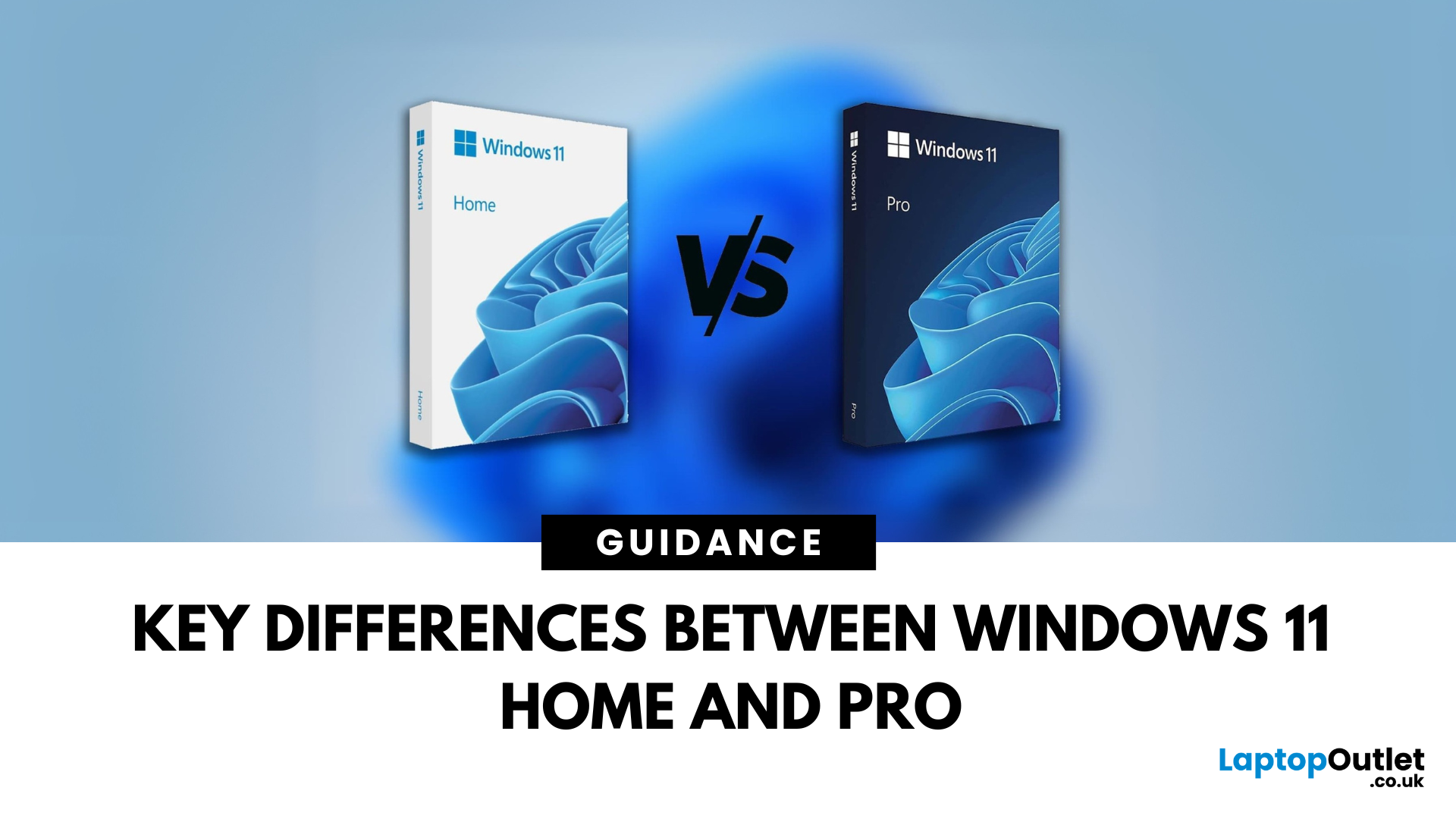
Planning an upgrade or buying a new laptop? You’ve probably noticed two editions of Windows 11: Home and Pro. But which one is right for you? Let’s compare their features to help you decide.
Who Should Choose Windows 11 Home?
Perfect for: Everyday users, students, gamers
- Clean, modern interface with widgets and Snap Assist
- Gaming-friendly with Auto HDR and DirectStorage
- All the essentials for secure and fast performance
- Supports Microsoft Store apps, voice access, and touchscreens
Think of Home as the all-rounder version—smooth for work, play, and everything in between.
Who Should Choose Windows 11 Pro?
Perfect for: Professionals, business users, advanced power users
Includes everything in Home plus extra business tools:
- BitLocker (for advanced device encryption)
- Hyper-V (virtualisation for running multiple OSes)
- Windows Information Protection (WIP)
- Remote Desktop for secure access on the go
Enhanced security with Windows Hello for Business and TPM 2.0
Can join
Published: October 08, 2025
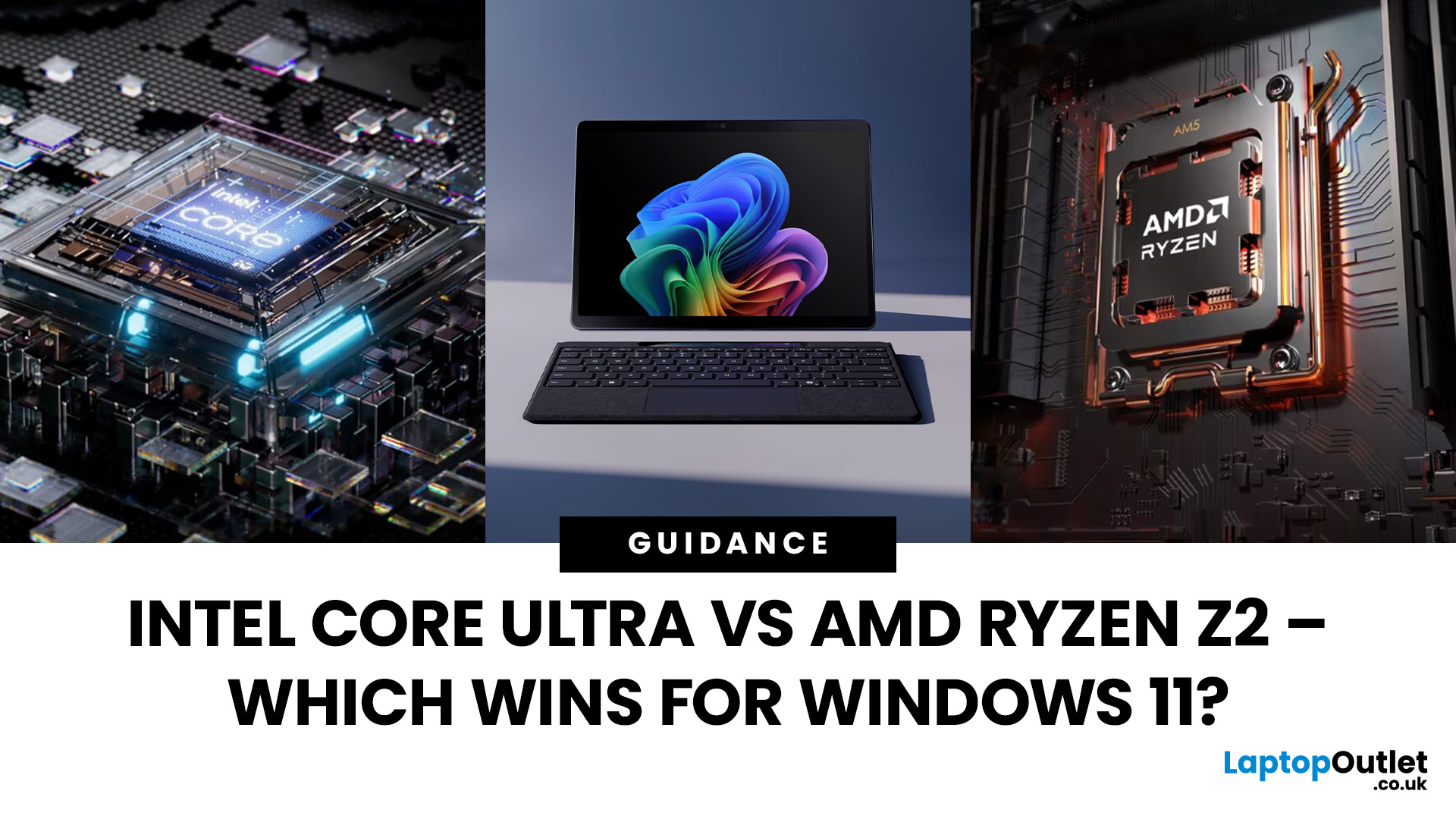
The battle between Intel and AMD has shaped the laptop world for decades. With the release of Intel Core Ultra processors and the new AMD Ryzen Z2 series, that rivalry has entered a new phase - one defined not just by raw speed, but also by AI integration, efficiency, and Windows 11 optimisation.
Intel’s Core Ultra chips (available in Core Ultra 5, 7, and 9 tiers) mark a major shift in design, blending performance and efficiency cores with a dedicated AI NPU (Neural Processing Unit). Meanwhile, AMD’s Ryzen Z2 processors are raising eyebrows with their RDNA 3.5 graphics and strong balance between performance and battery efficiency.
So, which one is better for you? In this guide, we’ll break down the Intel vs AMD Windows 11 laptops debate, comparing performance, AI features, battery life, and creative workloads. Whether you’re a student, gamer, or professional, by the end you’ll know which processor suits your needs.
Intel Core Ultra – What’s New?
Intel’s Core Ultra range is its most significant
Last Updated: February 24, 2026
Choosing the right gaming laptop in 2025 comes down to striking a balance between raw power, intelligent features, and future-ready design. With Windows 11 now fully optimised for AI-powered performance, Auto HDR, and DirectStorage 1.2, gaming has never been smoother or more immersive. Pair that with the latest NVIDIA RTX 40 and 50-series GPUs, and you get a portable machine that rivals desktop-level experiences.
This guide explores the best Windows 11 gaming laptops with RTX graphics, helping you understand which models deliver the most value for gamers in different categories — from budget RTX 4060 machines to ultra-premium RTX 5090 rigs. Whether you’re into esports, AAA titles, or content creation alongside gaming, these laptops are designed to keep up with your demands.
Why Windows 11 Gaming Laptops with RTX Graphics Stand Out
AI-Driven Gaming Features
Windows 11 laptops in 2025 integrate Windows Game Mode, Copilot, and AI-based resource management. Together, they ensure your CPU

Published: October 08, 2025
Choosing the right laptop in 2025 can be overwhelming, given the wide range of options available across budgets, designs, and performance levels. With Microsoft’s Windows 11 becoming the most optimised OS for hybrid work, gaming, and everyday use, selecting the right device is more important. In this Windows 11 laptops buying guide, we’ll cover everything you need to know before purchasing. From Windows 11 laptop comparisons to use-case specific recommendations for students, business users, and gamers, this guide ensures you make an informed decision.
Why Choose a Windows 11 Laptop?
Enhanced Performance
In 2025, Windows 11 is fully optimised for the latest Intel Core Ultra (Meteor Lake) and AMD Ryzen 8000/9000 series processors. These chips integrate dedicated NPUs (Neural Processing Units), which offload AI workloads from the CPU and GPU, resulting in:
- Faster multitasking across productivity apps like Microsoft 365, Adobe Creative Suite, and Teams.
- Improved power efficiency, extending
Last Updated: April 08, 2026
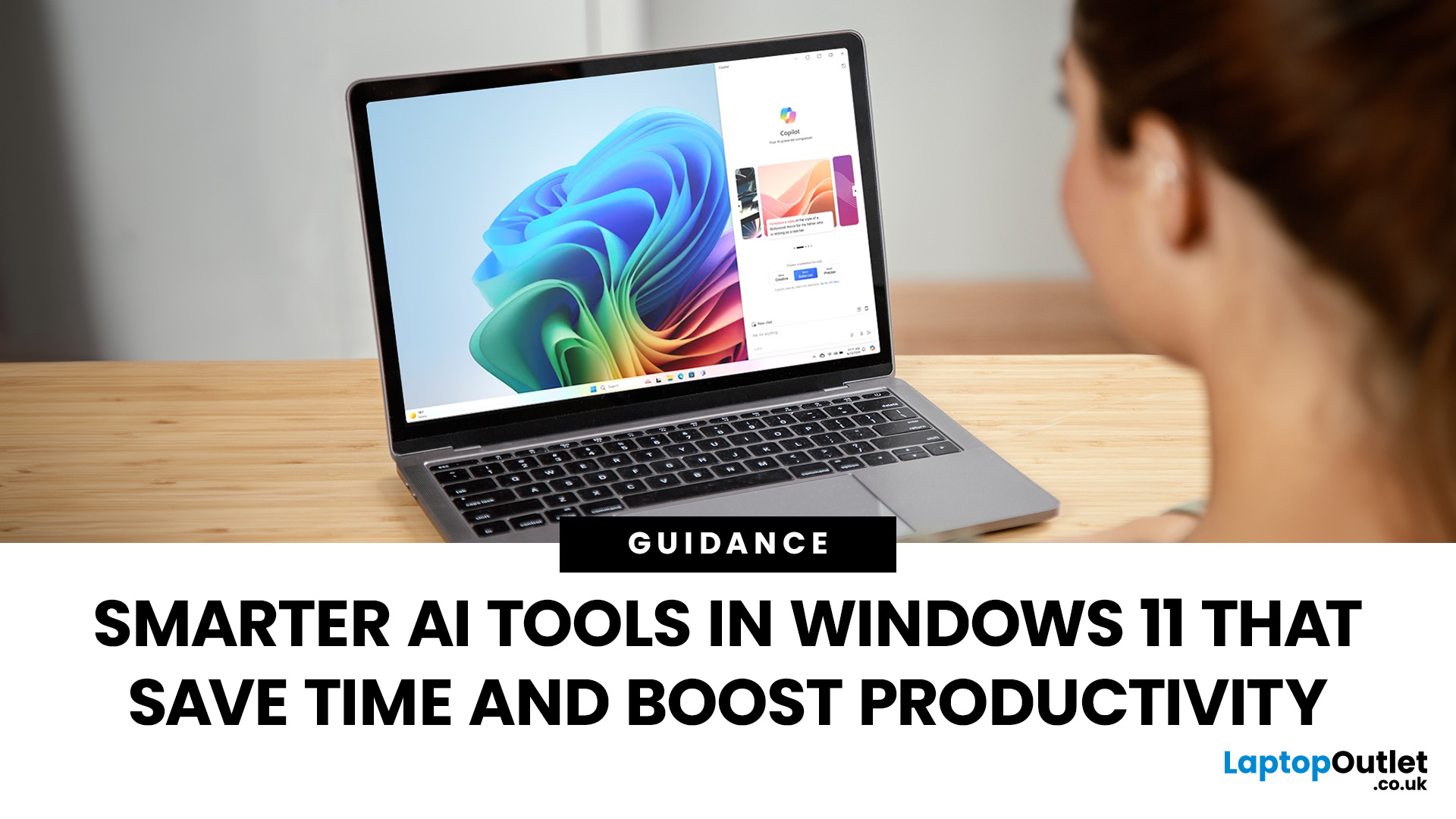
Remember when using a laptop was all about speed and specs i.e. faster processors, bigger storage, sharper screens? Those things still matter, but in 2025, the real game-changer is AI built directly into your PC. Microsoft’s new Windows 11 Copilot+ PCs are designed for exactly that.
Instead of just running apps faster, these laptops think alongside you. They can find files you barely remember creating, relight a photo as if you’re in a studio, or even recall what you were working on hours ago with a simple search. In short, they’re not just computers anymore - they’re collaborators.
In this post, we’ll dive into what makes Copilot+ special, unpack the latest AI tools in Windows 11, and show how customers can best benefit from these features.
What Makes a Copilot+ PC Different?
A Copilot+ PC is more than just a Windows 11 device. At its core is a Neural Processing Unit (NPU), a chip designed specifically to handle AI tasks. With this hardware in place, features like Recall and Windows

Last Updated: October 09, 2025
Think back a few years... when you bought a laptop, what did you care about most? Probably the processor, maybe RAM, and the graphics card if you were into gaming. The display? It was usually just “good enough.”
Fast forward to 2025, and the screen has become just as important as the hardware inside. Whether you’re streaming, gaming, editing photos, or juggling multiple apps, the display is what you interact with most — and it shapes your entire experience.
This is especially true with Windows 11 laptops, as the operating system is designed to take full advantage of modern display technologies. Its sharper interface, multitasking layouts, HDR support, and gaming optimisation features really shine when paired with quality screens.
That’s why today’s Windows 11 laptop display comparison often comes down to three main types: OLED, IPS, and Microsoft’s PixelSense. Each has unique strengths, trade-offs, and ideal use cases. Understanding them will help you pick the best display type for Windows
Last Updated: June 15, 2026
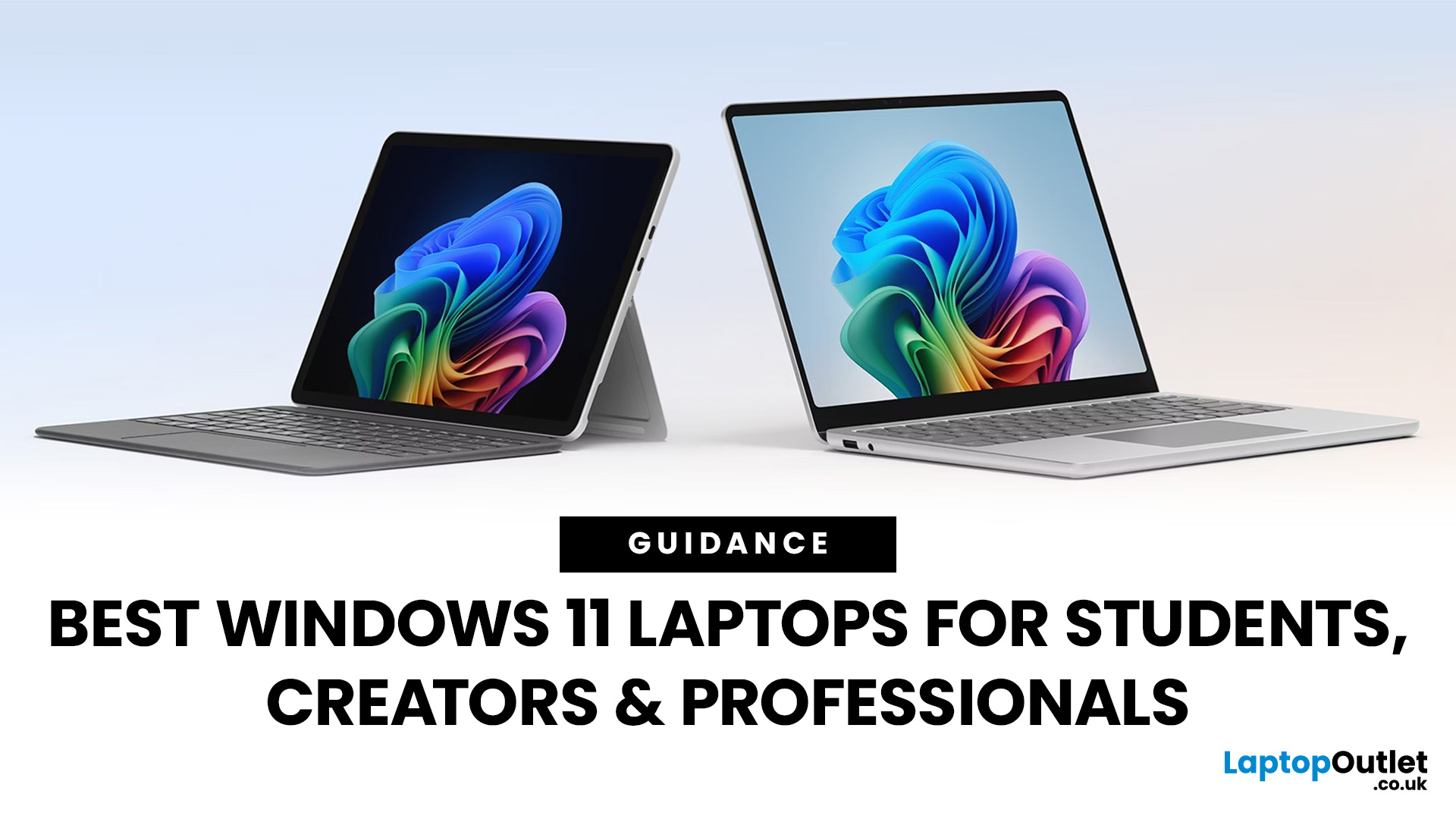
Choosing the right laptop has never been more important. Whether you are studying for exams, editing videos, or managing a full workload from home, the laptop you use makes a real difference. And right now, Windows 11 laptops are setting the standard for what a modern, capable machine should look and feel like.
Windows 11 brings a cleaner interface, better multitasking tools, improved security features, and built-in support for the latest AI-powered workflows. Add to that the wide range of hardware options available — from budget-friendly everyday machines to high-performance creative workstations — and it is clear why Windows 11 remains the go-to platform for most users in 2026.
But with so many options out there, knowing where to start can feel overwhelming. That is exactly why we put together this guide. We have split the best Windows 11 laptops into three clear categories — students, professionals, and creators — so you can find the right fit quickly.
The Best Windows 11 Laptops for
Last Updated: October 15, 2025
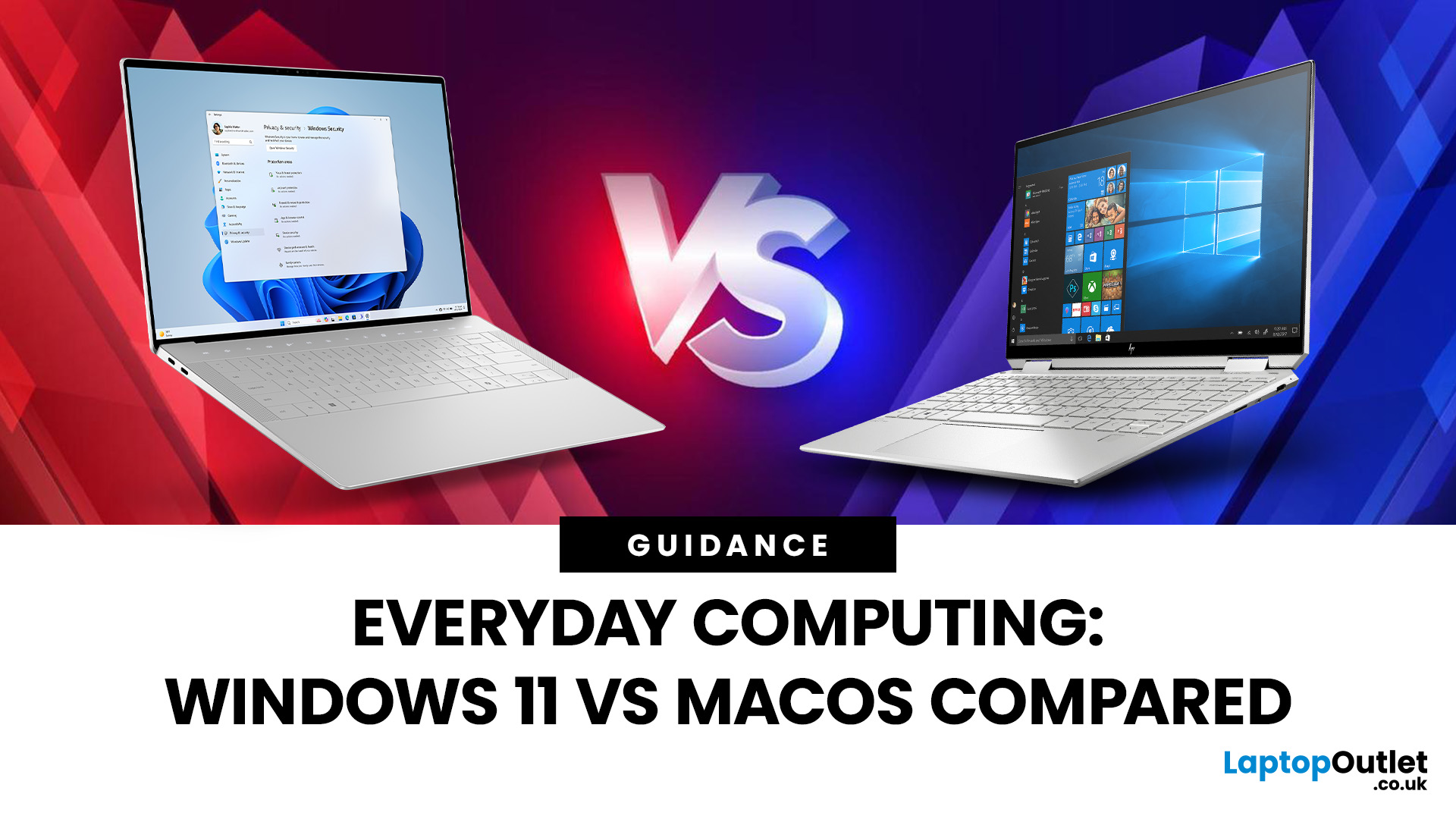
If you still rely on a Windows 10 laptop, you're standing right on a deadline. Support for Windows 10 ends on 14 October 2025, which means no more free security updates or bug fixes via Windows Update. Your machine will continue to run, but it will steadily become more exposed online. Microsoft's own guidance is straightforward: "move to Windows 11 on supported hardware or consider a managed path to extend security while you transition".
Below,we have compiled a practical guide on Windows 11 vs. Windows 10 laptops, comparing their performance, gaming, security, features, and hardware requirements.
A Quick Verdict If You're a Busy Reader!

- If your laptop meets Windows 11 requirements, upgrade and carry on. You'll gain modern security defaults (TPM 2.0, virtualisation-based protections), ongoing feature updates (25H2/24H2), and gaming tech like Auto HDR and DirectStorage without changing your hardware.
- If your laptop is too old for Windows 11, you can subscribe to the Extended Security

