



Which are the Best 4K Gaming Monitors? Selection Criteria
To choose a 4K gaming monitor, start with the device you use, and the frame rates it can realistically deliver. Screen size, refresh rate, panel type, HDR quality, VRR and connectivity matter more than chasing the highest headline specification. PC gamers should check GPU capability, while PS5 and Xbox Series X users should confirm suitable 4K 120Hz support.
A good 4K gaming monitor should suit your hardware, the games you play and your desk rather than simply having the highest numbers on the specification sheet.
That distinction matters more in 2026 because there is now much greater variation between 4K displays. You can find conventional high-refresh IPS screens, OLED and QD-OLED monitors, Mini LED models and dual-mode displays capable of prioritising resolution or refresh rate depending on the game.
Is a 4K Gaming Monitor Right for Your Setup?
A standard 4K UHD monitor has a resolution of 3840 × 2160. That works out at roughly 8.3 million pixels, four times the pixel count of Full HD and 2.25 times the pixel count of 2560 × 1440 QHD.
The extra detail can make textures, distant objects, text and fine interface elements look noticeably sharper. It is particularly useful in visually detailed single-player games, racing titles, strategy games and setups that double as a workstation.
The trade-off is rendering demand. Your PC has to produce considerably more pixels than it would at 1440p or 1080p, so the same graphics card will not normally deliver the same frame rate at native 4K.
What has Changed with 4K Gaming Monitors in 2026?
High resolution no longer automatically means a 60Hz display. Current 4K gaming monitors include 160Hz and 240Hz options, while some dual-mode screens can switch from 4K to a lower resolution at a substantially higher refresh rate.
A 240Hz label does not automatically make one 4K monitor more suitable than a good 160Hz model. Likewise, OLED is not automatically the right choice for every desk.
The sensible approach is to work through the following criteria in order.
1. Start With Your Gaming Hardware and Realistic Frame Rate
Before looking at the monitor, decide what will be connected to it.
For a gaming PC, consider the frame rates your graphics card can realistically produce in the games you actually play. A demanding AAA title using high graphical settings may run very differently from an esports game, even on the same PC.
This matters because a 240Hz display does not make the GPU produce 240 frames per second. High refresh rates can still provide useful headroom, smoother desktop movement and better performance in lighter games, but paying heavily for refresh capability you rarely use may offer poor value.
Console requirements are more predictable. Sony confirms that PS5 supports HDMI 2.1 and 4K output at 120Hz, while Microsoft lists Xbox Series X support for 4K gaming at up to 120 frames per second. Supported games and display settings still determine whether those maximum modes are actually used.
2. Choose the Refresh Rate You Can Actually Use
Refresh rate describes how many times a monitor can update its image each second.
A 60Hz monitor refreshes up to 60 times per second. A 144Hz display can refresh up to 144 times, while current high-end 4K gaming monitors can reach 240Hz or beyond through alternative operating modes.
For many 4K gaming setups, the 120Hz to 165Hz range offers a sensible combination of sharpness and smooth motion. It suits current consoles and gives PC gamers enough refresh headroom for a broad mix of games.
A 240Hz 4K monitor becomes more relevant when you have powerful hardware, play faster games or want one premium display that can handle both cinematic titles and competitive gaming.
3. Decide Between a 27-Inch and 32-Inch 4K Monitor
There is no universal winner. Your viewing distance and available desk space matter just as much as diagonal screen size. Both monitor sizes work well with 3840 × 2160 resolution, but they suit different desks and preferences.
|
Consideration |
27-Inch 4K |
32-Inch 4K |
|
Pixel density |
Higher |
Slightly lower |
|
Desk footprint |
Easier to accommodate |
Requires more space |
|
Viewing experience |
Compact and very sharp |
Larger and more immersive |
|
Competitive gaming |
Easier to scan from close range |
More screen area to track |
|
Single-player gaming |
Detailed but compact |
Stronger sense of scale |
|
Mixed work and gaming |
Excellent text clarity |
More physical workspace |
- A 27-inch monitor with 4K resolution has a pixel density of roughly 163 pixels per inch and can be easier to use on a smaller desk.
- A 32-inch 4K screen is around 138 pixels per inch which can feel more immersive in racing games, RPGs and visually detailed single-player titles.
However, both are considerably sharper than lower-resolution displays of the same size.
4. Choose the Panel Technology for Your Actual Use
Panel technology influences black levels, colour, motion handling, brightness and long-term ownership.
|
Display Type |
Main Strength |
Main Limitation |
Best Suited To |
|
OLED / QD-OLED |
Very deep blacks, fast pixel response and strong contrast |
Static-content burn-in remains a consideration |
Gaming and entertainment focused setups |
|
IPS LCD |
Good colour consistency and wide viewing angles |
Black levels are normally weaker than OLED or good VA |
Mixed gaming, work and general use |
|
VA LCD |
Stronger native contrast than many IPS displays |
Motion behaviour can vary significantly by model |
Dark-room gaming and cinematic content |
|
Mini LED LCD |
Strong brightness and local dimming can improve HDR |
Blooming can appear around bright objects |
HDR users wanting an LCD alternative |
One important distinction is that Mini LED is a backlight technology, not a separate LCD panel type. A Mini LED gaming monitor may still use an IPS or VA LCD panel.
OLED is attractive for gaming because individual pixels can control their own light output. This provides very deep blacks and extremely fast pixel transitions. Current high-end 4K gaming recommendations increasingly use OLED technology for this reason.
However, an IPS monitor may make more sense for a screen that spends long working days displaying static toolbars, documents or application interfaces. OLED protection systems continue to improve, but the potential for permanent image retention from repeated static content should still be considered rather than ignored.
5. Do Not Judge Motion Performance via Response-Time Alone
Response time and refresh rate are related, but they are not the same thing.
This is why a 240Hz monitor can still have poor motion clarity if its pixels cannot transition quickly enough.
You will commonly see figures such as 1ms or 0.03ms in product specifications. These are useful reference points, but they should not be treated as completely comparable measurements between every manufacturer and monitor.
Different overdrive settings and testing conditions can produce different advertised results. Independent testing across multiple refresh rates is therefore useful when motion performance is particularly important to you. For competitive gaming, look at refresh rate, tested response behaviour, overshoot and input latency together.
6. Check the Quality of HDR, Not Just Whether HDR Is Listed
One of the easiest mistakes when choosing a 4K gaming monitor is assuming that HDR support guarantees impressive HDR.
It does not.
A monitor needs enough brightness and contrast control to produce a convincing difference between bright highlights and darker parts of the image. OLED achieves this through pixel-level light control, while higher-end LCD monitors can use local dimming systems such as Mini LED backlights.
VESA's DisplayHDR programme uses defined testing requirements, while its DisplayHDR True Black specifications are designed around the deep black-level capabilities of emissive displays such as OLED. Recent VESA revisions have expanded testing around luminance, contrast, black levels and colour performance.
Treat an HDR10 compatibility label as the start of your research, not proof of strong HDR performance.
7. Make Sure the Monitor Supports the Right VRR Standard
Variable Refresh Rate, usually shortened to VRR, allows the display's refresh rate to adjust with the rate at which frames are being delivered.
This helps reduce visible tearing and stuttering when frame rate changes.
AMD FreeSync uses standards including DisplayPort Adaptive-Sync and HDMI Variable Refresh Rate. AMD states that its technology synchronises display refresh with the frame rate of a compatible graphics system. NVIDIA's G-SYNC ecosystem similarly uses variable refresh rate to reduce tearing and stuttering.
The important point is that FreeSync and G-SYNC should not be treated as a choice between “lower latency” and “smoother graphics”. Both are VRR technologies intended to improve frame delivery when compatible hardware is used.
VESA also operates an Adaptive-Sync Display certification programme with defined performance testing for variable refresh displays.
For PC gaming, check compatibility with your graphics card. For consoles, make sure VRR works through the HDMI input and at the resolutions and refresh rates you intend to use.
8. Check the Ports Before You Buy
A powerful monitor is not much use if your device cannot access its full capabilities through the available connection.
For PS5, Sony confirms support for HDMI 2.1 and 4K 120Hz output. Sony also advises using a compatible HDMI input and appropriate cable when troubleshooting 4K 120Hz.
Xbox similarly advises HDMI 2.1 support when setting up Xbox Series X for 4K gaming at 120Hz.
For PC gaming, DisplayPort remains particularly important. Current high-refresh 4K monitors may use DisplayPort 1.4 with Display Stream Compression or newer DisplayPort connections depending on the model.
USB-C is useful if you also connect a laptop, but it is not essential for a dedicated desktop gaming setup. If USB-C matters to you, check whether it carries video, data and power delivery rather than assuming every USB-C socket performs all three functions.
PC vs PS5 vs Xbox Series X: What Should You Prioritise?
|
Setup |
Priorities |
|
|
Gaming PC |
GPU performance at 4K, target refresh rate, DisplayPort or suitable HDMI connection, VRR compatibility |
|
|
PS5 |
4K 120Hz support, HDMI 2.1, compatible VRR, appropriate HDMI input |
|
|
Xbox Series X |
4K up to 120fps, HDMI 2.1, VRR support |
|
|
PC and Console Combined |
Multiple suitable inputs, easy source switching, strong VRR compatibility and flexible refresh support |
|
Buying for more than one platform makes connectivity especially important. A monitor with excellent PC specifications may be inconvenient if only one input provides its full high-refresh capability.
Likewise, buying a 240Hz monitor solely for a console is unnecessary if the console itself will not output at that refresh rate.
Common Mistakes When Choosing a 4K Gaming Monitor
- The first mistake is paying for specifications your system cannot make practical use of. A very high refresh rate has value, but not every PC needs 240Hz at 4K.
- Another is assuming 4K automatically means strong HDR. Resolution determines image detail. HDR performance depends on factors such as brightness, contrast and light control.
- Do not confuse 3440 × 1440 ultrawide monitors with standard 3840 × 2160 4K UHD displays either. Both can provide excellent gaming experiences, but they have different pixel counts, aspect ratios and performance demands.
- Avoid choosing solely from an advertised response-time number, and do not forget to verify which specifications are available through each physical input.
- Finally, check the warranty and OLED coverage where relevant. A premium screen may stay on your desk for several graphics card upgrades, so long-term support matters.
Is a Dual-Mode 4K Gaming Monitor Worth Considering?
Yes, dual-mode technology is useful if you regularly switch between visually demanding single-player games and competitive titles.
A typical implementation allows the monitor to run at native 4K with one refresh-rate limit, then switch to a lower resolution with a substantially higher refresh rate. Current product listings already include 4K 160Hz monitors capable of higher-refresh Full HD operation.
The trade-off is straightforward. Competitive mode sacrifices resolution for speed, while 4K mode prioritises detail.
A Simple Way to Make Your Final Decision
Start with your device and establish the performance it can realistically deliver at 4K. Next, choose between 27 and 32 inches based on desk size and viewing distance. Decide whether OLED picture quality, IPS versatility or an LCD with stronger HDR hardware better suits your use.
After that, set the refresh-rate range you can genuinely use and check VRR compatibility.
Only then compare extras such as USB-C, KVM functionality, stand adjustment, speakers and RGB lighting.
That keeps the buying decision separate from the selection criteria explained in this guide.

Final Thoughts
Knowing how to choose a 4K gaming monitor is mainly about matching the display to your hardware and gaming habits.
For most buyers, resolution alone should never decide the purchase. Refresh rate, actual motion performance, panel technology, HDR capability, VRR, screen size and connectivity all affect how the monitor performs in real use.
A 240Hz OLED can make sense for a powerful mixed-genre gaming PC, while a 120Hz to 165Hz display may provide better value elsewhere. Console users should concentrate particularly on 4K 120Hz, HDMI compatibility and VRR.
Choose the specification combination you will use, rather than paying for the biggest number on the box. Once you know the specification combination that suits your setup, compare our current 4K gaming display at Laptop Outlet by panel type, screen size and refresh rate.

What People Also Ask About 4K Gaming Monitors
What Refresh Rate Should a 4K Gaming Monitor Have?
For many gamers, 120Hz to 165Hz provides a strong balance between smooth motion and realistic 4K performance. A 240Hz monitor is more useful with powerful PC hardware or for players who also run less demanding competitive games.
Is 27 Inches or 32 Inches Better for 4K Gaming?
Both sizes work well at 4K. A 27-inch display provides higher pixel density and suits compact desks, while 32 inches gives a larger, more immersive image. Your viewing distance and available desk space should decide between them.
Do I Need HDMI 2.1 for a 4K Gaming Monitor?
HDMI 2.1 is particularly important for PS5 and Xbox Series X users who want 4K gaming at 120Hz with compatible features. PC users may alternatively use DisplayPort, depending on the monitor and graphics card.
Is OLED Better Than IPS for 4K Gaming?
OLED generally provides deeper blacks, faster pixel response and stronger contrast. IPS can be a better fit for mixed gaming and productivity because it avoids the same permanent burn-in concerns associated with repeated static content on OLED screens.
Is a 4K 240Hz Gaming Monitor Worth It?
It can be worthwhile for a powerful gaming PC, especially if you play both competitive and visually demanding games. For systems that rarely exceed 120 to 165fps at 4K, spending more on HDR, panel quality or connectivity may provide greater value.
| Read More: |
| Ultrawide vs 4K Monitor for Gaming: Which One Should You Choose in 2026? |
| Best Gaming Monitor Brands for Gaming in the UK (2026) |
| Best Budget-Friendly 4K Monitors for Xbox Series X |
Related Articles

Last Updated: September 24, 2026
Last Updated: July 30, 2026
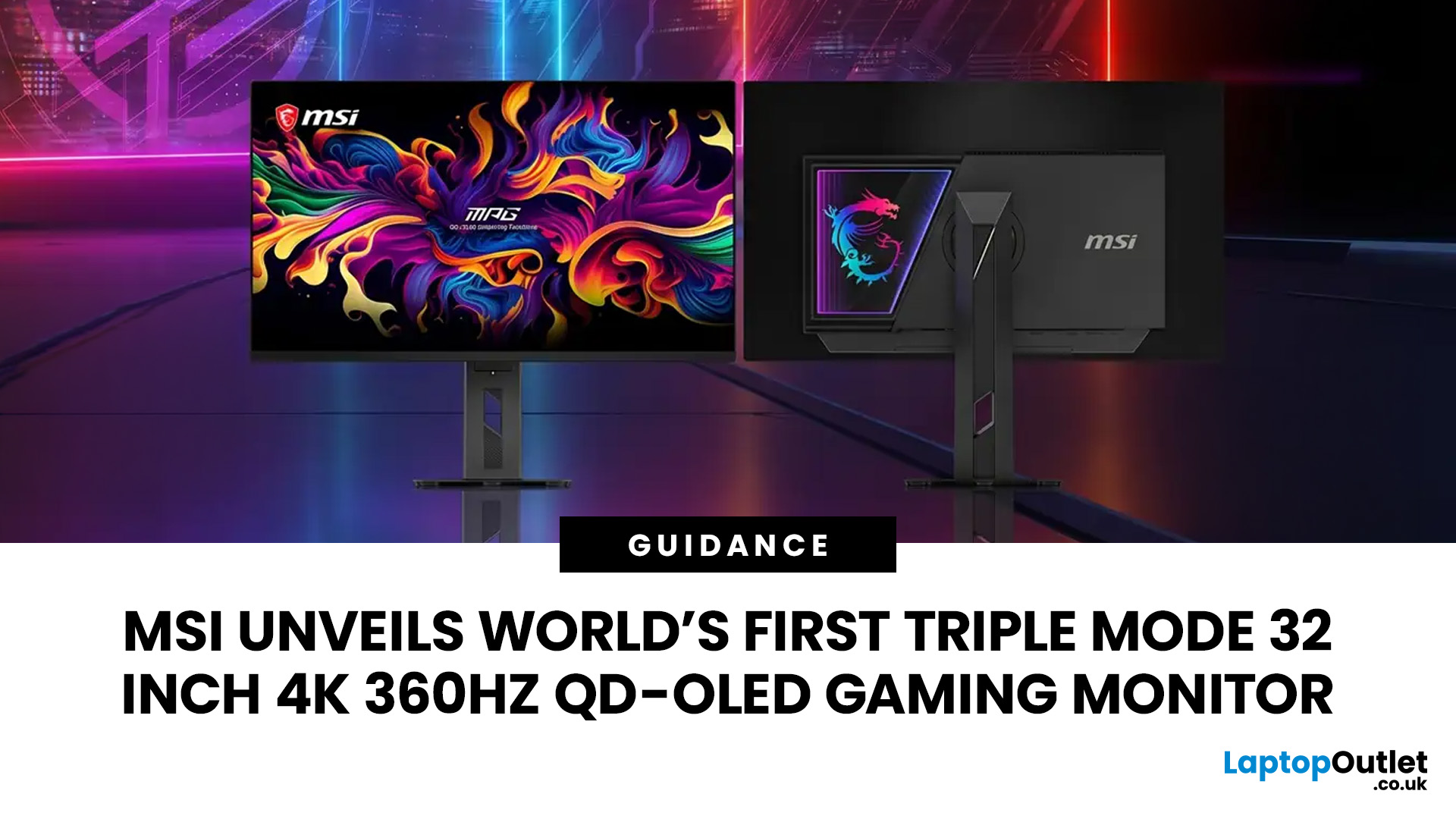
MSI has revealed a gaming monitor that sounds almost unreal on paper: a 32 inch 4K monitor with a 360Hz refresh rate, QD-OLED visuals, and a Triple Mode feature that lets gamers switch between different resolution and speed settings. Officially known as the MSI MPG OLED 322URDX36 (MSI lists the panel at 31.5 inches, though it's widely rounded to 32 inches), this display was unveiled ahead of COMPUTEX 2026 and is designed for players who want sharp 4K detail, ultra-smooth motion, and flexible performance in one premium screen.
For years, gamers had to choose between resolution and speed. A 4K monitor gave better image quality, while a lower-resolution, high-refresh-rate screen gave smoother competitive gameplay. MSI's new Triple Mode gaming monitor aims to close that gap, letting users move between 4K 360Hz, 1440p 520Hz, and Full HD 680Hz depending on the game, their hardware, and personal preference.
That makes it one of the most interesting display announcements for serious PC gamers,
Last Updated: August 11, 2026
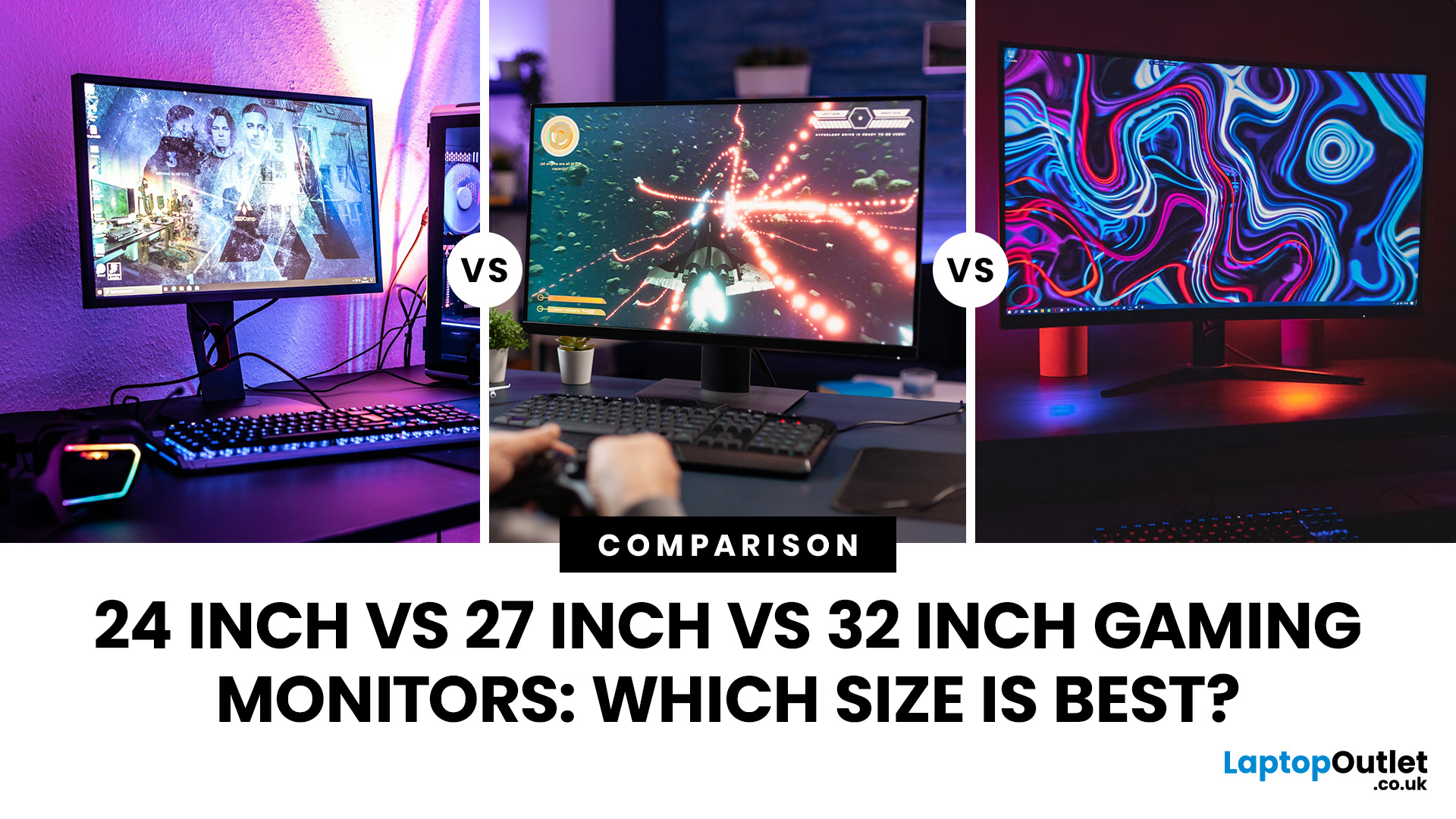
Picking the best gaming monitor size isn’t just about going big or going home. Your screen size actually changes how your games look, feel, and perform. A 24-inch setup is clutch for competitive play, a 27-inch hits that sweet spot between clarity and immersion, and a 32-inch screen? That’s where things get seriously cinematic.
Size alone isn’t the whole story. Resolution, desk space, refresh rate, and what you actually play all matter. This gaming monitor size comparison breaks down 24, 27, and 32-inch displays so you can find your perfect match.
24 Inch vs 27 Inch vs 32 Inch Gaming Monitors: Quick Comparison
The following table provides a quick overview of how the three most popular gaming monitor sizes compare.
| Feature | 24-Inch Monitor | 27-Inch Monitor | 32-Inch Monitor |
| Recommended resolution | 1920 × 1080 | 2560 × 1440 | 2560 × 1440 or 3840 × 2160 |
| Best suited to | Competitive gaming | Mixed gaming and everyday use | Immersive and cinematic gaming |
| Typical desk requirement | Small | Medium | Large |
| Graphics |
Last Updated: August 11, 2026
Last Updated: September 03, 2026
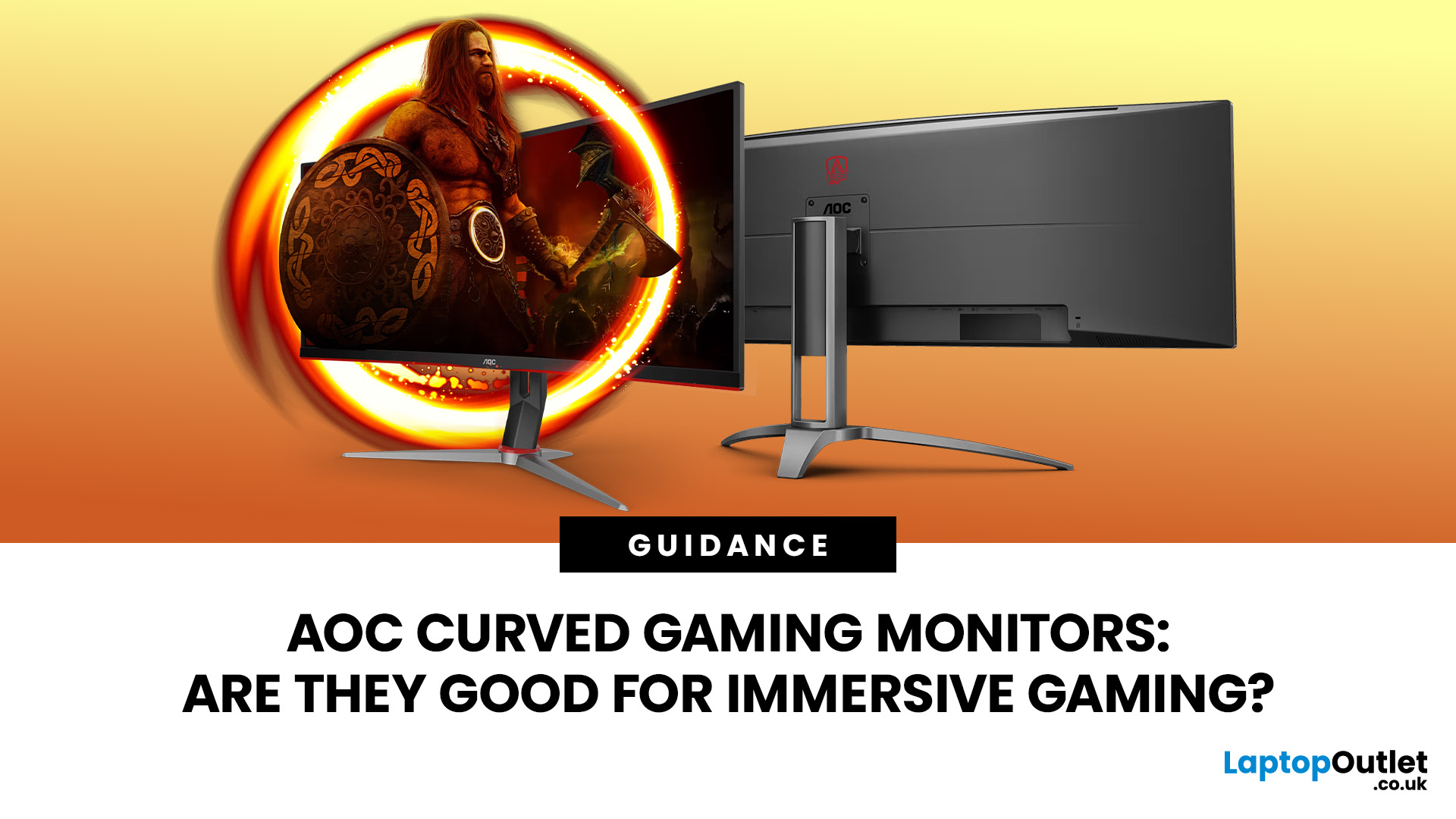
An AOC curved gaming monitor can be a strong choice for immersive gaming, especially if you play racing, simulation, RPG, open-world or cinematic single-player games. The curved screen helps draw more of the display into your natural field of view, which can make gameplay feel more engaging on larger panels. For many PC gamers, the sweet spot is a 27-inch or 32-inch high-resolution QHD monitors. For maximum immersion, an AOC 34 curved gaming monitor or another ultrawide curved gaming monitor can offer a wider, more cinematic view.
Are AOC Curved Gaming Monitors Good for Immersive Gaming?
Yes, AOC curved gaming monitors can be good for immersive gaming, but the experience depends on three things:
- Screen size
- Resolution
- Refresh rate
A curved display is most effective when the screen is large enough for the curve to matter. On a 24-inch screen, the curve may feel subtle. On a 32-inch or 34-inch screen, it becomes much more noticeable because the edges of the panel sit further into your peripheral
Published: July 27, 2026
Last Updated: September 03, 2026
Last Updated: August 11, 2026
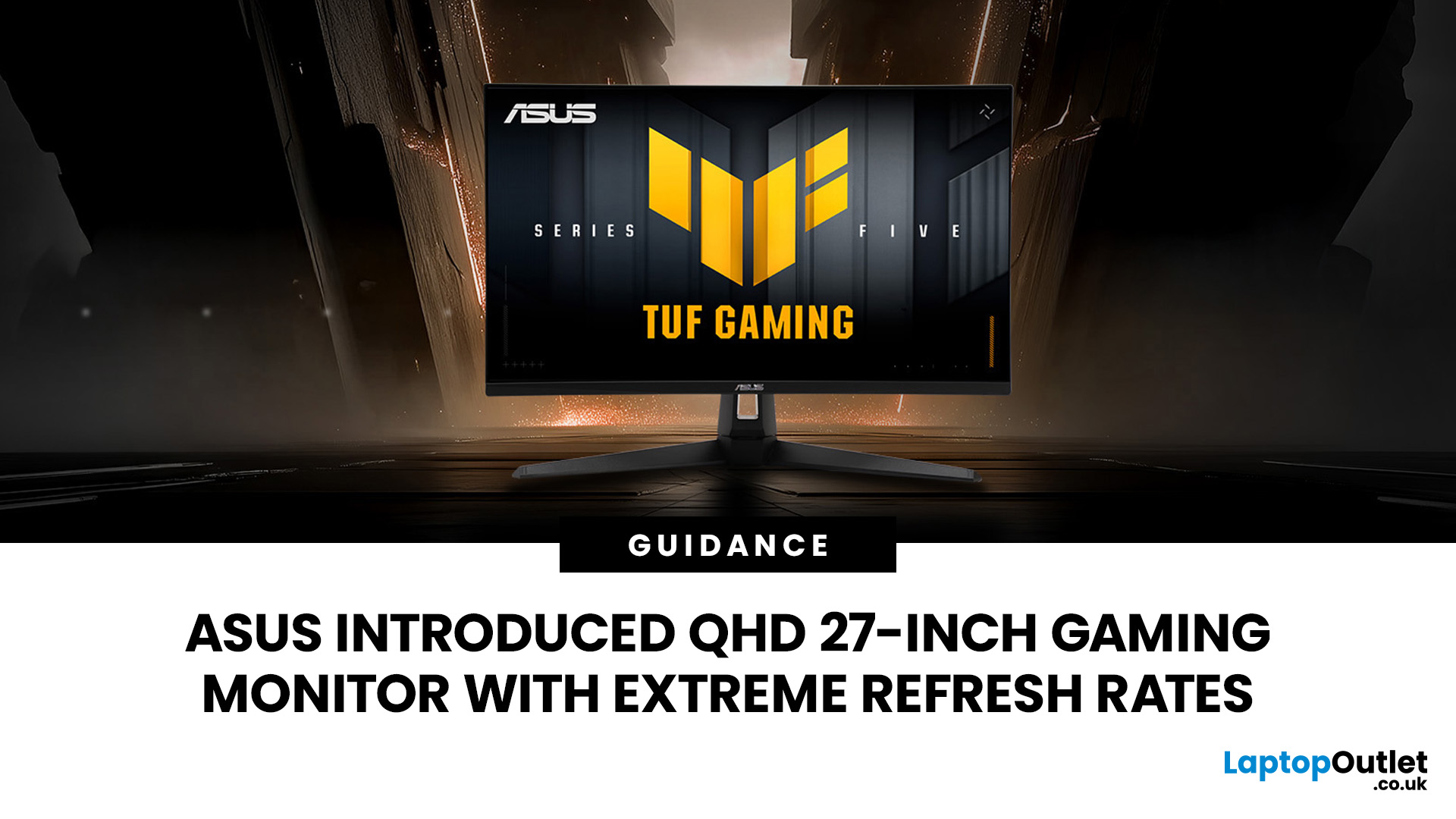
The ASUS VG27AQM5F is a 27 inch QHD gaming monitor built primarily for competitive PC players who want a higher refresh rate without dropping to Full HD resolution. As an ASUS QHD monitor, it combines a 2560 x 1440 Fast IPS panel with a maximum 320Hz refresh rate, adaptive-sync support and ASUS ELMB Sync. This ASUS new gaming display launch is aimed at players seeking smoother competitive gameplay, although its tilt-only stand, basic HDR capability and service-only USB-C port remain important limitations.
ASUS VG27AQM5F Quick Answer
| Question | Answer |
| Best suited to | Competitive PC gamers who regularly play above 200fps and still want QHD detail |
| Main strengths | 320Hz refresh rate, Fast IPS panel, 95% DCI-P3 coverage and broad adaptive-sync support |
| Main limitations | Tilt-only stand, modest 300cd/m² brightness, basic HDR10 support and no functional USB-C display input |
| Testing status | Specification-based assessment, not a hands-on review |
| UK availability | Available through UK retail channels, but not |
Last Updated: August 13, 2026
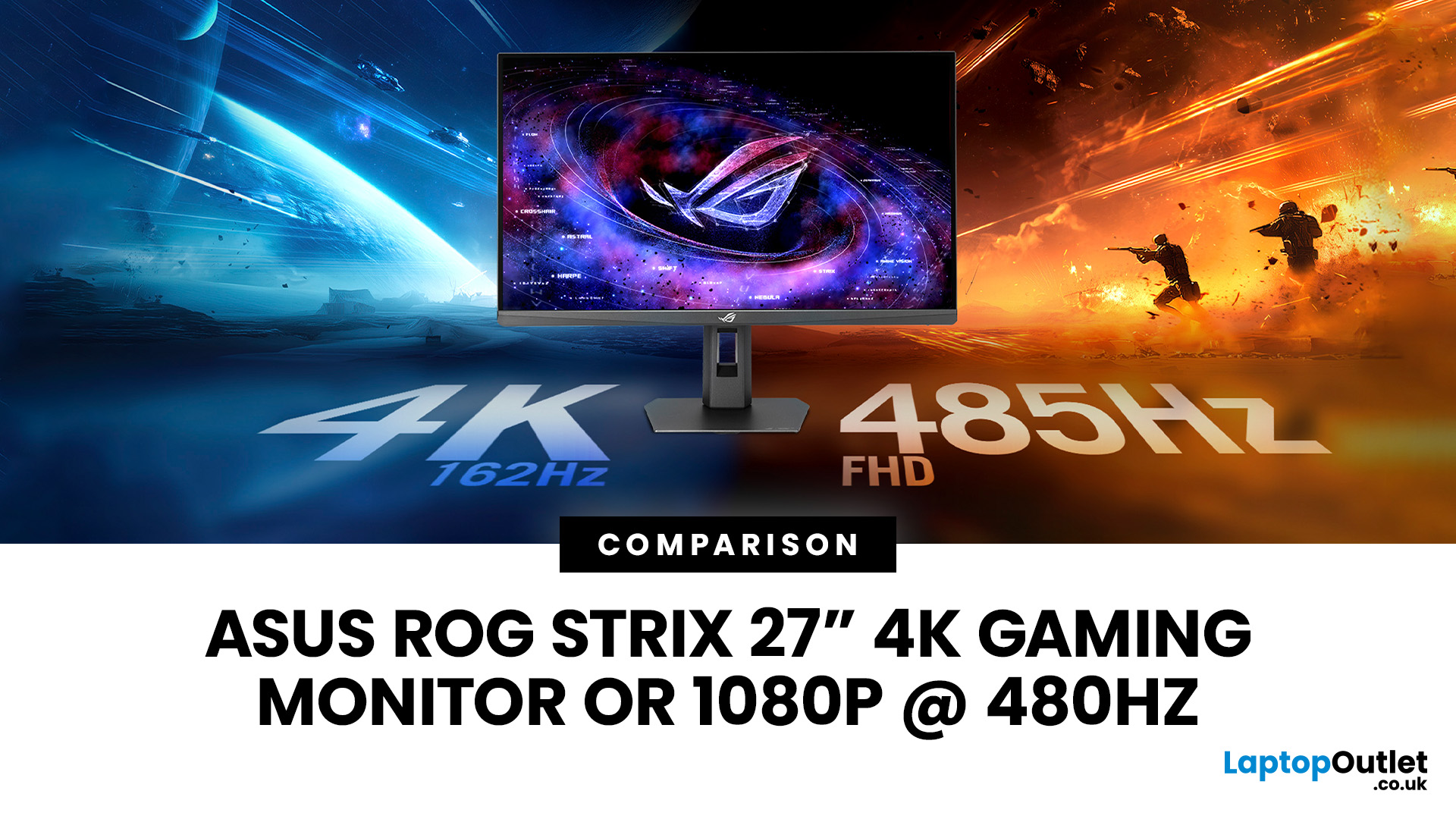
The ASUS ROG Strix XG27UCGR Gen2 is a 27 inch 4K gaming monitor that runs at up to 162Hz in 4K and switches to Full HD at 485Hz for esports. It succeeds the original XG27UCG’s 160Hz and 320Hz dual mode, adding a much faster competitive setting, Smart Pixel processing and a lower quoted minimum response time.
Most gaming monitors make you choose between resolution and refresh rate. A sharp 4K screen suits visually detailed games, while an ultra-fast Full HD display is usually better suited to competitive titles where responsiveness matters more than image detail.
The ASUS ROG Strix XG27UCGR Gen2 attempts to cover both uses. Its native mode delivers 3840 x 2160 resolution at up to 162Hz. Activating Frame Rate Boost changes the monitor to 1920 x 1080 and raises the refresh rate to 485Hz. ASUS confirms both modes for the XG27UCGR, alongside a Fast IPS panel, Smart Pixel processing and a manufacturer-rated minimum response time of 0.3ms.
ASUS ROG Strix XG27UCGR Specifications
The XG27UCGR Gen2
Last Updated: September 03, 2026
Refresh rate is one of the first specifications you will notice when shopping for a gaming monitor. A higher number promises smoother movement and faster feedback, but that does not automatically mean a 240Hz display is the right choice for your setup.
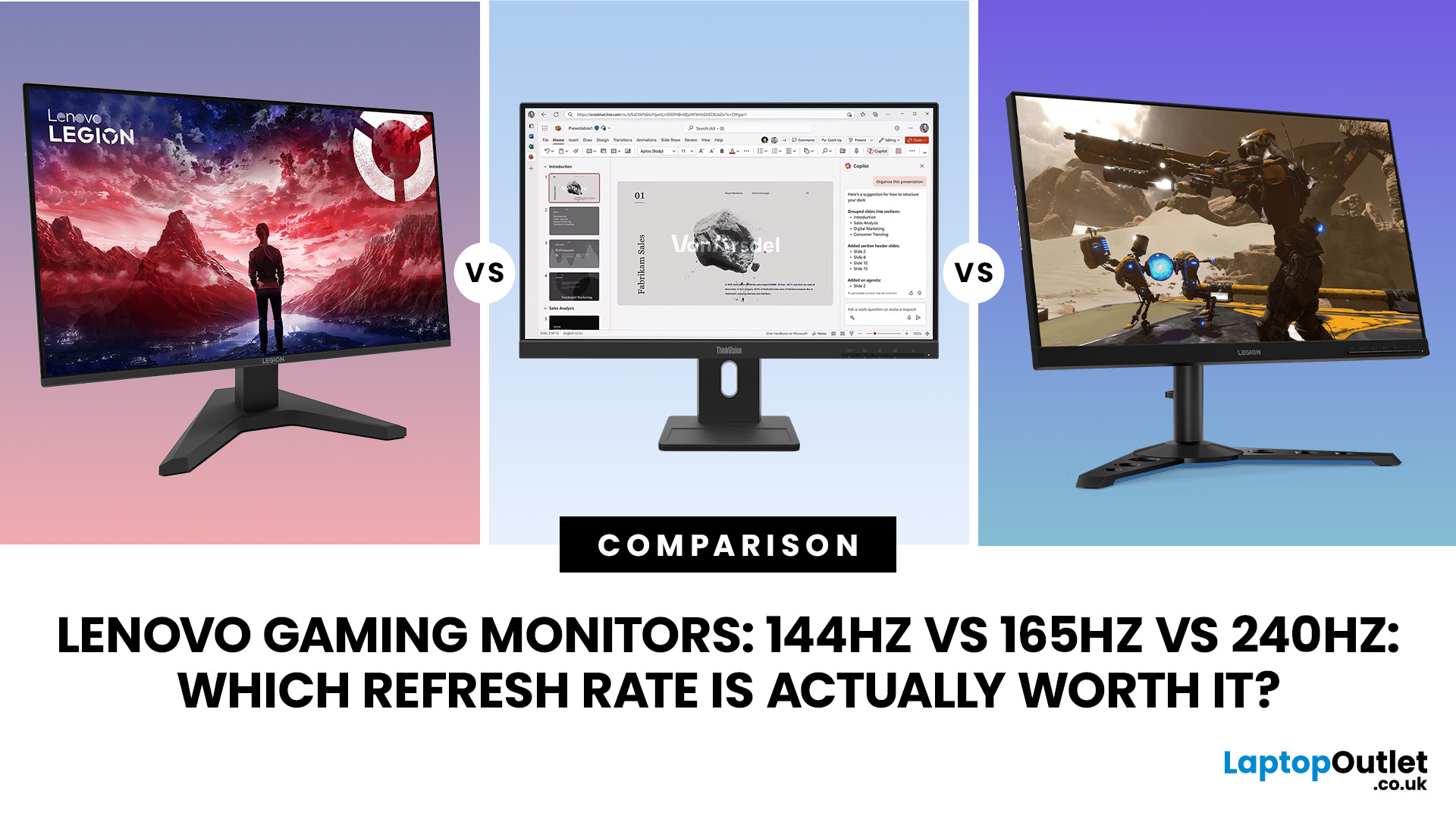
The best Lenovo monitor refresh rate depends on the games you play, the frame rates your computer can produce and whether you prioritise competitive responsiveness or sharper graphics. A casual player running cinematic games at 70 frames per second will gain little from 240Hz, while a competitive FPS player maintaining more than 200fps may notice a meaningful improvement.
This guide compares 144Hz, 165Hz, and 240Hz Lenovo gaming monitors so you can pay for performance you will actually use.
Quick Answer: Is 144Hz, 165Hz or 240Hz Best?
For most PC gamers, 144Hz or 165Hz offers the best balance of smoothness, hardware requirements, and value. Choose 240Hz when you mainly play competitive shooters and your PC can regularly produce close to 240fps

