



Best Refurbished Monitors with Adjustable Stands in 2026
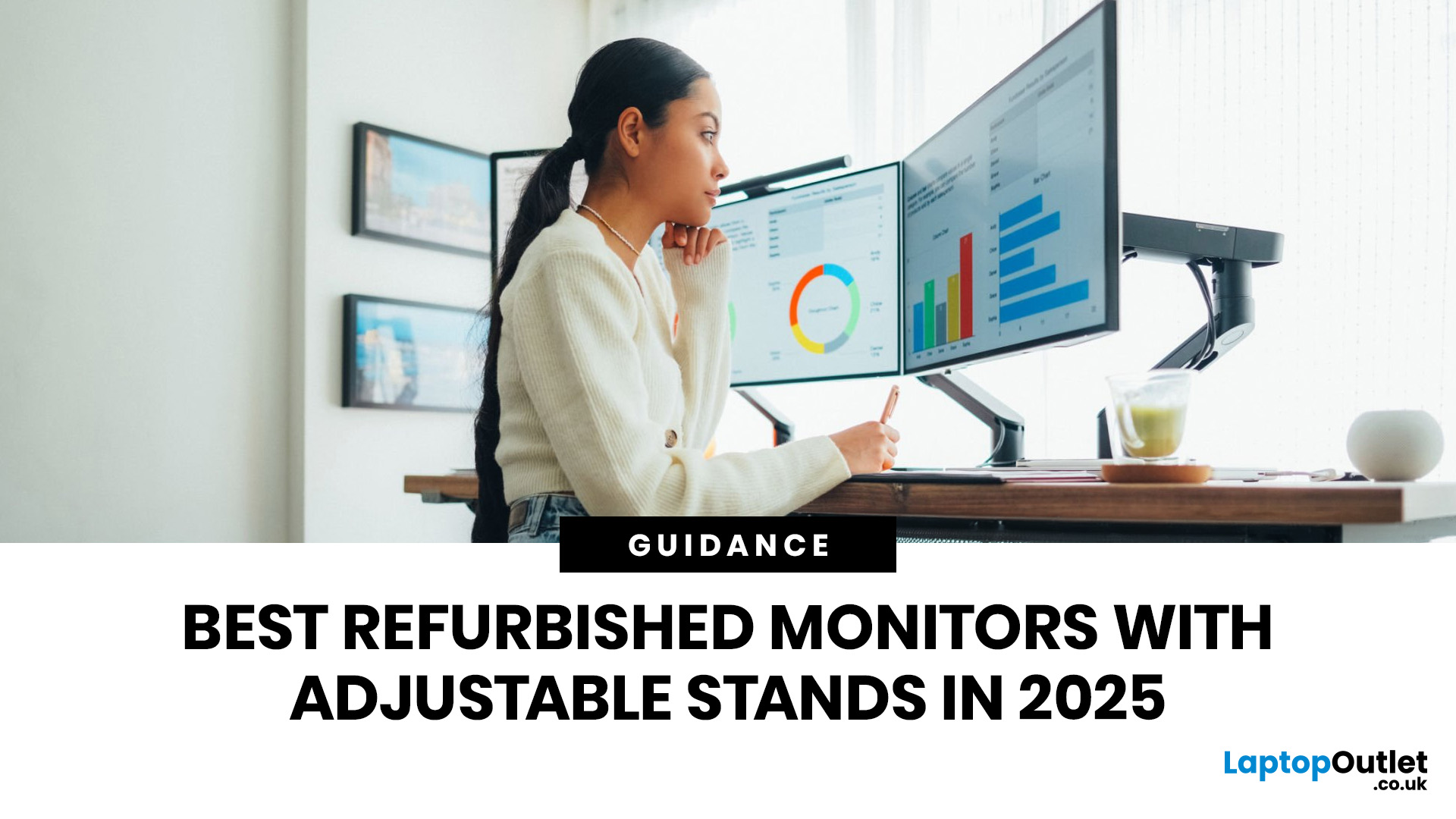
A monitor stand is easy to overlook until you spend a full day hunched over the wrong screen. If you work from home, study for long hours, edit content, or switch between spreadsheets and video calls, an adjustable stand makes a real difference. It lets you set the screen at a more comfortable height, angle it properly, and keep your desk setup working with you instead of against you. It is recommended to keep the monitor directly in front of you, at least 20 inches away, with the top line of the screen at or just below eye level.
That is why refurbished monitors with adjustable stands make so much sense in 2026. You get the ergonomic features people actually use every day, without paying full price for a brand-new display. At Laptop Outlet, refurbished monitors are sold as professionally restored products, and the refurbished range is presented as backed by warranty, which makes the category a strong fit for buyers who want better value without buying blind.
If you are shopping for the best refurbished monitors with adjustable stands in 2026, the goal is not just to find the cheapest screen. It is about finding the right screen for how you actually work. Some people need a straightforward 27-inch display for office tasks and home use. Some need stronger colour accuracy for editing and design. Others want a single monitor that handles meetings, charging, peripherals, and cleaner cable management. The good news is, there’s something here for everyone.
Best Refurbished Monitors with Adjustable Stands in 2026
Refurbished DELL P Series P2725H 27" Monitor
Approximate Price: Around £120
Best For: Everyday office work, home use, admin tasks, and buyers who want a larger screen for less
The Dell P2725H is the most straightforward recommendation in this group, and for many buyers, it will also be the easiest one to live with. It features a 27-inch anti-glare IPS panel, Full HD resolution, a smoother 100Hz refresh rate, and full ergonomic adjustment for height, tilt, swivel, and pivot. Dell’s official specifications also list 99% sRGB coverage, TÜV 4-star eye comfort certification, and flicker-free support, which helps explain why this model feels more polished than a basic entry-level office monitor.
The stand is a big part of the appeal here. A lot of lower-cost monitors still cut corners on adjustability, but this one does not. You can raise, lower, angle, rotate, and even switch to portrait mode when needed. That makes it a strong fit for people who want a simple monitor that can adapt to different work styles without an extra arm or stand.
Its connectivity is practical too. You get HDMI, DisplayPort, VGA, a USB upstream connection, three USB-A downstream ports, and a USB-C downstream port with up to 15W power delivery. That last point is worth being clear about. The Dell does include USB-C, but it is not the same kind of full one-cable laptop docking setup you get on some higher-spec productivity monitors. It is best seen as a useful convenience feature rather than a complete docking replacement.
Refurbished ASUS ProArt PA247CV 23.8" Monitor 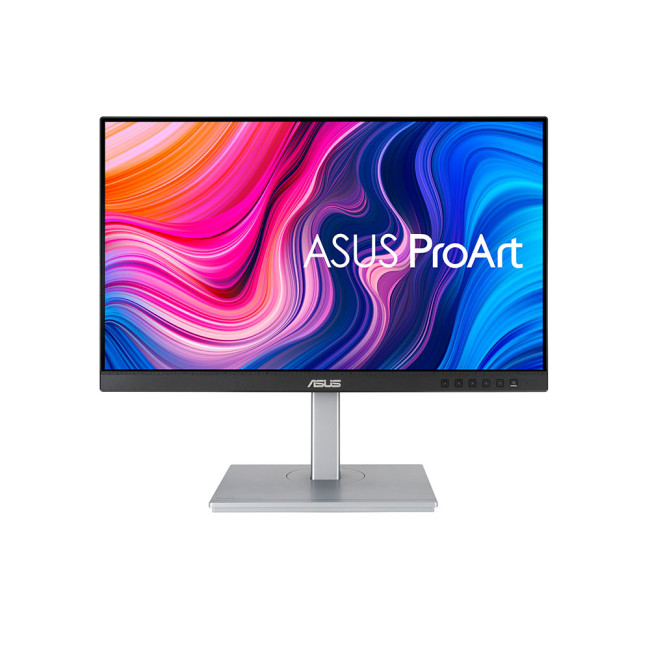
Approximate Price: Around £155
Best For: Designers, photographers, editors, content creators, and laptop users who want proper USB-C charging
The ASUS ProArt PA247CV is the most specialised monitor in this lineup, which is exactly why it stands out. It is a 23.8-inch IPS display with Full HD resolution, but the reason to buy it is not the size. It is colour performance, stand flexibility, and better USB-C support.
ASUS lists the PA247CV as factory-calibrated and Calman-verified, with Delta E below 2 and full 100% sRGB and 100% Rec. 709 coverage. In plain terms, that makes it a much better fit for colour-sensitive work than a standard business monitor. If you edit photos, create graphics, work on brand visuals, manage product imagery, or just want a screen that handles colour more reliably, the ASUS has a clear advantage.
The stand is just as versatile as the panel. You get tilt, swivel, pivot, and height adjustment, so it works well whether you are editing landscape images, reading portrait layouts, or moving between creative work and general admin. You also get a maximum refresh rate of 75Hz, built-in speakers, flicker-free support, TÜV low-blue-light certification, and VESA mounting.
One of the strongest reasons to choose this monitor is its USB-C implementation. The PA247CV supports USB-C with display output and up to 65W power delivery, which makes it a very tidy match for modern laptops. If you want fewer cables on the desk and a monitor that can keep a compatible laptop charged while also handling display output and USB data, this setup is much more useful than a token USB-C port.
Refurbished Lenovo ThinkVision T27hv-30 27" Monitor
Approximate Price: Around £280 to £300
Best For: Hybrid work, regular video calls, one-cable laptop setups, and buyers who want an all-in-one work-from-home monitor
The Lenovo ThinkVision T27hv-30 is the premium choice in this guide. It is also the most feature-rich by some distance.
At the core, you are getting a 27-inch IPS panel with a QHD resolution of 2560 x 1440, a 75Hz refresh rate, 6ms normal response time, anti-glare support, and 99% sRGB coverage. The stand supports tilt, swivel, pivot, and up to 155mm of lift, so the ergonomic side is already strong before you even get to the built-in extras.
Where the Lenovo really separates itself is in remote-work functionality. Its official datasheet lists an integrated 5MP IR+RGB webcam, integrated microphone, built-in dual 5W speakers, Windows Hello facial recognition support, Microsoft Teams certification, Ethernet, DisplayPort out, and USB-C with up to 90W power delivery. That combination turns it into far more than just a monitor. It becomes a central desk hub for meetings, charging, accessories, and a cleaner one-cable laptop setup.
That makes a real difference in day-to-day use. If your desk is built around calls, collaboration, docking a laptop, and keeping cables under control, the Lenovo saves you from needing separate speakers, a webcam, and often a separate dock as well. The QHD panel also gives you more usable workspace than the Full HD options in this guide, particularly noticeable on a 27-inch screen.
The only real drawback is cost. It sits much higher than the Dell and ASUS, so it makes sense only if you will actually use those extra conferencing and connectivity features. If all you need is a solid screen for standard office tasks, the Dell is a better value. But if you want a more complete work-from-home monitor that can carry its own setup, the Lenovo earns its place.
Which Monitor Is Right for You?
- If you want the best balance of price, screen size, and everyday usefulness, the Dell P2725H is the easiest one to recommend. It offers a 27-inch IPS screen, a smoother 100Hz refresh rate, and a fully ergonomic stand at a very approachable price.
- If your work leans more toward design, photo editing, content creation, or colour-critical tasks, the ASUS ProArt PA247CV makes more sense. It is the most creator-friendly panel here, and its 65W USB-C support also makes it especially convenient for laptop users.
- If you want a monitor that can anchor an entire hybrid-work setup, the Lenovo ThinkVision T27hv-30 is the strongest pick. It gives you sharper QHD resolution, better docking-style connectivity, built-in conferencing hardware, and a stand just as flexible as the others.
Why Adjustable Stands Matter More Than People Think
When people compare monitors, they usually start with size and resolution. Those things matter, but the stand has a bigger effect on daily comfort than many buyers realise.
Height adjustment lets you raise or lower the screen so you don't have to look down all day. Tilt helps reduce awkward viewing angles and screen glare. Swivel makes it easier to turn the display slightly without dragging the whole base across the desk. Pivot is useful if you work in portrait mode, read long documents, code, edit copy, or want a second screen turned vertically beside your main display.
Whether you are working from home, studying, gaming casually after work, or spending all day in spreadsheets, browser tabs, and video calls, a screen that adjusts properly is simply easier to live with. It helps you sit in a more natural position, keeps the display easier to read, and makes a setup feel less cramped.
What To Look for in a Refurbished Ergonomic Monitor in 2026
Before buying, focus on the features that will make the biggest difference to comfort, flexibility, and everyday use.
Check the Stand First
- Height adjustment is the most important feature
- Tilt helps you angle the screen more comfortably
- Swivel makes it easier to reposition the display
- Pivot is useful for portrait mode, long documents, and vertical work
- A stand with full adjustment will be more practical over time than a tilt-only design
Choose the Right Panel and Screen Size
- IPS panels are usually the best choice for most users
- They offer better viewing angles and more consistent image quality
- 24-inch monitors work well for smaller desks and general tasks
- 27-inch monitors give you more space for multitasking and side-by-side windows
Pick a Resolution That Matches Your Work
- Full HD is suitable for office work, study, browsing, emails, and general use
- QHD looks sharper and gives you more working room
- QHD is especially useful on 27-inch monitors and for people who work across multiple apps
Look at the Connectivity
- Check for HDMI and DisplayPort as standard
- Pay close attention to USB-C, especially if you use a laptop
- Some USB-C ports only support limited functions
- Others can handle display, data, and charging through one cable
Do Not Ignore Eye-Comfort Features
- Flicker-free technology can help reduce visual fatigue
- Low blue light modes are useful for long days and evening work
- These features are worth having if the monitor will be used daily
Review the Warranty and Refurbishment Details
- Check the product condition carefully
- Look for information on testing and restoration
- Make sure the retailer clearly explains the warranty and returns policy
- This helps you buy with more confidence
How To Set Up Your Height-Adjustable Monitor Properly
A good monitor only does half the job. The way you position it matters just as much. Use this simple setup guide to make your screen more comfortable for everyday work:
- Place the monitor directly in front of you
Keep the screen centred with your body rather than off to one side. This helps reduce repeated neck twisting during long work sessions.
- Set the viewing distance correctly
Position the monitor around 20 to 30 inches from your eyes. It should feel easy to read without leaning forward.
- Adjust the height to eye level
The top of the screen should sit at or just below eye level. This helps you keep your head in a more natural position and reduces strain on your neck and shoulders.
- Tilt the screen to a comfortable angle
A slight backward tilt usually works best. This can improve visibility and help reduce reflections from overhead lighting.
- Reduce glare where possible
Try not to place the monitor directly in front of or behind a bright window. Position it to the side of natural light if possible, so you are not dealing with constant glare.
- Match your laptop screen height if you use both together
If you work with a laptop and monitor side by side, keep both screens as level as possible. This makes switching between them feel more natural.
- Line up dual monitors evenly
If you use two screens equally, keep them at the same height and angle. If one is your main screen, place that one directly in front of you and keep the second just to the side.
- Keep your posture relaxed
Sit with your shoulders relaxed, your back supported, and your feet flat on the floor. Your screen should fit your position, not force you to adjust awkwardly.
- Take short visual breaks throughout the day
Even with a well-positioned monitor, it helps to look away from the screen regularly and give your eyes a break.

Final Thoughts
The right monitor does more than look good on your desk. It helps you work more comfortably, stay focused for longer, and build a setup that feels right every day.
That is why refurbished monitors with adjustable stands are such a smart choice in 2026. You get the flexibility, comfort, and everyday practicality you actually need, without paying more than you need to.
Whether you want the Dell P2725H for reliable all-round value, the ASUS ProArt PA247CV for colour-focused work and USB-C convenience, or the Lenovo ThinkVision T27hv-30 for a more complete hybrid-work setup, each option offers a strong mix of ergonomics and value.
If comfort, flexibility, and smarter spending matter to you, a refurbished ergonomic monitor is well worth considering. Ready to upgrade your setup? Explore our range of refurbished monitors with adjustable stands at Laptop Outlet and find the right fit for the way you work.

Frequently Asked Questions
Can You Get Height Adjustable Monitors?
Yes, you can get height adjustable monitors, and many modern office, creative, and ergonomic displays offer this as a core feature. Some models also include tilt, swivel, and pivot, which gives you more flexibility than a basic fixed stand.
Why Do Pro Gamers Not Use Curved Monitors?
Many pro gamers prefer flat monitors because competitive play often emphasises speed, consistency, and the ability to see the whole screen quickly without distractions. In esports, the most common tournament-style displays are still flat, high-refresh 24-inch to 25-inch monitors built for motion clarity and fast response.
Is a Height Adjustable Monitor Worth It?
Yes, a height-adjustable monitor is worth it for most people because it helps you set the screen at a more comfortable eye level. Ergonomic guidance recommends keeping the monitor directly in front of you and at least 20 inches away, and height adjustment makes that easier to achieve.
Is BenQ Monitor Adjustable?
Many BenQ monitors are adjustable, but not every model includes full ergonomic movement. Some offer height, tilt, and swivel features, while others are more basic, so it is always worth checking the stand specs on the product page before buying.
Are LG Monitors Height Adjustable?
Some LG monitors are height adjustable, especially models in their ergonomic range, but not all LG monitors include that feature. If height adjustment matters to you, look for LG models with an Ergo or an adjustable stand.
How Far Should You Sit From a 27-Inch Monitor?
A good starting point is around 20 to 30 inches away from a 27-inch monitor. That distance usually helps keep the screen easy to read without forcing you to lean forward or move your head too much.
Can the Human Eye See 1440p?
Yes, the human eye can see the benefit of 1440p, especially at desktop viewing distances and monitor sizes where the extra sharpness is easier to notice. The difference you see depends on screen size, viewing distance, and what you are doing on the screen.
Is a 34 Inch Monitor Too Big for Work?
No, a 34-inch monitor is not too big for work if your desk is deep enough and you can sit at a comfortable distance with the screen centred in front of you. It can feel too large only when you sit too close or do not have enough desk space to position it properly.
Is Buying a Refurbished Monitor a Good Idea?
Yes, buying a refurbished monitor can be a very good idea if it comes from a trusted seller and has been properly tested, restored, and sold with clear warranty support. It is often a smart way to get better specs for less without paying brand-new prices.
What Is the Average Lifespan of a Monitor?
A monitor will often last for many years, and LCD panels are commonly designed for tens of thousands of hours of use. Dell says a typical LCD monitor backlight lasts around 30,000 hours, though the actual lifespan varies by model, brightness levels, and how heavily the screen is used.
Do Refurbished Monitors Have Dead Pixels?
Not necessarily. A good refurbished monitor should be inspected as part of the testing process, and some refurbishment standards include pixel inspection, but pixel policies can still vary by seller and manufacturer. That is why it is worth checking the product condition, testing details, and returns policy before you buy.
| Read More: |
| Are curved monitors good for competitive gaming |
| Can we set up multiple monitors for Windows or Mac computer |
| The benefits of Dual monitors: how it can improve your productivity |
Related Articles

Last Updated: September 24, 2026
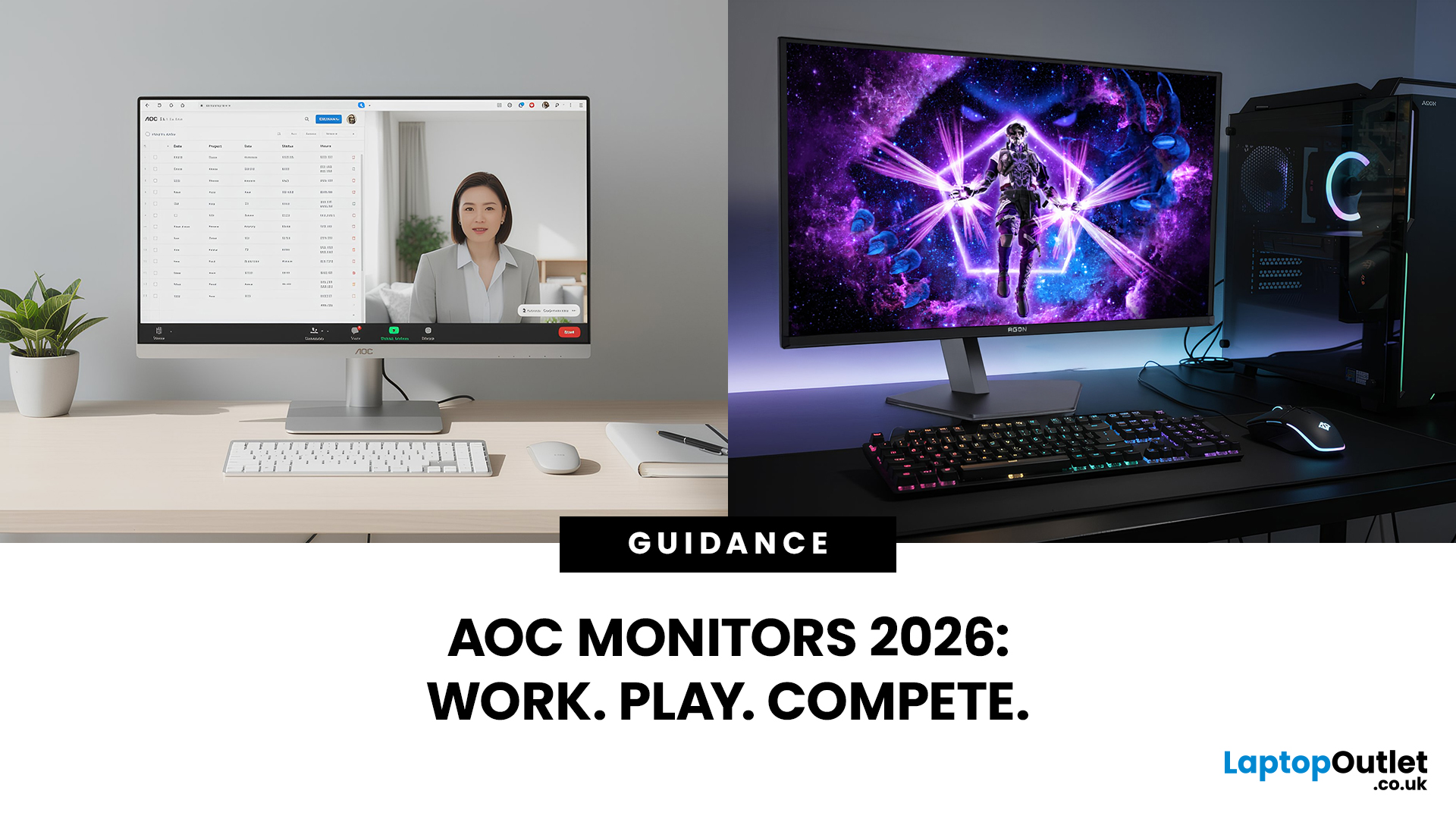
AOC monitors have quietly become one of the biggest go-to choices in 2026, whether you’re building a clean home office setup, upgrading your gaming station, or just wanting a solid screen that doesn’t destroy your budget. The brand covers everything from simple everyday displays to seriously high-performance esports-level monitors under AGON PRO. In this guide, we’ll break down the full AOC monitor family, explain what each series is actually made for, and help you figure out which models fit your lifestyle best: work, study, gaming, or all three. If you’re looking for value, comfort, and modern features, AOC is definitely worth knowing.
Meet the AOC Monitor Family: AOC, AOC Gaming, AGON & AGON PRO
AOC isn’t just one type of monitor; it’s more like a full lineup of screen “personalities,” each built for different people and setups. In 2026, AOC monitors cover everything from budget-friendly everyday displays to elite esports-level gaming machines.
The main difference comes down to performance,
Last Updated: March 13, 2026
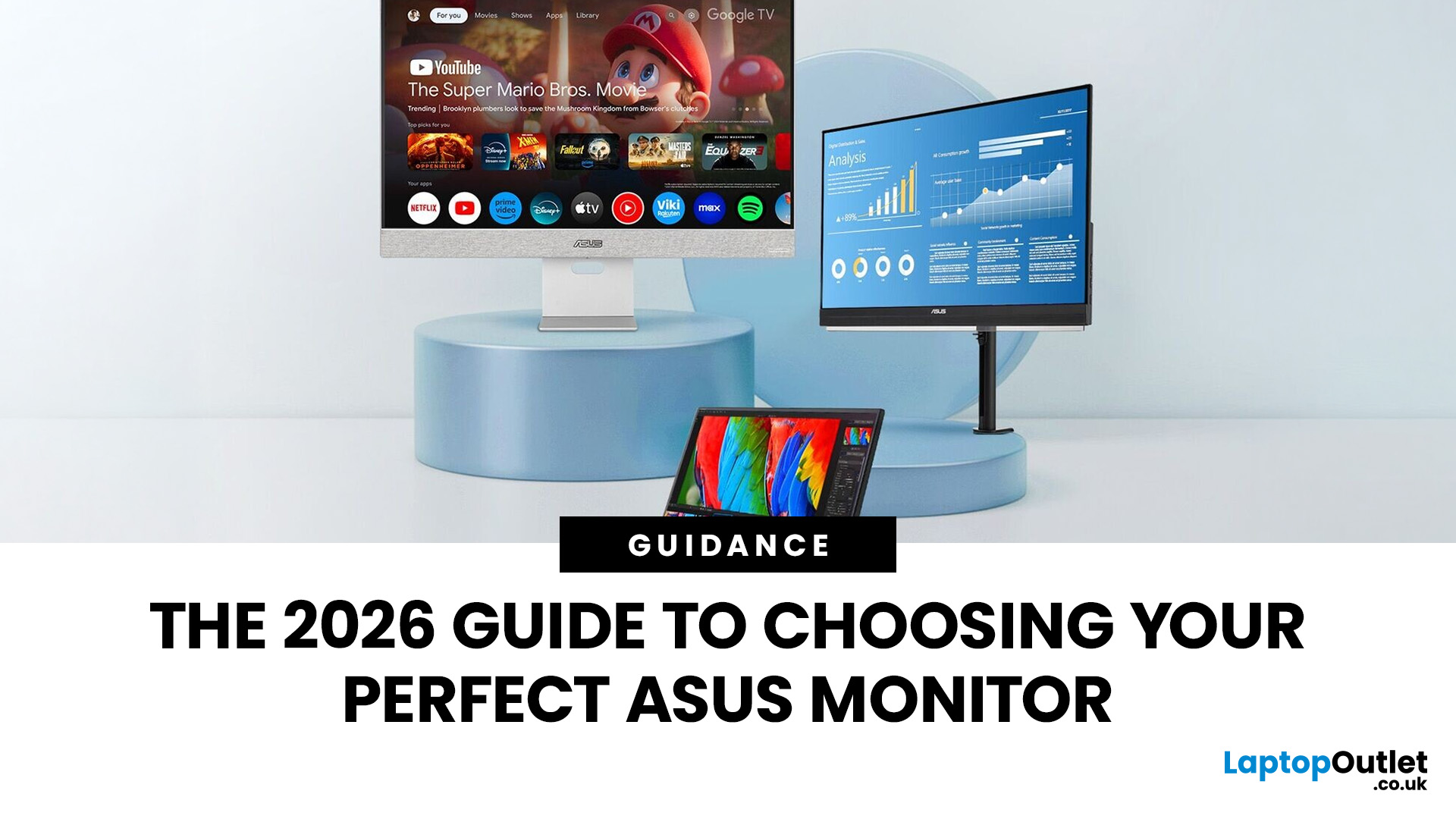
Choosing the right display in 2026 is about more than just resolution. It is about how a screen fits into your specific lifestyle. ASUS has remained a global leader by creating distinct lanes for every type of user. Whether you are a competitive gamer, a high-end designer, or a remote professional, understanding the core ASUS monitors uses is the first step to a perfect setup.
In this ASUS monitors 2026 guide, we look at how the brand has evolved its technology. From the staggering motion clarity of the latest OLEDs to the sustainable, eye-friendly designs of their business line, ASUS continues to set the benchmark for quality and reliability.
Why ASUS Monitors Are So Popular in 2026
The popularity of ASUS monitors stems from their ability to innovate within niche categories. ASUS does not just make "screens"; they build tools.
In 2026, the brand has focused heavily on "Dual-Mode" technology. This allows a single screen to switch between ultra-high resolution for work and extreme refresh

Last Updated: August 28, 2026
Working from home and studying online have become the norm in 2026, which means your monitor is no longer just a screen, it is where you spend hours reading, writing, video calling and multitasking. A good home office display needs to deliver sharp text, comfortable viewing and reliable eye-care features without costing a fortune.
That is why AOC has become one of the most popular brands for affordable productivity setups. Whether you need a cheap AOC 27 inch monitor for essays and coursework or a larger QHD screen for full-time remote work, there are plenty of options designed for comfort and clarity.
In this guide, we break down the best AOC monitor for home office and study, including budget picks, eye-care displays and refurbished bargains.
What Makes a Good Home Office Monitor?
Choosing the best AOC monitor for home office use starts with understanding what actually improves comfort and productivity. Unlike gaming displays, office monitors are about clarity, screen space and reducing
Last Updated: August 28, 2026
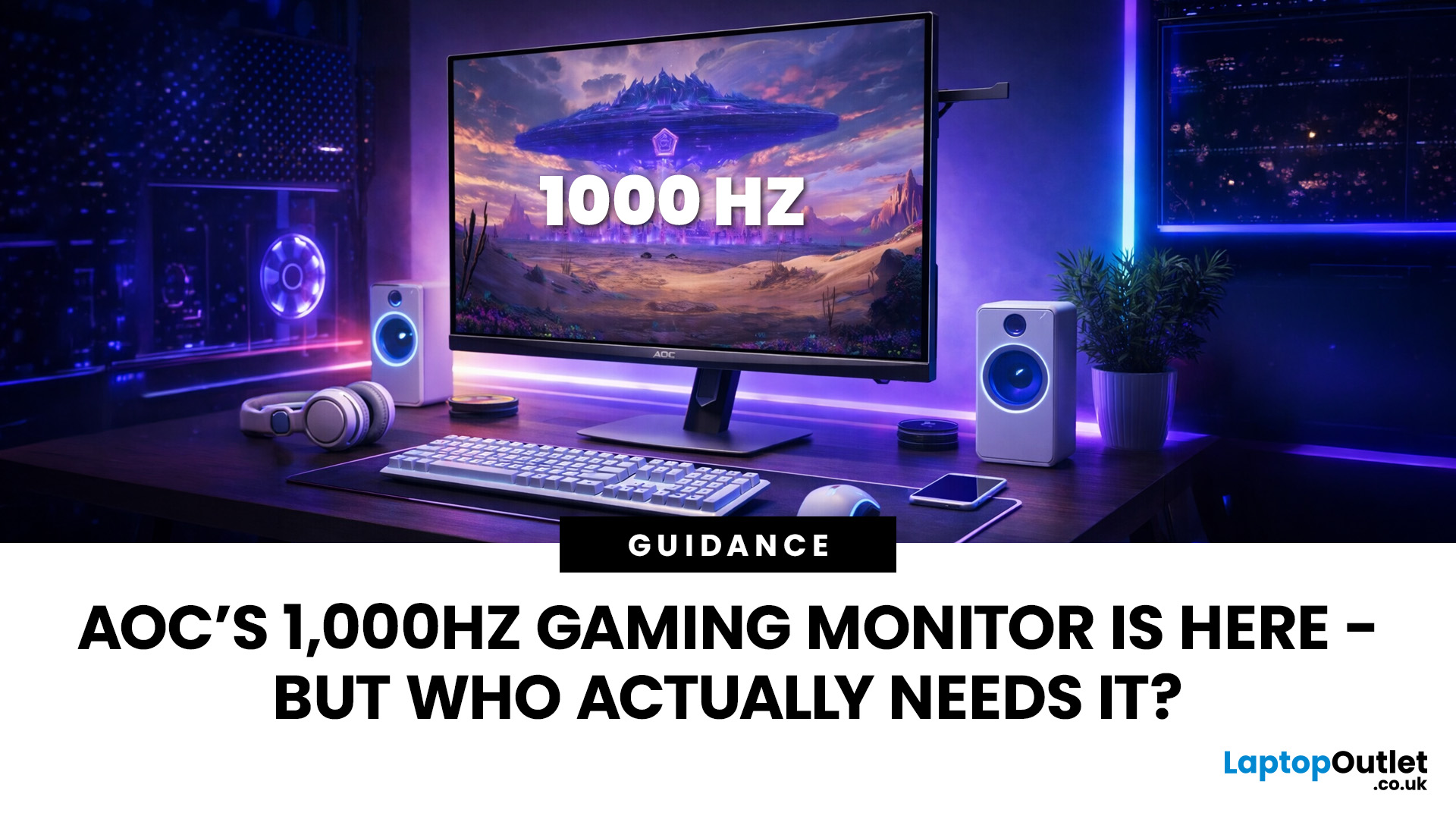
Gaming monitors have moved from 144Hz to 240Hz, then 360Hz and 500Hz in just a few years. Now AOC is pushing even further with its new AOC 1000Hz gaming monitor, the AGON PRO AGP277QK. At 1000Hz, the screen refreshes 1000 times per second, cutting frame time to just 1 millisecond. That is half the frame time of 500Hz and one quarter of 240Hz.
AOC’s new dual-mode 1000Hz monitor can switch between 500Hz at QHD and 1000Hz at a lower resolution, targeting elite competitive players. But who actually benefits from refresh rates this extreme, and should most gamers even consider waiting for it?
What AOC’s 1,000Hz Dual-Mode Monitors Actually Are
The AOC 1000Hz gaming monitor, known as the AOC AGON PRO AGP277QK, is part of a new wave of next-gen AOC AGON PRO monitors focused purely on competitive performance. It introduces a dual-mode 1000Hz monitor design, meaning it can operate at two different refresh rate and resolution combinations.
In its standard mode, the panel runs at QHD resolution with
Last Updated: August 28, 2026
Choosing the right gaming monitor depends on factors like refresh rate, resolution, panel type, response time, and HDR support.
AOC offers gaming monitors across every budget, making it hard to know which one is right for you.
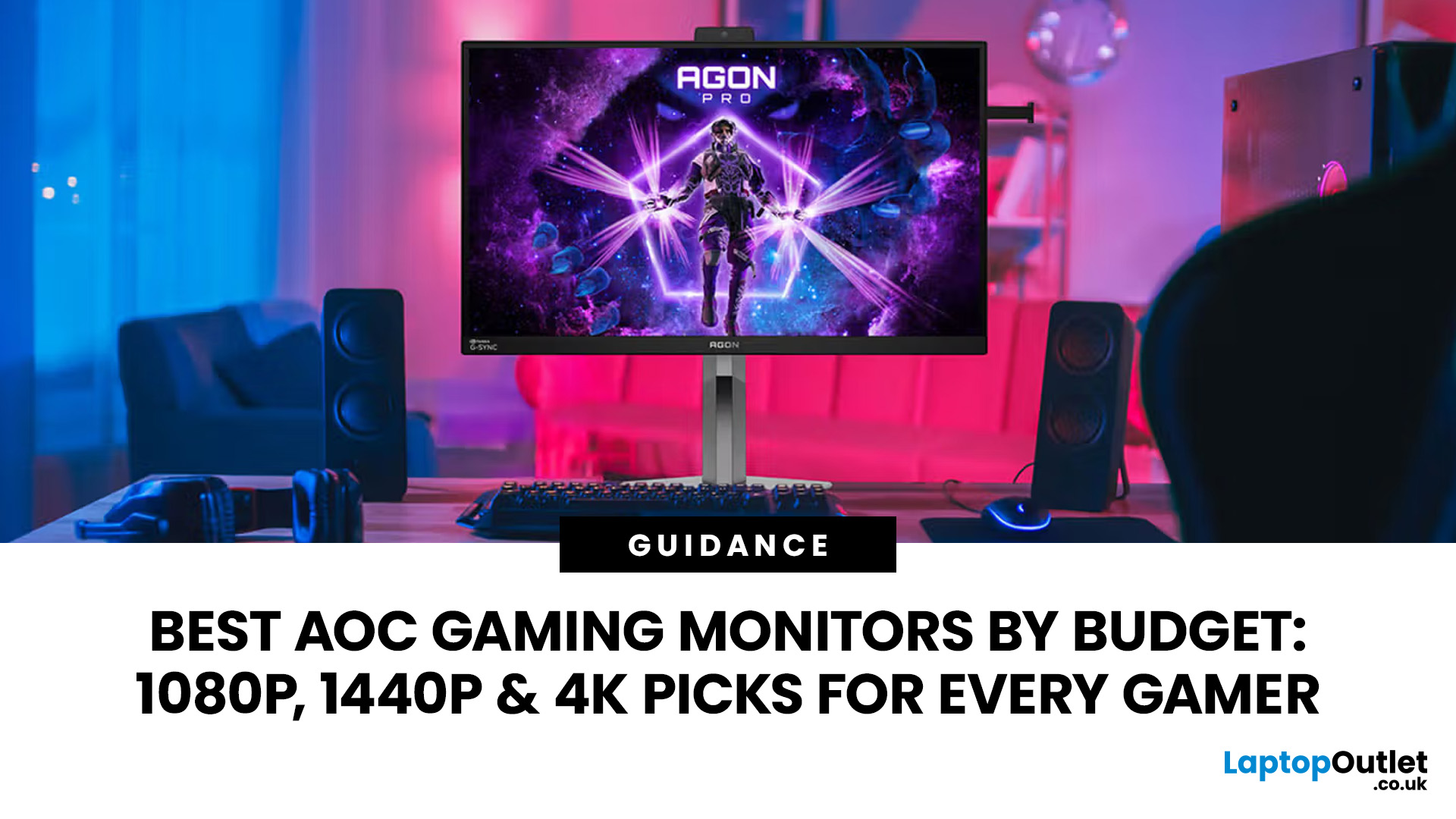
This guide highlights the best AOC gaming monitors by budget and helps you choose between 1080p, 1440p, and 4K options based on your gaming needs.
How to Choose an AOC Gaming Monitor for Your Budget
Before looking at specific recommendations, it's important to understand what you're paying for.
Resolution Matters More Than Most Gamers
Last Updated: August 25, 2026
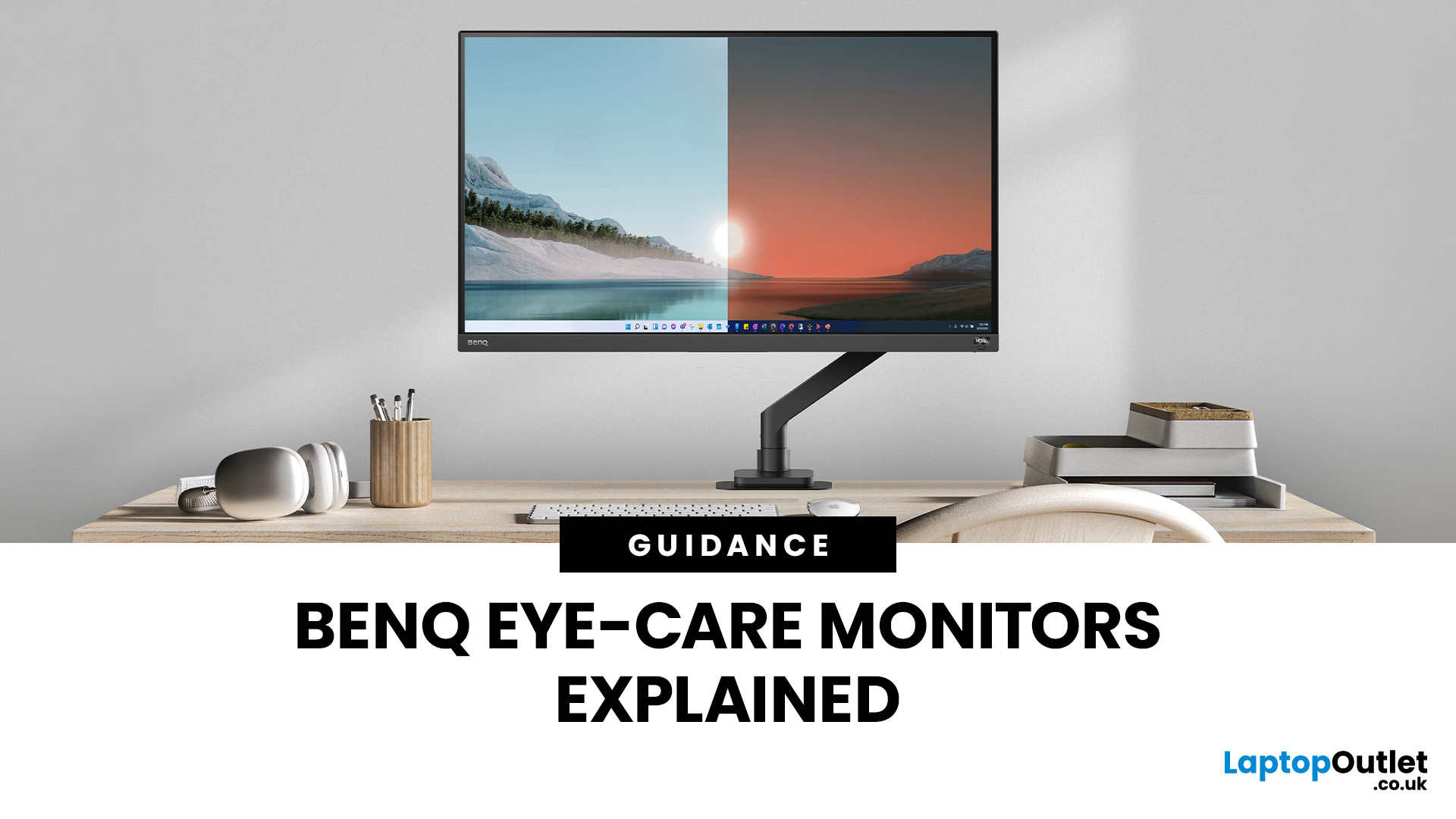
If you spend hours a day on a screen, you’ve probably felt it: tired eyes, headaches, dryness or that slightly gritty end-of-day sensation. While no monitor can solve every cause of screen-related discomfort, BenQ Eye-Care monitors include features designed to make longer sessions more comfortable by managing brightness, reducing flicker and giving you control over blue-heavy light, particularly for evening use.
What BenQ Eye-Care Means: Features and What They’re For
Several BenQ monitor ranges include comfort-focused tools under the Eye-Care umbrella. The exact feature set varies by model, but the typical options include:
- BenQ Brightness Intelligence, sometimes called Brightness Intelligence Plus or B.I.+, to adjust the screen according to your surroundings and displayed content
- Visual Optimizer, the newer name for B.I.+ on supported BenQ monitors, which can adapt brightness and colour temperature
- BenQ Low Blue Light or Low Blue Light Plus modes to reduce blue-heavy light output
- BenQ
Last Updated: March 13, 2026
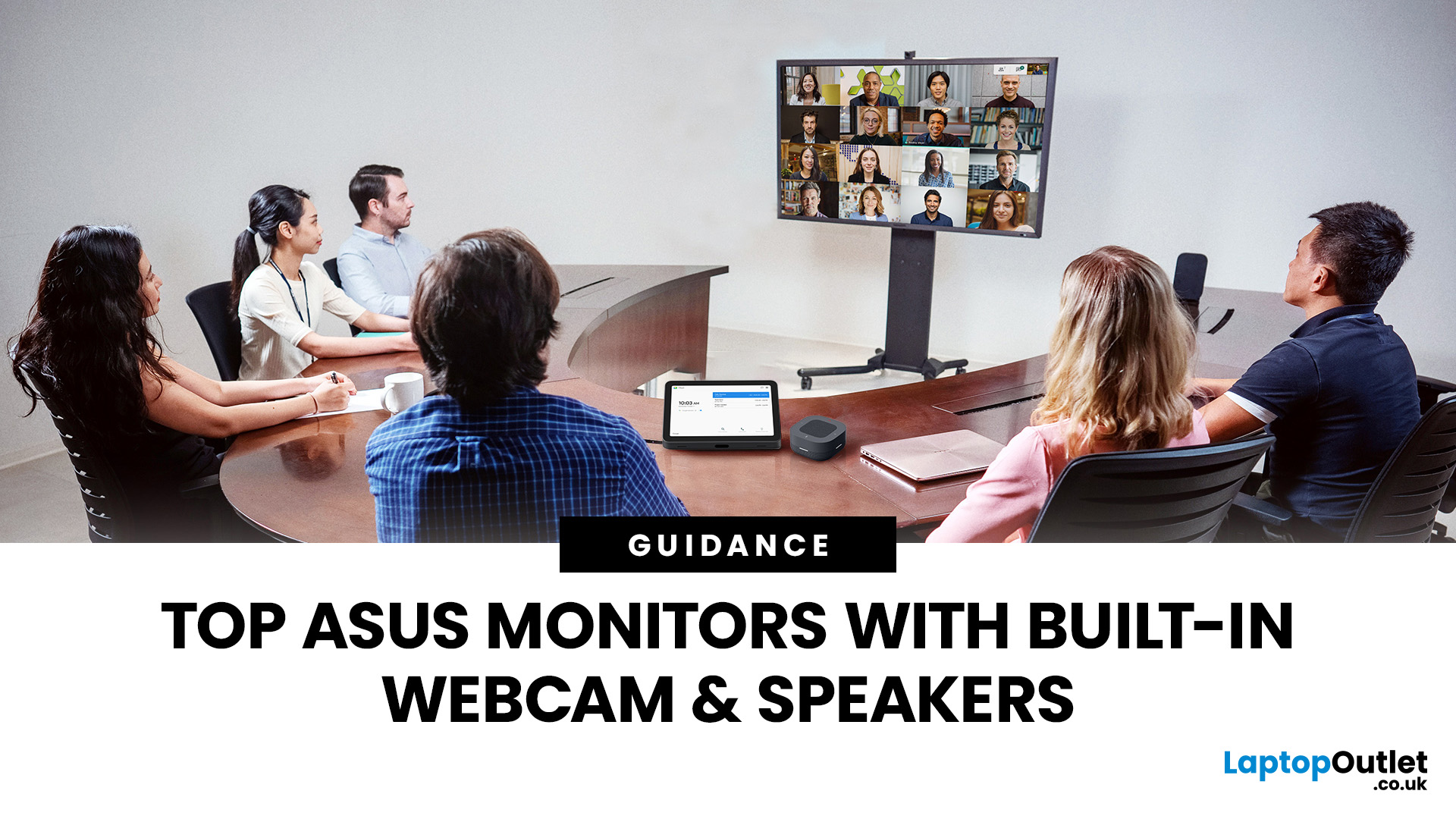
Choosing the right ASUS monitor with a webcam can significantly simplify how modern meeting rooms operate. As hybrid work becomes the norm, businesses are looking for cleaner, more efficient conferencing setups that don’t rely on multiple external peripherals. An integrated solution that combines display, camera, microphone, and speakers into one device makes deployment faster and more cost-effective. For small meeting spaces and huddle rooms in particular, an ASUS business monitor with speakers and a built-in webcam offers a practical alternative to a full conferencing kit.
What to Know About Microsoft Teams Rooms Compatibility
It’s important to clarify how an ASUS monitor with webcam fits into a Microsoft Teams Rooms environment.
Microsoft Teams Rooms (MTR) systems are typically powered by a dedicated PC or collaboration bar. The monitor itself is not the Teams Rooms system, instead, it acts as the display and USB conferencing endpoint. When paired with a Teams-enabled PC, many ASUS
Last Updated: August 13, 2026
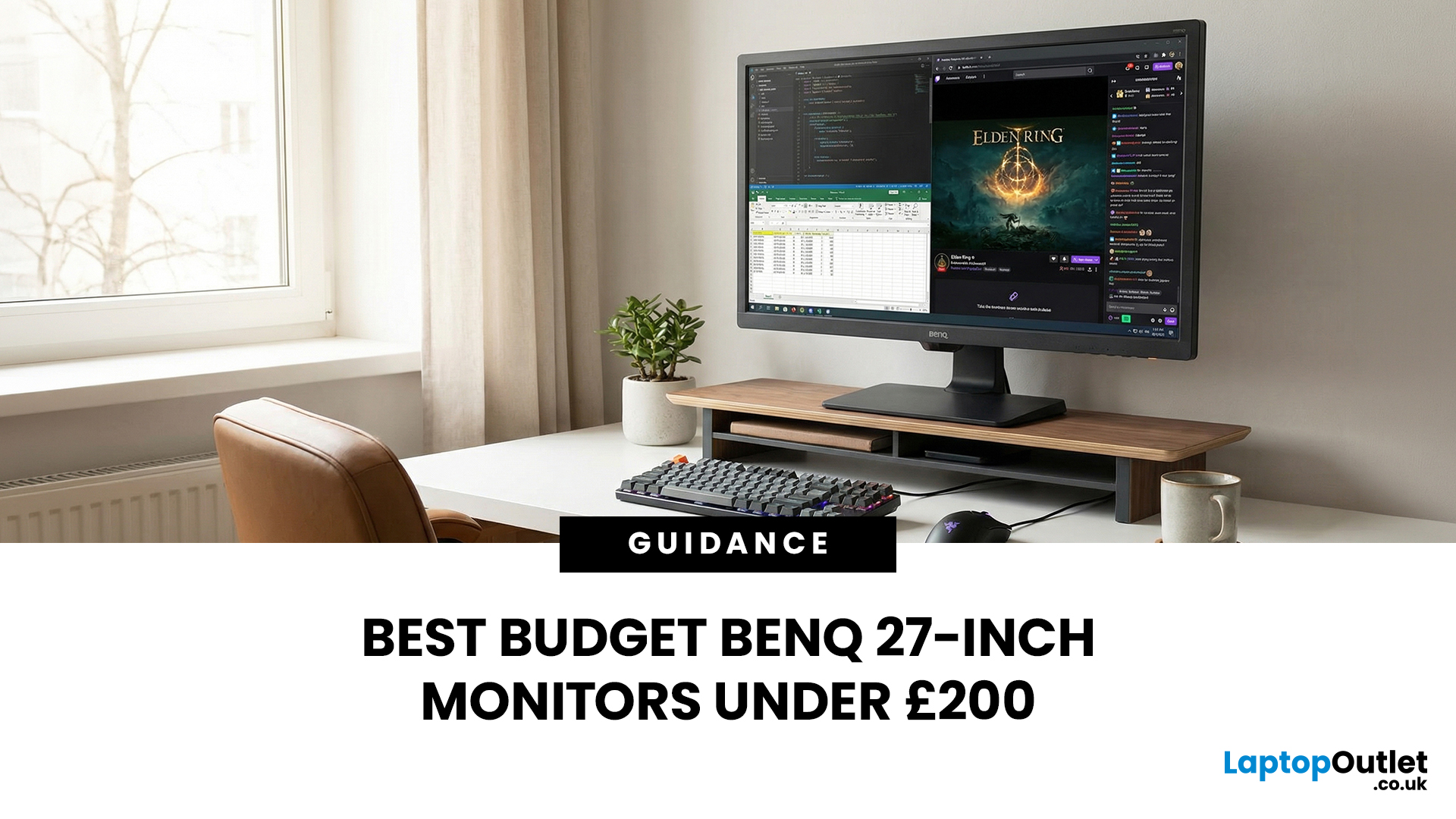
A 27-inch display gives you enough screen space for documents, spreadsheets, online classes, streaming, and gaming without taking over the average desk. Better still, choosing an affordable model no longer means settling for a basic 60Hz or 75Hz screen.
Today’s budget-friendly BenQ range includes Full HD IPS displays with 100Hz and 144Hz refresh rates, eye-care features, built-in speakers, USB-C connectivity, and ergonomic stands on selected models. That gives buyers considerably more choice, whether the priority is office productivity, studying, or smoother casual gaming.
What Can You Expect from a BenQ 27-Inch Monitor Under £200?
The specifications available at this price have improved significantly. Rather than assuming every affordable display will have a low refresh rate and a basic stand, it is better to compare individual models. Features available across the models in this guide include:
- Full HD 1920 x 1080 resolution
- IPS panel technology
- 100Hz or 144Hz refresh rates
- BenQ Eye-Care
Last Updated: August 11, 2026
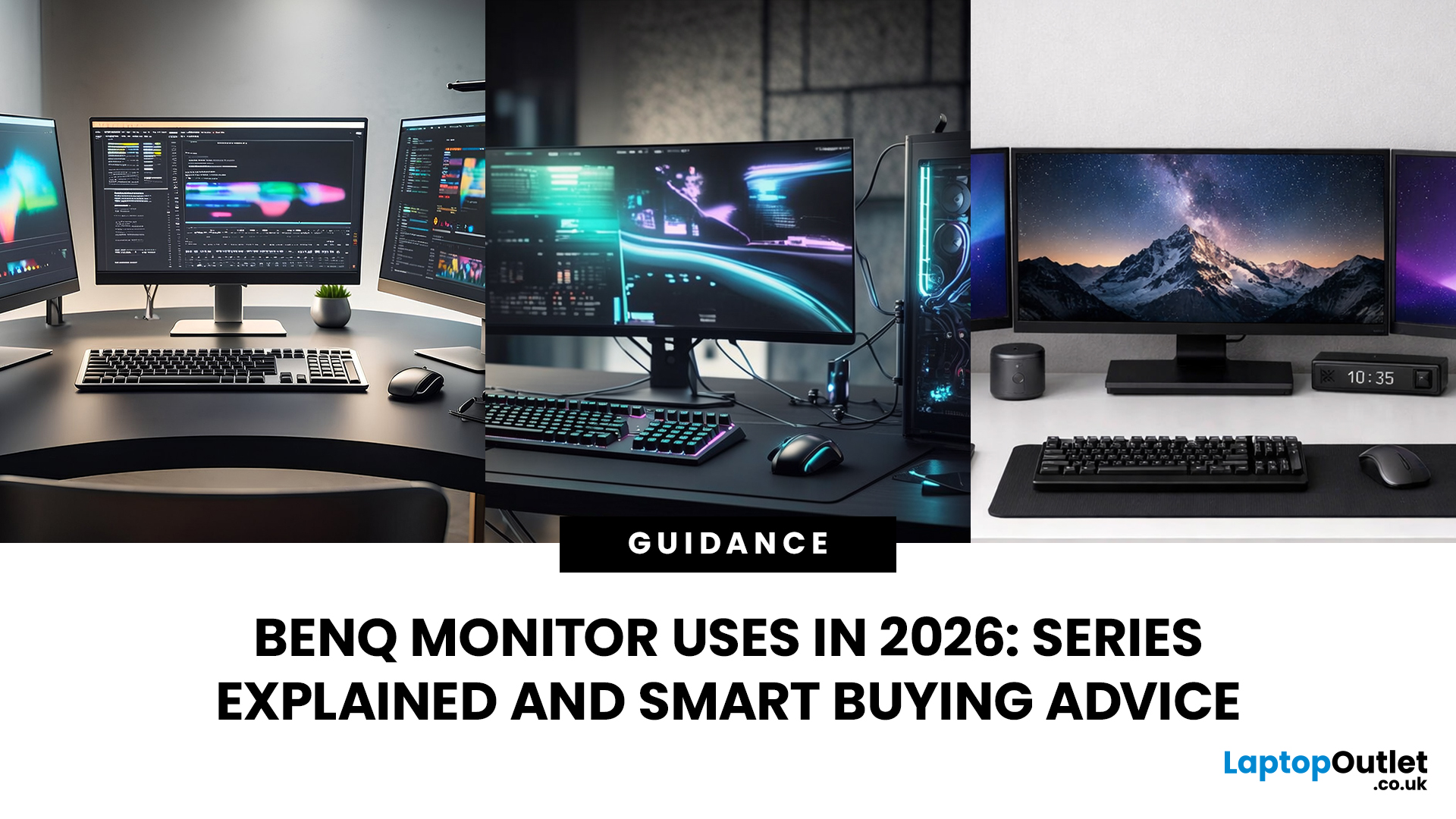
Getting the right monitor is no longer just about picking a size and hoping for the best. In 2026, the best results come from matching the screen to the job. That is where BenQ tends to do well. Instead of trying to make every display “good at everything”, the range is split into clear families built around specific uses: creative colour work, programming and text-heavy productivity, competitive gaming, immersive gaming, and comfortable home office setups.
This guide focuses on BenQ monitors uses in real setups, the key differences between series, and what to look for when you want one monitor for both gaming and work.
BenQ as a Brand in 2026
BenQ is a Taiwan-based electronics brand known globally for displays, including monitors and projectors. The BenQ name is tied to the idea of “Bringing Enjoyment ‘N’ Quality to life,” and the company’s display focus shows up most clearly in how it splits monitors into specialised series instead of pushing one “flagship for everyone.”
That specialisation
Last Updated: September 01, 2026
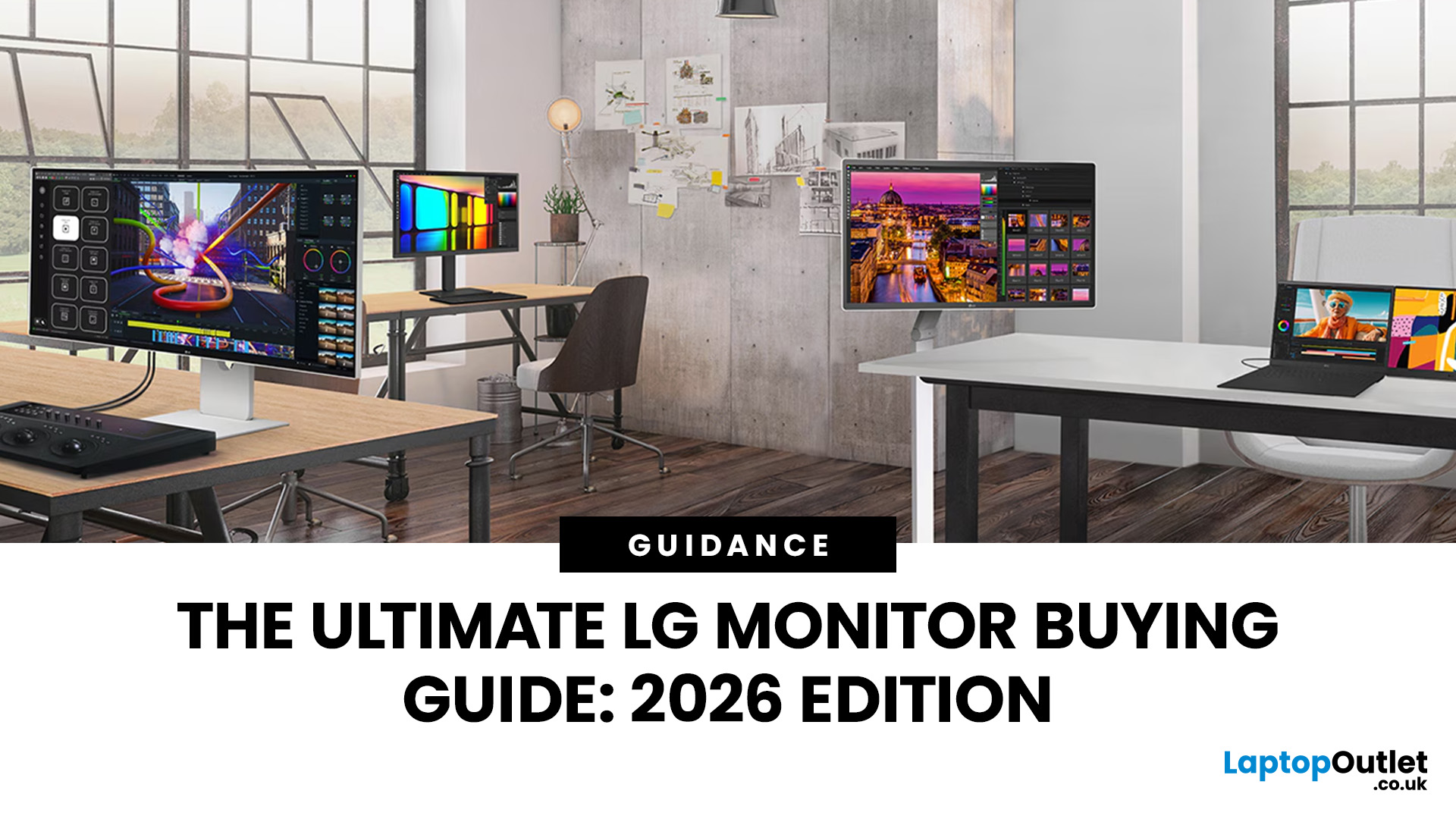
Choosing a new monitor is not always straightforward. With so many screen sizes, panel types, and resolution options on the market, it is easy to get lost before you even reach a shortlist. This LG monitors buying guide cuts through all of that.
It walks you through every major LG screen series, explains the specs that actually matter, and helps you find the right display for your needs and budget. Whether you are gaming, working from home, editing photos, or simply upgrading a tired old screen, LG has a monitor built for the job. Let’s get started.
Why Choose an LG Monitor in 2026?
LG is one of the few brands that designs and manufactures its own display panels. That matters because it gives LG direct control over colour accuracy, panel quality, and how quickly new technology reaches the market.
Whether you need a budget-friendly Full HD screen or a professional-grade OLED display, LG offers a broad, well-priced range. They continue to lead with innovations like Nano IPS for

