



5 Best 27-Inch Gaming Monitors for Streaming, Gaming, and Content Creation
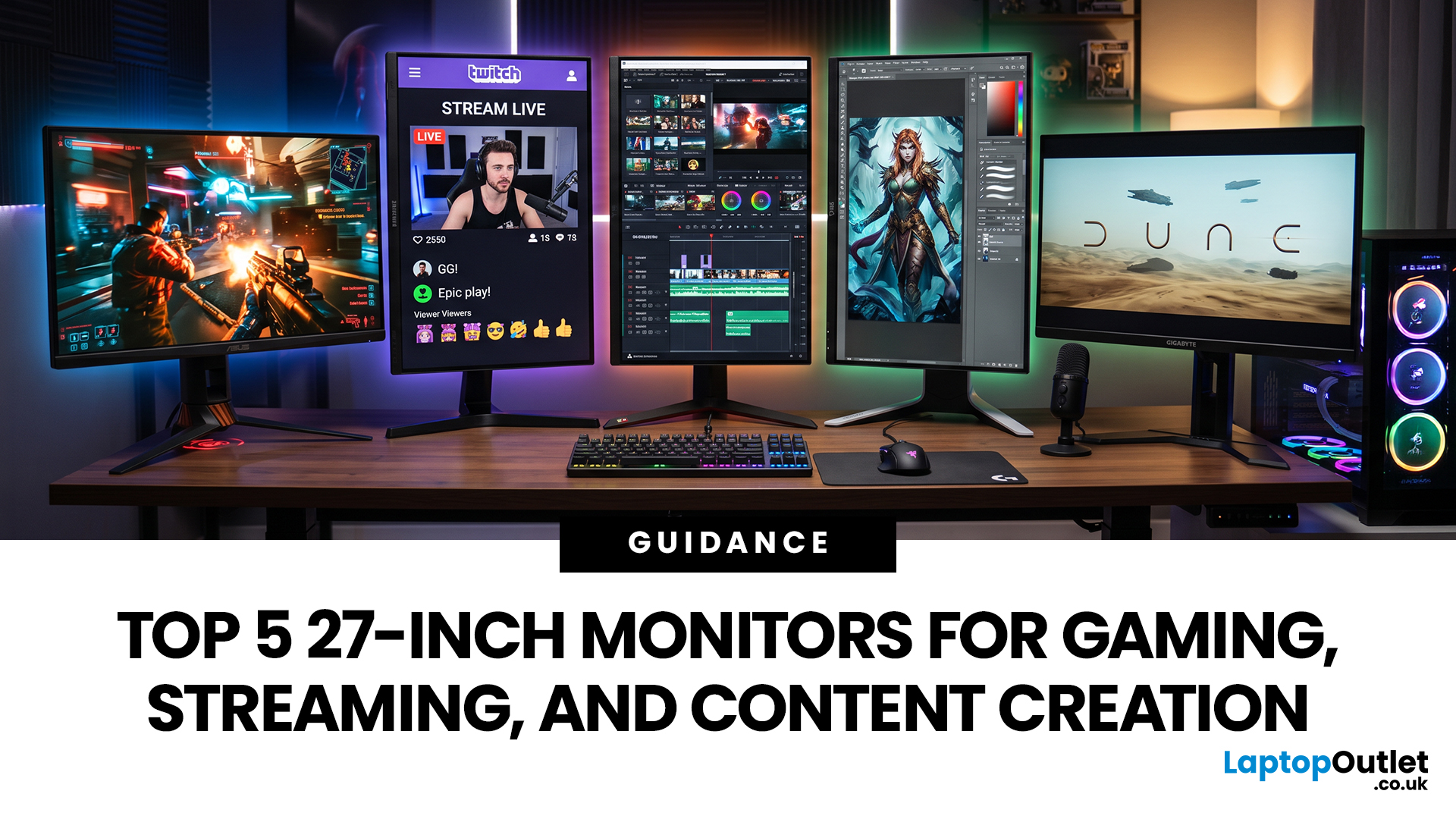
Picking the best 27-inch gaming monitor for your setup means balancing refresh rate, colour accuracy and connectivity. This matters especially if you split your time between ranked matches, streaming on Twitch or YouTube, and editing footage afterwards.
This guide walks you through five 27 inch monitors built for gaming, streaming, and content creation, so you can pick the right one for your setup without the guesswork.
Why Choose a 27 Inch Monitor?
A good 27 inch monitor offers a useful middle ground between compact displays and larger screens that can dominate a desk. It provides a generous viewing area while remaining comfortable to use at a typical desktop distance, making it suitable for bedrooms, home offices and dedicated gaming setups.
The size is also easy to accommodate on most monitor arms and stands, while still leaving room for speakers, peripherals or a second display. Another advantage is choice: 27 inch monitors are widely available across different price points, panel types and gaming specifications. This makes it easier to find a model that matches your budget and setup without moving to a much larger display.
What to Look for in a 27 Inch Gaming Monitor
Before comparing specific models, it helps to know which specs genuinely affect your experience day to day, since not every number on a spec sheet translates into a noticeably better picture.
Match the Refresh Rate to the Games You Play
Refresh rate should match the games you play and the frame rates your PC can realistically deliver. Top-rated 144Hz gaming displays are smooth enough for most players, while 240Hz or 300Hz models suit competitive shooters and esports. Higher refresh rates provide less benefit if your system cannot produce similarly high frame rates.
Choose Between QHD and 4K Resolution
QHD is a practical choice at 27 inches because it combines sharp detail with lower GPU demands than 4K. It works particularly well for high-refresh gaming and everyday content creation. High-end 4K gaming monitors provide finer image detail, but achieving high frame rates at 4K generally requires more powerful graphics hardware.
Decide Between Fast IPS, OLED and QD-OLED
Fast IPS panels combine quick response times, wide viewing angles and consistent colour, making them suitable for gaming and general creative work. OLED and QD-OLED panels provide deeper blacks, stronger contrast and faster pixel response. However, users displaying static interfaces regularly should follow manufacturer OLED-care recommendations to help minimise image-retention risks.
Check Colour Specifications for Creator Work
If you edit videos, photos or graphics, check more than resolution and refresh rate. Look for published sRGB or DCI-P3 colour coverage, colour-accuracy figures and calibration options. Wide-gamut support can be valuable for creative workflows, but professional colour grading may still require hardware calibration and a properly controlled viewing environment.
Think About Your Streaming Workspace
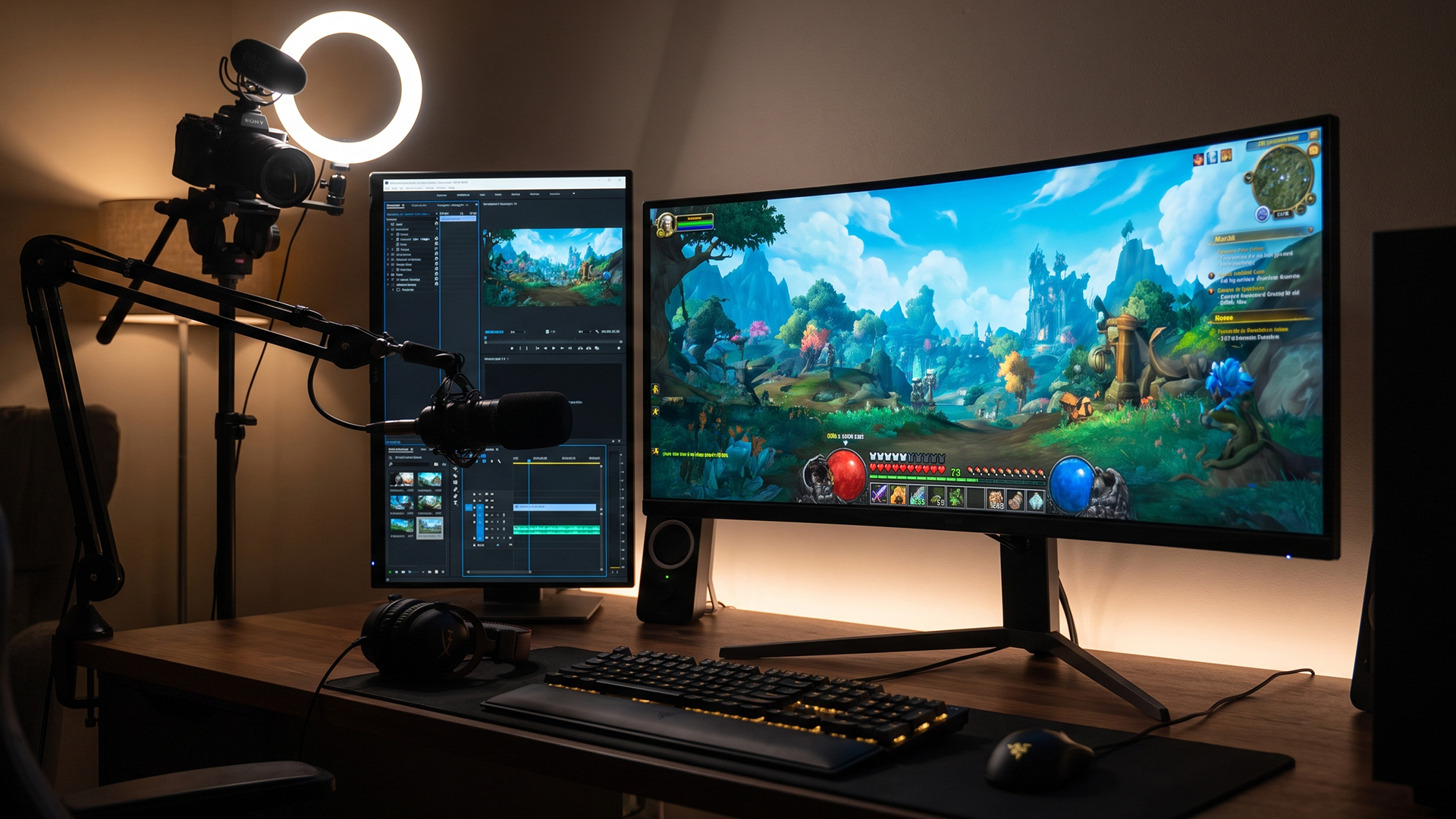
Streaming often involves more than displaying the game. You may need space for OBS, chat, alerts, browser tabs and monitoring tools. A 27-inch QHD display provides useful desktop space, while USB hubs, multiple HDMI or DisplayPort connections and USB-C can make connecting streaming equipment, laptops and other devices more convenient.
Meet the 5 Best 27-Inch Gaming Monitors for Every Setup
The best 27 inch gaming monitor depends on how you divide your time between competitive play, live streaming, editing, design, and everyday use. These five models serve clearly different priorities.
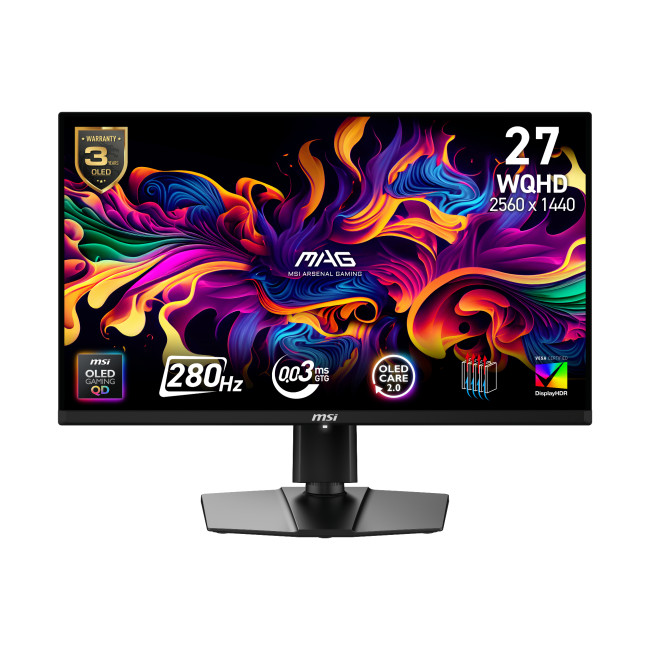
1. MSI MAG 271QP QD-OLED X28
- 26.5-inch QD-OLED, 2560 x 1440
- 280Hz refresh rate, 0.03ms GtG
- 99% DCI-P3, Delta E ≤ 2
- HDMI 2.1, DisplayPort 1.4a, USB-C
MSI’s MAG 271QP QD-OLED X28 is the strongest mixed-use pick here. Its 280Hz panel suits fast shooters, while pixel-level OLED contrast and wide colour coverage make games, thumbnails and edited footage easier to judge.MSI also specifies VESA DisplayHDR True Black 400 and 15W USB-C DisplayPort Alt Mode.
For streaming, the high refresh rate benefits what you see locally while your encoder handles the outgoing stream. For creator work, the claimed Delta E ≤ 2 and 99% DCI-P3 coverage make it a serious starting point, although calibration is still sensible for colour-critical work.
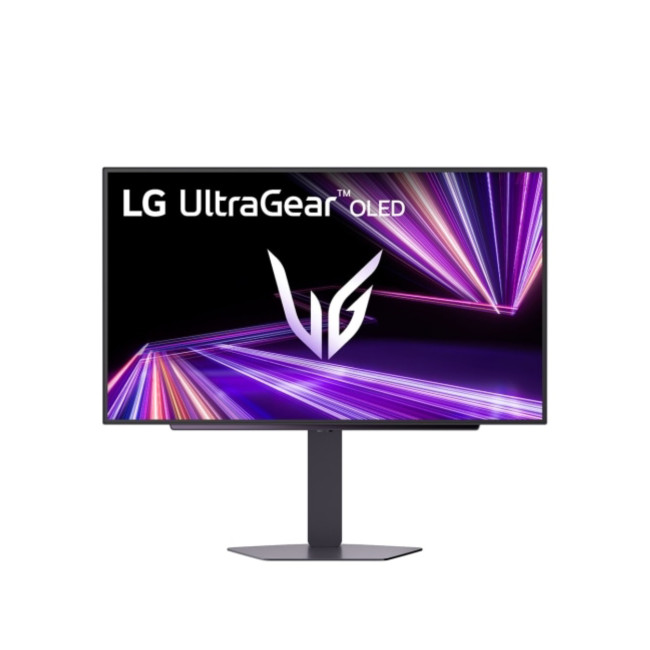
2. LG UltraGear 27GX704A-B
- 27-inch OLED, 2560 x 1440
- 240Hz refresh rate, 0.03ms GtG
- 98.5% DCI-P3 typical
- HDMI 2.1, DisplayPort 1.4, USB hub
LG’s UltraGear 27GX704A-B is a strong choice if you need the best 27 inch monitor for content creation without giving up high-refresh gaming. It combines OLED contrast with 240Hz motion, G-SYNC compatibility, FreeSync Premium Pro and DisplayHDR True Black 400.
LG also lists factory colour calibration, hardware-calibration readiness and LG Calibration Studio support, which makes it especially relevant for editing workflows. HDMI 2.1 can carry QHD at 240Hz on compatible hardware. For streamers, the fast panel keeps local gameplay responsive, while the USB hub can simplify peripheral connections around a busy desk.
3. ASUS TUF Gaming VG27UQ1A
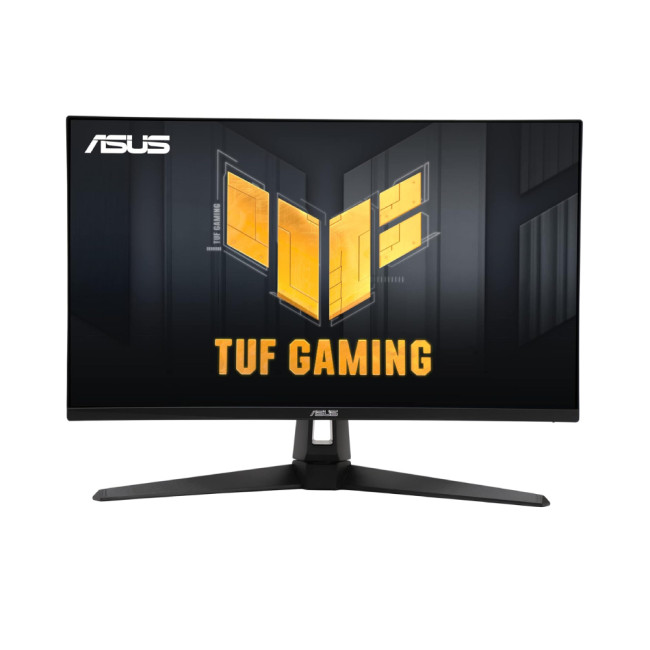
- 27-inch Fast IPS, 3840 x 2160
- 160Hz, 1ms GtG
- 95% DCI-P3, HDR10
- 2 x HDMI 2.1, DisplayPort 1.4 with DSC, headphone out
The ASUS TUF Gaming VG27UQ1A suits gamers who want sharper 4K visuals without giving up a high refresh rate. Its 160Hz Fast IPS panel can make fast-paced games feel responsive, while the 4K resolution provides extra detail for video editing, image work and managing larger creative timelines.
Support for 95% DCI-P3 also makes it more suitable for colour-focused work than a basic gaming display. HDMI 2.1 supports high-resolution console gaming, while G-SYNC Compatible and FreeSync Premium technologies can help reduce tearing.
4. Philips Evnia 27M2N6501L
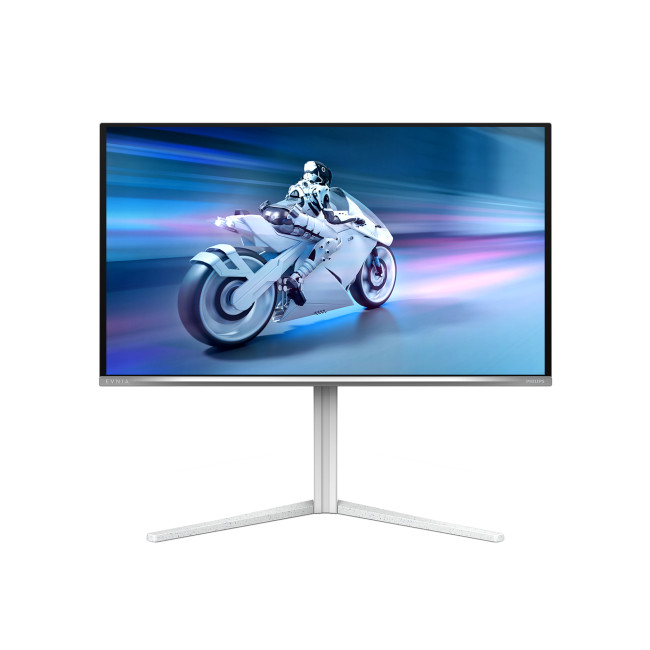
- 26.5-inch QD-OLED, 2560 x 1440
- 240Hz refresh rate, 0.03ms response
- 99% DCI-P3, 98% Adobe RGB
- 2x HDMI 2.1, DisplayPort, USB hub
Philips Evnia 27M2N6501L is a QD-OLED gaming monitor aimed at users who want strong gaming motion and rich colour in one display. Its 240Hz refresh rate is well suited to fast PC gaming, while the QHD resolution leaves useful space for editing timelines, chat and creator tools.
Philips specifies wide DCI-P3 and Adobe RGB coverage, plus a 1.5M:1 typical contrast ratio, giving it useful potential as a 27 inch monitor for video editing. The USB hub is handy for peripherals. As with any OLED used for static creative interfaces, sensible panel-care habits remain worthwhile.
5. iiyama G-Master G2771QS-B1
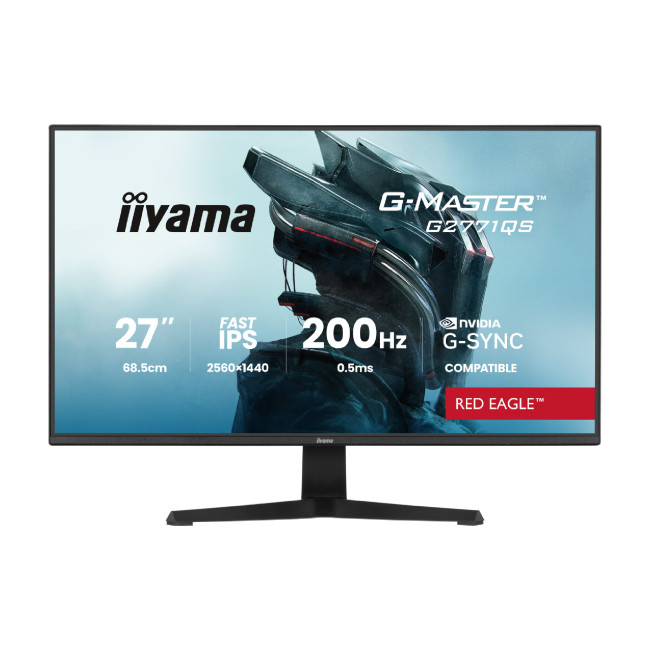
- 27-inch Fast IPS, 2560 x 1440
- 200Hz refresh rate, 0.5ms MPRT
- HDR10-ready, 1.07 billion colours
- 2x HDMI 2.0, DisplayPort 1.4, speakers
iiyama’s G-Master G2771QS-B1 is a straightforward QHD option for players who want speed without moving to OLED. DisplayPort supports 2560 x 1440 at 200Hz, while HDMI 2.0 is limited to 144Hz at the native resolution, an important detail when planning connections.
Its Fast IPS panel, G-SYNC compatibility over DisplayPort, built-in 2W speakers and 350cd/m² specified brightness make it flexible for gaming, streaming dashboards and general creative tasks. It is less creator-focused than the colour-calibration-led OLED choices above, but its QHD workspace and fast refresh rate still make it a capable all-rounder.
Which 27 Inch Monitor Is Best for Gaming, Streaming and Content Creation?
This quick comparison shows where each model performs best, so you can match the right display to your gaming, streaming, and content creation needs.
|
Monitor |
For Gaming |
For Streaming |
For Content Creation |
|
MSI MAG 271QP QD-OLED X28 |
Excellent for competitive play: 280Hz and 0.03ms response favour high-frame-rate gaming. |
Very good: QHD, USB-C and strong motion performance suit gaming-focused streaming setups. |
Excellent: Wide colour coverage and published colour accuracy make it suitable for serious creator workloads. |
|
LG UltraGear 27GX704A-B |
Excellent: 240Hz OLED combines responsive gameplay with deep blacks and strong contrast. |
Very good: HDMI 2.1, USB connectivity and ergonomic adjustment support flexible streaming desks. |
Excellent: Wide DCI-P3 coverage, factory calibration and hardware-calibration support strengthen creator appeal. |
|
ASUS TUF Gaming VG27UQ1A |
Excellent for detail: 4K, 160Hz and HDMI 2.1 suit PC and console gaming. |
Very good: 4K resolution and HDMI 2.1 work well for high-resolution gaming and capture setups. |
Excellent for resolution: 4K workspace and 95% DCI-P3 suit video, photo and design work. |
|
Philips Evnia 27M2N6501L |
Excellent: 240Hz QD-OLED delivers fast response, strong contrast and smooth motion. |
Excellent: USB connectivity and MultiView make multi-device streaming setups easier to manage. |
Excellent for colour: Wide colour coverage and strong published sRGB accuracy support demanding creative tasks. |
|
iiyama G-Master G2771QS-B1 |
Very good: 200Hz QHD performance suits fast-paced and competitive gaming. |
Good: QHD provides useful workspace, though connectivity is more basic than some alternatives. |
Good: Fast IPS suits general editing, but published professional colour data is limited. |

Make Your Final Choice Based on How You Use It
The key is not finding the monitor with the biggest numbers but choosing specifications that work together.
High refresh rates benefit fast gaming, QHD can make those frame rates easier to achieve, and 4K gives creators more detail to work with. OLED brings faster response and stronger contrast, while IPS remains a practical alternative for mixed workloads.
The best 27 inch gaming monitor should ultimately reflect how much time you spend gaming, streaming and creating, rather than excelling at only one task.

Worth Knowing Before You Choose...
Is 144Hz or 240Hz better for a 27-inch gaming monitor?
240Hz gives smoother motion in fast, competitive titles, but the benefit only shows up if your graphics card can consistently hit those frame rates. For casual or story-driven gaming, 144Hz remains a solid and more affordable choice for most players.
Is a 27-inch monitor good for gaming and streaming at the same time?
Yes, a 27-inch screen gives you enough space to keep your game, chat and OBS or Streamlabs window visible together, which makes it a practical choice for most solo streaming set-ups without needing a second monitor straight away.
What refresh rate is best for streaming and gaming?
A 144Hz to 165Hz refresh rate suits most streamers well, since most platforms cap live output around 60fps regardless of your monitor's own refresh rate. Higher refresh rates mainly benefit your own gameplay smoothness rather than what viewers actually see.
Can I use a 27-inch gaming monitor for professional video editing and colour grading?
Many can, particularly QD-OLED and OLED panels with wide colour coverage and HDR support, though professional grading work typically calls for a factory-calibrated, colour-accurate monitor. Check the gamut coverage specs before relying on a gaming monitor for critical colour work.
Does an OLED 27-inch gaming monitor risk screen burn-in for streaming?
Static elements like stream overlays and chat boxes can, in theory, contribute to image retention on OLED panels over long sessions. Using pixel-shifting features, taking breaks from fixed graphics and keeping brightness moderate all help reduce that risk in practice.
Related Articles

Last Updated: July 14, 2026
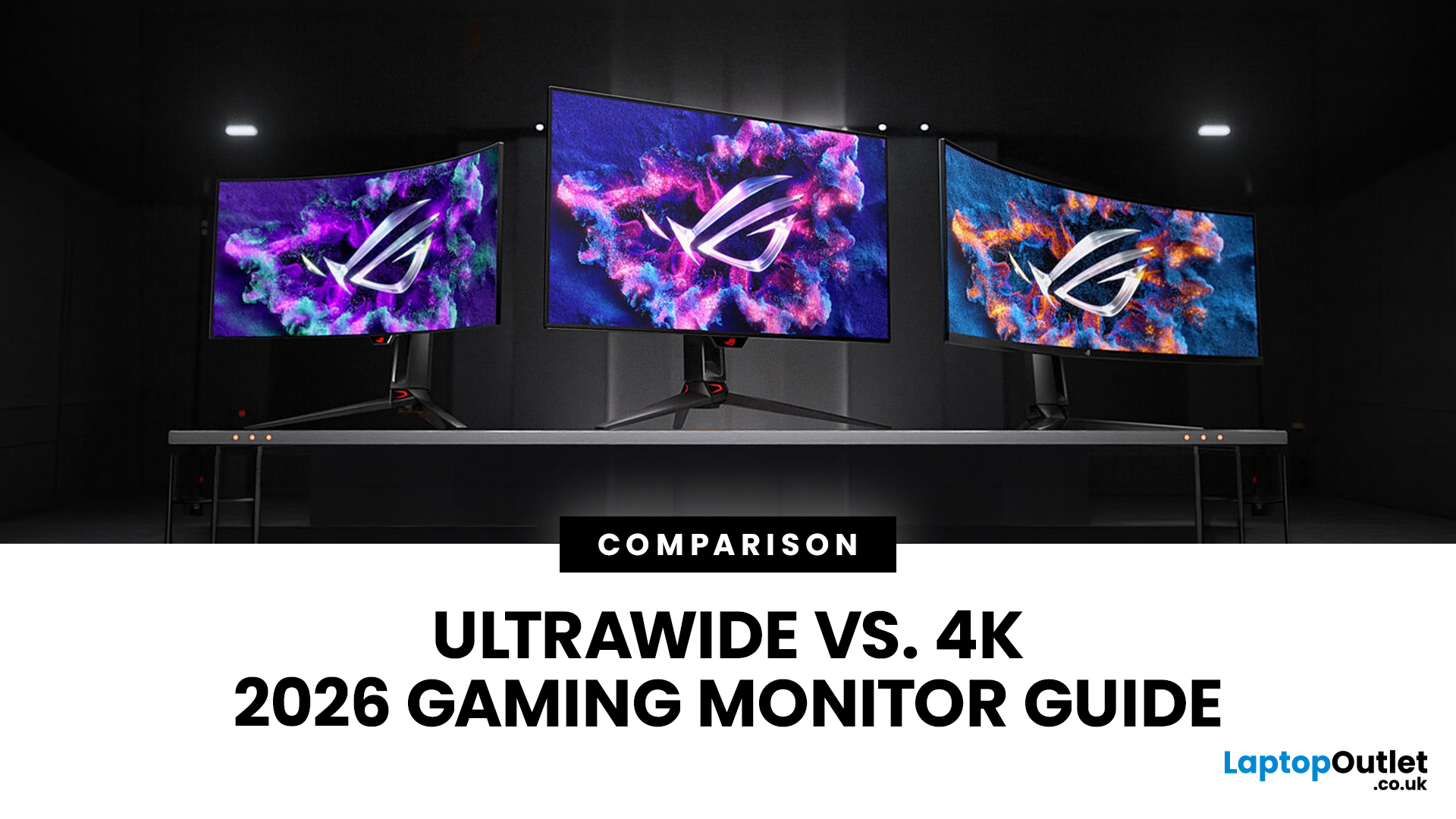
Choosing between an Ultrawide vs 4K monitor is one of the biggest decisions for gamers upgrading their setup in 2026. Both options can transform your gaming experience, but they do it in very different ways. The right choice depends on your games, GPU, desk space and budget, as well as whether you prioritise immersive gameplay or sharper resolution. This gaming monitor guide compares ultrawide and 4K displays across performance, game genres, GPU requirements, refresh rates, response time, and overall value.
Ultrawide vs 4K Monitor: Quick Comparison
| Feature | Ultrawide Gaming Monitor | 4K Gaming Monitor |
| Best for | Immersion, racing, RPGs, simulators, multitasking | Sharp visuals, AAA games, console gaming, creative use |
| Common aspect ratio | 21:9 or 32:9 | 16:9 |
| Main strength | Wider field of view | Higher pixel density |
| Image sharpness | Very good, especially at 3440 x 1440 | Excellent at 3840 x 2160 |
| GPU demand | Moderate to high | Very high |
| Competitive gaming | Good with high refresh rate | Good, but harder to drive |
Last Updated: July 16, 2026
Last Updated: August 11, 2026
Last Updated: July 30, 2026
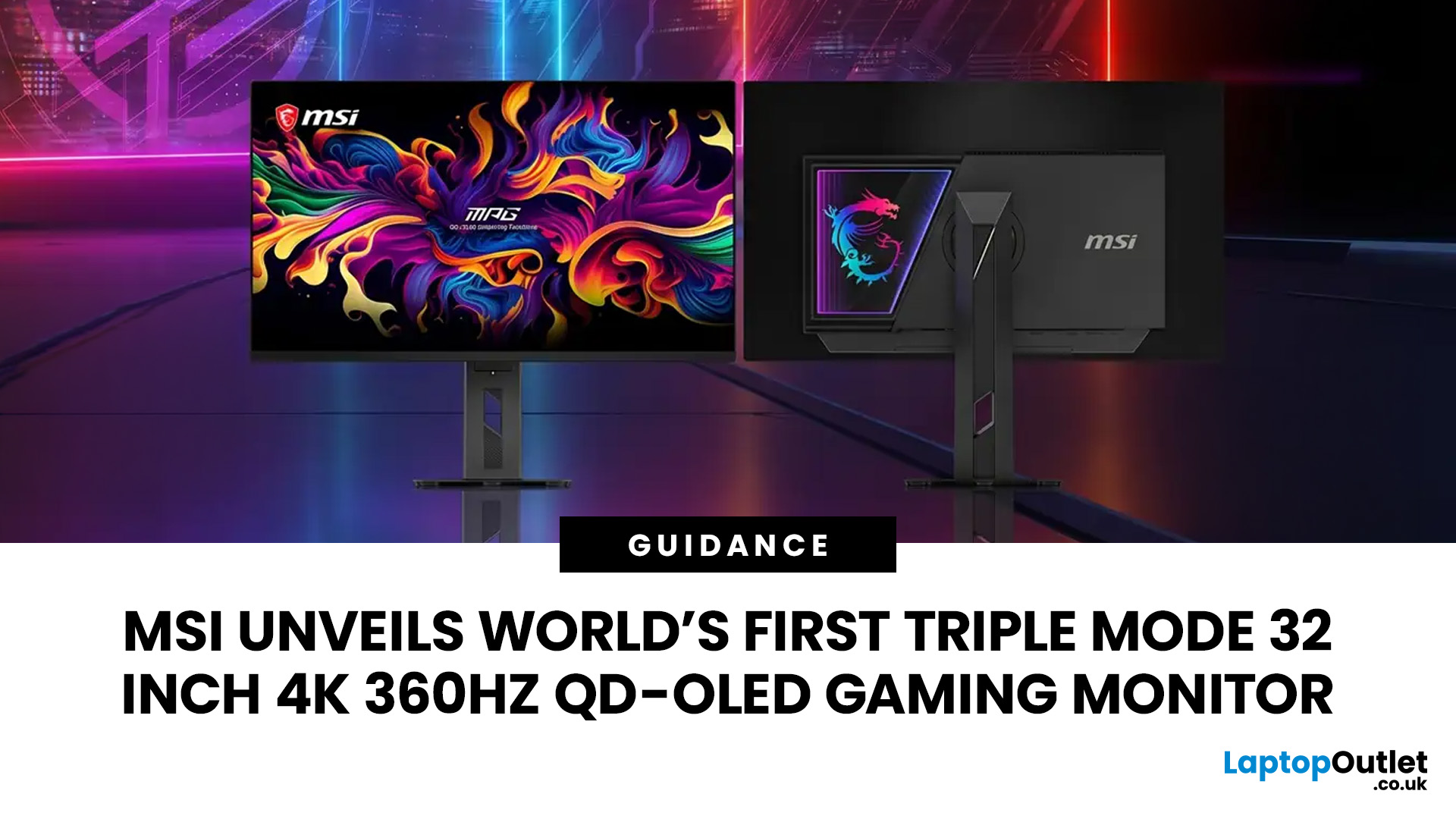
MSI has revealed a gaming monitor that sounds almost unreal on paper: a 32 inch 4K monitor with a 360Hz refresh rate, QD-OLED visuals, and a Triple Mode feature that lets gamers switch between different resolution and speed settings. Officially known as the MSI MPG OLED 322URDX36 (MSI lists the panel at 31.5 inches, though it's widely rounded to 32 inches), this display was unveiled ahead of COMPUTEX 2026 and is designed for players who want sharp 4K detail, ultra-smooth motion, and flexible performance in one premium screen.
For years, gamers had to choose between resolution and speed. A 4K monitor gave better image quality, while a lower-resolution, high-refresh-rate screen gave smoother competitive gameplay. MSI's new Triple Mode gaming monitor aims to close that gap, letting users move between 4K 360Hz, 1440p 520Hz, and Full HD 680Hz depending on the game, their hardware, and personal preference.
That makes it one of the most interesting display announcements for serious PC gamers,
Last Updated: August 11, 2026
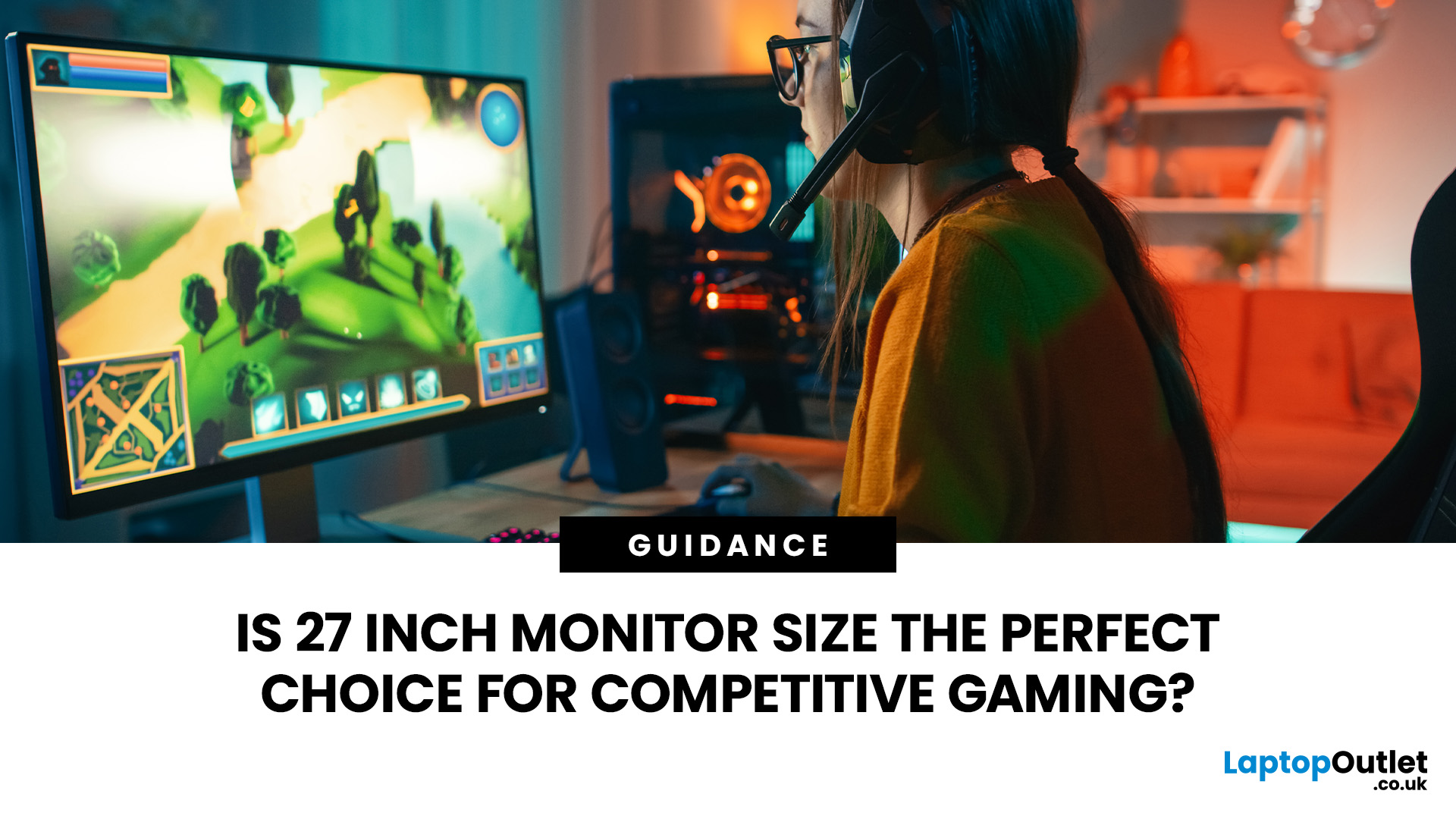
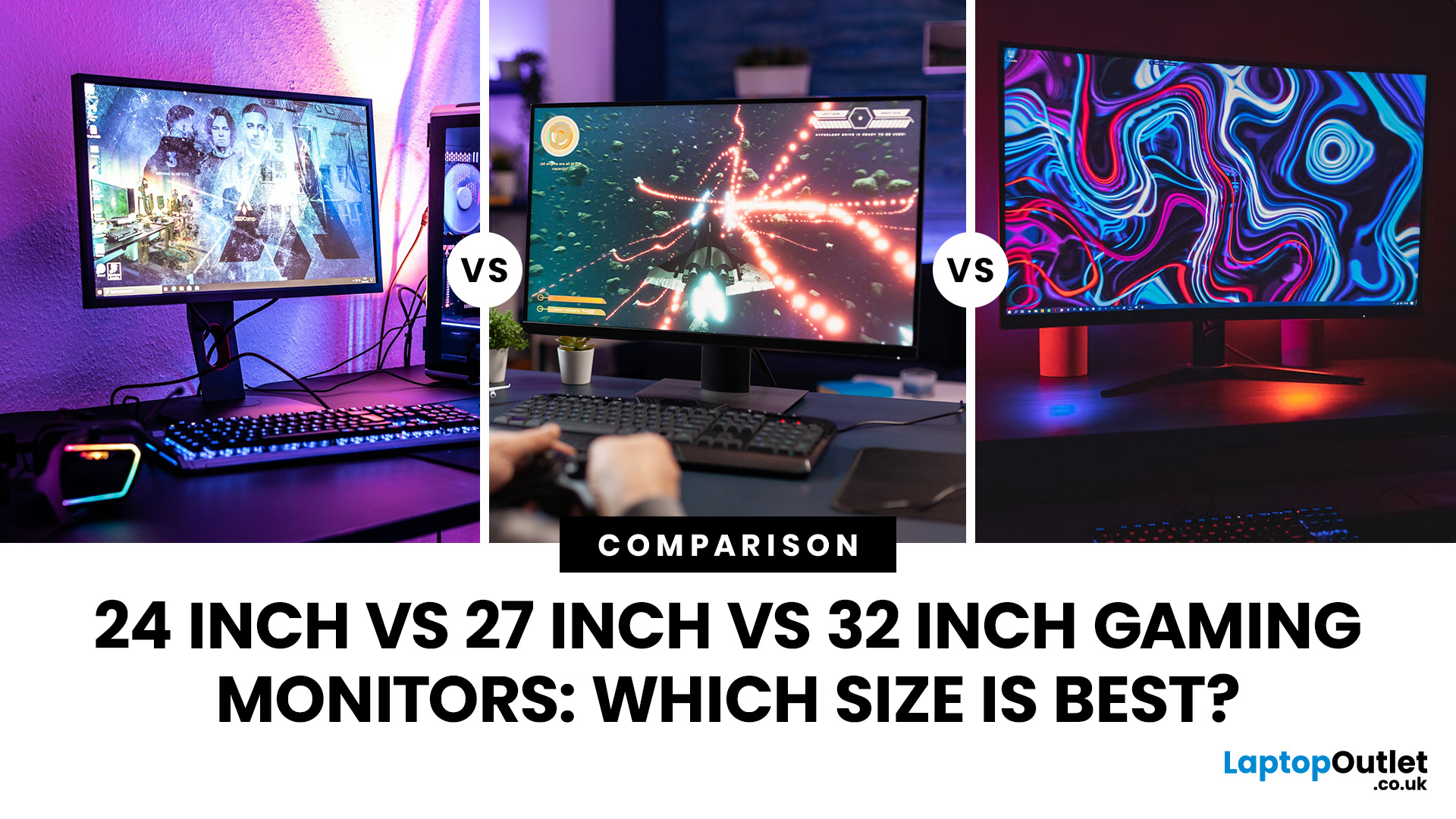
Picking the best gaming monitor size isn’t just about going big or going home. Your screen size actually changes how your games look, feel, and perform. A 24-inch setup is clutch for competitive play, a 27-inch hits that sweet spot between clarity and immersion, and a 32-inch screen? That’s where things get seriously cinematic.
Size alone isn’t the whole story. Resolution, desk space, refresh rate, and what you actually play all matter. This gaming monitor size comparison breaks down 24, 27, and 32-inch displays so you can find your perfect match.
24 Inch vs 27 Inch vs 32 Inch Gaming Monitors: Quick Comparison
The following table provides a quick overview of how the three most popular gaming monitor sizes compare.
| Feature | 24-Inch Monitor | 27-Inch Monitor | 32-Inch Monitor |
| Recommended resolution | 1920 × 1080 | 2560 × 1440 | 2560 × 1440 or 3840 × 2160 |
| Best suited to | Competitive gaming | Mixed gaming and everyday use | Immersive and cinematic gaming |
| Typical desk requirement | Small | Medium | Large |
| Graphics |
Last Updated: August 11, 2026
Published: July 20, 2026
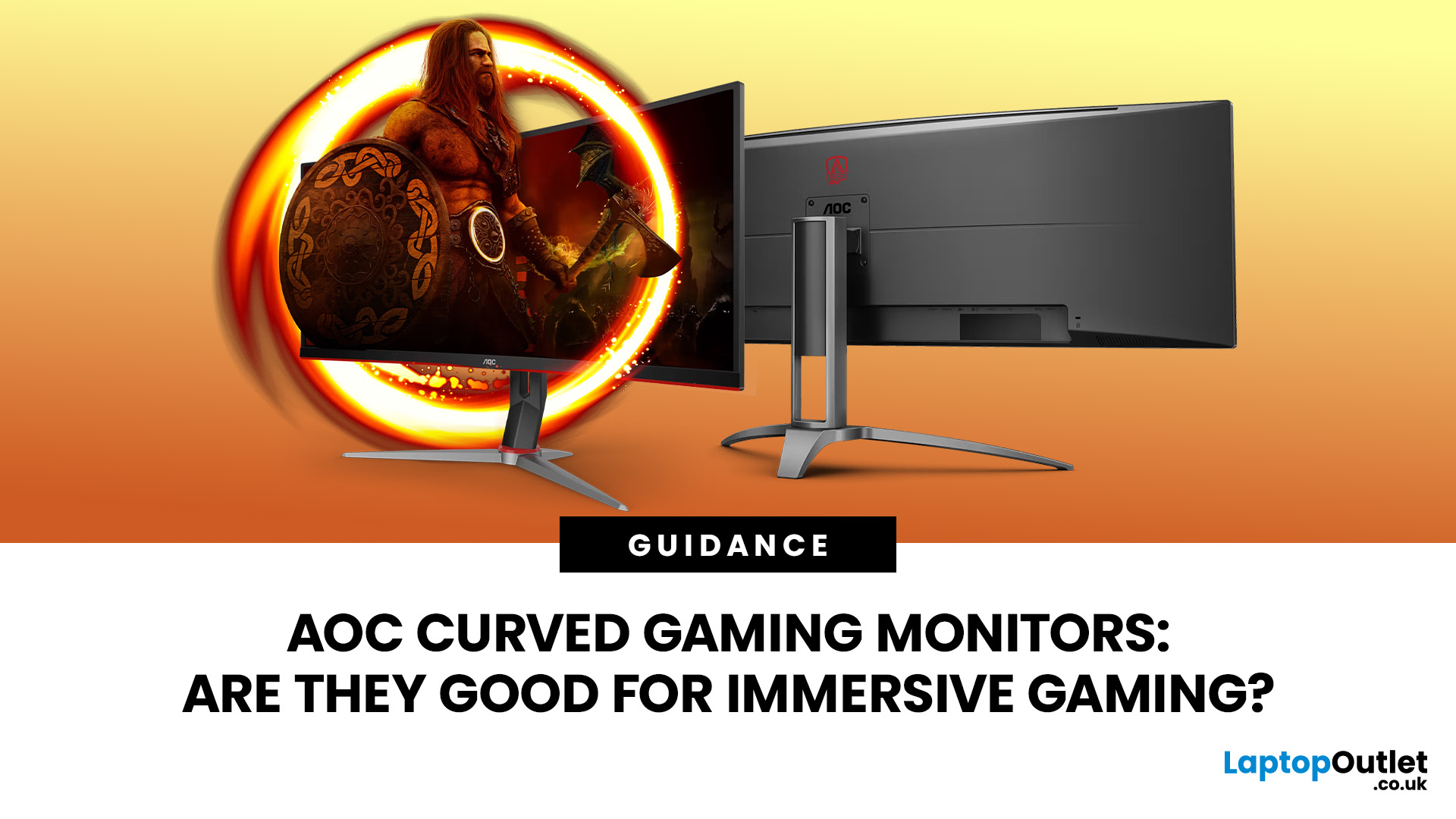
An AOC curved gaming monitor can be a strong choice for immersive gaming, especially if you play racing, simulation, RPG, open-world or cinematic single-player games. The curved screen helps draw more of the display into your natural field of view, which can make gameplay feel more engaging on larger panels. For many PC gamers, the sweet spot is a 27-inch or 32-inch high-resolution QHD monitors. For maximum immersion, an AOC 34 curved gaming monitor or another ultrawide curved gaming monitor can offer a wider, more cinematic view.
Are AOC Curved Gaming Monitors Good for Immersive Gaming?
Yes, AOC curved gaming monitors can be good for immersive gaming, but the experience depends on three things:
- Screen size
- Resolution
- Refresh rate
A curved display is most effective when the screen is large enough for the curve to matter. On a 24-inch screen, the curve may feel subtle. On a 32-inch or 34-inch screen, it becomes much more noticeable because the edges of the panel sit further into your peripheral
Published: July 27, 2026
Last Updated: July 28, 2026
Last Updated: August 11, 2026
The ASUS VG27AQM5F is a 27 inch QHD gaming monitor built primarily for competitive PC players who want a higher refresh rate without dropping to Full HD resolution. As an ASUS QHD monitor, it combines a 2560 x 1440 Fast IPS panel with a maximum 320Hz refresh rate, adaptive-sync support and ASUS ELMB Sync. This ASUS new gaming display launch is aimed at players seeking smoother competitive gameplay, although its tilt-only stand, basic HDR capability and service-only USB-C port remain important limitations.
ASUS VG27AQM5F Quick Answer
| Question | Answer |
| Best suited to | Competitive PC gamers who regularly play above 200fps and still want QHD detail |
| Main strengths | 320Hz refresh rate, Fast IPS panel, 95% DCI-P3 coverage and broad adaptive-sync support |
| Main limitations | Tilt-only stand, modest 300cd/m² brightness, basic HDR10 support and no functional USB-C display input |
| Testing status | Specification-based assessment, not a hands-on review |
| UK availability | Available through UK retail channels, but not |

