



Best Mini PCs for Office Work and Productivity in 2025
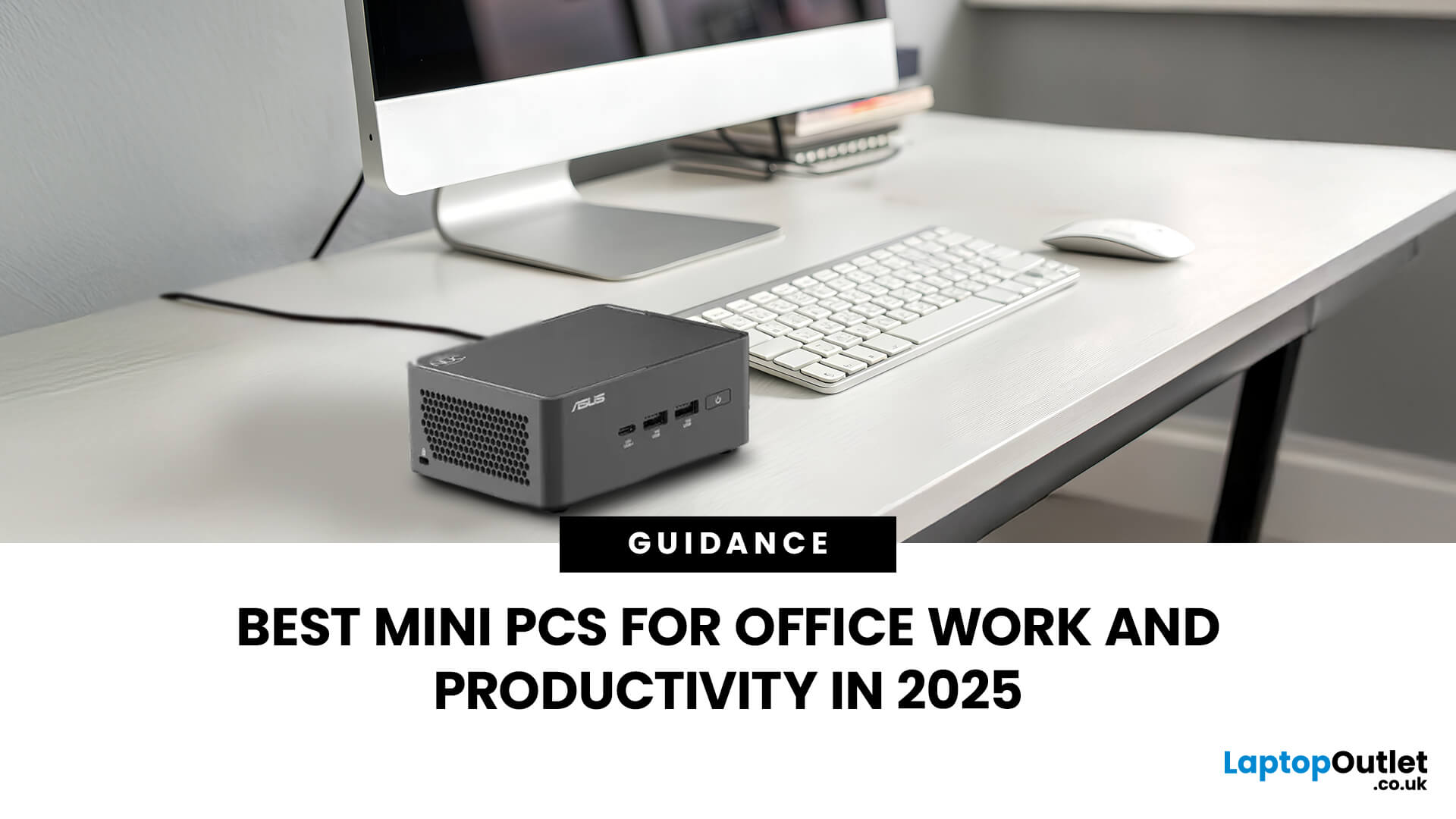
Gone are the days when office PCs had to be bulky towers humming under desks. In 2025, mini-PCs have become the ultimate productivity machines, small, silent, and surprisingly powerful. Whether you’re a remote worker, a startup founder, or managing a hybrid workspace, these compact desktops deliver desktop-grade performance without eating up your desk space.
If you’re searching for the best mini-PC for office work, this guide breaks down the top performers built for speed, efficiency, and multitasking, from entry-level options to high-end productivity powerhouses.
Why Choose a Mini PC for Work in 2025?
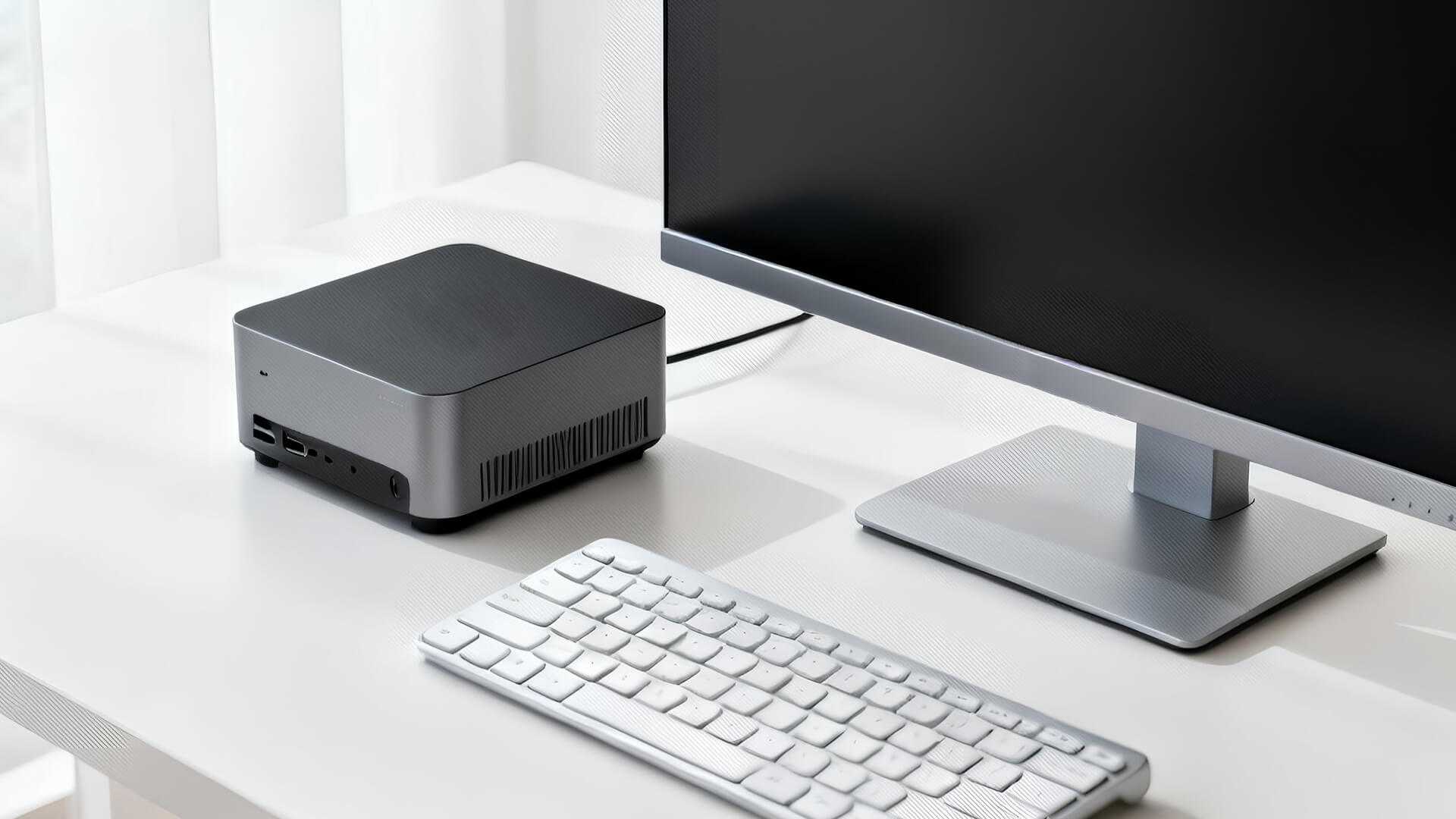
Modern mini-PCs are redefining what “office-ready” means. Thanks to next-gen CPUs, fast SSD storage, and efficient cooling, they now handle everything from heavy spreadsheets to video conferencing and multitasking without breaking a sweat.
Here’s why professionals are ditching bulky towers for compact desktops:
- Space-Saving Design: Ideal for minimalist desks or multi-monitor setups.
- Silent Efficiency: Most models use advanced cooling or fanless designs for near-silent operation.
- Energy Savings: Consume up to 70% less power than traditional desktops.
- Easy Setup & Portability: Mount them behind monitors, carry between offices, or `plug into meeting-room displays.
In short, mini-PCs are the smart choice for anyone who wants serious productivity without the clutter.
Top 5 Mini PCs for Office Work and Productivity (2025 Edition)
1. Intel NUC 13 Pro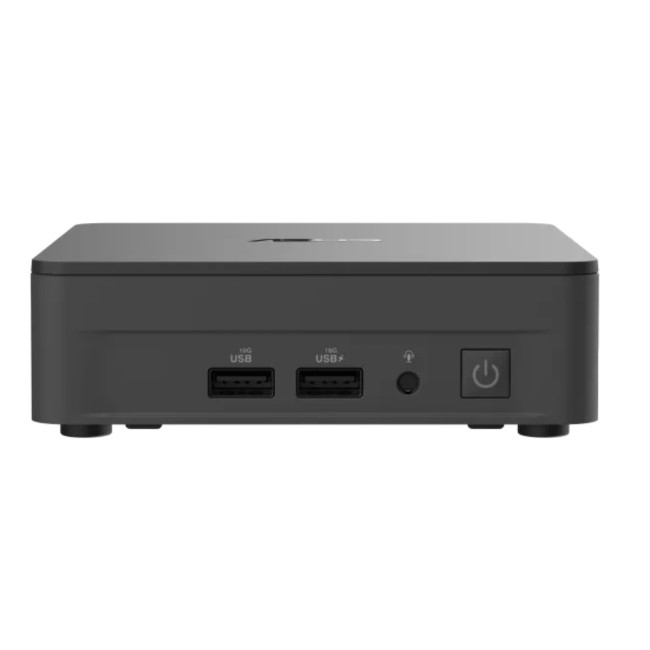
The latest Intel NUC 13 Pro is the gold standard for professional mini-PCs. With 13th Gen Intel Core i7 processors, integrated Iris Xe graphics, and PCIe Gen 4 SSDs, it’s built for multitasking-heavy users who live in Excel, Chrome, or design apps.
- Compact 4x4-inch chassis
- Dual HDMI and Thunderbolt 4 ports for multi-display setups
- vPro-options for enterprise-level security
- Super-quiet fan operation
Whether you’re working on financial reports or running virtual meetings all day, the NUC 13 Pro stays cool and consistent.
2. ASUSExpertCenterPN64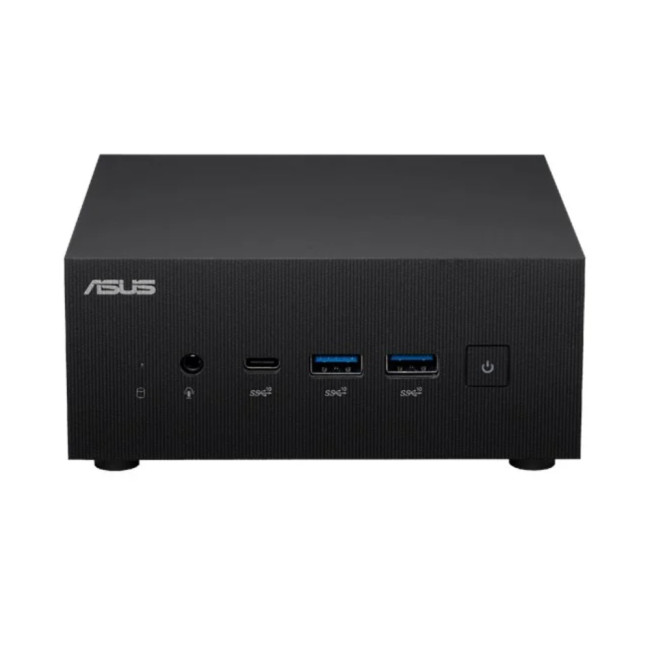
For small teams or home offices, the ASUS ExpertCenter PN64 strikes the perfect balance of price and performance. Powered by Intel Core i5/i7 CPUs and DDR5 memory, this mini-PC handles spreadsheets, browsers, and Microsoft Teams like a champ.
- Built-in Wi-Fi 6E and USB-C support
- Tool-free storage upgrade options
- Multiple display support (up to 4 monitors)
It’s one of the best mini-PCs for office work if you want smooth performance with simple expandability.
3. Apple Mac Mini (M2, 2025 Refresh)
For macOS professionals and creative teams, the M2-powered Mac Mini continues to dominate the compact desktop space. Its unified M2 chip delivers incredible efficiency for multitasking, editing, and running design tools like Photoshop or Final Cut.
- Blazing-fast performance with up to 24 GB unified memory
- Whisper-quiet and energy-efficient
- macOS Continuity features for seamless workflow with iPhones and iPads
If you’re deep in the Apple ecosystem, this mini machine transforms your desk into a smooth, integrated workspace.
4. HP Elite Mini 800 G9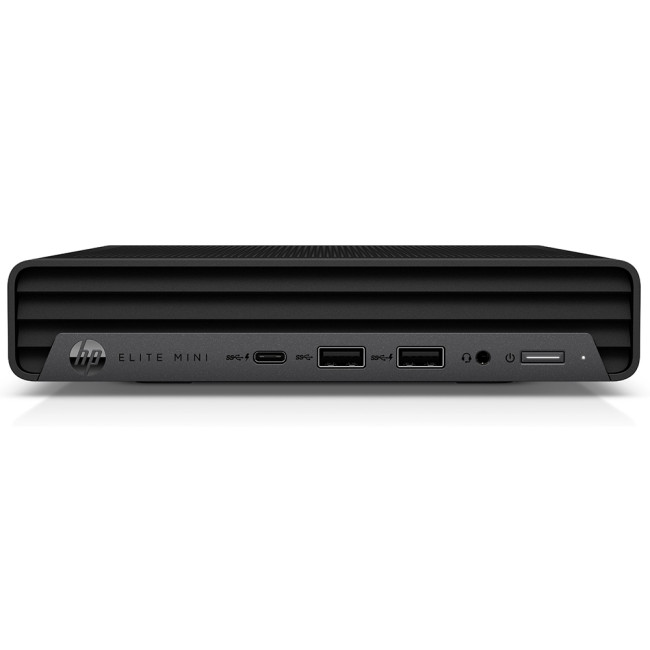
Built for corporate environments, the HP Elite Mini 800 G9 combines enterprise security with raw performance. Configurable with Intel Core i9 processors and up to 64 GB DDR5 RAM, it’s ready for data analysis, coding, or multitasking across large applications.
- Optional discrete GPU
- HP Wolf Security integration
- Multiple expansion bays
It’s the kind of mini-PC you buy once, and trust for the next five years of productivity.
5. Dell Pro QCM1250 Mini Desktop PC (Intel Core i5-14500T, 16GB RAM, 512GB SSD)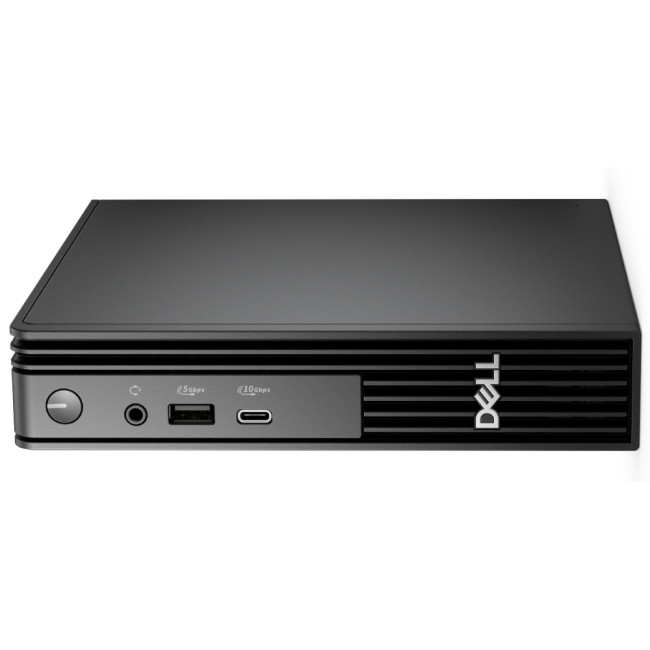
The Dell Pro QCM1250 is an all-business machine in a small body. Powered by Intel’s Core i5-14500T 14-core processor and 16 GB RAM, it’s built to handle demanding office workloads, multitasking, and real-time collaboration with ease.
With Windows 11 Pro pre-installed, you get enterprise-grade security and productivity tools right out of the box. The 512 GB SSD ensures lightning-fast boot times and smooth app switching, while Dell’s compact chassis design makes it a perfect fit for modern desks and shared workspaces.
- Latest 14th Gen Intel CPU
- Dual monitor support and USB-C connectivity
- Reliable thermals and whisper-quiet operation
If you want a professional mini-PC that balances performance, durability, and quiet efficiency, the Dell Pro QCM1250 is a top-tier pick.
6. ASUSExpertCenterP500 (P500MV Series)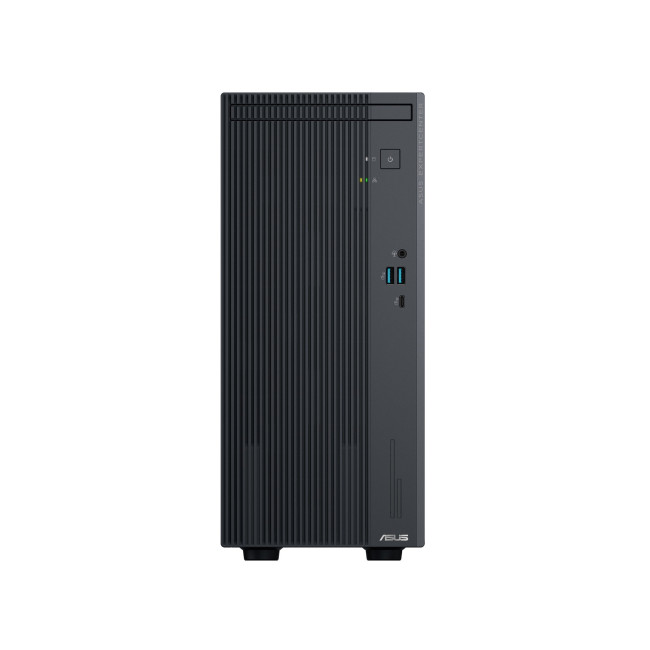
The ASUS ExpertCenter P500 series brings workstation-grade performance to the mini-PC world. It’s designed for professionals who need consistent power for content creation, analytics, or enterprise applications.
Under the hood, the P500MV pairs Intel Core processors with fast DDR5 memory and enterprise-level storage options. ASUS adds its signature AI cooling system, which dynamically adjusts fan speeds for optimal performance and noise control.
- Compact yet highly expandable design
- Military-grade durability for long-term reliability
- Advanced I/O with HDMI, DisplayPort, and USB 4.0 ports
For offices that demand stability and room to grow, the ExpertCenter P500 delivers a blend of performance and efficiency that’s hard to beat.
7. Lenovo ThinkCentre M70q Gen 5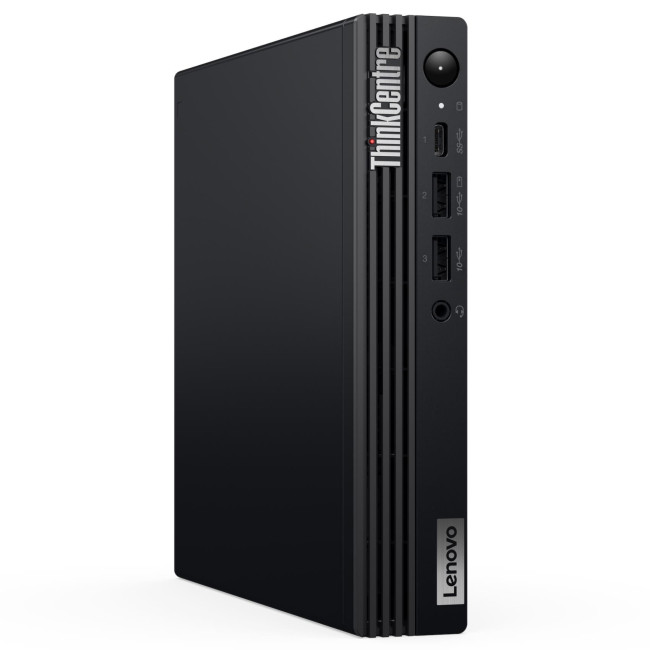
Lenovo’s ThinkCentre M70q Gen 5 proves that small form doesn’t mean small capability. Featuring Intel’s latest Core i7 or i5 processors, this mini desktop is designed for large organisations and professionals who value speed, manageability, and low power consumption.
The ThinkCentre M70q supports multiple displays, up to 64 GB DDR5 RAM, and rapid SSD storage, making it ideal for multitasking across apps like Excel, Teams, and Chrome. It also includes ThinkShield security, offering hardware-based data protection for corporate environments.
- Tool-less access for quick upgrades
- Built-in VESA mount for clutter-free setups
- ENERGY STAR and EPEAT Gold certified for energy efficiency
If you’re looking for a small but mighty system that fits seamlessly into any business setup, Lenovo’s M70q Gen 5 deserves a spot on your desk.
Choosing the Right Mini PC for You
When picking the best mini-PC for office work, keep these in mind:
- Processor: Go for Intel Core i5/i7, AMD Ryzen 7, or Apple M2 for long-term reliability.
- Memory & Storage: 16 GB RAM and an SSD (512 GB+) ensure fast boot times and smooth multitasking.
- Ports: Check for HDMI, DisplayPort, and USB-C for your setup.
- Upgradability: Some models let you add more RAM or swap SSDs later, a big plus for business growth.
The Future of Office Productivity Is Small
Mini PCs prove that less really is more. They’re compact, quiet, and efficient yet surprisingly capable of powering multi-monitor setups, Zoom-heavy workdays, and even creative workloads.
Whether you’re upgrading your office fleet or looking for a compact workstation for your home office, the 2025 lineup delivers everything modern professionals need: speed, stability, and seamless performance.
| Read More: |
| Best Desktop PCs for Work: Top Picks for Professionals |
| Everything You Need to Know About Desktop PCs (2025 Edition) |
| Prebuilt vs Custom Desktop PCs: Pros and Cons Explained |
Related Articles

Last Updated: April 06, 2026
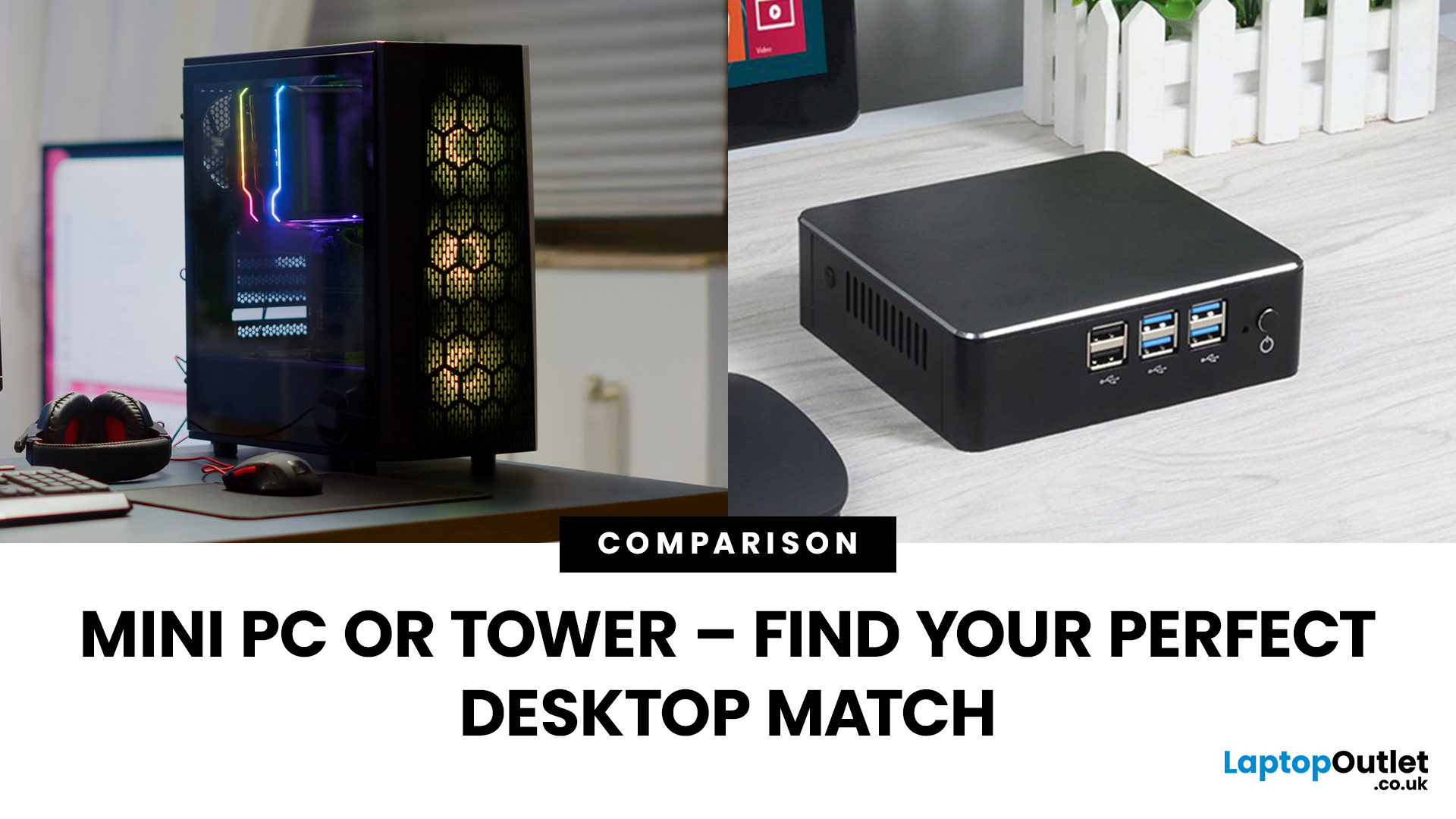
Need a black and white answer to ‘mini PC vs. tower PC’? You have come to the right place! Mini PCs and tower PCs are great devices suitable for different needs. While mini PCs are compact, space-saving, and offer competent-high performance, tower PCs are typically more robust, super spacious, capable of accommodating various components, and offer higher performance potential. Ultimately, choosing between them depends on your needs and preferences. However, mini PCs are ideal for people with limited space, everyday users, remote workers, and frequent travellers. At the same time, tower PCs are terrific options for gamers, content creators, professionals, tech enthusiasts, heavy multitaskers, and power users.
Mini PC vs. tower PC is a frequently discussed topic, often with a straightforward answer. Both offer distinct advantages and are fantastic options for different types of users. If you have limited space, want to enjoy competitive performance at a cost-effective price, and prioritise
Last Updated: June 15, 2026
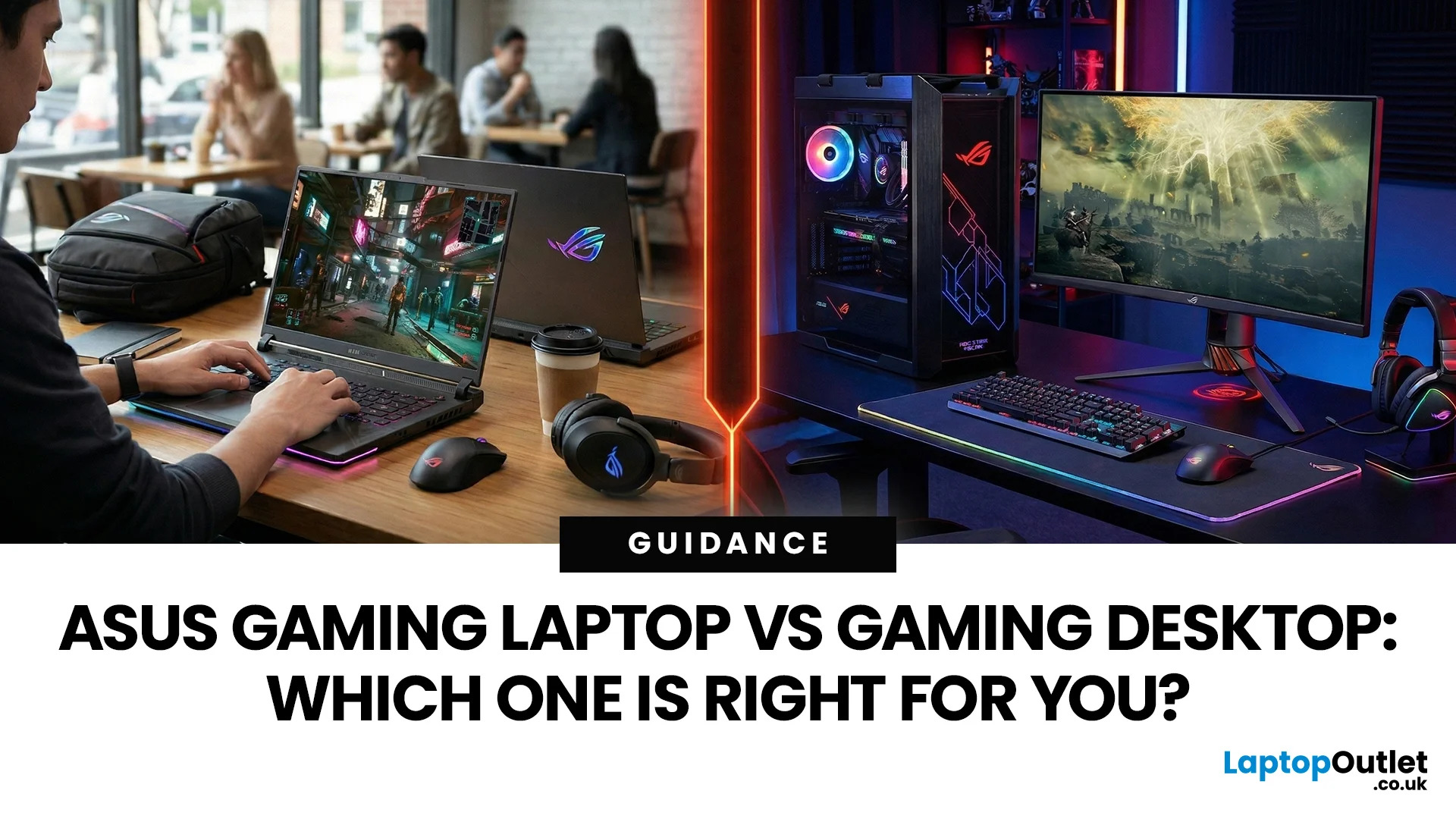
In the ever-evolving world of gaming tech, choosing between an ASUS gaming laptop and a gaming desktop can feel like choosing your final Pokemon. Both come packed with next-level power, but they serve different styles of gamers. Whether you're eyeing up a TUF Gaming Laptop, a sleek ROG Zephyrus, or a power-packed ASUS ROG desktop, this 2025 showdown is here to help UK gamers make the ultimate decision.
Why ASUS? A Gaming Legacy Built to Dominate
ASUS is a beast in the gaming world. From the ASUS ROG (Republic of Gamers) line to the ultra-durable ASUS TUF Gaming range, the brand brings serious heat to both laptops and desktops. Whether you're grinding in Apex Legends or conquering Elden Ring, ASUS delivers game-changing tech designed to crush every task.
Explore the full range of ASUS Laptops and ASUS Desktops.
Portability vs. Power: What’s Your Gaming Lifestyle?
Choosing between an ASUS gaming laptop and an ASUS gaming desktop in 2026 comes down to how and where you play. UK gamers

Last Updated: April 07, 2026
It’s 2025, and the tech world is split: some swear by sleek, portable laptops while others can’t live without the raw power of desktops. So, which one is right for you? Whether you’re a gamer chasing frames, a student hustling assignments, or a professional smashing deadlines, this guide breaks it down using real products you can snag right now at Laptop Outlet.
Quick Comparison Table: Laptops vs Desktops
| Feature | Laptops | Desktops |
| Performance | Strong for multitasking & portable workflows (ASUS ROG Strix, HP ZBook Fury) | Beast mode specs for gaming & pro work (MEDION ERAZER, iMac) |
| Portability | Ultra-portable for study, travel, or hybrid work | Fixed setup—ideal for a dedicated workspace |
| Upgradability | Limited to RAM/SSD in most models | Fully upgradeable: GPU, CPU, RAM, storage |
| Price Range | £350–£3,500+ | £500–£4,000+ (plus monitor & accessories) |
| Best For | Students, hybrid workers, light gaming | Gamers, creators, engineers |
Gaming Power: Desktops Dominate, But Laptops
Last Updated: April 02, 2026
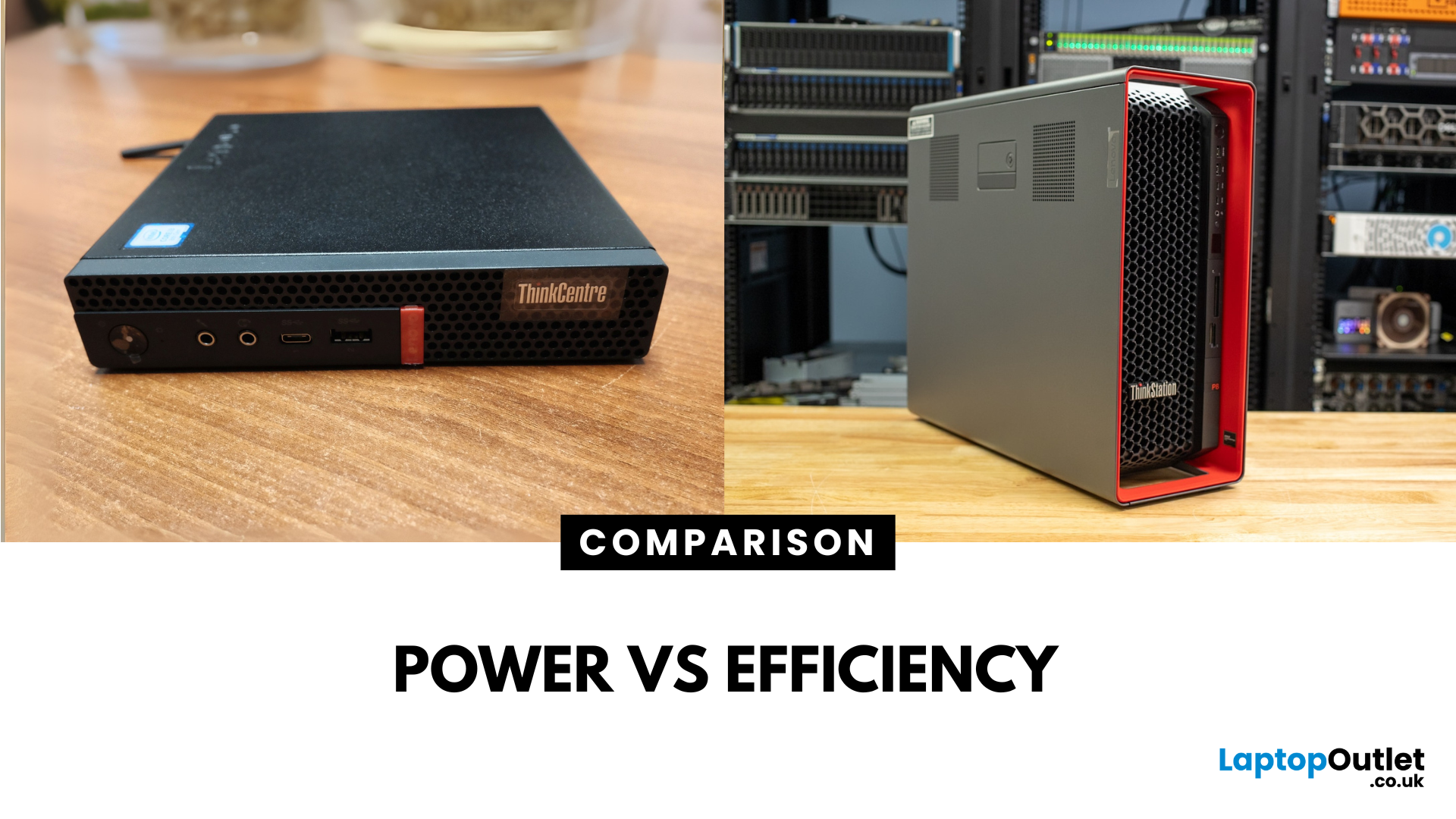
Main Difference Between ThinkStation vs ThinkCentre
ThinkStation is Lenovo’s professional workstation line which is built for tasks like 3D rendering, CAD, engineering simulations, and data-heavy workflows. They systems come with workstation-grade CPUs and GPUs, ISV certifications, and serious upgrade potential. ThinkCentre is Lenovo’s mainstream business desktop family which is perfect for office tasks with reliable components, enterprise features, and space-saving designs.
Feature Comparison Table
| Feature | ThinkStation (Workstation) | ThinkCentre (Business Desktop) |
| Target Users | Engineers, designers, data scientists | Office staff, SMBs, general business |
| Processor Options | Xeon / Threadripper PRO, high-core count CPUs | Core i3/i9, AMD Ryzen PRO processors |
| Graphics | NVIDIA Quadro / RTX A-series, ISV-certified | Integrated or basic discrete options |
| Upgradeability | Excellent: Support multi-GPUs, ECC RAM, RAID storage | Limited: Smaller chassis, fewer slots |
| Form Factors | Towers & Tiny workstations | Towers, |

Last Updated: June 15, 2026
The world of gaming desktops has never been more exciting. In 2026, gamers can enjoy next-level performance powered by Intel Core 14th Gen and AMD Ryzen 9000-series processors, paired with NVIDIA RTX 40 and 50-series GPUs. Whether you’re after an entry-level setup or a high-end machine for 4K gaming and VR, today’s best gaming desktop 2026 options offer something for every type of player. This guide breaks down the top categories, performance, features, and ideal users, to help you buy the best gaming desktop PC for your needs.
Best Budget Gaming Desktops in 2026
If you’re new to PC gaming or shopping on a budget, 2026 offers plenty of affordable options that deliver reliable 1080p performance.
Budget Highlights
- Processor: Intel Core i5-14400F / AMD Ryzen 5 8600G
- Graphics: NVIDIA RTX 50 series / AMD Radeon RX 7000 series XT
- RAM & Storage: 16GB DDR5, 512GB – 1TB SSD
Top Choices
| Model Image | Model | Processor | Graphics Capability | Memory (RAM) | Storage | Operating System | Special Features |
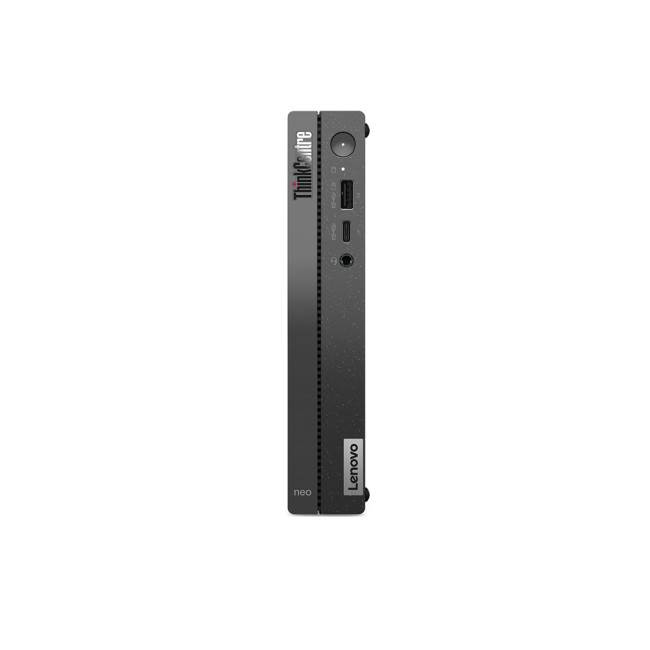 | Lenovo |

Last Updated: September 28, 2026
Quick Answer: Prebuilt or Custom PC?
A prebuilt PC is usually better if you want a complete, tested computer with Windows, warranty support and minimal setup. A custom PC gives you greater control over components, cooling, appearance and future upgrades. Neither is automatically faster or less expensive. The better choice depends on the exact specification, component quality, total cost and how much involvement you want.
Buying a desktop PC often comes down to one choice: buy a complete system or choose the components yourself.
Both routes can deliver excellent performance. The difference is mainly in how much control, setup work, upgrade flexibility and support you want after buying.
This guide compares prebuilt vs custom desktop PCs across cost, performance, cooling, warranties, upgrades and everyday use so you can decide which approach actually suits your needs.
What Is the Difference Between a Prebuilt and Custom PC?
A prebuilt PC arrives as a complete system assembled by a manufacturer
Published: October 23, 2025
Your complete guide to performance, specs, and picking the right system for work or play.
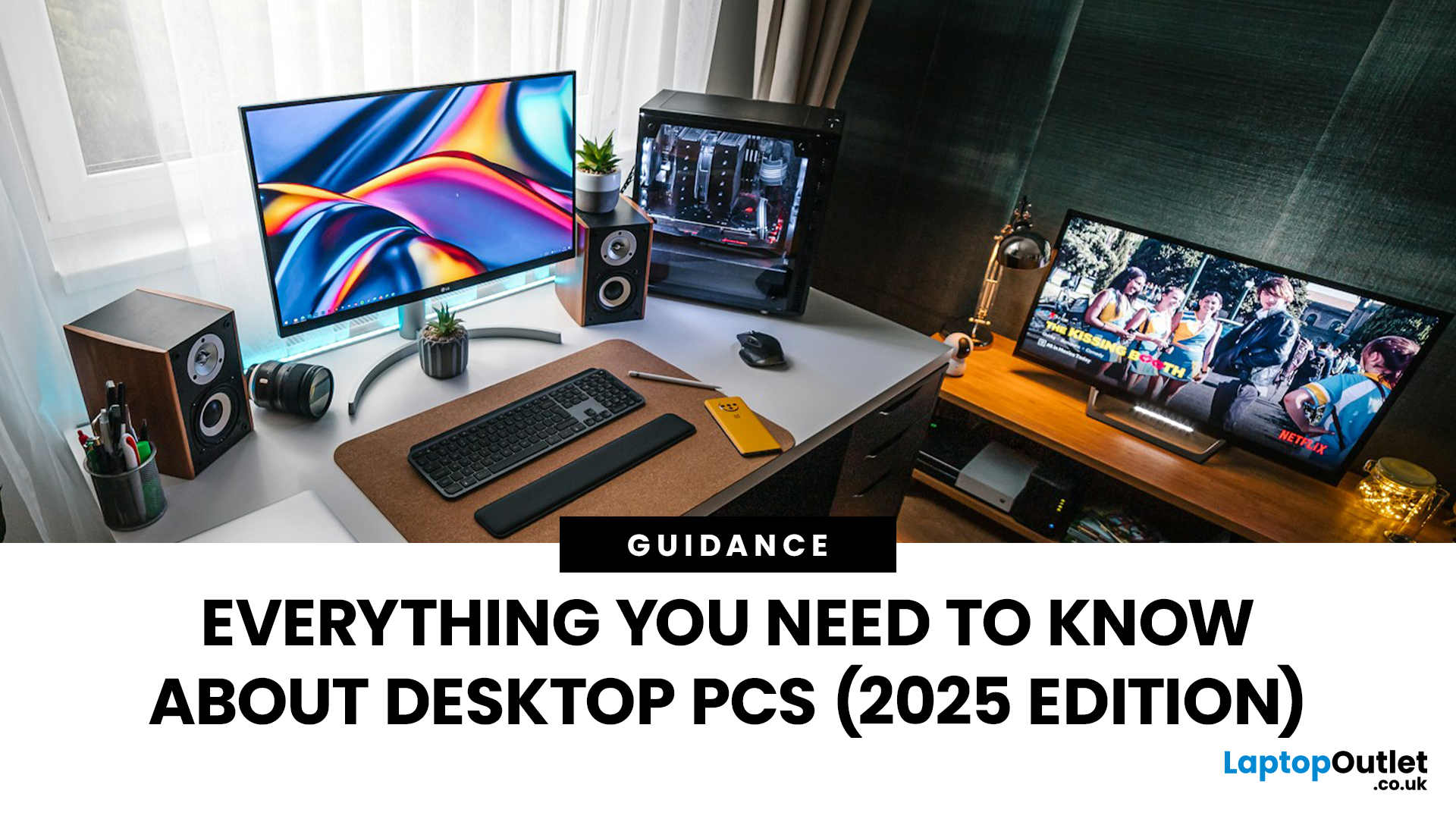
When it comes to raw power, flexibility, and longevity, desktop PCs still reign supreme. Sure, laptops have gone lighter, and tablets now pretend to be “pro,” but if you’re serious about performance — whether for gaming, design, business, or just smooth multitasking - a desktop remains the smart choice.
In this ultimate desktop PCs guide, we’ll cover everything: from how desktops stack up against laptops, to what all those spec-sheet numbers (CPU, GPU, RAM, SSDs) really mean. You’ll also find insights into the latest desktop PC trends in 2025, and our recommendations for every type of user — from casual home users to hardcore creators.
1. Desktop PCs vs Laptops —What’sthe Real Difference?
Before diving into specs and performance, let’s address the age-old debate: why pick a desktop when you can buy a laptop? The answer depends on your priorities — but desktops win in more areas than most people think.
Last Updated: August 25, 2026
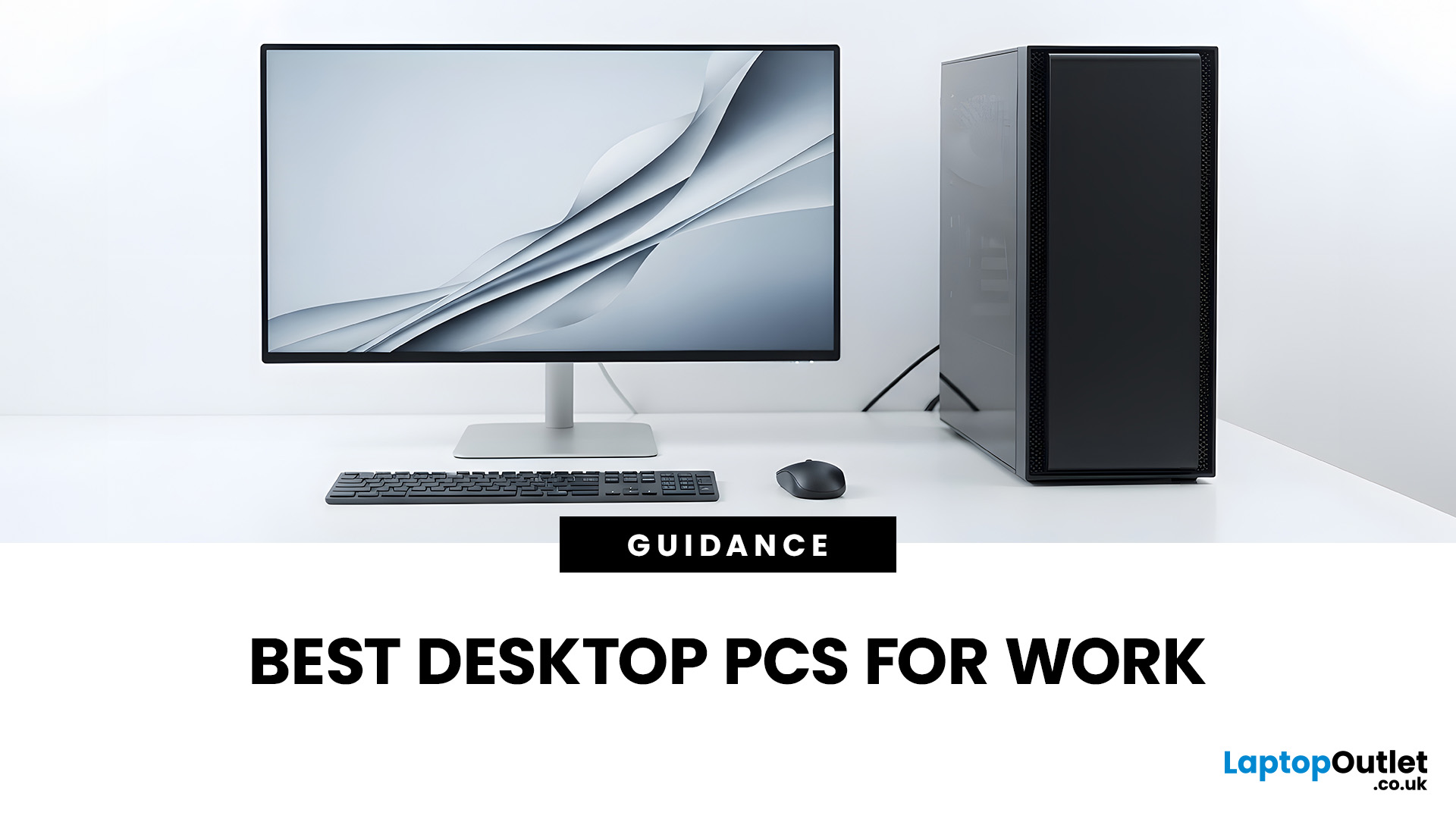
The best desktop PC for work depends on matching hardware to your actual tasks rather than simply choosing the most powerful option. Finance teams working in spreadsheets need different specifications compared to architects using 3D software, while reception areas often benefit from compact all-in-one systems instead of traditional towers. This guide highlights current desktop PCs from Laptop Outlet across four categories: Tower PCs, All-in-One PCs, Mini PCs and Workstations, based on availability checked on 14 August 2026, though stock may change.
How We Selected These Desktop PCs for Work
We prioritised business-ready specifications, useful connectivity, sensible memory and storage configurations, operating-system suitability and the workload each machine is best placed to handle. Rather than treating every professional as a power user, the list covers everyday office work, hybrid working, compact desks, creative projects and heavier technical workloads.
A useful rule is to buy for your

