



Mini PC vs Mac Mini – Which is the Better Choice for You?
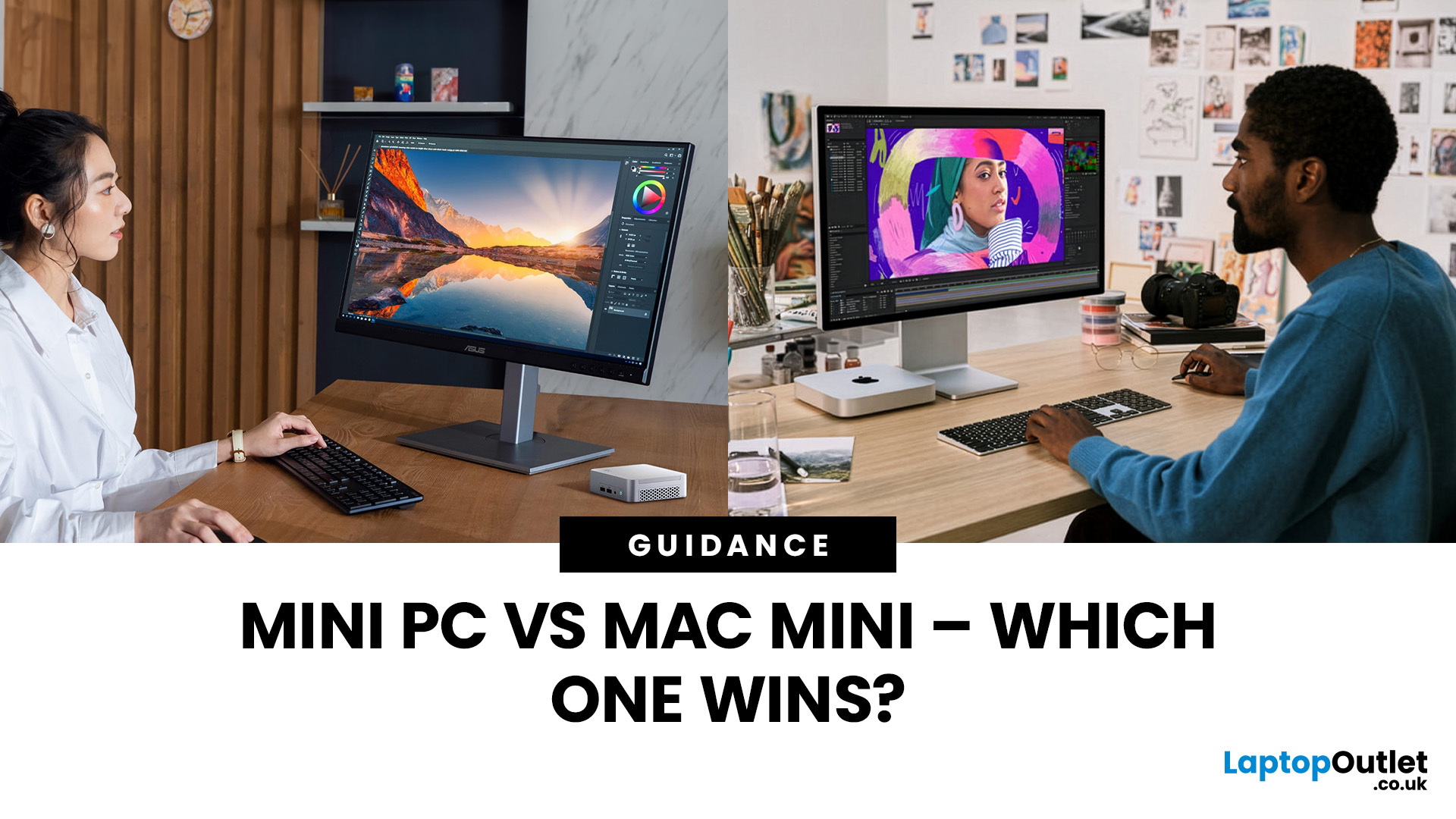
Whether you're looking to build a home office, stream movies on the big screen, or just save some precious desk real estate, the question “Should I go for a Mini PC or the Mac Mini?” has probably crossed your tech-loving mind. With the mini computing space heating up faster than a laptop under load, this comparison is long overdue. So, let’s break it down and help you figure out which one deserves a spot on your desk (or under your TV).
What is a Mini PC Anyway?
Before we throw punches, let's define the contenders.
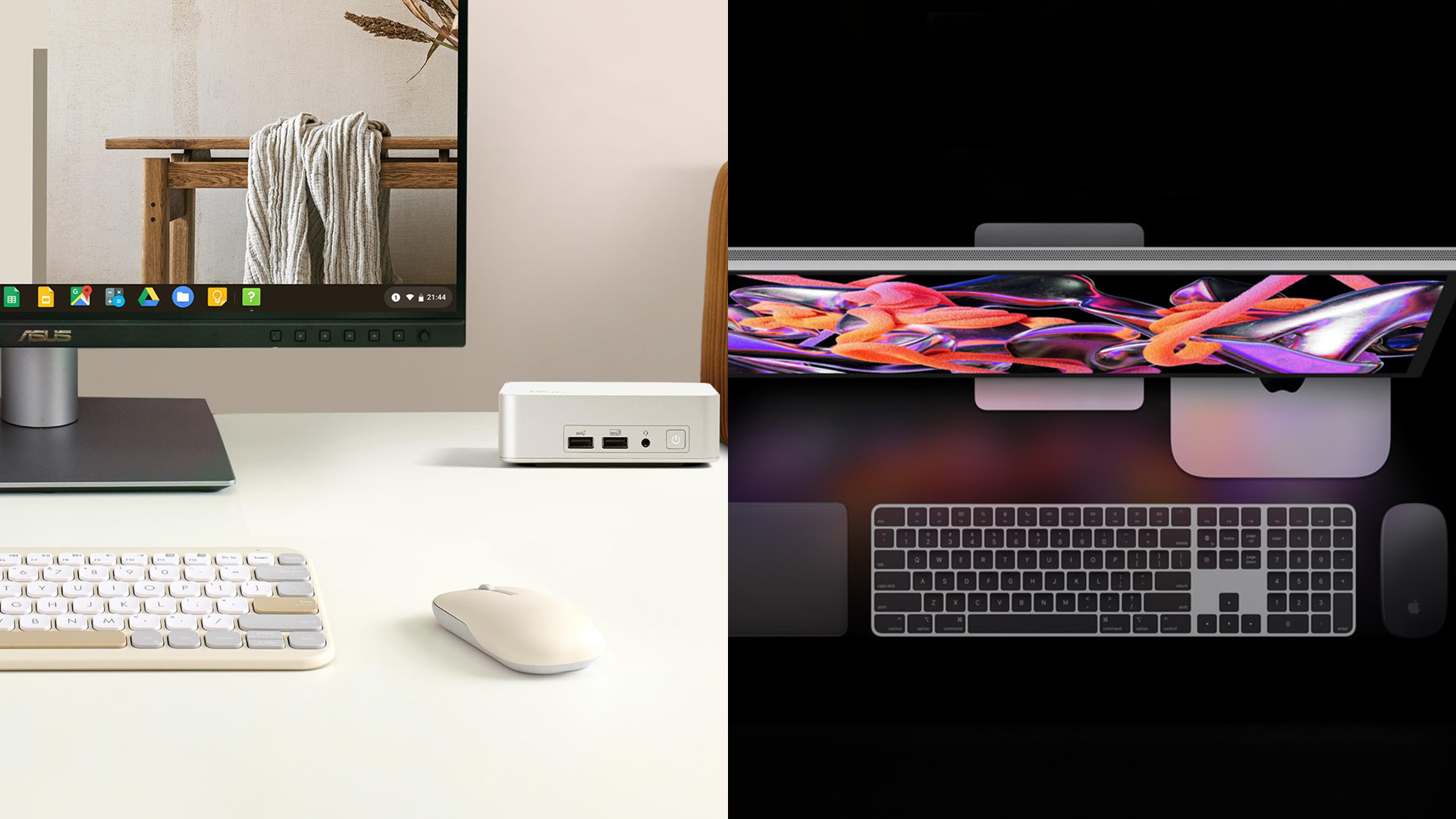
Mini PCs are compact desktop computers made by a variety of manufacturers like Intel, ASUS, HP, and even DIY builds. They're typically small, energy-efficient, and wildly flexible in how you use them. Want Windows 11? Done.
The Mac Mini, on the other hand, is Apple’s small-but-mighty desktop. It’s essentially a baby Mac that fits in your palm but runs like a champ, especially now with Apple Silicon (M1, M2, and potentially M3 soon).
Key Considerations Before Choosing
Budget
- Mini PCs can start as low as £120 and go up based on performance. You get a LOT of control over where your money goes.
- Mac Mini starts at around £450 for the base model (M2), and once you add RAM or storage, your wallet starts sweating.
Verdict: If you want cheap and cheerful, or powerful and pricey, there’s a Mini PC for every budget.
Operating System Preference
- Mac Mini runs macOS, which is buttery smooth, stable, and great for creatives. But that's all it runs, no dual-booting (without serious hacking).
- Mini PCs run Windows, ChromeOS, or whatever you can slap on it. Freedom reigns here.
Verdict: Mini PCs are OS-agnostic rebels. Mac Mini is the loyal Apple soldier.
Customization and Upgradability
- Most Mini PCs let you swap out RAM and storage, and some even support GPU upgrades (though rare in small form factors).
- The Mac Mini? You better know what specs you want before checkout because post-purchase upgrades are basically a no-go.
Verdict: Tinkerers and future-proofers should swipe right on Mini PCs.
Performance
- The Mac Mini M2 is a monster in a tiny package. It punches way above its size class, especially in tasks like video editing, app dev, and multitasking.
- Mini PCs can match or exceed Mac Mini performance, if you’re willing to spend. Intel NUC Extreme, ASUS PN series, and even AMD Ryzen builds can shred benchmarks.
Verdict: Mac Mini nails performance out-of-the-box. Mini PCs offer scalable power if you're willing to tweak or pay.
Ports and Connectivity
- Mac Mini offers Thunderbolt/USB 4, HDMI, Ethernet, and USB-A, but still no SD card slot.
- Mini PCs often go port crazy, with legacy connectors (VGA, DisplayPort), multiple HDMI ports, and even COM ports if you're into old-school setups.
Verdict: Mini PCs take the crown for port variety. Mac Mini keeps it slick but limited.
Size and Form Factor
- Mac Mini is consistently small, silent, and minimalist.
- Mini PCs come in all shapes and sizes, some are even smaller than the Mac Mini, while others look like a sandwich box from the future.
Verdict: Tie. Mac Mini is aesthetically superior, but Mini PCs offer more options.
Real-World Use Cases
|
Use Case |
Best Pick |
Why |
|
Creative work (design, music, video) |
Mac Mini |
Apple’s software ecosystem and M2 chip are optimized for creators. |
|
Coding, Dev Work |
Mini PC |
Linux flexibility, upgradability, and OS choice. |
|
Office work |
Either |
Both handle email, spreadsheets, and Zoom calls with ease. |
|
Light Gaming |
Mini PC |
Easier to configure with GPUs and compatible with more titles. |
|
Media Center / HTPC |
Mini PC |
Compact, fanless options available with Kodi/Plex setups. |
Pros and Cons of Mini PCs
Pros:
- Budget-friendly
- Upgradable RAM/SSD
- OS flexibility (Windows/Linux)
- Tons of port options
- Broad model range
Cons:
- Can be noisy (depending on build)
- Inconsistent build quality across brands
- Setup may require more tech knowledge
Pros and Cons of Mac PCs
Pros:
- Blazing-fast Apple Silicon
- Seamless macOS performance
- Energy efficient and quiet
- Polished hardware design
- Great value for Apple users
Cons:
- Not upgradeable after purchase
- Limited to macOS
- Fewer ports (and no SD card slot)
Myth Buster Corner
"Mini PCs are underpowered."
Nope. Modern Mini PCs pack some serious punch. Don’t let their size fool you, they’re not just for web browsing.
"Mac Mini can’t be used in business setups."
Wrong again. Many small dev teams and startups swear by Mac Minis as servers or dev machines thanks to their stability and power.
"Mini PCs are only good for nerds and tinkerers."
Sure, geeks love them, but plug-and-play models exist too! Brands like Beelink and MinisForum make user-friendly, out-of-the-box ready systems.
So… Which One Should You Buy?
It boils down to this:
- If you're already in the Apple ecosystem, value design, or do a lot of creative work: go Mac Mini.
- If you want more control, tinkerability, or you're on a budget: go Mini PC.
Still stuck? Here's a cheat:
- Mac Mini = Simple, stable, stylish
- Mini PC = Flexible, powerful, frugal

Bottom Line
The mini PC vs Mac Mini debate is like comparing a Swiss Army knife to a lightsaber. One’s modular and adaptable, the other’s sleek and surgical. There’s no wrong answer, only what’s right for your setup, your goals, and yeah… your wallet.
So, choose wisely when shopping from Laptop Outlet, plug in, and enjoy computing, mini-style.

Mini PC vs Mac Mini Queries
Which is better for gaming, a Mini PC or Mac Mini?
A Mini PC is generally better for gaming due to broader compatibility with Windows-based games and the ability to install discrete GPUs in some models.
Can I upgrade the Mac Mini or Mini PC later?
Mac Minis are not user-upgradeable after purchase. Many Mini PCs, however, allow RAM and storage upgrades, offering better long-term flexibility.
Is the Mac Mini good for everyday use?
Yes, the Mac Mini (especially M1/M2 models) is excellent for everyday tasks like browsing, video streaming, productivity, and even light creative work.
Are Mini PCs cheaper than the Mac Mini?
Yes, Mini PCs generally offer a wider price range, starting from budget options under £150 to high-performance models, while Mac Minis start at a higher price point.
Can Mini PCs run macOS like a Mac Mini?
Legally, no. Running macOS on non-Apple hardware (Hackintosh) violates Apple’s terms. Mini PCs are best suited for Windows or Linux environments.
| Read More: |
| Top Mini PCs for Students – Small Size, Big Performance |
| What is a Mini PC? Everything You Need to Know Before Buying |
| Best Mini PCs for Office Work and Productivity in 2025 |
Related Articles

Last Updated: April 06, 2026
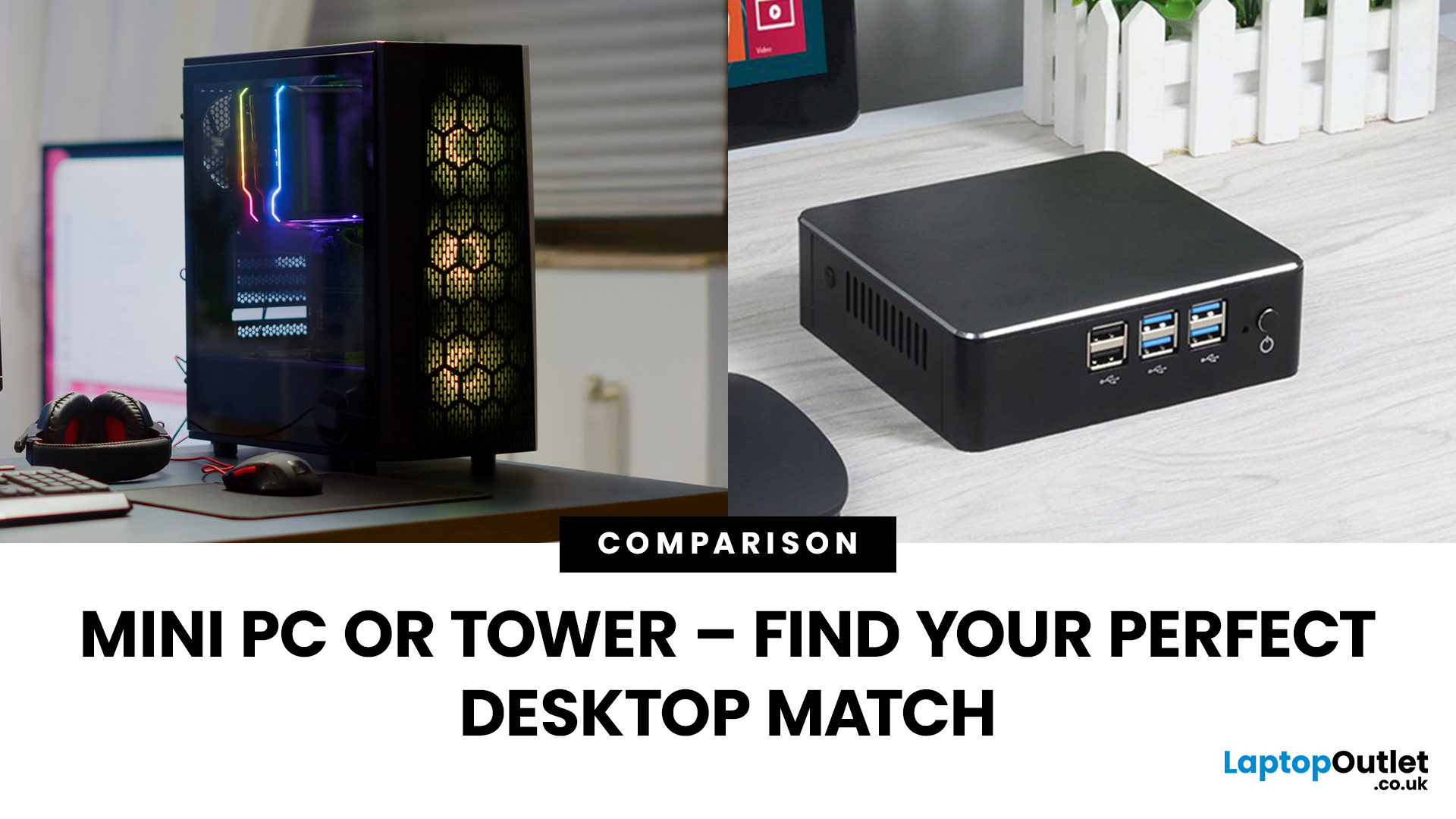
Need a black and white answer to ‘mini PC vs. tower PC’? You have come to the right place! Mini PCs and tower PCs are great devices suitable for different needs. While mini PCs are compact, space-saving, and offer competent-high performance, tower PCs are typically more robust, super spacious, capable of accommodating various components, and offer higher performance potential. Ultimately, choosing between them depends on your needs and preferences. However, mini PCs are ideal for people with limited space, everyday users, remote workers, and frequent travellers. At the same time, tower PCs are terrific options for gamers, content creators, professionals, tech enthusiasts, heavy multitaskers, and power users.
Mini PC vs. tower PC is a frequently discussed topic, often with a straightforward answer. Both offer distinct advantages and are fantastic options for different types of users. If you have limited space, want to enjoy competitive performance at a cost-effective price, and prioritise

Last Updated: June 15, 2026
The world of gaming desktops has never been more exciting. In 2026, gamers can enjoy next-level performance powered by Intel Core 14th Gen and AMD Ryzen 9000-series processors, paired with NVIDIA RTX 40 and 50-series GPUs. Whether you’re after an entry-level setup or a high-end machine for 4K gaming and VR, today’s best gaming desktop 2026 options offer something for every type of player. This guide breaks down the top categories, performance, features, and ideal users, to help you buy the best gaming desktop PC for your needs.
Best Budget Gaming Desktops in 2026
If you’re new to PC gaming or shopping on a budget, 2026 offers plenty of affordable options that deliver reliable 1080p performance.
Budget Highlights
- Processor: Intel Core i5-14400F / AMD Ryzen 5 8600G
- Graphics: NVIDIA RTX 50 series / AMD Radeon RX 7000 series XT
- RAM & Storage: 16GB DDR5, 512GB – 1TB SSD
Top Choices
| Model Image | Model | Processor | Graphics Capability | Memory (RAM) | Storage | Operating System | Special Features |
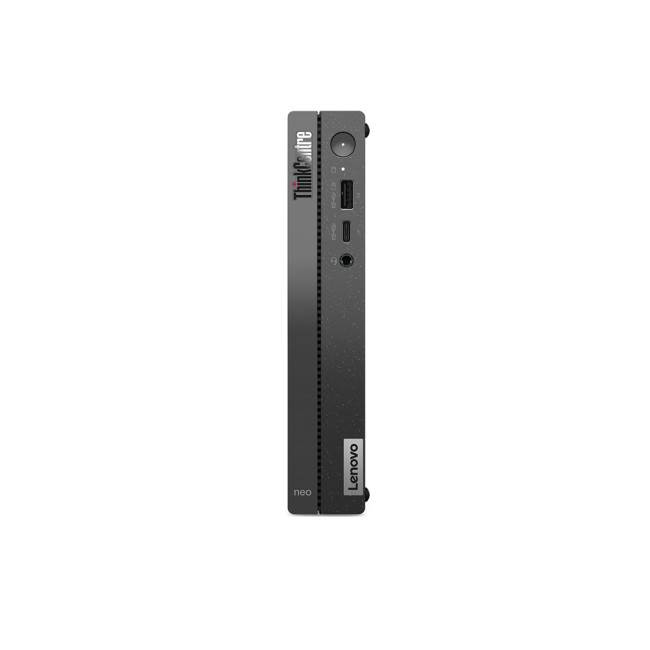 | Lenovo |

Last Updated: September 28, 2026
Quick Answer: Prebuilt or Custom PC?
A prebuilt PC is usually better if you want a complete, tested computer with Windows, warranty support and minimal setup. A custom PC gives you greater control over components, cooling, appearance and future upgrades. Neither is automatically faster or less expensive. The better choice depends on the exact specification, component quality, total cost and how much involvement you want.
Buying a desktop PC often comes down to one choice: buy a complete system or choose the components yourself.
Both routes can deliver excellent performance. The difference is mainly in how much control, setup work, upgrade flexibility and support you want after buying.
This guide compares prebuilt vs custom desktop PCs across cost, performance, cooling, warranties, upgrades and everyday use so you can decide which approach actually suits your needs.
What Is the Difference Between a Prebuilt and Custom PC?
A prebuilt PC arrives as a complete system assembled by a manufacturer
Last Updated: October 24, 2025
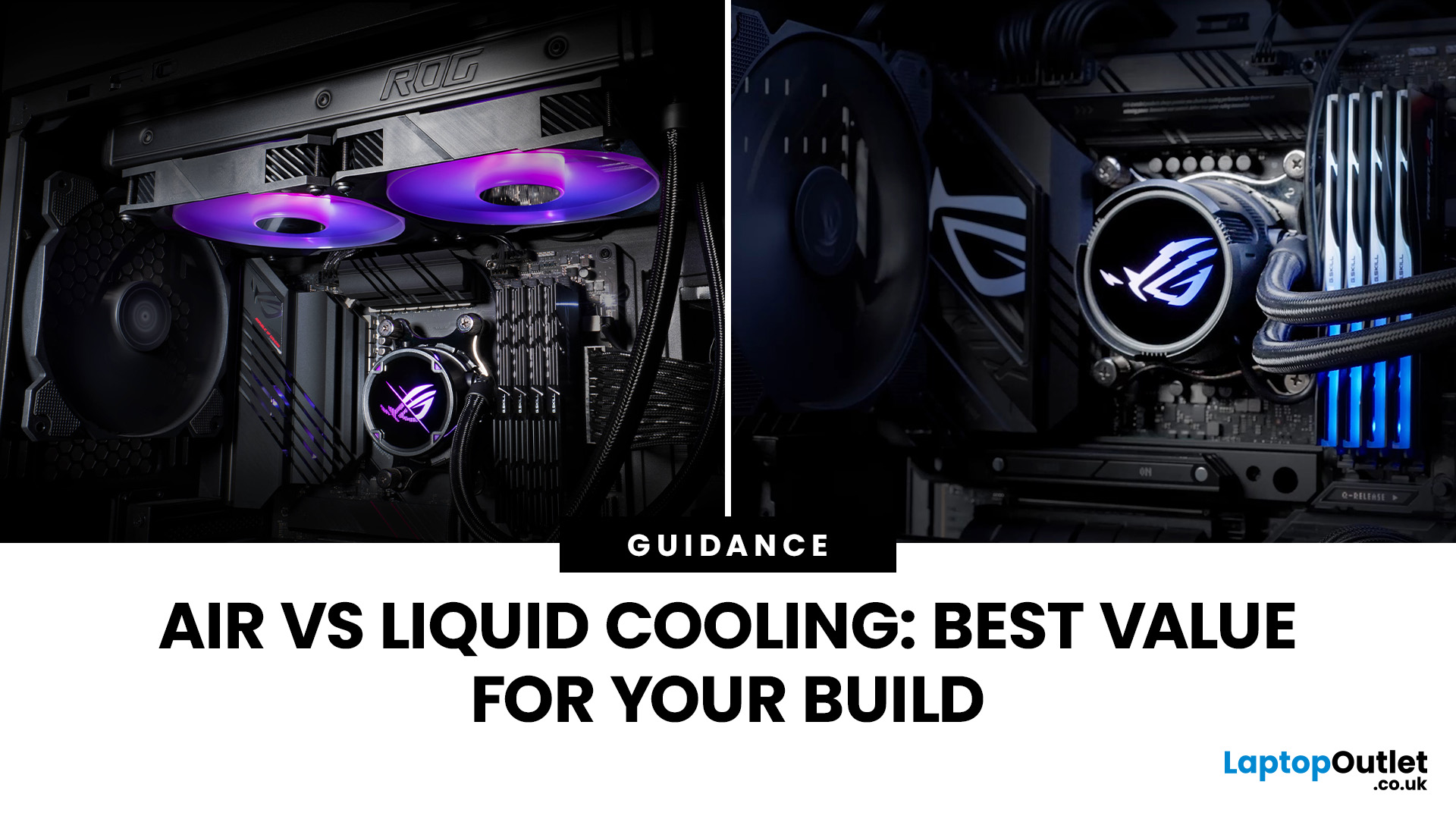
Whether you’re building your dream gaming rig or configuring a high-performance workstation, one of the biggest decisions you’ll face is how to keep your system cool. With modern CPUs and GPUs pushing the limits of performance, thermal management is more important than ever. The debate between air vs liquid cooling PC solutions is one that no serious builder can ignore. In this article, let’s discuss how both cooling methods work, their pros and cons, and which one may be best suited to your particular use case.
How PC Cooling Works: Basics & Why it Matters
To understand the difference between methods, it helps to go back to fundamentals.
Heat Generation in Modern PCs
Every time your CPU or GPU does work, it consumes electrical energy. Inevitably, some of that becomes heat. If that heat isn’t effectively carried away, component temperatures will rise, leading to thermal throttling or even permanent damage.
As such, effective PC cooling solutions are essential for maintaining performance,
Published: October 23, 2025
Your complete guide to performance, specs, and picking the right system for work or play.
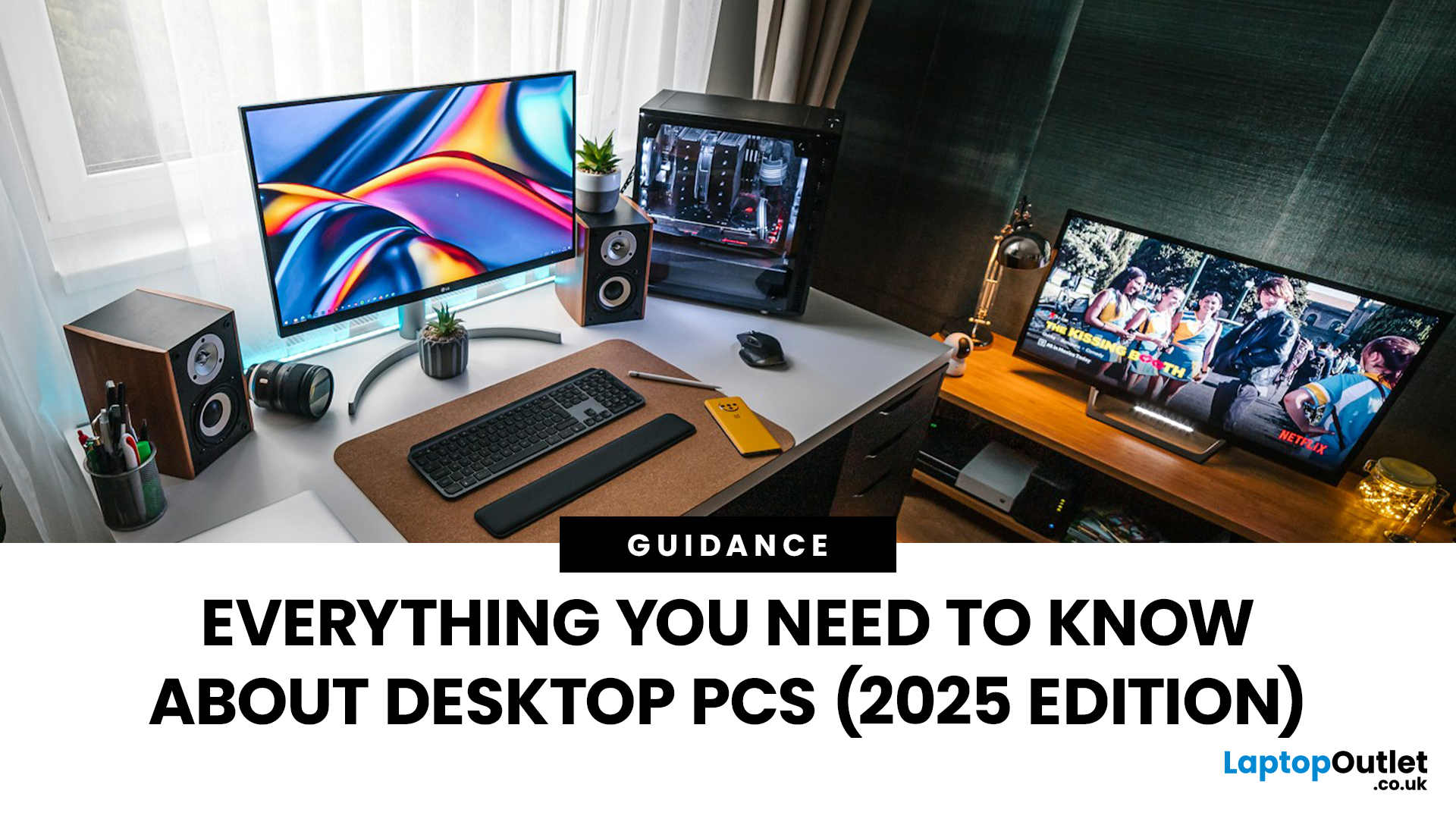
When it comes to raw power, flexibility, and longevity, desktop PCs still reign supreme. Sure, laptops have gone lighter, and tablets now pretend to be “pro,” but if you’re serious about performance — whether for gaming, design, business, or just smooth multitasking - a desktop remains the smart choice.
In this ultimate desktop PCs guide, we’ll cover everything: from how desktops stack up against laptops, to what all those spec-sheet numbers (CPU, GPU, RAM, SSDs) really mean. You’ll also find insights into the latest desktop PC trends in 2025, and our recommendations for every type of user — from casual home users to hardcore creators.
1. Desktop PCs vs Laptops —What’sthe Real Difference?
Before diving into specs and performance, let’s address the age-old debate: why pick a desktop when you can buy a laptop? The answer depends on your priorities — but desktops win in more areas than most people think.
Last Updated: August 25, 2026
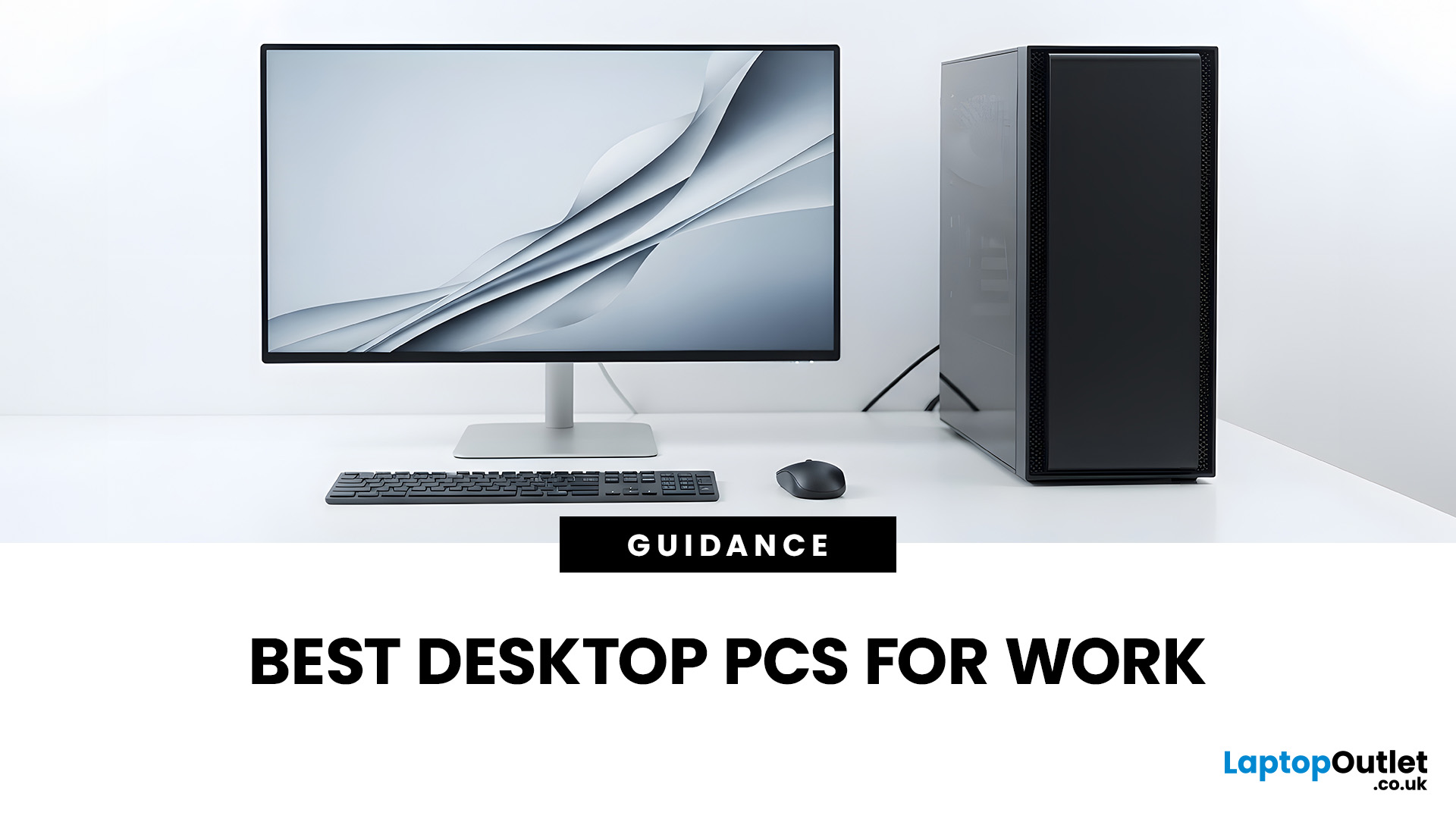
The best desktop PC for work depends on matching hardware to your actual tasks rather than simply choosing the most powerful option. Finance teams working in spreadsheets need different specifications compared to architects using 3D software, while reception areas often benefit from compact all-in-one systems instead of traditional towers. This guide highlights current desktop PCs from Laptop Outlet across four categories: Tower PCs, All-in-One PCs, Mini PCs and Workstations, based on availability checked on 14 August 2026, though stock may change.
How We Selected These Desktop PCs for Work
We prioritised business-ready specifications, useful connectivity, sensible memory and storage configurations, operating-system suitability and the workload each machine is best placed to handle. Rather than treating every professional as a power user, the list covers everyday office work, hybrid working, compact desks, creative projects and heavier technical workloads.
A useful rule is to buy for your
Last Updated: April 02, 2026
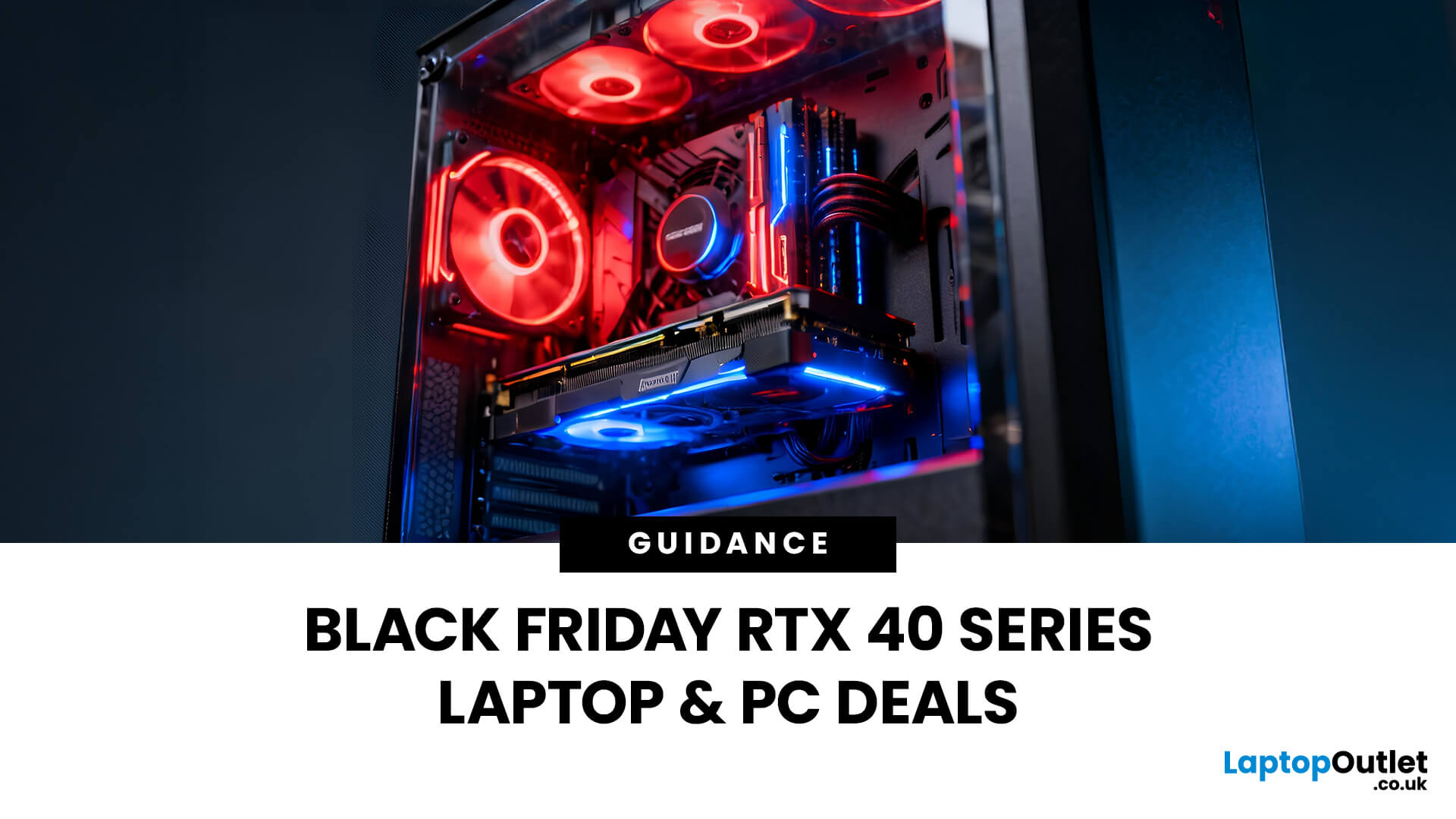
Black Friday 2025 is set to bring some of the best deals we’ve seen yet on gaming laptops and PCs, especially those powered by NVIDIA’s RTX 40-series graphics. But this year, smart buyers aren’t just chasing discounts, they’re targeting the right specs for lasting performance. The RTX 4060 and RTX 4070 GPUs have become the ideal mid-to-high range picks, balancing power, efficiency, and price. Pair that with fast DDR5 RAM and a 1TB NVMe SSD, and you have a future-ready setup built for modern gaming. This guide breaks down exactly what to look for in fast DDR5 RAM and a 1TB NVMe SSD, and you have a future-ready setup built for modern gaming. This guide breaks down exactly what to look for and make the most of Black Friday gaming laptop deals (RTX 4070) in the UK.
The 2025 Gaming Hardware Landscape: What’s Changed
Gaming hardware has evolved quickly over the past year, and 2025’s market looks very different from before. NVIDIA’s RTX 40-series GPUs, like the RTX 4060 and RTX 4070, now deliver

Last Updated: September 29, 2026
Black Friday can be a great time to upgrade your gaming setup, but waiting until the final Friday of November is not always necessary. Gaming laptops and PCs often appear in promotions before the main event, while particular specifications can become harder to find as demand increases.
So, should you buy early or hold out? This guide explains when to start looking, when waiting makes sense and how to judge a gaming laptop or PC before Black Friday 2026 without making the decision purely on the size of the discount.
When Is Black Friday 2026?
Black Friday 2026 takes place on Friday, 27 November, followed by Cyber Monday on Monday, 30 November. Black Friday is no longer necessarily limited to one day either. UK retailers commonly begin running promotions earlier in November, meaning there may be opportunities to buy before the main weekend.
For gamers, that changes the question from “Should I wait for Black Friday?” to “Is the gaming system I want already at the right price?”
Laptop Outlet
Last Updated: October 28, 2025
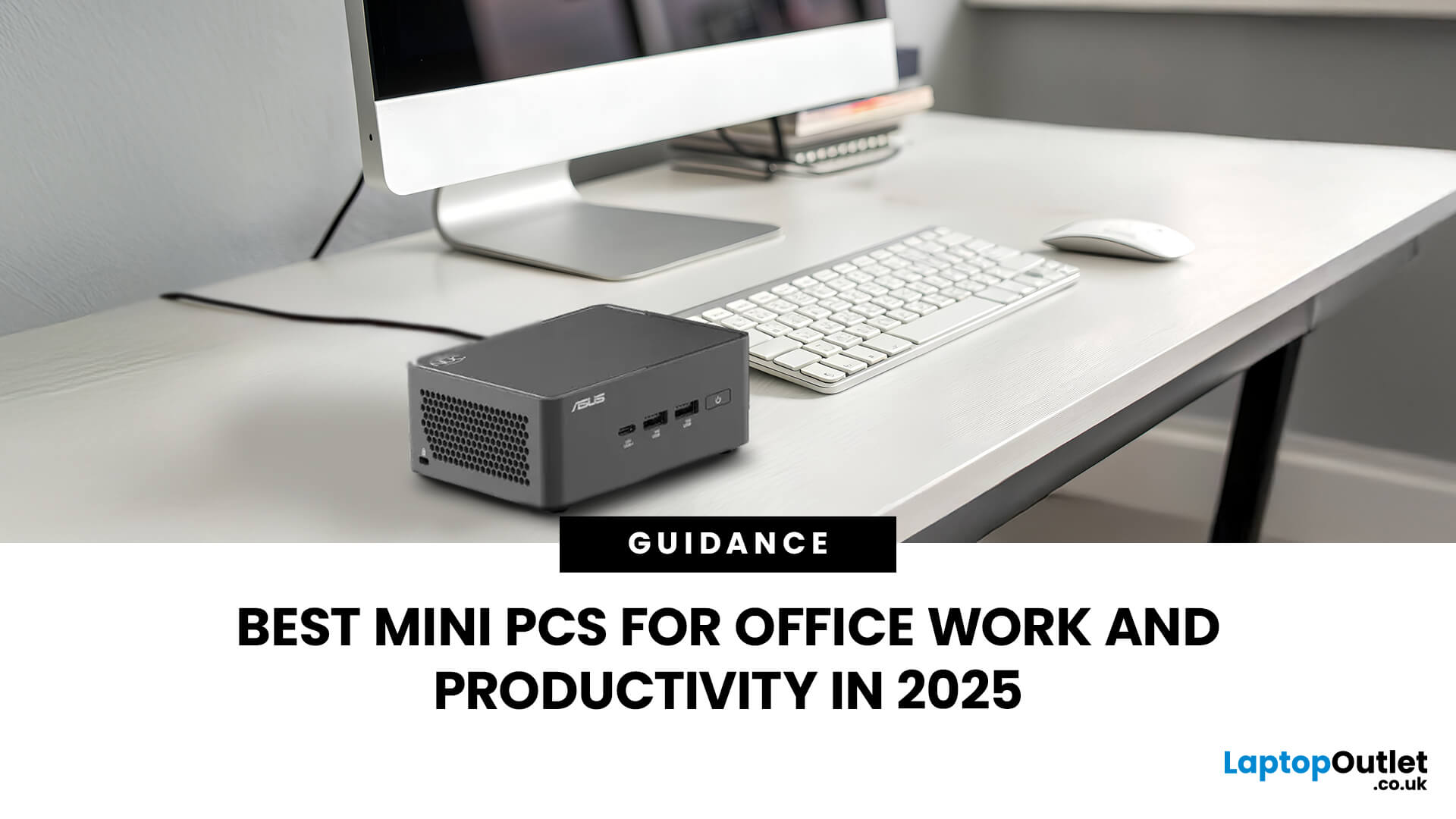
Gone are the days when office PCs had to be bulky towers humming under desks. In 2025, mini-PCs have become the ultimate productivity machines, small, silent, and surprisingly powerful. Whether you’re a remote worker, a startup founder, or managing a hybrid workspace, these compact desktops deliver desktop-grade performance without eating up your desk space.
If you’re searching for the best mini-PC for office work, this guide breaks down the top performers built for speed, efficiency, and multitasking, from entry-level options to high-end productivity powerhouses.
Why Choose a Mini PC for Work in 2025?
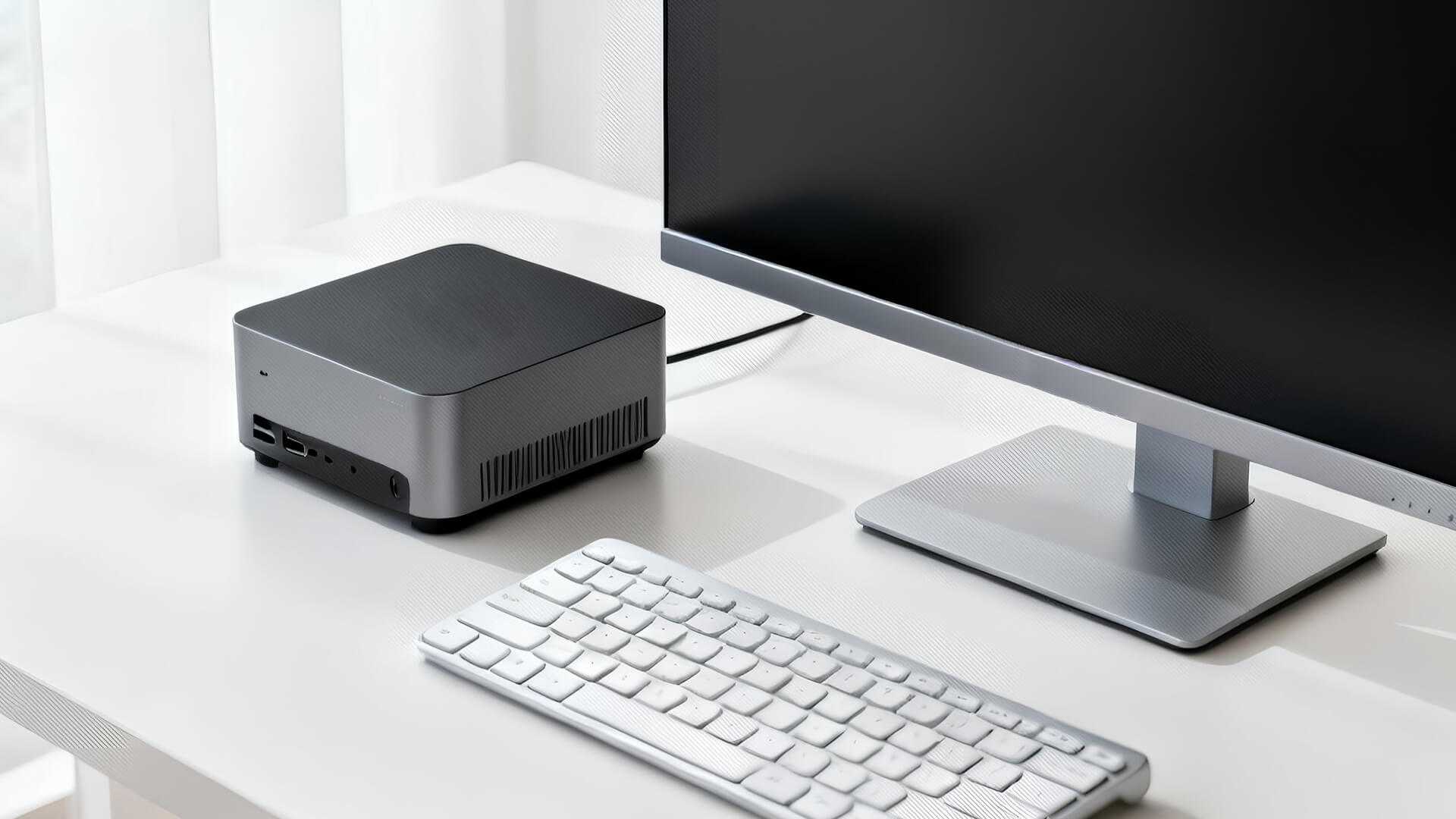
Modern mini-PCs are redefining what “office-ready” means. Thanks to next-gen CPUs, fast SSD storage, and efficient cooling, they now handle everything from heavy spreadsheets to video conferencing and multitasking without breaking a sweat.
Here’s why professionals are ditching bulky towers for compact desktops:
- Space-Saving Design: Ideal for minimalist desks or multi-monitor setups.
- Silent
Published: October 29, 2025
In a world where technology is getting smaller, faster, and smarter, mini PCs are gaining major popularity. These compact computing powerhouses deliver the performance of traditional desktops, but in a fraction of the space. Whether you’re working from home, studying, streaming, or gaming, a mini PC can be a sleek and efficient solution for your setup.
In this guide, we’ll cover everything you need to know about mini PCs, from how they work to why they might be the perfect fit for your needs.
What is a Mini PC?
A mini PC (short for mini personal computer) is a small, lightweight desktop computer designed to perform everyday tasks without taking up much space. Despite their compact size, modern mini PCs come equipped with powerful processors, ample storage, and connectivity options comparable to full-sized desktops.
They’re ideal for users who value portability, efficiency, and minimalism, making them popular among students, professionals, and even gamers.
How Does a Mini PC Work?
Just

