



Eco Tech 2026: How Sustainable Are Modern Laptops and PCs?
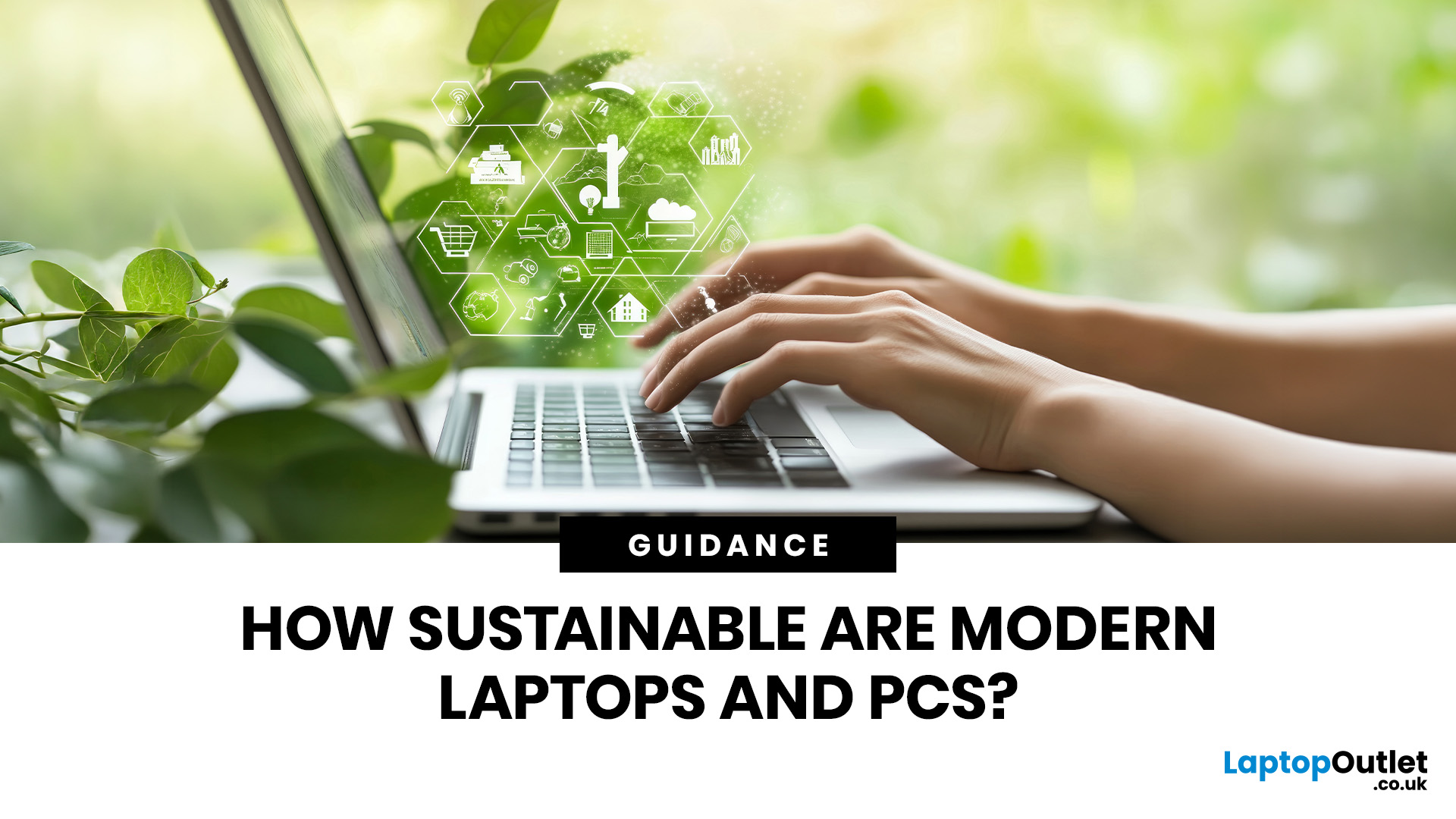
Technology powers nearly every part of our lives. Yet, with innovation comes responsibility. The question many ask today is: how sustainable are modern laptops and PCs?
In 2026, sustainability is no longer a marketing gimmick; it’s a design principle. Manufacturers, consumers, and policymakers are pushing for greener technology that reduces environmental impact while maintaining performance. From energy-efficient processors to recyclable materials, the computing industry is finally addressing its carbon footprint.
Let’s explore what makes laptops and desktop PCs truly sustainable, and what you can do to make smarter, greener tech choices.
What Makes a Laptop or PC “Sustainable”?
A sustainable laptop or PC minimises its environmental impact across its lifecycle, design, production, use, and disposal. Here are the key factors:
- Material sourcing: Using recycled aluminium, plastic, or even bio-based materials helps reduce raw resource extraction.
- Energy efficiency: Devices that consume less power during operation and while charging significantly cut emissions.
- Longevity: Easily repairable or upgradable laptops extend their useful life.
- Recyclability: Components that can be disassembled and recycled responsibly reduce electronic waste.
- Ethical production: Fair labour practices and transparent supply chains contribute to social sustainability.
A modern sustainable PC isn’t just about eco-labels, it’s about a holistic approach to environmental responsibility.
The Carbon Footprint of Modern Computing
Every laptop or desktop PC contributes to carbon emissions in three stages:
|
Lifecycle Stage |
Environmental Impact |
Reduction Strategy |
|
Manufacturing |
Mining of rare earth metals, energy-intensive assembly |
Use recycled materials, renewable energy in factories |
|
Usage |
Electricity consumption over several years |
Use energy-saving components and modes |
|
End-of-life |
Improper disposal leads to toxic e-waste |
Promote recycling and trade-in programmes |
Studies show that over 70% of a laptop’s lifetime emissions occur during manufacturing. This is why many brands now prioritise low-carbon materials and green energy in production.
How Sustainable are Laptops in 2026?
Eco-Friendly Materials
Brands like Dell, HP, and Apple are investing heavily in materials innovation:
- Recycled aluminium and ocean-bound plastics are replacing virgin materials.
- Some sustainable laptops feature carbon-neutral casings or bamboo-fibre components.
- Companies are also reducing toxic substances like mercury and lead in components.
Modular and Repairable Designs
The push for repairability has led to modular laptops such as Framework, which allow users to replace or upgrade parts easily. This reduces the need to discard entire devices when one part fails.
Energy Efficiency and Carbon Neutrality
Modern sustainable laptops feature ultra-low-power processors and adaptive power modes. Many are certified under ENERGY STAR or EPEAT Gold, proving their efficiency standards.
Manufacturers are also offsetting remaining emissions through carbon-neutral initiatives, often investing in renewable energy or reforestation.
Recycling and Take-Back Schemes
Tech giants have introduced circular economy programmes:
- Apple’s “Daisy” robot disassembles old iPhones and Macs for part recovery.
- HP’s recycling centres in Europe process thousands of old devices annually.
- Many laptop makers now offer trade-in discounts to encourage returns.
Sustainable PCs: Not Just for Laptops

Desktop PCs have traditionally been less eco-friendly due to their size and power demands. However, 2026 has seen a shift:
- Mini PCs and all-in-ones use less energy and fewer materials.
- Energy-efficient power supplies and SSD storage reduce waste heat.
- Custom-built sustainable PCs allow selective upgrades, extending lifespan.
Businesses are also adopting thin clients and cloud computing, reducing the need for high-power individual workstations.
Comparing Brands and Their Sustainability Efforts
|
Brand |
Sustainability Highlights |
Key Programmes |
|
Apple |
100% recycled aluminium, carbon-neutral operations by 2030 |
Apple Trade In (Renew); carbon-neutral shipping |
|
HP |
Ocean-bound plastics; ~30% lower carbon footprint |
HP Planet Partners |
|
Dell |
Modular, repairable designs; zero-waste packaging |
Dell Recycling Programme |
|
Lenovo |
Post-consumer recycled materials, efficient logistics |
Lenovo’s Circular Economy Approach |
|
Framework |
Fully repairable, modular laptops |
Framework Marketplace |
Each brand defines sustainable laptops and PCs differently, but the overall trend is clear: environmental responsibility is now central to product design.
The Role of Government and Regulation
The UK and EU are enforcing stricter Right to Repair and eco-design laws:
- Manufacturers must provide spare parts for at least seven years.
- Devices must meet minimum energy-efficiency standards.
- Clear labelling helps consumers make informed, eco-friendly choices.
Such policies ensure that the future of sustainable laptops and PCs isn’t left to corporate goodwill alone.
How Consumers Can Choose and Use Tech Sustainably
You don’t need to be an engineer to make a difference. Here’s how individuals can contribute:
- Buy certified sustainable laptops with ENERGY STAR or EPEAT ratings.
- Avoid frequent upgrades to extend the life of your current device.
- Repair instead of replace. Many brands now offer easy-fit spare parts.
- Recycle responsibly—use manufacturer trade-in programmes.
- Use energy-saving settings and switch off idle devices.
- Choose refurbished PCs or refurbished laptops, they’re affordable and eco-friendly.
Small actions, multiplied across millions of users, create a measurable environmental impact.
The Future of Sustainable Laptops and PCs

By 2026, we’re seeing the beginning of a new computing era—one that balances innovation with responsibility.
Emerging trends include:
- Biodegradable casings made from mushroom or plant-based composites.
- Solar-powered charging options and improved battery recyclability.
- AI-driven power management to further reduce energy waste.
- Blockchain-based supply chain transparency, ensuring ethical sourcing.
Tech sustainability isn’t just an add-on anymore, it’s becoming the benchmark for quality.
Should You Upgrade or Hold On?
If your current device still works efficiently, keeping it longer is often the greenest choice. The most sustainable laptop is the one you already own.
When upgrading becomes necessary:
- Look for brands with recycling schemes.
- Prioritise energy efficiency over flashy specs.
- Choose modular or upgradable PCs where possible.
Responsible consumption is the final step in making technology sustainable.

What it All Means
Modern sustainable laptops and PCs are far greener than they were a decade ago. With energy-efficient components, recycled materials, and repairable designs, the industry is moving in the right direction.
However, sustainability doesn’t stop at purchase, it’s a continuous effort shared between manufacturers, consumers, and regulators.
As 2026 unfolds, one thing is certain: the future of computing is not just smart, it’s sustainable.

In Case You Were Wondering...
What defines a sustainable laptop?
A sustainable laptop is built using recycled materials, consumes less power, and is easy to repair or recycle, reducing its total environmental footprint.
Are sustainable laptops more expensive?
Not necessarily. Many eco-friendly models are competitively priced, especially as more manufacturers adopt green production methods.
Which laptop brands are most sustainable in 2026?
Top contenders include Dell, HP, Apple, Acer, and Framework — all with clear sustainability goals and transparent reporting.
How can I make my existing laptop more eco-friendly?
Use power-saving settings, avoid unnecessary replacements, and recycle components properly when upgrading.
How can I check if my laptop is eco-friendly?
Look for certifications like Energy Star, EPEAT Gold, or TCO Certified. Also, review the manufacturer’s sustainability reports.
| Read More: |
| Best Budget Laptops for Everyday Use: Affordable Choices for 2026 |
| The Ultimate Guide to Buying Refurbished or Reconditioned Laptops 2026 |
| Best Gaming Desktop PCs in 2026 for Every Gamer |
Related Articles


Last Updated: February 17, 2026
Storage problems aren’t just annoying; they’re productivity killers. Studies show that nearly 60% of laptop slowdowns are linked to storage-related issues, whether it’s low disk space, corrupted files, or failing SSDs. When your drive is over 85% full, performance can drop significantly because your system has less room to manage temporary files and virtual memory. Add disk errors or early SSD/HDD failure into the mix, and suddenly your “quick task” turns into a 30-minute meltdown.
Laptop storage issues don’t just slow things down, they risk your data, crash your apps, and test your patience.
The good news? Most storage problems are fixable in real time. In this guide, we’ll break down exactly what’s happening, why it’s happening, and how to fix it step-by-step, no tech degree required.
SSD vs HDD: What’s Actually Inside Your Laptop (And Why It Matters)

Before you panic about laptop storage issues, you need to know what you’re working with. Not all drives fail the same way and the fix

Last Updated: February 13, 2026
Laptops are essential to modern life. Whether you’re working from home, studying, gaming, streaming, or running a business, your device needs to perform reliably every single day. But even the best machines can run into trouble. From frustrating slowdowns to sudden shutdowns, understanding common laptop problems can save you time, stress, and unnecessary expense.
In this comprehensive laptop troubleshooting guide, we’ll walk you through the most common laptop issues and fixes, explain what causes them, and show you practical steps to get your device back on track. Whether you’re using everyday notebook laptop or a gaming laptop, this guide will help you stay in control.
1. Slow Performance and Freezing
One of the most frustrating common laptop problems is sluggish performance. Over time, even premium notebook laptops can slow down if they’re not properly maintained. If your laptop takes ages to boot up, struggles to open applications, or freezes mid-task, you’re likely dealing with performance
Last Updated: February 13, 2026
You press the power button, hear the familiar hum of the fan, and wait for the logo to appear. But this time, nothing happens. Your screen stays as dark as a midnight sky. A laptop screen not working is more than a technical glitch; it feels like your entire digital life has been put on hold.
Before you panic and start looking for a replacement, take a breath. From laptop screen flickering to total blackouts, many display issues are actually software-bound and easily fixed at home. This guide will help you diagnose the problem and find a black laptop screen fix without the expensive repair bill.
Common Laptop Display Issues
Before jumping into repairs, it is helpful to identify exactly what is happening with your screen. Not every "blank" screen is caused by the same fault.

The Black Screen of Death
A laptop display not turning on at all is the most common complaint. You might hear the fans spinning or see the power lights glowing, but the panel remains lifeless.
Screen Flickering or
Last Updated: February 17, 2026
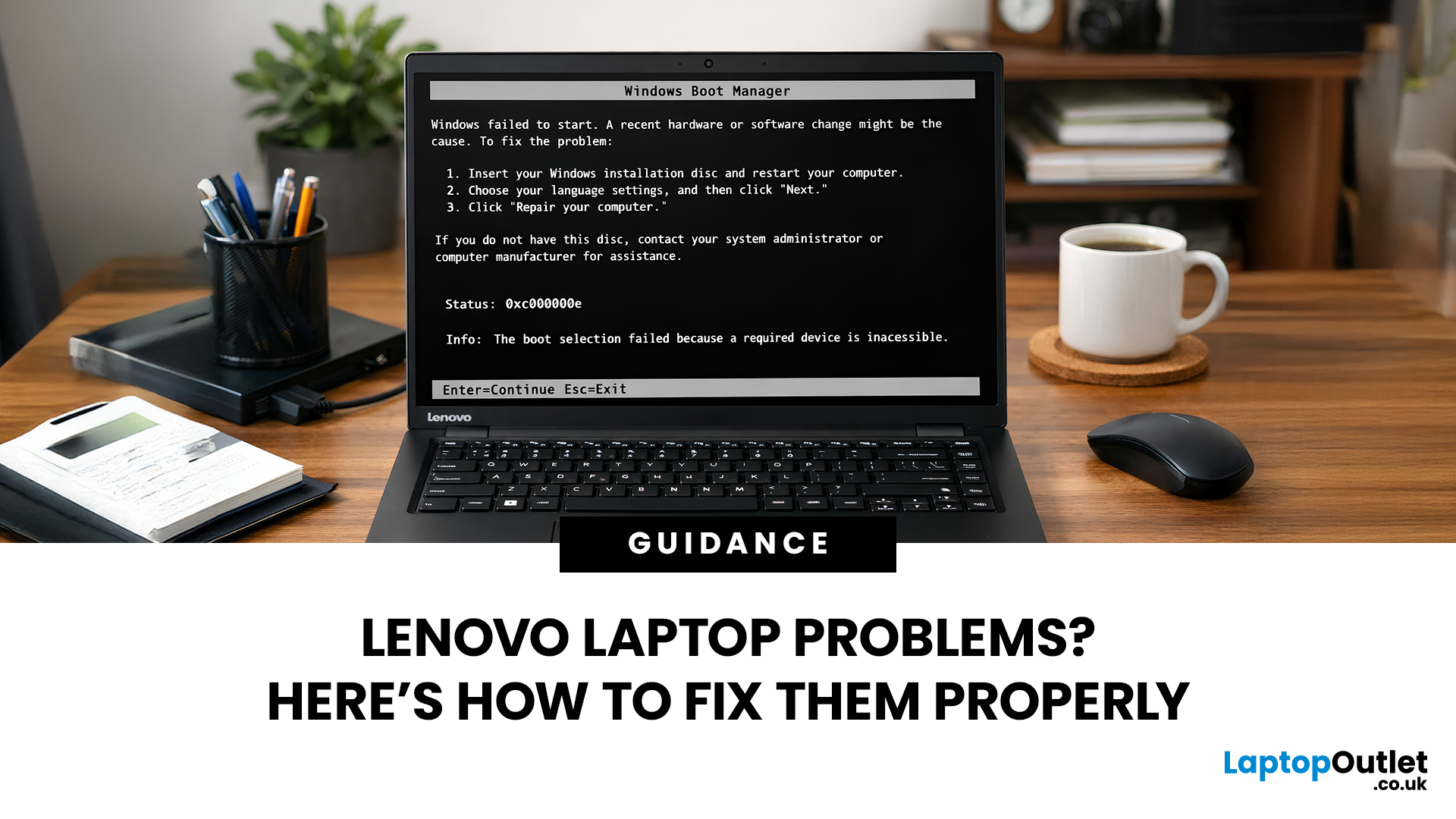
Lenovo laptops are widely trusted across the world, from ThinkPads in corporate offices to IdeaPads in student halls and Legion machines built for gaming. They’re generally dependable, however, even well-built machines can develop faults over time.
We regularly see the same issues cropping up across different Lenovo ranges, and in most cases the fix is simpler than people expect.
Before assuming your device is finished, it’s worth slowing down and checking a few things properly. Many common Lenovo laptop issues are software-related or power-related rather than serious hardware faults.
Below are some of the most common Lenovo laptop issues, why they occur, and what you can realistically do to solve them.
Quick Diagnostic Check Before You Start
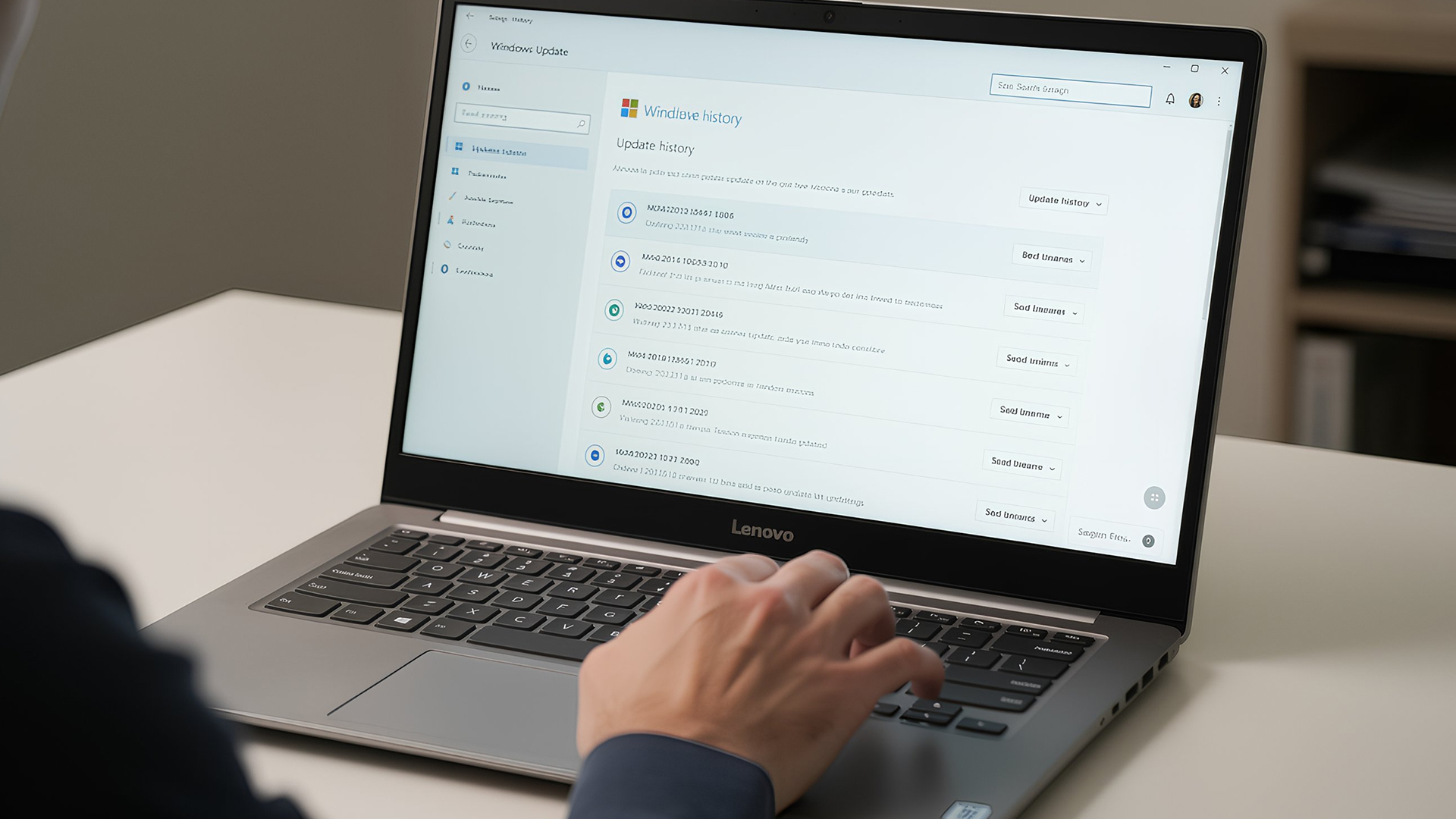
Before diving into specific faults, ask yourself:
- Did this issue begin after a Windows update?
- Has the laptop recently overheated?
- Was it dropped or exposed to liquid?
- Is the battery older than three years?
- Does the problem occur only on battery
Last Updated: June 05, 2026
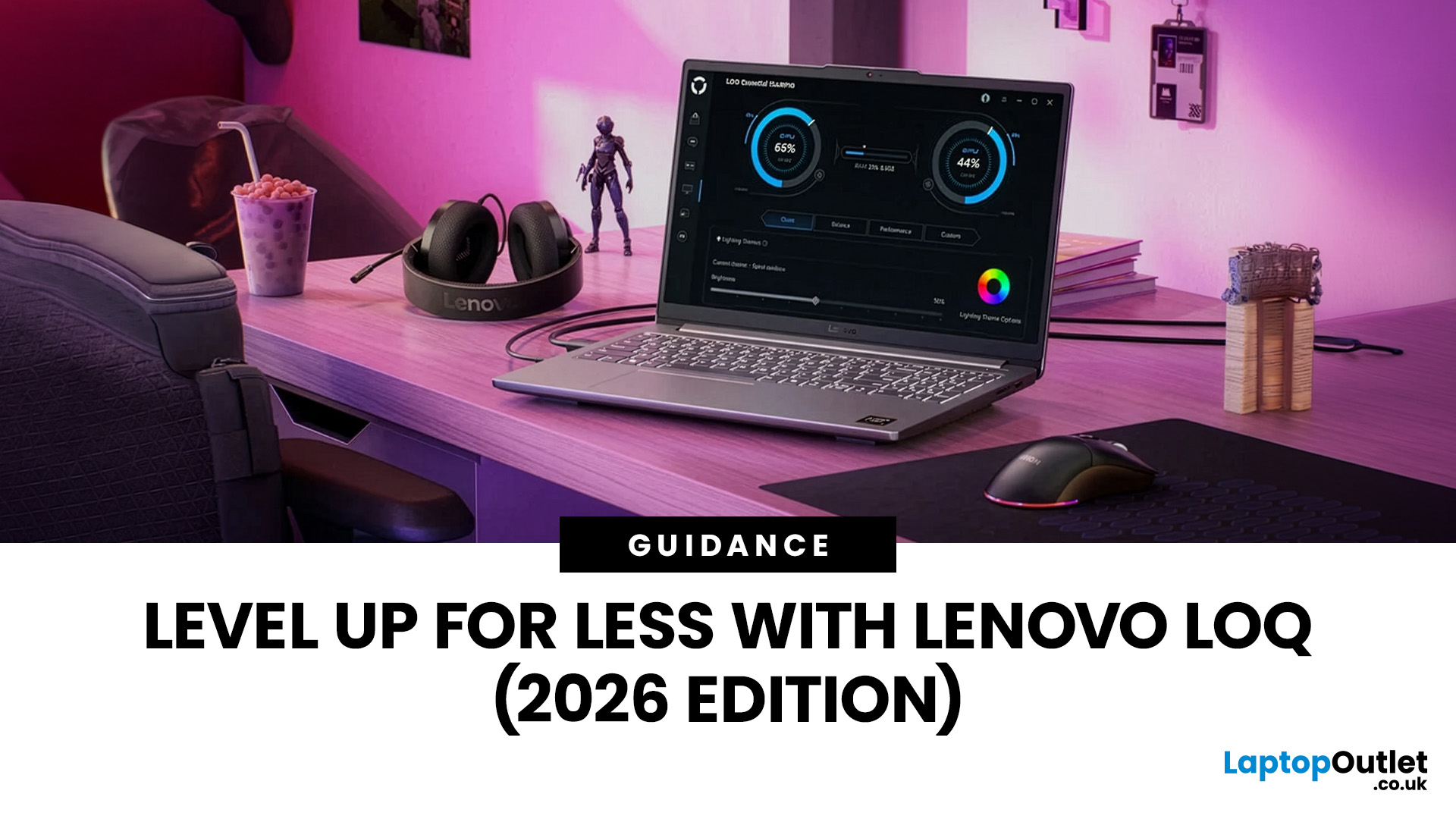
In 2026, you don’t need a four-figure budget to enjoy smooth, high-FPS gaming. With modern RTX 50-series graphics and 16GB RAM becoming the new standard, budget gaming laptops are more powerful and more accessible than ever. That’s where the Lenovo LOQ lineup comes in.
Designed as Lenovo’s entry-level gaming range, LOQ models deliver serious performance without the premium Legion price tag. Whether you’re grinding ranked matches, exploring open-world titles, or just want reliable everyday power, the best Lenovo LOQ laptops strike that sweet spot between price and performance.
In this guide, we’re breaking down the top Lenovo LOQ gaming laptops for 2026, who they’re perfect for, and how to choose the right one without overspending. Let’s get into it.
Why Lenovo LOQ Is Perfect for Budget Gaming in 2026
If you’re looking for a gaming laptop that doesn’t destroy your wallet but still runs modern games smoothly, Lenovo LOQ is basically the sweet spot in 2026.
Lenovo created the LOQ series

Published: February 18, 2026
Adobe Creative Cloud apps aren’t lightweight anymore and in 2026, they’re pushing laptops harder than ever. From editing high-resolution photos in Photoshop to building complex vector artwork in Illustrator and exporting 4K timelines in Premiere Pro, creative software demands serious performance. That means choosing the right laptops for Adobe Creative Cloud isn’t optional, it’s essential.
A slow system can kill your workflow, delay exports, and turn simple edits into waiting games. The good news? Modern creator machines are faster, smarter, and built specifically for creative workloads. In this guide, we’ll break down the best laptops for Photoshop, Illustrator, and Premiere Pro, so you can create without limits (or lag).
Why Your Laptop Matters for Creative Work in 2026
Creative work isn’t just “opening Photoshop” anymore - in 2026, Adobe apps are basically full production studios. Whether you’re designing brand visuals, editing YouTube videos, or building content for clients, your
Last Updated: February 19, 2026
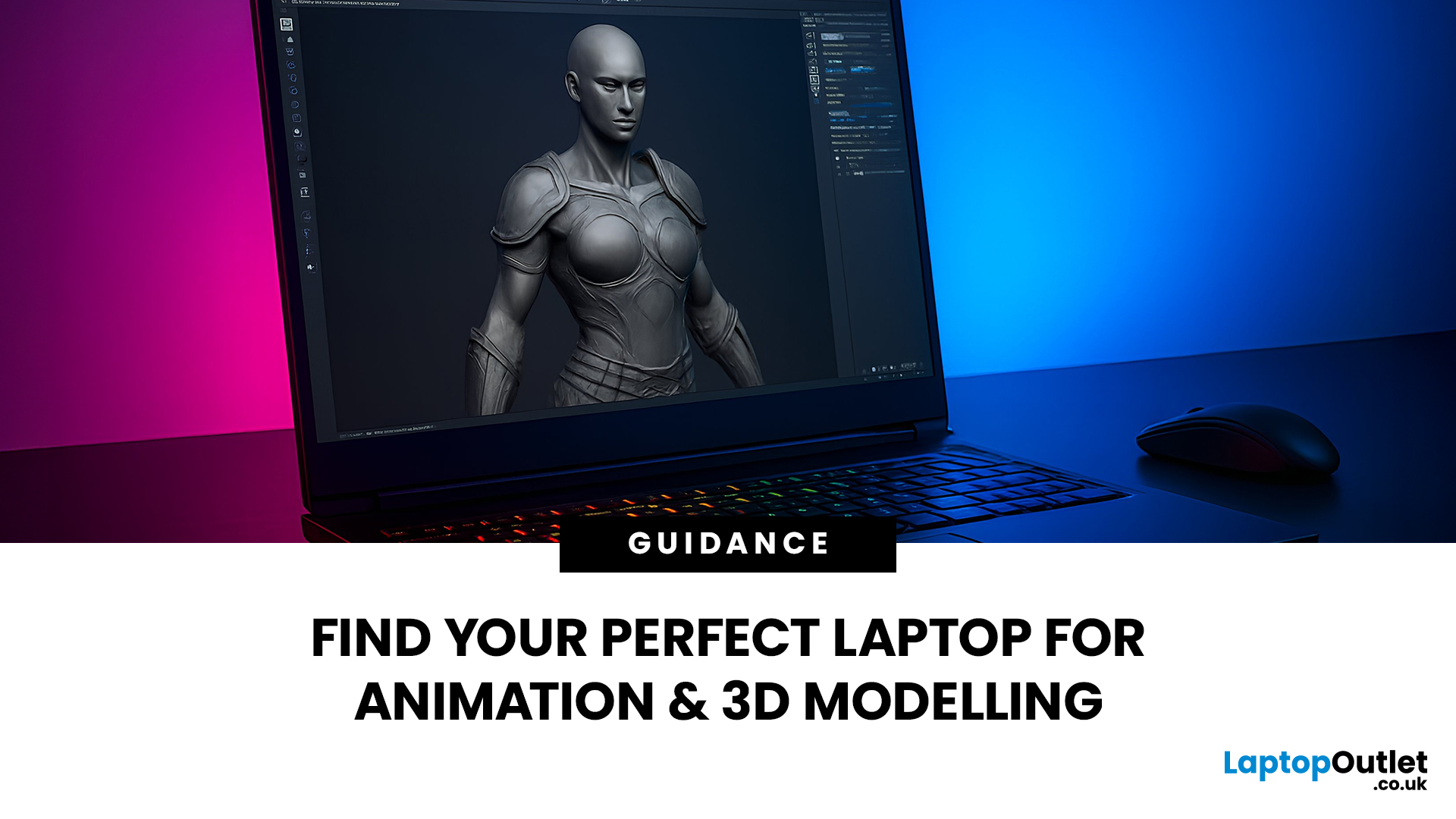
Are you a creative professional or a student looking for the perfect hardware? Choosing the right tools can make or break your workflow. Animation and 3D design are demanding tasks. They require power, precision, and reliability. In this guide, we explore the best laptops for animation and 3D modelling available today.
Why Your Hardware Matters for 3D Work?
Animation is not just about drawing. It involves complex calculations. When you work in software like Blender or Autodesk Maya, your computer handles millions of polygons. It also calculates lighting, physics, and textures in real-time.
If your laptop is too slow, you will face lag. Your software might crash. Most importantly, your rendering times will be incredibly long. High-performance 3D laptops solve these problems. They allow you to focus on your art instead of your technical issues.
To get the best results, you need a balance of components. This includes a fast processor (CPU), a powerful graphics card (GPU), and plenty of memory

Published: March 05, 2026
AI laptop buying in 2026 is not a trend you have to imagine. It is already changing how people shortlist, compare, and commit to a purchase.
Two shifts are happening at once. The first is behavioural: more people are using AI tools to conduct early research, compress reviews into a few usable insights, and quickly turn a vague requirement into a shortlist. Adyen’s UK retail research finds that 35% of UK consumers use AI to shop, and 56% of those say it influences what they buy.
The second shift is product-led: laptops are now being sold as AI PCs, with new labels and performance claims built around NPUs and TOPS. The problem is that marketing language and real-world value do not always line up. A badge can inflate the price, while the things that make a laptop genuinely pleasant to own are still the basics: screen, keyboard, battery, cooling, ports, and RAM.
So, the practical question in 2026 is not “Should you buy AI?” It is “Where does AI genuinely save time or improve the experience,
Last Updated: April 07, 2026
Buying an AI laptop in 2026 should be a quick decision. You pick a size, set a budget, and choose the “best” chip, right? In reality, the AI label is doing far too much work. Two laptops can sit side by side, both advertised as “AI-powered”, yet behave completely differently once you start writing documents, editing photos, joining video calls, or trying the latest Windows features.
That confusion usually comes down to one thing: people treat “AI laptop” as a single spec, when it’s really a mix of three engines working together.
- CPU: the general performance engine for everything you already do
- GPU: the visual and creative engine, also used for some AI workloads
- NPU: the efficiency engine for AI tasks that are built to run locally
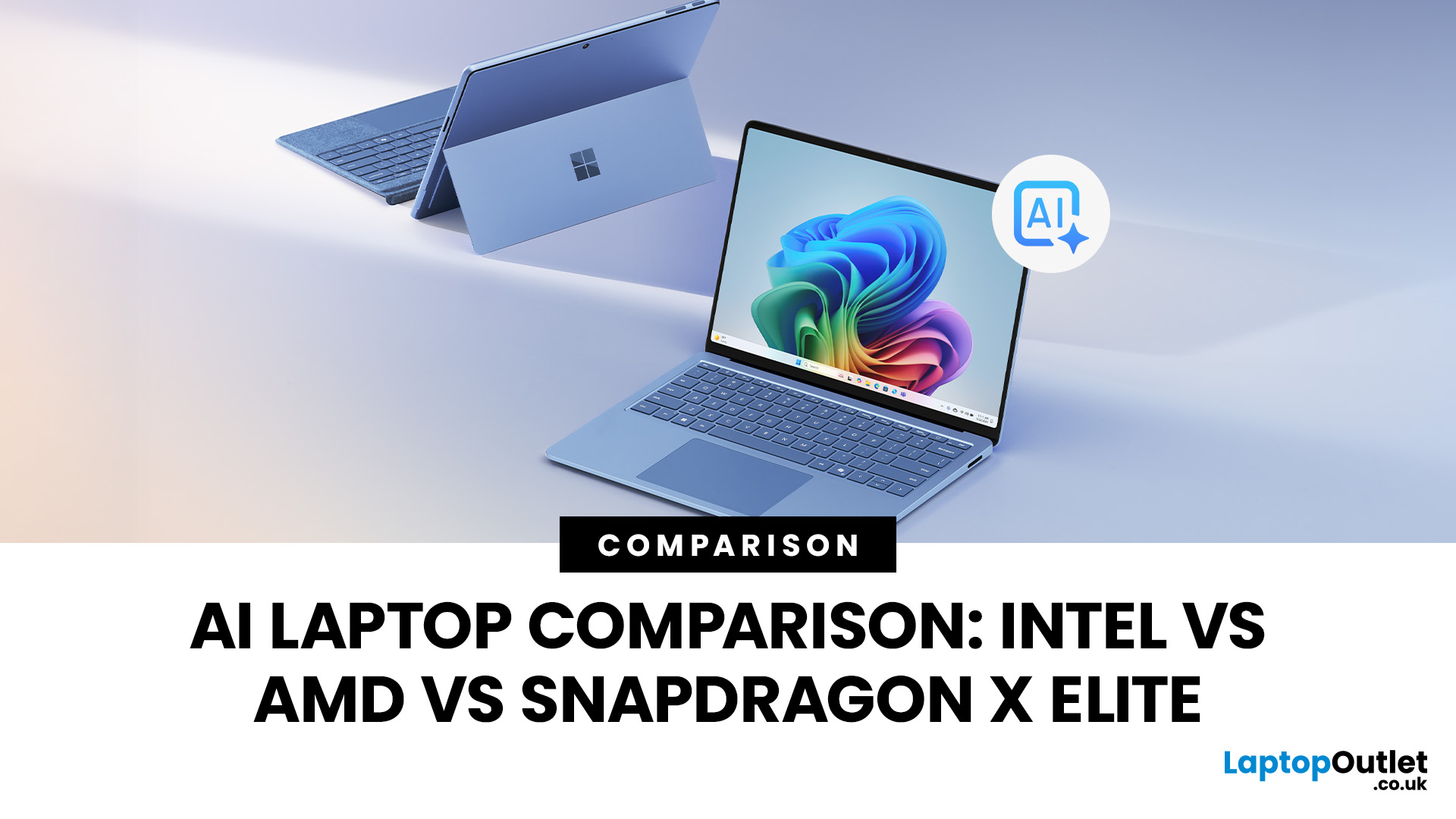
This guide compares the 3 platforms shoppers are most likely to cross-shop when searching for an AI laptop today: Intel Core Ultra 200V (Lunar Lake), AMD Ryzen AI 300 (XDNA 2), and Qualcomm Snapdragon X Elite. We’ll keep it practical, explain the specs, and help
Last Updated: March 09, 2026
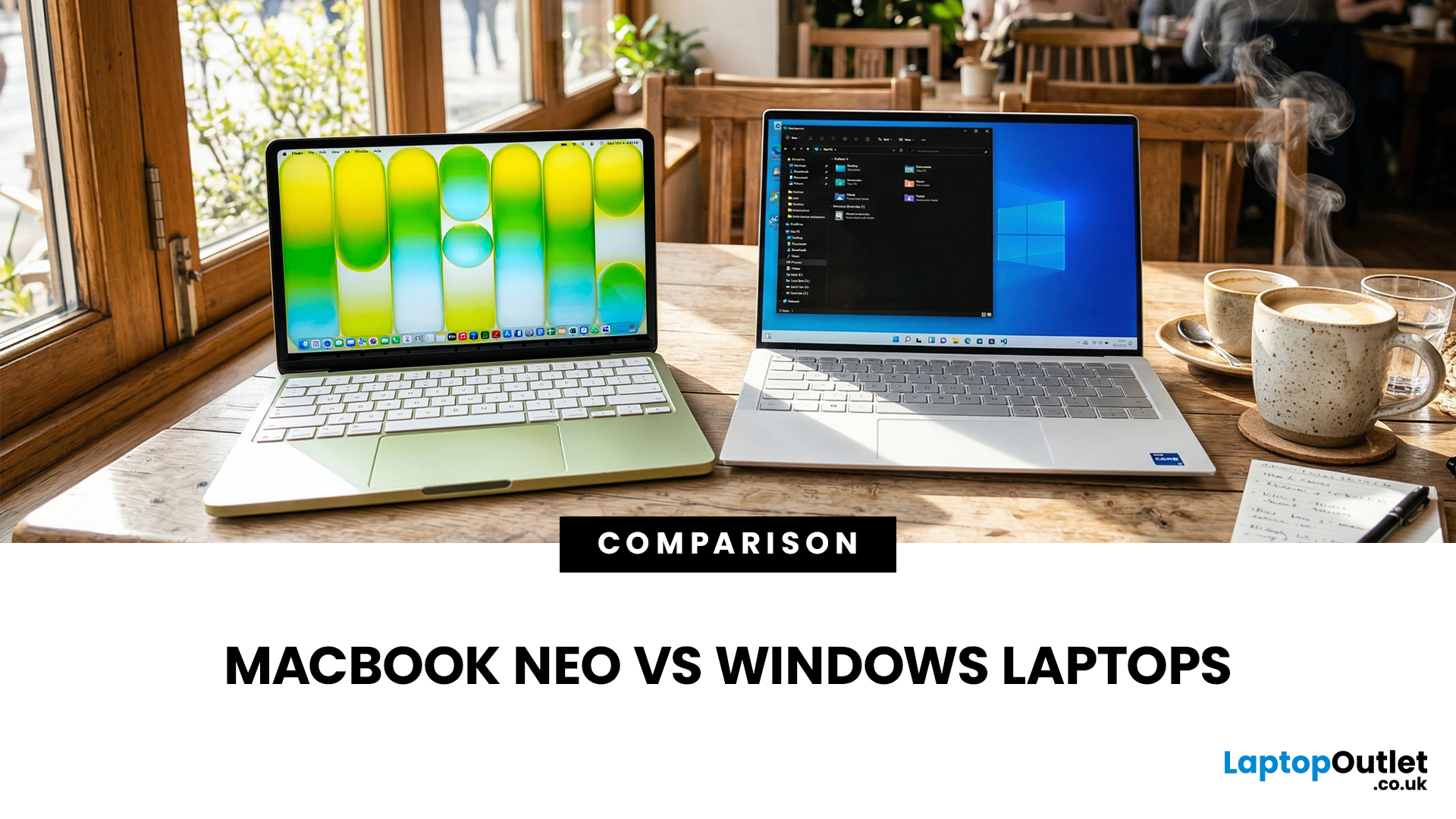
If you are comparing MacBook Neo vs Windows laptops, you are really asking one question: should you buy Apple’s cheapest Mac, or get a budget Windows laptop with more ports and more choice?
MacBook Neo is new, starts at £599, and is designed to be a simple, premium-feeling everyday laptop with macOS, long battery life, and strong call quality.
Budget Windows laptops can offer more screen sizes, more ports, and sometimes better upgrade options. But quality is inconsistent in this price range, and that’s where Neo tries to win.
Below is the practical, buyer-focused breakdown.
10-Second Answer Box
Choose MacBook Neo if
- You want the cleanest everyday experience for browsing, school, docs, and calls
- You value build quality and trackpad feel
- You want a laptop that stays fast and quiet for years, without tweaking settings
Choose a budget Windows laptop if
- You want more ports like HDMI and USB-A built in
- You need a bigger screen for the money
- You want the flexibility of Windows software and lots

