



Mini PC vs. Tower PC: Which is Right for You?
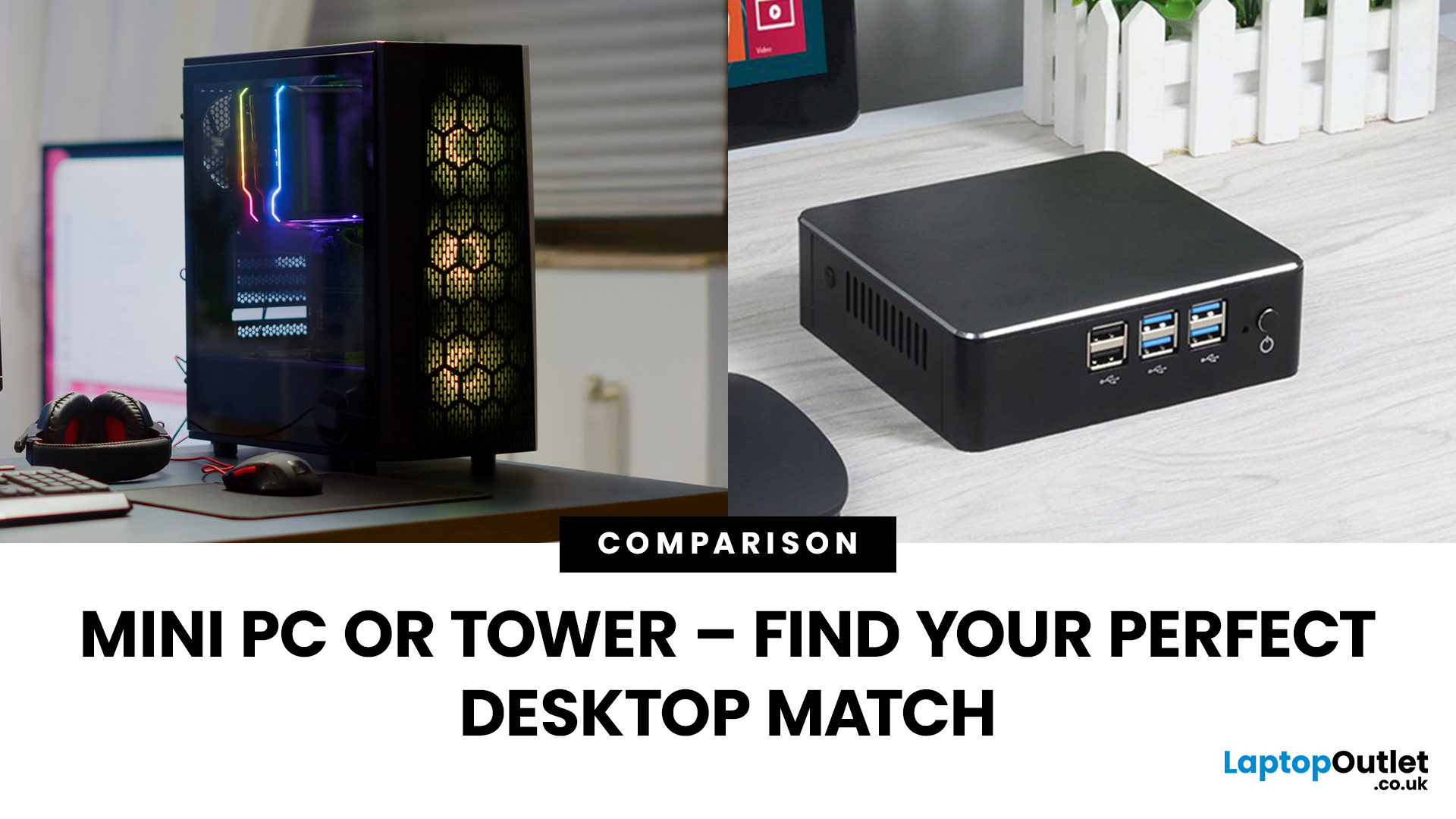
Need a black and white answer to ‘mini PC vs. tower PC’? You have come to the right place! Mini PCs and tower PCs are great devices suitable for different needs. While mini PCs are compact, space-saving, and offer competent-high performance, tower PCs are typically more robust, super spacious, capable of accommodating various components, and offer higher performance potential. Ultimately, choosing between them depends on your needs and preferences. However, mini PCs are ideal for people with limited space, everyday users, remote workers, and frequent travellers. At the same time, tower PCs are terrific options for gamers, content creators, professionals, tech enthusiasts, heavy multitaskers, and power users.
Mini PC vs. tower PC is a frequently discussed topic, often with a straightforward answer. Both offer distinct advantages and are fantastic options for different types of users. If you have limited space, want to enjoy competitive performance at a cost-effective price, and prioritise energy efficiency, a mini PC is for you. In contrast, a tower PC is recommended if you desire more reliable performance, enhanced customisation and upgradability, and have no space restrictions.
Target Audience Breakdown: Mini PC vs. Tower PC
Here are the types of users mini PCs and tower PCs are most suitable for:
Mini PCs
- Casual users who want to perform basic, day-to-day tasks
- Students, remote workers, and home users
- Individuals with limited space
- Users who desire portability
- Business and offices
Tower PCs
- Gamers
- Content creators
- Tech enthusiasts
- DIY builders
- People with intensive computing needs
- Long-term users
- Home offices/workstations
Mini PC vs. Tower PC: The Benefits of Each
6 Benefits of Mini PCs
Variety of Form Factors
Mini PCs come in various form factors, from square boxes to rectangular shapes and even stick-like designs. This wide range makes it easy for individuals to select the right one for their needs.
Multiple Ports
The best mini PCs typically feature plenty of ports for seamless connection with other devices, support for multiple displays, improved peripheral connectivity, faster data transfer, increased storage options, and numerous other benefits.
Energy Efficient
Mini PCs consume less power than tower PCs, making them more energy efficient. Being energy-efficient, they help you save on electricity bills and are an environmentally friendly choice.
Space-Saving and Portable
Another significant benefit of mini PCs over tower PCs is that they are more compact, lightweight, easily transportable, and have space-saving designs. As a result, they seamlessly fit into tight spaces, making them excellent for businesses and individuals with limited space. With one, your workspace will always be more organised.
Cost-Effective
Mini PCs are generally more cost-effective than tower PCs. Additionally, because they have fewer components, they reduce the likelihood of repairs and replacements, saving you additional money.
Wide Range, High-Performance Options
You can find an extensive range of mini PCs with different specifications. While it's true that mini PCs are generally less powerful than tower PCs, you can still find dynamic and top-tier options with unbeatable performance. From Intel Core i3 and Intel Core i5 powered mini PCs that ensure smooth performance in day-to-day tasks to high performance mini PCs like the ASUS ROG NUC RNUC14SRKU9189A3I and the ASUS PN52-S7141AD with Intel Core Ultra 9 and AMD Ryzen 7 processors, mini PCs cater to every need. Additionally, even though mini PCs generally have limited upgradability compared to larger tower PCs, many Windows-based mini PCs allow some upgrades for enhanced performance.
6 Benefits of Tower PCs
Robust Performance
Combining top-of-the-line processors, abundant RAM and storage, and top-tier GPUs, tower PCs offer superior performance. They handle resource-intensive tasks such as 3D rendering, video editing, and gaming more efficiently and their power and speed make them unparalleled for users with demanding needs.
Easier to Upgrade
Tower PCs are easier to upgrade, ensuring improved performance, prolonging the life of your system, and allowing you to keep up with technological advancements.
Larger Storage Capacity
You might want to choose a tower PC instead of a mini PC if you want a larger storage capacity. Tower PCs can accommodate multiple HDDs and SSDs, which makes them perfect for users who need generous space for their files.
Better Cooling
They offer better cooling with innovative and advanced cooling systems, preventing overheating during extended use and ensuring stable, uninterrupted operation.
Customisation
Not only are tower PCs easy to upgrade, but they are also highly customisable, offering greater flexibility and freedom. You can build your dream setup from scratch or choose specific components based on your needs.
Wide Range of Ports
With multiple USB ports and expansion slots, tower PCs offer versatile connectivity, providing benefits such as smooth connection with peripherals, enhanced performance, and future-proofing.
A Comparison of the Disadvantages of Mini PCs and Tower PCs
While discussing ‘mini PC vs. tower PC’, it is important to consider the disadvantages of each to help readers make a more informed decision.
Disadvantages of Mini PCs and Tower PCs
|
Mini PCs |
Tower PCs |
|
Limited upgradability and expandability |
Higher cost |
|
Lower processing power |
Bulky and space-consuming |
|
Less storage capacity |
Complex setup |
|
Limited graphics performance |
Higher power consumption |
|
Overheating risks |
Require more maintenance |
|
Noise generation |
|
The Best Mini PCs and Tower PCs to Explore in 2024!
Overall, mini PCs and tower PCs remain a top choice among a diverse user base. While a vast range of both exist, here are our top three picks for the best mini PCs and the best tower PCs in 2024.
Best Mini PCs
|
|
Specs |
Why Is the Best? |
Most Suitable For |
Product Image |
|
Intel Core i5 –1035G1 Quad-Core Processor, 8 GB RAM, 256 GB SSD, Intel UHD Graphics, Windows 11 Pro, HDMI | DisplayPort | USB |
|
-Everyday tasks -Productivity -Remote work -Multimedia |
|
|
|
AMD Ryzen 5 5600H Processor, 8 GB RAM, 256 GB SSD, AMD Radeon Graphics, Windows 11 Pro, HDMI, USB 3.2 |
|
-Everyday tasks -Productivity -Remote work -Multimedia -Professional applications -Casual/light gaming |
|
|
|
Intel Core Ultra 9 16-Core Processor, DDR5-SDRAM, Memory, 32 GB RAM, 1 TB SSD, NVIDIA GeForce RTX 4070 Graphics, Windows 11 Home, HDMI | DisplayPort | USB 3.2 | USB C | Thunderbolt 4 |
|
-High-performance gaming -Content creation -Productivity -AR/VR |
|


Best Tower PCs
|
Product Name |
Specs |
Why Is the Best? |
Most Suitable For |
Product Image |
|
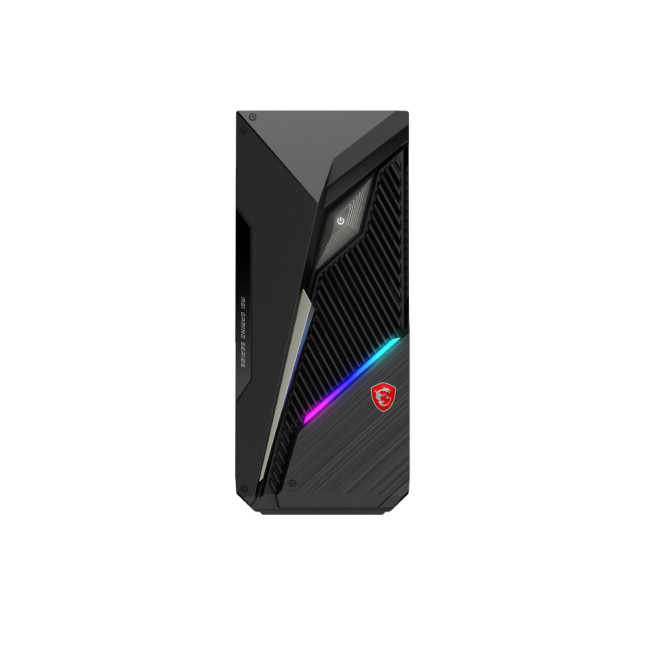
MSI MAG Infinite S3 14NUE7-1608UK (MAG INFINITE S3 14NUE7-1608UK) |
Intel Core i7 -14700F 20-Core Processor, DDR5-SDRAM Memory, 16 GB RAM, 1 TB SSD, NVIDIA GeForce RTX 4070 SUPER Graphics, Windows 11 Home, HDMI | DisplayPort | USB | VGA |
|
-Gamers -Content creators (graphic designers, video editors) -Engineers, developers, and other professionals -Streamers -Power users -Tech enthusiasts
|
|
|
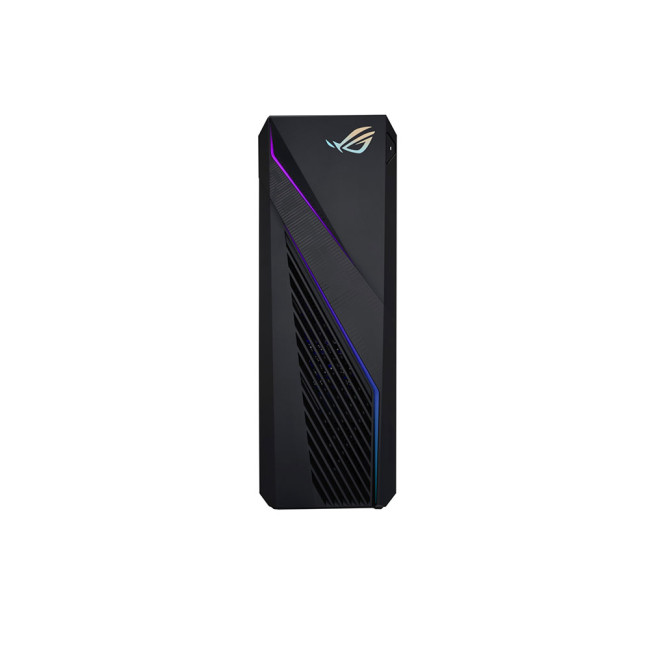
Intel Core i7-13700F 16-Core Processor, DDR4-SDRAM Memory, 16 GB RAM, 1 TB SSD, NVIDIA GeForce RTX 3060 Ti Graphics, Windows 11 Home, USB | HDMI |
|
-High-end gaming -Video editing -3D rendering -Content creation -VR |
|
|
|
Intel Core i9 -13900KF 24-Core Processor, DDR5-SDRAM Memory, 32 GB RAM, 1 TB SSD, NVIDIA GeForce RTX 4080 Graphics, Windows 11 Home, USB | USB-C |
|
-To play AAA titles -4K video editing -3D rendering -VR -AI -Machine learning |
|


Conclusion
Mini PCs and tower PCs are two popular types of PCs with a unique set of advantages. While the former is compact, space-saving, energy-efficient, and offers a competitive performance at a cost-effective price, the latter is super spacious, can accommodate many components, and typically delivers more powerful performance. They differ in terms of their target audiences as well. Mini PCs are suitable for casual/general users, students, frequent travellers, remote workers, and businesses/offices, while tower PCs are for gamers, content creators, tech enthusiasts, and DIY builders who want unrivalled performance.
Talking specifically about the benefits of mini PCs and tower PCs, mini PCs come in various form factors, have multiple ports, offer competent to high-performance, and are space-saving, portable, and cost-effective. Additionally, their wide range makes choosing according to your specific needs, budget, and preferences easy. Comparatively, tower PCs generally offer advanced performance and improved cooling, are easier to upgrade, and have a larger storage capacity and a wide range of connectivity ports.
Though they have many advantages, there are disadvantages to mini PCs and tower PCs as well. Mini PCs offer limited upgradability, expandability, and graphics performance, have a lower processing power and less storage capacity, may overheat, and are noise-generating. Simultaneously, tower PCs have a higher cost, are bulkier and space-consuming, are complex to set up, and have a higher power consumption.
Despite having some disadvantages, mini PCs and tower PCs continue to be favoured by many. Laptop Outlet offers an assorted range of mini PCs and tower PCs. While our broad range includes many options, we recommend exploring the Lenovo ThinkCentre M60e, the ASUS PN52-S5140AD, and the ASUS ROG NUC RNUC14SRKU9189A3I if you are looking for mini PCs, and the MSI MAG Infinite S3 14NUE7-1608UK, the ASUS ROG Strix G16CH, and the Lenovo Legion T7 if you’re after tower PCs. Besides mini PCs and tower PCs, if you want desktop PCs for efficient work, a smart PC setup for increased convenience and improved efficiency, PC options according to use, or tech products like laptops, entry-level and advanced desktops, phones, tablets, monitors, accessories, or components, you can find them with us! Shop now for amazing offers!
Mini PC vs. tower PC: The ultimate tech showdown! Find the right fit for your needs at Laptop Outlet!

If you need simple answers
1. Can a mini PC support dual monitors?
Yes, most modern mini PCs come with multiple video output ports and can support dual (or even triple) monitors, depending on the model.
2. Are tower PCs more future-proof than mini PCs?
Generally, yes. Tower PCs are easier to upgrade and expand, making them more suitable for long-term use and evolving performance needs.
3. Do mini PCs have built-in Wi-Fi and Bluetooth?
Usually, yes. Most mini PCs come with built-in Wi-Fi and Bluetooth for easy wireless connectivity, but it's always best to check the specs.
4. Which is quieter: a mini PC or a tower PC?
Mini PCs are typically quieter due to smaller, more efficient components, but high-end models or those under heavy load can generate noticeable noise.
Wrapping It Up
Mini PCs and tower PCs each offer unique benefits, catering to different user needs. Mini PCs are compact, energy-efficient, portable, and ideal for students, casual users, remote workers, and businesses. They come in various form factors, offer competitive performance, and are budget-friendly. On the other hand, tower PCs provide superior performance, better cooling, easier upgradability, and greater storage, making them perfect for gamers, content creators, and tech enthusiasts.
While mini PCs are space-saving and cost-effective, they often have limited upgradability, lower processing power, and may overheat. Tower PCs, though powerful, are bulkier, more expensive, and consume more energy. Despite these trade-offs, both remain popular choices. At Laptop Outlet, we offer a wide selection to suit different preferences. Recommended mini PCs include the Lenovo ThinkCentre M60e, ASUS PN52, and ASUS ROG NUC, while top tower PCs include the MSI MAG Infinite S3, ASUS ROG Strix G16CH, and Lenovo Legion T7. Explore our full range of tech products and find the right fit for your needs today!
Read More About Refurbished PCs:
| How to Select the Ideal Tower PC Based on Your Requirements |
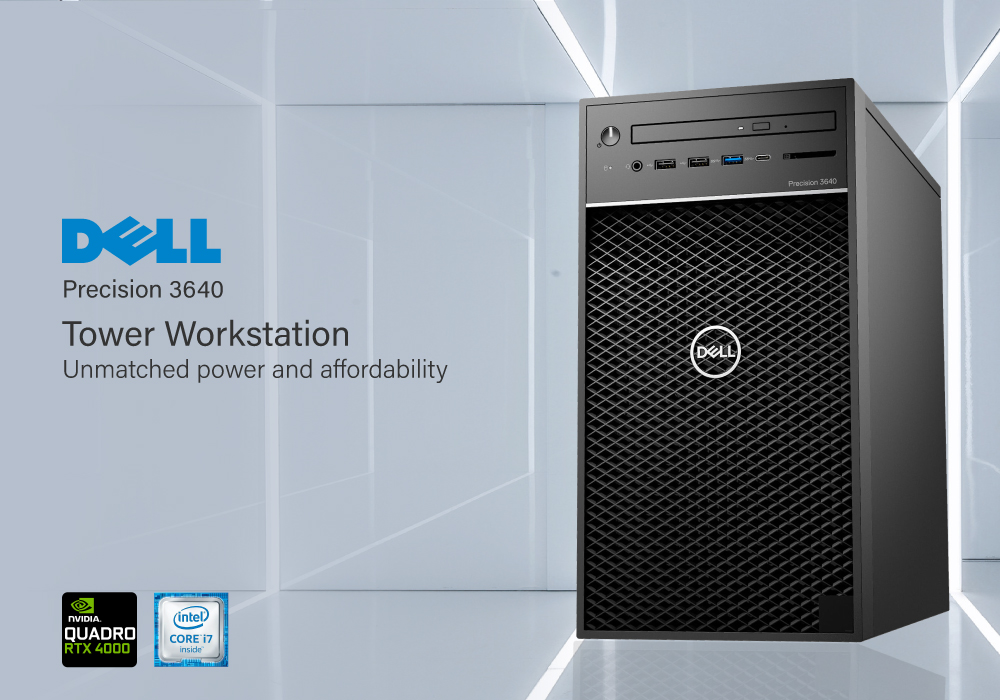
| Review: DELL Precision 3640 Tower PC Intel Core i7-10700K 16GB RAM 512GB SSD |
| Upgrade Your Home Setup with ASUS PCs |
Related Articles


Last Updated: April 02, 2026
Last Updated: March 30, 2026
Last Updated: September 22, 2026
In today's technology-driven world, a tower PC remains versatile and reliable for various computing needs.
Whether you're a passionate gamer, a productivity enthusiast, or a content creator, choosing the suitable tower PC tailored to your specific requirements is crucial. In this comprehensive guide, we'll explore the key factors and considerations to help you decide when selecting the ideal tower PC.
What is a tower PC?
A tower PC, also known as a desktop computer, is a computing device that consists of a case (the tower) containing essential hardware components, such as the central processing unit (CPU), graphics processing unit (GPU), memory (RAM), storage devices, and more. 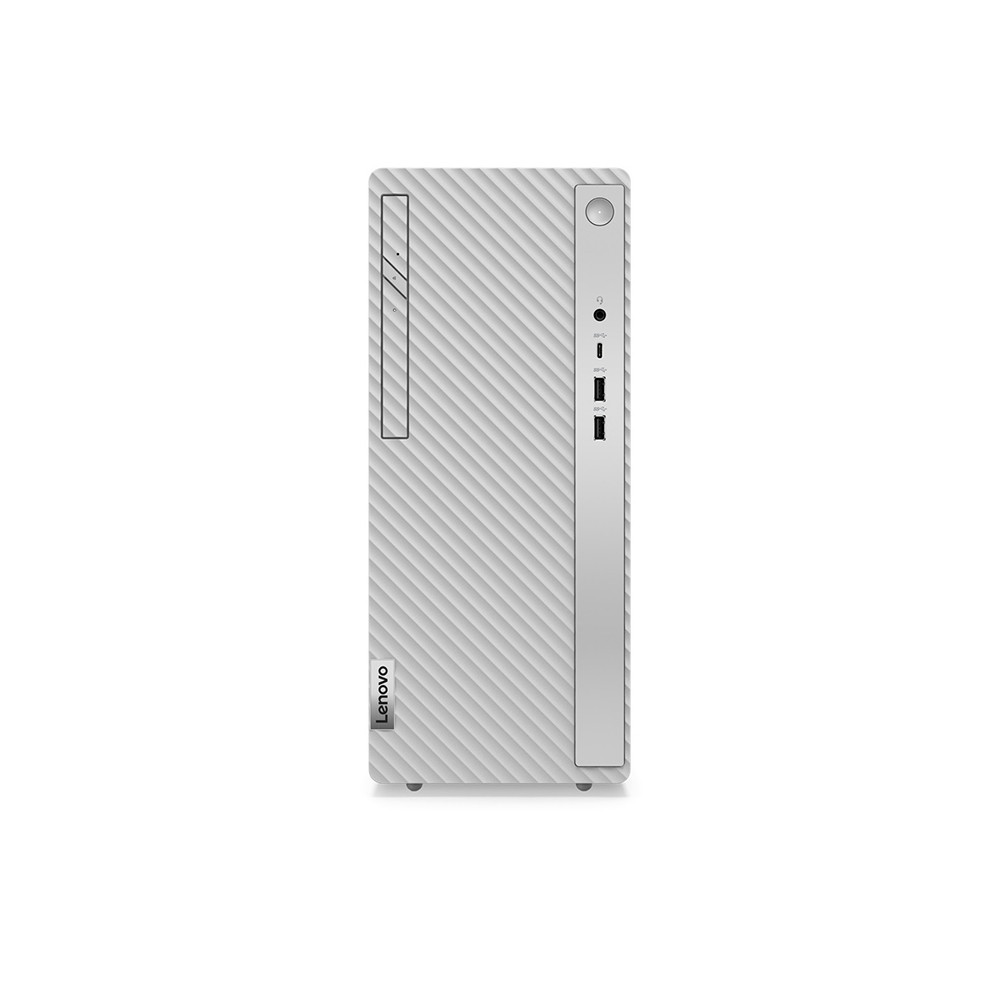
Benefits of Using a Tower PC
Tower PCs offer several advantages, including superior performance, customisation options, expandability, and often better value for your money compared to laptops or all-in-one computers.
Different types of tower PCs
Tower PCs come in various form factors, including mini-towers,

