



What is an AI Computer? Impact and Future of AI Powered PCs

How is a computer upgraded to handle bashful transitions in the tech world? Yes, we are talking about integrating AI in multiple programs and software.
Welcome to the world of AI computers, where science fiction meets reality, and the possibilities seem endless. In this comprehensive guide, we'll delve into the fascinating realm of AI-powered PCs, exploring their impact and future prospects and addressing frequently asked questions along the way.
What Exactly is an AI Computer?
Let's start with the basics. An AI computer, also known as an AI-powered PC or AI-ready computers, is a computer system equipped with artificial intelligence capabilities. These capabilities enable the computer to perform tasks that traditionally require human intelligence, such as learning from data, recognising patterns, and making decisions.
How Do AI Computers Differ from Traditional Computers?
The main difference lies in their ability to learn and adapt. While traditional computers operate based on pre-programmed instructions, AI computers can analyse data, learn from it, and improve their performance over time. This dynamic learning process sets AI computers apart, making them more flexible and versatile in handling complex tasks.
What Can AI Computers Do?

AI PCs have a wide range of applications across various industries and sectors:
- Enhanced Productivity: AI-powered PCs streamline workflows and automate repetitive tasks, freeing time for more strategic activities.
- Data Analysis: These computers excel at processing and analysing large volumes of data, uncovering valuable insights and trends.
- Decision Support: AI computers assist in decision-making processes, from business strategies to medical diagnoses, by providing recommendations and predictions.
- Personalisation: AI-driven algorithms enable personalised experiences, from tailored recommendations to intelligent assistants anticipating user needs.
How Do AI Computers Work?
At the core, AI computers are sophisticated algorithms and machine learning models. These algorithms process data, identify patterns, and adjust their parameters to improve performance. Through techniques like deep learning, AI computers simulate the human brain's neural networks, enabling them to recognise speech, images, and text with remarkable accuracy.
- Algorithms and Models: At the core of AI computers are sophisticated algorithms and machine learning models. These algorithms are designed to process data and extract meaningful insights from it. Machine learning models, such as neural networks, are trained on vast amounts of data to perform specific tasks, such as image recognition or natural language processing.
- Data Processing: AI computers rely heavily on data. They ingest large volumes of data from various sources, including text, images, and sensor inputs. This data is then pre-processed to extract relevant features and prepare for analysis.
- Learning and Adaptation: One of the critical features of AI computers is their ability to learn from data. Through techniques like supervised learning, unsupervised learning, and reinforcement learning, AI systems adjust their internal parameters to improve performance over time. This process, known as training, enables AI computers to recognise patterns, make predictions, and generate insights.
- Deep Learning: A subset of machine learning, deep learning involves training neural networks with multiple layers of interconnected nodes. These deep neural networks can learn intricate patterns and relationships within data, leading to impressive performance in tasks such as image recognition and natural language understanding.
- Feedback Loop: AI computers continuously refine their algorithms based on feedback. Whether correcting misclassifications in image recognition or adjusting recommendations based on user interactions, AI systems learn from their mistakes and strive to improve accuracy and efficiency.
It is an undeniable fact that everything brings advantages and disadvantages at the same time. The same is the case with AI. It has given rise to several questions. Where the advancement of AI has brought ease to human efforts, it has posed potential threats as well. The conspiracy is still getting hype, and nobody is sure about it. The most frequently asked question is whether AI will take over humans' jobs or not. If you have the same question in mind, then read below.

Are AI Computers Taking Over Jobs?
This is a common concern, but the reality is more nuanced. While AI PCs automate specific tasks and create new opportunities and roles. Rather than replacing humans, AI augments human capabilities, allowing us to focus on tasks that require creativity, empathy, and critical thinking. The key is to embrace AI as a tool for collaboration and innovation rather than a threat to employment.
Ethical Implications of AI
Ethical considerations are crucial in the development and deployment of AI technology. Issues such as algorithmic bias, privacy concerns, and accountability must be addressed to ensure that AI benefits society. Transparency, fairness, and responsible use of AI are essential principles to uphold in pursuing ethical AI.
Privacy Concerns
When delving into artificial intelligence (AI) and its integration into everyday devices like the Apple laptop range and Ms Surface laptops, it's imperative to consider the ethical implications that accompany this technological advancement.
One of the primary concerns revolves around privacy. With AI capabilities embedded into devices, there is an increased risk of data breaches and unauthorised access to personal information. As these machines learn from user interactions, they gather vast amounts of data, raising questions about who has access to this data and how it is being used. Safeguarding user privacy becomes paramount in ensuring ethical AI implementation.
Bias in AI Algorithms
Furthermore, the issue of bias in AI algorithms must be addressed. AI systems are trained on datasets that may inherently contain biases, leading to discriminatory outcomes. This bias can manifest in various forms, from gender and racial bias to socioeconomic and cultural biases. When they seep into decision-making processes, these biases can perpetuate existing inequalities and injustices. Thus, it's crucial to develop AI in computer systems that are transparent, accountable, and free from bias.
Impact on Employment
Another ethical consideration is AI's potential impact on employment. As AI technologies automate tasks previously performed by humans, there's a looming concern about job displacement and economic inequality. Industries reliant on manual labour may see significant shifts in employment patterns, potentially leaving many individuals needing more viable employment opportunities. Addressing this ethical dilemma requires proactive measures such as upskilling and reskilling programmes and policies that promote a fair distribution of the benefits generated by AI.
AI Autonomy and Accountability
Additionally, the issue of AI autonomy raises ethical questions surrounding accountability and decision-making. As AI systems become more autonomous and capable of making complex decisions, determining who is responsible for the consequences of those decisions becomes increasingly challenging. Ensuring AI systems operate within ethical boundaries and align with societal values requires clear guidelines and regulations. Moreover, mechanisms for oversight and accountability must be established to mitigate the risks associated with AI autonomy.
Exploring the Future of AI-Powered PCs
As we peer into the horizon of technological advancement, the future of AI-powered PCs emerges as a landscape ripe with innovation and transformative potential. Let's delve deeper into what lies ahead:
Greater Integration for Seamless Interaction
One of the pivotal shifts on the horizon involves integrating AI capabilities into everyday devices, particularly personal computers. This integration redefines our interaction with technology, making it more intuitive, responsive, and seamlessly integrated into our daily lives. Imagine a world where your PC anticipates your needs, adapts to your preferences, and effortlessly assists you in tasks. This vision is plausible as advancements in AI algorithms and hardware pave the way for more intelligent and context-aware computing experiences.
Empowering Creativity through AI Tools
The future of AI-powered PCs holds immense promise for unleashing human creativity. AI-driven tools and algorithms will empower individuals across various creative domains, from digital artistry to content creation. Imagine a budding artist receiving intelligent suggestions and guidance from AI algorithms as they paint or a writer effortlessly generating compelling narratives with the assistance of AI-powered writing assistants. These tools streamline the creative process and open doors to new realms of expression and innovation.
Addressing Societal Challenges with AI Solutions
Beyond individual empowerment, AI-powered PCs are poised to play a significant role in addressing pressing societal challenges. Healthcare, for instance, stands to benefit from AI-driven diagnostics, personalised treatment plans, and predictive analytics that can enhance patient outcomes and reduce healthcare disparities. Similarly, AI algorithms can analyse vast datasets in environmental sustainability to identify patterns, optimise resource allocation, and mitigate environmental impact. By harnessing the power of AI, we can tackle complex societal issues with greater efficiency and effectiveness.
Fuelling Continuous Innovation and Discovery
AI evolution is so visible. As AI technology continues to evolve, the future of AI-powered PCs promises a landscape of continuous innovation and discovery. New breakthroughs in AI algorithms and advancements in hardware architecture will unlock novel applications and possibilities. From enhancing cybersecurity measures to revolutionising financial forecasting, the potential applications of AI on PCs are virtually limitless. This innovation era drives economic growth and fosters collaboration and knowledge exchange across diverse domains.
AI Evolution: Getting Started with AI Exploration
For those eager to embark on a journey into the realm of AI, there are several avenues to explore:
- Online Courses: Platforms like Coursera, Udacity, and edX offer a plethora of AI and machine learning courses tailored for beginners. These courses provide a solid foundation in AI concepts, algorithms, and applications.
- Books and Resources: A wealth of books, tutorials, and online resources are available to deepen your understanding of AI. Whether you're interested in theoretical concepts or practical applications, there's a resource to suit every learning style.
- Hands-On Projects: Engaging in hands-on projects and hackathons is an excellent way to apply theoretical knowledge to real-world scenarios. Building AI projects reinforces learning and cultivates problem-solving skills and creativity.
Addressing Concerns and Embracing Responsible AI
Amidst AI-powered PCs' excitement, it's natural to ponder the potential risks and ethical considerations. However, adopting a balanced perspective rather than succumbing to fear is crucial. Responsible AI governance, ethical guidelines, and transparency are essential pillars for shaping the future of AI in a way that aligns with societal values and priorities. By embracing AI responsibly and ethically, we can harness its transformative potential to build a future where technology serves the betterment of humanity.

Bottom Line
In conclusion, AI computers represent a transformative leap in computing technology, offering unprecedented capabilities and opportunities for innovation. By understanding the fundamentals of AI, addressing ethical considerations, and embracing its potential, we can navigate the evolving landscape of AI-powered PCs with confidence and optimism. The future is bright, and the possibilities are limitless with AI as our ally.

Your What & Why
What is an AI computer?
An AI computer is a PC equipped with built-in artificial intelligence capabilities, such as a neural processing unit (NPU), designed to handle AI-driven tasks like automation, image recognition, and real-time data analysis efficiently.
How are AI-powered PCs different from traditional computers?
Unlike traditional PCs that rely solely on CPU and GPU performance, AI-powered PCs use an NPU to process AI workloads locally—offering faster performance, better power efficiency, and enhanced productivity features.
What are the real-world benefits of using an AI computer?
AI PCs can boost creativity, security, and productivity by enabling intelligent features like real-time translation, smart video conferencing, adaptive performance, and automated workflows.
How will AI computers impact the future of work and education?
AI-powered PCs will make work and learning more personalised and efficient, helping users automate repetitive tasks, generate content faster, and collaborate more intelligently.
Which brands are leading the development of AI computers?
Leading brands like Microsoft, Lenovo, HP, ASUS, and Dell are integrating AI chips into their latest devices, especially those running Windows 11 with Copilot integration.
| Read More: |
| AI Tools Every Student Should Try (and Which Laptops Run Them Best) |
| AI Laptop Adoption 2025: Are Users Ready for On-Device AI? |
| Top AI-Ready Laptops for Creators, Designers, and Developers |
Related Articles

Last Updated: December 11, 2025
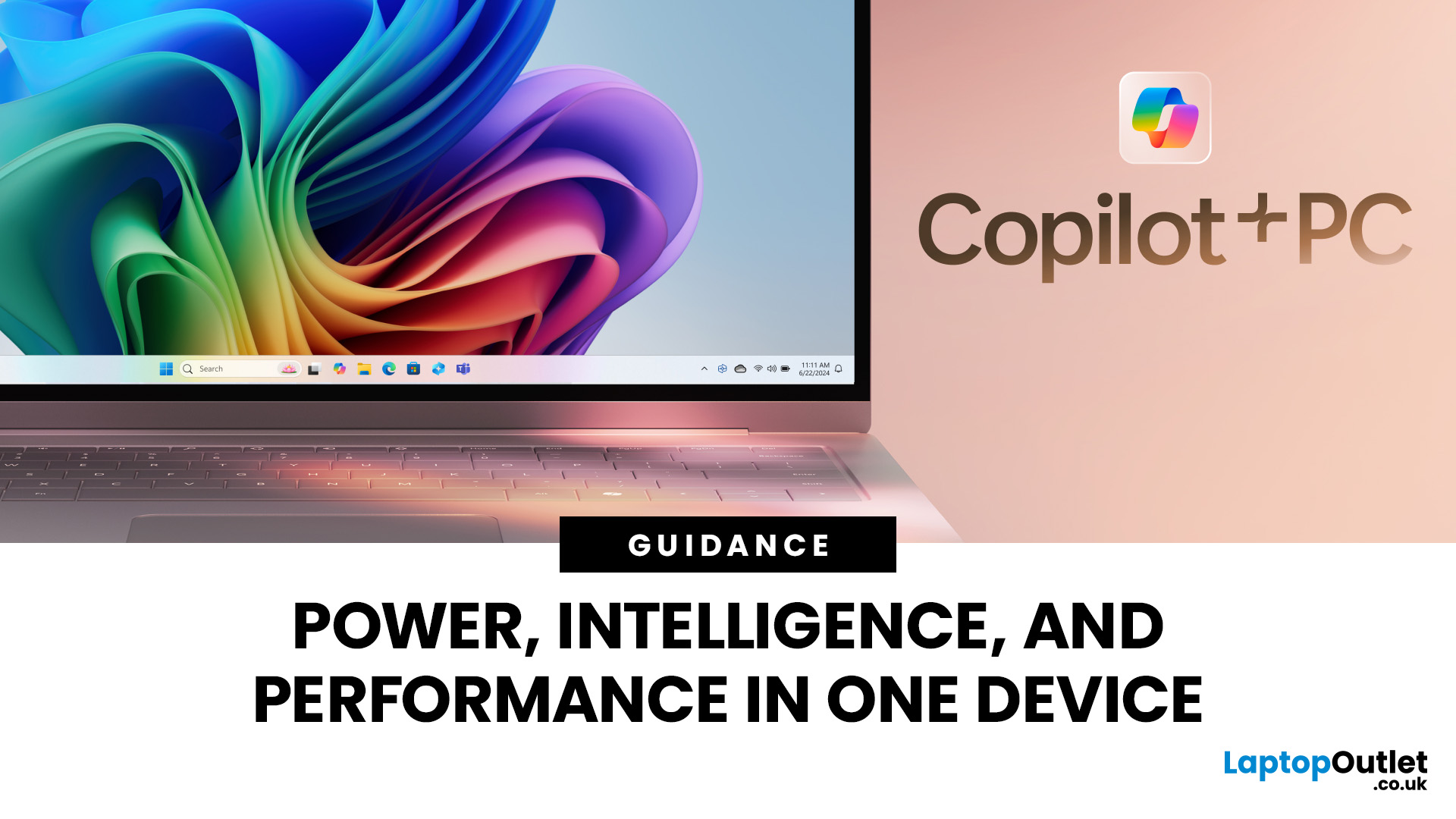
Microsoft introduced the world’s fastest and most powerful Windows PCs ever, Surface Copilot+ PCs. These are not just your run-of-the-mill updates to their previous models; instead, they are complete game changers. With the announcement of these AI-powered systems, Microsoft has again put itself at the vanguard of innovation.
Copilot+ PCs are powered by Qualcomm’s new Snapdragon X chips (or optionally Intel Core Ultra series in business variants), which feature an NPU (Neural Processing Unit) specially designed to handle complex AI (artificial intelligence) tasks that traditional PCs aren’t capable of.
Microsoft’s concept of AI is exciting (as is the technology behind Copilot+ PC), and the advantages are out-of-the-box. For instance, you don’t necessarily need a cloud connection for certain features (since some AI processing runs locally), and the security is top-notch as you’re not sharing all your information with third-party AI tool providers. All tools should be already embedded

Last Updated: May 23, 2025
A New Era of Computing
You’ve heard of AI in smartphones and smart homes—but now, AI PCs are becoming the next big thing. From smarter performance to predictive features, AI is transforming how laptops and desktops operate. Here’s everything you need to know about AI PCs and why they matter.
1. What Is an AI PC?
An AI PC is a computer that uses artificial intelligence technologies built directly into its hardware and software to:
- Optimise performance automatically
- Predict user behaviour
- Enhance multitasking and battery life
- Improve security and personalisation
Think of it as a computer that adapts to you, rather than you adapting to it
2. How Does an AI PC Work?
AI PCs use a combination of:
- Dedicated AI processors (like NPUs—Neural Processing Units)
- Machine learning algorithms to predict user needs
- On-device AI models that analyse data without needing the cloud
The result? Faster performance, smarter multitasking, and highly efficient energy use—all in real time.
Last Updated: May 20, 2025
A New Frontier of Artificial Intelligence
You’ve likely seen AI-generated images, videos, or even entire essays—but what powers this technology? Welcome to the world of Generative AI—an AI model designed to create content, not just analyse it. Here’s a beginner-friendly guide to what it is, how it works, and why it matters.
What Is Generative AI?
Generative AI refers to artificial intelligence systems capable of creating original content, including:
- Text (articles, emails, code)
- Images and art
- Videos and animations
- Music and voice
- Synthetic data and simulations
Unlike traditional AI, which analyses or classifies data, Generative AI produces new outputs based on patterns it’s learned.
How Does Generative AI Work?
- It uses machine learning models, often based on neural networks, to:
- Learn patterns from large datasets
- Understand structure (grammar, design, sound, etc.)
- Generate content based on prompts
Popular model types include:
- GPT (Generative Pre-trained
Last Updated: June 09, 2026
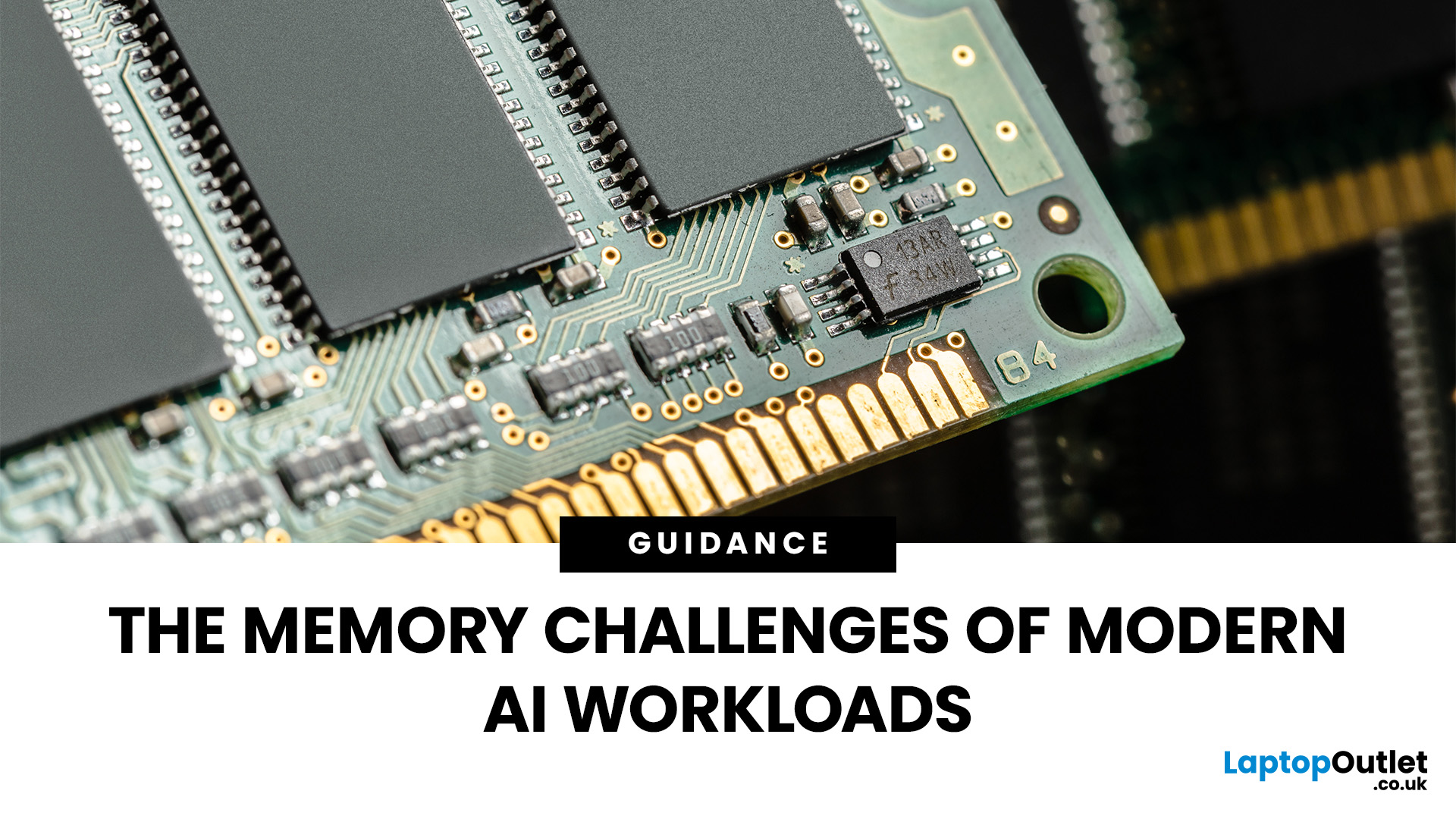
Imagine your brain trying to juggle not just numbers, but thousands of entire books at once; that’s what modern AI workloads are asking from compute systems. The models keep growing larger and more complex: trillions of parameters, expanding context windows, and sparse activation models like “mixture of experts” that selectively wake up parts of the network, but still demand fast memory access everywhere.
Even the most powerful GPUs and AI accelerators, loaded with teraflops of compute, can sit idle if the memory subsystem lags. Memory bandwidth and latency have become the real choke points. This bottleneck is often referred to as the “memory wall”: compute capability (FLOPs) has been increasing at a far faster pace than DRAM and interconnect bandwidth.
And there’s more: power, cooling, and cost. High-performance memory like HBM isn’t just expensive; it’s energy-hungry. The energy required to move data around often exceeds the energy needed for actual computation. When you add in dataset

Last Updated: December 23, 2025
The way we use our computers is changing faster than ever. For years, we’ve been told that artificial intelligence would transform the way we work, learn, and create and now those promises are becoming very real. If you’ve come across new features like the Surface Recall feature, Click to Do AI actions, or even the mysterious-sounding AI timeline navigation, you might be wondering what these things actually do. Are they gimmicks, or could they genuinely make your daily tasks easier?
Let’s take a deep dive into the new wave of AI tools built into Windows 11 and Microsoft’s latest Surface laptops, unpack what they mean, and explore why they matter. By the end, you’ll know not just what they are, but how to use them confidently and whether upgrading to an AI laptop is worth your time.
What is Recall, and How Does it Work?

The Surface Recall feature is essentially Microsoft’s “photographic memory” for your PC. On devices that meet certain hardware requirements (Copilot+ PCs), Recall regularly
Last Updated: July 10, 2026
If you’re a student in 2025, chances are you’ve already heard about AI tools—ChatGPT, Gemini, Notion AI, and many more. But how do you pick the right ones for your studies, and more importantly: what kind of laptop will run them best? In this guide, we’ll explore a curated list of AI tools for students, and then deep dive into what AI laptop specs really matter for using those tools comfortably. Whether you’re writing essays, preparing presentations, doing research, or dabbling in machine learning, this post is for you.
Why Students Should Use AI Tools (But Wisely)

Before jumping into tools, let’s set the mindset:
- Save time on routine tasks. AI can help you create drafts, summarise articles, proofread, or generate study questions, freeing you to focus on understanding.
- Boost creativity & brainstorming. Stuck on how to start an essay or a project? AI can help you generate ideas or alternative angles.
- Personalised learning. Some AI platforms can adapt to your pace, identify weak spots,
Last Updated: October 06, 2025
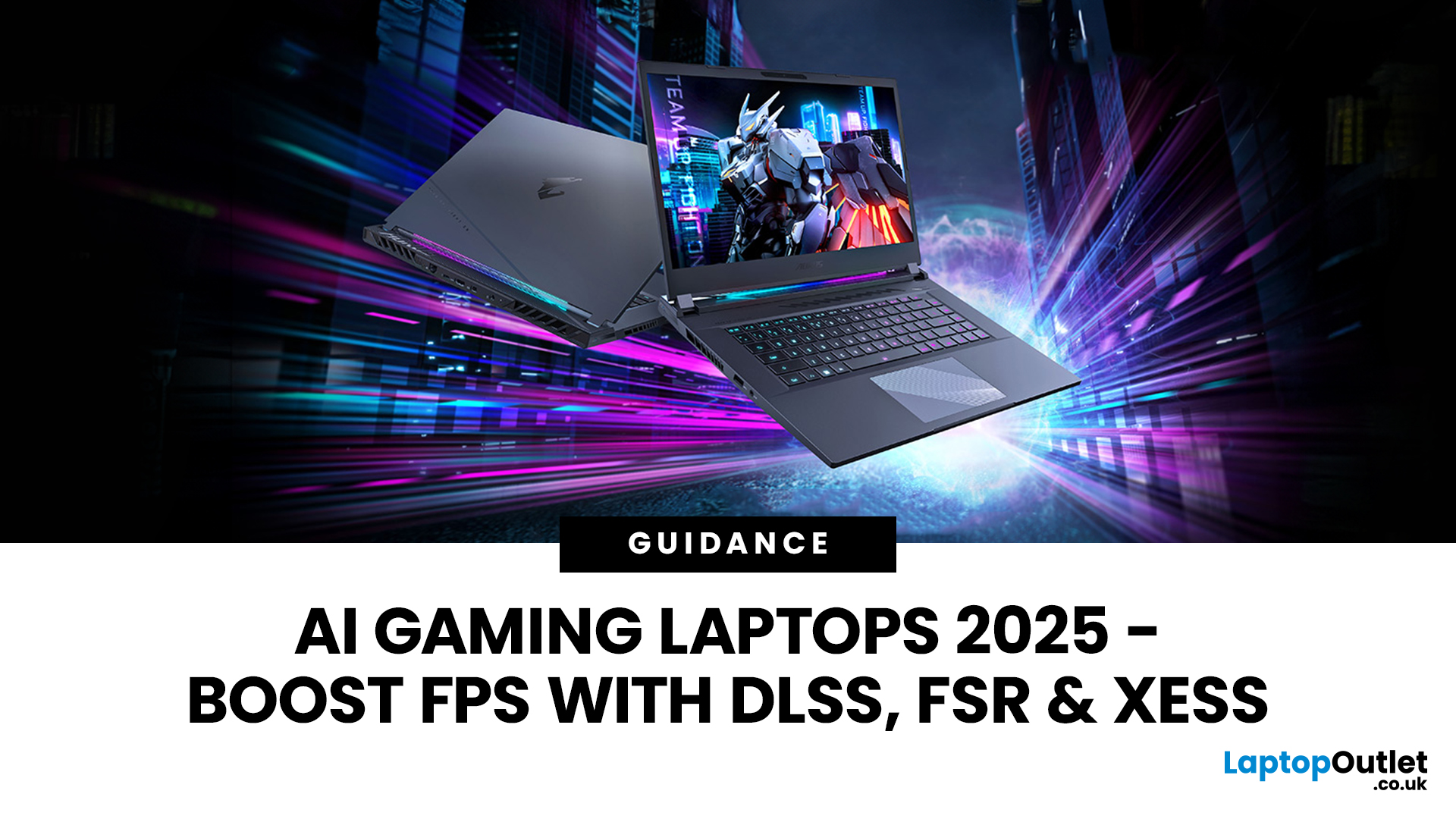
Gaming laptops have come a long way from the bulky machines of a decade ago. Today, they’re not just slimmer and more powerful - they’re also smarter, thanks to the rise of AI frame generation. Technologies like NVIDIA DLSS 3/4, AMD FSR, and Intel XeSS are transforming how games run, letting laptops push out smoother frame rates without needing desktop-level power.
So what exactly does that mean for you? In short: higher FPS, better visuals, and the ability to enjoy demanding titles like Cyberpunk 2077 or Starfield on the go, without watching your laptop choke.
In this guide, we’ll break down how AI frame generation works, why AI gaming laptops are the future, and which models in 2025 are worth your money. Think of it as your roadmap to boosting FPS with DLSS, FSR, and beyond - all while keeping your gaming portable.
What Is AI Frame Generation?
At its core, AI frame generation is all about teaching your graphics card to do less, while making your games look like it’s doing more. Sounds

Last Updated: March 27, 2026
Business laptops are not what they used to be. Forget those chunky grey bricks you dragged to meetings — 2026 is all about AI business laptops. And no, that’s not just another bit of marketing fluff. These machines are actually smart enough to protect your files, stretch your battery, and even take meeting notes while you’re busy zoning out. If you’re running a business, freelancing, or just want a laptop that makes your workday less painful, let’s break down why these AI-packed beasts are worth a look.
What Makes a Laptop “AI Business Ready”?
Right, so what’s all this on-device AI about? In plain English: the laptop’s got extra brains built into it (NPUs and fancy processors) that don’t need the cloud to work. That means:
- Security features happen locally — no faffing about with servers.
- Productivity boosts are instant — your laptop reacts in real time.
- Less reliance on dodgy Wi-Fi — AI features still work offline.
So instead of just being “fast,” these laptops are clever too.
Why On-Device

Published: October 08, 2025
Why AI Editing is the New Creative Superpower
Back in the day, photo and video editing meant hours hunched over Adobe apps, manually tweaking every detail. Fast-forward to 2025, and AI has changed the game. Now, your laptop can generate hyper-realistic art in seconds, cut down video editing workflows, and even clean up footage automatically. But here’s the catch — with so many tools out there and specs to think about, diving into AI image & video editing can feel overwhelming.
What is AI Image & Video Editing, Anyway?
Simply put, AI image & video editing is when your laptop uses machine learning to handle tasks that normally take ages. That includes:
- AI Image Generation: Tools like Stable Diffusion, DALL·E, or MidJourney can create custom visuals, concept art, or even product photos just from text prompts.
- AI Video Editing: Think auto-cutting, background removal, colour correction, or even AI-generated B-roll clips. Apps like Runway, Adobe Premiere Pro’s AI tools, and DaVinci Resolve
Last Updated: April 08, 2026
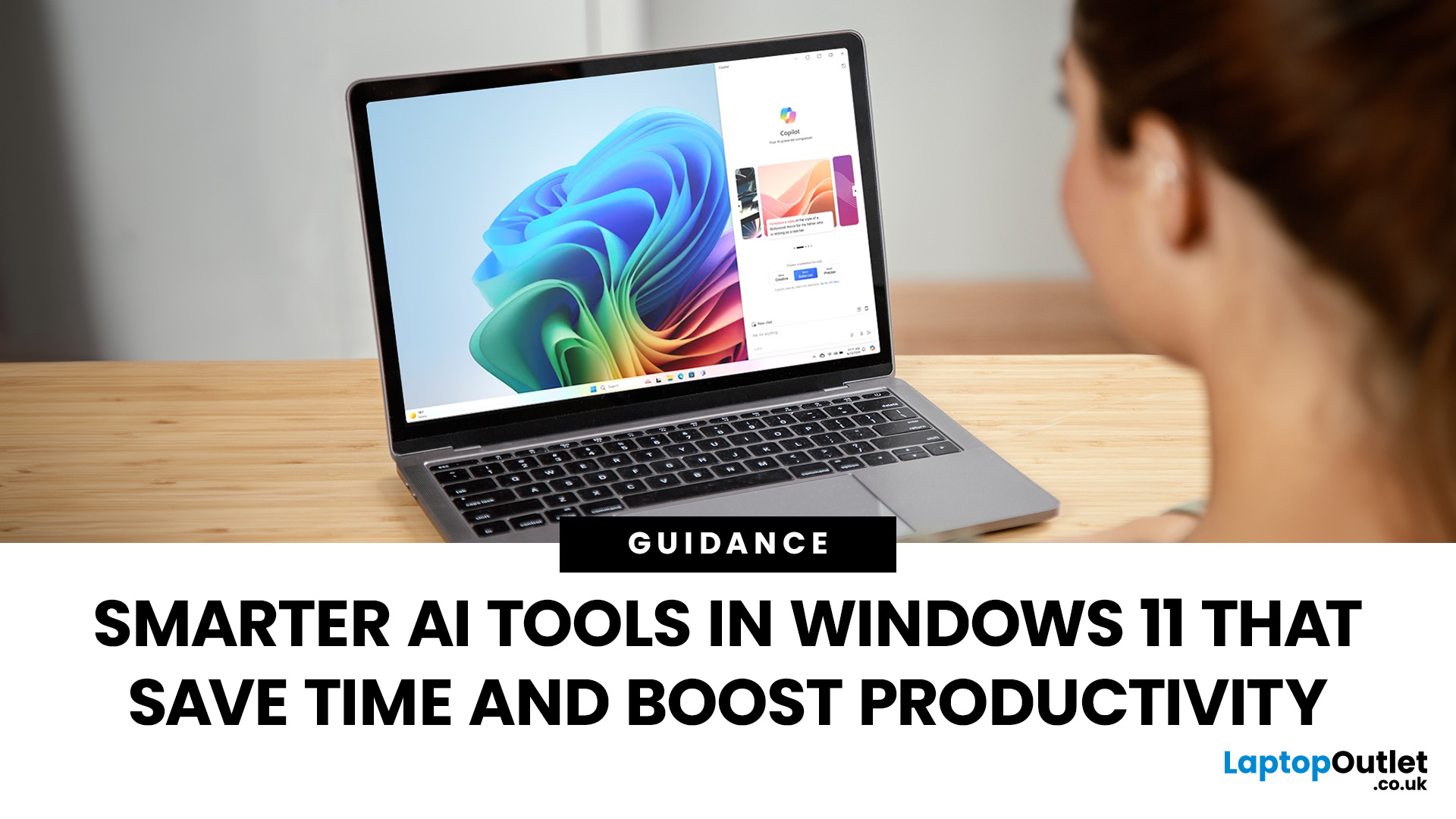
Remember when using a laptop was all about speed and specs i.e. faster processors, bigger storage, sharper screens? Those things still matter, but in 2025, the real game-changer is AI built directly into your PC. Microsoft’s new Windows 11 Copilot+ PCs are designed for exactly that.
Instead of just running apps faster, these laptops think alongside you. They can find files you barely remember creating, relight a photo as if you’re in a studio, or even recall what you were working on hours ago with a simple search. In short, they’re not just computers anymore - they’re collaborators.
In this post, we’ll dive into what makes Copilot+ special, unpack the latest AI tools in Windows 11, and show how customers can best benefit from these features.
What Makes a Copilot+ PC Different?
A Copilot+ PC is more than just a Windows 11 device. At its core is a Neural Processing Unit (NPU), a chip designed specifically to handle AI tasks. With this hardware in place, features like Recall and Windows

