



Business Laptops with On-Device AI for Security & Productivity (2026 Guide)

Business laptops are not what they used to be. Forget those chunky grey bricks you dragged to meetings — 2026 is all about AI business laptops. And no, that’s not just another bit of marketing fluff. These machines are actually smart enough to protect your files, stretch your battery, and even take meeting notes while you’re busy zoning out. If you’re running a business, freelancing, or just want a laptop that makes your workday less painful, let’s break down why these AI-packed beasts are worth a look.
What Makes a Laptop “AI Business Ready”?
Right, so what’s all this on-device AI about? In plain English: the laptop’s got extra brains built into it (NPUs and fancy processors) that don’t need the cloud to work. That means:
- Security features happen locally — no faffing about with servers.
- Productivity boosts are instant — your laptop reacts in real time.
- Less reliance on dodgy Wi-Fi — AI features still work offline.
So instead of just being “fast,” these laptops are clever too.
Why On-Device AI Matters for Work

Here’s where the magic kicks in:
- Security you can actually trust – Think biometric logins that work first time, AI spotting sketchy emails before you do, and files that stay encrypted without you noticing.
- Productivity without effort – AI manages your apps, memory, and even helps during meetings with smart transcription and summaries.
- Battery life that lasts – The system learns when you need juice and when it can ease off, giving you hours more screen time.
In short: less faff, less stress, and more actual work done.
Best AI Business Laptops in 2026
1. Apple MacBook Air (M1, 2020) – Best for Lightweight Productivity
Highlights:
- Apple M Octa-Core Processor
- 13.3" WQXGA Display, IPS, 2560 x 1600 Max. Resolution
- 8 GB RAM, 256 GB SSD
- Integrated Apple Graphics
- DisplayPort | USB-C | Thunderbolt
- Grey Colour
A lightweight business laptop powered by Apple’s M1 chip, offering strong performance and exceptional battery life.
The Apple MacBook Air (M1, 2020) remains one of the most reliable choices for professionals who prioritise portability and efficiency. Powered by Apple’s M1 chip, it delivers smooth performance for everyday business tasks such as document work, video calls, and multitasking, while maintaining impressive energy efficiency. Its fanless design keeps the system silent, making it ideal for focused work environments.
With strong battery life and fast SSD performance, it comfortably supports a full workday without interruptions. While it does not feature a dedicated NPU in the same way as newer AI PCs, its integrated architecture still supports AI-driven tasks through macOS optimisation.
For professionals who want a dependable, lightweight device for productivity on the move, this MacBook Air is a solid and proven option.
2. ASUS Vivobook 14 (M1407) – Best Entry-Level AI Laptop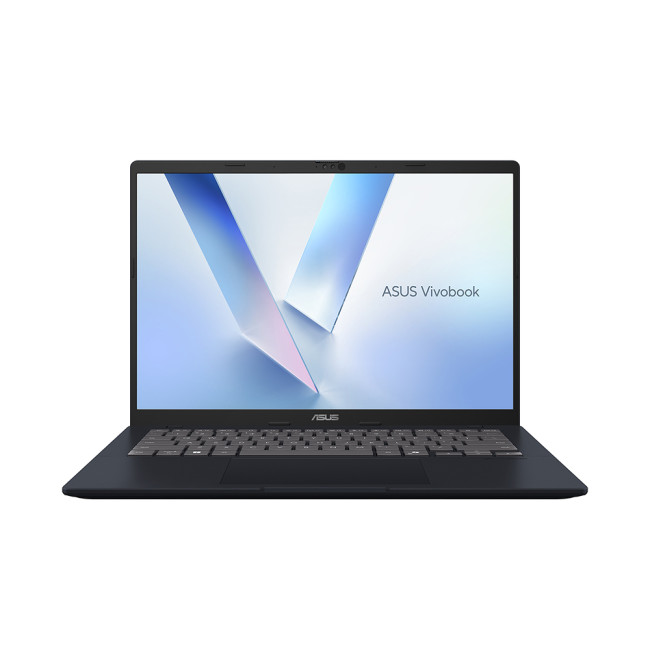
Highlights:
- AMD Ryzen AI 7 350 Octa-Core Processor
- Copilot+ PC
- 14" WUXGA Display, IPS, 1900 x 1200 Max. Resolution
- 16 GB RAM, 1 TB SSD
- Integrated AMD Radeon 860M Graphics
- USB Type-C | USB-A | HDMI | Wi-Fi | Bluetooth | Ethernet
- Quiet Blue Colour
A modern Copilot+ PC with AI capabilities, designed for everyday business tasks and portability.
The ASUS Vivobook 14 (M1407) is a great entry point into AI-powered business laptops, especially for users who want modern features at an accessible price. As part of the newer generation of Copilot+ PCs, it integrates AI capabilities directly into the system, enabling smarter performance management, improved battery efficiency, and enhanced video call features.
Its 14-inch display and lightweight design make it ideal for hybrid workers who move between home, office, and travel. It handles everyday productivity tasks with ease, including documents, spreadsheets, and web-based workflows.
While it may not be a high-end powerhouse, it delivers a balanced mix of portability, AI functionality, and value. For small business users or freelancers looking to step into AI computing without overspending, this is a practical choice.
3. Medion Erazer Beast 18 – Best for Power Users & Heavy Workloads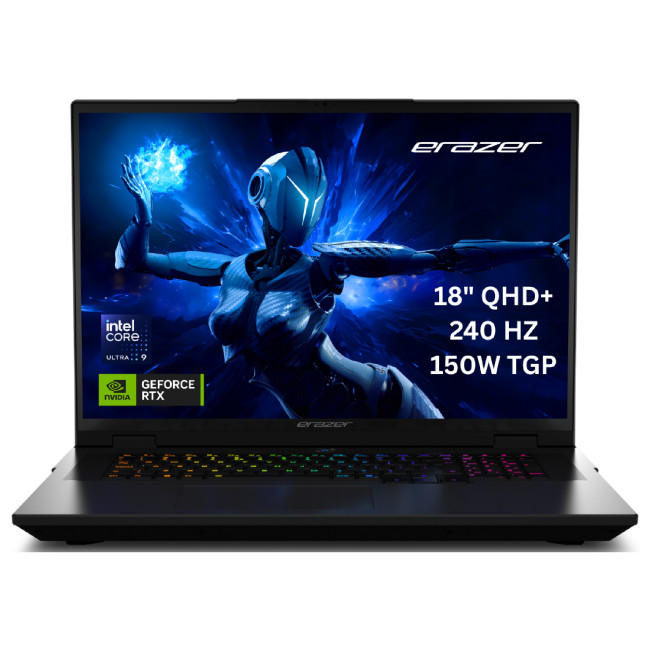
Highlights:
- Intel Core Ultra 9 275HX 24-Core Processor
- AI Ready Laptop
- 18" WQXGA Display, LCD, 2560 x 1600 Max. Resolution
- 32 GB RAM, 2 TB SSD
- Dedicated NVIDIA RTX 5080 Graphics
- HDMI | USB 3.2
- Black Colour
A high-performance laptop with cutting-edge hardware, ideal for demanding workloads and advanced multitasking.
The Medion Erazer Beast 18 is built for users who need serious computing power alongside modern AI capabilities. Equipped with high-end processors and advanced graphics, it is designed to handle demanding workloads such as data processing, creative applications, and heavy multitasking.
Its large 18-inch display provides an expansive workspace, making it especially useful for professionals who work with multiple windows, large datasets, or detailed visual content. With next-generation hardware that supports AI-enhanced performance and optimisation, it delivers speed and responsiveness across complex tasks.
While it is less portable than ultrabooks, it excels as a desktop replacement for business users who prioritise raw performance. If your work involves intensive applications or multitasking at scale, this model offers the power needed to keep up.
4. Medion Erazer Beast 16 X1 – Best for Performance and Portability Balance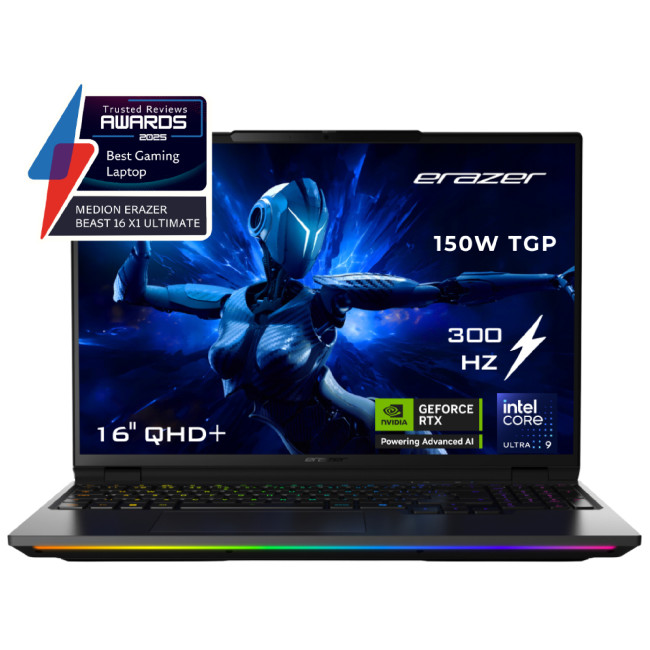
Highlights:
- Intel Core Ultra 9 275HX 24-Core Processor
- AI Ready Laptop
- 16" WQXGA Display, LED, 2560 x 1600 Max. Resolution
- 32 GB RAM, 2 TB SSD
- Dedicated NVIDIA RTX 5090 Graphics
- USB Type-C | USB-A | HDMI | Wi-Fi | Bluetooth | Ethernet
- Black Colour
A powerful yet more portable alternative, combining high-end performance with a practical 16-inch form factor.
The Medion Erazer Beast 16 X1 strikes a strong balance between high performance and relative portability, making it a versatile option for demanding business users. Powered by modern processors and advanced graphics, it is capable of handling complex workflows, including content creation, multitasking, and intensive software applications.
Its 16-inch display offers a comfortable workspace without the bulk of larger machines, making it easier to carry between locations while still delivering a desktop-like experience. AI-enhanced system optimisation helps manage performance and efficiency, ensuring smoother operation during heavy workloads.
This model is ideal for professionals who need strong computing power but also value some level of mobility. It offers a practical middle ground between ultra-portable laptops and full desktop replacements.
5. Lenovo ThinkPad X1 (Gen 12) – Best Premium AI Business Laptop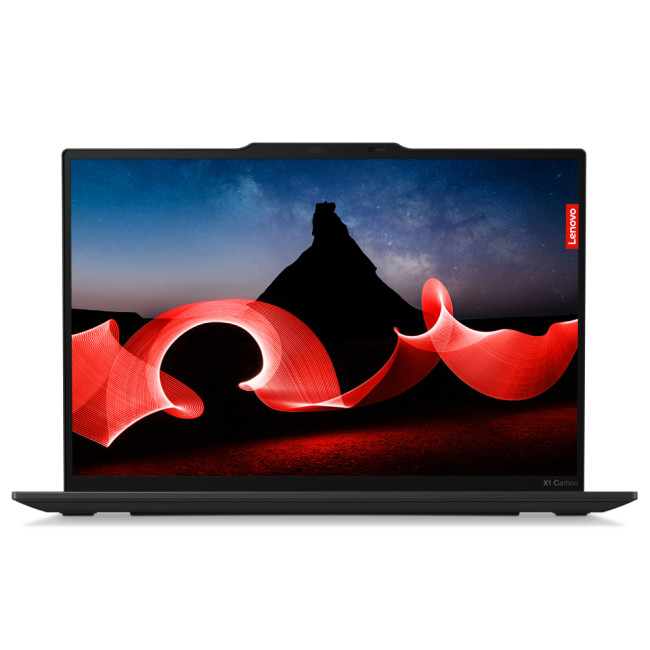
Highlights:
- Intel Core Ultra 5 125U 12-Core Processor
- 14" WUXGA Display, IPS, 1920 x 1200 Max. Resolution
- 16 GB RAM, 512 GB SSD
- Integrated Intel Graphics
- USB Type-C | USB-A | HDMI | Wi-Fi | Bluetooth | Ethernet
- Black Colour
A premium business laptop with AI-enhanced features, strong security, and ultra-portable design.
The Lenovo ThinkPad X1 Carbon Gen 12 is one of the most refined AI business laptops available, combining premium build quality with advanced productivity and security features. Designed for professionals, it integrates modern Intel Core Ultra processors with AI acceleration capabilities, enabling smarter performance management, enhanced security, and improved collaboration tools.
Its lightweight carbon fibre design makes it highly portable, while maintaining the durability ThinkPad devices are known for. Features like intelligent presence detection, advanced webcam enhancements, and enterprise-grade security tools make it particularly well suited for business environments.
With a strong focus on reliability, mobility, and AI-driven optimisation, this model is ideal for executives and professionals who need a high-end laptop that performs consistently in demanding work scenarios.
Features That Actually Matter
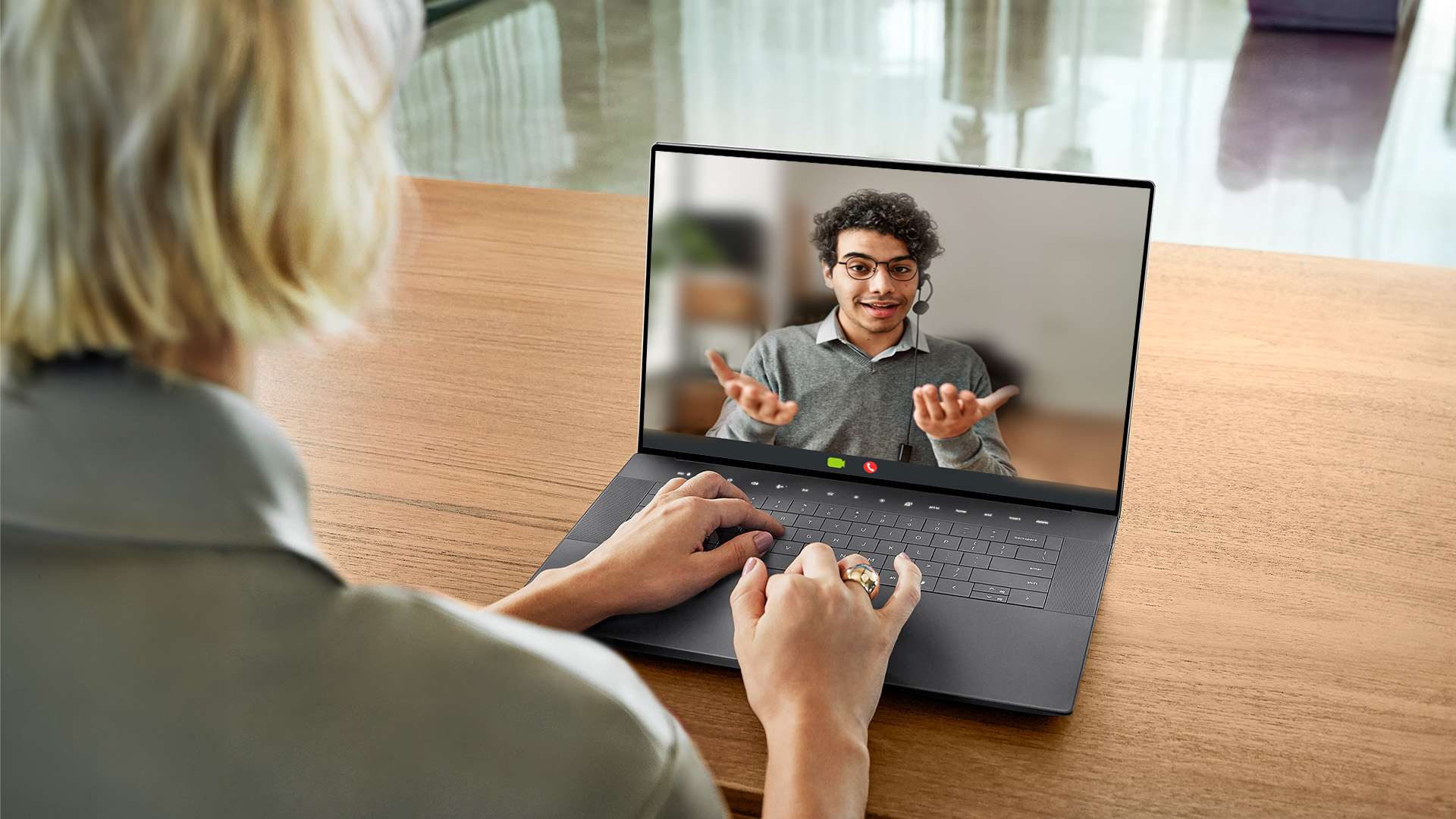
Here’s what to look out for when you’re shopping:
- AI Security Tools – Biometric logins, real-time threat blocking, and AI-powered VPNs.
- AI Productivity Boosters – Noise cancellation, meeting transcription, and smart memory use.
- Portability – Lightweight designs and tough builds for work on the move.
- Battery Life – AI-tuned optimisation for all-day use.
- Compatibility – Plays nicely with your existing work apps and ecosystems.

So… Worth It?
Look, not every “AI feature” is life-changing — nobody needs their laptop suggesting emojis in an email to the finance team. But the real perks? Security that actually works, longer battery, smoother multitasking, and less IT faff. If your company laptops are starting to feel like a ball and chain, upgrading to AI business laptops is a smart move. They’re not just faster; they’re sharper, safer, and built for how we actually work in 2026.
So, whether you’re running a startup, freelancing, or just want fewer headaches on Teams calls, it might be time to let AI take some of the weight off your shoulders.

What and How? AI Business Laptops
What exactly is an AI business laptop?
It’s basically a laptop with brains — built-in AI chips (NPUs) that handle security, performance, and productivity tasks on-device without relying on the cloud.
How do AI laptops improve security?
They use local AI for instant biometric logins, real-time threat spotting, and file encryption. No faff, no dodgy cloud servers.
Do AI laptops really boost productivity or is that marketing spin?
Nah, it’s legit. They auto-manage apps, smooth out video calls, transcribe meetings, and even stretch your battery. Saves you from doing the boring stuff.
Are AI laptops only for big companies?
Nope. Freelancers, hybrid workers, and small biz owners can all benefit. Anyone who’s sick of laggy calls, dead batteries, or weak security will notice the difference.
Which brands are leading the way in AI business laptops?
Lenovo, HP, Dell, Microsoft, and Apple are all in the mix of leading AI business laptops.
| Read More: |
| Gaming Laptops with AI Frame Generation (DLSS 4, FSR, etc.) |
| Top AI-Ready Laptops for Creators, Designers, and Developers |
| Which Laptop Is Best for AI |
Related Articles

Last Updated: August 24, 2026
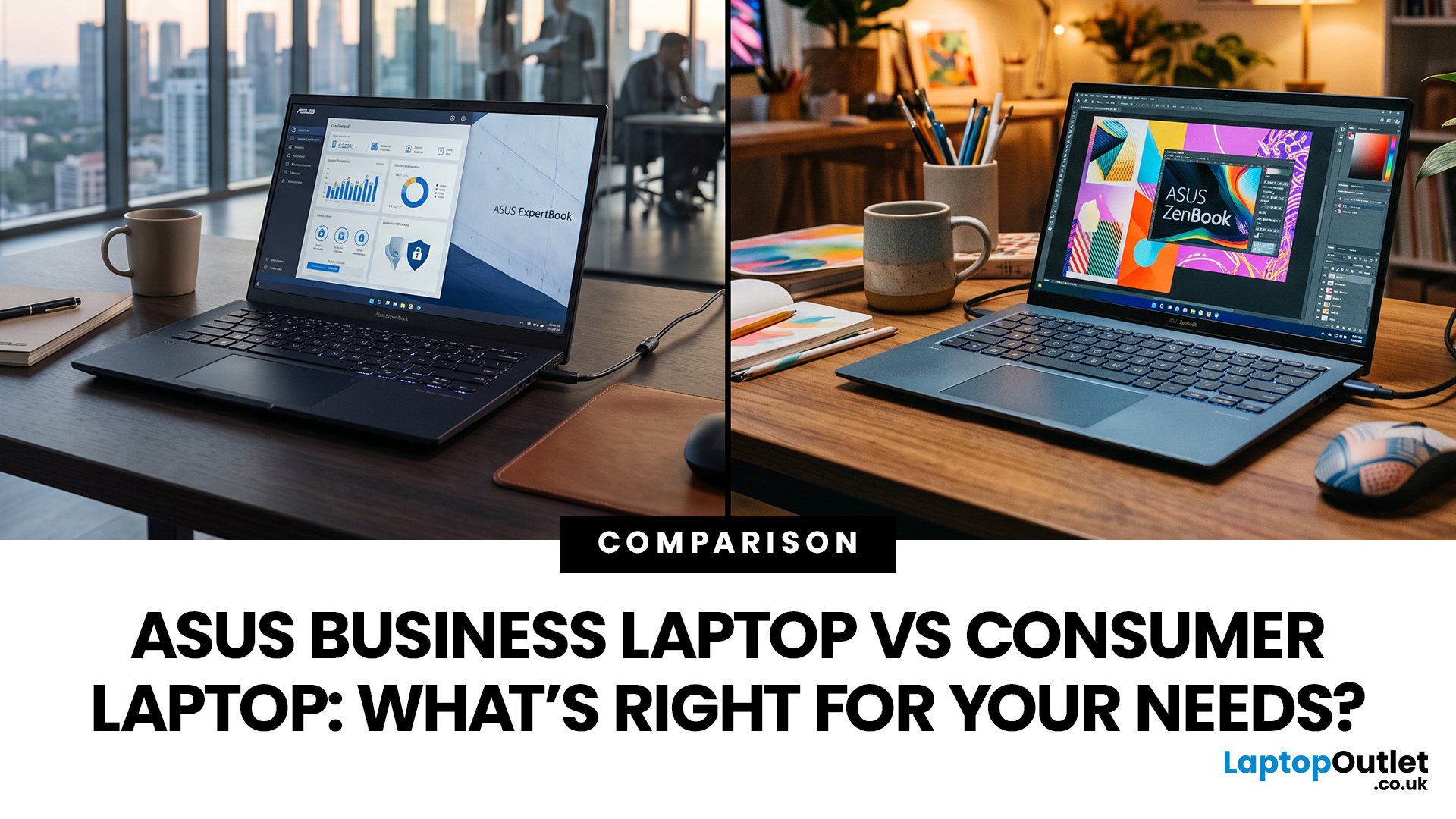
ASUS offers both business and consumer laptops designed for different types of users and workloads. The right option depends on how you work, the software you rely on, and whether you need advanced security, device management, or everyday flexibility. Business-focused ExpertBook models prioritise durability, connectivity and IT control, while Zenbook and Vivobook ranges emphasise portability, display quality and versatility. Both categories can handle professional tasks, so the key is matching features to your actual needs rather than assuming one is universally better.
ASUS Business Laptop vs Consumer Laptop: Quick Comparison
| Feature | ASUS Business Laptop | ASUS Consumer Laptop |
| Main purpose | Professional, corporate and managed business use | Home, study, everyday work, entertainment and creative use |
| Typical ASUS ranges | ExpertBook B, ExpertBook P, ExpertBook Ultra and selected business Chromebooks | Zenbook, Vivobook, ProArt and standard ASUS Chromebooks |
| Operating system | Windows 11 Pro is common |
Last Updated: August 13, 2026
Choosing between an HP EliteBook and an HP ProBook comes down to your budget, working environment and priorities.
The quick answer is:
- Choose an HP EliteBook if you want a more premium business laptop with stronger enterprise features, higher-quality display options and a refined design.
- Choose an HP ProBook if you need dependable everyday performance, practical connectivity and better value for a small business or growing team.
Both ranges are designed for professional use. However, specifications differ between individual models, so compare the processor, memory, display, ports, security features and warranty before buying.
What Is the Difference Between HP EliteBook and ProBook?
The main difference between HP EliteBook and ProBook laptops is their market position. EliteBook is HP’s premium commercial range, while ProBook is designed to provide essential business features at a more accessible price.
EliteBook models generally offer more premium materials, advanced manageability, higher-grade
Last Updated: March 31, 2026
What’s the Main Difference Between HP Elite x360 and Elite Folio?
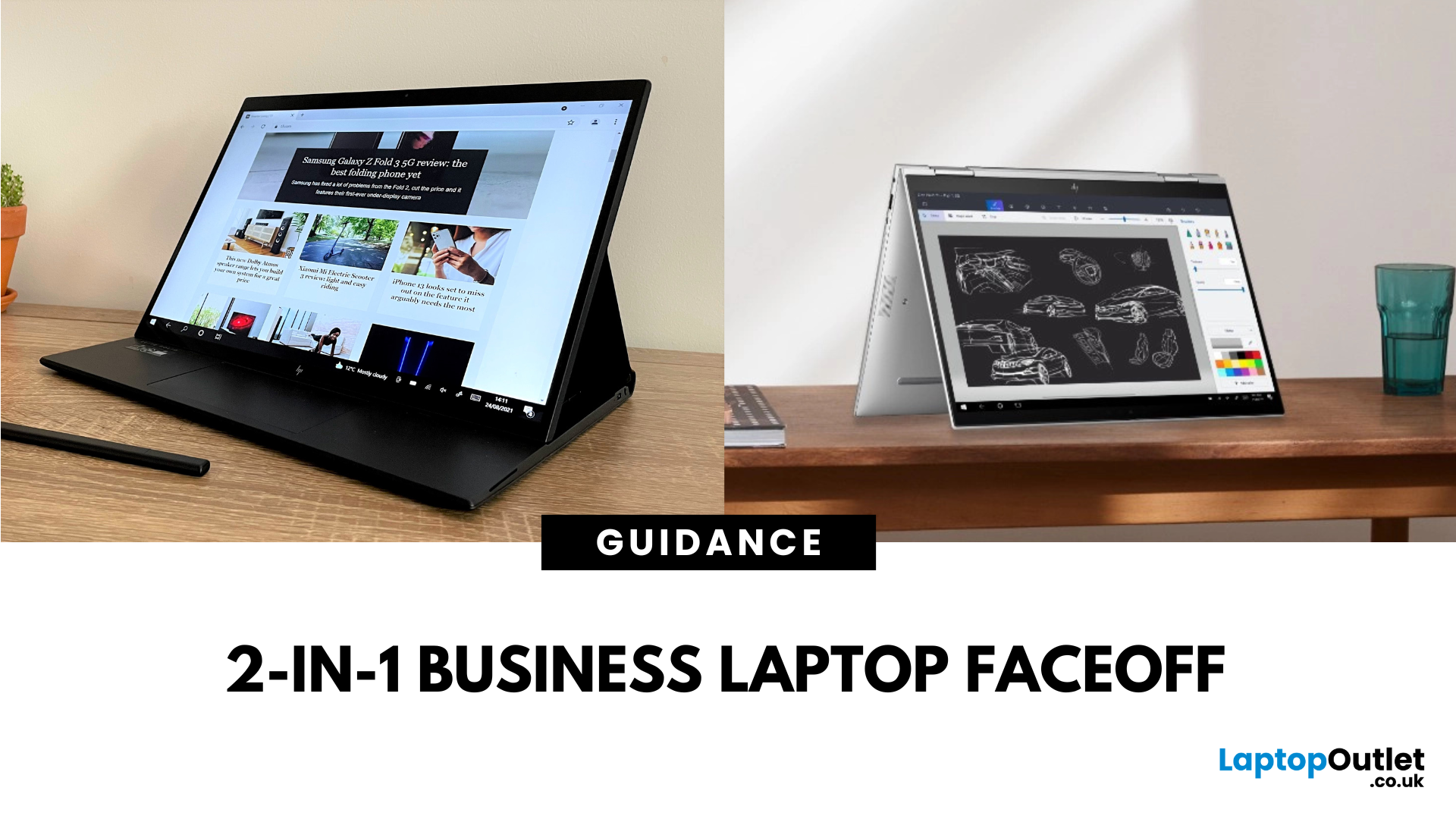
The Elite x360 is HP’s flagship Intelpowered convertible, designed for high performance, enterprise multitasking, and premium flexibility. The Elite Folio is a fanless, ARMbased 2in1 with a distinctive pullforward display, built for mobile professionals who prioritise battery life, notetaking, and ultraquiet operation.
Feature Comparison Table
| Feature | HP Elite x360 | HP Elite Folio |
| Processor Options | Intel Core i5/i7 (latest gen) | Qualcomm Snapdragon 8cx Gen 2 |
| Form Factor | 360° convertible hinge | Pullforward convertible with leatherstyle cover |
| Display Options | 13.3″ / 14″ FHD & 4K OLED touch | 13.5″ 3:2 FHD touchscreen |
| Battery Life | ~10–12 hours | ~15–20 hours |
| Weight | ~1.32–1.45 kg | ~1.32 kg |
| Cooling | Active cooling (fan) | Fanless |
| Connectivity | Full Thunderbolt/USBC, HDMI (select models) | USBC only |
| Stylus Support | Active Pen support | Builtin stylus garage |
| Price Range | £1,500–£2,000+ |
Last Updated: August 07, 2026
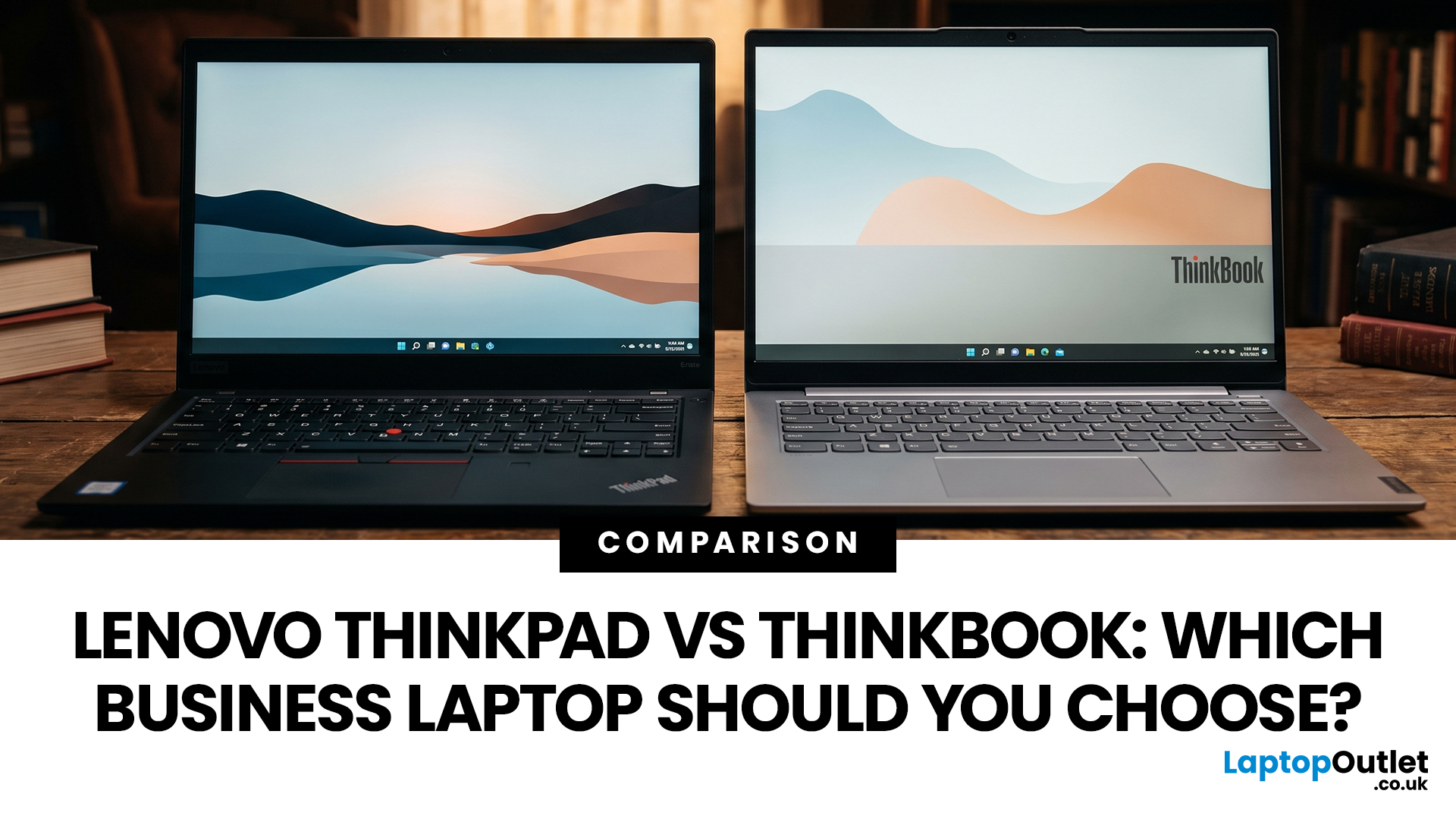
Choosing between Lenovo ThinkPad and ThinkBook laptops is not simply about buying the more expensive range. ThinkPad is usually the stronger choice for corporate deployment, frequent travel, and advanced management requirements. ThinkBook often suits freelancers, small businesses, and professionals who want modern styling, practical features and competitive value.
Specifications vary widely between models and generations, so compare the exact processor, memory, display, battery, ports, operating system and warranty rather than relying on the series name alone.
ThinkBook vs ThinkPad at a Glance
| Area | Lenovo ThinkPad | Lenovo ThinkBook |
| Best suited to | Corporate teams, IT-managed fleets, mobile professionals, and specialist users | Small businesses, freelancers, hybrid workers and value-conscious professionals |
| Design | Usually functional and understated, although premium models can be highly modern | Typically slim, contemporary, and often finished in aluminium |
| Durability | Strong business focus, with |
Last Updated: May 07, 2026
AI Snippet - Featured Summary
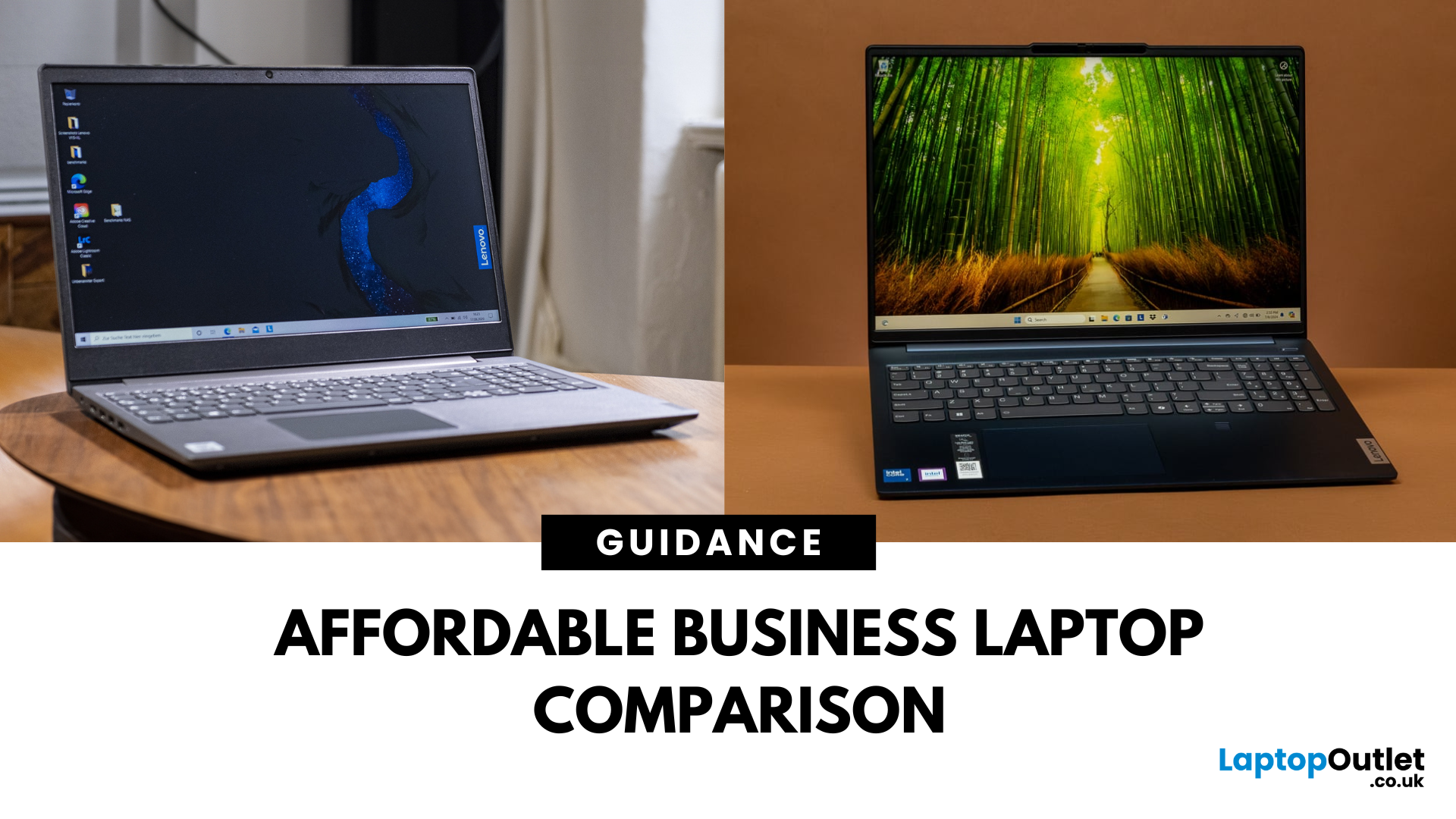
The Lenovo V Series is your go-to for budget-friendly business use, offering pro-ready features like Windows 11 Pro, strong Ryzen CPUs, and extra memory right out of the box. The Lenovo IdeaPad lineup focuses on versatility with slimmer designs, touchscreen options, and consumer-grade value. Choose V Series if you want performance, security, and business durability. Choose IdeaPad if portability, budget variety, and casual everyday use are your priorities.
What’s the Main Difference Between V Series and IdeaPad?
The V Series is Lenovo’s entry-level business line - solid, dependable, and crafted for small businesses with features like Windows 11 Pro, MIL-STD-inspired designs, and strong CPU options . In contrast, the IdeaPad range is more consumer-focused, offering stylish, versatile laptops for students and home users—including touchscreens and lighter weight.
Feature Comparison Table
| Feature | Lenovo V Series | Lenovo IdeaPad |
| Target Audience | Small businesses, |
Last Updated: September 09, 2025
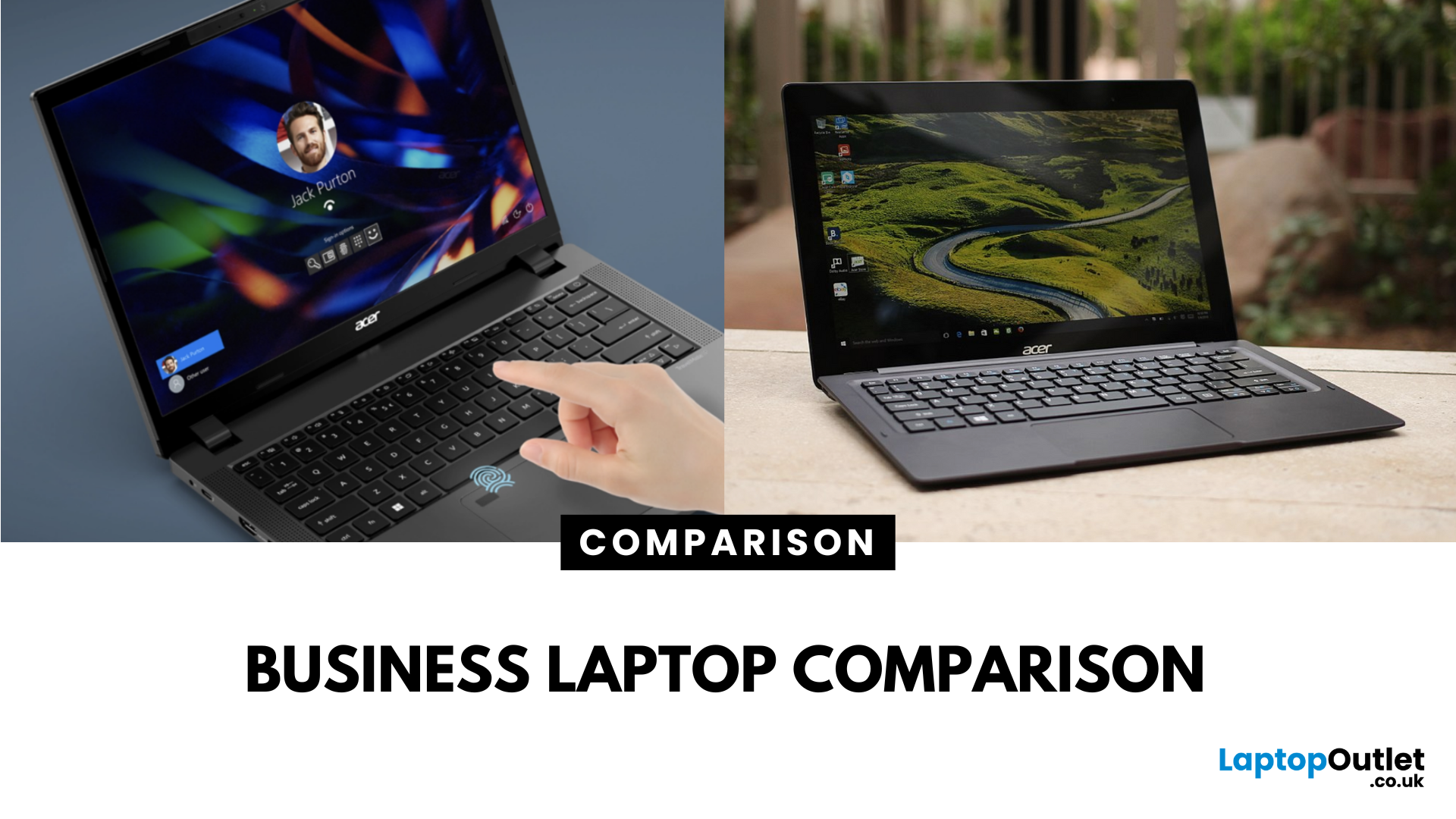
What’s the Difference Between Acer TravelMate and Extensa?
Both the TravelMate and Extensa are Acer’s business-focused laptop lines—but they serve different audiences. TravelMate is Acer’s premium business series, designed for professionals who prioritize portability, reliability, and security. Think sleek magnesium or metal build, MIL-STD durability, and longer support. Extensa is the budget-friendly option aimed at office use and light business tasks. It’s cost-effective, straightforward, and great for general productivity.
Feature Comparison Table
| Feature | Acer TravelMate | Acer Extensa |
| Target Audience | Business professionals, frequent travelers | Budget-conscious office users |
| Build & Durability | Lightweight, rugged, pro-grade construction | Basic plastic build |
| Portability | Thin and light (e.g., TravelMate P6 ~1.1 kg) | Heavier and bulkier |
| Display | Premium 14" IPS / WUXGA on modern models | 15.6" FHD TN or LCD displays |
| Performance Options | Up to Intel i7 (13th Gen), LTE/Thunderbolt support | Up to i5/i7 |
Last Updated: September 15, 2026
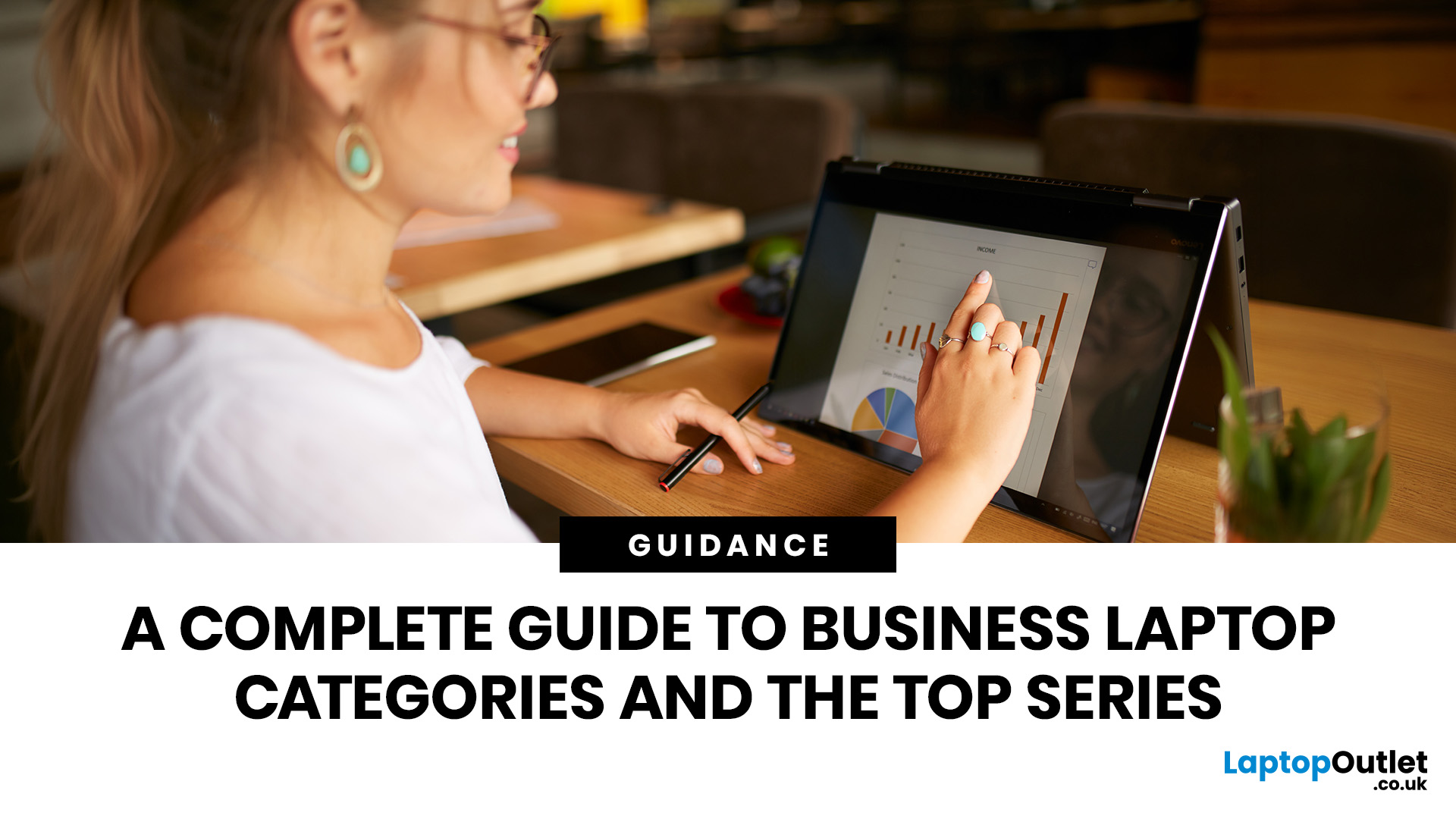
The business laptop market in 2026 is more diverse than ever. Organisations and professionals are no longer limited to a one-size-fits-all approach; instead, laptops are tailored to specific needs. Whether it’s ultraportable design, raw performance, flexible form factors, or cost-efficient practicality, the right choice depends on aligning device capabilities with your workload, lifestyle, and budget.
This guide explores the four main types of business laptops: Ultrabooks, mobile workstations, 2-in-1 hybrids, and budget-friendly models. Each has evolved significantly over the past decade, offering innovations in AI integration, battery optimisation, display technology, and security features.
If you’re new to business laptops and want a broader perspective before diving into categories, check out our complete overview of business laptops for expert picks and detailed comparisons.”
1. Ultrabooks: Sleek Productivity Machines
Ultrabooks represent the premium side of portability. Thin, light,
Last Updated: June 11, 2026
Laptops are essential tools for productivity, collaboration, and security in the modern workplace. But not all laptops are created equal. While consumer laptops are designed for everyday tasks, business laptops are purpose-built to handle professional workloads with enhanced durability, advanced security, and enterprise-ready specifications.
By understanding the defining characteristics of these machines, businesses and professionals can make informed decisions about which models deliver long-term value. This guide explores the most important business laptop features, compares them with consumer devices, and highlights the top models from brands such as ThinkPad business laptops, Latitude business laptops, and EliteBook business laptops. Whether you’re an IT manager sourcing fleet-ready devices or a freelancer investing in your next work tool, knowing what defines a business laptop ensures you get maximum performance, security, and durability.
Why Business Laptop Features Matter
In today’s

Published: September 05, 2025
Business laptops are essential tools for productivity, collaboration, and data protection in today’s professional world. From supporting hybrid working to handling enterprise-level tasks, these devices are built to provide more than just everyday functionality.
This complete overview of business laptops will guide you through their defining features, explain how they differ from consumer devices, and present a business laptop comparison across leading brands like Lenovo ThinkPad, Dell Latitude, HP, and Microsoft Surface laptops. Whether you are searching for the best business laptops or want to understand the nuances of enterprise vs professional models, this blog provides expert insights to help you make the right choice.
Why Business Laptops Matter in 2025
Unlike consumer laptops that focus on style or affordability, business machines prioritise security, durability, and consistent performance. With features such as biometric authentication, advanced processors, and enterprise-ready durability,
Last Updated: August 04, 2026

