



Surface Copilot + PC: The Future of AI-Driven Computing
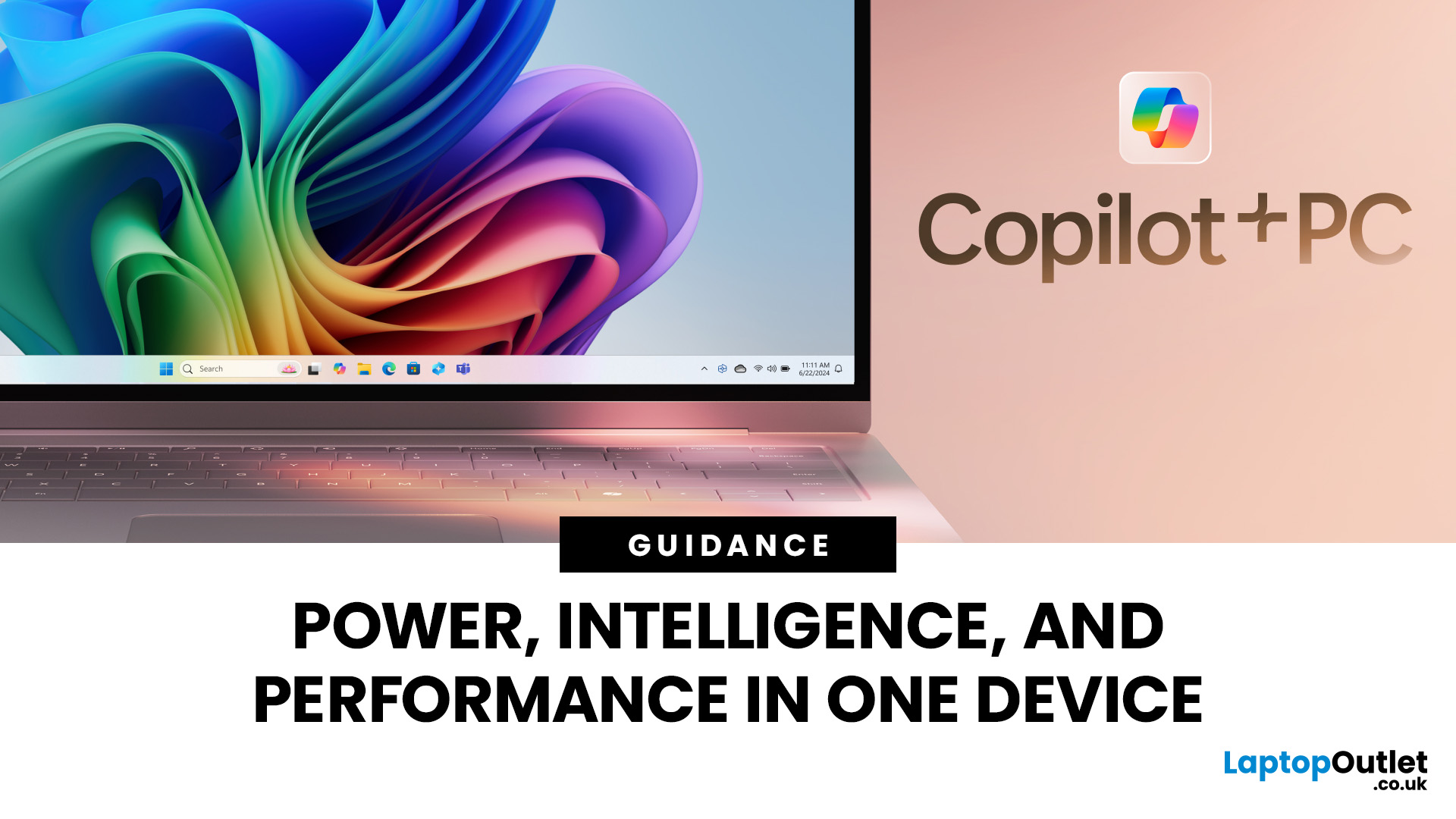
Microsoft introduced the world’s fastest and most powerful Windows PCs ever, Surface Copilot+ PCs. These are not just your run-of-the-mill updates to their previous models; instead, they are complete game changers. With the announcement of these AI-powered systems, Microsoft has again put itself at the vanguard of innovation.
Copilot+ PCs are powered by Qualcomm’s new Snapdragon X chips (or optionally Intel Core Ultra series in business variants), which feature an NPU (Neural Processing Unit) specially designed to handle complex AI (artificial intelligence) tasks that traditional PCs aren’t capable of.
Microsoft’s concept of AI is exciting (as is the technology behind Copilot+ PC), and the advantages are out-of-the-box. For instance, you don’t necessarily need a cloud connection for certain features (since some AI processing runs locally), and the security is top-notch as you’re not sharing all your information with third-party AI tool providers. All tools should be already embedded in your computer.
So, let’s discuss what makes Copilot+ PCs unique and why you should get one.
Copilot+ PC at a Glance
- NPU alongside CPU and GPU
- Qualcomm Snapdragon X Plus (or Snapdragon X Elite) PC or Intel Core Ultra (for business models)
- ~45 TOPS NPU (not 40+) in many models
- Copilot assistant with dedicated keyboard key (Copilot key)
- AI features: Recall, Click to Do, Live Captions with translation, app-specific experiences and much more
- All-day battery life (many models advertised up to 23 hours of local video playback)
The Era of AI-Powered Technology
For years, Artificial Intelligence (AI) has been associated with cloud computing. Applications like ChatGPT and Microsoft Copilot rely on powerful servers in the cloud to handle demanding tasks.
However, Microsoft has more deeply changed our concept of artificial intelligence by directly integrating it into computers. Enter the Copilot+ PCs, backed by an all-new system architecture that brings the power of CPU and GPU alongside the high-performance Neural Processing Unit (NPU). These devices support large language models (LLMs) and local AI inference to connect and enhance these components to provide ultimate performance.
What’s the best part?
Copilot+ PCs are claimed to offer significantly improved AI acceleration and local processing efficiency compared to older PCs.
Some benchmarks and statements suggest up to ~50% faster than previous Surface models, and outperforming certain competitor machines like the Apple MacBook Air M3 in specific workloads.
The battery life in some models is now up to 23 hours of local video playback in the 13-inch Surface Laptop variant.
Meet the Neural Processing Unit (NPU): Force Behind Copilot + PCs
The Neural Processing Unit (NPU) is the building block of Copilot+ PCs. This processing chip is engineered especially for complex AI workloads, acting in complex matrix multiplications.
In simple words, the NPU tackles AI operations that were previously done in the cloud. This results in faster performance, quick response times, and more innovative tools. The current Snapdragon X Plus in many models delivers ~45 TOPS of NPU throughput.
The Qualcomm Snapdragon X Series & Intel Core Ultra Options: A Performance Beast
Next comes Qualcomm’s Snapdragon X Plus / Snapdragon X Elite processing chips—another vital component of Copilot+ PCs. These CPUs (ARM-based) are more energy-efficient and deliver high performance for AI workloads. Microsoft notes that the 2025 Surface Laptop 13-inch model is “50% faster than Surface Laptop 5” and reportedly performs better than the MacBook Air M3 in their tests.
For business customers and certain models, Microsoft also offers Intel Core Ultra-based Copilot+ PCs, featuring an NPU rated around 40-48 TOPS.
Entirely New, Powerful AI-Driven Features
Microsoft Copilot PCs have features that make your daily life productive and easy. Here are some of them:
Recall
Microsoft has eliminated a common daily frustration: finding something you have seen on your PC before. Sometimes, you must recall a file folder and remember the website or sift through countless emails to find it.
Thanks to Recall, you can access virtually everything you’ve viewed or done on your PC as if you had a photographic memory. This feature allows semantic search across the system’s history. It constantly (if you choose) captures screenshots of your screen, making all the data available anytime, anywhere.
So, you can rediscover forgotten details, allowing you to find what you’re looking for far faster, intuitively using small cues you remember, such as scrolling across time to find the file you need in your timeline across any document, website, or application.
Cocreator
You might already be familiar with the AI Image Creator tool, which has helped millions of people bring their ideas to life using natural language. However, present cloud solutions might restrict the number of images you can generate, require time to process your artwork or be vulnerable to security issues.
Cocreator is a groundbreaking feature in Copilot+ PCs. It is designed with NPUs and advanced local models, and is integrated into your favourite creative apps, such as Paint and Photos. It helps you easily refine, edit, and save your images. The powerful diffusion-based algorithms provide the highest-quality output with minimum resay steps, like you are actually creating alongside your AI buddy.
Creative features like Restyle Image, Cyberpunk, Claymation, foreground or full picture make your editing process a breeze. Copilot+ PCs allow you to generate many images locally and fine-tune your creations according to your preferences.
Copilot, Your Everyday AI Companion
Each Copilot+ PC comes with a built-in AI assistant, just a single tap away via a dedicated Copilot key on the keyboard. This AI agent provides full application-level experience you might want in a streamlined, simple, yet robust, and personal design. Microsoft now supports advanced AI models and voice conversations for more natural interaction.
Data Security: Trust and Privacy in Your Hands
Every Copilot+ PC is backed by high-end security. Microsoft’s Pluton security processor is enabled by default on many models, ensuring local processing on your device. Many important features, like Recall, are customisable, so you can restrict or disable them to control your information. Under the hood, updates default to Windows 11 (many models ship with Windows 11 Home or Pro) so you don’t have to install major external OS upgrades manually.
AI-Driven Enhancements in the Creative Apps You Love
Microsoft has collaborated with some of the biggest and most widely used creative apps to leverage the power of NPUs and deliver an innovative AI experience.
Adobe: Adobe’s flagship applications (such as Photoshop, Lightroom and Express) are optimised for Copilot+ PC NPUs, unlocking faster performance for local AI-enhanced editing.
CapCut: Many OEMs now support features like auto cut-out and background removal powered by NPUs.
Cephable: Stay in your groove with quicker, more responsive adaptive input controls, such as head movements or facial expressions, thanks to the new NPU-powered camera pipeline.
Refined Designs and Improved Accessibility of Surface Copilot + PCs
Surface Copilot+ PCs are brilliant not just in terms of performance but also in terms of design. The latest Surface Laptop is a powerhouse with a sleek, modern form factor featuring razor-thin bezels, a brilliant touchscreen display, premium audio, a comfortable keyboard, and an AI-enabled advanced webcam.
You’ve got choices in size and design:
- Surface Pro: This is a 2-in-1 device that is available in a new 12-inch model and is a versatile option for a laptop and tablet combined.
- Surface Laptop: This is a traditional laptop form factor, available in different sizes like 13-inch, 13.8-inch, and 15-inch.
When it comes to accessibility, Windows Studio Effects has you covered. Look and sound your best with the convenient controls available in Quick Settings. Portrait Light improves illumination in dim settings or brightens the foreground in low light, enhancing the image quality.
Not only this, but new creative filters — including Illustrated, Animated, and Watercolor — give you an artistic touch. The Eye Contact Teleprompter helps you maintain eye contact, while Voice Focus and Portrait Blur ensure you’re always in focus no matter what you’re looking at.
Market Impact of Copilot + PCs
Microsoft’s introduction of the Copilot+ PCs is a major development within the broader AI and personal computing landscape. The new AI PCs aim to rejuvenate the PC market and drive sales, positioning Microsoft against its biggest competitors. Microsoft claims that manufacturers such as ASUS, HP, Lenovo, Dell, Samsung, and others will offer Copilot+ PCs.
While earlier forecasts of “50 million Copilot+ PCs by end of year” have not been publicly confirmed for 2025, the launch of more affordable models shows Microsoft is targeting a broader user base.
Moreover, the strategy echoes earlier historical transitions such as Intel’s launch of the “Ultrabook” category — this time framing the shift around AI capabilities rather than solely thin-and-light design. Competitors such as Apple Inc. and Alphabet Inc. are also optimising upcoming products around AI, meaning new markets and opportunities will emerge as consumers and businesses adopt this technology.
However, challenges such as data privacy, ethical considerations, and the potential displacement of jobs should also be considered to maintain a positive and equitable impact.

Embrace the Future of Computing with Copilot + PCs
Microsoft Copilot+ PCs represent a pivotal moment in the evolution of personal computing. They are more than just a line of computers — they’re a statement of the company’s commitment to embedding AI technologies in its products.
Microsoft has partnered with industry leaders such as ASUS, HP, Lenovo, Dell, Samsung, Qualcomm, Intel and AMD to elevate the user experience. In the future, you can also expect Copilot+ PCs paired with powerful graphics cards from NVIDIA and AMD, catering to an even broader audience like gamers and creators.
To conclude it,
Copilot PCs are worth the choice whether you are looking for expert productivity tools or the latest AI innovation.
Explore a wide range of high-performance Copilot + PCs at Laptop Outlet!
We have everything you need from laptops to tablets, desktop PCs to monitors, and more. Take advantage of our exclusive deals, unbeatable prices, fast shipping, and expert customer support.

In Case You Were Wondering....
What is a Copilot + PC?
A Copilot + PC is a next-generation Windows computer with built-in AI hardware, enabling advanced on-device features powered by Microsoft’s Copilot assistant and Neural Processing Unit (NPU).
Which processors power Copilot + PCs?
They feature Qualcomm Snapdragon X Plus or X Elite chips, and some models use Intel Core Ultra processors with integrated NPUs optimised for on-device AI performance.
What AI features are included in Copilot + PCs?
Key AI features include Recall for intuitive search, Cocreator for image generation, Live Captions with translation, and a built-in Copilot assistant accessible via a dedicated keyboard key.
Do Copilot + PCs need internet access?
Many AI features, such as Recall and Cocreator, work locally without the internet, while others, like Copilot chat or cloud syncing, need connectivity.
Related Articles

Last Updated: November 12, 2025
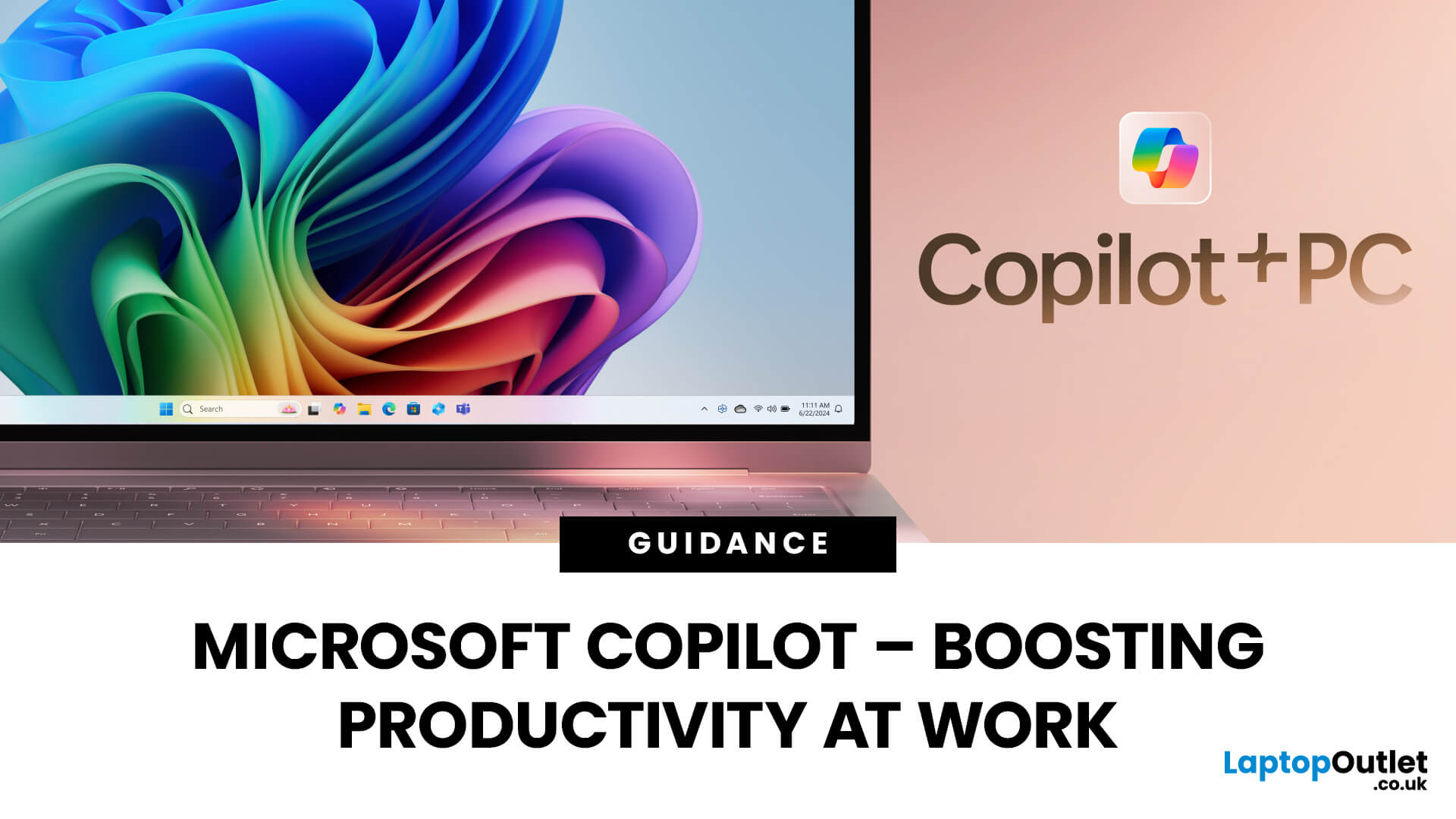
Microsoft Copilot is redefining how professionals work by seamlessly integrating AI assistance into everyday tools like Word, Excel, Outlook, and Teams. From drafting reports to analysing data and managing emails, Copilot streamlines routine tasks, freeing up time for creativity and strategy. Let’s explore how Microsoft Copilot empowers you to work smarter, not harder.
What is Microsoft Copilot?
Microsoft Copilot is a transformative tool for work because of its generative AI capabilities, deep integration with Microsoft 365, real-time assistance, task automation, and personalisation. With tailored assistance and natural language interaction, Microsoft’s intelligent AI assistant delivers an individualised user experience. Combined with the right set of user skills, using Copilot at work can lead to increased productivity, improved decision making, and enhanced creativity. Professionals can use Copilot with devices like the Surface Pro for more optimal performance.
Microsoft Copilot:
Last Updated: May 23, 2025
A New Era of Computing
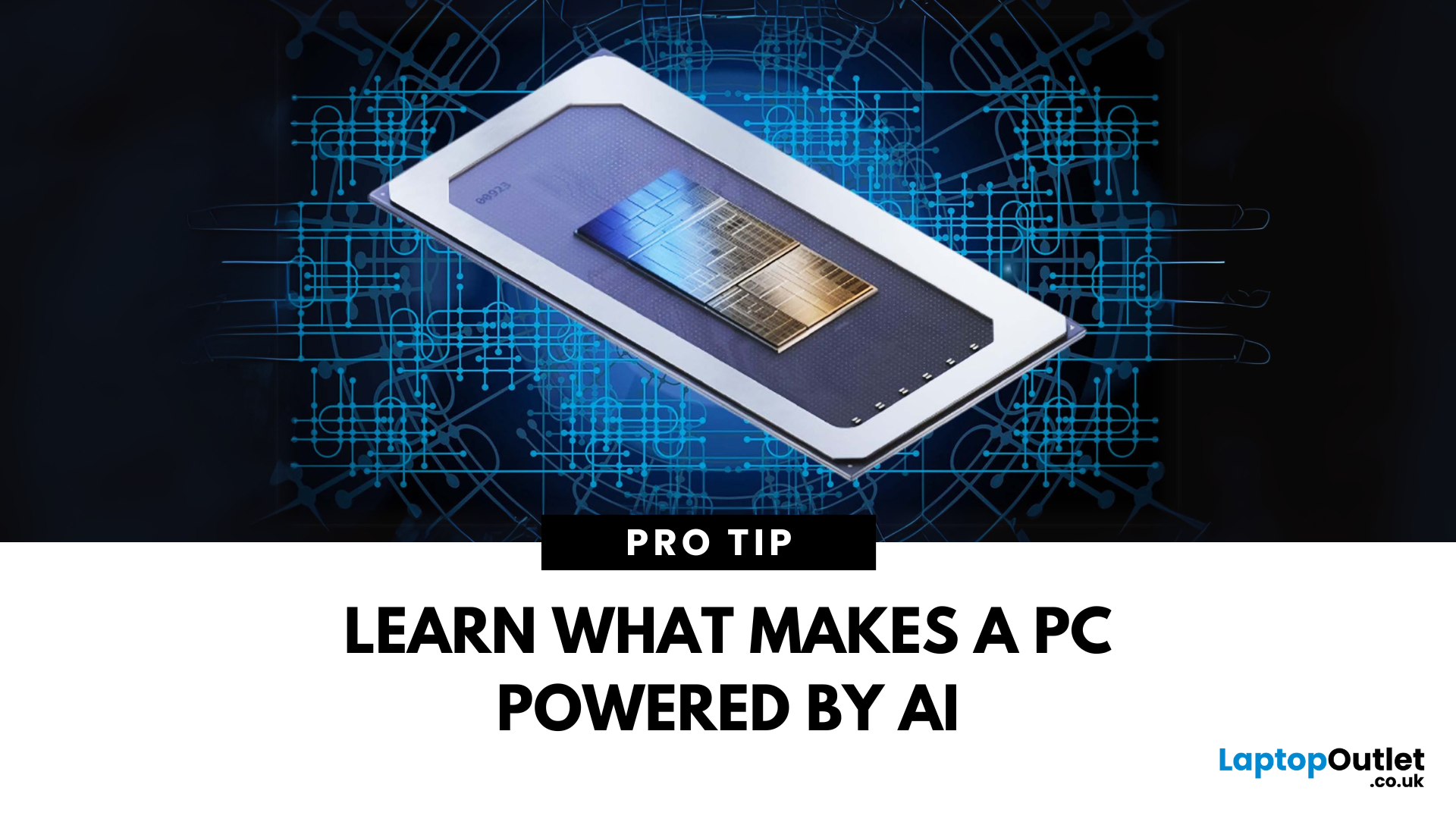
You’ve heard of AI in smartphones and smart homes—but now, AI PCs are becoming the next big thing. From smarter performance to predictive features, AI is transforming how laptops and desktops operate. Here’s everything you need to know about AI PCs and why they matter.
1. What Is an AI PC?
An AI PC is a computer that uses artificial intelligence technologies built directly into its hardware and software to:
- Optimise performance automatically
- Predict user behaviour
- Enhance multitasking and battery life
- Improve security and personalisation
Think of it as a computer that adapts to you, rather than you adapting to it
2. How Does an AI PC Work?
AI PCs use a combination of:
- Dedicated AI processors (like NPUs—Neural Processing Units)
- Machine learning algorithms to predict user needs
- On-device AI models that analyse data without needing the cloud
The result? Faster performance, smarter multitasking, and highly efficient energy use—all in real time.
Last Updated: May 20, 2025
A New Frontier of Artificial Intelligence
You’ve likely seen AI-generated images, videos, or even entire essays—but what powers this technology? Welcome to the world of Generative AI—an AI model designed to create content, not just analyse it. Here’s a beginner-friendly guide to what it is, how it works, and why it matters.
What Is Generative AI?
Generative AI refers to artificial intelligence systems capable of creating original content, including:
- Text (articles, emails, code)
- Images and art
- Videos and animations
- Music and voice
- Synthetic data and simulations
Unlike traditional AI, which analyses or classifies data, Generative AI produces new outputs based on patterns it’s learned.
How Does Generative AI Work?
- It uses machine learning models, often based on neural networks, to:
- Learn patterns from large datasets
- Understand structure (grammar, design, sound, etc.)
- Generate content based on prompts
Popular model types include:
- GPT (Generative Pre-trained
Last Updated: July 10, 2026
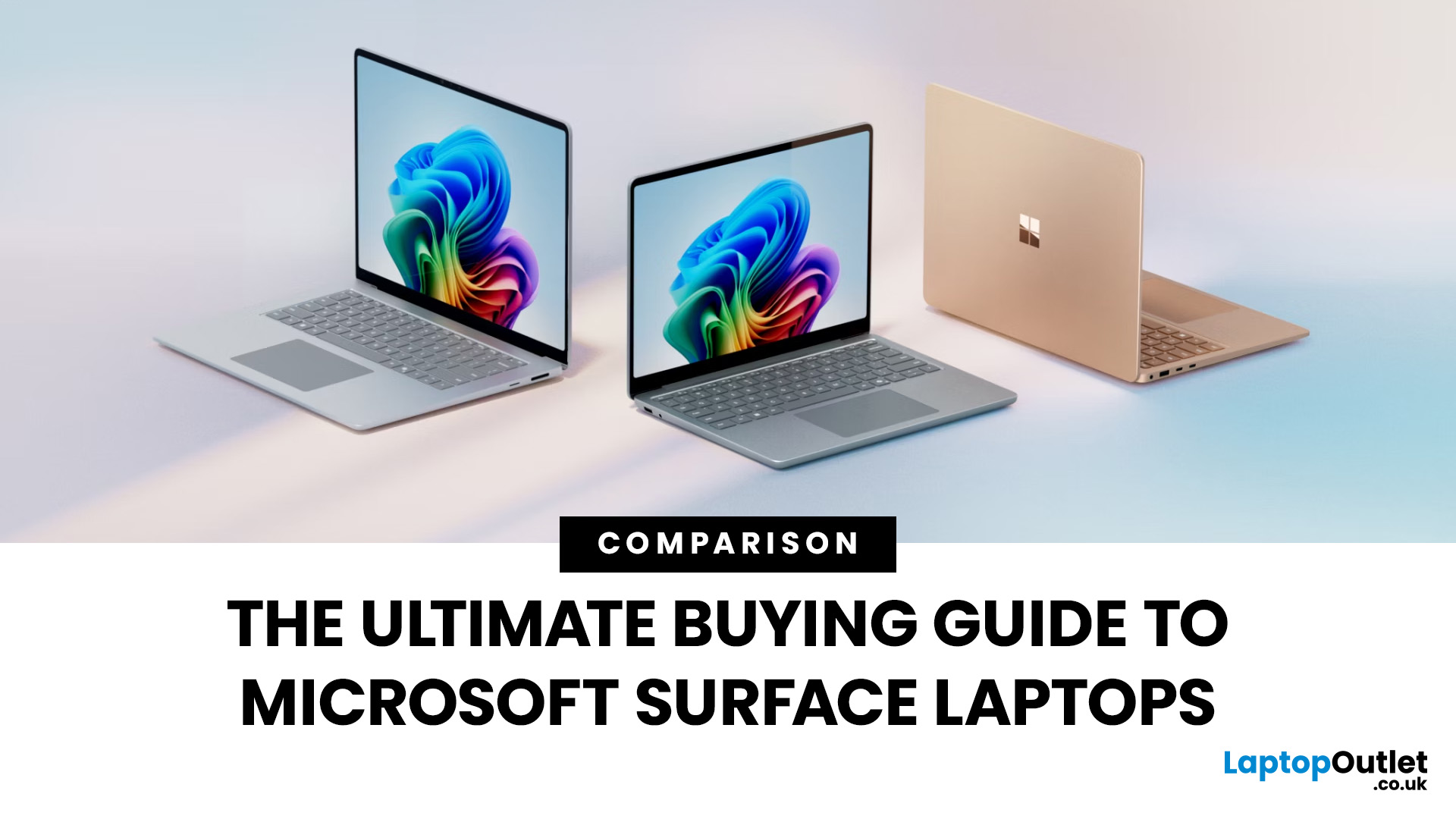
The Microsoft Surface Laptop series has redefined what modern laptops can offer, combining premium design, strong performance, and seamless integration with Windows. With so many models available, from the lightweight Surface Laptop Go to the powerful Surface Laptop Studio, buyers often ask: Which Surface is right for me? That’s where a Microsoft Surface Laptop Buying Guide becomes essential.
Surface laptops stand out for more than just portability and style. With the rise of Copilot+ PC Surface benefits, AI-powered features like Windows Recall and productivity tools make these devices more than laptops; they’re intelligent companions for work, study, and creativity.
Why Choose Microsoft Surface?
Microsoft Surface laptops have earned a reputation as premium devices that combine design elegance, reliable performance, and powerful software integration. For many buyers, the appeal of Surface lies in how seamlessly it blends hardware and software, something only a handful of manufacturers
Last Updated: May 05, 2026
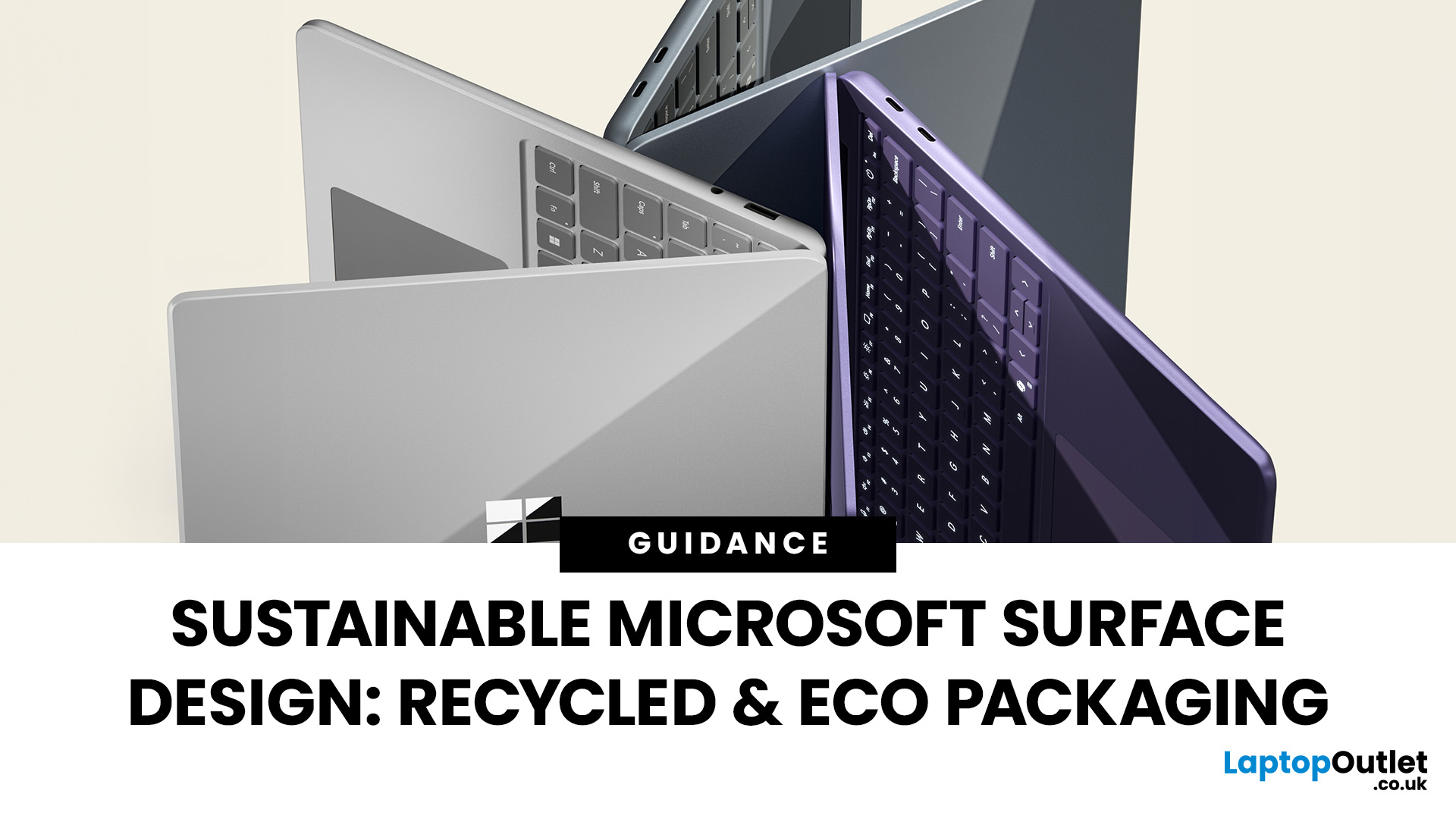
Microsoft is a performance-driven computing and an environmentally conscious technology. With growing awareness about climate change and resource conservation, sustainability is a necessity. Microsoft is reimagining its iconic Surface range to reduce environmental impact without compromising performance. This blog explores how Microsoft is shaping the future of sustainable laptop innovation, making Surface devices greener and more efficient than ever.
Microsoft’s Sustainability Vision for Surface Devices
Today, sustainable Surface Laptop design is central to the brand’s innovation. By focusing on recycled materials in Surface devices, eco-friendly laptop packaging, and ambitious Microsoft sustainability goals, the company is building products that balance power, portability, and responsibility. Whether you’re investing in a Surface Pro laptop with fast processors and 5G connectivity, or a Surface Laptop for everyday use, eco-conscious features are now part of the package.
The Bigger Picture:
Published: September 26, 2025
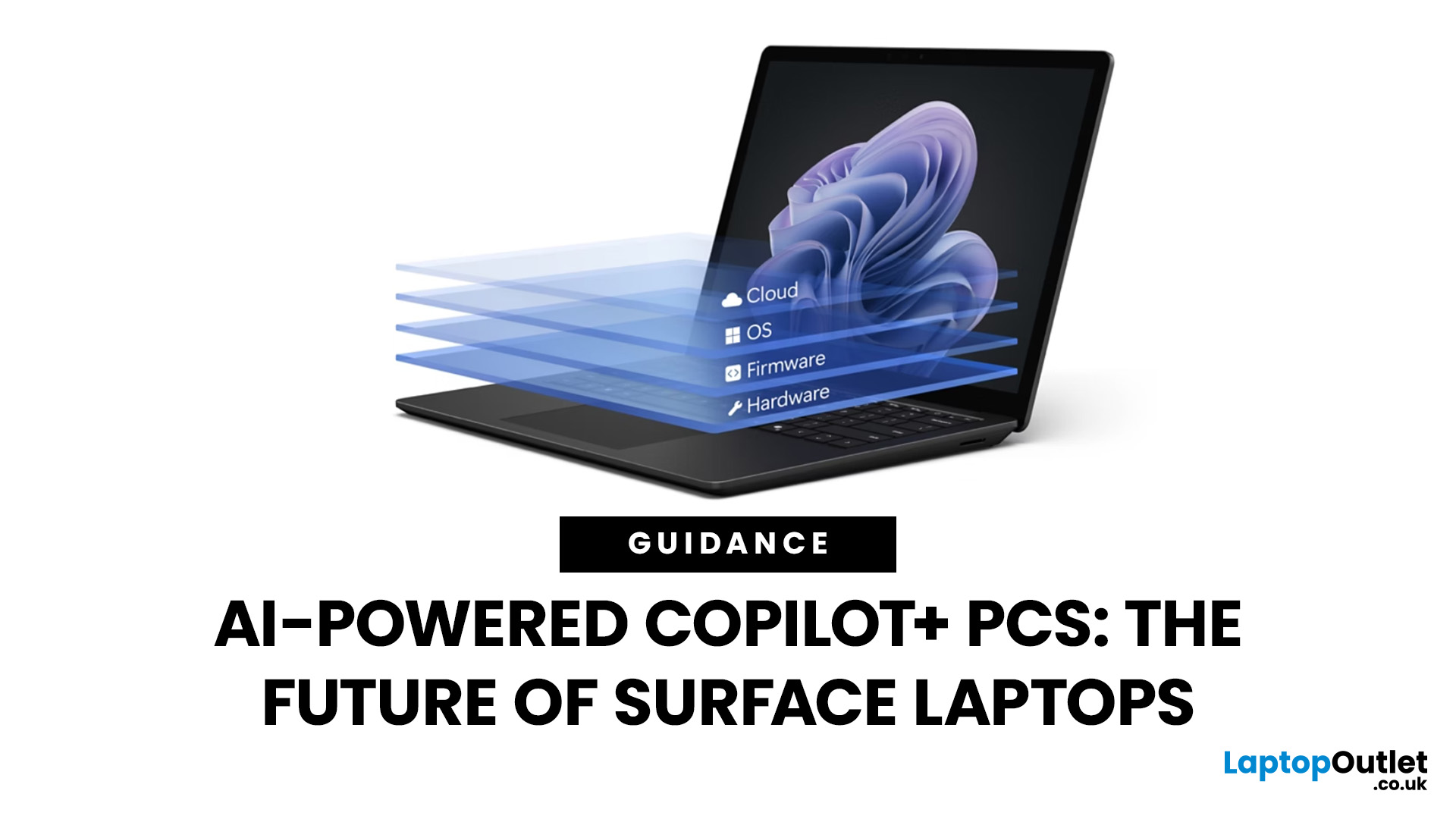
Artificial intelligence is no longer confined to data centres or specialised software - it has entered the very heart of personal computing. With the rise of Copilot+ PCs, Microsoft is redefining what a modern laptop can achieve by embedding advanced AI capabilities directly into everyday workflows. Unlike conventional machines, these devices are designed from the ground up to harness AI, powered by dedicated neural processing units (NPUs) and seamless integration with Windows 11.
Among the growing range of Copilot+ PCs, Microsoft Surface laptops stand out as the true flagships. Built to optimise productivity, creativity, and collaboration, they combine elegant design with cutting-edge technology, delivering features such as Windows Recall, Click to Do, and intelligent multitasking. Together with the Snapdragon X processor, Surface laptops provide unrivalled speed, efficiency, and battery life - all tailored for AI-driven performance. As a result, they are more than just laptops; they are
Last Updated: May 05, 2026
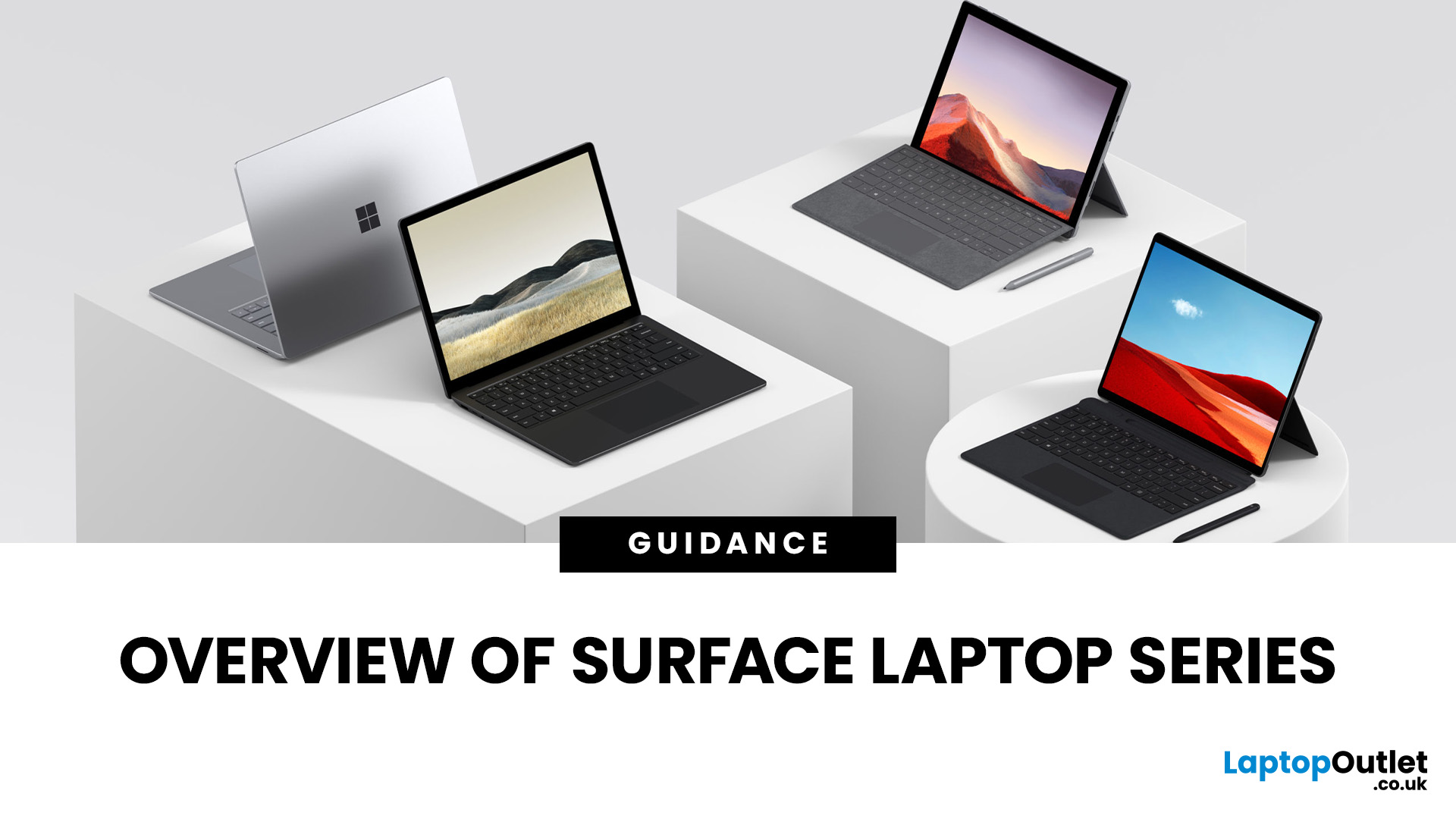
Finding the right laptop isn't always straightforward, especially when you're faced with the wide range of devices in the Microsoft Surface laptop series. Over the years, Microsoft has expanded this lineup to cover just about every type of user: students who want something light and affordable, professionals who need a reliable work machine, and even creatives who require the power of dedicated graphics.
In this guide, we'll explore the key models in the series: Surface Laptop, Surface Laptop Go, Surface Laptop Studio, and Surface Pro. You'll discover what makes each device unique, who they're best suited for, and what trade-offs to consider. By the end, you'll have a clear picture of which Surface laptop matches your lifestyle and budget.
What’s New & Key Trends in Microsoft Surface Laptop Series 2025
- Microsoft is pushing Copilot+ PCs: many Surface devices now include AI enhancements, on-device NPU (neural processing unit) capabilities, and Windows 11 Copilot features optimisations.

Last Updated: May 06, 2026
Microsoft’s Surface range has transformed how people view laptops, offering powerful devices that combine style, portability, and performance. This Surface laptop comparison will break down the strengths of each series, including Surface Laptop Studio vs Surface Pro, and Surface Laptop vs Laptop Go. We’ll also cover a Surface Laptop battery life comparison, so you can pick the device that matches your workflow. If you’re considering upgrading to a Microsoft touchscreen laptop, this guide will help you decide with confidence.
Why Compare Surface Laptops?
Matching Features to User Needs
Not all laptops are built for the same purpose. A student may need affordability and portability, while a designer may prioritise processing power and graphics. By comparing Surface models, you can align features like battery life, performance, and screen size with your everyday needs.
Future-Proofing Your Purchase
In 2025, Surface laptops are equipped with Intel Core Ultra and Snapdragon X Elite processors,
Last Updated: December 17, 2025
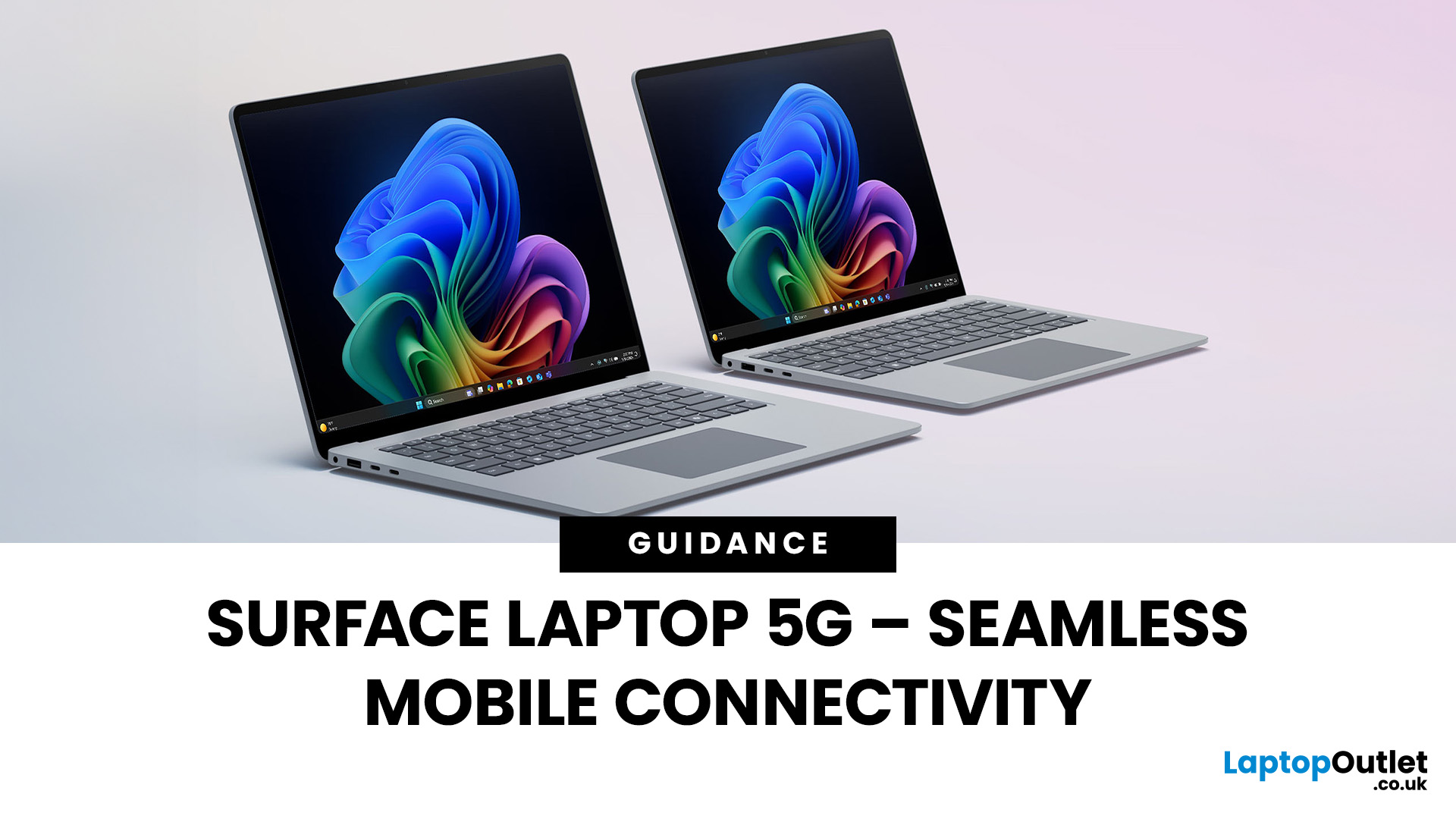
Do you want a device in hybrid setting? In 2025, staying connected is vital for mobile professionals balancing hybrid work, remote meetings, and cloud collaboration. The Surface Laptop 5G is designed to go beyond Wi-Fi, delivering Microsoft’s premium build with next generation 5G connectivity. With advanced Surface 5G modem specs, eSIM support, and the ability to act as a mobile hotspot, it ensures secure, high-speed internet anywhere. This guide covers everything from Surface 5G vs Wi-Fi performance to how these features enhance productivity for remote workers. If you want to buy Microsoft Surface laptops in 2025, the Surface Laptop 5G can redefine your experience, setting new standards for performance and business mobility in 2025.
Why 5G Matters for Professionals in 2025
The Evolution of Connectivity
For years, Wi-Fi has been the default for workplace and home internet. However, it struggles with limited coverage, interference in crowded areas, and security risks on public networks.
Last Updated: October 08, 2025
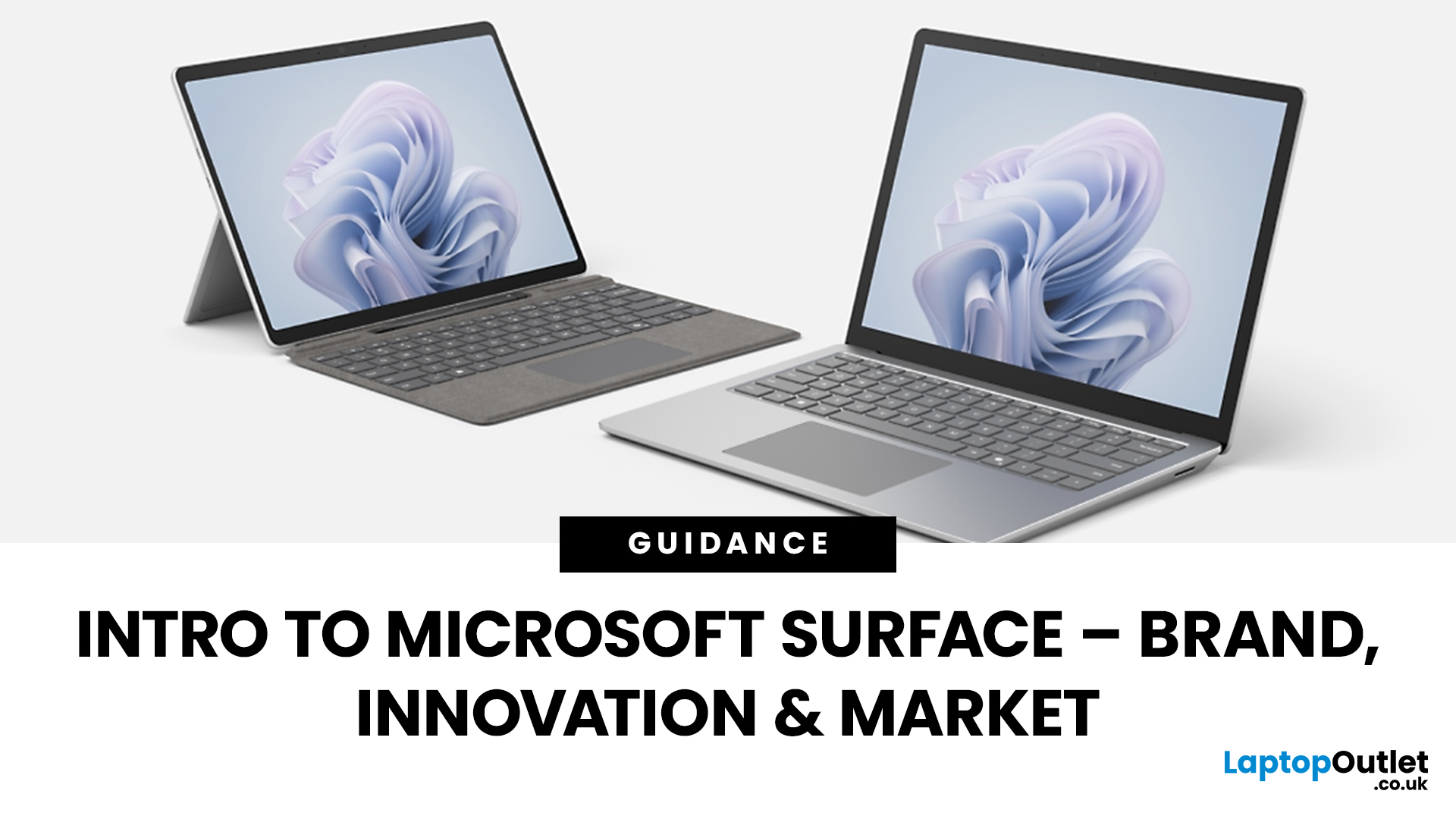
Since the debut in 2012, Microsoft’s Surface line has redefined the laptop and hybrid device market. Known for sleek design, advanced features, and seamless Windows integration, the Surface range has grown into a powerful competitor in both business and consumer segments. This Microsoft Surface brand overview explores the company’s innovation journey, the role of AI-powered laptops, how Surface compares to rivals like Apple MacBook, and its evolving market position in 2025.
Microsoft Surface Brand Overview
Why the Surface Brand Matters
The Microsoft Surface range has grown from a bold experiment in hybrid computing to one of the most recognisable names in premium laptops and 2-in-1 devices. In 2025, it represents not just sleek hardware but also a gateway to Microsoft’s wider ecosystem of AI-powered tools, Windows 11 innovations, and cloud services. From the ultra-portable Surface Go to the powerhouse Surface Laptop Studio, every device reflects Microsoft’s mission to balance design,

