



Top Free AI Apps That Work Offline

Something is reassuring about apps that don’t fall apart the moment your connection does. Whether you’re travelling, sitting on a long flight, or simply tired of apps that demand WiFi for every tiny task, offline AI tools feel like a breath of fresh air. They’re fast, private, and surprisingly capable, and the best part is that many of them are completely free.
Below are our best picks for the top AI apps you can rely on even when you’re fully disconnected.
Why Offline AI Apps Are Worth Keeping Around
Most AI features today rely on cloud servers, which makes them useless the moment your phone switches to airplane mode or you hit a dead signal zone. Offline AI apps bypass this problem by processing all the data directly on your device.
Here’s what that means for you in real life:
- Your work doesn’t pause when the network does.
- Your data stays on your device, not sent to remote servers.
- Responses are faster because nothing needs to be uploaded or downloaded.
- You avoid subscription fatigue, since many offline tools are free or open-source.
If you like having tools that work anywhere, even 30,000 feet in the air, offline AI is a huge win.
Free Offline AI Apps You Can Use Anytime
Here are some standout free tools (or with strong free versions) that deliver offline AI power:
1. GPT4All (text generation locally)
GPT4All is a lightweight, open-source tool designed for one thing: running language models directly on your computer. Once the model is downloaded, it works fully offline.
You can use it for writing, brainstorming, answering questions, summarising text, basically everything you’d normally use an AI chat tool for, but without sending a single word to the cloud.
Ideal for: Writers, students, privacy-focused users.
2. LM Studio (desktop offline chat + writing)
This app enables running large language models on desktop (Windows/Mac) locally with a user-friendly GUI. You download the model files ahead of time; then you’re offline.
Ideal for: Writers, coders or anyone who wants “ChatGPT-style” features without the cloud.
3. Local AI(Offline AI chatbot)
On Android at least, this mobile app promises “100% Offline: Chat without the internet. Your data stays on your device.”
Ideal for: Mobile-first users who want an AI companion on the go, even in aeroplane mode or rural areas.
4. Stable Diffusion (Offline Image Generation)
If you enjoy creating graphics or experimenting with AI art, Stable Diffusion gives you that freedom offline. After installation, it generates images directly from your device, eliminating the need for hardware uploads or servers.
You can generate portraits, logos, illustrations, or concept art without leaving airplane mode.
Ideal for: Designers, artists, marketers.
5. Whisper.cpp (Offline Speech-to-Text)
Whisper.cpp is a local version of OpenAI’s speech-to-text model. Once the files are downloaded, you can transcribe interviews, voice notes, meetings, or podcasts offline.
It’s incredibly useful if you record audio while travelling or working in places where internet access is unreliable.
Ideal for: Journalists, podcasters, students.
6. Llamao(Offline Mobile AI Assistant (works fully on-device)
Llamao runs its AI models directly on your phone, so once everything is downloaded, the app works without any internet at all. It’s built for quick chats, sharing ideas, and everyday assistance without sending any data to external servers.
Ideal for: Anyone who wants a clean, private AI companion that works smoothly in low-signal areas or during travel.
7. Layla (All-Purpose Offline AI for Daily Tasks)
Layla positions itself as a fully capable offline assistant that helps with reminders, planning, entertainment and general conversation - all processed on the device. No account, no cloud reliance, just straightforward offline AI support.
Ideal for: Users who want a versatile assistant that still works when WiFi drops, especially commuters and frequent travellers.
8. Privam(Privacy-Focused Offline AI)
Privam is built around one idea: your data should never leave your phone. The app processes everything locally and supports multiple languages with unlimited usage. Once installed, it doesn’t need a connection to function.
Ideal for: Privacy-conscious users who want absolute control over their conversations and prefer AI tools that stay 100% offline.
9. PocketPalAI (Simple Offline Chatbot for Everyday Use)
PocketPal AI offers a lightweight offline chat experience. Download the model once, and the app handles the rest without relying on any kind of network connection. It’s designed for quick answers, brainstorming, and small tasks on the go.
Ideal for: Students, travellers and mobile users who want an offline “chat partner” at all times.
10. Hillnote(Offline Note-Taking App With Built-In AI Help)
Hillnote blends a note-taking environment with local AI writing assistance. You can draft, edit and organise your notes even when completely offline, making it a practical workspace on the move.
Ideal for: Writers, professionals and researchers who want AI-powered note support without needing internet access.

A Quick Take Before You Go
If you’re tired of apps that freeze every time the signal dips, offline AI tools feel incredibly refreshing. They offer this reassuring sense of independence: your phone or laptop becomes capable on its own, not because it’s hooked up to a giant server in the sky, but because you hold the power locally.
These tools are practical. They’re private. They’re surprisingly powerful. And the best part? Many of them cost nothing to use. You download them, you take them with you, and they work whether you’re deep in airplane mode, on a long commute, or somewhere the internet still hasn’t caught up.
In a world that’s constantly online, having AI that still performs when everything else disconnects gives you freedom and control, and it turns your device into a genuinely helpful companion.
Whenever you’re choosing new tools, ask yourself a simple question:
“Will this still work when I’m offline?”
If the answer is yes, it’s probably worth keeping.

What Readers Often Want to Know
Which AI app can you use offline?
You can use several AI apps offline, including GPT4All, LM Studio, Local AI, Llamao, Hillnote, and PocketPal AI. These apps download their AI models directly to your device, so once everything is installed, they work without any internet connection.
Is it possible to use AI without an internet connection?
Yes, absolutely. As long as the AI model is stored on your device, it can run locally without needing a server. The only things you miss out on are online syncing or cloud-specific features, but the core AI tasks like chatting, writing, transcribing, and generating images can work perfectly offline.
Is there an offline ChatGPT?
There isn’t an official offline version of ChatGPT, but there are offline alternatives that offer a similar experience. Apps like GPT4All, LM Studio, and Local AI allow you to chat with AI models locally, giving you a ChatGPT-style assistant that doesn’t require a connection.
Is there a free AI without restrictions?
Yes. Many offline AI tools are free and have no usage limits because they run directly on your device.
Do offline AI apps protect my privacy?
Yes. Since everything happens on your device, your data isn’t sent to external servers. This makes offline AI a strong choice for users who want privacy, confidentiality, and full control over their information.
Do offline AI apps need powerful hardware?
Some do. Larger models may require a substantial amount of RAM or a powerful processor, especially on laptops. Mobile apps usually use smaller, optimised models that work smoothly on everyday phones. As long as your device can handle the model size, offline AI runs without issues.
| Read More: |
| AI Laptop Adoption 2025: Are Users Ready for On-Device AI? |
| AI Assistants at Work: Do Copilot and Gemini Actually Boost Productivity? |
| What Is Generative AI |
Related Articles

Last Updated: June 09, 2026
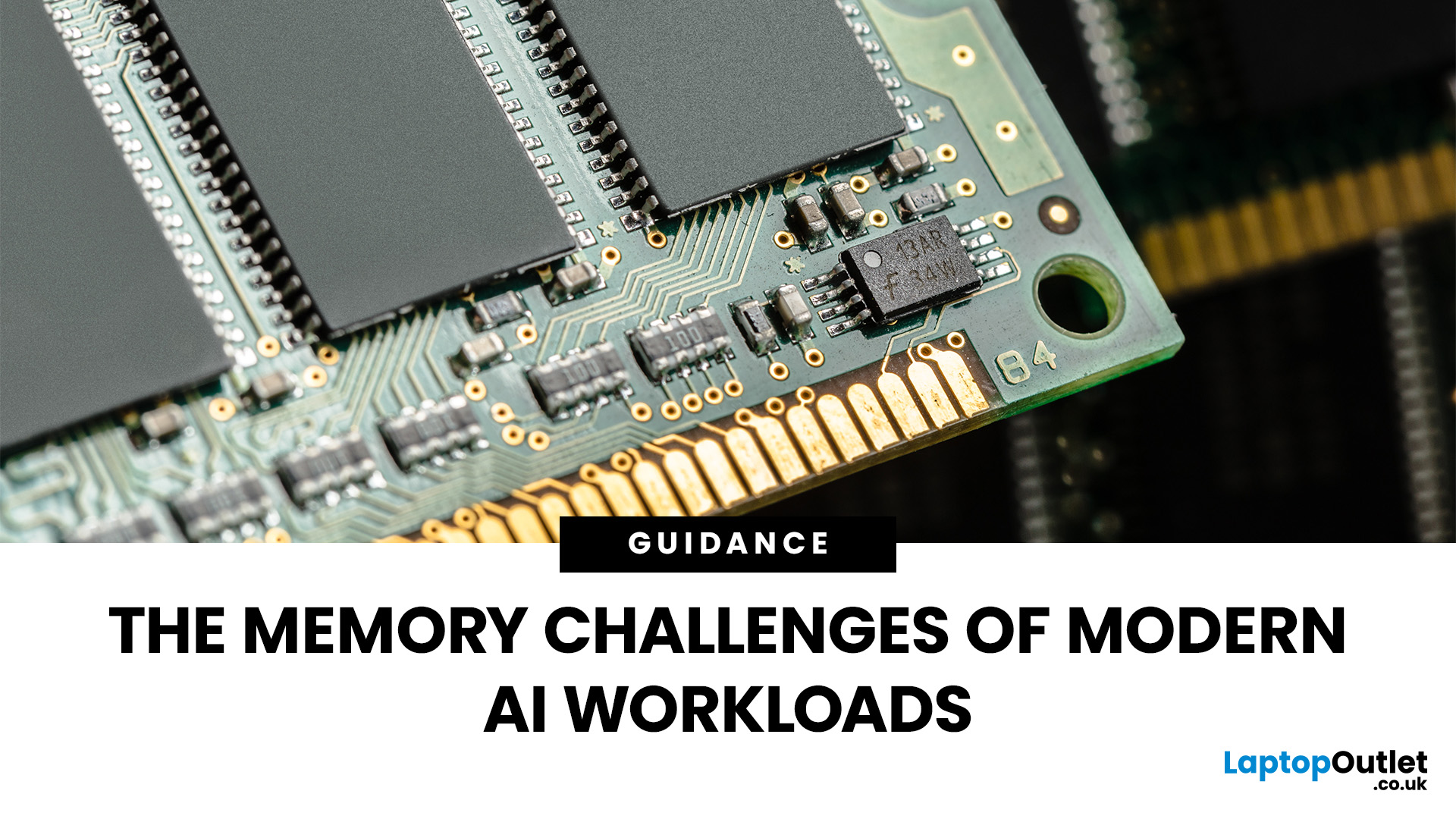
Imagine your brain trying to juggle not just numbers, but thousands of entire books at once; that’s what modern AI workloads are asking from compute systems. The models keep growing larger and more complex: trillions of parameters, expanding context windows, and sparse activation models like “mixture of experts” that selectively wake up parts of the network, but still demand fast memory access everywhere.
Even the most powerful GPUs and AI accelerators, loaded with teraflops of compute, can sit idle if the memory subsystem lags. Memory bandwidth and latency have become the real choke points. This bottleneck is often referred to as the “memory wall”: compute capability (FLOPs) has been increasing at a far faster pace than DRAM and interconnect bandwidth.
And there’s more: power, cooling, and cost. High-performance memory like HBM isn’t just expensive; it’s energy-hungry. The energy required to move data around often exceeds the energy needed for actual computation. When you add in dataset

Last Updated: December 23, 2025
The way we use our computers is changing faster than ever. For years, we’ve been told that artificial intelligence would transform the way we work, learn, and create and now those promises are becoming very real. If you’ve come across new features like the Surface Recall feature, Click to Do AI actions, or even the mysterious-sounding AI timeline navigation, you might be wondering what these things actually do. Are they gimmicks, or could they genuinely make your daily tasks easier?
Let’s take a deep dive into the new wave of AI tools built into Windows 11 and Microsoft’s latest Surface laptops, unpack what they mean, and explore why they matter. By the end, you’ll know not just what they are, but how to use them confidently and whether upgrading to an AI laptop is worth your time.
What is Recall, and How Does it Work?
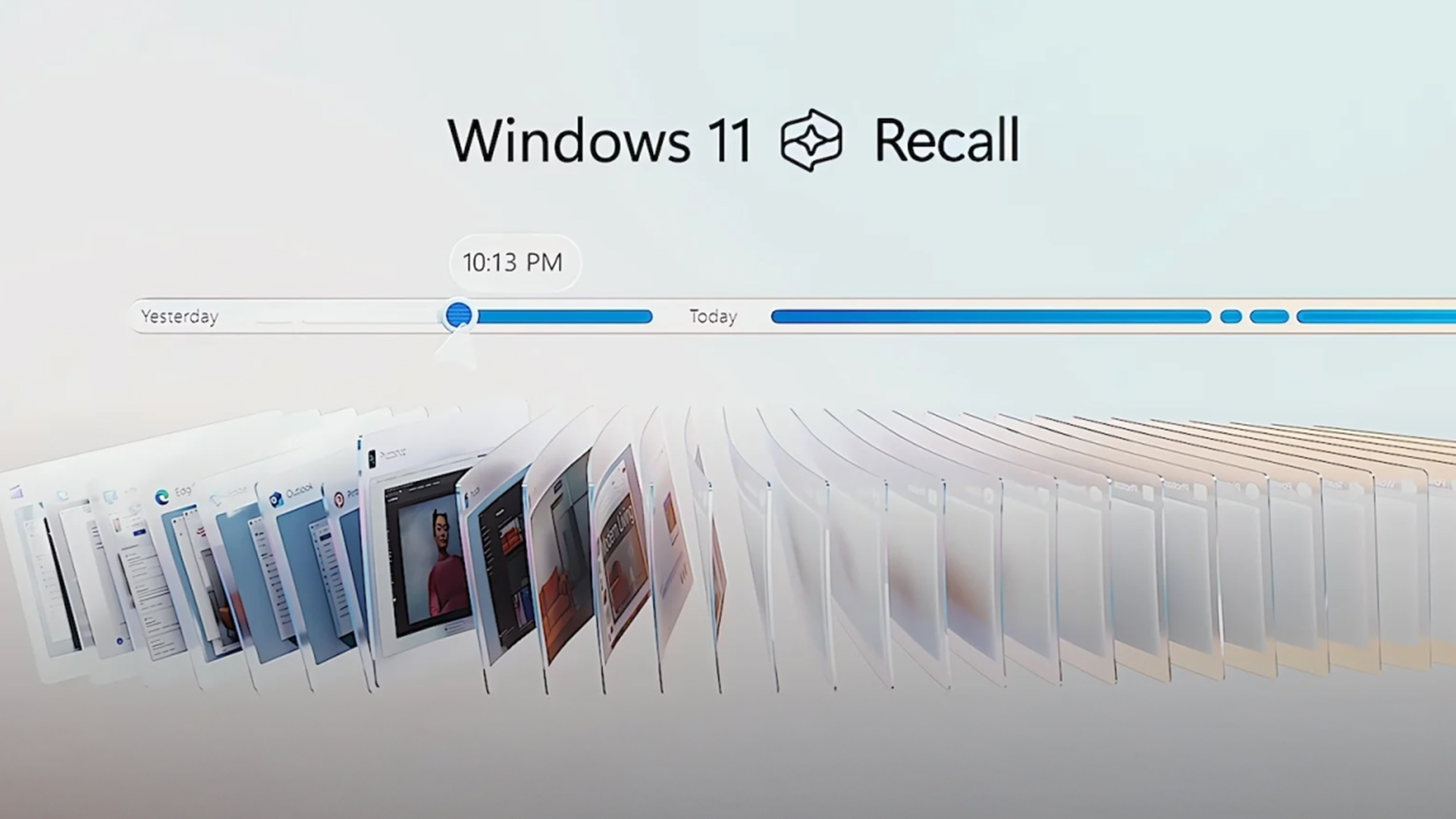
The Surface Recall feature is essentially Microsoft’s “photographic memory” for your PC. On devices that meet certain hardware requirements (Copilot+ PCs), Recall regularly

Last Updated: July 10, 2026
If you’re a student in 2025, chances are you’ve already heard about AI tools—ChatGPT, Gemini, Notion AI, and many more. But how do you pick the right ones for your studies, and more importantly: what kind of laptop will run them best? In this guide, we’ll explore a curated list of AI tools for students, and then deep dive into what AI laptop specs really matter for using those tools comfortably. Whether you’re writing essays, preparing presentations, doing research, or dabbling in machine learning, this post is for you.
Why Students Should Use AI Tools (But Wisely)

Before jumping into tools, let’s set the mindset:
- Save time on routine tasks. AI can help you create drafts, summarise articles, proofread, or generate study questions, freeing you to focus on understanding.
- Boost creativity & brainstorming. Stuck on how to start an essay or a project? AI can help you generate ideas or alternative angles.
- Personalised learning. Some AI platforms can adapt to your pace, identify weak spots,

Last Updated: October 06, 2025
Gaming laptops have come a long way from the bulky machines of a decade ago. Today, they’re not just slimmer and more powerful - they’re also smarter, thanks to the rise of AI frame generation. Technologies like NVIDIA DLSS 3/4, AMD FSR, and Intel XeSS are transforming how games run, letting laptops push out smoother frame rates without needing desktop-level power.
So what exactly does that mean for you? In short: higher FPS, better visuals, and the ability to enjoy demanding titles like Cyberpunk 2077 or Starfield on the go, without watching your laptop choke.
In this guide, we’ll break down how AI frame generation works, why AI gaming laptops are the future, and which models in 2025 are worth your money. Think of it as your roadmap to boosting FPS with DLSS, FSR, and beyond - all while keeping your gaming portable.
What Is AI Frame Generation?
At its core, AI frame generation is all about teaching your graphics card to do less, while making your games look like it’s doing more. Sounds

Last Updated: March 27, 2026
Business laptops are not what they used to be. Forget those chunky grey bricks you dragged to meetings — 2026 is all about AI business laptops. And no, that’s not just another bit of marketing fluff. These machines are actually smart enough to protect your files, stretch your battery, and even take meeting notes while you’re busy zoning out. If you’re running a business, freelancing, or just want a laptop that makes your workday less painful, let’s break down why these AI-packed beasts are worth a look.
What Makes a Laptop “AI Business Ready”?
Right, so what’s all this on-device AI about? In plain English: the laptop’s got extra brains built into it (NPUs and fancy processors) that don’t need the cloud to work. That means:
- Security features happen locally — no faffing about with servers.
- Productivity boosts are instant — your laptop reacts in real time.
- Less reliance on dodgy Wi-Fi — AI features still work offline.
So instead of just being “fast,” these laptops are clever too.
Why On-Device

Published: October 08, 2025
Why AI Editing is the New Creative Superpower
Back in the day, photo and video editing meant hours hunched over Adobe apps, manually tweaking every detail. Fast-forward to 2025, and AI has changed the game. Now, your laptop can generate hyper-realistic art in seconds, cut down video editing workflows, and even clean up footage automatically. But here’s the catch — with so many tools out there and specs to think about, diving into AI image & video editing can feel overwhelming.
What is AI Image & Video Editing, Anyway?
Simply put, AI image & video editing is when your laptop uses machine learning to handle tasks that normally take ages. That includes:
- AI Image Generation: Tools like Stable Diffusion, DALL·E, or MidJourney can create custom visuals, concept art, or even product photos just from text prompts.
- AI Video Editing: Think auto-cutting, background removal, colour correction, or even AI-generated B-roll clips. Apps like Runway, Adobe Premiere Pro’s AI tools, and DaVinci Resolve
Last Updated: April 08, 2026
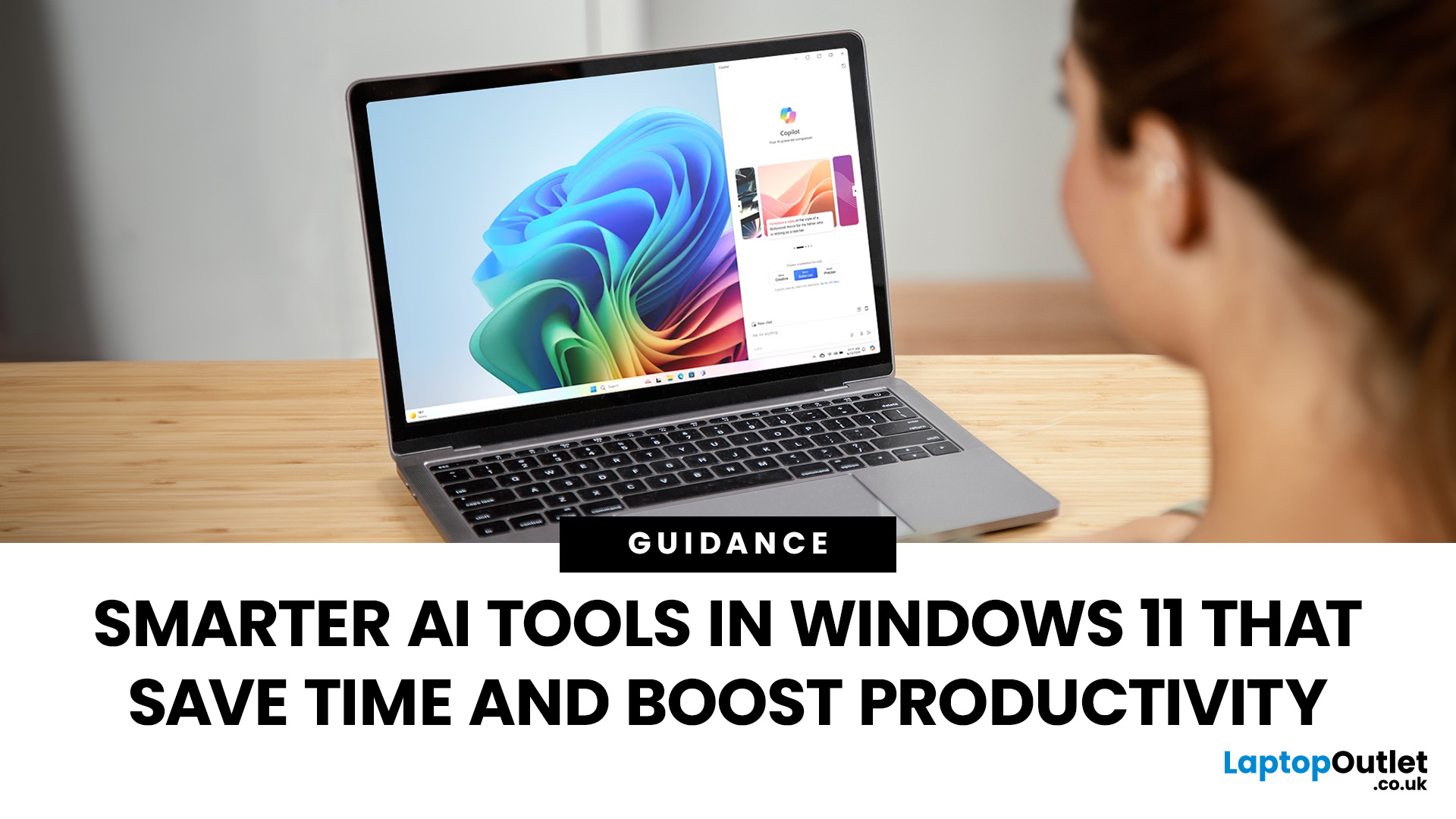
Remember when using a laptop was all about speed and specs i.e. faster processors, bigger storage, sharper screens? Those things still matter, but in 2025, the real game-changer is AI built directly into your PC. Microsoft’s new Windows 11 Copilot+ PCs are designed for exactly that.
Instead of just running apps faster, these laptops think alongside you. They can find files you barely remember creating, relight a photo as if you’re in a studio, or even recall what you were working on hours ago with a simple search. In short, they’re not just computers anymore - they’re collaborators.
In this post, we’ll dive into what makes Copilot+ special, unpack the latest AI tools in Windows 11, and show how customers can best benefit from these features.
What Makes a Copilot+ PC Different?
A Copilot+ PC is more than just a Windows 11 device. At its core is a Neural Processing Unit (NPU), a chip designed specifically to handle AI tasks. With this hardware in place, features like Recall and Windows
Last Updated: October 28, 2025
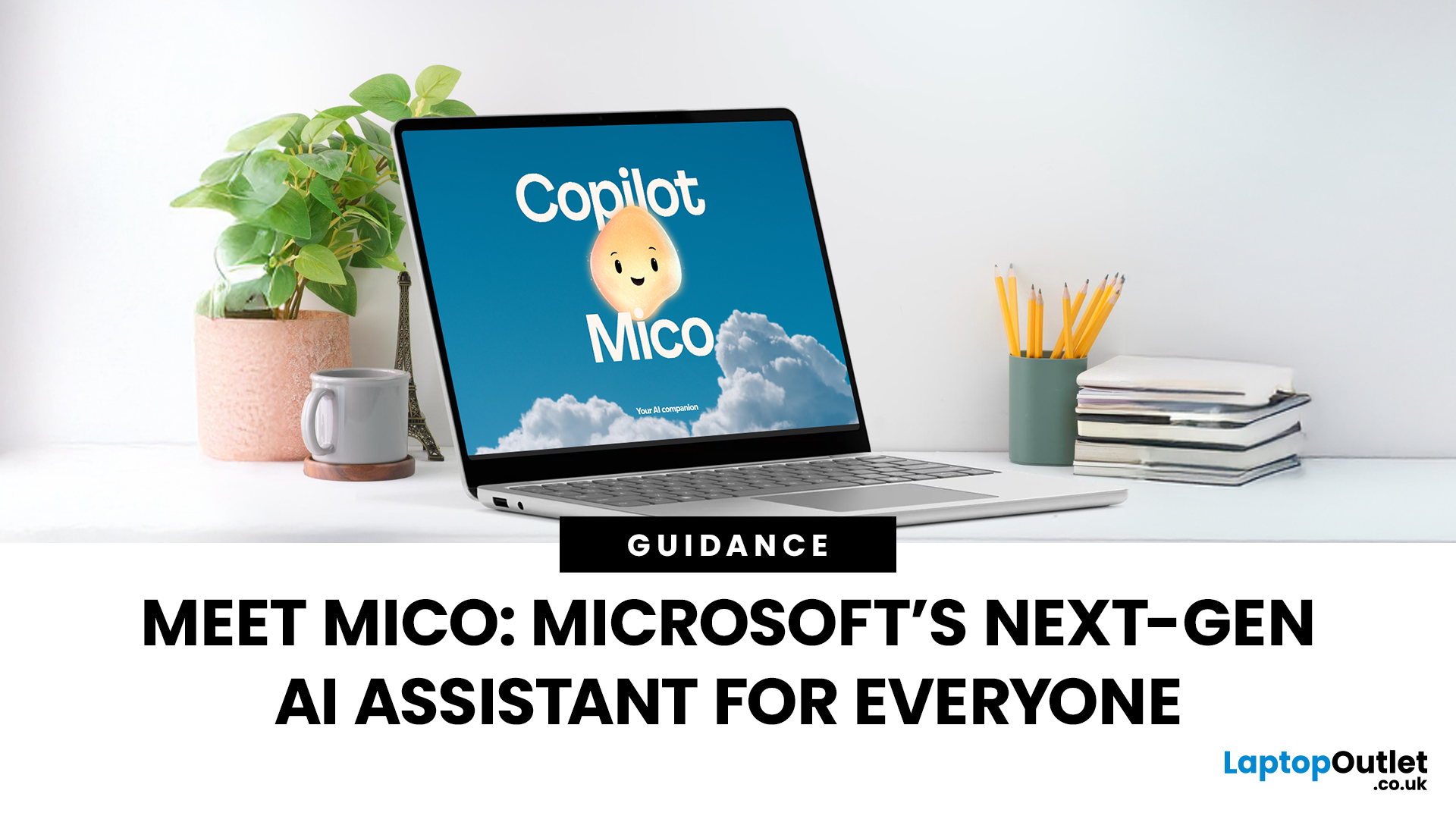
Meet Mico ... Microsoft’s brand-new AI companion that gives Copilot a friendly face and a touch of personality.
Mico isn’t just another chatbot. It’s designed to feel more human, to listen, react, and adapt to your mood and style. Whether you’re working, studying, or just having a chat, Mico aims to make your experience with technology warmer and more natural — almost like talking to a digital friend who actually gets you.
In this article, we’ll cover everything you need to know about Microsoft’s new AI companion, Mico - what it is, how it works, why it matters, and how it could change how you use your laptop.
What exactly is Mico?

Microsoft has quietly taken a big step in reshaping its AI assistant by introducing Mico, a more expressive, human-centred avatar for Copilot. Rather than simply another chatbot, Mico offers a visual character and voice interaction to make AI feel friendlier and more natural. According to reports, it “listens, reacts, adapts to your vibe” and changes colour

Last Updated: November 05, 2025
AI assistants are rapidly becoming part of our digital daily lives - helping with writing, searching, summarising, and smarter interfaces. Microsoft is no exception, offering its flagship assistant Microsoft Copilot and now introducing a newer companion named Mico. While they share purpose and technology, they are not exactly the same. Let’s explore what each one is, how they differ, when you might use one over the other, and what it means for users and organisations.
What is Microsoft Copilot?

Microsoft Copilot is Microsoft’s generative-AI assistant platform, built to integrate deeply into its software ecosystem (Windows, Microsoft 365, Edge, Bing) and to assist with productivity tasks, information gathering, content creation, and workflows.
Key capabilities
- It can summarise documents, draft emails or reports, generate content, analyse data in Excel, build slides in PowerPoint, and support meeting recaps in Teams.
- It is powered by large-language models (LLMs) and integrated contextual

Last Updated: November 07, 2025
Artificial intelligence is no longer something futuristic or far-fetched- it's here, quietly sitting inside your laptop, ready to help you work, create, and connect in smarter ways than ever before. The arrival of laptops with Google Gemini built in marks a turning point in personal technology. It's not just another upgrade; it's a complete rethink of how we use our computers.
Let's take a closer look at what makes these new machines so exciting, how they work, and why they're shaping the future of everyday computing.
Inside the New Laptops with Built-In Google Gemini AI
The phrase "built-in AI" might initially evoke visions of self-driving cars or robotics, but in the context of laptops, it means something more practical and immediate. You might have used Gemini through the web or mobile apps already, but what's new is that it's now built directly into laptops.
That means you don't need to open a browser tab or sign into a separate AI service. Gemini becomes an integral part of the

