



How to Sell or Trade In Your Old Laptop for the Best Price in the UK

Looking to sell or trade in old laptop in the UK and get the most cash for it? This guide covers everything you need to know, from checking your laptop's resale value and wiping your data safely, to choosing the right selling method and avoiding common scams. Follow these steps and you could put a healthy amount back in your pocket.
What Does "Selling vs Trading In" Actually Mean?
Before diving in, it's worth being clear about the difference. Selling your old laptop means listing it yourself and receiving payment from a buyer. Trading in means handing your device to a scheme or retailer in exchange for cash, credit, or a discount off your next purchase.
Both have real merit, and the right option depends on how much time you have, how much you want to earn, and what condition your laptop is in.
How Much Is Your Old Laptop Actually Worth?
The first question most people ask, “how much is my laptop.” The honest answer is: it depends on several factors, but there are reliable ways to estimate it before you commit to anything.
A general rule of thumb in the UK second-hand laptop market is that laptops lose around 20-30% of their value in the first year, then continue to depreciate steadily. However, premium brands and high-spec models retain value far better than budget machines.
What Factors Affect Your Laptop's Resale Value?
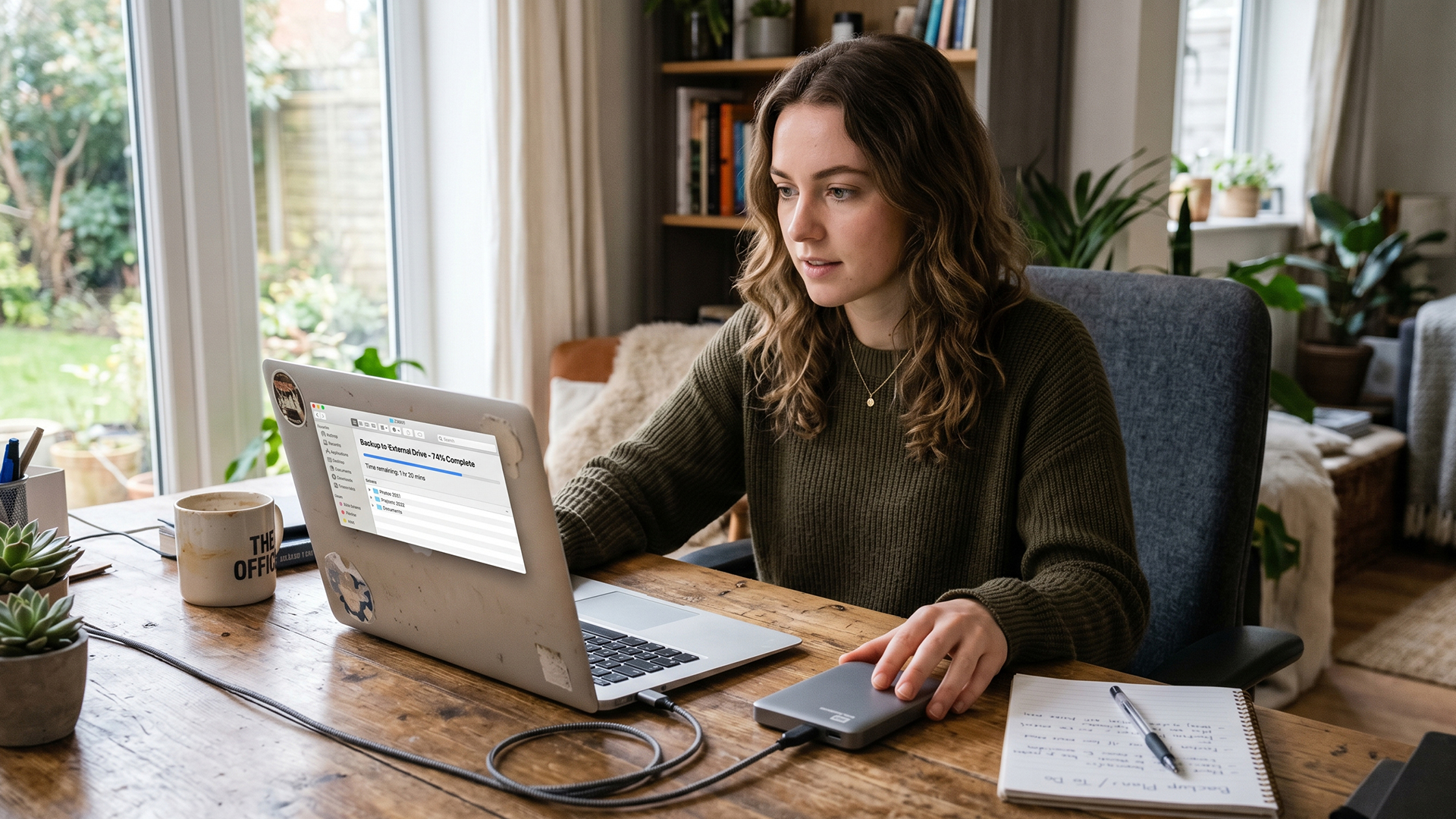
Understanding what drives the price is key to getting the best deal when you sell or trade in old laptop in the UK. Here are the main factors at play:
1. Brand and Model Reputation
Premium brands such as Apple MacBook, Dell XPS, Lenovo ThinkPad, and Microsoft Surface tend to hold their value better than budget alternatives. Well-known, trusted names attract more buyers and command higher prices in the used laptop market UK-wide.
2. Specifications
The internal hardware is one of the biggest price drivers. Here is what matters most:
- Processor: More recent and faster CPUs (Intel Core i5/i7/i9, AMD Ryzen 5/7) fetch higher prices.
- RAM: 8GB is a baseline in 2026; 16GB or more adds noticeable value.
- GPU: A dedicated graphics card matters greatly, particularly if you are looking to sell a used gaming machine.
- Display: Higher resolution screens (Full HD and above) and OLED panels add appeal.
3. Physical Condition
A well-maintained device can fetch 20 to 40% more than a scratched or battered one. Even small cosmetic issues like a chipped corner or a sticky key will reduce what buyers are willing to pay.
4. Battery Health
Battery degradation is one of the first things a savvy buyer will check. A battery holding 80% or more of its original capacity is considered acceptable. Anything lower puts buyers off or reduces your asking price.
5. Age and Windows 11 Compatibility
This is an important one in 2026. Windows 10 reached end of support in October 2025. If your laptop cannot run Windows 11 due to TPM 2.0 requirements, it significantly reduces its appeal and resale value on the used laptop UK market. Check whether your machine supports Windows 11 before setting your asking price.
6. Original Packaging and Accessories
Including the original box, charger, and any bundled extras can add real value. Buyers see a complete set as better cared-for, and it makes the whole transaction feel more professional.
Is Your Laptop Worth Selling or Should You Upgrade It First?
This is a question worth asking honestly. Sometimes spending a small amount upgrading your laptop before selling can return more in the sale price than the upgrade cost.
Common upgrades that boost resale value include adding more RAM, swapping a spinning hard drive for an SSD, and giving the exterior a thorough clean. If your laptop is already fairly old or the upgrades would cost more than the uplift in price, it is better to sell as-is and put that money towards your next machine.
If you do decide to upgrade, always factor in your time as well as cost. Some laptops make RAM and storage upgrades simple; others are sealed and make it near impossible.
How Do You Prepare Your Laptop for Sale or Trade In?
Preparation makes a real difference, not just to how much you get, but to how quickly it sells. A clean, well-presented laptop signals to buyers that it has been looked after.
Physical Preparation Checklist
- Clean the screen with a microfibre cloth (no household sprays)
- Remove dust and debris from the keyboard using compressed air
- Wipe down the chassis and palm rest thoroughly
- Check all ports are clear and functioning
- Fix any loose hinges if the repair is low cost and straightforward
- Gather the original charger and any accessories you have
A clean laptop genuinely sells for more. Buyers notice the difference between a machine that has clearly been cared for and one that has not.
How to Wipe Your Data Safely Before Selling an Old Laptop?
This is the most important step and one that must not be skipped. Failing to properly wipe your data could expose your personal files, saved passwords, banking details, and private documents to whoever buys your device.
A simple "delete all" or even a standard factory reset is often not enough. A proper data wipe involves overwriting the storage so that nothing can be recovered using data recovery tools.
For Windows 11 Laptops
- Go to Settings > System > Recovery
- Click Reset this PC
- Select Remove everything
- Choose Remove files and clean the drive (this performs a deeper overwrite, not just a basic reset)
- Let the process complete fully before the device changes hands
For traditional HDDs (rather than SSDs), consider also running a dedicated free data erasure tool after the reset to overwrite all sectors and make recovery effectively impossible.
For MacBooks (macOS Ventura / Sonoma / Sequoia)
- Sign out of iCloud, iMessage, and FaceTime first
- Go to Apple Menu > System Settings > General > Transfer or Reset
- Click Erase All Content and Settings
- Follow the prompts to completion
For Chromebooks
- Sign out of your account completely
- Press and hold Ctrl + Alt + Shift + R, then click Restart
- Select Powerwash on the screen that appears and confirm
- Do not sign back in; the next person to log in will be set up as the new owner
After any wipe, do a quick check by booting the device and confirming no personal data or accounts remain visible. Never ship or hand over a laptop without completing this step.
What Are Your Options for Selling or Trading In Your Old Laptop in the UK?
When you're ready to sell or trade in your old laptop in the UK, you have several routes available. Each comes with different trade-offs between ease, speed, and the amount you can realistically expect to receive.
1. Private Sale
Selling privately tends to yield the highest return because you set your own price and deal directly with buyers. The downside is that it takes more effort, and you need to be cautious about scams and time-wasters.
Expect to write a detailed listing, take good photos, answer questions, manage viewings or postage, and handle payments yourself. That said, for a laptop in good condition with desirable specs, the extra work often pays off well.
2. Trade-In Schemes
Trade-in programmes offered by retailers and manufacturers let you submit your device in exchange for a fixed cash value, credit, or a discount on your next purchase. The process is typically faster and more straightforward than a private sale.
The trade-off is that trade-in values tend to be lower than what you might achieve privately. However, if convenience is your priority or your laptop is older and in average condition, a trade-in can be an efficient route. Some schemes will even collect the device from your home.
3. Recycling and Buy-Back Services
Several dedicated electronics buy-back services in the UK will make you an offer based on the device you describe, then send packaging for you to post it in. Payment is usually made within a few days of receipt.
These services are particularly useful for older or faulty laptops that would be harder to sell privately. The offers are rarely top-dollar, but the process is fast and hassle-free.
4. Donating or Recycling
If your laptop is very old, faulty beyond repair, or simply not worth the effort of selling, donating it to a charity, school, or community organisation is a genuinely worthwhile option. Many organisations refurbish donated machines and pass them on to people who need them.
For completely dead laptops, look for a certified WEEE (Waste Electrical and Electronic Equipment) recycler. Putting electronics in general household waste is illegal in the UK and harmful to the environment.
Comparison: Which Option Is Right for You?
|
Method |
Potential Return |
Effort Required |
Speed |
|
Private sale |
Highest |
High |
Moderate |
|
Trade-in scheme |
Moderate |
Low |
Fast |
|
Buy-back service |
Low to moderate |
Very low |
Fast |
|
Donation / recycling |
None (value in goodwill) |
Very low |
Fast |
How Do You Price Your Laptop Correctly?

Getting the price right is one of the most common challenges when trying to sell or trade in laptop. Price it too high and it sits unsold; too low and you leave money on the table.
The best approach is to research comparable listings for the same model in similar condition. Look at what similar devices have actually sold for recently, not just what they are currently listed at. Listed price and final sale price are often quite different.
Tips for Setting the Right Asking Price
- Search for your exact model number alongside terms like "used," "second hand," or "for sale"
- Look at sold listings where possible, not just active ones
- Deduct value for missing accessories, battery issues, or cosmetic damage
- Add a small buffer above your minimum acceptable price to leave room for negotiation
- Be realistic: a five-year-old mid-range laptop is not worth the same as a two-year-old premium model
If you are going through a trade-in or buy-back service, use multiple services to compare quotes before accepting. Prices can vary significantly between schemes for the same device.
How Do You Write a Laptop Listing That Actually Sells?
If you are selling privately, the quality of your listing makes a real difference to how quickly you sell and at what price. Buyers make quick judgements, so you want your listing to answer their questions before they even ask.
What to Include in Your Listing
- Full model name and year (e.g., "Dell XPS 15 9510, 2021")
- Processor (e.g., Intel Core i7-11800H or AMD Ryzen 7 5800H)
- RAM (e.g., 16GB DDR4)
- Storage (e.g., 512GB NVMe SSD)
- Screen size and resolution (e.g., 15.6", 1920x1080 FHD)
- Battery health (if on a Mac, you can check cycle count; on Windows, run powercfg /batteryreport in Command Prompt)
- Operating system (Windows 11 Home / Pro, macOS version)
- Condition description (be honest and specific about any flaws)
- What is included (charger, original box, etc.)
- Reason for selling (optional, but builds buyer confidence)
Photography Tips for Your Listing
Good photos are arguably as important as your description. Take pictures in natural light if possible, against a plain background. Include shots of:
- The laptop open, showing the screen and keyboard
- The chassis from above and below
- Each side showing the ports
- Any cosmetic flaws, clearly visible (honesty here builds trust and prevents disputes)
- The charger and any included accessories
Blurry or dark photos instantly reduce perceived value. A minute or two of effort here can genuinely add to your final sale price.
How Do You Stay Safe When Selling a Laptop Privately?
Selling privately carries risks if you are not careful. Scams targeting second-hand electronics sellers are unfortunately common in the UK, and being aware of the red flags could save you significant stress and money.
Common Scams to Watch Out For
- Overpayment scams: A buyer sends a cheque or bank transfer for more than the asking price, then asks you to refund the difference. The original payment then bounces or is reversed.
- Fake payment confirmation emails: Scammers send doctored screenshots or emails claiming payment has been made. Always confirm funds have cleared in your actual bank account before posting anything.
- Courier scam: Buyer insists on using "their own courier" and asks you to pay a courier fee upfront, which they claim to reimburse. They never do.
- Return fraud: A buyer receives a legitimate item, then claims it is faulty and returns a broken or different laptop in its place.
- Too-good-to-be-true interest: If a buyer is unusually eager, does not ask any questions, and pushes for a quick transaction, be cautious.
Staying Safe: Practical Tips
- Always meet in a public place for cash transactions (many UK police stations offer "safe exchange" zones specifically for this purpose)
- For posted sales, use tracked, signed-for delivery and insure the parcel for its full value
- Accept payment via bank transfer or verified payment platforms only; avoid accepting cheques from strangers
- Confirm funds have fully cleared before posting
- Take photos of the item before sealing and posting it
- Keep all records of the transaction including messages and receipts
Does the Time of Year Affect How Much You Can Get?
Yes, it genuinely does. The second-hand laptop market in the UK has seasonal patterns worth knowing about.
Demand for used laptops typically peaks in late August and September (back to school and university season) and again in November around Black Friday. Conversely, demand tends to be softer in January and February as people recover from Christmas spending.
If you have flexibility, timing your sale for late August or November can realistically put an extra 10-15% in your pocket compared to selling during a quiet period.
What About Laptops That Are Faulty or Not Turning On?
Looking to sell a broken laptop? You can. Faulty devices are sought after by repair shops, hobbyists, and parts-sourcing services. You will not get as much as for a working machine, but you should still be able to recoup something rather than nothing.
When listing a faulty laptop, be very specific about the fault. Describe exactly what happens (or does not happen) when you try to turn it on. Buyers for faulty machines are usually technically minded and appreciate detailed, accurate descriptions far more than vague terms like "needs repair."
Some dedicated buy-back services specifically cater to faulty electronics, and these can be a convenient route if the device is completely non-functional.
A Quick Summary: Steps To Sell or Trade In Old Laptops for Cash
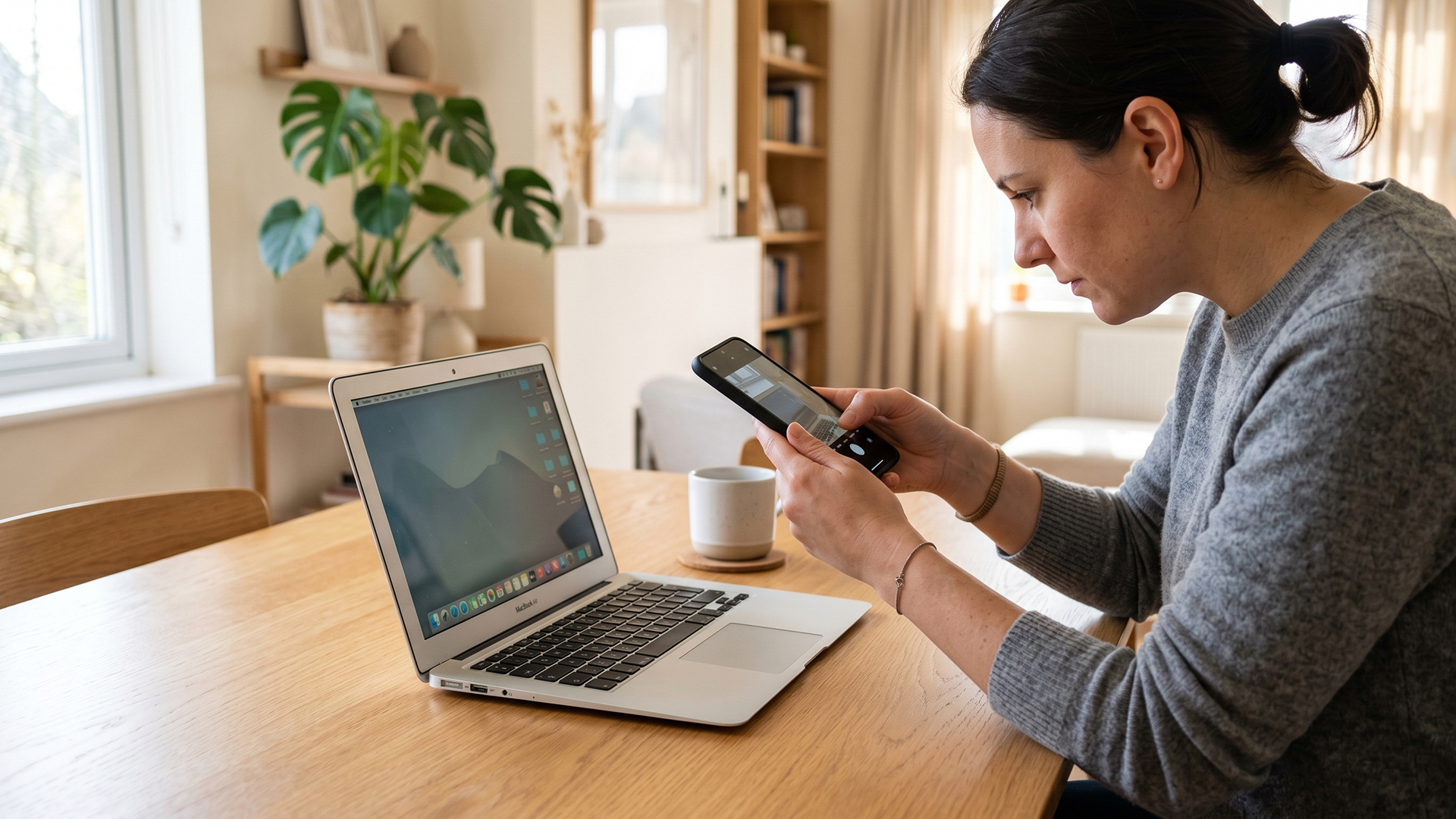
Here is the overview of the laptop sale and trade in process in the UK:
- Assess your laptop -- check specs, condition, and battery health
- Research the value -- look at comparable sold listings to set a realistic price
- Decide your route -- private sale, trade-in, buy-back, or recycle/donate
- Prepare the device -- clean it thoroughly and gather accessories
- Back up your data -- use an external drive or cloud storage
- Wipe the device -- perform a full secure data wipe, not just a standard reset
- Write a strong listing or submit a trade-in -- be accurate, detailed, and honest
- Transact safely -- use secure payment methods and be alert to scams
- Post securely -- tracked, insured delivery for posted sales
- Use the proceeds wisely -- put the money towards your next upgrade
Thinking About What to Buy Next?
Once you have sold your old laptop and have some cash or credit to use, the good news is that you do not have to spend a fortune on your next machine.
If you are open to a pre-owned device, quality refurbished laptops offer excellent value for money, often coming with warranties and professionally tested hardware at a fraction of the new price. Laptop Outlet offers a wide range of graded and refurbished machines across all price points.
For creatives and professionals who want the latest sleek hardware, Samsung laptops for work such as the Galaxy Book series combine performance and portability at competitive prices.
If you are a gamer ready to upgrade, check out the latest selection of top gaming laptops with dedicated GPUs, high-refresh-rate screens, and powerful processors to handle the most demanding titles.
And if budget is your priority, it is always worth browsing the best offers on laptops to find a great deal whether you are after new, refurbished, or open-box stock.
Before you hit "buy" on that new laptop, check out our latest tips on smart ways to save money when buying a laptop in the UK.

Sell, Save, and Upgrade
The UK market for used laptops is active and buoyant in 2026, which means there is genuine demand for well-presented second-hand machines at fair prices. If you want to sell or trade in your old laptop in the UK and get the best return, the most important things are honest presentation, proper data security, and choosing the right selling method for your situation.
Once you are ready to upgrade, take the time to explore what is available before spending your proceeds. From powerful refurbished business machines to the latest performance hardware, the right laptop for your needs is out there at a price that makes sense.

What Every Seller Asks...
What is the best way to trade in a laptop in the UK?
Compare quotes from multiple UK buyback services, choose the highest offer, post your device free of charge, and receive payment within 24 to 72 hours.
How much can I get for selling my old laptop in the UK?
It depends on the brand, age, specs, and condition, but most used laptops sell for between £50 and £500 in the UK market.
What is the best time of year to sell a laptop in the UK?
Late August to September and November around Black Friday tend to produce the highest demand and best prices for used laptops.
Does a faulty laptop have any resale value?
Yes, faulty laptops can still be sold for parts or repair. Be specific about the fault in your listing to attract serious buyers.
What information should I include when listing a laptop for sale?
Include the full model name, processor, RAM, storage, screen size, battery health, operating system, condition, and what accessories are included.
How do I check my laptop's battery health before selling?
On Windows, run powercfg /batteryreport in Command Prompt. On a MacBook, check the cycle count under System Information.
What are the steps to sell old laptops for cash in the UK?
Check the resale value, clean and photograph the device, wipe your data securely, list it or request a buyback quote, then confirm payment before handover.
How does the laptop trade-in process in the UK work?
You submit your laptop's details online for an instant quote, post it to the buyback service for free, and receive payment once the condition is verified.
Related Articles


Last Updated: May 01, 2026
Streaming accounted for over 38% of total TV and video consumption globally last year, overtaking traditional viewing for the first time. That means more people are now watching films on laptops, tablets, and personal screens than ever before, not TVs.
But here’s the problem: most laptops aren’t actually built for a good viewing experience.
You can open the same film on two different laptops and get completely different results. On one, colours look rich, scenes feel immersive, and everything flows smoothly. On another, the image feels dull, brightness struggles in daylight, and the whole experience falls flat - even if the specs look similar on paper.
That’s where most buyers get caught out. Terms like “Full HD,” “OLED,” or “high brightness” sound impressive, but they don’t always translate into a better streaming experience. Many people end up choosing based on performance or price, while overlooking what actually matters for watching films.
This guide breaks that down clearly - focusing

Last Updated: May 01, 2026
By the end of 2025, buying a laptop had become a bigger decision than ever. Global PC shipments climbed to more than 270 million units in 2025, with the final quarter alone reaching 71.5 million units.
On the surface, that sounds like good news: more innovation, more models, more choice. But for buyers, it also means more noise. Bigger spec sheets, bolder marketing claims, AI-ready labels everywhere, and a growing chance of paying for power you do not need or missing the features you actually do.
That is what makes choosing a laptop in 2026 tricky. The best option is not always the most expensive, the most powerful, or the newest on the page. It is the one that fits the way you work, study, stream, create, or game without compromise.
This guide cuts through the clutter and helps you choose with confidence. So, get yourself ready to buy the laptop you are looking for.
How to Choose the Right Laptop in 2026
If you want the quick answer, here’s how to choose the right laptop without overthinking

Last Updated: June 11, 2026
Choosing the best laptops for teachers in the UK is not about chasing the highest specs or the most expensive model. It is about finding a device that aligns with the realities of teaching. That means smooth multitasking for lesson planning, marking, presentations, browser-based platforms, video calls, and the everyday admin that comes with school life. A good teacher's laptop should feel reliable from the first lesson of the day to the last task in the evening.
In 2026, teachers need more from their laptops than ever. Hybrid working, online meetings, digital classroom tools, and resource-heavy workflows have made performance, portability, and practicality far more important than they used to be. For most buyers, the right choice comes down to a balance of speed, battery life, screen size, webcam quality, and the ports that still matter in real classrooms.
This guide focuses on laptops that make sense for teachers in the UK today. Whether you need a lightweight everyday device for commuting,
Last Updated: May 19, 2026
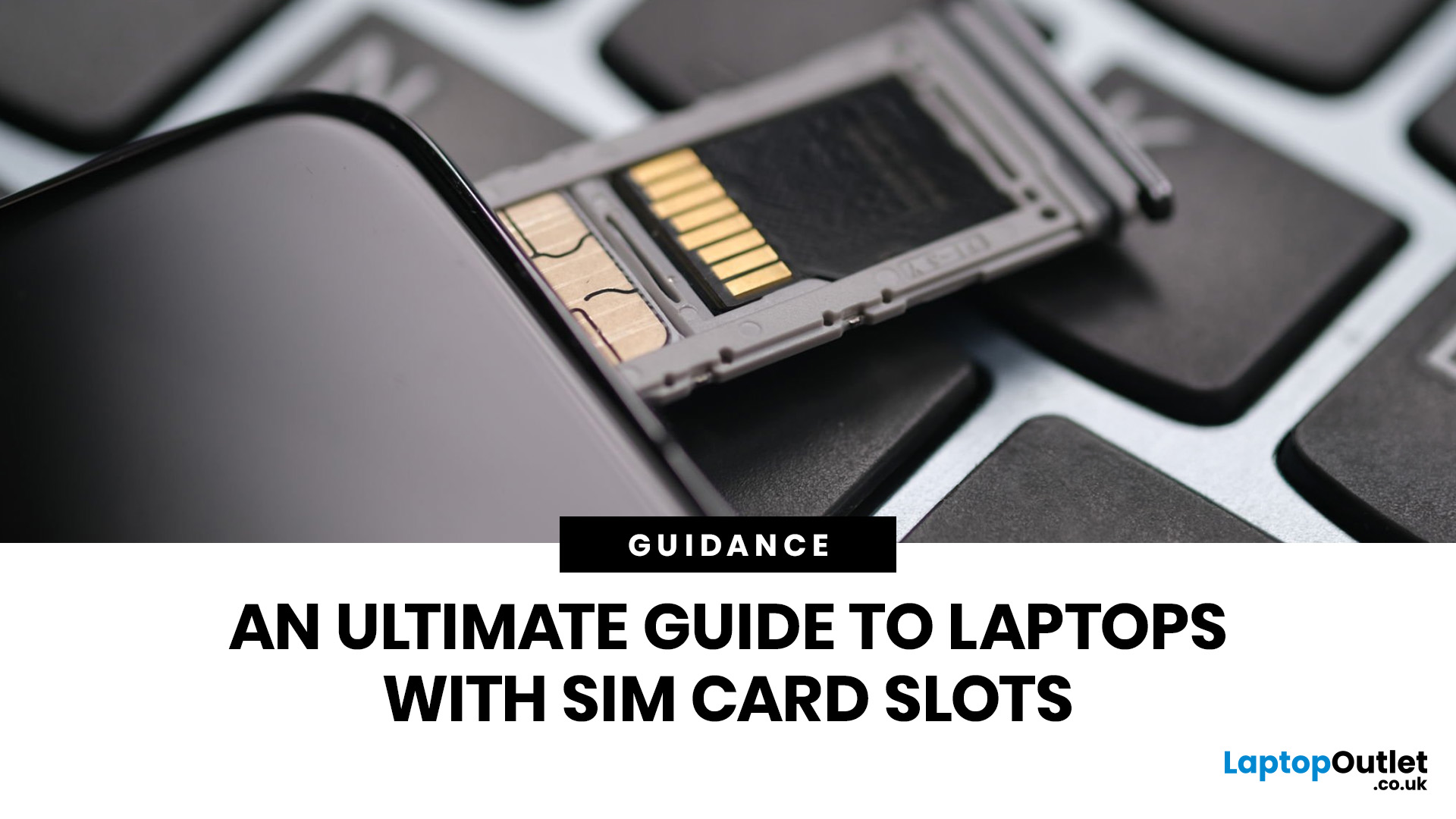
Staying connected wherever you go is no longer a luxury, it’s a necessity. Whether you’re working remotely, travelling frequently, or simply want a more reliable connection than public Wi-Fi, laptops with sim card slot capabilities are becoming an increasingly popular choice in 2026. If you’re considering making the switch to a laptop with built-in mobile internet, this guide will walk you through everything you need to know, from how they work to the key differences between 4G and 5G models, and who should be using them.
What are Laptops with SIM Card Slots?
A laptop with sim card functionality allows you to insert a SIM card directly into your device, giving you access to mobile data networks, just like your smartphone. These are often referred to as laptops with built-in mobile internet or cellular laptops.
Instead of relying solely on Wi-Fi, these devices connect to 4G LTE or 5G networks, ensuring you stay online wherever there’s mobile coverage. You’ll commonly find this feature

Last Updated: October 16, 2026
The best laptops for AutoCAD in 2026 need the right balance of processing power, RAM, graphics performance and storage. However, the ideal specifications depend on whether you're creating simple 2D drawings, developing detailed 3D models or working with complex engineering projects.
You don't necessarily need an expensive workstation for basic drafting. Equally, a standard everyday laptop may struggle with demanding architectural designs and larger CAD files.
We've selected 10 laptops for CAD and AutoCAD, covering different performance levels, working requirements and budgets to help you make an informed decision.
What Laptop Specs Do You Need for AutoCAD in 2026?
Autodesk recommends 32GB RAM and an 8GB graphics card for AutoCAD 2026 on Windows, although lighter tasks can run on less powerful hardware. For larger datasets, point clouds and advanced 3D modelling, requirements can increase further.
Here are the main specifications to consider:
- Processor (CPU): Strong single-core performance

Published: April 14, 2026
Remote work is no longer a temporary perk. In 2026, it has become a steady work pattern for many UK employees, and the laptop has effectively turned into the main workplace tool, meeting room, and travel companion rolled into one.
That shift is changing what people prioritise when they buy. Price still matters, but buyers are more likely to pay for reliability, better video-call hardware, stronger security, and a setup that works just as well at home as on the train.
Hybrid Work is Pushing Standards Up, Not Down
UK hybrid working is best understood as a long-term rebalancing rather than a short-lived trend. In Great Britain, the Office for National Statistics has shown how hybrid working varies across demographic groups, reinforcing that it is embedded unevenly but persistently across the workforce rather than disappearing.
Employer practice points in the same direction. The CIPD’s research on flexible and hybrid working practices reports that a large share of organisations have hybrid

Last Updated: July 03, 2026
For most developers, the best machine is not necessarily the most expensive one. It is the one that keeps up with your workflow, feels comfortable to use for hours at a time, and still makes sense a few years down the line.
That matters even more in 2026. Modern development work is heavier than it used to be. A typical day might include an IDE, a browser with far too many tabs open, Docker, a local database, Slack, video calls, design files, and maybe a virtual machine or AI-assisted tools running in the background. A laptop that feels fine on paper can start to struggle surprisingly quickly once real work begins.
This guide is designed for a UK audience looking for a dependable laptop for software development, whether you are a student, a junior developer, a freelancer, or a full-time engineer replacing an ageing machine. Given below are top 10 laptops for programming and coding 2026:
1. ASUS Zenbook 14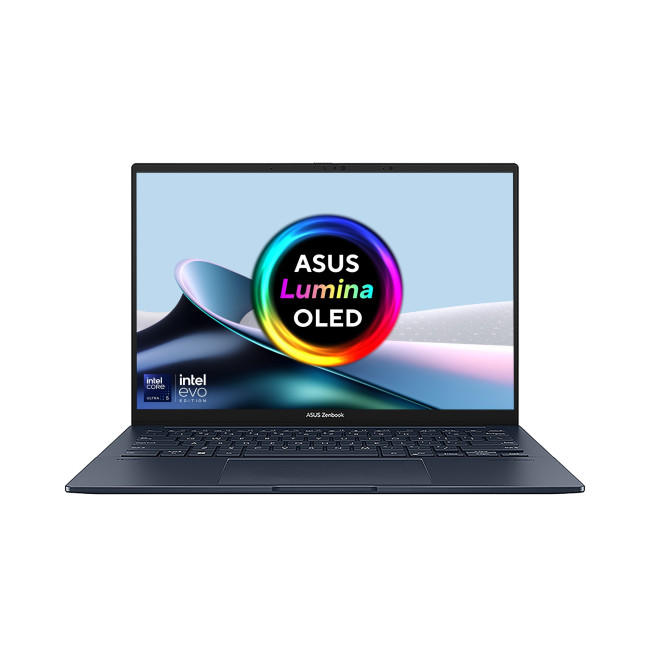
Technical Specs:
- Intel Core Ultra 5 225H 14-Core Processor
- AI Ready Laptop
Last Updated: September 24, 2026
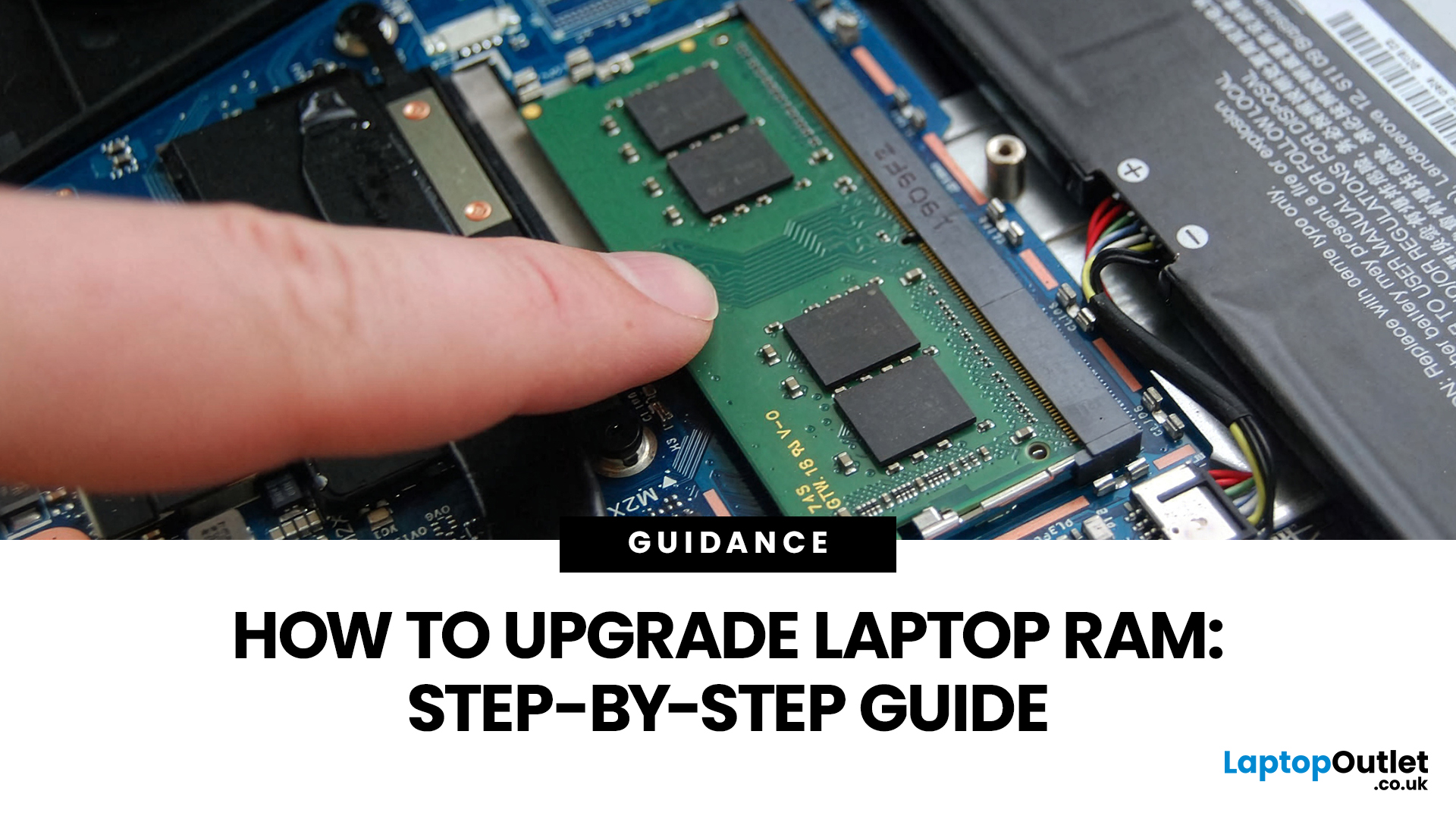
Upgrading laptop RAM is one of the simplest ways to make an older machine feel faster and more capable again, but only if the compatibility side is right from the start. That is the part many quick guides skip. Before buying anything, we always recommend checking whether the laptop has upgradeable memory, what RAM standard it uses, how much it supports, and whether upgrading means adding another module or replacing the existing setup.
To upgrade laptop RAM, first check whether your model has upgradeable SO-DIMM slots, the supported DDR generation, maximum capacity and current memory configuration. Buy compatible RAM, shut the laptop down, disconnect power, open the service panel, remove or add the module, then reassemble and boot up. Finally, confirm the new memory is recognised and test system performance for improved multitasking.
For UK shoppers, that matters because a RAM upgrade can be a much smarter option than replacing a laptop too early. If a system slows down with lots of browser
Last Updated: May 01, 2026
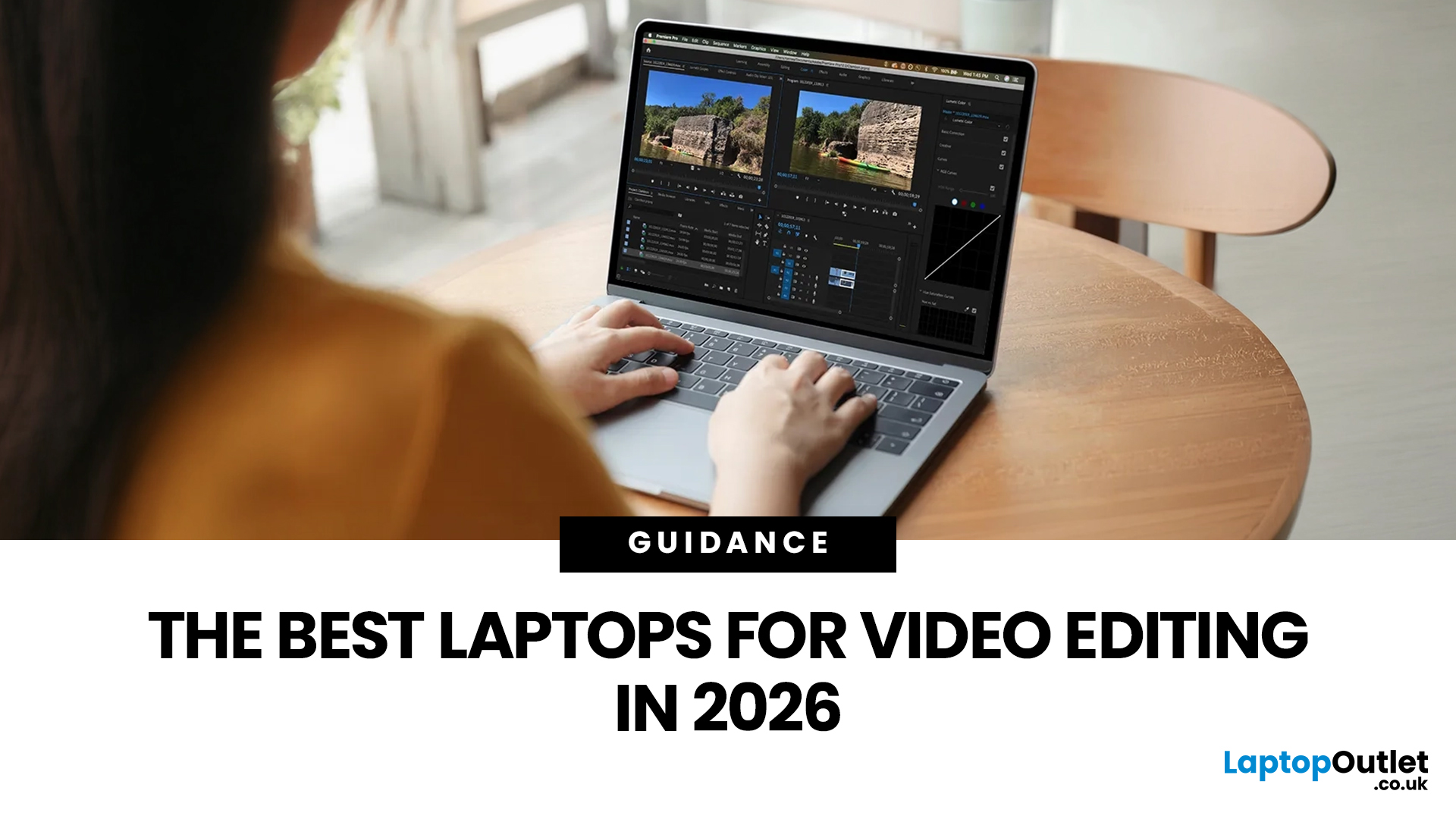
Video editing has become one of the most demanding everyday laptop workloads. Even relatively simple projects can involve high-resolution footage, multiple layers, colour work, motion graphics, audio cleanup, and export-heavy timelines. That means the best laptop for video editing is not just the one with the biggest headline spec. It is the one that fits the kind of editing you do, whether that is short-form social content, YouTube videos, client work, documentary edits, or more advanced professional production.
This guide includes mainstream creator laptops, premium ASUS ProArt models, mobile workstations, and a few higher-powered gaming machines that are relevant because video editing often benefits from the same strengths: strong sustained performance, capable graphics, fast storage, and displays built for visual work.
What Makes a Good Video Editing Laptop in 2026?
A good video editing laptop needs to do three things well:
- Handle demanding timelines smoothly,
- Stay responsive under
Last Updated: May 01, 2026
The computer that helped guide the Apollo missions worked with just 4 KB of RAM and around 72 KB of stored memory. Today, a modern laptop can burn through more than that just opening a few tabs.
That is how fast tech has moved and why an older laptop can suddenly feel frustratingly slow. Long boot times, laggy apps, and constant low-storage warnings can make even simple tasks feel harder than they should.
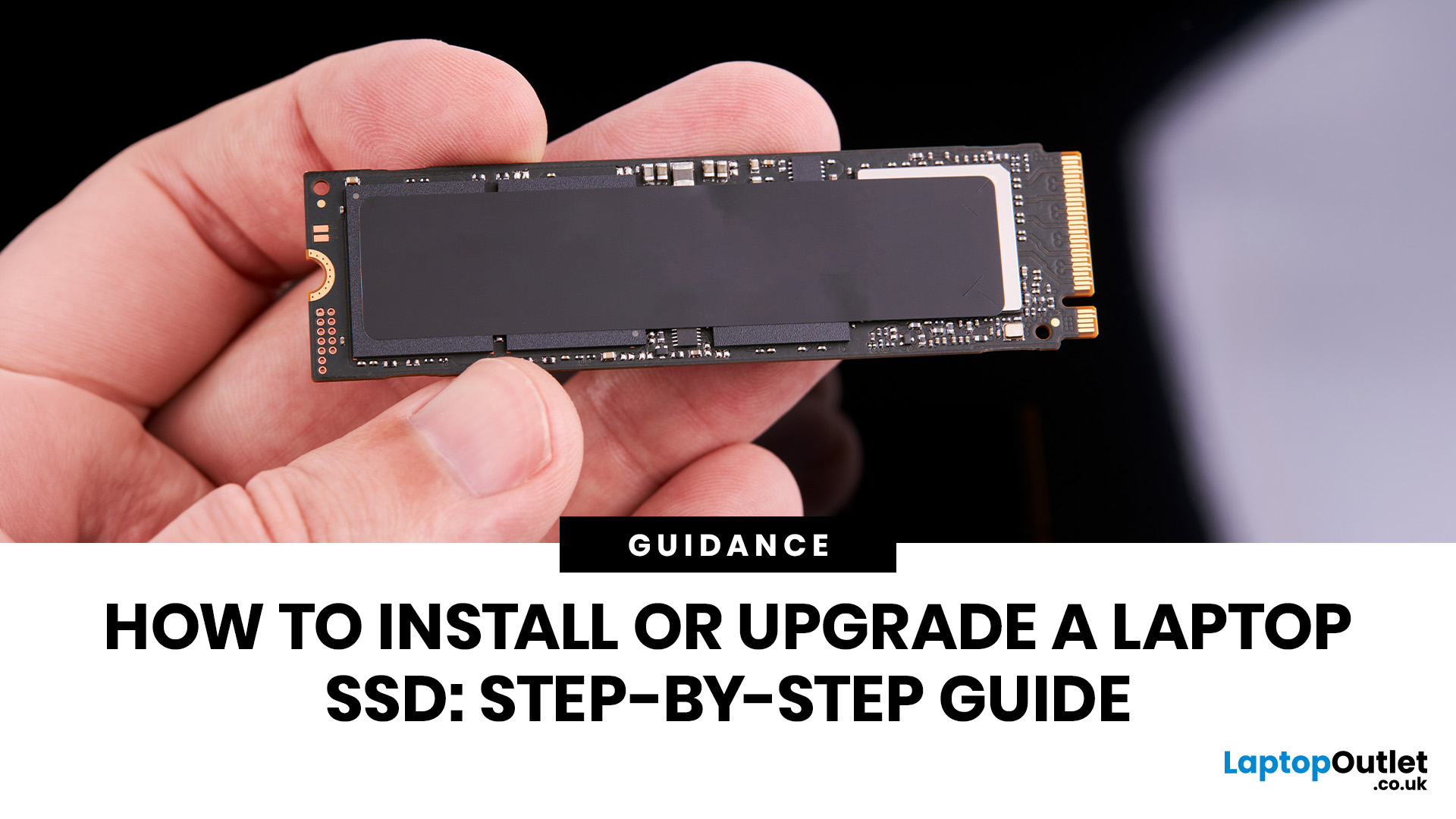
The good news is that you do not always need a brand-new machine. In many cases, upgrading your SSD is one of the easiest ways to make your laptop feel faster, smoother, and far more usable.
In this guide, we will show you how to upgrade a laptop SSD step by step, from checking compatibility to choosing the right drive and installing it properly.
Why upgrading your laptop SSD is worth it
Faster boot times, file transfers, and app loading
A slow laptop gets old fast. Long startup times, laggy apps, and endless waiting usually point to one thing: slow storage.
That is why how to upgrade

