



Microsoft 365 Subscription Guide: Features, Apps and Benefits
Whether you are a student, a home user, a small business owner, or part of a larger organisation, there is a Microsoft 365 subscription plan for you. The tricky part is knowing which one actually fits your needs and your budget. This guide breaks down every plan on offer, explains what the apps and features actually do, along with clear pricing. By the end, you should know exactly which plan makes sense for you and why.
What is Microsoft 365?
Microsoft 365 is a subscription-based productivity platform from Microsoft. Rather than buying a disc or a one-off download of Office, you pay a regular fee and get access to a constantly updated suite of apps, cloud storage, and security tools.
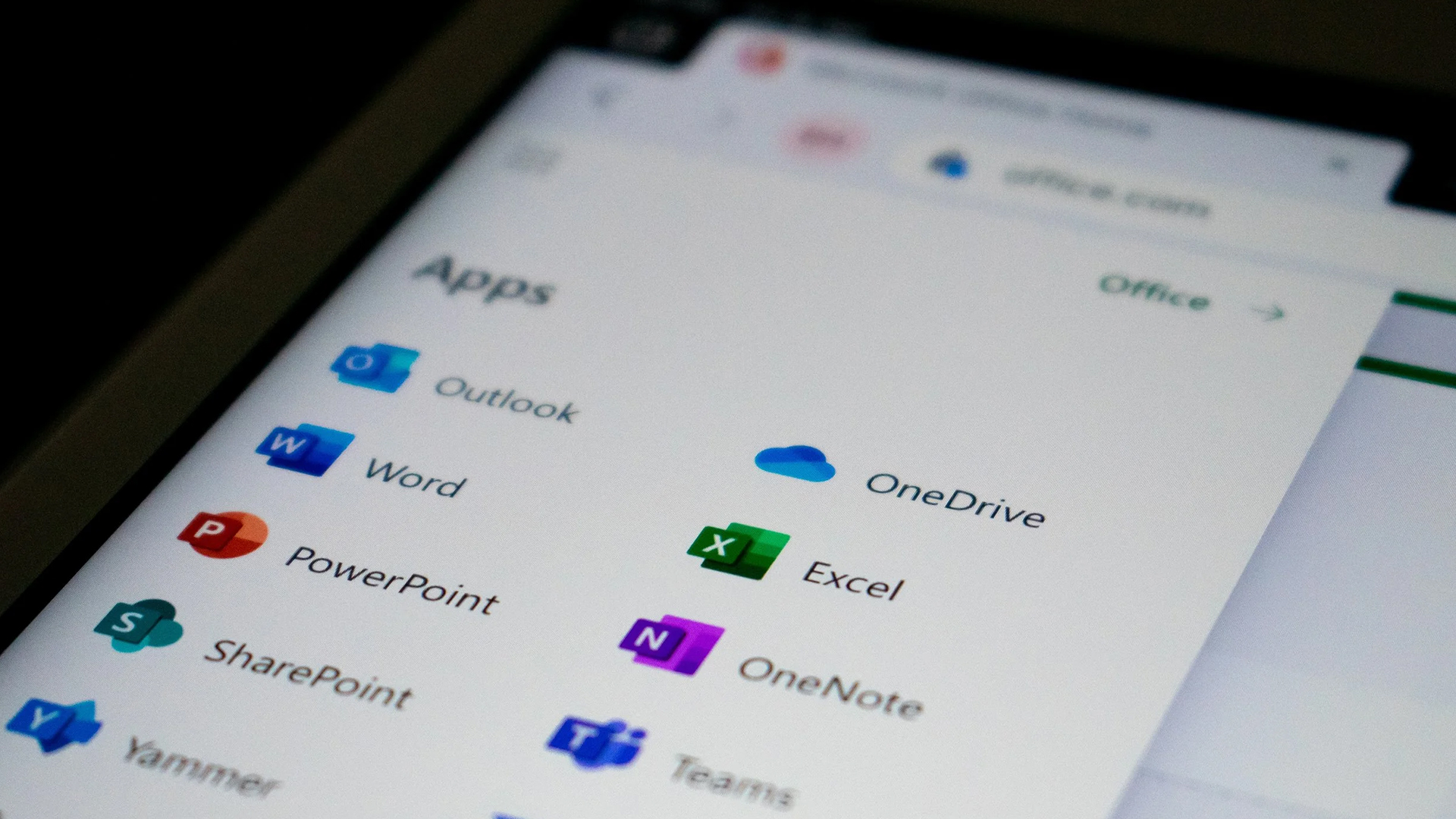
The platform includes desktop versions of Word, Excel, PowerPoint, and Outlook, alongside collaboration tools like Teams and SharePoint, cloud storage through OneDrive, and an increasingly capable set of AI features through Microsoft Copilot.
One of the key reasons people choose it over a one-time purchase is that it stays current. Microsoft rolls out new features, security patches, and performance improvements automatically, so you are always running the latest version without paying again.
Consumer Plans: Personal, Family, Premium and Basic
Microsoft offers four consumer-facing subscription tiers in the UK, ranging from a basic cloud storage top-up to a feature-rich premium tier with extended Copilot AI access. All consumer plan prices shown here are the prices displayed on Microsoft's UK store, inclusive of VAT.
|
Microsoft 365 Basic Plan £19.99 per year or approx. £1.99/month
Best for: Anyone who mainly wants extra cloud storage, a cleaner Outlook experience and basic Microsoft account benefits without paying for full desktop Office apps. |
|
Microsoft 365 Personal Plan £84.99 per year or £8.49/month
Best for: Individual users, students, freelancers and home workers who need full Office apps, cloud storage and AI-assisted productivity tools. |
|
Microsoft 365 Family Plan £104.99 per year or £10.49/month
Best for: Families, couples, housemates or shared households where more than one person needs Microsoft Office apps. |
|
Microsoft 365 Premium Plan £189.99 per year or £18.99/month
Best for: Individuals or households where the main account holder uses Copilot heavily for writing, research, planning, document creation, presentations or creative work. |
All consumer plan prices above are taken from the Microsoft UK store and are inclusive of VAT. Prices are correct as of July 2026 and subject to change. You can try Microsoft 365 Personal, Family, or Premium free for one month before committing.
Important AI note: On Microsoft 365 Family and Premium subscriptions, AI features are tied to the subscription owner and cannot be shared with other users on the plan. If every household member needs their own Copilot access, each person may need their own eligible subscription.
Microsoft 365 Business Plans and UK Pricing
The business tier of Microsoft 365 is designed for organisations with up to 300 users. These plans add professional email with a custom domain, admin controls, and more robust security than the consumer plans.
Business prices are charged per user, per month, and are usually shown excluding VAT. Microsoft now offers different commercial packages depending on whether your plan includes Teams and/or Copilot, so prices can vary depending on the package you choose.
|
Business Basic Plan With Teams: £5.40 per user/month, excluding VAT, paid yearly
Best for: Cloud-first teams that rarely need desktop Office applications and primarily work through a browser or mobile device. |
|
Microsoft 365 Apps for Business £9.80 per user/month, excluding VAT, paid yearly
Best for: Businesses that already have email set up elsewhere and simply need licensed desktop Office apps for their staff. |
|
Business Standard Plan With Teams: £10.80 per user/month, excluding VAT, paid yearly With Teams and Copilot: £18.10 per user/month, excluding VAT, paid yearly
Best for: Office-based teams, agencies, professional services firms and growing businesses that need desktop Office apps, email, meetings and collaboration in one subscription. |
|
Business Premium Plan With Teams: £16.90 per user/month, excluding VAT, paid yearly With Teams and Copilot: £24.60 per user/month, excluding VAT, paid yearly
Best for: Regulated sectors such as legal, finance and healthcare, as well as businesses with remote workers, bring-your-own-device policies or sensitive customer data. |
Business plan prices are indicative based on Microsoft's UK commercial price list as updated for July 2026. Monthly commitment billing is available but typically costs around 20% more than annual commitment pricing. Always confirm current pricing directly with Microsoft or a Microsoft Cloud Solution Provider (CSP).
Ready to get started? You can buy Microsoft 365 subscription plans and one-time Office licences together in one place through Laptop Outlet's affordable laptop and PC software range.
Key Microsoft 365 Apps
One of the biggest selling points of a Microsoft 365 subscription is the breadth of apps included. The core Office apps are well-known, but the suite extends significantly beyond them. Here are the main Microsoft 365 apps you get across paid plans:
|
Word Full-featured word processor. Copilot can draft, summarise, and rewrite content. |
Excel Spreadsheet and data analysis. Copilot helps with formulas, charts, and data insights. |
PowerPoint Presentation builder. AI can generate slide decks and suggest visuals from your content. |
Outlook Email and calendar management. Copilot drafts replies, summarises threads and helps manage your inbox. |
|
OneNote Digital notebook for notes, sketches, audio and ideas. Syncs across all devices. |
Teams Chat, video meetings, and file sharing. AI can transcribe meetings and summarise discussions. |
OneDrive Cloud storage with automatic device backup, file sharing, and version history. |
SharePoint Team intranet and document libraries for businesses. Enables shared workspaces and workflows. |
|
Designer AI-powered graphic design and image editing. Create social graphics, presentations, and visual content. |
Clipchamp Browser-based video editor with templates, 4K export, and brand kit support. |
Planner Task management and project planning with Kanban-style boards for teams. |
Forms Create surveys, quizzes, and polls with automatic response analysis and charting. |
Business plans also include Microsoft Bookings (for appointment scheduling), Microsoft Loop (for real-time collaborative content blocks), and access to hundreds of third-party app integrations through the Microsoft 365 app store.
Microsoft 365 Features at a Glance
Beyond the individual apps, a paid Microsoft 365 subscription comes with a set of platform-level Microsoft 365 features that work across everything you do. Here are the ones most subscribers find genuinely useful:
|
Always Up-to-Date Software New features and security patches are delivered automatically. You never need to buy or install a new version. |
Multi-Device Access Install on PCs, Macs, tablets, and phones. Sign in on up to 5 devices simultaneously per user. |
Real-Time Collaboration Multiple people can edit a Word document, Excel spreadsheet, or PowerPoint deck at the same time, with changes visible as they happen. |
|
OneDrive Cloud Storage Files save automatically to the cloud and are accessible from any device. Includes version history and ransomware recovery. |
Built-In Security Consumer plans include Microsoft Defender with malware protection and threat alerts. Business Premium adds Intune device management and Defender for Business. |
Teams Meetings Video calls for up to 300 people with up to 30-hour duration. Includes chat, channels, and file sharing in one place. |
|
Outlook Inbox Intelligence Focused inbox, scheduled send, intelligent meeting scheduling, and AI-assisted email drafting are all built into Outlook. |
Copilot Chat Free Copilot Chat (formerly Copilot Chat in Bing) is included with eligible subscriptions for basic AI queries using web data. |
Microsoft 365 AI Features (Copilot)
Microsoft has embedded AI into virtually every app in the suite through its Copilot assistant. Understanding what you get on which plan matters here, because the AI depth varies considerably between tiers.
|
Copilot in Word Draft, rewrite, and summarise documents. Insert tracked-change edits from AI suggestions. |
Copilot in Excel Build formulas, analyse data, create charts, and highlight anomalies in your spreadsheet. |
Copilot in PowerPoint Generate presentation decks from a brief. Apply brand kits and suggest slide layouts automatically. |
|
Copilot in Outlook Summarise email threads, draft replies with tone adjustments, and manage calendar scheduling. |
Copilot in Teams Transcribe meetings in real time, generate action items, and create AI-narrated video recaps. |
Copilot Chat for Business Eligible business users can access Copilot Chat with enterprise data protection. This gives organisations a safer way to use AI for web-grounded work queries. |
Important note: Copilot Cowork is a business and enterprise-focused Microsoft 365 Copilot feature for complex, long-running, multi-tool tasks. It requires a Microsoft 365 Copilot User Subscription Licence and is billed using a usage-based Copilot Credits model. It should not be treated as a standard consumer Microsoft 365 Premium feature.
What does Copilot AI Cost?
On consumer plans (Personal, Family, and Premium), Copilot is integrated into the apps and included within your subscription. The Personal and Family plans include a monthly AI credit allowance for Copilot features. The Premium plan unlocks extended Copilot usage and exclusive advanced features, including AI agents that can perform complex multi-step research tasks.
For business users, Copilot Chat (a web-based AI assistant with enterprise data protection) comes included with eligible Microsoft 365 subscriptions at no extra cost. The full Microsoft 365 Copilot experience, which integrates deeply with your organisation's emails, documents, and meetings via Microsoft Graph, is available as a paid add-on to business plans.
Benefits of a Microsoft 365 Subscription
There are practical reasons why a Microsoft 365 subscription continues to be popular with individuals and businesses alike. The Microsoft 365 benefits worth knowing about include:
- One cost covers everything. Rather than paying separately for antivirus software, cloud storage, email hosting, and Office apps, a single subscription bundles them all. For businesses, this can replace several standalone tools.
- Automatic updates. You always have the latest version of every app without any effort. This includes feature updates and security patches, both of which are important for keeping your data safe.
- Cross-device flexibility. Start a document on your office PC, continue it on your tablet on the train, and finish it on your phone at home. Everything stays in sync through OneDrive.
- Collaboration built in. Real-time co-authoring in Word, Excel, and PowerPoint means colleagues can work on the same file simultaneously, cutting down on version confusion and email attachments.
- Scalability. For businesses, adding or removing users is straightforward. As your team grows, you can add licences without replacing software or hardware.
- Familiarity and compatibility. Microsoft 365 file formats are the industry standard. Documents, spreadsheets, and presentations created in Microsoft 365 are universally compatible with other tools.
- Support access. All paid plans include access to Microsoft technical support. For business plans, this includes admin support through the Microsoft 365 admin centre.
If you are investing in Microsoft 365, a Surface device is the most tightly integrated hardware option available. Check our Microsoft Surface deals and see if they make sense to you.
Monthly vs Annual Billing
A Microsoft 365 monthly subscription gives you maximum flexibility. You can cancel at any point and only pay for the months you use. This can be useful if you only need Office access for a short project or if your team size changes frequently.
That said, monthly billing typically costs around 20% more than committing to an annual plan. On the Microsoft 365 Personal plan, for example, paying month-to-month at £8.49 per month adds up to £101.88 per year, compared to £84.99 when you pay annually. The saving of around £17 per year adds up across a family or team.
|
Plan |
Monthly billing (per month) |
Annual billing (per year) |
Annual saving |
|
Microsoft 365 Basic |
£1.99/month |
£19.99/year |
~£4 |
|
Microsoft 365 Personal |
£8.49/month |
£84.99/year |
~£17 |
|
Microsoft 365 Family |
£10.49/month |
£104.99/year |
~£21 |
|
Microsoft 365 Premium |
£18.99/month |
£189.99/year |
~£38 |
For most individuals and stable households, annual billing offers better value. If you are genuinely unsure whether you will need it long-term, start monthly, then switch to annual once you are sure it suits you.
Is There a Microsoft 365 Lifetime Subscription?
There is no official Microsoft 365 lifetime subscription. Microsoft 365 has always been a subscription-based product, and Microsoft has no plans to change this.
What some people are thinking of is the one-time purchase alternative: Microsoft Office Home 2024, priced at £119.99. This installs Word, Excel, PowerPoint, and OneNote on one PC or Mac with no ongoing cost.
However, the one-time purchase comes with notable limitations compared with a subscription:
- No 1TB OneDrive storage (only 5GB free with your Microsoft account)
- No Copilot AI features in the apps
- No Microsoft Teams, Defender, or Designer
- No automatic updates to new versions (you keep the 2024 version)
- More limited technical support
Which Microsoft 365 Plan Should You Get?
With so many options available, picking the right plan is mostly about being honest about how you use your devices. Here is a straightforward guide:
|
Use Case |
Recommended Plan |
Key Details & Features |
|
Student |
M365 Personal |
Good for essays, presentations, spreadsheets and research. Check whether your school, college or university provides Microsoft 365 Education for free first. |
|
Solo user / Freelancer |
M365 Personal |
Best for one person who needs full desktop apps, 1 TB storage and Copilot features. |
|
Family / Household |
M365 Family |
Best value when two or more people need Office apps and OneDrive storage. |
|
AI power user |
M365 Premium |
Best if you rely heavily on Copilot and want the highest consumer AI usage limits. |
|
Small business (cloud-first) |
Business Basic |
Ideal for teams that work in a browser, don't need desktop Office installs, and mainly want professional email and Teams. |
|
Office-based business |
Business Standard |
Full desktop apps, Teams, SharePoint, and meeting recordings. The go-to choice for professional services, agencies, and general office environments. |
|
Security-focused business |
Business Premium |
For regulated industries (legal, finance, healthcare) or businesses with remote workers and BYOD policies. Includes device management and endpoint security. |
Get more from your Microsoft 365 setup with the right kit. Browse our selection of the best Microsoft accessories, from keyboards and mice to webcams and monitors.

Pick the Plan That Matches How You Work
Choosing the right Microsoft 365 subscription comes down to four questions:
- How many people need access?
- Do you need desktop Office apps or only web apps?
- How much OneDrive storage do you need?
- How important are Copilot AI features to you?
Microsoft 365 Basic subscription is best for simple storage and Outlook benefits. Personal is the strongest choice for one person who needs full Office apps. Family offers the best value for shared households. Premium is built for users who want more extensive Copilot access. For businesses, Business Basic, Apps for business, Business Standard and Business Premium each serve different needs depending on apps, email, collaboration and security requirements.
Whichever plan you choose, Microsoft 365 gives you access to trusted productivity apps, cloud-connected storage, security features and regular updates. Compare the plans carefully, check the latest UK pricing, then choose the subscription that fits the way you work.
Laptop Outlet occasionally runs limited-time offers on plans and Copilot add-ons. Check our Microsoft promotionspage for any current deals available.

A Few Things Worth Knowing...
How much is a Microsoft 365 subscription in the UK?
Microsoft 365 consumer plans start from £19.99 per year for Microsoft 365 Basic. Full Office app subscriptions start from £84.99 per year for Microsoft 365 Personal, while Family costs £104.99 per year and Premium costs £189.99 per year. Business plans start from £5.40 per user per month, excluding VAT, when paid yearly, although prices vary depending on Teams and Copilot packaging.
What is included in a Microsoft 365 subscription?
Depending on the plan, Microsoft 365 can include Word, Excel, PowerPoint, Outlook, OneNote, OneDrive, Teams, Microsoft Defender, Designer, Clipchamp, SharePoint and Copilot AI features. Business plans can also include Exchange email, admin controls, device management and advanced security.
Is Microsoft 365 better than a one-time Office purchase?
Microsoft 365 is better if you want cloud storage, regular feature updates, Copilot AI, multi-device use and collaboration tools. A one-time Office purchase is better if you want a fixed upfront cost and only need classic Office apps on one PC or Mac.
Can I share my Microsoft 365 subscription with my family?
Yes. Microsoft 365 Family and Microsoft 365 Premium can be shared with up to five additional people, giving a total of six users. Each person gets their own account, apps and 1 TB of OneDrive storage. However, Copilot AI features are available only to the subscription owner and cannot be shared.
Is there a free version of Microsoft 365?
Yes. Microsoft offers free web-based versions of Word, Excel, PowerPoint and Outlook, along with 5 GB of OneDrive storage. These are suitable for basic tasks but do not include the full desktop apps or the same advanced features as paid Microsoft 365 subscriptions.
Can I cancel my Microsoft 365 subscription anytime?
Yes, you can cancel anytime through your Microsoft account. Cancelling within the free trial or shortly after renewal may qualify you for a partial or full refund.
Related Articles


Last Updated: September 10, 2025
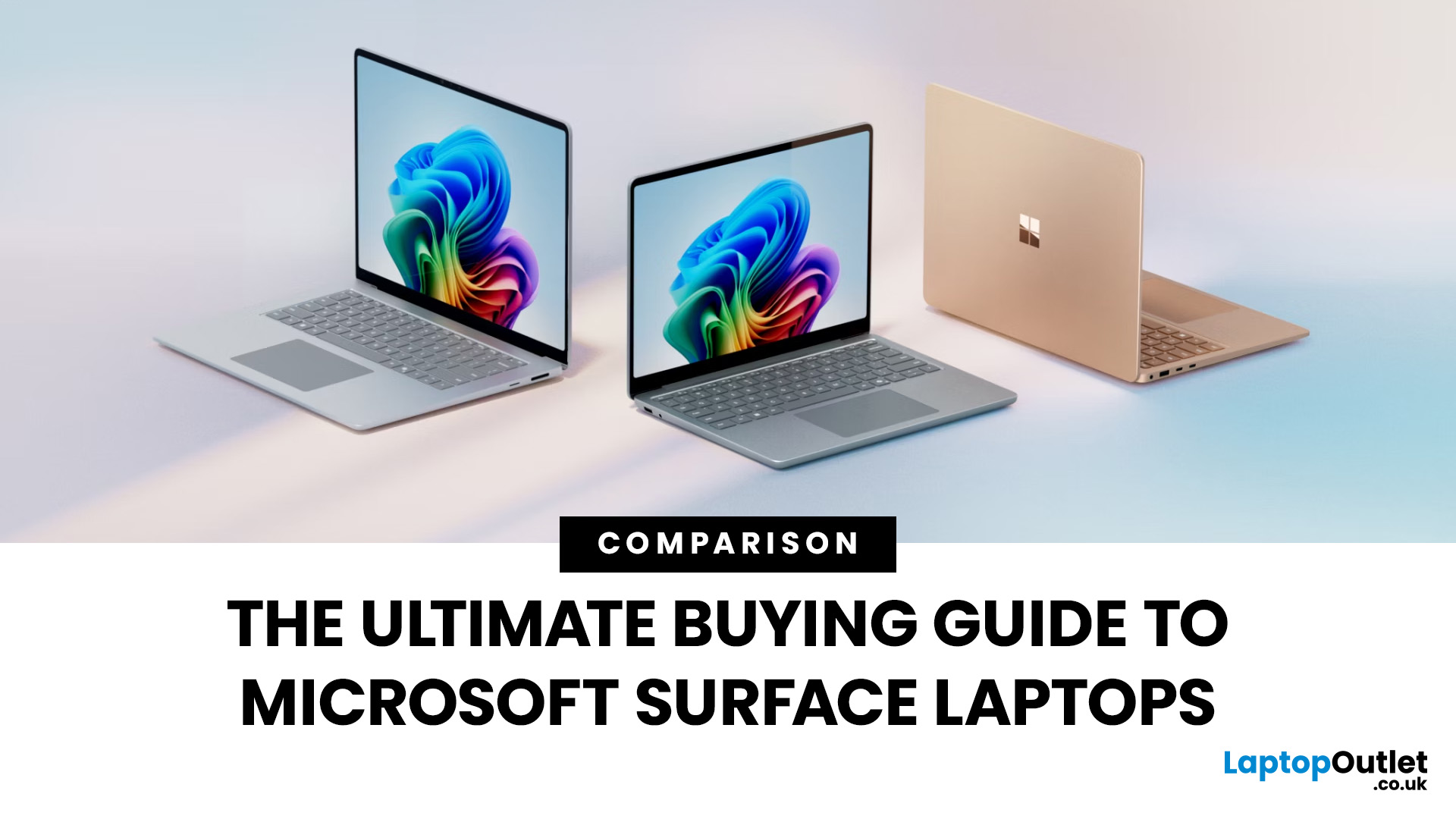
When it comes to business laptops in 2025, two names consistently stand out: Microsoft Surface and Lenovo ThinkPad. Both brands are trusted by organisations worldwide, but they serve professional needs in very different ways. For UK businesses deciding on their next laptop fleet or professionals choosing their personal work machine, the decision between Surface vs ThinkPad is not about which is objectively “better,” but which aligns best with your workflow, environment, and long-term priorities. This comparison explores the critical factors - design, durability, performance, battery life, manageability, and cost so you can make an informed decision that delivers true business value.
Microsoft Surface vs Lenovo ThinkPad: What’s the Main Difference?
Microsoft Surface (for Business) prioritises a modern, touch-first experience with lightweight designs, 2-in-1 versatility and Copilot+ AI acceleration. New models on Snapdragon X deliver impressive battery life, though Arm-based Windows can still
Last Updated: July 10, 2026
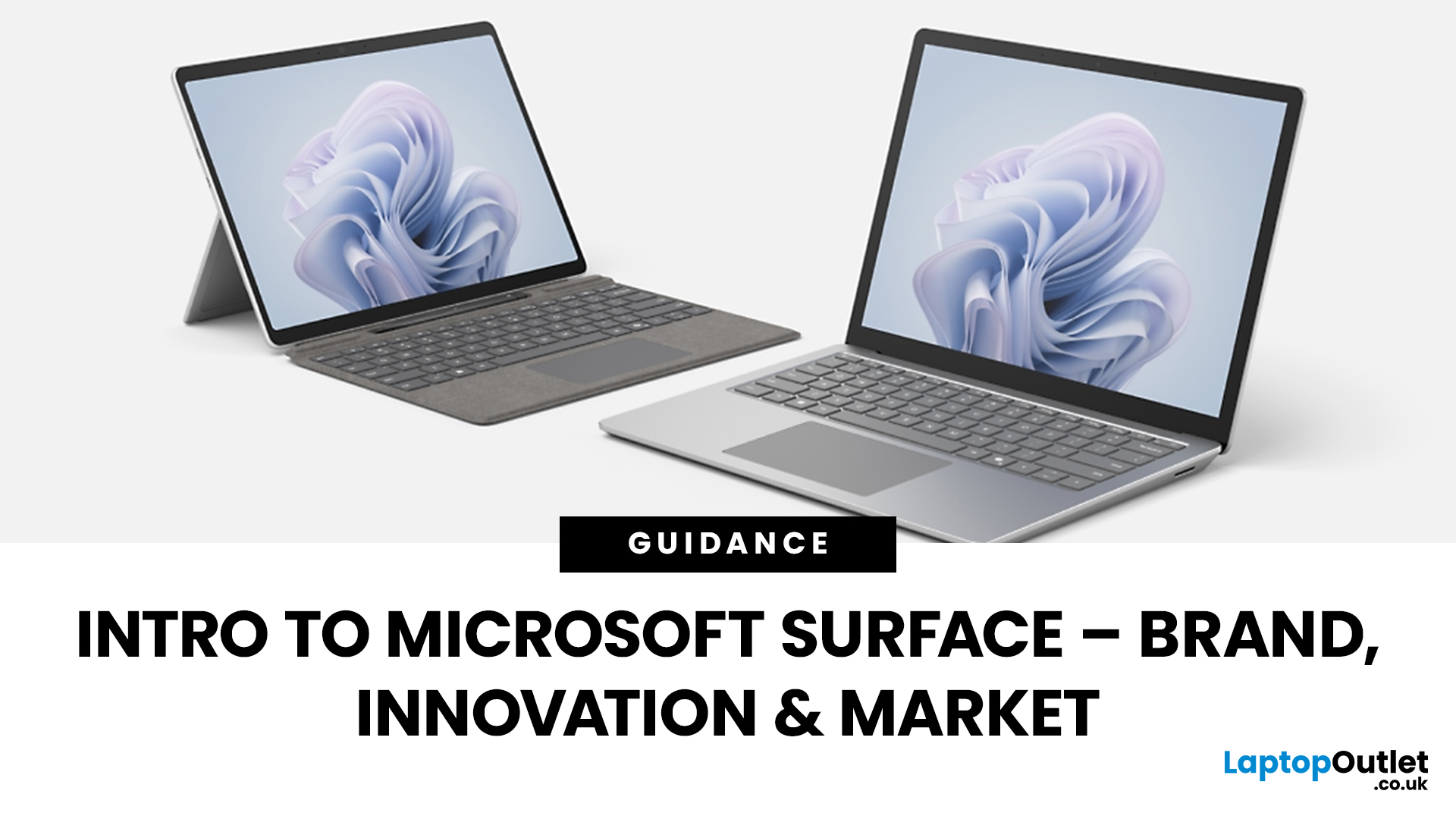
The Microsoft Surface Laptop series has redefined what modern laptops can offer, combining premium design, strong performance, and seamless integration with Windows. With so many models available, from the lightweight Surface Laptop Go to the powerful Surface Laptop Studio, buyers often ask: Which Surface is right for me? That’s where a Microsoft Surface Laptop Buying Guide becomes essential.
Surface laptops stand out for more than just portability and style. With the rise of Copilot+ PC Surface benefits, AI-powered features like Windows Recall and productivity tools make these devices more than laptops; they’re intelligent companions for work, study, and creativity.
Why Choose Microsoft Surface?
Microsoft Surface laptops have earned a reputation as premium devices that combine design elegance, reliable performance, and powerful software integration. For many buyers, the appeal of Surface lies in how seamlessly it blends hardware and software, something only a handful of manufacturers
Last Updated: October 08, 2025
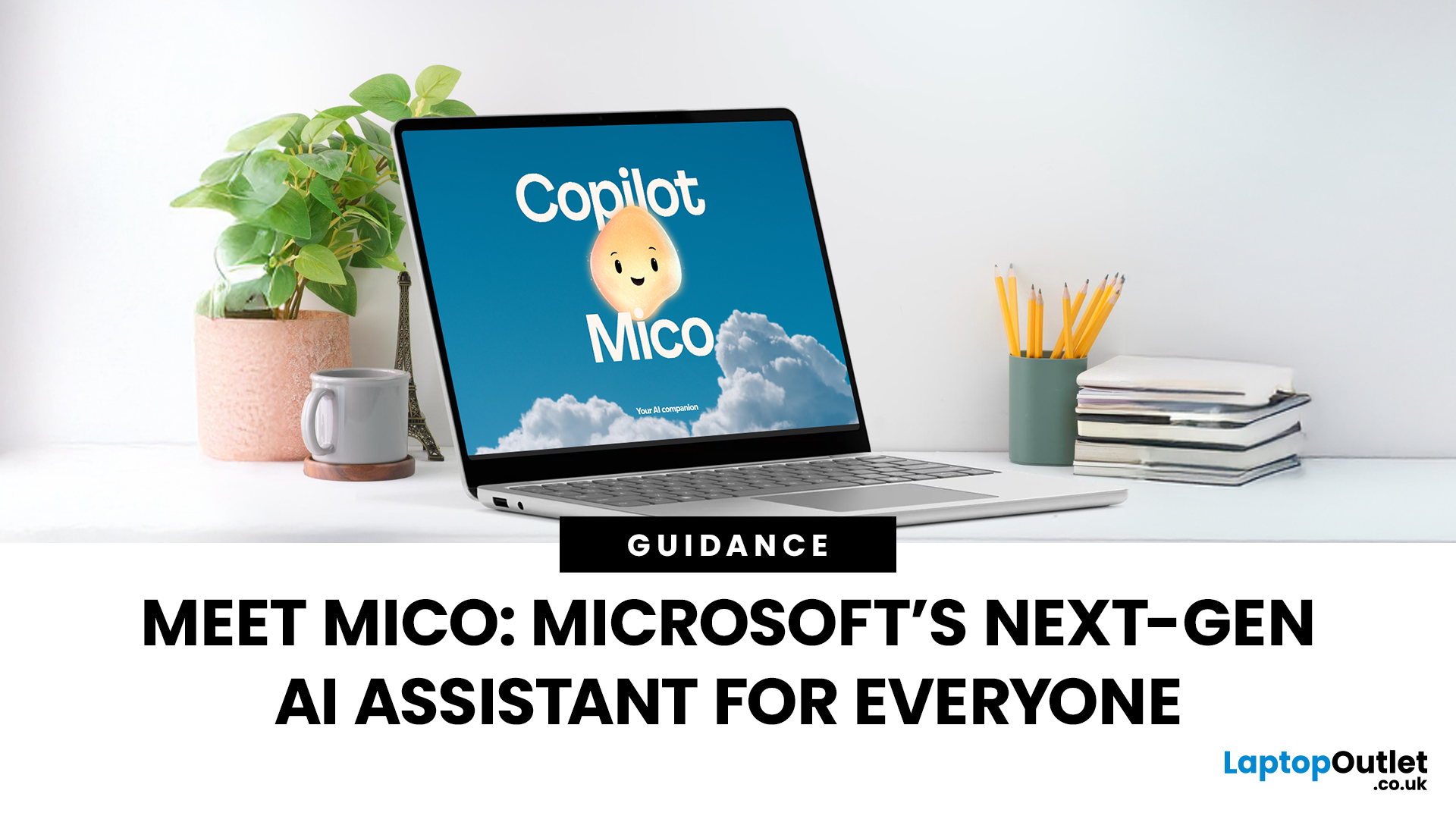
Since the debut in 2012, Microsoft’s Surface line has redefined the laptop and hybrid device market. Known for sleek design, advanced features, and seamless Windows integration, the Surface range has grown into a powerful competitor in both business and consumer segments. This Microsoft Surface brand overview explores the company’s innovation journey, the role of AI-powered laptops, how Surface compares to rivals like Apple MacBook, and its evolving market position in 2025.
Microsoft Surface Brand Overview
Why the Surface Brand Matters
The Microsoft Surface range has grown from a bold experiment in hybrid computing to one of the most recognisable names in premium laptops and 2-in-1 devices. In 2025, it represents not just sleek hardware but also a gateway to Microsoft’s wider ecosystem of AI-powered tools, Windows 11 innovations, and cloud services. From the ultra-portable Surface Go to the powerhouse Surface Laptop Studio, every device reflects Microsoft’s mission to balance design,
Last Updated: October 28, 2025
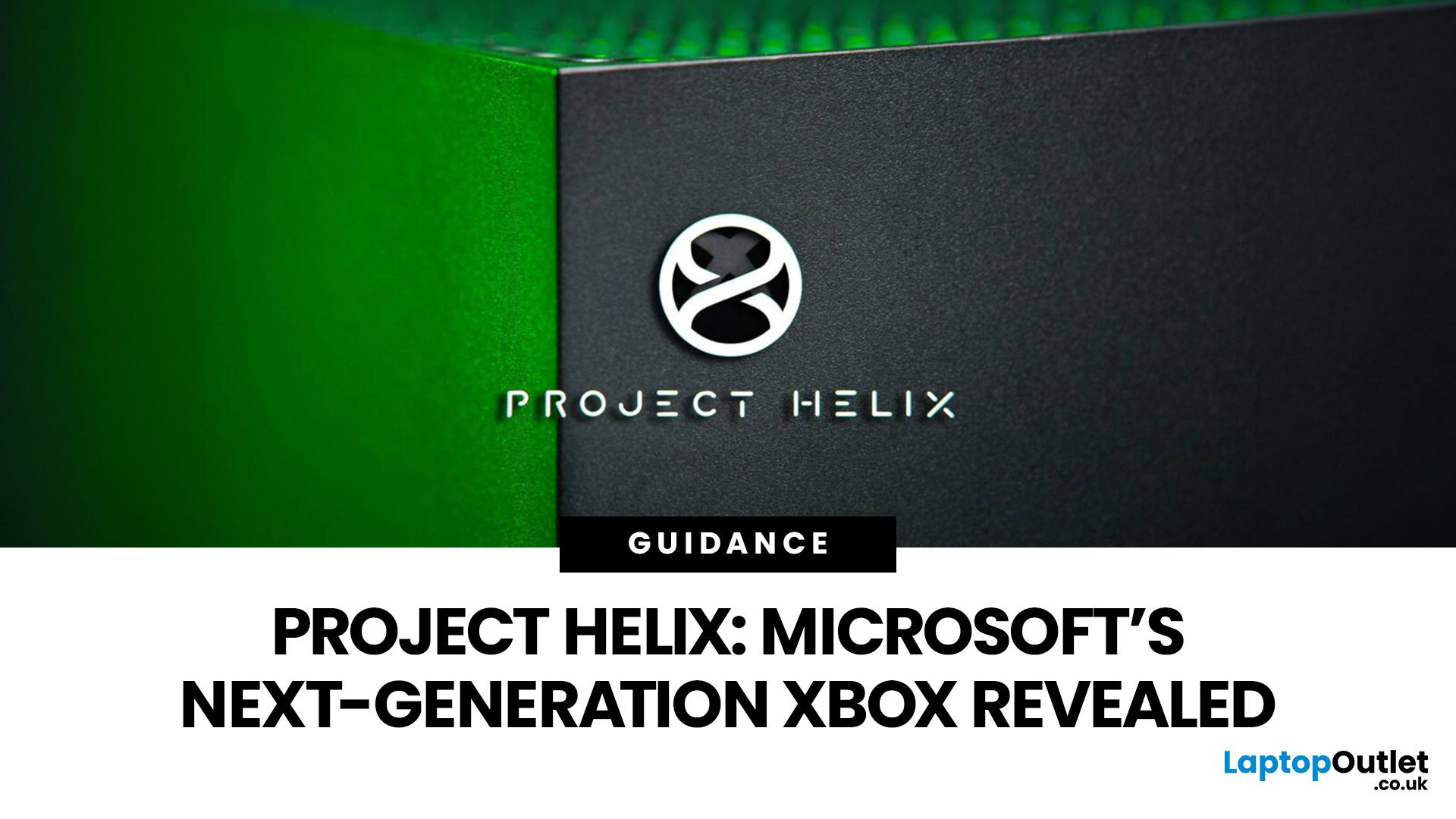
Meet Mico ... Microsoft’s brand-new AI companion that gives Copilot a friendly face and a touch of personality.
Mico isn’t just another chatbot. It’s designed to feel more human, to listen, react, and adapt to your mood and style. Whether you’re working, studying, or just having a chat, Mico aims to make your experience with technology warmer and more natural — almost like talking to a digital friend who actually gets you.
In this article, we’ll cover everything you need to know about Microsoft’s new AI companion, Mico - what it is, how it works, why it matters, and how it could change how you use your laptop.
What exactly is Mico?

Microsoft has quietly taken a big step in reshaping its AI assistant by introducing Mico, a more expressive, human-centred avatar for Copilot. Rather than simply another chatbot, Mico offers a visual character and voice interaction to make AI feel friendlier and more natural. According to reports, it “listens, reacts, adapts to your vibe” and changes colour

Last Updated: November 05, 2025
AI assistants are rapidly becoming part of our digital daily lives - helping with writing, searching, summarising, and smarter interfaces. Microsoft is no exception, offering its flagship assistant Microsoft Copilot and now introducing a newer companion named Mico. While they share purpose and technology, they are not exactly the same. Let’s explore what each one is, how they differ, when you might use one over the other, and what it means for users and organisations.
What is Microsoft Copilot?

Microsoft Copilot is Microsoft’s generative-AI assistant platform, built to integrate deeply into its software ecosystem (Windows, Microsoft 365, Edge, Bing) and to assist with productivity tasks, information gathering, content creation, and workflows.
Key capabilities
- It can summarise documents, draft emails or reports, generate content, analyse data in Excel, build slides in PowerPoint, and support meeting recaps in Teams.
- It is powered by large-language models (LLMs) and integrated contextual

Last Updated: January 21, 2026
There’s a reason people still say “Just get a Surface” when someone asks for a serious Windows tablet.
In a world full of Android slates, experimental hybrids, and ultra-cheap tablets that barely last a year, Microsoft Surface tablets have carved out a very specific reputation:
clean design, proper productivity, and devices that feel like Windows was made for touch - because, well, it was.
In 2026, Surface tablets aren’t trying to chase trends. They’re refining what they already do best: turning tablets into genuinely useful computers that flex between work, study, creativity, and everyday life.
Why Microsoft Surface Tablets Still Set the Standard
When Microsoft launched the first Surface, it wasn’t just another tablet. It was a statement:
Windows doesn’t belong to laptops only.
Fast forward to 2026, and Microsoft Surface 2-in-1 tablets are still the reference point for the entire category. Whether you’re looking at Detachable tablets, Surface 2-in-1 devices, or Windows touchscreen tablets,

Last Updated: March 13, 2026
Choosing the right ASUS monitor with a webcam can significantly simplify how modern meeting rooms operate. As hybrid work becomes the norm, businesses are looking for cleaner, more efficient conferencing setups that don’t rely on multiple external peripherals. An integrated solution that combines display, camera, microphone, and speakers into one device makes deployment faster and more cost-effective. For small meeting spaces and huddle rooms in particular, an ASUS business monitor with speakers and a built-in webcam offers a practical alternative to a full conferencing kit.
What to Know About Microsoft Teams Rooms Compatibility
It’s important to clarify how an ASUS monitor with webcam fits into a Microsoft Teams Rooms environment.
Microsoft Teams Rooms (MTR) systems are typically powered by a dedicated PC or collaboration bar. The monitor itself is not the Teams Rooms system, instead, it acts as the display and USB conferencing endpoint. When paired with a Teams-enabled PC, many ASUS
Last Updated: April 06, 2026
The gaming industry is once again on the brink of transformation, and Microsoft appears ready to lead the charge. Enter Project Helix, the rumoured next-generation Xbox console that could redefine not only console gaming but the entire ecosystem connecting Xbox, PC, and cloud platforms.
With increasing competition from Sony, rapid advancements in hardware, and the growing dominance of cloud gaming, Microsoft’s strategy has evolved far beyond traditional consoles. Project Helix is expected to embody this evolution, merging power, flexibility, and innovation into one unified gaming experience.
In this deep dive, we’ll explore everything we know (and what we can reasonably expect) about Project Helix, including its potential features, hardware specifications, release window, and how it could shape the future of gaming.
What Is Project Helix?
Project Helix is widely believed to be Microsoft’s codename for its upcoming next-gen Xbox console, likely targeting a release around 2026 or beyond.

Last Updated: April 06, 2026
As Microsoft continues to reshape its gaming ecosystem, attention has shifted towards what comes next after the current Xbox Series generation. One of the most talked-about developments is Project Helix, a name that has started to surface in discussions around the future of Xbox. If you are trying to understand about Project Helix, what it could mean for gamers, and how it fits into broader Microsoft gaming plans, this guide breaks it down in a clear, practical way.
What is Project Helix?
At its core, Project Helix explained simply is this: it is believed to be Microsoft’s next major step in Xbox development, potentially tied to the next generation of hardware, cloud integration, and platform evolution. While Microsoft has not officially confirmed full details, industry reports and development signals suggest that Project Helix is not just a single device. Instead, it appears to be part of a wider strategy that blends:
- New Xbox hardware
- Cloud gaming expansion
- Deeper integration with Windows
Last Updated: July 06, 2026
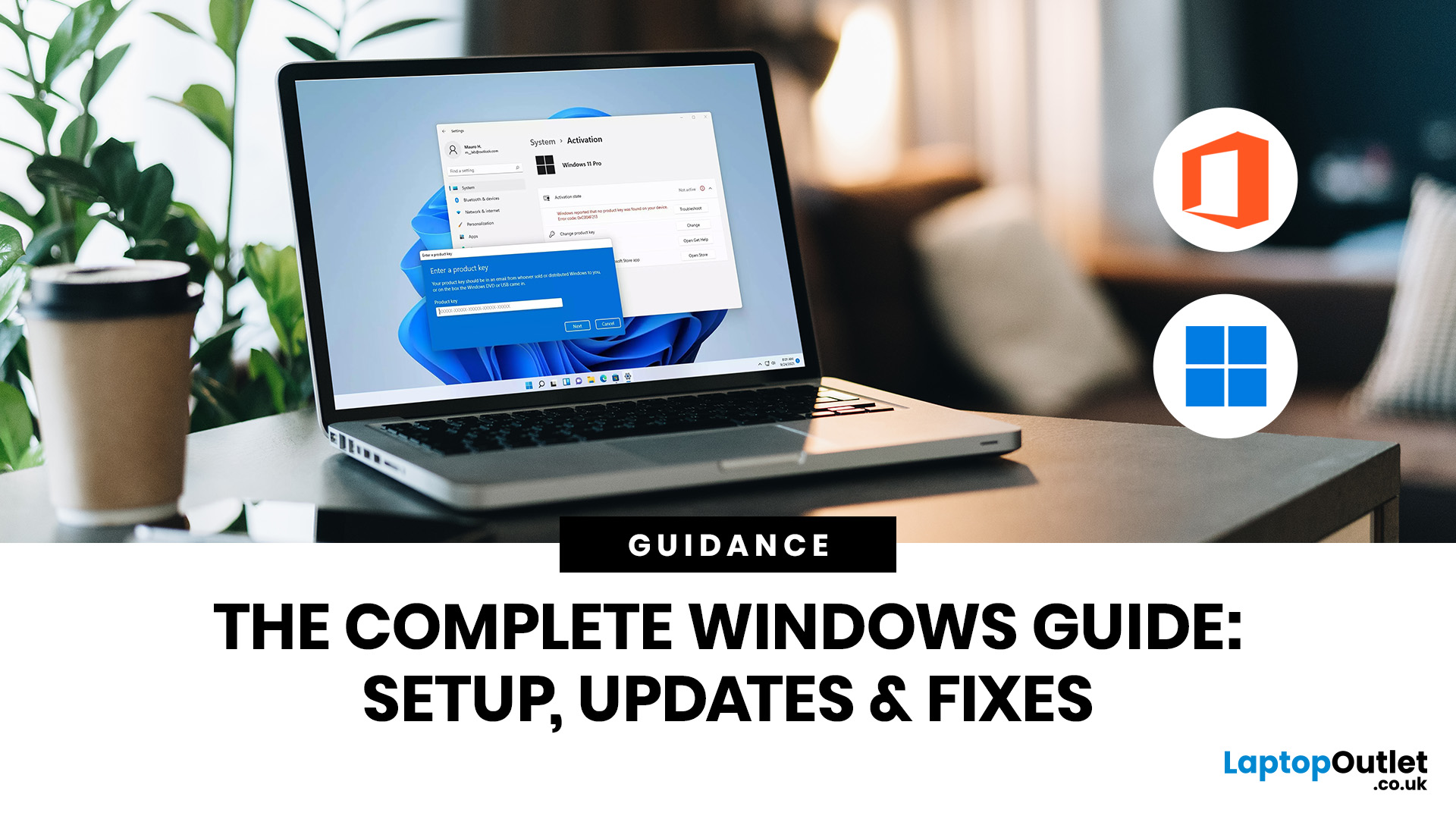
If you need to activate Windows Office key products on a new or existing device, the good news is that the process is usually straightforward once you know which licence you have. Whether you are looking for a Windows activation guide, Microsoft Office activation steps, or a quick fix for an activation error, this guide walks you through it in plain English.
Windows 10 and Windows 11 can be activated with either a 25-character product key or a digital licence, while Microsoft 365 and standalone Office versions are typically activated by signing in with the Microsoft account, or work or school account, linked to the purchase.
What is a Microsoft Activation Key?
A Microsoft activation key is usually a 25-character code used to activate Windows or redeem certain Office purchases. For Windows, activation depends on either a product key or a digital license. For newer Office and Microsoft 365 products, the Microsoft account attached to your purchase often replaces the product key for reinstalling

