



Samsung Monitors 2026: Curved, 4K and Ultrawide Displays
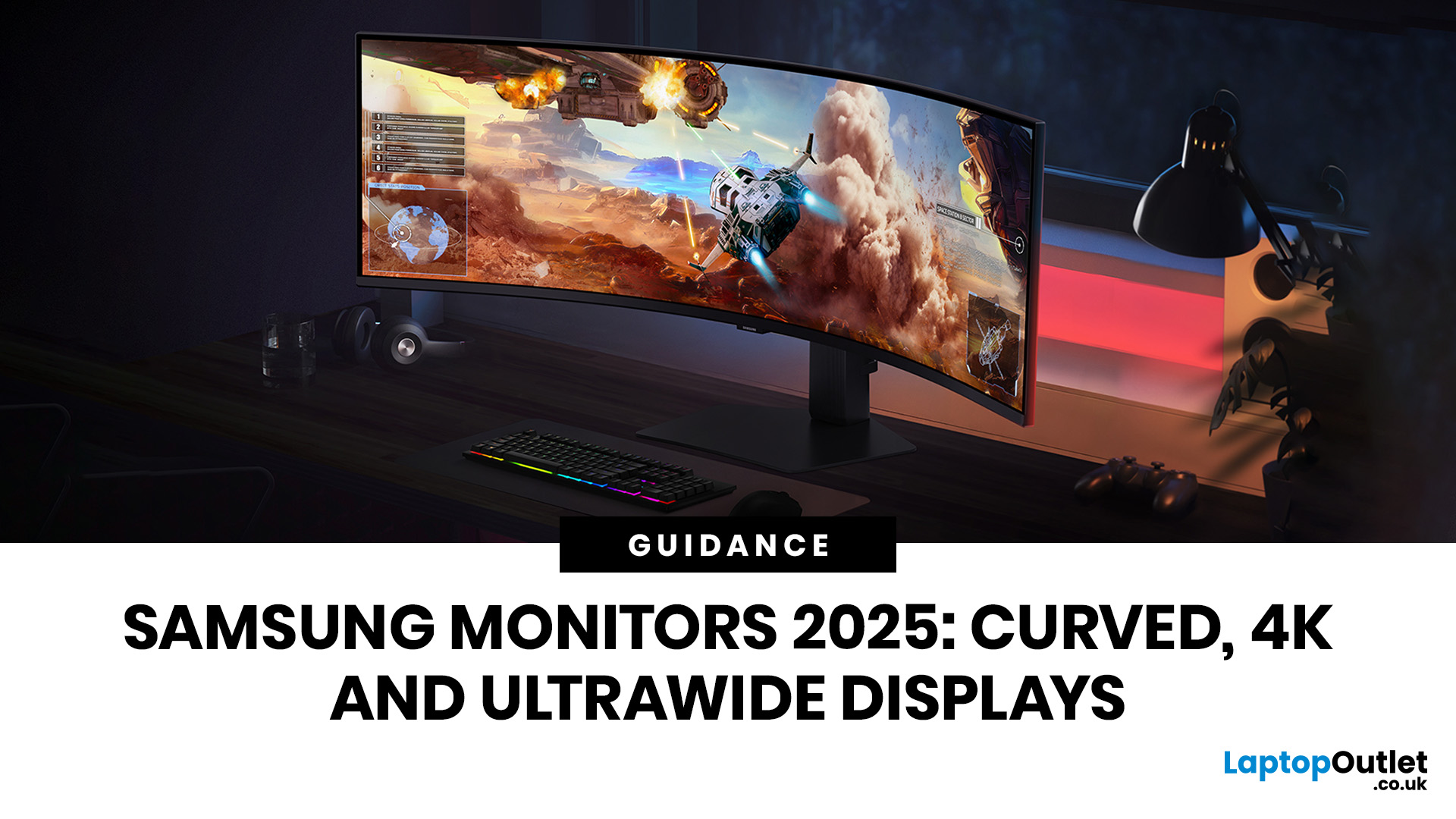
A monitor can shape how comfortably you work, create and play. Samsung's range covers practical Full HD screens, high-resolution ViewFinity displays, high-refresh Odyssey gaming models, curved formats and large ultrawide options. The specifications vary considerably, so the best choice depends on what you need the screen to do rather than the series name alone.
This guide compares current Samsung displays available at Laptop Outlet and explains how 4K, curved and ultrawide formats differ. It also covers the questions worth asking before you choose a model, including resolution, refresh rate, panel type, connectivity and desk space.
Best Samsung Monitors You Can Consider in 2026
|
If You are searching for… |
Our recommendation |
Key specifications |
Why it fits |
|
Best Samsung 4K monitor |
Samsung Odyssey G70D 27-inch |
4K UHD, IPS, 144Hz, 1ms, DisplayHDR 400 |
Combines sharp detail with a high refresh rate for gaming, entertainment and mixed use |
|
Best Samsung OLED gaming monitor |
Samsung Odyssey G61SD 27-inch |
QHD OLED, 240Hz, 0.03ms, Glare Free |
Prioritises contrast, rapid pixel response and smooth competitive play |
|
Best Samsung curved monitor |
Samsung S36GD 24-inch |
Full HD, VA, 100Hz, 1800R curve |
A compact curved option for everyday work, media and casual gaming |
|
Best budget Samsung monitor |
Samsung S36GD 24-inch |
Full HD, VA, 100Hz, 4ms |
Covers essential home and office use without paying for specialist gaming features |
|
Best Samsung monitor for work |
Samsung ViewFinity S6 24-inch |
QHD IPS, 100Hz, USB-C with 90W power delivery, KVM |
Suits laptop docking, detailed documents, multitasking and multi-device desks |
|
Best Samsung Full HD monitor for competitive gaming |
Samsung Odyssey G40B 27-inch |
Full HD IPS, 240Hz, 1ms, G-SYNC Compatible |
Favours high frame rates and responsive play over maximum resolution |
Top Reasons to Choose Samsung Monitors in 2026
Samsung separates its monitor range into recognisable families for different uses. Odyssey focuses on gaming, ViewFinity is aimed at high-resolution productivity and creative work, Smart Monitor models combine desktop use with connected entertainment features, and the S Series includes practical displays for home and office setups.
Distinct Ranges for Different Users
The series name provides a useful starting point. Odyssey models usually place more emphasis on refresh rate, response time and adaptive-sync support. ViewFinity displays prioritise resolution, connectivity and workstation features on selected models. Smart Monitors add built-in apps and wireless functions, while S Series models cover everyday needs at more accessible specification levels.
The name is not a substitute for checking the product page. USB-C, speakers, a height-adjustable stand, smart apps and high refresh rates are available only on selected models. If you are also comparing Samsung laptops, tablets or accessories, the wider Samsung product range keeps those categories separate from this monitor guide.
Resolution Choices from Full HD to 4K and Beyond
Full HD remains practical for compact screens, everyday computing and high-frame-rate gaming. QHD provides a useful middle ground with sharper text and more desktop space, especially at 27 inches. A 4K screen offers finer detail for large spreadsheets, creative software, high-resolution media and games, although gaming at 4K places a greater demand on the graphics hardware.
Samsung also produces ultrawide and super-ultrawide resolutions in its wider UK range. Availability varies, so check the exact pixel count and aspect ratio rather than relying on the words “wide” or “curved”.
Refresh Rates for Work and Gaming
A higher refresh rate updates the picture more often each second. A 100Hz display can make scrolling, pointer movement and video feel smoother than a traditional 60Hz screen. Gaming models at 144Hz or 240Hz can show faster motion more clearly when the connected PC or console can output a matching frame rate.
Refresh rate should be considered alongside resolution. Full HD at 240Hz suits competitive players who value speed, while 4K at 144Hz better balances sharpness and smooth motion for high-end mixed gaming. Office users may gain more from QHD resolution, USB-C and an ergonomic stand than from an extreme refresh rate.
Eye Comfort and Practical Ergonomics
Selected Samsung models include Eye Saver Mode, Flicker Free technology, Adaptive Picture or TÜV-certified Intelligent Eye Care. These features can support more comfortable viewing, but they are not included on every monitor and do not replace sensible brightness settings, regular breaks or correct screen positioning.
Stand design matters just as much. Check whether the exact model offers height, tilt, swivel and pivot adjustment. A monitor described as ergonomic may still provide a different adjustment range from another screen in the same family.
Samsung Curved Monitors: Immersion and Everyday Focus
A curved screen places the centre and edges of a larger display at a more similar viewing distance when you sit directly in front of it. This can make wide games, timelines and multi-window layouts feel more engaging. Curvature is expressed with an R value, such as 1800R or 1000R. A lower number represents a tighter curve.
Curved does not automatically mean ultrawide. The Samsung S36GD, for example, is a conventional 16:9 Full HD display with an 1800R curve. Samsung's larger Odyssey and ViewFinity families can also include 21:9 or 32:9 models, but their size, resolution and feature sets differ.
Buyers comparing other brands and sizes can also review budget-friendly curved monitors, but the screen dimensions and stand depth should be checked before ordering.
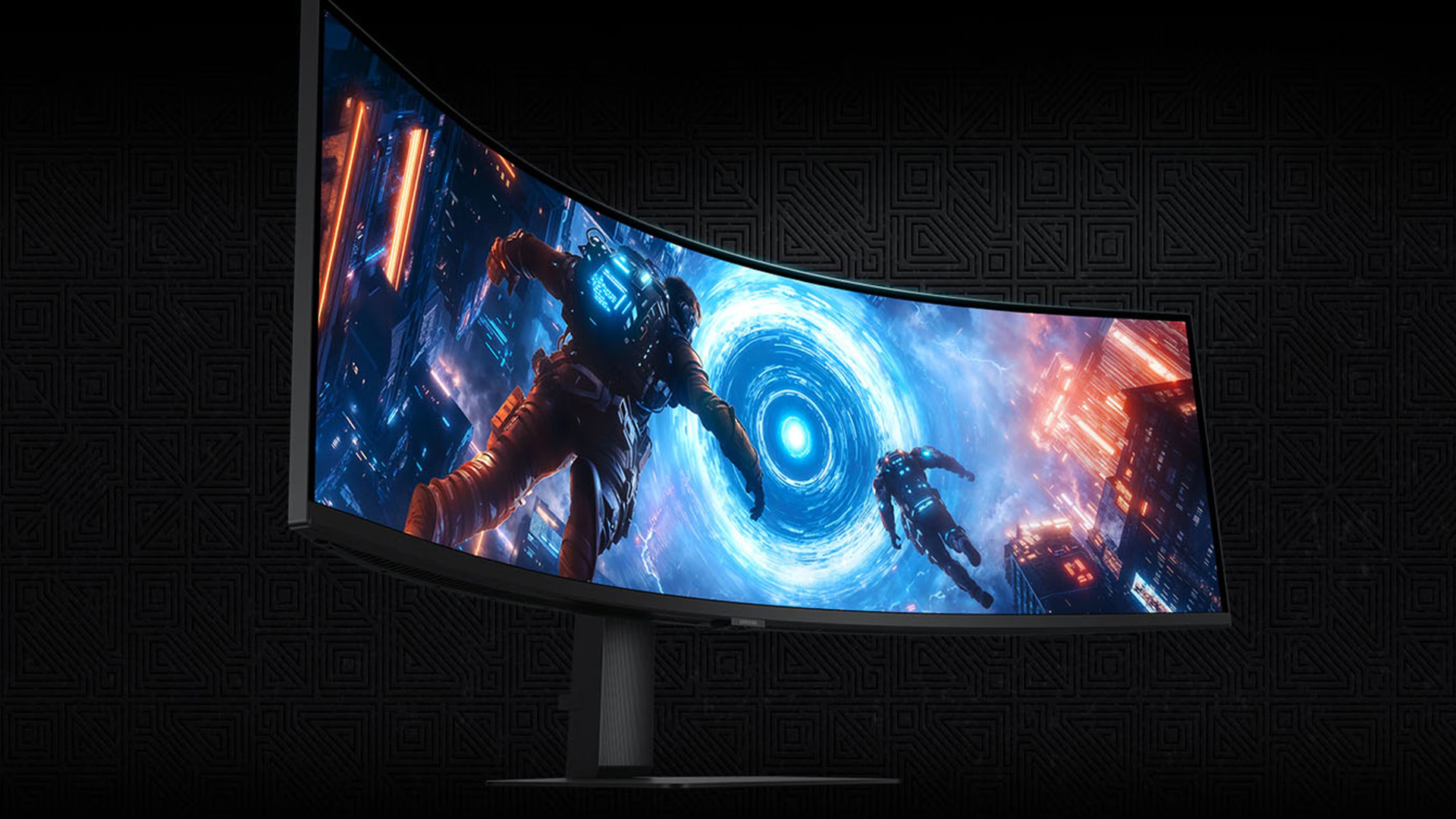
Samsung 4K Monitors: Clarity and Performance
4K UHD has a resolution of 3840 × 2160, which contains four times as many pixels as Full HD. That extra detail can produce sharper text, more room for applications and clearer high-resolution media. The practical benefit depends on screen size, viewing distance, software scaling and the quality of the source content.
However, colour-sensitive professionals should not assume that 4K alone guarantees editing accuracy. Resolution describes pixel count, not calibration. Check colour-space coverage, panel uniformity, HDR performance and calibration requirements for the exact workflow.
Samsung Ultrawide Monitors: What to Look for When Stock Returns
Ultrawide monitors provide more horizontal workspace than a standard 16:9 display. A 21:9 screen at 3440 × 1440 can suit timelines, large spreadsheets and several applications arranged side by side. A 32:9 Dual QHD screen at 5120 × 1440 offers a canvas similar in width to two 27-inch QHD displays without a bezel between them.
The best Samsung ultrawide depends on the main use:
- For work and creative software: look for a ViewFinity model with at least 3440 × 1440 resolution, useful USB-C or Thunderbolt connectivity, an adjustable stand and Picture-by-Picture support.
- For gaming: Odyssey ultrawide models place more emphasis on refresh rate, response time, adaptive sync and HDR. Confirm that your graphics card can drive the native resolution at the target frame rate.
- For replacing two monitors: check whether the screen supports two simultaneous inputs, KVM functionality and the window-management tools required by your operating system.
- For smaller desks: measure the full screen width and stand footprint. A 49-inch 32:9 model takes up substantially more space than a 34-inch 21:9 display.
Top Samsung Monitor Recommendations
The following models replaced the unavailable recommendations in the old article. Each product page was live and showed an Add to Basket option when this update was completed.
1. Samsung Odyssey G70D: Best for 4K Gaming and Mixed Use
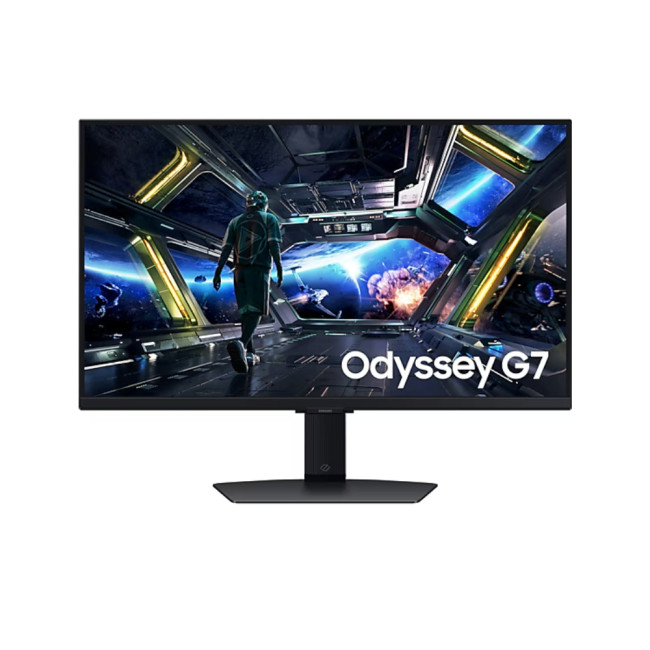
The Samsung Odyssey G70D combines a 27-inch 4K IPS display with a 144Hz refresh rate and 1ms response time. It is the strongest current all-round option for buyers who want sharp visuals without being limited to a standard 60Hz desktop experience.
AMD FreeSync Premium helps coordinate the display with a compatible graphics source, while DisplayHDR 400 adds a defined entry-level HDR capability. The height-adjustable stand, USB hub and multiple display inputs also make the model more practical for a desk shared between work and gaming.
Best for: 4K PC gaming, high-resolution entertainment, mixed productivity and users who want one screen for several roles.
Check before choosing: Make sure the graphics card, console, cable and selected port support the resolution and refresh rate you plan to use.
2. Samsung Odyssey G61SD: Best for OLED Gaming
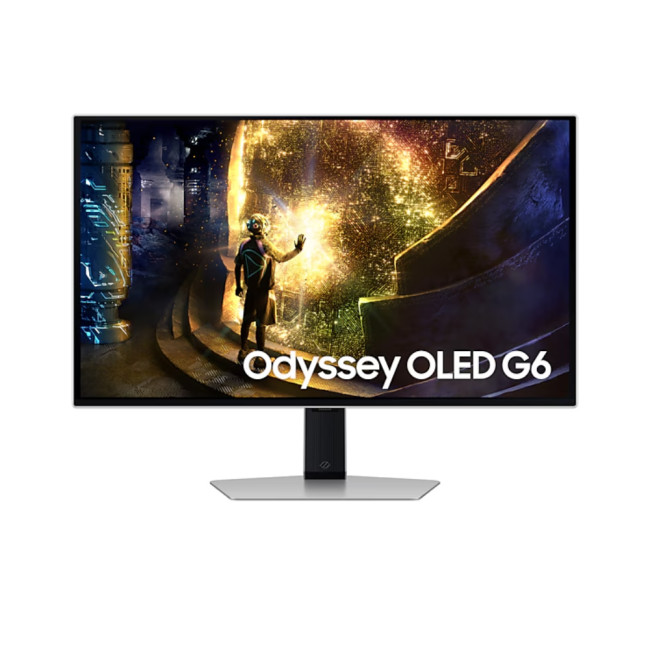
The Samsung Odyssey G61SD is a 27-inch QHD OLED model with a 240Hz refresh rate and 0.03ms grey-to-grey response time. Its self-emissive OLED panel can produce deep blacks and fast pixel transitions, while Samsung's Glare Free treatment is designed to reduce distracting reflections.
QHD is less demanding to render than 4K, which can make this model a better match for high-frame-rate play. FreeSync Premium Pro and G-SYNC Compatible support help reduce tearing with compatible hardware. The adjustable stand supports a more flexible gaming position.
Best for: Competitive and cinematic PC gaming, users who value OLED contrast and buyers seeking QHD at 240Hz.
Check before choosing: Follow Samsung's OLED care guidance and confirm the warranty terms for your intended use, particularly if the screen will show static desktop elements for long periods.
3. Samsung S36GD: Best Curved and Budget Option
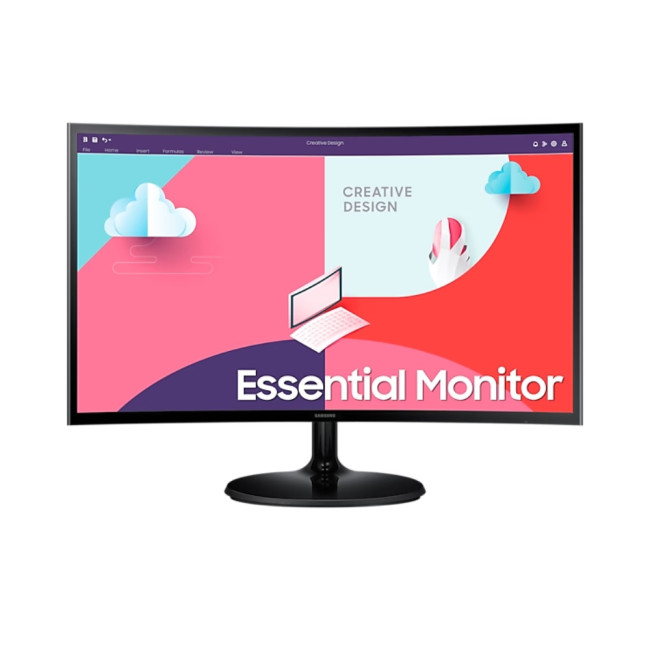
The Samsung S36GD 24-inch is the strongest current match for shoppers seeking the best Samsung curved monitor or best budget Samsung monitor. Its compact size makes it easier to place than Samsung's large curved gaming screens, and its 3000:1 typical static contrast suits documents, video and general home use.
The 100Hz mode may need to be selected in the monitor and operating-system settings because the default can be 60Hz. The model includes HDMI, VGA and a headphone output, but it does not provide the docking features or resolution of the ViewFinity S6.
Best for: Everyday work, browsing, study, streaming, casual gaming and compact curved-screen setups.
Check before choosing: Full HD is practical at 24 inches, but users who need more desktop space or very fine text should consider QHD.
4. Refurbished Samsung ViewFinity S6: Best for Work
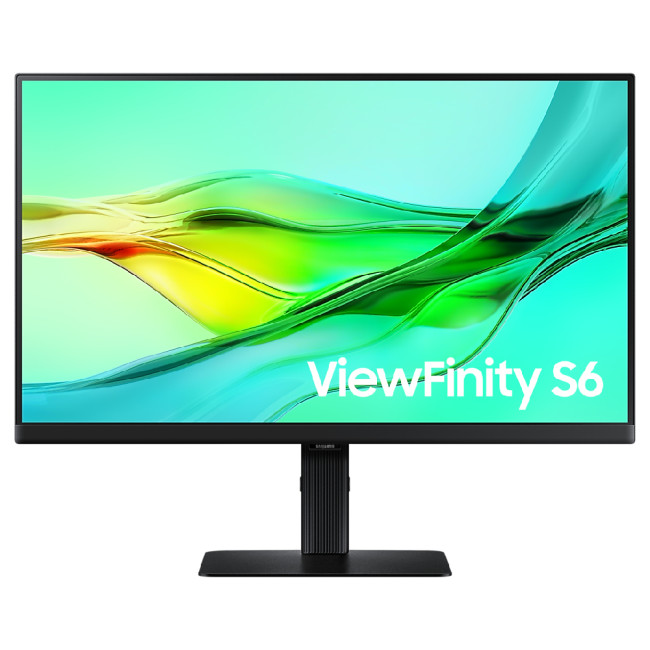
The refurbished Samsung ViewFinity S6 is the best Samsung monitor for work in the current Laptop Outlet selection. Its 24-inch QHD IPS panel provides more detail and workspace than Full HD, while the 100Hz refresh rate keeps desktop movement smooth.
Its workstation features are the main reason it stands out. USB-C supports up to 90W power delivery, and the monitor also includes Ethernet, a USB hub, DisplayPort output for daisy chaining and a built-in KVM switch. Height, swivel and pivot adjustment make it suitable for documents, coding and multi-screen layouts.
Best for: Laptop docking, hybrid work, coding, detailed documents and desks that switch between two computers.
Check before choosing: This is a manufacturer-certified refurbished listing. Review its stated condition, warranty and included accessories, and confirm that your laptop supports video over USB-C.
5. Samsung Odyssey G40B 27-Inch: Best for Full HD Competitive Gaming
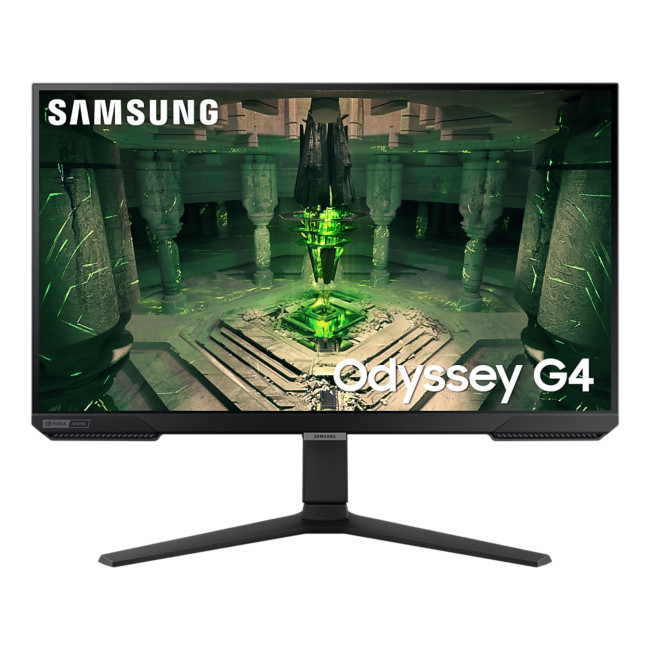
The Samsung Odyssey G40B 27-inch uses a Full HD IPS panel with a 240Hz refresh rate and 1ms response time. It is aimed at gamers who prefer high frame rates and rapid motion over the finer detail of QHD or 4K.
G-SYNC Compatible and FreeSync Premium support help reduce tearing when paired with suitable graphics hardware. The height-adjustable, swivelling and pivoting stand is more flexible than the stand on many entry-level gaming displays.
Best for: Esports, fast shooters, high-frame-rate gaming and users with hardware better suited to Full HD than 4K.
Check before choosing: Full HD has a lower pixel density at 27 inches than at 24 or 25 inches. Buyers who sit close to the screen and also read a lot of text may prefer QHD.
How to Choose the Right Samsung Monitor
Start with the Samsung Range
- Odyssey: Begin here for gaming. Compare resolution, refresh rate, response-time method, panel type and adaptive-sync support.
- ViewFinity: Begin here for office, creative and multi-device work. Check USB-C power delivery, KVM, Ethernet, colour specifications and stand adjustment.
- Smart Monitor: Consider this range when built-in streaming, wireless connectivity or smart-home features are important. Confirm which apps and services are supported in the UK.
- S Series: Start here for everyday home, study and office use. Focus on screen size, resolution, ports and ergonomics.
Match Resolution to Screen Size and Use
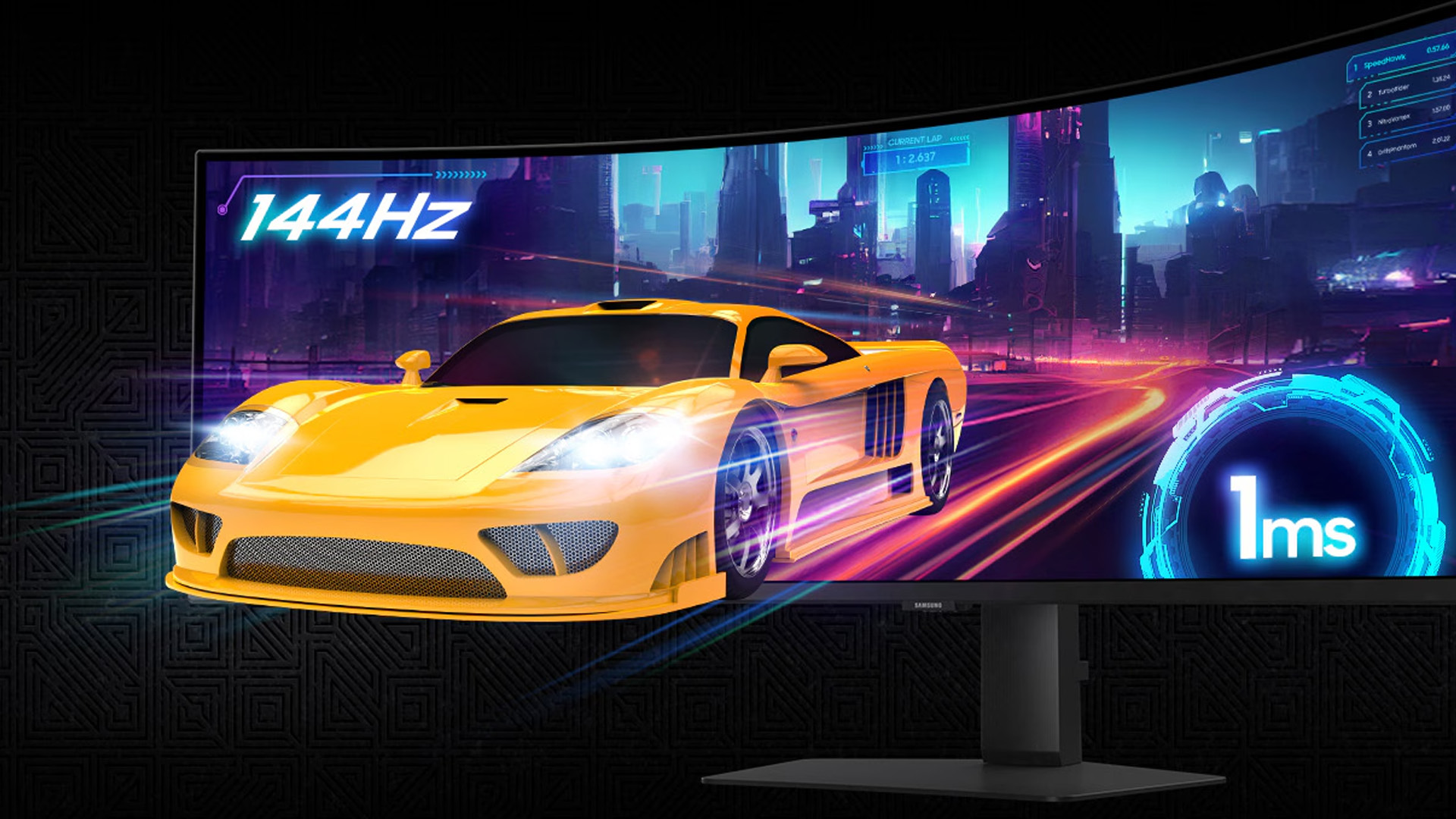
Full HD is a sensible fit for many 24-inch screens and high-refresh competitive gaming. QHD gives a 27-inch display sharper text and more usable desktop space. 4K is valuable for detailed work, premium media and larger displays, but it costs more graphics performance in games. Ultrawide resolutions add width rather than simply increasing sharpness.
Choose a Refresh Rate Your Device Can Use
There is little value in paying for 240Hz if the connected computer produces far fewer frames in the games you play. Likewise, a 60Hz office monitor may feel limiting if the same display is used for fast gaming. Check the supported resolution and refresh-rate combination for each HDMI, DisplayPort or USB-C input.
Compare IPS, VA and OLED Panels
IPS is a strong all-round choice for wide viewing angles and consistent colour. VA typically offers higher native contrast and is common in curved displays. OLED provides pixel-level light control, deep blacks and very fast response, but it needs suitable care when used with persistent static content.
Check Connectivity and Stand Adjustment
Confirm whether you need HDMI, DisplayPort, USB-C, Ethernet, a USB hub or a KVM switch. A USB-C port does not automatically provide video, data and laptop charging, so check the listed functions and power-delivery wattage. For long sessions, height adjustment and VESA mounting may matter more than built-in effects or smart features.
Samsung Monitor Buying ChecklistBefore choosing a model, answer these questions:
|

Final Thoughts
The best Samsung display is the one that balances the specifications your setup can use. The Odyssey G70D is the current 4K all-round choice, the Odyssey G61SD suits buyers prioritising OLED and high refresh rates, the S36GD covers compact curved and budget needs, the ViewFinity S6 is the strongest work-focused option, and the Odyssey G40B favours Full HD competitive gaming.
Samsung ultrawide displays still deserve consideration for wide workflows and immersive gaming, but a specific model should be recommended only when a live product is available. That approach keeps the article accurate and prevents readers from reaching another discontinued page.
When you are ready to compare current availability, use this guide alongside the Samsung monitor range and verify the final specification before ordering.

What People Also Ask…
Which Samsung Monitor Is Best for Work?
ViewFinity is Samsung's work-focused range. From the current Laptop Outlet selection, the refurbished 24-inch ViewFinity S6 stands out because it combines QHD resolution, a 100Hz IPS panel, USB-C with 90W power delivery, Ethernet, KVM support and an adjustable stand.
Is Samsung Odyssey or ViewFinity Better?
Odyssey is generally better for gaming because its models prioritise high refresh rates, fast response times and adaptive sync. ViewFinity is usually the better starting point for office and creative work because selected models offer higher-resolution productivity features, USB-C docking, KVM switches and ergonomic stands.
Are Samsung Curved Monitors Good for Office Work?
They can be. A curved screen may feel more natural on a wide display viewed from the centre, but resolution, text clarity, stand adjustment and connectivity remain more important for office use. A standard 16:9 curved model does not provide the same workspace as a 21:9 ultrawide.
What Is the Difference Between 21:9 and 32:9 Samsung Ultrawide Monitors?
A 21:9 monitor provides extra width over a standard 16:9 screen and commonly uses a 3440 × 1440 resolution at 34 inches. A 32:9 model is much wider and can offer a workspace similar to two 16:9 monitors side by side. The larger format needs more desk space and greater graphics power.
Is a 4K Samsung Monitor Worth It at 27 Inches?
Yes, if you value fine text, detailed media, creative work or sharp gaming visuals. Interface scaling may be needed at 27 inches, and high-refresh 4K gaming requires capable hardware. QHD can offer a better balance for buyers who prioritise frame rate or lower system demands.
Do Samsung Monitors Have USB-C?
Selected ViewFinity, Smart Monitor and Odyssey models include USB-C, but its functions vary. Check whether the port supports video, USB data and power delivery, and confirm that the charging wattage is sufficient for your laptop.
| Read More: |
| Monitor Buying Guide: How to Choose the Right Resolution & Refresh Rate |
| Are Ultrawide Monitors Worth Buying in 2026? |
| Best OLED Gaming Monitors to Buy in 2026 |
Related Articles

Last Updated: August 11, 2026
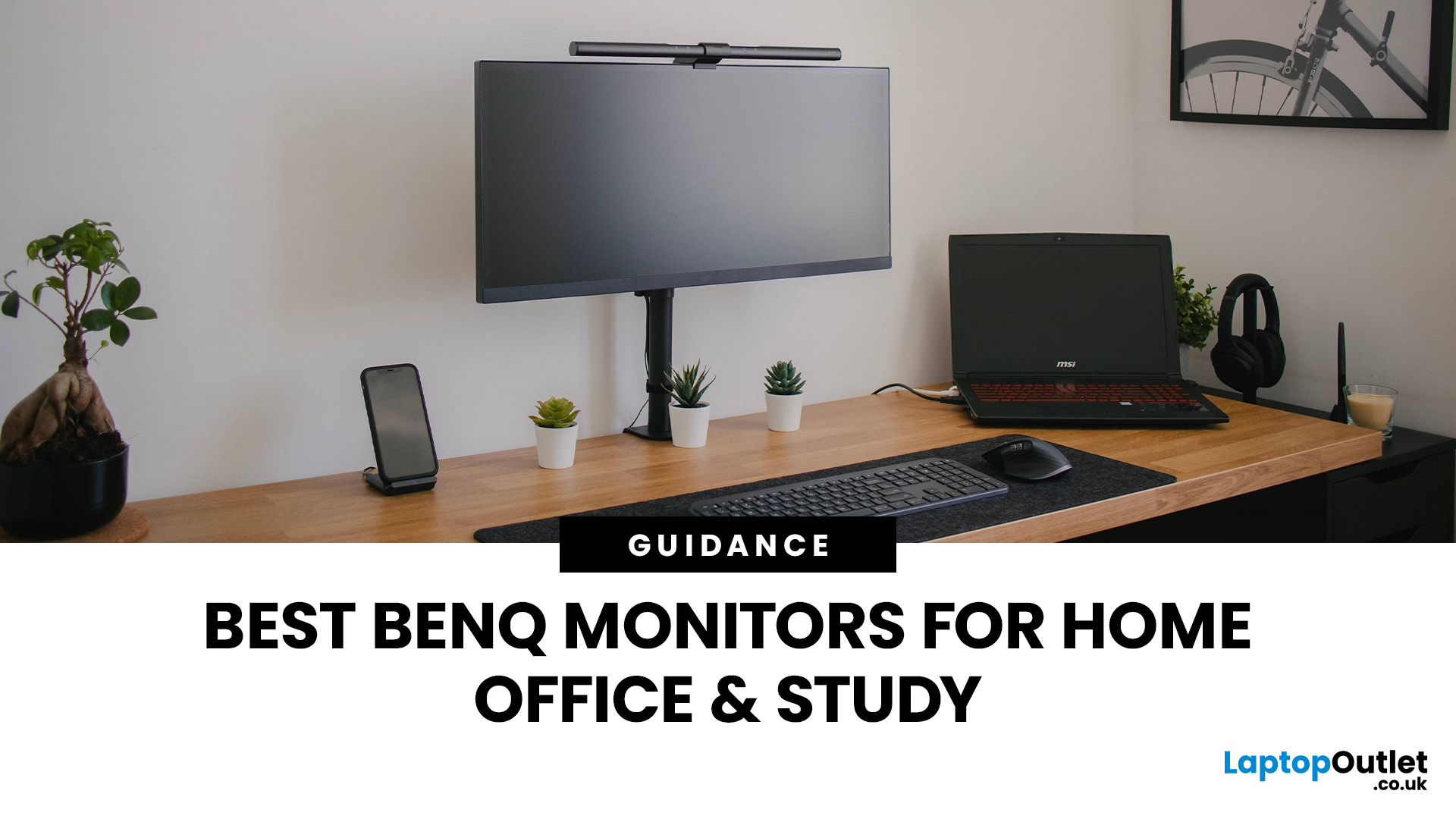
Creating a home workspace that actually makes you want to sit down and get things done starts with one key upgrade: your monitor. Whether you’re fully remote, juggling hybrid life, or deep into study mode, choosing the best BenQ monitor for home office use can seriously level up your focus, comfort and overall productivity.
Let’s be honest! Squinting at a tiny laptop screen for eight hours straight isn’t the vibe. You need space. You need clarity. You need something that doesn’t leave your eyes feeling fried by 4 pm. From compact Full HD screens that fit neatly on smaller desks to powerful 4K displays that handle heavy multitasking like a pro, there’s something for every type of workflow. So if you’re scrolling through BenQ monitors for home office and wondering which one deserves desk space, you’re in the right place.
What Makes a Good Home Office Monitor?
Not all monitors are created equal. A display designed for gaming or entertainment won’t always offer the same comfort and practical
Last Updated: April 14, 2026
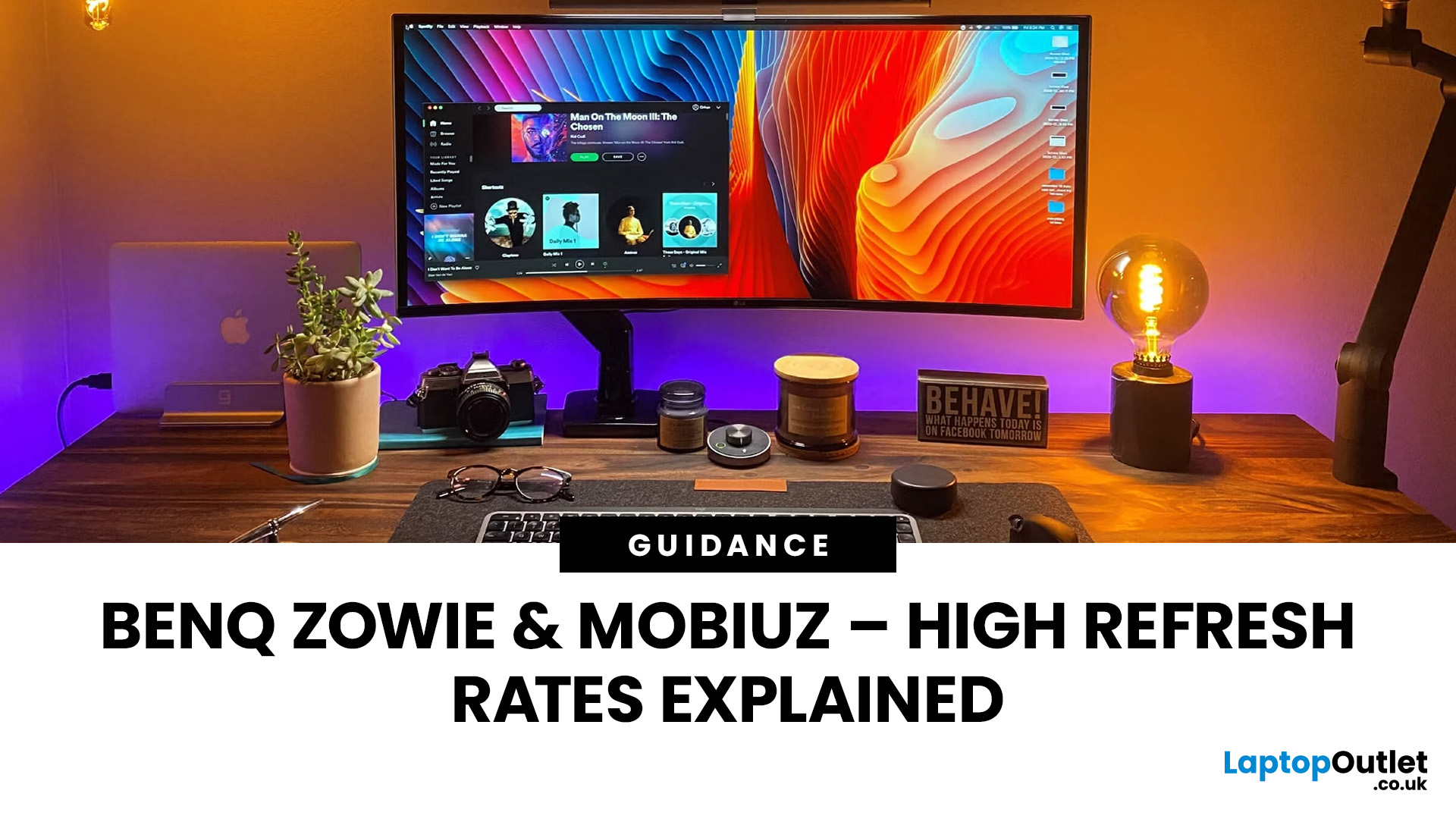
If you’ve been shopping for a competitive gaming display, you’ve probably noticed that BenQ 240Hz gaming monitors are becoming the new standard for serious players. But with so many options available, the big question remains:
Is 240Hz worth it — or is 144Hz still enough?
In this guide, we’ll break down what ultra-high refresh rates change in gameplay, compare 144Hz vs 240Hz BenQ monitor performance, and help you decide whether a BenQ high refresh ZOWIE monitor or a BenQ MOBIUZ high refresh monitor is the right upgrade for you.
Quick Answer — Is 240Hz Worth it?
So, is 240Hz worth it?
For many gamers, the answer is:
- Yes, if you play competitive FPS titles and want the smoothest, fastest response possible
- Maybe, if you play a mix of casual and competitive games
- Not necessarily, if you mostly play single-player or cinematic titles
A jump from 144Hz to 240Hz delivers:
- Smoother motion
- Reduced input delay
- Clearer tracking in fast-paced shooters
That’s why high refresh BenQ gaming monitors are
Last Updated: September 24, 2026
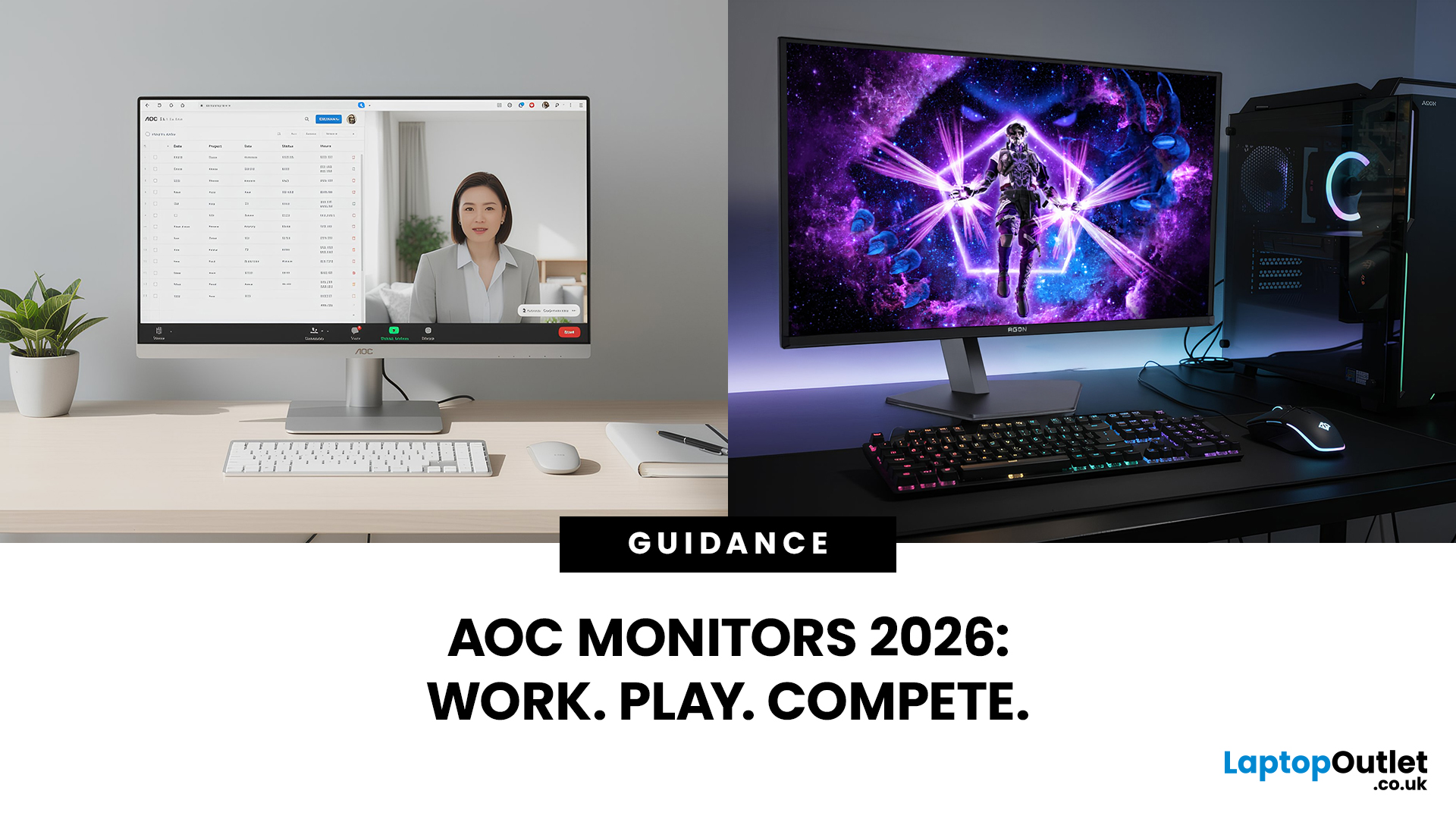
AOC monitors have quietly become one of the biggest go-to choices in 2026, whether you’re building a clean home office setup, upgrading your gaming station, or just wanting a solid screen that doesn’t destroy your budget. The brand covers everything from simple everyday displays to seriously high-performance esports-level monitors under AGON PRO. In this guide, we’ll break down the full AOC monitor family, explain what each series is actually made for, and help you figure out which models fit your lifestyle best: work, study, gaming, or all three. If you’re looking for value, comfort, and modern features, AOC is definitely worth knowing.
Meet the AOC Monitor Family: AOC, AOC Gaming, AGON & AGON PRO
AOC isn’t just one type of monitor; it’s more like a full lineup of screen “personalities,” each built for different people and setups. In 2026, AOC monitors cover everything from budget-friendly everyday displays to elite esports-level gaming machines.
The main difference comes down to performance,
Last Updated: March 13, 2026
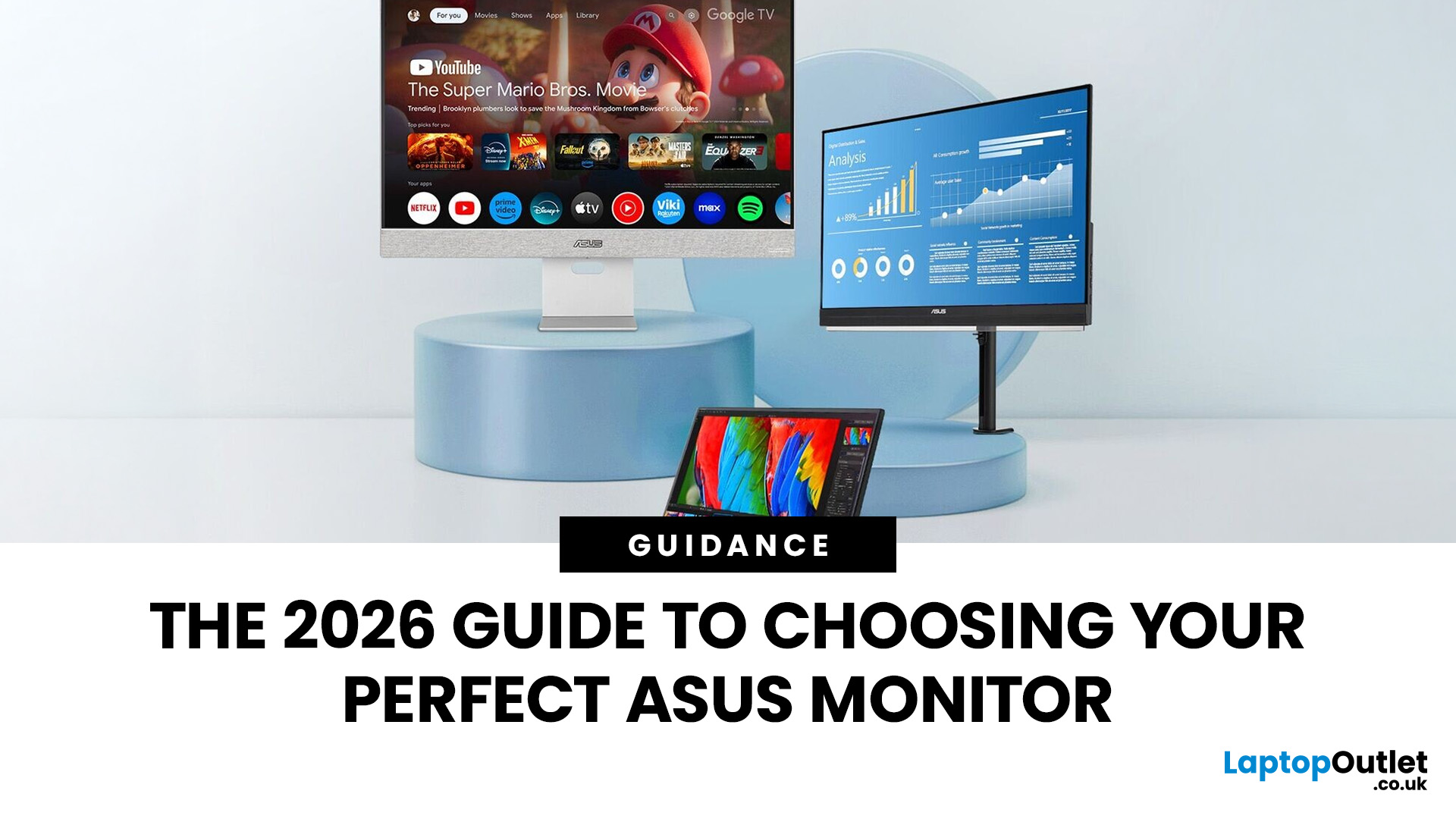
Choosing the right display in 2026 is about more than just resolution. It is about how a screen fits into your specific lifestyle. ASUS has remained a global leader by creating distinct lanes for every type of user. Whether you are a competitive gamer, a high-end designer, or a remote professional, understanding the core ASUS monitors uses is the first step to a perfect setup.
In this ASUS monitors 2026 guide, we look at how the brand has evolved its technology. From the staggering motion clarity of the latest OLEDs to the sustainable, eye-friendly designs of their business line, ASUS continues to set the benchmark for quality and reliability.
Why ASUS Monitors Are So Popular in 2026
The popularity of ASUS monitors stems from their ability to innovate within niche categories. ASUS does not just make "screens"; they build tools.
In 2026, the brand has focused heavily on "Dual-Mode" technology. This allows a single screen to switch between ultra-high resolution for work and extreme refresh

Last Updated: August 28, 2026
Working from home and studying online have become the norm in 2026, which means your monitor is no longer just a screen, it is where you spend hours reading, writing, video calling and multitasking. A good home office display needs to deliver sharp text, comfortable viewing and reliable eye-care features without costing a fortune.
That is why AOC has become one of the most popular brands for affordable productivity setups. Whether you need a cheap AOC 27 inch monitor for essays and coursework or a larger QHD screen for full-time remote work, there are plenty of options designed for comfort and clarity.
In this guide, we break down the best AOC monitor for home office and study, including budget picks, eye-care displays and refurbished bargains.
What Makes a Good Home Office Monitor?
Choosing the best AOC monitor for home office use starts with understanding what actually improves comfort and productivity. Unlike gaming displays, office monitors are about clarity, screen space and reducing
Last Updated: August 28, 2026
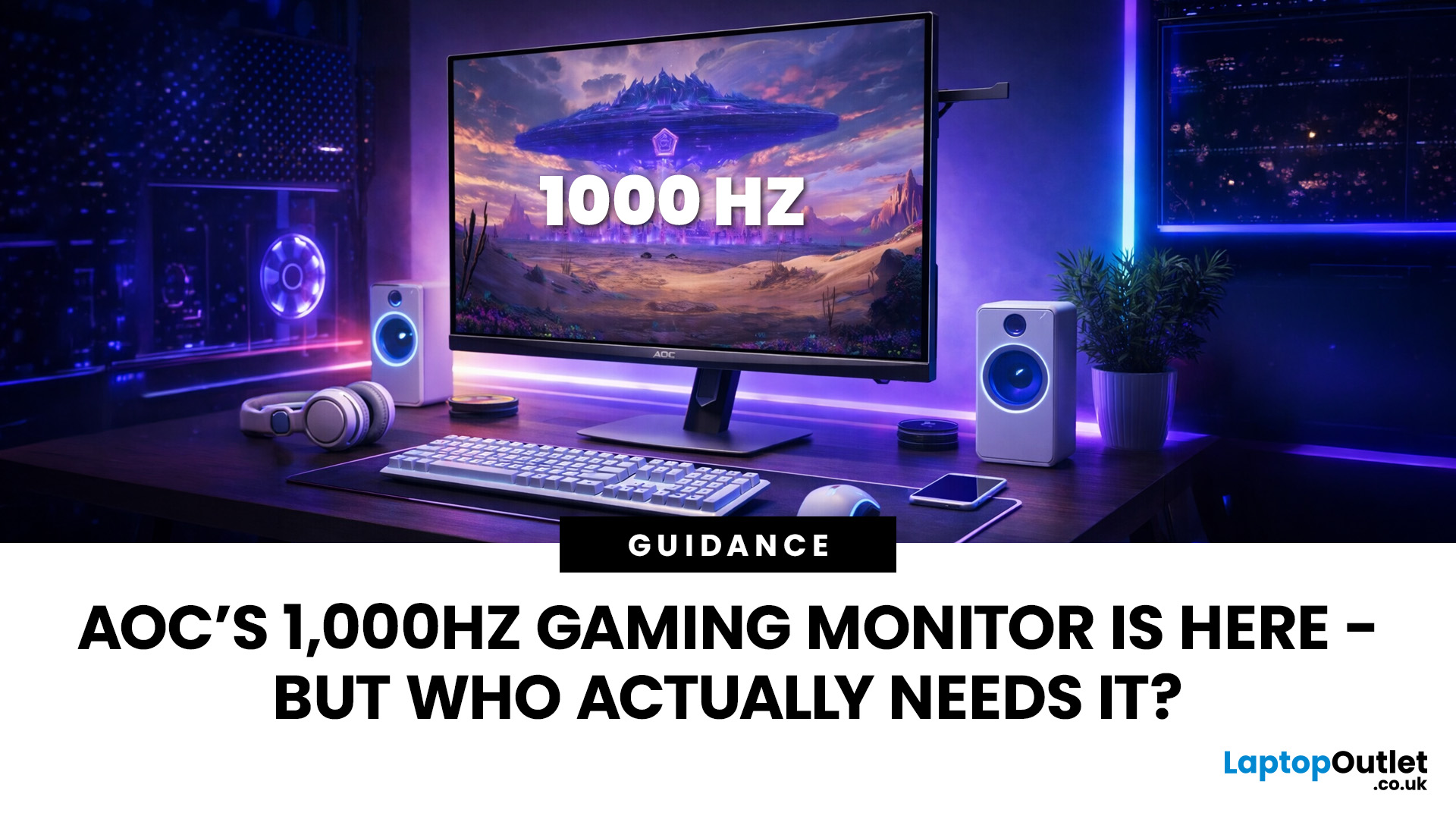
Gaming monitors have moved from 144Hz to 240Hz, then 360Hz and 500Hz in just a few years. Now AOC is pushing even further with its new AOC 1000Hz gaming monitor, the AGON PRO AGP277QK. At 1000Hz, the screen refreshes 1000 times per second, cutting frame time to just 1 millisecond. That is half the frame time of 500Hz and one quarter of 240Hz.
AOC’s new dual-mode 1000Hz monitor can switch between 500Hz at QHD and 1000Hz at a lower resolution, targeting elite competitive players. But who actually benefits from refresh rates this extreme, and should most gamers even consider waiting for it?
What AOC’s 1,000Hz Dual-Mode Monitors Actually Are
The AOC 1000Hz gaming monitor, known as the AOC AGON PRO AGP277QK, is part of a new wave of next-gen AOC AGON PRO monitors focused purely on competitive performance. It introduces a dual-mode 1000Hz monitor design, meaning it can operate at two different refresh rate and resolution combinations.
In its standard mode, the panel runs at QHD resolution with
Last Updated: August 28, 2026
Choosing the right gaming monitor depends on factors like refresh rate, resolution, panel type, response time, and HDR support.
AOC offers gaming monitors across every budget, making it hard to know which one is right for you.
This guide highlights the best AOC gaming monitors by budget and helps you choose between 1080p, 1440p, and 4K options based on your gaming needs.
How to Choose an AOC Gaming Monitor for Your Budget
Before looking at specific recommendations, it's important to understand what you're paying for.
Resolution Matters More Than Most Gamers
Last Updated: August 25, 2026
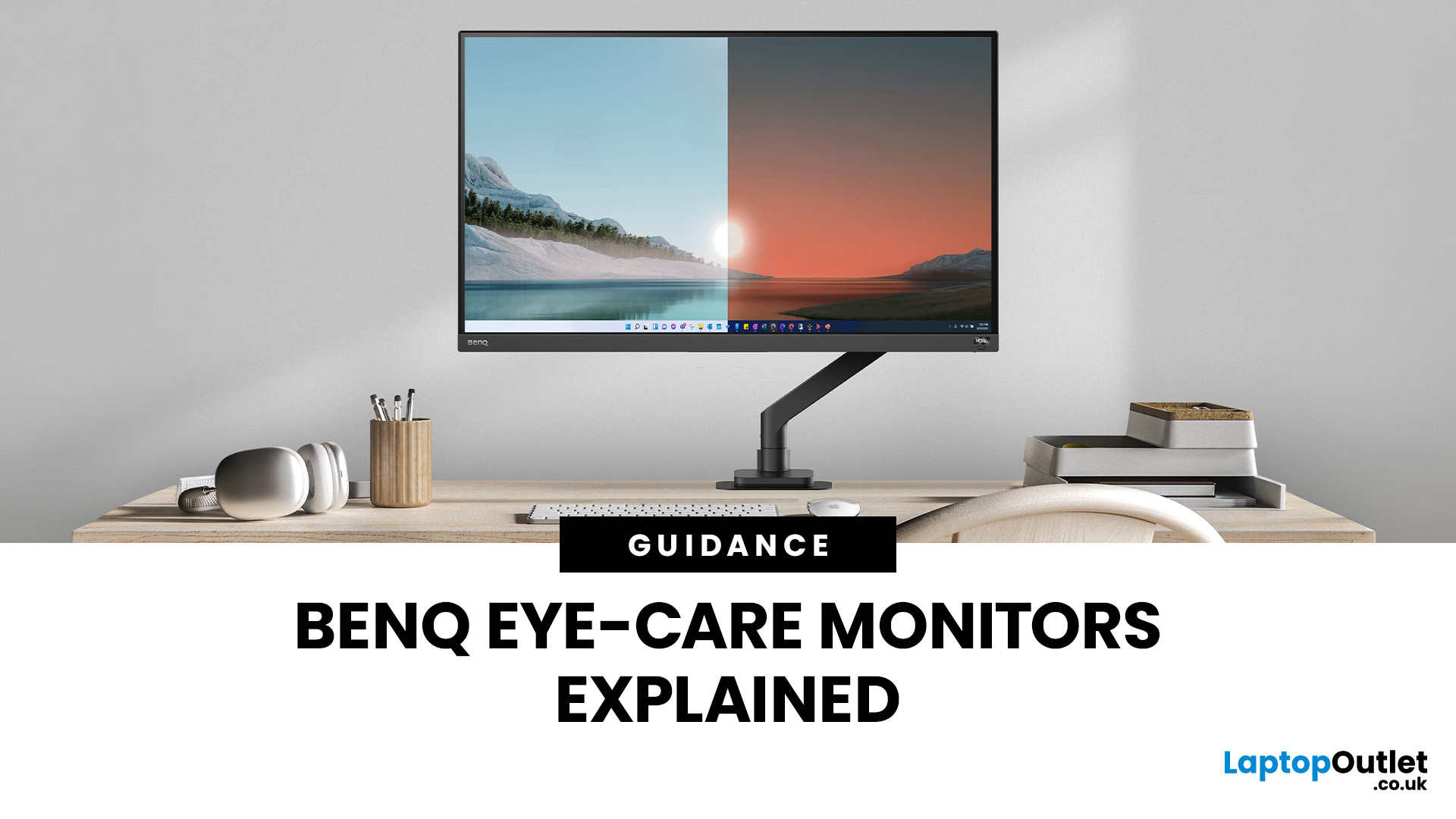
If you spend hours a day on a screen, you’ve probably felt it: tired eyes, headaches, dryness or that slightly gritty end-of-day sensation. While no monitor can solve every cause of screen-related discomfort, BenQ Eye-Care monitors include features designed to make longer sessions more comfortable by managing brightness, reducing flicker and giving you control over blue-heavy light, particularly for evening use.
What BenQ Eye-Care Means: Features and What They’re For
Several BenQ monitor ranges include comfort-focused tools under the Eye-Care umbrella. The exact feature set varies by model, but the typical options include:
- BenQ Brightness Intelligence, sometimes called Brightness Intelligence Plus or B.I.+, to adjust the screen according to your surroundings and displayed content
- Visual Optimizer, the newer name for B.I.+ on supported BenQ monitors, which can adapt brightness and colour temperature
- BenQ Low Blue Light or Low Blue Light Plus modes to reduce blue-heavy light output
- BenQ
Last Updated: March 13, 2026
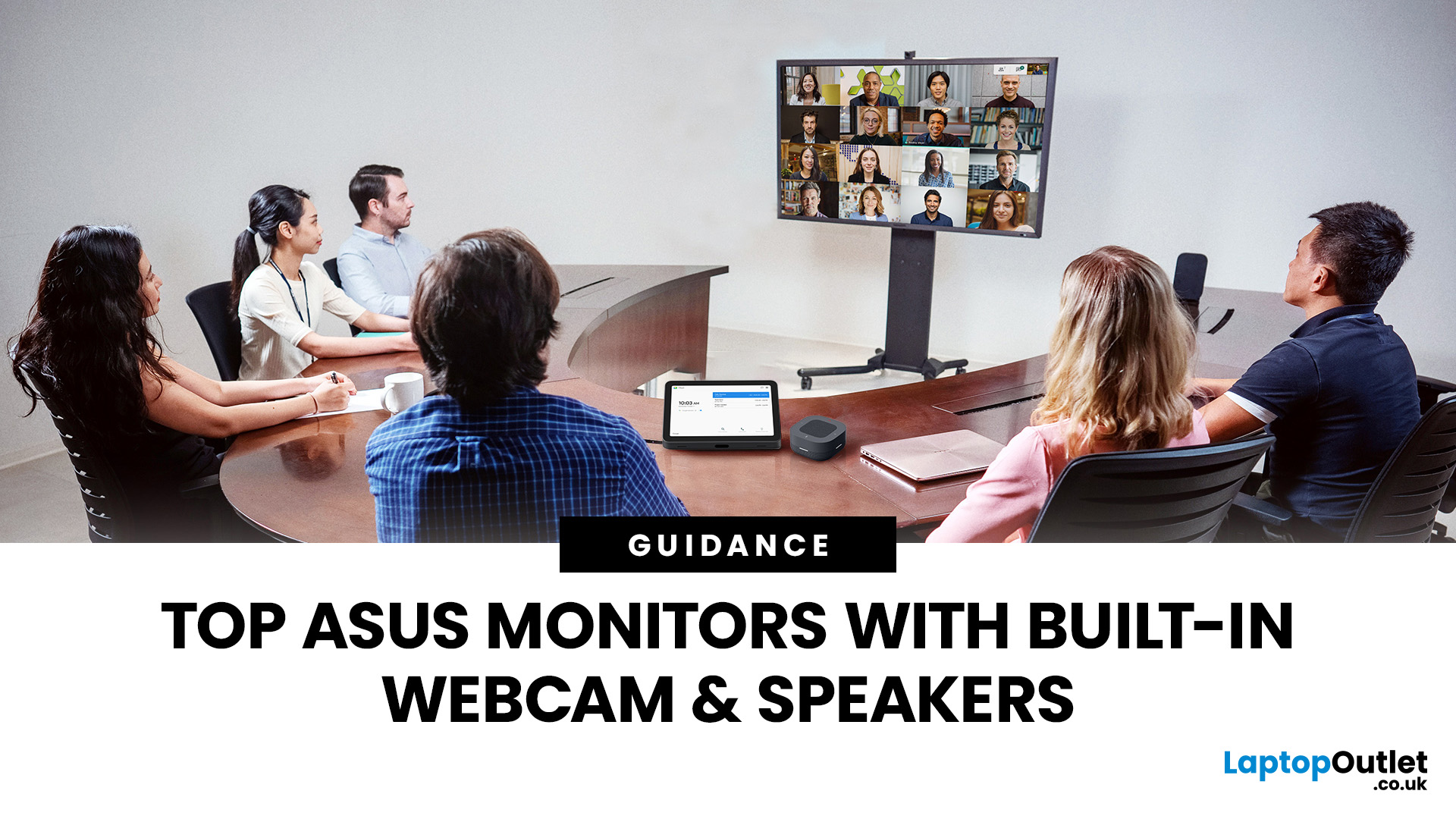
Choosing the right ASUS monitor with a webcam can significantly simplify how modern meeting rooms operate. As hybrid work becomes the norm, businesses are looking for cleaner, more efficient conferencing setups that don’t rely on multiple external peripherals. An integrated solution that combines display, camera, microphone, and speakers into one device makes deployment faster and more cost-effective. For small meeting spaces and huddle rooms in particular, an ASUS business monitor with speakers and a built-in webcam offers a practical alternative to a full conferencing kit.
What to Know About Microsoft Teams Rooms Compatibility
It’s important to clarify how an ASUS monitor with webcam fits into a Microsoft Teams Rooms environment.
Microsoft Teams Rooms (MTR) systems are typically powered by a dedicated PC or collaboration bar. The monitor itself is not the Teams Rooms system, instead, it acts as the display and USB conferencing endpoint. When paired with a Teams-enabled PC, many ASUS
Last Updated: August 13, 2026
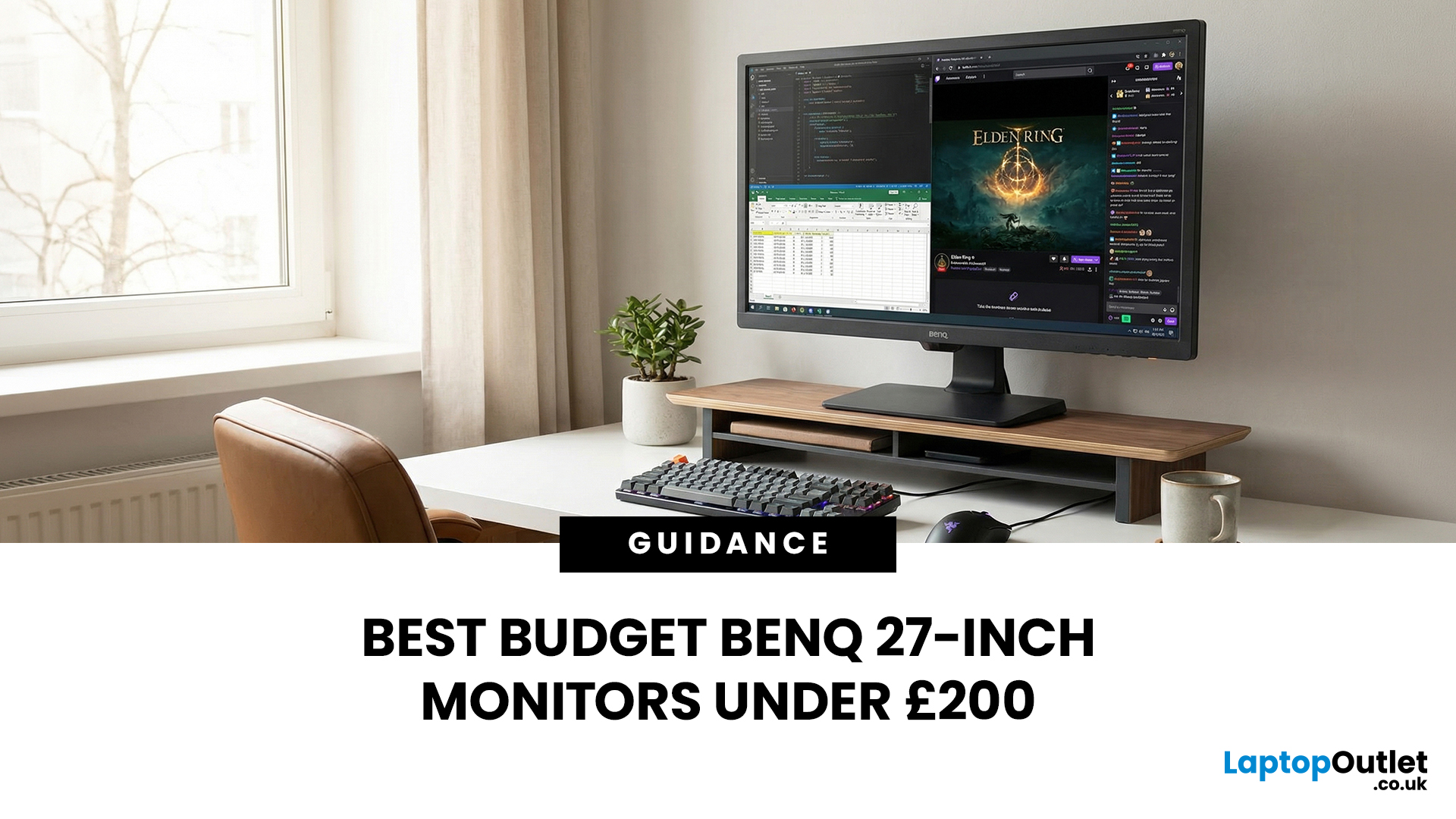
A 27-inch display gives you enough screen space for documents, spreadsheets, online classes, streaming, and gaming without taking over the average desk. Better still, choosing an affordable model no longer means settling for a basic 60Hz or 75Hz screen.
Today’s budget-friendly BenQ range includes Full HD IPS displays with 100Hz and 144Hz refresh rates, eye-care features, built-in speakers, USB-C connectivity, and ergonomic stands on selected models. That gives buyers considerably more choice, whether the priority is office productivity, studying, or smoother casual gaming.
What Can You Expect from a BenQ 27-Inch Monitor Under £200?
The specifications available at this price have improved significantly. Rather than assuming every affordable display will have a low refresh rate and a basic stand, it is better to compare individual models. Features available across the models in this guide include:
- Full HD 1920 x 1080 resolution
- IPS panel technology
- 100Hz or 144Hz refresh rates
- BenQ Eye-Care

