


RTX 4080 vs RTX 4090 – Which GPU Is Right for You?
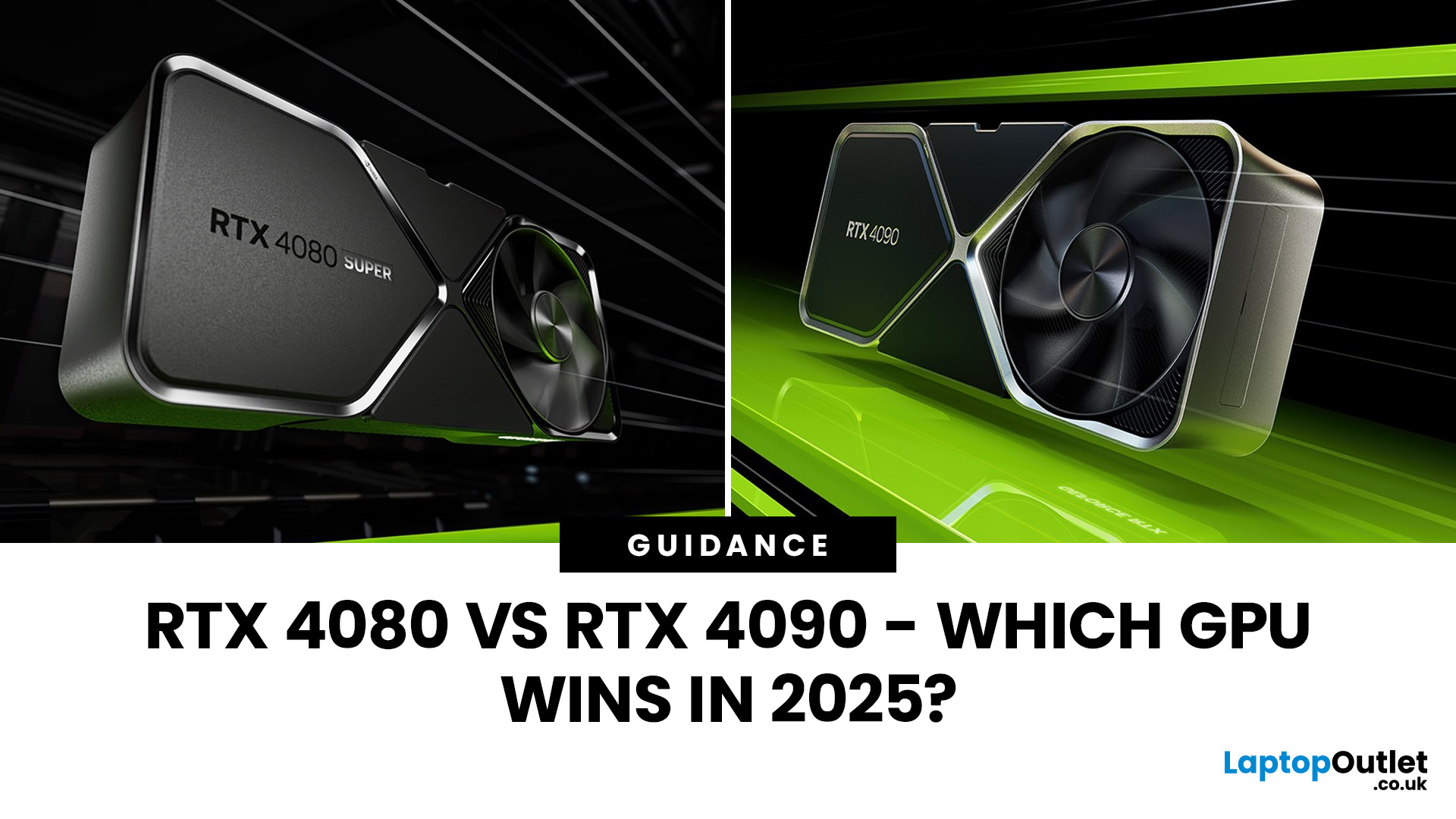
If you're weighing between the RTX 4080 vs RTX 4090, you’re right in the territory of flagship hardware, where even small trade-offs matter. In this guide, we’ll break down everything: specs, benchmarks, ray tracing, power consumption, and real-world use cases, so you can decide which GPU is worth your money.
Nvidia Ada Lovelace GPU Comparison: Architecture & Specs
Before we dig into benchmarks and performance, let’s compare the foundations.
-
Both the RTX 4080 and RTX 4090 are based on Nvidia’s Ada Lovelace architecture, bringing improvements in ray tracing cores, tensor cores, and DLSS 3 support.
-
The RTX 4090 carries more CUDA cores, more memory bandwidth, and a wider memory bus, giving it a significant hardware advantage in many scenarios.
-
That said, clock speeds between the two cards aren’t wildly different; much of the 4090’s advantage comes from scale (more cores, wider bus, more headroom).
Specs Breakdown: RTX 4080 vs 4090
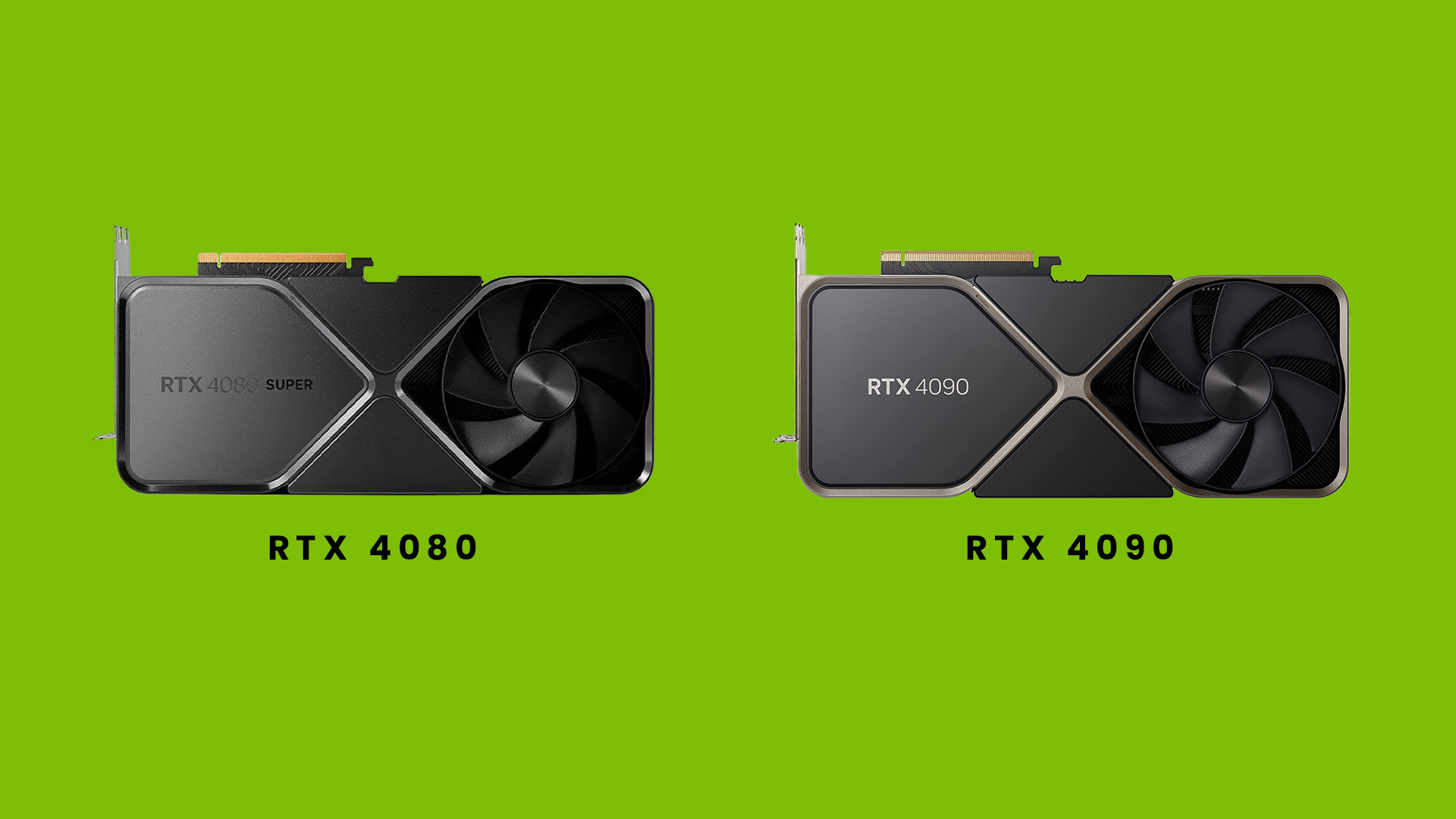
Here’s a simplified comparison of key specs:
|
Spec |
RTX 4080 |
RTX 4090 |
|
CUDA cores / equivalent |
High, but fewer than 4090 |
Much greater number of cores (hardware scale advantage) |
|
Memory & bus width |
Generous (e.g. 16 GB GDDR6X / 256-bit or similar) |
Larger (e.g. 24 GB GDDR6X / 384-bit) |
|
Memory bandwidth |
High |
Higher |
|
Boost clocks |
Competitive |
Slightly higher or more headroom |
|
Ray tracing & tensor enhancements |
Strong support |
Superior due to extra cores and bandwidth |
|
TDP / power draw |
Lower than 4090 |
Significantly higher overall power demands |
Because of these differences, the 4090 often excels when games are pushed to their limits (e.g. ultra settings, ray tracing, 4K or 8K), or in workloads like 3D rendering or AI inference. But that doesn’t immediately make it the “better pick” for all users. It depends on cost, power, and your target resolution matter a lot.
RTX 4090 Performance Benchmarks & Gaming FPS (RTX 4080 vs 4090)
When comparing RTX 4080 vs RTX 4090 in real gaming scenarios, raw specs only tell part of the story. New driver features, DLSS/frame generation updates, and game engine optimisations are shifting the balance. Here’s how things stack now.
Recent Benchmarks and Performance Trends
-
FPS Lead at 1440p / 4K Remains Solid, but Efficiency Matters
Across recent published benchmarks, the RTX 4090 continues to lead the RTX 4080 by roughly 10–25 % in many modern titles at 4K ultra settings. For example, CCL’s detailed game tests still show the 4090 pulling ahead in heavy AAA games.
At 1440p, the gap narrows somewhat: the 4090 still leads, but sometimes by only ~15–20 %, depending on how well the game scales.
-
Ray Tracing & DLSS / Frame Generation Tilt the Scales More in Favour of 4090
In games with heavy ray tracing enabled, the 4090’s extra RT cores and bandwidth shine. In Cyberpunk 2077 with RT on, the 4090 often maintains a significantly higher stable FPS than the 4080 under the same settings.
Meanwhile, Nvidia has pushed more aggressive frame generation / interpolation via DLSS on the RTX 40 series. A recent driver update (Smooth Motion in developer drivers) allows RTX 40-series cards to enable frame generation in some games that do not officially support it, resulting in FPS uplifts of up to ~40-44 % in early tests.
That means even with a 4080, some games can get a performance bump closer to what you'd expect with a 4090, especially where frame generation is effective. But the 4090 still retains a margin because, when frame generation is active, the baseline rendering headroom still gives it an edge.
-
Thermal & Sustained Performance / Stutter Handling
Under prolonged gaming sessions (1+ hour), the 4090 often shows more stable performance with fewer dips or stutters, especially in scenes that spike GPU load (complex shaders, many light sources, particle effects). The 4080 sometimes must “back off” slightly to maintain thermal limits.
The differences are more pronounced in the latest games and in future-proof titles, where engines are increasingly complex.
-
Efficiency and Performance per Watt Considerations
Because the 4080 draws less power under load, its performance per watt metric often looks more favourable in lighter or moderate gaming loads. In titles that don’t fully saturate the GPU, the 4080 may offer nearly the same experience with significantly less power draw.
In contrast, the 4090 is less efficient in many lighter or non-ray-traced scenarios—though when fully pushed, its higher performance often justifies the extra energy cost for users who demand the top tier.
-
Variability by Game & Engine Optimisation
Some games yield surprisingly small deltas between the cards, especially where the engine is CPU-limited or the GPU is underutilised.
For example, in less graphically intensive titles or esports games, both cards may hit extremely high FPS caps (e.g., 200+, 300+) where the difference is less relevant to the player experience.
However, in the newest AAA titles with advanced effects (may 2025 engines), the 4090 more consistently pulls ahead by a noticeable margin even under non-RT modes.
What this Means: Real-World Takeaways
-
If your target is 1440p high refresh or even 4K with some room to spare, the RTX 4080 still gives excellent value. In many mainstream games, the performance difference is not life-or-death.
-
If ray tracing, future games, or heavy workloads are part of your plan, the RTX 4090 gives you extra headroom and smoother consistency under pressure.
-
Driver features like frame generation are making the playing field more interesting, 4080 users can enjoy partly enhanced performance, but they'd rarely catch up fully to the 4090’s margin.
-
In benchmarks, expect the gap of 10–25 % to remain typical in 2025 for many high-demand games, sometimes more with RT, sometimes less in well-optimised engines without heavy GPU load.
Example Case: Cyberpunk 2077 / RT Performance
In Cyberpunk 2077 (a demanding, ray-tracing-intensive title):
-
The 4080 can manage “high” or “ultra” settings at 4K with DLSS, often hovering around 50–70 FPS depending on version and system.
-
The 4090 might push that into 70–90+ FPS territory under similar conditions (or even higher with RT optimisations).
So, for gamers who want to maximise visual fidelity without sacrificing smoothness, the 4090 is safer, but the 4080 often gives very good results for less cost.
RTX 4080 vs 4090 Power Consumption & Efficiency

A big piece of the decision puzzle is power: what you need to power it, and what it costs you (in electricity and system components).
-
The RTX 4090 consumes significantly more power under load compared to the RTX 4080.
-
The 4080 is generally more power efficient, you’ll often see better performance per watt, especially in non-extreme scenarios.
-
Because the 4090 demands more power, you may need a stronger PSU (e.g. 850 W or more of high quality) and better cooling overall to support the heat output.
-
This also means your system build may need reinforced VRMs, better motherboard cooling, and more robust thermals to prevent throttling or instability in sustained loads.
In short: the 4090 gives more performance, but with a steeper cost, both upfront and ongoing.
Which GPU Should You Pick? Use-Case Scenarios
Now that we’ve covered specs, performance, and power, let’s match GPUs to real user profiles.
Gamers Focused on 1440p or Competitive Esports
If your target is 1440p high refresh performance, or you care about ultra-smooth 240 Hz at that resolution:
-
The RTX 4080 is already extremely capable. You’ll see excellent FPS in nearly all modern AAA titles, even with DLSS or RT toggled.
-
The 4090 will be powerful overkill in many of those cases — you’ll pay for unused headroom.
-
So, for best GPU for ultra gaming at 1440p, the 4080 often delivers a better performance-to-cost balance.
4K / High Visual Fidelity / Ray Tracing Enthusiasts
If your target is 4K gaming, enabling full ray tracing, or future-proofing for upcoming titles:
-
The RTX 4090 gives you more breathing room. It handles more demanding scenes more consistently.
-
If you want to push frame rates beyond 60–120 FPS at ultra settings, 4090 is safer.
-
The 4080 can still do 4K, many users will be satisfied, but with more compromises in extreme cases.
Creative, Productivity, Rendering, AI
If you use your GPU for more than gaming like 3D rendering, video work, machine learning. The 4090's added cores and bandwidth become more valuable. Extra VRAM and power overhead can reduce bottlenecks in heavy workloads.
Budget & Practical Constraints
-
If your budget is tight, the RTX 4080 is often the smarter pick. You save money on PSU, cooling, and system demands.
-
If you already have a high-end build, strong cooling, and a quality PSU, the 4090 might make sense as a top-tier upgrade.
However, if you are still confused about which one to pick for your PC. You can read our graphics card buying guide. We have covered everything related to GPU for you to decide, which one is best for your daily requirements.
RTX 4080 vs RTX 4090 — Which is Right for You?
-
RTX 4080 is excellent for high-performance 1440p gaming, many 4K scenarios, and lower power budgets.
-
RTX 4090 is better for extreme 4K, ray tracing, creative workloads, and future-proofing your system.
-
The performance uplift is meaningful, especially under heavy RT or maximum settings, but it comes with added power and cost demands.
Pick RTX 4080 if you want great performance without overinvestment. Choose RTX 4090 if you want to push the limits and don’t mind paying for that headroom.
Explore & Compare: Where to Look Next
-
Explore all Nvidia graphics cards to see how 4080 and 4090 fit in among other options.
-
Compare high-end GPUs so you can see trade-offs (performance, price, power).
-
When building your dream rig, build your ultimate RTX gaming PC by balancing GPU with CPU, cooling, and PSU.
Both GPUs are powerhouses, but your choice depends on priorities. The RTX 4090 dominates 4K ultra gaming and heavy workloads with unmatched performance, while the RTX 4080 offers incredible efficiency and value for 1440p and moderate 4K setups. For top-tier gaming or future-proof builds, choose the 4090. For high performance without overspending, go for the 4080.

FAQs: RTX 4080 vs RTX 4090 GPU Comparison
Is the RTX 4090 worth the extra cost over the RTX 4080?
Yes, if you’re a 4K gamer, content creator, or want absolute top-tier performance with ray tracing, the RTX 4090 justifies the premium. However, for most users gaming at 1440p or below, the RTX 4080 delivers similar results for a lower cost.
Does the RTX 4090 use more power than the RTX 4080?
Absolutely. The RTX 4090 has a higher TDP (around 450 W or more), while the RTX 4080 is more power-efficient, typically drawing about 320 W. Make sure your PSU and cooling system can handle the extra demand before upgrading.
Which GPU is better for 4K gaming, RTX 4080 or RTX 4090?
The RTX 4090 performs better at 4K with ultra settings and ray tracing enabled. It provides smoother gameplay, higher FPS, and less stuttering. That said, the RTX 4080 still handles 4K well for most modern games with a few settings adjustments.
What are the main differences between RTX 4080 and RTX 4090 specs?
The RTX 4090 has more CUDA cores, a wider memory bus, and higher VRAM (typically 24 GB vs 16 GB). This gives it superior raw power, especially for demanding games, 3D rendering, and AI-based workloads.
Is the RTX 4080 or 4090 better for creators and video editors?
For creative professionals, the RTX 4090’s extra VRAM and core count provide faster rendering, smoother playback, and improved AI acceleration in tools like Adobe Premiere Pro, Blender, and DaVinci Resolve.
Read More:
How to Choose a Laptop with the Right Graphics Card?
Related Articles


Last Updated: September 19, 2025
The laptop market in 2025 has been completely transformed by NVIDIA GeForce RTX GPUs, offering unparalleled power, visuals, and versatility. With over 80% of high-performance laptops now featuring RTX GPUs, they’ve become the go-to choice for gamers, creators, and professionals alike. Whether you're chasing the cutting-edge performance of the latest RTX 50 series laptops or the proven reliability of RTX 40 series models, there’s an option for every need and budget.
NVIDIA's advancements in ray tracing, DLSS 3.5, and AI-powered acceleration make these laptops 50% faster than their predecessors, delivering lifelike graphics and exceptional efficiency. The gaming industry alone has seen a 35% rise in demand for RTX-powered laptops in 2025.
Ready to dive in and find the perfect RTX laptop? Read on as we explore the top models, including their specs, pricing, and unique features, so you can make an informed choice. Don’t miss the ultimate guide ahead!
What Makes NVIDIA GeForce RTX Laptops Stand
Last Updated: March 16, 2026
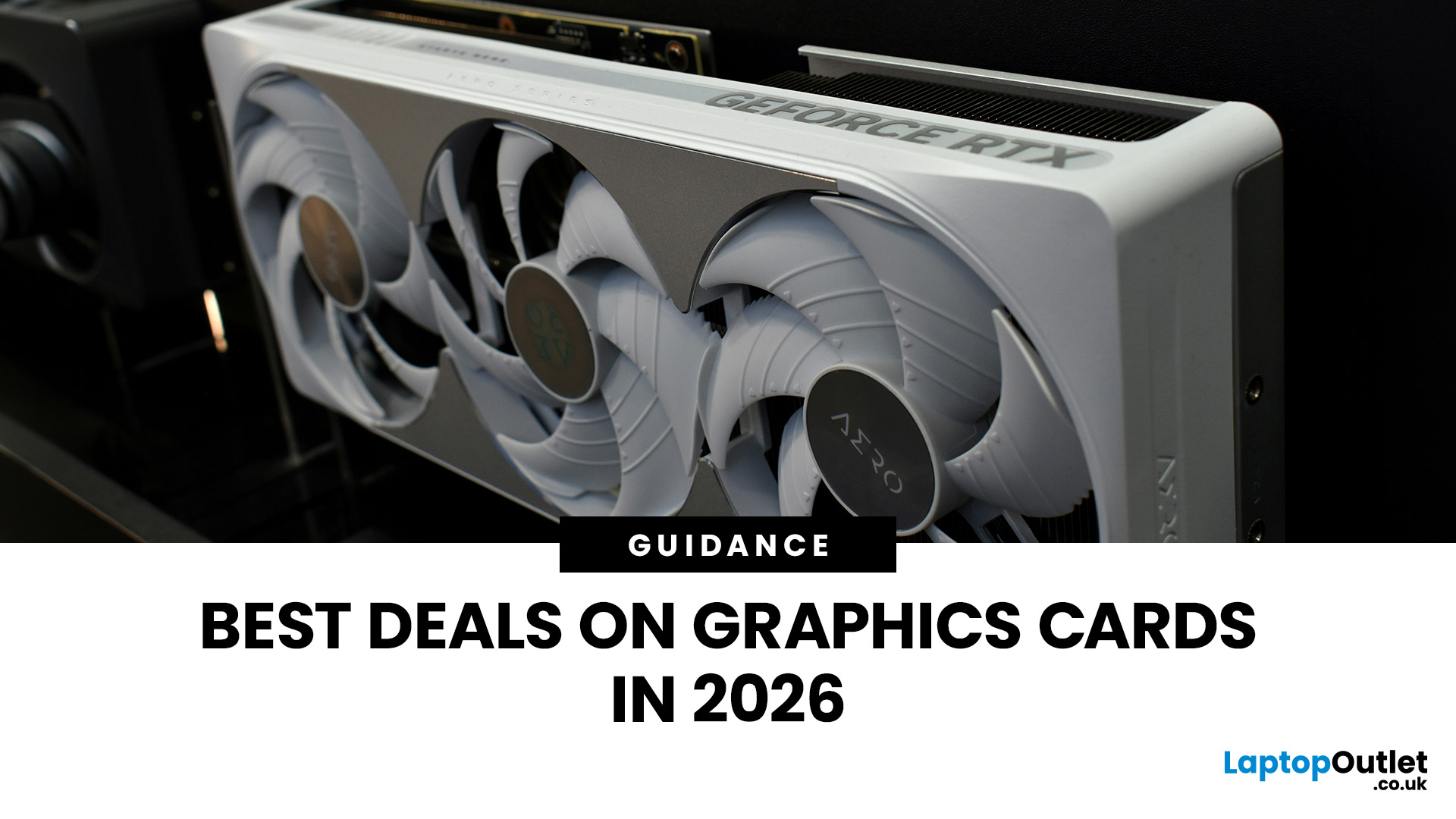
Looking for portable graphics cards? Graphics cards are an essential component for gamers, creative professionals, and tech enthusiasts. As the market evolves, new models are released with cutting-edge technology, while older ones become more affordable. Whether you are looking for the latest high-performance GPUs or seeking budget-friendly options, 2026 presents some fantastic deals on graphics cards.
In this blog, we will explore the best deals on gaming graphics cards, including RTX and AMD GPUs, and help you find the most value-packed choices from top brands. Whether you are searching for discounts on AMD graphics cards or affordable Nvidia graphics cards, we have you covered.
Why 2026 is a Great Year for Buying a Graphics Card
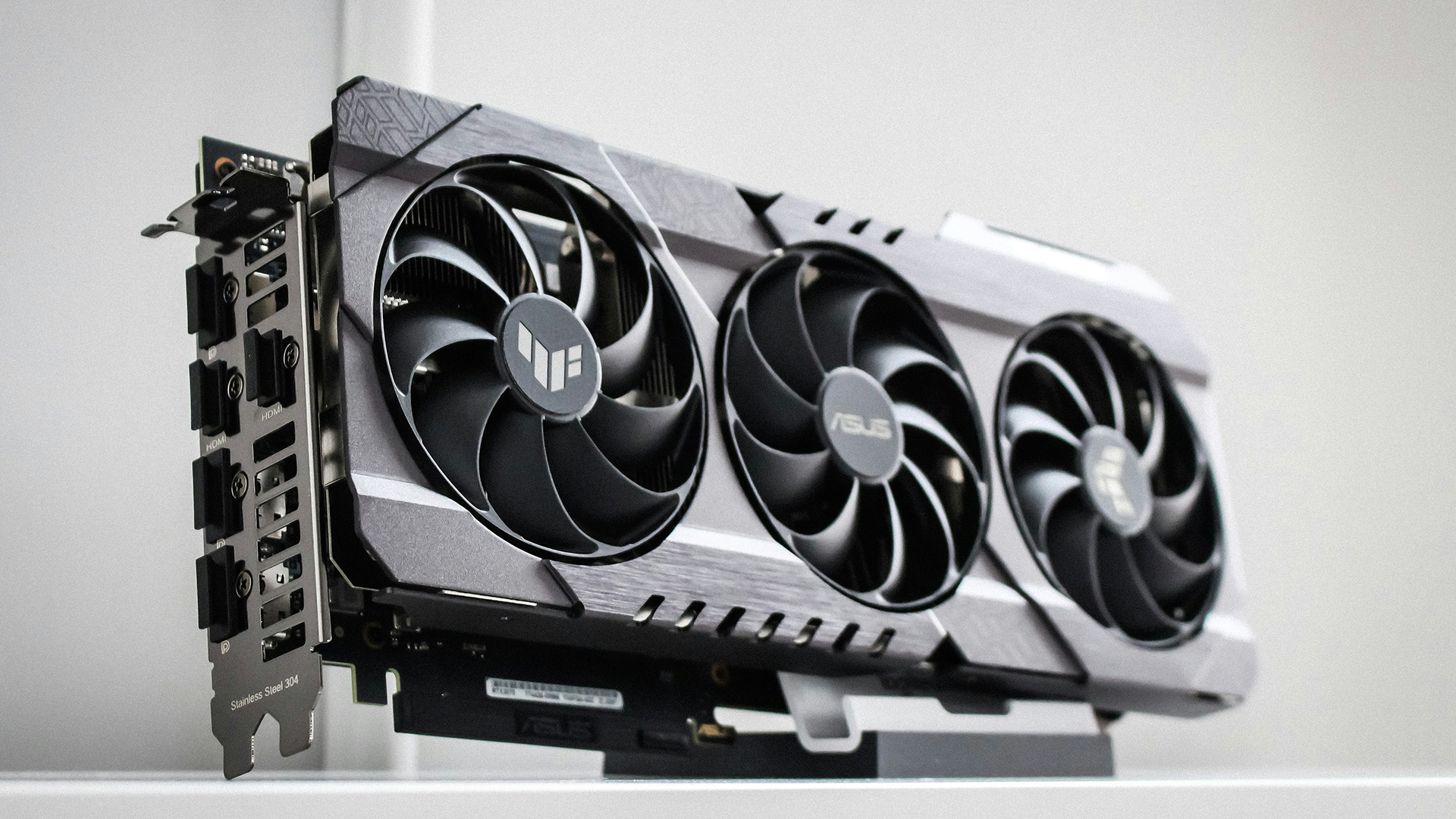
The GPU market in 2026 has stabilised significantly compared to previous years, making it an ideal time to grab some of the best deals. Key factors influencing the affordability of graphics cards this year include:
- Increased Supply: Manufacturers have ramped
Last Updated: March 05, 2026
In 2026, gaming and content creation are more accessible than ever, thanks to Nvidia’s lineup of budget-friendly graphics cards. Whether you're a casual gamer, a competitive esports player, or a creative professional, finding the right GPU doesn’t have to drain your wallet. The market is filled with options that deliver exceptional performance without the premium price tag, ensuring you get the best value for your investment.
From the power-efficient GTX 1650 to the feature-rich RTX 3060, Nvidia continues to redefine budget gaming. These GPUs offer remarkable frame rates, smooth gameplay, and cutting-edge features like DLSS and ray tracing, bringing next-gen technology within reach for everyone. With the right choice, you can enjoy immersive visuals, faster rendering, and seamless multitasking without compromise.
With so many options available, it can be challenging to determine which budget Nvidia GPU is the best fit for your needs. Whether you’re looking for smooth 1080p gaming, entry-level

Last Updated: October 02, 2025
Want to Know Your GPU? Here's How
Whether you’re gaming, editing videos, or just curious—knowing what graphics card (GPU) you have matters. It affects performance, display quality, and what software your laptop can handle. Good news: it’s easy to check.
How to Find Out What Graphics Card You Have on Windows
1. Use Device Manager
- Press Windows + X, then select Device Manager
- Click the Display Adapters dropdown
- You’ll see the name of your graphics card listed
- This method works for both integrated (e.g. Intel HD) and dedicated GPUs (e.g. NVIDIA, AMD)
2. Use System Information
- Press Windows + R to open Run
- Type msinfo32 and press Enter
- Navigate to Components > Display
- Look for Adapter Type and Adapter Description
3. Use DirectX Diagnostic Tool (dxdiag)
- Press Windows + R, type dxdiag, and hit Enter
- Go to the Display tab
- Your GPU details will be listed under “Device”
4. Use Task Manager (Quick Check)
- Press Ctrl + Shift + Esc to open Task Manager
- Go to the

Last Updated: September 09, 2025
Exploring the Latest and Greatest in GPU Tech!
If you're wondering what makes a graphics card "good," you're not alone. Whether you're a gamer, a creator, or just love a snappy desktop experience, the right GPU (graphics processing unit) can completely redefine the way your system performs. With the release of Nvidia's 50 Series and AMD's latest GPUs, there's much to get excited about. But what actually makes a graphics card good? And which are the best graphics cards out there at the moment?
Let's break it down, human-style—no jargon overload, no fluffy nonsense, just real talk about real performance.
What Makes a Graphics Card 'Good'?
At its core, a good graphics card delivers consistent performance, reliable cooling, and future-ready features. Whether gaming at 4K, editing high-resolution video, or running AI software, a good GPU doesn't slow down when pushed.
The best graphics card should offer:
- Solid FPS (frames per second) across modern titles
- Support for ray tracing

Last Updated: April 28, 2025
Smarter Gaming with AI
You’ve probably seen the term “DLSS” in gaming settings or GPU reviews. But what is NVIDIA DLSS, and why does it matter in 2025? DLSS stands for Deep Learning Super Sampling—and it’s changing the way we play, making games look better and run faster using artificial intelligence.
What Is NVIDIA DLSS?
DLSS (Deep Learning Super Sampling) is a proprietary AI-powered technology developed by NVIDIA that improves gaming performance by upscaling lower-resolution images in real time.
In simple terms:
- DLSS renders a game at a lower resolution (e.g. 1080p)
- Then uses AI and machine learning to upscale it to a higher resolution (e.g. 4K)
- The result? You get higher frame rates without sacrificing visual quality
How DLSS Works (In Plain English)
- Uses a neural network trained on thousands of high-res game images
- Processes rendered frames and predicts what they should look like at higher resolution
- Delivers sharper images, smoother motion, and improved gameplay

Last Updated: September 09, 2025
The Engine Behind Visual Power
Whether you're gaming, editing videos, or just watching YouTube, your device’s visuals are powered by a graphics card. But what exactly does it do—and do you need a powerful one? Let’s break down what a graphics card (GPU) is and why it matters.
What Is a Graphics Card?
A graphics card, or GPU (Graphics Processing Unit), is a specialised piece of hardware responsible for rendering images, videos, and animations on your screen.
It turns data into visuals—everything you see on your monitor runs through the GPU
What Does a Graphics Card Actually Do?
- Renders 2D and 3D graphics
- Processes high-resolution video and games
- Powers graphical user interfaces (GUIs)
- Enables faster photo and video editing, 3D rendering, and simulations
- Handles hardware acceleration for apps like browsers, games, and design tools
Types of Graphics Cards
1. Integrated GPU: Built into the CPU (e.g., Intel Iris, AMD Radeon Vega)
- Lower performance, uses shared memory

Last Updated: September 09, 2025
Time to Switch or Upgrade Your GPU?
Whether you're upgrading to a new GPU, troubleshooting hardware issues, or cleaning your PC, knowing how to safely remove your graphics card is essential. Follow this simple, step-by-step guide to do it without damaging your system.
1. What You’ll Need
- A Philips screwdriver
- Anti-static wristband (recommended)
- A clean, flat workspace
Optional: compressed air for cleaning dust around the GPU
2. Turn Off Your PC and Unplug Everything
- Shut down your PC completely
- Unplug the power cable and all connected peripherals (monitor, mouse, etc.)
Hold the power button for 3–5 seconds to discharge remaining power
3. Open the PC Case
- Use a screwdriver to remove the side panel (usually the left side)
- Place the screws somewhere safe—you’ll need them later
4. Ground Yourself
- Wear an anti-static wristband or touch a grounded metal object to prevent static discharge
5. Locate the Graphics Card
- It’s the large card connected to the motherboard’s
Last Updated: September 09, 2025
Time for a GPU Upgrade?
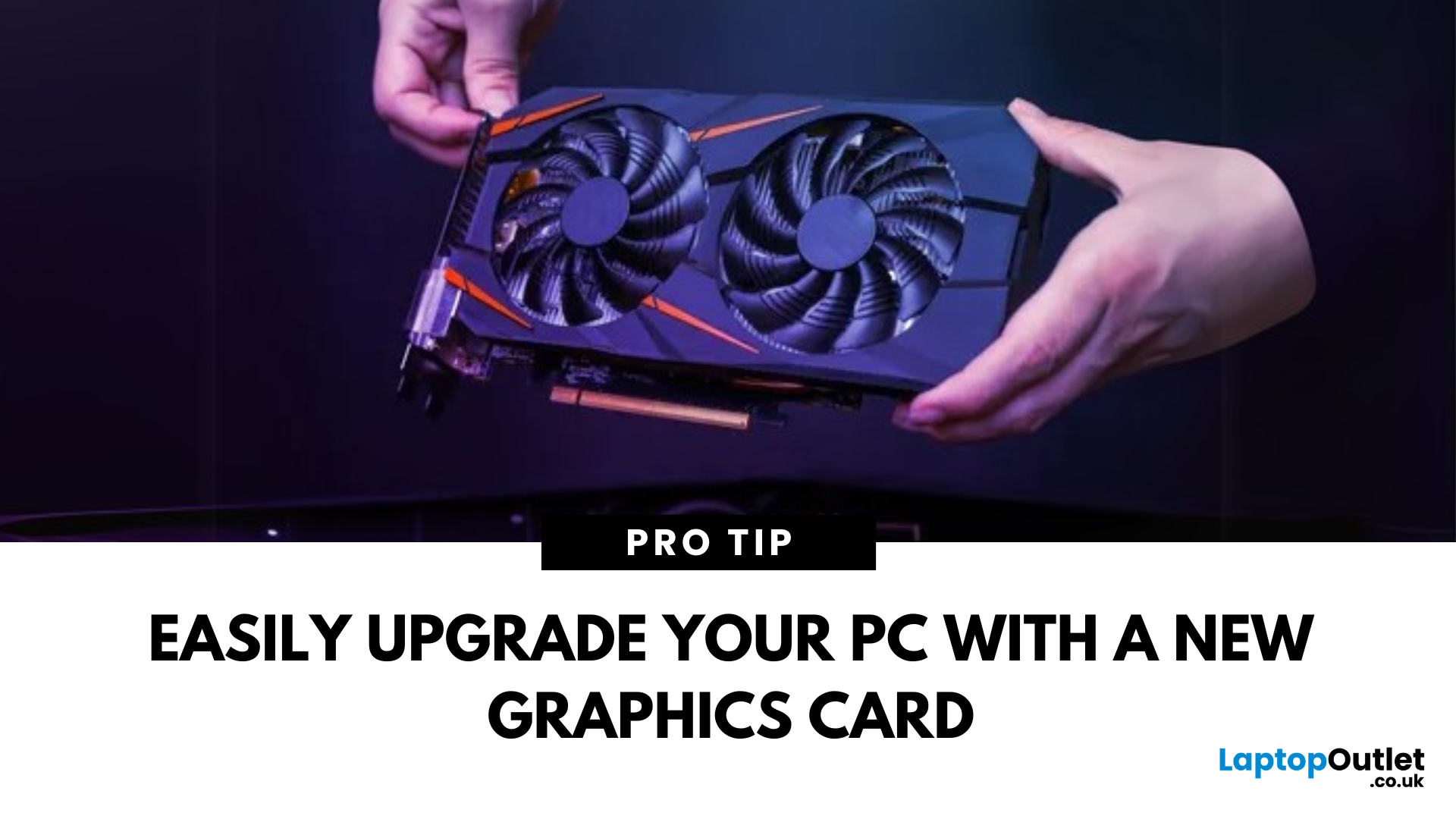
Whether you're chasing better gaming performance, smoother rendering, or next-gen AI capability, installing a new graphics card (GPU) is one of the best PC upgrades you can make. Here's how to safely and properly install your new GPU.
1. What You’ll Need
- Your new graphics card
- A Philips screwdriver
- An anti-static wrist strap (recommended)
- A clean, flat workspace
Optional: compressed air to clean out dust before installing the new GPU
2. Prepare Your PC
- Shut down your computer
- Unplug the power cable and all peripherals
- Hold the power button for 5 seconds to discharge remaining power
3. Open the Case and Remove the Old GPU (If Needed)
- Unscrew and remove the side panel of your PC case
- Disconnect power cables from your existing GPU
- Unscrew the GPU bracket
- Release the PCIe latch and gently pull out the old card
- If you’re installing a GPU for the first time, skip to the next step
4. Insert the New Graphics Card
- Locate the PCIe x16
Last Updated: March 04, 2026
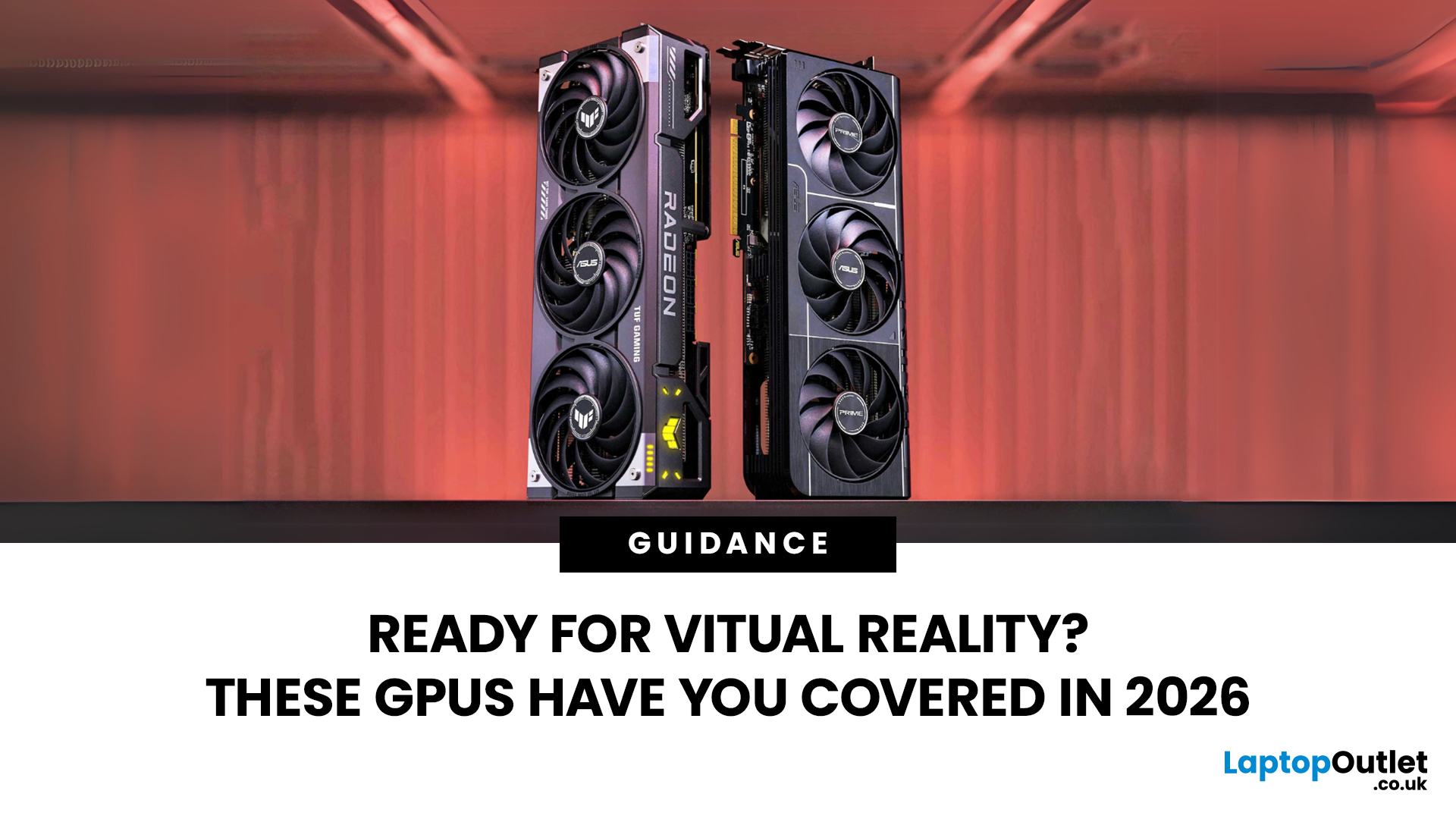
Virtual reality is the way forward when looking for total immersion and enjoying entertainment in another dimension. Whether you're stepping into alien landscapes, racing through hyper-realistic circuits, or exploring entire worlds from your living room, VR takes everything you love about gaming and cranks it up to another level. But to truly make the most of it, your PC needs to be more than just average; it needs serious graphical muscle.
If you plan to upgrade your system for a smoother, sharper, and more responsive VR experience, choosing the best graphics card for virtual reality experiences is key. And with so many options now on the market, narrowing it down can be daunting. That's why we've done the legwork for you.
Unlike standard gaming, virtual reality demands more from your hardware. Take it as running dual high-resolution displays - except one is strapped to your face, and every frame counts. Frame rates need to stay consistently high, latency needs to be minimal, and

