



How to Choose a Laptop with the Right Graphics Card
Graphics cards are the powerhouse behind stunning visuals and smooth gameplay on your laptop. From gaming and 3D rendering to video editing and CAD software, choosing the right graphics card can make all the difference. In this comprehensive guide, we break down how to select the perfect GPU for your laptop, focusing on the latest options like RTX 5090 and RTX 5060.
Why Graphics Cards Matter
Graphics cards, also known as GPUs, are crucial for rendering images, videos, and animations. A high-performance GPU can handle intensive tasks like 4K gaming, video editing, and graphic design without breaking a sweat. But with so many choices, finding the right one can be a challenge.
Enhanced Gaming Performance
For gamers, a powerful GPU is a game-changer. It enables laptops to run graphically intensive games smoothly, delivering high frame rates and lifelike graphics. A top-tier GPU like the NVIDIA RTX 5090 offers real-time ray tracing, DLSS technology, and AI-driven enhancements that make gaming a visually stunning experience.
Faster Video Rendering and Editing
Content creators rely on GPUs to accelerate video rendering and editing tasks. Dedicated GPUs handle complex effects, transitions, and 3D animations more efficiently than integrated graphics. A high-performance GPU can significantly reduce rendering times, enabling creators to work faster and more efficiently.
Smooth 4K and 8K Playback
High-resolution content demands serious graphical power. Watching 4K and 8K videos requires a GPU capable of handling intense data processing without stuttering or lag. GPUs like the RTX 5060 and RTX 5090 provide the necessary power to maintain crisp visuals and smooth playback.
AI and Machine Learning Applications
Modern GPUs are designed not just for gaming but also for AI and machine learning tasks. NVIDIA’s RTX series, for instance, includes Tensor Cores that accelerate AI computations, making them ideal for data scientists, AI developers, and researchers.
Multi-Tasking and Productivity
A dedicated GPU allows users to run multiple applications simultaneously without slowing down the system. This is particularly beneficial for those working with software like Adobe Premiere Pro, Autodesk Maya, or Blender, where complex visual elements and animations are involved.
Enhanced Visual Quality
GPUs also enhance the visual quality of games and applications. Features like anti-aliasing, ray tracing, and advanced shaders create realistic lighting, reflections, and shadows, providing a more immersive viewing experience.
Future-Proofing Your Laptop
Investing in a high-performance GPU ensures that your laptop remains capable of handling the latest software and gaming titles for years to come. Graphics technology evolves rapidly, and opting for a top-tier GPU like the RTX 5090 or AMD Radeon RX 7900M can help extend the lifespan of your device.
The Evolution of Graphics Cards
Over the past decade, laptop graphics cards have evolved significantly, transitioning from basic integrated GPUs to advanced, AI-powered dedicated graphics cards capable of handling 4K gaming and ray tracing. NVIDIA’s RTX series has set the benchmark with its ray-tracing capabilities, while AMD’s Radeon series provides impressive performance for budget-conscious users. Meanwhile, Intel’s entry into the GPU market with its Arc series has shaken things up, offering competitive options for everyday users.
Types of Graphics Cards in Laptops
Integrated Graphics Cards: Built into the CPU, these are suitable for basic tasks like browsing and streaming.
Dedicated Graphics Cards: Separate from the CPU, these are designed for power-intensive tasks like gaming and 3D rendering. Examples include NVIDIA’s RTX 5060 and RTX 5090.
External Graphics Cards (eGPUs): Connects externally to boost graphical power, ideal for laptops with Thunderbolt 3 or USB-C ports.
Integrated vs Dedicated GPUs: Which is Right for You?
If your primary tasks involve basic web browsing, document editing, and video streaming, an integrated GPU will suffice. However, if you’re a gamer, content creator, or professional editor, a dedicated GPU is a must-have. Dedicated GPUs like the RTX 5090 and 5060 deliver unparalleled graphical power, making them perfect for hi/gh-performance gaming and rendering.
Top Laptop Graphics Cards in 2025
NVIDIA RTX 5090: The Ultimate Powerhouse
The RTX 5090 is the crown jewel of NVIDIA’s 2025 lineup, designed for uncompromising gamers and content creators. Boasting a staggering 16,384 CUDA cores, 24GB of GDDR6X VRAM, and a boost clock of 2.8 GHz, this GPU can tackle 4K gaming at 120 FPS with ease. Real-time ray tracing and DLSS 4.0 technology deliver lifelike visuals and smoother frame rates, making it ideal for AAA gaming and intensive video editing. With AI-enhanced rendering, the RTX 5090 not only provides visual excellence but also significantly reduces rendering times for creators. Explore RTX 5090 Laptops
NVIDIA RTX 5060: The Mid-Range Marvel
Balancing performance and affordability, the RTX 5060 is a top pick for gamers and creators seeking next-gen performance without the premium price tag. Featuring 8GB of GDDR6 VRAM, this GPU handles 1440p gaming smoothly while maintaining respectable frame rates in 4K. Its 3,072 CUDA cores and DLSS 3.0 technology ensure enhanced visual quality and faster frame rates. Additionally, it supports ray tracing, though not as advanced as the RTX 5090, making it a solid choice for mid-range gaming laptops. Shop RTX Laptops
AMD Radeon RX 7900M: The Budget 4K Beast
AMD’s Radeon RX 7900M offers exceptional value for gamers and content creators on a budget. Equipped with 12GB of GDDR6 memory and a 256-bit memory interface, it provides robust 4K gaming capabilities without breaking the bank. Featuring AMD’s RDNA 3 architecture, it delivers up to 25% faster performance than the previous generation while maintaining impressive energy efficiency. It’s perfect for users who want high-end graphics without the premium NVIDIA price tag.
Intel Arc A580: Entry-Level Excellence
Intel’s Arc A580 is a commendable entry-level GPU aimed at casual gamers and everyday users. With 8GB of GDDR6 VRAM and support for real-time ray tracing, it’s a surprisingly capable option for those on a budget. It features Intel’s Xe-HPG architecture, allowing for decent 1080p gaming and basic video editing. While it may not match the raw power of NVIDIA and AMD’s flagship GPUs, the Arc A580 is perfect for casual gaming, streaming, and multimedia tasks.
- NVIDIA RTX 5090: The ultimate GPU for AAA gaming and 4K video editing. Explore RTX 5090 Laptops
- NVIDIA RTX 5060: Mid-range powerhouse, offering great value for gamers and creators. Shop RTX Laptops
- AMD Radeon RX 7900M: A budget-friendly alternative with robust 4K capabilities.
- Intel Arc A580: Entry-level option for casual gaming and basic editing.
Why RTX 5090 is a Game-Changer
The RTX 5090 isn’t just another GPU; it’s a powerhouse built for 4K gaming and high-definition video editing. With AI-driven DLSS technology, real-time ray tracing, and CUDA cores designed for multitasking, it’s the go-to choice for gamers and creators looking to push the limits of performance.
How to Choose the Right Graphics Card
Assess Your Usage
Are you a gamer, a content creator, or a business user? Identifying your primary use case will help you select the best GPU for your laptop. Gamers should prioritise high-performance GPUs like the RTX 5090, while casual users can stick with integrated graphics.
Check VRAM Capacity
VRAM is essential for handling textures and rendering scenes. For 1080p gaming, 6GB VRAM is sufficient, but for 4K gaming or intensive editing, aim for 8GB or more.
Consider Cooling Solutions
High-performance GPUs generate heat, so look for laptops with advanced cooling systems to prevent overheating. This is especially crucial for RTX 5090 and other top-tier graphics cards.
Monitor Compatibility
Pairing a high-end GPU with a low-refresh-rate display is a waste. Ensure your laptop’s display can handle the output of your chosen GPU, ideally a 144Hz or 240Hz panel for gaming.
Power Efficiency and Battery Life
A powerful GPU can drain your battery quickly. If portability is a priority, consider GPUs like the RTX 5060, which offers balanced power and performance.
Best Laptops with Great Graphics Cards
Finding a laptop with the right graphics card can make or break your experience, especially when it comes to gaming, content creation, or high-performance tasks. Here’s a list of some of the best laptops equipped with top-tier graphics cards in 2025:
RTX 5090 Laptops: Ultimate Gaming and Content Creation Performance
The NVIDIA RTX 5090 is the crown jewel for gamers and creators alike. With ray tracing, AI-driven rendering, and unprecedented performance, this GPU is built to dominate AAA games and 4K video editing. Whether you’re streaming, editing, or diving into the latest blockbuster game, RTX 5090 laptops deliver smooth, lag-free visuals.
- Recommended Models:
- Explore the latest RTX 5090 laptops on Laptop Outlet
RTX 5060 Laptops: Mid-Range Power for Gamers and Creators
If you’re looking for a balanced combination of power and affordability, the RTX 5060 laptops are the way to go. These GPUs can handle popular games at high settings, as well as multitasking and content creation without overheating or stuttering. The RTX 5060 also supports ray tracing for enhanced visual effects.
- Recommended Models:
- Shop RTX laptops on Laptop Outlet
AMD Radeon Laptops: Affordable and Reliable for Everyday Gaming
AMD’s Radeon series offers great value for gamers who don’t want to break the bank. With robust 4K capabilities and efficient power management, these GPUs are ideal for casual gamers and creative professionals looking for a cost-effective solution.
- Recommended Models:
- Check out AMD Radeon laptops on Laptop Outlet
Intel Arc Laptops: Light Gaming and Daily Use
Intel’s Arc GPUs are relatively new but have already made a mark for users who need everyday performance with the option for light gaming. These GPUs are perfect for students, office workers, and anyone who wants smooth visuals without the high cost of a dedicated gaming GPU.
- Recommended Models:
- Browse Intel Arc laptops on Laptop Outlet
Featured Gaming Laptops with Great Graphics
- Acer Predator Helios Neo 14 PHN14-51:
Featuring the Intel Core Ultra 7 155H, 32GB RAM, 1TB SSD, and NVIDIA RTX 4070 graphics, this laptop is designed for pro gamers. The 14.5" WQXGA IPS display and Windows 11 Home make it a beast for high-resolution gaming and multimedia tasks. - Medion ERAZER NB Crawler E30:
An affordable choice for gamers, this model packs an Intel Core i5-12450H, 8GB RAM, 512GB SSD, and NVIDIA RTX 3050 graphics. The 15.6" Full HD 144 Hz display ensures smooth gameplay, making it a great entry-level gaming laptop. - ASUS TUF Gaming Laptop:
With the Intel Core i7-13620H, 16GB RAM, 512GB SSD, and NVIDIA RTX 4050, this 16" WUXGA 144 Hz laptop is a solid choice for gamers and creative users. Known for durability and performance, it’s equipped to handle demanding tasks with ease. - HP Victus Gaming 15-fb2006na:
Powered by AMD Ryzen 7 8845HS, 16GB RAM, 512GB SSD, and NVIDIA RTX 4060, this 15.6" Full HD IPS 144 Hz laptop offers a balanced performance for gamers who also multitask. The combination of a high-refresh-rate screen and powerful GPU makes it a versatile choice.
These laptops are equipped with some of the best graphics cards available in 2025, each catering to different performance needs and budgets. Whether you’re a hardcore gamer looking for top-tier graphics or a casual user needing reliable visuals, these options have you covered.
FAQs
What is the best graphics card for gaming laptops in 2025?
The NVIDIA RTX 5090 is the top performer for high-end gaming and 4K video editing.
Do I need a dedicated GPU for video editing?
Yes, for smooth editing, opt for at least a 6GB VRAM GPU.
Can external GPUs upgrade my laptop’s performance?
Yes, eGPUs are perfect for adding extra graphical power to laptops with Thunderbolt 3 or USB-C ports.
How does VRAM affect gaming performance?
VRAM stores graphical data for quick access. More VRAM means better handling of high-resolution textures and complex scenes.
Selecting the right graphics card for your laptop doesn’t have to be complicated. Whether you’re seeking top-tier performance with the RTX 5090 or a budget-friendly option like the Intel Arc A580, there’s a GPU out there that matches your needs and budget. Stay tuned for more insights and expert advice on making the best tech upgrades in 2025.
Read More:
| Top Budget Nvidia Graphics Cards for 2025: Best Performance for Your Money |
| Best Deals on Graphics Cards in 2025: Top GPUs at Unbeatable Prices |
| What are Good Graphics Cards? |
Related Articles

Last Updated: February 24, 2026
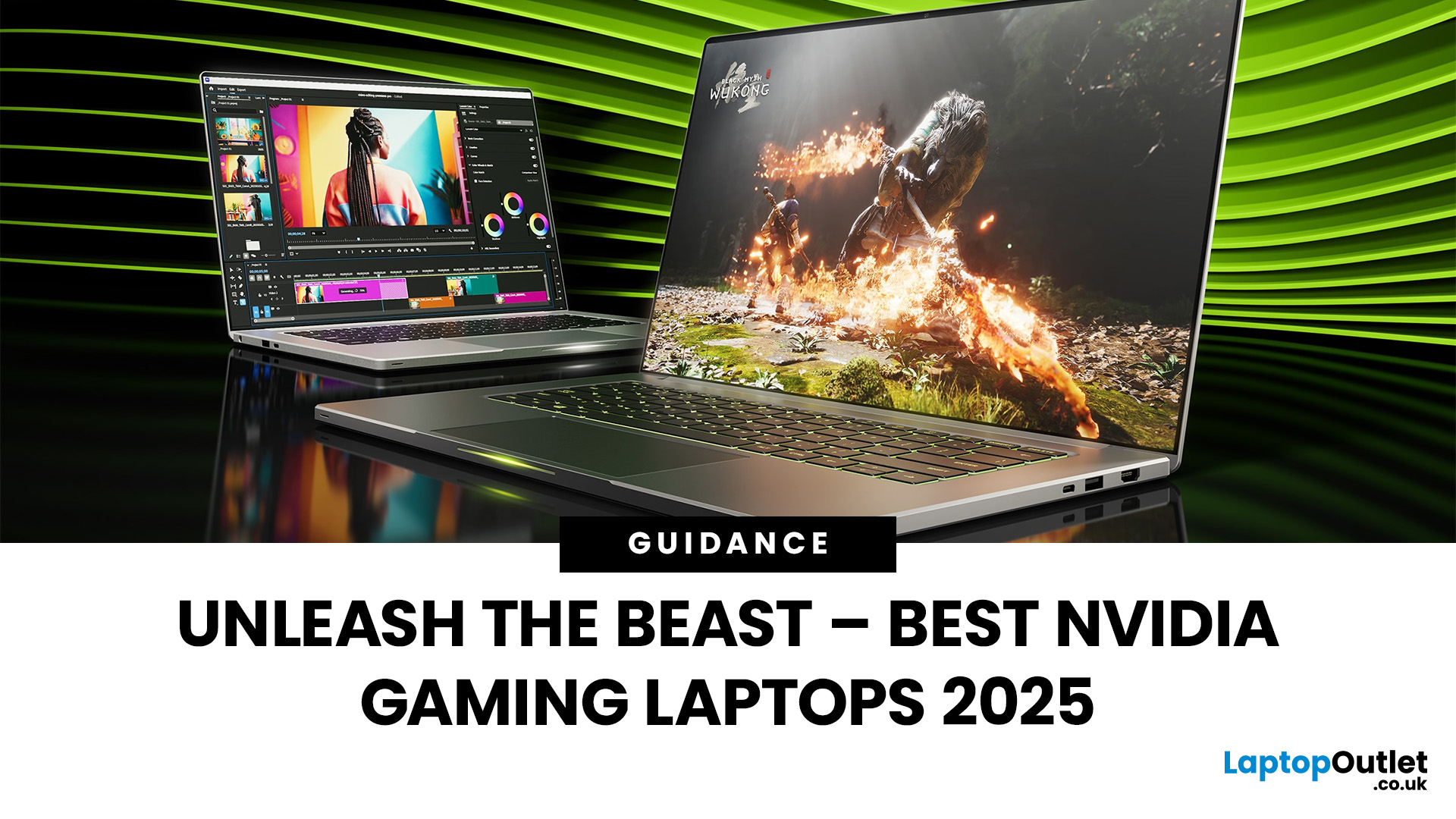
Among the top leading brands of high-end graphics cards, Nvidia stands out as a "powerhouse" in the world of gaming. Laptops with Nvidia graphics cards are known for their exceptional processing capabilities to handle resource-intensive gaming, 3D modelling, and video editing software without any stutters or lags. In this article, we will explore the benefits of Nvidia gaming laptops. Not only will we discuss the features of these gaming laptops, but you'll find our top 5 recommendations for the best gaming laptop on the market.
What are the Benefits of Laptops with Nvidia Cards?
A gaming laptop with a Nivida Graphics card offers a range of advantages as compared to devices with other Graphics card brands. These high-performance devices offer excellent graphics rendering and processing power in video games, CAD/CAM, scientific computing, content creation, and other intensive computing applications.
Let’s explore their benefits in detail:
Unparalleled Graphics Performance
Nvidia graphics

Last Updated: July 01, 2025
Introduction
Gaming laptops today utilise the latest GPU technologies to deliver unmatched performance. These technologies make laptops fast and robust, making gaming an enjoyable and immersive experience.
Graphic Revolution: How Have Graphics Evolved?
Graphics, or GPUs, have evolved over the years, featuring modern technologies today to deliver an uninhibited gaming performance. You can trace the graphic revolution back to the 1950s and 1970s; the evolution is commendable.
Here is a brief look into how graphics have evolved over the years.
| Year | Type Of Graphics |
| 1950s-1970s |
|
| 1970s–1980s |
|
| 1980s |
|
| 1990s |
|

Last Updated: September 19, 2025
The laptop market in 2025 has been completely transformed by NVIDIA GeForce RTX GPUs, offering unparalleled power, visuals, and versatility. With over 80% of high-performance laptops now featuring RTX GPUs, they’ve become the go-to choice for gamers, creators, and professionals alike. Whether you're chasing the cutting-edge performance of the latest RTX 50 series laptops or the proven reliability of RTX 40 series models, there’s an option for every need and budget.
NVIDIA's advancements in ray tracing, DLSS 3.5, and AI-powered acceleration make these laptops 50% faster than their predecessors, delivering lifelike graphics and exceptional efficiency. The gaming industry alone has seen a 35% rise in demand for RTX-powered laptops in 2025.
Ready to dive in and find the perfect RTX laptop? Read on as we explore the top models, including their specs, pricing, and unique features, so you can make an informed choice. Don’t miss the ultimate guide ahead!
What Makes NVIDIA GeForce RTX Laptops Stand
Last Updated: September 01, 2026
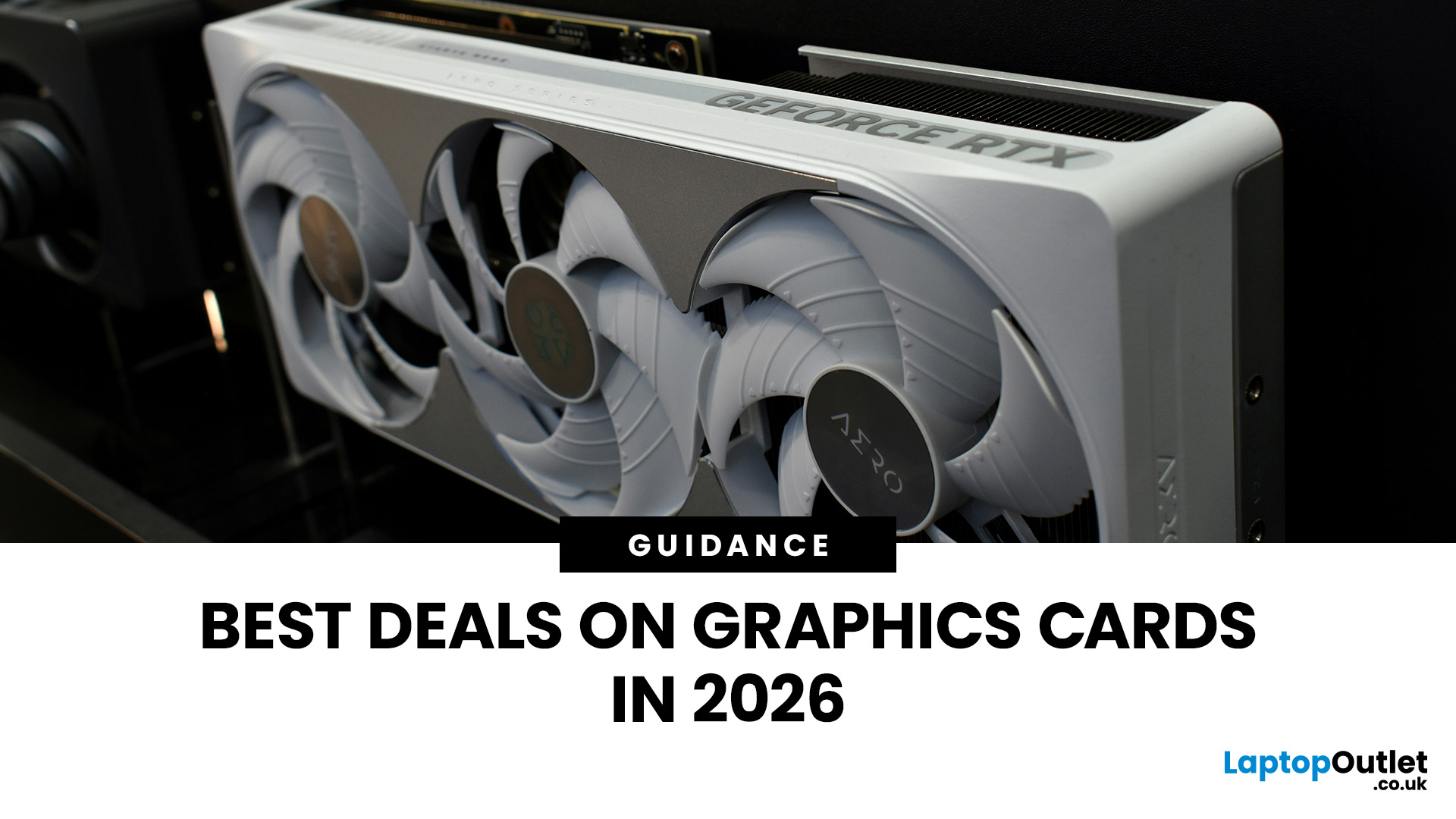
Looking for portable graphics cards? Graphics cards are an essential component for gamers, creative professionals, and tech enthusiasts. As the market evolves, new models are released with cutting-edge technology, while older ones become more affordable. Whether you are looking for the latest high-performance GPUs or seeking budget-friendly options, 2026 presents some fantastic deals on graphics cards.
In this blog, we will explore the best deals on gaming graphics cards, including RTX and AMD GPUs, and help you find the most value-packed choices from top brands. Whether you are searching for discounts on AMD graphics cards or affordable Nvidia graphics cards, we have you covered.
Why 2026 is a Great Year for Buying a Graphics Card
The GPU market in 2026 has stabilised significantly compared to previous years, making it an ideal time to grab some of the best deals. Key factors influencing the affordability of graphics cards this year include:
- Increased Supply: Manufacturers have ramped
Last Updated: March 05, 2026
In 2026, gaming and content creation are more accessible than ever, thanks to Nvidia’s lineup of budget-friendly graphics cards. Whether you're a casual gamer, a competitive esports player, or a creative professional, finding the right GPU doesn’t have to drain your wallet. The market is filled with options that deliver exceptional performance without the premium price tag, ensuring you get the best value for your investment.
From the power-efficient GTX 1650 to the feature-rich RTX 3060, Nvidia continues to redefine budget gaming. These GPUs offer remarkable frame rates, smooth gameplay, and cutting-edge features like DLSS and ray tracing, bringing next-gen technology within reach for everyone. With the right choice, you can enjoy immersive visuals, faster rendering, and seamless multitasking without compromise.
With so many options available, it can be challenging to determine which budget Nvidia GPU is the best fit for your needs. Whether you’re looking for smooth 1080p gaming, entry-level

Last Updated: October 02, 2025
Want to Know Your GPU? Here's How
Whether you’re gaming, editing videos, or just curious—knowing what graphics card (GPU) you have matters. It affects performance, display quality, and what software your laptop can handle. Good news: it’s easy to check.
How to Find Out What Graphics Card You Have on Windows
1. Use Device Manager
- Press Windows + X, then select Device Manager
- Click the Display Adapters dropdown
- You’ll see the name of your graphics card listed
- This method works for both integrated (e.g. Intel HD) and dedicated GPUs (e.g. NVIDIA, AMD)
2. Use System Information
- Press Windows + R to open Run
- Type msinfo32 and press Enter
- Navigate to Components > Display
- Look for Adapter Type and Adapter Description
3. Use DirectX Diagnostic Tool (dxdiag)
- Press Windows + R, type dxdiag, and hit Enter
- Go to the Display tab
- Your GPU details will be listed under “Device”
4. Use Task Manager (Quick Check)
- Press Ctrl + Shift + Esc to open Task Manager
- Go to the

Last Updated: September 09, 2025
Exploring the Latest and Greatest in GPU Tech!
If you're wondering what makes a graphics card "good," you're not alone. Whether you're a gamer, a creator, or just love a snappy desktop experience, the right GPU (graphics processing unit) can completely redefine the way your system performs. With the release of Nvidia's 50 Series and AMD's latest GPUs, there's much to get excited about. But what actually makes a graphics card good? And which are the best graphics cards out there at the moment?
Let's break it down, human-style—no jargon overload, no fluffy nonsense, just real talk about real performance.
What Makes a Graphics Card 'Good'?
At its core, a good graphics card delivers consistent performance, reliable cooling, and future-ready features. Whether gaming at 4K, editing high-resolution video, or running AI software, a good GPU doesn't slow down when pushed.
The best graphics card should offer:
- Solid FPS (frames per second) across modern titles
- Support for ray tracing

