



RTX 5050 Graphics Cards Review: Is It Worth the Upgrade?
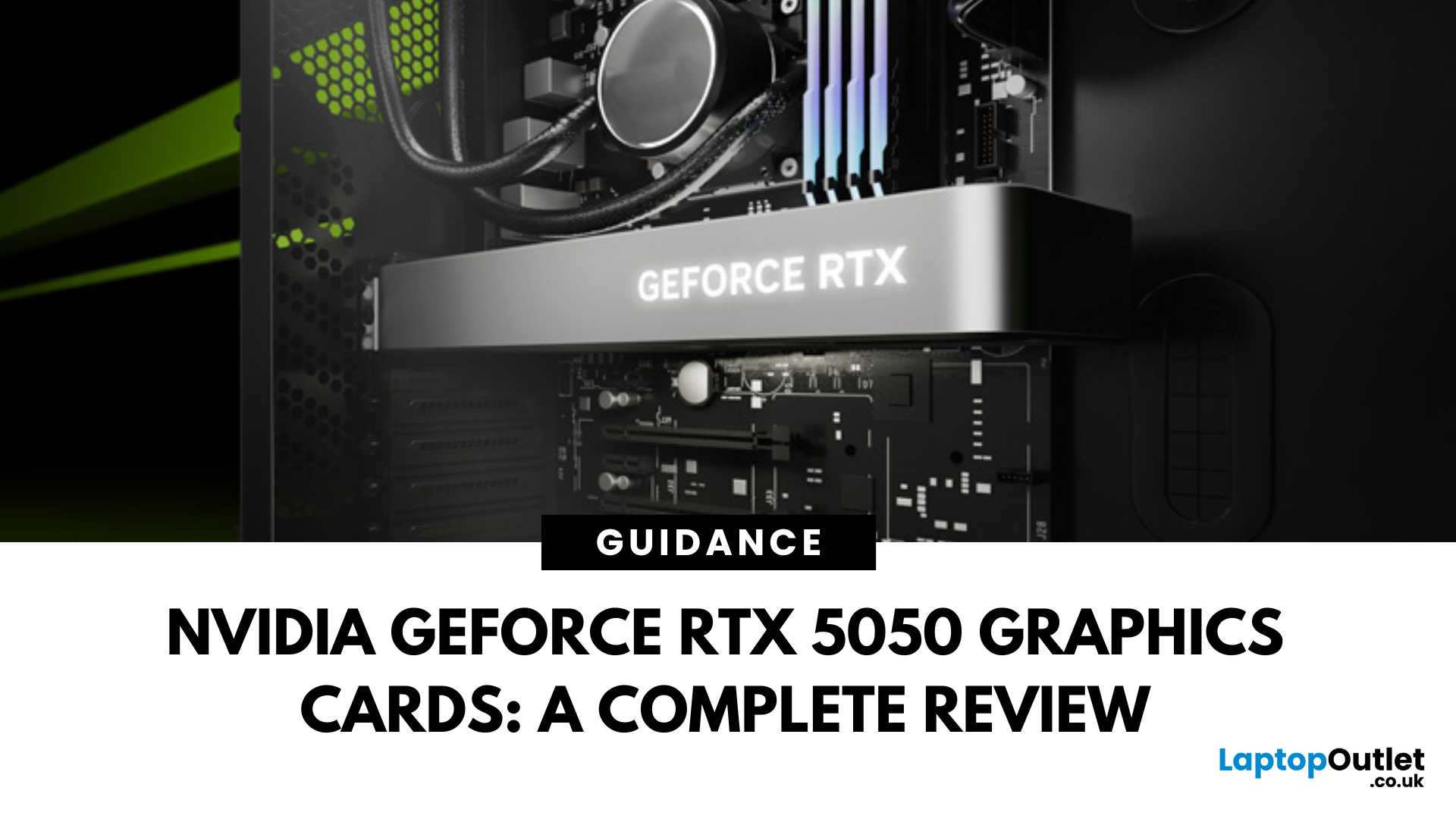
The RTX 5050 arrives as a timely and much-needed addition to NVIDIA’s mid-range line-up. With GPU prices escalating and older models ageing out of relevance, this card positions itself as a smart compromise between performance, features, and affordability. Targeted at gamers, upgraders, and budget-conscious users alike, it strikes an appealing balance that’s increasingly rare in the entry-level space. If you're considering an RTX 5050 upgrade, this RTX 5060 graphics cards review has something for you.
Architecture & Specifications: A Capable Foundation
Under the hood, the RTX 5050 is built on NVIDIA’s Blackwell architecture, the same foundation used in high-end models like the RTX 5090 graphics card. This gives it access to 5th-gen Tensor cores and 4th-gen RT cores, cutting-edge tech for a budget-friendly GPU. The card features 2,560 CUDA cores, a boost clock of up to 2,570 MHz, and 8GB of GDDR6 memory with 320 GB/s bandwidth. Despite its modest memory interface, performance stays sharp thanks to optimisation across the board.
What stands out in this RTX 5050 review is how well the GPU holds up in modern games. It doesn’t try to overextend itself, and yet, it delivers consistently reliable frame rates at 1080p. In our tests across various titles, the card comfortably pushed 60fps in high-fidelity games like Starfield and hovered around 144fps in esports staples such as Apex Legends and Valorant.
DLSS 4 and Reflex 2: The Software Advantage
This is where the RTX 5050 starts to pull ahead of most competitors in its price range. DLSS 4, with Multi Frame Generation, allows AI to generate frames, easing the load on traditional rendering and delivering a visible boost to smoothness and responsiveness. In practice, this makes a real difference—not just in raw FPS, but in how stable gameplay feels during high-action sequences.
Reflex 2 with Frame Warp further enhances responsiveness, cutting system latency to the bone. Particularly in games like Counter-Strike 2 and Fortnite, the impact is tangible. Frame timings feel tighter, mouse input more immediate. For anyone looking to dip into competitive play without springing for a 5070 GPU or higher, this feature set alone is a game-changer. This kind of feature-rich experience puts the new RTX 50 series GPU lineup ahead of many AMD GPUs in the same bracket.
Practical Gaming Performance on RTX 5050
Despite launching with 8GB GDDR6 instead of the GDDR7 memory found in the RTX 5060, the RTX 5050 keeps pace admirably. Thanks to a memory speed of 20Gbps and a lean 130W power draw, it offers great performance per watt.
In real-world gaming scenarios, the RTX 5050 exceeded expectations. Cyberpunk 2077 ran at high settings with ray tracing and DLSS 4 enabled, delivering a playable 60fps average. Less demanding titles, especially esports games, ran well beyond 100fps, making it an excellent fit for high refresh rate 1080p monitors. The efficiency and feature set make it easy to recommend for those looking to buy RTX 5050 GPU without investing in extra cooling or power supply upgrades.
How It Compares: Not Just Another Entry-Level Card
We compared the RTX 5050 against other GPUs in the same bracket, and the results spoke for themselves. The 5050 comfortably outperformed the older RTX 4060 in bandwidth and efficiency. While the RTX 5060 does pull ahead in memory and core count, the 5050’s inclusion of DLSS 4 and AV1 support gives it real weight in modern workflows and lighter gaming builds.
Those exploring options between the best GPUs for budget setups will find that the RTX 5050 delivers more than expected. It doesn’t just keep up with AMD GPUs in the same range but often offers better stability and driver support, especially across NVIDIA series software environments.
| Specification | RTX 5050 | RTX 5060 | RTX 4060 | RX 9060 XT | RX 7600 |
| Architecture | Blackwell | Blackwell | Ada Lovelace | RDNA 4 | RDNA 3 |
| Launch Date (UK) | July 2025 | June 2025 | June 2023 | June 2025 | May 2023 |
| Cores | 2,560 CUDA | 3,840 CUDA | 3,072 CUDA | 2,048 Stream | 2,048 Stream |
| Ray Tracing Cores | 20 | 30 | 24 | 32 | 32 |
| Boost Clock | 2,570 MHz | 2,500 MHz | 2,460 MHz | 3,130 MHz | 2,625 MHz |
| Memory | 8GB GDDR6 (20Gbps) | 8GB GDDR7 | 8GB GDDR6 (17Gbps) | 16GB GDDR6 | 8GB GDDR6 |
| Bandwidth | 320 GB/s | 448 GB/s | 272 GB/s | 320 GB/s | 288 GB/s |
| Board Power | 130W | 145W | 115W | 170W | 165W |
Who Should Upgrade to the RTX 5050?
The RTX 5050 isn’t designed for 4K, maxed-out ray tracing gameplay. But that’s not the point. This card is purpose-built for:
- Budget-conscious upgraders stuck on ageing hardware
- Students and casual gamers who want modern tech in a compact, low-wattage build
- Streamers and creators needing AV1 support and accelerated encoding without high power draw
- Esports players who care more about reaction time and smoothness than photorealism
- Living room PC builders wanting a whisper-quiet 1080p setup with the latest NVIDIA features
If you're eyeing a 1440p build or planning a future jump to top graphics cards like the RTX 5080 GPUs or 5090 graphics beasts, the RTX 5050 still fits nicely as a stepping stone without overcommitting on cost today. The overall value proposition makes it a strong contender among the best RTX 5050 graphics card options for 2025.
Beyond Gaming: A Versatile Workhorse
The RTX 5050 supports AV1 encoding and decoding, which improves video compression for streaming and post-production workflows. It’s also compatible with NVIDIA Studio drivers, which means better reliability in software like Blender, DaVinci Resolve, and Adobe Creative Suite.
We tested it with OBS and Resolve and found it held its own even during simultaneous gaming and capture. Streamers and content creators working on a tight budget will find plenty of value here—especially those looking for a new RTX 50 series GPU that can pull double duty.
A Smart Upgrade in 2025
There’s a lot to like here. The RTX 5050 isn’t trying to rival the 5070 GPU or go head-to-head with high-end cards like the RTX 5080 GPUs or 5090 graphics. Instead, it confidently dominates the budget space and rounds out the 50 series graphics cards range with something that is truly accessible.
NVIDIA’s decision to bring premium technologies like DLSS 4, Reflex 2, and real-time ray tracing into a GPU on a budget price shows a commitment to making next gen features available to more players. And with custom models from ASUS graphics, MSI, and others arriving soon, users can expect even better thermal designs and factory-tuned performance out of the box.
The Verdict: More Than Just a Cheap Card
The RTX 5050 is a fully realised budget GPU with a sharp focus on value. It may not win spec-sheet battles against premium NVIDIA 50 series graphics cards, but it doesn’t need to.
It delivers everything a 1080p gamer or casual creator needs today such as speed, smoothness, and the latest RTX features. And that alone makes it one of the best budget RTX 5050 graphics cards you can buy in 2025. If you’re looking for a capable, modern upgrade that won’t demand a full system overhaul, the RTX 5050 upgrade is worth it. We hope that our RTX 5050 Graphics Cards review makes it clear that this card is a strong entry in the next wave of NVIDIA GPUs and one that genuinely deserves a spot in your build.
Ready to Upgrade?
Shop the latest RTX 5050 graphics cards and explore unbeatable deals on the full NVIDIA 50 Series GPU range at Laptop Outlet. Enjoy fast shipping, expert support, and competitive prices.
RTX 5050 Graphics Cards: FAQs
Is the RTX 5050 good for gaming?
Yes, the RTX 5050 is a solid choice for 1080p gaming in 2025. With support for DLSS 4, ray tracing, and NVIDIA Reflex, it delivers smooth frame rates in modern titles like Cyberpunk 2077, Apex Legends, and Starfield. It's especially well-suited for esports and competitive gaming, where low latency and high responsiveness matter most. For those upgrading from older GPUs or building on a budget, this card brings genuine RTX features at a much more accessible price point.
How much VRAM is in 5050?
The NVIDIA RTX 5050 comes with 8GB of GDDR6 memory running at 20Gbps. While it doesn't use the faster GDDR7 seen in more premium cards like the RTX 5060, this upgraded GDDR6 still provides solid bandwidth for 1080p gaming. It's more than enough for most AAA and multiplayer games today, and the improved memory speed ensures better headroom for future titles as well.
What CPU is needed for Nvidia 50 series?
You don’t need the latest or most expensive CPU to take full advantage of the RTX 5050. A modern quad-core or six-core processor like the Intel Core i5 13400 or AMD Ryzen 5 7600 is more than enough to keep up with the card’s capabilities. If you're going for higher frame rates in esports titles or planning to stream, pairing it with something a little stronger can help avoid CPU bottlenecks, but most mid-range CPUs will pair perfectly.
What is the specs of NVIDIA RTX 5050?
The RTX 5050 is based on NVIDIA's latest Blackwell architecture and features 2,560 CUDA cores, a base clock of 2.31GHz, and a boost clock of up to 2.57GHz. It includes 8GB of GDDR6 memory on a 128-bit interface, delivering 320 GB per second of memory bandwidth. The card also supports DLSS 4 with Multi Frame Generation, AV1 encoding and decoding, Reflex 2, and ray tracing with 20 dedicated RT cores. It’s designed for gamers and creators who want next-gen features in an affordable GPU.
How much power does the RTX 5050 use?
The RTX 5050 has a board power rating of 130 watts, making it highly power-efficient for a modern gaming GPU. It runs comfortably on systems with a 550W power supply and only requires a single 8-pin connector or Gen 5 cable. This low power draw makes it ideal for small form factor builds or upgrades where changing the power supply isn't practical.
| Read More: |
| What are Good Graphics Cards? |
| Best gaming laptops with Nvidia Graphics cards |
| Top Laptops with NVIDIA GeForce RTX Graphics Cards of 2025: Which Is Right for You? |
Related Articles

Last Updated: February 24, 2026
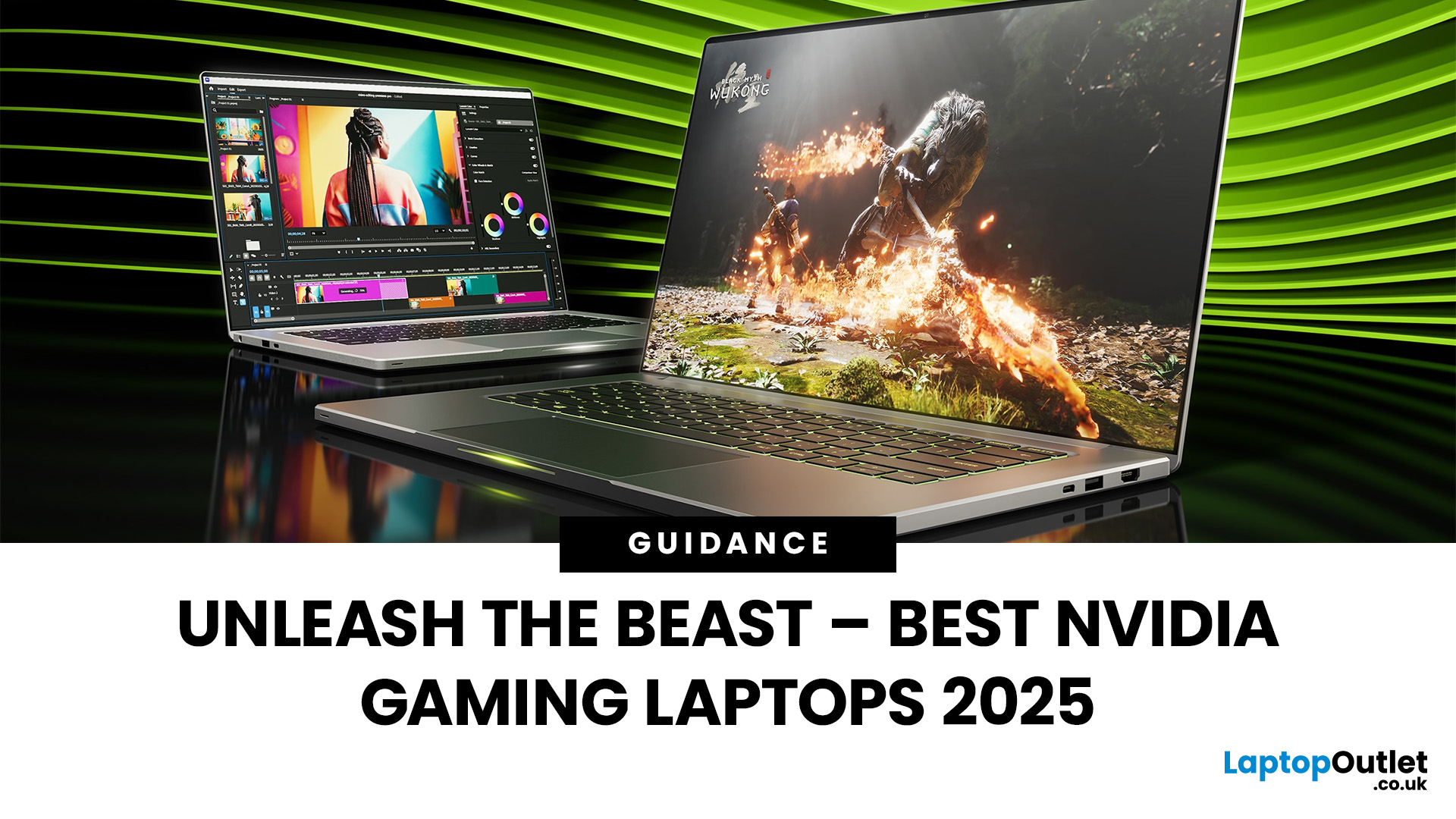
Among the top leading brands of high-end graphics cards, Nvidia stands out as a "powerhouse" in the world of gaming. Laptops with Nvidia graphics cards are known for their exceptional processing capabilities to handle resource-intensive gaming, 3D modelling, and video editing software without any stutters or lags. In this article, we will explore the benefits of Nvidia gaming laptops. Not only will we discuss the features of these gaming laptops, but you'll find our top 5 recommendations for the best gaming laptop on the market.
What are the Benefits of Laptops with Nvidia Cards?
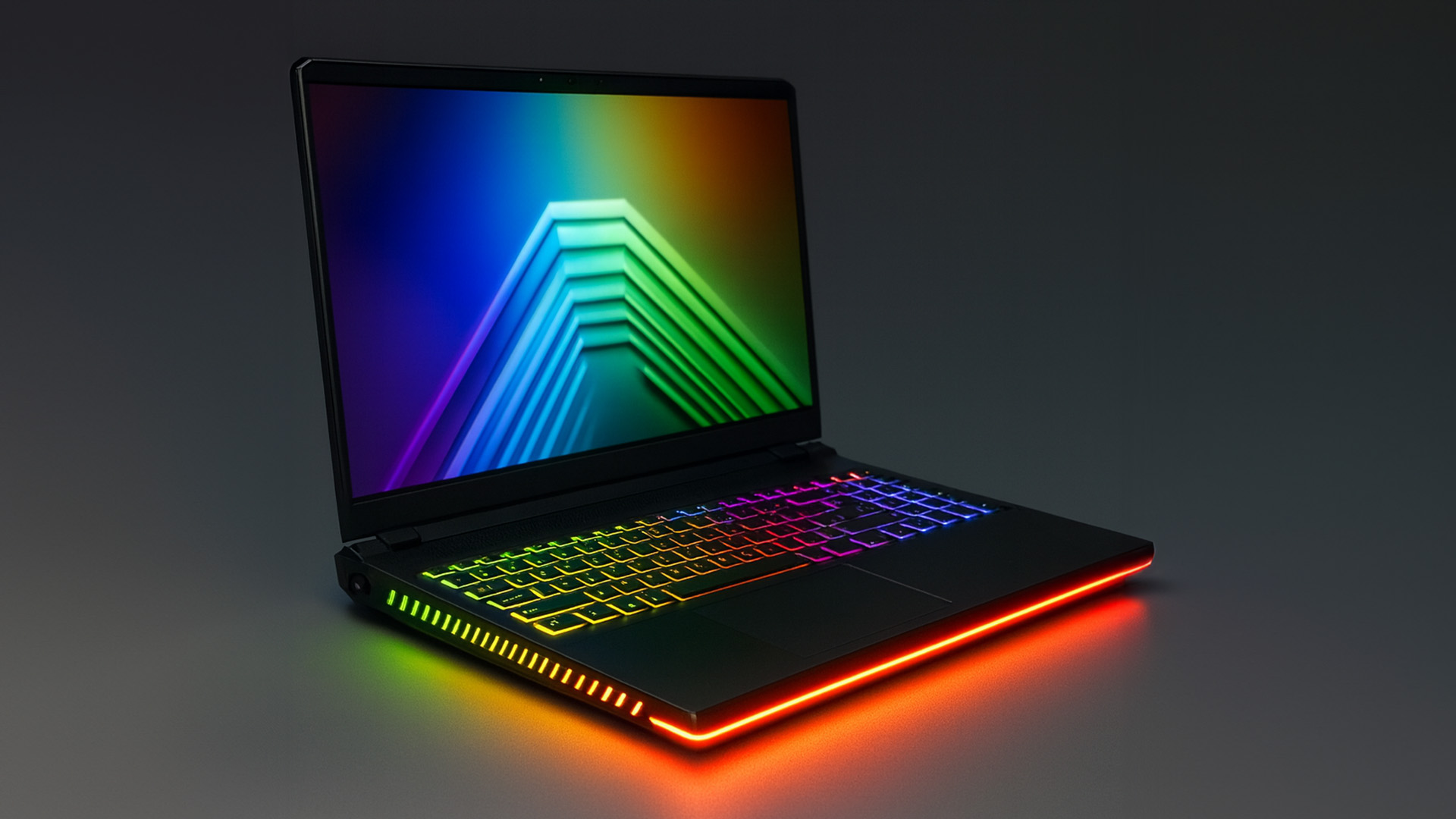
A gaming laptop with a Nivida Graphics card offers a range of advantages as compared to devices with other Graphics card brands. These high-performance devices offer excellent graphics rendering and processing power in video games, CAD/CAM, scientific computing, content creation, and other intensive computing applications.
Let’s explore their benefits in detail:
Unparalleled Graphics Performance
Nvidia graphics

Last Updated: September 19, 2025
The laptop market in 2025 has been completely transformed by NVIDIA GeForce RTX GPUs, offering unparalleled power, visuals, and versatility. With over 80% of high-performance laptops now featuring RTX GPUs, they’ve become the go-to choice for gamers, creators, and professionals alike. Whether you're chasing the cutting-edge performance of the latest RTX 50 series laptops or the proven reliability of RTX 40 series models, there’s an option for every need and budget.
NVIDIA's advancements in ray tracing, DLSS 3.5, and AI-powered acceleration make these laptops 50% faster than their predecessors, delivering lifelike graphics and exceptional efficiency. The gaming industry alone has seen a 35% rise in demand for RTX-powered laptops in 2025.
Ready to dive in and find the perfect RTX laptop? Read on as we explore the top models, including their specs, pricing, and unique features, so you can make an informed choice. Don’t miss the ultimate guide ahead!
What Makes NVIDIA GeForce RTX Laptops Stand
Last Updated: September 01, 2026
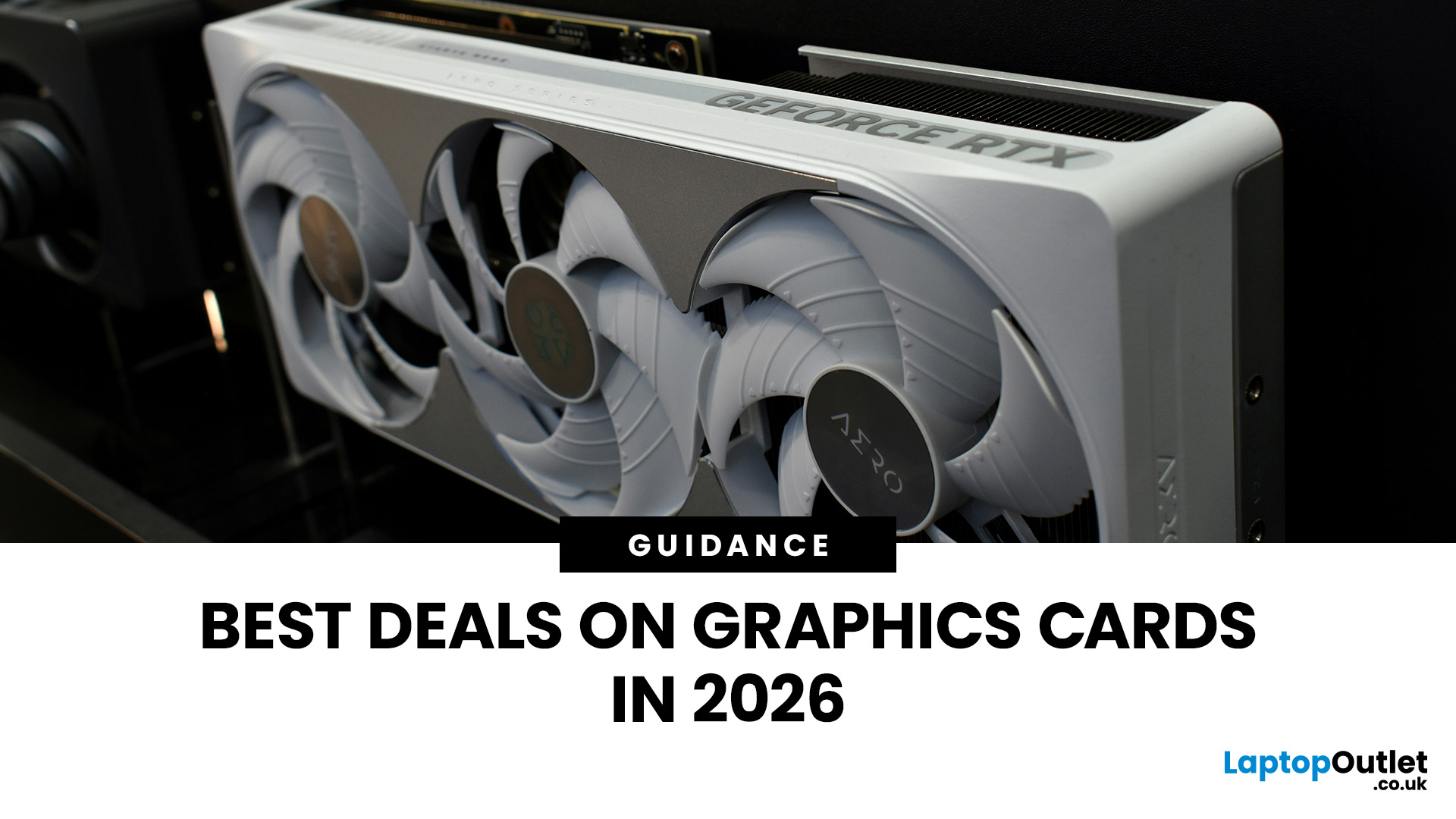
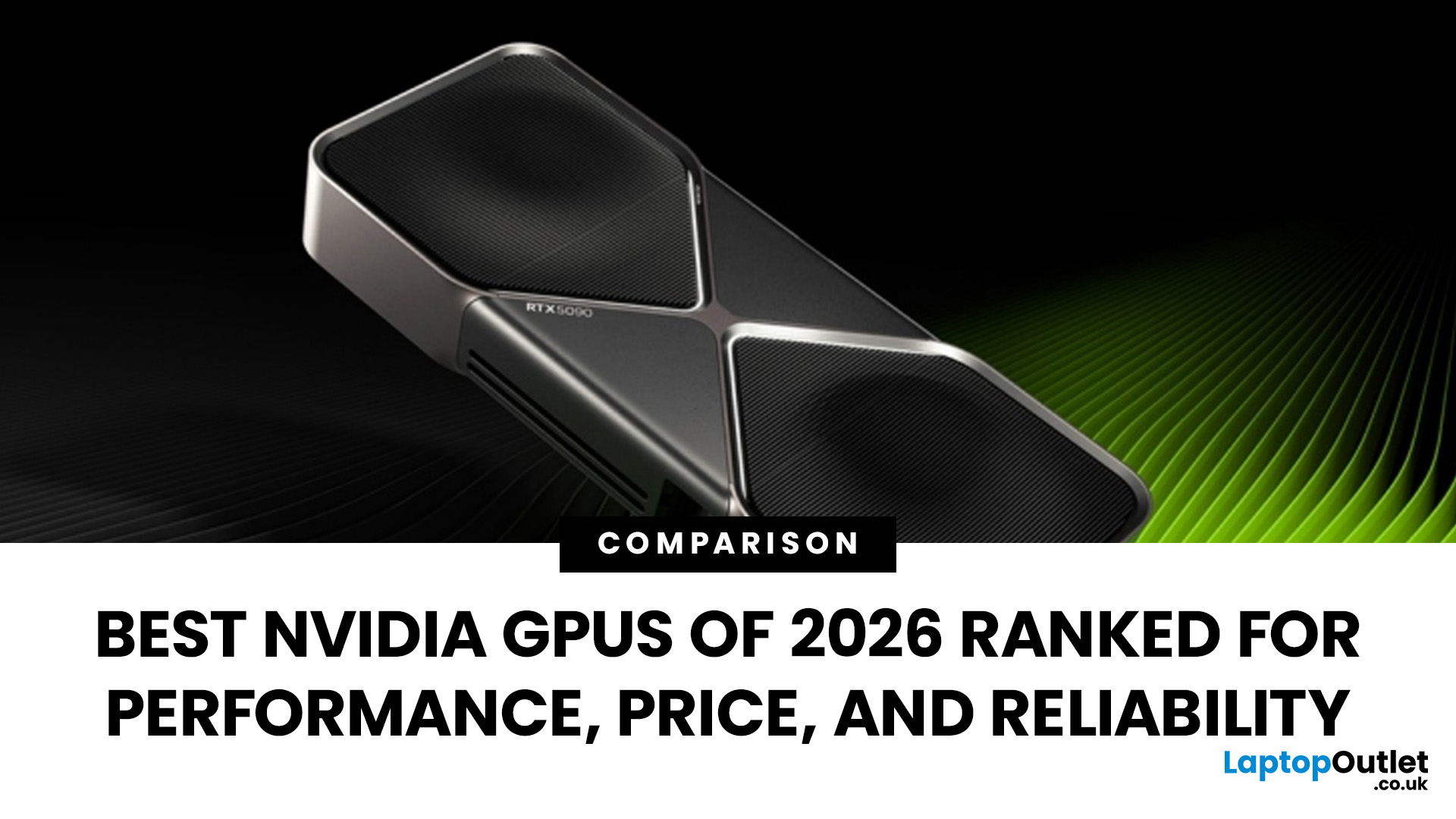
Looking for portable graphics cards? Graphics cards are an essential component for gamers, creative professionals, and tech enthusiasts. As the market evolves, new models are released with cutting-edge technology, while older ones become more affordable. Whether you are looking for the latest high-performance GPUs or seeking budget-friendly options, 2026 presents some fantastic deals on graphics cards.
In this blog, we will explore the best deals on gaming graphics cards, including RTX and AMD GPUs, and help you find the most value-packed choices from top brands. Whether you are searching for discounts on AMD graphics cards or affordable Nvidia graphics cards, we have you covered.
Why 2026 is a Great Year for Buying a Graphics Card
The GPU market in 2026 has stabilised significantly compared to previous years, making it an ideal time to grab some of the best deals. Key factors influencing the affordability of graphics cards this year include:
- Increased Supply: Manufacturers have ramped
Last Updated: March 05, 2026
In 2026, gaming and content creation are more accessible than ever, thanks to Nvidia’s lineup of budget-friendly graphics cards. Whether you're a casual gamer, a competitive esports player, or a creative professional, finding the right GPU doesn’t have to drain your wallet. The market is filled with options that deliver exceptional performance without the premium price tag, ensuring you get the best value for your investment.
From the power-efficient GTX 1650 to the feature-rich RTX 3060, Nvidia continues to redefine budget gaming. These GPUs offer remarkable frame rates, smooth gameplay, and cutting-edge features like DLSS and ray tracing, bringing next-gen technology within reach for everyone. With the right choice, you can enjoy immersive visuals, faster rendering, and seamless multitasking without compromise.
With so many options available, it can be challenging to determine which budget Nvidia GPU is the best fit for your needs. Whether you’re looking for smooth 1080p gaming, entry-level

Last Updated: October 02, 2025
Want to Know Your GPU? Here's How
Whether you’re gaming, editing videos, or just curious—knowing what graphics card (GPU) you have matters. It affects performance, display quality, and what software your laptop can handle. Good news: it’s easy to check.
How to Find Out What Graphics Card You Have on Windows
1. Use Device Manager
- Press Windows + X, then select Device Manager
- Click the Display Adapters dropdown
- You’ll see the name of your graphics card listed
- This method works for both integrated (e.g. Intel HD) and dedicated GPUs (e.g. NVIDIA, AMD)
2. Use System Information
- Press Windows + R to open Run
- Type msinfo32 and press Enter
- Navigate to Components > Display
- Look for Adapter Type and Adapter Description
3. Use DirectX Diagnostic Tool (dxdiag)
- Press Windows + R, type dxdiag, and hit Enter
- Go to the Display tab
- Your GPU details will be listed under “Device”
4. Use Task Manager (Quick Check)
- Press Ctrl + Shift + Esc to open Task Manager
- Go to the

Last Updated: September 09, 2025
Exploring the Latest and Greatest in GPU Tech!
If you're wondering what makes a graphics card "good," you're not alone. Whether you're a gamer, a creator, or just love a snappy desktop experience, the right GPU (graphics processing unit) can completely redefine the way your system performs. With the release of Nvidia's 50 Series and AMD's latest GPUs, there's much to get excited about. But what actually makes a graphics card good? And which are the best graphics cards out there at the moment?
Let's break it down, human-style—no jargon overload, no fluffy nonsense, just real talk about real performance.
What Makes a Graphics Card 'Good'?
At its core, a good graphics card delivers consistent performance, reliable cooling, and future-ready features. Whether gaming at 4K, editing high-resolution video, or running AI software, a good GPU doesn't slow down when pushed.
The best graphics card should offer:
- Solid FPS (frames per second) across modern titles
- Support for ray tracing
Last Updated: September 09, 2025
Graphics cards are the powerhouse behind stunning visuals and smooth gameplay on your laptop. From gaming and 3D rendering to video editing and CAD software, choosing the right graphics card can make all the difference. In this comprehensive guide, we break down how to select the perfect GPU for your laptop, focusing on the latest options like RTX 5090 and RTX 5060.
Why Graphics Cards Matter
Graphics cards, also known as GPUs, are crucial for rendering images, videos, and animations. A high-performance GPU can handle intensive tasks like 4K gaming, video editing, and graphic design without breaking a sweat. But with so many choices, finding the right one can be a challenge.
Enhanced Gaming Performance
For gamers, a powerful GPU is a game-changer. It enables laptops to run graphically intensive games smoothly, delivering high frame rates and lifelike graphics. A top-tier GPU like the NVIDIA RTX 5090 offers real-time ray tracing, DLSS technology, and AI-driven enhancements that make gaming

