



What are Good Graphics Cards?

Exploring the Latest and Greatest in GPU Tech!
If you're wondering what makes a graphics card "good," you're not alone. Whether you're a gamer, a creator, or just love a snappy desktop experience, the right GPU (graphics processing unit) can completely redefine the way your system performs. With the release of Nvidia's 50 Series and AMD's latest GPUs, there's much to get excited about. But what actually makes a graphics card good? And which are the best graphics cards out there at the moment?
Let's break it down, human-style—no jargon overload, no fluffy nonsense, just real talk about real performance.
What Makes a Graphics Card 'Good'?
At its core, a good graphics card delivers consistent performance, reliable cooling, and future-ready features. Whether gaming at 4K, editing high-resolution video, or running AI software, a good GPU doesn't slow down when pushed.
The best graphics card should offer:
- Solid FPS (frames per second) across modern titles
- Support for ray tracing and DLSS (for Nvidia) or FSR (for AMD)
- Plenty of VRAM (8GB is the new entry point, 16GB+ is ideal for future-proofing)
- Efficient thermals and quiet operation
- A decent warranty and support from the manufacturer
NVIDIA RTX 50 Series: Blackwell Changes the Game
NVIDIA’s RTX 50 Series, powered by the new Blackwell architecture, is built for next-gen gaming and creative workloads. Expect better ray tracing, AI-enhanced rendering (thanks to DLSS 4), and more efficient power usage across the board.
RTX 5060 Ti
AI-ready, 1440p-focused, and creator-friendly—ideal for mainstream builds.
Specs (16GB): 4608 CUDA cores, DLSS 4, 759 AI TOPS, 72 RT TFLOPS, 180W TDP
RTX 5070 Ti / RTX 5070
Serious 1440p and 4K capability. Great for high-refresh gaming and video work.
Specs (Ti): 8960 CUDA cores, DLSS 4, 1406 AI TOPS, 133 RT TFLOPS, 300W TDP
RTX 5080
Tuned for high-end 4K gaming and real-time creative tasks.
Specs: 10752 CUDA cores, DLSS 4, 1801 AI TOPS, 171 RT TFLOPS, 360W TDP
RTX 5090
The most powerful GPU of 2025. Built for 8K gaming, AI training, and extreme workloads.
Specs: 21760 CUDA cores, DLSS 4, 3352 AI TOPS, 318 RT TFLOPS, 575W TDP
Get AI-powered performance, stunning ray tracing, and next-gen gaming visuals with the best NVIDIA Graphics Cards at Laptop Outlet!
AMD Radeon RX 9000 Series: RDNA 4 with a Focus on Speed + AI
AMD’s RX 9000 Series is all about native 4K performance, improved AI acceleration, and open, driver-level tuning. Powered by RDNA 4 and AMD Software: Adrenalin Edition, it’s a strong rival to NVIDIA’s latest.
RX 9070 XT
A smart pick for native 4K gaming and streaming—averages 42% faster than RX 7900 GRE.
Specs: 4096 stream processors, 128 AI accelerators, 64 ray accelerators, 304W TDP
RX 9070
More efficient, still powerful. A great step up for 1440p+ gaming and creative work.
Specs: 3584 stream processors, 112 AI accelerators, 56 ray accelerators, 220W TDP
Dominate every frame with blazing speed, fluid motion, and AI-enhanced graphics, and browse the best AMD GPUs at the Laptop Outlet!
Quick Tips for Choosing the Right GPU in 2025
- 1440p Gaming on a Budget? Go for RTX 5060 Ti or RX 9070
- High-Refresh 4K? RTX 5070 Ti or RX 9070 XT
- Content Creation & Streaming? RTX 5080 or above
- AI Workloads or Studio Use? RTX 5090 all the way
- Balanced Performance & Value? RX 9070 XT hits the sweet spot
Wrapping Up!
At the end of the day, a good graphics card is the one that does what you need it to without unnecessary fuss, cost, or compromises.
If you're smashing frames in competitive shooters, editing 4K timelines for clients, or experimenting with AI tools on the side, there's a GPU out there that'll suit you down to the ground. The latest and greatest from Nvidia's RTX 50 Series and AMD's RX 9000 range cater for how people actually use their machines in 2025.
But here's the golden rule: don't get caught chasing top-tier numbers if you don't need them. A good graphics card doesn't mean something packed with fancy features flagship; it's more about the one that gives you a smooth, reliable experience day in and day out.
FAQs: Good Graphics Cards of 2025
What type of graphics card is good?
A good graphics card is one that balances power, efficiency, and future compatibility. It should deliver smooth frame rates at your target resolution (1080p, 1440p, or 4K), have enough VRAM (at least 8GB, ideally 16GB), and support the latest features like ray tracing, AI acceleration, and AV1 encoding. DLSS (for NVIDIA) or FSR (for AMD) also help extend performance in demanding games.
Which brand of graphics card is best?
NVIDIA leads in AI features, ray tracing, and creative software integration, making it a favourite for streamers and professionals. AMD, on the other hand, typically offers more VRAM at the same price and strong native performance, especially for 4K gaming. If you want cutting-edge features and software support, go NVIDIA. If you’re after better performance per pound, AMD is the smarter pick.
Is GTX or RTX best?
RTX is significantly better than GTX in 2025. RTX cards include dedicated RT and Tensor cores, enabling real-time ray tracing, DLSS for performance boosts, and full support for the latest AI-powered rendering tools. GTX cards are older and lack these features, which limit future compatibility and performance in modern games.
What is a good budget graphics card?
If you're gaming on a budget, look for GPUs like the RTX 4060, RTX 5060, or AMD’s RX 7600. These cards deliver strong 1080p performance, decent 1440p capability, and include support for features like ray tracing, DLSS or FSR, and AV1 encoding.
How do I know if a graphics card is right for me?
The right graphics card depends on what you use your PC for. If you're playing modern games at 1440p or 4K, look for a card with high VRAM, DLSS or FSR support, and strong ray tracing performance. Creators should prioritise GPUs with good encoding features and driver stability.
READ MORE GRAPHICS CARDS:
| Best Deals on Graphics Card in 2025 |
| Top Budget Nvidia Graphics Cards for 2025 |
| Best gaming laptops with Nvidia Graphics cards |
Related Articles
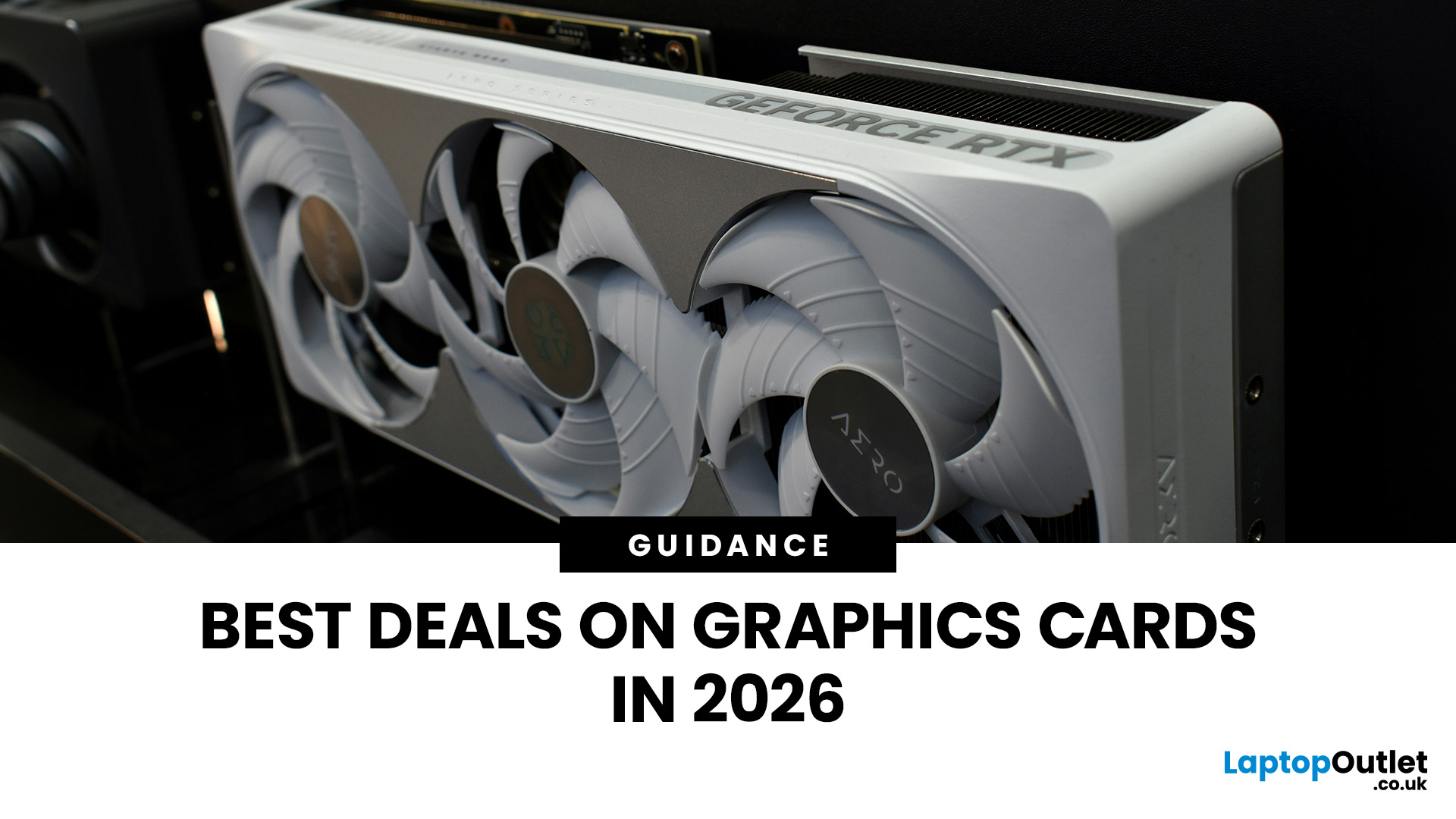

Last Updated: September 01, 2026
Looking for portable graphics cards? Graphics cards are an essential component for gamers, creative professionals, and tech enthusiasts. As the market evolves, new models are released with cutting-edge technology, while older ones become more affordable. Whether you are looking for the latest high-performance GPUs or seeking budget-friendly options, 2026 presents some fantastic deals on graphics cards.
In this blog, we will explore the best deals on gaming graphics cards, including RTX and AMD GPUs, and help you find the most value-packed choices from top brands. Whether you are searching for discounts on AMD graphics cards or affordable Nvidia graphics cards, we have you covered.
Why 2026 is a Great Year for Buying a Graphics Card
The GPU market in 2026 has stabilised significantly compared to previous years, making it an ideal time to grab some of the best deals. Key factors influencing the affordability of graphics cards this year include:
- Increased Supply: Manufacturers have ramped
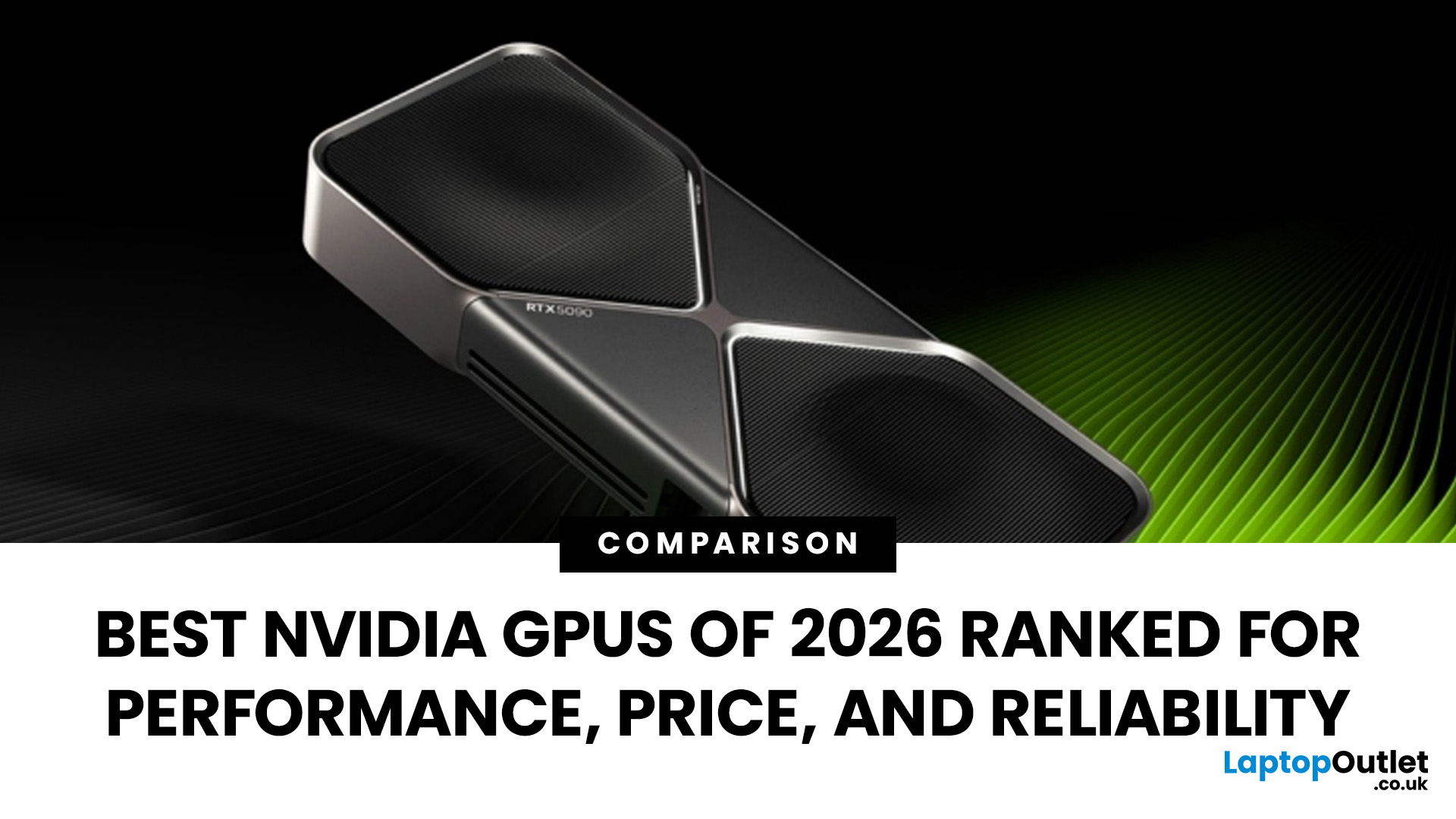
Last Updated: March 05, 2026
In 2026, gaming and content creation are more accessible than ever, thanks to Nvidia’s lineup of budget-friendly graphics cards. Whether you're a casual gamer, a competitive esports player, or a creative professional, finding the right GPU doesn’t have to drain your wallet. The market is filled with options that deliver exceptional performance without the premium price tag, ensuring you get the best value for your investment.
From the power-efficient GTX 1650 to the feature-rich RTX 3060, Nvidia continues to redefine budget gaming. These GPUs offer remarkable frame rates, smooth gameplay, and cutting-edge features like DLSS and ray tracing, bringing next-gen technology within reach for everyone. With the right choice, you can enjoy immersive visuals, faster rendering, and seamless multitasking without compromise.
With so many options available, it can be challenging to determine which budget Nvidia GPU is the best fit for your needs. Whether you’re looking for smooth 1080p gaming, entry-level

Last Updated: October 02, 2025
Want to Know Your GPU? Here's How
Whether you’re gaming, editing videos, or just curious—knowing what graphics card (GPU) you have matters. It affects performance, display quality, and what software your laptop can handle. Good news: it’s easy to check.
How to Find Out What Graphics Card You Have on Windows
1. Use Device Manager
- Press Windows + X, then select Device Manager
- Click the Display Adapters dropdown
- You’ll see the name of your graphics card listed
- This method works for both integrated (e.g. Intel HD) and dedicated GPUs (e.g. NVIDIA, AMD)
2. Use System Information
- Press Windows + R to open Run
- Type msinfo32 and press Enter
- Navigate to Components > Display
- Look for Adapter Type and Adapter Description
3. Use DirectX Diagnostic Tool (dxdiag)
- Press Windows + R, type dxdiag, and hit Enter
- Go to the Display tab
- Your GPU details will be listed under “Device”
4. Use Task Manager (Quick Check)
- Press Ctrl + Shift + Esc to open Task Manager
- Go to the

