



NVIDIA DLSS Explained: What It Is and How It Works

NVIDIA DLSS is a group of AI-powered graphics technologies designed for GeForce RTX graphics cards. It can raise frame rates, reconstruct higher-resolution images, improve ray-traced visuals and, on newer hardware, generate additional frames or enhance lighting and materials.
For gamers, the main benefit is simple: DLSS can make demanding games easier to run without relying only on raw GPU power. The result can be smoother play at higher resolutions or with settings such as ray tracing enabled, although the benefit depends on the game, graphics card and DLSS feature being used.
What Is NVIDIA DLSS?
DLSS originally stood for Deep Learning Super Sampling. The name started with AI upscaling, but DLSS has grown into a wider suite of neural rendering technologies. NVIDIA's DLSS developer overview now includes Super Resolution, Frame Generation, Multi Frame Generation, Ray Reconstruction and DLAA.
These features use the Tensor Cores inside NVIDIA RTX graphics cards. Tensor Cores are specialised parts of the GPU built to process AI workloads. The exact DLSS features available depend on the RTX generation and the game's support.
How Does DLSS Work?
The best-known form of DLSS is Super Resolution. Instead of asking the GPU to render every pixel at the final display resolution, the game can render fewer pixels internally. DLSS then uses an AI model, motion information from the game and data from previous frames to reconstruct a higher-resolution image.
Imagine a game targeting 4K but struggling at native 4K. DLSS Super Resolution can render the scene at a lower internal resolution and rebuild it to a 4K output. Because the GPU has less traditional rendering work to do, the frame rate can rise.
Other DLSS features work differently. Frame Generation creates intermediate frames. Ray Reconstruction improves how ray-traced lighting is reconstructed. The newest DLSS 5 feature uses 3D-guided neural rendering to improve the final appearance of lighting and materials in supported games.
What Does DLSS Do in Games?
- Raises performance: Super Resolution reduces the number of pixels the GPU must render conventionally.
- Increases displayed frame rate: Frame Generation and Multi Frame Generation insert AI-generated frames between traditionally rendered frames.
- Improves ray-traced image quality: Ray Reconstruction replaces conventional denoisers with an AI-based reconstruction system.
- Helps with demanding settings: DLSS can make high resolutions, ray tracing and path tracing more practical on supported hardware.
- Can improve image stability: newer DLSS models are designed to reduce issues such as shimmering, ghosting and unstable fine detail.
These are separate tools. A game may support only one or two of them, while another may support most of the DLSS suite.
DLSS Features Explained
|
DLSS Feature |
What It Does |
Supported Hardware |
|
Super Resolution |
Reconstructs a higher-resolution image from a lower internal rendering resolution to improve performance. |
RTX 20, 30, 40 and 50 Series |
|
Frame Generation |
Creates an additional frame between traditionally rendered frames to make motion appear smoother. |
RTX 40 and 50 Series |
|
Multi Frame Generation |
Generates multiple frames for each traditionally rendered frame. DLSS 4.5 can generate up to five additional frames in 6X mode. |
RTX 50 Series |
|
Dynamic Multi Frame Generation |
Changes the frame-generation multiplier automatically to target a chosen frame rate or display refresh rate. |
RTX 50 Series |
|
Ray Reconstruction |
Uses AI to reconstruct ray-traced and path-traced effects instead of relying on separate hand-tuned denoisers. |
RTX 20, 30, 40 and 50 Series |
|
DLAA |
Uses DLSS-based AI anti-aliasing at native resolution rather than upscaling from a lower resolution. |
RTX 20, 30, 40 and 50 Series |
|
DLSS 5 3D-Guided Neural Rendering |
Enhances the final rendered appearance of lighting and materials using an artist-controlled neural rendering model. |
RTX 50 Series |
DLSS Super Resolution
DLSS Super Resolution is the main AI upscaling feature. It is useful when a GPU is limited by the cost of rendering a high-resolution image. The current DLSS 4.5 model uses a second-generation transformer model for improved detail, stability and anti-aliasing.
Different quality modes use different internal resolutions. Higher-quality modes preserve more source detail, while Performance and Ultra Performance modes render fewer pixels to gain more speed. The best option depends on output resolution, game implementation and the performance you need.
DLSS Frame Generation
Frame Generation does not lower the rendering resolution. Instead, it creates an extra frame between normally rendered frames. This raises the displayed frame rate and can make motion look smoother.
Generated frames are not the same as fully rendered frames from the game engine. They do not increase game simulation or input sampling in the same way. NVIDIA Reflex is a separate latency-reduction technology that is commonly paired with Frame Generation to help keep controls responsive.
DLSS Multi Frame Generation
Multi Frame Generation extends the same idea by creating several additional frames. With DLSS 4.5 Multi Frame Generation, RTX 50 Series GPUs can use modes up to 6X, meaning five generated frames can be added for each traditionally rendered frame.
Dynamic Multi Frame Generation can vary that multiplier automatically. It is intended to match a target frame rate or make better use of a high-refresh display rather than using one fixed multiplier all the time.
DLSS Ray Reconstruction
Ray tracing calculates realistic light behaviour, but it cannot sample every possible light ray in real time. Games therefore need to clean up incomplete, noisy ray-traced data.
DLSS 4.5 Ray Reconstruction uses a second-generation transformer model to handle that reconstruction. It is designed for ray-traced and path-traced scenes and works across GeForce RTX generations when the game supports it.
Where Does DLSS 5 Fit In?
DLSS 5 is not simply a newer Super Resolution setting. It introduces 3D-Guided Neural Rendering, an optional feature that can enhance how lighting and materials look while preserving the game's underlying geometry and developer art direction.
NVIDIA says DLSS 5 extends the rendering pipeline rather than replacing it. It can work alongside Super Resolution, Multi Frame Generation and Ray Reconstruction. Current support is limited to RTX 50 Series hardware and a much smaller selection of games than the established DLSS features.
DLSS vs Native Resolution
At native resolution, the GPU renders the game directly at the display's target pixel count. At native 4K, for example, the game renders a full 3840 x 2160 image before it is shown.
With DLSS Super Resolution, the game renders at a lower internal resolution and reconstructs the final image. This usually improves performance, but image quality is not guaranteed to look identical to native rendering.
A good DLSS implementation can produce excellent anti-aliasing and stable detail. Poorer implementations, aggressive performance modes or very low input resolutions can show softness, ghosting, shimmering or lost fine detail. Native rendering remains a sensible choice when performance is already high enough and you prefer the untreated image.
DLSS vs AMD FSR and Intel XeSS
AMD FidelityFX Super Resolution and Intel XeSS are alternative technologies that also aim to improve performance and image quality through upscaling and, in supported versions, frame generation.
The main practical difference is hardware and implementation. DLSS relies on GeForce RTX PCs and laptops and its Tensor Cores. FSR and XeSS have their own hardware requirements and compatibility rules, which vary by feature and version. Image quality also varies from game to game, so there is no universal winner in every title.
Does DLSS Improve FPS?
Yes, DLSS can improve FPS. Super Resolution usually does this by reducing the amount of conventional rendering work required for each frame. Frame Generation and Multi Frame Generation increase the number of frames sent to the display by creating additional frames with AI.
The gain is not fixed. It depends on the game, resolution, graphics settings, GPU and whether the system is limited by the graphics card or another component such as the CPU.
Also remember that a high frame rate created partly through Frame Generation does not have the same input response as the same frame rate made entirely from traditionally rendered frames.
Does DLSS Reduce Image Quality?
It can, but not always in an obvious way. DLSS image quality depends on the selected mode, output resolution, AI model and how well the developer has integrated the feature.
Quality mode generally gives the AI more source information than aggressive performance modes. Newer transformer models can also improve motion stability and fine detail. Even so, artefacts can still appear in difficult scenes, especially around thin objects, particles, fast motion or interface elements.
What Do You Need to Use DLSS?
You need a GeForce RTX graphics card and a game or application that supports the relevant DLSS feature. Keeping the graphics driver and NVIDIA app updated may also provide newer DLSS models or supported overrides.
- Super Resolution, Ray Reconstruction and DLAA: supported across RTX 20, 30, 40 and 50 Series GPUs where the game supports the feature.
- Frame Generation: requires RTX 40 or 50 Series hardware.
- Multi Frame Generation and Dynamic Multi Frame Generation: require RTX 50 Series hardware.
- DLSS 5 3D-Guided Neural Rendering: currently requires RTX 50 Series hardware and explicit game support.
Ray Reconstruction also needs a compatible ray-traced or path-traced workload. Owning an RTX card does not automatically make every DLSS feature available in every game.
Is DLSS Worth Using?
DLSS is especially useful when a game is GPU-limited at 1440p or 4K, or when ray tracing pushes the frame rate below your preferred level. Super Resolution can provide extra performance with a smaller visual compromise than simply dropping the display resolution.
Frame Generation can make already playable games look much smoother, especially on high-refresh monitors. It is less useful as a substitute for a healthy base frame rate because generated frames do not solve all latency or responsiveness problems.
If a game already runs smoothly at native resolution, using DLSS becomes a matter of preference. Compare native rendering and the available DLSS modes, then choose the balance of image quality, responsiveness and frame rate that suits the game.

The Bottom Line on NVIDIA DLSS
NVIDIA DLSS is no longer just an AI upscaler. It is a suite of neural rendering tools that can reconstruct higher-resolution images, generate extra frames, improve ray-traced effects and, with DLSS 5, enhance the appearance of lighting and materials.
The most important point is that the features are not interchangeable. Super Resolution, Frame Generation, Ray Reconstruction, Multi Frame Generation and DLSS 5 solve different problems and have different hardware requirements. Used in the right game and on suitable RTX hardware, DLSS can provide a useful balance between image quality and gaming performance.

A Few Things to Know...
Does DLSS work well at 1080p?
It can, but results depend heavily on the game and mode. At 1080p, aggressive upscaling modes have fewer source pixels to work with, so Quality mode or native rendering may look better.
Does DLSS Frame Generation add input lag?
Frame Generation adds generated frames to improve visual smoothness, but it does not make controls respond like the same fully rendered frame rate. NVIDIA Reflex can reduce system latency, but it is a separate technology.
Can you use DLSS without ray tracing?
Yes. DLSS Super Resolution and Frame Generation do not require ray tracing. Ray Reconstruction is the DLSS feature specifically designed for ray-traced and path-traced graphics.
Does every RTX game support DLSS?
No. DLSS must be supported by the game or through a compatible NVIDIA app override. Available features vary, so one title may support Super Resolution but not Frame Generation or Ray Reconstruction.
Is DLAA the same as DLSS?
DLAA uses the same AI technology as DLSS Super Resolution, but it focuses on anti-aliasing at native resolution rather than rendering at a lower resolution to improve performance.
Can DLSS reduce VRAM usage?
Not reliably. Rendering fewer pixels can reduce some workloads, but texture quality, ray tracing, frame generation and game design also affect VRAM use. DLSS should not be treated as a substitute for enough graphics memory.
Related Articles


Last Updated: September 01, 2026
Looking for portable graphics cards? Graphics cards are an essential component for gamers, creative professionals, and tech enthusiasts. As the market evolves, new models are released with cutting-edge technology, while older ones become more affordable. Whether you are looking for the latest high-performance GPUs or seeking budget-friendly options, 2026 presents some fantastic deals on graphics cards.
In this blog, we will explore the best deals on gaming graphics cards, including RTX and AMD GPUs, and help you find the most value-packed choices from top brands. Whether you are searching for discounts on AMD graphics cards or affordable Nvidia graphics cards, we have you covered.
Why 2026 is a Great Year for Buying a Graphics Card
The GPU market in 2026 has stabilised significantly compared to previous years, making it an ideal time to grab some of the best deals. Key factors influencing the affordability of graphics cards this year include:
- Increased Supply: Manufacturers have ramped
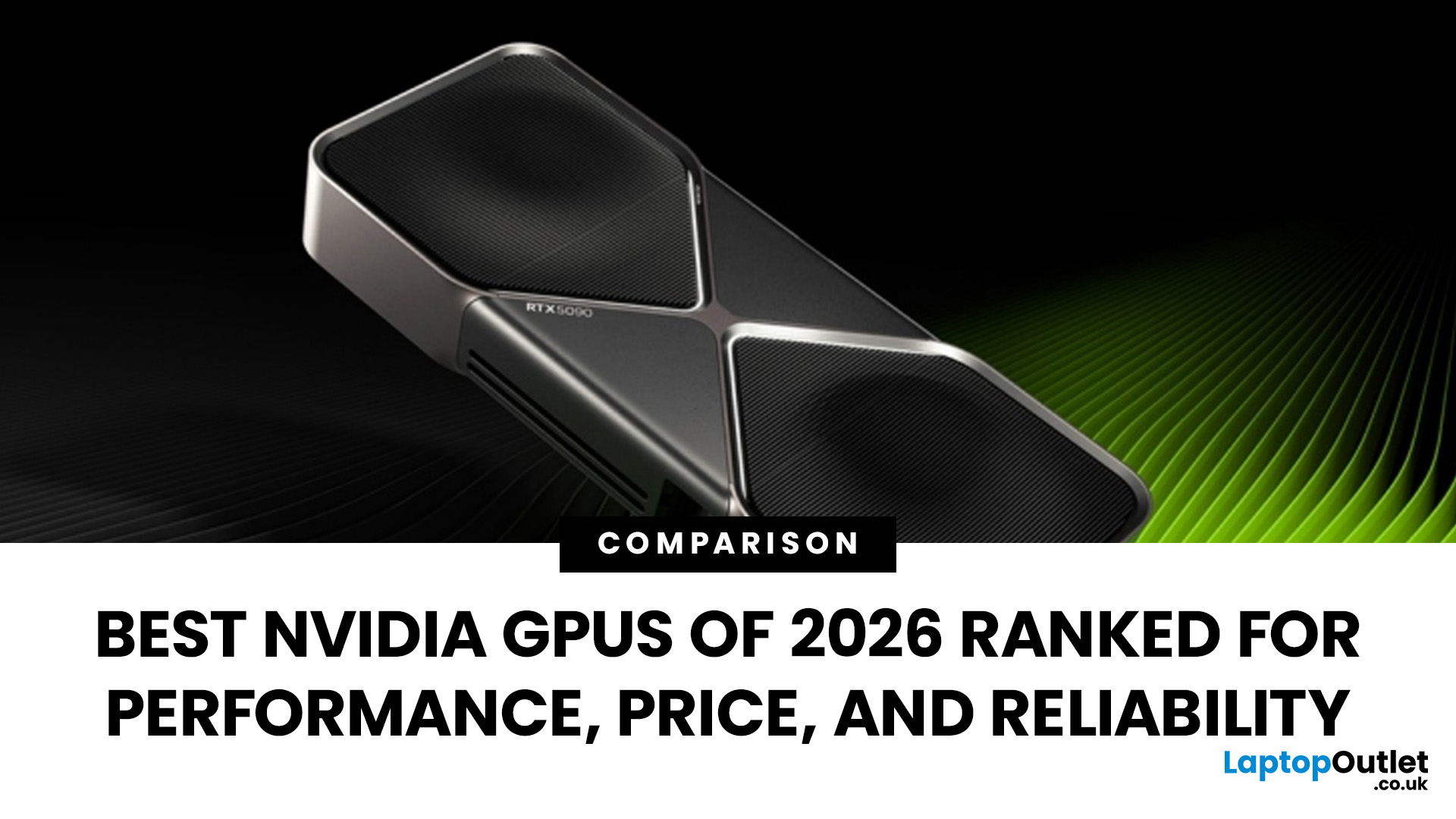
Last Updated: March 05, 2026
In 2026, gaming and content creation are more accessible than ever, thanks to Nvidia’s lineup of budget-friendly graphics cards. Whether you're a casual gamer, a competitive esports player, or a creative professional, finding the right GPU doesn’t have to drain your wallet. The market is filled with options that deliver exceptional performance without the premium price tag, ensuring you get the best value for your investment.
From the power-efficient GTX 1650 to the feature-rich RTX 3060, Nvidia continues to redefine budget gaming. These GPUs offer remarkable frame rates, smooth gameplay, and cutting-edge features like DLSS and ray tracing, bringing next-gen technology within reach for everyone. With the right choice, you can enjoy immersive visuals, faster rendering, and seamless multitasking without compromise.
With so many options available, it can be challenging to determine which budget Nvidia GPU is the best fit for your needs. Whether you’re looking for smooth 1080p gaming, entry-level

Last Updated: October 02, 2025
Want to Know Your GPU? Here's How
Whether you’re gaming, editing videos, or just curious—knowing what graphics card (GPU) you have matters. It affects performance, display quality, and what software your laptop can handle. Good news: it’s easy to check.
How to Find Out What Graphics Card You Have on Windows
1. Use Device Manager
- Press Windows + X, then select Device Manager
- Click the Display Adapters dropdown
- You’ll see the name of your graphics card listed
- This method works for both integrated (e.g. Intel HD) and dedicated GPUs (e.g. NVIDIA, AMD)
2. Use System Information
- Press Windows + R to open Run
- Type msinfo32 and press Enter
- Navigate to Components > Display
- Look for Adapter Type and Adapter Description
3. Use DirectX Diagnostic Tool (dxdiag)
- Press Windows + R, type dxdiag, and hit Enter
- Go to the Display tab
- Your GPU details will be listed under “Device”
4. Use Task Manager (Quick Check)
- Press Ctrl + Shift + Esc to open Task Manager
- Go to the

Last Updated: September 09, 2025
Exploring the Latest and Greatest in GPU Tech!
If you're wondering what makes a graphics card "good," you're not alone. Whether you're a gamer, a creator, or just love a snappy desktop experience, the right GPU (graphics processing unit) can completely redefine the way your system performs. With the release of Nvidia's 50 Series and AMD's latest GPUs, there's much to get excited about. But what actually makes a graphics card good? And which are the best graphics cards out there at the moment?
Let's break it down, human-style—no jargon overload, no fluffy nonsense, just real talk about real performance.
What Makes a Graphics Card 'Good'?
At its core, a good graphics card delivers consistent performance, reliable cooling, and future-ready features. Whether gaming at 4K, editing high-resolution video, or running AI software, a good GPU doesn't slow down when pushed.
The best graphics card should offer:
- Solid FPS (frames per second) across modern titles
- Support for ray tracing
Published: October 23, 2025
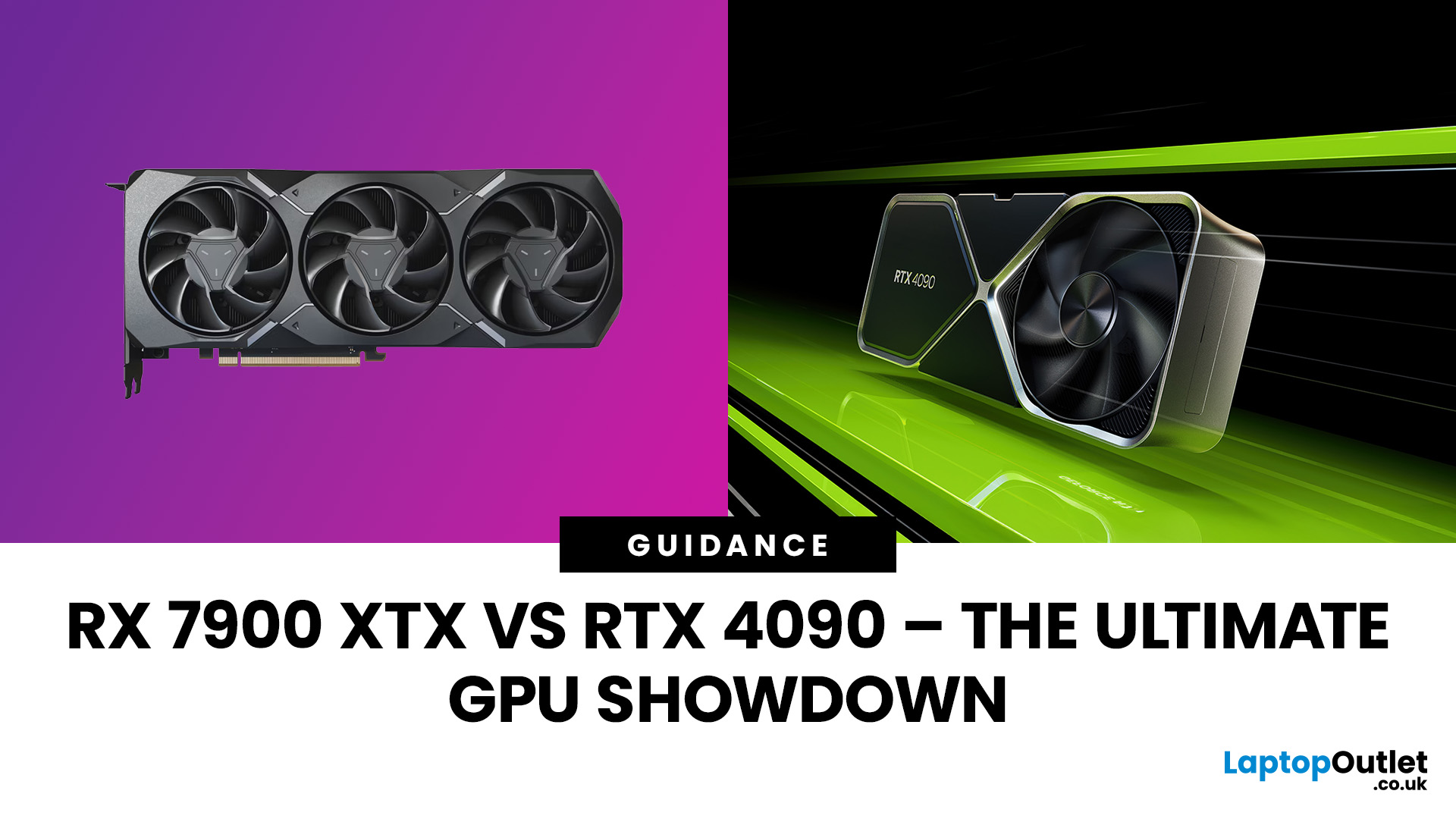
The AMD Radeon RX 7900 XTX and NVIDIA RTX 4090 are 2025’s top-tier GPUs, built for 4K gaming and professional workloads. The RTX 4090 leads in raw power, ray tracing, and AI acceleration, while the RX 7900 XTX challenges it with lower cost and strong raster performance. This isn’t about branding, it’s about what delivers the best performance per pound. In this breakdown, we’ll compare specs, gaming benchmarks, ray tracing, AI workloads, thermals, and overall value to determine which flagship GPU truly dominates.
Specification Overview
Before comparing real-world performance, it’s important to see how these two GPUs differ on paper. The RTX 4090 is built on NVIDIA’s Ada Lovelace architecture, while the RX 7900 XTX uses AMD’s RDNA 3 designs. Both target 4K gaming, but their hardware layouts, power needs, and pricing tell very different stories.
| Specification | AMD Radeon RX 7900 XTX | NVIDIA GeForce RTX 4090 |
| Architecture | RDNA 3 | Ada Lovelace |
| GPU Process | 5 nm + 6 nm (chiplet) | 4 nm monolithic |

Last Updated: December 30, 2025
If your current rig is starting to stutter or you are simply ready to jump into the next generation of visual fidelity, there is no better time to act. The New Year graphics card deals are finally here.
Whether you are a competitive esports player, a 4K gaming enthusiast, or a professional video editor, the right GPU is the heart of your system. This year, we are seeing incredible NVIDIA GPU discounts and an extensive AMD Radeon sale New Year event.
In this guide, we will explore the best graphics cards for gaming and work, ensuring you find the perfect match for your monitor and your budget.
Top New Year Graphics Card Deals for 2026
We have hand-picked eight of the most impressive NVIDIA RTX GPUs and AMD Radeon GPUs currently available. Let’s explore the right card for your setup.
1. MSI GeForce RTX 5060 GAMING 8GB OC Graphics Card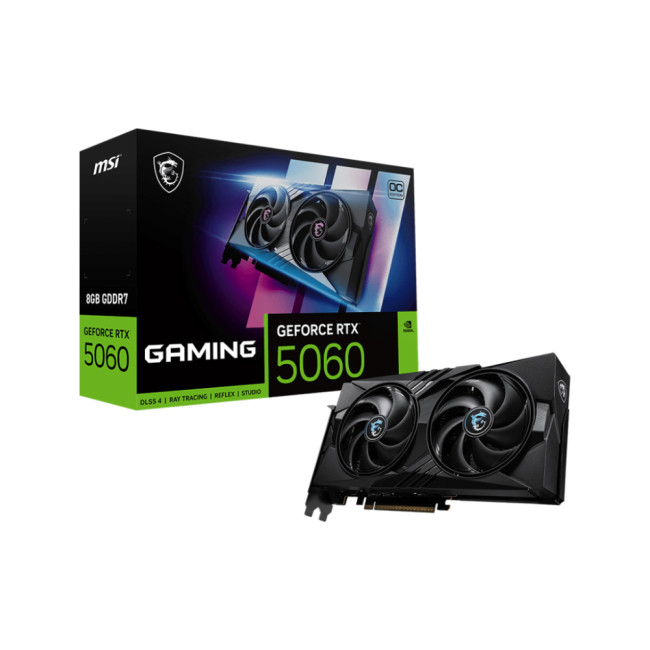
Key Specifications
- GPU: NVIDIA GeForce RTX 5060 (Blackwell Architecture)
- Memory: 8GB GDDR7
- Memory Speed: 28 Gbps
- Memory Interface: 128 bit
- Core

Last Updated: April 28, 2026
When it comes to high-performance computing, gaming realism, and creative workloads, NVIDIA graphics cards continue to set the benchmark. From immersive gaming experiences to professional-grade rendering and AI acceleration, NVIDIA’s GPUs power some of the most advanced systems on the market today. This guide explores everything you need to know about Nvidia graphics cards.
Understanding NVIDIA Graphics Cards and their Advantages
When performance matters, NVIDIA continues to lead the graphics card market with technology designed for today’s most demanding applications. From immersive gaming worlds to high-speed creative workflows, NVIDIA GeForce graphics cards deliver the power, efficiency, and visual realism modern users expect. Trusted by gamers and professionals alike, NVIDIA GPUs have become the benchmark for smooth gameplay, intelligent upscaling, and advanced rendering. What truly sets NVIDIA graphics cards apart is how each generation evolves. With smarter architecture, improved
Last Updated: July 10, 2026
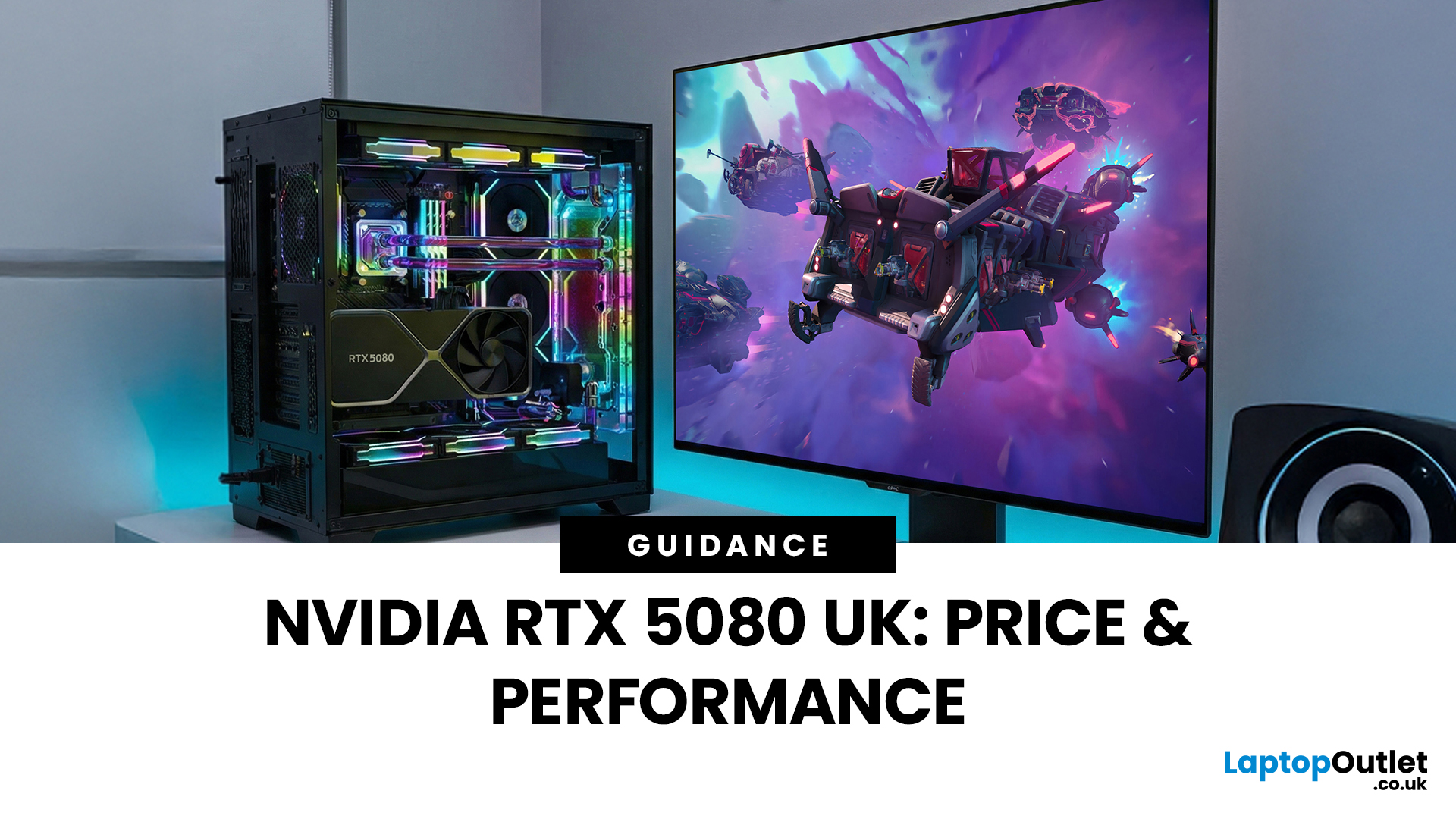
The arrival of a new flagship-tier graphics card always creates excitement, and the NVIDIA RTX 5080 UK is no exception. If you are a gamer or creator who wants to upgrade, understanding the price, performance, and real-world benefits of this card is essential. In this guide, we break down everything you need to know about the RTX 5080, from expected pricing in the UK to gaming performance, comparisons with other high-performance graphics cards, and whether it’s worth waiting for future variants.
How Does the GeForce RTX 5080 Compare to Previous NVIDIA GPUs?
Compared to previous-generation GPUs, the GeForce RTX 5080 delivers notable improvements in both raw performance and efficiency. NVIDIA has focused heavily on performance per watt, meaning users can expect more power without excessive heat or energy consumption. Key improvements include:
- Faster core architecture
- Improved ray tracing performance
- Enhanced AI and DLSS capabilities
- Better memory handling for high-resolution gaming
These

Last Updated: January 13, 2026
NVIDIA used CES (Consumer Technology Association)2026 to outline what it believes is the next major shift in computing — a move away from general-purpose processors towards systems designed primarily for artificial intelligence.
Speaking in Las Vegas, CEO Jensen Huang positioned NVIDIA not just as a graphics company, but as a platform provider for what it calls the “AI era”, spanning data centres, gaming PCs, gaming laptops, robotics, autonomous vehicles and cloud services.
Rather than focusing on a single blockbuster product, NVIDIA announcements CES 2026 centred on a broad ecosystem update. Key themes included the next-generation Rubin compute platform, and advances in AI-driven graphics through DLSS 4.5, new RTX AI PCs.
The Rubin Platform: NVIDIA’s Next-Generation AI Architecture

The biggest news for businesses was the Rubin platform. It is the successor to the successful Blackwell architecture. This system is a team of six different chips working together.
NVIDIA designed this platform

Last Updated: January 27, 2026
The world of PC gaming has changed forever thanks to a massive leap in graphics innovation. If you have looked at modern gaming desktop PCs recently, you have likely seen the term "RTX" everywhere.
But what is NVIDIA RTX technology exactly? It is not just a fancy label on a box. It represents a total shift in how your computer creates the images you see on screen.
By combining clever artificial intelligence with raw power, NVIDIA has made games look like Hollywood films while keeping them running smoothly.
Introduction to NVIDIA RTX Technology
NVIDIA RTX (Ray Tracing Texel eXtreme) is more than just a brand name. it is a high-end computing platform. It combines specialized hardware cores with advanced software to create lifelike visuals.
A Brief History of NVIDIA Graphics Cards
Before RTX, we had the GTX (Giga Texel Shader eXtreme) series. These cards were powerful, but they relied on "rasterisation." This is a method where a 3D scene is squashed into 2D pixels on your screen. It worked

