



What Does a Graphics Card Do

The Engine Behind Visual Power
Whether you're gaming, editing videos, or just watching YouTube, your device’s visuals are powered by a graphics card. But what exactly does it do—and do you need a powerful one? Let’s break down what a graphics card (GPU) is and why it matters.
What Is a Graphics Card?
A graphics card, or GPU (Graphics Processing Unit), is a specialised piece of hardware responsible for rendering images, videos, and animations on your screen.
It turns data into visuals—everything you see on your monitor runs through the GPU
What Does a Graphics Card Actually Do?
- Renders 2D and 3D graphics
- Processes high-resolution video and games
- Powers graphical user interfaces (GUIs)
- Enables faster photo and video editing, 3D rendering, and simulations
- Handles hardware acceleration for apps like browsers, games, and design tools
Types of Graphics Cards
1. Integrated GPU: Built into the CPU (e.g., Intel Iris, AMD Radeon Vega)
- Lower performance, uses shared memory
- Suitable for casual use and office tasks
2. Dedicated GPU: A separate component (e.g., NVIDIA GeForce, AMD Radeon)
- High performance, has its own VRAM
- Ideal for gaming, design, and heavy workloads
Why Is a Graphics Card Important?
- Gaming: Renders real-time graphics and smooth frame rates
- Creative Work: Speeds up video editing, rendering, and graphic design
- Multitasking: Supports multiple monitors and 4K displays
- AI & Machine Learning: Modern GPUs accelerate AI processing
The more powerful the GPU, the better your device handles demanding tasks
Do You Need a Dedicated Graphics Card?
You should consider one if you:
- Play AAA or competitive games
- Edit 4K+ video or 3D models
- Use software like Adobe Premiere, Blender, or AutoCAD
- Work with AI, simulations, or game development
How to Choose a Graphics Card
- VRAM: 4GB+ for basic gaming, 8GB+ for 4K or creative work
- Clock Speed & Cores: Higher = better performance
- Compatibility: Ensure it fits your PC case and power supply
- Brand: NVIDIA and AMD are leading names
Common GPU Features to Know
- Ray Tracing: Realistic lighting effects in gaming
- DLSS/FSR: AI-powered upscaling for smoother visuals
- GDDR6/GDDR6X: Types of fast memory used in modern GPUs
Final Thoughts: The Visual Brain of Your PC
From gaming to content creation, your graphics card makes the magic happen behind every pixel. Whether integrated or dedicated, it plays a key role in how your system performs and looks.
Looking to upgrade your setup? Explore Laptop Outlet’s top deals on gaming laptops, PCs, and dedicated GPUs today.
FAQs: Graphics Card Explained
1. What’s the difference between a GPU and a CPU?
The GPU handles graphics; the CPU handles general processing and logic.
2. Can I upgrade the graphics card in my laptop?
In most cases, no—laptops typically have non-upgradable GPUs.
3. Do I need a GPU for basic web browsing?
No—integrated graphics are more than enough for daily tasks.
4. How do I know what graphics card I have?
On Windows: Task Manager > Performance > GPU. Or use Device Manager.
5. Is more VRAM always better?
Not always—it depends on your use case, resolution, and software requirements.
Read More:
| What are Good Graphics Cards? |
| How to Find Out What Graphics Card You Have |
| Top Budget Nvidia Graphics Cards for 2025 |
Related Articles

Last Updated: February 24, 2026
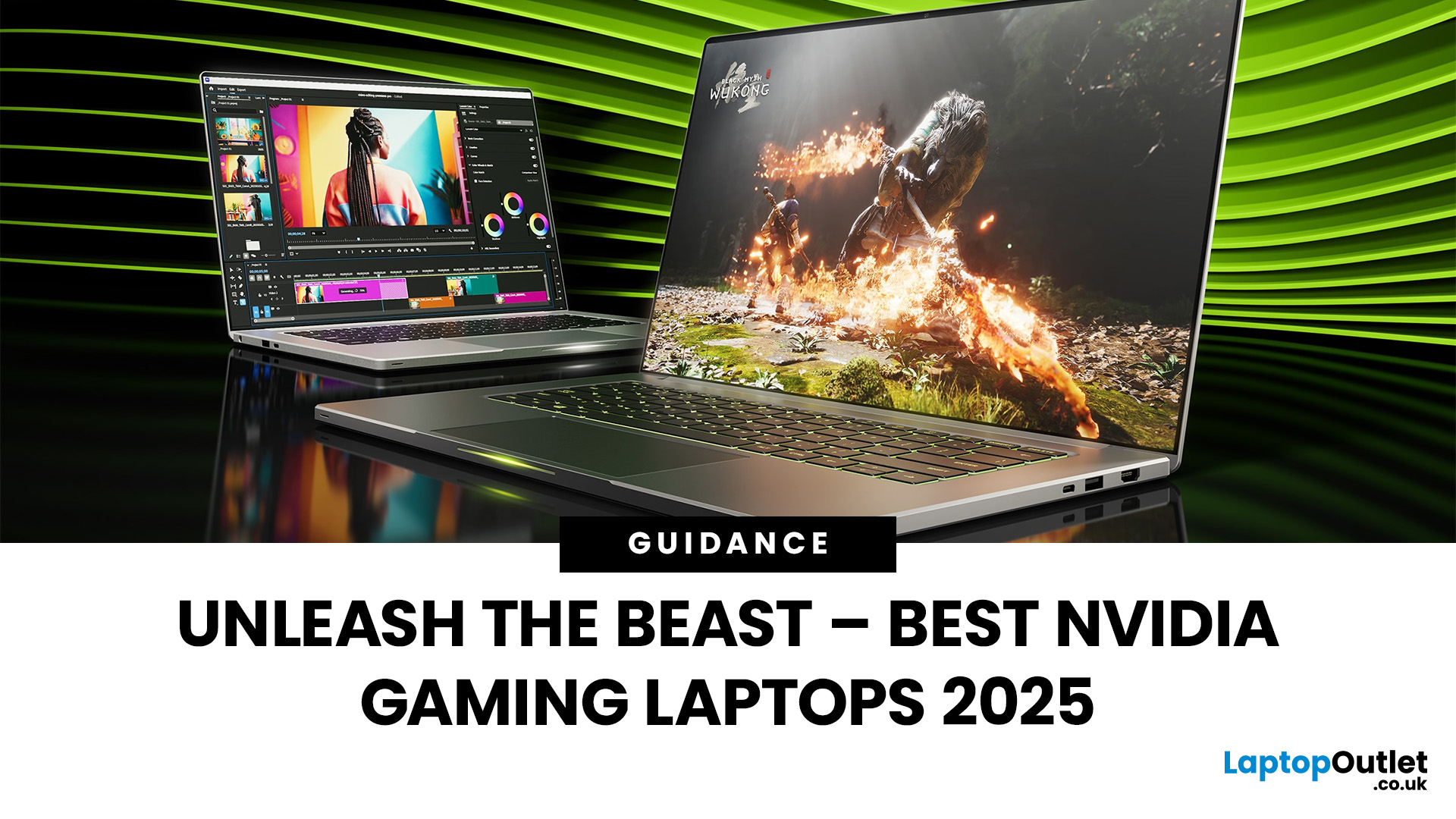
Among the top leading brands of high-end graphics cards, Nvidia stands out as a "powerhouse" in the world of gaming. Laptops with Nvidia graphics cards are known for their exceptional processing capabilities to handle resource-intensive gaming, 3D modelling, and video editing software without any stutters or lags. In this article, we will explore the benefits of Nvidia gaming laptops. Not only will we discuss the features of these gaming laptops, but you'll find our top 5 recommendations for the best gaming laptop on the market.
What are the Benefits of Laptops with Nvidia Cards?
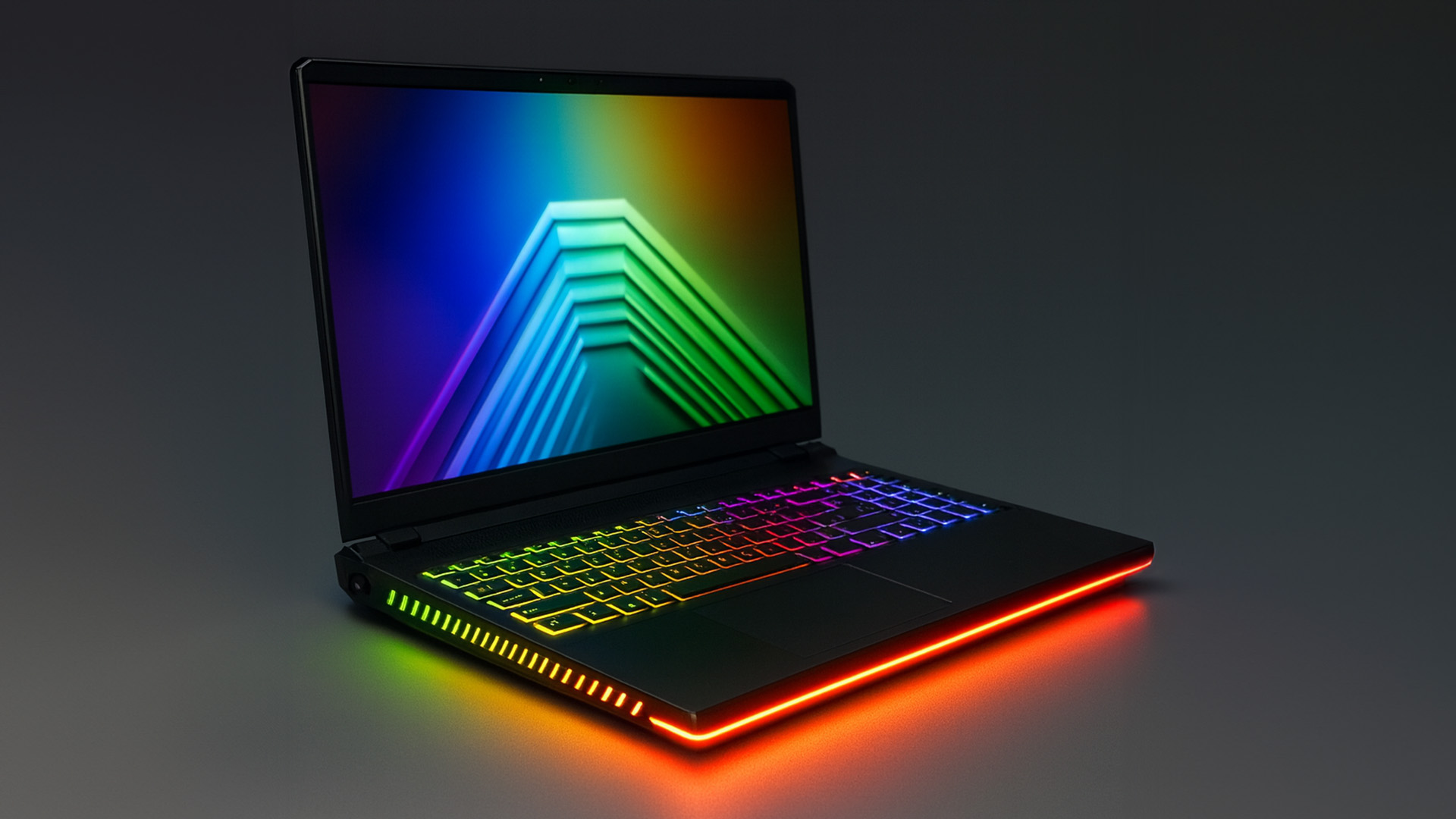
A gaming laptop with a Nivida Graphics card offers a range of advantages as compared to devices with other Graphics card brands. These high-performance devices offer excellent graphics rendering and processing power in video games, CAD/CAM, scientific computing, content creation, and other intensive computing applications.
Let’s explore their benefits in detail:
Unparalleled Graphics Performance
Nvidia graphics

Last Updated: July 01, 2025
Introduction
Gaming laptops today utilise the latest GPU technologies to deliver unmatched performance. These technologies make laptops fast and robust, making gaming an enjoyable and immersive experience.
Graphic Revolution: How Have Graphics Evolved?
Graphics, or GPUs, have evolved over the years, featuring modern technologies today to deliver an uninhibited gaming performance. You can trace the graphic revolution back to the 1950s and 1970s; the evolution is commendable.
Here is a brief look into how graphics have evolved over the years.
| Year | Type Of Graphics |
| 1950s-1970s |
|
| 1970s–1980s |
|
| 1980s |
|
| 1990s |
|

Last Updated: September 19, 2025
The laptop market in 2025 has been completely transformed by NVIDIA GeForce RTX GPUs, offering unparalleled power, visuals, and versatility. With over 80% of high-performance laptops now featuring RTX GPUs, they’ve become the go-to choice for gamers, creators, and professionals alike. Whether you're chasing the cutting-edge performance of the latest RTX 50 series laptops or the proven reliability of RTX 40 series models, there’s an option for every need and budget.
NVIDIA's advancements in ray tracing, DLSS 3.5, and AI-powered acceleration make these laptops 50% faster than their predecessors, delivering lifelike graphics and exceptional efficiency. The gaming industry alone has seen a 35% rise in demand for RTX-powered laptops in 2025.
Ready to dive in and find the perfect RTX laptop? Read on as we explore the top models, including their specs, pricing, and unique features, so you can make an informed choice. Don’t miss the ultimate guide ahead!
What Makes NVIDIA GeForce RTX Laptops Stand
Last Updated: September 01, 2026
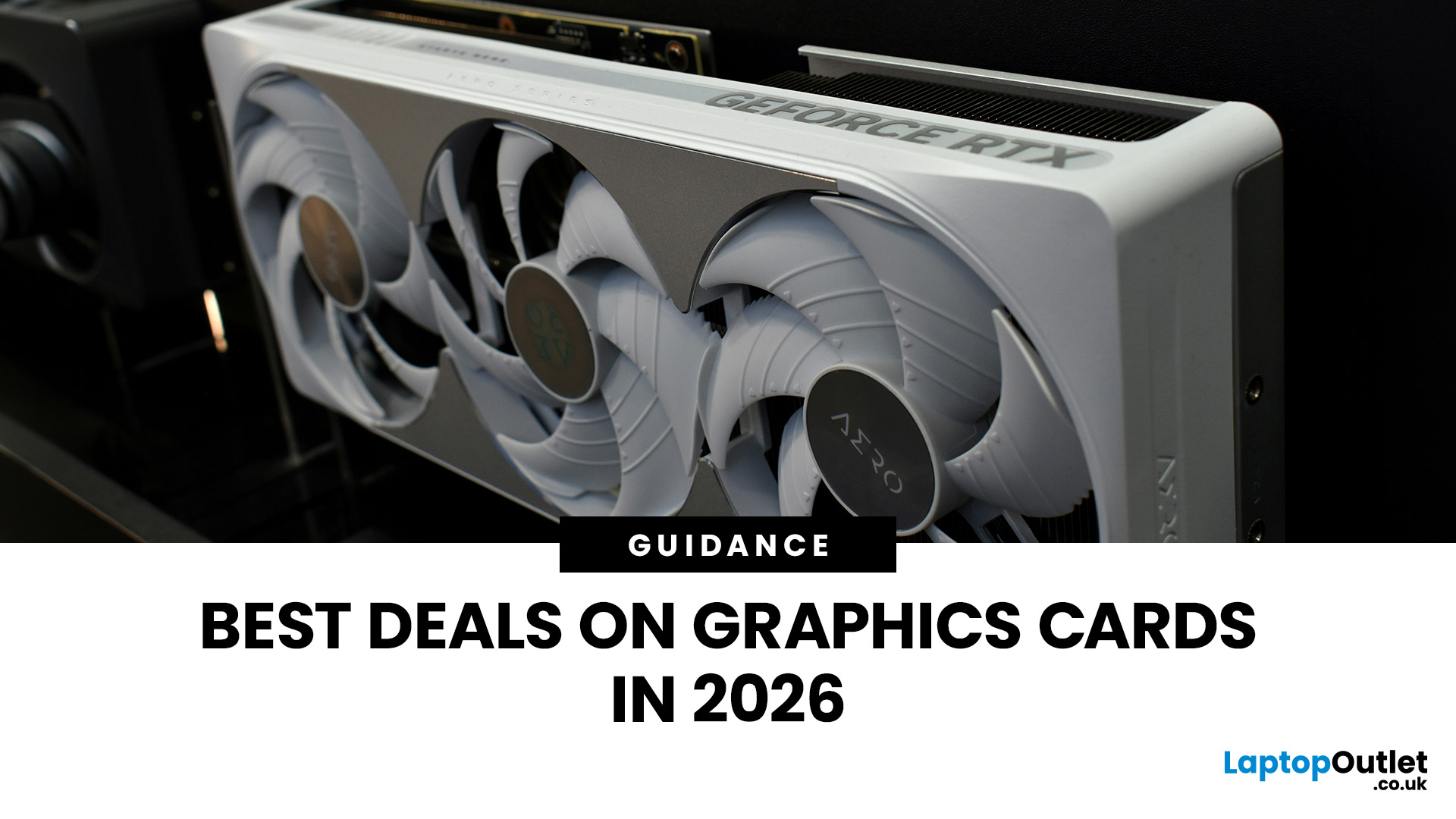
Looking for portable graphics cards? Graphics cards are an essential component for gamers, creative professionals, and tech enthusiasts. As the market evolves, new models are released with cutting-edge technology, while older ones become more affordable. Whether you are looking for the latest high-performance GPUs or seeking budget-friendly options, 2026 presents some fantastic deals on graphics cards.
In this blog, we will explore the best deals on gaming graphics cards, including RTX and AMD GPUs, and help you find the most value-packed choices from top brands. Whether you are searching for discounts on AMD graphics cards or affordable Nvidia graphics cards, we have you covered.
Why 2026 is a Great Year for Buying a Graphics Card
The GPU market in 2026 has stabilised significantly compared to previous years, making it an ideal time to grab some of the best deals. Key factors influencing the affordability of graphics cards this year include:
- Increased Supply: Manufacturers have ramped

Last Updated: October 02, 2025
Want to Know Your GPU? Here's How
Whether you’re gaming, editing videos, or just curious—knowing what graphics card (GPU) you have matters. It affects performance, display quality, and what software your laptop can handle. Good news: it’s easy to check.
How to Find Out What Graphics Card You Have on Windows
1. Use Device Manager
- Press Windows + X, then select Device Manager
- Click the Display Adapters dropdown
- You’ll see the name of your graphics card listed
- This method works for both integrated (e.g. Intel HD) and dedicated GPUs (e.g. NVIDIA, AMD)
2. Use System Information
- Press Windows + R to open Run
- Type msinfo32 and press Enter
- Navigate to Components > Display
- Look for Adapter Type and Adapter Description
3. Use DirectX Diagnostic Tool (dxdiag)
- Press Windows + R, type dxdiag, and hit Enter
- Go to the Display tab
- Your GPU details will be listed under “Device”
4. Use Task Manager (Quick Check)
- Press Ctrl + Shift + Esc to open Task Manager
- Go to the

Last Updated: September 09, 2025
Exploring the Latest and Greatest in GPU Tech!
If you're wondering what makes a graphics card "good," you're not alone. Whether you're a gamer, a creator, or just love a snappy desktop experience, the right GPU (graphics processing unit) can completely redefine the way your system performs. With the release of Nvidia's 50 Series and AMD's latest GPUs, there's much to get excited about. But what actually makes a graphics card good? And which are the best graphics cards out there at the moment?
Let's break it down, human-style—no jargon overload, no fluffy nonsense, just real talk about real performance.
What Makes a Graphics Card 'Good'?
At its core, a good graphics card delivers consistent performance, reliable cooling, and future-ready features. Whether gaming at 4K, editing high-resolution video, or running AI software, a good GPU doesn't slow down when pushed.
The best graphics card should offer:
- Solid FPS (frames per second) across modern titles
- Support for ray tracing

