



DLSS 4.5 Explained: What’s New and Why It Matters for Gamers

NVIDIA has once again raised the bar for PC gaming performance and visual fidelity. At CES 2026, the company officially unveiled DLSS 4.5, the latest evolution of its industry-leading AI upscaling and frame generation solution. Built on years of refinement and powered by next-generation RTX hardware, DLSS 4.5 represents a major leap forward for gamers who want smoother gameplay, higher frame rates, and sharper visuals without compromise. In this article, we’ll break down DLSS 4.5 features, explore DLSS 4.5 vs DLSS 4, and explain how this new technology transforms real-world DLSS 4.5 gaming performance.
What is DLSS 4.5?
DLSS 4.5 is the newest update to NVIDIA’s AI rendering technology, designed to deliver major improvements in both performance and image quality. DLSS (Deep Learning Super Sampling) uses artificial intelligence to render games at a lower resolution and intelligently upscale them, producing images that look as good as, or better than, native resolution, while significantly boosting frame rates.
With DLSS 4.5, NVIDIA introduces more advanced AI models, smarter frame generation, and unprecedented scalability for high-refresh-rate displays and demanding modern games. The result is a smoother, more responsive gaming experience that fully utilises the power of next-generation RTX GPUs.
What are the Key DLSS 4.5 Features
DLSS 4.5 isn’t a small incremental update. It brings several groundbreaking enhancements that redefine what AI-assisted rendering can achieve.
2nd-Gen Transformer AI Model for Super Resolution
One of the DLSS 4.5 features is the introduction of a 2nd-gen transformer AI model. This new model significantly improves Super Resolution, delivering cleaner edges, finer detail, and more stable visuals, especially in motion.
Compared to previous convolutional models, the transformer-based approach analyses scenes more intelligently, understanding spatial and temporal detail across frames. For gamers playing at 1440p or 4K, the improvement in image quality is immediately noticeable. This means:
- Reduced shimmering and ghosting
- Sharper textures at high resolutions
- More accurate reconstruction of fine details
Dynamic Multi Frame Generation
DLSS 4.5 also introduces Dynamic Multi Frame Generation, a major evolution of NVIDIA’s frame generation technology. Instead of using a fixed approach, DLSS 4.5 dynamically adjusts how many frames are generated based on:
- GPU workload
- Game complexity
- Display refresh rate
This ensures smoother gameplay with lower latency, especially on high-refresh-rate monitors. Whether you’re playing competitive esports titles or cinematic AAA games, Dynamic Multi Frame Generation keeps performance consistent and responsive.
6X Multi Frame Generation Mode
Perhaps the most headline-grabbing feature is the new 6X Multi Frame Generation mode. With this mode enabled, DLSS 4.5 can generate up to five AI frames per rendered frame. In practical terms, this means:
- Massive frame rate boosts
- Ultra-smooth motion even in demanding scenes
- Better utilisation of powerful RTX hardware
This feature is particularly impactful on next-gen GPUs like the RTX 5080 graphics cards, where raw rendering power combined with AI frame generation unlocks performance levels previously thought impossible.
DLSS 4.5 vs DLSS 4: What’s the Difference?
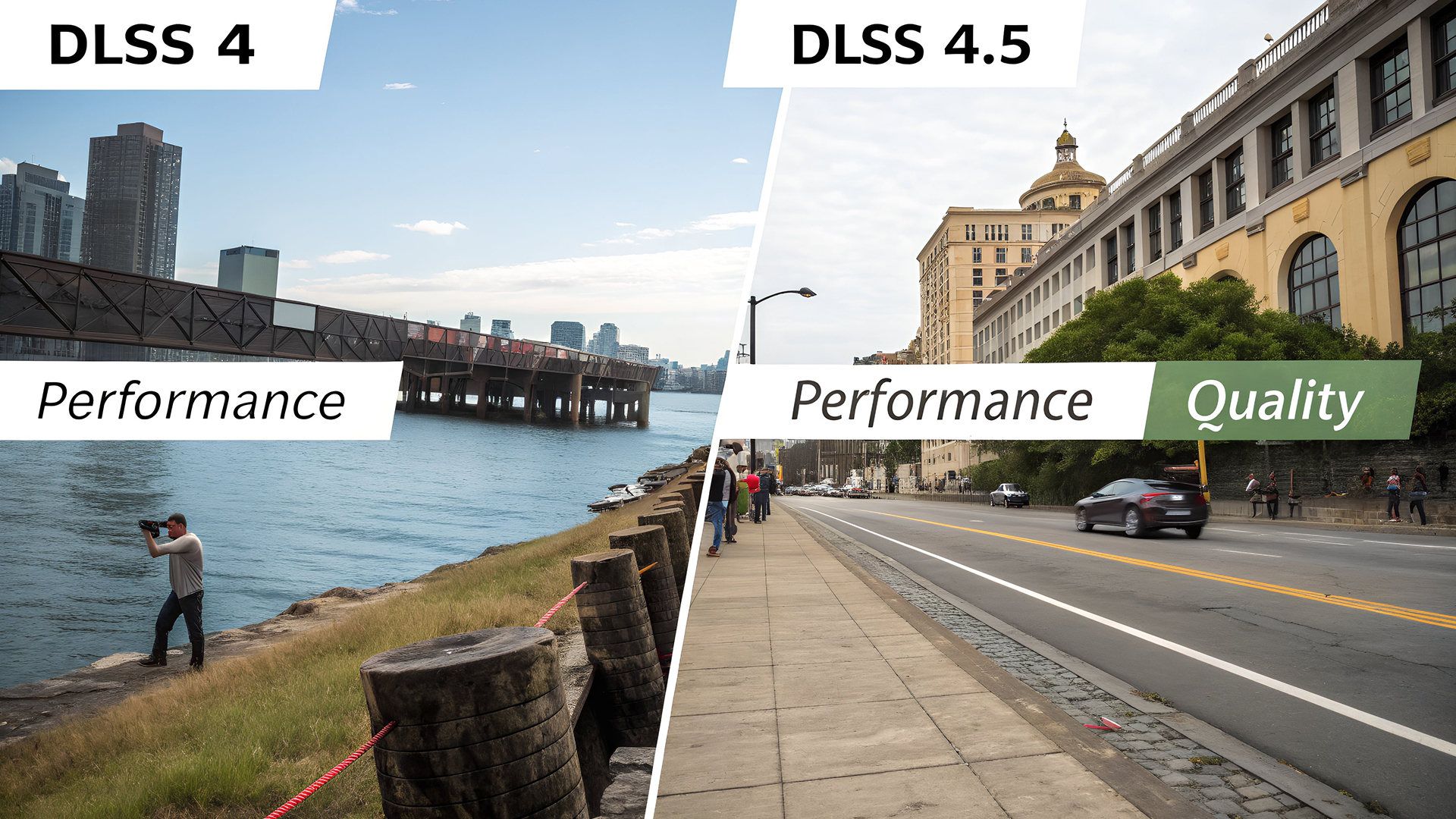
If you’re familiar with DLSS 4, you might be wondering how big the jump really is. The answer: significant.
Image Quality Improvements
While DLSS 4 already delivered excellent results, DLSS 4.5’s 2nd-gen transformer AI model takes Super Resolution to the next level. Image stability, texture clarity, and fine detail are noticeably improved, especially during fast camera movement.
Smarter Frame Generation
DLSS 4 relied on more static frame generation techniques. In contrast, Dynamic Multi Frame Generation in DLSS 4.5 intelligently adapts in real time, providing smoother performance with fewer artefacts.
Higher Performance Scaling
The introduction of 6X Multi Frame Generation mode sets DLSS 4.5 apart. Generating up to five AI frames per rendered frame delivers a substantial leap in DLSS 4.5 gaming performance, particularly at 4K and on ultra-wide displays.
|
Feature |
DLSS 4 |
DLSS 4.5 |
|
AI Model |
1st-gen transformer |
2nd-gen transformer AI model |
|
Frame Generation |
Limited |
Dynamic Multi Frame Generation |
|
Max AI Frames |
2–3 |
Up to five AI frames per rendered |
|
Image Stability |
Improved |
Significantly enhanced |
|
Performance Scaling |
Fixed |
Adaptive and dynamic |
Real-World DLSS 4.5 Gaming Performance
So how does DLSS 4.5 perform in actual games? According to NVIDIA, gamers can expect:
- Dramatically higher frame rates without sacrificing image quality
- Smoother gameplay at higher resolutions
- Better performance on demanding ray-traced titles
By generating up to five AI frames per rendered frame, DLSS 4.5 allows GPUs to focus on visual fidelity while AI handles performance scaling. This is especially valuable for modern games that push hardware to its limits with advanced lighting, physics, and open-world environments. For competitive gamers, higher and more stable frame rates mean lower input latency and a tangible edge in fast-paced titles.
DLSS 4.5 and NVIDIA’s Broader RTX AI Vision
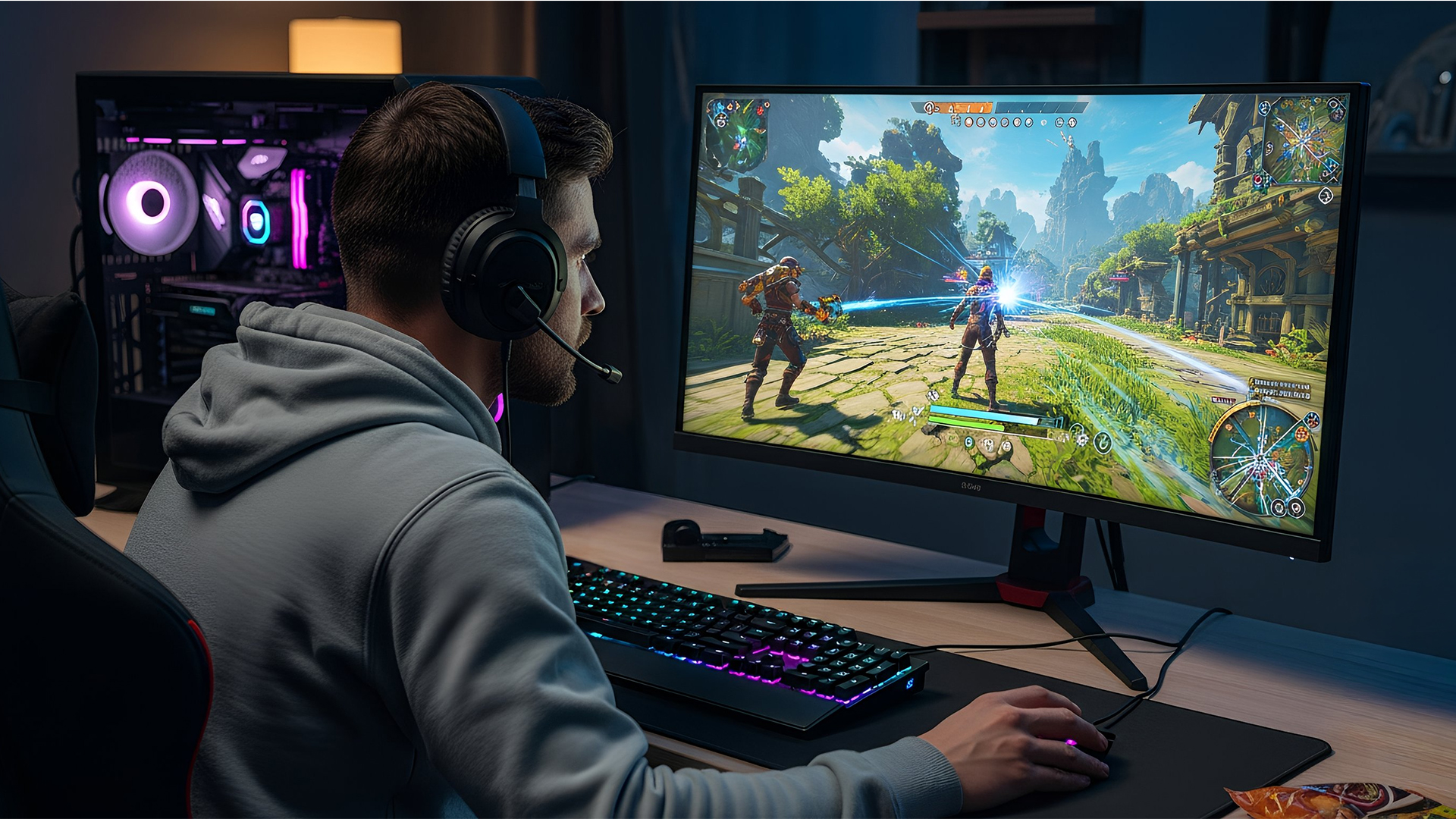
DLSS 4.5 is part of a wider push from NVIDIA to redefine what’s possible with AI-powered PCs. At CES 2026, NVIDIA announced a range of RTX AI upgrades that complement DLSS 4.5, including:
- Up to 3x performance improvements and 60% lower VRAM usage for generative AI workloads
- Enhanced RTX Video Super Resolution for 4K video generation
- Faster AI inference for small language models
For gamers, this means RTX systems are no longer just gaming machines, they’re powerful AI platforms capable of handling content creation, streaming, and productivity alongside gaming.
Why DLSS 4.5 Matters for Laptop Gamers
DLSS has always been a game-changer for laptops, and DLSS 4.5 continues that trend. On the latest RTX gaming laptops, DLSS 4.5 allows thinner, more efficient systems to deliver desktop-class performance. Benefits for laptop gamers include:
- Higher frame rates at native display resolutions
- Lower power consumption thanks to AI efficiency
- Cooler and quieter operation during long gaming sessions
If you’re shopping for a new gaming laptop, choosing a model with DLSS 4.5 support ensures you’re future-proofed for upcoming AAA titles.
DLSS 4.5 on RTX AI Gaming PCs
For desktop enthusiasts, DLSS 4.5 truly shines on RTX AI gaming PCs powered by the latest NVIDIA GPUs. Gamers upgrading to Nvidia graphics processing units in the RTX 50 series will see the biggest gains, especially when using features like 6X Multi Frame Generation. When paired with high-refresh-rate monitors and advanced features like G-SYNC, DLSS 4.5 delivers:
- Ultra-smooth gameplay
- Exceptional image clarity
- Consistent performance across a wide range of games
Want ultra-smooth gameplay with zero flicker? Discover how G-SYNC Pulsar delivers 1000Hz motion clarity and why it’s a game-changer for competitive gamers.
Future-Proofing Your Gaming Setup
As games become more demanding and displays continue to push higher resolutions and refresh rates, AI-driven technologies like DLSS 4.5 are no longer optional, they’re essential. Whether you’re upgrading your GPU, buying a new laptop, or building a high-end desktop, DLSS 4.5 is a key feature to look for. Curious about the future of PC gaming? Discover how NVIDIA’s CES 2026 announcements shape RTX performance and AI-driven gaming. By investing in RTX hardware that supports DLSS 4.5, you’re ensuring:
- Compatibility with future games
- Access to the latest AI rendering advancements
- Better long-term value from your gaming system
Should You Upgrade for DLSS 4.5?
If you already own an RTX system, DLSS 4.5 will enhance your gaming experience through improved image quality and performance. For those considering an upgrade, GPUs like the RTX 5080 graphics cards offer the perfect platform to fully experience DLSS 4.5’s capabilities. For gamers who want the best possible performance today, and tomorrow, DLSS 4.5 makes a compelling case for upgrading to the latest RTX technology.

Final Thoughts: DLSS 4.5 Sets a New Standard
DLSS 4.5 is a major step forward in AI-powered gaming. With a 2nd-gen transformer AI model, Dynamic Multi Frame Generation, and the groundbreaking 6X Multi Frame Generation mode, NVIDIA has once again redefined what’s possible with real-time graphics. For gamers using Nvidia graphics processing units, exploring latest RTX gaming laptops, or investing in RTX AI gaming PCs, DLSS 4.5 delivers tangible benefits that elevate every gaming session. As games continue to evolve, DLSS 4.5 ensures your system is ready to keep up, without compromise.

What Else Should You Know About DLSS 4.5
What is DLSS 4.5?
DLSS 4.5 is the latest version of NVIDIA’s AI rendering technology, designed to improve image quality and gaming performance using advanced AI upscaling and frame generation techniques.
How is DLSS 4.5 different from DLSS 4?
When comparing DLSS 4.5 vs DLSS 4, the biggest differences are the new 2nd-gen transformer AI model, Dynamic Multi Frame Generation, and the 6X Multi Frame Generation mode, which delivers significantly higher performance and better visuals.
What are the main DLSS 4.5 features?
Key DLSS 4.5 features include improved Super Resolution, Dynamic Multi Frame Generation, and the ability to generate up to five AI frames per rendered frame using 6X Multi Frame Generation mode.
Does DLSS 4.5 improve gaming performance?
Yes. DLSS 4.5 gaming performance is dramatically improved, offering higher frame rates, smoother gameplay, and better image stability, especially at higher resolutions.
Do I need new hardware for DLSS 4.5?
DLSS 4.5 works best on the latest Nvidia graphics processing units, particularly RTX 50 series GPUs such as RTX 5080 graphics cards, as well as compatible RTX gaming laptops and desktops.
Is DLSS 4.5 worth it for laptop gamers?
Absolutely. DLSS 4.5 allows latest RTX gaming laptops to deliver higher performance, better visuals, and improved efficiency, making it ideal for portable gaming setups.
Related Articles

Last Updated: February 24, 2026
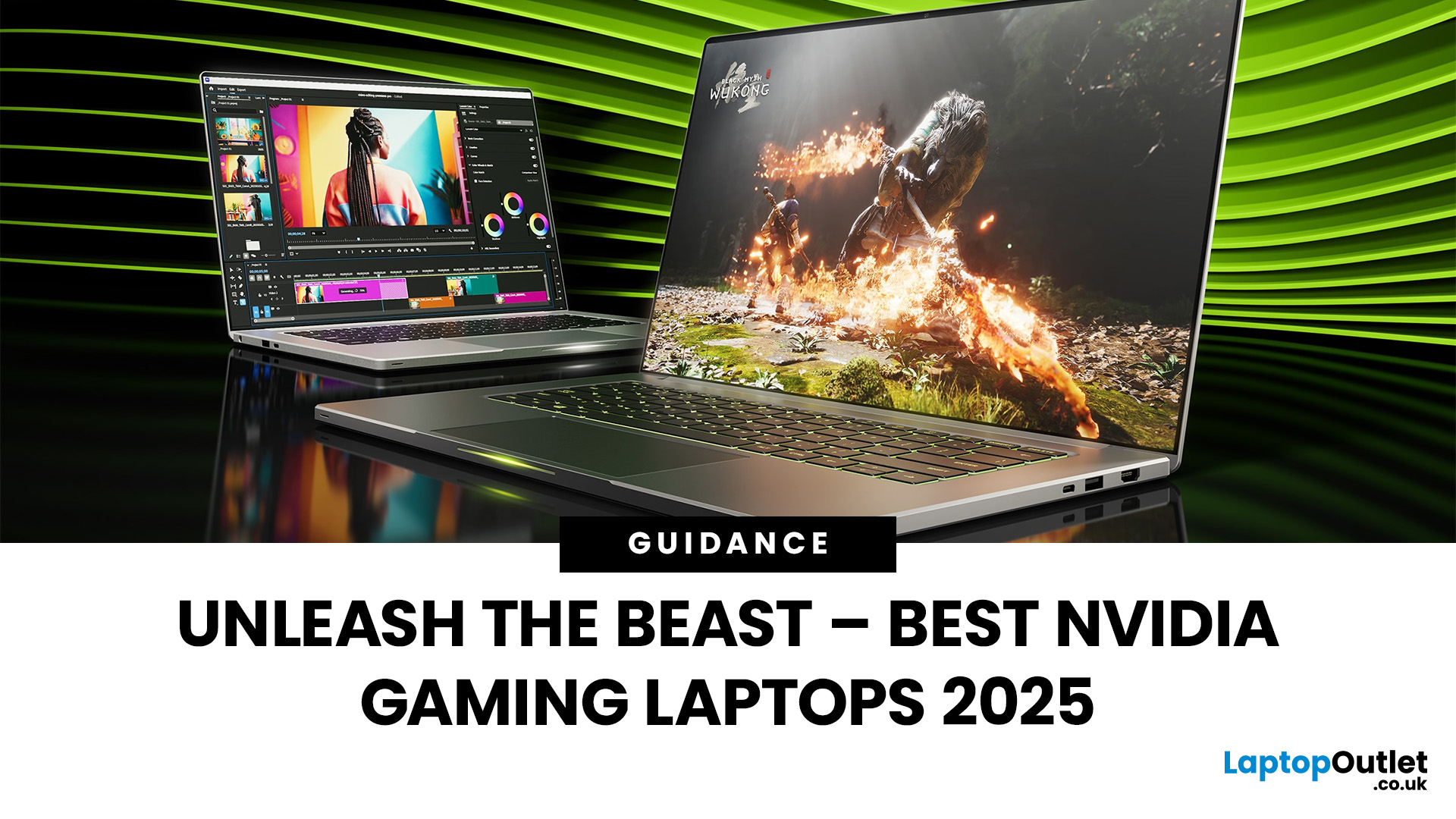
Among the top leading brands of high-end graphics cards, Nvidia stands out as a "powerhouse" in the world of gaming. Laptops with Nvidia graphics cards are known for their exceptional processing capabilities to handle resource-intensive gaming, 3D modelling, and video editing software without any stutters or lags. In this article, we will explore the benefits of Nvidia gaming laptops. Not only will we discuss the features of these gaming laptops, but you'll find our top 5 recommendations for the best gaming laptop on the market.
What are the Benefits of Laptops with Nvidia Cards?
A gaming laptop with a Nivida Graphics card offers a range of advantages as compared to devices with other Graphics card brands. These high-performance devices offer excellent graphics rendering and processing power in video games, CAD/CAM, scientific computing, content creation, and other intensive computing applications.
Let’s explore their benefits in detail:
Unparalleled Graphics Performance
Nvidia graphics

Last Updated: September 19, 2025
The laptop market in 2025 has been completely transformed by NVIDIA GeForce RTX GPUs, offering unparalleled power, visuals, and versatility. With over 80% of high-performance laptops now featuring RTX GPUs, they’ve become the go-to choice for gamers, creators, and professionals alike. Whether you're chasing the cutting-edge performance of the latest RTX 50 series laptops or the proven reliability of RTX 40 series models, there’s an option for every need and budget.
NVIDIA's advancements in ray tracing, DLSS 3.5, and AI-powered acceleration make these laptops 50% faster than their predecessors, delivering lifelike graphics and exceptional efficiency. The gaming industry alone has seen a 35% rise in demand for RTX-powered laptops in 2025.
Ready to dive in and find the perfect RTX laptop? Read on as we explore the top models, including their specs, pricing, and unique features, so you can make an informed choice. Don’t miss the ultimate guide ahead!
What Makes NVIDIA GeForce RTX Laptops Stand
Last Updated: September 01, 2026
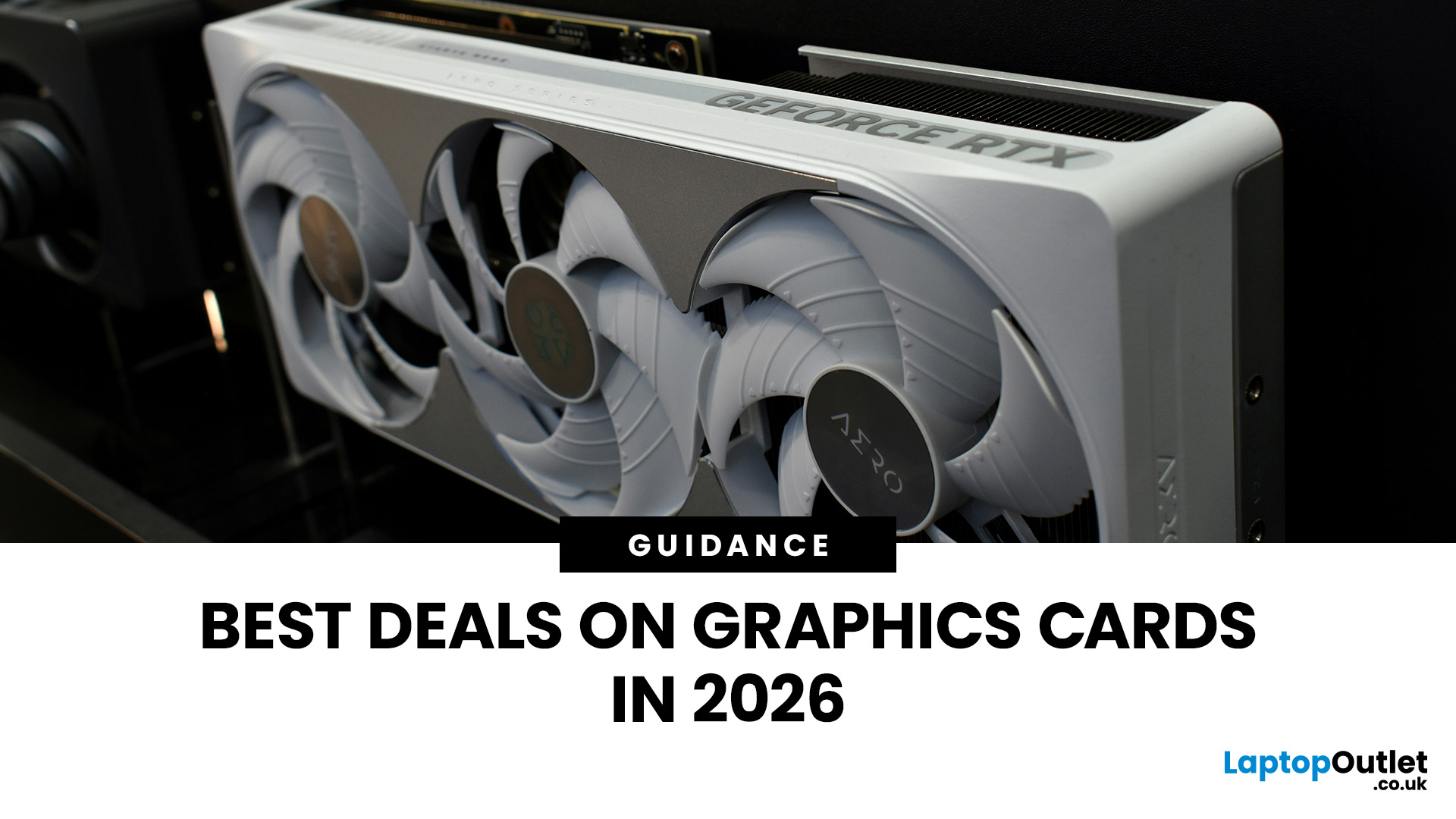
Looking for portable graphics cards? Graphics cards are an essential component for gamers, creative professionals, and tech enthusiasts. As the market evolves, new models are released with cutting-edge technology, while older ones become more affordable. Whether you are looking for the latest high-performance GPUs or seeking budget-friendly options, 2026 presents some fantastic deals on graphics cards.
In this blog, we will explore the best deals on gaming graphics cards, including RTX and AMD GPUs, and help you find the most value-packed choices from top brands. Whether you are searching for discounts on AMD graphics cards or affordable Nvidia graphics cards, we have you covered.
Why 2026 is a Great Year for Buying a Graphics Card
The GPU market in 2026 has stabilised significantly compared to previous years, making it an ideal time to grab some of the best deals. Key factors influencing the affordability of graphics cards this year include:
- Increased Supply: Manufacturers have ramped
Last Updated: March 05, 2026
In 2026, gaming and content creation are more accessible than ever, thanks to Nvidia’s lineup of budget-friendly graphics cards. Whether you're a casual gamer, a competitive esports player, or a creative professional, finding the right GPU doesn’t have to drain your wallet. The market is filled with options that deliver exceptional performance without the premium price tag, ensuring you get the best value for your investment.
From the power-efficient GTX 1650 to the feature-rich RTX 3060, Nvidia continues to redefine budget gaming. These GPUs offer remarkable frame rates, smooth gameplay, and cutting-edge features like DLSS and ray tracing, bringing next-gen technology within reach for everyone. With the right choice, you can enjoy immersive visuals, faster rendering, and seamless multitasking without compromise.
With so many options available, it can be challenging to determine which budget Nvidia GPU is the best fit for your needs. Whether you’re looking for smooth 1080p gaming, entry-level

Last Updated: September 09, 2025
Exploring the Latest and Greatest in GPU Tech!
If you're wondering what makes a graphics card "good," you're not alone. Whether you're a gamer, a creator, or just love a snappy desktop experience, the right GPU (graphics processing unit) can completely redefine the way your system performs. With the release of Nvidia's 50 Series and AMD's latest GPUs, there's much to get excited about. But what actually makes a graphics card good? And which are the best graphics cards out there at the moment?
Let's break it down, human-style—no jargon overload, no fluffy nonsense, just real talk about real performance.
What Makes a Graphics Card 'Good'?
At its core, a good graphics card delivers consistent performance, reliable cooling, and future-ready features. Whether gaming at 4K, editing high-resolution video, or running AI software, a good GPU doesn't slow down when pushed.
The best graphics card should offer:
- Solid FPS (frames per second) across modern titles
- Support for ray tracing
Last Updated: March 04, 2026
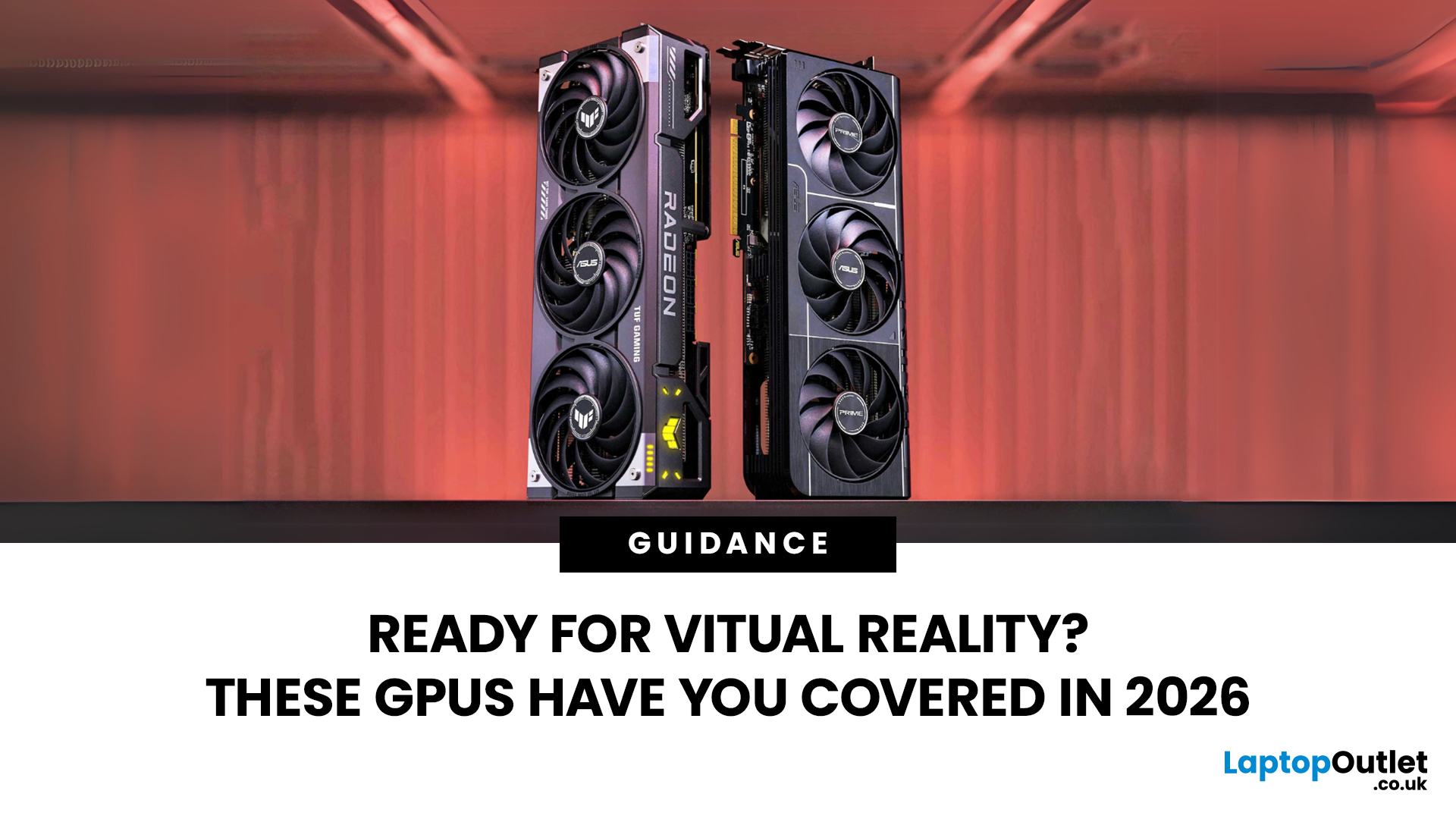
Virtual reality is the way forward when looking for total immersion and enjoying entertainment in another dimension. Whether you're stepping into alien landscapes, racing through hyper-realistic circuits, or exploring entire worlds from your living room, VR takes everything you love about gaming and cranks it up to another level. But to truly make the most of it, your PC needs to be more than just average; it needs serious graphical muscle.
If you plan to upgrade your system for a smoother, sharper, and more responsive VR experience, choosing the best graphics card for virtual reality experiences is key. And with so many options now on the market, narrowing it down can be daunting. That's why we've done the legwork for you.
Unlike standard gaming, virtual reality demands more from your hardware. Take it as running dual high-resolution displays - except one is strapped to your face, and every frame counts. Frame rates need to stay consistently high, latency needs to be minimal, and
Last Updated: September 09, 2025
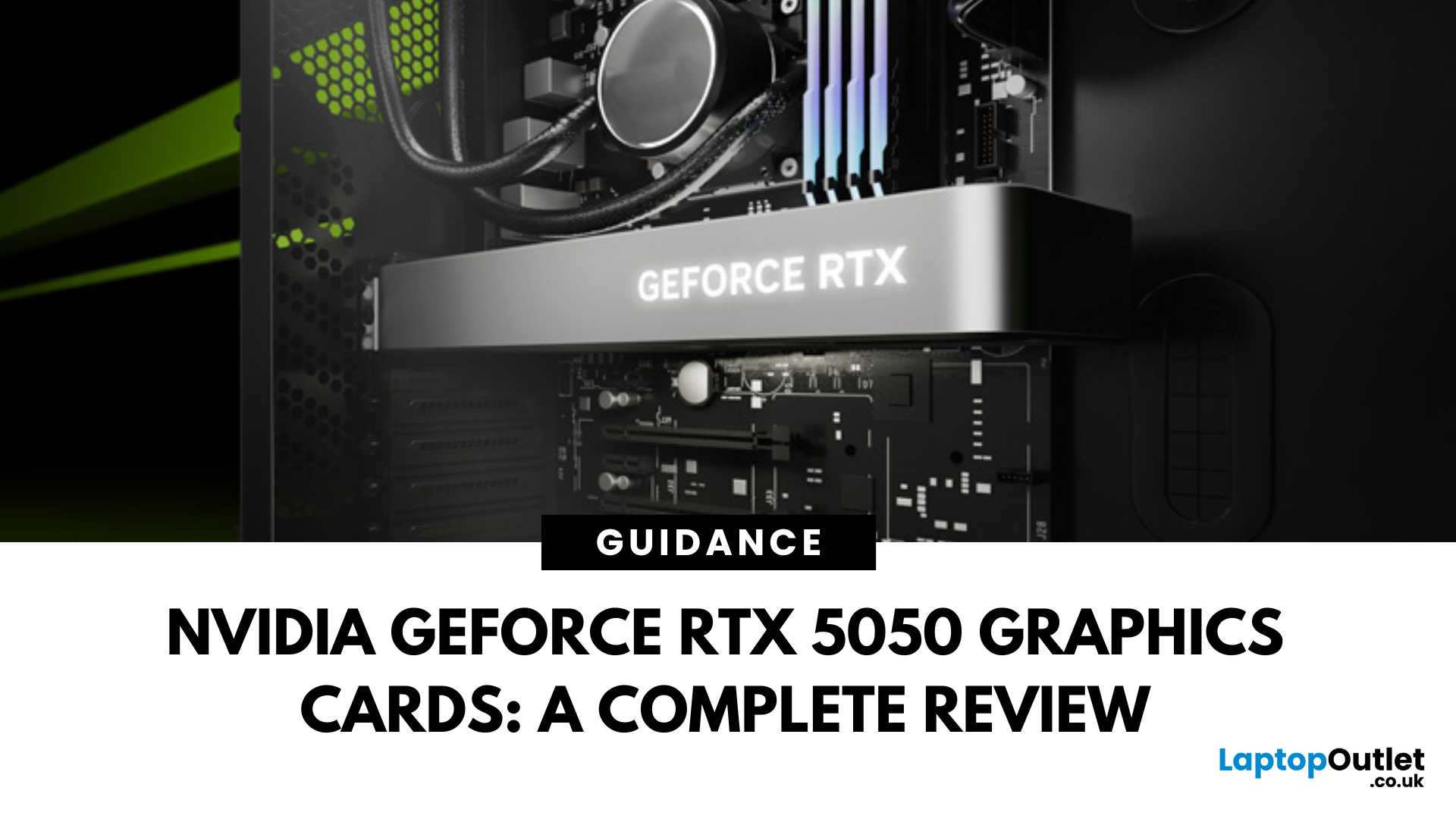
The RTX 5050 arrives as a timely and much-needed addition to NVIDIA’s mid-range line-up. With GPU prices escalating and older models ageing out of relevance, this card positions itself as a smart compromise between performance, features, and affordability. Targeted at gamers, upgraders, and budget-conscious users alike, it strikes an appealing balance that’s increasingly rare in the entry-level space. If you're considering an RTX 5050 upgrade, this RTX 5060 graphics cards review has something for you.
Architecture & Specifications: A Capable Foundation
Under the hood, the RTX 5050 is built on NVIDIA’s Blackwell architecture, the same foundation used in high-end models like the RTX 5090 graphics card. This gives it access to 5th-gen Tensor cores and 4th-gen RT cores, cutting-edge tech for a budget-friendly GPU. The card features 2,560 CUDA cores, a boost clock of up to 2,570 MHz, and 8GB of GDDR6 memory with 320 GB/s bandwidth. Despite its modest memory interface, performance stays sharp
Last Updated: September 09, 2025
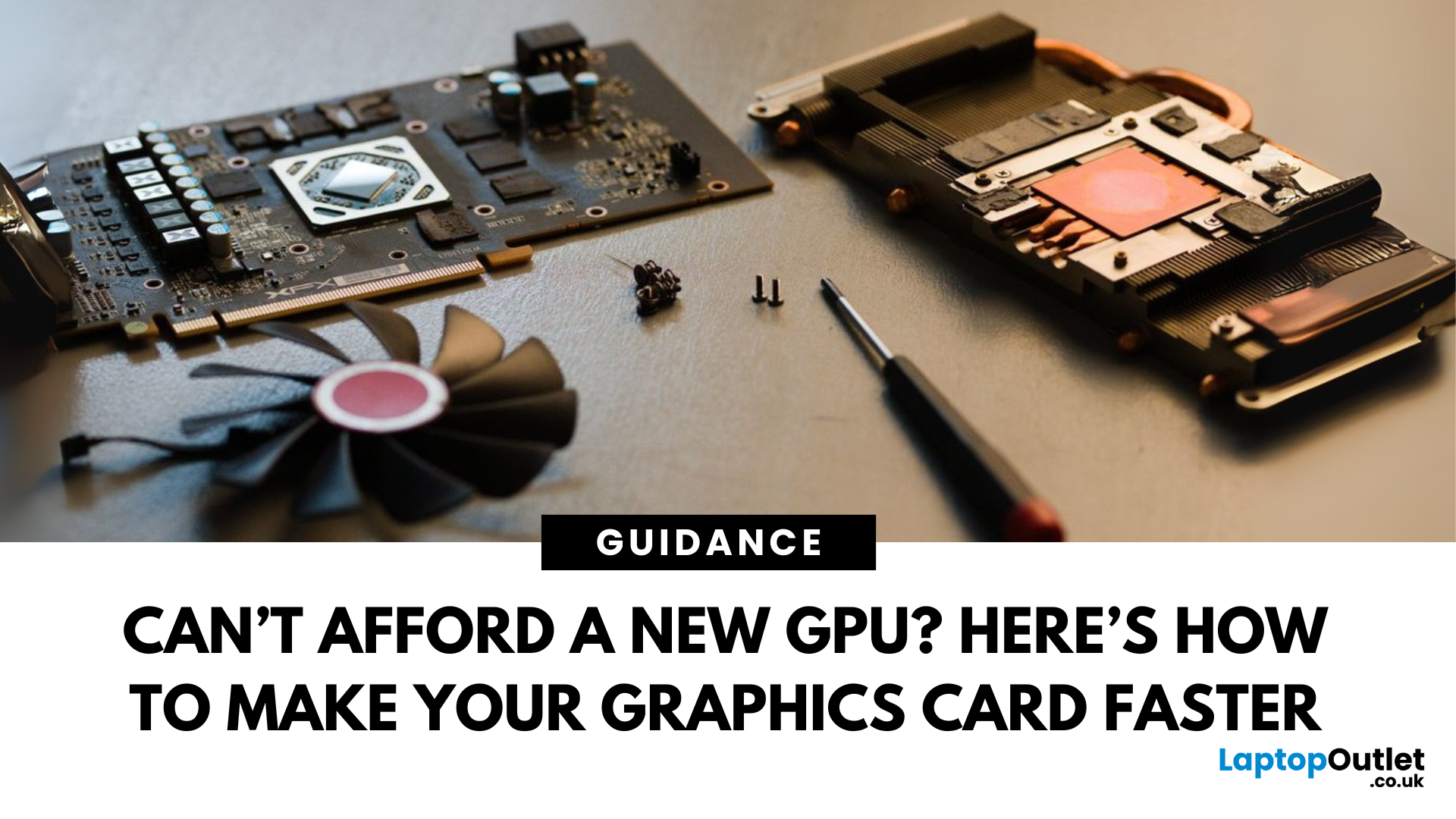
Let’s face it. Graphics cards are expensive. And while everyone wants that shiny new GPU to max out game settings or improve their creative workloads, it’s not always realistic. Between supply issues, steep prices and rapid technology cycles, buying a new graphics card can often feel like a luxury rather than a necessity.
The good news is that you don’t need to replace your GPU to breathe new life into your gaming rig or workstation. With a little time, care, and smart system tweaks, you can get more performance out of your current card and make it run quieter, cooler and faster.
In this guide, we’ll walk you through practical ways to improve your GPU’s performance, longevity, and efficiency without splashing out on brand-new hardware. If you’re looking to upgrade graphics card performance without replacing it entirely, you’re in the right place.
Tips to Make your Graphics Card Faster Without Upgrading It
-
Clean and Maintain Your GPU for a Performance Boost
Before we even touch the software
Last Updated: February 25, 2026
We’ve been deep in the trenches with today’s top-tier GPUs, testing them across real-world gaming sessions, editing timelines, and production rigs. This isn’t just another spec dump. It’s a curated breakdown of what actually matters when you're pushing pixels or chasing frames. Whether you're building for buttery 4K gameplay or need something that won’t choke on a multi-cam 8K edit, we’ve cut through the marketing noise to highlight what each card nails (and where it stumbles). No filler, no fluff, just the kind of insight we’d want before dropping serious cash on a new GPU.
ASUS GeForce RTX 5090 ROG Astral 32GB OC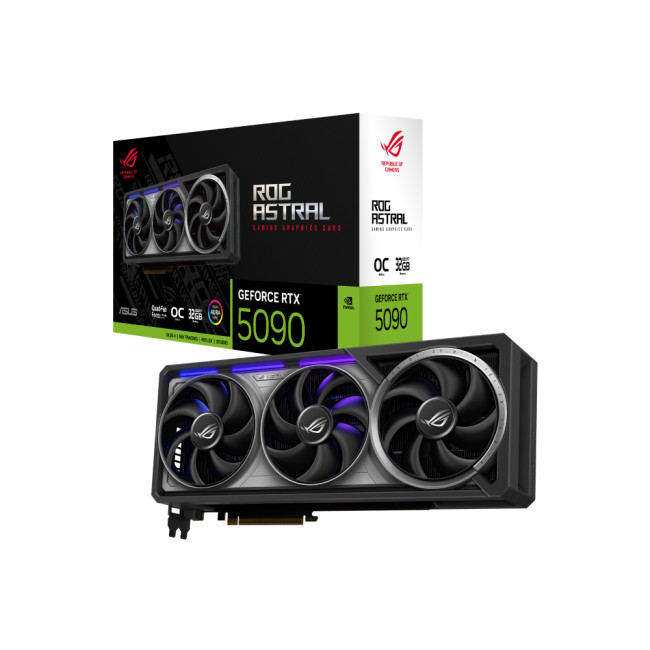
Also Known As:
- ROG STRIX RTX 5090
- NVIDIA GeForce RTX 5090 ROG Astral OC
- The Beast from the Future
Overview & Standout Features
The ASUS RTX 5090 ROG Astral isn’t just a GPU; it’s a flex. This monster packs 32GB of next-gen GDDR7 VRAM, triple axial-tech fans, and more RGB than your setup probably needs (but still wants). ASUS has taken NVIDIA’s flagship and strapped
Last Updated: September 22, 2026
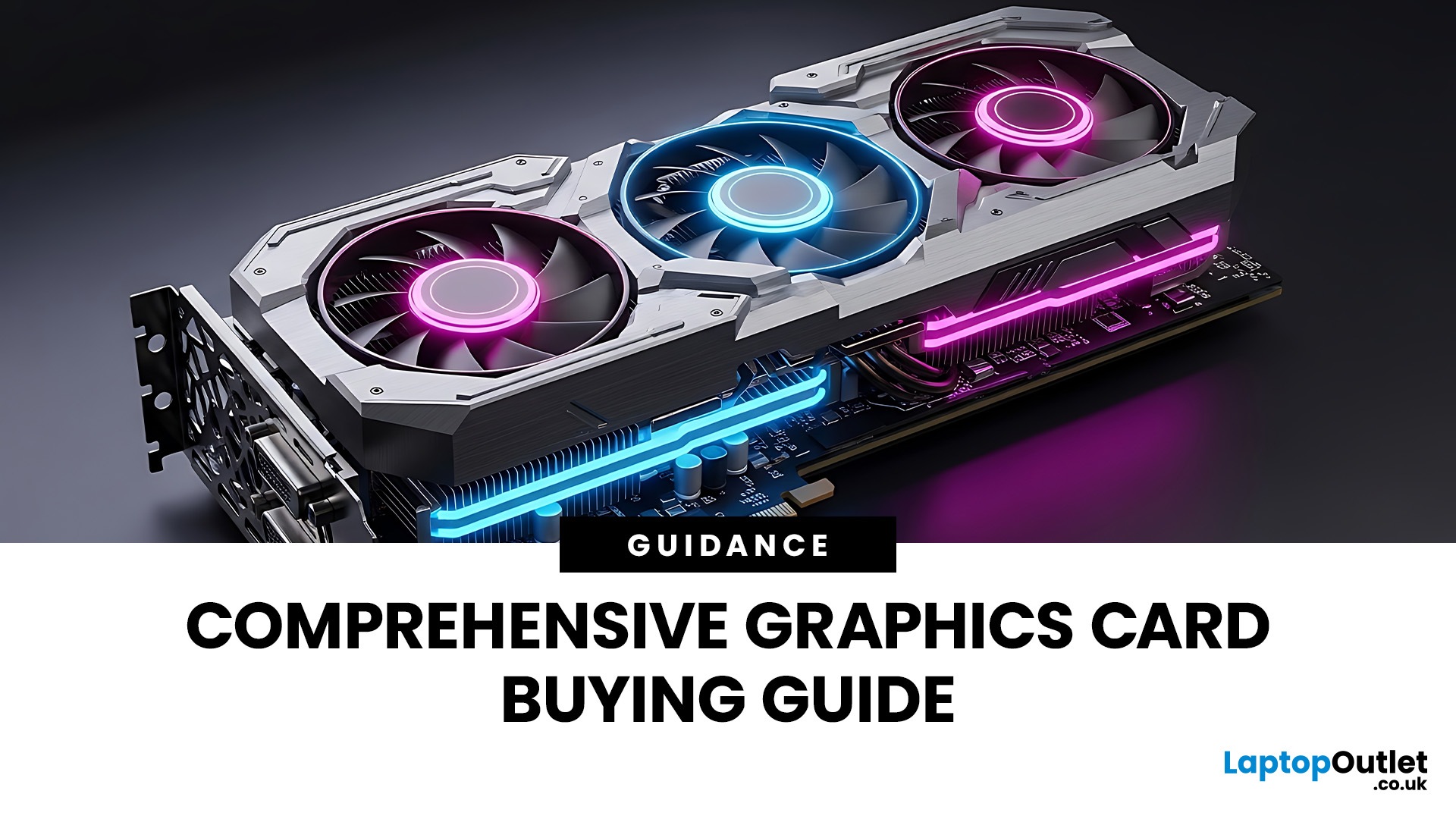
Choosing the right graphics card starts with what you actually want your PC to do. Your monitor resolution and refresh rate, games or software, VRAM requirements, power supply, case space and available budget all matter more than simply buying the newest GPU.
To choose the right graphics card, match the GPU to your monitor resolution, refresh rate, games or software, and budget. Check real-world performance, VRAM, power-supply requirements, physical size, cooling and supported features such as ray tracing and upscaling. For 2026, compare current NVIDIA, AMD and Intel options rather than relying on model names or generation alone when making your choice.
This graphics card buying guide explains how to choose a graphics card for gaming, content creation and everyday GPU-accelerated workloads, while covering the specifications and compatibility checks that matter in 2026.
Quick Graphics Card Buying Checklist
Before comparing individual GPUs, check these seven things:
- Resolution: Are you gaming

