



G-SYNC Pulsar Explained: 1000Hz Motion Clarity Without Flicker

For years, smoother gaming meant chasing higher refresh rates.
G-SYNC Pulsar flips that thinking on its head, delivering ultra-clear motion without flicker and redefining how fast a gaming monitor can actually look. By pushing effective motion clarity toward 1000Hz, NVIDIA is setting a new benchmark for competitive displays.
What Is G-SYNC Pulsar?
Gaming display technology has steadily evolved, but motion clarity, especially in fast-paced games - remains one of the hardest visual challenges to overcome. Enter G-SYNC Pulsar, NVIDIA’s latest advancement that promises near-1000Hz motion clarity without flicker, redefining how we experience competitive gameplay and immersive visuals.
At its core, G-SYNC Pulsar is the next evolution of NVIDIA’s variable refresh rate (VRR) technology, building on traditional NVIDIA G-SYNC and combining it with advanced flicker-free motion clarity techniques.
Let’s discuss how it works, what features make it stand out, how it compares with G-SYNC Ultimate, and why gamers are excited.
How G-SYNC Pulsar Works - The Tech Behind the Clarity

Modern gamers know that a high refresh rate, like 360Hz or 480Hz, alone doesn’t guarantee perfect motion clarity. What often creates blurred moving objects is persistence blur, caused by how our eyes track motion on screen.
G-SYNC Pulsar tackles this by cleverly combining two core technologies:
1. Variable Backlight Strobing
G-SYNC Pulsar uses variable frequency backlight strobing, a flicker-free technique that flashes the backlight in sync with each refresh cycle. This creates an effect similar to a 1000Hz display out of a 360Hz panel by reducing the effective time each frame is visible and minimizing blur.
2. Adaptive Overdrive and Synchronization
Unlike older strobing solutions, Pulsar dynamically adjusts strobe timing and brightness based on in-game frame rates. This means it works seamlessly with VRR without flickering, ensuring smooth visuals and comfort even during intense gameplay.
Read about the NVIDIA announcement at CES 2026 to get more information.
G-SYNC Pulsar Benefits for Gamers
✔ Motion Clarity Equivalent to 1000Hz
With Pulsar enabled, monitors with 360Hz refresh rates can feel like they’re effectively running at 1000Hz in terms of motion clarity - a huge uplift in the felt responsiveness and sharpness of on-screen movement.
✔ Flicker-Free Visuals
One of the biggest issues with traditional strobing was uncomfortable flicker. G-SYNC Pulsar’s adaptive control eliminates this, making longer gaming sessions easier on the eyes.
✔ Enhanced Competitive Performance
Sharper motion clarity helps in fast-paced esports titles where split-second visual recognition and aim precision matter. Pulsar’s tech reduces perceived object hold time by up to 4-times compared to standard VRR displays.
✔ Adaptive Ambient Features
Some monitors with G-SYNC Pulsar also include ambient adaptive technology, automatically adjusting brightness and colour temperature based on your surrounds. This creates a more consistent visual experience whether you’re in a bright room or gaming at night.
G-SYNC Pulsar vs G-SYNC Ultimate - What’s the Difference?

|
Feature |
G-SYNC Pulsar |
G-SYNC Ultimate |
|
Motion clarity tech |
Variable backlight strobing for 1000Hz effective clarity |
Traditional VRR + overdrive |
|
Flicker control |
Advanced adaptive strobe |
Standard G-SYNC module |
|
Target use |
Competitive, high-speed gaming |
High-end G-SYNC experience |
|
Monitor requirements |
360Hz+ panels with Pulsar support |
High-end G-SYNC modules integrated |
G-SYNC Ultimate focuses on broad display performance including HDR and colour, while Pulsar specifically boosts motion clarity and perceived refresh rate without introducing flicker. For gamers chasing edge-of-your-seat responsiveness, Pulsar represents a specialised leap forward.
G-SYNC Pulsar Gaming Monitors - What’s Available Today
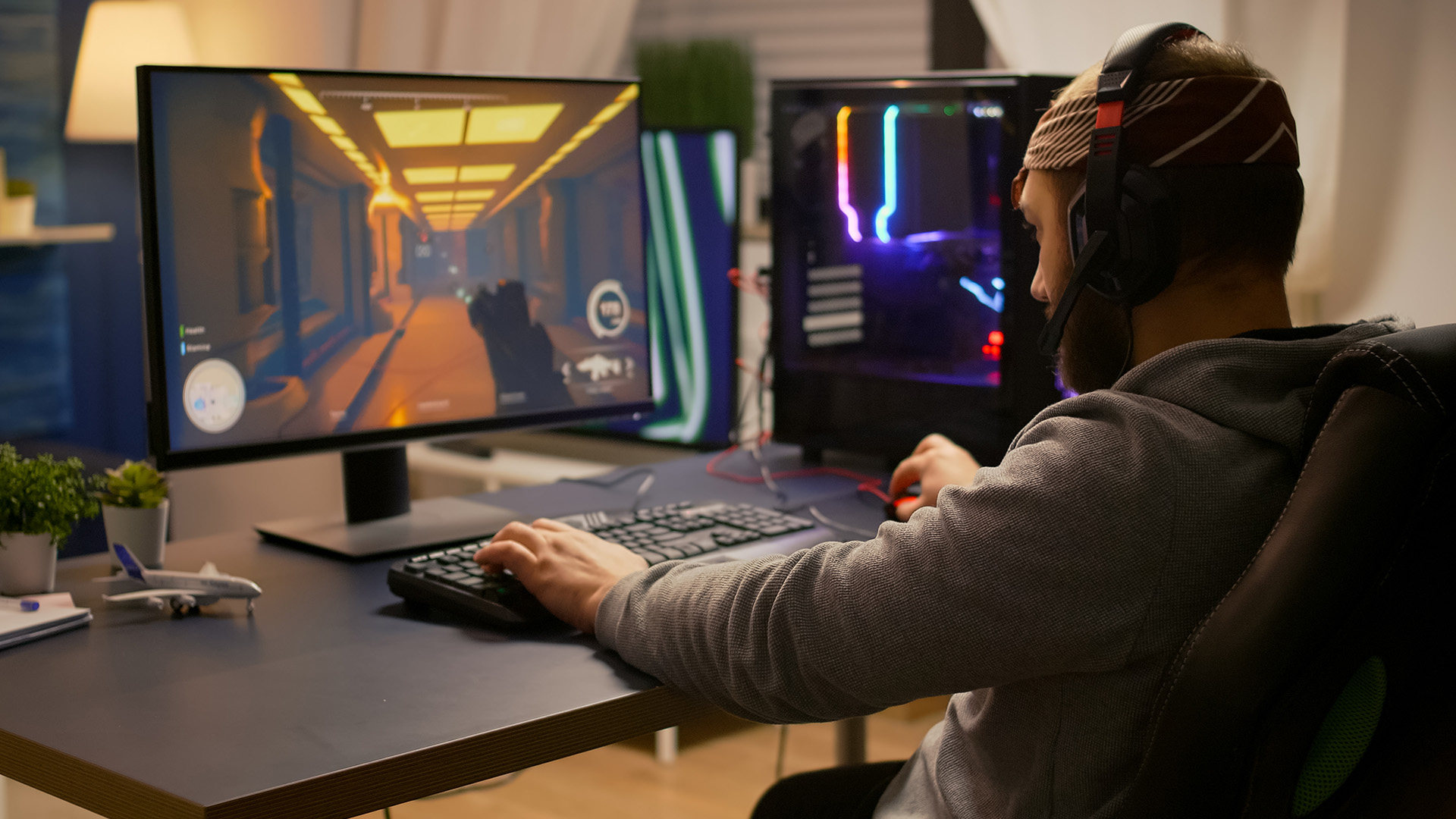
At CES 2026, several major brands debuted their first Pulsar-enabled panels. These are all in the 27″ 1440p, 360Hz class - a sweet spot for esports and high-FPS gaming:
Notable Models with G-SYNC Pulsar
- ASUS ROG Strix Pulsar XG27AQNGV - OLED-level motion clarity with Pulsar tech.
- MSI and ASUS prototype displays demoed with standout blur reduction.
- Other major brands like Acer and AOC also participate in the Pulsar ecosystem.
These advanced displays are part of the latest generation of advanced gaming monitors that deliver buttery smooth motion and competitive-grade responsiveness, essential for desktop PC gamers aiming for precision.
Real-World Experience - What Gamers Are Saying
Hands-on impressions from industry events like CES 2026 highlight just how effective G-SYNC Pulsar feels in action:
“When Pulsar is enabled, movement feels noticeably clearer, especially during rapid mouse swipes.” - CES attendee review.
Competitive gamers, in particular, report better target tracking and target acquisition, a key advantage in titles like Overwatch 2 and Valorant.
Who Should Consider G-SYNC Pulsar?
G-SYNC Pulsar is ideal for:
- Esports players hungry for every possible edge
- First-person shooters and action titles where motion clarity counts
- Visual enthusiasts who want blur-free high-speed gameplay
- PC gamers with high-end GPUs seeking maximum performance
If your priority is motion clarity and flicker-free visuals - and you don’t mind investing in premium hardware - G-SYNC Pulsar displays are a clear step beyond conventional high-refresh monitors.
Click to get a detailed explanation of DLSS 4.5, to know what’s new and why it matters for gamers.

Conclusion - The Next Step in Gaming Displays
G-SYNC Pulsar represents a significant milestone in display tech, effectively taking VRR and motion clarity to new heights. With flicker-free 1000Hz motion clarity, adaptive brightness features, and integrations across major premium gaming displays, this is one of the biggest leaps forward for advanced gaming monitors in years.
Whether you’re chasing competitive precision or just want smoother visuals in fast-paced games, G-SYNC Pulsar delivers a game-changer experience that’s poised to redefine expectations for motion clarity in gaming.
Explore the latest G-SYNC Pulsar gaming monitors and more high-performance displays at Laptop Outlet to find your next competitive edge.

Quick Answers, Real Talk
Is G-SYNC Pulsaractually 1000Hz?
Not exactly. G-SYNC Pulsar doesn’t increase a monitor’s native refresh rate to 1000Hz, but it delivers effective motion clarity that can feel comparable. It does this using advanced backlight strobing synced with variable refresh rates, dramatically reducing motion blur without flicker.
Do you need a specific GPU to use G-SYNC Pulsar?
Yes. G-SYNC Pulsar requires an NVIDIA GeForce RTX GPU and a compatible Pulsar-certified gaming monitor. The technology relies on NVIDIA’s display pipeline, so it isn’t supported on non-NVIDIA graphics cards.
How is G-SYNC Pulsar different from traditional blur reduction modes?
Traditional blur reduction often disables VRR and introduces visible flicker. G-SYNC Pulsar works alongside variable refresh rates, dynamically adjusting strobe timing and brightness to keep motion clear without flicker or tearing.
Is G-SYNC Pulsar only useful for esports and FPS games?
While it shines in fast-paced esports titles, G-SYNC Pulsar also benefits any game with rapid camera movement, including racing games, action titles, and fast third-person games. Anywhere motion clarity matters, Pulsar makes a difference.
Will G-SYNC Pulsar replace G-SYNC Ultimate?
No - they serve different purposes. G-SYNC Ultimate focuses on premium HDR, colour accuracy, and overall image quality, while G-SYNC Pulsar prioritises motion clarity and competitive performance. Some future monitors may support both.
Related Articles

Last Updated: March 04, 2026
Virtual reality is the way forward when looking for total immersion and enjoying entertainment in another dimension. Whether you're stepping into alien landscapes, racing through hyper-realistic circuits, or exploring entire worlds from your living room, VR takes everything you love about gaming and cranks it up to another level. But to truly make the most of it, your PC needs to be more than just average; it needs serious graphical muscle.
If you plan to upgrade your system for a smoother, sharper, and more responsive VR experience, choosing the best graphics card for virtual reality experiences is key. And with so many options now on the market, narrowing it down can be daunting. That's why we've done the legwork for you.
Unlike standard gaming, virtual reality demands more from your hardware. Take it as running dual high-resolution displays - except one is strapped to your face, and every frame counts. Frame rates need to stay consistently high, latency needs to be minimal, and
Last Updated: September 09, 2025
The RTX 5050 arrives as a timely and much-needed addition to NVIDIA’s mid-range line-up. With GPU prices escalating and older models ageing out of relevance, this card positions itself as a smart compromise between performance, features, and affordability. Targeted at gamers, upgraders, and budget-conscious users alike, it strikes an appealing balance that’s increasingly rare in the entry-level space. If you're considering an RTX 5050 upgrade, this RTX 5060 graphics cards review has something for you.
Architecture & Specifications: A Capable Foundation
Under the hood, the RTX 5050 is built on NVIDIA’s Blackwell architecture, the same foundation used in high-end models like the RTX 5090 graphics card. This gives it access to 5th-gen Tensor cores and 4th-gen RT cores, cutting-edge tech for a budget-friendly GPU. The card features 2,560 CUDA cores, a boost clock of up to 2,570 MHz, and 8GB of GDDR6 memory with 320 GB/s bandwidth. Despite its modest memory interface, performance stays sharp
Last Updated: September 09, 2025
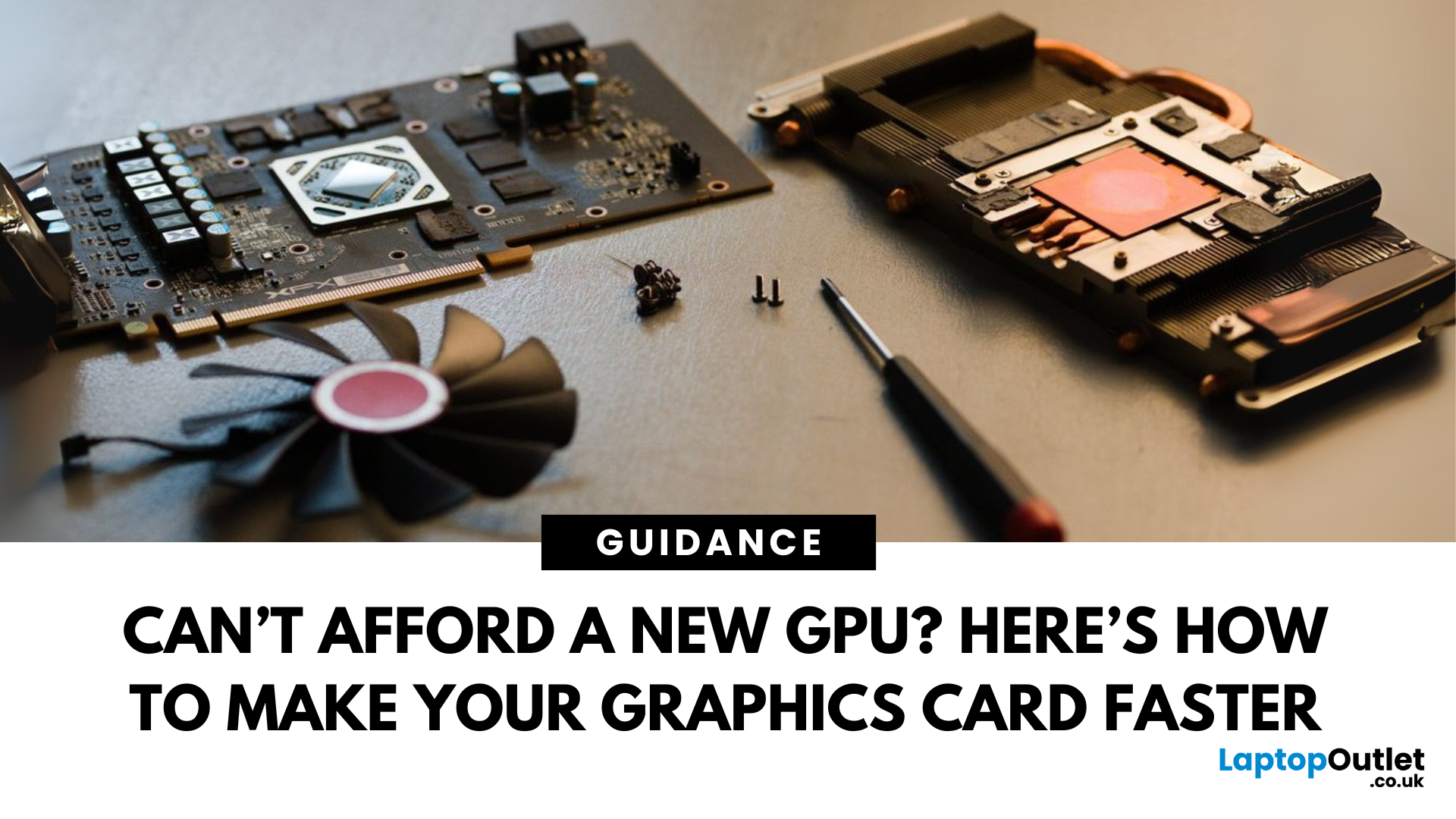
Let’s face it. Graphics cards are expensive. And while everyone wants that shiny new GPU to max out game settings or improve their creative workloads, it’s not always realistic. Between supply issues, steep prices and rapid technology cycles, buying a new graphics card can often feel like a luxury rather than a necessity.
The good news is that you don’t need to replace your GPU to breathe new life into your gaming rig or workstation. With a little time, care, and smart system tweaks, you can get more performance out of your current card and make it run quieter, cooler and faster.
In this guide, we’ll walk you through practical ways to improve your GPU’s performance, longevity, and efficiency without splashing out on brand-new hardware. If you’re looking to upgrade graphics card performance without replacing it entirely, you’re in the right place.
Tips to Make your Graphics Card Faster Without Upgrading It
-
Clean and Maintain Your GPU for a Performance Boost
Before we even touch the software
Last Updated: February 25, 2026
We’ve been deep in the trenches with today’s top-tier GPUs, testing them across real-world gaming sessions, editing timelines, and production rigs. This isn’t just another spec dump. It’s a curated breakdown of what actually matters when you're pushing pixels or chasing frames. Whether you're building for buttery 4K gameplay or need something that won’t choke on a multi-cam 8K edit, we’ve cut through the marketing noise to highlight what each card nails (and where it stumbles). No filler, no fluff, just the kind of insight we’d want before dropping serious cash on a new GPU.
ASUS GeForce RTX 5090 ROG Astral 32GB OC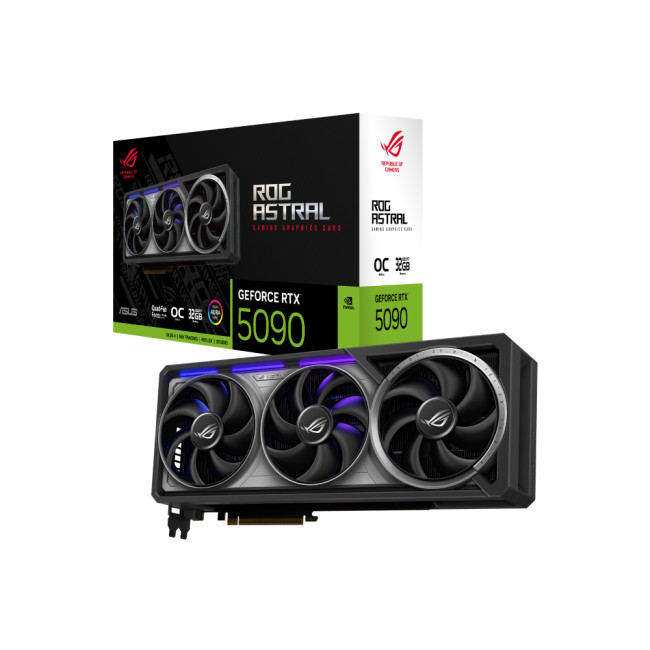
Also Known As:
- ROG STRIX RTX 5090
- NVIDIA GeForce RTX 5090 ROG Astral OC
- The Beast from the Future
Overview & Standout Features
The ASUS RTX 5090 ROG Astral isn’t just a GPU; it’s a flex. This monster packs 32GB of next-gen GDDR7 VRAM, triple axial-tech fans, and more RGB than your setup probably needs (but still wants). ASUS has taken NVIDIA’s flagship and strapped
Last Updated: September 22, 2026
Choosing the right graphics card starts with what you actually want your PC to do. Your monitor resolution and refresh rate, games or software, VRAM requirements, power supply, case space and available budget all matter more than simply buying the newest GPU.
To choose the right graphics card, match the GPU to your monitor resolution, refresh rate, games or software, and budget. Check real-world performance, VRAM, power-supply requirements, physical size, cooling and supported features such as ray tracing and upscaling. For 2026, compare current NVIDIA, AMD and Intel options rather than relying on model names or generation alone when making your choice.
This graphics card buying guide explains how to choose a graphics card for gaming, content creation and everyday GPU-accelerated workloads, while covering the specifications and compatibility checks that matter in 2026.
Quick Graphics Card Buying Checklist
Before comparing individual GPUs, check these seven things:
- Resolution: Are you gaming
Last Updated: October 30, 2025
Setting the Scene
Alex: First of all, thanks for having this discussion, Jamie. I’m in the process of upgrading my rig, and I want to get the best GPU for gaming I can afford. But there are so many options out there, and I’m a bit lost, especially with the new 50-series from NVIDIA, and the still-very-solid 40-series.
Jamie: No problem, Alex, happy to help. Upgrading the graphics card is probably the biggest single component decision in a gaming rig (other than maybe the monitor or CPU). So, it’s good that we step through it together.
Why is the Graphics Card Matters
Alex: So, to start with: why is the graphics card so important for a gaming rig?
Jamie: In short, the GPU is what actually renders your game frames, handles complex calculations for lighting, shadows, textures, and especially if you’re gaming at higher resolutions (1440p, 4K) or using high refresh rates. If you pair everything else well (CPU, RAM, storage, PSU, cooling), the graphics card becomes a bottleneck if it’s too
Published: November 03, 2025
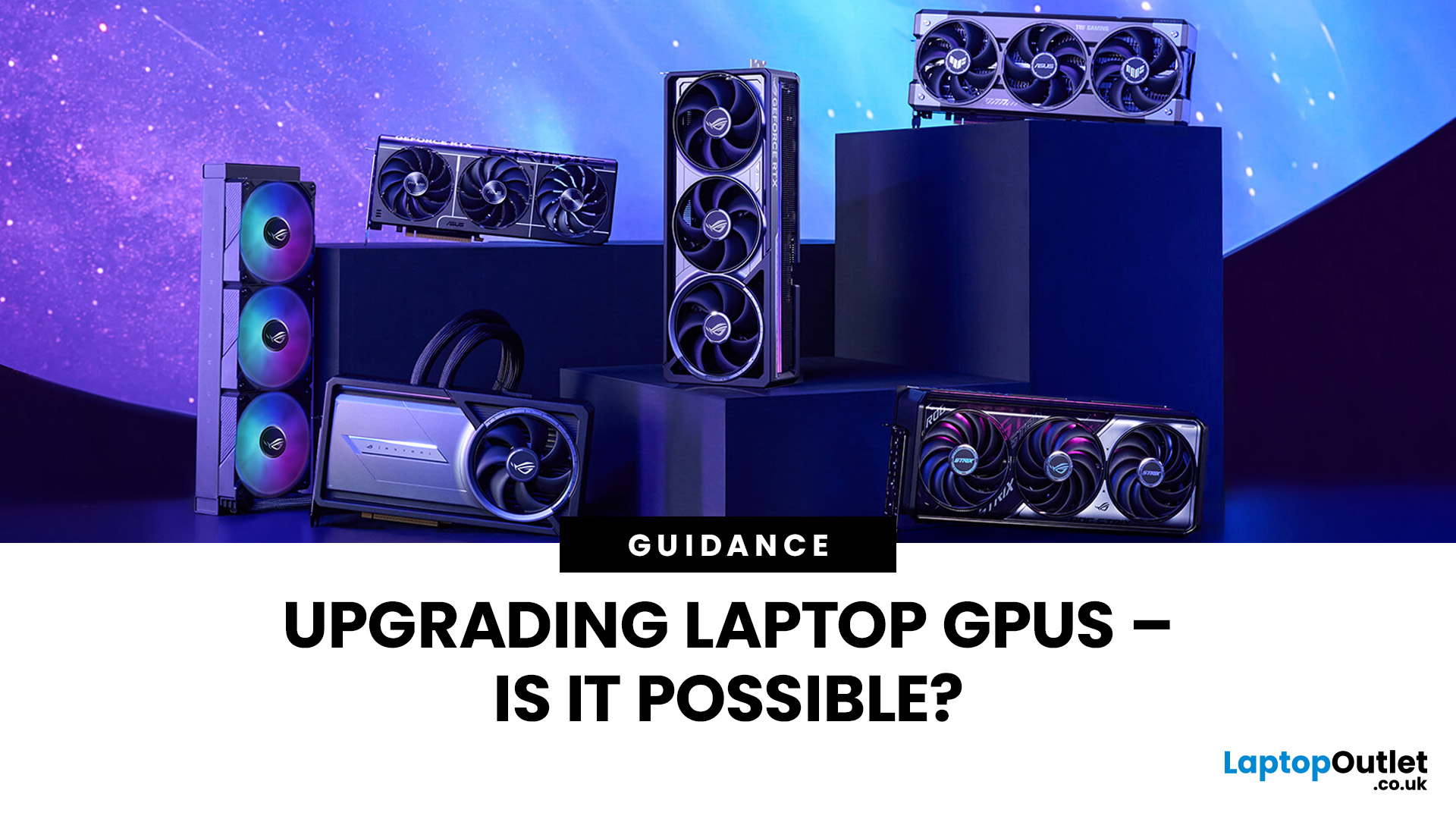
Let’s be honest: laptops are bloody brilliant. Sleek, portable, and increasingly powerful, what’s not to love? But then you try running a modern game on “Ultra” or crunching a 4K video edit and your laptop’s fan sounds like it’s preparing for takeoff. That’s when the thought creeps in: Can I replace the graphics card on my laptop? Well, grab a cuppa and settle in. We’re diving into the surprisingly sticky world of laptop GPU upgrades.
First Things First: What Exactly is a Laptop GPU?
A GPU (Graphics Processing Unit), often referred to as a graphics card, is what makes the pretty things on your screen look… well, pretty. Whether you're gaming, editing videos, running simulations, or just watching Netflix in glorious HD, it’s your GPU doing the heavy lifting.
Now, in desktop PCs, the graphics card is typically a large, separate component that you can easily yank out and replace. But in laptops, things get a little trickier.
Can You Replace a Laptop Graphics Card?
The Brutal Truth: In
Last Updated: February 23, 2026
Are you looking to upgrade your gaming rig this year? If so, you have likely encountered the fierce debate between AMD and NVIDIA GPUs. As we move through 2026, the graphics card market is more competitive than ever.
However, old reputations die hard. Many gamers still make buying decisions based on information from five or ten years ago. To help you get the best value for your money, we are busting the biggest misconceptions.
Here are the top 10 myths and facts about AMD graphics cards in 2026.
1. Myth: AMD Drivers are Unstable and Crash Frequently
The Fact: AMD’s software suite is now one of the most stable in the industry.
This is perhaps the oldest myth in the book. Years ago, some users faced "black screen" issues. However, in 2026, the AMD Software: Adrenalin Edition 26.1.1 is a highly polished tool. AMD has moved to a unified driver branch that ensures high stability across both old and new cards.
While no software is perfect, the frequency of "driver timeouts" on modern Radeon

Last Updated: February 27, 2026
GPU price trends, which historically followed steady consumer demand cycles, were hijacked by a series of unprecedented global crises. These events first pushed the cost of graphics cards to astronomical highs, then plunged them into a sharp decline, before finally settling on a new, structurally higher price baseline.
This analysis examines the economic forces that drove this extraordinary five-year shift. We trace the market from the initial chaos of the supply chain fracture, through the speculative peak driven by cryptocurrency mining, and into the current era dominated by the massive enterprise investment in Artificial Intelligence (AI).
The Initial Storm (2020–Mid 2021): Scarcity and Supply Chain Shock
The sharp inflation in GPU prices did not begin with a single factor but with the convergence of two major, simultaneous economic disruptions: a severe global logistics crisis and a dramatic shift in consumer habits.

The Pandemic’s Logistical Fracture
The start of the COVID-19 pandemic

Last Updated: December 30, 2025
If your current rig is starting to stutter or you are simply ready to jump into the next generation of visual fidelity, there is no better time to act. The New Year graphics card deals are finally here.
Whether you are a competitive esports player, a 4K gaming enthusiast, or a professional video editor, the right GPU is the heart of your system. This year, we are seeing incredible NVIDIA GPU discounts and an extensive AMD Radeon sale New Year event.
In this guide, we will explore the best graphics cards for gaming and work, ensuring you find the perfect match for your monitor and your budget.
Top New Year Graphics Card Deals for 2026
We have hand-picked eight of the most impressive NVIDIA RTX GPUs and AMD Radeon GPUs currently available. Let’s explore the right card for your setup.
1. MSI GeForce RTX 5060 GAMING 8GB OC Graphics Card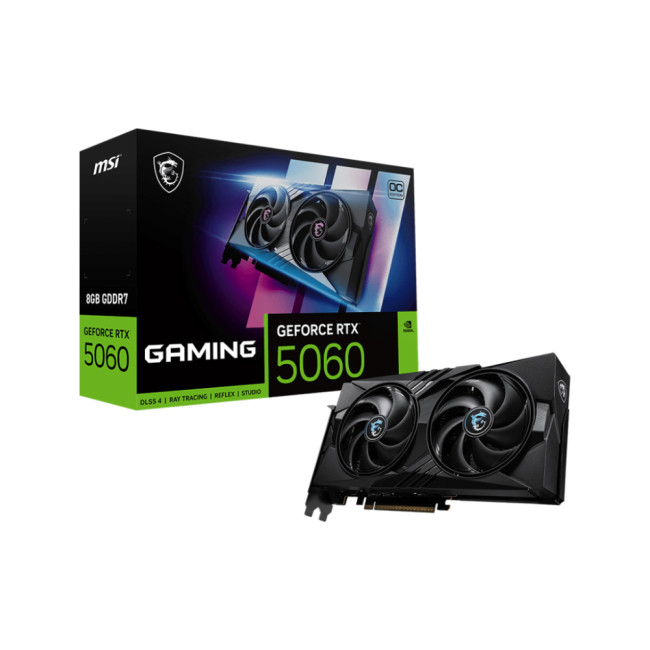
Key Specifications
- GPU: NVIDIA GeForce RTX 5060 (Blackwell Architecture)
- Memory: 8GB GDDR7
- Memory Speed: 28 Gbps
- Memory Interface: 128 bit
- Core

