



What Is Norton Internet Security? Features & Online Protection Explained

Life in the UK is now deeply digital. We shop online, manage our online banking on the move, book travel, and stay connected through emails and apps. Our laptops, tablets, and smartphones are almost always connected to the internet.
That constant connection brings convenience, but it also brings risk. The UK has one of the highest internet usage rates in Europe, which makes everyday users a prime target for cybercrime. Phishing emails, fake websites, SMS scams, and data theft are becoming more common.
So, it is natural to ask: what is Norton Internet Security, and do you really need it?
This guide explains everything. We will break down the essential Norton Antivirus features, and how they provide robust protection against the unique threats facing UK users today.
What is Norton?
Norton is one of the most trusted names in global cybersecurity. While it started as a simple antivirus program, it has evolved into a comprehensive security suite now often referred to as Norton 360.
Today, it doesn't just "detect and delete viruses." It acts as a multi-layered shield that protects your devices, your identity, and your privacy from the moment you log on.
Whether you are using a smartphone, a tablet, or a laptop, Norton works in the background to ensure your data stays yours. At its core, it is designed to prevent cybercriminals from accessing your personal information.
Why Do We Need Norton Online Protection in the UK?
The UK has one of the highest internet penetration rates in the world. We are a nation of savvy online shoppers and digital bankers. Unfortunately, this makes us a prime target for cybercriminals.
In recent years, the UK has seen a surge in specific threats:
- Tech Support Scams: Fraudsters pretending to be from "Microsoft" or "BT" to gain remote access to your PC.
- Phishing Emails: Highly realistic emails mimicking HMRC or Royal Mail to steal your login details.
- Smishing (SMS Scams): Fake "unpaid parking fine" or "missed delivery" texts designed to harvest your bank details.
- Energy Bill Rebate Frauds: Exploiting the cost-of-living crisis, criminals send fake links regarding energy discounts.
- Deepfakes: AI-generated videos or audio used to trick people into sending money to "friends" or "family."
With Norton Internet Security, these threats are often blocked before you even see them. Choose a laptop with free Norton 360 Deluxe included and enjoy smarter, safer computing.
Core Device Protection (The Basics)
At the heart of any security suite is the ability to stop "the bad stuff." Norton handles this through several powerful tools.

Antivirus & Anti-Malware
This is real-time threat detection at its finest. It constantly scans for viruses, ransomware, and spyware. It even guards against "crypto jacking," where hackers use your laptop's power to mine digital currency without your knowledge.
How it works: Norton uses advanced machine learning to spot "odd" file behaviour, stopping new threats that haven't even been named yet.
Smart Firewall
Think of this as a digital bouncer for your home broadband. It monitors the "traffic" coming in and out of your computer. It blocks suspicious network traffic and prevents hackers from peeking into your home network.
Why it matters: Standard router firewalls are basic. Norton’s Smart Firewall is proactive, flagging apps that try to send your data to unknown servers.
Online Privacy & Connectivity
Security is about more than just files; it’s about your privacy. Norton ensures that your "digital footprint" remains yours and yours alone.

Secure VPN (Virtual Private Network)
When you use public Wi-Fi—perhaps at a Costa Coffee or on an Avanti West Coast train—your data is often "in the clear." Anyone on the same network could potentially see what you’re doing.
The Norton Edge: The Secure VPN provides bank-grade encryption. This means even if you are banking or shopping on a public network, your details are scrambled and unreadable to prying eyes.
Dark Web Monitoring
The "Dark Web" is a hidden part of the internet where stolen data is traded. Norton scans these marketplaces for your email addresses, passwords, or credit card numbers.
The Benefit: If your data appears in a leak (like a major retailer's database breach), Norton alerts you immediately so you can change your passwords before damage is done.
Identity & Credential Management
Your "identity" is your most valuable asset online. Norton provides tools to ensure you are the only one who can access your accounts.
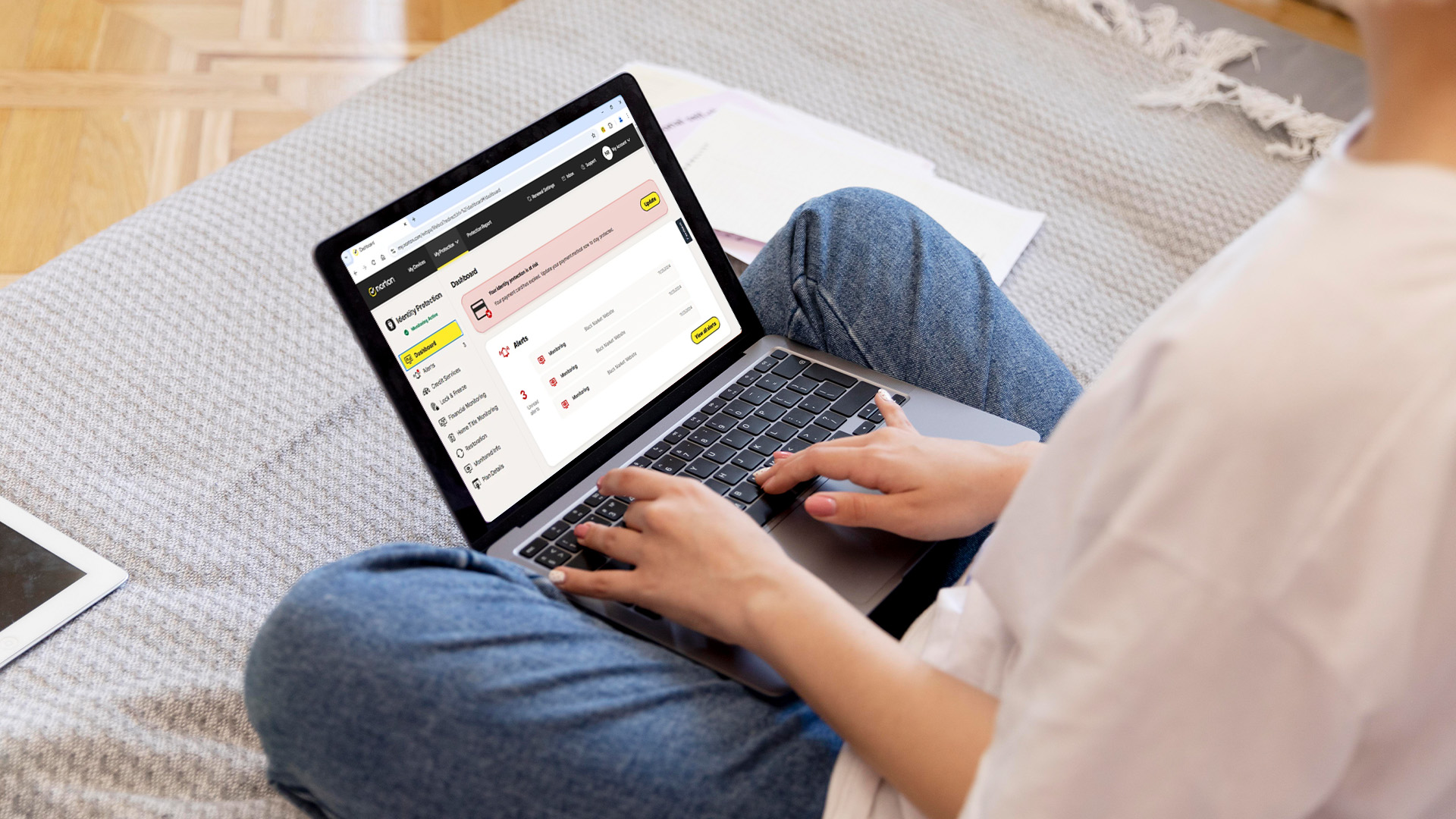
Password Manager
Most of us use the same password for everything—which is a huge risk. Norton’s Password Manager securely stores your logins and generates ultra-strong passwords for you.
Practical Advice: Never write passwords in a notebook. Use a manager to keep them encrypted and accessible only to you.
Identity Theft Protection
Available in advanced plans, this feature offers UK-specific support. If you fall victim to identity theft, specialists help you with the recovery process and monitor your credit reports for any suspicious new accounts opened in your name.
Social Media Monitoring
Scammers love Facebook and Instagram. Norton Internet Security scans your accounts for privacy risks, such as suspicious links in your feed or attempts to take over your account. It’s an extra pair of eyes on your digital social life.
Data Loss Prevention & Extra Tools
Beyond stopping hackers, Norton helps you recover if the worst should happen, like a hardware failure or a ransomware attack.

Cloud Backup (PC)
Ransomware works by "locking" your files and demanding money. If you have Norton’s Cloud Backup, you don't need to pay. You simply restore your files from the secure cloud. It also protects you if your hard drive fails.
Depending on your plan, you can get anywhere from 2GB to 500GB of space, ensuring your digital life is always backed up.
SafeCam (PC)
Did you know hackers can "hijack" your webcam? SafeCam notifies you if an unauthorised program tries to access your camera and blocks it instantly. No more need for a bit of tape over the lens!
Scam Protection (AI-Powered)
Scams are getting smarter, especially with "deepfake" technology. Norton Internet Security uses AI (like Norton Genie) to detect suspicious links in texts and emails that look 100% real. It analyses the "intent" of the message, warning you if it feels like a trap.
Parental Control
Keeping kids safe online is a top priority for UK parents. Norton provides tools to help you monitor what your children are searching for, set screen time limits, and block inappropriate content, allowing them to explore the web safely.
Is Norton Worth It?
If you value your time and financial security, the answer is a resounding yes.
Recovering from a single identity theft incident can take hundreds of hours and cost thousands of pounds. Norton Antivirus features act as an insurance policy for your digital life.
How to Get Started
- Choose a Plan: Select a version that fits your number of devices (e.g., Norton 360 Deluxe for up to 5 devices).
- Install: Download the app onto your desktop PC, Mac, and mobile phone.
- Set and Forget: Once installed, Norton runs quietly in the background, updating itself automatically to stay ahead of new threats.

Protecting Your Digital Future
The internet is an incredible tool, but it requires a "seatbelt." Norton Internet Security provides that safety net, allowing you to browse, shop, and socialise without the constant worry of "what if?"
Whether you are a student, a professional working from home, or a retiree enjoying online hobbies, having high-quality Norton online protection is no longer optional—it is a digital necessity.

Things You Might Want to Know About Norton...
Will Norton slow down my computer?
Modern Norton versions are designed to be "lightweight," running in the background with minimal impact on your system’s speed or gaming performance.
What happens if I get a virus while using Norton?
Norton offers a "Virus Protection Promise." If their experts cannot remove a virus from your device, you may be eligible for a refund.
Can I use Norton on my phone?
Yes, most Norton plans allow you to protect multiple devices, including Android smartphones and iPhones, covering you against mobile-specific threats like smishing.
How often does Norton update?
Norton updates automatically several times a day. This ensures you are protected against the very latest "zero-day" threats and UK scams.
Is the Norton VPN easy to use?
Absolutely. You can turn it on with one click to scramble your data, making public Wi-Fi in cafes safe to use.
| Read More: |
| How Norton Antivirus Works to Stop Online Threats in Real Time |
| Does Norton Work on Mac? macOS Security Explained |
| Future of Internet Security: Norton’s Role |
Related Articles

Last Updated: September 29, 2026
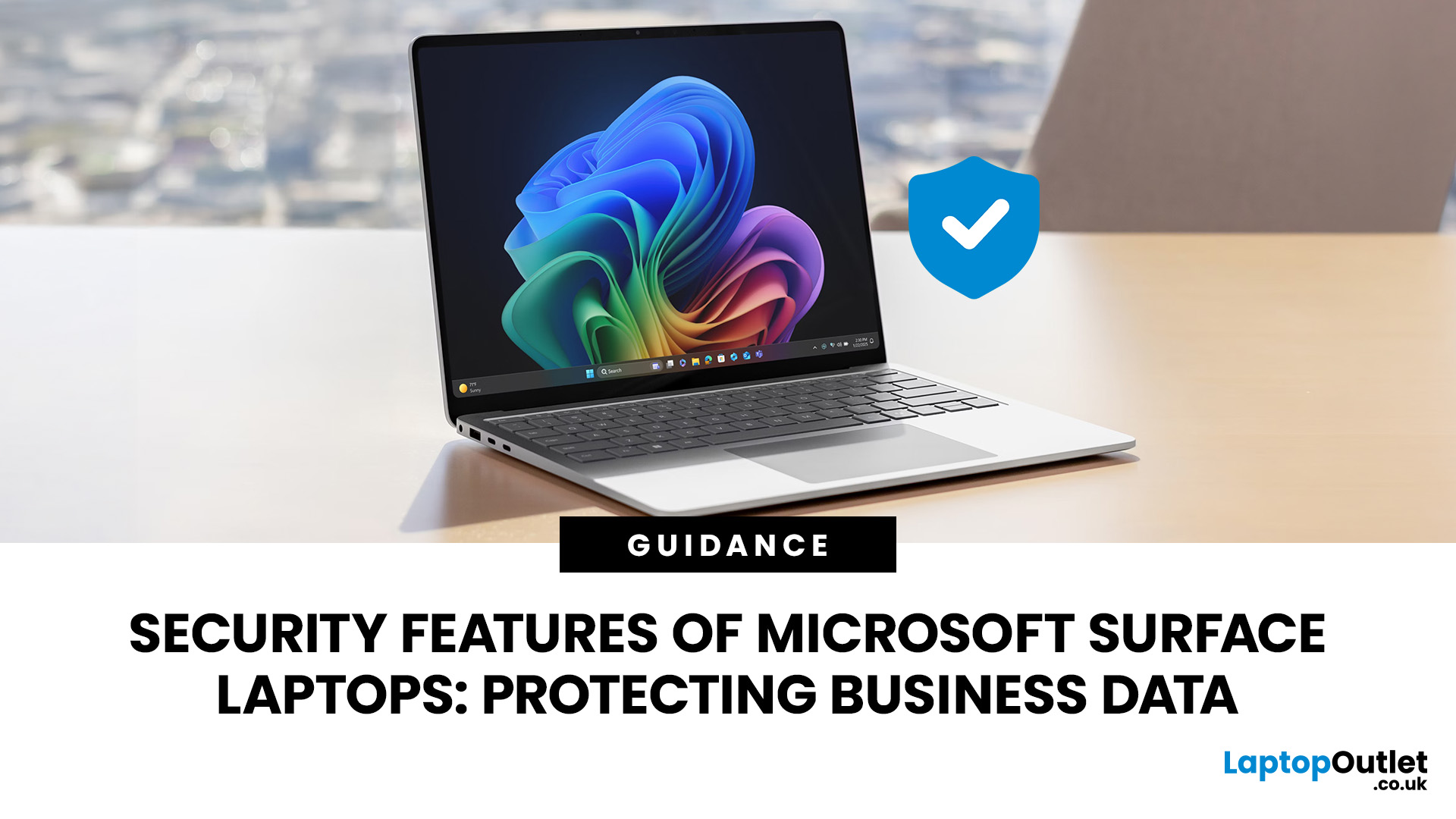
Modern laptop security goes far beyond antivirus software. Microsoft Surface laptops combine hardware, firmware and Windows 11 protections to help secure your identity, files and business data from threats ranging from stolen credentials to firmware-level attacks.
Current Surface security features include Secured-core PC protections, TPM 2.0, Microsoft Pluton on supported devices, Secure Boot, BitLocker, Windows Hello, virtualisation-based security, and Microsoft-built Surface UEFI. Many of these protections operate automatically before you even sign in to Windows.
How Secure Are Microsoft Surface Laptops?
Microsoft uses what it describes as a chip-to-cloud security approach for Surface. Rather than relying on one security application, protection is built across the hardware, firmware, operating system, identity and cloud-management layers.
Since late 2021, Microsoft says every Surface device supplied with Windows 11 has been a Secured-core PC. Current Surface Laptop for Business models
Last Updated: September 21, 2026
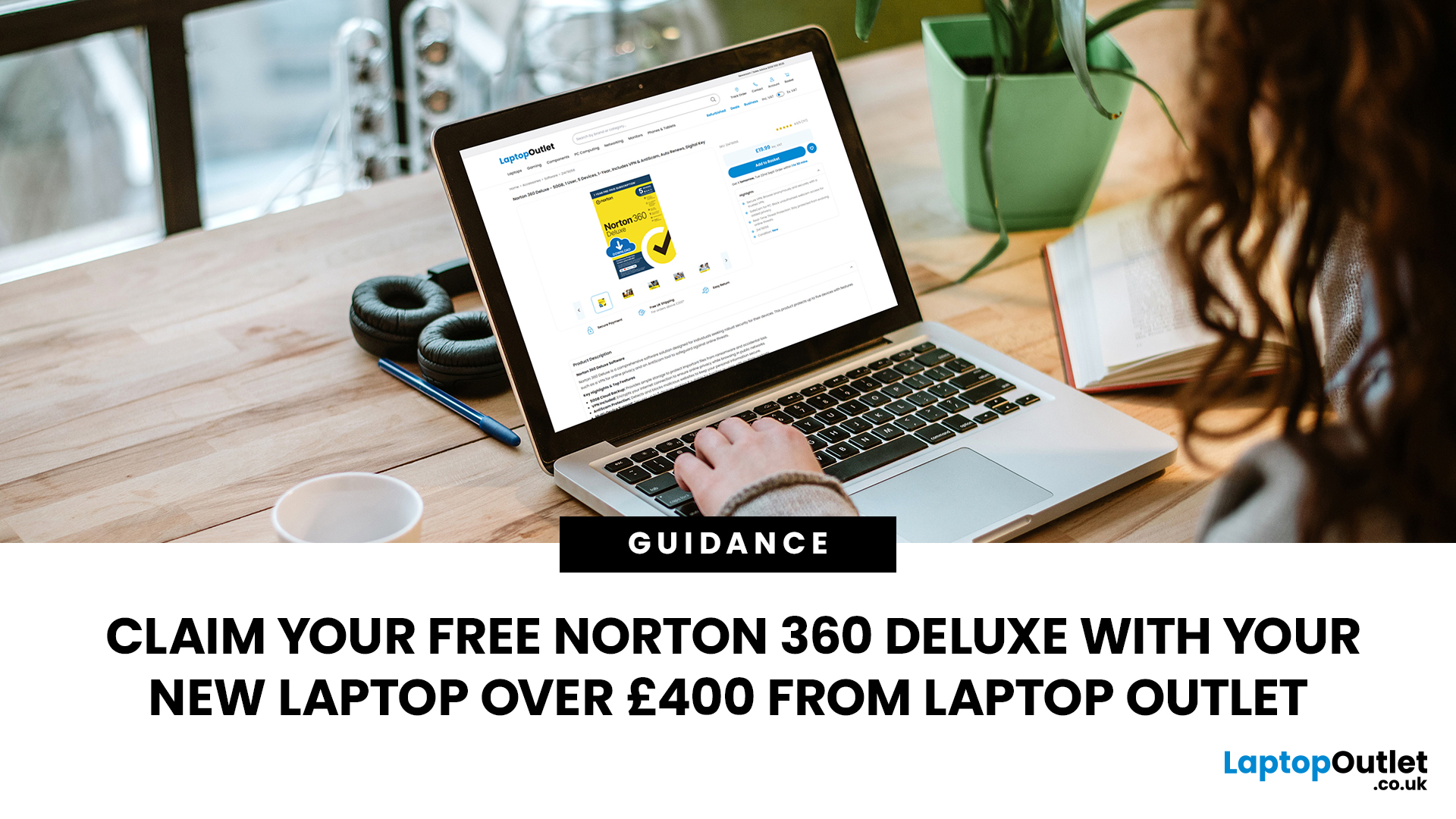
Choose an eligible new laptop priced at £400 or above from Laptop Outlet, and you can claim Norton 360 Deluxe free with your purchase. It gives you a useful set of security, privacy and account-protection tools to help you get your new laptop set up with added protection from the start.
Below, we explain what Norton 360 Deluxe includes, how to activate it and where to look for a qualifying new laptop.
What Do You Get with Norton 360 Deluxe?
Norton 360 Deluxe combines device security with privacy and account-protection tools. The current plan supports up to five PCs, Macs, smartphones or tablets, although the availability of individual features varies by operating system.
Protection Against Malware and Online Scams
Norton provides real-time protection designed to help defend your device against existing and emerging online threats, including malware and ransomware. Its current Norton 360 Deluxe package also includes Scam Protection, which uses AI-powered tools to help identify online

Last Updated: June 22, 2026
To choose the best laptop bag, start with your laptop's screen size and actual dimensions to find the right sleeve fit. Then pick a style (backpack, messenger, briefcase or sleeve) that suits your daily routine. Look for at least 1 cm of foam padding, water-resistant outer material, organised compartments, and comfortable straps.
Finding the best laptop bag sounds simple enough, but with dozens of styles, materials, and features on the market, it is easy to end up with something that does not quite fit your device or your day. A bag that is too loose offers poor protection; one that is too tight puts stress on the zips and your shoulders. This guide walks you through how to choose a laptop bag.
First Things First: Getting the Size Right
Size is the single most important factor when choosing a laptop bag, and it trips up more buyers than any other, because even the best laptop case will not protect your device properly if the fit is wrong.
How to Measure Your Laptop
Before you browse any
Last Updated: October 08, 2025
In today’s world of hybrid work, digital threats are more sophisticated than ever. That’s why businesses and professionals turn to HP EliteBook laptops security, a suite of features designed to keep sensitive data safe, reduce cyber risks, and ensure peace of mind. EliteBooks are not only built with premium materials and powerful processors, but also with security as a core principle.
This guide will break down the advanced protections that make HP EliteBook laptops some of the most secure devices on the market. From HP Wolf Security and Sure Click to advanced threat containment and credential protection, we’ll explain how these laptops safeguard your work, your data, and your identity.
Why Choose HP EliteBook Laptops for Security?
EliteBooks go beyond traditional antivirus software by building security into every layer,firmware, operating system, and even hardware. Unlike consumer-grade laptops, they offer enterprise-grade security tools that protect against malware, phishing, and firmware-level

Last Updated: March 27, 2026
Business laptops are not what they used to be. Forget those chunky grey bricks you dragged to meetings — 2026 is all about AI business laptops. And no, that’s not just another bit of marketing fluff. These machines are actually smart enough to protect your files, stretch your battery, and even take meeting notes while you’re busy zoning out. If you’re running a business, freelancing, or just want a laptop that makes your workday less painful, let’s break down why these AI-packed beasts are worth a look.
What Makes a Laptop “AI Business Ready”?
Right, so what’s all this on-device AI about? In plain English: the laptop’s got extra brains built into it (NPUs and fancy processors) that don’t need the cloud to work. That means:
- Security features happen locally — no faffing about with servers.
- Productivity boosts are instant — your laptop reacts in real time.
- Less reliance on dodgy Wi-Fi — AI features still work offline.
So instead of just being “fast,” these laptops are clever too.
Why On-Device

Last Updated: November 04, 2025
In today’s connected world, security is a top priority, especially for businesses handling sensitive data and remote workflows. Microsoft’s latest operating system brings advanced protection designed for the modern workforce. Windows 11 security features deliver multiple layers of defence, offering a robust shield against cyber threats, ransomware, and data breaches.
Compared to its predecessor, Windows 11 vs Windows 10 security shows clear improvements in encryption, authentication, and hardware-based protection. Whether you’re an enterprise leader or a small business owner, investing in Windows 11 laptops with advanced security ensures your data, devices, and users remain protected, wherever work happens.
What Makes Windows 11 the Most Secure OS Yet
Enhanced Hardware-Based Protection
Windows 11 is built for zero-trust security, meaning protection starts from the chip level. All certified Windows 11 business laptops include:
- Trusted Platform Module (TPM) 2.0 – A secure crypto-processor
Last Updated: November 18, 2025
Staying competitive means leveraging technology that works smarter, faster, and more securely. Artificial Intelligence (AI) is transforming industries worldwide, from streamlining workflows to enhancing cybersecurity. A particularly exciting innovation within this revolution is the AI laptop, a new class of computing devices designed to optimise productivity and protect sensitive data.
The Rise of AI for Business
AI has evolved from a futuristic concept into a core driver of efficiency across all sectors. Companies use it to analyse data, automate decisions, enhance customer experiences, and predict market trends. According to recent studies, organisations that integrate AI into their daily operations report higher productivity, lower operational costs, and improved employee satisfaction.
However, until recently, much of this innovation happened in the cloud. Now, with AI chips and neural processing units (NPUs) embedded in personal devices, AI is moving to the edge, directly onto the

Last Updated: February 23, 2026
Your laptop is no longer just a work tool. It is the central hub of your entire digital life — your online banking, work documents, personal photographs, saved passwords, and private messages all live on that one device.
Because laptops hold so much valuable information, they have become a prime target for cybercriminals. Threats are growing more sophisticated every year, and simply installing an antivirus and hoping for the best no longer cuts it.
This guide gives you a clear, practical look at how to protect your laptop in 2026 — covering the latest cybersecurity threats, the most important laptop security trends, and the everyday habits that genuinely make a difference.
Understanding Modern Laptop Security Threats
Before you can defend yourself, you need to understand what you are up against. Here is a breakdown of the biggest threats facing UK laptop users today.
| Threat Category | Core Description | Impact on Users |
| Phishing & Spear Phishing | Deceptive emails or messages crafted to steal |

Last Updated: January 15, 2026
In an age where our lives are lived almost entirely online, digital security is no longer just an option—it is a necessity. From online banking to shopping, every click opens a door. Cybercriminals are always looking for ways to slip through those doors using malware, ransomware, and phishing scams.
This is where Norton Antivirus steps in. As one of the most trusted names in the industry, Norton provides a multi-layered shield designed to stop threats before they even touch your files. But how does it actually work?
In this guide, we will break down the advanced technology behind Norton’s real time threat protection.
What is Real Time Threat Protection?
Real time threat protection is a security feature that stays active in the background of your device. Unlike manual scans that you start yourself, this protection is "always on."
Every time you open an email, download a file, or browse a website, Norton malware protection feature is working. It checks every piece of data coming in. If

