



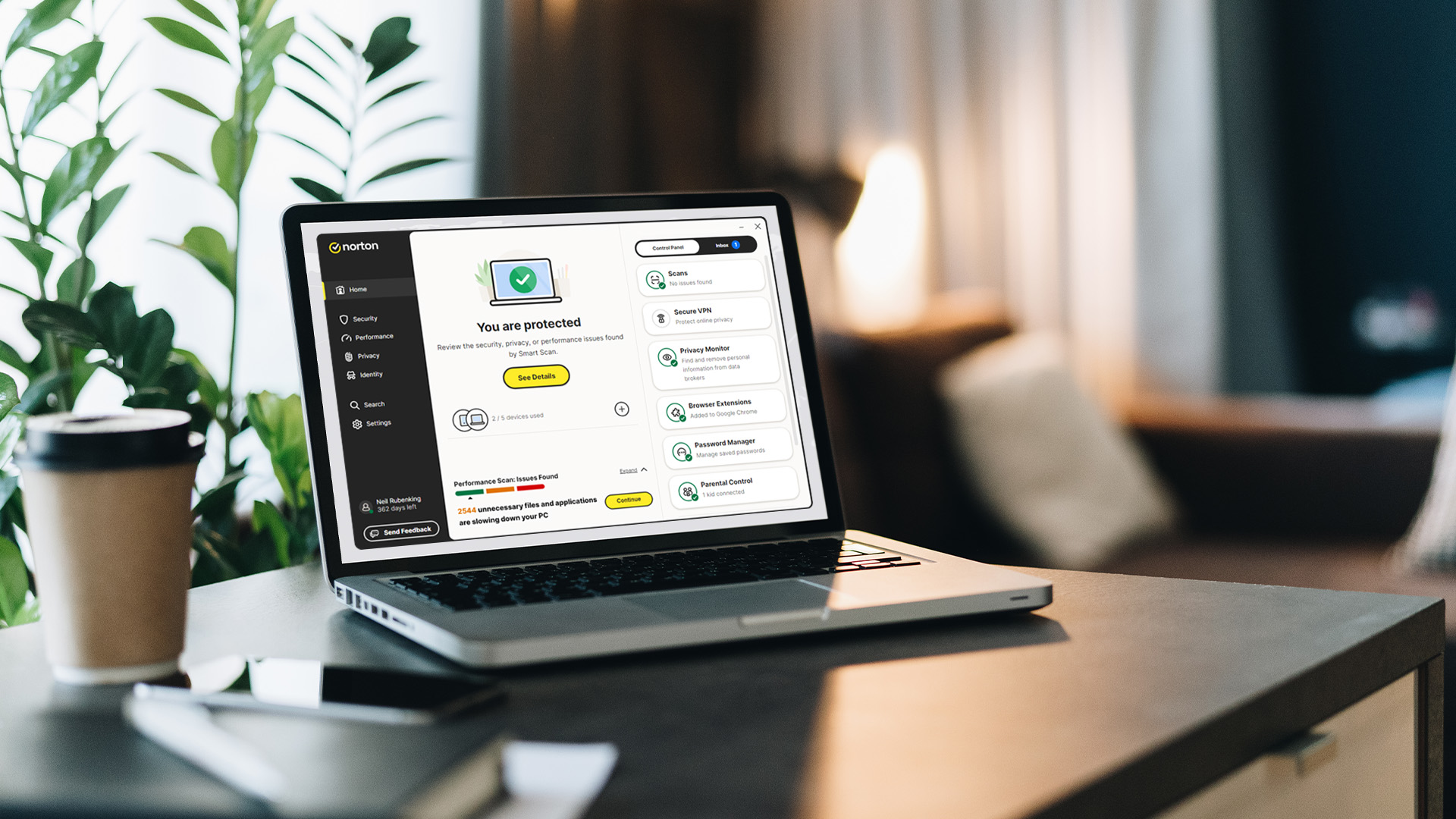
How Norton Antivirus Works | Real-Time Threat Protection Explained

In an age where our lives are lived almost entirely online, digital security is no longer just an option—it is a necessity. From online banking to shopping, every click opens a door. Cybercriminals are always looking for ways to slip through those doors using malware, ransomware, and phishing scams.
This is where Norton Antivirus steps in. As one of the most trusted names in the industry, Norton provides a multi-layered shield designed to stop threats before they even touch your files. But how does it actually work?
In this guide, we will break down the advanced technology behind Norton’s real time threat protection.
What is Real Time Threat Protection?
Real time threat protection is a security feature that stays active in the background of your device. Unlike manual scans that you start yourself, this protection is "always on."
Every time you open an email, download a file, or browse a website, Norton malware protection feature is working. It checks every piece of data coming in. If something looks suspicious, it stops it instantly. This proactive approach is the reason why Norton Antivirus is a leader in global cybersecurity.
How Norton Antivirus Detects Threats
Norton does not rely on just one method to keep you safe. Instead, it uses a multi-layered defence system. Here is a breakdown of the main security measures it uses.
1. Signature-Based Detection
This is the foundation of most antivirus software. Norton maintains a massive database of "signatures." These are unique digital fingerprints of known viruses and malware.
When you download a file, Norton compares its code against this database. If there is a match, the file is blocked. Because Norton updates these definitions several times a day, it stays ready for the latest known threats.
2. Heuristic Analysis
What happens if a virus is brand new and has no signature yet? This is where heuristic analysis shines. Instead of looking for a specific "fingerprint," Norton looks at the intent of the code.
If a program tries to do something unusual—like altering your system files or encrypting your data—Norton flags it. This allows for excellent real-time threat protection against "Zero-Day" attacks that have never been seen before.
3. SONAR Behavioural Protection
SONAR stands for Symantec Online Network for Advanced Response. It is one of the most powerful tools in the Norton Antivirus arsenal. It observes how applications behave in real-time.
While a file might look safe at first, it might start acting maliciously later. SONAR spots these changes in real-time. It can shut down a process the moment it starts acting like a threat, ensuring your device stays clean.
4. Intrusion Prevention System (IPS)
Your internet connection is a two-way street. The Norton Intrusion Prevention System (IPS) scans the information arriving from the network (the internet) to your computer.
It identifies and blocks potential online threats before they even touch your hard drive. This is particularly effective at stopping "drive-by" downloads where malware tries to install itself just because you visited a compromised website.
5. Sandboxing and Emulation
Sometimes, Norton encounters a file that isn't clearly malicious but isn't quite "clean" either. Rather than taking a gamble with your data, it uses a "sandbox." This is a secure, isolated virtual environment where the file can run.
Norton uses advanced emulation to see how a file behaves in this safe box. If the file turns out to be a virus, it is "detonated" inside the box where it cannot touch your actual system or files.
6. Reputation-Based Protection (Insight)
Norton uses a massive global network of millions of users to determine if a file is safe. This is known as Reputation-Based Protection or "Insight". It looks at how many people have used a specific file and how long it has been around.
If you download a file that has only been seen by three people in the world, Norton will issue a warning. It assumes that common, well-known software is safer than rare, unverified files.
This "wisdom of the crowd" approach adds a powerful layer of context to your security, helping you avoid "PUAs" (Potentially Unwanted Applications) and niche malware.
Essential Security Features for Total Peace of Mind
Beyond the core antivirus engine, a subscription like Norton 360 Deluxe offers a suite of tools that work together to create a fortress around your digital life.

|
Feature |
What it Does |
Why You Need It |
|
Smart Firewall |
Monitors network traffic. |
Blocks hackers from accessing your home network and personal files. |
|
Secure VPN |
Encrypts your internet connection. |
Keeps your data private on public Wi-Fi in cafes, hotels, or airports. |
|
Dark Web Monitoring |
Scans the underbelly of the internet. |
Alerts you if your email or passwords are being sold on hacker forums. |
|
Password Manager |
Stores and generates complex keys. |
Stops you from using the same weak password for all your accounts. |
|
Cloud Backup |
Safely stores files online. |
Provides a "safety net" if your hardware is lost, stolen, or hit by ransomware. |
|
SafeCam |
Blocks unauthorised webcam access. |
Prevents creeps and hackers from spying on you through your own camera. |
Is My Device Slowed Down by Real-Time Protection?

A common myth is that high-level security software will slow down your laptop or desktop PC. However, Norton is designed to be "resource-light."
It is engineered to perform its heavy lifting in the background during "idle" times—when you aren't actively using your device. This means you can enjoy high-end gaming, 4K streaming, and intensive office work without any noticeable lag or performance drops.
Norton also includes performance tools such as a Startup Manager to help you disable unnecessary programmes that slow down your boot time, ensuring your device remains as fast as the day you bought it.

Take Control of Your Cyber Security
To stay safe in today's world, you need more than just a simple scanner. You need a proactive, intelligent, and multi-layered system that understands the modern web. Norton Antivirus delivers this through a combination of massive databases, predictive logic, and global AI.
Whether you are a student, a professional, or a casual browser, the protection offered by Norton 360 Deluxe provides the peace of mind you need to navigate the digital world without fear.
Choose a laptop with free Norton 360 Deluxe included and enjoy smarter, safer computing.

Let’s Clear a Few Things Up...
What exactly is real time threat protection?
It is a "live" security layer. It monitors your device every second, checking files and websites as you use them to stop hazards before they infect you.
Will Norton Antivirus slow down my laptop?
No, Norton is designed to be lightweight. It uses minimal resources, ensuring your laptop stays fast for gaming and other demanding tasks.
Can I use Norton on my mobile phone as well?
Yes, Norton 360 Deluxe allows you to protect up to five devices, including PCs, Macs, smartphones, and tablets.
Why should I choose Norton over free antivirus?
Free versions often lack advanced features like AI-powered scam protection, VPNs, and 24/7 support. Norton provides a complete, multi-layered security suite for total peace of mind.
Can hackers see me through my webcam?
Without protection, it is possible. However, Norton SafeCam alerts you and blocks any unauthorised attempts to access your PC’s camera or microphone.
What happens if a virus gets through using Norton?
Norton offers a "Virus Protection Promise". If their experts cannot remove a virus from your device, you may be eligible for a full refund.
Related Articles

Last Updated: September 29, 2026
Modern laptop security goes far beyond antivirus software. Microsoft Surface laptops combine hardware, firmware and Windows 11 protections to help secure your identity, files and business data from threats ranging from stolen credentials to firmware-level attacks.
Current Surface security features include Secured-core PC protections, TPM 2.0, Microsoft Pluton on supported devices, Secure Boot, BitLocker, Windows Hello, virtualisation-based security, and Microsoft-built Surface UEFI. Many of these protections operate automatically before you even sign in to Windows.
How Secure Are Microsoft Surface Laptops?
Microsoft uses what it describes as a chip-to-cloud security approach for Surface. Rather than relying on one security application, protection is built across the hardware, firmware, operating system, identity and cloud-management layers.
Since late 2021, Microsoft says every Surface device supplied with Windows 11 has been a Secured-core PC. Current Surface Laptop for Business models
Last Updated: September 29, 2026
Your phone probably holds far more sensitive information than you realise. Banking apps, emails, passwords, photos, work accounts, payment cards, and location data can all make smartphones attractive targets for cyber criminals.
The good news is that modern iPhones and Android devices already include strong security features. Protecting your phone from cyber threats is therefore less about installing lots of security apps and more about using the protections already available, keeping your software current and recognising scams before you interact with them.
Here is how to improve your mobile phone security without making everyday use unnecessarily complicated.
What Cyber Threats Can Affect Your Phone?
Modern mobile cybersecurity threats do not always involve someone technically "hacking" into your handset. Attackers often target the person using the phone instead. Common risks include:
- Phishing and smishing: fake emails, SMS messages or messaging-app alerts designed to steal passwords
Last Updated: September 21, 2026
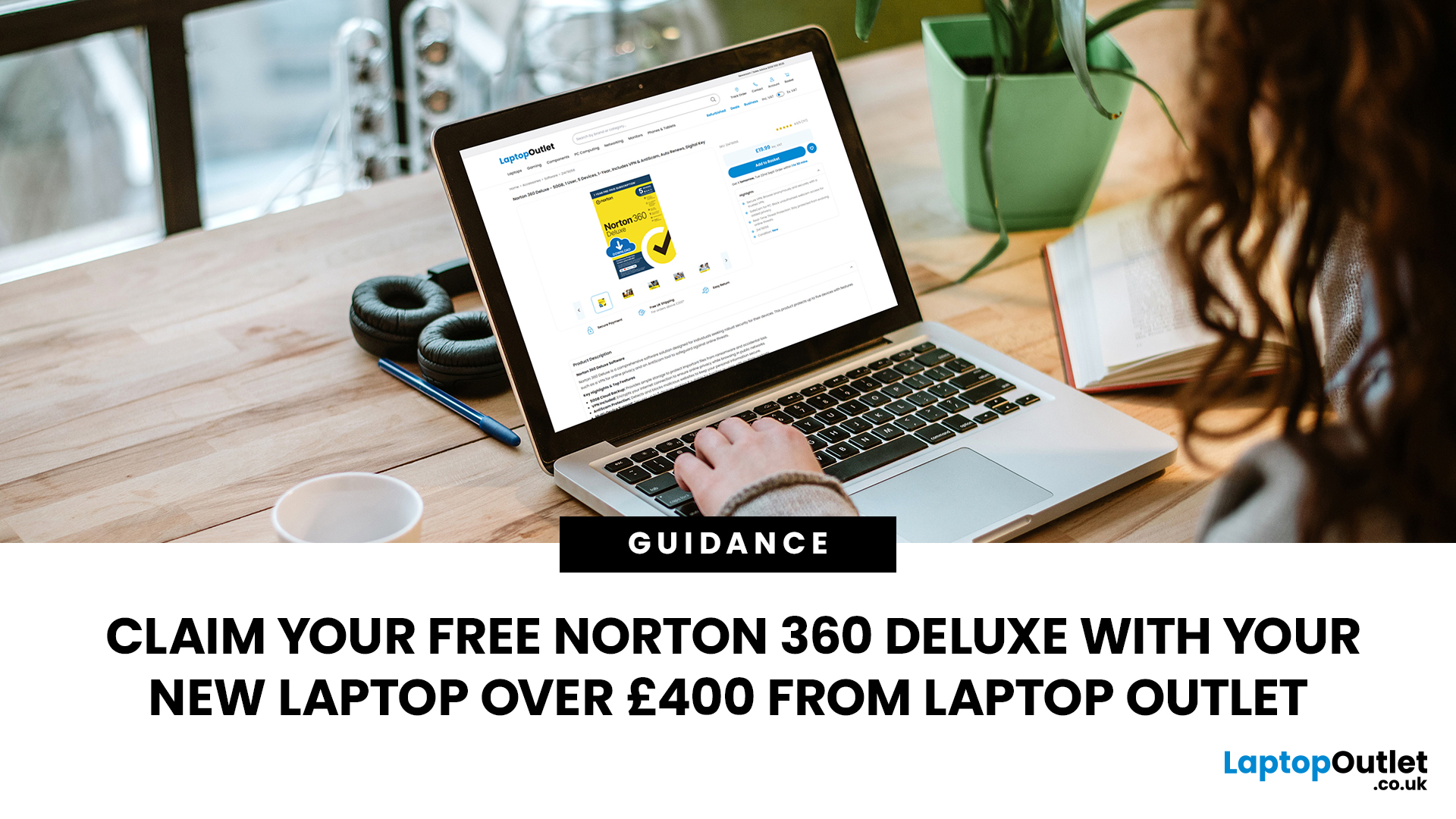
Choose an eligible new laptop priced at £400 or above from Laptop Outlet, and you can claim Norton 360 Deluxe free with your purchase. It gives you a useful set of security, privacy and account-protection tools to help you get your new laptop set up with added protection from the start.
Below, we explain what Norton 360 Deluxe includes, how to activate it and where to look for a qualifying new laptop.
What Do You Get with Norton 360 Deluxe?
Norton 360 Deluxe combines device security with privacy and account-protection tools. The current plan supports up to five PCs, Macs, smartphones or tablets, although the availability of individual features varies by operating system.
Protection Against Malware and Online Scams
Norton provides real-time protection designed to help defend your device against existing and emerging online threats, including malware and ransomware. Its current Norton 360 Deluxe package also includes Scam Protection, which uses AI-powered tools to help identify online
Last Updated: June 22, 2026
To choose the best laptop bag, start with your laptop's screen size and actual dimensions to find the right sleeve fit. Then pick a style (backpack, messenger, briefcase or sleeve) that suits your daily routine. Look for at least 1 cm of foam padding, water-resistant outer material, organised compartments, and comfortable straps.
Finding the best laptop bag sounds simple enough, but with dozens of styles, materials, and features on the market, it is easy to end up with something that does not quite fit your device or your day. A bag that is too loose offers poor protection; one that is too tight puts stress on the zips and your shoulders. This guide walks you through how to choose a laptop bag.
First Things First: Getting the Size Right
Size is the single most important factor when choosing a laptop bag, and it trips up more buyers than any other, because even the best laptop case will not protect your device properly if the fit is wrong.
How to Measure Your Laptop
Before you browse any
Last Updated: October 08, 2025
In today’s world of hybrid work, digital threats are more sophisticated than ever. That’s why businesses and professionals turn to HP EliteBook laptops security, a suite of features designed to keep sensitive data safe, reduce cyber risks, and ensure peace of mind. EliteBooks are not only built with premium materials and powerful processors, but also with security as a core principle.
This guide will break down the advanced protections that make HP EliteBook laptops some of the most secure devices on the market. From HP Wolf Security and Sure Click to advanced threat containment and credential protection, we’ll explain how these laptops safeguard your work, your data, and your identity.
Why Choose HP EliteBook Laptops for Security?
EliteBooks go beyond traditional antivirus software by building security into every layer,firmware, operating system, and even hardware. Unlike consumer-grade laptops, they offer enterprise-grade security tools that protect against malware, phishing, and firmware-level

Last Updated: March 27, 2026
Business laptops are not what they used to be. Forget those chunky grey bricks you dragged to meetings — 2026 is all about AI business laptops. And no, that’s not just another bit of marketing fluff. These machines are actually smart enough to protect your files, stretch your battery, and even take meeting notes while you’re busy zoning out. If you’re running a business, freelancing, or just want a laptop that makes your workday less painful, let’s break down why these AI-packed beasts are worth a look.
What Makes a Laptop “AI Business Ready”?
Right, so what’s all this on-device AI about? In plain English: the laptop’s got extra brains built into it (NPUs and fancy processors) that don’t need the cloud to work. That means:
- Security features happen locally — no faffing about with servers.
- Productivity boosts are instant — your laptop reacts in real time.
- Less reliance on dodgy Wi-Fi — AI features still work offline.
So instead of just being “fast,” these laptops are clever too.
Why On-Device

Last Updated: November 04, 2025
In today’s connected world, security is a top priority, especially for businesses handling sensitive data and remote workflows. Microsoft’s latest operating system brings advanced protection designed for the modern workforce. Windows 11 security features deliver multiple layers of defence, offering a robust shield against cyber threats, ransomware, and data breaches.
Compared to its predecessor, Windows 11 vs Windows 10 security shows clear improvements in encryption, authentication, and hardware-based protection. Whether you’re an enterprise leader or a small business owner, investing in Windows 11 laptops with advanced security ensures your data, devices, and users remain protected, wherever work happens.
What Makes Windows 11 the Most Secure OS Yet
Enhanced Hardware-Based Protection
Windows 11 is built for zero-trust security, meaning protection starts from the chip level. All certified Windows 11 business laptops include:
- Trusted Platform Module (TPM) 2.0 – A secure crypto-processor
Last Updated: November 18, 2025
Staying competitive means leveraging technology that works smarter, faster, and more securely. Artificial Intelligence (AI) is transforming industries worldwide, from streamlining workflows to enhancing cybersecurity. A particularly exciting innovation within this revolution is the AI laptop, a new class of computing devices designed to optimise productivity and protect sensitive data.
The Rise of AI for Business
AI has evolved from a futuristic concept into a core driver of efficiency across all sectors. Companies use it to analyse data, automate decisions, enhance customer experiences, and predict market trends. According to recent studies, organisations that integrate AI into their daily operations report higher productivity, lower operational costs, and improved employee satisfaction.
However, until recently, much of this innovation happened in the cloud. Now, with AI chips and neural processing units (NPUs) embedded in personal devices, AI is moving to the edge, directly onto the

Last Updated: February 23, 2026
Your laptop is no longer just a work tool. It is the central hub of your entire digital life — your online banking, work documents, personal photographs, saved passwords, and private messages all live on that one device.
Because laptops hold so much valuable information, they have become a prime target for cybercriminals. Threats are growing more sophisticated every year, and simply installing an antivirus and hoping for the best no longer cuts it.
This guide gives you a clear, practical look at how to protect your laptop in 2026 — covering the latest cybersecurity threats, the most important laptop security trends, and the everyday habits that genuinely make a difference.
Understanding Modern Laptop Security Threats
Before you can defend yourself, you need to understand what you are up against. Here is a breakdown of the biggest threats facing UK laptop users today.
| Threat Category | Core Description | Impact on Users |
| Phishing & Spear Phishing | Deceptive emails or messages crafted to steal |

