



Apple Studio Display XDR (2026): Everything You Need to Know
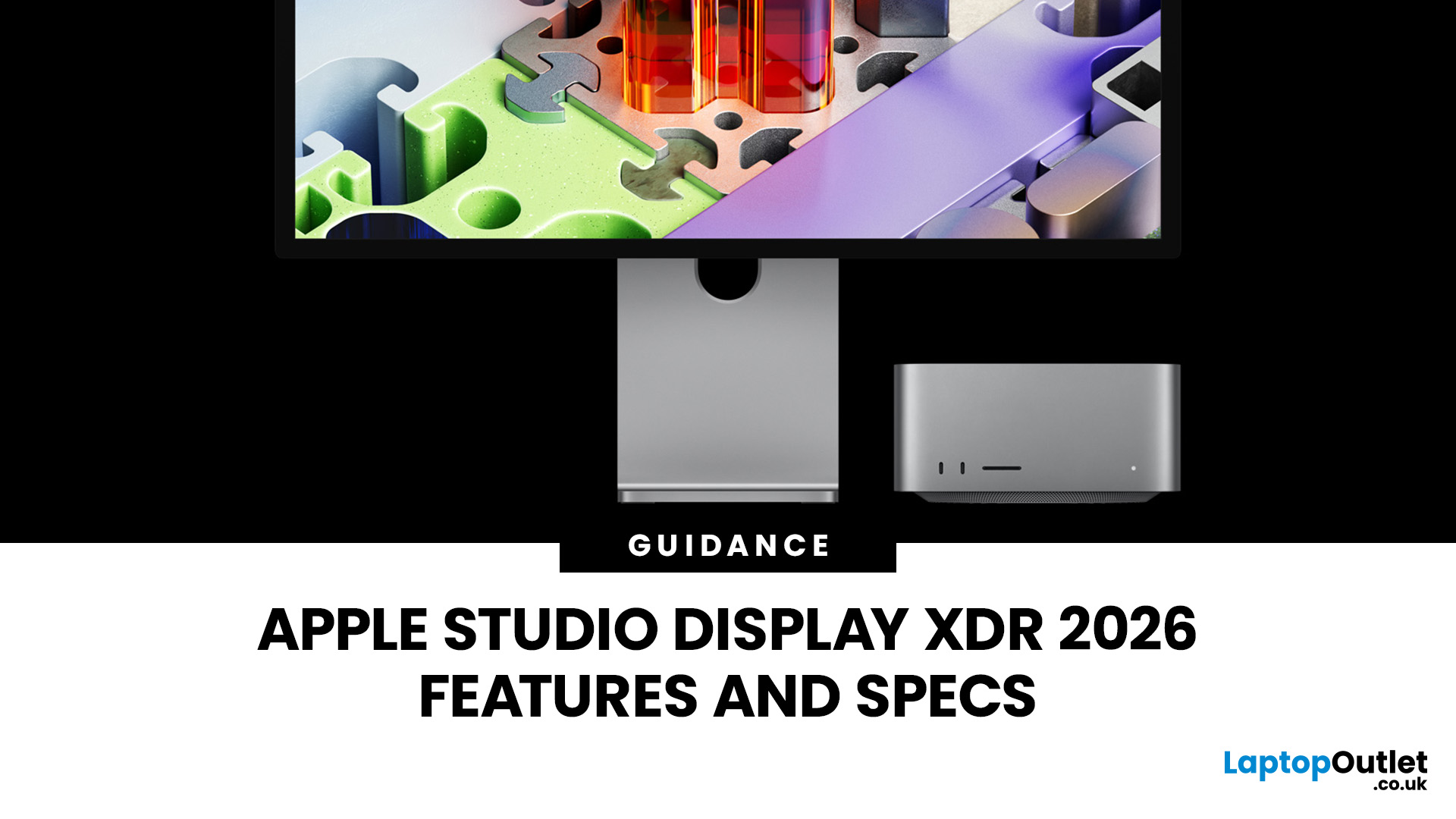
The Apple Studio Display XDR has finally arrived, and it is genuinely something special. Announced on 3rd March 2026 and available from 11th March 2026, this is Apple's answer to professionals who demand the very best from a desktop display.
It replaces the long-discontinued Pro Display XDR and sits at the top of Apple's new two-tier monitor lineup. Whether you are a video editor, 3D artist, or creative professional, this guide covers everything you need to know, from specs and performance to price and who it is actually for.
What Is the Apple Studio Display XDR?
The Apple Studio Display XDR is a 27-inch professional monitor with a 5K Retina XDR panel, mini-LED backlighting, and a 120Hz refresh rate. It is designed for workflows like HDR video editing, 3D rendering, colour grading, and even diagnostic radiology.
It replaces the older Pro Display XDR, which had been Apple's flagship monitor since 2019. The new model is smaller at 27 inches (down from 32 inches) but brighter, more affordable, and packed with newer technology, including Thunderbolt 5 and an A19 Pro chip.
If you already use an Apple MacBook or Apple iMac, the Studio Display XDR is built to complement it perfectly.
Apple Studio Display XDR Tech Specs Explained
Here is a full breakdown of the Apple Studio Display XDR 2026 specs:
|
Spec |
Detail |
|
Screen Size |
27 inches |
|
Resolution |
5K (5120 x 2880) — 218 ppi |
|
Display Type |
5K Retina XDR with mini-LED backlight |
|
SDR Brightness |
Up to 1,000 nits |
|
HDR Peak Brightness |
2,000 nits |
|
Contrast Ratio |
1,000,000:1 |
|
Local Dimming Zones |
2,304 |
|
Refresh Rate |
120Hz (Adaptive Sync: 47–120Hz) |
|
Colour Gamut |
P3 wide colour + Adobe RGB |
|
Chip |
Apple A19 Pro |
|
RAM |
12GB |
|
Connectivity |
2x Thunderbolt 5, 2x USB-C (10Gbps) |
|
Charging Power |
140W pass-through |
|
Camera |
12MP Centre Stage with Desk View |
|
Audio |
Six-speaker system with Spatial Audio |
|
Glass Options |
Standard anti-reflective or nano-texture (+£300) |
|
Stand Included |
Tilt- and height-adjustable stand (included) |
|
UK Starting Price |
£2,999 |
|
Education Price |
£2,909 |
|
Availability |
11th March 2026 |
The Apple Studio Display XDR tech specs make it the most capable monitor Apple has ever built. The combination of mini-LED backlighting with 2,304 local dimming zones and 2,000 nits of peak HDR brightness sets it apart from virtually any other professional display at this size.
Studio Display XDR 5K Display Quality and HDR Performance
The Studio Display XDR 5K panel is the headline feature. At 5120 x 2880 resolution across 27 inches, you get a pixel density of 218 ppi: dense enough that individual pixels are invisible at normal viewing distances.
The Studio Display XDR HDR performance is where it truly shines:
- 1,000 nits of full-screen SDR brightness: significantly brighter than a typical office monitor
- 2,000 nits of peak HDR brightness: higher than the original Pro Display XDR
- 1,000,000:1 contrast ratio for genuinely deep blacks and bright whites
- 2,304 local dimming zones to minimise halo and blooming effects
The Studio Display XDR colour accuracy calibration is equally impressive. It supports both P3 wide colour and Adobe RGB, covering more than 80% of Rec. 2020 for HDR video.
For photographers, videographers, and designers, Studio Display XDR colour accuracy is factory calibrated and delivers one billion colours with True Tone support, so your work looks consistent across different lighting environments.
Apple Studio Display XDR Refresh Rate Options: 120Hz and Adaptive Sync
One of the biggest upgrades over the standard Studio Display is the Apple Studio Display XDR refresh rate. The XDR model runs at up to 120Hz, with Adaptive Sync supporting a variable refresh rate between 47Hz and 120Hz.
What does this mean in practice?
- Smoother animation previews for motion designers and VFX artists
- Reduced input lag during 3D rendering and interactive workflows
- More fluid video playback when editing HDR footage at higher frame rates
- Improved gaming performance when paired with a compatible Mac
It is worth noting: Macs with M1, M2, or M3 chips are limited to 60Hz on this display. You will need a Mac with an M4 chip or later (or iPad Pro M5) to access the full 120Hz. Both the display and your Mac must also be running macOS Tahoe 26.3.1 or later.
Studio Display XDR Design and Build Quality
The Studio Display XDR design and build quality is classic Apple. The chassis looks nearly identical to the original Studio Display: a slim aluminium enclosure with a large backlight housing and a minimal front bezel. It is heavy and premium in the hand, though the bezels are a touch thicker than some rival monitors.
Key design highlights:
- 100% recycled aluminium stand included in the box
- 80% recycled glass in the standard display
- 100% fibre-based packaging designed to be broken down and recycled at home
- Tilt and height-adjustable stand with 105mm of height adjustment and 30 degrees of tilt
- VESA mount adapter available as an optional accessory for custom desk setups
Unlike the old Pro Display XDR, the stand is included with the Apple Studio Display XDR at no extra cost. That alone saves you a significant amount compared to what the Pro Display XDR setup used to cost.
Apple Studio Display XDR Camera and Audio System
The Apple Studio Display XDR features overview would not be complete without covering the built-in camera and audio, which are both genuinely class-leading for a monitor.
12MP Centre Stage Camera
The 12MP camera uses Apple's Centre Stage technology to keep you centred in the frame automatically during video calls, even if you move around. It also supports:
- Desk View: shows a top-down view of your workspace during calls
- Edge Light: creates a virtual ring light effect using the display's edges
- Improved low-light performance over the original Studio Display
Six-Speaker Sound System
The six-speaker audio setup includes four force-cancelling woofers and two tweeters, with support for Spatial Audio and Dolby Atmos. Bass is 30% deeper than the original Studio Display. For a built-in monitor speaker system, it is genuinely impressive: more than capable for music production reference listening or video editing.
There is also a studio-quality three-microphone array with directional beamforming, making the Apple Studio Display XDR a solid all-in-one solution for remote working and video conferencing.
Apple Studio Display XDR Connectivity Options
The Apple Studio Display XDR connectivity options have been significantly upgraded compared to any previous Apple display. Here is what you get on the back:
- 1x Thunderbolt 5 (upstream): connects to your Mac, provides 140W charging
- 1x Thunderbolt 5 (downstream): daisy-chain a second Studio Display XDR or connect high-speed accessories at up to 120Gbps
- 2x USB-C ports: 10Gbps each, for keyboards, external storage, and peripherals
The 140W pass-through charging is enough to fast-charge even the 16-inch MacBook Pro with a single cable. That means a fully clean desk setup with just one cable connecting your laptop to the display.
You can also daisy-chain a second Studio Display XDR, giving you over 29 million pixels across two screens from a single Thunderbolt 5 port on your Mac. A 1-metre Thunderbolt 5 Pro Cable is included in the box.
It is worth noting that there is no HDMI or DisplayPort on this monitor. It is designed primarily for the Apple ecosystem. However, you can drive the panel using a Windows PC with Thunderbolt 4 or USB4, though you will be unable to use features like Centre Stage, True Tone, or software-driven brightness settings.
Who Should Buy Studio Display XDR?
The Studio Display XDR for professionals is purpose-built for demanding workflows. Here is who will get the most out of it:
- Video editors and colourists : HDR brightness, P3 + Adobe RGB, and Rec. 2020 coverage make colour work highly accurate
- 3D artists and VFX professionals: Adaptive Sync reduces render lag during interactive viewport work in tools like Autodesk Flame or SideFX Houdini
- Photographers: Factory-calibrated colour accuracy and wide gamut support means you can trust what you see on screen
- Radiologists and medical imaging professionals: DICOM presets and the Medical Imaging Calibrator make it a credible alternative to single-purpose medical displays
- Developers and power users: 5K resolution, Thunderbolt 5 hub functionality, and excellent webcam make it a fantastic all-in-one desk centrepiece
If your work involves any of the above, the Apple Studio Display XDR delivers tools and accuracy that few monitors at any price can match. For everyday browsing and productivity, the standard Studio Display at £1,499 is the more sensible choice, similar to pairing a business laptop with a solid external monitor rather than going straight to a flagship.
Apple Studio Display XDR vs Competitors
How does the Apple Studio Display XDR vs competitors stack up? Here is a direct comparison against the three most relevant professional 6K alternatives:
|
Feature |
Apple Studio Display XDR |
LG UltraFine evo 32U990A-S |
Dell UltraSharp 32 6K (U3224KBA) |
ASUS ProArt Display 6K (PA32QCV) |
|
Screen Size |
27 inches |
32 inches |
32 inches |
32 inches |
|
Resolution |
5K (5120x2880) |
6K (6144x3456) |
6K (6144x3456) |
6K (6016x3384) |
|
Pixel Density |
218 ppi |
224 ppi |
223 ppi |
218 ppi |
|
Display Type |
Mini-LED (Retina XDR) |
Nano IPS Black |
IPS Black |
IPS (LuxPixel) |
|
Peak Brightness |
2,000 nits HDR |
600 nits (HDR600) |
600 nits (HDR600) |
600 nits (HDR600) |
|
Refresh Rate |
120Hz (Adaptive Sync) |
60Hz |
60Hz |
60Hz |
|
Colour Gamut |
P3 + Adobe RGB |
99.5% Adobe RGB, 98% DCI-P3 |
99% DCI-P3, 99% Display-P3 |
98% DCI-P3, 100% sRGB |
|
Colour Accuracy |
Factory calibrated |
10-bit, Real colour |
1.07B colours, Delta E verified |
Delta E < 2, Calman Verified |
|
Built-in Camera |
12MP Centre Stage |
None |
4K webcam (Windows Hello) |
None |
|
Built-in Speakers |
6-speaker Spatial Audio |
Yes (integrated) |
Yes (integrated) |
Yes (integrated) |
|
Thunderbolt |
Thunderbolt 5 (x2) |
Thunderbolt 5 |
Thunderbolt 4 |
Thunderbolt 4 (x2) |
|
Charging Power |
140W |
96W |
140W |
96W |
|
Windows Compatible |
Limited |
Yes |
Yes |
Yes |
|
UK Price (approx.) |
£2,999 |
~£1,818 |
~£1,790 |
~£1,368 |
The Apple Studio Display XDR comparison reveals a clear pattern. The three 6K rivals all offer a larger 32-inch canvas and cross-platform Windows compatibility at a lower price. However, none of them come close to the Apple's 2,000 nits of peak HDR brightness, mini-LED local dimming, or 120Hz refresh rate. They are also significantly let down by the lack of a built-in camera, with only the Dell offering a webcam solution.
- The LG UltraFine evo 32U990A-S is the closest rival in connectivity terms thanks to Thunderbolt 5, and it is the most Mac-friendly of the three alternatives, with a dedicated Studio Mode.
- The Dell U3224KBA adds a 4K webcam and 140W charging, making it a strong productivity monitor for Windows users.
- The ASUS ProArt PA32QCV is the most affordable of the three, with Calman-verified colour accuracy that rivals the Apple at a significantly lower price.
If you are already deeply within the Apple ecosystem and use an Apple MacBook Pro, the Studio Display XDR is the natural companion. If you work across Mac and Windows, any of the three 6K alternatives may be worth considering, and you can browse the full range of Dell monitors, LG monitors, and ASUS monitors.
Apple Studio Display XDR Price and Release Date in the UK
Here is a summary of Apple Studio Display XDR price and release information for UK buyers:
|
Configuration |
UK Price |
|
Studio Display XDR with standard glass (tilt + height-adjustable stand included) |
£2,999 |
|
Studio Display XDR with nano-texture glass |
£3,299 |
|
Education pricing (standard glass) |
£2,909 |
|
VESA mount adapter (optional) |
Priced separately |
Pre-orders opened on 4th March 2026, and the display became available to purchase from 11th March 2026. It is available directly from Apple, as well as through authorised resellers in the UK like Laptop Outlet.
Studio Display XDR Reviews and Impressions
The Studio Display XDR review from early users and reviewers is overwhelmingly positive when it comes to display performance. The mini-LED panel delivers on its promises, with deep blacks, excellent backlight uniformity, and impressive brightness levels.
What reviewers are highlighting:
- Brightness is class-leading: 2,000 nits HDR peak outperforms virtually every rival at this price point
- Colour accuracy is excellent: Factory calibrated and visually spot-on across the brightness range
- 120Hz makes a real difference: Smoother than any previous Apple display, particularly noticeable in interactive 3D work and fast-motion video
- Blooming is minimal: The 2,304 dimming zones keep halos and glow under control better than most competing panels
- The stand is finally included : A welcome change from the eye-wateringly expensive Pro Display XDR stand
Where the Apple Studio Display XDR draws some criticism is its price, thick bezels, and the fact that it is exclusively for Apple Silicon Macs. The lack of dedicated HDMI or DisplayPort inputs means Windows users are largely locked out. While a PC with Thunderbolt 4 or USB4 can technically drive the panel, you will lose access to critical features like Centre Stage, True Tone, and software-based brightness control.

Apple’s Most Powerful Display Yet
The Apple Studio Display XDR is the best monitor Apple has ever made. The mini-LED panel, 2,000 nits of HDR brightness, 120Hz refresh rate, and Thunderbolt 5 hub all combine to deliver something genuinely impressive for creative professionals.
It is expensive at £2,999, designed primarily for Apple Silicon Macs. But for the right user, the Apple Studio Display XDR is hard to beat. The Studio Display XDR 2026 performance improvements over any previous Apple display are real and meaningful, particularly if your workflow demands accurate HDR colour and smooth motion.
If this is out of your budget, the standard Studio Display at £1,499 remains a strong choice. Alternatively, browse the full range of monitors at Laptop Outlet to find the right display for your setup and budget.

Just In Case You Were Wondering…
What is the UK price of the Apple Studio Display XDR?
The Apple Studio Display XDR starts at £2,999 in the UK with standard glass and a tilt- and height-adjustable stand included. The nano-texture glass version costs £3,299. Education pricing starts at £2,909.
Does the Apple Studio Display XDR work with Windows PCs?
The Apple Studio Display XDR works with Windows PCs but with limited functionality and specific hardware requirements. It requires a PC with a Thunderbolt 4 port or support for DisplayPort over USB-C. However, you will lose access to critical features like Centre Stage, True Tone, and software-based brightness control.
What is the difference between the Studio Display and Studio Display XDR?
The key differences are in the panel technology and performance. The standard Studio Display has a 60Hz IPS panel, up to 600 nits of brightness, and costs £1,499. The Apple Studio Display XDR has a mini-LED panel with 2,304 local dimming zones, 2,000 nits peak HDR brightness, and a 120Hz refresh rate at £2,999.
Do you need a specific Mac to use the Apple Studio Display XDR at 120Hz?
Yes. You need a Mac with an M4 chip or later (or an iPad Pro M5) to run the Apple Studio Display XDR at the full 120Hz. Macs with M1, M2, or M3 chips are limited to 60Hz, though all other features, including HDR, colour accuracy, camera, and audio, are fully supported.
Is the stand included with the Apple Studio Display XDR?
Yes. Unlike the old Pro Display XDR, the tilt- and height-adjustable stand is included with the Apple Studio Display XDR at no additional cost. A VESA mount adapter is also available if you prefer to use your own arm or wall mount.
What is the Apple Studio Display XDR refresh rate?
The Apple Studio Display XDR refresh rate is up to 120Hz with Adaptive Sync, which allows the refresh rate to vary dynamically between 47Hz and 120Hz depending on the content. This improves motion clarity in video editing, animation, and gaming workflows.
Does the Apple Studio Display XDR have a built-in camera?
Yes. The Apple Studio Display XDR includes a 12MP Centre Stage camera that automatically keeps you in frame during video calls. It also supports Desk View (a top-down view of your workspace), Edge Light, and improved low-light performance.
| Read More: |
| Apple Studio Display Launched: Specs, Price, and Features Explained |
| Apple Studio Display vs Pro Display XDR: Which One Should You Buy? |
| Best MacBooks to Use With Studio Display XDR |
Related Articles

Published: March 06, 2026
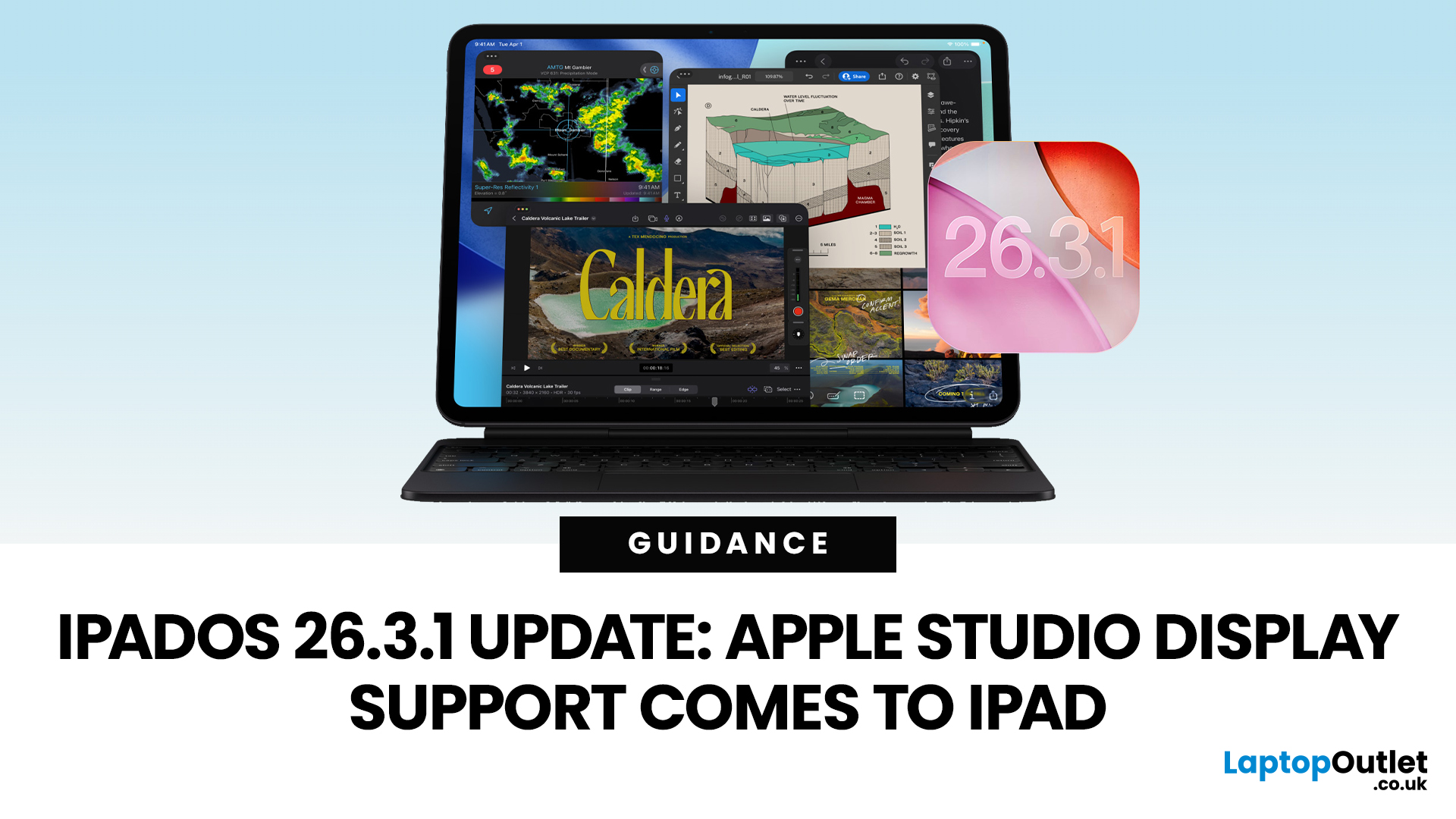
Apple has released the iPadOS 26.3.1 update (build 23D8133) on 4 March 2026, and while it’s a point release, it’s tied to something very tangible: support for Apple’s (new) Studio Display lineup, including Studio Display XDR.
That means, if you use an iPad as part of your desk setup, this is one of those updates that can quietly change your day-to-day. Not with flashy new emoji, but with better compatibility for a serious external monitor.
Below is what’s actually confirmed (and what isn’t), which iPads are included, and what to expect when you plug your iPad into Apple’s Studio Display.
What Apple says is in iPadOS 26.3.1
Apple’s Developer Releases listing confirms:
- iPadOS 26.3.1 (23D8133)
- Release date: 4 March 2026
Apple hasn’t published a public-facing, detailed changelog in the sources available here, and several reports describe the fixes as “unspecified bug fixes” alongside the key compatibility change.
What is clearly and directly supported: Studio Display compatibility now requires
Published: March 06, 2026
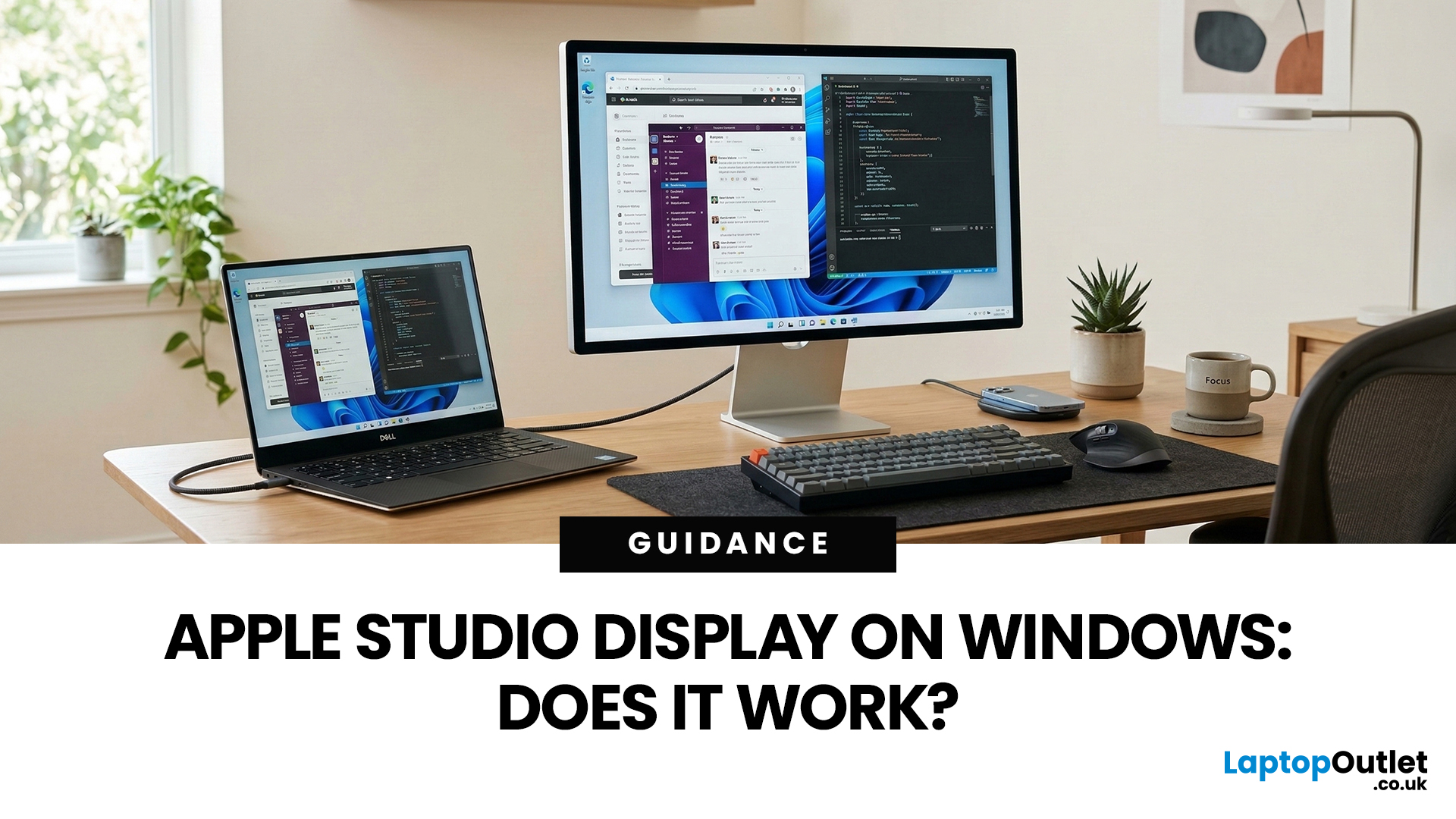
You’ve seen the Apple Studio Display. It’s sleek, stupidly sharp, and it makes your desk look like you’ve got your life together. But you’re on Windows. So, the big question is: Does Apple Studio Display work with Windows PCs? Yes, it can. But you won’t always get the full “Apple magic” experience on Windows.
Apple Studio Display + Windows: What Works vs What Doesn’t
Core Monitor Functions (generally work)
The good news: the basics are solid.
- You’ll get a picture (yep, it’s a monitor)
- Resolution and scaling can be adjusted in Windows settings
- It can act as an audio device (the built-in speakers often show up as an output option)
In other words: for day-to-day “I need a stunning screen”, you’re fine.
Features that May be Limited or Not Supported on Windows
Here’s where the “Apple ecosystem” bit starts showing:
- Center Stage (auto-follow webcam feature): usually not available as intended on Windows
- True Tone (auto colour temperature shifts): Generally not supported
- Firmware updates: typically

Last Updated: March 09, 2026
If you use AirTags for keys, luggage, a bike, or a backpack, AirTag 2 is a simple but meaningful upgrade. It does not change the AirTag idea. It improves the two moments that matter most: how quickly your iPhone can lock onto the tag when you are nearby, and how easily you can hear it when it is hiding in a sofa, bag, or coat pocket.
Below is a buyer-friendly breakdown of what’s new, what stayed the same, and the easiest way to decide if you should upgrade in 2026.
Should You Upgrade to AirTag 2? 10-Second Answer Box
Upgrade to AirTag 2 if:
- You use Precision Finding often and want a wider range and faster guidance.
- You lose things in noisy places and want a louder speaker that is easier to hear.
- You want Precision Finding from your Apple Watch (with a compatible watch).
Keep your current AirTags if:
- You mostly use AirTags as a safety net for luggage, and you rarely use Precision Finding.
- Your current AirTags already help you find things quickly enough.
What is Apple AirTag 2 (2026)?
Last Updated: March 09, 2026
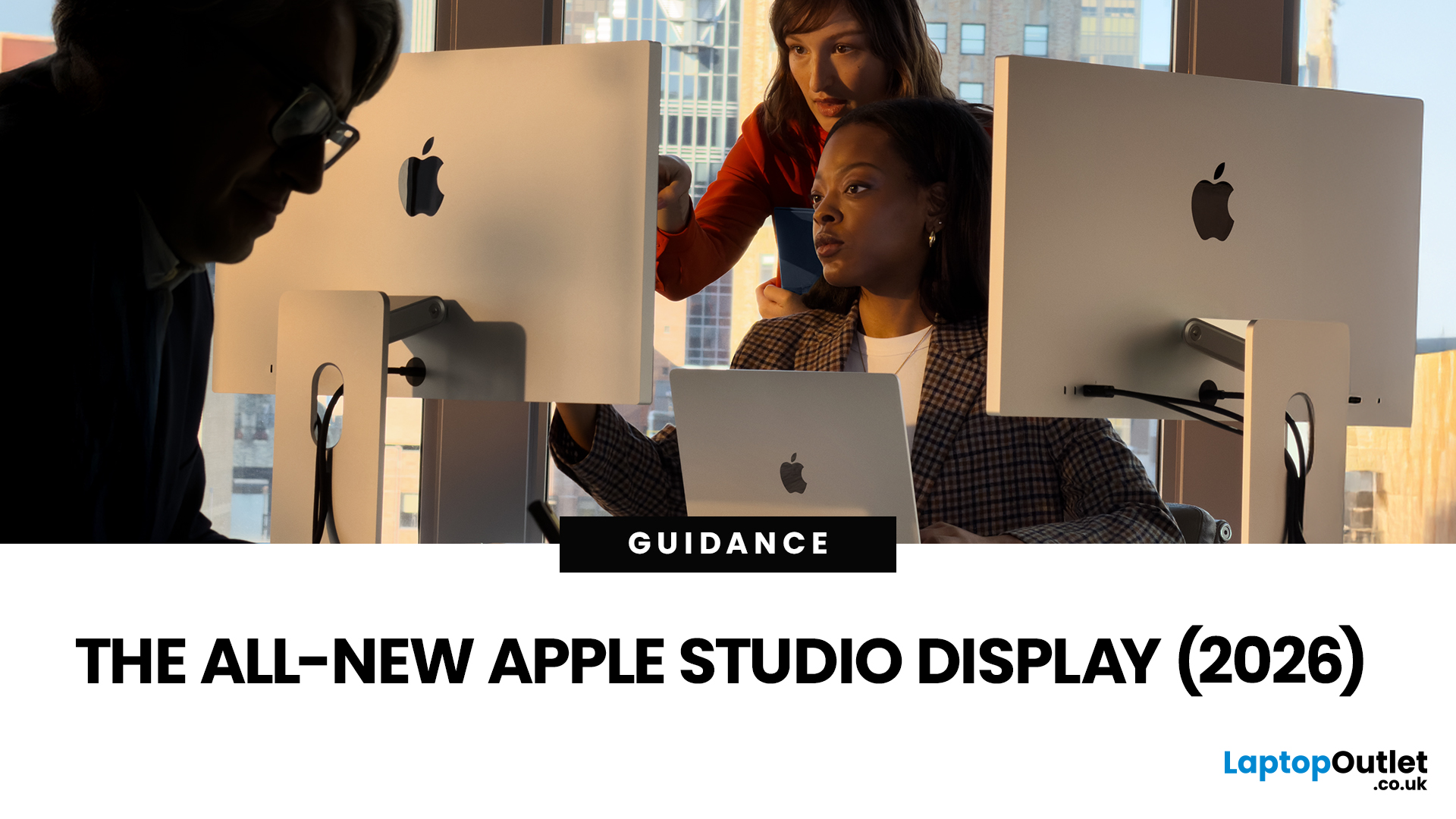
After four years without a display refresh, Apple has unveiled a brand-new Apple Studio Display alongside the all-new Studio Display XDR. Announced on 3rd March 2026 and available from 11th March 2026, this latest addition to Apple's display lineup is a serious upgrade for Mac users who demand more from their workspace.
Whether you are a creative professional, a developer, or simply someone who wants a top-tier external monitor, this guide covers everything you need to know.
What Is the Apple Studio Display?
The Apple Studio Display is a 27-inch 5K Retina external monitor designed to pair seamlessly with Apple Silicon MacBooks and select iPad models. It replaces the original 2022 Studio Display with meaningful upgrades across connectivity, camera, audio, and overall performance.
It is not just a monitor. It is an all-in-one productivity hub with a built-in camera, microphone array, and speaker system that rivals dedicated audio equipment.
Apple Studio Display: Key Specs at a Glance
Here
Published: March 10, 2026
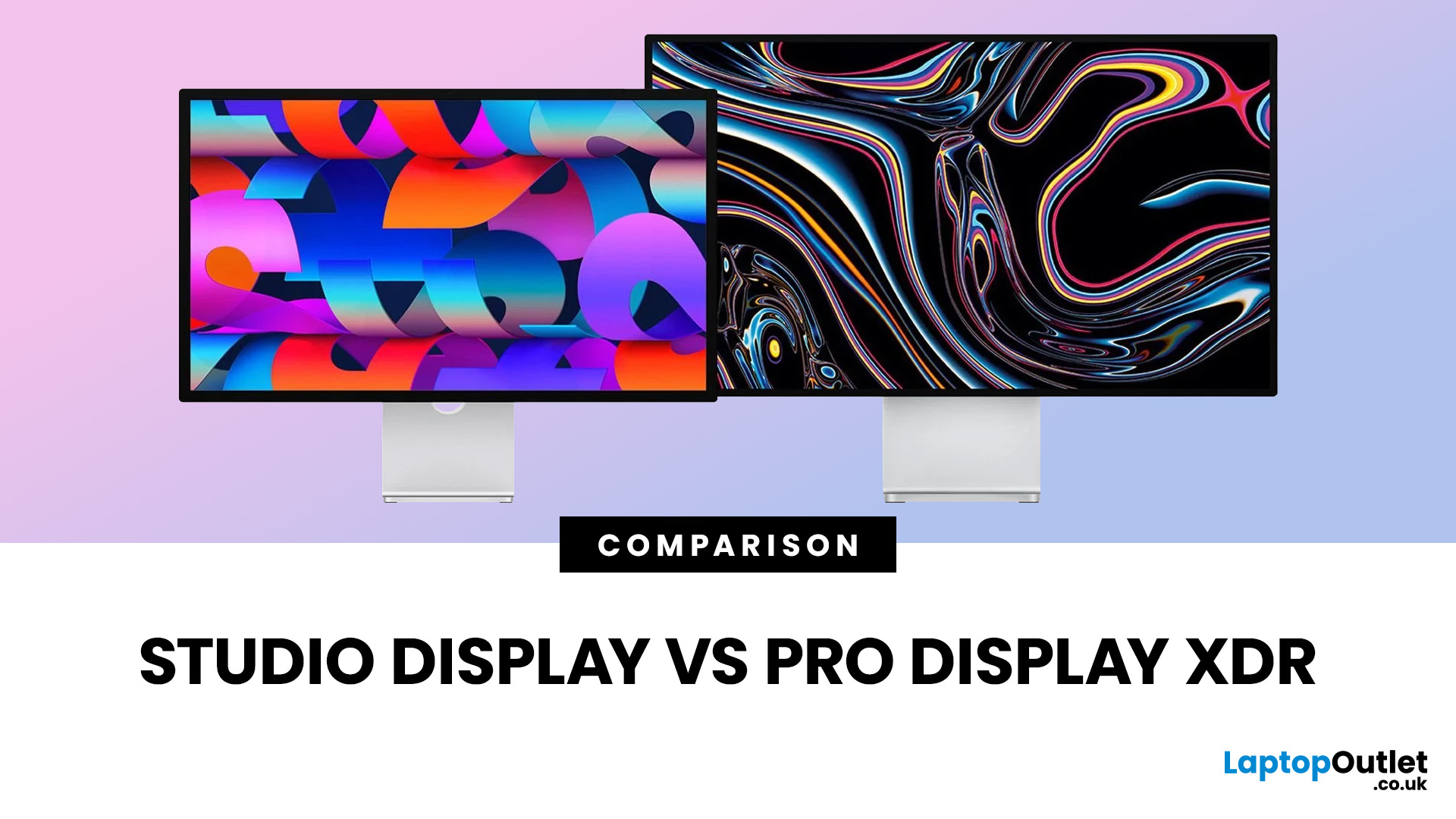
If you are comparing Apple Studio Display XDR vs Studio Display in 2026, the main thing to understand is simple: Apple’s monitor lineup is now split into two clearer tiers than before. The Studio Display is the mainstream option for creators, professionals, and general Mac users, while the Studio Display XDR is the higher-end model for people who need stronger HDR, higher brightness, wider colour support, smoother motion, and more specialised reference modes. Apple announced both as part of its current display family in March 2026, with the standard Studio Display starting at £1,499 and the Studio Display XDR starting at £2,999.
That means this is no longer a messy comparison between a regular Apple monitor and an older niche flagship. Apple now sells two current 27-inch 5K displays with the same broad design language, the same camera and speaker system, and the same Thunderbolt 5-based connectivity. The difference is what sits underneath the panel. Studio Display is the better fit for
Last Updated: April 28, 2026
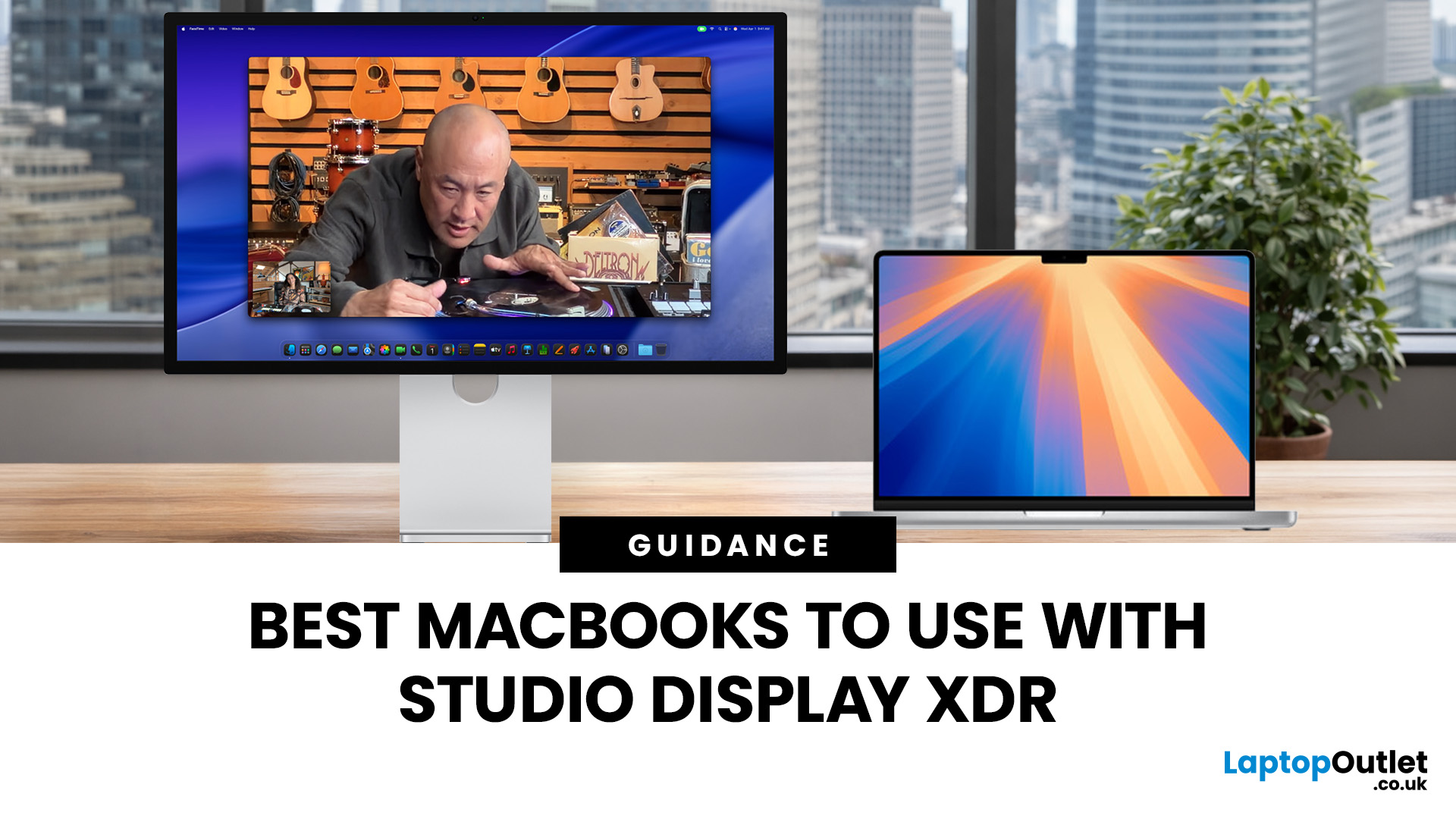
Apple’s Studio Display and Pro Display XDR are among the most advanced monitors available for professionals. With ultra-sharp 5K and 6K resolutions, these displays are designed for creatives who need exceptional colour accuracy, brightness, and detail.
However, to get the best experience, you need a powerful MacBook with strong graphics performance and Thunderbolt connectivity. Apple’s latest MacBooks powered by M3, M4, M5, M5 Pro, and M5 Max chips bring major improvements in performance, AI capabilities, and external display support.
Can MacBooks Support the Studio Display or Pro Display XDR?
Yes. Most modern Apple Silicon MacBooks can connect to these displays.
Studio Display
- Resolution: 5K (5120 × 2880)
- Thunderbolt / USB-C connection
- Works with most Apple Silicon Macs
Pro Display XDR
- Resolution: 6K (6016 × 3384)
- Requires high bandwidth Thunderbolt connection
- Best paired with MacBook Pro models
Modern MacBooks with Thunderbolt ports and Apple Silicon chips can drive high-resolution

Published: March 12, 2026
Apple’s new MacBook Air M5 is officially here, and after spending time testing it myself, I can confidently say one thing: it’s fast. Like, open-all-my-tabs, edit-4K, switch-between-apps-without-thinking fast. But benchmarks and real use aren’t always the same thing. So, I ran several tests, used it for everyday work, and compared it with previous Air models to answer the real question: Are the MacBook Air M5 benchmarks strong enough to justify the upgrade?
For UK buyers in particular, this is shaping up to be one of the easiest MacBooks to recommend in 2026. Apple kept the thin, fanless design that people already love, but added the new M5 chip, improved base storage, faster wireless connectivity, and stronger performance across both benchmarks and daily workflows. Let’s break down the numbers and the real-world experience.
MacBook Air M5 Overview
Like iPhone 17e, iPad Air M4, and MacBook M5 Pro and M5 Max, Apple announced the MacBook Air M5 on 3 March 2026, with availability beginning

Published: March 12, 2026
The foldable phone market is growing fast. And 2026 is shaping up to be its most exciting year yet.
Samsung's Galaxy Z Fold 7 is already here, refined and polished after seven generations. Apple's iPhone Fold, set to arrive in autumn 2026, is the most anticipated foldable debut in smartphone history. So, when it comes to iPhone Fold vs Galaxy Z Fold 7, which one is actually worth your money?
This foldable smartphone buying guide covers every major spec, feature, and difference between the two. Whether you are a longtime Samsung user or a loyal iPhone owner eyeing something new, read on.
| Important note: The iPhone Fold has not been officially announced at the time of writing. All iPhone Fold details are based on credible leaks, analyst reports from Ming-Chi Kuo and Mark Gurman (Bloomberg), and supply-chain sources. |
Full Specs at a Glance: Apple iPhone Fold vs Galaxy Z Fold 7
Here is a complete, detailed Galaxy Z Fold 7 specs comparison against the expected iPhone Fold. Every
Published: March 13, 2026
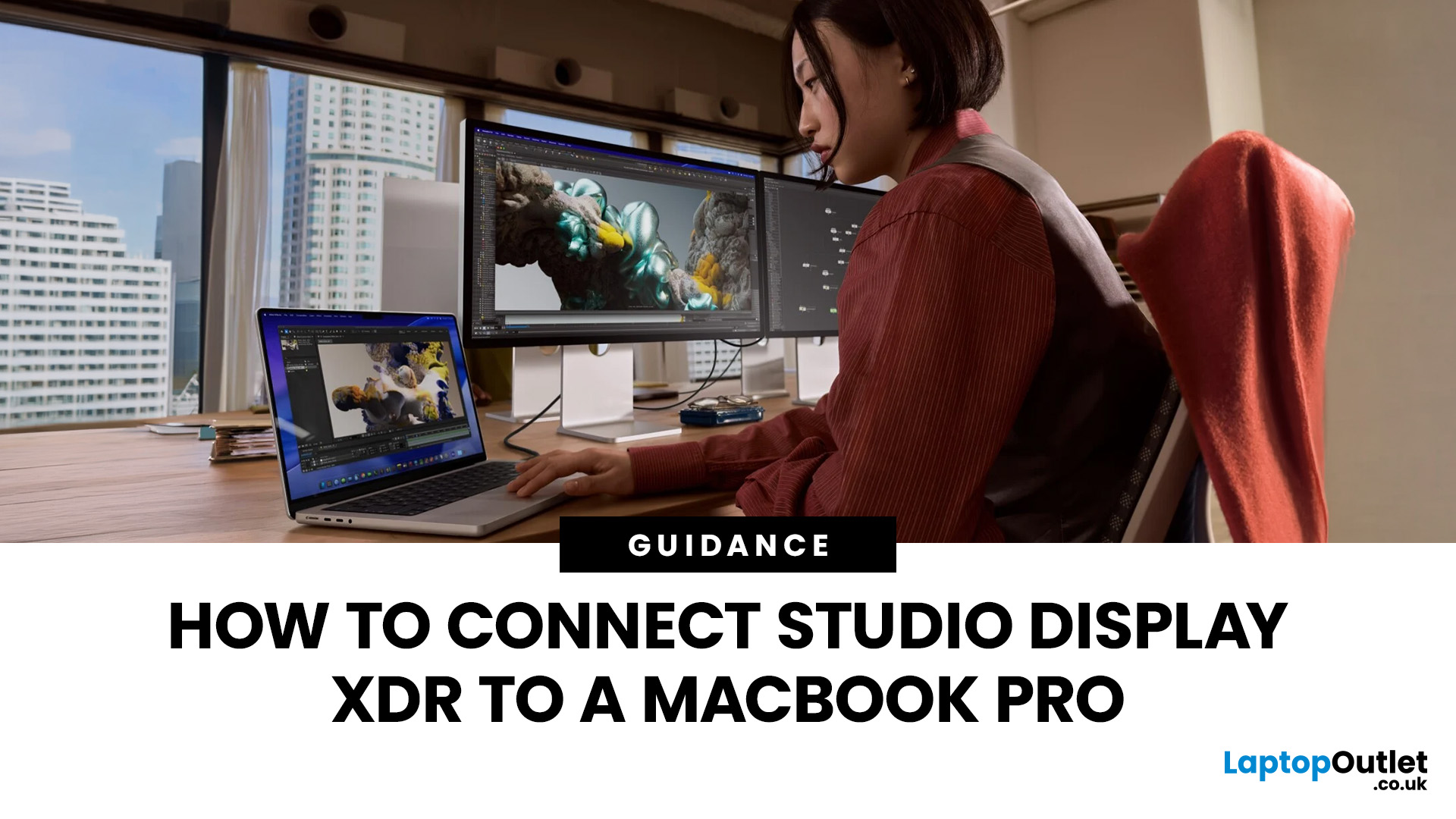
If you have just bought Studio Display XDR and want to use it with a MacBook Pro, the setup is usually quick. In most cases, the screen should come on automatically within a few seconds. macOS should recognise the display without extra drivers or manual installation. According to Apple’s official Mac support documentation, compatible MacBook Pro models automatically detect Studio Display when connected through Thunderbolt. Studio Display XDR can also deliver up to 140W of host charging through that same cable, so your MacBook Pro can charge while connected.
This Studio Display XDR setup guide explains the full process for connecting the Apple Studio Display XDR to a MacBook Pro, from the initial cable connection to the display settings you may need to adjust afterwards. Studio Display XDR is not just another external monitor. It is a 27-inch 5K Retina XDR display with mini-LED backlighting, up to 2,000 nits peak HDR brightness, a 120Hz refresh rate with Adaptive Sync, built-in camera and

Published: March 13, 2026
Apple is entering a new era of product strategy. For years, the company has dominated the premium tech market with devices like the iPhone Pro and MacBook Pro. But now Apple appears to be expanding its ecosystem in two directions at once: more affordable devices and ultra-premium hardware.
The recent MacBook Neo release indicates that Apple has a budget-friendly laptop to attract students and first-time Mac users. At the same time, industry reports indicate Apple is building a lineup of Ultra devices that will sit above its current Pro models.
This shift highlights what many analysts now call the Apple Ultra strategy, a long-term plan to stretch Apple’s ecosystem from entry-level devices all the way to cutting-edge luxury hardware. From the MacBook Neo at the affordable end to devices like iPhone Ultra, MacBook Ultra, and AirPods Ultra, Apple’s premium device roadmap is becoming more ambitious than ever.
MacBook Neo: Apple’s New Entry-Level Laptop
The MacBook Neo is expected to become

