



Apple’s New AirTag 2 for 2026: Key Features and Should You Upgrade?
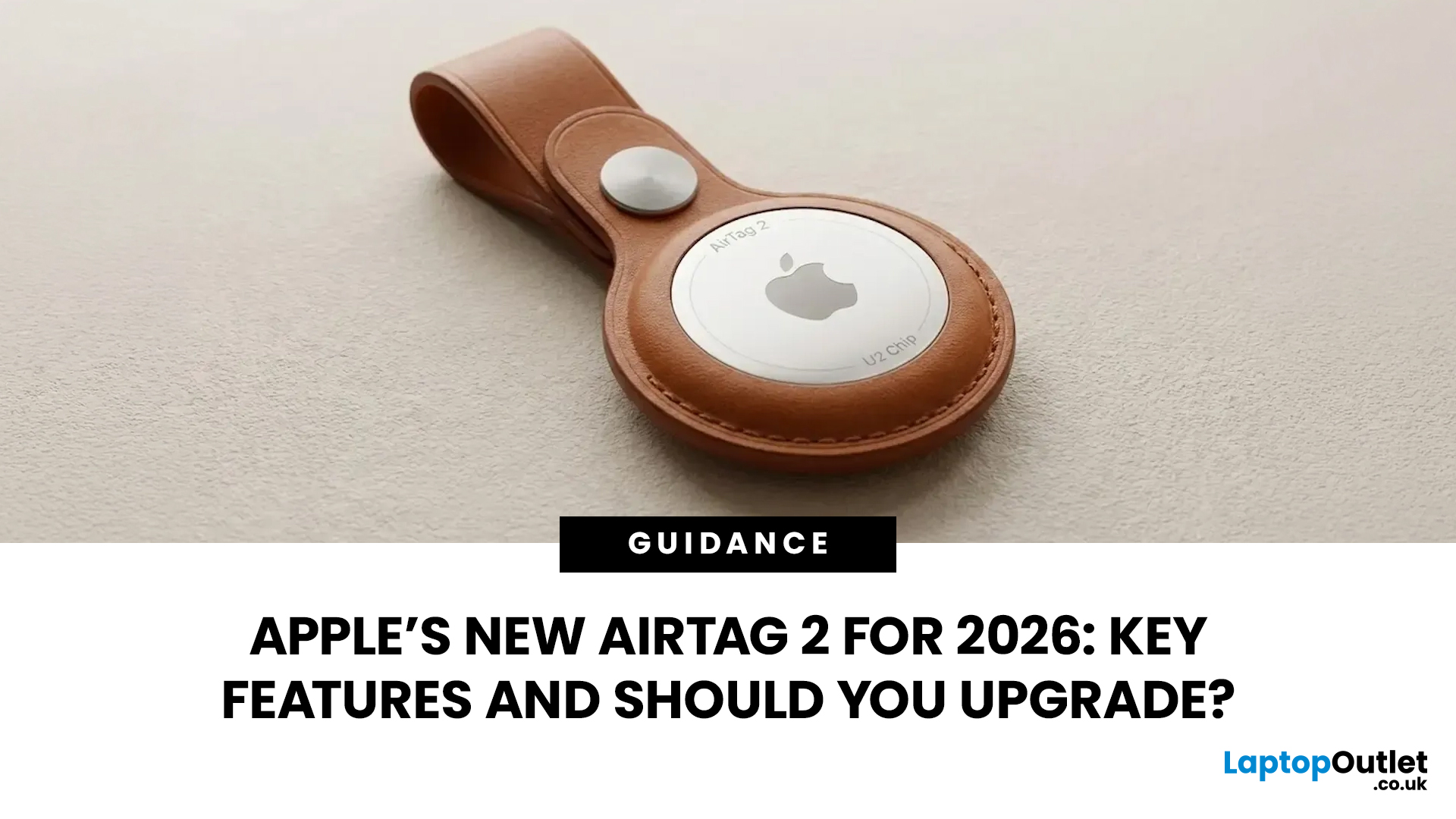
If you use AirTags for keys, luggage, a bike, or a backpack, AirTag 2 is a simple but meaningful upgrade. It does not change the AirTag idea. It improves the two moments that matter most: how quickly your iPhone can lock onto the tag when you are nearby, and how easily you can hear it when it is hiding in a sofa, bag, or coat pocket.
Below is a buyer-friendly breakdown of what’s new, what stayed the same, and the easiest way to decide if you should upgrade in 2026.
Should You Upgrade to AirTag 2? 10-Second Answer Box
Upgrade to AirTag 2 if:
- You use Precision Finding often and want a wider range and faster guidance.
- You lose things in noisy places and want a louder speaker that is easier to hear.
- You want Precision Finding from your Apple Watch (with a compatible watch).
Keep your current AirTags if:
- You mostly use AirTags as a safety net for luggage, and you rarely use Precision Finding.
- Your current AirTags already help you find things quickly enough.
What is Apple AirTag 2 (2026)?
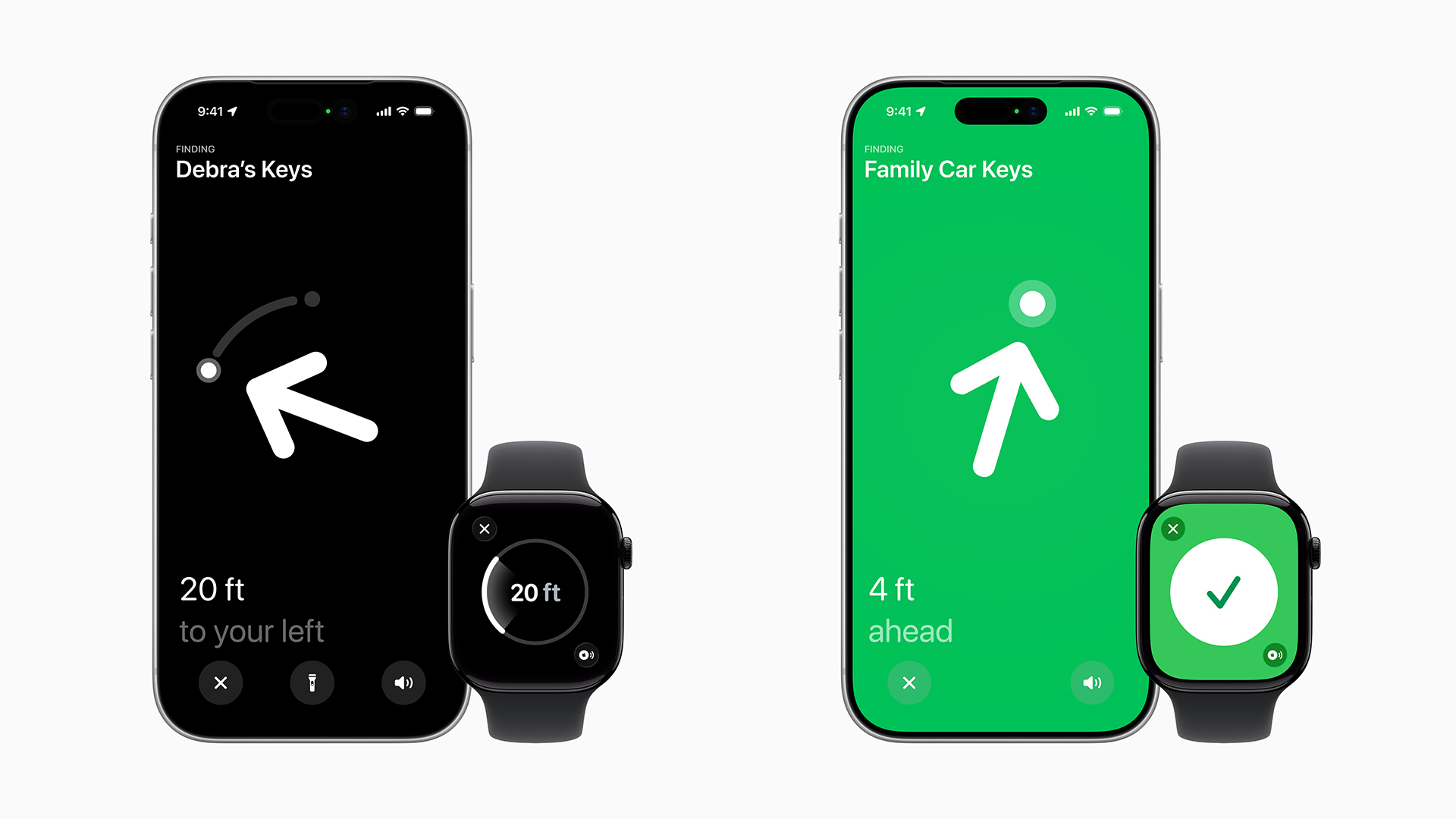
AirTag 2 is Apple’s second-generation tracker that works with the Find My network. You attach it to something you care about, then use the Find My app to locate it. It is designed for everyday items like keys and bags, and it is also a popular travel tracker for luggage.
The reason AirTags work so well is that they don't rely on you being close to them. When your tag is out in the world, the Find My network can help update its location. When you are close to it, Precision Finding and the speaker help you complete the last step: actually finding it in a room, car, or bag. AirTag 2 improves that last step.
AirTag 2 (2026) Tech Specs
|
AirTag (2nd generation) Tech Specs |
Details |
|
Year Introduced |
2026 |
|
Diameter |
1.26 inches (31.9 mm) |
|
Height |
0.31 inch (8.0 mm) |
|
Weight |
0.42 ounce (11.8 grams) |
|
Splash, Water, and Dust Resistance |
Rated IP67 (maximum depth of 1 meter up to 30 minutes) under IEC standard 60529 |
|
Connectivity |
Bluetooth for proximity finding; Apple-designed, second-generation Ultra Wideband chip and expanded Precision Finding connectivity; NFC tap for Lost Mode |
|
Speaker |
Built-in speaker |
|
Battery |
User-replaceable CR2032 coin cell battery |
|
Sensor |
Accelerometer |
|
Accessibility |
Find My app compatible with: VoiceOver; Invert Colors; Larger Text; Compatibility with braille displays |
|
System Requirements and Compatibility |
Apple Account; iPhone with iOS 26.0 or later; iPad models with iPadOS 26.0 or later |
|
Environmental Requirements |
Operating ambient temperature: −4° to 140° F (−20° to 60° C) |
|
In the Box |
AirTag with CR2032 coin cell battery installed; Documentation |
|
AirTag and the Environment |
Progress toward Apple 2030 (carbon neutral commitment and decarbonization plan) |
|
Materials |
85% recycled plastic in the enclosure; 100% recycled gold plating in all Apple-designed printed circuit boards; 100% recycled tin solder in all Apple-designed printed circuit boards; 100% recycled rare earth elements in all magnets |
|
Packaging |
100% fiber-based packaging |
AirTag 2 Key Features and Upgrades
1) 1.5x Precision Finding Range
This is a big upgrade. Apple’s AirTag product page calls out a 1.5x Precision Finding range for the new model.
What you will notice:
- You get directional guidance from farther away
- You spend less time walking in circles in the wrong room
- You find keys at home faster because the phone locks on sooner
If your AirTag use is mostly “I know it’s nearby but where exactly,” this is the upgrade that saves time.
2) Louder Speaker
AirTag 2 also gets louder speakers. Apple positions it as easier to locate with a louder alert.
What you will notice:
- The sound cuts through background noise better
- It is easier to hear inside a backpack or under a sofa cushion
- It helps in places like airports, busy offices, and train stations
If you have ever played the sound five times and still could not pinpoint it, this is the fix.
3) Precision Finding on Apple Watch
This is a practical upgrade for people who wear an Apple Watch and don't want to pull out their phone just to find their keys.
Apple Support confirms Apple Watch can be used for Precision Finding with AirTag (2nd generation), and lists requirements like watchOS 26.2.1 or later.
Compatible Apple Watch models for Precision Finding include Apple Watch Series 9 or later, or Apple Watch Ultra 2 or later.
What you will notice:
- You can follow on-wrist directions
- It feels faster for “Where did I put my keys” moments
- You can search without digging for your phone
4) Improved Precision Finding Compatibility Is More Specific Than Before
This is important, and most shoppers miss it. Apple’s Tech Specs for AirTag (2nd generation) state that Improved Precision Finding works with AirTag (2nd generation) paired with iPhone Air or iPhone 15 or later, excluding iPhone 16e, and availability varies by region.
What this means:
- AirTag 2 still works as an AirTag with many iPhones
- But the “Improved” Precision Finding experience requires specific newer iPhones
- Regional availability can affect certain features
If you are upgrading only for the improved Precision Finding range, check compatibility first.
5) Security and Privacy Features that Matter
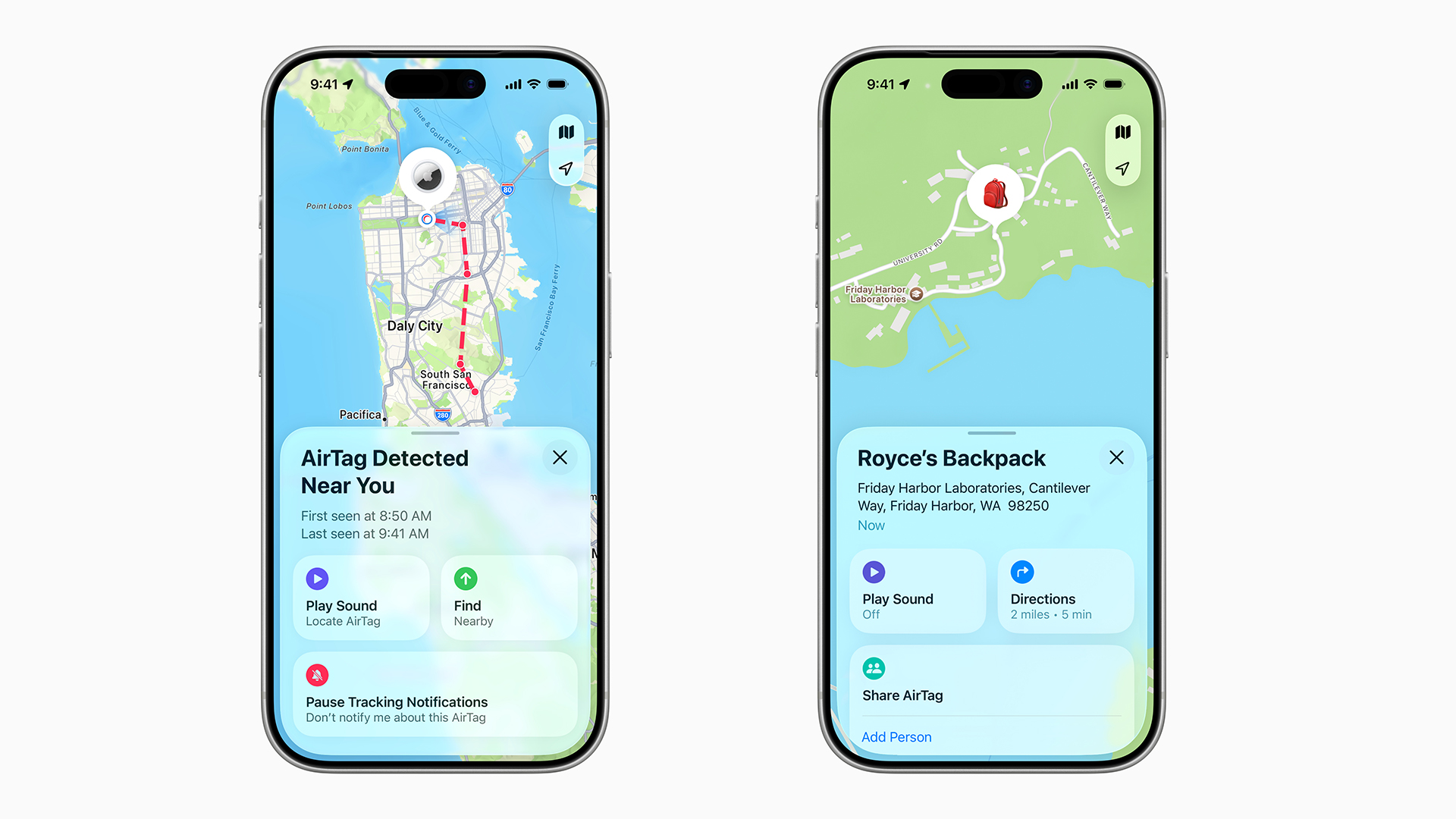
AirTag 2 is built to keep location data private. The tag itself does not store a location history, and communication with the Find My network is protected with end-to-end encryption, so only the owner can see where it is. Apple also says it cannot see the identity or location of the devices that help update an AirTag’s location through the network.
AirTag 2 is designed for tracking objects, not people or pets, and it includes protections to reduce unwanted tracking. That includes cross-platform alerts and Bluetooth identifiers that change frequently, making it harder for someone to misuse a tag to follow you.
What Stayed the Same
Find My Network Basics
AirTag 2 still uses the Find My ecosystem. It still supports Lost Mode and proximity finding. The update is about better nearby findings, not a new tracking concept.
Battery Type and Replaceability
AirTag 2 still uses a user-replaceable CR2032 coin cell battery, which is part of what makes AirTags low-maintenance.
Water And Dust Resistance
AirTag 2 retains its IP67 rating for splash, water, and dust resistance.
The Design and Accessory Style
The shape is still the same general AirTag idea. That means existing accessories and use cases remain relevant.
AirTag 2 vs AirTag 1: Key Differences at a Glance
|
What Matters |
AirTag (Original) |
AirTag 2 (2026) |
|
Precision Finding |
Works (With Compatible iPhone) |
Improved Range, Up To 1.5x |
|
Speaker |
Standard |
Loudest Speaker Yet |
|
Apple Watch Precision Finding |
Not The Focus |
Supported With Compatible Apple Watch |
|
Battery |
User-Replaceable Coin Cell |
User-Replaceable CR2032 Coin Cell |
|
Water Resistance |
IP67 |
IP67 |
|
Design |
Round Tag, Accessory-Based |
Same Form Factor, Accessory Friendly |
If you want the cleanest comparison, it’s this:
What AirTag 2 Does Better
- Better precision finding range (Up To 1.5x)
- A louder speaker for a faster final location
- Precision Finding on Apple Watch with compatible models
What AirTag 2 Does Not Change
- You still use the Find My app
- The battery is still replaceable
- The core concept is still “Attach it and track it”
This is why AirTag 2 is a practical upgrade, not a flashy one.
Is Buying AirTag 2 Worth It?
Yes, If You Use AirTags Weekly
If you use AirTags for keys, a daily bag, or anything you regularly misplace, you will feel the upgrade. The extra Precision Finding range and louder speaker reduce friction repeatedly.
Yes, If You Travel Often with AirTags
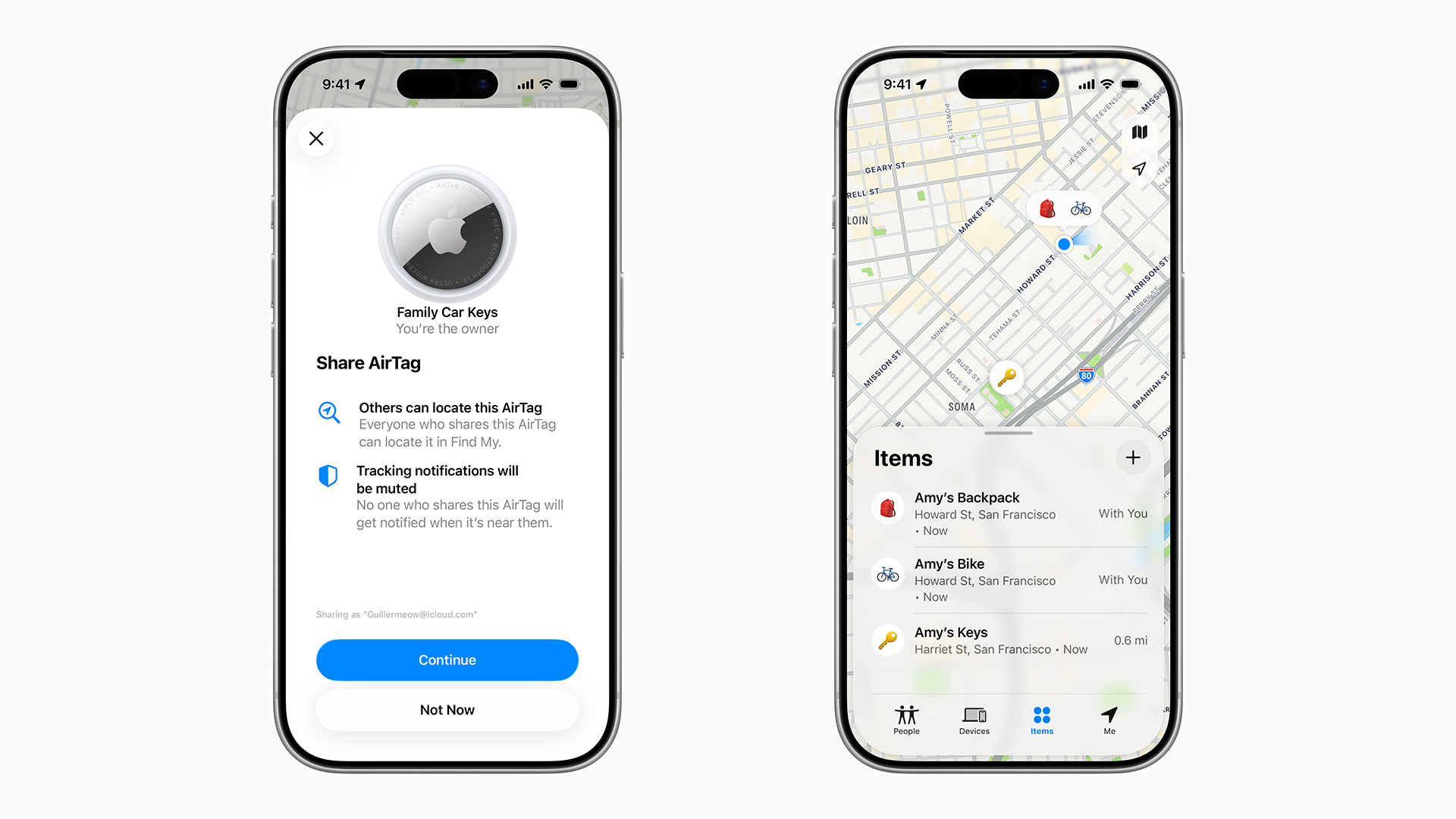
For luggage tracking, the Find My network is the main value. But the “last 10 meters” part still matters when you are at baggage claim, in a hotel room, or searching for a pile of bags. A louder speaker helps in noisy travel environments.
Yes, If You Want the Apple Watch Finding
If you have a compatible Apple Watch, this is a genuinely nice lifestyle improvement. Apple Support’s guide specifically explains using the Apple Watch to find an item with AirTag (2nd generation).
No, If Your AirTags Are Mostly “Emergency Only”
If your AirTags live in luggage that comes out twice a year, the original AirTag is still good at the core job. You will not feel the near-range improvements often enough to justify replacing working tags.
Best Buyer Profiles for AirTag 2
Students
- Backpack
- Keys
- Bike lock keys
- Laptop sleeve
Busy environments, shared spaces, and lots of moving around make the louder speaker and faster nearby finding genuinely useful.
Professionals
- Work bag
- Keys
- Camera bag
- Tech pouch
If you move between meeting rooms, coworking spaces, and travel, finding nearby saves time.
Frequent Travellers
- Checked luggage
- Carry-on
- Travel backpack
- Passport pouch
AirTags are already among the easiest travel trackers in the Apple ecosystem, and the speaker upgrade helps with the “I can see it on the map, but where is it physically?” moment.
Cyclists And Outdoor Use
AirTags are often used to help recover bikes and gear. AirTag 2 keeps IP67 matters here, and a louder speaker can help in outdoor search scenarios when you are nearby.
1-Pack or 4-Pack: Which One Should You Buy?
Most people buy AirTags in the wrong quantity. Here’s the simple way to choose.
Buy A 1-Pack If
- You only need one for keys or a bag
- You are testing the idea before committing
Buy A 4-Pack If
- You have multiple everyday items to track (keys, backpack, wallet holder, luggage)
- You travel often and want tags for multiple bags
- You are buying for a household
Before You Buy Checklist
If You Are Buying AirTag 2
- Check iPhone compatibility for improved Precision Finding.
- If you want Apple Watch Precision Finding, confirm the watch model and watchOS version.
- Decide between 1-pack and 4-pack based on what you actually lose most.
If You Are Keeping Your Original AirTags
- Replace the battery when it warns you
- Rename your AirTags in Find My so alerts are clear
- Keep iOS updated for the best Find My experience

Final Take
AirTag 2 is the kind of upgrade you notice in small moments, every week. Your phone locks onto the tag sooner, the sound is easier to hear, and Apple Watch finding adds a convenient new way to locate items without reaching for your phone.
If you use AirTags regularly for keys, bags, or daily carry items, upgrading makes sense. If your AirTags are mostly for occasional travel or emergencies, keep what you have and wait.

Apple AirTag 2 Questions Answered
What Is Apple AirTag 2?
AirTag 2 is Apple’s 2026 second-generation AirTag, built for improved findability with a longer Precision Finding range and a louder speaker.
What Are The Main AirTag 2 Upgrades?
The main upgrades are 1.5x Precision Finding range and the loudest AirTag speaker yet.
Is AirTag 2 Worth Upgrading From The Original AirTag?
Yes if you frequently use Precision Finding or rely on the speaker to locate items nearby. If your AirTags are rarely used, the original is still fine.
Does AirTag 2 Work With Apple Watch?
Yes, Precision Finding on Apple Watch is supported with Apple Watch Series 9 or later, or Apple Watch Ultra 2 or later, on watchOS 26.2.1 or later.
Do You Need A New iPhone for AirTag 2?
AirTag 2 works through Find My, but Improved Precision Finding requires compatible newer iPhones, and availability varies by region.
Is The AirTag 2 Speaker Actually Louder?
Yes, Apple’s announcement and product page highlight a louder speaker designed to make the AirTag easier to hear when you are close.
Is The AirTag 2 Water Resistant?
Yes, it is rated IP67.
Does AirTag 2 Still Use A Replaceable Battery?
Yes, it uses a user-replaceable CR2032 coin cell battery.
Will My Old AirTag Accessories Fit AirTag 2?
The design remains the same and is described as compatible with existing cases and accessories.
Is AirTag 2 Good For Luggage Tracking?
Yes. AirTags remain popular for luggage tracking via Find My, and AirTag 2 improves nearby finding with better range and a louder speaker for the final step.
| Read More: |
| MacBook Neo vs. MacBook Air: Which Apple Laptop Should You Buy in 2026? |
| Apple MacBook Air M5: New Colors, Sleek Design & What’s Changing |
| MacBook Neo Launched: Apple’s Cheapest Laptop Ever |
Related Articles

Last Updated: October 08, 2025
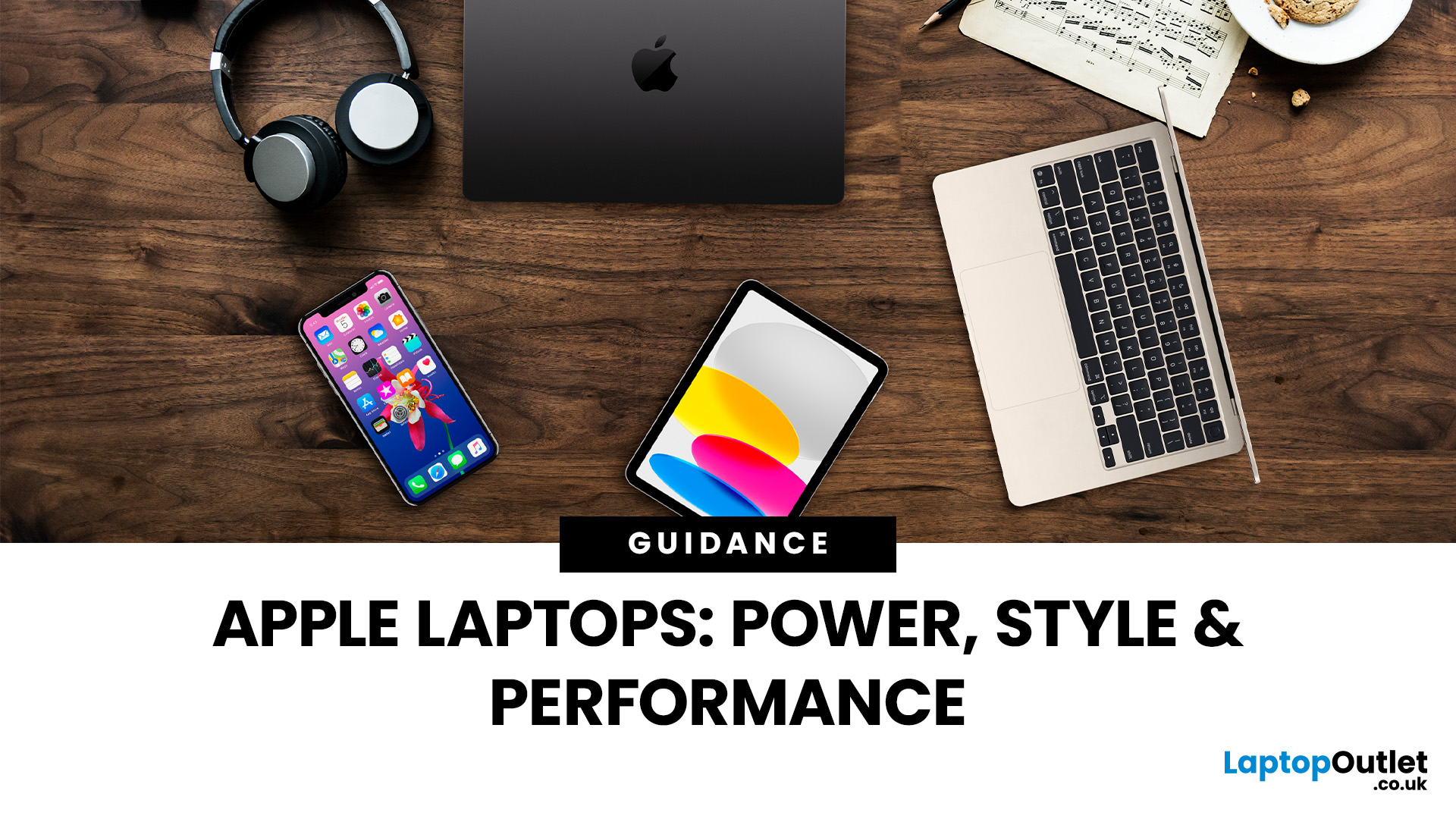
When it comes to laptops, few names carry the same weight as Apple. Known for their sleek designs, long-lasting performance, and seamless integration with the wider Apple ecosystem, MacBooks have become the go-to choice for students, professionals, and creatives alike. But with multiple models, a steady stream of upgrades, and a shift to Apple’s own silicon chips, it can be tricky to know which one is right for you.
That’s where this guide comes in. In this Apple laptops guide, we’ll walk you through everything you need to know: from the differences between the MacBook Air and MacBook Pro, to standout features, comparisons, and buying advice. We’ll even cover smart alternatives like refurbished MacBooks for those looking to save money without missing out on Apple’s quality.
Whether you’re after the best MacBook for studying, a portable all-rounder for hybrid work, or a powerhouse for video editing and design, this guide will help you choose with confidence.
A Brief History of Apple Laptops
Last Updated: October 08, 2025
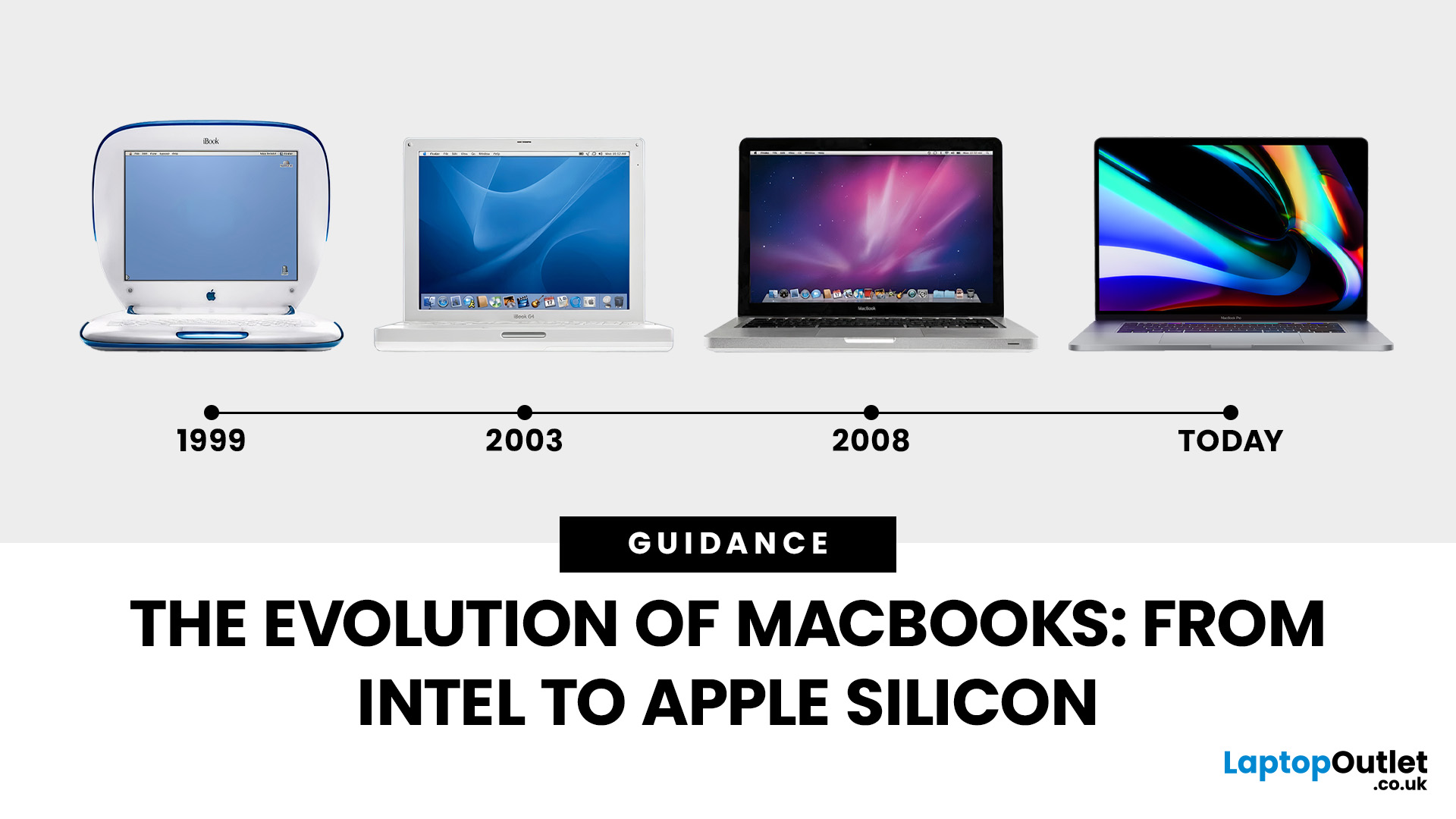
Few products have shaped modern computing quite like the Apple MacBook. From its early Intel-powered beginnings to today’s lightning-fast Apple Silicon machines, the MacBook has consistently pushed the boundaries of laptop design, performance, and portability. Along the way, it’s become a symbol of premium computing - beloved by students, professionals, and creative powerhouses worldwide.
But the evolution of Apple MacBooks hasn’t always been smooth sailing. There have been bold design shifts, controversial choices (remember the butterfly keyboard?), and groundbreaking innovations like Retina displays and MagSafe. The biggest leap of all came in 2020, when Apple ditched Intel processors in favour of its own Apple Silicon chips - a move that completely redefined, what users could expect from a laptop.
In this guide, we’ll take you through the full MacBook journey: from its early days, through key design changes and the Intel era, right up to the Apple Silicon transition and the future of
Published: November 17, 2025
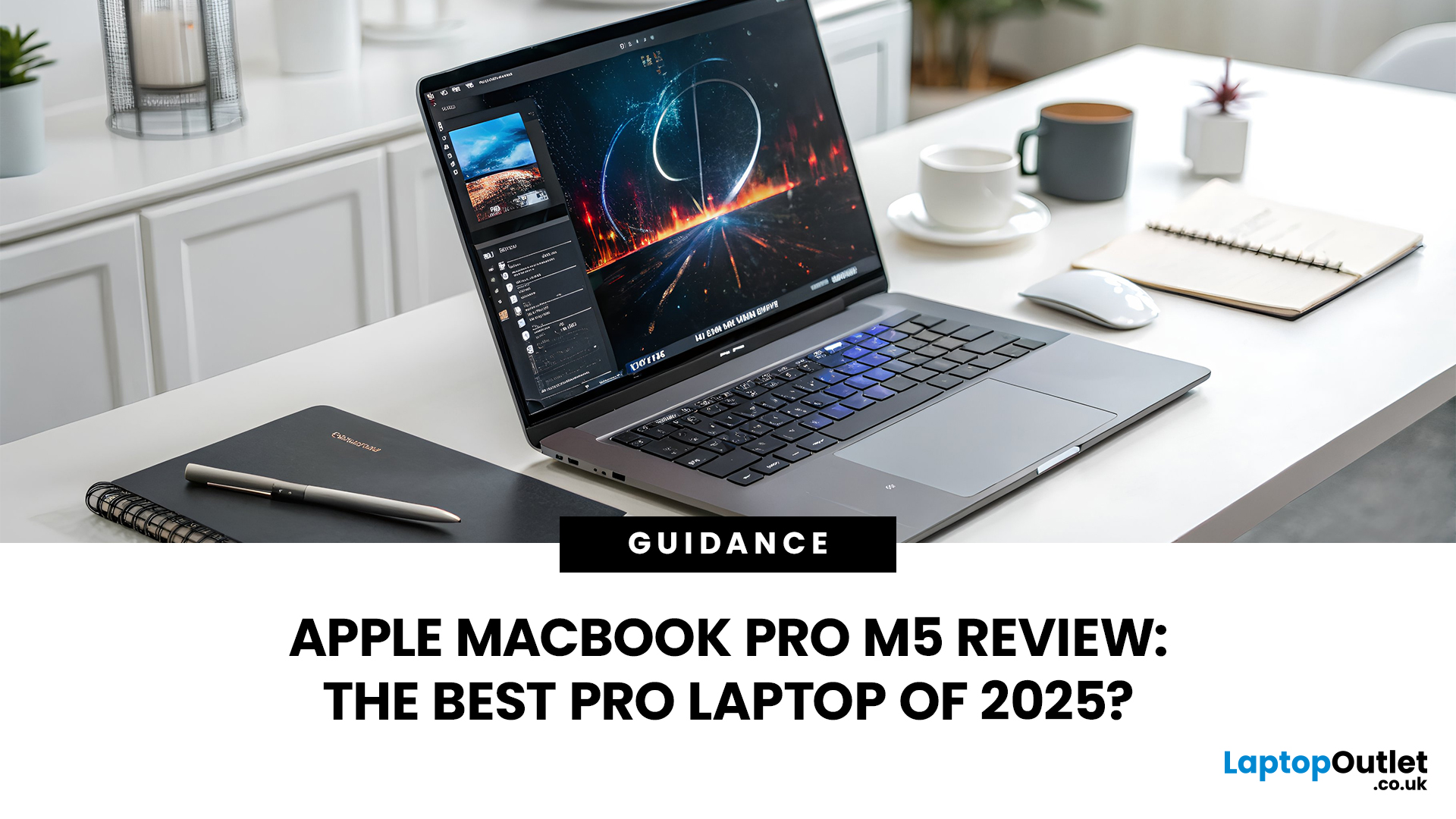
In 2025, Apple continues its dominance in professional laptops with the release of the MacBook Pro M5, the latest evolution of its in-house silicon revolution. Following the impressive M3 Pro and M4 generations, the Apple M5 chip marks a leap in raw performance, AI processing, and energy efficiency - and it’s already being hailed as the gold standard for creative professionals and demanding users.
But does the new M5 MacBook Pro really set a new benchmark in laptop performance? Or are Windows-based power machines like the Dell XPS 15 and Razer Blade 16 catching up?
In this Apple MacBook Pro M5 review, we dive into real-world performance, specs, benchmarks, battery life, display quality, and user experience to see if this is truly the best pro laptop of 2025.
Design and Build: Familiar Excellence, Refined Again
Apple hasn’t reinvented the MacBook’s look - and honestly, it didn’t need to. The M5 edition retains the precision-machined aluminium unibody, but now features a subtle refinement
Published: November 20, 2025
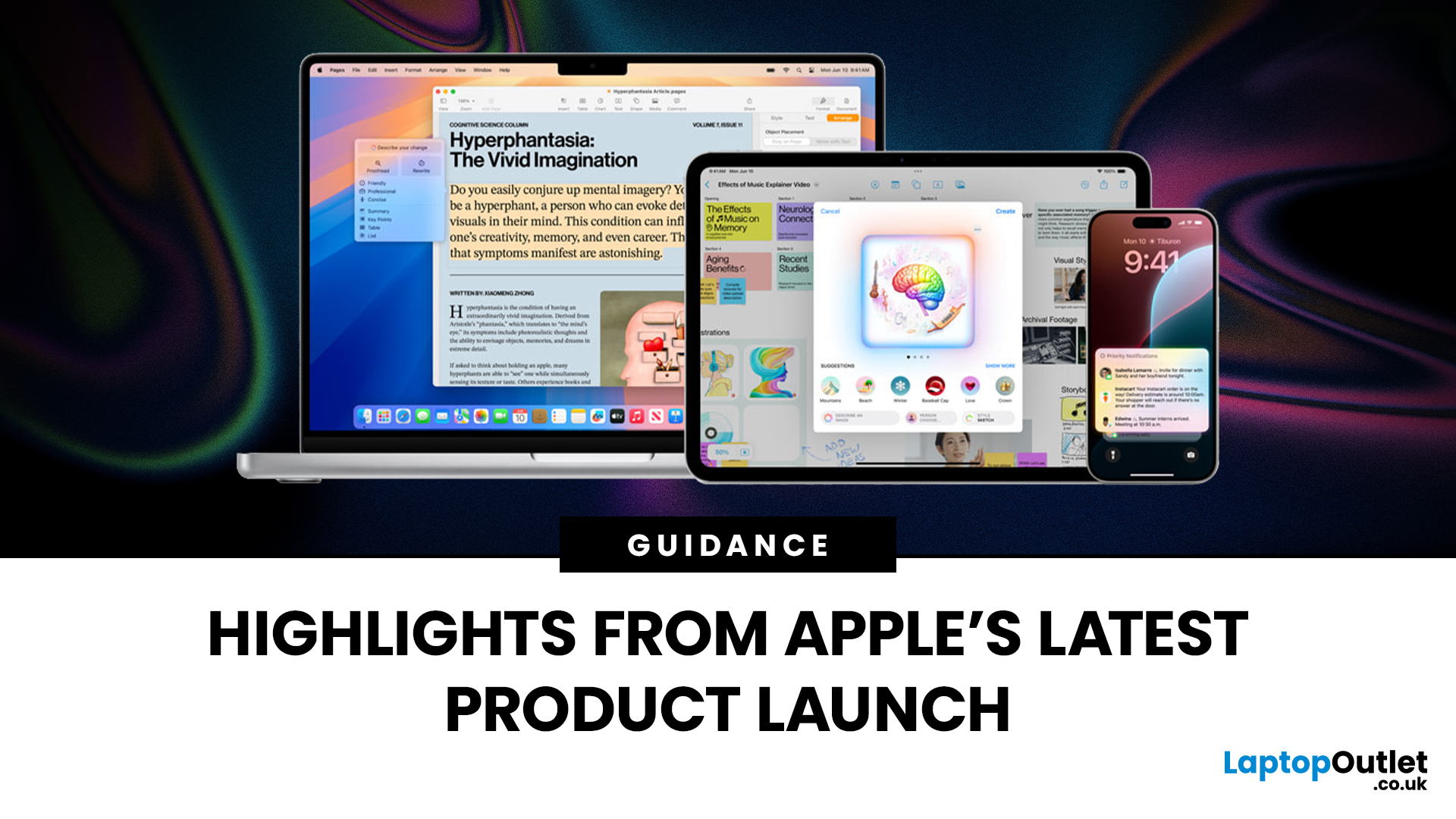
Apple has once again raised the bar with its latest hardware update, unveiling a refreshed line-up including the new Apple MacBook, the iPad Pro, and several other devices. Let’s take a closer look at what’s changed, why it matters, and whether the new Apple MacBook 2025 is worth your attention.
What’s Been Announced?
On 15 October 2025, Apple introduced a suite of devices powered by its latest chip, the Apple M5, including a new 14-inch MacBook Pro, refreshed iPad Pro, and updated mixed-reality headset.
The headline: the new MacBook (and MacBook Pro line) now features the M5 chip built on a 3-nanometre process, offering substantial gains in performance, especially for AI workloads, graphics and battery life.
Meanwhile, the iPad Pro has also seen upgrades, including the M5 chip and enhancements in connectivity, storage, and efficiency.
Why the New Apple MacBook 2025 Matters
Performance and AI
The M5 chip represents a significant step up. According to reports, it delivers AI performance
Last Updated: February 26, 2026
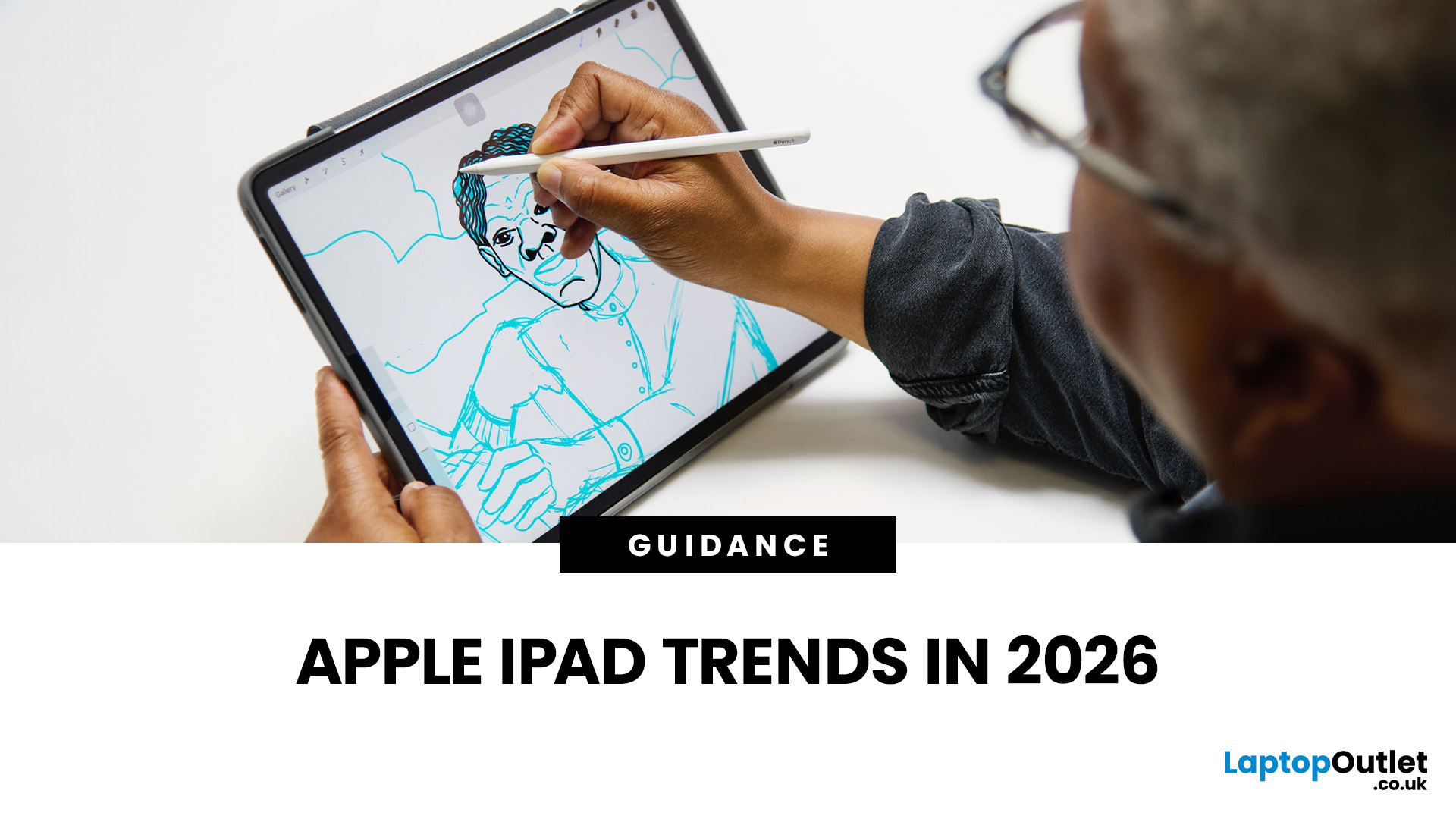
The iPad in 2026 isn’t just a tablet anymore. It’s a content machine, a work-from-anywhere setup, a creative studio, and low-key a laptop replacement for a lot of people in the UK. Apple has quietly (and sometimes not-so-quietly) levelled up the entire iPad lineup, and the Apple iPad trends in 2026 prove one thing: this ecosystem is built for performance, flexibility, and vibes.
This first section breaks down what’s actually new, what’s trending across the latest iPad models, and how Apple is pushing its tablet PCs further into laptop territory, without killing what makes the iPad iconic.
Apple iPad Trends in 2026: The Big Picture
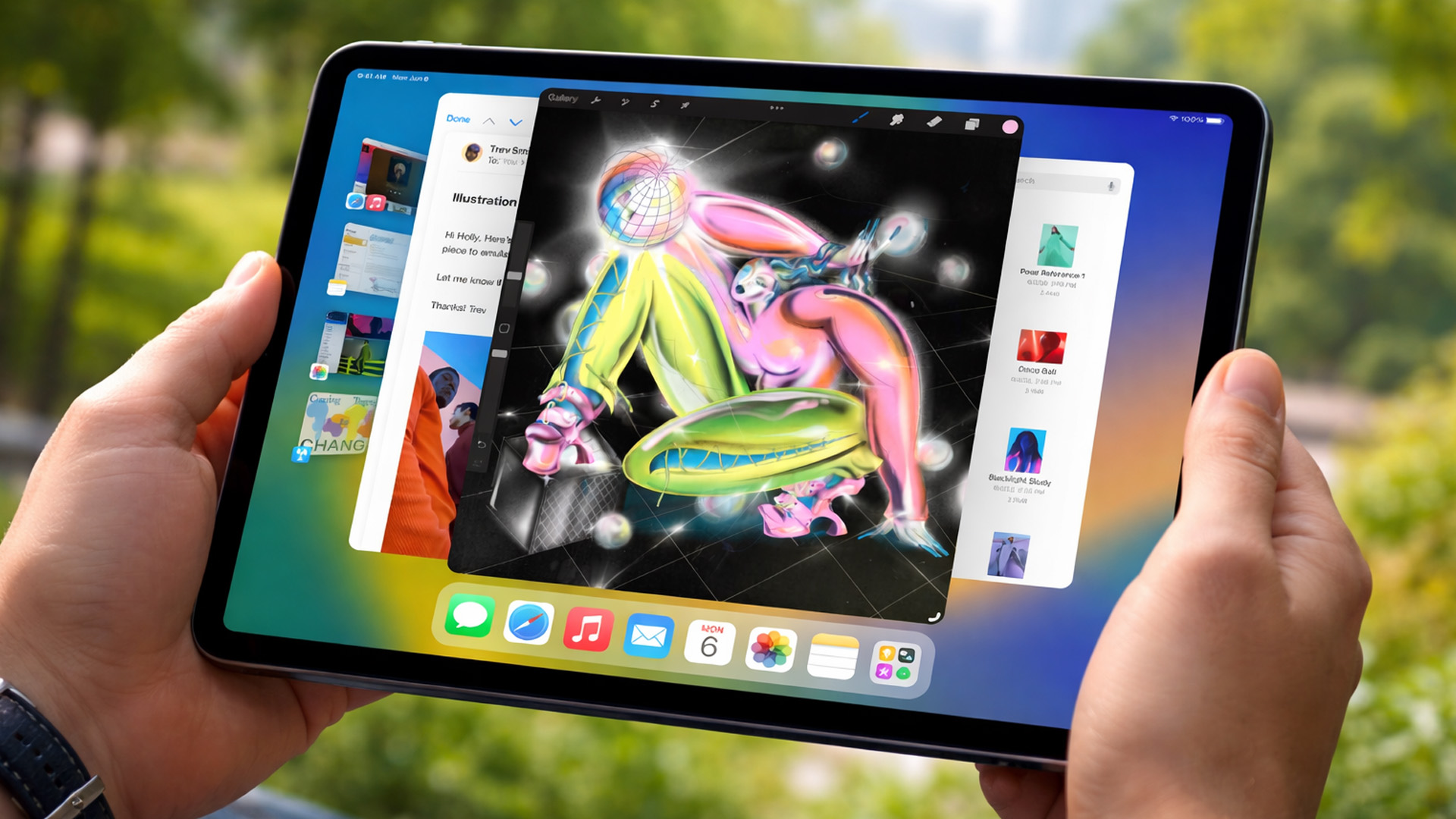
The biggest shift in Apple iPad trends this year isn’t just about faster chips or shinier displays - it’s about positioning. Apple is clearly doubling down on the iPad as a serious productivity and creativity device while still keeping it accessible for everyday users.
In the UK Apple iPad market, buyers are no longer asking “Do I need an iPad?” they’re asking
Last Updated: March 04, 2026
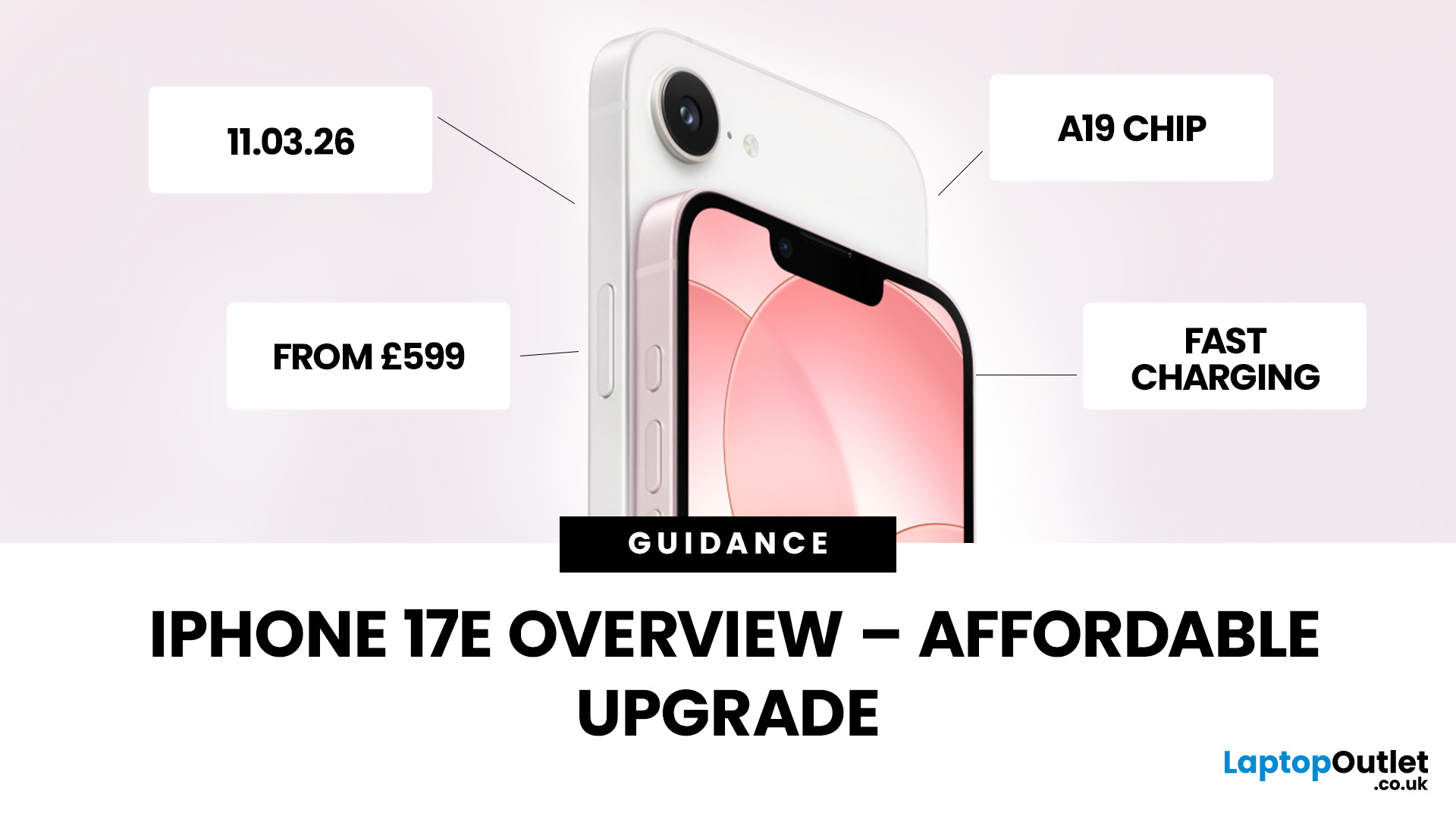
Apple has officially unveiled the iPhone 17e, positioning it as the most affordable way to get into the iPhone 17 lineup in 2026. If you’re in the UK and weighing up whether this is the right upgrade, here’s everything you need to know, including the iPhone 17e release date, UK price, specs, colours, features, and how it compares to the iPhone 17 and iPhone 16e.
iPhone 17e Release Date (UK)
Apple confirmed that pre-orders begin on 4 March, with the iPhone 17e available from 11 March.
That means UK buyers won’t have long to wait, and as with previous launches, early stock could sell quickly, especially for popular colours and higher storage configurations.
iPhone 17e UK Price and Storage
The iPhone 17e starts at £599 in the UK for the 256GB model, with the 512GB version priced at £799 .
Apple is also offering 0% finance options, with monthly payments available from £24.95 per month over 24 months.
What this means for UK buyers
- It’s £200 cheaper than the standard iPhone 17, which starts
Last Updated: March 09, 2026
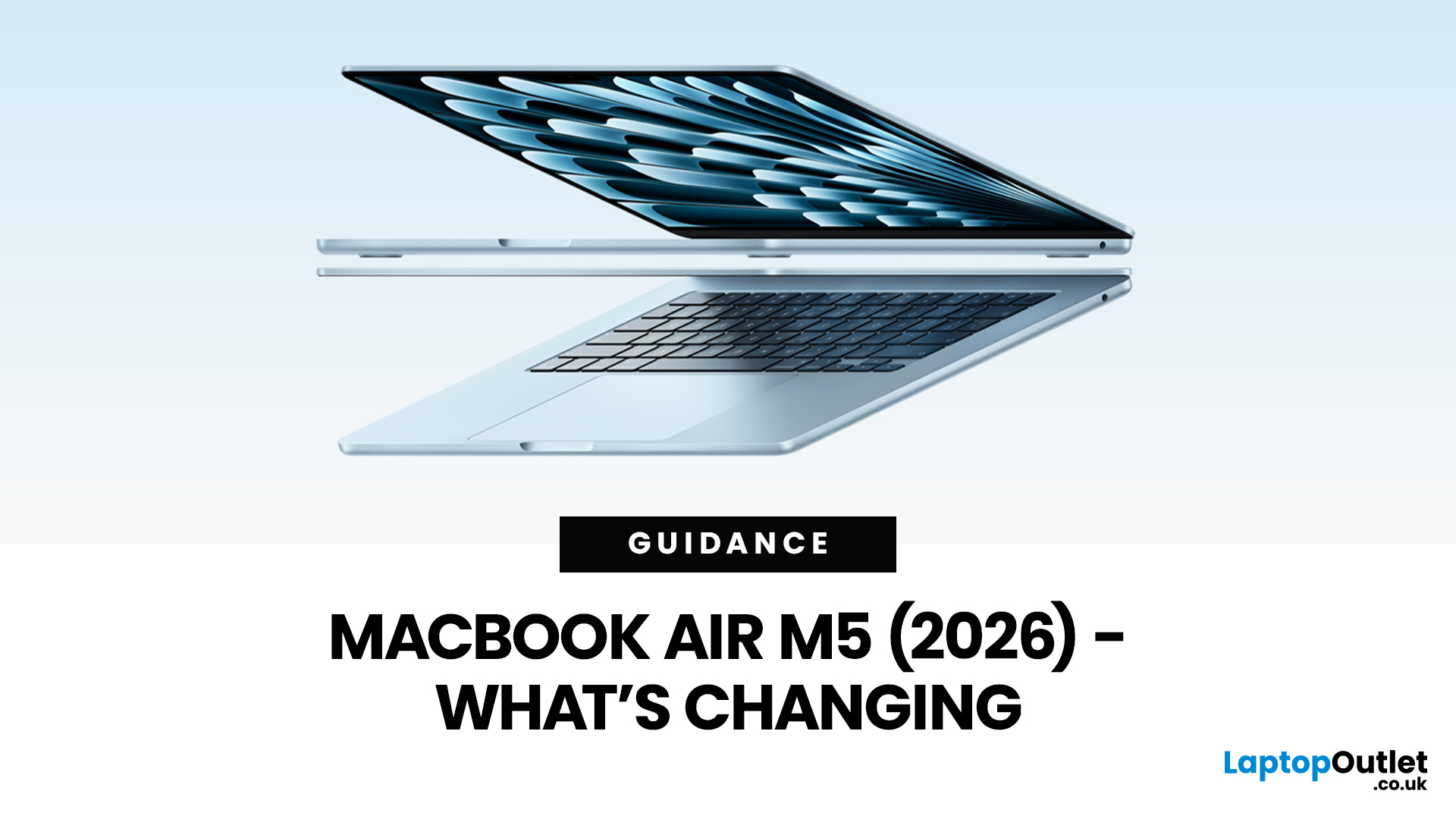
Apple’s MacBook Air refresh for 2026 is official: on 3rd March, 2026, Apple announced the MacBook Air with M5 in 13-inch and 15-inch sizes. The headline isn’t a dramatic redesign, this update is about refining the “already-right” formula: the same thin, fanless aluminium build and the same approachable colour lineup, paired with meaningful under-the-hood upgrades like 512GB base storage, Wi-Fi 7, and a faster SSD.
If your primary focus is MacBook Air M5 design and colours, here’s the most up-to-date, source-backed breakdown of what’s new, what’s unchanged, and how to pick the finish that fits your style (and your tolerance for fingerprints).
MacBook Air M5 design updates at a glance
Apple positions the M5 MacBook Air as a continuation of the current design language: thin, light, durable aluminium, and completely silent because it’s fanless. In other words, no big chassis overhaul this generation.
What’s actually changing in 2026:
- Colours: Apple confirms four finishes: Sky Blue - Midnight
Last Updated: March 19, 2026
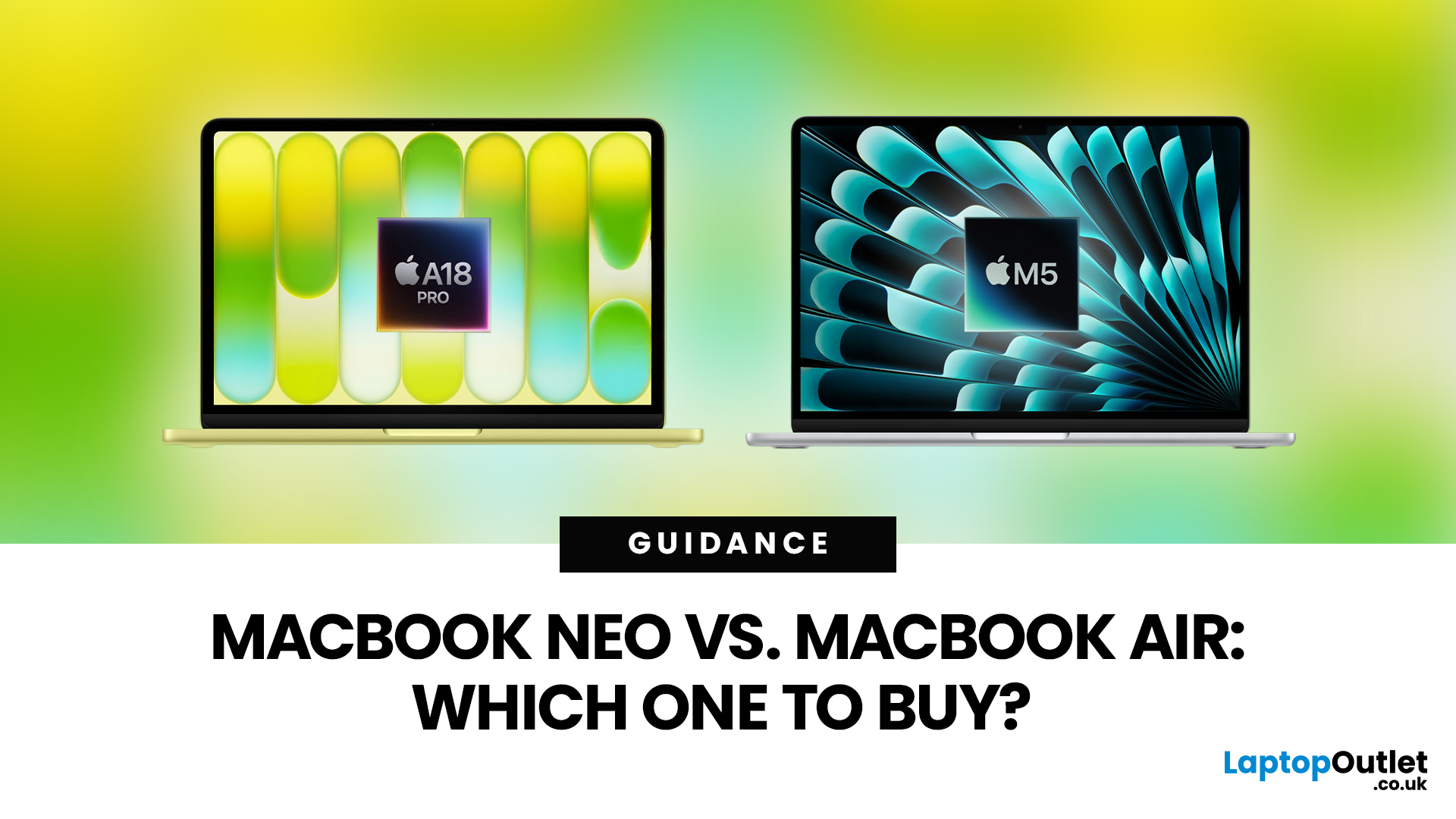
Apple’s 2026 MacBook line-up has a new talking point: MacBook Neo, a genuinely lower-cost Mac designed to bring more people into macOS without asking them to pay MacBook Air money. But the Air hasn’t suddenly become irrelevant. In fact, the newest MacBook Air (M5) is still Apple’s “default” recommendation for most buyers, thanks to stronger performance, more premium extras, and broader long-term headroom.
So, in this MacBook Neo vs MacBook Air guide, we’ll cut through the marketing, look at the real trade-offs (performance, ports, display, battery, and price), and help you choose the right Apple laptop for how you live and work in 2026.
MacBook Neo Overview
The MacBook Neo is Apple’s new entry-level MacBook, positioned below the Air on price. In the UK, Apple lists it from £599. To hit that price, Apple leans on iPhone-class silicon, the Neo is powered by the A18 Pro (the chip family used in iPhone Pro models), paired with 8GB of unified memory and 256GB or 512GB storage.
It also comes
Published: March 05, 2026
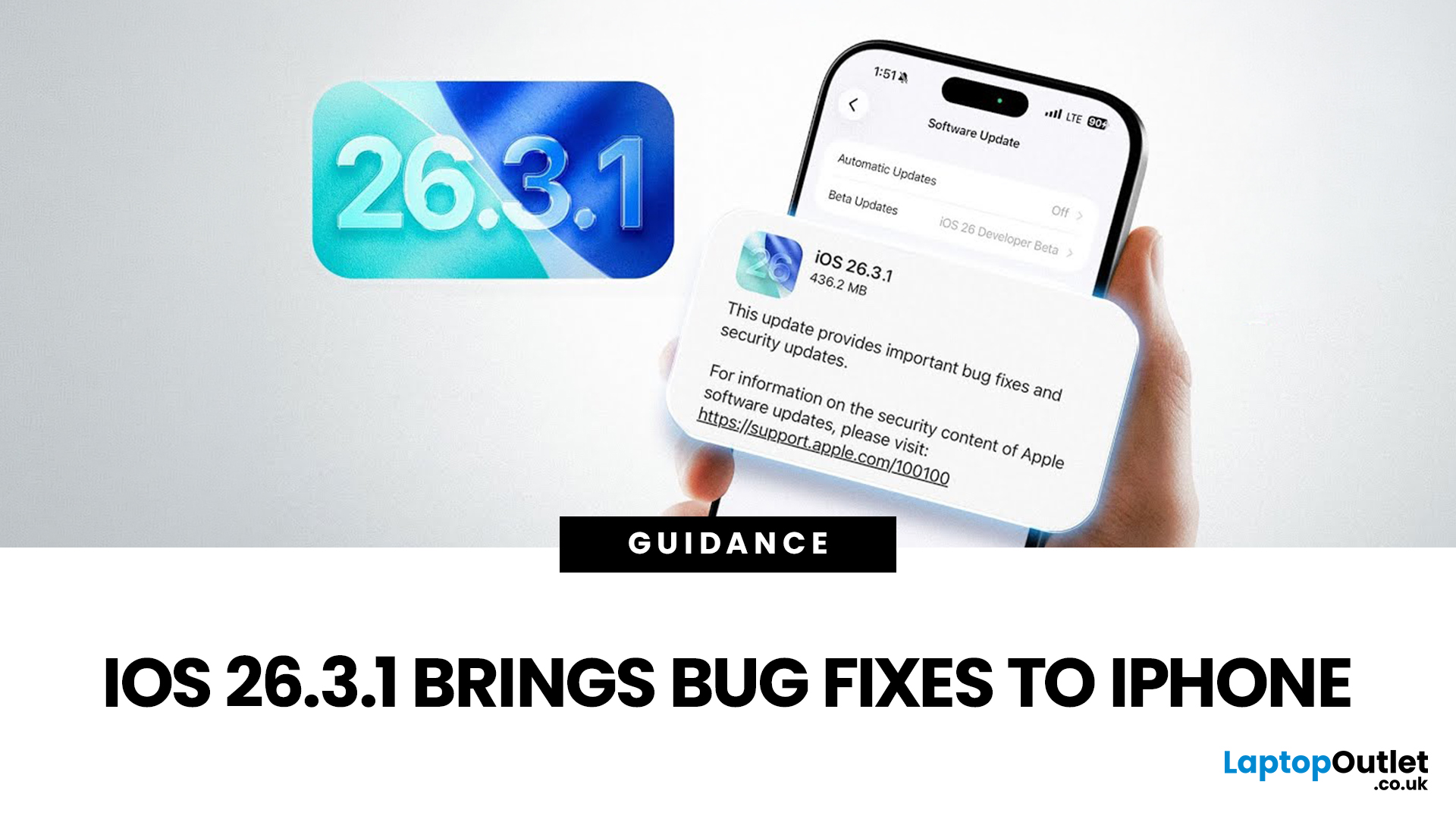
Apple has officially rolled out the iOS 26.3.1 update for iPhone users, bringing several important bug fixes, security patches, and performance improvements. While this is not a major feature update, it focuses on improving system stability and fixing issues reported in the previous iOS 26.3 version.
Minor iOS updates like iOS 26.3.1 are important because they often resolve bugs that affect everyday performance, connectivity, and device security. If you own a compatible iPhone, installing the iOS 26.3.1 update can help ensure smoother performance and better protection against vulnerabilities.
In this guide, we’ll cover the iOS 26.3.1 release date, features, download steps, supported devices, and answer the common question: Should you update to iOS 26.3.1?
iOS 26.3.1 Release Date
Apple released the iOS 26.3.1 update on March 04, 2026, after the launch of iOS 26.3, aiming to fix several issues discovered after the previous version went live.
Typically, Apple rolls out minor updates like

Last Updated: March 09, 2026
If you have been waiting for a proper budget Mac, it is finally here. MacBook Neo launched as Apple’s most affordable laptop ever, and it is clearly built for students, first-time Mac buyers, and anyone who just needs a reliable everyday laptop for browsing, documents, streaming, and calls. The big headline is the price. In the UK, MacBook Neo starts at £599, with £499 education pricing, and it goes on sale on Wednesday, March 11, 2026. Pre-orders are open now.
This guide breaks down what MacBook Neo is, who it is for, what you get for the money, and the trade-offs you should know before ordering.
Want to Buy a MacBook Neo? Quick Verdict
Buy MacBook Neo If You Want the Cheapest New Mac
MacBook Neo makes sense if your daily laptop life looks like this:
- Browsing and web apps
- Word, PowerPoint, Google Docs
- Email and admin
- Zoom or FaceTime calls
- School work and research
- Light photo editing and creative hobbies
It is designed to feel like a real MacBook, just at a lower cost.

