



Apple Studio Display Launched: Specs, Price, and Features Explained

After four years without a display refresh, Apple has unveiled a brand-new Apple Studio Display alongside the all-new Studio Display XDR. Announced on 3rd March 2026 and available from 11th March 2026, this latest addition to Apple's display lineup is a serious upgrade for Mac users who demand more from their workspace.
Whether you are a creative professional, a developer, or simply someone who wants a top-tier external monitor, this guide covers everything you need to know.
What Is the Apple Studio Display?
The Apple Studio Display is a 27-inch 5K Retina external monitor designed to pair seamlessly with Apple Silicon MacBooks and select iPad models. It replaces the original 2022 Studio Display with meaningful upgrades across connectivity, camera, audio, and overall performance.
It is not just a monitor. It is an all-in-one productivity hub with a built-in camera, microphone array, and speaker system that rivals dedicated audio equipment.
Apple Studio Display: Key Specs at a Glance
Here is a quick overview of the essential specifications:
|
Feature |
Apple Studio Display |
|
Screen Size |
27 inches |
|
Resolution |
5120 x 2880 (5K Retina) |
|
Pixel Density |
218 PPI |
|
Brightness |
600 nits |
|
Colour Gamut |
P3 Wide Colour |
|
Camera |
12MP Centre Stage with Desk View |
|
Microphones |
Three-mic studio-quality array |
|
Speakers |
Six-speaker system with Spatial Audio |
|
Connectivity |
Thunderbolt 5 (x2), USB-C (x2) |
|
Charging |
Up to 96W via Thunderbolt 5 Pro cable |
|
Glass Options |
Standard or Nano-texture |
|
Starting Price |
£1,499 |
Display Quality: What to Expect from the 5K Retina Panel
The centrepiece of the Apple Studio Display is its stunning 27-inch 5K Retina panel. With over 14 million pixels and a resolution of 5120 x 2880, this screen delivers razor-sharp clarity. Text looks crisp. Photos look lifelike. Video editing becomes noticeably more immersive.
Colour Accuracy and True Tone
The display covers the P3 wide colour gamut, which means richer, more accurate colours for creative work. True Tone technology automatically adjusts the display's white balance based on the ambient lighting in your room. The result is a screen that feels natural and easy on the eyes throughout the day.
At 600 nits of peak brightness, the standard Studio Display is well-suited to well-lit workspaces and creative tasks like photo editing, graphic design, and video work.
Glass Options
Two glass configurations are available:
- Standard glass suits most users and everyday environments.
- Nano-texture glass is ideal for challenging lighting conditions, reducing glare without compromising image quality.
Camera, Microphone, and Audio: A Step Up
One of the biggest upgrades in the new Apple Studio Display is the revamped camera and audio experience. Apple has made the standard Studio Display feel closer to a professional studio setup than ever before.
12MP Centre Stage Camera with Desk View
The display now features a 12MP Centre Stage camera with improved image quality over the previous generation. Centre Stage keeps you centred in the frame during video calls, automatically panning and zooming as you move. This is particularly useful for remote workers and content creators.
Desk View is also now supported. This feature uses the ultrawide lens to show a top-down view of your desk, so you can share what is in front of you during calls or tutorials.
Three-Microphone Array
The studio-quality three-microphone array is designed to capture clear, directional audio. Background noise is minimised, making this suitable for podcasting, recording, video calls, and more.
Six-Speaker System with Spatial Audio
The audio system is genuinely impressive for a monitor. Six speakers are packed inside the display, including four force-cancelling woofers and two high-performance tweeters. Apple says the bass response is 30 per cent deeper than the previous generation.
Spatial Audio support means that compatible content sounds expansive and immersive. For a monitor, this is an exceptional audio experience.
Connectivity: Thunderbolt 5 Changes Everything
The most headline-grabbing technical upgrade on the Apple Studio Display is the switch to Thunderbolt 5 connectivity. This is a significant leap from the Thunderbolt 3 found in the original model.
What Thunderbolt 5 Brings
- Two Thunderbolt 5 ports for high-speed accessories or daisy-chaining
- Two USB-C ports for peripherals and charging
- Up to 96W charging through the included Thunderbolt 5 Pro cable, enough to fast charge a 14-inch MacBook Pro
Daisy-Chaining Displays
One of the most compelling features here is daisy-chaining. With Thunderbolt 5, you can connect up to four Apple Studio Display monitors together, giving you a combined resolution of nearly 60 million pixels. For video editors, 3D artists, or anyone who needs a vast digital canvas, this is a game changer.
Cable and Setup
The display ships with a Thunderbolt 5 Pro cable. This single cable handles video, data, and power simultaneously. Your desk stays tidy. Setup is simple.
Stand Options and Design
The Apple Studio Display maintains the same clean, aluminium aesthetic as the original. The industrial design is minimal, elegant, and unmistakably Apple.
Three stand configurations are available:
- Tilt-adjustable stand (included as standard)
- Tilt-and-height-adjustable stand (optional upgrade)
- VESA mount adapter for custom monitor arm setups
The standard configuration comes with a tilt-adjustable stand and is priced from £1,499. If you want height adjustment, you will need to configure this at the point of purchase.
Apple Studio Display vs Studio Display XDR: Which One Is Right for You?
Apple has also launched the brand-new Studio Display XDR alongside the standard model. Here is how they compare:
|
Feature |
Studio Display |
Studio Display XDR |
|
Backlight |
Standard LCD |
Mini-LED (2,304 zones) |
|
SDR Brightness |
600 nits |
1,000 nits |
|
Peak HDR Brightness |
N/A |
2,000 nits |
|
Contrast Ratio |
Standard |
1,000,000:1 |
|
Refresh Rate |
60Hz |
120Hz (Adaptive Sync) |
|
Colour Gamuts |
P3 |
P3 + Adobe RGB |
|
Starting Price |
£1,499 |
£2,999 |
The standard Apple Studio Display is the right choice for the vast majority of users. It covers photo editing, video work, coding, music production, and general creative tasks with ease.
The Studio Display XDR targets high-end professionals working in HDR video grading, medical imaging, 3D rendering, and broadcast production. At £2,999, it is a serious investment for serious professionals.
Compatibility: Which Macs and iPads Work with the Studio Display?
The new Apple Studio Display is compatible with:
- Mac models with Apple Silicon chips
- iPad Pro (M-series)
- iPad Air (M-series)
It is worth noting that Intel-based Macs are not supported. If you are running an older Intel Mac, you will need to upgrade your machine before taking advantage of this display.
Apple Studio Display Price in the UK
Pre-orders opened on 4 March 2026. Apple Studio Display went on general sale from 11 March 2026, available at Apple retail stores and authorised resellers, like Laptop Outlet, across the UK.
Here is the full UK pricing breakdown:
|
Configuration |
Glass |
UK Price |
|
Tilt-adjustable stand |
Standard glass |
£1,499 |
|
Tilt-adjustable stand |
Nano-texture glass |
~£1,799 |
|
Tilt-and-height-adjustable stand |
Standard glass |
~£1,899 |
|
Tilt-and-height-adjustable stand |
Nano-texture glass |
~£2,199 |
|
VESA mount adapter |
Standard glass |
~£1,499 |
|
VESA mount adapter |
Nano-texture glass |
~£1,799 |
For accessories, Apple also offers the Magic Keyboard with Touch ID and Numeric Keypad at £199, the Magic Trackpad at £149, and the Magic Mouse from £99.

Is the Apple Studio Display Worth It?
If you are a Mac user looking for the best external display experience available, the Apple Studio Display delivers on every front. The 5K Retina screen is beautiful. The Thunderbolt 5 connectivity is future-proof. The camera and audio system genuinely replaces the need for separate webcam and speaker setups.
At £1,499, it represents a premium investment. But for those who depend on their setup daily, the quality and integration with the Apple ecosystem make it worthwhile.

In Case You Were Wondering...
What is the price of the Apple Studio Display in the UK?
The Apple Studio Display starts at £1,499 in the UK with a tilt-adjustable stand and standard glass.
Does the Apple Studio Display work with Intel Macs?
No. The new Studio Display is only compatible with Apple Silicon Macs and select M-series iPads.
What connectivity does the Apple Studio Display offer?
It features two Thunderbolt 5 ports and two USB-C ports, plus a Thunderbolt 5 Pro cable for up to 96W charging.
What is the difference between Studio Display and Studio Display XDR?
The XDR model has a mini-LED backlight, 2,000 nits HDR brightness, 120Hz refresh rate, and Adobe RGB support, starting at £2,999.
Can I daisy-chain multiple Apple Studio Displays together?
Yes. Thunderbolt 5 allows you to connect up to four Studio Displays, delivering nearly 60 million combined pixels.
Does the Apple Studio Display include a webcam?
Yes. It features a 12MP Centre Stage camera with Desk View, a major upgrade over the previous generation.
Related Articles

Last Updated: May 05, 2026
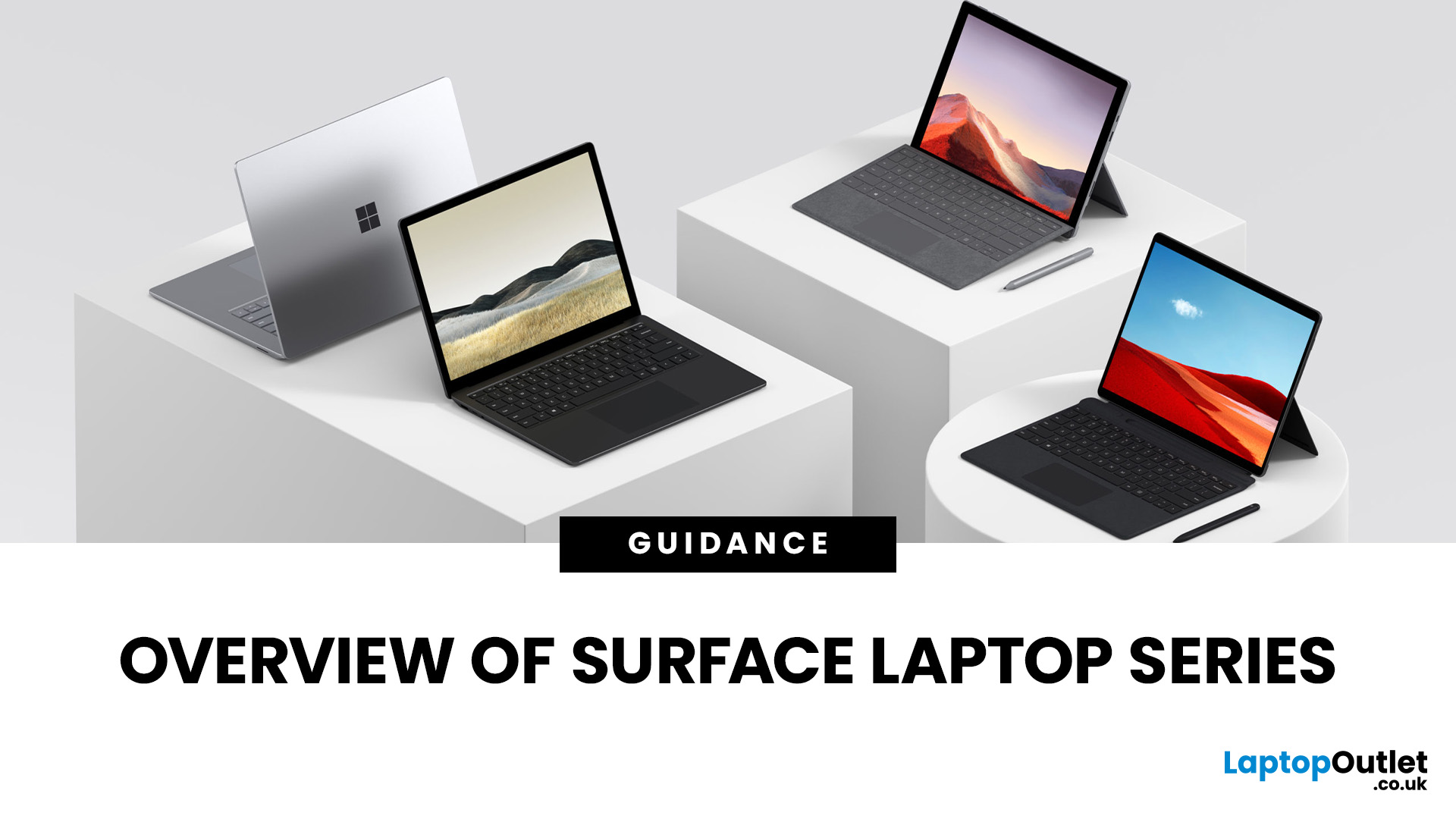
Finding the right laptop isn't always straightforward, especially when you're faced with the wide range of devices in the Microsoft Surface laptop series. Over the years, Microsoft has expanded this lineup to cover just about every type of user: students who want something light and affordable, professionals who need a reliable work machine, and even creatives who require the power of dedicated graphics.
In this guide, we'll explore the key models in the series: Surface Laptop, Surface Laptop Go, Surface Laptop Studio, and Surface Pro. You'll discover what makes each device unique, who they're best suited for, and what trade-offs to consider. By the end, you'll have a clear picture of which Surface laptop matches your lifestyle and budget.
What’s New & Key Trends in Microsoft Surface Laptop Series 2025
- Microsoft is pushing Copilot+ PCs: many Surface devices now include AI enhancements, on-device NPU (neural processing unit) capabilities, and Windows 11 Copilot features optimisations.
Last Updated: February 26, 2026
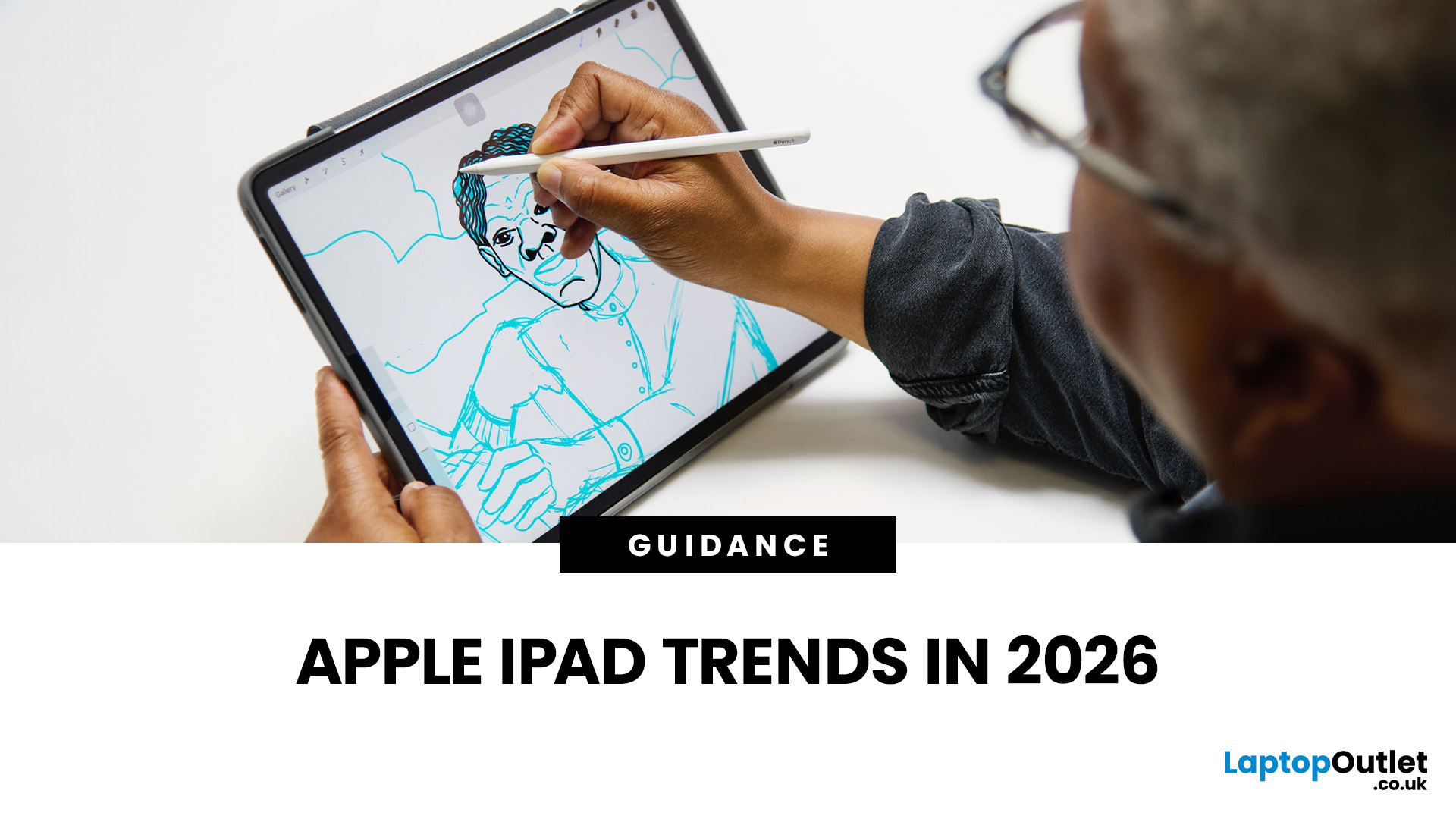
The iPad in 2026 isn’t just a tablet anymore. It’s a content machine, a work-from-anywhere setup, a creative studio, and low-key a laptop replacement for a lot of people in the UK. Apple has quietly (and sometimes not-so-quietly) levelled up the entire iPad lineup, and the Apple iPad trends in 2026 prove one thing: this ecosystem is built for performance, flexibility, and vibes.
This first section breaks down what’s actually new, what’s trending across the latest iPad models, and how Apple is pushing its tablet PCs further into laptop territory, without killing what makes the iPad iconic.
Apple iPad Trends in 2026: The Big Picture
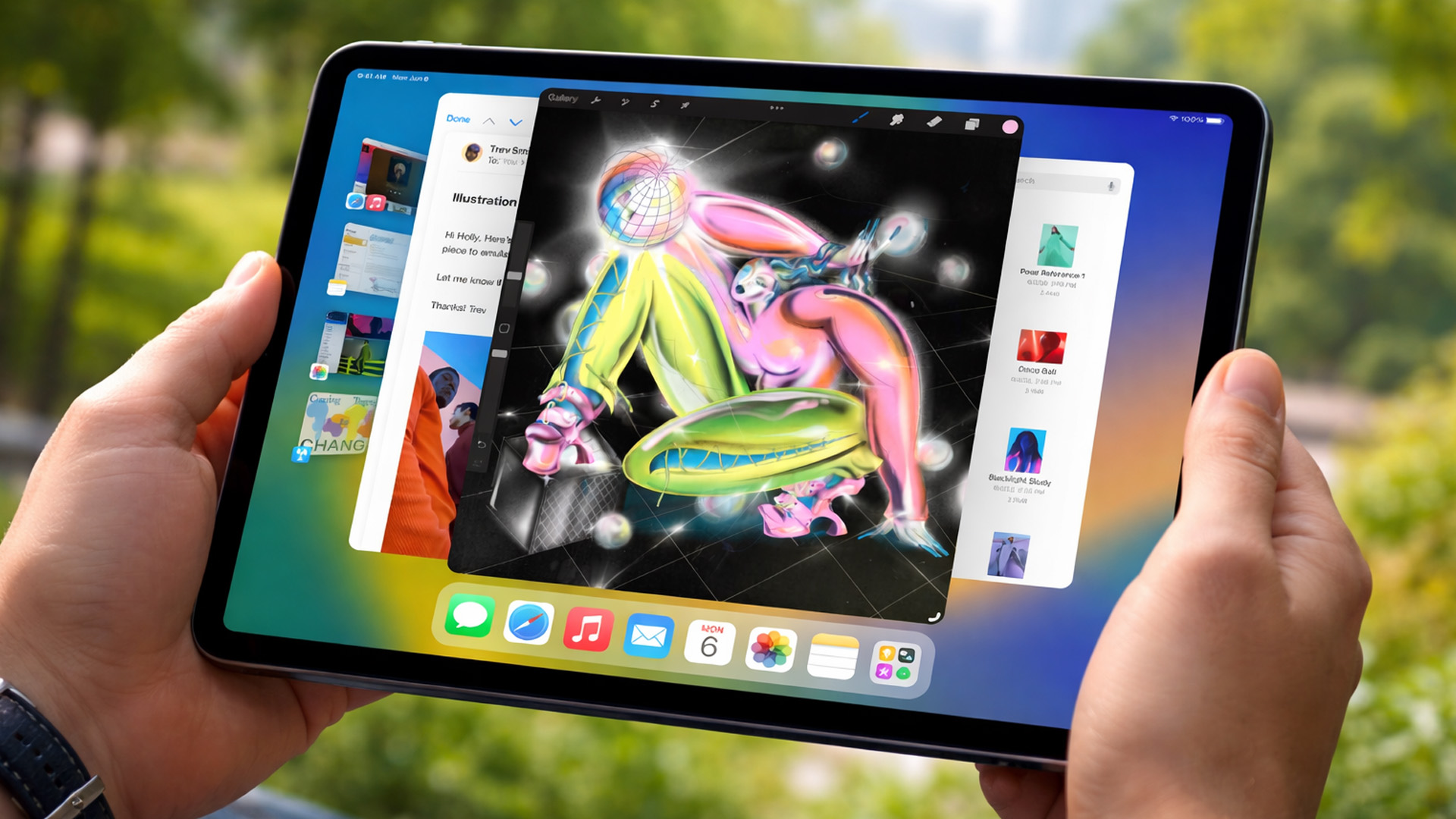
The biggest shift in Apple iPad trends this year isn’t just about faster chips or shinier displays - it’s about positioning. Apple is clearly doubling down on the iPad as a serious productivity and creativity device while still keeping it accessible for everyday users.
In the UK Apple iPad market, buyers are no longer asking “Do I need an iPad?” they’re asking

Last Updated: June 15, 2026
If you run an esports arena, gaming cafe, university esports lab, or content studio, your monitor choice is not a background decision. It directly affects performance, player satisfaction, brand perception, and long-term ROI. Competitive players notice the refresh rate instantly. Streamers notice colour accuracy. Venue owners notice durability. And everyone notices screen quality.
That’s why ASUS gaming monitors have become a staple across esports stages and gaming venues in the UK. From ultra-premium ASUS ROG gaming monitors built for tournament environments to scalable ASUS TUF gaming monitor options designed for multi-station rollouts, ASUS covers every level of competitive deployment.
If you're building or upgrading a gaming business, here’s what you need to know.
Why Esports & Gaming Businesses Choose ASUS
A single hardware issue during a tournament can damage a reputation fast. ASUS has built a strong position in esports by delivering consistency under pressure.
Brand Reputation

Last Updated: March 04, 2026
Apple has officially unveiled the iPhone 17e, positioning it as the most affordable way to get into the iPhone 17 lineup in 2026. If you’re in the UK and weighing up whether this is the right upgrade, here’s everything you need to know, including the iPhone 17e release date, UK price, specs, colours, features, and how it compares to the iPhone 17 and iPhone 16e.
iPhone 17e Release Date (UK)
Apple confirmed that pre-orders begin on 4 March, with the iPhone 17e available from 11 March.
That means UK buyers won’t have long to wait, and as with previous launches, early stock could sell quickly, especially for popular colours and higher storage configurations.
iPhone 17e UK Price and Storage
The iPhone 17e starts at £599 in the UK for the 256GB model, with the 512GB version priced at £799 .
Apple is also offering 0% finance options, with monthly payments available from £24.95 per month over 24 months.
What this means for UK buyers
- It’s £200 cheaper than the standard iPhone 17, which starts
Last Updated: March 09, 2026
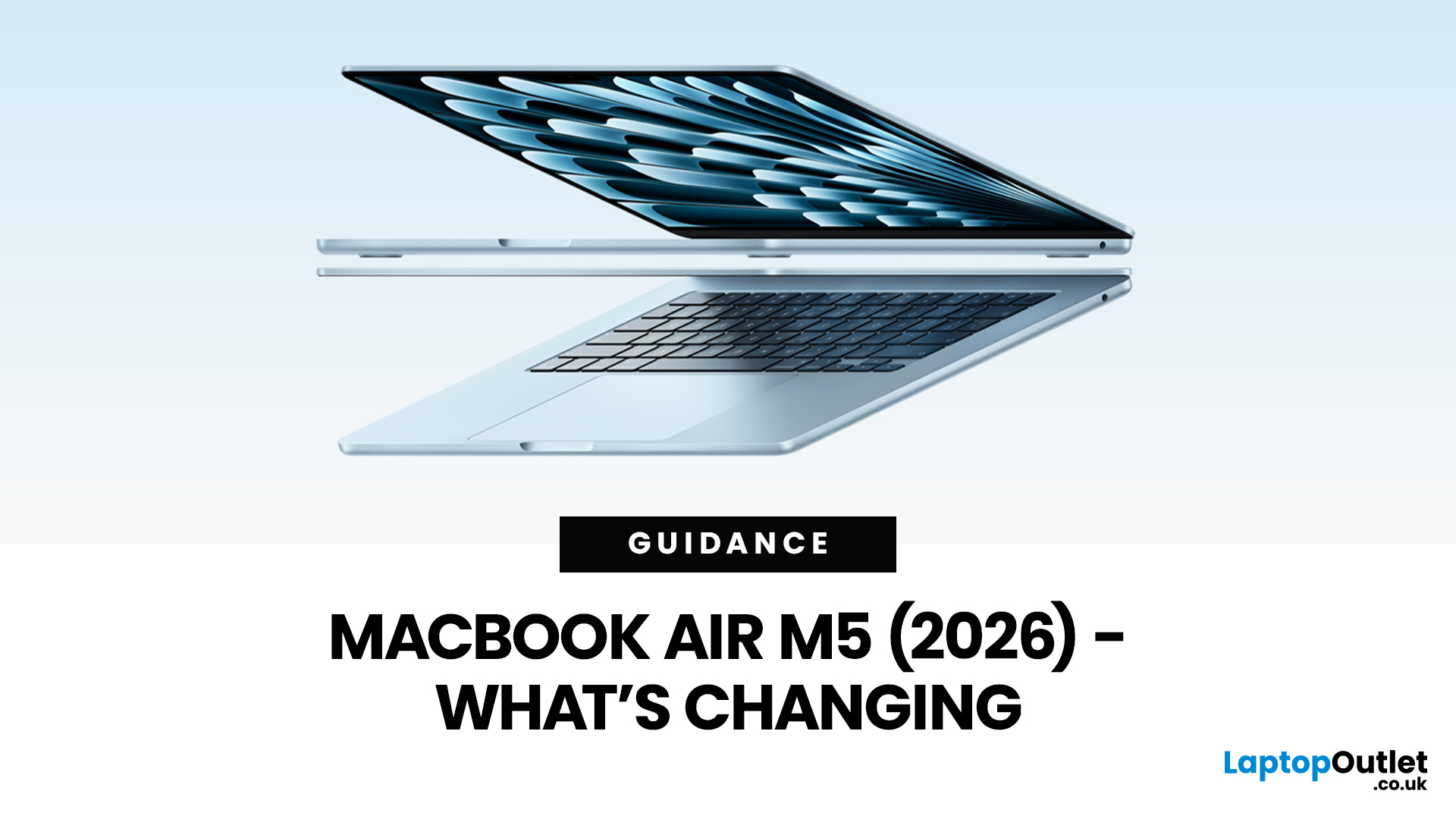
Apple’s MacBook Air refresh for 2026 is official: on 3rd March, 2026, Apple announced the MacBook Air with M5 in 13-inch and 15-inch sizes. The headline isn’t a dramatic redesign, this update is about refining the “already-right” formula: the same thin, fanless aluminium build and the same approachable colour lineup, paired with meaningful under-the-hood upgrades like 512GB base storage, Wi-Fi 7, and a faster SSD.
If your primary focus is MacBook Air M5 design and colours, here’s the most up-to-date, source-backed breakdown of what’s new, what’s unchanged, and how to pick the finish that fits your style (and your tolerance for fingerprints).
MacBook Air M5 design updates at a glance
Apple positions the M5 MacBook Air as a continuation of the current design language: thin, light, durable aluminium, and completely silent because it’s fanless. In other words, no big chassis overhaul this generation.
What’s actually changing in 2026:
- Colours: Apple confirms four finishes: Sky Blue - Midnight

Last Updated: March 19, 2026
Apple’s 2026 MacBook line-up has a new talking point: MacBook Neo, a genuinely lower-cost Mac designed to bring more people into macOS without asking them to pay MacBook Air money. But the Air hasn’t suddenly become irrelevant. In fact, the newest MacBook Air (M5) is still Apple’s “default” recommendation for most buyers, thanks to stronger performance, more premium extras, and broader long-term headroom.
So, in this MacBook Neo vs MacBook Air guide, we’ll cut through the marketing, look at the real trade-offs (performance, ports, display, battery, and price), and help you choose the right Apple laptop for how you live and work in 2026.
MacBook Neo Overview
The MacBook Neo is Apple’s new entry-level MacBook, positioned below the Air on price. In the UK, Apple lists it from £599. To hit that price, Apple leans on iPhone-class silicon, the Neo is powered by the A18 Pro (the chip family used in iPhone Pro models), paired with 8GB of unified memory and 256GB or 512GB storage.
It also comes

Last Updated: March 09, 2026
If you have been waiting for a proper budget Mac, it is finally here. MacBook Neo launched as Apple’s most affordable laptop ever, and it is clearly built for students, first-time Mac buyers, and anyone who just needs a reliable everyday laptop for browsing, documents, streaming, and calls. The big headline is the price. In the UK, MacBook Neo starts at £599, with £499 education pricing, and it goes on sale on Wednesday, March 11, 2026. Pre-orders are open now.
This guide breaks down what MacBook Neo is, who it is for, what you get for the money, and the trade-offs you should know before ordering.
Want to Buy a MacBook Neo? Quick Verdict
Buy MacBook Neo If You Want the Cheapest New Mac
MacBook Neo makes sense if your daily laptop life looks like this:
- Browsing and web apps
- Word, PowerPoint, Google Docs
- Email and admin
- Zoom or FaceTime calls
- School work and research
- Light photo editing and creative hobbies
It is designed to feel like a real MacBook, just at a lower cost.
Skip MacBook
Published: March 06, 2026
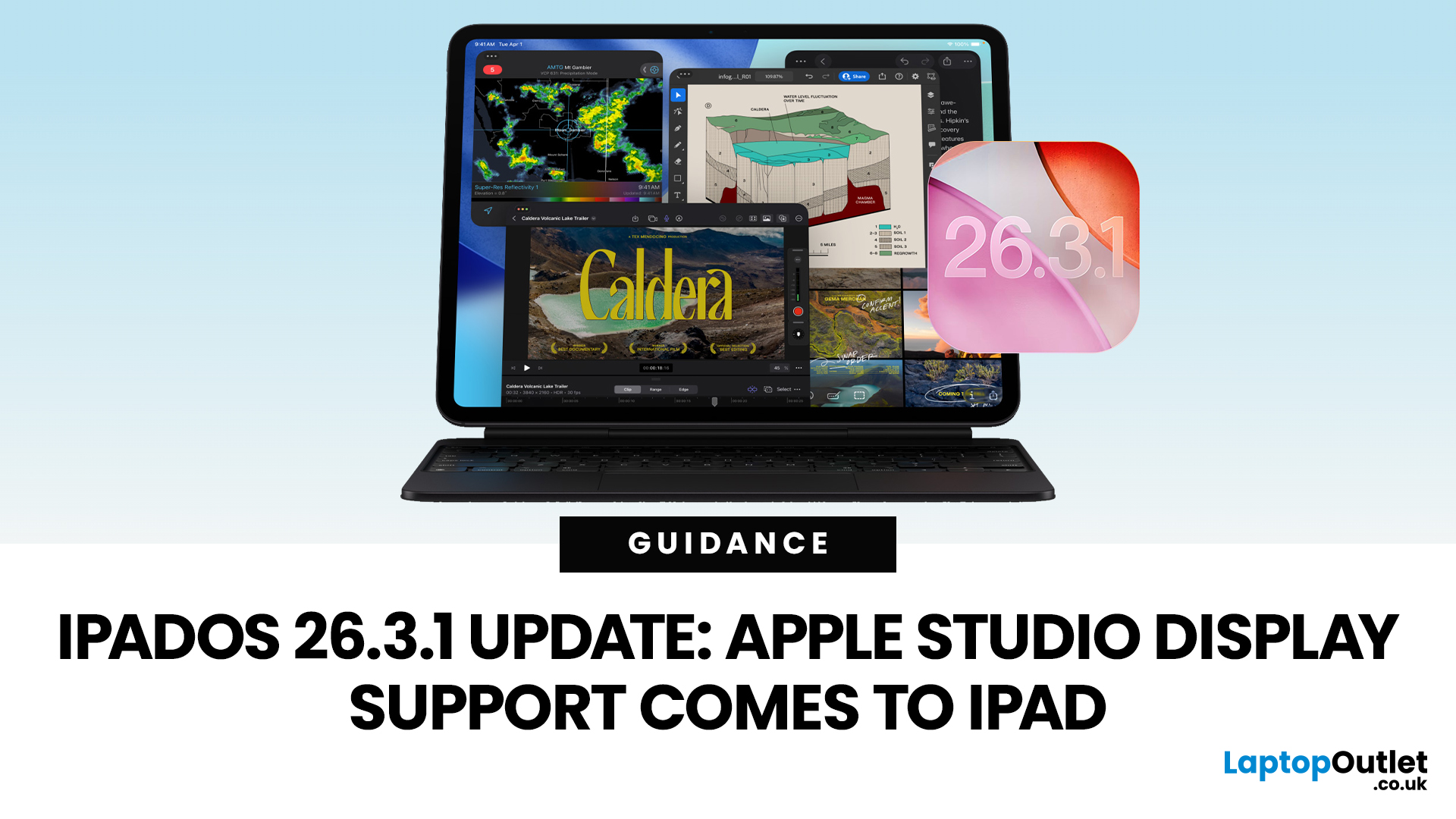
Apple has released the iPadOS 26.3.1 update (build 23D8133) on 4 March 2026, and while it’s a point release, it’s tied to something very tangible: support for Apple’s (new) Studio Display lineup, including Studio Display XDR.
That means, if you use an iPad as part of your desk setup, this is one of those updates that can quietly change your day-to-day. Not with flashy new emoji, but with better compatibility for a serious external monitor.
Below is what’s actually confirmed (and what isn’t), which iPads are included, and what to expect when you plug your iPad into Apple’s Studio Display.
What Apple says is in iPadOS 26.3.1
Apple’s Developer Releases listing confirms:
- iPadOS 26.3.1 (23D8133)
- Release date: 4 March 2026
Apple hasn’t published a public-facing, detailed changelog in the sources available here, and several reports describe the fixes as “unspecified bug fixes” alongside the key compatibility change.
What is clearly and directly supported: Studio Display compatibility now requires
Published: March 06, 2026
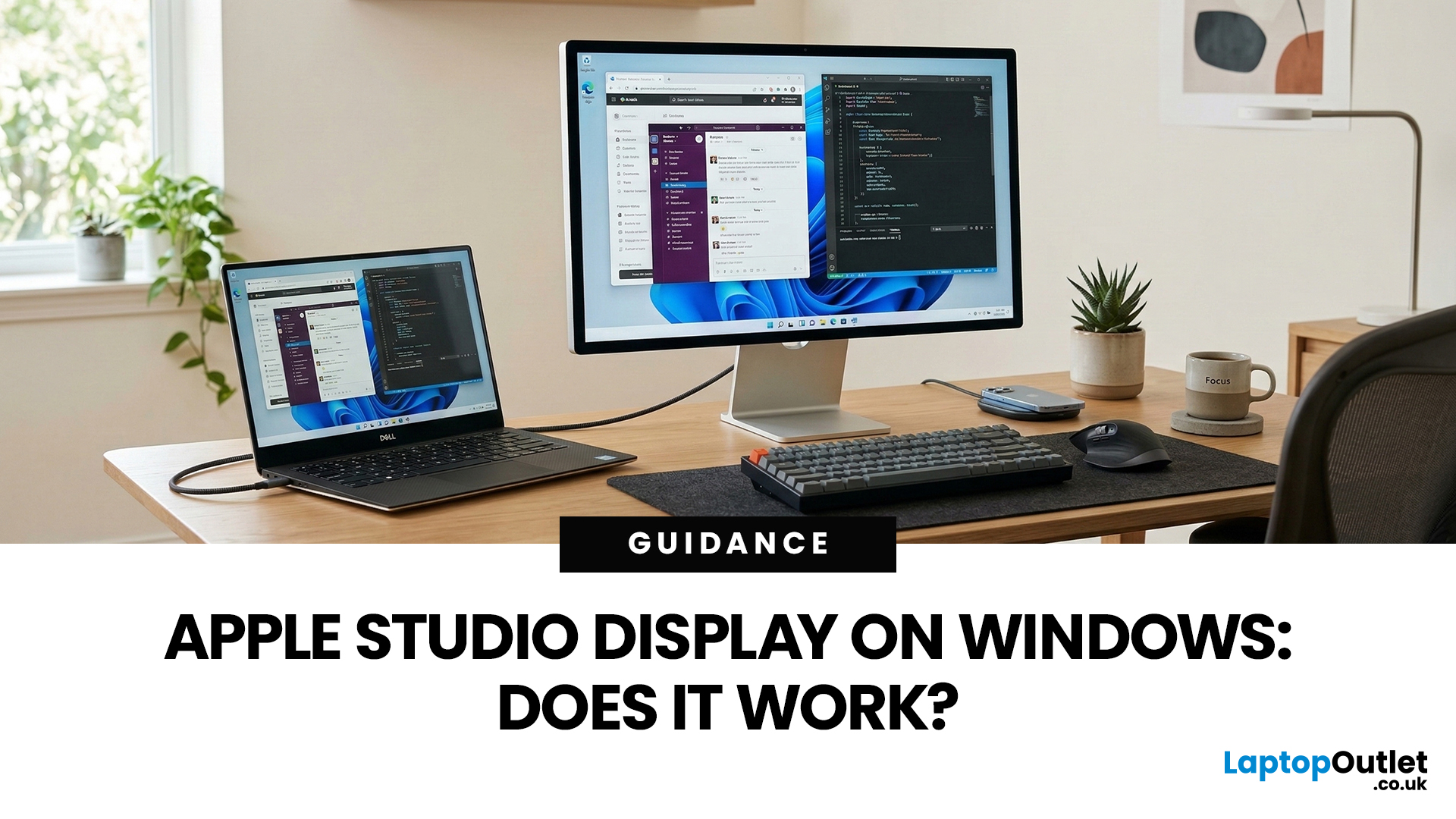
You’ve seen the Apple Studio Display. It’s sleek, stupidly sharp, and it makes your desk look like you’ve got your life together. But you’re on Windows. So, the big question is: Does Apple Studio Display work with Windows PCs? Yes, it can. But you won’t always get the full “Apple magic” experience on Windows.
Apple Studio Display + Windows: What Works vs What Doesn’t
Core Monitor Functions (generally work)
The good news: the basics are solid.
- You’ll get a picture (yep, it’s a monitor)
- Resolution and scaling can be adjusted in Windows settings
- It can act as an audio device (the built-in speakers often show up as an output option)
In other words: for day-to-day “I need a stunning screen”, you’re fine.
Features that May be Limited or Not Supported on Windows
Here’s where the “Apple ecosystem” bit starts showing:
- Center Stage (auto-follow webcam feature): usually not available as intended on Windows
- True Tone (auto colour temperature shifts): Generally not supported
- Firmware updates: typically

Last Updated: March 09, 2026
If you use AirTags for keys, luggage, a bike, or a backpack, AirTag 2 is a simple but meaningful upgrade. It does not change the AirTag idea. It improves the two moments that matter most: how quickly your iPhone can lock onto the tag when you are nearby, and how easily you can hear it when it is hiding in a sofa, bag, or coat pocket.
Below is a buyer-friendly breakdown of what’s new, what stayed the same, and the easiest way to decide if you should upgrade in 2026.
Should You Upgrade to AirTag 2? 10-Second Answer Box
Upgrade to AirTag 2 if:
- You use Precision Finding often and want a wider range and faster guidance.
- You lose things in noisy places and want a louder speaker that is easier to hear.
- You want Precision Finding from your Apple Watch (with a compatible watch).
Keep your current AirTags if:
- You mostly use AirTags as a safety net for luggage, and you rarely use Precision Finding.
- Your current AirTags already help you find things quickly enough.

