



Apple Studio Display vs Pro Display XDR: Which One Should You Buy?
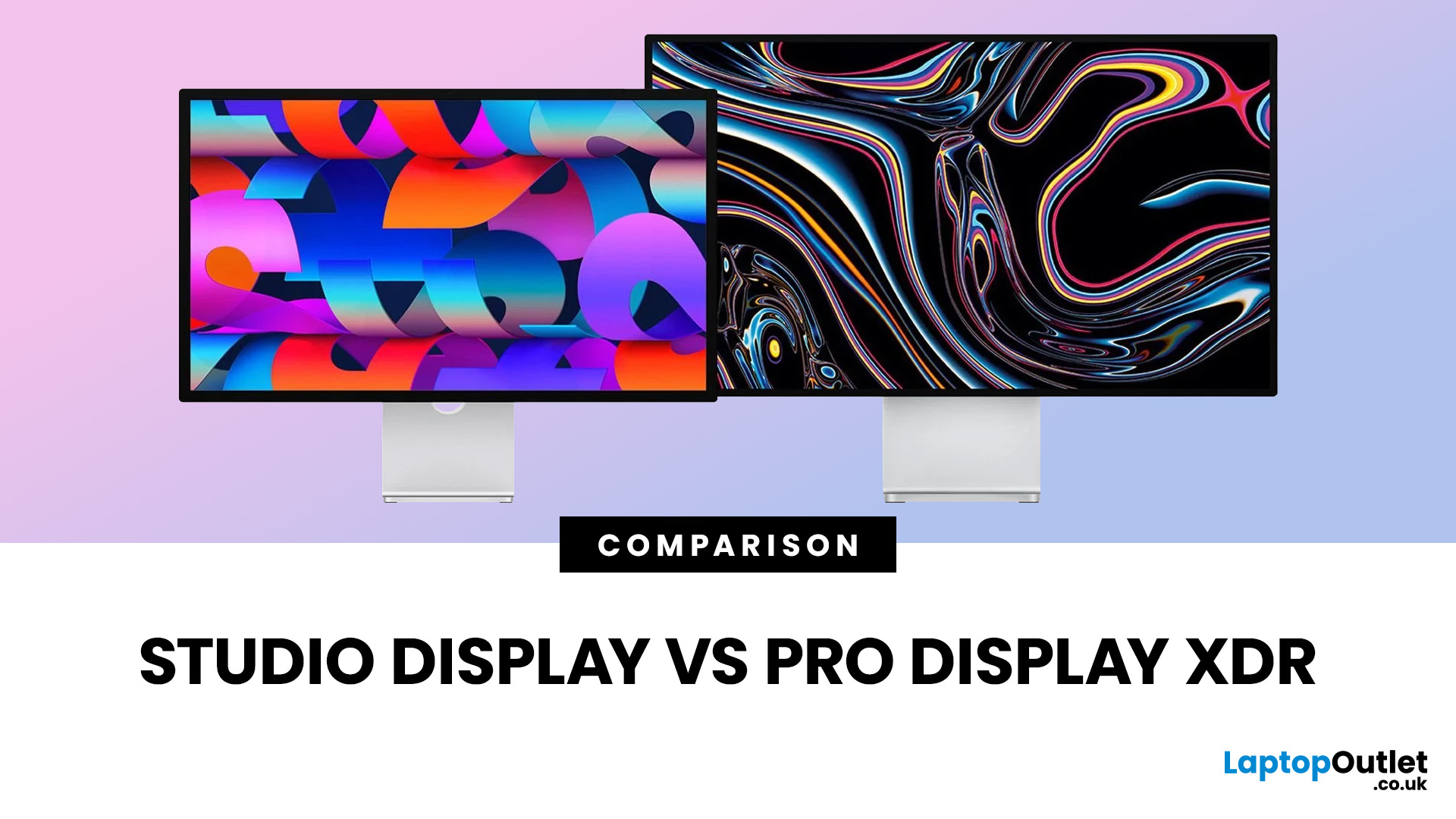
If you are comparing Apple Studio Display XDR vs Studio Display in 2026, the main thing to understand is simple: Apple’s monitor lineup is now split into two clearer tiers than before. The Studio Display is the mainstream option for creators, professionals, and general Mac users, while the Studio Display XDR is the higher-end model for people who need stronger HDR, higher brightness, wider colour support, smoother motion, and more specialised reference modes. Apple announced both as part of its current display family in March 2026, with the standard Studio Display starting at £1,499 and the Studio Display XDR starting at £2,999.
That means this is no longer a messy comparison between a regular Apple monitor and an older niche flagship. Apple now sells two current 27-inch 5K displays with the same broad design language, the same camera and speaker system, and the same Thunderbolt 5-based connectivity. The difference is what sits underneath the panel. Studio Display is the better fit for most people. Studio Display XDR is the one you buy when your workflow genuinely depends on higher-end display performance.
Apple Studio Display vs Studio Display XDR: The Short Answer
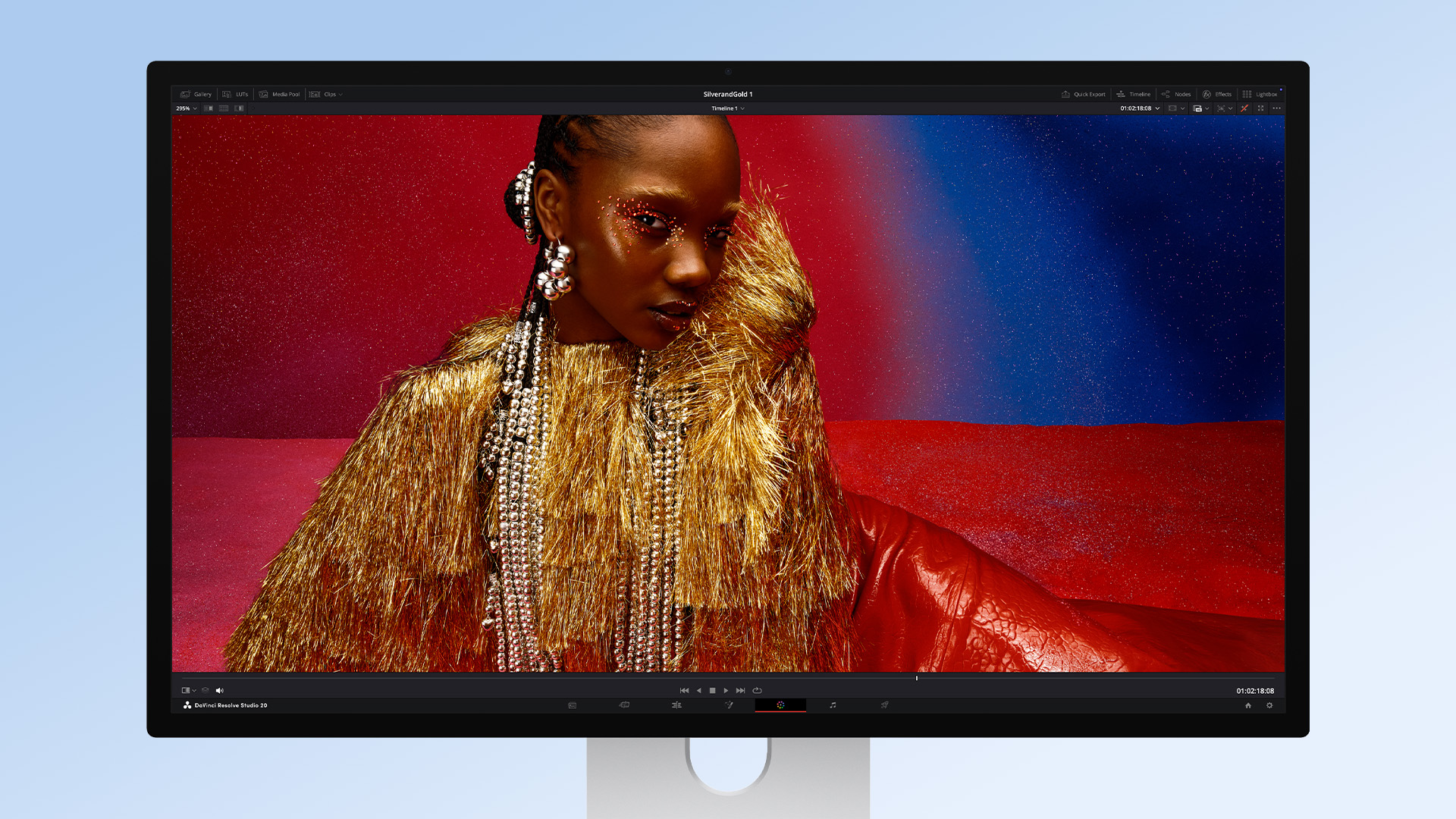
- Buy Studio Display if you want the better-value Apple monitor for photo editing, design, coding, office work, music production, content creation, and everyday Mac use. It gives you a 27-inch 5K panel, 600 nits brightness, P3 wide colour, a 12MP Centre Stage camera with Desk View, a six-speaker system, studio-quality microphones, two Thunderbolt 5 ports, and two USB-C ports. That is why Apple Studio Display for photo editing remains a relevant buying question for creators who want a premium Apple display without stepping into true XDR pricing.
- Buy Studio Display XDR if your work makes real use of mini-LED local dimming, stronger HDR, higher SDR brightness, 120Hz motion, Adaptive Sync, Adobe RGB support, or its broader set of reference modes. It uses a 27-inch 5K Retina XDR panel with 2,304 dimming zones, up to 1,000 nits SDR brightness, 2,000 nits peak HDR brightness, a 1,000,000:1 contrast ratio, 120Hz, and Adaptive Sync. It also adds Adobe RGB support and a much broader reference-mode list aimed at HDR video, print, photography, and even medical imaging workflows.
Apple Studio Display vs Studio Display XDR: Key Specs
|
Feature |
Studio Display |
Studio Display XDR |
|
Screen size |
27-inch |
27-inch |
|
Resolution |
5120 x 2880 |
5120 x 2880 |
|
Pixel density |
218 ppi |
218 ppi |
|
Panel class |
5K Retina |
5K Retina XDR |
|
Backlight |
LED |
Mini-LED |
|
Local dimming |
No |
2,304 zones |
|
Brightness |
600 nits |
Up to 1,000 nits SDR |
|
Peak HDR brightness |
No XDR-class spec |
Up to 2,000 nits HDR |
|
Contrast |
Standard display class |
1,000,000:1 |
|
Refresh rate |
60Hz |
120Hz |
|
Variable refresh |
No |
Adaptive Sync, 47Hz to 120Hz |
|
Colour gamut |
P3 |
P3 + Adobe RGB |
|
Camera |
12MP Center Stage |
12MP Center Stage |
|
Audio |
Six speakers, Spatial Audio |
Six speakers, Spatial Audio |
|
Mics |
Three-mic array |
Three-mic array |
|
Ports |
2x Thunderbolt 5, 2x USB-C |
2x Thunderbolt 5, 2x USB-C |
|
Host charging |
96W |
140W |
|
Stand included |
Tilt-adjustable |
Tilt- and height-adjustable |
|
UK starting price |
£1,499 |
£2,999 |
These figures come from Apple’s official spec pages and launch announcement.
What Both Displays Have in Common
This is where many comparison pieces get thin. These two monitors share more than people expect.
Both displays have:
- A 27-inch 5K panel at 5120 x 2880
- 218 pixels per inch
- Support for 1 billion colours
- True Tone
- Optional nano-texture glass
- A 12MP Center Stage camera with Desk View
- A three-microphone array
- A six-speaker system with Spatial Audio
- Two Thunderbolt 5 ports and two USB-C ports
That shared foundation matters. It means the cheaper model is not “basic.” The Studio Display is still a premium Apple monitor with a very complete desk setup built in. The XDR model is not better because it adds webcam and speaker features that the standard model lacks. It is better because its panel technology is on another level.
The Biggest Difference Is the Panel
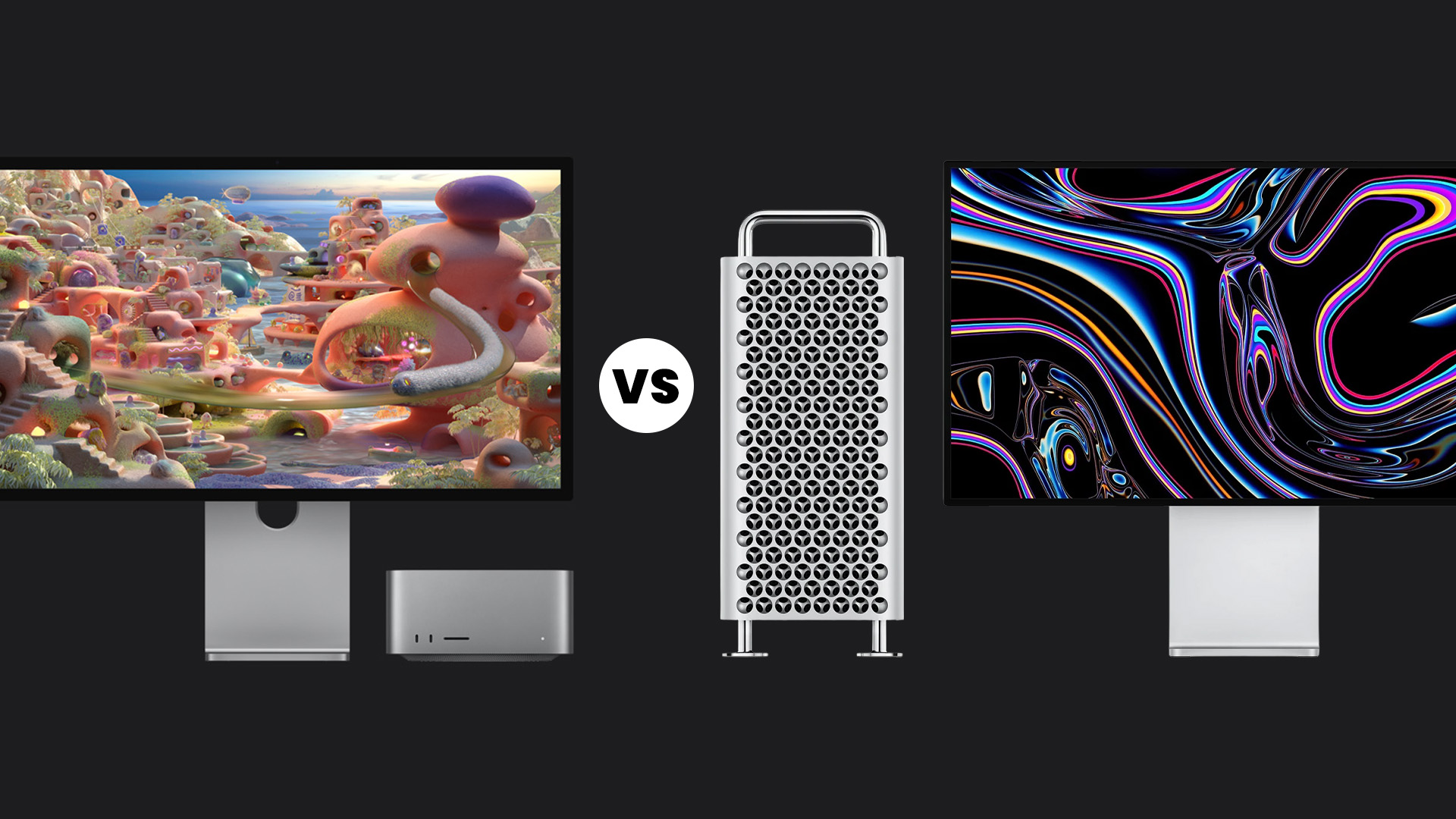
This is the heart of the comparison.
Studio Display uses a conventional 5K Retina panel with 600 nits of brightness, 60Hz refresh rate, and P3 wide colour gamut. That is already good enough for a lot of professional work, especially photography, design, editing, and long hours of general Mac use. Apple includes reference modes on the standard model too, including presets for HDTV, digital cinema, design and print, photography, and web.
Studio Display XDR moves into a different class. Apple says it uses a mini-LED backlight with 2,304 dimming zones, delivers up to 1,000 nits SDR brightness, 2,000 nits peak HDR brightness, and a 1,000,000:1 contrast ratio, and supports 120Hz and Adaptive Sync. Apple also says it covers P3 and Adobe RGB, and offers more than 80 percent Rec. 2020 coverage for HDR editing and colour grading.
That is why the price gap is so large. You are not paying for a nicer shell. You are paying for mini-LED local dimming, materially better HDR performance, brighter SDR output, higher refresh rates, and broader colour/reference capabilities. For readers still searching Apple XDR vs Apple Display, this is the real dividing line.
Brightness and HDR: Where XDR Earns Its Name
For many buyers, brightness is the easiest spec to understand.
Studio Display tops out at 600 nits. That is solid for most offices, studios, and home setups. It is bright enough for everyday creative work and still competitive with many premium 5K monitors aimed at Mac users.
Studio Display XDR is much more ambitious. Apple says it can sustain up to 1,000 nits in SDR and hit 2,000 nits peak in HDR, with deep blacks enabled by its local dimming system. Apple also says the new XDR panel is twice as bright in SDR as the old Apple Pro Display XDR display and 25 percent brighter in peak HDR.
That matters most for:
- HDR video finishing
- grading work
- VFX previews
- brighter working environments
- colour-critical workflows where highlight control matters
For ordinary productivity or general editing, you will notice the Studio Display XDR looks more dramatic. But for most people, that still does not mean it is the smarter buy.
Refresh Rate and Motion: 60Hz vs 120Hz Is a Real Difference
Another practical divider is motion.
Studio Display stays at 60Hz. Studio Display XDR goes to 120Hz and supports Adaptive Sync from 47Hz to 120Hz. Apple positions that as a benefit not just for gaming, but also for smooth motion in animation, 3D work, and fast-moving content.
This is one of the few places where Studio Display can feel clearly behind the premium model in everyday use. Even simple things like scrolling, timeline scrubbing, and animation previews can feel better at 120Hz. TechRadar highlighted this difference as one of the most noticeable gaps between the two models.
There is one caveat: Apple says not every supported Mac or iPad can run Studio Display XDR at 120Hz. On the official compatibility page, M1, M1 Pro, M1 Max, M1 Ultra, M2, and M3 Macs support displays up to 60Hz, while later-supported hardware unlocks higher refresh rates.
For people specifically searching for Pro Display XDR refresh rate or Apple Pro Display XDR refresh rate, the historic comparison point is 60Hz on the older model, while the new Studio Display XDR pushes far beyond that.
Colour and Reference Modes: This Is Where Pros Should Pay Attention
If your work touches photography, publishing, or print, this section matters more than the brightness headline.
Studio Display supports P3 wide colour and includes reference modes for:
- HDTV
- NTSC
- PAL and SECAM
- Digital Cinema
- Design and Print
- Photography
- Internet and Web
That is already a serious set of presets for a mainstream pro monitor.
Studio Display XDR goes further. It adds Adobe RGB, HDR-specific modes, and separate reference options for both P3 and Adobe RGB in print and photography workflows. It also adds Medical Imaging (DICOM-350 nits) and Apple says a medical imaging calibrator for macOS is pending FDA clearance in the US.
For photographers and designers, the Adobe RGB addition is one of the strongest reasons to consider XDR. Apple explicitly says the panel can access P3 and Adobe RGB from the same default preset, which is a meaningful convenience for professionals moving between screen and print work. That is also why terms like XDR monitor, XDR display, and Apple Pro XDR still attract attention from more specialised users.
Connectivity, Charging, and Desk Setup

Both displays now use the same general connectivity layout:
- 2x Thunderbolt 5
- 2x USB-C
But there are meaningful differences.
Studio Display offers 96W host charging, which is already enough for many Mac laptops. Studio Display XDR raises that to 140W, which is better for power-hungry setups and fast charging on larger MacBook Pro models.
There is also a difference in daisy-chaining. Apple says Studio Display can daisy-chain up to four Studio Display monitors, while Studio Display XDR can daisy-chain a second XDR or up to two Studio Displays.
That makes the standard model slightly more flexible for multi-display productivity setups, while XDR is clearly aimed at heavier front-of-screen creative work rather than building a wall of displays.
Stand Options and the Real Price Gap
On paper, the price difference is already large. In practice, it depends on how you configure the displays.
Studio Display starts at £1,499 with a tilt-adjustable stand. If you want tilt and height adjustment, Apple charges more. Studio Display XDR starts at £2,999 and includes a tilt- and height-adjustable stand by default. Both can also be configured with nano-texture glass, and both support a VESA option.
This is one of the more important buying nuances, because the gap is not just about the base price. The XDR includes some extras that the standard display charges separately for. Even so, the jump remains substantial, and Apple’s own positioning makes clear that the two monitors are meant for different budgets and workflow tiers.
Readers searching for the Apple Pro Display XDR price or Pro XDR display are usually trying to work out whether the premium tier is really justified. For most buyers, it is only justified when the workflow is genuinely demanding.
Apple Studio Display for Photo Editing
This is where many people overbuy.
If your work is photo editing for the web, content creation, social media, general client work, or most creative studio use, Studio Display is good enough. Its 5K resolution, 218 ppi density, P3 colour, reference modes, and cleaner all-in-one desk setup make it a strong fit for photographers who do not specifically need Adobe RGB-centric print workflows or HDR-focused mastering.
Studio Display XDR becomes more compelling if:
- You work in both P3 and Adobe RGB
- Your workflow is heavily tied to print proofing
- You need a stronger HDR preview capability
- You care about smoother motion for video or animation work
- You want a more reference-focused Apple monitor
Studio Display vs Pro Display XDR for Video Editing
For standard editing, Studio Display is still the more rational buy. Plenty of editors do not need true XDR-class brightness, mini-LED local dimming, or 120Hz in order to work quickly and accurately. Its 5K panel provides enough room for 4K timelines and sharp UI scaling, while keeping the price under control.
Studio Display XDR makes more sense when you move into:
- HDR mastering
- colour grading
- finishing
- VFX
- 3D rendering
- motion-heavy preview work
Apple specifically pitches the XDR model toward apps and workflows like Adobe Premiere, Autodesk Flame, Houdini, HDR video editing, 3D rendering, and diagnostic radiology.
Who Should Buy Studio Display
- Buyers who want the best Apple monitor for everyday professional use
- Photographers, designers, editors, developers, office users, writers, music producers, and remote workers
- Anyone who wants a sharp 5K screen, strong colour, and a cleaner desk setup
- People who value built-in cameras, speakers, and microphones for everyday convenience
- Buyers who want the more balanced and easier-to-live-with option
- Anyone who cares about total setup value, not just panel specs
Who Should Buy Studio Display XDR
- Buyers who know exactly why they need a higher-end XDR panel
- Professionals who need stronger HDR performance, higher brightness, and more advanced reference modes
- Users working in HDR grading, finishing, VFX, 3D, print-critical, or colour-sensitive workflows
- People who want Adobe RGB support alongside P3 colour
- Buyers who will benefit from 120Hz and Adaptive Sync for smoother motion work
- Anyone who is comfortable paying more for display performance rather than general convenience

So, Studio Display or Studio Display XDR?
Our honest answer is: Studio Display. It is the better-balanced product, the easier one to live with, and the one that matches how most Mac users actually work. It gives you the premium Apple display experience without forcing you into specialist pro-display logic just to justify the cost. (Apple)
The original Pro Display XDR only makes sense for a narrower audience. It still wins on size, HDR brightness, contrast, and reference behaviour, but it does so as an older XDR Display rather than as the centre of Apple’s current display line-up. If you are buying new, Apple’s own product direction now points elsewhere. (Apple)
So, the honest recommendation is simple. Buy Studio Display unless your work genuinely demands more than it offers and you have a clear reason to chase the older Pro Display XDR rather than Apple’s newer XDR path. That is the cleaner answer, the more current answer, and for most people, the more useful answer.

What Buyers Usually Want to Know...
Is Pro Display XDR Still Worth Buying?
It can be, but only in specific situations. The original Pro Display XDR still offers a 32-inch 6K panel, strong HDR brightness, and extensive reference modes. The challenge is that Apple has moved on, so it only looks compelling if the price is right or if you specifically want that older 32-inch 6K format.
What Is the Pro Display XDR Refresh Rate?
The original Pro Display XDR Refresh Rate is up to 60Hz. That means it is not designed as a gaming monitor. Its value lies in HDR, resolution, contrast, colour, and reference performance.
What Is Apple’s Current Pro Display?
Apple’s current pro-tier display is Studio Display XDR. Apple announced it in March 2026 with mini-LED backlighting, 2,000 nits peak HDR brightness, 120Hz refresh rate, Adaptive Sync, Thunderbolt 5, and built-in camera and audio.
Can Pro Display XDR Work with Windows 10?
The original Pro Display XDR Windows 10 question is valid, but it should be handled carefully. The display can work with compatible hardware and the right connection path, but it was built primarily around Apple’s own ecosystem and supported Mac workflows. It is not the most natural or simplest monitor choice for a Windows-first setup.
Does Studio Display XDR replace Pro Display XDR?
Yes, Studio Display XDR is Apple’s current higher-end display tier, effectively replacing Pro Display XDR in Apple’s active monitor lineup. That is why so many readers still search for Studio Display vs Pro Display XDR, Display XDR Pro Display XDR, and Pro Display XDR Apple when comparing Apple’s monitor range.
Is Studio Display good enough for photo editing?
Yes, Studio Display is good enough for most professional photo editing. Its 5K resolution, P3 wide colour, reference modes, and premium all-in-one desk setup make it a strong fit for photographers, designers, and content creators. That is exactly why Apple Studio Display for photo editing remains an important search topic.
Does Studio Display XDR support 120Hz?
Yes, Studio Display XDR supports up to 120Hz and Adaptive Sync from 47Hz to 120Hz. However, not every supported Mac can run it at the full 120Hz mode, so compatibility matters.
What is the difference between Studio Display and Studio Display XDR?
The main difference between Studio Display and Studio Display XDR is the panel technology. Studio Display uses a standard 5K Retina panel with 600 nits brightness and 60Hz refresh, while Studio Display XDR adds mini-LED local dimming, up to 1,000 nits SDR brightness, up to 2,000 nits peak HDR brightness, 120Hz, Adaptive Sync, Adobe RGB support, and more advanced reference modes.
Related Articles

Last Updated: October 08, 2025
When it comes to laptops, few names carry the same weight as Apple. Known for their sleek designs, long-lasting performance, and seamless integration with the wider Apple ecosystem, MacBooks have become the go-to choice for students, professionals, and creatives alike. But with multiple models, a steady stream of upgrades, and a shift to Apple’s own silicon chips, it can be tricky to know which one is right for you.
That’s where this guide comes in. In this Apple laptops guide, we’ll walk you through everything you need to know: from the differences between the MacBook Air and MacBook Pro, to standout features, comparisons, and buying advice. We’ll even cover smart alternatives like refurbished MacBooks for those looking to save money without missing out on Apple’s quality.
Whether you’re after the best MacBook for studying, a portable all-rounder for hybrid work, or a powerhouse for video editing and design, this guide will help you choose with confidence.
A Brief History of Apple Laptops
Last Updated: February 26, 2026
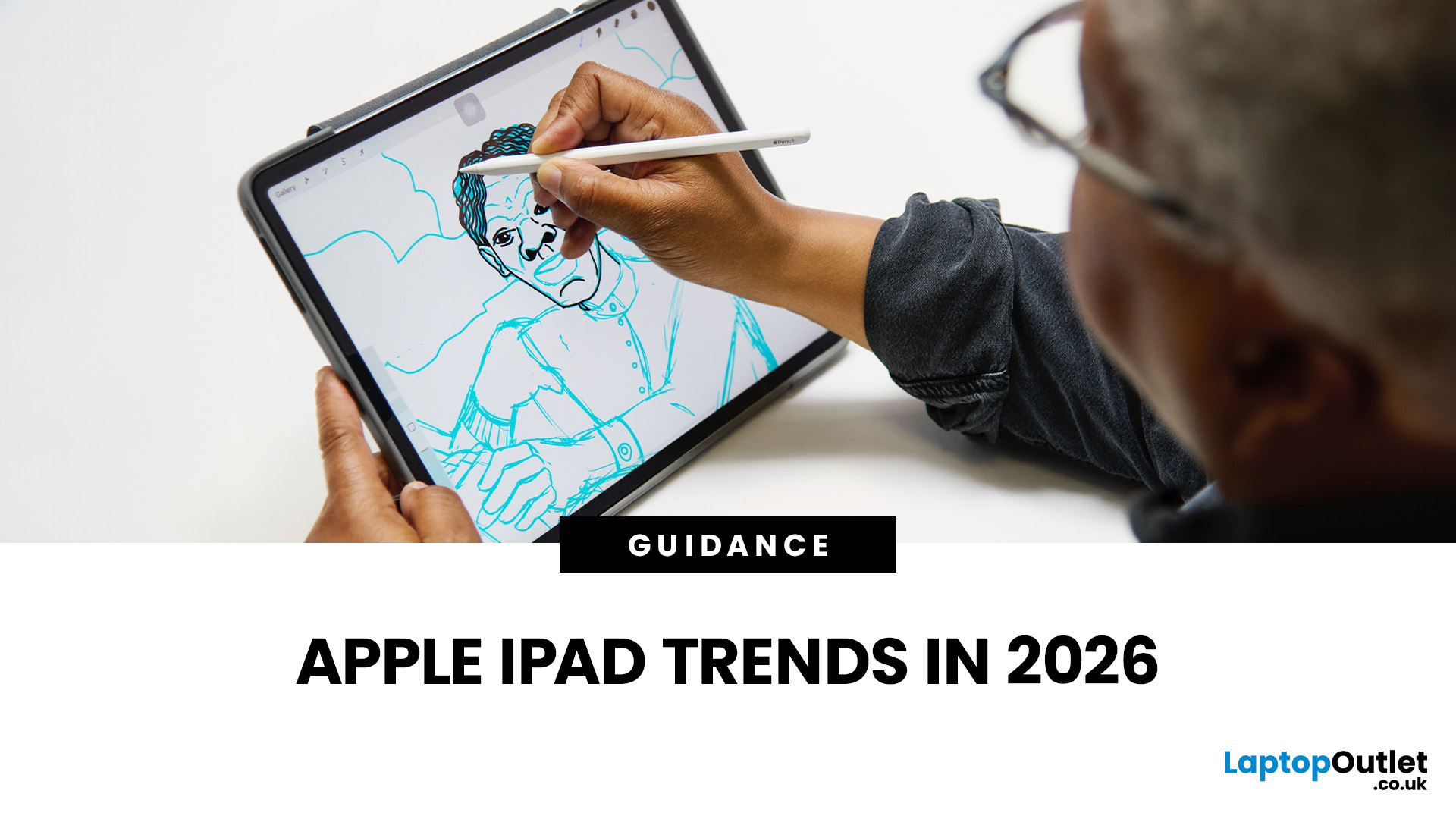
The iPad in 2026 isn’t just a tablet anymore. It’s a content machine, a work-from-anywhere setup, a creative studio, and low-key a laptop replacement for a lot of people in the UK. Apple has quietly (and sometimes not-so-quietly) levelled up the entire iPad lineup, and the Apple iPad trends in 2026 prove one thing: this ecosystem is built for performance, flexibility, and vibes.
This first section breaks down what’s actually new, what’s trending across the latest iPad models, and how Apple is pushing its tablet PCs further into laptop territory, without killing what makes the iPad iconic.
Apple iPad Trends in 2026: The Big Picture
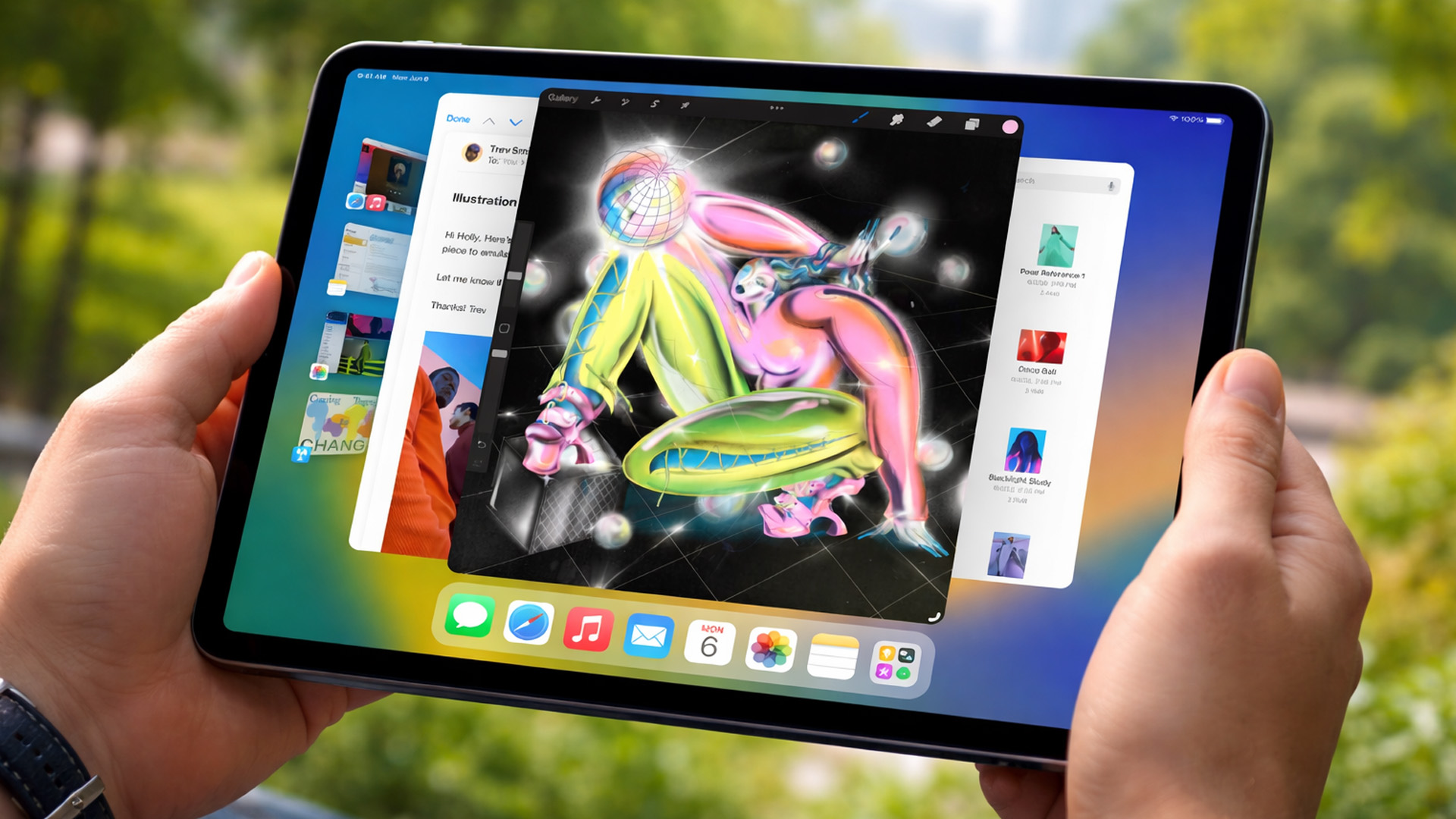
The biggest shift in Apple iPad trends this year isn’t just about faster chips or shinier displays - it’s about positioning. Apple is clearly doubling down on the iPad as a serious productivity and creativity device while still keeping it accessible for everyday users.
In the UK Apple iPad market, buyers are no longer asking “Do I need an iPad?” they’re asking
Last Updated: March 04, 2026
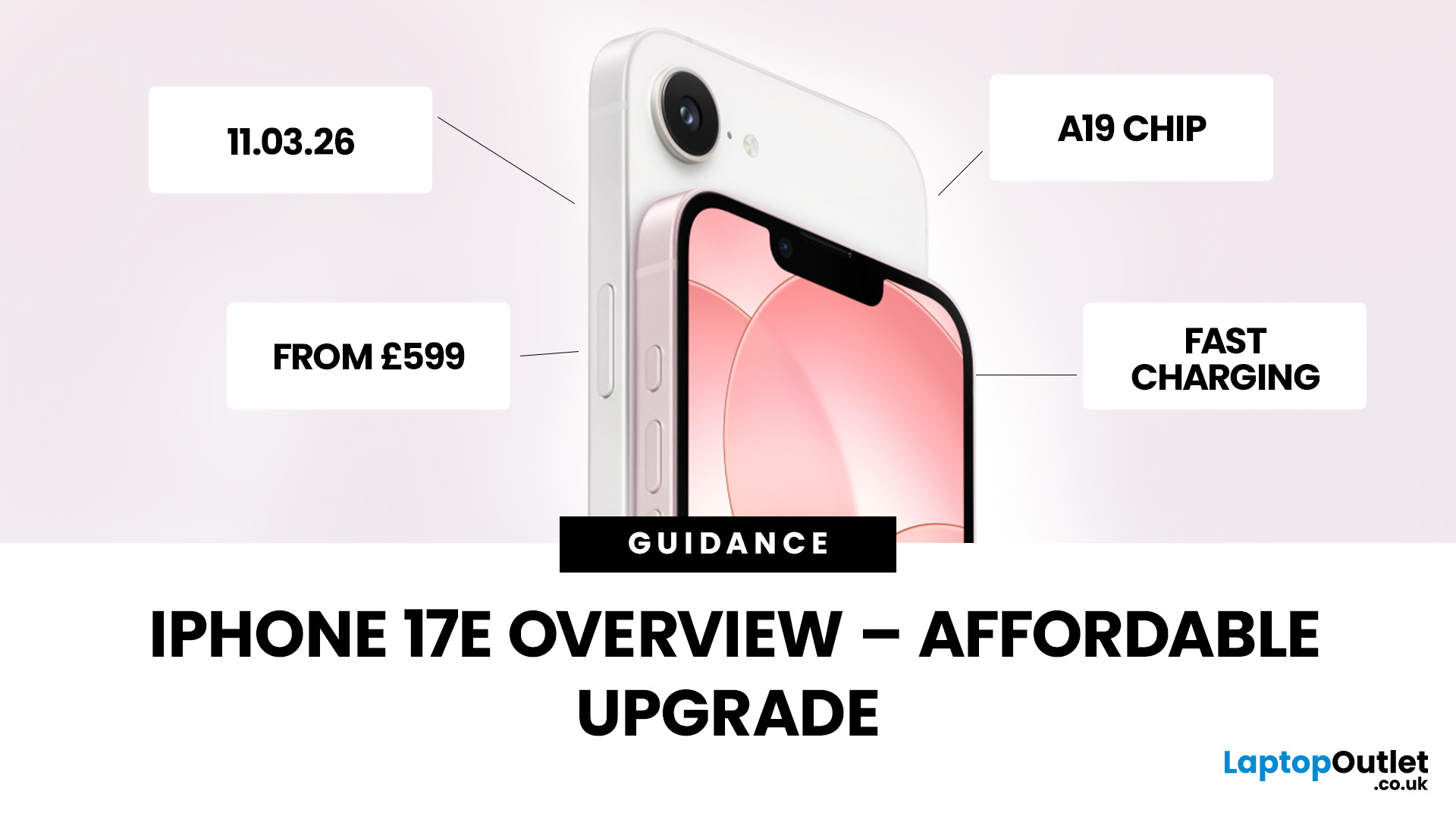
Apple has officially unveiled the iPhone 17e, positioning it as the most affordable way to get into the iPhone 17 lineup in 2026. If you’re in the UK and weighing up whether this is the right upgrade, here’s everything you need to know, including the iPhone 17e release date, UK price, specs, colours, features, and how it compares to the iPhone 17 and iPhone 16e.
iPhone 17e Release Date (UK)
Apple confirmed that pre-orders begin on 4 March, with the iPhone 17e available from 11 March.
That means UK buyers won’t have long to wait, and as with previous launches, early stock could sell quickly, especially for popular colours and higher storage configurations.
iPhone 17e UK Price and Storage
The iPhone 17e starts at £599 in the UK for the 256GB model, with the 512GB version priced at £799 .
Apple is also offering 0% finance options, with monthly payments available from £24.95 per month over 24 months.
What this means for UK buyers
- It’s £200 cheaper than the standard iPhone 17, which starts
Last Updated: March 19, 2026
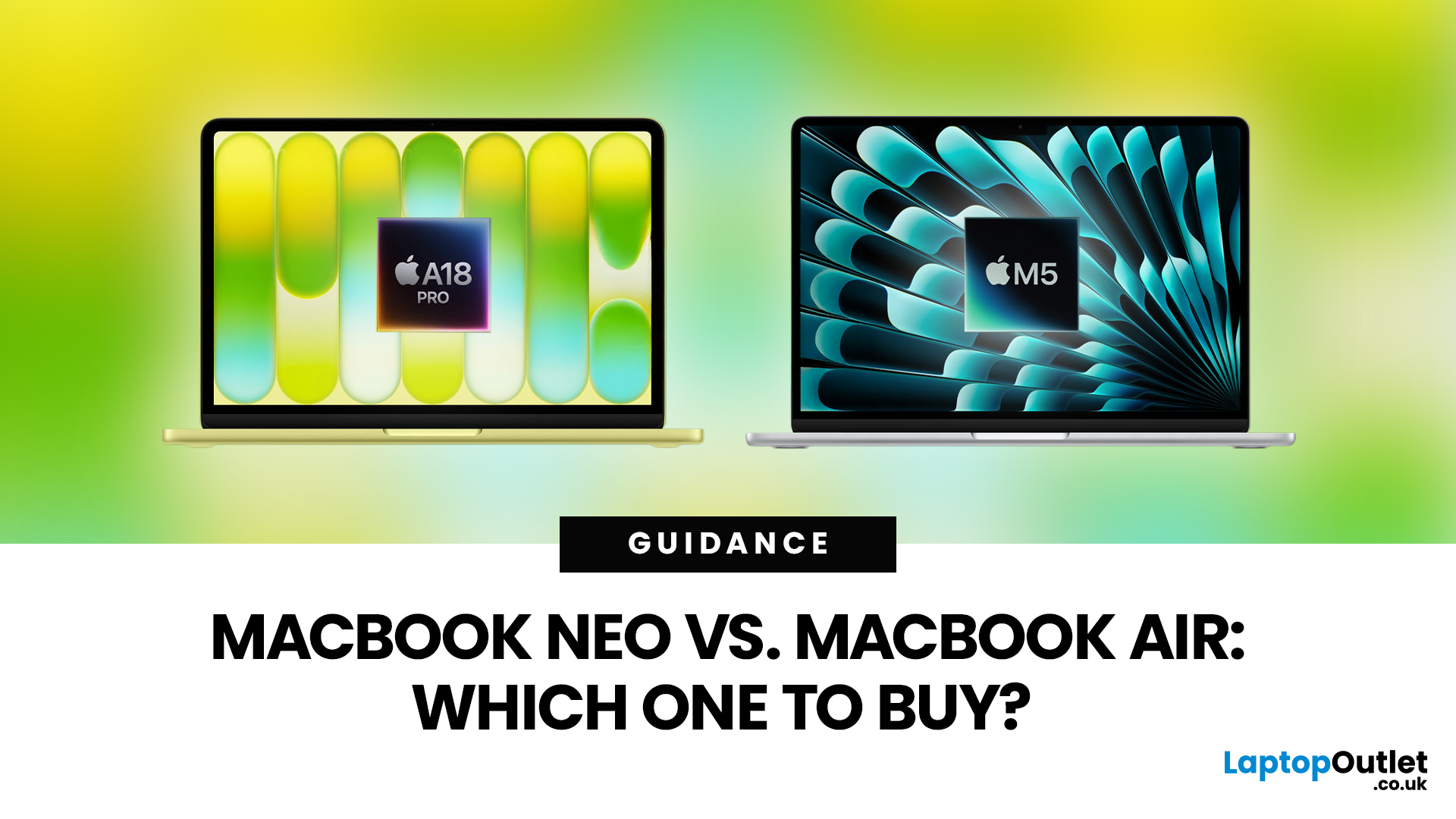
Apple’s 2026 MacBook line-up has a new talking point: MacBook Neo, a genuinely lower-cost Mac designed to bring more people into macOS without asking them to pay MacBook Air money. But the Air hasn’t suddenly become irrelevant. In fact, the newest MacBook Air (M5) is still Apple’s “default” recommendation for most buyers, thanks to stronger performance, more premium extras, and broader long-term headroom.
So, in this MacBook Neo vs MacBook Air guide, we’ll cut through the marketing, look at the real trade-offs (performance, ports, display, battery, and price), and help you choose the right Apple laptop for how you live and work in 2026.
MacBook Neo Overview
The MacBook Neo is Apple’s new entry-level MacBook, positioned below the Air on price. In the UK, Apple lists it from £599. To hit that price, Apple leans on iPhone-class silicon, the Neo is powered by the A18 Pro (the chip family used in iPhone Pro models), paired with 8GB of unified memory and 256GB or 512GB storage.
It also comes
Published: March 05, 2026
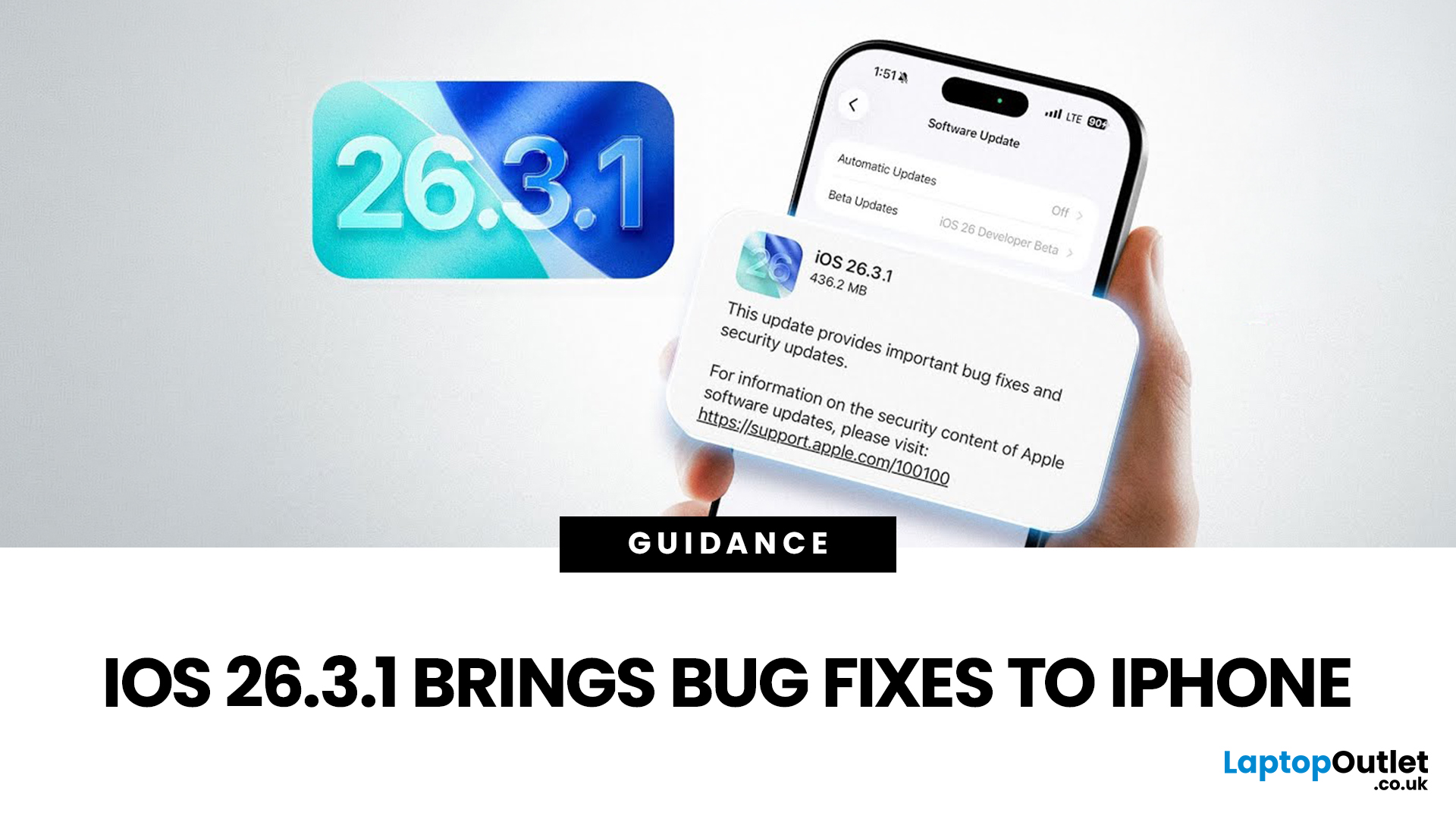
Apple has officially rolled out the iOS 26.3.1 update for iPhone users, bringing several important bug fixes, security patches, and performance improvements. While this is not a major feature update, it focuses on improving system stability and fixing issues reported in the previous iOS 26.3 version.
Minor iOS updates like iOS 26.3.1 are important because they often resolve bugs that affect everyday performance, connectivity, and device security. If you own a compatible iPhone, installing the iOS 26.3.1 update can help ensure smoother performance and better protection against vulnerabilities.
In this guide, we’ll cover the iOS 26.3.1 release date, features, download steps, supported devices, and answer the common question: Should you update to iOS 26.3.1?
iOS 26.3.1 Release Date
Apple released the iOS 26.3.1 update on March 04, 2026, after the launch of iOS 26.3, aiming to fix several issues discovered after the previous version went live.
Typically, Apple rolls out minor updates like
Last Updated: March 09, 2026
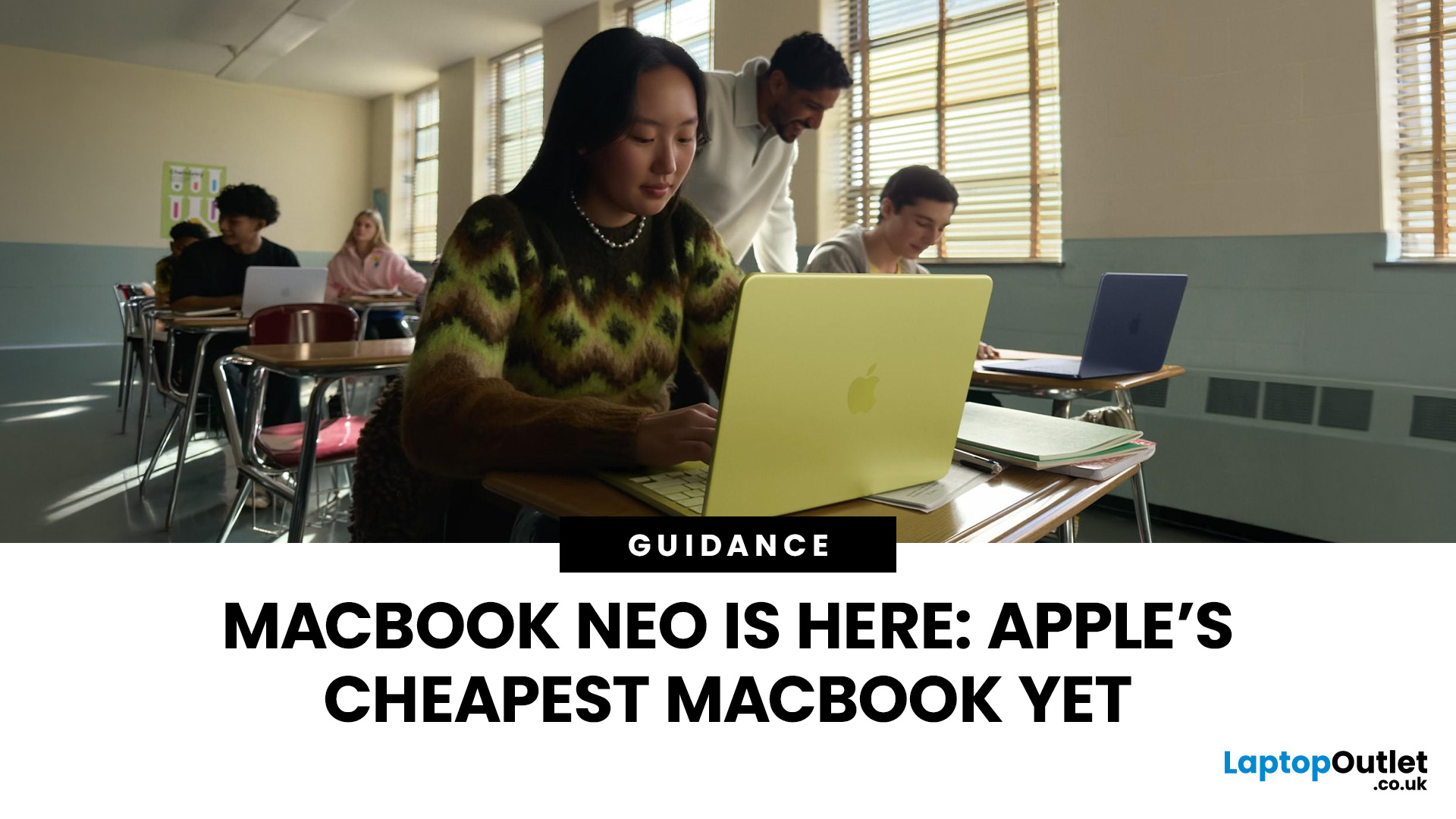
If you have been waiting for a proper budget Mac, it is finally here. MacBook Neo launched as Apple’s most affordable laptop ever, and it is clearly built for students, first-time Mac buyers, and anyone who just needs a reliable everyday laptop for browsing, documents, streaming, and calls. The big headline is the price. In the UK, MacBook Neo starts at £599, with £499 education pricing, and it goes on sale on Wednesday, March 11, 2026. Pre-orders are open now.
This guide breaks down what MacBook Neo is, who it is for, what you get for the money, and the trade-offs you should know before ordering.
Want to Buy a MacBook Neo? Quick Verdict
Buy MacBook Neo If You Want the Cheapest New Mac
MacBook Neo makes sense if your daily laptop life looks like this:
- Browsing and web apps
- Word, PowerPoint, Google Docs
- Email and admin
- Zoom or FaceTime calls
- School work and research
- Light photo editing and creative hobbies
It is designed to feel like a real MacBook, just at a lower cost.
Skip MacBook
Published: March 06, 2026
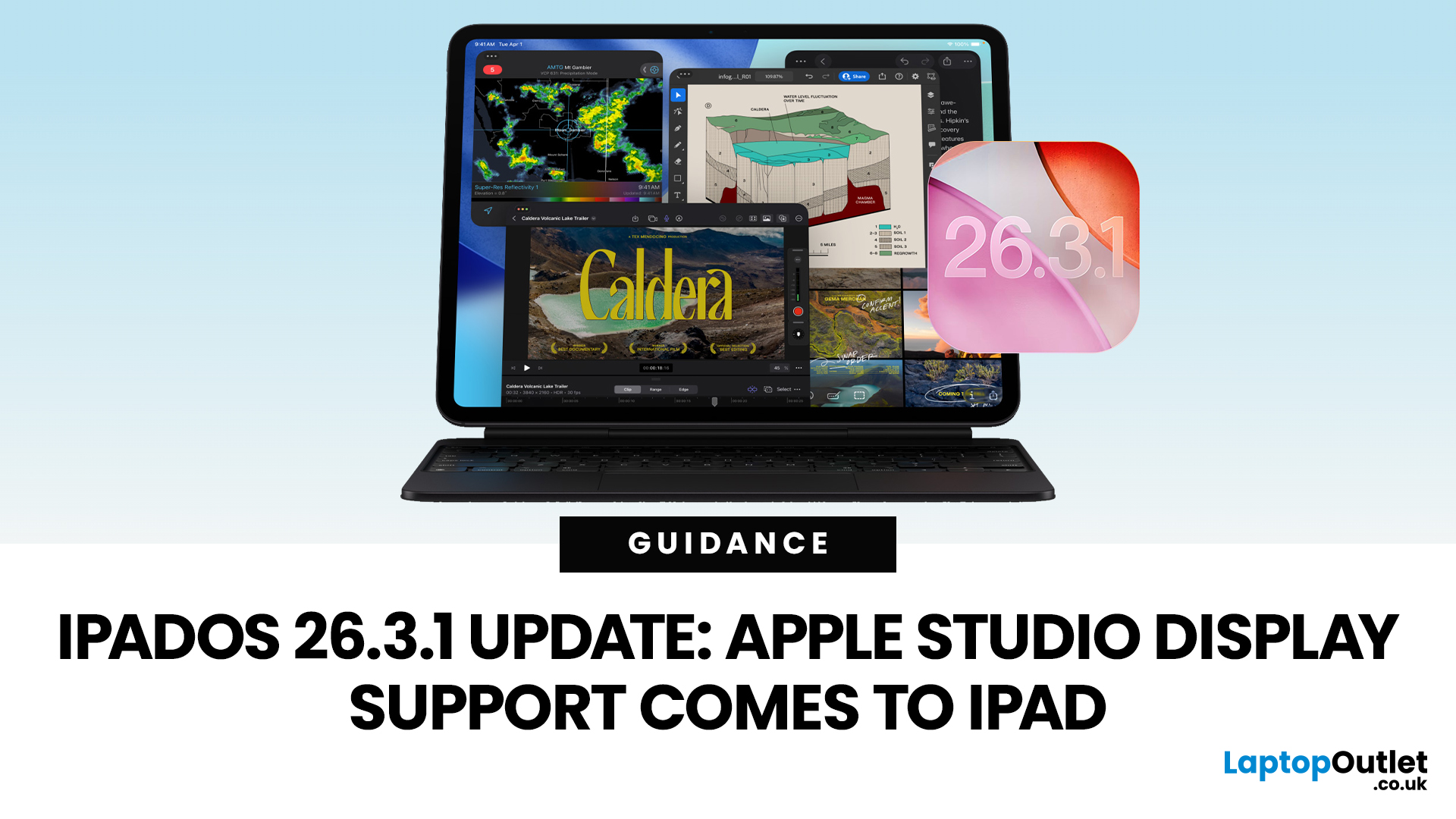
Apple has released the iPadOS 26.3.1 update (build 23D8133) on 4 March 2026, and while it’s a point release, it’s tied to something very tangible: support for Apple’s (new) Studio Display lineup, including Studio Display XDR.
That means, if you use an iPad as part of your desk setup, this is one of those updates that can quietly change your day-to-day. Not with flashy new emoji, but with better compatibility for a serious external monitor.
Below is what’s actually confirmed (and what isn’t), which iPads are included, and what to expect when you plug your iPad into Apple’s Studio Display.
What Apple says is in iPadOS 26.3.1
Apple’s Developer Releases listing confirms:
- iPadOS 26.3.1 (23D8133)
- Release date: 4 March 2026
Apple hasn’t published a public-facing, detailed changelog in the sources available here, and several reports describe the fixes as “unspecified bug fixes” alongside the key compatibility change.
What is clearly and directly supported: Studio Display compatibility now requires
Published: March 06, 2026
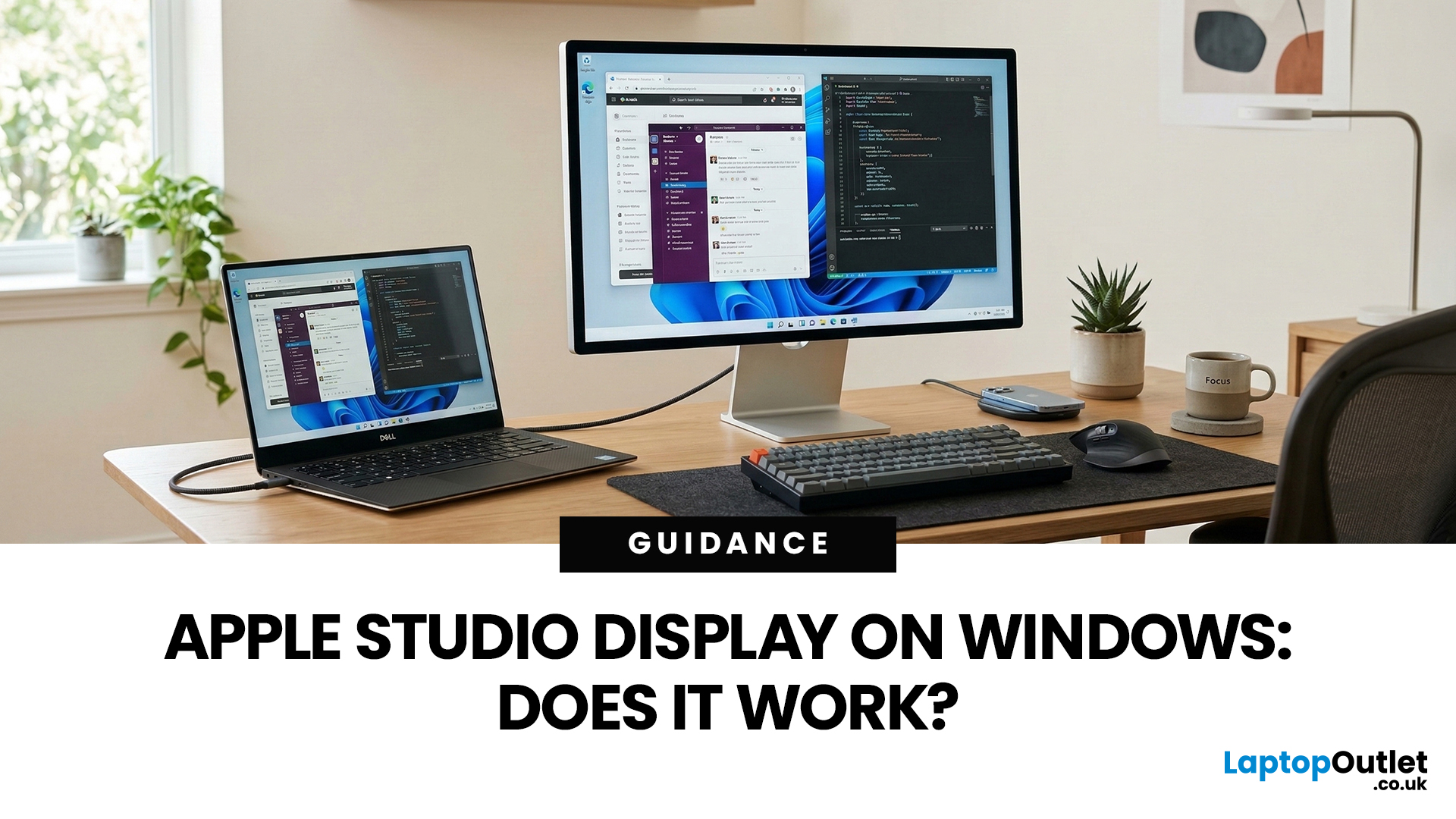
You’ve seen the Apple Studio Display. It’s sleek, stupidly sharp, and it makes your desk look like you’ve got your life together. But you’re on Windows. So, the big question is: Does Apple Studio Display work with Windows PCs? Yes, it can. But you won’t always get the full “Apple magic” experience on Windows.
Apple Studio Display + Windows: What Works vs What Doesn’t
Core Monitor Functions (generally work)
The good news: the basics are solid.
- You’ll get a picture (yep, it’s a monitor)
- Resolution and scaling can be adjusted in Windows settings
- It can act as an audio device (the built-in speakers often show up as an output option)
In other words: for day-to-day “I need a stunning screen”, you’re fine.
Features that May be Limited or Not Supported on Windows
Here’s where the “Apple ecosystem” bit starts showing:
- Center Stage (auto-follow webcam feature): usually not available as intended on Windows
- True Tone (auto colour temperature shifts): Generally not supported
- Firmware updates: typically

Last Updated: March 09, 2026
If you use AirTags for keys, luggage, a bike, or a backpack, AirTag 2 is a simple but meaningful upgrade. It does not change the AirTag idea. It improves the two moments that matter most: how quickly your iPhone can lock onto the tag when you are nearby, and how easily you can hear it when it is hiding in a sofa, bag, or coat pocket.
Below is a buyer-friendly breakdown of what’s new, what stayed the same, and the easiest way to decide if you should upgrade in 2026.
Should You Upgrade to AirTag 2? 10-Second Answer Box
Upgrade to AirTag 2 if:
- You use Precision Finding often and want a wider range and faster guidance.
- You lose things in noisy places and want a louder speaker that is easier to hear.
- You want Precision Finding from your Apple Watch (with a compatible watch).
Keep your current AirTags if:
- You mostly use AirTags as a safety net for luggage, and you rarely use Precision Finding.
- Your current AirTags already help you find things quickly enough.
What is Apple AirTag 2 (2026)?
Last Updated: March 09, 2026
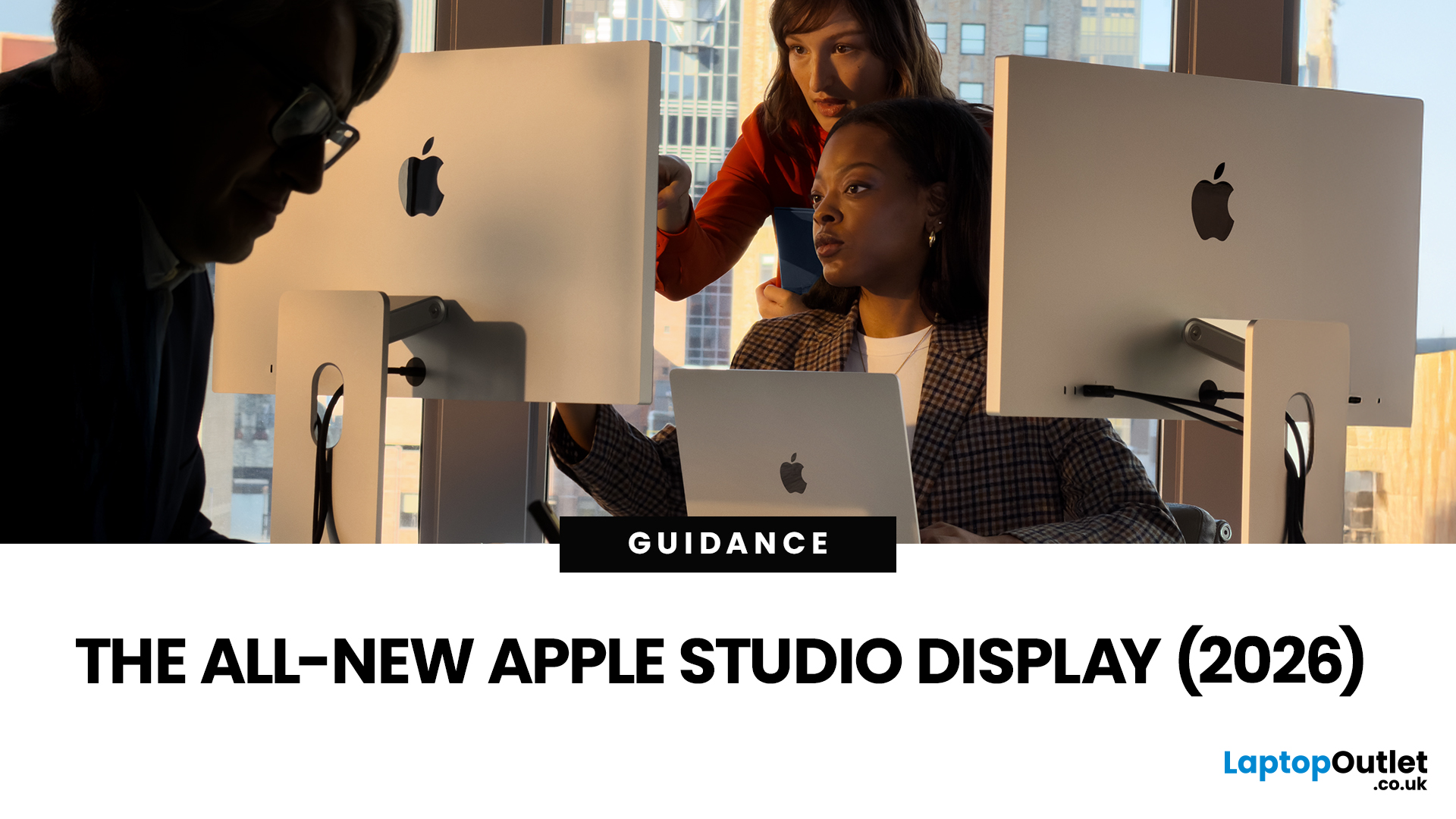
After four years without a display refresh, Apple has unveiled a brand-new Apple Studio Display alongside the all-new Studio Display XDR. Announced on 3rd March 2026 and available from 11th March 2026, this latest addition to Apple's display lineup is a serious upgrade for Mac users who demand more from their workspace.
Whether you are a creative professional, a developer, or simply someone who wants a top-tier external monitor, this guide covers everything you need to know.
What Is the Apple Studio Display?
The Apple Studio Display is a 27-inch 5K Retina external monitor designed to pair seamlessly with Apple Silicon MacBooks and select iPad models. It replaces the original 2022 Studio Display with meaningful upgrades across connectivity, camera, audio, and overall performance.
It is not just a monitor. It is an all-in-one productivity hub with a built-in camera, microphone array, and speaker system that rivals dedicated audio equipment.
Apple Studio Display: Key Specs at a Glance
Here

