



Is Gigabyte WINDFORCE Good? Graphics Card Features, Cooling, and Performance Explained
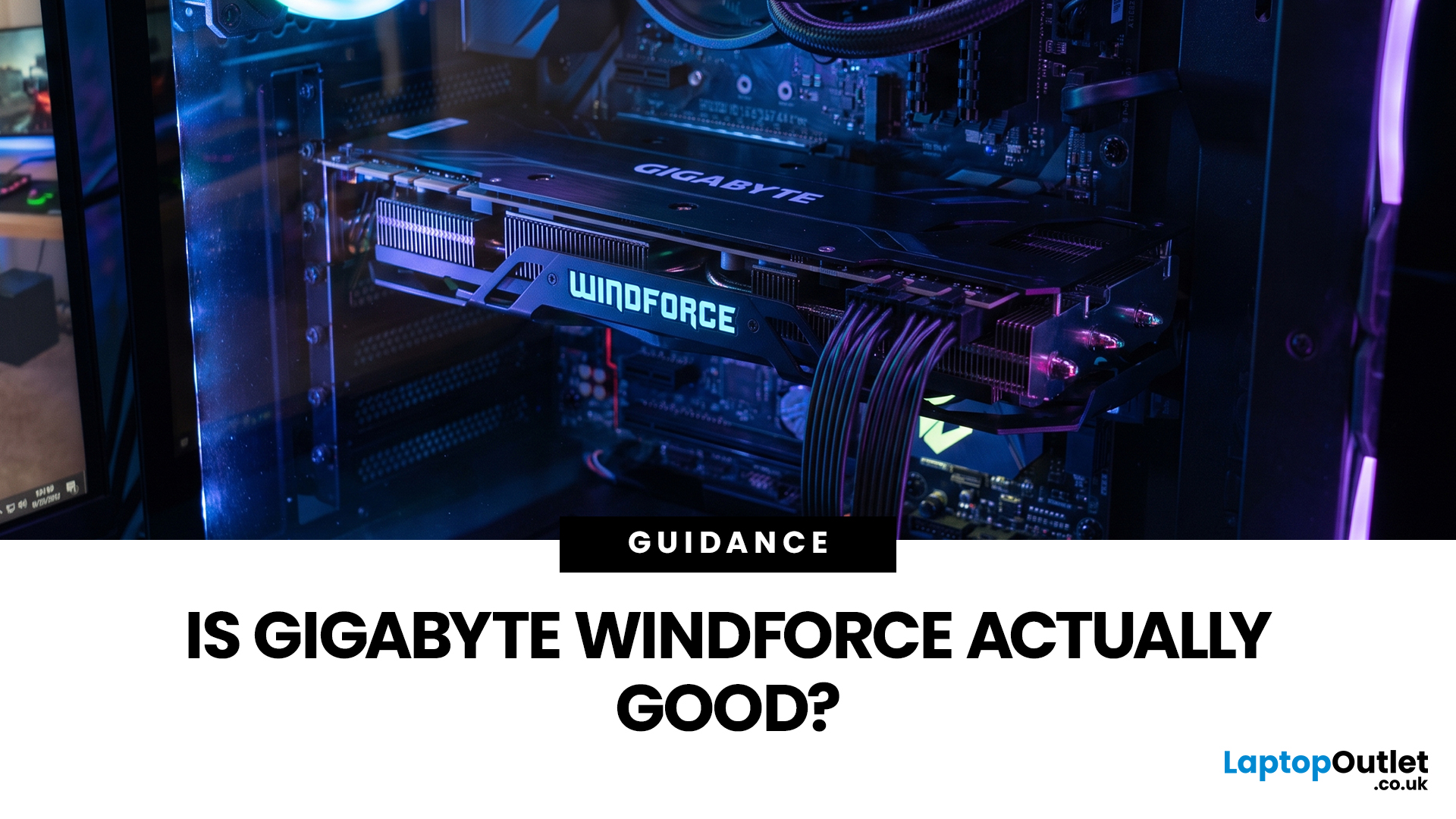
Gigabyte WINDFORCE graphics cards are generally good choices for gamers who want dependable cooling, sensible dimensions, and competitive pricing without paying extra for every premium feature. However, WINDFORCE does not identify the performance level of the GPU itself. An RTX 5080 WINDFORCE will still be substantially faster than an RTX 5060 WINDFORCE because the graphics processor matters more than the cooler’s name.
This guide explains how the WINDFORCE cooling system works, what to expect from temperatures and noise, and how Gigabyte WINDFORCE compares with Gaming OC and AORUS models.
What Does Gigabyte WINDFORCE Mean?
WINDFORCE is Gigabyte’s name for a collection of graphics card cooling technologies rather than a specific GPU architecture. Gigabyte uses the name both on dedicated WINDFORCE models and as the underlying cooling platform for certain Gaming OC and AORUS cards.
This distinction is important. A Gigabyte RTX graphics cards may use two or three fans, different numbers of heat pipes, a copper plate or vapour chamber, and a heatsink sized for its particular GPU. The design is therefore not identical across every generation or product.
For example, current RTX 5060 and RTX 5070 WINDFORCE products use features such as Hawk fans, alternate spinning, copper heat pipes, semi-passive fan operation, and screen cooling. Higher-powered cards such as the RTX 5080 WINDFORCE OC SFF add a large vapour chamber and more substantial heat-transfer hardware.
How Does the WINDFORCE Cooling System Work?
A GPU cooling system must move heat away from the processor, video memory, and power-delivery components before fans can expel that heat from the graphics card. Gigabyte combines several technologies to achieve this.
Hawk Fans and Alternate Spinning
Many current Gigabyte cards use Hawk fans with blade shapes designed to improve air pressure and airflow. The design can increase air pressure by up to 53.6% and air volume by up to 12.5% compared with its reference design, without compromising acoustics. These figures are manufacturer claims, so actual results will vary by card, case, and fan speed.
Alternate spinning makes adjacent fans rotate in opposite directions. This helps reduce turbulent airflow where the fans meet and direct more air through the heatsink. It is a practical feature rather than a cosmetic one, especially on triple-fan models.
Copper Plates, Heat Pipes, and Vapour Chambers
The Gigabyte GPU cooler uses copper components to transfer heat from the GPU into the heatsink. Lower-powered cards may use direct-contact heat pipes or a copper plate, while high-powered versions can include a large vapour chamber.
On the RTX 5080 WINDFORCE OC SFF, the vapour chamber directly contacts the GPU and connects to composite copper heat pipes. Heat is then distributed across the heatsink, where the fans remove it.
This design supports cooling efficiency during sustained workloads such as gaming, rendering or AI processing. However, cooler size still matters. A larger heatsink has more surface area and may achieve similar temperatures at a lower fan speed.
3D Active Fan and Screen Cooling
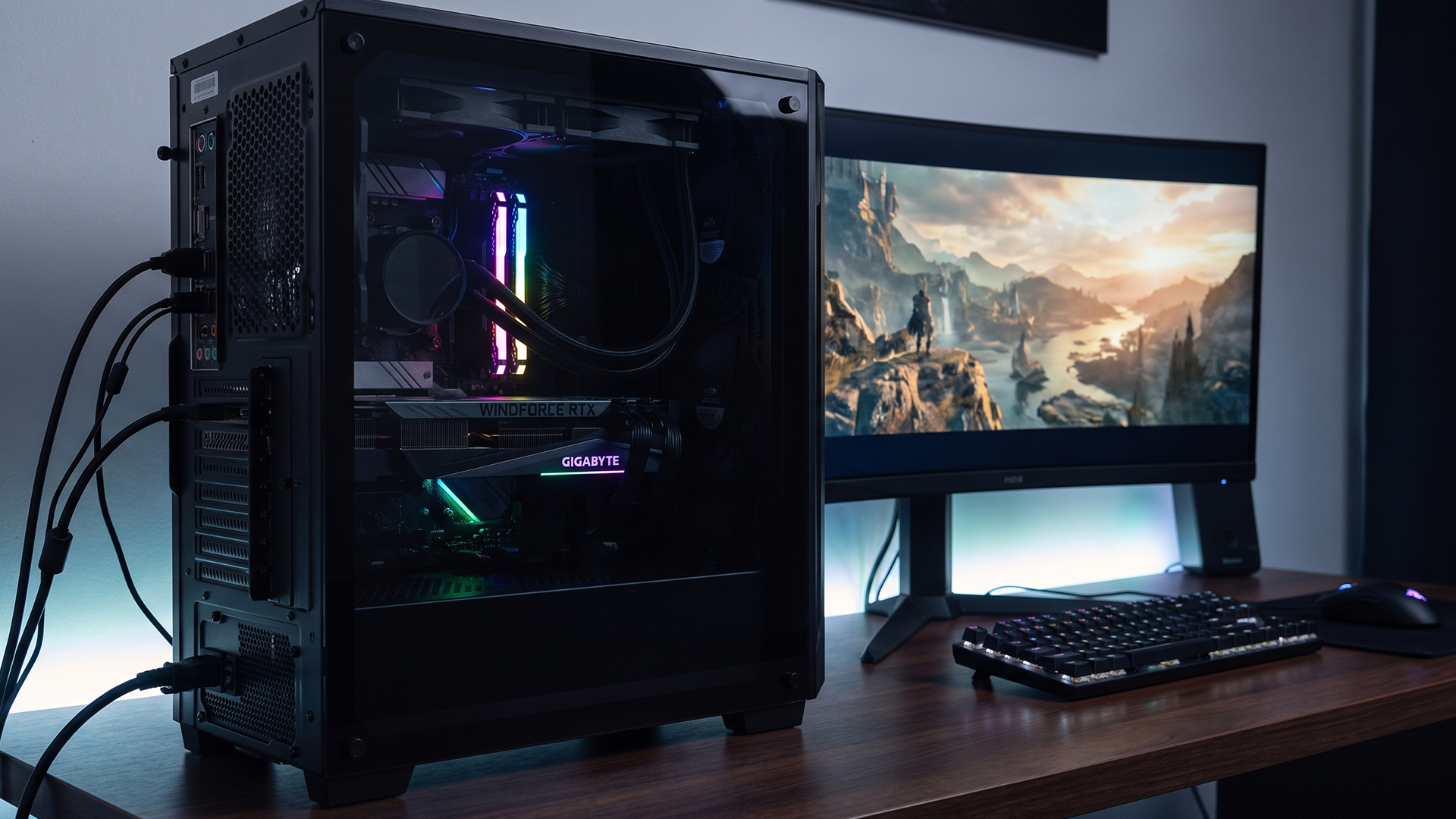
Gigabyte’s 3D Active Fan feature provides semi-passive operation. The fans remain stopped during low-load use and start when cooling is required. This means the graphics card can be silent while you are browsing, watching videos, or performing light desktop tasks.
Screen cooling refers to an extended heatsink section that allows air to pass through the card and its backplate. This can reduce airflow obstruction compared with a completely closed backplate.
Is Gigabyte WINDFORCE Good for Gaming Performance?
Yes. The graphics processor determines most of the frame-rate performance, while the graphics card cooler helps the processor maintain its expected clock speeds under load.
A well-designed cooler can reduce the likelihood of thermal throttling, but it does not normally create a major performance advantage between two cards using the same GPU. Factory clock differences are often modest compared with the performance gap between different GPU classes.
Current NVIDIA GeForce graphics cards also support features according to their GPU generation, including ray tracing, DLSS, Reflex and hardware encoding. Our NVIDIA’s page currently lists DLSS 4.5, fifth-generation Tensor Cores and fourth-generation ray-tracing cores across the RTX 50 Series.
Therefore, the best Gigabyte graphics card for gaming is not automatically the most expensive AORUS model. It is the card that provides the right GPU performance, VRAM, cooling, dimensions, and price for your system.
Is a Gigabyte WINDFORCE GPU Good for 1440p Gaming?
A Gigabyte WINDFORCE GPU can be excellent for 1440p, but the answer depends on the processor underneath the cooler.
For demanding 1440p gaming, cards based on GPUs such as the RTX 5070, RTX 5070 Ti or high-performance RTX 5080 graphics cards provide considerably more headroom than entry-level models. Nvidia officially positions the RTX 5070 for high-frame-rate 1440p gaming and has published results exceeding 120fps in selected fully ray-traced games when using DLSS 4 Multi Frame Generation. Results will vary by title, settings, processor, and whether frame generation is enabled.
An RTX 5060 WINDFORCE can also run many games at 1440p, but you may need to adjust texture quality, ray tracing or upscaling settings in more demanding releases.
Gigabyte WINDFORCE Temperature: What Should You Expect?
There is no single correct Gigabyte WINDFORCE temperature because different GPUs have different power consumption, heatsinks, and thermal limits. Room temperature, case airflow, fan settings, and workload also affect the reading.
Nvidia currently lists maximum GPU temperatures of 89°C for the RTX 5060, 85°C for the RTX 5070 and 88°C for the RTX 5070 Ti and RTX 5080. These figures are maximum specifications, not recommended everyday targets. Your card should normally operate with reasonable headroom below its limit while maintaining stable clocks.
Expert Advice for High Temperatures
If your WINDFORCE thermal performance appears worse than expected, start with the simplest checks.
Make sure the case intake and exhaust fans are operating, remove dust from filters, confirm that cables are not blocking airflow and test the card at its factory settings. You can also use Gigabyte Control Center on supported products to view or adjust fan behaviour, clock speed and power settings.
Do not immediately remove the cooler or replace thermal materials, especially while the card is under warranty. Contact the retailer or Gigabyte support if temperatures continually reach the model’s limit, clocks fall sharply, fans make mechanical noises or the system crashes under normal settings.
Gigabyte WINDFORCE Noise: Is the Cooler Quiet?
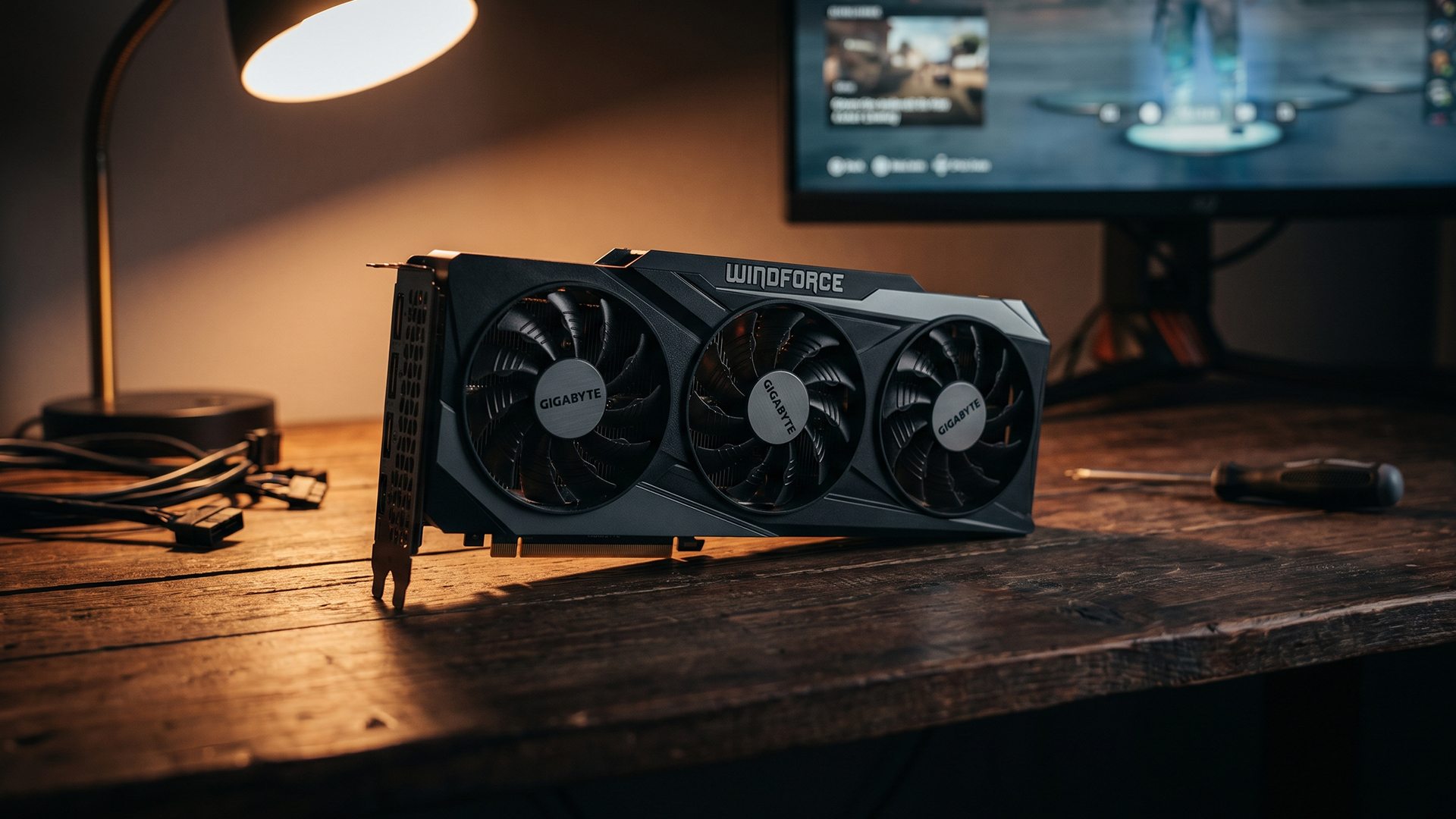
Gigabyte WINDFORCE noise varies considerably between models. Semi-passive fan operation makes supported cards silent at idle, but noise under gaming load depends on the cooler size, heat output, fan curve, and airflow inside your case.
A compact dual-fan graphics card cooler may need to spin faster than a larger triple-fan model handling the same GPU. Conversely, a lower-powered dual-fan card may remain quieter than a premium cooler attached to a much higher-powered processor.
Some models provide a dual-BIOS switch with Performance and Silent modes. For example, the RTX 5080 WINDFORCE OC SFF allows users to select a quieter BIOS profile, although this feature should not be assumed on every WINDFORCE card.
How to Read Gigabyte WINDFORCE Test Results
Temperature and noise figures can be misleading when they are viewed separately. Use the table below to judge whether a Gigabyte WINDFORCE GPU is genuinely performing well or simply using a more aggressive fan profile.
|
What You See in a Review |
What It Actually Means |
What You Should Check |
|
Lower GPU temperature than another card |
The cooler may be effective, but the fans could simply be spinning faster |
Compare fan speed, noise level, room temperature and power consumption |
|
Similar frame rates between WINDFORCE and Gaming OC |
Both cards use the same underlying GPU, so large performance differences are unlikely |
Choose according to price, dimensions, noise and cooler quality rather than a small factory overclock |
|
Fans remain stopped on the desktop |
The card supports semi-passive cooling at low loads |
Check gaming noise separately because zero-RPM operation does not indicate load acoustics |
|
A compact WINDFORCE model runs warmer |
A smaller heatsink has less surface area and may prioritise case compatibility |
Confirm whether the temperature remains stable without clock-speed reductions |
|
A larger Gaming OC card is quieter |
Its bigger heatsink may dissipate heat while using lower fan speeds |
Make sure your case has enough length, thickness and airflow clearance |
|
Core temperature looks acceptable but hotspot temperature is much higher |
The hottest sensor area is operating well above the average GPU reading |
Monitor the temperature difference over repeated tests and look for instability or falling clock speeds |
|
An OC model produces only slightly more FPS |
Factory overclocks are usually modest and do not change the GPU class |
Do not pay a large premium for the OC label alone |
|
Thermal gel is visible around internal components |
Excess material may have shifted from its original position |
Photograph the card, monitor temperatures and contact the retailer before removing the cooler |
|
Temperatures rise after several months |
Dust, restricted case airflow or changed fan behaviour may be responsible |
Clean filters, inspect case fans and repeat the same workload under similar room conditions |
The most useful review is not necessarily the one reporting the lowest Gigabyte WINDFORCE temperature. A balanced card should maintain stable clock speeds without excessive fan noise, thermal throttling or unusually high-power consumption.
Gigabyte WINDFORCE vs Gaming OC
The Gigabyte WINDFORCE vs Gaming OC comparison is mainly about cooler size, factory tuning, styling and price. Gaming OC is normally positioned as the more feature-rich choice, while a dedicated WINDFORCE model focuses on the essentials and may fit more easily inside compact cases.
The official RTX 5080 illustrates the difference. The RTX 5080 WINDFORCE OC SFF has a 2670MHz core clock and measures 304 x 126 x 50mm. The RTX 5080 Gaming OC increases the listed core clock to 2730MHz and uses a larger 340 x 140 x 70mm design. Both retain the same RTX 5080 GPU, 10,752 CUDA cores, and 16GB of GDDR7 memory.
The Gaming OC model also adds more elaborate styling and RGB features. Its larger cooler may provide additional thermal and acoustic headroom, but the WINDFORCE card is easier to accommodate and can offer better value.
Gigabyte WINDFORCE vs AORUS
AORUS is Gigabyte’s enthusiast-focused gaming range. AORUS cards may still use a form of WINDFORCE cooling, but they add premium thermal materials, larger heatsinks, higher factory clocks, stronger power delivery and more extensive visual features.
For comparison, the AORUS RTX 5080 Master Ice lists a 2805MHz core clock. It also includes composite metal grease for the GPU, a large vapour chamber, an optimised heatsink, double-ball-bearing fans, RGB Halo lighting, an LCD display, and an additional warranty year after qualifying online registration.
The Gigabyte WINDFORCE vs AORUS decision therefore depends on priorities:
- Choose WINDFORCE when you want the underlying GPU at a more accessible price, prefer restrained styling or need a smaller card.
- Choose AORUS when you value premium construction, extensive lighting, additional tuning potential, a larger cooling solution and enthusiast features.
Should You Avoid WINDFORCE Because of Thermal Gel Issues?
No, the thermal gel concern is not a reason to avoid all Gigabyte WINDFORCE cards.
Gigabyte confirmed that some early RTX 50 Series batches received slightly too much thermal conductive gel. This could make excess gel visible or allow it to move beyond its intended area. However, Gigabyte described it as a cosmetic issue that did not affect performance, reliability or lifespan, and said the amount was corrected in later production runs.
Inspect your card before installation and monitor its temperatures during use. Contact the retailer or Gigabyte if you notice displaced material, abnormal temperatures or instability rather than removing the cooler yourself.
Who Should Buy a Gigabyte WINDFORCE Graphics Card?
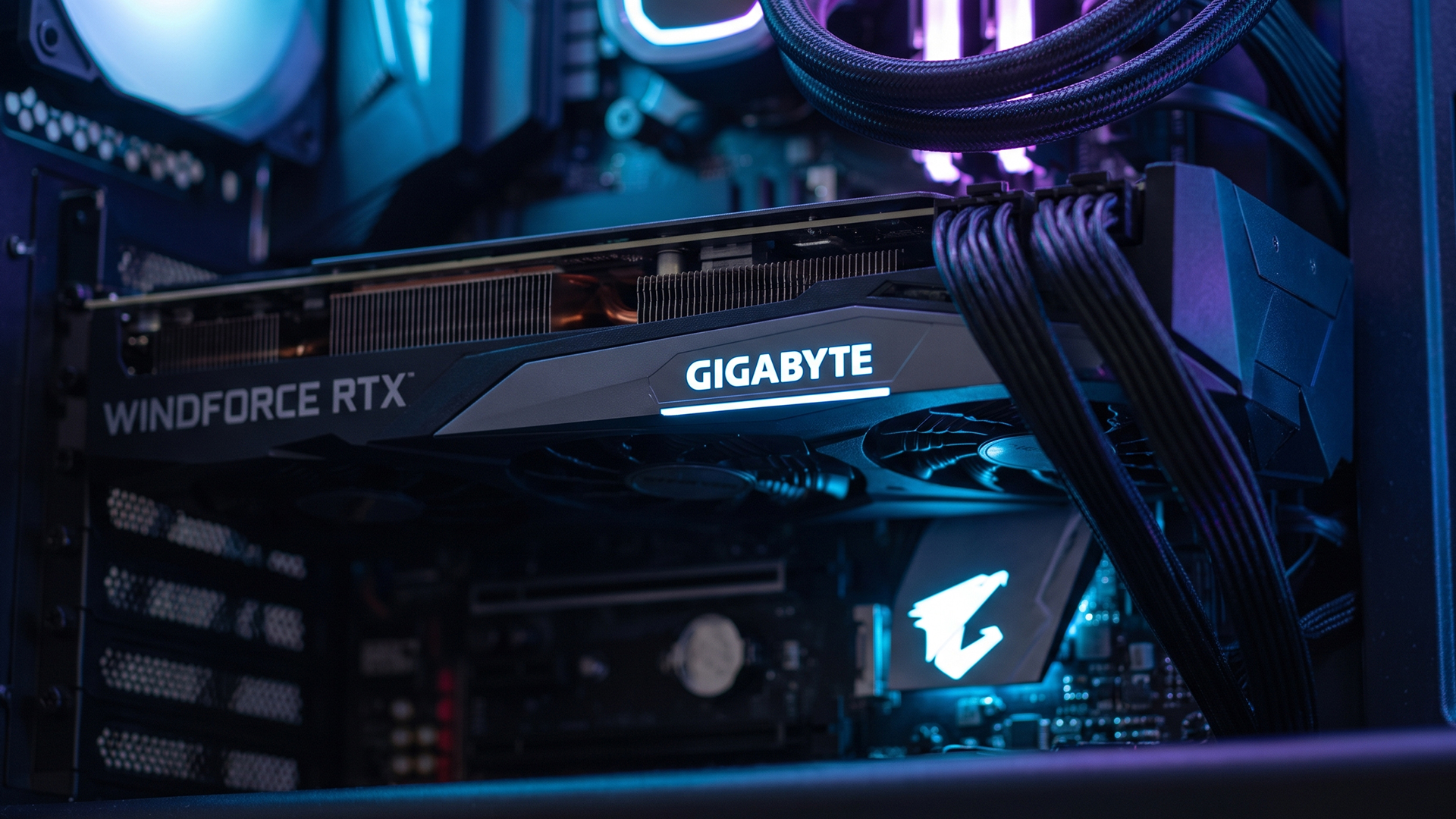
A Gigabyte WINDFORCE cooler makes the most sense when you want a practical balance between price, size and cooling. It is particularly suitable for:
- Gamers who prioritise GPU performance over RGB lighting
- Builders working with limited case clearance
- Buyers who do not need extreme manual overclocking
- Users seeking semi-passive operation during light workloads
- People comparing several versions of the same NVIDIA or AMD GPU
- Buyers who would rather invest their budget in a faster GPU tier
Before ordering from Laptop Outlet, verify the card length, thickness, recommended power supply, power connector, and available clearance around your case fans or radiator.

Final Verdict: Is Gigabyte WINDFORCE Good?
Gigabyte WINDFORCE is a capable and generally well-equipped cooling platform. Features such as alternate-spinning fans, copper heat-transfer components, semi-passive operation and screen cooling make it suitable for the latest gaming graphics cards.
Its main strength is balance. You receive the performance of the selected NVIDIA or AMD GPU without necessarily paying for the elaborate lighting, displays, and extreme tuning features found on premium AORUS products.
However, the WINDFORCE name alone should never determine your purchase. Compare the exact GPU, cooler dimensions, factory clock, noise-related features, warranty and price. A fairly priced WINDFORCE model can be an excellent purchase, while an overpriced one may be less attractive than a Gaming OC or competing card.
Browse the latest best graphics card deals at Laptop Outlet and compare models according to your gaming resolution, case size and available power supply capacity.

In Case You’re Wondering...
Is Gigabyte WINDFORCE good?
Yes. Gigabyte WINDFORCE generally provides effective everyday cooling, semi-passive fan operation and practical pricing. Performance ultimately depends on the specific GPU, cooler size, case airflow and model configuration.
Is WINDFORCE better than AORUS?
Not in absolute terms. AORUS normally offers more substantial cooling, higher factory clocks and premium features. WINDFORCE can still provide better value when you do not need enthusiast tuning or elaborate styling.
Does WINDFORCE mean the GPU is overclocked?
No. WINDFORCE identifies Gigabyte’s cooling technology. Look for “OC” in the full model name and check the listed core clock to confirm whether the card has a factory overclock.
Is Gigabyte WINDFORCE good for 1440p gaming?
It can be. A WINDFORCE card using an RTX 5070-class or faster GPU is well suited to demanding 1440p gaming. Lower-tier models may require adjusted settings or upscaling.
Should I avoid Gigabyte WINDFORCE because of thermal gel issues?
No blanket avoidance is necessary. Gigabyte linked the visible excess gel concern to some early RTX 50 Series production and stated that later manufacturing was adjusted. Inspect and monitor the individual card.
Related Articles


Last Updated: January 14, 2026
From smooth 1080p gameplay to breathtaking 4K visuals, AMD graphics cards put serious gaming power right at your fingertips. You want smooth gameplay, great visuals, and good value for money, without paying more than you need to. That’s exactly where AMD graphics cards come into the picture.
AMD has become one of the most popular choices for gamers in the UK thanks to its strong performance, competitive pricing, and wide range of options for every type of player. Whether you’re after the best AMD graphics cards for high-end gaming, searching for cheap AMD graphics cards to get started, or are curious about the new AMD graphics cards hitting the market, this guide is here to help.
Why AMD Graphics Cards are a Smart Choice for Gamers
AMD has earned a strong reputation among PC gamers by offering powerful GPUs at competitive prices. If you want excellent gaming performance without overspending, AMD often delivers some of the best value on the market.
Great Performance for the Price
One
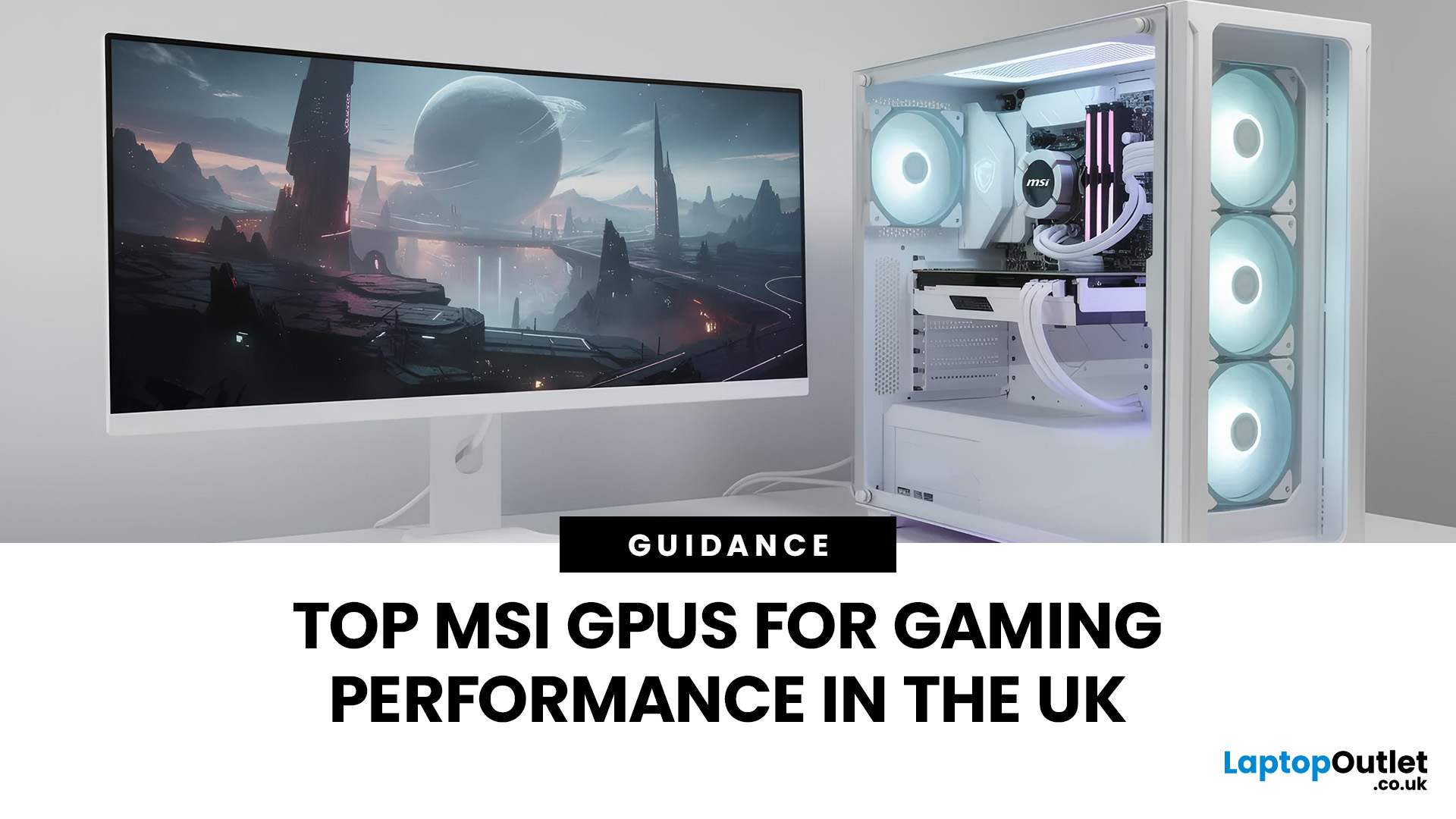
Last Updated: January 14, 2026
If you’re planning to upgrade your gaming PC or build a new setup from scratch, choosing the right graphics card is one of the most important decisions you’ll make. Whether you’re chasing ultra-high frame rates, immersive 4K visuals, or reliable performance for competitive gaming, MSI has a solution tailored to your needs.
At Laptop Outlet, we stock a wide range of MSI gaming graphics cards, covering both NVIDIA and AMD platforms for you. From legacy favourites to the latest MSI graphics cards, this guide explores performance, key models, driver support, and how MSI compares with other leading brands. If you’re searching for dependable gaming graphics cards that deliver real-world value, you’re in the right place.
MSI NVIDIA Graphics Cards for Gaming
If you prefer NVIDIA-powered GPUs, MSI offers some of the most popular and trusted models on the market. Today’s NVIDIA graphics cards for gaming from MSI are leagues ahead in terms of performance and efficiency. You’ll benefit from features

Last Updated: April 28, 2026
When it comes to high-performance computing, gaming realism, and creative workloads, NVIDIA graphics cards continue to set the benchmark. From immersive gaming experiences to professional-grade rendering and AI acceleration, NVIDIA’s GPUs power some of the most advanced systems on the market today. This guide explores everything you need to know about Nvidia graphics cards.
Understanding NVIDIA Graphics Cards and their Advantages
When performance matters, NVIDIA continues to lead the graphics card market with technology designed for today’s most demanding applications. From immersive gaming worlds to high-speed creative workflows, NVIDIA GeForce graphics cards deliver the power, efficiency, and visual realism modern users expect. Trusted by gamers and professionals alike, NVIDIA GPUs have become the benchmark for smooth gameplay, intelligent upscaling, and advanced rendering. What truly sets NVIDIA graphics cards apart is how each generation evolves. With smarter architecture, improved

Last Updated: April 28, 2026
If you’re looking for the most powerful consumer GPU NVIDIA has ever produced, the RTX 5090 graphics card is designed with you in mind. Whether you’re building a no-compromise gaming PC, upgrading a professional workstation, or simply want the very best from the latest graphics technology, the RTX 5090 sits at the very top of NVIDIA’s graphics cards UK lineup. In this guide, we’ll walk you through everything you need to know as a UK buyer, from the RTX 5090 release date and expected pricing to real-world performance and whether this GPU actually makes sense for how you use your PC.
What Exactly is the RTX 5090 Graphics Card?
The RTX 5090 graphics card is NVIDIA’s flagship GPU, built for users who don’t want to make trade-offs. If you play at 4K, use ultra-wide monitors, or rely on your system for demanding creative work, this is the kind of hardware designed to keep up. As a true RTX 5090 high-end GPU, it’s aimed at:
- Gamers who want maximum frame rates at ultra settings
- Creators working

Published: January 09, 2026
If you’re searching for graphics cards 9060 in the UK, you’re clearly looking for the next sweet spot in gaming and creative performance without overspending. At Laptop Outlet, we know UK gamers and professionals want powerful, reliable graphics cards at genuinely competitive prices, backed by trusted brands and fast delivery. In this guide, we’ll explore graphics cards 9060 deals, discuss how they compare to alternatives, and help you decide whether an AMD-based option, a next-generation NVIDIA alternative, or a trusted gaming brand like ASUS, Gigabyte, or XFX is right for you.
What are Graphics Cards 9060 and Why are they Generating So Much Interest?
The growing interest in graphics cards 9060 comes from demand for mid-to-upper-tier GPUs that deliver excellent performance at a more accessible price point. These cards are widely associated with AMD’s next-generation lineup, including expected models such as the AMD RX 9060 XT graphics card. Gamers and creators are excited because graphics
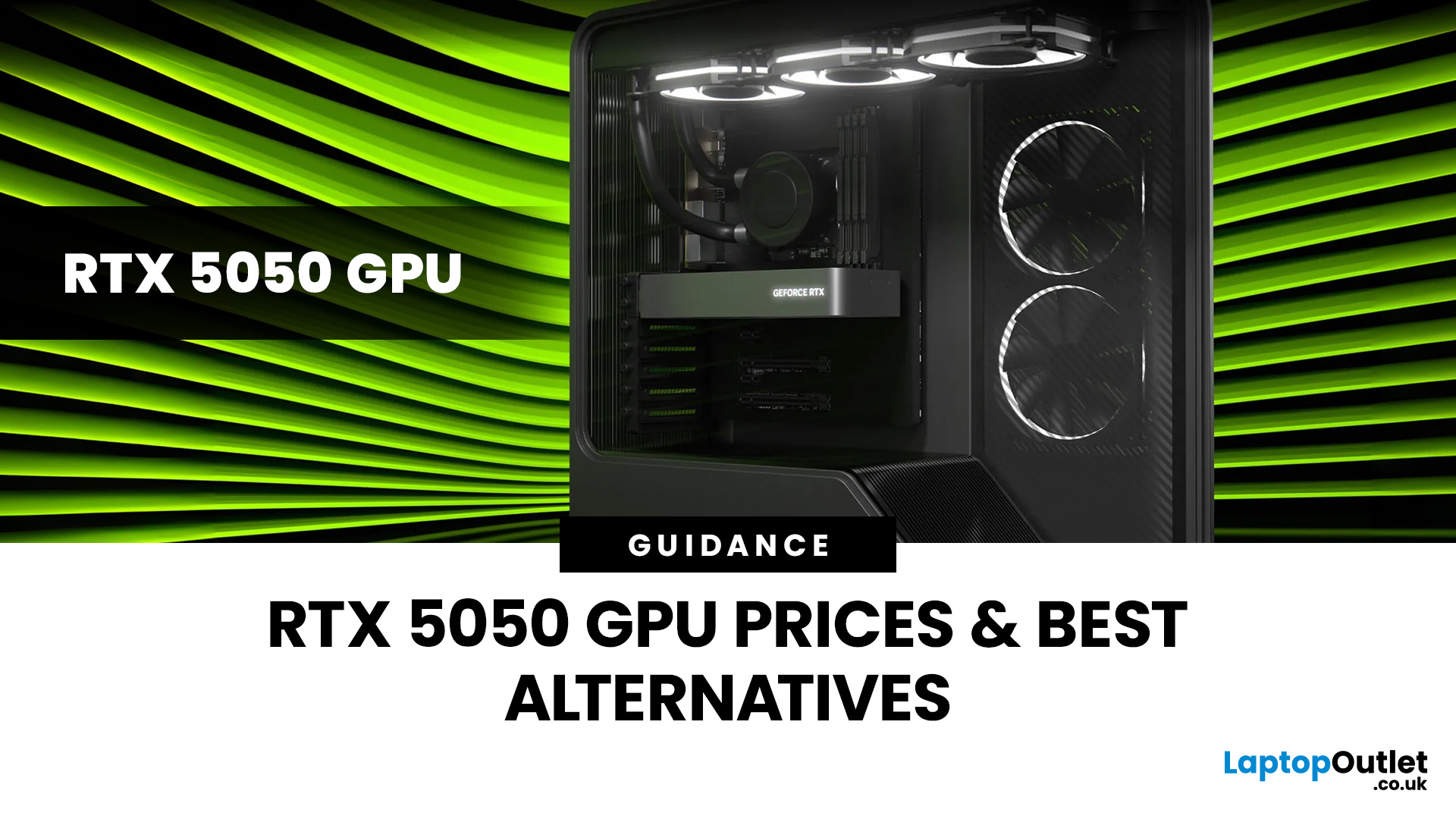
Last Updated: April 28, 2026
Finding the right graphics card at the right price has become one of the biggest challenges for PC gamers in the UK. With new GPU generations launching and stock levels fluctuating, buyers are looking for hardware that delivers strong performance without stretching their budget. In this guide, we explore everything you need to know about the NVIDIA RTX 5050 GPU, including expected gaming performance, anticipated UK pricing, and where it fits within today’s competitive graphics card market. We’ll also highlight the best alternatives available at Laptop Outlet, ensuring you have plenty of options if stock is limited.
What is the NVIDIA RTX 5050 GPU?
The NVIDIA RTX 5050 GPU is expected to sit at the entry-to-mid-level end of NVIDIA’s next-generation RTX lineup. Designed for gamers who want modern features without the premium price tag, the RTX 5050 PC graphics card is aimed at smooth 1080p gaming and entry-level 1440p performance. As part of NVIDIA’s latest architecture, the RTX 5050 graphics
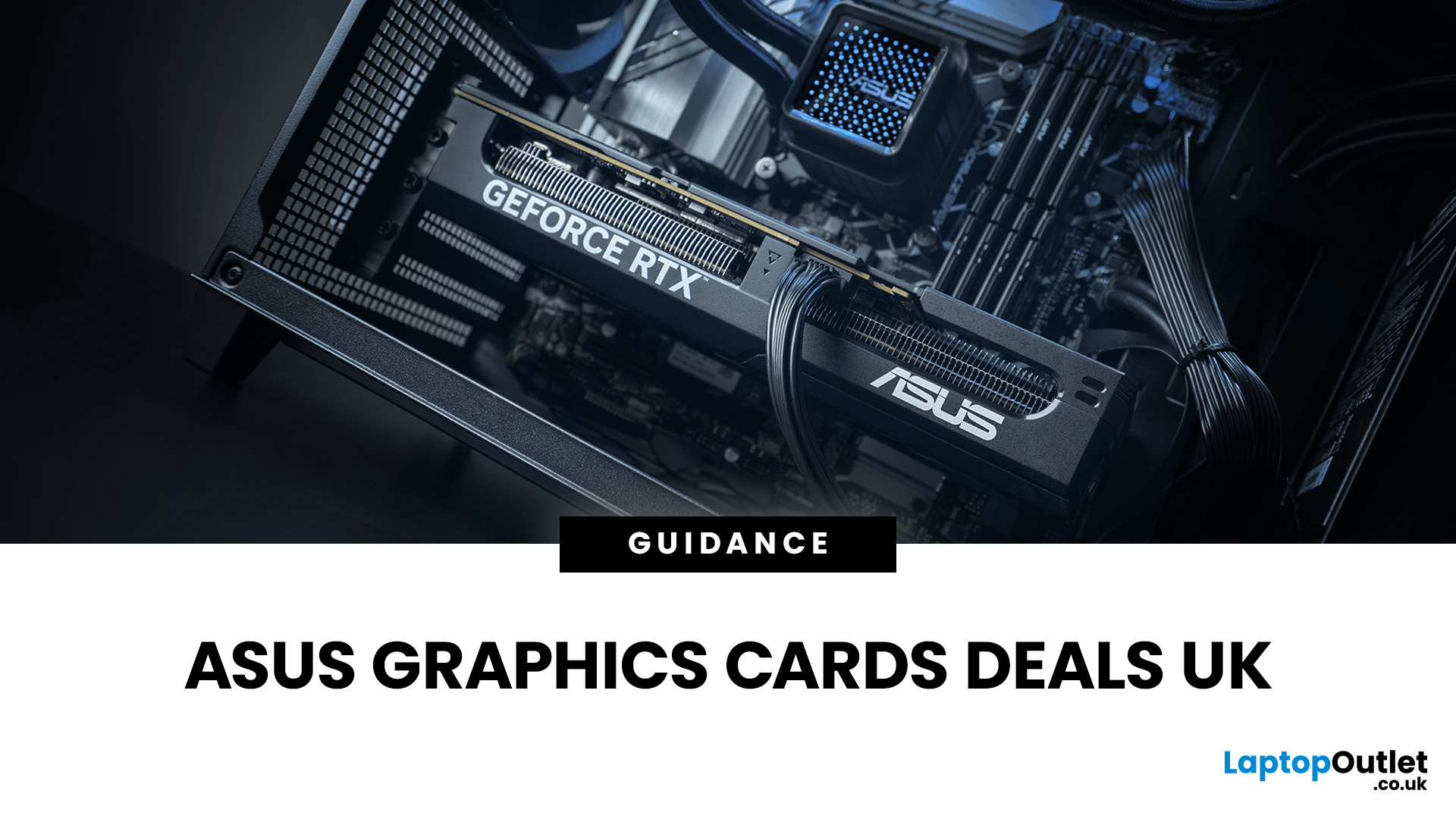
Last Updated: January 13, 2026
Are you looking to upgrade your PC with cutting-edge performance, reliability, and exceptional gaming visuals? ASUS graphics cards remain one of the most trusted choices in the UK market. We bring you competitive prices, frequent deals, and a wide selection of ASUS GPUs designed for gamers, creators, and professionals alike. From advanced NVIDIA RTX models to efficient AMD Radeon options, ASUS continues to lead the way in innovation, cooling, and long-term durability.
Why Choose ASUS Graphics Cards?
ASUS has built a global reputation for producing premium PC components, and its graphics cards are no exception. Designed with performance, stability, and longevity in mind, ASUS PC graphics cards are trusted by enthusiasts and professionals worldwide.
Proven Engineering and Build Quality
ASUS graphics cards are engineered using high-quality components, reinforced PCBs, and advanced power delivery systems. This ensures consistent performance even under heavy workloads such as 4K gaming, 3D
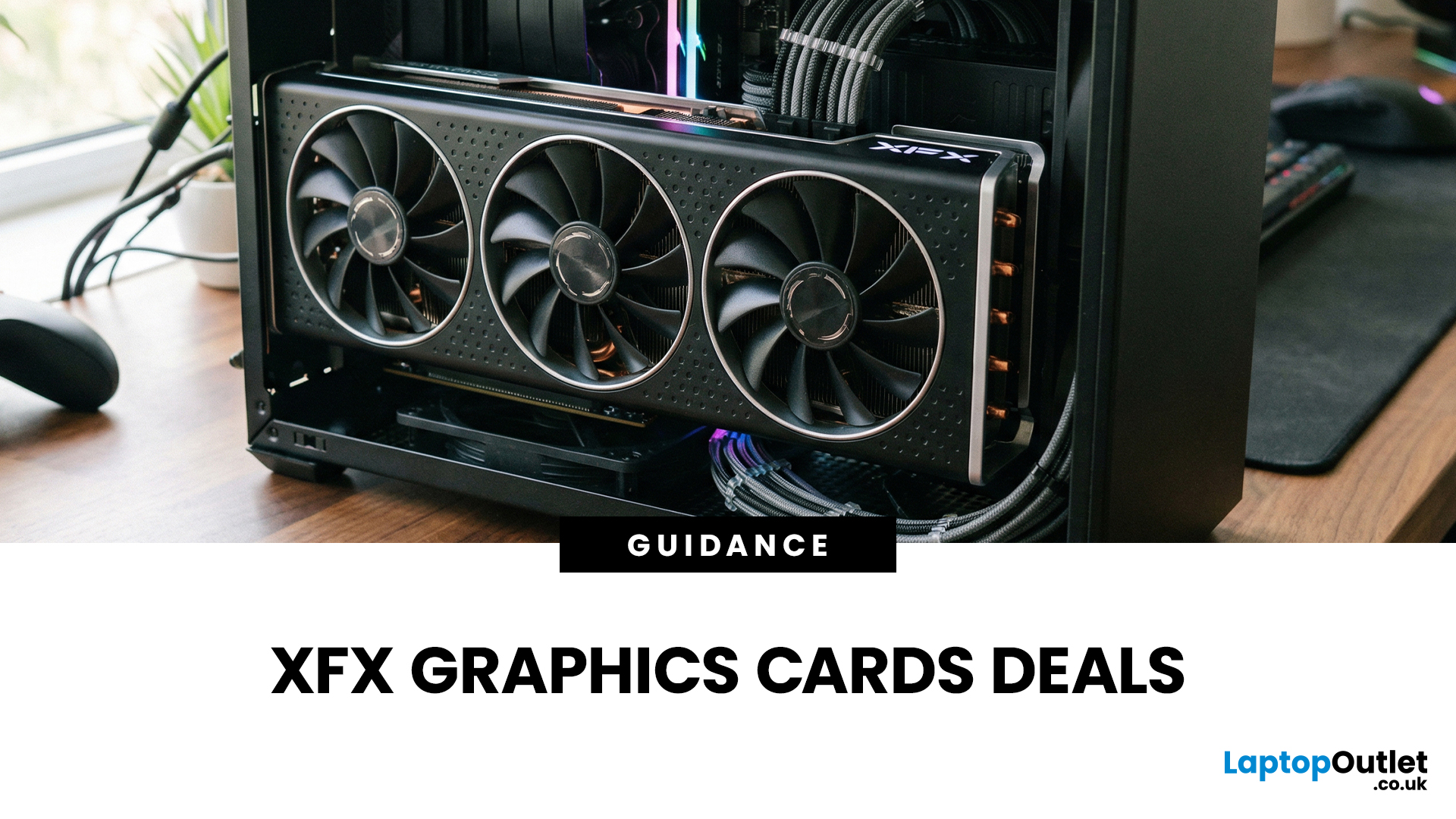
Published: January 13, 2026
Choosing the right graphics card is one of the most important decisions when building or upgrading a gaming PC, and XFX graphics cards UK gamers trust continue to stand out for performance, reliability and value. As one of AMD’s most established board partners, XFX focuses exclusively on Radeon GPUs, delivering powerful gaming performance at highly competitive prices. We offer a wide range of XFX graphics cards deals, making it easier for you to access cutting-edge AMD technology without overspending. Whether you’re upgrading an older system, building a new gaming rig or searching for better value than current NVIDIA options, XFX delivers a compelling alternative. This guide explores everything you need to know about XFX GPUs, including performance, pricing, comparisons, and how to find the best XFX GPU deals UK buyers can rely on.
Why XFX Graphics Cards Are a Trusted Choice for AMD Gamers
XFX has built a strong reputation by focusing entirely on AMD hardware. Unlike brands that split

Last Updated: April 28, 2026
When it comes to upgrading your gaming PC or building a reliable high-performance setup, Gigabyte graphics cards are one of the suitable choices for gamers and creators. Known for strong performance, efficient cooling and excellent value, Gigabyte GPUs are designed to handle everything from everyday gaming to demanding creative tasks. Whether you’re aiming for smooth gameplay, detailed visuals or future-ready performance, there’s a Gigabyte graphics card to suit your needs and budget.
What Makes Gigabyte Gaming Graphics Cards Ideal for Modern Gaming?
Modern games demand more from hardware than ever before. Gigabyte has responded with GPUs that deliver high frame rates, detailed visuals and smooth gameplay across popular titles.
Performance that Keeps Up with New Games
From competitive esports titles to AAA blockbusters, Gigabyte gaming graphics cards are built to handle demanding workloads. Features such as ray tracing, DLSS (on NVIDIA models) and high memory bandwidth ensure consistent
Last Updated: September 03, 2026
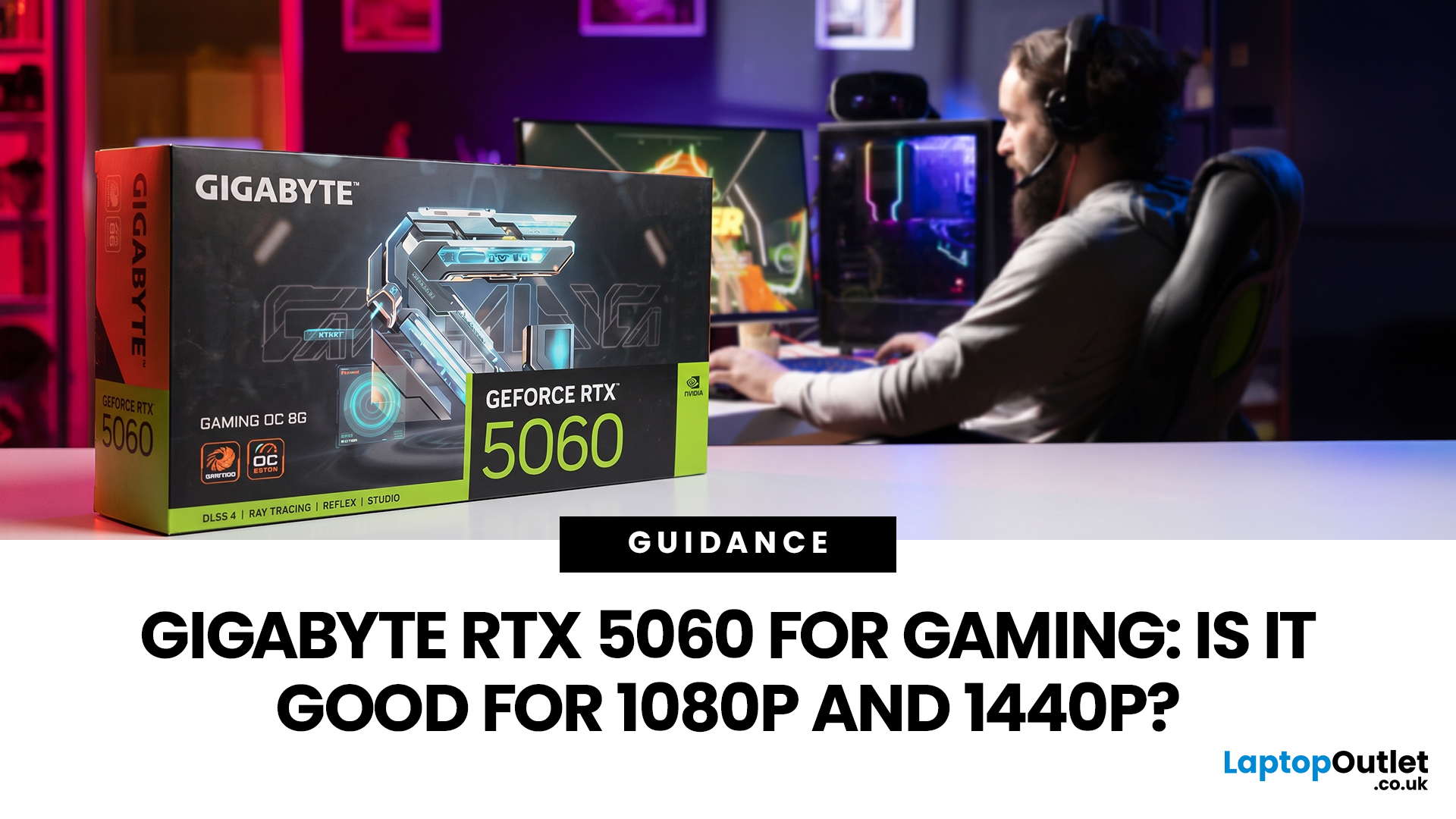
Thinking about buying the Gigabyte GeForce RTX 5060 for gaming? If you're targeting smooth 1080p gameplay, it's a strong contender, offering impressive performance with Nvidia's Blackwell architecture, DLSS 4, ray tracing, and fast GDDR7 memory. But how well does it handle 1440p? While it performs well in esports and optimised titles, demanding AAA games can push its 8GB VRAM to the limit. Here's what you can realistically expect at both resolutions.
Gigabyte RTX 5060 Gaming Performance: Quick Verdict for 1080p & 1440p
| User Type | Is the Gigabyte RTX 5060 a Good Fit? | Why |
| 1080p competitive gamer | Yes | High frame rates, low latency features and DLSS support |
| Casual PC gamer | Yes | Smooth Full HD gaming without overbuying |
| 1440p gamer on a budget | Sometimes | Good with optimised settings and DLSS |
| Ultra settings AAA gamer | Not always | 8GB VRAM can limit texture quality |
| Small PC builder | Yes | Gigabyte’s compact, efficient designs are easy to fit |
| Content creator/gamer hybrid | Yes | Nvidia Studio, NVENC and AI features |

