



How to Choose the Right GPU for Your PC in 2026
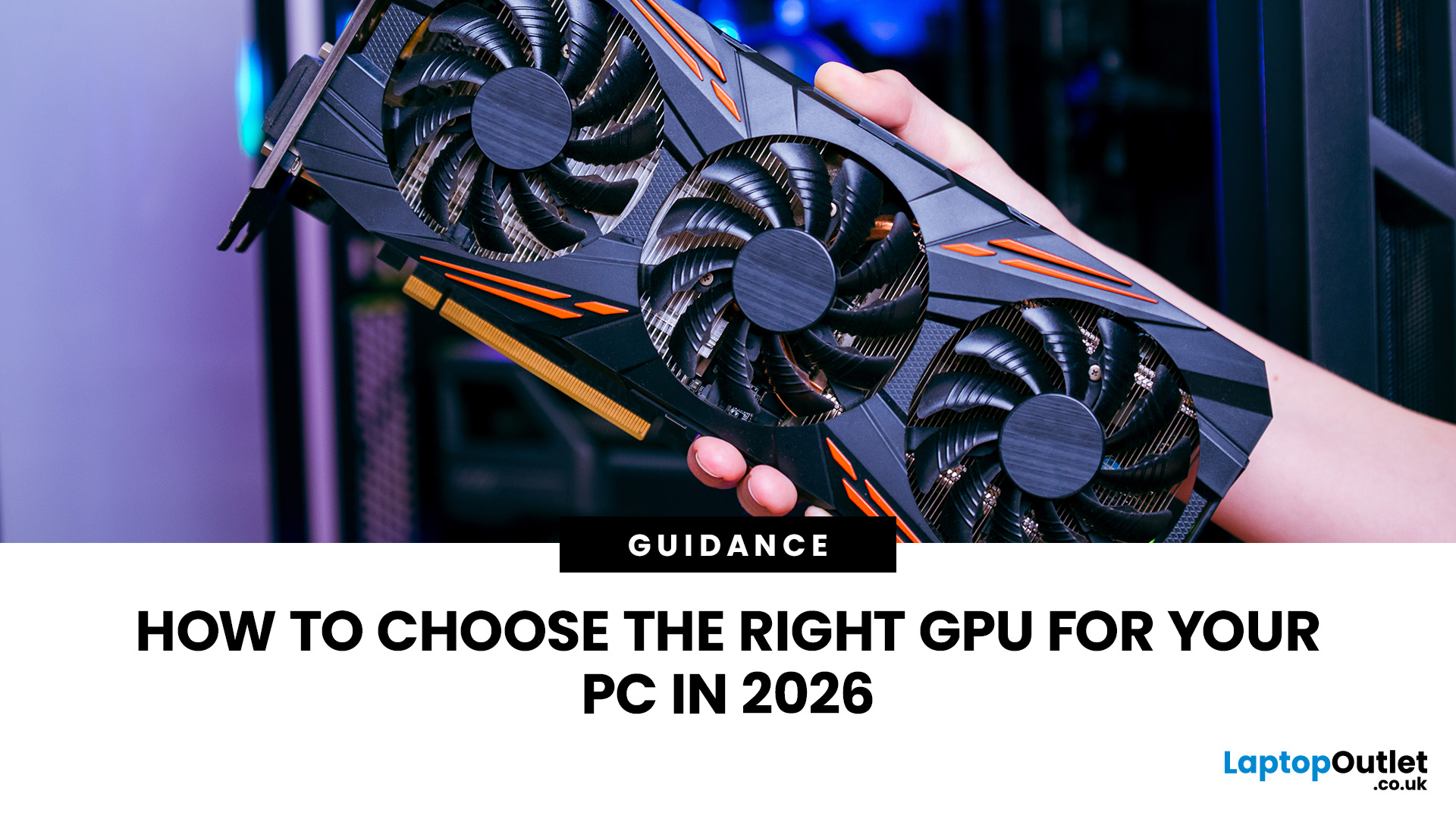
Choosing a GPU in 2026 is not about buying the most expensive graphics card you can afford. It is about buying the right card for your monitor, games, software, power supply, case size, and budget.
That is where many PC builders get it wrong. A powerful GPU can still be a poor choice if your monitor is only 1080p, your case has limited space, your power supply is not ready, or your favourite software works better with another brand. The best GPU for PC gaming is the one that gives you the performance you need without wasting money on power you will not use.
This graphics card buying guide explains how to choose the right GPU for your PC in 2026, what specs matter, how much VRAM you need, and how to pick between NVIDIA, AMD, and Intel graphics cards.
Quick Answer: What Should You Check Before Buying a GPU?Before buying a GPU, check your monitor resolution, refresh rate, main games or software, VRAM requirement, PSU wattage, power connectors, GPU size, case clearance, cooling setup, CPU bottleneck risk, ray tracing support, upscaling features, current price, warranty, and return policy. For most users in 2026, the right GPU should match the screen first. Choose an entry-level or mid-range graphics card for 1080p, a stronger 12GB to 16GB GPU for 1440p, and a high-end 16GB or higher GPU for 4K gaming, creative work, or AI workloads. |
Do You Really Need a Dedicated Graphics Card?
Not every PC needs a powerful graphics card. If you only browse the web, stream videos, use Microsoft Office, or work with light everyday apps, integrated graphics may be enough.
You should consider a dedicated graphics card for a PC if you play modern PC games, use a high-refresh-rate monitor, game at 1440p or 4K, edit high-resolution videos, work in Blender or CAD software, stream gameplay, use AI tools, or run multiple high-resolution monitors.
For basic use, a high-end GPU is unnecessary. For gaming and creative work, the right dedicated GPU can make your PC feel dramatically faster.
How to Choose the Right GPU in 2026
The easiest way to choose the right GPU is to answer five questions before looking at model names.
What Resolution Do You Play or Work At?
Resolution is one of the biggest factors in choosing a GPU. A graphics card that is excellent for 1080p may struggle at 4K because a higher resolution means the GPU has to render many more pixels.
|
USE CASE |
RECOMMENDED GPU LEVEL |
SUGGESTED VRAM |
|
1080p everyday gaming |
Entry-level to mid-range GPU |
8GB to 12GB |
|
1080p high FPS gaming |
Strong mid-range GPU |
8GB to 12GB |
|
1440p gaming |
Mid-range to upper mid-range GPU |
12GB to 16GB |
|
4K gaming |
High-end GPU |
16GB or more |
|
3D rendering and AI workloads |
High-end or workstation-class GPU |
16GB to 24GB or more |
If you are using a 1080p 60Hz monitor, you do not need to overspend on a flagship card. If you are using a 1440p 165Hz or 4K monitor, the GPU needs much more headroom.
What Games or Software Do You Use?
The best graphics card depends on what you actually do on your PC.
For esports games such as Valorant, Counter-Strike 2, Fortnite, Apex Legends, and Call of Duty, high FPS and low latency matter more than maximum visual settings.
For AAA games, you need stronger rasterisation performance, more VRAM, and good upscaling support.
For creators, software support matters just as much as raw performance. Adobe Premiere Pro, DaVinci Resolve, Blender, Unreal Engine, CAD software, and AI tools can perform differently depending on the GPU brand and drivers.
How Much VRAM Do You Need?
VRAM is the dedicated memory on your graphics card. It stores textures, frame buffers, visual assets, and data your GPU needs quickly.
In 2026, 8GB is the practical entry point for a gaming GPU, but it is no longer ideal for every new game at high settings. More VRAM gives your PC better headroom, especially at 1440p and 4K.
|
VRAM |
BEST FOR |
|---|---|
|
8GB |
1080p gaming, esports, lighter AAA settings |
|
12GB |
Strong 1080p gaming, entry 1440p gaming, better texture headroom |
|
16GB |
1440p ultra settings, 4K gaming, modern AAA games, content creation |
|
24GB or more |
Heavy 3D work, AI workloads, large creative projects, professional use |
Do not judge a GPU by VRAM alone. A slower card with more VRAM is not automatically better than a faster card with less VRAM. Look at benchmarks, memory bandwidth, architecture, and the games or software you use.
NVIDIA vs AMD vs Intel: Which GPU Brand Should You Choose?
There is no single best GPU brand for every user. NVIDIA, AMD, and Intel all have strengths. The smarter approach is to match the brand to your use case.
NVIDIA GeForce Graphics Cards
NVIDIA is usually a strong choice for users who care about ray tracing, AI features, creator software support, streaming, and broad game support for DLSS.
NVIDIA GeForce RTX 50 Series cards are built around the Blackwell architecture and bring newer DLSS, AI, ray tracing, and creator-focused features. They are especially attractive for users who play ray-traced games, stream, edit videos, use Blender, or work with AI tools.
Choose NVIDIA GeForce graphics cards if you want strong ray tracing, mature software support, DLSS, NVIDIA Studio features, and good performance in many creative applications.
AMD PC Graphics Cards
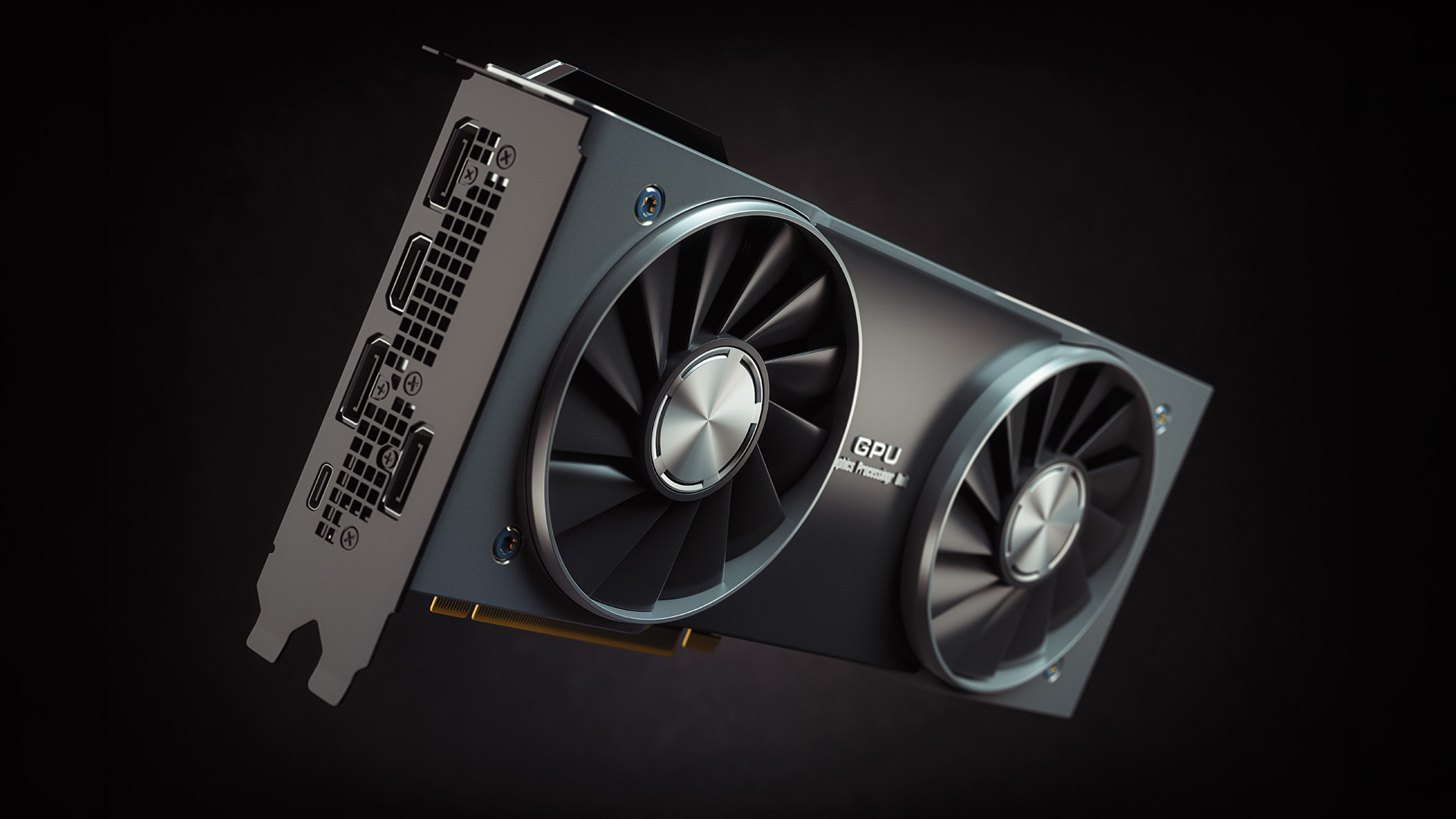
AMD Radeon graphics cards are often strong choices for gamers who want good price-to-performance, generous VRAM, and excellent traditional gaming performance.
AMD’s RX 9000 Series and RDNA 4 cards focus on stronger gaming value, improved ray tracing, and FSR support. AMD can be especially appealing if you mainly play at 1080p or 1440p and want strong frame rates without paying a premium for features you may not use.
Choose AMD PC graphics cards if you want strong rasterised gaming performance, good VRAM options, and competitive value.
Intel Arc Graphics Cards
Intel Arc GPUs are worth considering in the budget and value segment, especially for 1080p and some 1440p gaming. Intel has improved its driver support over time, and XeSS can help boost performance in supported games.
Intel is not always the best choice for every older game or professional workload, so check benchmarks for the games you actually play before buying.
Will the GPU Fit Your PC?
Before buying any GPU, check compatibility. This is where many upgrades go wrong.
Check your case clearance, motherboard slot, PSU wattage, power connectors, and airflow before ordering. Modern graphics cards can be long, thick, and power-hungry. Some take up 2.5 or 3 slots. Some use traditional 8-pin connectors, while newer NVIDIA cards may use newer high-power connectors depending on the model and partner design.
If your current power supply is old or low wattage, upgrade it before installing a demanding GPU. You can check suitable computer power supplies if your current PSU is not ready for a modern graphics card.
Is Your PC Cooling Good Enough?
A better GPU can produce more heat. If your case has weak airflow, your card may run hotter, louder, or slower than expected.
Good cooling helps your GPU maintain boost clocks, reduce fan noise, and improve long-term reliability. If your PC case has limited airflow, consider improving intake and exhaust airflow with case cooling fans.
For compact builds, always check card thickness, cooler design, and airflow path before buying.
Best GPU for Gaming by Resolution
Best GPU for 1080p Gaming
For 1080p gaming, you do not need a flagship graphics card. A good entry-level or mid-range GPU with 8-12GB of VRAM is usually enough for smooth performance.
Choose this level if you play on a 1080p monitor, want smooth gameplay at medium to high settings, play esports or lighter AAA games, and want good value rather than maximum settings.
For high-FPS gaming at 1080p, also make sure your CPU is powerful enough. In esports games, the CPU can limit frame rates before the GPU does.
Best GPU for 1440p Gaming
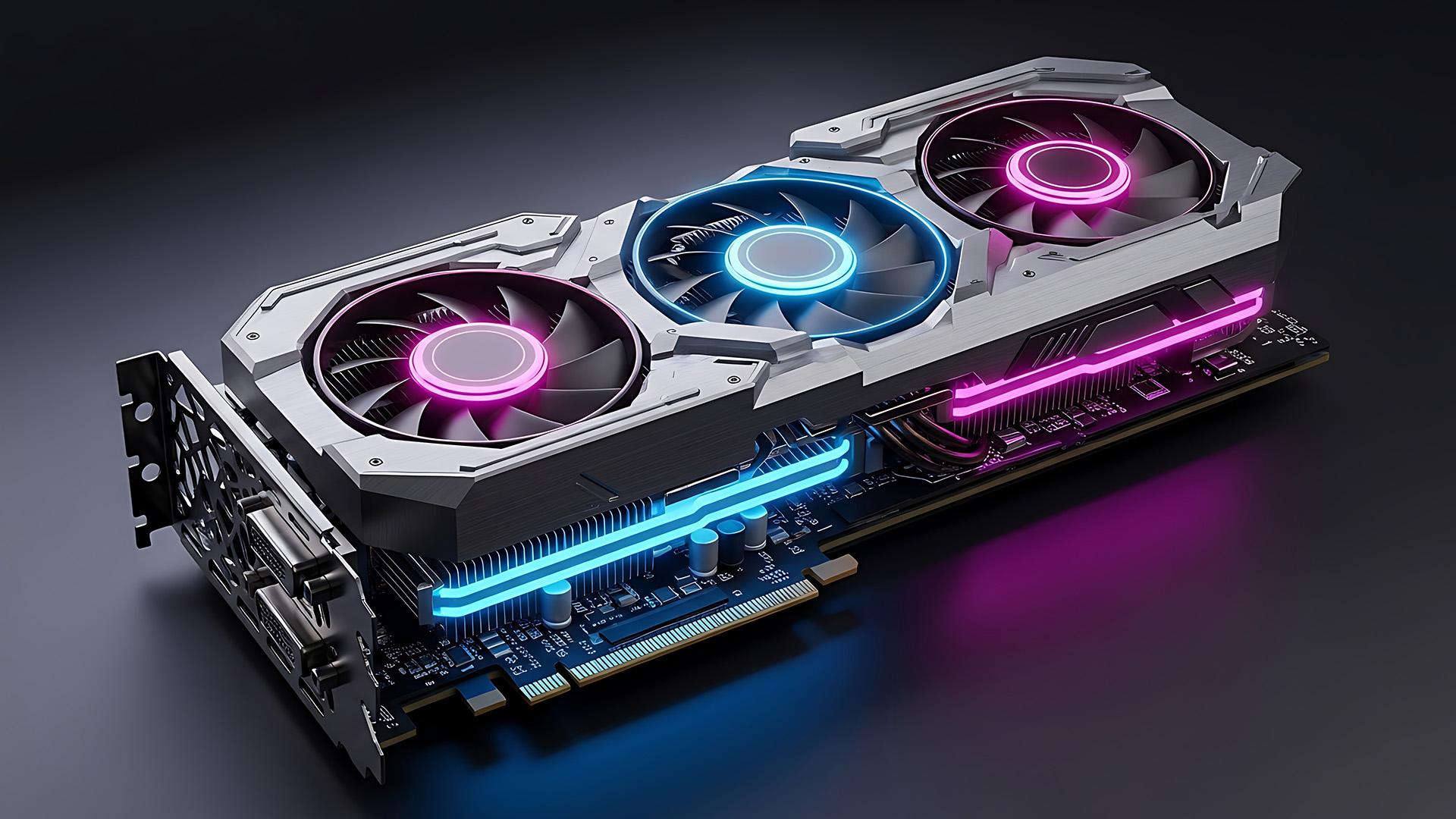
For many gamers, 1440p is the sweet spot in 2026. It looks much sharper than 1080p but is not as demanding as 4K.
For 1440p, aim for a stronger mid- to upper-midrange card with 12GB to 16GB of VRAM. This gives you better texture quality, smoother frame rates, and more room for future games.
Choose this level if you use a 1440p monitor, want high settings in modern games, play AAA titles, and want better long-term value than an entry-level card.
Best GPU for 4K Gaming
4K gaming is much more demanding. If you want high settings, ray tracing, and smooth frame rates, you need a high-end GPU with strong memory bandwidth and 16GB or more VRAM.
Choose this level if you use a 4K monitor or 4K TV, want ultra settings in demanding games, use ray tracing, and want your PC to stay capable for several years.
For 4K gaming, upscaling technologies like DLSS, FSR, and XeSS are very useful. They can improve frame rates while maintaining high visual quality in supported games.
What GPU Do I Need for High FPS Gaming?
A GPU for high FPS gaming should match your monitor’s refresh rate. There is no point buying a GPU for 240 FPS if your monitor is only 60Hz.
|
MONITOR TYPE |
GPU PRIORITY |
|---|---|
|
1080p 60Hz |
Budget or entry-level GPU |
|
1080p 144Hz |
Strong entry-level or mid-range GPU |
|
1080p 240Hz |
Mid-range GPU plus strong CPU |
|
1440p 144Hz |
Upper mid-range GPU |
|
1440p 240Hz |
High-end GPU plus strong CPU |
|
4K 120Hz or higher |
High-end GPU |
For high FPS gaming, do not ignore the CPU. A weak processor can bottleneck your graphics card, especially at 1080p.
Key GPU Specs That Actually Matter in a Graphics Card
VRAM
More VRAM helps at higher resolutions and with large textures. For 2026, 12GB is a safer target for serious gaming, while 16GB is better for 1440p ultra, 4K, and creative work.
GPU Architecture
Newer architectures usually bring better efficiency, ray tracing, upscaling, AI features, and media engines. NVIDIA Blackwell, AMD RDNA 4, and Intel Battlemage cards all bring different strengths.
Ray Tracing Performance
Ray tracing improves lighting, shadows, and reflections. It looks impressive, but it is demanding. NVIDIA still tends to be strong here, while AMD has improved with RDNA 4. If you rarely use ray tracing, traditional rasterised performance may matter more.
Upscaling and Frame Generation
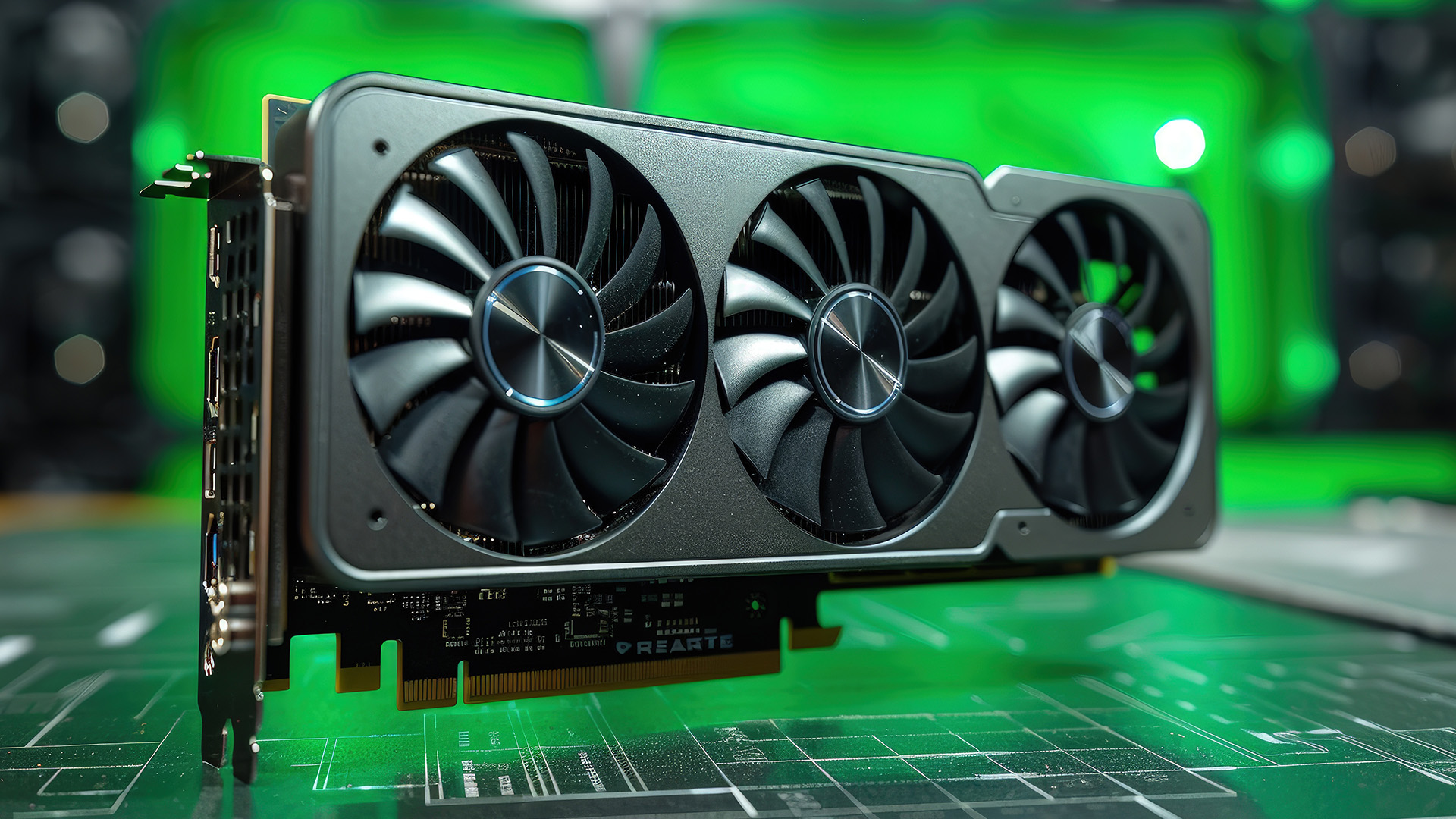
DLSS, FSR, and XeSS can improve performance in supported games. These technologies render frames more efficiently, making demanding games smoother.
For 4K gaming and ray tracing, upscaling is now a major buying factor.
Power Consumption
A powerful GPU needs a suitable PSU. Do not buy a graphics card without checking the recommended wattage and connector requirements.
Cooling Design
Dual-fan cards are often fine for lower and mid-range GPUs. Triple-fan cards usually run cooler and quieter, but they need more space. Compact PCs need extra care when choosing GPU size.
Ports
Check your monitor connections before buying. Look for HDMI and DisplayPort support that matches your monitor’s resolution and refresh rate.
AV1 Encoding
AV1 is useful for streamers, video editors, and content creators because it offers better compression and quality in supported workflows.
Common GPU Buying Mistakes to Avoid
✗ Buying the Most Expensive Card Without Checking Your Monitor
A flagship GPU is wasted on a basic 1080p 60Hz screen. Upgrade based on your monitor and real needs.
✗ Ignoring VRAM
An 8GB card can still be fine for 1080p, but it may not hold up as well at high settings, with 1440p textures, or in newer AAA titles.
✗ Forgetting PSU Requirements
A GPU upgrade can fail if your power supply is too weak or lacks the right connectors.
✗ Not Measuring Your Case
Always check GPU length, width, and slot thickness before ordering.
✗ Choosing by Brand Alone
NVIDIA, AMD, and Intel all have good cards in different price ranges. Buy based on performance, price, features, and your actual use case.
✗ Overlooking CPU Bottlenecks
If your CPU is old, a high-end GPU may not be able to reach its full potential. This is especially true for high FPS 1080p gaming.
Best GPU for PC by User Type
For Everyday Users
|
You may not need a dedicated GPU. Integrated graphics can handle browsing, video streaming, office work, and light photo editing. |
For Budget Gamers
|
Look for a modern entry-level graphics card with at least 8GB VRAM. If pricing is close, a 12GB card can offer better long-term value. |
For 1080p Competitive Gamers
|
Choose a GPU that can push high frame rates, but also invest in a good CPU and high-refresh monitor. |
For 1440p Gamers
|
Look for 12-16GB of VRAM, strong raster performance, and good upscaling support. This is the best balance for many PC gamers in 2026. |
For 4K Gamers
|
Choose a high-end GPU with 16GB or more VRAM, strong ray tracing performance, good cooling, and a capable PSU. |
For Streamers
|
Look for strong encoding support, AV1 support, driver stability, and good performance in your streaming software. |
For Video Editors and Creators
|
Check software support before buying. NVIDIA is often strong for creator apps and AI workflows, while AMD can offer excellent value depending on the software. |
For AI and 3D Work
|
Prioritise VRAM, software compatibility, compute performance, and driver support. For AI workloads, VRAM capacity can matter more than gaming FPS. |

Final Verdict: How to Pick the Right GPU
The best way to choose the right GPU in 2026 is to start with your screen, not the graphics card name.
For 1080p gaming, a budget or mid-range GPU is usually enough. For 1440p, look for stronger performance and 12-16GB of VRAM. For 4K, choose a high-end card with 16GB or more VRAM, strong cooling, and a suitable power supply.
NVIDIA is a strong choice for ray tracing, DLSS, streaming, AI, and creative work. AMD is excellent for gaming value, VRAM, and strong rasterised performance. Intel can be a smart budget option, but you should check game support and benchmarks first.
A good GPU should fit your PC, match your monitor, support your favourite games and software, and give you performance you will actually use.

FAQs About Choosing the Right GPU in 2026
How do I know which GPU is right for my PC?
The right GPU depends on your monitor resolution and refresh rate, the games and software you play, your budget, power supply, and case size. For 1080p gaming, an entry-level or mid-range GPU is usually enough. For 1440p, choose a stronger card with 12-16GB of VRAM. For 4K gaming or creative workloads, look for a high-end GPU with 16GB or more VRAM.
How much VRAM do I need for gaming in 2026?
For 1080p gaming, 8GB is the entry point, but 12GB is more comfortable. For 1440p gaming, 12-16GB is recommended. For 4K gaming, 16GB or more is the safer choice. If you use high-resolution texture packs, ray tracing, or creative software, more VRAM gives better headroom.
Is NVIDIA or AMD better for gaming?
NVIDIA is usually stronger for ray tracing, DLSS, AI features, streaming, and creator software. AMD often offers strong traditional gaming performance and good value, especially in mid-range cards. The better choice depends on your budget, the games you play, your monitor resolution, and whether you care more about ray tracing or price-to-performance.
What GPU do I need for 1080p, 1440p or 4K gaming?
For 1080p gaming, choose a modern entry-level or mid-range GPU with 8-12GB of VRAM. For 1440p gaming, choose a stronger mid-range or upper mid-range GPU with 12-16GB of VRAM. For 4K gaming, choose a high-end GPU with at least 16GB VRAM and strong upscaling support.
Can any graphics card fit in my PC?
No. A graphics card must physically fit your case, connect to your motherboard, work with your power supply, and have enough airflow. Before buying, check GPU length, slot thickness, PSU wattage, power connectors, and case clearance.
Is 8GB VRAM enough for gaming in 2026?
8GB VRAM can still be enough for 1080p gaming, esports titles, and lighter settings. However, if you want to play newer AAA games at high settings, use ray tracing, or move to 1440p, 12GB or 16GB VRAM is a safer choice. More VRAM gives your graphics card extra headroom for high-resolution textures and future games.
Should I upgrade my GPU or CPU first?
Upgrade the part that is limiting your performance the most. If your games show low frame rates at high graphics settings, your GPU is usually the bigger issue. If you play competitive games at 1080p and your frame rate doesn't improve much when you lower graphics settings, your CPU may be the bottleneck. For the best result, your CPU and GPU should be balanced.
Does a better GPU always mean more FPS?
A better GPU can improve FPS, but not always. Your final frame rate also depends on your CPU, RAM, game optimisation, monitor refresh rate, resolution, graphics settings, drivers, and cooling. A high-end GPU may not deliver its full performance if your CPU is too weak or your monitor is limited to 60Hz.
How do I check if my power supply can handle a new GPU?
Check the GPU manufacturer’s recommended PSU wattage, then compare it to your current power supply's wattage. Also check the required power connectors, such as 8-pin, dual 8-pin, 12VHPWR, or 12V-2x6, depending on the card. If your PSU is old, low-quality, or close to the minimum wattage, it is safer to upgrade it before installing a powerful graphics card.
Is ray tracing important when choosing a GPU?
Ray tracing is important if you want more realistic lighting, reflections, and shadows in supported games. However, it can reduce FPS, so you should also consider upscaling technologies such as DLSS, FSR, or XeSS. If you mostly play esports or competitive games, traditional performance and high FPS may matter more than ray tracing.
Is it worth buying a refurbished GPU?
A refurbished GPU can be worth it if the price is low, the seller is trusted, and the card has been tested properly. However, it can also be risky because you may not know its full usage history, mining history, temperature exposure, or warranty status. For peace of mind, buy from a reputable seller like Laptop Outlet and ensure you have an exchange/return policy and clear condition details.
| Read More |
| Graphics Revolution: Exploring The Latest GPU Technologies In Gaming Laptops |
| How Do You Install a New Graphics Card |
| Top 10 Myths and Facts About AMD Graphics Cards (2026) |
Related Articles


Last Updated: February 27, 2026
GPU price trends, which historically followed steady consumer demand cycles, were hijacked by a series of unprecedented global crises. These events first pushed the cost of graphics cards to astronomical highs, then plunged them into a sharp decline, before finally settling on a new, structurally higher price baseline.
This analysis examines the economic forces that drove this extraordinary five-year shift. We trace the market from the initial chaos of the supply chain fracture, through the speculative peak driven by cryptocurrency mining, and into the current era dominated by the massive enterprise investment in Artificial Intelligence (AI).
The Initial Storm (2020–Mid 2021): Scarcity and Supply Chain Shock
The sharp inflation in GPU prices did not begin with a single factor but with the convergence of two major, simultaneous economic disruptions: a severe global logistics crisis and a dramatic shift in consumer habits.

The Pandemic’s Logistical Fracture
The start of the COVID-19 pandemic
Last Updated: April 28, 2026
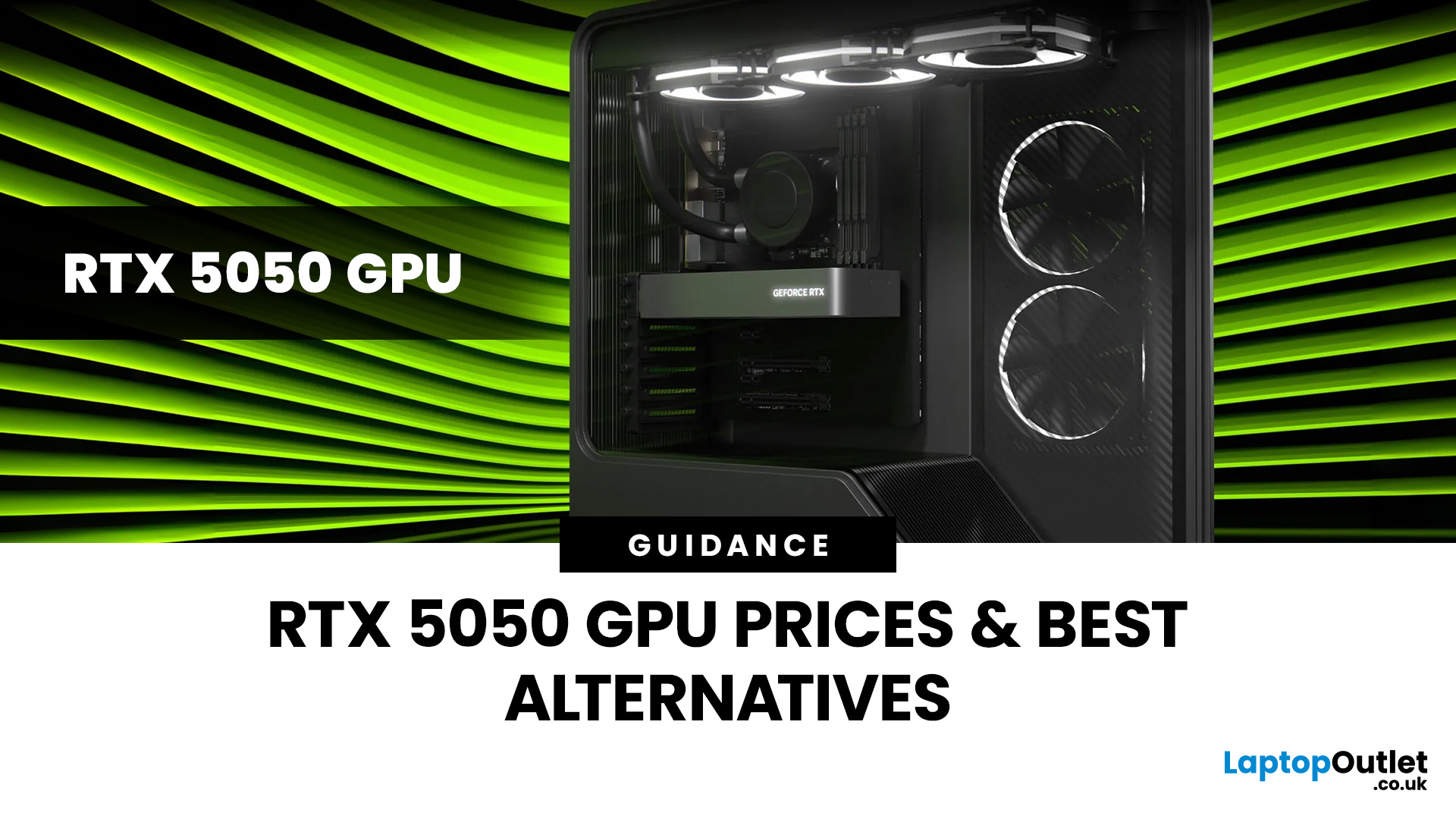
Finding the right graphics card at the right price has become one of the biggest challenges for PC gamers in the UK. With new GPU generations launching and stock levels fluctuating, buyers are looking for hardware that delivers strong performance without stretching their budget. In this guide, we explore everything you need to know about the NVIDIA RTX 5050 GPU, including expected gaming performance, anticipated UK pricing, and where it fits within today’s competitive graphics card market. We’ll also highlight the best alternatives available at Laptop Outlet, ensuring you have plenty of options if stock is limited.
What is the NVIDIA RTX 5050 GPU?
The NVIDIA RTX 5050 GPU is expected to sit at the entry-to-mid-level end of NVIDIA’s next-generation RTX lineup. Designed for gamers who want modern features without the premium price tag, the RTX 5050 PC graphics card is aimed at smooth 1080p gaming and entry-level 1440p performance. As part of NVIDIA’s latest architecture, the RTX 5050 graphics
Last Updated: January 13, 2026
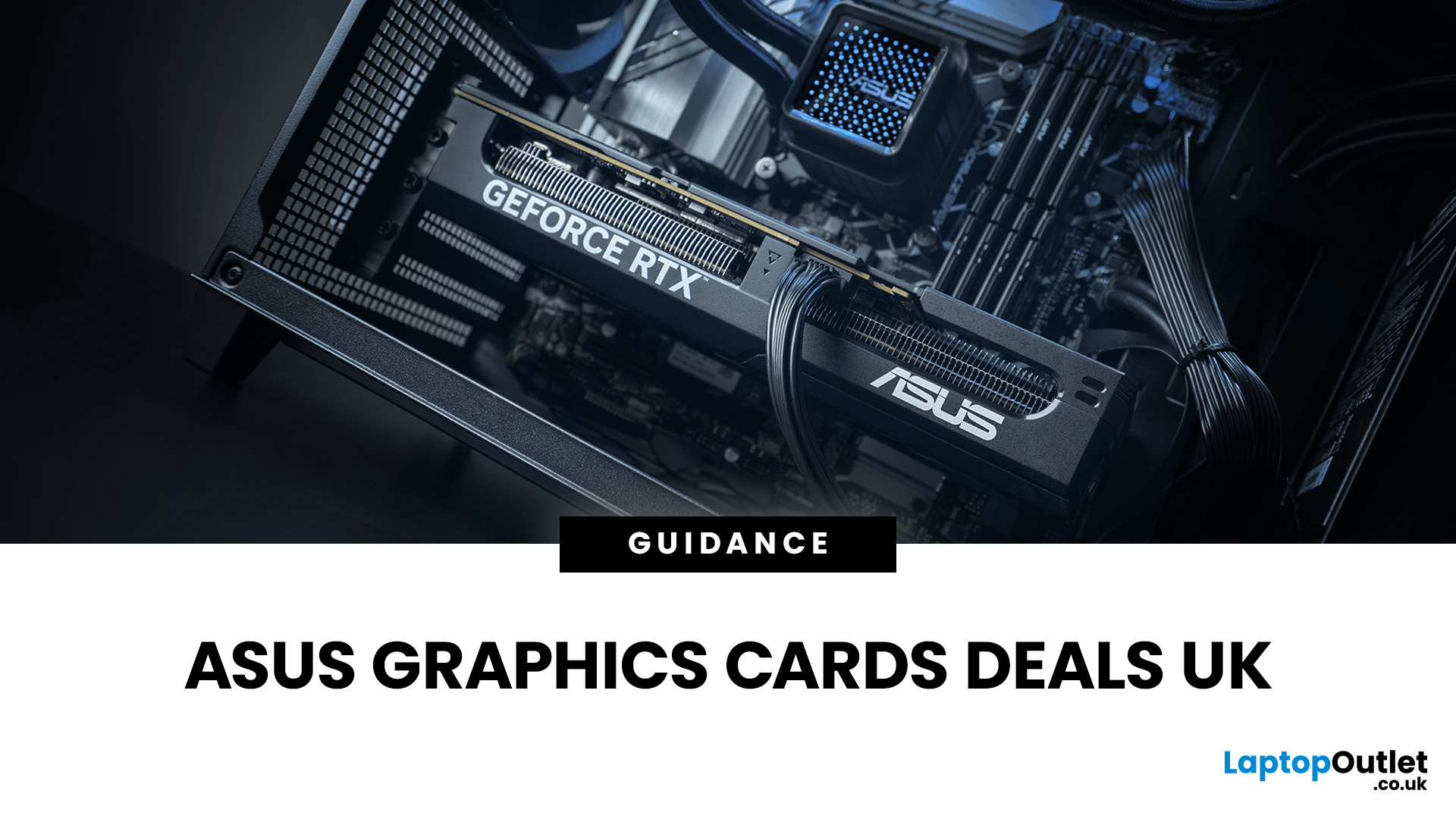
Are you looking to upgrade your PC with cutting-edge performance, reliability, and exceptional gaming visuals? ASUS graphics cards remain one of the most trusted choices in the UK market. We bring you competitive prices, frequent deals, and a wide selection of ASUS GPUs designed for gamers, creators, and professionals alike. From advanced NVIDIA RTX models to efficient AMD Radeon options, ASUS continues to lead the way in innovation, cooling, and long-term durability.
Why Choose ASUS Graphics Cards?
ASUS has built a global reputation for producing premium PC components, and its graphics cards are no exception. Designed with performance, stability, and longevity in mind, ASUS PC graphics cards are trusted by enthusiasts and professionals worldwide.
Proven Engineering and Build Quality
ASUS graphics cards are engineered using high-quality components, reinforced PCBs, and advanced power delivery systems. This ensures consistent performance even under heavy workloads such as 4K gaming, 3D
Published: January 13, 2026
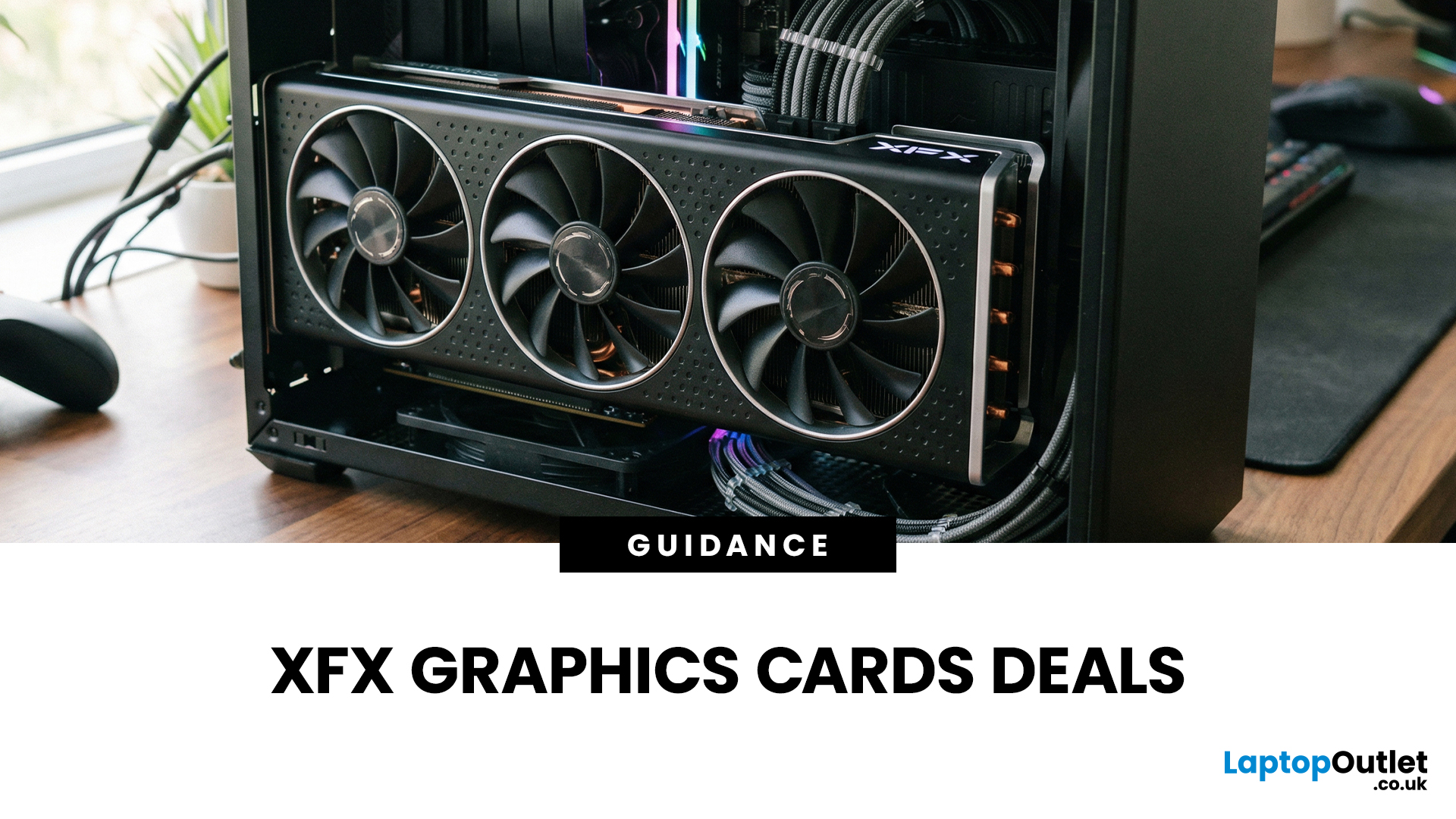
Choosing the right graphics card is one of the most important decisions when building or upgrading a gaming PC, and XFX graphics cards UK gamers trust continue to stand out for performance, reliability and value. As one of AMD’s most established board partners, XFX focuses exclusively on Radeon GPUs, delivering powerful gaming performance at highly competitive prices. We offer a wide range of XFX graphics cards deals, making it easier for you to access cutting-edge AMD technology without overspending. Whether you’re upgrading an older system, building a new gaming rig or searching for better value than current NVIDIA options, XFX delivers a compelling alternative. This guide explores everything you need to know about XFX GPUs, including performance, pricing, comparisons, and how to find the best XFX GPU deals UK buyers can rely on.
Why XFX Graphics Cards Are a Trusted Choice for AMD Gamers
XFX has built a strong reputation by focusing entirely on AMD hardware. Unlike brands that split
Last Updated: April 28, 2026
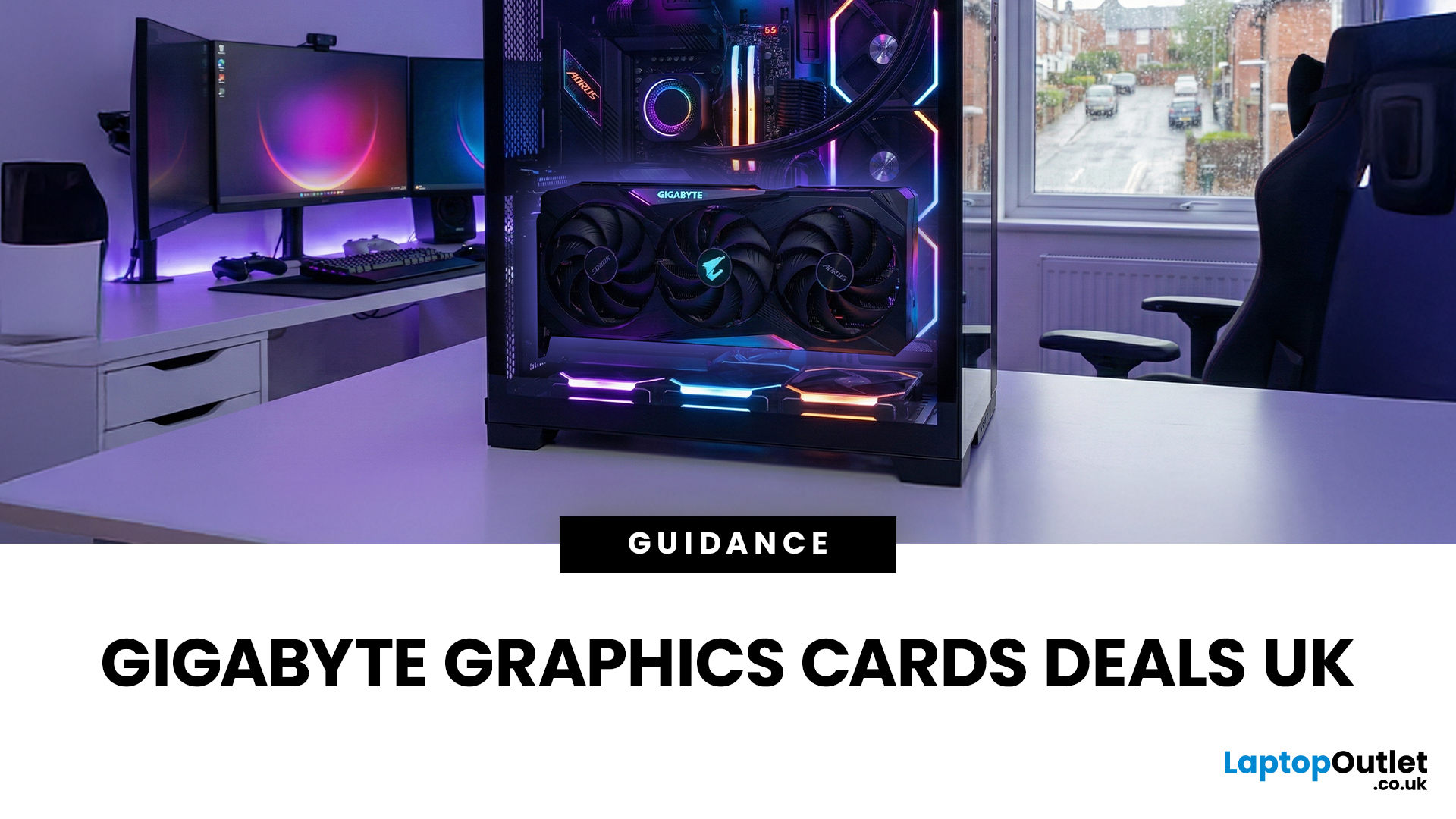
When it comes to upgrading your gaming PC or building a reliable high-performance setup, Gigabyte graphics cards are one of the suitable choices for gamers and creators. Known for strong performance, efficient cooling and excellent value, Gigabyte GPUs are designed to handle everything from everyday gaming to demanding creative tasks. Whether you’re aiming for smooth gameplay, detailed visuals or future-ready performance, there’s a Gigabyte graphics card to suit your needs and budget.
What Makes Gigabyte Gaming Graphics Cards Ideal for Modern Gaming?
Modern games demand more from hardware than ever before. Gigabyte has responded with GPUs that deliver high frame rates, detailed visuals and smooth gameplay across popular titles.
Performance that Keeps Up with New Games
From competitive esports titles to AAA blockbusters, Gigabyte gaming graphics cards are built to handle demanding workloads. Features such as ray tracing, DLSS (on NVIDIA models) and high memory bandwidth ensure consistent
Last Updated: July 20, 2026
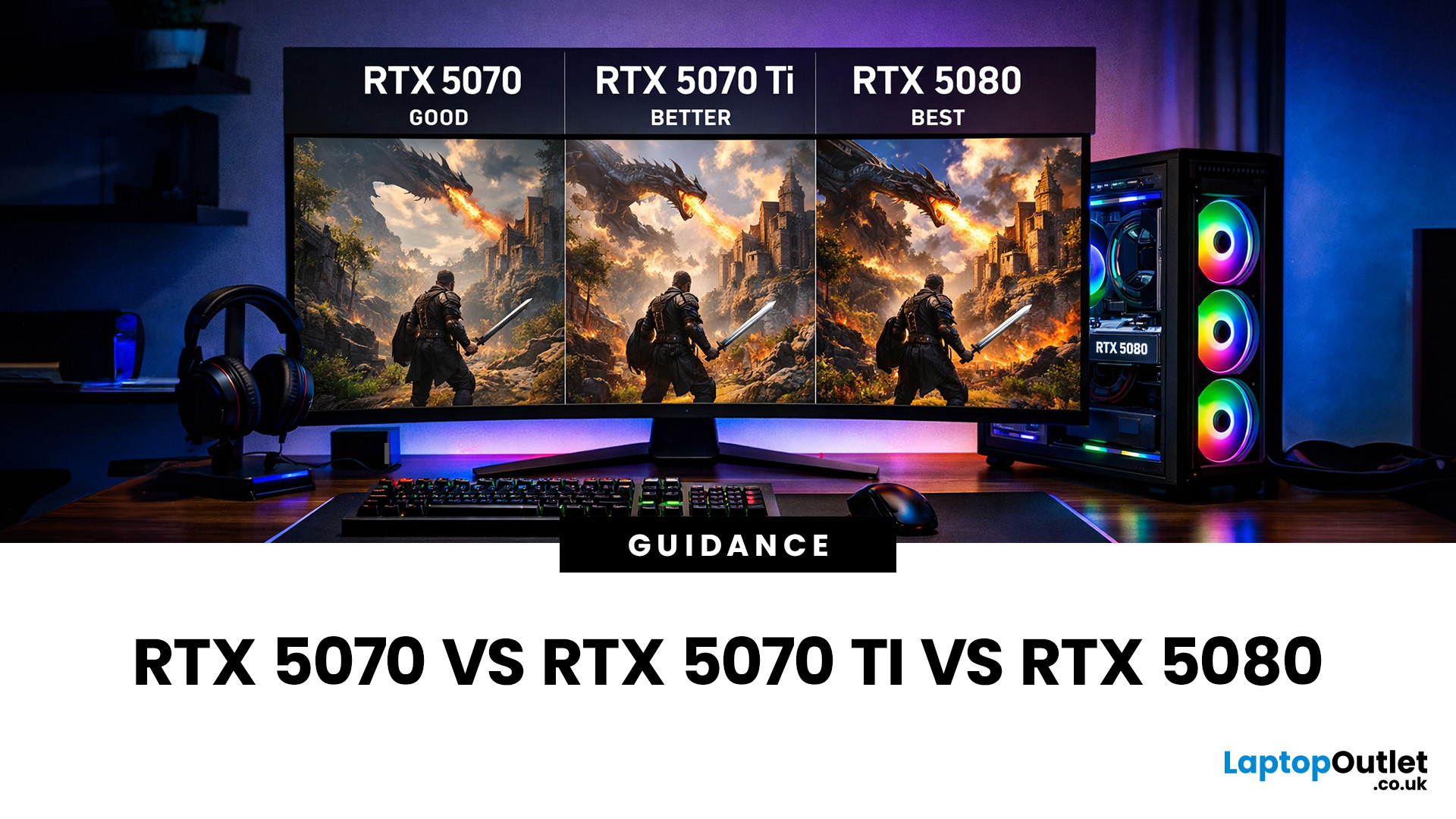
Choosing between an RTX 5070 and RTX 5080 gaming PC is one of the biggest decisions you may face when buying or upgrading a gaming desktop. Although both GPUs support NVIDIA’s latest gaming technologies, they are designed for different resolutions, performance targets, system budgets, and types of players.
In this RTX 5070 vs RTX 5080 comparison, we examine gaming performance, ray tracing, power requirements, system specifications, overall value and the right graphics card for you. We will also briefly explain where the RTX 5070 Ti fits for buyers who want more performance than the RTX 5070 without moving to a premium RTX 5080 gaming PC.
Whether you are considering an RTX 5070 prebuilt PC or planning a high-end custom desktop, this guide will help you understand the difference between RTX 5070 and 5080 gaming systems.
Understanding the RTX 50 Series Line-Up
NVIDIA’s RTX 50 series GPUs are designed to push performance further while improving efficiency and AI-powered features. Across the
Last Updated: August 20, 2026
Last Updated: June 18, 2026
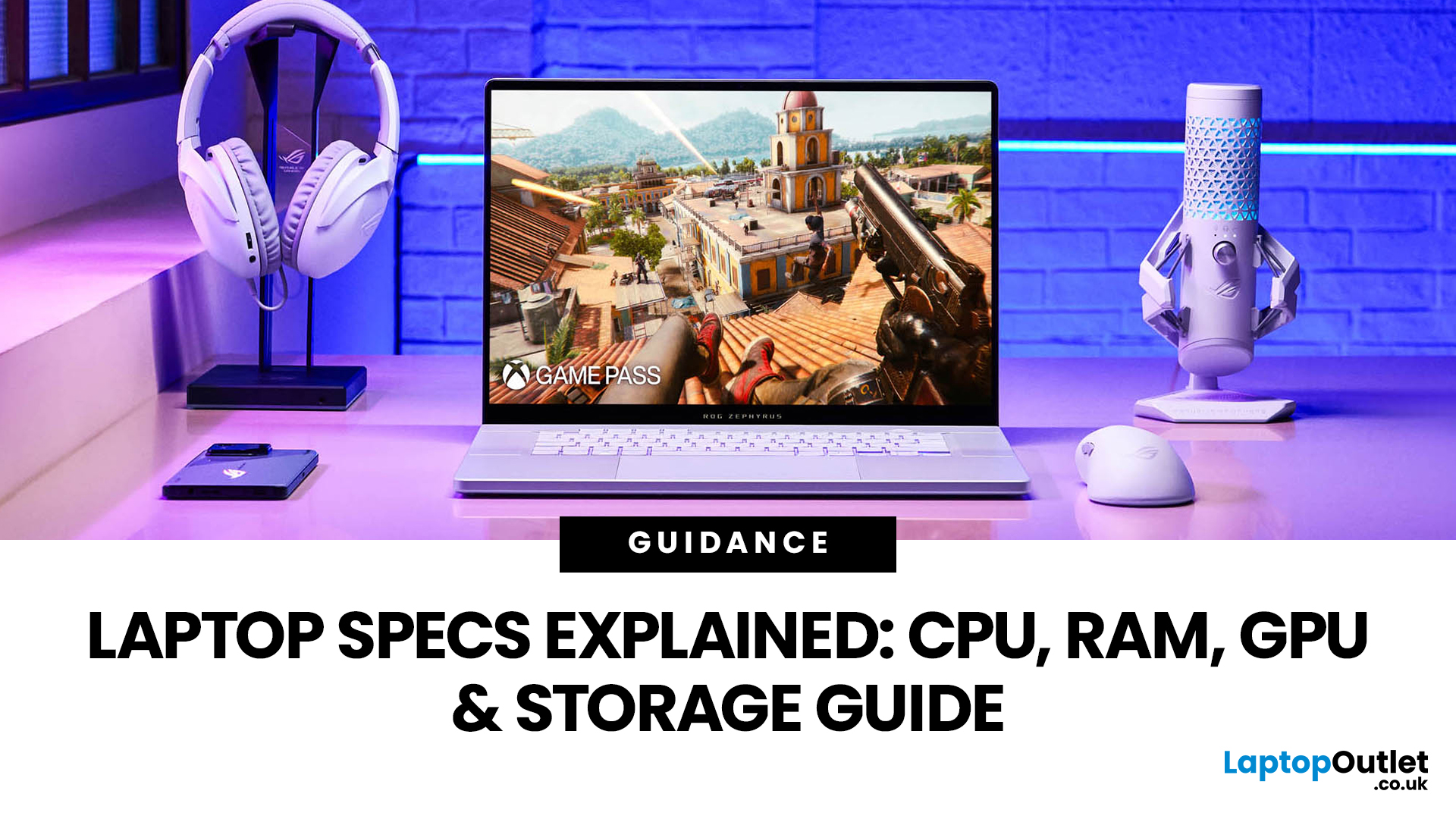
For most buyers in 2026, the best laptop specs are a modern Intel Core Ultra 5/7 or AMD Ryzen AI 5/7 processor, 16GB RAM, 512GB SSD storage, and integrated graphics. Choose 32GB RAM, 1TB storage, and a dedicated GPU if you edit videos, create content, play demanding games, or use professional software.
Buying a new laptop in 2026 can feel confusing, especially when every product page is packed with technical words, numbers, and abbreviations. This processors & specs explained guide breaks everything down in plain English so you can understand what matters before you spend your money.
For most buyers, the four most important laptop components are the CPU, RAM, GPU, and storage. Once you understand these, it becomes much easier to compare models, avoid overspending, and choose a laptop that actually suits your daily needs.
What are Laptop Specs and Why Do They Matter?
Understanding laptop specifications becomes important. Specs affect:
- How fast your laptop feels when opening apps.
- How many
Published: June 11, 2026
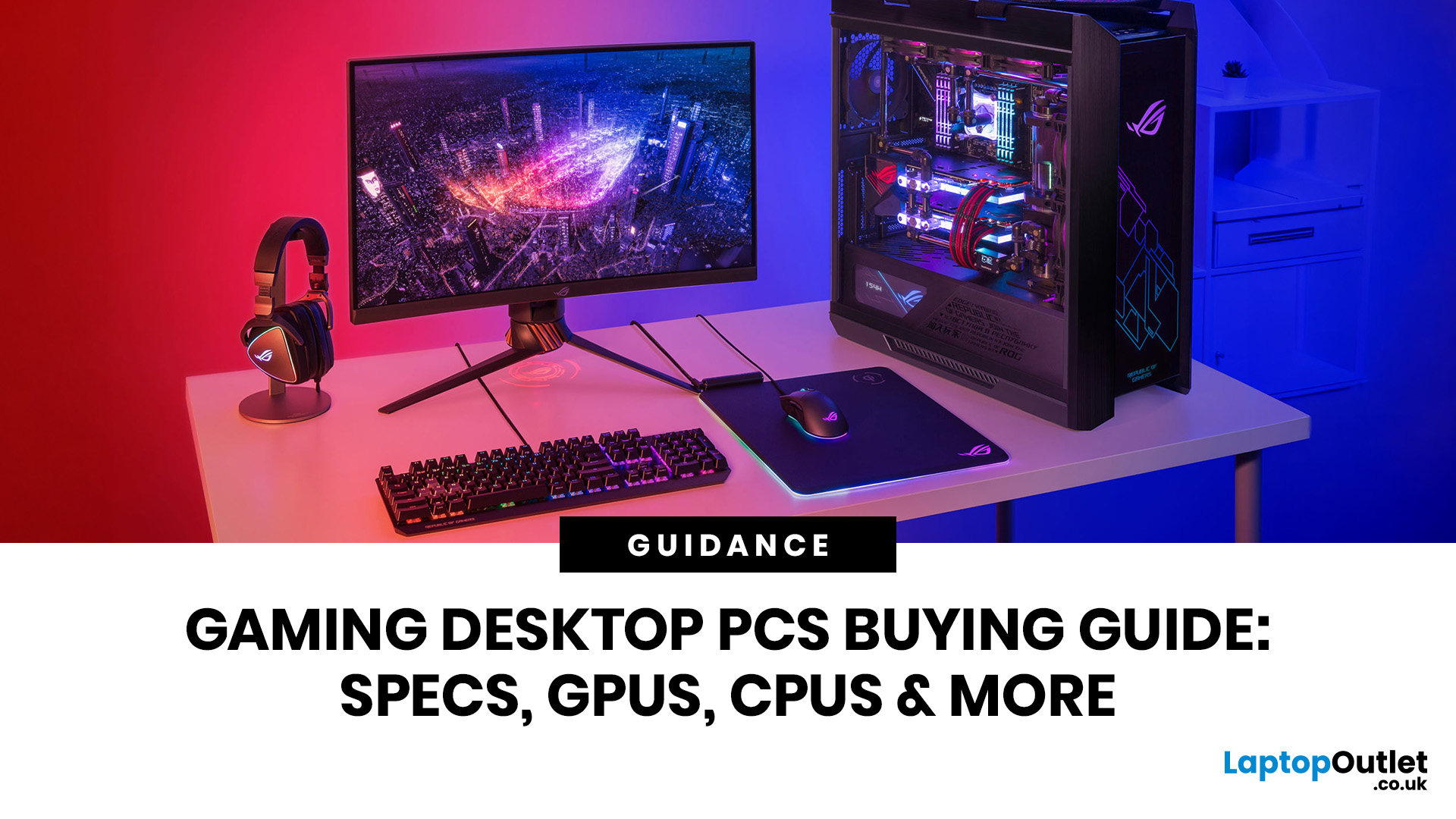
Choosing the right gaming desktop can be the difference between smooth, immersive gameplay and a system that struggles within a year. This gaming PC buying guide explains the key components that affect gaming performance, future-proofing, and value for money, so you can buy with confidence rather than guessing from confusing spec sheets.
A good gaming PC is not just about the most expensive graphics card. It is about balance. The CPU, GPU, RAM, storage, cooling, power supply, motherboard, and case all work together. Whether you play competitive esports, cinematic single-player titles, open-world RPGs, racing games or VR, understanding the right configuration helps you avoid overspending and choose a desktop that lasts.
This article is designed as a practical gaming PC specs guide for beginners, but it also includes up-to-date 2026 advice for buyers comparing modern RTX, Radeon, Intel, and AMD-powered systems.
Why Buy a Gaming Desktop PC?
A gaming desktop PC remains one of the best choices
Last Updated: June 15, 2026
Overheating can slow down your PC, crash games, and damage key components. Checking CPU and GPU temperature helps spot heat issues early, compare readings with safe ranges, and choose the right fix, from cleaning vents to upgrading cooling fans, coolers, processors, or graphics cards for smoother everyday performance and overall stability.
Is your laptop sounding like it’s about to take off? Or does your PC randomly slow down, crash, or shut itself off? Yeah, that’s usually not a vibe. It could mean your system is overheating.
Doing a quick check CPU GPU temperature laptop test can help you spot heat issues before they turn into expensive damage. Whether you game, edit videos, stream, or just multitask like a boss, keeping an eye on your processor’s and graphics cards temperature is a smart move.
Here’s how to check both easily.
Signs Your PC or Laptop is Overheating
Your device usually gives you clues before things get serious. Watch out for:
- Loud fans running non-stop
- Sudden lag or freezing

