



Dell Pro vs OptiPlex: What’s the Difference?
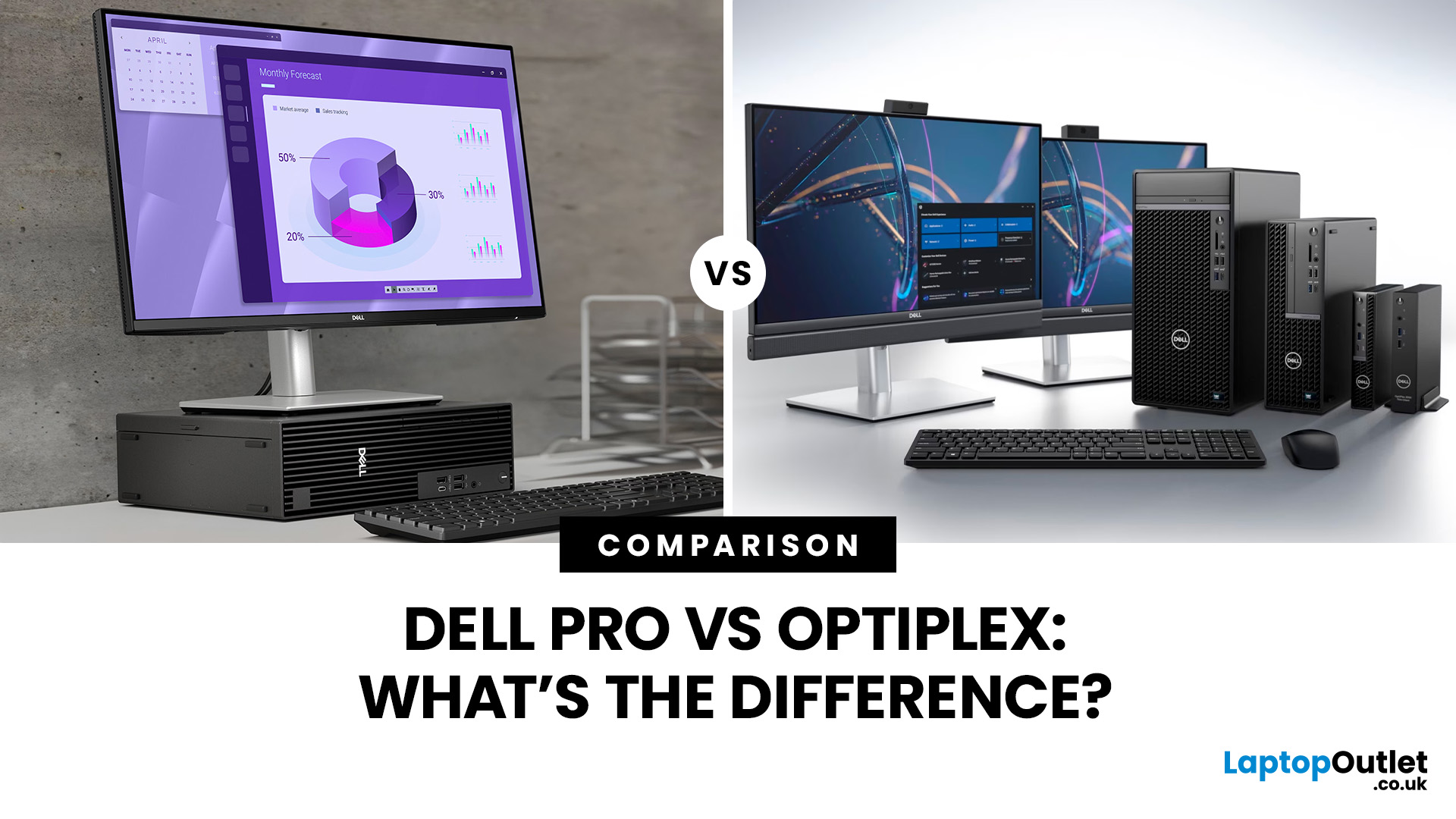
Dell Pro is Dell’s newer professional PC family and has effectively taken over the position previously occupied by OptiPlex for new business desktops.
Dell announced its simplified Dell, Dell Pro and Dell Pro Max portfolio on 6 January 2025. Dell UK now states that OptiPlex desktops are no longer available directly and directs customers towards Dell Pro systems instead.
However, Dell Pro vs OptiPlex is not simply a comparison between a new, faster range and an old, slower one. Recent OptiPlex PCs can still have powerful processors, DDR5 memory, Windows 11 Pro and business security features. The exact model, processor, memory, storage and form factor matter more than the name alone.
Pro vs OptiPlex: Dell Business Computers at a Glance
|
Options |
Dell Pro |
Dell OptiPlex |
|
Current status |
Dell’s current professional PC family |
Legacy business brand no longer sold directly by Dell UK |
|
Intended users |
Businesses, professional users and managed IT environments |
Businesses, offices, education and managed IT environments |
|
Common form factors |
Tower, Slim, Micro and All-in-One |
Tower, Small Form Factor, Micro and All-in-One |
|
Specifications |
14th Gen Intel Core, Intel Core Ultra and AMD options depending on model |
Varies widely by generation; recent models include 14th Gen Intel Core and DDR5 |
|
Security/manageability |
Business security, TPM, optional vPro and enterprise support options depending on configuration |
Similar business-focused security and management features on supported models |
|
Main buying route |
New systems from Dell and authorised retailers |
Existing fleets, remaining channel stock and refurbished systems |
Current Dell Pro desktop families include models such as the Dell Pro Tower QCT1250, Dell Pro Slim QCS1250 and Dell Pro Micro QCM1250, alongside Plus variants and newer processor configurations.
What Is Dell Pro?
Dell Pro is part of the PC naming structure Dell introduced in January 2025. Dell divided its wider portfolio into three main groups: Dell for general computing, Dell Pro for professional productivity and Dell Pro Max for more demanding performance requirements.
For desktop buyers, Dell Pro covers systems ranging from compact Micro PCs to Slim and full Tower designs. There are also Plus variants where greater expandability or higher specification options are required.
For example, the Dell Pro Tower QCT1250 can be configured with processors ranging from mainstream Intel Core chips to Intel Core Ultra processors. Dell also lists AMD-based Dell Pro Tower QCT1255, Slim QCS1255 and Micro QCM1255 systems.
What Is Dell OptiPlex?
OptiPlex was Dell’s long-running range of commercial desktops designed for offices, managed IT environments and other professional settings.
The range covered several generations and form factors, including Tower, Small Form Factor, Micro and All-in-One systems. As a result, two PCs carrying the OptiPlex name can have dramatically different hardware depending on when they were released.
The OptiPlex Small Form Factor Plus 7020, for example, appeared in Dell documentation in March 2024 and supports 14th Gen Intel Core processors, DDR5 memory and up to 128GB of RAM.
That makes newer OptiPlex systems very different from much older models that may still be found in refurbished business fleets.
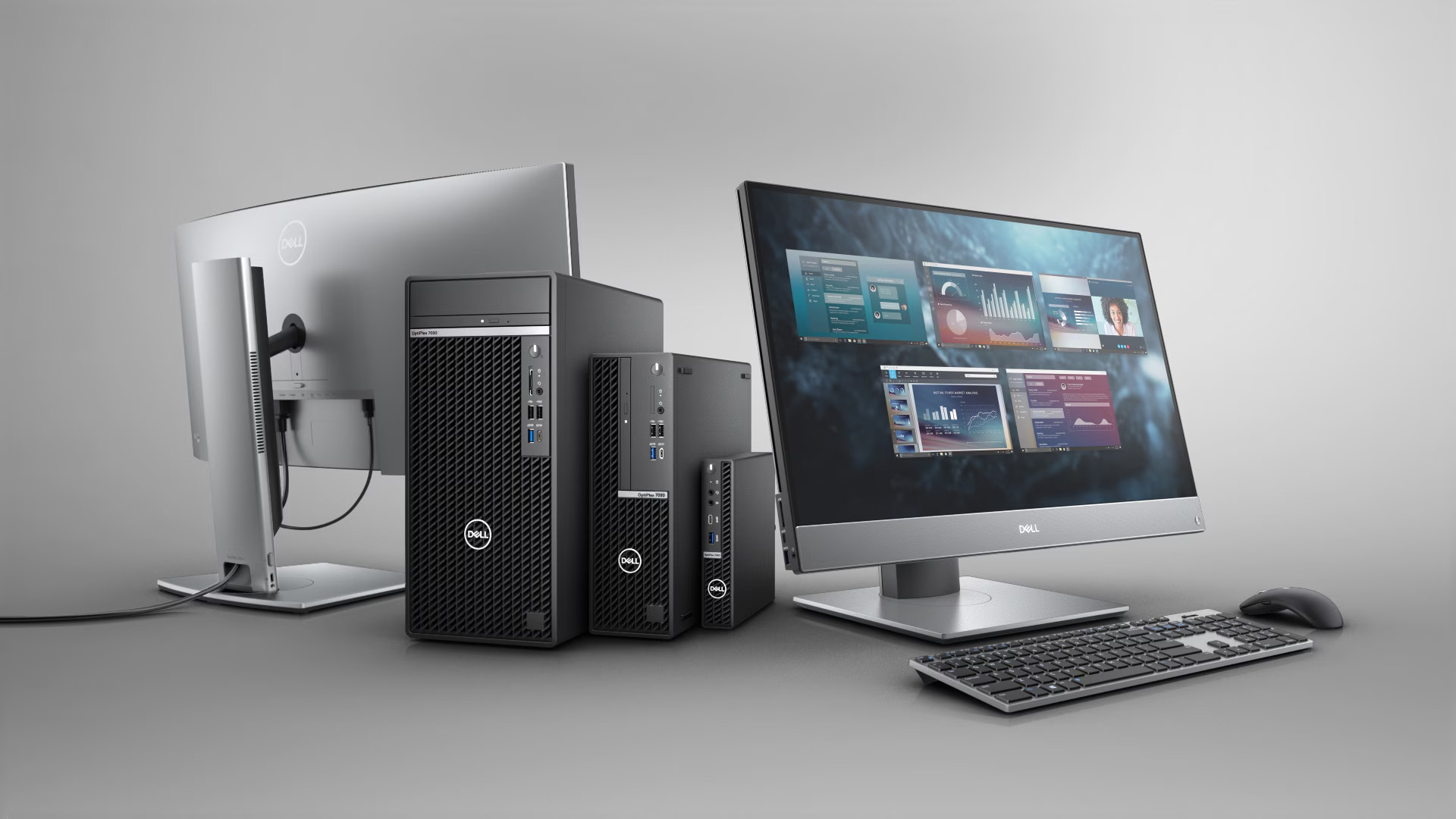
Has Dell Pro Replaced OptiPlex?
Yes, Dell Pro replaced OptiPlex as Dell’s mainstream current business desktop branding, particularly for buyers shopping Dell’s latest professional PCs.
Dell UK now explicitly says OptiPlex desktops are no longer available from its current desktop range and directs customers towards Dell Pro desktops instead.
That does not mean OptiPlex PCs suddenly became obsolete. Businesses may still have hundreds of them deployed, while recent models continue to appear through retailers, refurbished channels and secondary markets.
So, if you are asking what replaced Dell OptiPlex, the short answer is Dell Pro. If you are deciding whether a specific Dell Pro is better than a particular OptiPlex, the specifications require a closer comparison.
Dell Pro vs OptiPlex: Key Differences
1. Product Naming and Generations
The biggest difference is the branding structure.
OptiPlex used familiar numbered families and model identifiers such as OptiPlex 3000, 7000 and, more recently, OptiPlex 7020.
Dell Pro uses names including Dell Pro Tower, Dell Pro Slim and Dell Pro Micro, with model identifiers such as QCT1250, QCS1250 and QCM1250. Plus versions provide additional specification or expansion options.
The change means buyers should avoid trying to translate an old OptiPlex number directly into a Dell Pro model.
2. Processor and Performance Options
There is no accurate blanket answer to whether Dell Pro is faster than OptiPlex.
A newer Dell Pro Tower can support Intel Core Ultra processors, including Core Ultra 5 and Core Ultra 7 options, while certain Plus configurations go higher. However, entry configurations can also use more modest processors.
Meanwhile, a recent OptiPlex 7020 can contain a 14th Gen Intel Core i7 or even Core i9 processor. Therefore, a well-specified OptiPlex may outperform a lower-specification Dell Pro PC in processor-heavy workloads.
Compare the actual CPU, RAM, storage and graphics rather than the family name.
3. Security and Manageability
Both ranges were designed for professional environments.
Dell Pro systems can include TPM 2.0, hardware security settings and Intel vPro support on compatible configurations. Dell’s documentation for the Dell Pro Tower QCT1250, for example, lists TPM 2.0 security and related BIOS controls.
Recent OptiPlex configurations also supported Intel vPro processors and business management features. The important question for an IT department is therefore which security and remote-management capabilities are present on the exact configuration.
4. Tower, Slim, Small Form Factor and Micro Designs
OptiPlex buyers will be familiar with Tower, Small Form Factor and Micro systems.
Dell Pro currently uses Tower, Slim and Micro terminology across its mainstream desktop range, alongside All-in-One systems.
Dell Pro Slim broadly serves the space-conscious office role familiar to many Small Form Factor OptiPlex buyers, but the two should not be treated as identical chassis. Dimensions, expansion slots and cooling vary between individual models.
Micro systems prioritise minimum footprint, while Towers generally provide greater internal expansion.
5. Ports and Connectivity
Port selection varies considerably between individual configurations.
The Dell Pro Micro QCM1250, for example, includes USB-A, USB-C, HDMI, DisplayPort and Gigabit Ethernet, with optional modules providing additional display or connectivity choices. Dell Pro Slim models similarly provide USB, DisplayPort, HDMI and Ethernet connectivity.
OptiPlex systems also vary by generation and chassis, so businesses replacing existing machines should check monitor connections, USB requirements, wired networking and any legacy peripherals before changing models.
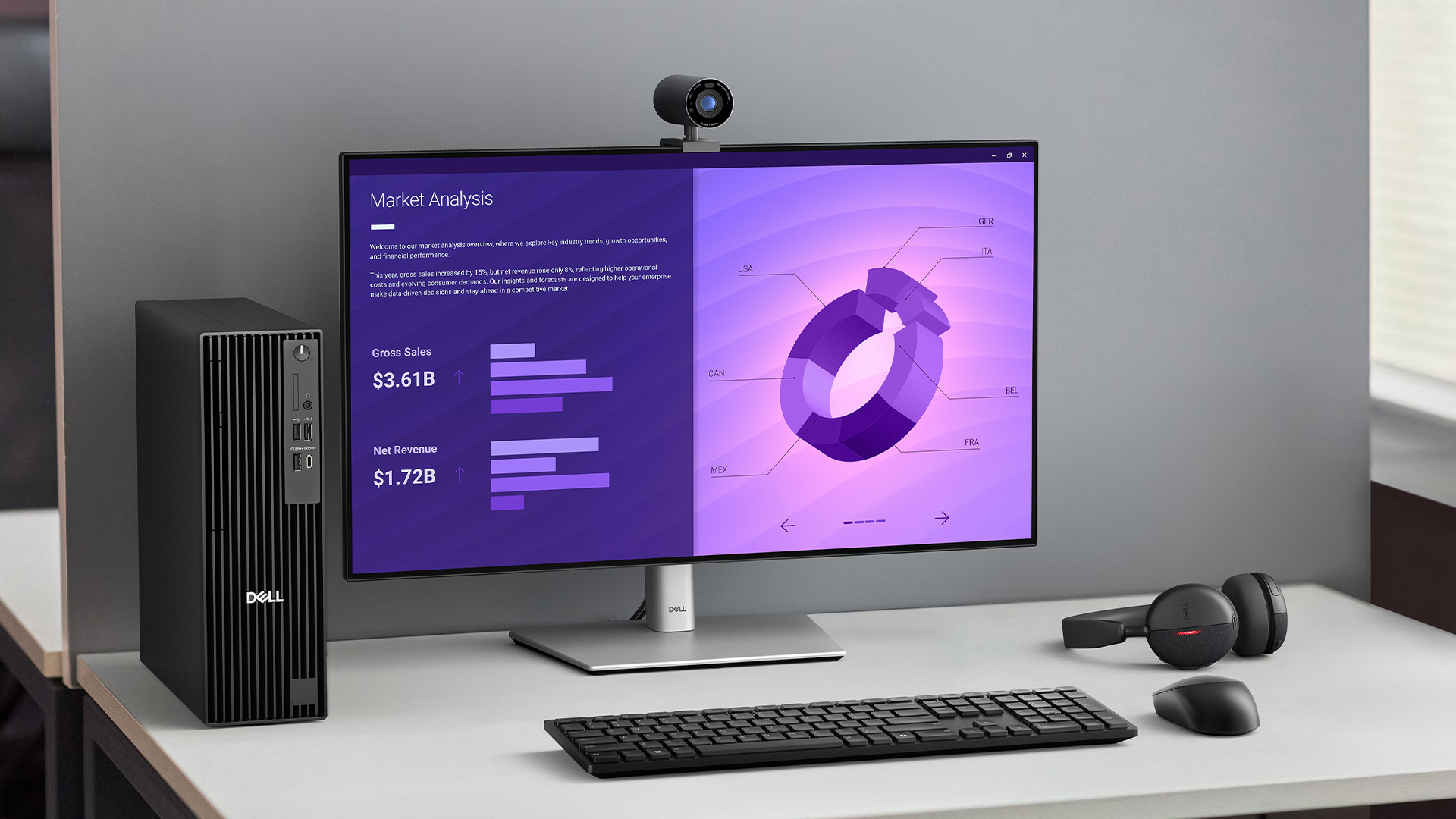
6. Upgradeability and Repair
Larger chassis usually provide more upgrade flexibility than Micro systems regardless of whether the badge says Dell Pro or OptiPlex.
For example, Dell Pro Tower and Slim configurations can provide PCIe expansion and internal storage options, while the Dell Pro Micro QCM1250 offers two M.2 SSD slots but has much less physical expansion space.
Recent OptiPlex Small Form Factor systems can also be highly upgradeable. The OptiPlex 7020 Plus SFF supports four DDR5 UDIMM slots and up to 128GB memory.
7. Warranty and Business Support
Warranty should be compared at configuration level rather than by product family.
Current Dell Pro systems can be purchased with Dell support options such as ProSupport, including hardware and software assistance and, on qualifying services, next-business-day onsite repairs following remote diagnosis.
OptiPlex systems were also available with business support packages. For refurbished machines, however, the warranty supplied by the retailer may be more relevant than the original Dell warranty.
8. New vs Refurbished Availability
This is one of the biggest practical differences for UK buyers.
Dell Pro is primarily the route for businesses purchasing current Dell professional PCs new. OptiPlex is increasingly relevant to organisations sourcing replacements for existing fleets or considering refurbished hardware.
For example, a refurbished Dell OptiPlex PC 7020 SFF can still provide a 14th Gen Core i7 processor, DDR5 memory and Windows 11 Pro, showing why relatively recent OptiPlex machines remain relevant even after Dell’s branding change.
Which Range Is Better for Small Businesses?
For a business starting a new deployment, Dell Pro generally makes more sense because it is Dell’s current professional platform.
It gives buyers access to current configurations, business support options and newer processor choices without building a fleet around a discontinued product name.
A refurbished OptiPlex can still make sense where budget matters more than adopting the latest platform, particularly when office workloads mainly involve web applications, Microsoft 365, accounting tools, video calls and other everyday business software.
Which Range Is Better for Existing IT Fleets?
OptiPlex may remain the more practical choice when a company already manages a large OptiPlex deployment.
Matching existing form factors, peripherals, drive images or hardware specifications can reduce disruption. Refurbished or remaining-channel systems may also help replace failed machines without changing an entire deployment immediately.
Dell Pro becomes more attractive when the organisation is already planning a wider hardware refresh or needs capabilities available in newer configurations.
Should You Upgrade from OptiPlex to Dell Pro?
Not simply because the name has changed.
A recent OptiPlex 7020 with a strong 14th Gen Intel processor, sufficient DDR5 memory and SSD storage may remain perfectly suitable for business workloads.
An upgrade becomes easier to justify when existing machines no longer deliver the required performance, cannot meet software or security requirements, have limited warranty coverage, or lack the connectivity and expansion required for future workloads.
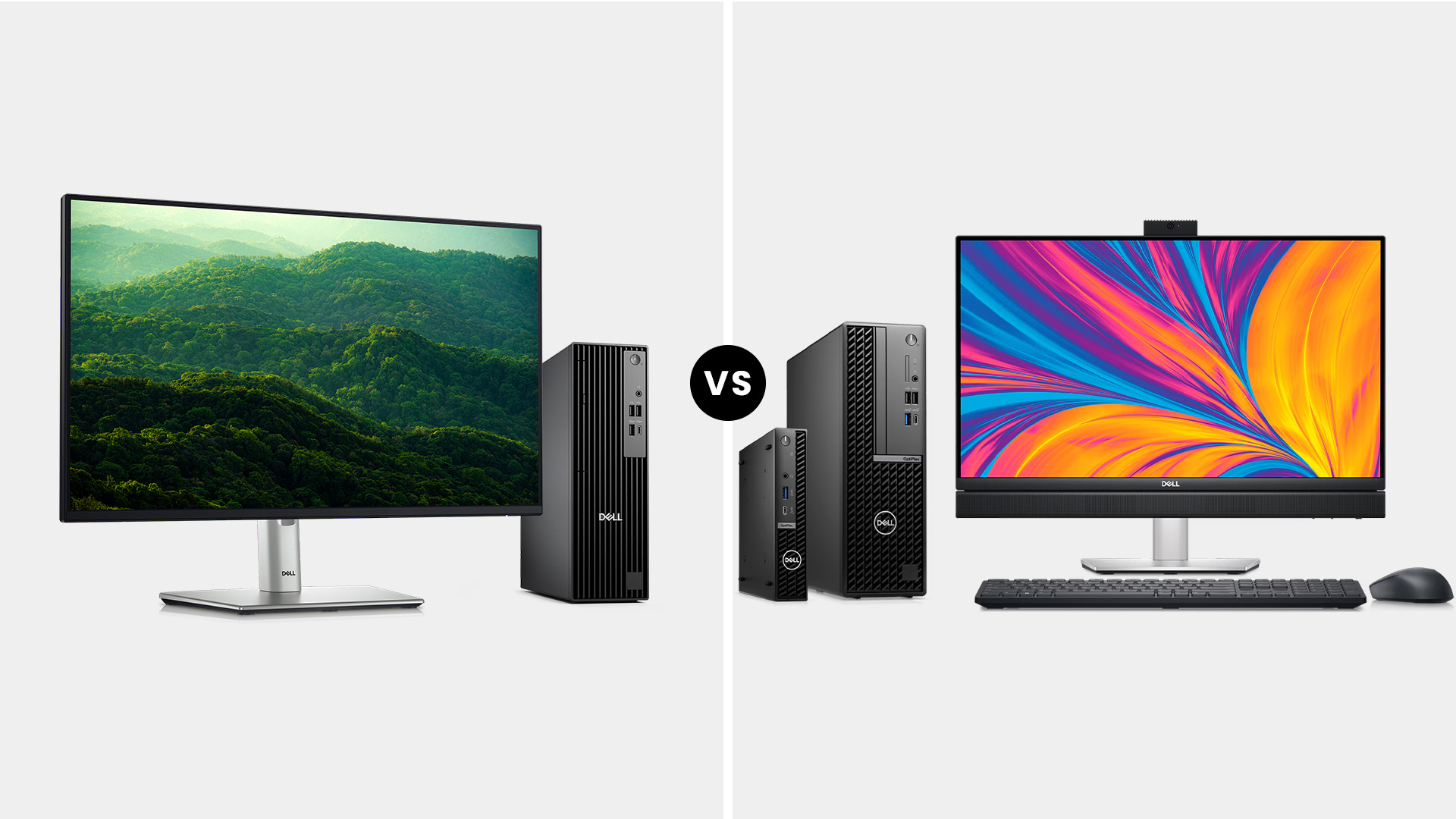
How to Compare Individual Models
Before making a Dell Pro desktop comparison with an OptiPlex system:
- Check the exact CPU generation: Do not compare Core i5 or Core i7 names alone.
- Compare RAM and storage: Capacity and upgrade slots affect both immediate performance and useful lifespan.
- Choose the right form factor: Micro saves space; Slim or SFF balances size and expansion; Tower provides greater flexibility.
- Check ports and networking: Include displays, USB-C, Ethernet, Wi-Fi and any specialist equipment.
- Review business features: Look at Windows edition, vPro, security, management tools and warranty.
- Confirm product condition: Clearly distinguish new systems from refurbished or previous-generation stock.
For a broader explanation of processors, RAM, storage and desktop form factors, see Laptop Outlet’s desktop PC buying guide.

Dell Pro or OptiPlex: Which Should You Choose?
The main difference in Dell Pro vs Dell OptiPlex is the generation and naming strategy rather than a guaranteed difference in performance.
Choose Dell Pro if you are deploying new business PCs and want Dell’s current professional platform, current processor choices and available Dell business support.
Consider OptiPlex when maintaining an existing fleet or when a well-specified refurbished machine provides the performance, security and warranty your organisation requires at the right cost.
Whichever route you take, compare processor, RAM, storage, form factor, ports and support rather than choosing on the product name alone. You can compare current and refurbished options across our Dell PCs category.

Just So You Know...
Has Dell OptiPlex been discontinued?
Dell UK says OptiPlex desktops are no longer available directly and now directs new desktop buyers towards Dell Pro. Existing OptiPlex systems continue to receive applicable Dell support.
What replaced Dell OptiPlex?
Dell Pro has taken over the professional desktop role within Dell’s simplified portfolio, with Tower, Slim and Micro systems covering many of the business use cases previously served by OptiPlex.
Is Dell Pro better than OptiPlex?
Not automatically. Dell Pro is the newer family, but performance depends on the processor, RAM, storage, graphics and configuration. A high-specification recent OptiPlex can outperform an entry-level Dell Pro.
Is OptiPlex still good for business use?
Yes. Recent OptiPlex PCs with supported hardware, Windows 11 Pro and appropriate security features can remain suitable for business, particularly for everyday office workloads and existing IT fleets.
Can Dell Pro and OptiPlex PCs be upgraded?
Yes, although upgrade options depend heavily on form factor. Tower and SFF/Slim systems generally offer greater internal expansion, while Micro desktops prioritise compact dimensions.
Should a business buy new Dell Pro or refurbished OptiPlex PCs?
Dell Pro suits businesses prioritising current hardware and support. Refurbished OptiPlex can offer stronger value where specifications, condition, warranty and software support still meet the organisation’s requirements.
| Read More: |
| What Desktop PC Should I Buy? Guide 2026 |
| HP vs Dell vs Lenovo Desktop PCs: Which One Should You Buy? |
| Desktop PC Lifespan: How to Make Your Desktop Last 5+ Years |
Related Articles


Last Updated: February 19, 2026
A new year is the perfect excuse to retire the sluggish desktop that wheezes when you open five tabs or the “gaming PC” that now struggles to hold stable FPS in modern titles. New Year desktop PC deals are one of the best windows to upgrade because prices tend to be sharper, stock gets refreshed, and you can often jump up a whole performance tier for less than you’d expect.
If you’re shopping from the UK, this is also the season where desktop PC New Year deals UK searches explode for a reason: people want a better PC for less, and they want it delivered quickly and safely. Laptop Outlet’s New Year event is built for that kind of upgrade run, tech across categories, limited-time promos, and a straightforward way to browse by what you actually need. You can start with huge savings in New Year tech sale while you compare options and decide your budget.
What counts as a “great deal” in 2026?
The best New Year desktop PC Deals don’t just mean “lowest price.” A great deal in 2026 is one where

Last Updated: January 27, 2026
Building or buying a high-end gaming PC is an exciting journey for any enthusiast. The market moves fast, and staying updated on the latest hardware is essential for the best experience.
In this gaming desktop PC breakdown, we will explore the core parts that make a machine powerful. We will look at the latest processors from AMD and Intel, the incredible graphics power of NVIDIA RTX and Radeon RX, alongside other core components.
Whether you want to play the newest AAA titles or compete in esports, understanding these parts is vital. Let us dive into the modern world of gaming PC technologies.
Understanding Gaming Desktop PCs
A gaming desktop PC is a high-performance computer designed specifically to handle demanding video games. Unlike standard PCs, these machines focus on graphical power and fast processing speeds. They use specialised parts that can handle high heat and heavy workloads.
While gaming laptops and consoles are popular, the desktop remains the "gold standard" for several

Last Updated: February 03, 2026
Choosing a new processor used to be a simple choice between raw power and budget value. However, as we move through 2026, the landscape has shifted.
The rivalry of Intel vs AMD desktop processors has reached a fever pitch, with both "Team Blue" and "Team Red" offering incredible technology that caters to very specific types of users.
This guide breaks down everything you need to know about the current market to help you decide which brand deserves a spot in your desktop PC.
The State of the Market in 2026
As we move through 2026, both manufacturers have moved beyond simple core-count wars.
Intel has doubled down on its "Arrow Lake" and "Nova Lake" architectures, focusing heavily on integrated AI NPUs (Neural Processing Units) and a refined tiled architecture.
Meanwhile, AMD continues to dominate the enthusiast market with its Zen 5 architecture, led by the legendary 3D V-Cache technology.
Intel’s Current Strategy: The AI PC Era
Intel has successfully transitioned to its LGA 1851 socket.

Published: February 04, 2026
Your desktop PC is a key part of daily life. It handles work, gaming, and more. But how long can it last? Many users worry about desktop PC lifespan.
The good news is you can extend it to five years or beyond. With smart choices and simple habits, your setup stays reliable. This guide shares practical steps. It covers everything from processor picks to daily care.
Understanding Desktop PC Lifespan
Desktop PCs don't have a fixed expiry date. Their lifespan depends on build quality, usage, and maintenance. On average, a well-kept desktop lasts 5-8 years. But push it right, and you can hit 10 years or more. Why care? A longer desktop computer lifespan saves money and reduces waste.
Key Factors Affecting Longevity
Several elements play a role in how long your desktop endures. First, hardware quality matters most. Cheap parts wear out fast. Second, heat buildup shortens life—poor cooling is a killer. Third, software updates keep things secure and efficient. Finally, your habits, like overworking

Last Updated: February 11, 2026
Buying a desktop PC can quickly become frustrating. Endless specs, unfamiliar terms, and conflicting advice make it hard to know what really matters, and easy to waste money on the wrong setup. But here’s the solution: once you understand what desktop PC specifications actually do, choosing the right machine becomes simple. In this desktop PC specs explained guide, we break down every key component in plain English, showing you exactly what you need for work, home or gaming, and what you can safely ignore. No jargon, no guesswork, just confident buying decisions.
Processor (CPU): The Brain of Your Desktop
The processor, or CPU, is one of the most important parts of any desktop PC. It handles instructions and calculations, directly affecting how fast your system feels.
What to look for:
- Cores & Threads: More cores help with multitasking and demanding software
- Clock Speed (GHz): Higher speeds generally mean faster performance
What you actually

Last Updated: February 10, 2026
Buying a desktop PC is a big decision, especially when prices can range from a few hundred pounds to several thousand. The right choice depends not just on your budget, but on how you plan to use your PC now and in the future.
Let us help you understand exactly what you get at different price points, what specifications really matter, and how to avoid common mistakes. Whether you’re buying your first desktop or upgrading an older system, this guide will walk you through everything you need to know.
Why Choose a Desktop PC Instead of a Laptop?

Before diving into budgets, it’s worth understanding why many UK buyers still choose desktops:
- Better performance for the price
- Easier and cheaper upgrades
- Longer lifespan
- Improved cooling and sustained performance
- More connectivity options
For home offices, gaming setups, and creative work, desktops almost always offer better long-term value.
Understanding Desktop PC Specifications (Quick Primer)
If you’re not technical, these are the core components
Last Updated: May 05, 2026
Let’s call this out early: “AI-Ready” is one of those phrases that sounds important but tells you almost nothing by itself.
Every PC brand is using it. Every listing claims it. And most buyers still walk away thinking, “Cool… but what does that actually do for me?”
So instead of selling you a future fantasy, let’s talk about what AI-Ready desktops actually change in 2026, where they matter, and where they really don’t.
First: Why Everyone Is Suddenly Calling Their PCs “AI-Ready”
AI didn’t just become a software thing - it became a hardware conversation.
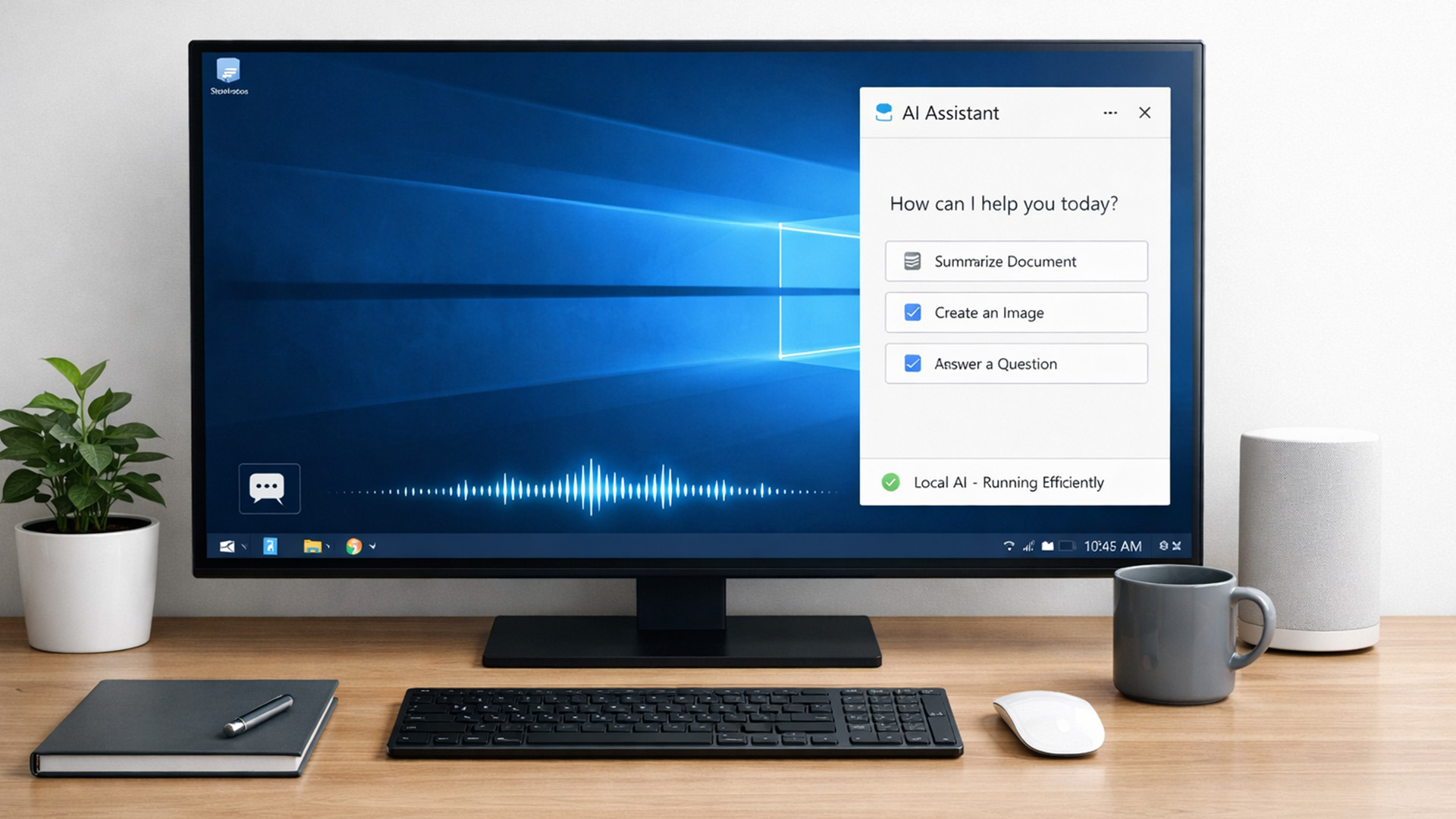
For years, AI lived in the cloud. You typed something, it went to a server, magic happened, and the result came back. Now, operating systems (especially Windows) are pushing AI features onto the device itself. That shift is what triggered the “AI-Ready” wave.
An AI-Ready desktop is basically a PC that can:
- Run certain AI tasks locally
- Do it efficiently
- Without destroying performance or power usage
That’s it. No sentience. No robot takeover.

Last Updated: February 11, 2026
Choosing the right desktop PC can feel a bit like picking a side in a long-running tech rivalry. HP, Dell, and Lenovo are three of the biggest names and for good reason. They all offer reliable, powerful desktops that suit everything from casual home use to hardcore business workloads and creative setups.
But when it comes to HP vs Dell vs Lenovo desktop PCs, which brand actually wins for you?
Why Compare HP, Dell, and Lenovo Desktop PCs?
HP, Dell, and Lenovo are all global heavyweights in the PC world. They each offer a wide range of desktops — from budget-friendly towers to powerful workstations and compact all-in-one PCs.
But here’s the thing:
Not all desktop PCs are built for the same kind of user.
Some are better for productivity, some for gaming, and others for long-term reliability. Understanding the differences is key before you hit “Add to Basket”.
HP Desktop PCs: Style Meets Performance
HP desktops are known for blending solid performance with modern design. If you like your
Published: February 09, 2026
If you have been browsing for a new PC lately, you might have noticed a bit of a price shock. Whether you are looking for a sleek all-in-one for your home office or a powerful gaming rig, the numbers on the price tags in 2026 are noticeably higher than they were just a couple of years ago.
Many UK buyers are left scratching their heads, asking the same question: why are desktop PCs expensive all of a sudden? It is a fair question. In this guide, we will break down exactly what is driving these costs and, more importantly, how you can still find incredible value.
Key Reasons Desktop PC Prices Are Rising
Understanding the "why" behind the price hike helps you time your purchase better. Here are the primary factors driving the market today.
The "AI Squeeze" on Components
The biggest culprit isn't a lack of chips, but a shift in what those chips are used for. Huge data centres are currently buying up almost 70% of the world’s advanced memory (DRAM) and storage (NAND) to power AI models.

Last Updated: October 30, 2026
Yes, a refurbished desktop can be worth it when it handles your everyday work, runs a supported operating system and offers a meaningful saving over a comparable new PC. It is less appealing if the hardware is outdated or needs costly repairs. Check those trade-offs before looking through refurbished desktop PCs range.
A sensible decision is about more than the price on the label. Think about how long you need the computer to last, which software you rely on and what might need replacing during that time.
What Does Refurbished Mean?
A refurbished desktop is a previously owned or returned computer that has been inspected, cleaned and tested, with repairs or replacement parts where needed; the exact process varies between sellers. Our guides to what refurbished means and refurbished versus second-hand devices explain those distinctions in more detail.
Benefits of Buying a Refurbished Desktop
The biggest advantage is simple: you may get a capable computer for less than the cost of a comparable

