



The Future of AI PCs: Where Dell Pro Essential Fits
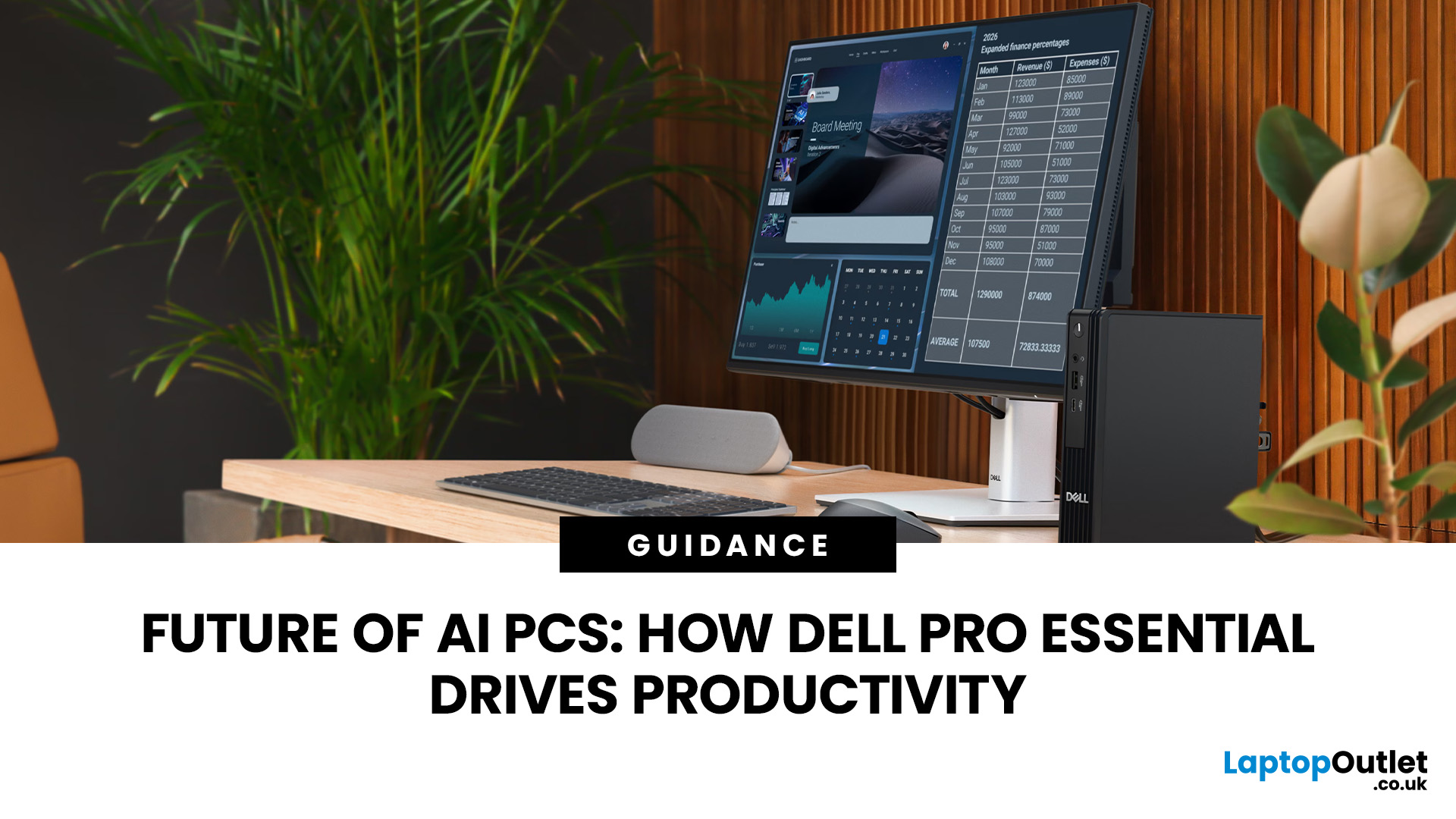
An AI PC differs from a standard business PC by using dedicated hardware, such as an NPU, to accelerate supported AI workloads locally. Standard desktops can still run cloud-based AI services and Microsoft Copilot without an NPU.
Dell Pro Essential desktops are business PCs designed primarily for everyday productivity, not a dedicated AI PC range. Some configurations may include processors with an NPU for on-device AI acceleration, while others do not. Businesses should check the exact processor, NPU capability and workload requirements before deciding between Dell Pro Essential and an AI-ready Dell Pro PC.
For Dell Pro Essential, AI capability depends on the exact processor and configuration. UK businesses should therefore weigh on-device AI needs against everyday performance, security, upgradeability and cost.
What Is an AI PC?
An AI PC is a computer with hardware designed to accelerate artificial intelligence workloads. In addition to the familiar CPU and GPU, many modern AI PCs include an NPU: a specialised processor built to handle machine-learning tasks efficiently.
However, having an NPU does not automatically make a computer a Copilot+ PC. There are different levels of AI-capable hardware, and the exact specification matters.
CPU, GPU and NPU Roles Explained
The CPU remains the general-purpose processor. It handles Windows, office software, browser workloads, calculations, and most everyday computing tasks.
A GPU specialises in highly parallel processing. Besides graphics, GPUs can accelerate demanding AI workloads such as image generation, video processing, and machine-learning inference.
An NPU, or Neural Processing Unit, is dedicated hardware designed to accelerate machine-learning workloads efficiently. It is particularly useful for sustained on-device AI tasks where using the main processor or graphics hardware may be less efficient. Microsoft describes NPUs as specialised hardware for machine-learning workloads, while Windows can also run compatible AI inference through CPUs and GPUs.
This is why an NPU should not be treated as a requirement for all AI software. Microsoft’s current business Copilot requirements focus on areas such as licensing, supported applications, identity and network connectivity rather than requiring an NPU in every PC.
AI PC vs Copilot+ PC
A Copilot+ PC is a more specific Microsoft hardware class.
Microsoft currently requires a compatible processor with an NPU capable of 40+ TOPS, at least 16GB of RAM, and 256GB of storage. TOPS means trillions of operations per second and is commonly used to describe AI-processing capability.
Copilot+ hardware enables Windows experiences designed around powerful local AI acceleration, including features such as improved Windows Search, Click to Do, Live Captions translation and other supported on-device experiences. Feature availability can vary by hardware, region, and software version.
So, while every Copilot+ PC is an AI PC, not every AI PC meets Copilot+ requirements.
What Is Dell Pro Essential?
Dell Pro Essential is positioned around practical business computing rather than maximum AI performance.
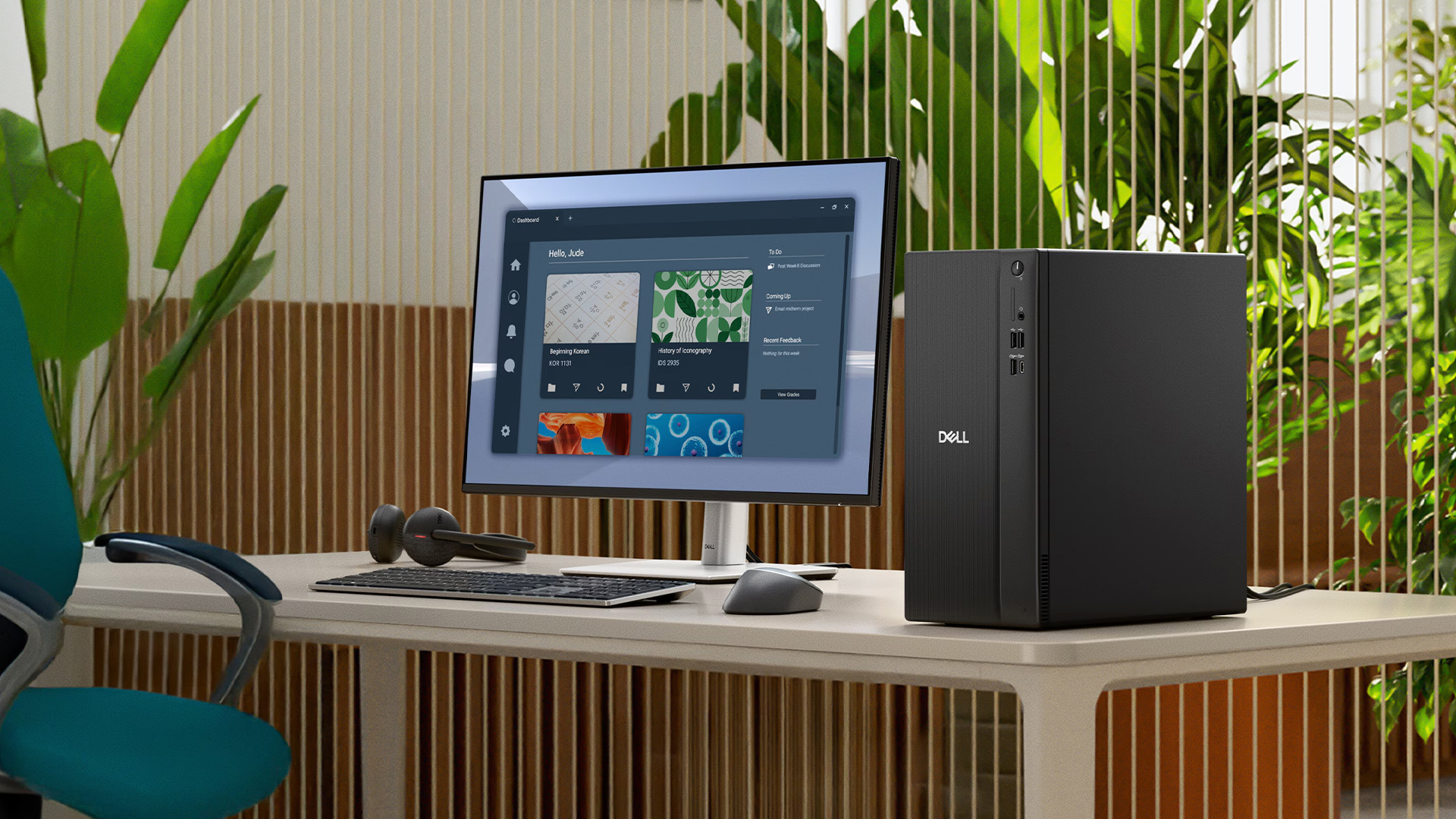
Dell UK's current range includes Tower, Slim and Micro Dell Pro Essential desktops. Dell describes these systems as being designed for everyday business needs, with hardware TPM security and Windows 11 options available depending on configuration.
For businesses comparing the wider market, Laptop Outlet's Dell PC range also includes Dell Pro Essential systems alongside higher-tier Dell Pro desktops.
Tower, Slim and Micro Form Factors
The Tower format gives businesses a conventional desktop footprint and generally makes the most sense where internal expansion and desk space are less restrictive.
The Slim design reduces the physical footprint while retaining a traditional business desktop layout. It can work particularly well in offices that need desktop performance without a large tower beside every workstation.
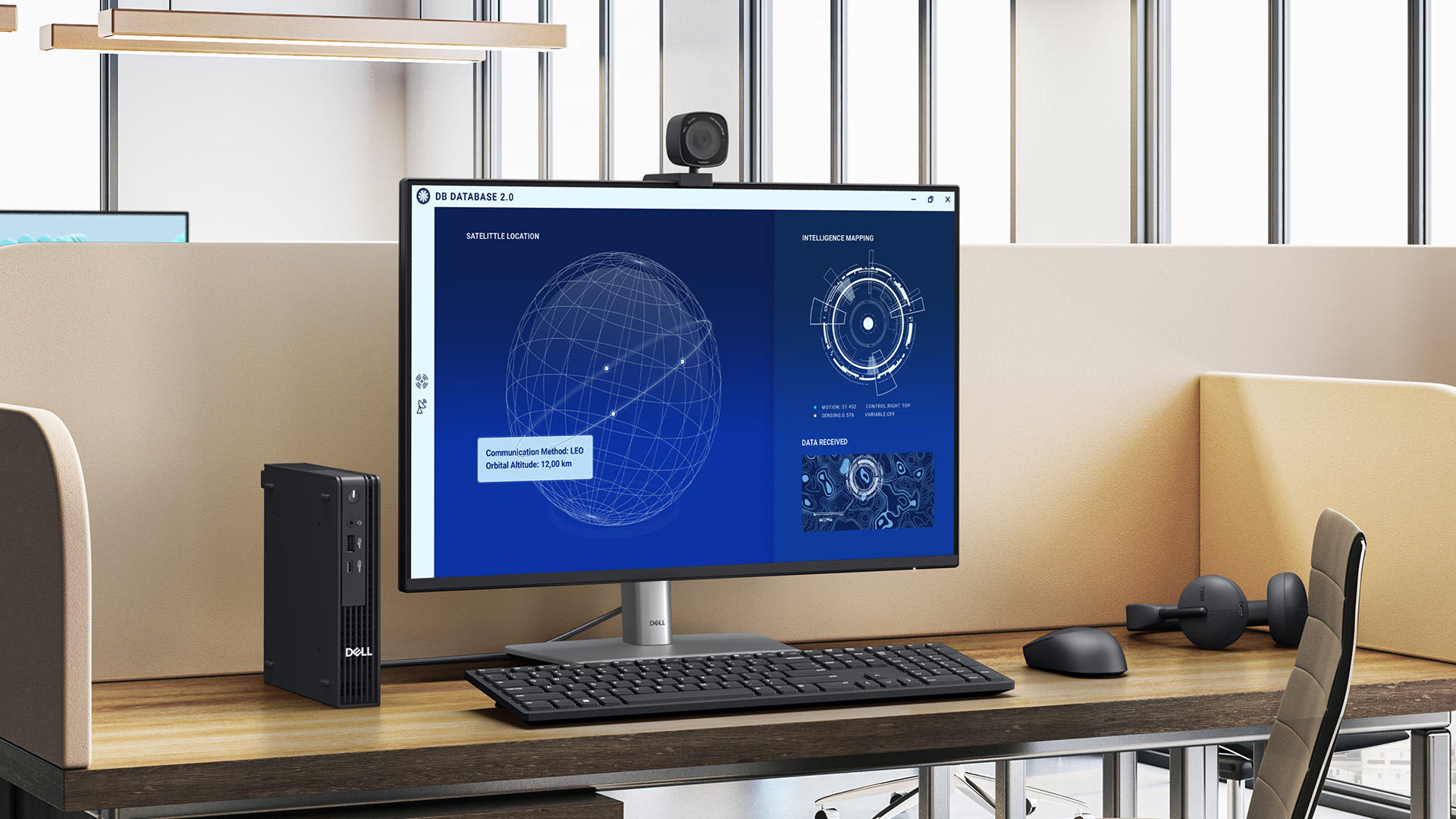
The Micro format is designed for deployments where space is at a premium. Dell describes its current Pro Essential Micro as an ultracompact system for everyday business requirements.
Intended Business Users and Workloads
Dell Pro Essential is most relevant to users whose working day centres on email, browser-based systems, Microsoft 365 applications, accounting software, CRM platforms, video meetings and general multitasking.
That makes it a practical business desktop PC option for administration teams, customer service, education, reception environments, small businesses and other roles where dependable mainstream performance matters more than specialised local AI processing.
How Dell Pro Essential Supports Everyday Productivity
A business does not need a dedicated AI processor to benefit from modern software. For many employees, conventional computing performance still determines most of the day-to-day experience.
Office Applications and Multitasking
Processor performance, RAM and SSD capacity remain important for Word, Excel, Outlook, browser tabs, cloud platforms and other everyday business tools.
For example, Laptop Outlet's Dell Pro Slim Essential QVS1260 configuration combines an Intel Core i5-14400, 8GB DDR5 memory and a 512GB SSD. That specification is aimed at conventional productivity and multitasking rather than dedicated NPU acceleration.
Businesses running larger spreadsheets, heavier multitasking or more demanding software should still assess memory and processor requirements separately rather than buying purely around an AI label.
Video Meetings and Collaboration
Teams, Zoom and other collaboration platforms can run effectively on ordinary modern business desktops.
Some newer AI PCs can use dedicated hardware for supported local features such as camera effects, background processing or translation. That can be useful, but it does not mean an NPU is required simply to join video meetings or use collaboration software.
Security and Windows 11 Pro
Business buyers should consider security alongside performance.
Current Dell Pro Essential systems advertise hardware TPM protection, while Windows 11 Pro includes security technologies such as TPM 2.0 support, Secure Boot, Windows Hello and BitLocker drive encryption.
An AI processor does not replace these fundamentals. Device configuration, operating-system security, account controls, software updates and business IT policies remain central to protecting company data.
Space-Efficient Business Deployments
Form factor can be more important than AI capability in large deployments.
Slim and mini PCs can reduce desk clutter in offices, classrooms, reception areas and shared workspaces. Tower configurations may make more sense where expansion is a higher priority.
That flexibility gives Dell Pro Essential a clear role even as more powerful Dell AI PC options enter the market.
Does Dell Pro Essential Include On-Device AI?
There is no single answer for the whole range.
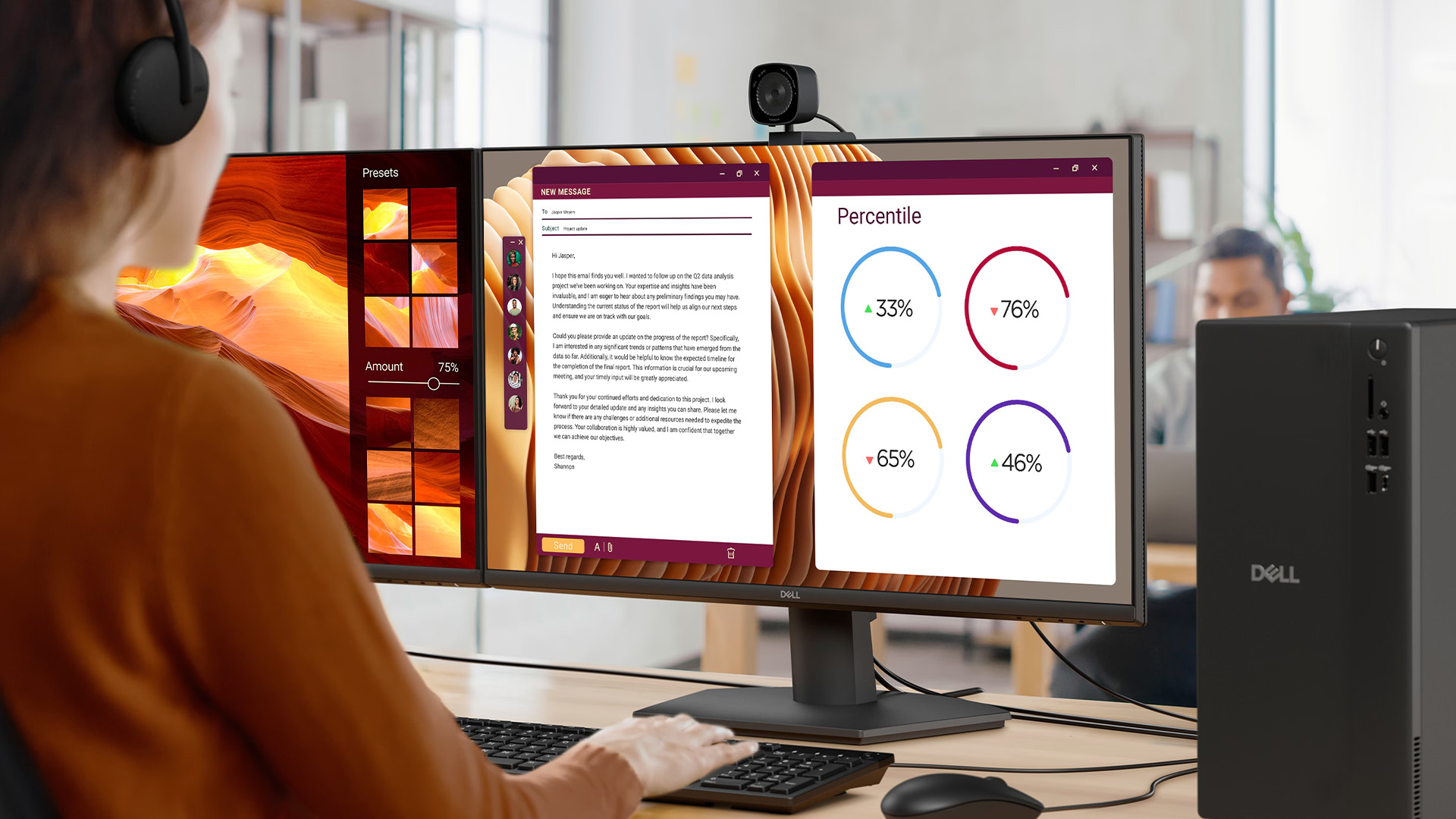
Newer Dell Pro Essential configurations complicate the picture. Dell UK currently offers Pro Essential Slim and Micro configurations using an AMD Ryzen 5 230 with a 16-TOPS NPU.
That shows why every model must be checked individually.
At the same time, Dell UK's current AI PC filter lists zero Dell Pro Essential models under its AI PC product-line filter, while Dell defines its AI PC category around designated NPU or AI hardware.
The safest conclusion is therefore simple: do not call Dell Pro Essential an AI-PC range. Check the processor, NPU specification and individual system before making an AI-hardware claim.
Dell Pro Essential vs an AI-Ready Dell Pro PC
A useful comparison is the Dell Pro Slim Essential QVS1260 against the Dell Pro Slim QCS1250 with an Intel Core Ultra processor.
|
Area |
Dell Pro Slim Essential QVS1260 |
Dell Pro Slim QCS1250 AI PC |
|
Processor / NPU |
Core i5-14400; no dedicated NPU listed |
Core Ultra 5 235; 13-TOPS NPU |
|
Typical workload |
Office software, browser workloads, cloud applications and everyday multitasking |
Everyday business workloads plus supported local AI acceleration |
|
Form factor |
Slim |
Slim |
|
Copilot+ PC |
No |
No; its 13-TOPS NPU is below Microsoft's 40+ TOPS requirement |
|
Upgradeability |
Desktop RAM/storage upgrade potential; check exact configuration |
Desktop configuration with memory/storage options; exact expansion varies |
|
Buyer type |
Businesses prioritising mainstream productivity and value |
Businesses wanting an NPU for compatible AI workloads without requiring Copilot+ hardware |
Dell currently lists Core Ultra versions of the QCS1250 with a 13-TOPS NPU and identifies AI PC options within the range.
For businesses that specifically require Copilot+ capability, the hardware requirement moves higher again. Dell's current Pro 5 Micro, for example, can be configured with a Core Ultra 5 335 delivering 47 TOPS and is sold as a Windows 11 Pro Copilot+ PC.
This creates three distinct purchasing levels: conventional business desktops, AI PCs with lower-powered NPUs, and 40+ TOPS Copilot+ PCs.
When Should a Business Choose an AI PC?
An AI productivity PC makes more sense when employees have a clear use for local AI acceleration rather than simply because AI is appearing in more software.
|
Business requirement |
Prioritise on-device AI? |
Why |
|
Email, Office, CRM and web applications |
Usually no |
CPU, RAM and SSD performance remain the main priorities |
|
Cloud-based Copilot or browser AI |
Usually no |
Cloud AI does not rely on a local NPU for model processing |
|
Supported local transcription or AI effects |
Consider it |
An NPU can accelerate compatible local workloads |
|
Copilot+ Windows features |
Yes |
Microsoft requires qualifying 40+ TOPS NPU hardware |
|
Offline or local AI workflows |
Often yes |
More processing can take place directly on the device |
|
Specialist AI development |
Depends |
GPU, NPU, software framework and model requirements must all be assessed |
The key is workload. Paying more for AI hardware that employees or applications cannot use offers little practical benefit.
When Is Dell Pro Essential the Better Choice?
Dell Pro Essential can be the better fit when a business primarily needs reliable desktop computing, Windows 11, mainstream productivity software and access to cloud services.
It is also relevant where procurement teams are balancing performance against deployment cost across multiple PCs.
For organisations that do not currently depend on local AI features, prioritising sufficient RAM, SSD capacity, the correct processor, security requirements and a suitable form factor may provide more immediate value than paying specifically for a high-performance NPU.
How to Prepare Your Business for AI PCs
AI hardware should become part of IT planning without automatically becoming a requirement for every employee.
Start by identifying which applications are actually used across the business. Separate cloud-based AI tools from software that performs AI processing locally.
Next, map hardware requirements by role. A finance user working mainly in Excel may need more memory before they need a powerful NPU, while someone using local AI-assisted creative or analytical software may benefit from dedicated acceleration.
When comparing systems, check the exact CPU, NPU TOPS rating, RAM and storage instead of relying on terms such as “AI-ready”. Microsoft's Copilot+ requirements give buyers a useful technical benchmark, but lower-TOPS NPUs can still accelerate compatible software without qualifying for Copilot+.
It is also worth considering the wider desktop fundamentals covered in Laptop Outlet's desktop PC buying guide, including processor choice, memory, storage, graphics and form factor.
Finally, recheck specifications before purchasing. AI PC classifications and Windows AI requirements continue to evolve, and processors available within the same desktop family may have very different AI capabilities.

Final Verdict
Dell Pro Essential still has a clear place in the future of business computing because not every employee needs a high-performance NPU.
For everyday Office work, browser applications, cloud platforms and conventional multitasking, a well-specified Dell Pro Essential desktop may provide everything a business actually uses. Cloud-based AI tools can also work without turning every workstation into a dedicated AI PC.
Where local AI processing, Copilot+ features or NPU-accelerated applications are becoming part of the workflow, move the hardware requirement accordingly and verify the specific processor rather than relying on product-family branding.

Frequently Asked Questions
Is Dell Pro Essential an AI PC?
Not as a blanket product range. Some newer configurations include processors with an NPU, while others do not. Check the exact processor and NPU specification before describing a Dell Pro Essential system as AI-capable.
What Is the Difference Between an AI PC and a Normal PC?
An AI PC includes hardware intended to accelerate AI workloads, usually an NPU. A standard PC can still run cloud AI and many AI applications using its CPU, GPU or online services.
Does an AI PC Need an NPU?
The term is used differently by manufacturers, but dedicated NPUs are central to modern AI-PC designs. Microsoft's Copilot+ PC specification specifically requires a compatible NPU capable of at least 40 TOPS.
Can AI Applications Run on a Standard Dell Desktop?
Yes. Cloud-based AI services do not inherently require an NPU, while Windows can also execute compatible local AI workloads using CPUs and GPUs. Performance depends on the application and hardware requirements.
Who Should Buy a Dell Pro Essential PC?
Dell Pro Essential is suited to businesses needing dependable everyday computing for office software, web applications, communication, administration and other mainstream workloads without necessarily paying for high-end AI hardware.
Is an AI PC Worth It for a Small Business?
It can be when employees use software that benefits from local AI acceleration or specific Copilot+ features. For conventional office and cloud workloads, stronger everyday specifications may be the more useful investment.
Related Articles

Last Updated: July 15, 2026
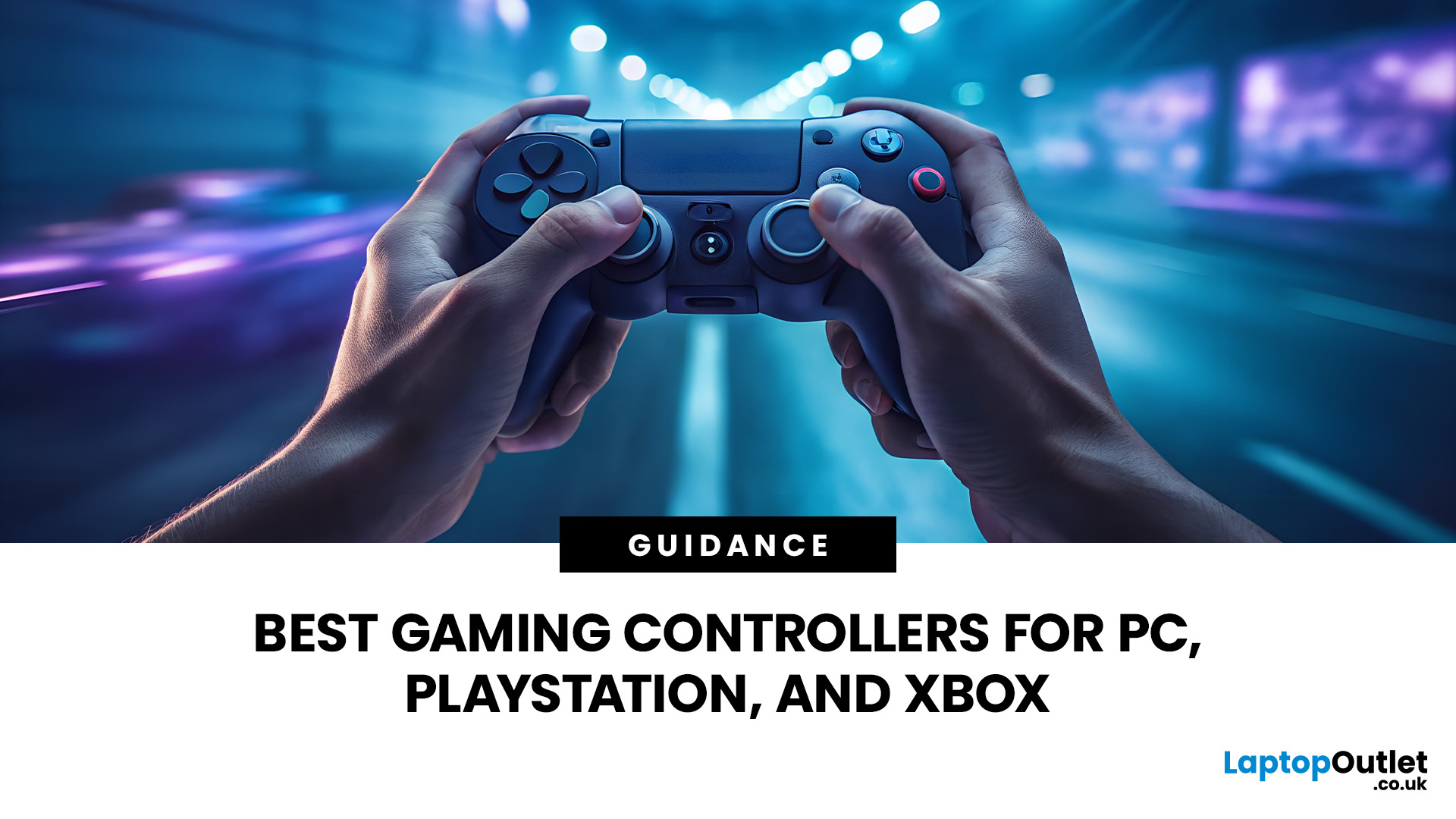
Buying a controller looks easy until you check the small print.
One pad works on PC but not PS5. Another works on Xbox but only wired. Some have Hall Effect sticks. Some have back buttons. Some look cool, then feel cheap after two weeks.
So, this guide keeps it simple. If you want the best gaming controller for your setup, start with where you play, then match the controller to the game type. Not the other way round.
This is a UK-first guide for PC, PlayStation, Xbox, fighting games, and flight sims. We’ll cover compatibility, comfort, wired vs wireless, stick drift, pro features, and which products actually fit each buyer.
Best Gaming Controller by Type at a Glance
| Type | Best fit | Why it makes sense |
| Best overall | ASUS ROG Raikiri II | Premium PC/Xbox wireless |
| Best controller for PC | Turtle Beach Stealth Pivot | Strong PC wireless pick |
| Best PS5 controller | Sony DualSense | Proper PS5 features |
| Best Xbox controller | ASUS ROG Raikiri Wired | Wired Xbox value |
| Best FPS controller | Razer Wolverine V3 | Fast esports |
Last Updated: September 01, 2026
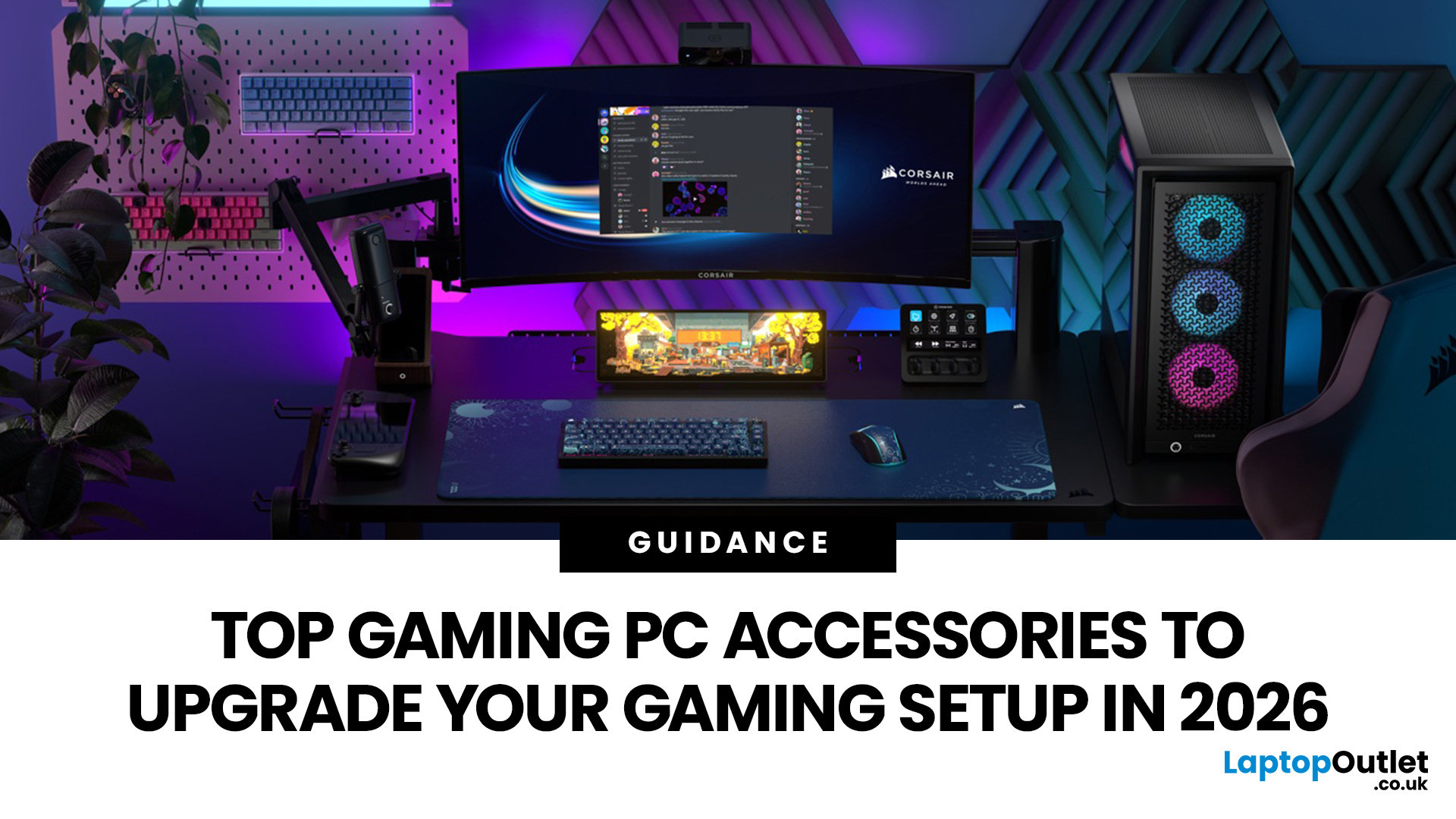
In gaming, your PC is the engine - but your accessories are the steering wheel, tyres, mirrors, and dashboard. You can have all the power in the world, but if your mouse feels sluggish, your monitor looks choppy, your headset misses key sound cues, or your desk is a cable jungle, the whole setup feels off.
Your PC might be built to run the latest games, but your accessories decide how well you actually experience them. A lightweight mouse can sharpen your aim, a mechanical keyboard can clean up your inputs, a gaming headset can help you catch every footstep, and a high refresh rate
Last Updated: September 02, 2026
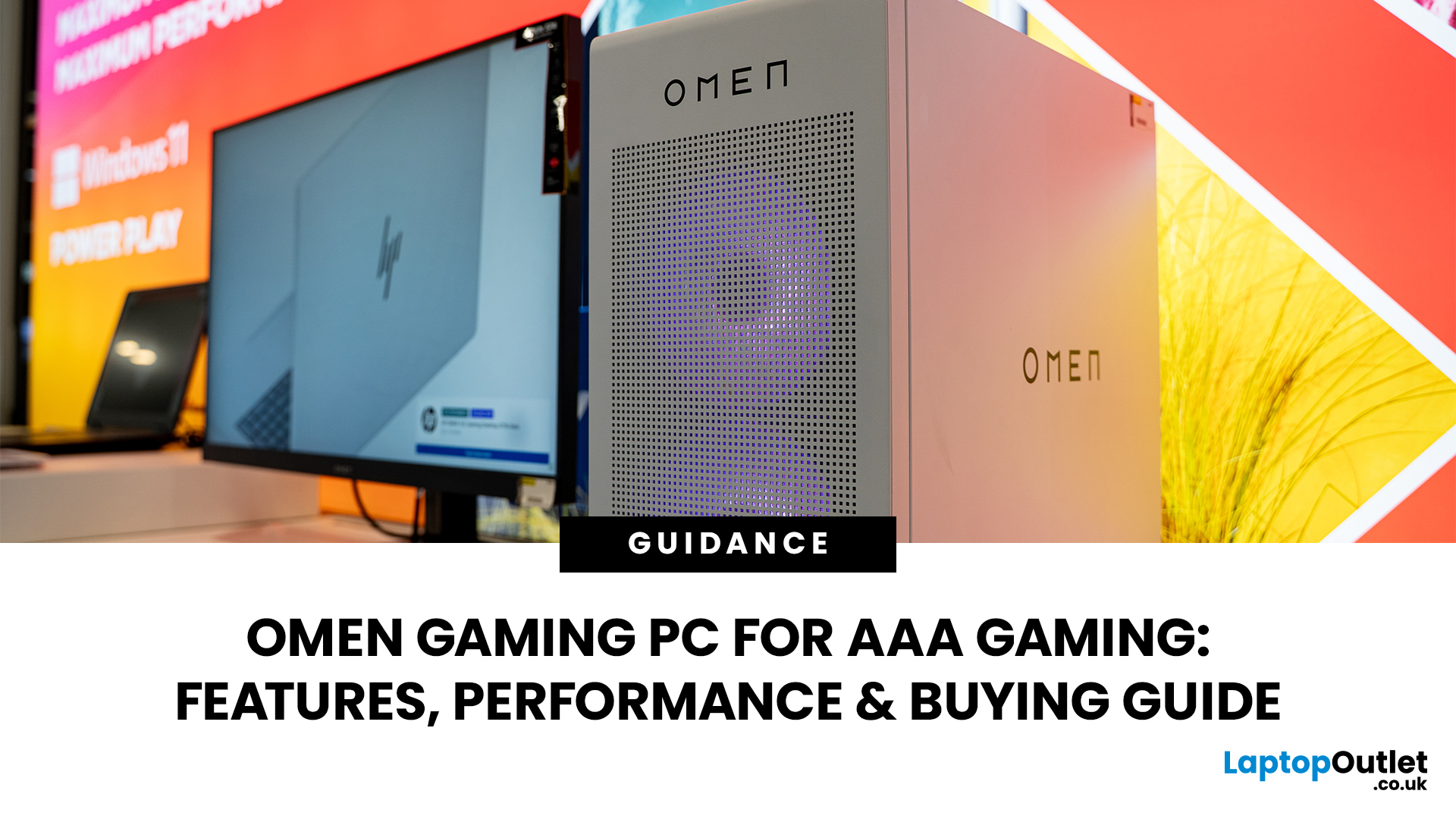
AAA games can be absolutely stunning, but they are not shy about demanding serious hardware. High-resolution textures, dense open worlds, ray-traced lighting, advanced physics, and background asset streaming can push an ordinary desktop to its limits. If your computer is short on graphics power, memory or cooling capacity, the result may be stuttering, inconsistent frame rates and a graphics menu full of compromises.
That's where an OMEN gaming PC comes in. An HP OMEN desktop combines dedicated gaming graphics, modern processors, SSD storage, and performance-focused cooling in a pre-built system. But not every configuration delivers the same experience, one OMEN gaming desktop may be ideal for 1080p gaming, while another is built for high-refresh 1440p or demanding 4K gameplay. This guide breaks down the HP OMEN specs that actually matter and how to match them to the way you play.
Is an OMEN Gaming PC Actually Good for AAA Games?
Yes. A correctly configured OMEN PC for AAA games can deliver
Published: July 21, 2026
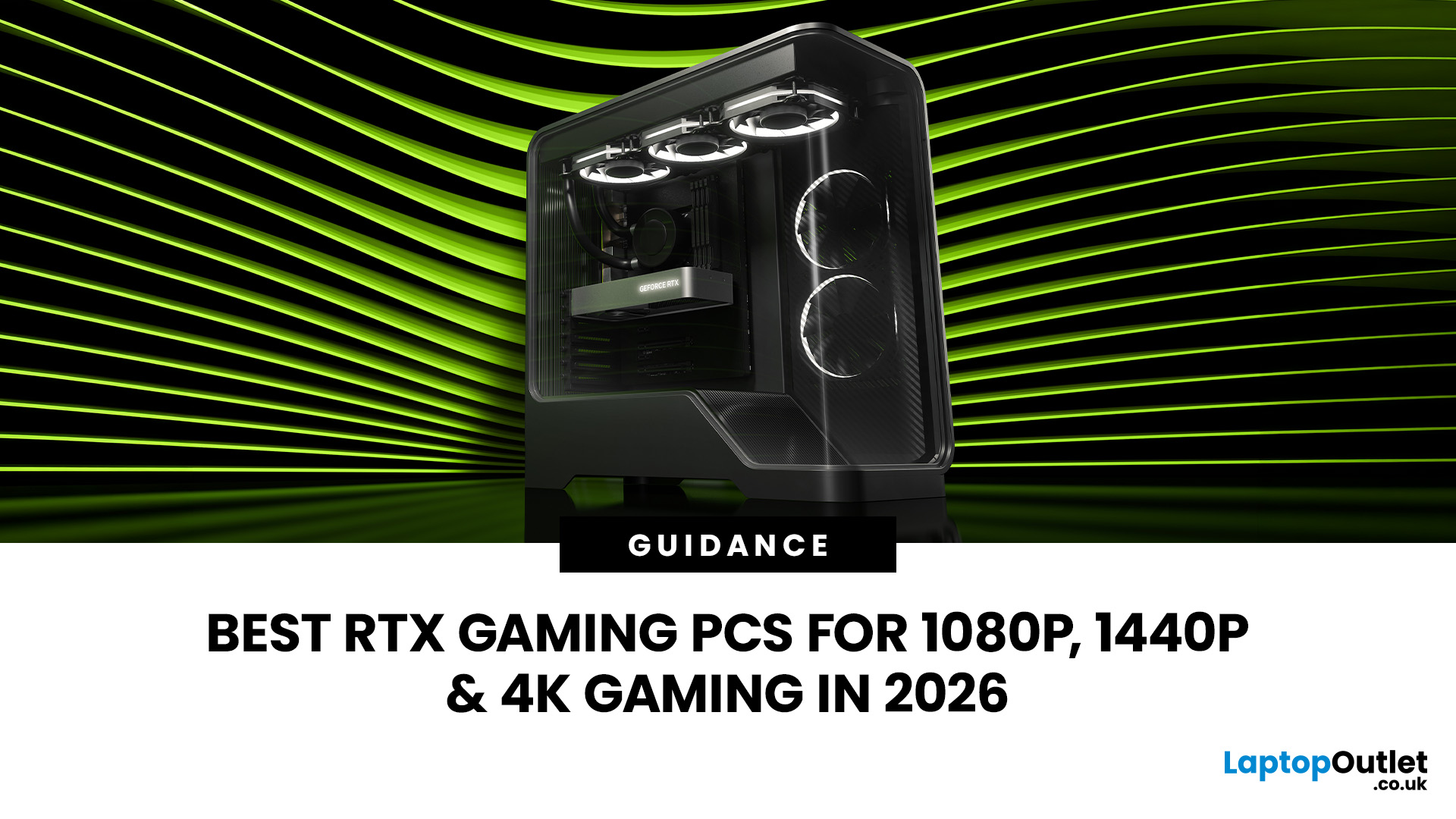
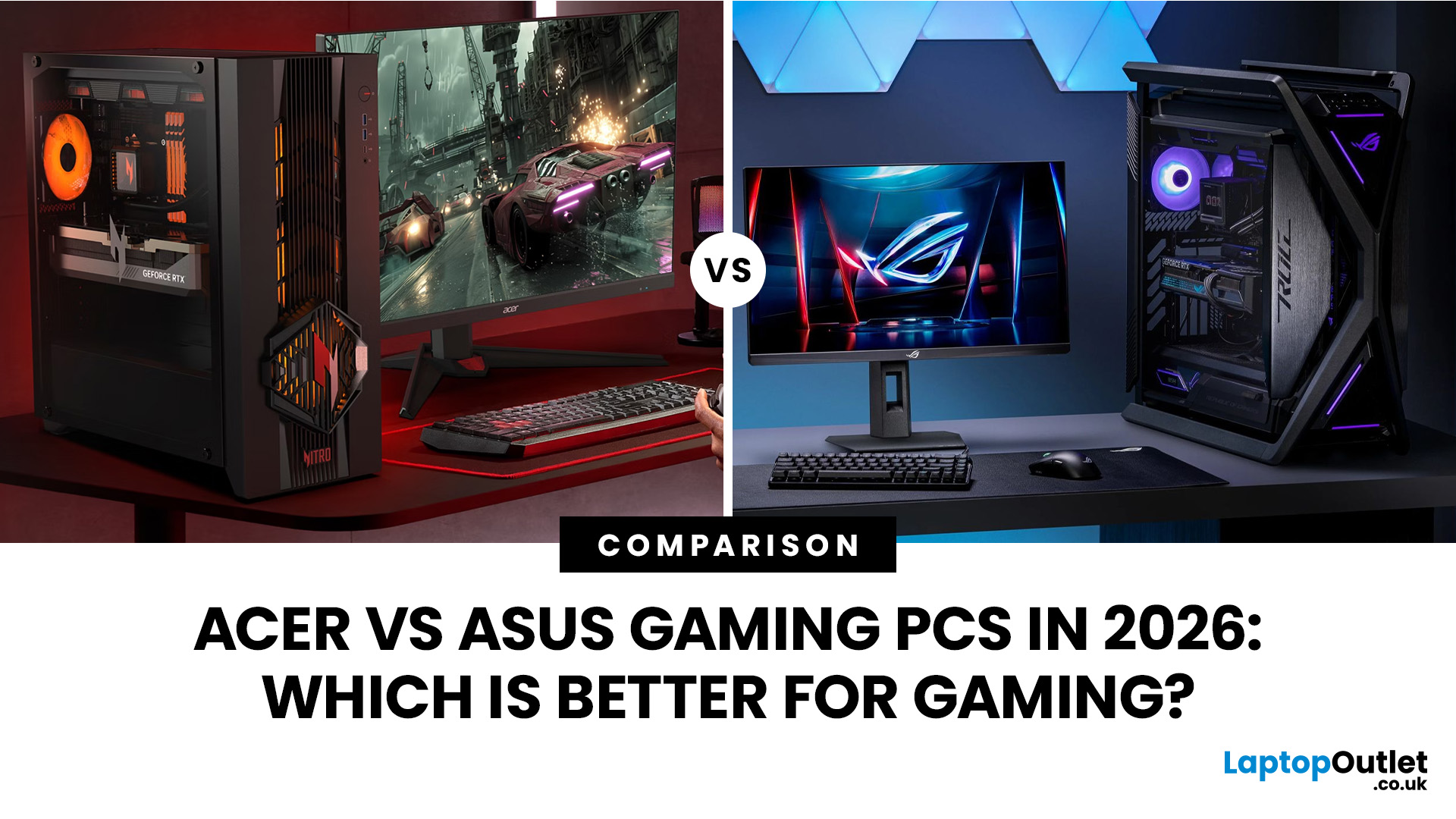
For 1080p, an RTX 5060 is the sensible mainstream pick. For 1440p, step up to an RTX 5060 Ti 16GB or RTX 5070. For 4K, the RTX 5080 is the best-balanced choice for most people, with the RTX 5090 reserved for buyers who genuinely need its 32GB of memory or maximum settings at every resolution.
Picking one of the best RTX gaming PCs isn't about flexing the priciest GPU - it's about matching your rig to your setup and the games you actually play. A competitive player on a 1080p 240Hz display needs strong CPU performance and low latency. Someone playing cinematic single-player games on a 4K screen needs more GPU power, VRAM, and cooling. A 1440p buyer usually wants the strongest balance of image quality, speed, and price.
Getting this right prevents two expensive mistakes: overspending on performance your display can't show, or buying a PC that leans too heavily on generated frames to hit numbers it can't sustain natively. The most common upgrade enquiry we see at Laptop Outlet is from 1080p
Last Updated: July 21, 2026
Last Updated: July 27, 2026
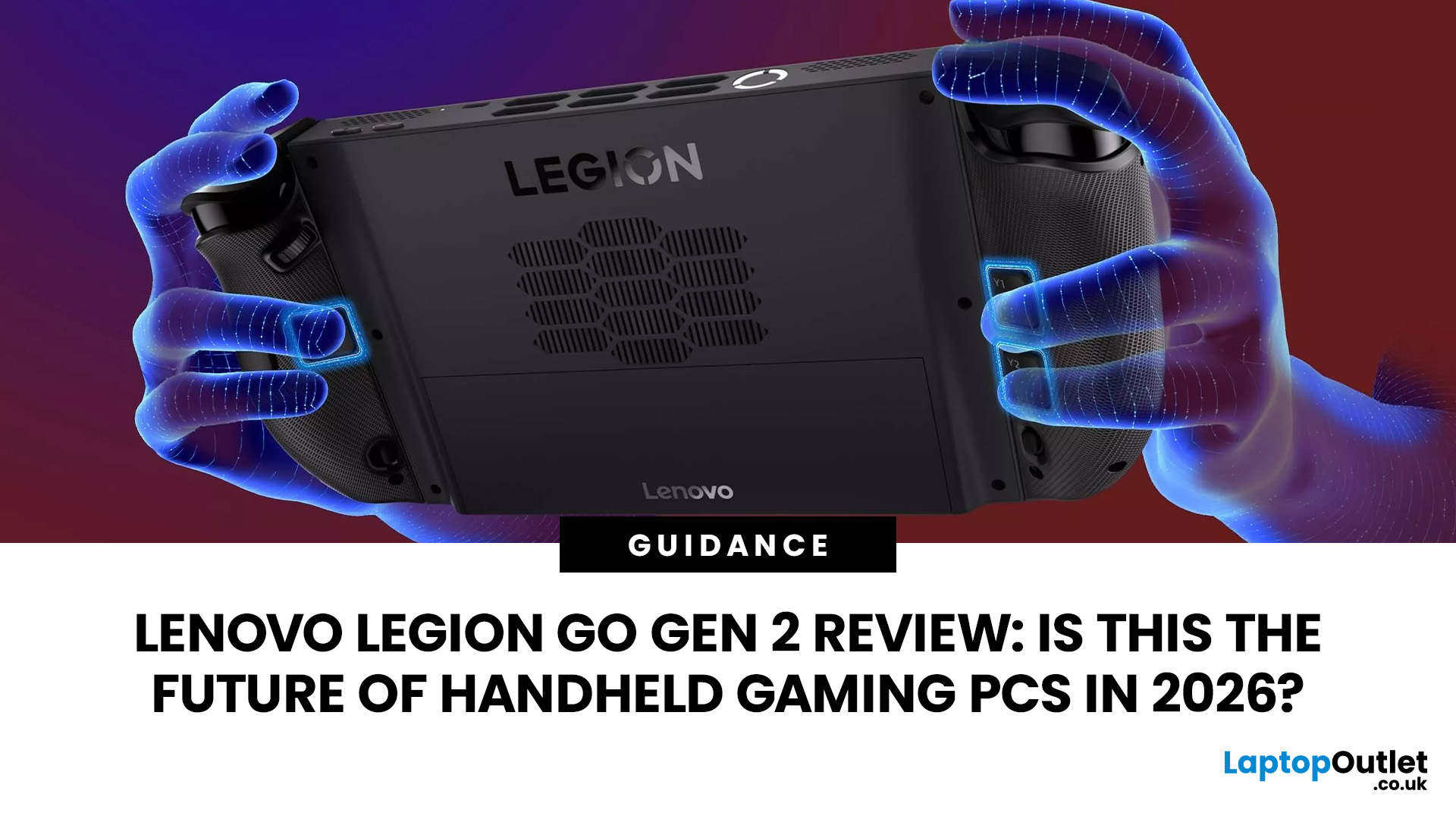
The Lenovo Legion Go Gen 2 takes almost everything that made the original handheld exciting and pushes it further. You get a huge 8.8-inch OLED display, smoother variable refresh rate gaming, upgraded AMD processing power and redesigned detachable controllers. It is powerful, flexible and packed with features, but it is also one of the biggest and most expensive handheld PCs available.
So, does this premium portable gaming PC represent the future of handheld gaming, or has Lenovo built more machine than most gamers need? This review examines its performance, battery, display, software, and competition.
Lenovo Legion Go Gen 2 Overview: What Makes This Handheld Gaming PC Different?
Lenovo officially markets the device as the Legion Go (8.8", 2), although Legion Go Gen 2 and Legion Go 2 are the names most gamers use. You may also see it shortened to Lenovo Go Gen 2, but it belongs firmly to Lenovo’s Legion gaming range. Its standout features include:
| Specification | Lenovo Legion Go Gen 2 |
| Processor |
Last Updated: August 03, 2026
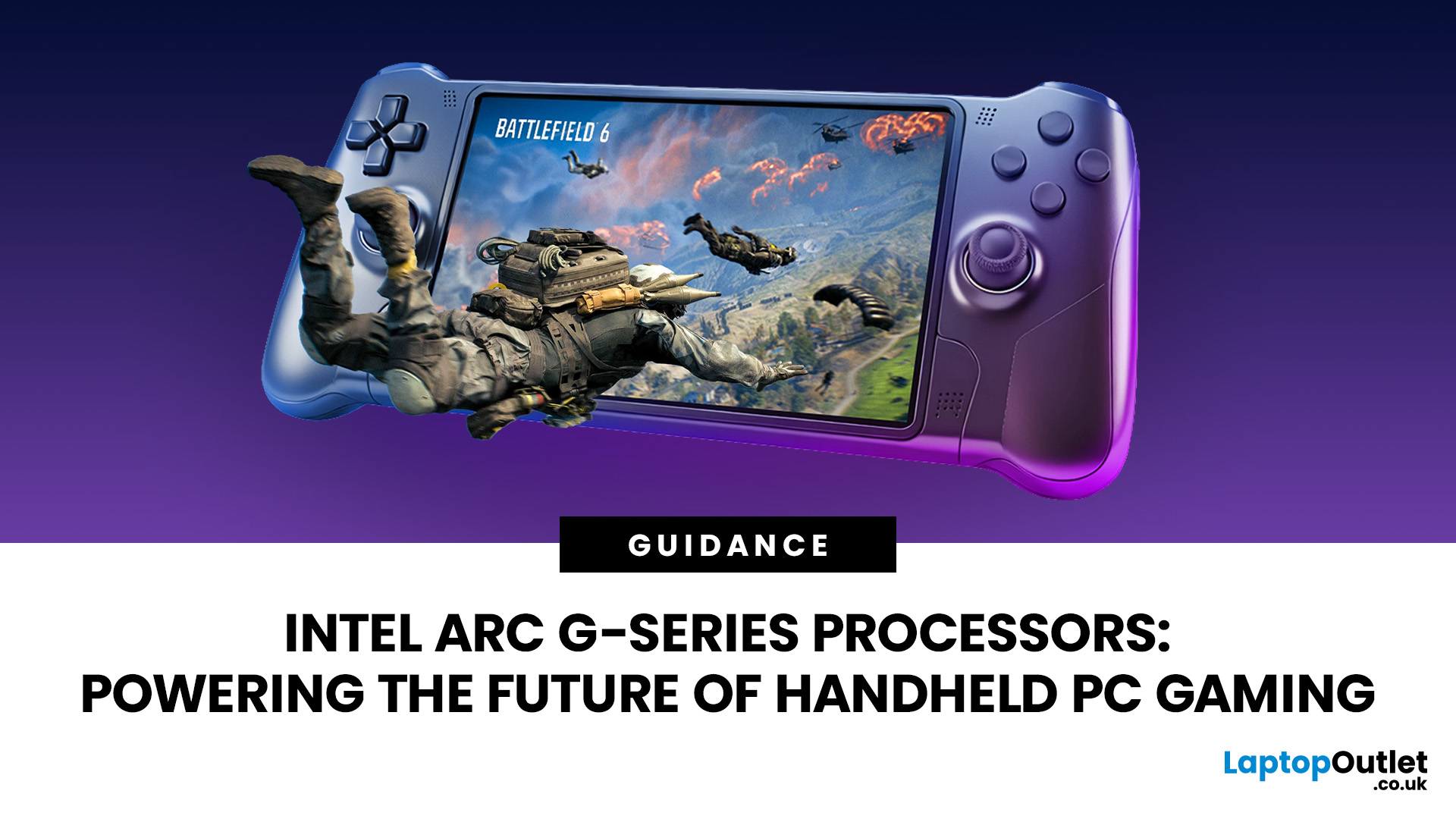
Handheld PC gaming has reached the point where portability alone is no longer enough. Players now expect current PC games, sharper displays, stable frame rates and usable battery life from a device small enough to carry in a bag.
Intel Arc G-Series processors have been developed specifically for that challenge. Instead of placing a conventional laptop processor inside a handheld and adjusting its power limits, Intel has rebalanced the design around integrated graphics, efficient CPU cores and lower-wattage gaming.
The first two processors are the Intel Arc G3 and Intel Arc G3 Extreme. Both combine a 14-core CPU, Xe3-based Intel Arc graphics, XeSS
Last Updated: August 17, 2026
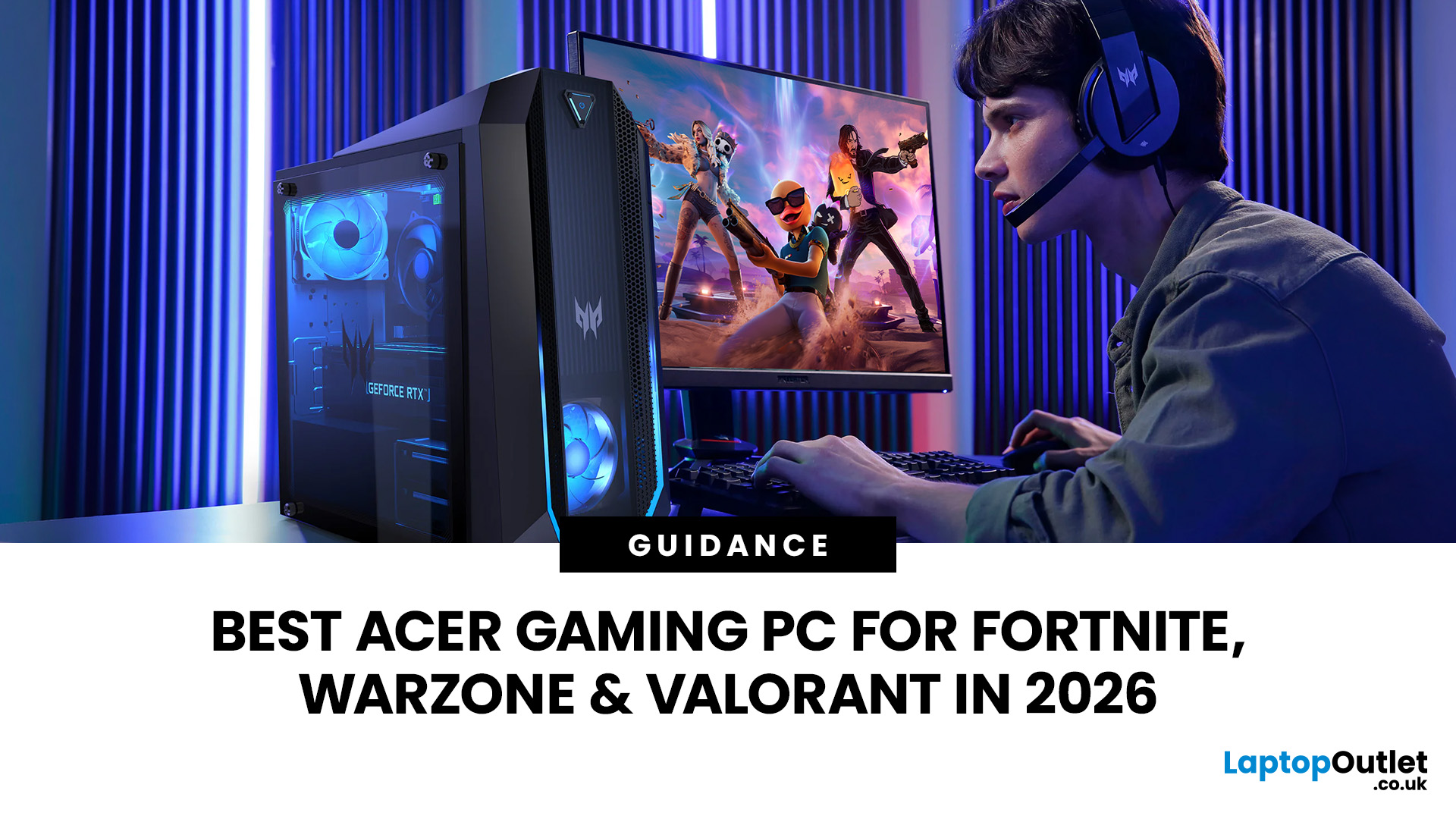
An Acer gaming PC can run Fortnite, Call of Duty: Warzone and Valorant, but the frame rate you get depends heavily on the graphics card, processor, resolution and in-game settings.
If you are comparing Acer gaming PC FPS, the biggest difference comes from whether you choose an entry-level RTX 3050 system, a newer RTX 5060 setup or a more powerful RTX 5070 desktop. Fortnite and Valorant are relatively accessible, while Warzone places much greater demands on your GPU, memory, and storage.
The Acer Nitro N20 and Predator PO3-665 desktops currently available from Laptop Outlet cover all three of these performance levels, so let’s look at what their specifications actually mean when you start playing.
Fortnite, Warzone, and Valorant PC Requirements in 2026
Before choosing a PC, compare its components against what the developers currently recommend.
| Game | Current PC Hardware Guidance | What You Should Aim For |
| Fortnite | Recommended: GTX 960-class GPU, Core i5-7300U/Ryzen 3 3300U and 16GB RAM. Epic |
Last Updated: August 18, 2026
Choosing the best AMD gaming PC in 2026 is less about buying the fastest processor and more about matching the CPU, GPU, memory and monitor to your target resolution. AMD Ryzen processors scale from efficient integrated-graphics systems for light Full HD gaming to X3D-equipped towers built for demanding AAA titles.
This guide compares six current AMD Ryzen gaming PCs across 1080p, 1440p and 4K use. It explains where each system makes sense, where it has limitations and which games suit its hardware.
Best AMD Gaming PCs at a Glance
The six systems below cover very different levels of gaming performance. That matters because an office-focused PC with integrated graphics should not be judged in the same way as dedicated gaming desktop PCs equipped with RTX graphics.
| PC | Processor | Graphics | RAM | Storage | Best For |
| Lenovo ThinkCentre M75s Gen 2 | Ryzen 5 5600G | Integrated Radeon | 8GB DDR4 | 256GB SSD | Light 1080p gaming |
| Lenovo IdeaCentre AIO 24ARR9 | Ryzen 5 7533HS | Radeon 660M | 16GB DDR5 | 512GB SSD | Casual 1080p |
Last Updated: August 20, 2026
Choosing the best Intel PC for gaming and creative work in 2026 means looking beyond the processor name. CPU performance matters, but your graphics card, system memory, storage and cooling can have just as much impact on how the PC handles games and demanding applications.
This guide compares eight Intel-powered desktops for different types of gamers and creators, from accessible 1080p systems to powerful 4K gaming and content-creation PCs.
Why Intel PCs Make Sense for Gaming and Content Creation
Intel is a strong choice for gaming and content creation because its desktop range covers everything from mainstream Core i5 systems to more powerful Core i7 and Core Ultra configurations. That gives buyers plenty of choice when matching performance to gaming, streaming or creative workloads.
Many high-performance Intel processors use a hybrid architecture with Performance-cores and Efficient-cores. With Intel Thread Director, compatible systems can help the operating system prioritise demanding

