



Best GPUs for 4K Gaming Monitors in 2026 (Power Picks)
Choosing a high-end graphics card for 4K gaming is not as simple as picking the most expensive model. Focus on your monitor, power supply, case size, favourite games, and how much you care about ray tracing.
For some gamers, the smartest choice is an RTX 5080 with strong 4K performance and DLSS support. For others, an RTX 5070 Ti is enough for 1440p ultra and lighter 4K gaming. AMD buyers may prefer the Radeon RX 9070 XT for strong 4K raster performance and FreeSync support.
This guide breaks everything down clearly so you can choose a GPU that fits your setup, rather than paying for performance you may never use.
Quick Answer: Best GPU for 4K GamesFor most serious gamers, the best value GPU for 4K gaming in 2026 is the RTX 5070 Ti with 16GB GDDR7. It delivers excellent 4K gaming performance, full DLSS 4.5 support including Multi Frame Generation, and strong ray tracing at a significantly lower price than the RTX 5080. If you specifically need maximum native 4K frame rates or run creative workloads alongside gaming, the RTX 5080 is the stronger choice, but most buyers will not notice the performance difference in practice. If you want a more affordable Nvidia option, an RTX 5070 Ti 16GB is a strong pick for 1440p ultra and capable 4K gaming with optimised settings. If you prefer AMD, the Radeon RX 9070 XT 16GB is a strong choice for 4K raster gaming, especially if ray tracing is not your main priority.You can browse the latest gaming graphics cards at Laptop Outlet to compare available RTX and Radeon options. |
What Makes a GPU Good for 4K Gaming?
A good 4K gaming GPU needs more than raw speed. These are the areas that matter most.
1. VRAM
For high-end 4K gaming in 2026, 16GB VRAM is the safer target. New AAA games, high-resolution textures, ray tracing, and mods can use a lot of memory. A 12GB graphics card can still perform well, but it is better suited to 1440p gaming and lighter 4K settings.
2. Ray Tracing Performance
Ray tracing makes lighting, reflections and shadows look more realistic, but it is demanding. NVIDIA RTX cards are still the stronger choice when ray tracing and path tracing matter most. AMD has improved, but Radeon cards usually make more sense if you care more about raster performance and value.
3. Upscaling Support
Upscaling is now part of modern PC gaming. NVIDIA DLSS and AMD FSR can help increase frame rates at 4K without making the game look too soft. NVIDIA’s RTX 50-series also benefits from DLSS 4.5 and Multi Frame Generation in supported games.
4. PSU and Case Compatibility
High-end GPUs are large and power-hungry. Before buying, check your power supply wattage, power connectors, GPU length, case clearance and airflow. A powerful GPU in a cramped case can run hotter and louder than expected.
5. Monitor Pairing
A high-end GPU only makes sense if your monitor can show the benefit. If you are using a 1080p 60Hz screen, an RTX 5080 is overkill. For a premium build, pair your graphics card with a 4K 144Hz monitor or a high-quality OLED, Mini LED or IPS gaming display.
You can also explore 4K gaming monitors if you want a display that matches a high-end GPU.
Best High-End GPUs to Consider for 4K Gaming in 2026
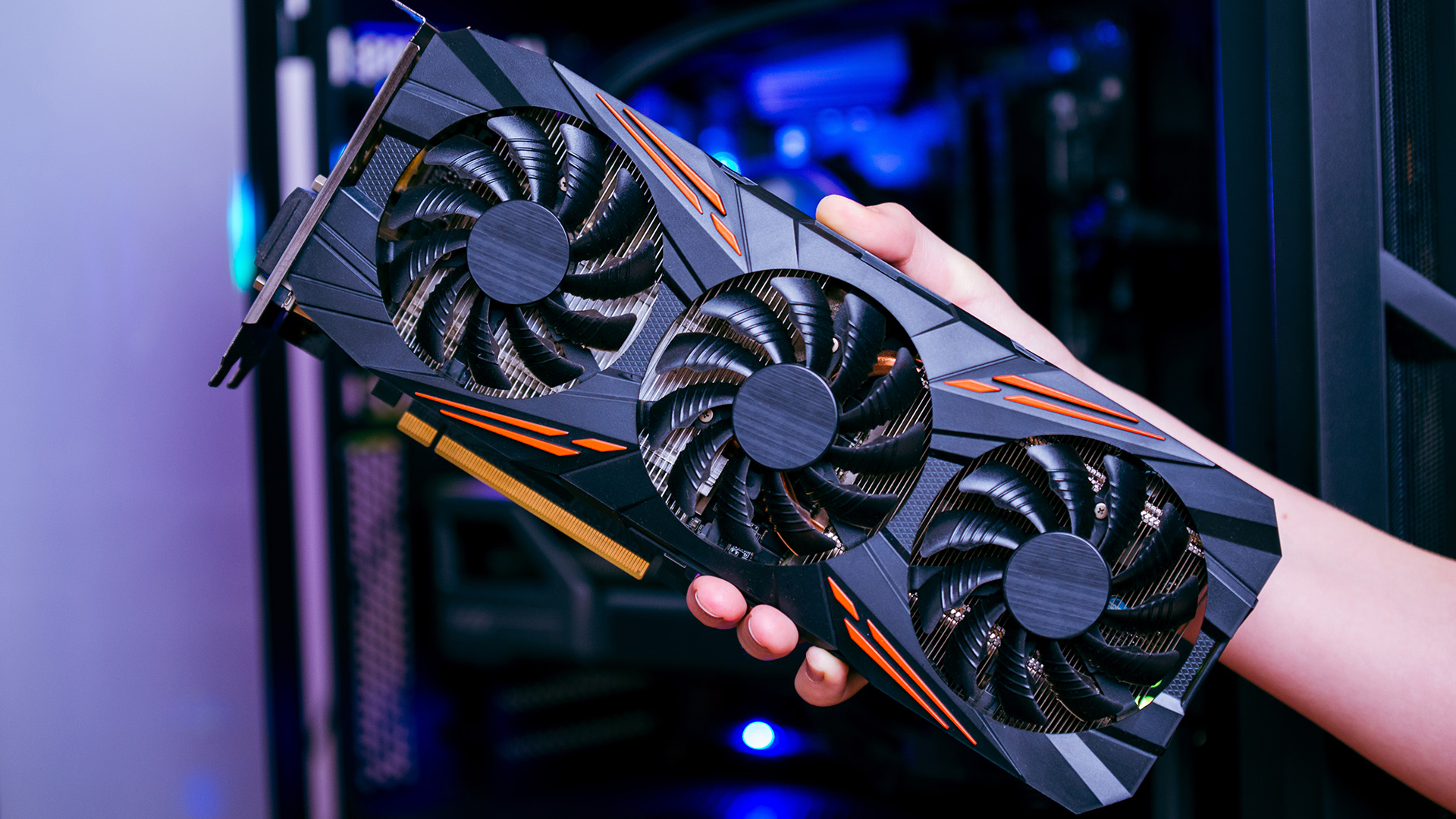
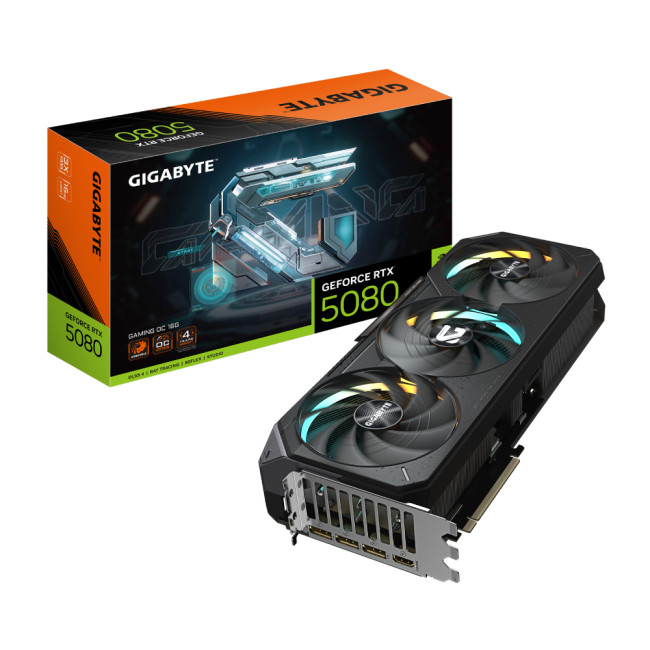
1. GIGABYTE GeForce RTX 5080 GAMING 16GB OC Graphics Card
The GIGABYTE GeForce RTX 5080 GAMING 16GB OC is the best premium 4K option for most serious gamers. It has 16GB GDDR7 memory, a 256-bit memory interface, 3 x DisplayPort 2.1a, 1 x HDMI 2.1b and a 4-year warranty.
This card is a strong match for 4K gaming, ray tracing, high-refresh monitors and creative workloads. It delivers roughly 8–16% more performance than the RTX 5070 Ti at 4K, which makes the clearest difference at high-refresh 4K gaming or in GPU-accelerated creative work. Note: at current UK street prices, the RTX 5080 costs significantly more than the RTX 5070 Ti for that performance gap - most buyers who want 4K gaming will get better value from the 5070 Ti unless they specifically need the extra headroom.
Best for:
- Serious 4K gaming
- Ray tracing and DLSS-supported titles
- High-refresh 4K monitors
- Gaming and creative workloads
- Premium desktop PC builds
2. GIGABYTE GeForce RTX 5080 WINDFORCE SFF 16GB Graphics Card
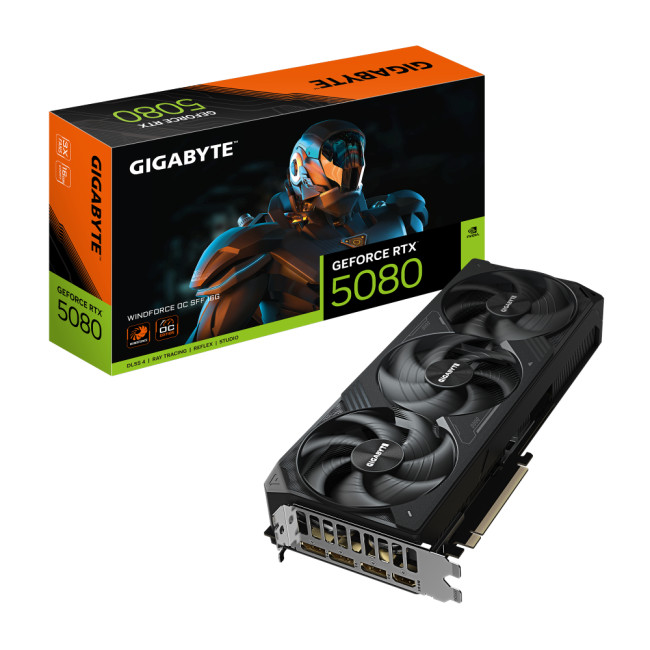
The GIGABYTE GeForce RTX 5080 WINDFORCE SFF 16GB is a good choice if you want RTX 5080-class performance in a more compact design. You get this model with 16GB GDDR7 memory, a 256-bit interface, 3 x DisplayPort 2.1a, 1 x HDMI 2.1b and a 304 mm card length.
That makes it useful for smaller, high-end builds where space is at a premium. You still need to check your case clearance and power supply, but this is a practical option if you do not want an oversized flagship card.
Best for:
- Compact high-end gaming PCs
- 4K gaming setups
- Small-form-factor builds
- Streamers and creators with limited case space
- Buyers who want RTX 5080 performance in a smaller card
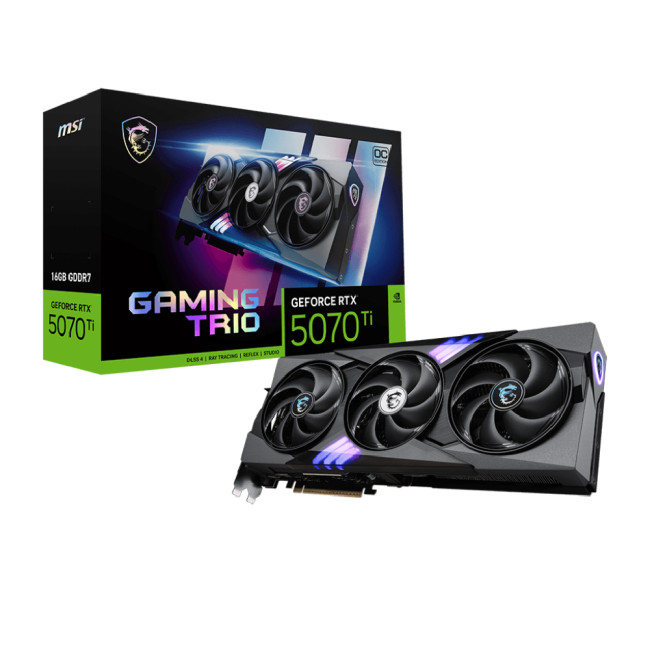
3. MSI GeForce RTX 5070 Ti GAMING TRIO 16G OC Graphics Card
The MSI GeForce RTX 5070 Ti GAMING TRIO 16G OC is the balanced Nvidia pick. It has 16GB GDDR7 memory, a 256-bit memory interface, 3 x DisplayPort 2.1b, 1 x HDMI 2.1b and a 3-year warranty.
This graphics card is ideal if you want excellent 1440p gaming and capable 4K performance without paying RTX 5080 money. For demanding 4K ray tracing, you will usually want to use DLSS rather than relying on native 4K ultra settings in every game.
Best for:
- 1440p ultra gaming
- Entry-level 4K gaming
- Ray tracing with optimised settings
- Gamers who want 16GB VRAM
- Premium builds without RTX 5080 pricing
4. PowerColor AMD Radeon RX 9070XT Red Devil 16GB OC Gaming Graphics Card
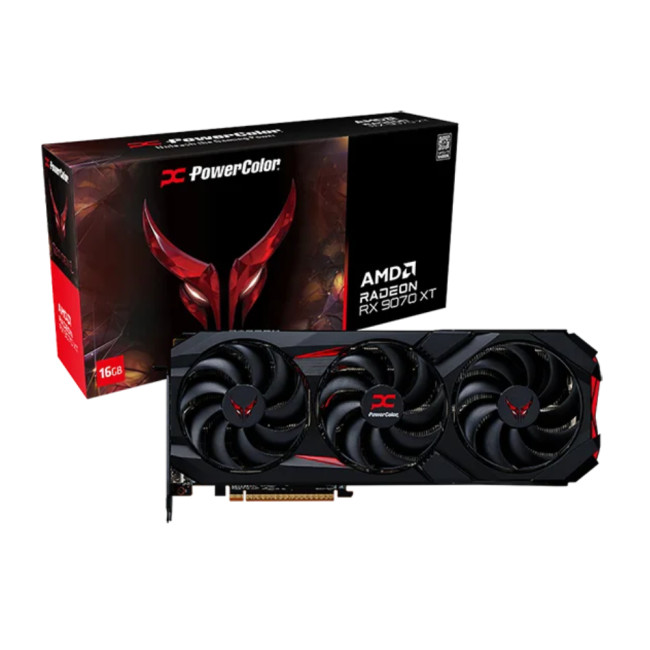
The PowerColor AMD Radeon RX 9070 XT Red Devil 16GB OC is the strongest AMD option to include in this blog. It has 16GB GDDR6 memory, a 256-bit memory interface, 3 x DisplayPort 2.1, 1 x HDMI 2.1, AMD FreeSync support and a 3-year warranty.
This card is best positioned as a strong 4K raster gaming option. It is a good fit for players who want high-resolution gaming, smooth FreeSync performance and strong value from an AMD GPU. NVIDIA still has the advantage for heavy ray tracing, but the RX 9070 XT is a sensible choice if you mostly play rasterised games.
Best for:
- 4K raster gaming
- AMD gaming PC builds
- FreeSync monitor users
- High-resolution textures
- Gamers who want 16GB VRAM without choosing Nvidia
5. Palit GeForce RTX 5070 Infinity 312GB OC Graphics Card
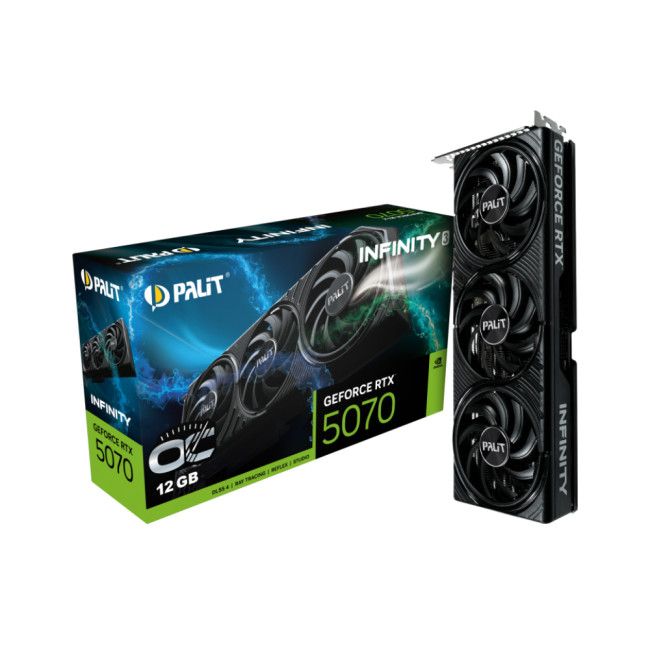
The Palit GeForce RTX 5070 Infinity 3 12GB OC is a more affordable way to move into Nvidia’s RTX 50-series. It has 12GB GDDR7 memory, 3 x DisplayPort 2.1b, 1 x HDMI 2.1b and a 3-year warranty.
This card should not be oversold as a no-compromise 4K ray tracing GPU. It is better for 1440p gaming, esports, streaming and lighter 4K gaming with adjusted settings. That honest positioning is better for readers and helps the blog feel more trustworthy.
Best for:
- 1440p gaming
- Lighter 4K gaming
- RTX 50-series features at a lower price
- Streaming and everyday creative work
- Gamers upgrading from older RTX or GTX cards.
Other GPU Options Worth Comparing
|
Graphics card |
Shop Here |
Best for |
Why it is worth comparing |
Buyer note |
|
GIGABYTE GeForce RTX 5080 AERO SFF 16GB OC |
|
White 4K gaming builds |
A premium RTX 5080 option with 16GB GDDR7 memory and a white design |
Good for buyers who care about both performance and build aesthetics |
|
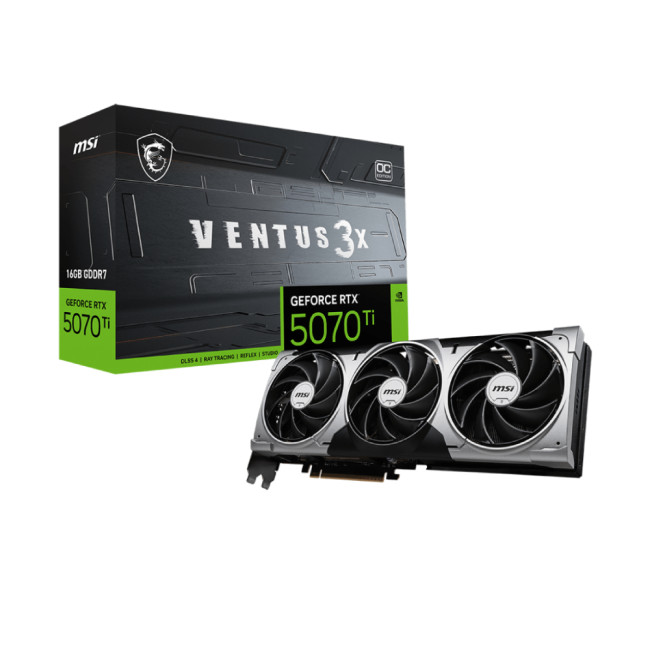
MSI GeForce RTX 5070 Ti VENTUS 3X 16GB OC |
|
Balanced Nvidia performance |
A 16GB RTX 5070 Ti alternative with 3 x DisplayPort 2.1b and 1 x HDMI 2.1b |
Better value than RTX 5080 if you do not need maximum 4K ray tracing |
|
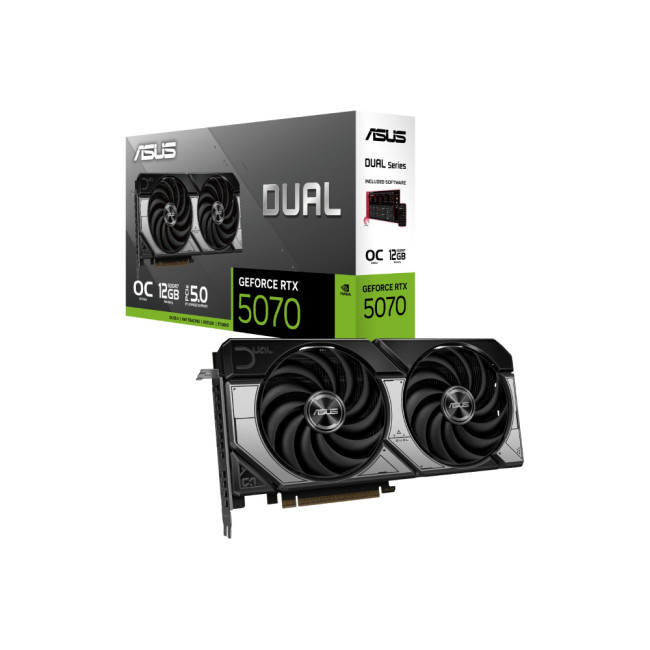
ASUS GeForce RTX 5070 DUAL 12GB OC |
|
Compact RTX 50-series builds |
A dual-fan RTX 5070 option with 12GB GDDR7 memory |
Best for 1440p gaming and lighter 4K settings |
|
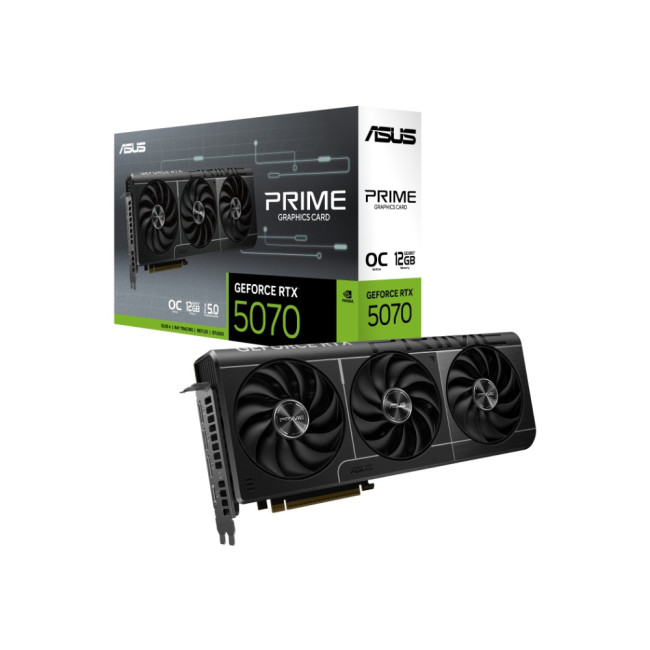
ASUS GeForce RTX 5070 Prime 12GB OC |
|
Mid-range Nvidia gaming PCs |
A practical RTX 5070 card with 12GB GDDR7 memory and modern display outputs |
Do not position it as a true high-end 4K ray tracing GPU |
|
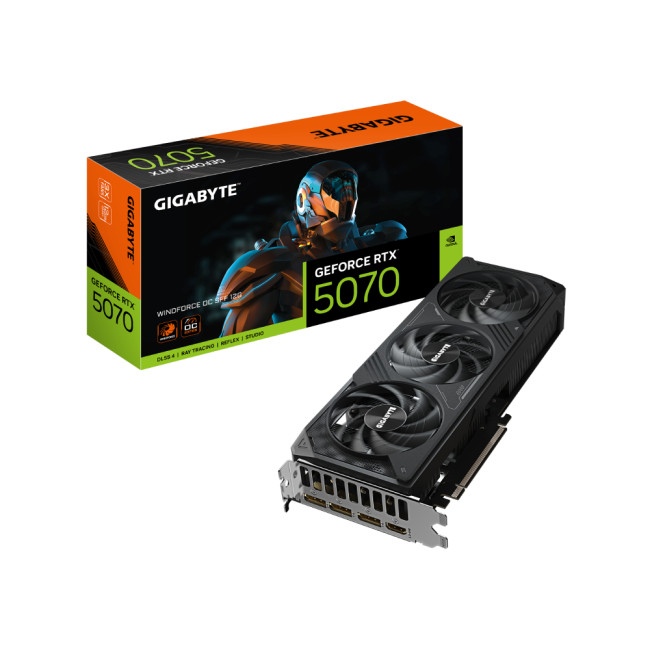
GIGABYTE GeForce RTX 5070 WINDFORCE 12GB OC |
|
Cooler everyday gaming builds |
A good RTX 5070 option for 1440p gaming, esports and occasional 4K gaming |
Strong for value-focused Nvidia buyers |
|
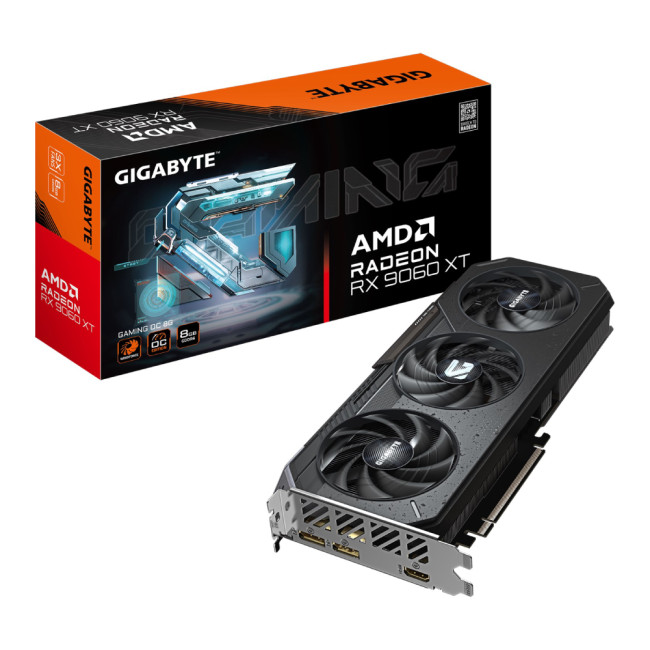
Gigabyte Radeon RX 9060 XT GAMING 8GB OC |
|
Budget AMD builds |
An 8GB GDDR6 option for buyers who do not need a high-end GPU |
Better for 1080p and 1440p than serious 4K ray tracing |

NVIDIA vs AMD for 4K and Ray Tracing

Choose Nvidia if ray tracing, DLSS, frame generation, streaming, AI tools or creative software matter to you. RTX 50-series cards are especially strong for demanding 4K gaming because they combine ray tracing hardware with DLSS support.
Choose AMD if you want strong traditional gaming performance and good value in rasterised games. A card such as the Radeon RX 9070 XT is a strong option for 4K gaming if you do not need the best ray tracing performance.
The simple rule is this:
- Choose Nvidia for the best 4K ray tracing experience.
- Choose AMD for strong 4K raster performance and FreeSync value.
You can also compare NVIDIA graphics cards and AMD graphics cards before making your final choice.
Recommended Settings for 4K Gaming
- RTX 5080
Use 4K high or ultra settings in most games. Turn on DLSS Quality or Balanced in demanding AAA titles, especially when ray tracing is enabled. This is the most sensible premium option for many 4K gamers.
- RTX 5070 Ti
Use 1440p ultra or 4K high settings. For 4K ray tracing, use DLSS and avoid pushing every setting to ultra in the most demanding games. This card is strongest when you balance visual quality with smooth frame rates.
- RTX 5070
Use 1440p high or ultra settings. You can play at 4K in some games, but you may need to reduce textures, ray tracing or shadow quality. It is better treated as a strong 1440p card with some 4K flexibility.
- RX 9070 XT
Use 4K high or ultra settings in rasterised games. If you enable ray tracing, reduce some settings and use FSR where available. This card is strongest when value and native gaming performance matter more than maximum ray tracing.
- RX 9060 XT
Use 1080p or 1440p settings. This is not the best card for a high-end 4K ray tracing build, but it can still be useful for budget gaming PCs.
Before You Buy: Quick GPU Checklist
For a 4K gaming GPU specifically, five checks matter most before you buy:
- VRAM - target 16GB for 4K gaming in 2026. A 12GB card can work but gives less headroom for high-resolution textures and ray tracing in newer AAA titles.
- PSU wattage - RTX 5070 Ti-class cards need at least 750W; RTX 5080-class cards need 850W minimum. Check your current PSU before ordering. If it is more than five years old, consider replacing it at the same time.
- GPU physical length - flagship RTX 50-series cards can exceed 330mm. Measure your case's GPU clearance before buying. The WINDFORCE SFF at 304mm is a good option if space is limited.
- Monitor output compatibility - confirm your monitor has HDMI 2.1 or DisplayPort 2.1 to get the full benefit of 4K at high refresh rates. An older HDMI 2.0 monitor limits 4K gaming to 60Hz regardless of GPU.
- CPU pairing - a high-end GPU can be bottlenecked by an older processor, especially at 1440p and 1080p. For RTX 5070 Ti and RTX 5080-class cards, pair with a current Intel Core i7 or AMD Ryzen 7 processor minimum. An ageing quad-core will hold back even a top-tier GPU.
For high-end builds, also check for reliable power supplies to ensure your GPU stays stable.
Do You Need a 4K Gaming Monitor?
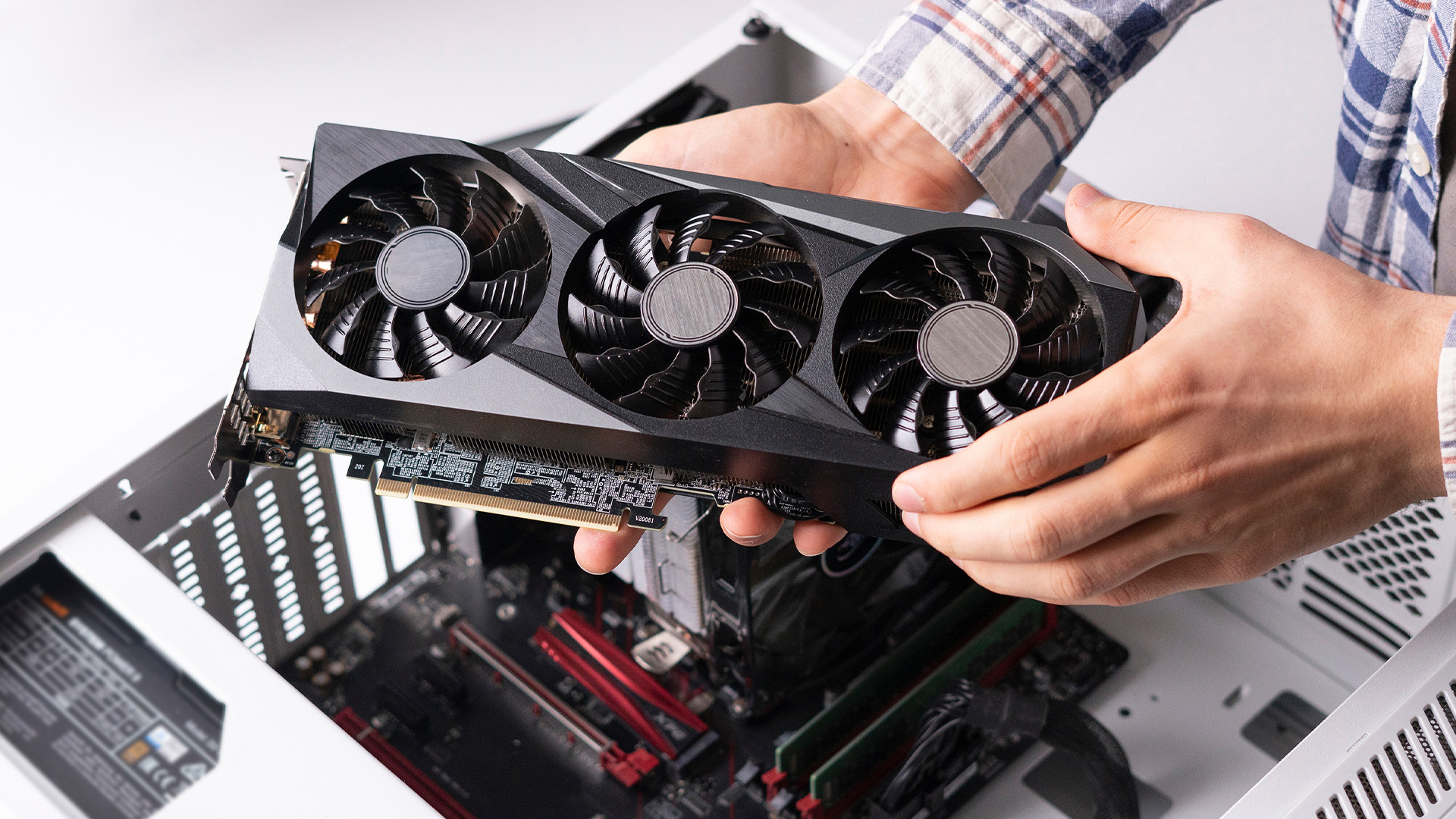
A high-end GPU deserves a monitor that can showcase its capabilities. If you are still using a 1080p 60Hz display, you will not get the full benefit from an RTX 5080 or RX 9070 XT.
For a premium 4K setup, look for:
- 4K resolution
- 120Hz or 144Hz refresh rate
- HDMI 2.1 or DisplayPort support
- Adaptive sync
- Good HDR performance
- Low response time
If you want a portable option instead of upgrading a desktop PC, you can also compare RTX gaming laptops.

Final Verdict: Which GPU Should You Buy?
Choosing the right GPU comes down to how you actually game. If you want top-tier 4K performance with strong ray tracing, an RTX 5080 is the safest premium choice. For a more balanced setup, the RTX 5070 Ti offers excellent performance without pushing your budget too far, while AMD’s RX 9070 XT is a solid pick for high-quality 4K gaming without focusing heavily on ray tracing.
In the end, the best GPU is the one that fits your setup, your games and your budget not just the most powerful option on paper. Browse our full range of gaming graphics cards at Laptop Outlet to compare RTX 5080, RTX 5070 Ti, and RX 9070 XT models in stock now including ASUS, GIGABYTE, MSI, Palit, and PowerColor variants across every budget tier.

What People Also Ask...
What is the best GPU for 4K and ray tracing?
For most serious gamers, the RTX 5070 Ti 16GB offers the best balance of 4K performance and value in 2026. It supports the full DLSS 4.5 stack including Multi Frame Generation, delivers strong ray tracing, and costs significantly less than the RTX 5080. If you need maximum native 4K frame rates or run heavy creative workloads, the RTX 5080 is the better choice — but for most buyers the 5070 Ti is the smarter spend.
Is 16GB VRAM enough for 4K gaming?
Yes, 16GB VRAM is a sensible target for 4K gaming in 2026. It gives you more room for high-resolution textures, ray tracing and newer AAA games.
Is 12GB VRAM enough for 4K gaming?
12GB VRAM can work for some 4K games, but it is not ideal for a high-end 4K build. A 12GB RTX 5070 is better suited to 1440p gaming and lighter 4K settings.
Is AMD good for 4K gaming?
Yes, AMD is good for 4K gaming, especially in rasterised games. The Radeon RX 9070 XT is a strong option if you want 16GB VRAM, FreeSync support and good traditional gaming performance.
Is Nvidia better than AMD for ray tracing?
In most cases, yes. NVIDIA RTX cards are still the stronger choice for ray tracing, path tracing, DLSS-supported games and creative workloads.
Do I need an RTX 5080 for 4K gaming?
Not always. If you want premium 4K gaming with ray tracing, an RTX 5080 is a strong choice. If you mainly play esports titles or use a 1440p monitor, an RTX 5070 Ti or RTX 5070 may be enough.
What PSU do I need for a high-end GPU?
It depends on the exact card. Some RTX 5080 models recommend an 850W PSU, while high-end partner cards may need more. Always check the product page before buying.
Should I buy a graphics card or a gaming laptop?
Buy a graphics card if you already have a desktop PC and want the best upgrade flexibility. Choose a gaming laptop if you need portability and want a complete system with the GPU already built in.
Read More
How to Choose a Laptop with the Right Graphics Card
Everything You Need to Know About Graphics Cards: Buying Guide & Expert Tips
Related Articles

Last Updated: January 13, 2026
Are you looking to upgrade your PC with cutting-edge performance, reliability, and exceptional gaming visuals? ASUS graphics cards remain one of the most trusted choices in the UK market. We bring you competitive prices, frequent deals, and a wide selection of ASUS GPUs designed for gamers, creators, and professionals alike. From advanced NVIDIA RTX models to efficient AMD Radeon options, ASUS continues to lead the way in innovation, cooling, and long-term durability.
Why Choose ASUS Graphics Cards?
ASUS has built a global reputation for producing premium PC components, and its graphics cards are no exception. Designed with performance, stability, and longevity in mind, ASUS PC graphics cards are trusted by enthusiasts and professionals worldwide.
Proven Engineering and Build Quality
ASUS graphics cards are engineered using high-quality components, reinforced PCBs, and advanced power delivery systems. This ensures consistent performance even under heavy workloads such as 4K gaming, 3D
Published: January 13, 2026
Choosing the right graphics card is one of the most important decisions when building or upgrading a gaming PC, and XFX graphics cards UK gamers trust continue to stand out for performance, reliability and value. As one of AMD’s most established board partners, XFX focuses exclusively on Radeon GPUs, delivering powerful gaming performance at highly competitive prices. We offer a wide range of XFX graphics cards deals, making it easier for you to access cutting-edge AMD technology without overspending. Whether you’re upgrading an older system, building a new gaming rig or searching for better value than current NVIDIA options, XFX delivers a compelling alternative. This guide explores everything you need to know about XFX GPUs, including performance, pricing, comparisons, and how to find the best XFX GPU deals UK buyers can rely on.
Why XFX Graphics Cards Are a Trusted Choice for AMD Gamers
XFX has built a strong reputation by focusing entirely on AMD hardware. Unlike brands that split

Last Updated: April 28, 2026
When it comes to upgrading your gaming PC or building a reliable high-performance setup, Gigabyte graphics cards are one of the suitable choices for gamers and creators. Known for strong performance, efficient cooling and excellent value, Gigabyte GPUs are designed to handle everything from everyday gaming to demanding creative tasks. Whether you’re aiming for smooth gameplay, detailed visuals or future-ready performance, there’s a Gigabyte graphics card to suit your needs and budget.
What Makes Gigabyte Gaming Graphics Cards Ideal for Modern Gaming?
Modern games demand more from hardware than ever before. Gigabyte has responded with GPUs that deliver high frame rates, detailed visuals and smooth gameplay across popular titles.
Performance that Keeps Up with New Games
From competitive esports titles to AAA blockbusters, Gigabyte gaming graphics cards are built to handle demanding workloads. Features such as ray tracing, DLSS (on NVIDIA models) and high memory bandwidth ensure consistent

Last Updated: March 30, 2026
NVIDIA DLSS 5 marks a much bigger shift than a routine version update. Rather than focusing mainly on upscaling and frame generation, NVIDIA is positioning DLSS 5 as a real-time neural rendering system that can add photoreal lighting and material detail to game scenes while they are being played. According to NVIDIA’s March 2026 announcement, it is the company’s biggest graphics breakthrough since real-time ray tracing arrived in 2018, with a launch scheduled for fall 2026.
For PC gamers, that matters because the long-running trade-off between image quality and performance may be changing again. Earlier DLSS versions were mainly about making games run faster at high resolutions. DLSS 5 expands that idea into visual interpretation, where AI is used not just to reconstruct pixels, but to enhance lighting response, material realism and scene fidelity in ways NVIDIA says were previously closer to Hollywood VFX than a 16-millisecond game frame.
For UK buyers looking at a gaming laptop or desktop
Last Updated: August 20, 2026
Last Updated: June 18, 2026
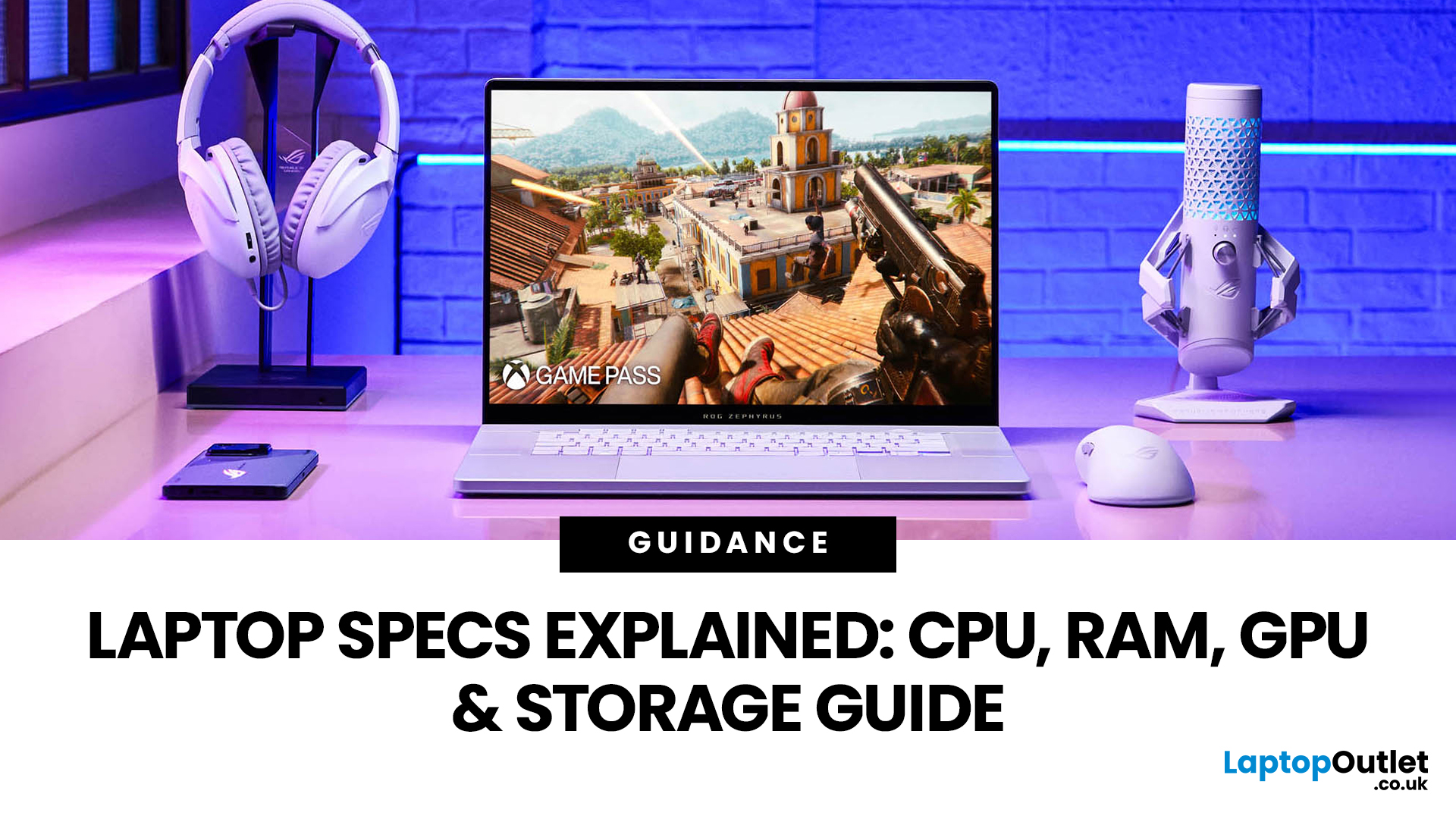
For most buyers in 2026, the best laptop specs are a modern Intel Core Ultra 5/7 or AMD Ryzen AI 5/7 processor, 16GB RAM, 512GB SSD storage, and integrated graphics. Choose 32GB RAM, 1TB storage, and a dedicated GPU if you edit videos, create content, play demanding games, or use professional software.
Buying a new laptop in 2026 can feel confusing, especially when every product page is packed with technical words, numbers, and abbreviations. This processors & specs explained guide breaks everything down in plain English so you can understand what matters before you spend your money.
For most buyers, the four most important laptop components are the CPU, RAM, GPU, and storage. Once you understand these, it becomes much easier to compare models, avoid overspending, and choose a laptop that actually suits your daily needs.
What are Laptop Specs and Why Do They Matter?
Understanding laptop specifications becomes important. Specs affect:
- How fast your laptop feels when opening apps.
- How many
Published: June 11, 2026
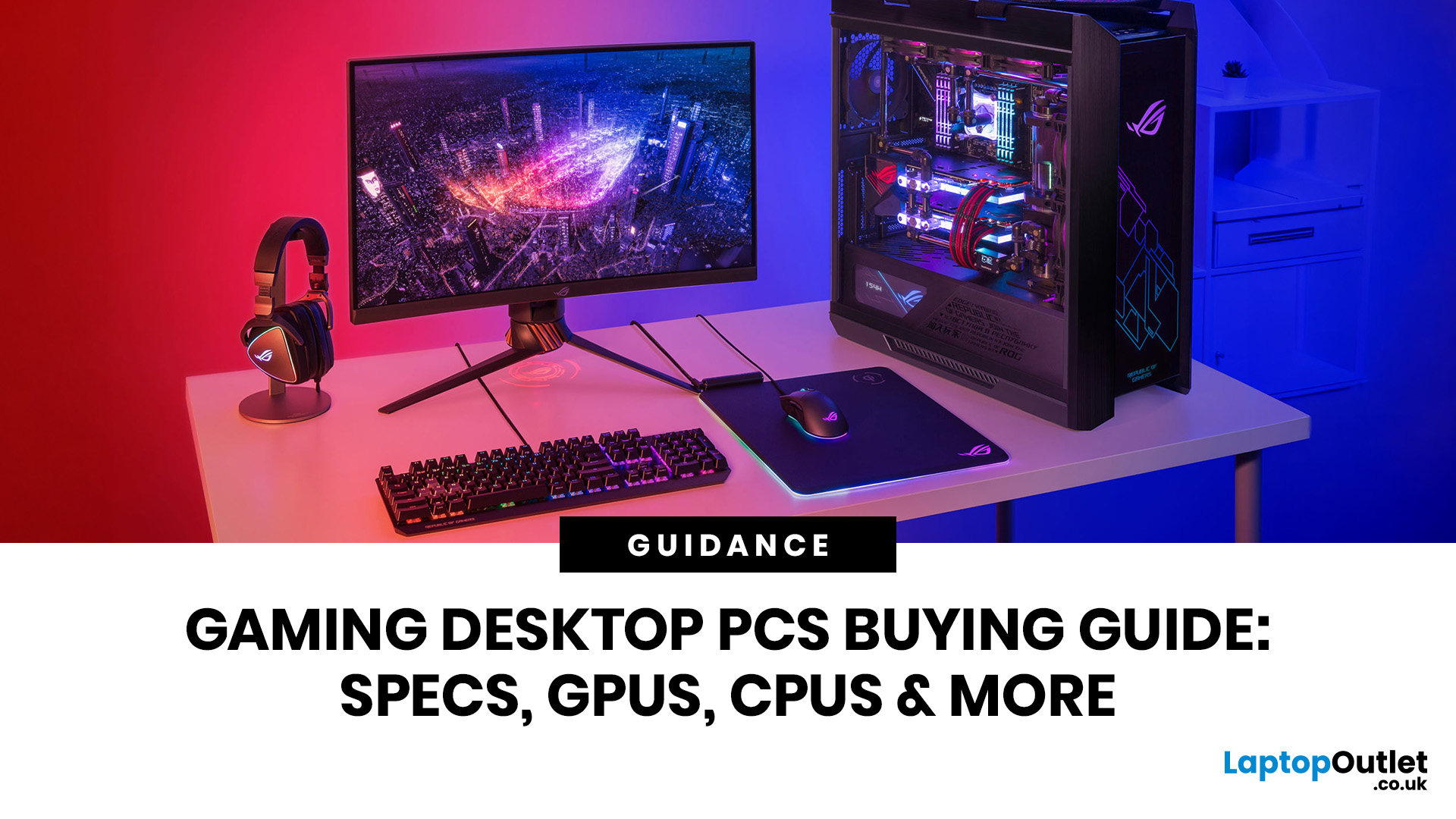
Choosing the right gaming desktop can be the difference between smooth, immersive gameplay and a system that struggles within a year. This gaming PC buying guide explains the key components that affect gaming performance, future-proofing, and value for money, so you can buy with confidence rather than guessing from confusing spec sheets.
A good gaming PC is not just about the most expensive graphics card. It is about balance. The CPU, GPU, RAM, storage, cooling, power supply, motherboard, and case all work together. Whether you play competitive esports, cinematic single-player titles, open-world RPGs, racing games or VR, understanding the right configuration helps you avoid overspending and choose a desktop that lasts.
This article is designed as a practical gaming PC specs guide for beginners, but it also includes up-to-date 2026 advice for buyers comparing modern RTX, Radeon, Intel, and AMD-powered systems.
Why Buy a Gaming Desktop PC?
A gaming desktop PC remains one of the best choices
Last Updated: June 15, 2026
Overheating can slow down your PC, crash games, and damage key components. Checking CPU and GPU temperature helps spot heat issues early, compare readings with safe ranges, and choose the right fix, from cleaning vents to upgrading cooling fans, coolers, processors, or graphics cards for smoother everyday performance and overall stability.
Is your laptop sounding like it’s about to take off? Or does your PC randomly slow down, crash, or shut itself off? Yeah, that’s usually not a vibe. It could mean your system is overheating.
Doing a quick check CPU GPU temperature laptop test can help you spot heat issues before they turn into expensive damage. Whether you game, edit videos, stream, or just multitask like a boss, keeping an eye on your processor’s and graphics cards temperature is a smart move.
Here’s how to check both easily.
Signs Your PC or Laptop is Overheating
Your device usually gives you clues before things get serious. Watch out for:
- Loud fans running non-stop
- Sudden lag or freezing
Last Updated: June 30, 2026
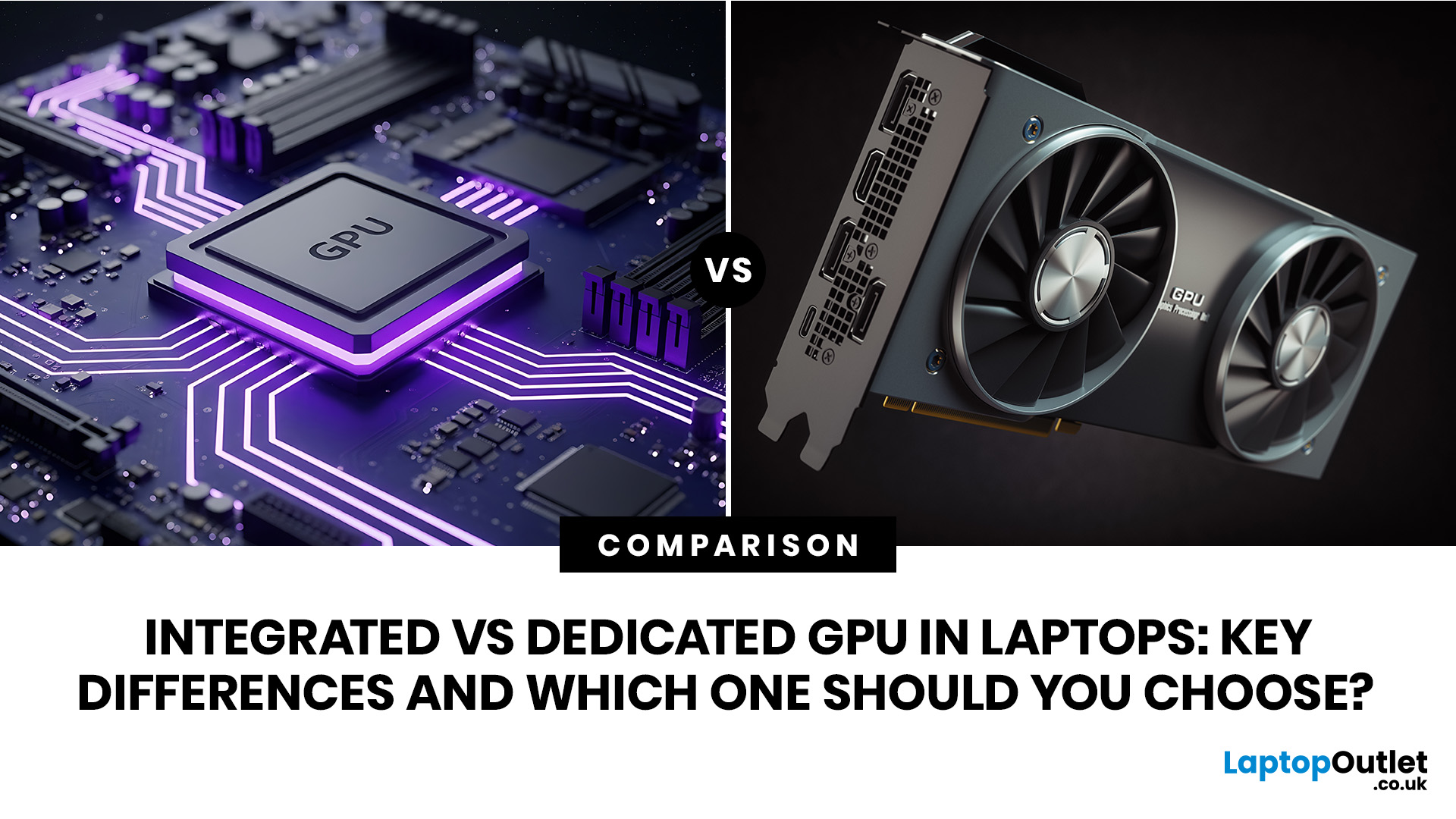
An integrated vs dedicated GPU laptop decision comes down to one simple question: do you need strong graphics performance every day, or do you mostly need a cooler, lighter, longer-lasting laptop for normal work?
For everyday browsing, office work, video calls, streaming, study and light photo editing, integrated graphics are usually enough. For serious gaming, 3D work, video editing, CAD, AI workloads or high-refresh creative work, a laptop with dedicated graphics card hardware is usually the better option.
Quick answer: Integrated vs dedicated GPU explained
Integrated graphics are built into the processor sharing, system memory. They are efficient, affordable and good for everyday laptop use.
A dedicated GPU is a separate graphics processor with its
Last Updated: August 24, 2026

