



Which Brand is Best for Windows Laptops? Hardware Support
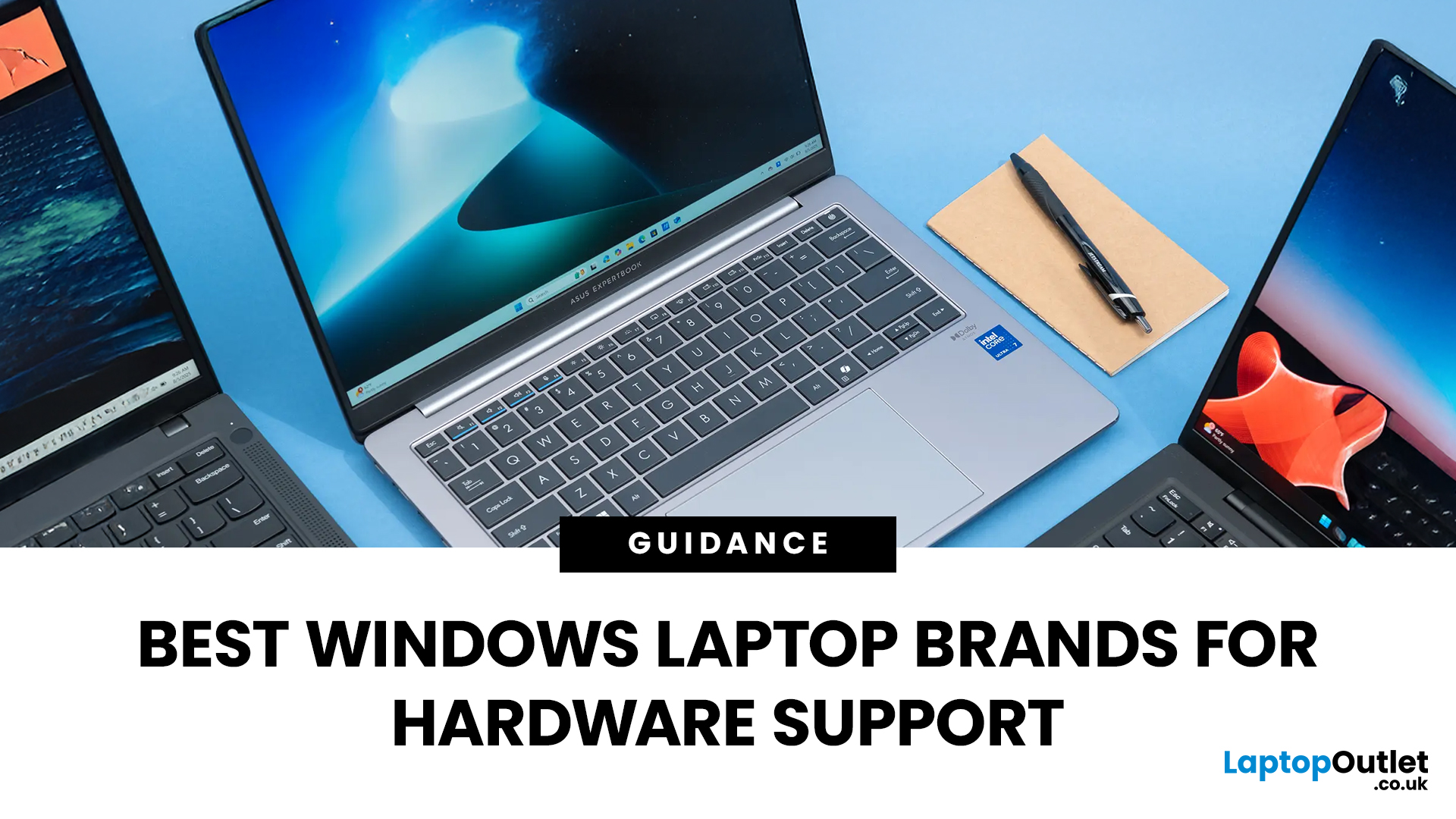
Shopping for a new laptop can be tricky as the best brands go head-to-head to grab your attention, and you want a model that does everything you need and lasts for years.
Although some brands are well regarded for their high-quality laptops, even the best brand manufacturers' models have flaws or performance lags. We've all had that friend who got a fantastic deal on a laptop with a large screen and impressive features, only to hear about its slow performance, sluggish battery, and dim screen later.
Simply put, there isn't the best laptop brand, as it depends entirely on your needs and tastes. However, several options stand out, like ASUS, MSI, Dell, and Lenovo.
To keep it simple, we have tested and reviewed models from dozens of brands and below are our recommendations for the best brands in terms of hardware support.
ASUS
ASUS is also known as ASUSTeK, a Taiwanese brand. It is one of the largest laptop manufacturers in the world today, featuring gaming and business machines. A few years ago, ASUS wasn't one of the world's top laptop brands, but its vast selection of attractive and powerful laptops makes it first spot on our top list. Best ASUS laptops range from ultraportable to mobile workstations, gaming laptops, and Chromebooks. Like other major brands, ASUS is always practising innovative features like dual screens, touchpads with an integrated Numpad, a customisable dial, and a Screen PadPlus.
The top ASUS ranges include:
ASUS ZenBook: ASUS's premium laptop range packs slim and stylish profiles with plenty of powerful features.
ASUS ROG Zephyrus: Designed with gamers in mind, the ROG series caters to diverse gaming needs, thanks to its numerous features like high-end graphics and cooling systems.
ASUS VivoBook: These are everyday laptops aimed at users of all levels, available as entry-level models or with the latest generation i7 or i9 processors.
ASUS Chromebook: These include Google Chrome OS-based laptops, which are light, portable, and cheaper than other laptops. 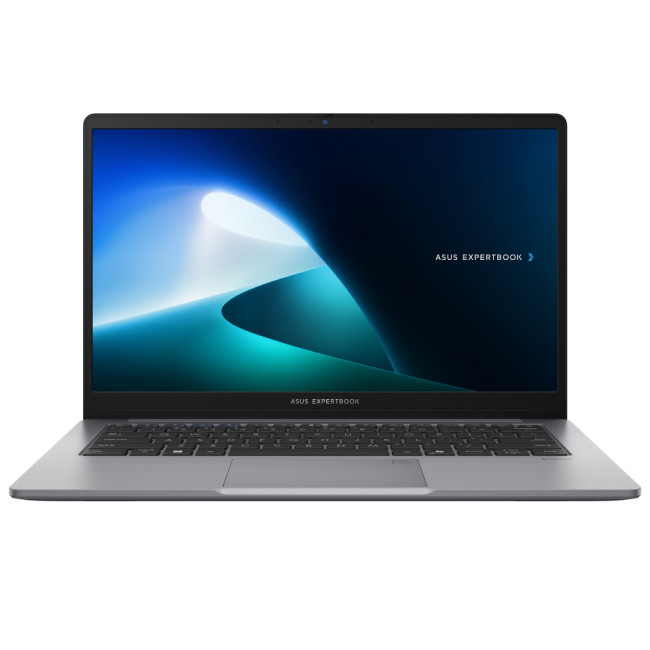
The ASUS ExpertBook P1403CV-i582X combines portability and productivity in a sleek 14″ Full HD package. It features a 13th-Gen Intel Core i5-13420H processor, paired with 8 GB of DDR5 RAM and a 256 GB SSD, well-suited for multitasking, business software, and everyday workloads. Running Windows 11 Pro, it comes with integrated Intel UHD graphics, Wi-Fi 6 connectivity, multiple USB-C and HDMI ports, a fingerprint reader and TPM 2.0 for security. With its lightweight chassis (≈1.4 kg), spill-resistant keyboard, and MIL-STD-810H durability standards, it’s an excellent choice for mobile professionals who value performance and reliability.
MSI
MSI is another biggest name in the gaming industry and is highly known for designing best-of-a-kind gaming and professional laptops. MSI products are mainly dedicated to innovations in games. The brand emphasises graphics cards, desktop PCs, and motherboards. It's a leading brand for gamers; budget buyers don't find anything here. When it comes to design, MSI ought to take lots of risks. However, there are no-nonsense laptops that get you playing fast and can go through everything you throw at them.
Here are some of the top MSI laptop ranges:
Gaming: As said earlier, MSI is well-known for its most powerful and feature-rich gaming laptops. The Raider, Stealth, Titan, Raider, Vector, Crosshair, Pulse, Sword, Katana, Cyborg, Alpha, and Bravo all fall under the gaming category. These laptops include the latest processors, graphics cards, displays, and features like customisable lighting and advanced cooling systems.
Content Creation: If you need a laptop for creative work like 3D modelling, video editing, and photo editing, MSI offers several Creator series laptops up to the task.
Business: MSI makes Modern series laptops that are both affordable and stylish. These laptops have long battery life and comfortable keyboards for everyday tasks.
When it comes to customer support, MSI surely needs to improve. Most of the previous users appreciate machines from MSI, and almost all of their machines have positive feedback. However, due to limited options, these laptops are losing sales. 95% of MSI devices include a high-end graphics card and powerful and latest hardware. It is the best gaming brand; we can't compare it with other average brands.
Dell
Dell was founded in 1984 by Michael Dell I America. The brand has been well-recognised for its wide range of desktops, laptops, workstations, monitors, and accessories. The primary series include XPS, Precision, Latitude, and Inspiron. The laptops in this series have unique designs that stand out among the crowd and generally provide a good user experience. The Majority of Dell laptops come with budget-friendly price tags and are very straight and powerful in terms of design and hardware. A significant drawback of Dell laptops is their proprietary nature, which makes it challenging to repair and upgrade components.
The following are Dell's key ranges:
Dell Inspiron series: Dell's standard consumer range with the most affordable and popular laptops. There's nothing too fancy within this series, though it offers various options for sizes, configurations, and prices.
Dell Latitude series: The Latitude series is designed for business users. These laptops have durability, security, and manageability that put function above form.
Dell XPS series: The XPS series is Dell's MacBook competitor and a fantastic Windows laptop. These laptops boast sleek designs, high-quality build, and powerful performance.
Dell Alienware series: These are Dell's gaming line with dedicated graphics cards, aggressive designs, and high-end features. 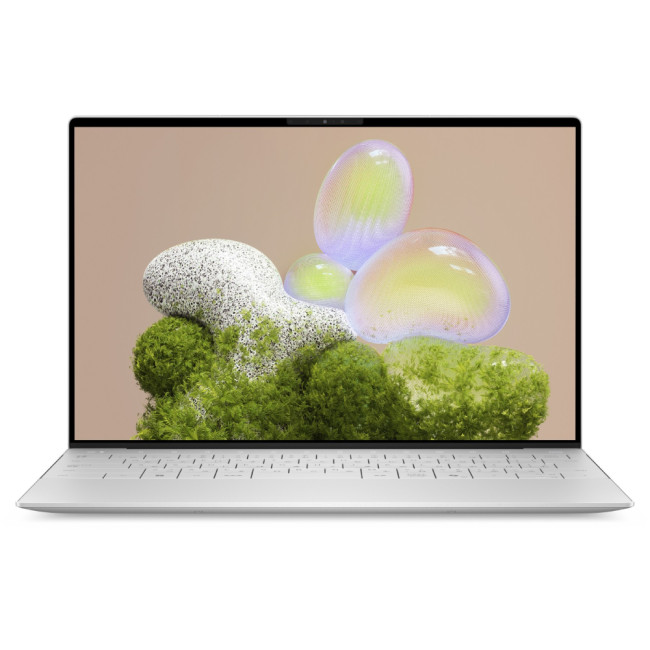
Sleek and ultra-portable, the XPS 13 9350 delivers powerful productivity in a compact 13.4″ frame. Equipped with an Intel Core Ultra 7 processor, it boasts 16 GB of RAM and a 512 GB SSD for smooth multitasking and fast responsiveness. The 13.4-inch display offers sharp clarity for both work and streaming, while Windows 11 Pro brings professional-grade features and security. With premium build quality and excellent portability, this laptop is ideal for professionals who want high performance in a lightweight chassis. Overall, Dell's laptop collection is hard to count, and most of their notebooks have all the latest features like touchscreens, backlit keyboards, high-end processors, and best-in-class graphics.
Lenovo
Lenovo is a Chinese laptop brand that conquers approximately 25% of the global computer market. The company stands at the forefront of new technology and innovation with more unique form factors and distinguished features, i.e. dual screen sizes, an e-ink display on the lid, etc. Lenovo's laptops are often among the best value models, whether you are looking for a cheap notebook or power-packed workstation.
Despite the wide range of budget laptops that Lenovo manufactures, it doesn't feel like it compromises on exteriors. While many entry-level laptops are crafted with plastics, making them susceptible to wear and tear, Lenovo touch screen laptops are robust enough to survive for a long time.
Here are the Lenovo's major series.
Lenovo ThinkPad: This line-up focuses on business users; these are robust laptops with solid features that can handle day-to-day spreadsheets, documents, and web work.
Lenovo IdeaPad: IdeaPads are consumer-oriented laptops, starting with budget models up to full-decked machines. If you want dependable laptops, these are fine choices with no flexes.
Lenovo Legion: Legion is Lenovo's gaming laptop series with famous models, including the 5 Pro Gen 6 and the 7i Gen 7.
Lenovo Yoga: The Yoga series includes Lenovo touchscreen laptops with 2-in-1 designs that can be used as tablets and laptops. They have a 360-degree hinge, making it easy to switch modes.

The Lenovo Legion Pro 7 16IAX10H is a powerhouse gaming laptop designed for elite performance. Powered by the Intel Core Ultra 9 275HX processor and NVIDIA GeForce RTX 5080 graphics, it delivers exceptional speed and visual fidelity for the most demanding games. With 32GB DDR5 RAM and a 1TB SSD, multitasking and load times are seamless. The 16-inch WQXGA OLED 240 Hz display ensures breathtaking clarity and ultra-smooth gameplay. Enhanced cooling, customizable RGB lighting, and premium build quality make it perfect for gamers and creators alike. Running on Windows 11 Home, it’s built to dominate both gaming and productivity tasks effortlessly.
Lenovo's customer support is incredible. The brand provides 24/7 assistance via a telephonic interface, official website, or emails. Every laptop covers an excellent warranty and return policy with a dedicated customer care interface for repairs. For offline customers, the brand owns brick-and-mortar service centres across the globe to assess technical or software issues.

Bottom Line
Among all the top-notch Windows laptop brands worldwide, it's important to note that no one universally fits under the "best among all" tag. This is because all users have their preferences and digital needs. What might be the perfect laptop for a gamer may not be suitable for a general user. Some people prefer a specific brand due to its rugged aesthetics, while some love a particular brand due to its customisable features. Ultimately, choosing the right brand depends on your considerations and priorities.

Your What & why
Which laptop brand offers the best hardware support for Windows laptops?
Lenovo, HP, Dell, and ASUS are known for their strong hardware reliability and excellent after-sales support, making them top choices for Windows users.
Does hardware support vary by laptop model or series?
Yes, higher-end series like Dell XPS, HP Spectre, and Lenovo ThinkPad often include premium hardware warranties and faster service compared to budget models.
How important is hardware support when choosing a Windows laptop?
It’s crucial good hardware support ensures long-term performance, easy repairs, driver updates, and technical assistance, especially for business users.
Which brands offer on-site or extended warranty options?
Dell, Lenovo, and HP provide on-site repair services and extended warranties, ideal for professionals who need reliable hardware maintenance.
Are ASUS and Acer reliable for hardware longevity?
Yes, ASUS and Acer laptops offer solid hardware and durable builds, with responsive online and in-store support for Windows-based systems.
Can I buy Windows laptops with extended hardware support at Laptop Outlet?
Yes, Laptop Outlet offers Windows laptops from top brands with optional extended warranty and finance plans via Klarna and PayPal Credit.
| Read More: |
| How to update Windows 11: Upgrade Compatibility Guide |
| 7 Best Dell Laptops with Windows 10 |
| Thin and Light Windows 10 Laptops: Balancing Portability and Performance |
Related Articles

Last Updated: June 25, 2025
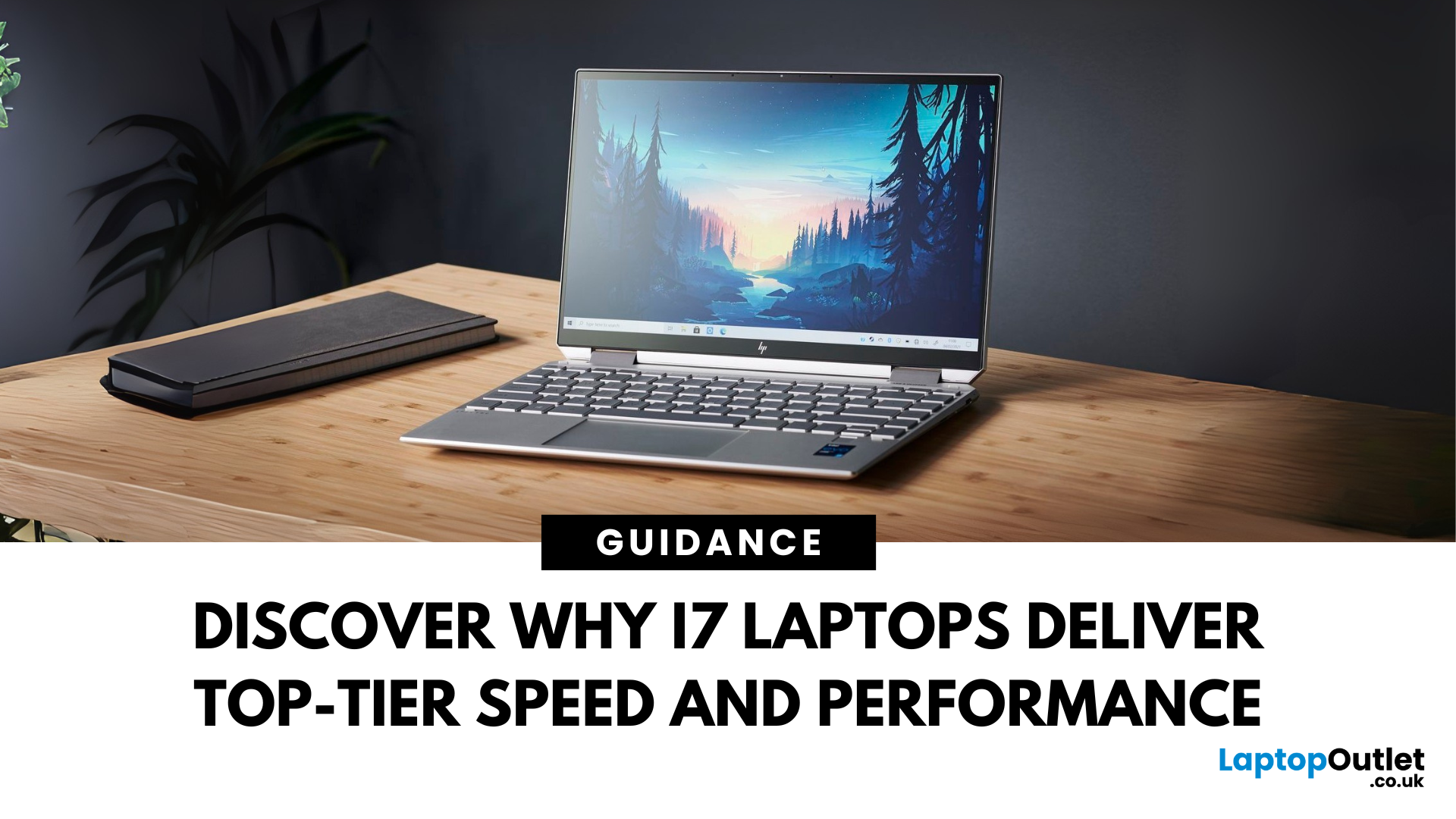
When it comes to high-performance computing, Intel Core i7 Windows laptops stand out as the ultimate choice for power users. Whether you're a professional handling complex tasks, a student managing heavy workloads, or a gamer seeking seamless performance, i7 laptops offer the speed, efficiency, and reliability you need. In this comprehensive guide, we'll explore why i7 Windows laptops are the go-to option for those who demand top-tier performance.
Why Choose an i7 Windows Laptop?
For those who demand more from their tech—whether it's lightning-fast performance, reliable efficiency, or future-ready multitasking—Intel Core i7 laptops stand out as the ultimate choice. Here's why:
Power-Packed Multicore Performance
With high core and thread counts, Intel Core i7 Windows laptops make light work of processor-intensive tasks like 4K video rendering, software development, AI training, and advanced simulations. Power users like content creators and engineers can expect lag-free editing, real-time
Last Updated: February 24, 2026
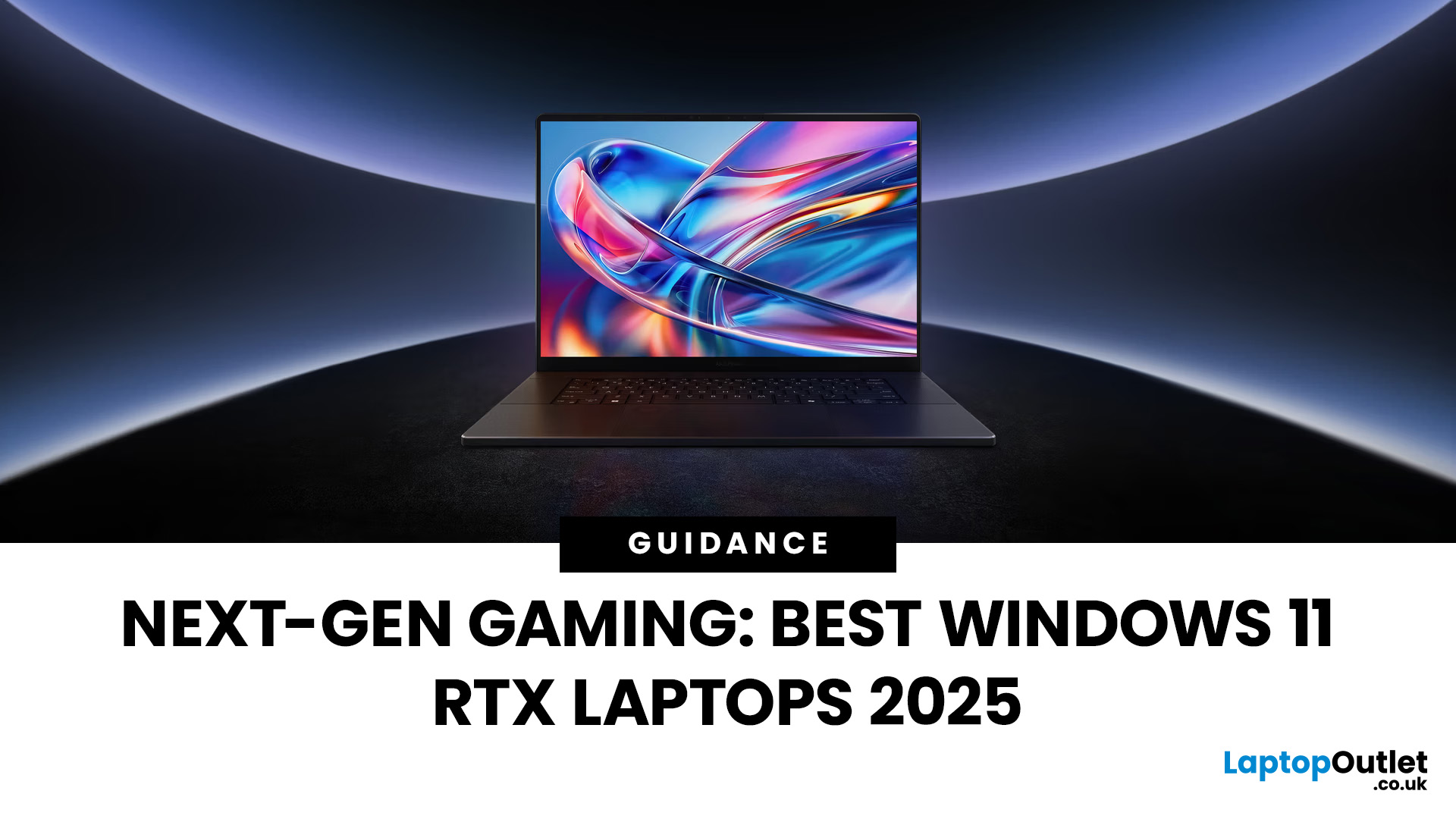
Choosing the right gaming laptop in 2025 comes down to striking a balance between raw power, intelligent features, and future-ready design. With Windows 11 now fully optimised for AI-powered performance, Auto HDR, and DirectStorage 1.2, gaming has never been smoother or more immersive. Pair that with the latest NVIDIA RTX 40 and 50-series GPUs, and you get a portable machine that rivals desktop-level experiences.
This guide explores the best Windows 11 gaming laptops with RTX graphics, helping you understand which models deliver the most value for gamers in different categories — from budget RTX 4060 machines to ultra-premium RTX 5090 rigs. Whether you’re into esports, AAA titles, or content creation alongside gaming, these laptops are designed to keep up with your demands.
Why Windows 11 Gaming Laptops with RTX Graphics Stand Out
AI-Driven Gaming Features
Windows 11 laptops in 2025 integrate Windows Game Mode, Copilot, and AI-based resource management. Together, they ensure your CPU

Published: October 08, 2025
Choosing the right laptop in 2025 can be overwhelming, given the wide range of options available across budgets, designs, and performance levels. With Microsoft’s Windows 11 becoming the most optimised OS for hybrid work, gaming, and everyday use, selecting the right device is more important. In this Windows 11 laptops buying guide, we’ll cover everything you need to know before purchasing. From Windows 11 laptop comparisons to use-case specific recommendations for students, business users, and gamers, this guide ensures you make an informed decision.
Why Choose a Windows 11 Laptop?
Enhanced Performance
In 2025, Windows 11 is fully optimised for the latest Intel Core Ultra (Meteor Lake) and AMD Ryzen 8000/9000 series processors. These chips integrate dedicated NPUs (Neural Processing Units), which offload AI workloads from the CPU and GPU, resulting in:
- Faster multitasking across productivity apps like Microsoft 365, Adobe Creative Suite, and Teams.
- Improved power efficiency, extending
Last Updated: April 08, 2026
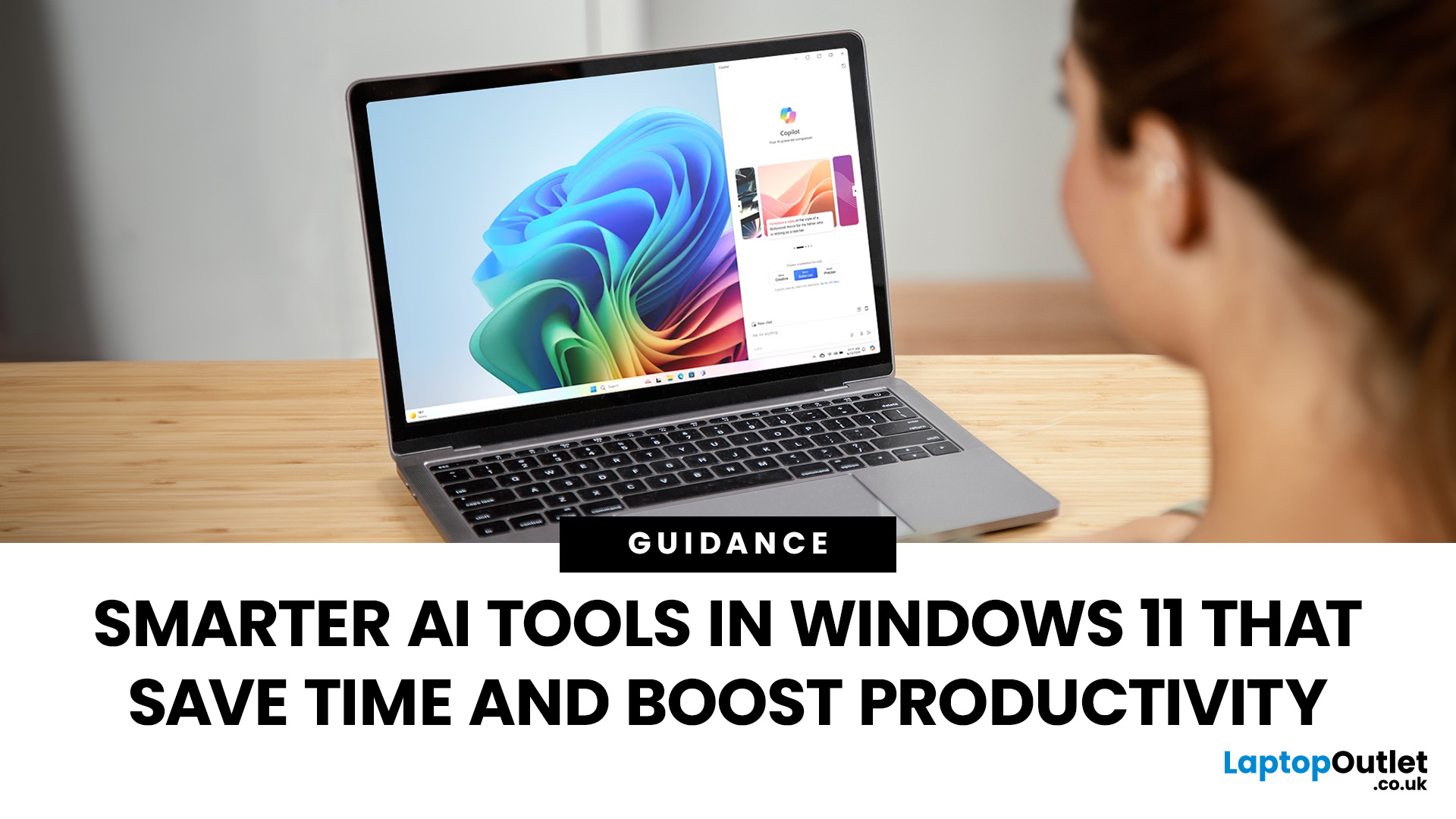
Remember when using a laptop was all about speed and specs i.e. faster processors, bigger storage, sharper screens? Those things still matter, but in 2025, the real game-changer is AI built directly into your PC. Microsoft’s new Windows 11 Copilot+ PCs are designed for exactly that.
Instead of just running apps faster, these laptops think alongside you. They can find files you barely remember creating, relight a photo as if you’re in a studio, or even recall what you were working on hours ago with a simple search. In short, they’re not just computers anymore - they’re collaborators.
In this post, we’ll dive into what makes Copilot+ special, unpack the latest AI tools in Windows 11, and show how customers can best benefit from these features.
What Makes a Copilot+ PC Different?
A Copilot+ PC is more than just a Windows 11 device. At its core is a Neural Processing Unit (NPU), a chip designed specifically to handle AI tasks. With this hardware in place, features like Recall and Windows

Last Updated: October 09, 2025
Think back a few years... when you bought a laptop, what did you care about most? Probably the processor, maybe RAM, and the graphics card if you were into gaming. The display? It was usually just “good enough.”
Fast forward to 2025, and the screen has become just as important as the hardware inside. Whether you’re streaming, gaming, editing photos, or juggling multiple apps, the display is what you interact with most — and it shapes your entire experience.
This is especially true with Windows 11 laptops, as the operating system is designed to take full advantage of modern display technologies. Its sharper interface, multitasking layouts, HDR support, and gaming optimisation features really shine when paired with quality screens.
That’s why today’s Windows 11 laptop display comparison often comes down to three main types: OLED, IPS, and Microsoft’s PixelSense. Each has unique strengths, trade-offs, and ideal use cases. Understanding them will help you pick the best display type for Windows
Last Updated: June 15, 2026
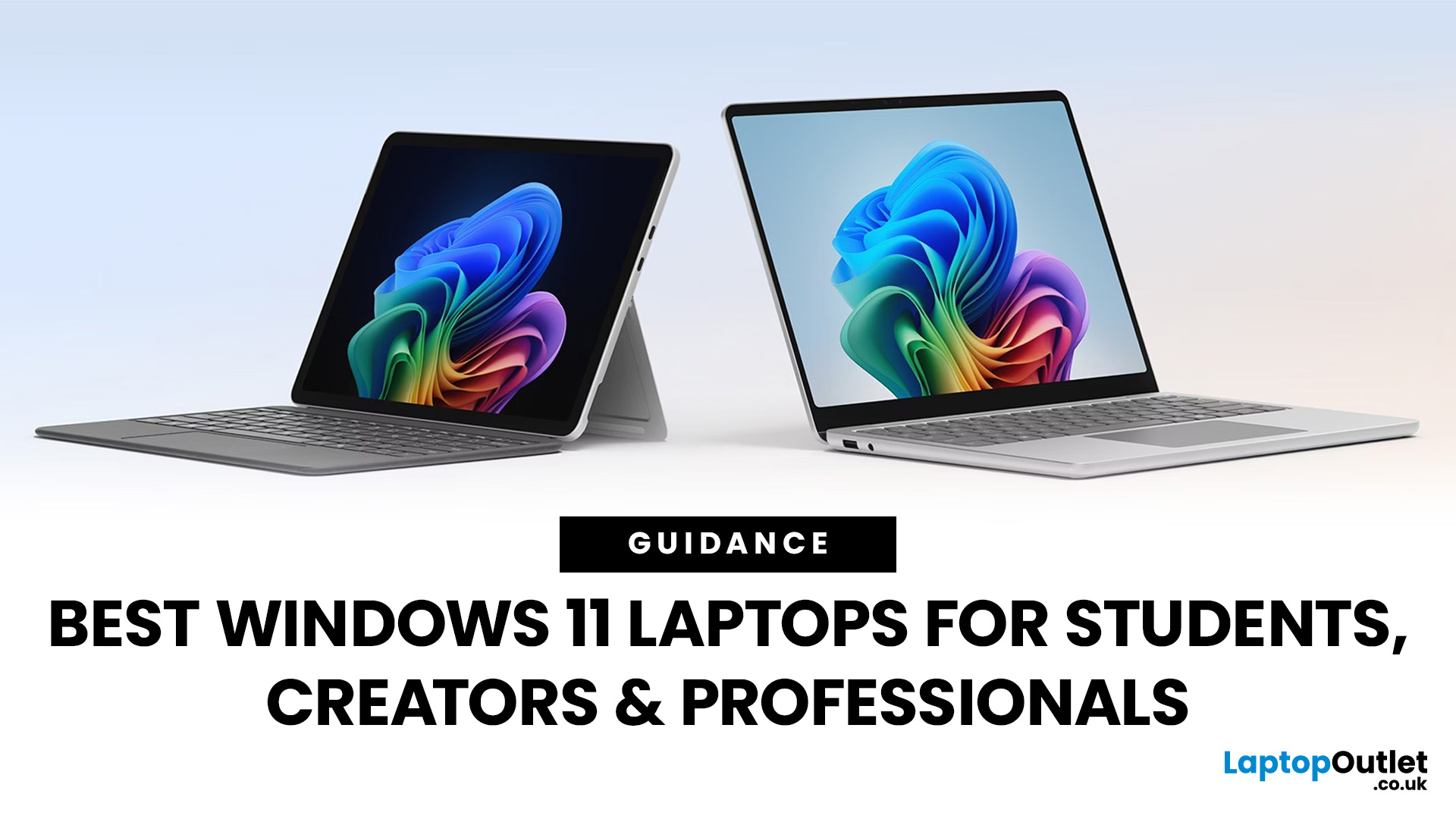
Choosing the right laptop has never been more important. Whether you are studying for exams, editing videos, or managing a full workload from home, the laptop you use makes a real difference. And right now, Windows 11 laptops are setting the standard for what a modern, capable machine should look and feel like.
Windows 11 brings a cleaner interface, better multitasking tools, improved security features, and built-in support for the latest AI-powered workflows. Add to that the wide range of hardware options available — from budget-friendly everyday machines to high-performance creative workstations — and it is clear why Windows 11 remains the go-to platform for most users in 2026.
But with so many options out there, knowing where to start can feel overwhelming. That is exactly why we put together this guide. We have split the best Windows 11 laptops into three clear categories — students, professionals, and creators — so you can find the right fit quickly.
The Best Windows 11 Laptops for
Last Updated: October 15, 2025
If you still rely on a Windows 10 laptop, you're standing right on a deadline. Support for Windows 10 ends on 14 October 2025, which means no more free security updates or bug fixes via Windows Update. Your machine will continue to run, but it will steadily become more exposed online. Microsoft's own guidance is straightforward: "move to Windows 11 on supported hardware or consider a managed path to extend security while you transition".
Below,we have compiled a practical guide on Windows 11 vs. Windows 10 laptops, comparing their performance, gaming, security, features, and hardware requirements.
A Quick Verdict If You're a Busy Reader!

- If your laptop meets Windows 11 requirements, upgrade and carry on. You'll gain modern security defaults (TPM 2.0, virtualisation-based protections), ongoing feature updates (25H2/24H2), and gaming tech like Auto HDR and DirectStorage without changing your hardware.
- If your laptop is too old for Windows 11, you can subscribe to the Extended Security

Last Updated: November 04, 2025
In today’s connected world, security is a top priority, especially for businesses handling sensitive data and remote workflows. Microsoft’s latest operating system brings advanced protection designed for the modern workforce. Windows 11 security features deliver multiple layers of defence, offering a robust shield against cyber threats, ransomware, and data breaches.
Compared to its predecessor, Windows 11 vs Windows 10 security shows clear improvements in encryption, authentication, and hardware-based protection. Whether you’re an enterprise leader or a small business owner, investing in Windows 11 laptops with advanced security ensures your data, devices, and users remain protected, wherever work happens.
What Makes Windows 11 the Most Secure OS Yet
Enhanced Hardware-Based Protection
Windows 11 is built for zero-trust security, meaning protection starts from the chip level. All certified Windows 11 business laptops include:
- Trusted Platform Module (TPM) 2.0 – A secure crypto-processor

Published: October 15, 2025
So, you’ve just cracked open a shiny new Windows 11 laptop, maybe something sleek from ASUS or one of the new-gen ultrabooks from the Windows 11 laptop range and you’re ready to dive in.
But before you start downloading Spotify, Chrome, or every game-on-game pass, let’s get one thing straight: Windows 11 runs beautifully… when it’s set up properly.
Out of the box, most laptops are loaded with trialware, telemetry, and services you’ll never use, all quietly eating battery and slowing things down. The good news? You can sort it all out in under an hour with the right steps.
This isn’t one of those “just click next” guides. This is your no-fluff, Gen Z-approved, tech-expert walkthrough, from the first boot to a fully optimised, smooth, private, and battery-efficient setup.
Let’s go.
First Boot: Don’t Just Click Next — Be Smarter Than Setup
The Windows 11 first boot is full of small traps. Microsoft really wants you to sign into a Microsoft Account, connect to Wi-Fi, and enable every cloud

Published: October 15, 2025
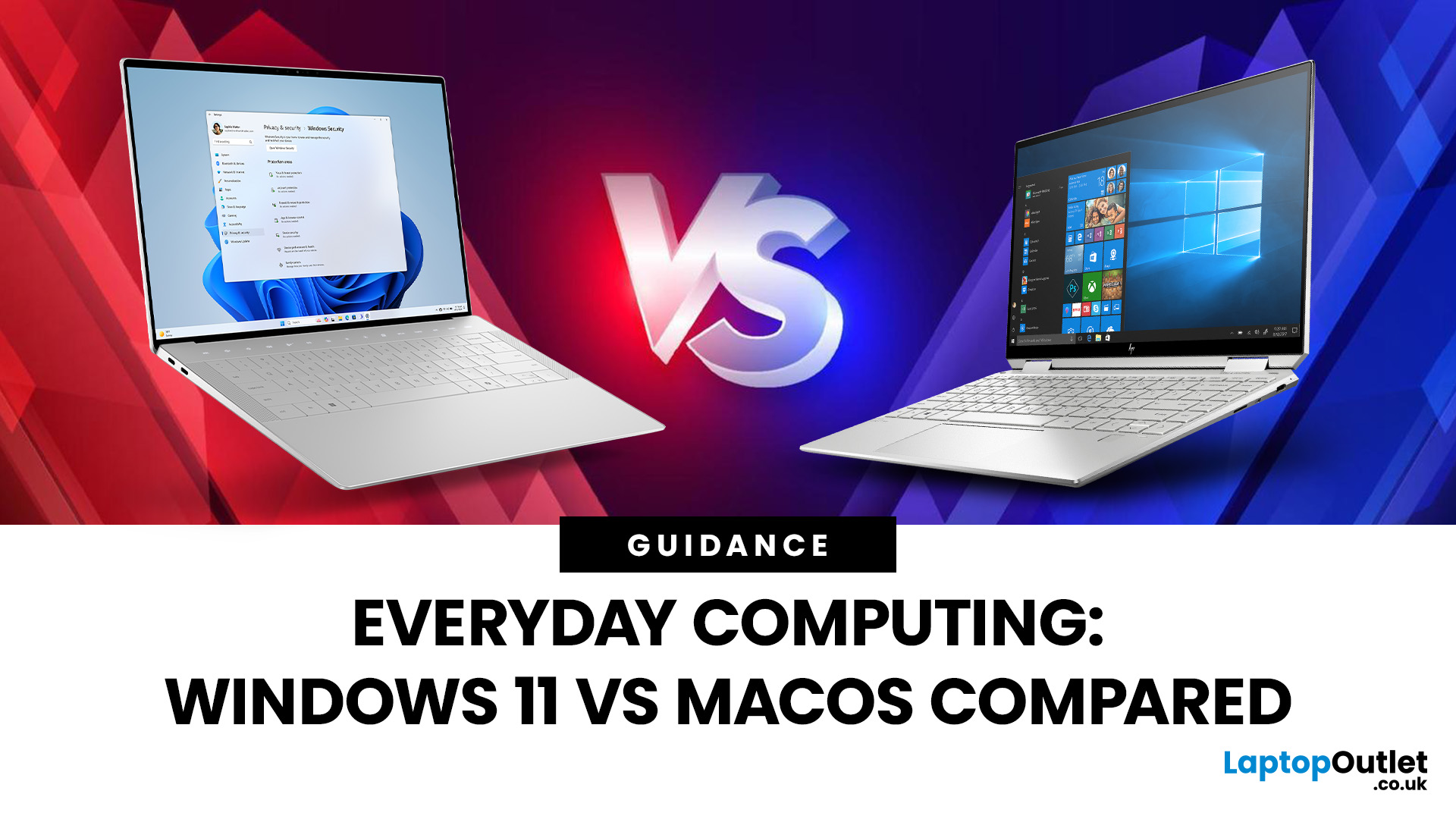
When it comes to choosing your next laptop, the debate between Windows 11 and macOS remains one of the most important decisions. Both operating systems offer sleek design, advanced performance, and productivity features, but they cater to very different kinds of users. Whether you’re a student, professional, or gamer, knowing how Windows 11 vs macOS comparison stacks up can help you find the right fit for your workflow.
In this guide, we’ll compare Windows 11 and macOS across key areas, including productivity, performance, gaming, user interface, and security, so you can decide which OS works best for your everyday needs.
Windows 11 vs macOS: Overview
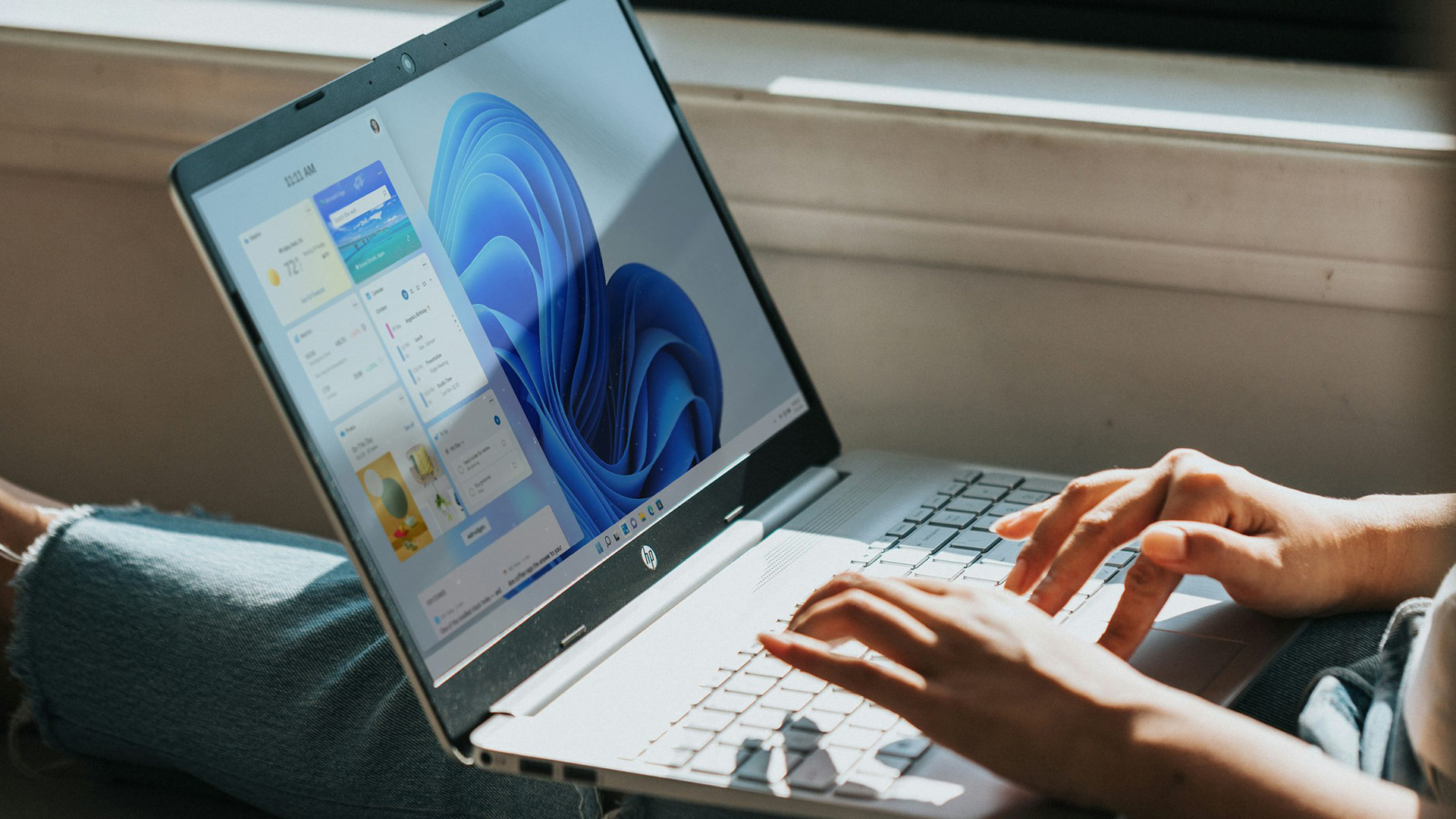
Windows 11, released in 2021 and continuously updated through 2025, represents Microsoft’s vision of a modern, intelligent, and AI-integrated operating system. macOS, on the other hand, continues Apple’s tradition of seamless integration with its ecosystem, known for its stability and clean design.
Both systems focus on user experience,

