



How to Choose the Right Windows 11 Laptop: Complete Buying Guide

Choosing the right laptop in 2025 can be overwhelming, given the wide range of options available across budgets, designs, and performance levels. With Microsoft’s Windows 11 becoming the most optimised OS for hybrid work, gaming, and everyday use, selecting the right device is more important. In this Windows 11 laptops buying guide, we’ll cover everything you need to know before purchasing. From Windows 11 laptop comparisons to use-case specific recommendations for students, business users, and gamers, this guide ensures you make an informed decision.
Why Choose a Windows 11 Laptop?
Enhanced Performance
In 2025, Windows 11 is fully optimised for the latest Intel Core Ultra (Meteor Lake) and AMD Ryzen 8000/9000 series processors. These chips integrate dedicated NPUs (Neural Processing Units), which offload AI workloads from the CPU and GPU, resulting in:
- Faster multitasking across productivity apps like Microsoft 365, Adobe Creative Suite, and Teams.
- Improved power efficiency, extending battery life by up to 20% compared to earlier Windows 10 devices.
- Support for Wi-Fi 7 and PCIe Gen 5 SSDs, delivering faster internet speeds and near-instant data access.
AI-Powered Features
Windows 11 now embeds AI directly into the OS:
- Windows Copilot: Provides context-aware assistance for writing, research, and task automation.
- Windows Recall (2025 update): Allows users to “time travel” across past activities by searching naturally, e.g., “the Excel chart I worked on last Tuesday”.
- Teams AI Enhancements: Smarter background noise suppression, real-time translations in 40+ languages, and auto-framing during video calls.
- Adaptive Workloads: AI dynamically adjusts system resources to match user behaviour, improving speed and efficiency.
Long-Term Compatibility
Investing in a Windows 11 laptop in 2025 ensures future-proofing:
- Enterprise-Ready: Compatibility with Microsoft Entra ID, Intune, and advanced security policies, making them ideal for businesses.
- Seamless App Support: Full compatibility with legacy Win32 apps and modern cloud-based solutions.
For students, this means access to reliable study tools; for professionals, secure enterprise integration; and for gamers, cutting-edge gaming features like DirectStorage 1.2 and AutoHDR. In short, choosing the best Windows 11 laptops ensures both performance today and longevity for tomorrow.
Key Factors in Choosing a Windows 11 Laptop
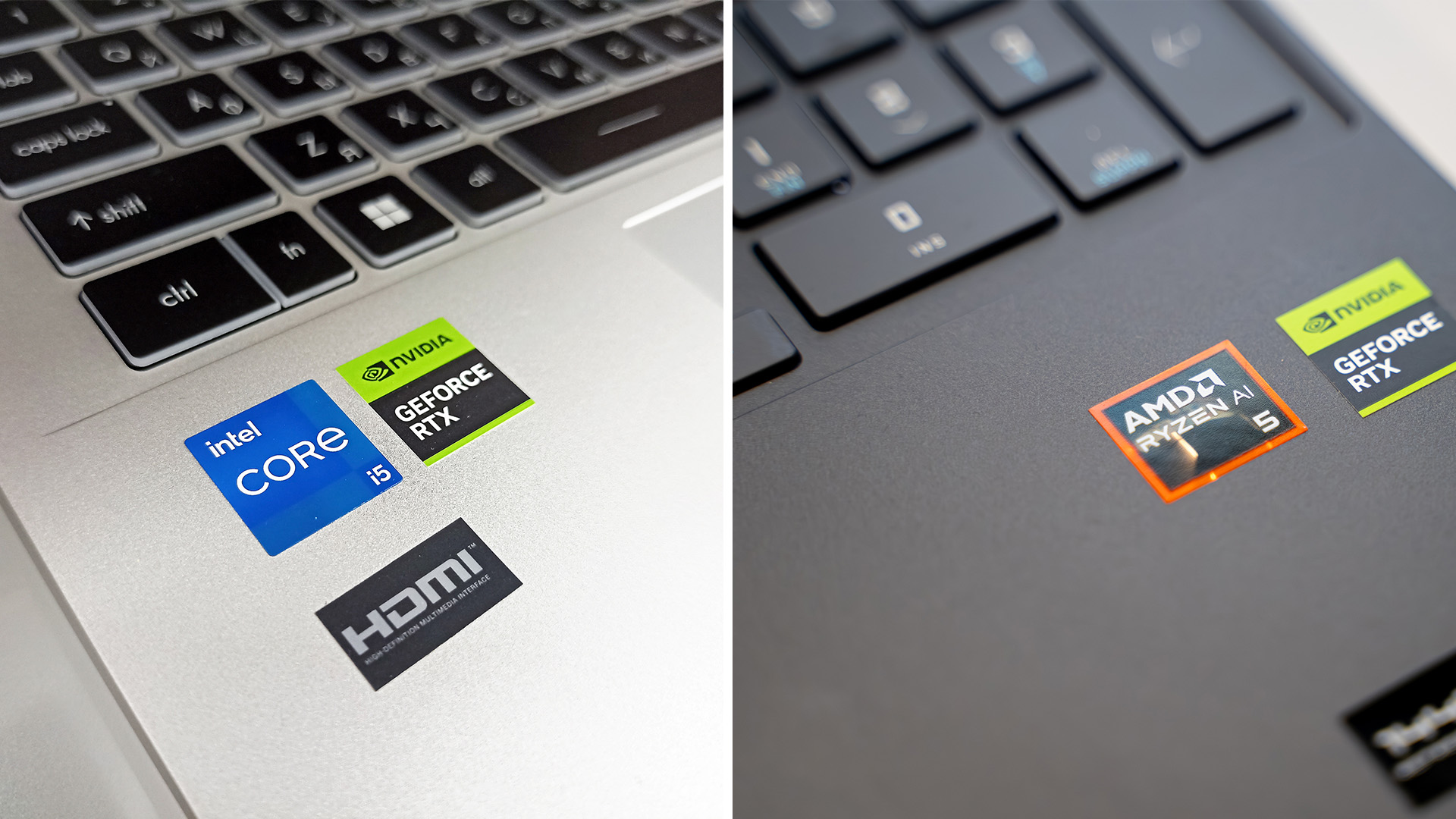
Processor: Intel Core Ultra vs AMD Ryzen 8000/9000
Intel Core Ultra (Meteor Lake):
- Integrates dedicated NPUs (Neural Processing Units), delivering up to 48 TOPS (trillion operations per second) for AI workloads.
- Strong single-core performance makes it excellent for tasks like coding, video calls, and light gaming.
- Thunderbolt 4 and Wi-Fi 7 support ensure future-proof connectivity.
AMD Ryzen 8000/9000 Series (Zen 5 with RDNA 3.5 graphics):
- Outstanding multi-core efficiency, ideal for 3D rendering, video editing, and heavy multitasking.
- Integrated RDNA 3.5 GPUs outperform Intel Arc iGPUs, making AMD laptops capable of 1080p gaming without a dedicated GPU.
- Better performance-per-watt in sustained loads, extending battery life in Ultrabook.
In a Windows 11 laptop comparison, Intel leads for AI acceleration and connectivity, while AMD delivers superior efficiency and graphics at better value.
RAM and Storage
- 8GB DDR5 RAM is entry-level for students and casual users.
- 16GB DDR5/DDR5X is the sweet spot for professionals and gamers.
- High-end laptops now support 32GB–64GB DDR5X, especially in business and creative models.
- Storage: PCIe Gen 4 SSDs remain standard, but premium models ship with PCIe Gen 5 SSDs, offering speeds up to 14,000MB/s, ideal for creators and gamers leveraging DirectStorage 1.2 in Windows 11.
- Expandability: Many business laptops now feature modular SSD and RAM slots, enabling future upgrades.
Display and Graphics
- Full HD (1920x1080) IPS: Perfect for students and office users seeking sharp visuals and energy efficiency.
- QHD (2560x1440) / 4K UHD (3840x2160): Available in creator and gaming models, with support for HDR 600/1000 and wide colour gamuts (100% DCI-P3).
- High Refresh Rates (120Hz–240Hz): Standard in gaming laptops like Acer Predator Helios and ASUS ROG series, ensuring smoother gameplay.
- Integrated Graphics: Intel Arc (Xe-LPG) and AMD RDNA 3.5 handle eSports titles and light creative work.
- Dedicated GPUs: NVIDIA RTX 40 and 50 series support DLSS 4, ray tracing, and AI frame generation, giving Windows 11 gaming laptops a competitive edge.
Battery Life
- Students & Professionals: Ultrabooks like Surface Laptop 7 or Acer Swift 14 deliver 14–18 hours of mixed use with Snapdragon X Elite or Intel Core Ultra CPUs.
- Business Laptops: Often balance 12–16 hours of runtime with rapid charging (50% in 30 minutes), ensuring minimal downtime.
- Gaming Laptops: Still average 6–8 hours but include larger battery packs (up to 99Wh) and fast-charge technologies to recover quickly between sessions.
- AI Optimisation: Windows 11’s Adaptive Energy Profiles use AI to dynamically manage brightness, refresh rates, and background processes to extend battery life.
Windows 11 Laptop Comparison by Use Case
This Windows 11 laptop comparison by use case helps narrow down options based on whether the user is a student, professional, gamer, or creator, ensuring they choose a device optimised for their specific workflow.
Windows 11 Laptop for Students

In 2025, student laptops must balance affordability, portability, and battery efficiency.
- Weight & Portability: Most models are under 1.5kg, making them ideal for carrying between lectures.
- Battery Life: New Intel Core Ultra and AMD Ryzen 8000U processors deliver up to 16–18 hours of runtime with AI-based power optimisation.
- Connectivity: Wi-Fi 7 and USB-C fast charging are standard, letting students stay productive anywhere.
- Models to Consider:
- Acer Swift 14 – Ultra-portable with OLED display, long battery life.
- Lenovo IdeaPad Slim 3 – Lightweight, durable, and built for study needs.
- HP 17- cn0104na – Affordable, with solid performance for coursework.
Windows 11 Laptop for Business

Business users prioritise security, reliability, and enterprise integration. Following are the features of business laptop:
- Security Features: Laptops include TPM 2.0, Pluton security processors, and Windows Hello biometric login.
- Performance: AI-powered CPUs with NPUs ensure seamless handling of enterprise apps, data analysis, and multitasking.
- Connectivity: Wi-Fi 7, 5G-ready eSIM support, and Thunderbolt 4/USB4 ports keep professionals connected globally.
- Models to Consider:
- Lenovo ThinkPad X1 Carbon Gen 12 – Business-class durability with AI-driven performance.
- Dell DC 15 – Premium build with powerful Intel Core Ultra processors.
- Microsoft Surface Laptop 7 – Enterprise-ready with Copilot integration and strong security.
Windows 11 Laptop for Gaming

Gaming laptops in 2025 have shifted towards high-refresh displays and next-gen GPUs.
- Graphics: Equipped with NVIDIA RTX 4060, 4070, 4080, and 5090 GPUs, supporting ray tracing and DLSS 4.
- Displays: Most models feature QHD or 4K Mini-LED screens, with refresh rates from 165Hz to 240Hz.
- Cooling: Advanced thermal solutions with liquid metal, AI fan control, and dual/tri-fan systems keep performance consistent.
- Models to Consider:
- Acer Predator Helios 18 – Flagship with RTX 5080 GPU and 4K 240Hz display.
- ASUS ROG Strix G16 – Slim but powerful gaming laptop with QHD+ 240Hz panel.
- Lenovo LOQ 15 – Budget-friendly gaming option with RTX 4060 GPU.
Best Windows 11 Laptops for Creators
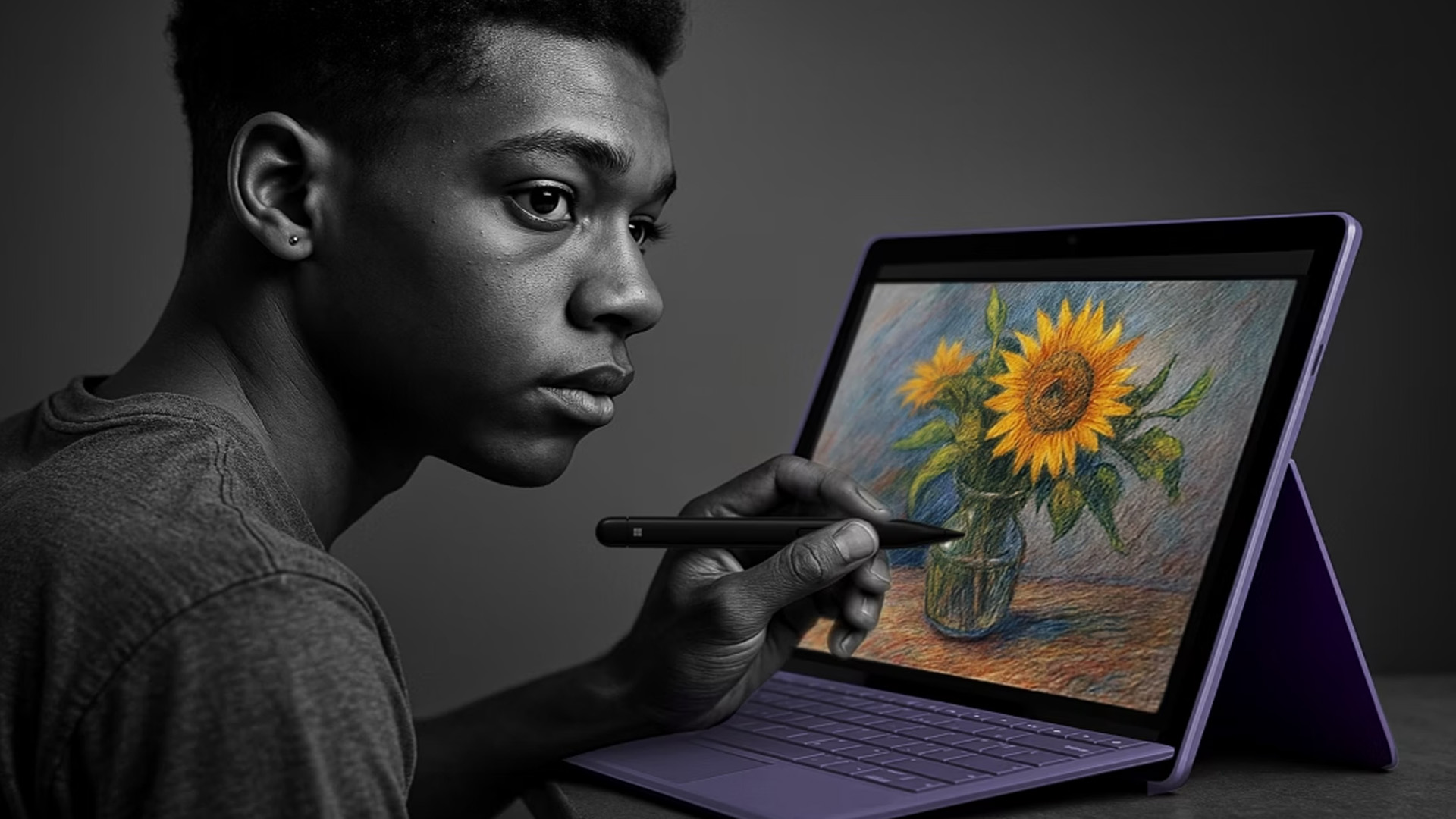
Colour accuracy, processing power, and GPU performance are essential to be present in creative laptops.
- Display: 4K OLED and 100% DCI-P3 coverage, with HDR 600/1000 certification for accurate visuals.
- Performance: Intel Core Ultra 9 or AMD Ryzen 9 CPUs with 32–64GB DDR5 RAM for video editing, rendering, and 3D design.
- Graphics: NVIDIA RTX GPUs with Studio Drivers, optimised for Adobe, Blender, and CAD workflows.
- Models to Consider:
- Refurbished ASUS Zenbook S 13 Flip– Convertible creator laptop with Pantone-validated 4K display.
- Acer Predator Helios Neo 14 – Designed for designers with flexible form factor and RTX 4070 GPU.
How to Balance Budget and Performance
Cheap Windows 11 Laptops (Under £500)
Budget-friendly options have improved significantly in 2025, offering Intel Core i3-N series, AMD Ryzen, or Snapdragon X Plus processors. These laptops handle everyday tasks like browsing, Microsoft 365, and video streaming with ease. Ideal for students on a budget or families needing reliable devices for schoolwork. Many models now include:
- 8GB DDR5 RAM as standard.
- 256–512GB SSD storage with faster PCIe 4.0 support.
- Slim, lightweight designs (around 1.3–1.5kg).
- Entry-level Full HD IPS displays with anti-glare coatings.
Mid-Range Windows 11 Laptops (£600–£1000)
Mid-range laptops are the sweet spot for most users, balancing performance, design, and value. Perfect for students, professionals, and light creators who need reliable performance without premium pricing. In 2025, these models often feature:
- Intel Core Ultra 5 / AMD Ryzen 5 8640U with AI NPUs for faster multitasking.
- 16GB DDR5 RAM and 512GB–1TB SSDs.
- Wi-Fi 7 connectivity and USB-C PD charging.
- Displays with 120Hz refresh rates, QHD options, and better colour accuracy.
Premium Windows 11 Laptops (£1200+)
Premium models cater to gamers, engineers, and creators who demand cutting-edge technology. In 2025, these are the best Windows 11 laptops for gaming, heavy creative workloads, and professionals requiring top-end specs.
- Intel Core Ultra 9 / AMD Ryzen 9 8945HX processors with AI acceleration.
- Dedicated NVIDIA RTX 4070–5090 GPUs or AMD Radeon RX 7700M series.
- 4K OLED or Mini-LED panels with HDR 1000 certification and refresh rates up to 240Hz.
- Advanced cooling systems (liquid metal, tri-fan cooling).
- Longer support cycles and enterprise-level security.
Windows 11 Laptop Comparison Table (2025)
|
Category |
Student Laptops |
Business Laptops |
Gaming Laptops |
|
Example Models |
|||
|
Weight & Portability |
Lightweight (1.2–1.5kg), ultra-portable |
Slim but premium (1.3–1.8kg) |
Bulkier (2.2–3.0kg) due to GPU & cooling |
|
Processor Options |
Intel Core Ultra 5 / AMD Ryzen 5 8640U |
Intel Core Ultra 7 / AMD Ryzen 7 Pro |
Intel Core i9-14900HX / AMD Ryzen 9 8945HX |
|
Graphics |
Integrated Intel Arc / AMD RDNA 3 |
Integrated Intel Arc / Optional NVIDIA RTX 4050 |
Dedicated NVIDIA RTX 4060–5090 GPUs |
|
Display |
Full HD IPS / some QHD, 60–120Hz |
Full HD / QHD OLED, colour-accurate, 120Hz |
QHD / 4K Mini-LED, 165–240Hz high refresh |
|
Battery Life |
14–18 hours |
12–16 hours |
6–8 hours (with fast charging) |
|
Best Use Case |
Note-taking, online classes, browsing, light creative tasks |
Secure workflows, presentations, multitasking, hybrid work |
Gaming, 3D design, heavy creative rendering |
Where to Buy Windows 11 Laptop?

In 2025, buyers should look for trusted retailers that offer competitive prices, warranty support, and flexible finance options. At Laptop Outlet, you’ll find a wide range of Windows 11 laptops, from budget-friendly devices for students to premium business ultrabooks and high-performance gaming laptops. Here’s why Laptop Outlet is a smart choice:
- Extensive Range: Covers all major brands including Acer, ASUS, Dell, HP, Lenovo, and Microsoft Surface.
- Competitive Pricing: Frequent seasonal promotions and exclusive offers help you save more.
- Refurbished Options: Certified refurbished laptops with warranties, ideal for buyers on a budget.
- Flexible Finance: We accept all major credit and debit cards, including MasterCard, Visa, Visa Debit, Maestro, and American Express. You can also pay securely via PayPal (Credit & Pay in 3), Klarna, Apple Pay, and Google Pay. Spread the cost with PayPal Pay in 3, PayPal Credit (0% up to 24 months), or flexible Klarna options including Pay Now, Pay Later, or instalments.
- Free & Fast Delivery: Ensures you get your laptop quickly and securely across the UK.
Whether you’re looking for the best Windows 11 laptops for gaming, business, or education, Laptop Outlet provides a reliable one-stop platform to compare, choose, and purchase with confidence.

Bottom Line
To sum up, the right laptop is not just about specs but also about your workflow. This Windows 11 laptops buying guide highlights the importance of matching your device to your needs, whether that’s a lightweight student device, a secure business Ultrabook, or a powerhouse gaming machine. By considering processor choice, RAM, storage, display, and battery life, you can invest in a laptop that will stay reliable for years to come.
Explore our range to browse top-rated Windows 11 laptops and find the model that offers the best balance of design, performance, and value.

In Case You are Wondering...
What is the best Windows 11 laptop for students?
The Acer Swift series and Surface Laptop are excellent for portability and long battery life at a reasonable price.
Are Windows 11 gaming laptops worth it?
Yes. They combine modern GPUs, high refresh rate displays, and DirectStorage for faster load times, offering great value for gamers.
Which processor is better for Windows 11 laptops, Intel Core Ultra or AMD Ryzen?
Intel Core Ultra is ideal for AI tasks and Thunderbolt connectivity, while AMD Ryzen 8000 series provide excellent multi-core performance and efficiency.
How long should a Windows 11 laptop battery last?
Student and business laptops can last 12–18 hours, while gaming laptops typically run for 6–8 hours under heavy use.
Should I upgrade to a Windows 11 laptop in 2025?
Yes. They offer AI features, stronger security, and compatibility with the latest software, making them future-proof investments.
| Read More: |
| Windows 11 Home vs Pro – Which One Should You Choose? |
| Top Windows 11 Gaming Laptops with RTX Graphics in 2025 |
| Intel Core Ultra vs AMD Ryzen Z2: Which Windows 11 Laptop Performs Better? |
Related Articles

Last Updated: April 01, 2026
Last Updated: October 29, 2025
Last Updated: November 13, 2025
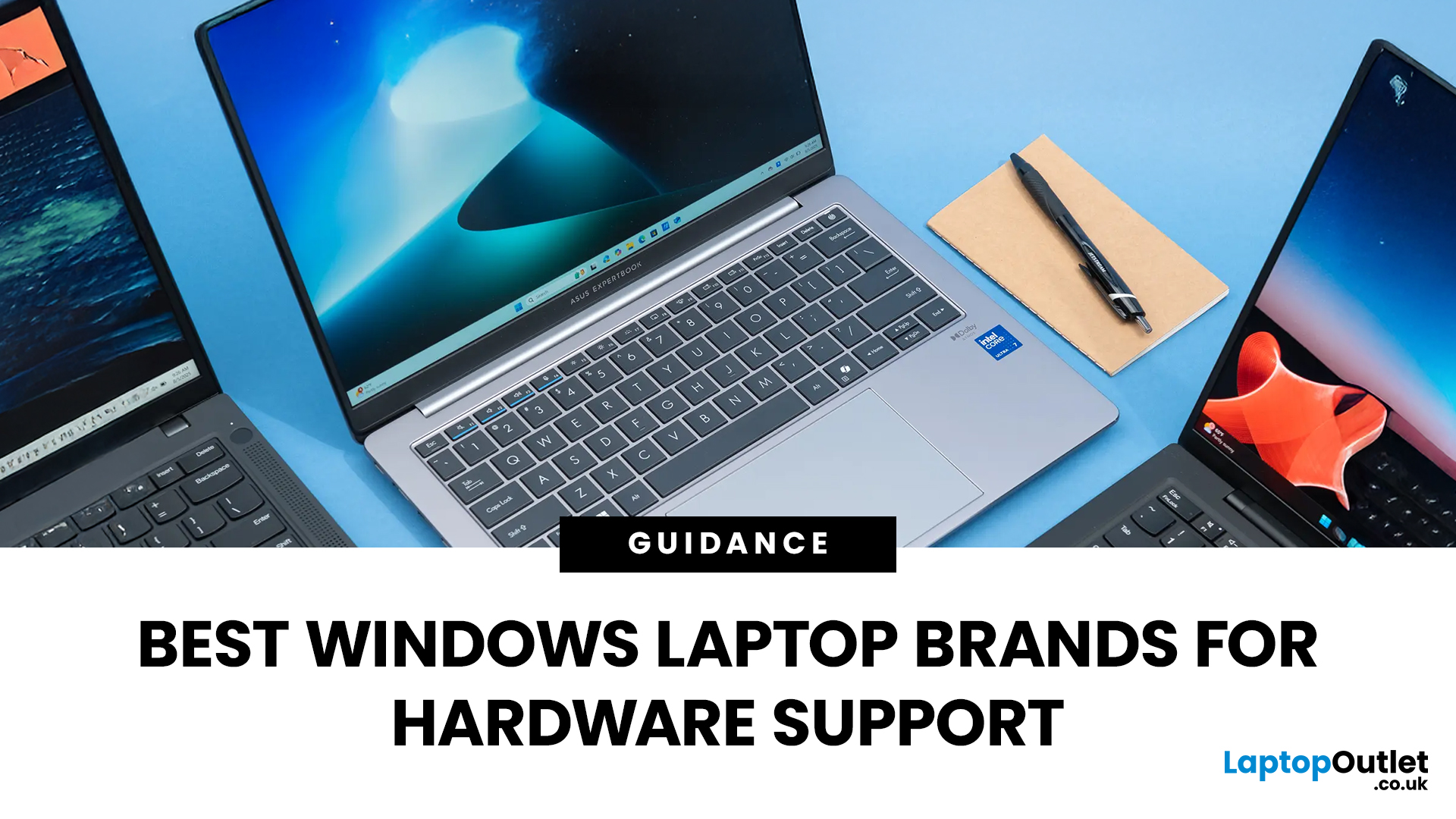
Shopping for a new laptop can be tricky as the best brands go head-to-head to grab your attention, and you want a model that does everything you need and lasts for years.
Although some brands are well regarded for their high-quality laptops, even the best brand manufacturers' models have flaws or performance lags. We've all had that friend who got a fantastic deal on a laptop with a large screen and impressive features, only to hear about its slow performance, sluggish battery, and dim screen later.
Simply put, there isn't the best laptop brand, as it depends entirely on your needs and tastes. However, several options stand out, like ASUS, MSI, Dell, and Lenovo.
To keep it simple, we have tested and reviewed models from dozens of brands and below are our recommendations for the best brands in terms of hardware support.
ASUS
ASUS is also known as ASUSTeK, a Taiwanese brand. It is one of the largest laptop manufacturers in the world today, featuring gaming and business machines.
Last Updated: September 11, 2025
Ready to Install Windows 11?
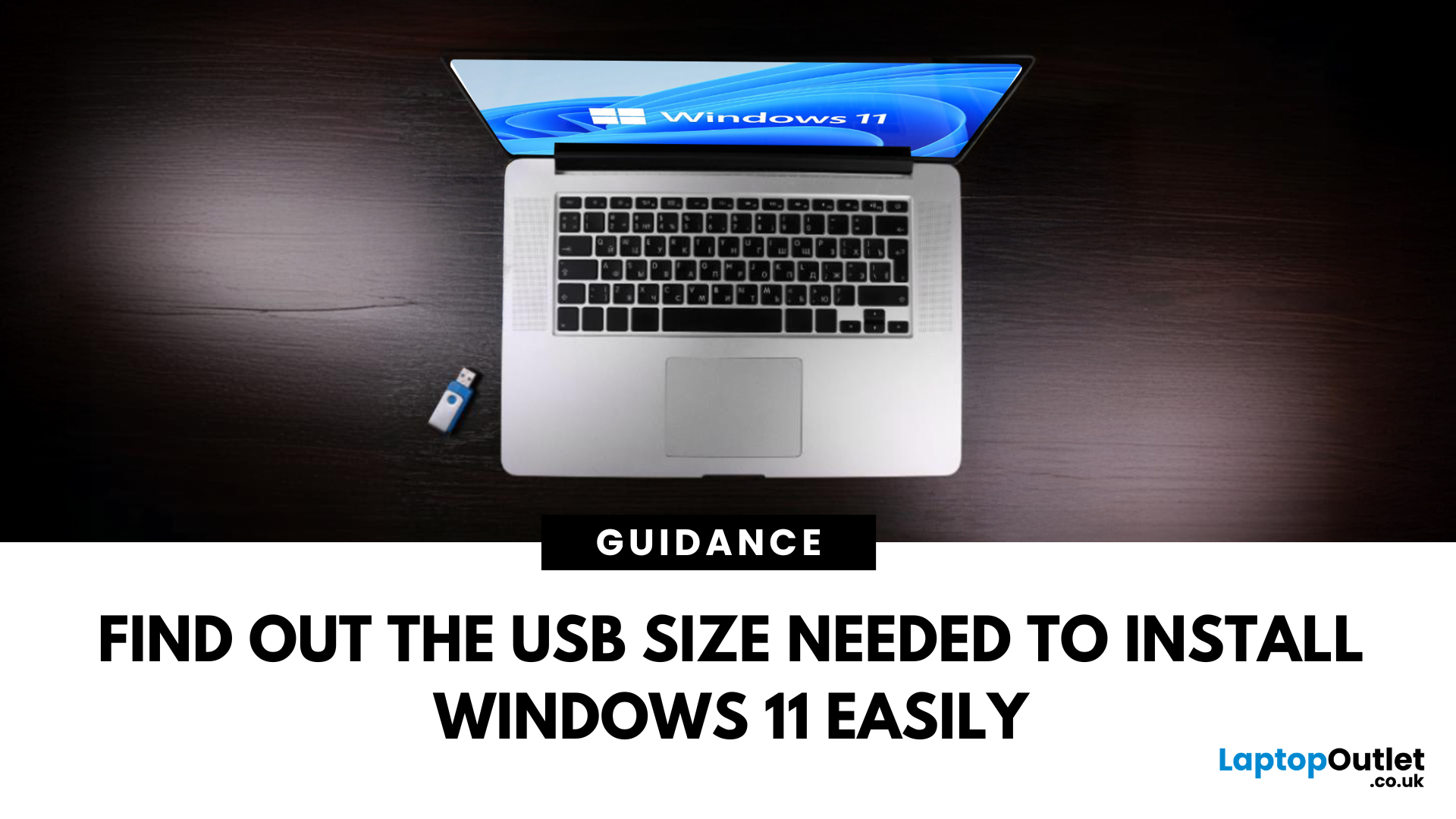
If you're planning to install Windows 11 using a USB stick, one of the first things to sort out is the size. Too small, and it won’t fit the installer. Too large, and it’s unnecessary. Let’s clear up exactly what size USB you need to install Windows 11 and how to get it ready.
Minimum USB Size for Windows 11 Installation
- At least 8GB of storage is required
- Recommended: 16GB or more for extra space and reliability
Microsoft officially recommends a USB drive with 8GB minimum, but using a 16GB or 32GB USB stick ensures you won’t run into space issues.
USB Format Requirements
Before using the USB stick:
- Format it as FAT32 (for UEFI systems) or NTFS (for BIOS/Legacy systems)
- Use tools like Rufus (Windows) or Disk Utility (Mac) to format and prepare the drive
Create a Bootable USB for Windows 11
Using Microsoft’s Media Creation Tool:
- Download the Media Creation Tool from Microsoft’s website
- Run the tool and choose Create installation media
Last Updated: June 25, 2025
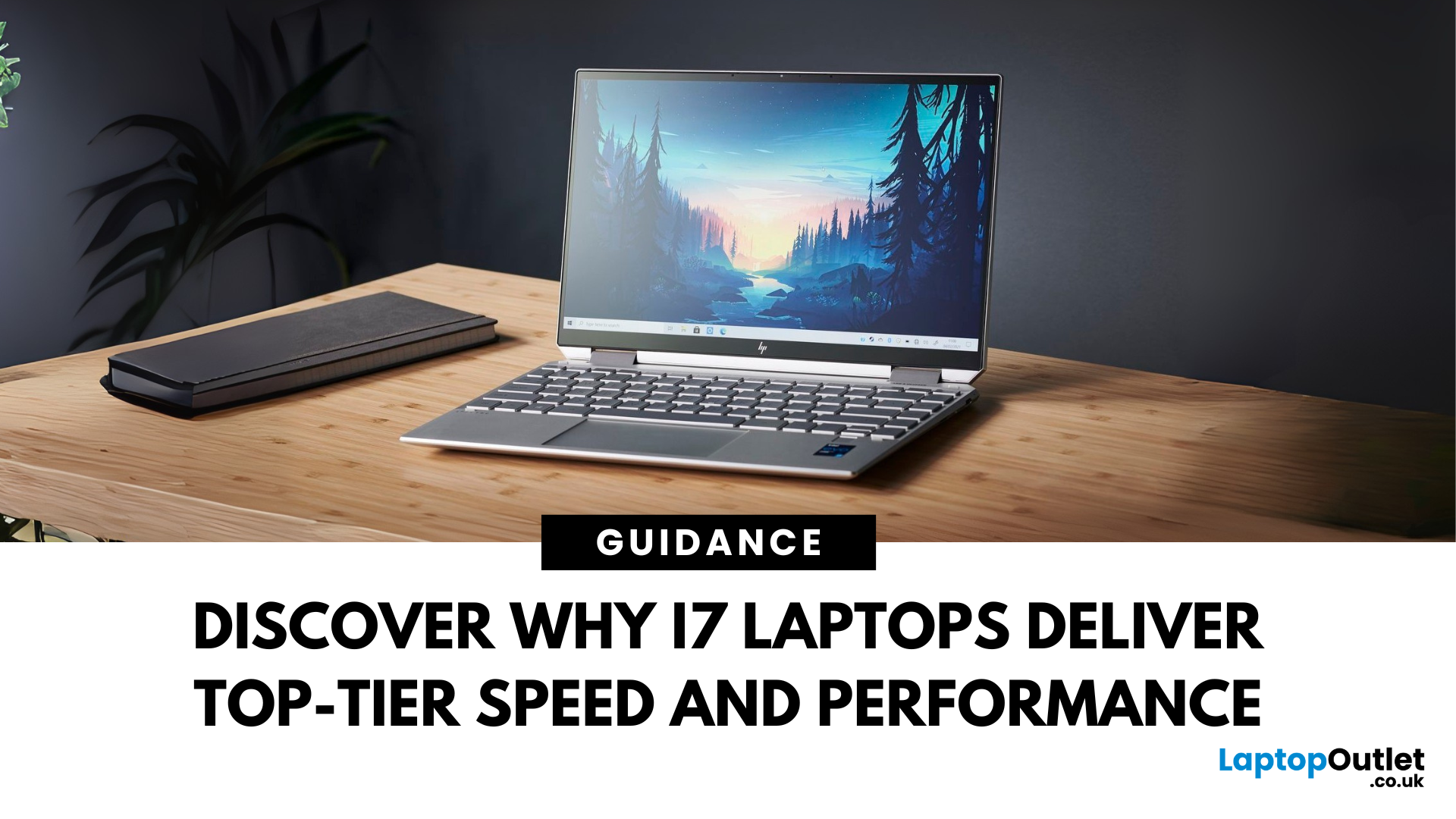
When it comes to high-performance computing, Intel Core i7 Windows laptops stand out as the ultimate choice for power users. Whether you're a professional handling complex tasks, a student managing heavy workloads, or a gamer seeking seamless performance, i7 laptops offer the speed, efficiency, and reliability you need. In this comprehensive guide, we'll explore why i7 Windows laptops are the go-to option for those who demand top-tier performance.
Why Choose an i7 Windows Laptop?
For those who demand more from their tech—whether it's lightning-fast performance, reliable efficiency, or future-ready multitasking—Intel Core i7 laptops stand out as the ultimate choice. Here's why:
Power-Packed Multicore Performance
With high core and thread counts, Intel Core i7 Windows laptops make light work of processor-intensive tasks like 4K video rendering, software development, AI training, and advanced simulations. Power users like content creators and engineers can expect lag-free editing, real-time
Last Updated: March 17, 2026
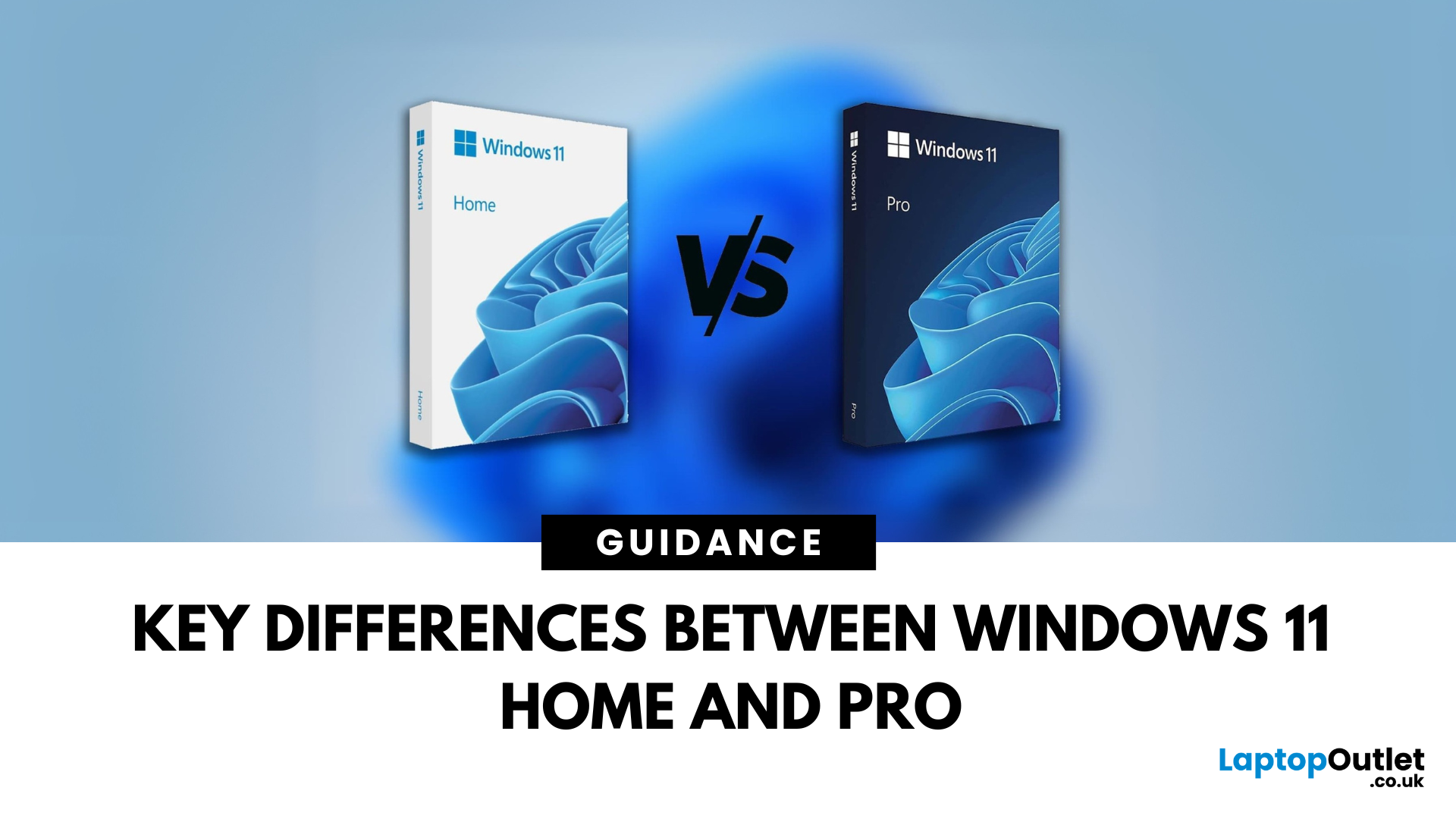
Planning an upgrade or buying a new laptop? You’ve probably noticed two editions of Windows 11: Home and Pro. But which one is right for you? Let’s compare their features to help you decide.
Who Should Choose Windows 11 Home?
Perfect for: Everyday users, students, gamers
- Clean, modern interface with widgets and Snap Assist
- Gaming-friendly with Auto HDR and DirectStorage
- All the essentials for secure and fast performance
- Supports Microsoft Store apps, voice access, and touchscreens
Think of Home as the all-rounder version—smooth for work, play, and everything in between.
Who Should Choose Windows 11 Pro?
Perfect for: Professionals, business users, advanced power users
Includes everything in Home plus extra business tools:
- BitLocker (for advanced device encryption)
- Hyper-V (virtualisation for running multiple OSes)
- Windows Information Protection (WIP)
- Remote Desktop for secure access on the go
Enhanced security with Windows Hello for Business and TPM 2.0
Can join
Published: October 08, 2025
The battle between Intel and AMD has shaped the laptop world for decades. With the release of Intel Core Ultra processors and the new AMD Ryzen Z2 series, that rivalry has entered a new phase - one defined not just by raw speed, but also by AI integration, efficiency, and Windows 11 optimisation.
Intel’s Core Ultra chips (available in Core Ultra 5, 7, and 9 tiers) mark a major shift in design, blending performance and efficiency cores with a dedicated AI NPU (Neural Processing Unit). Meanwhile, AMD’s Ryzen Z2 processors are raising eyebrows with their RDNA 3.5 graphics and strong balance between performance and battery efficiency.
So, which one is better for you? In this guide, we’ll break down the Intel vs AMD Windows 11 laptops debate, comparing performance, AI features, battery life, and creative workloads. Whether you’re a student, gamer, or professional, by the end you’ll know which processor suits your needs.
Intel Core Ultra – What’s New?
Intel’s Core Ultra range is its most significant
Last Updated: February 24, 2026
Choosing the right gaming laptop in 2025 comes down to striking a balance between raw power, intelligent features, and future-ready design. With Windows 11 now fully optimised for AI-powered performance, Auto HDR, and DirectStorage 1.2, gaming has never been smoother or more immersive. Pair that with the latest NVIDIA RTX 40 and 50-series GPUs, and you get a portable machine that rivals desktop-level experiences.
This guide explores the best Windows 11 gaming laptops with RTX graphics, helping you understand which models deliver the most value for gamers in different categories — from budget RTX 4060 machines to ultra-premium RTX 5090 rigs. Whether you’re into esports, AAA titles, or content creation alongside gaming, these laptops are designed to keep up with your demands.
Why Windows 11 Gaming Laptops with RTX Graphics Stand Out
AI-Driven Gaming Features
Windows 11 laptops in 2025 integrate Windows Game Mode, Copilot, and AI-based resource management. Together, they ensure your CPU

