




Blog Categories







February 17, 2026

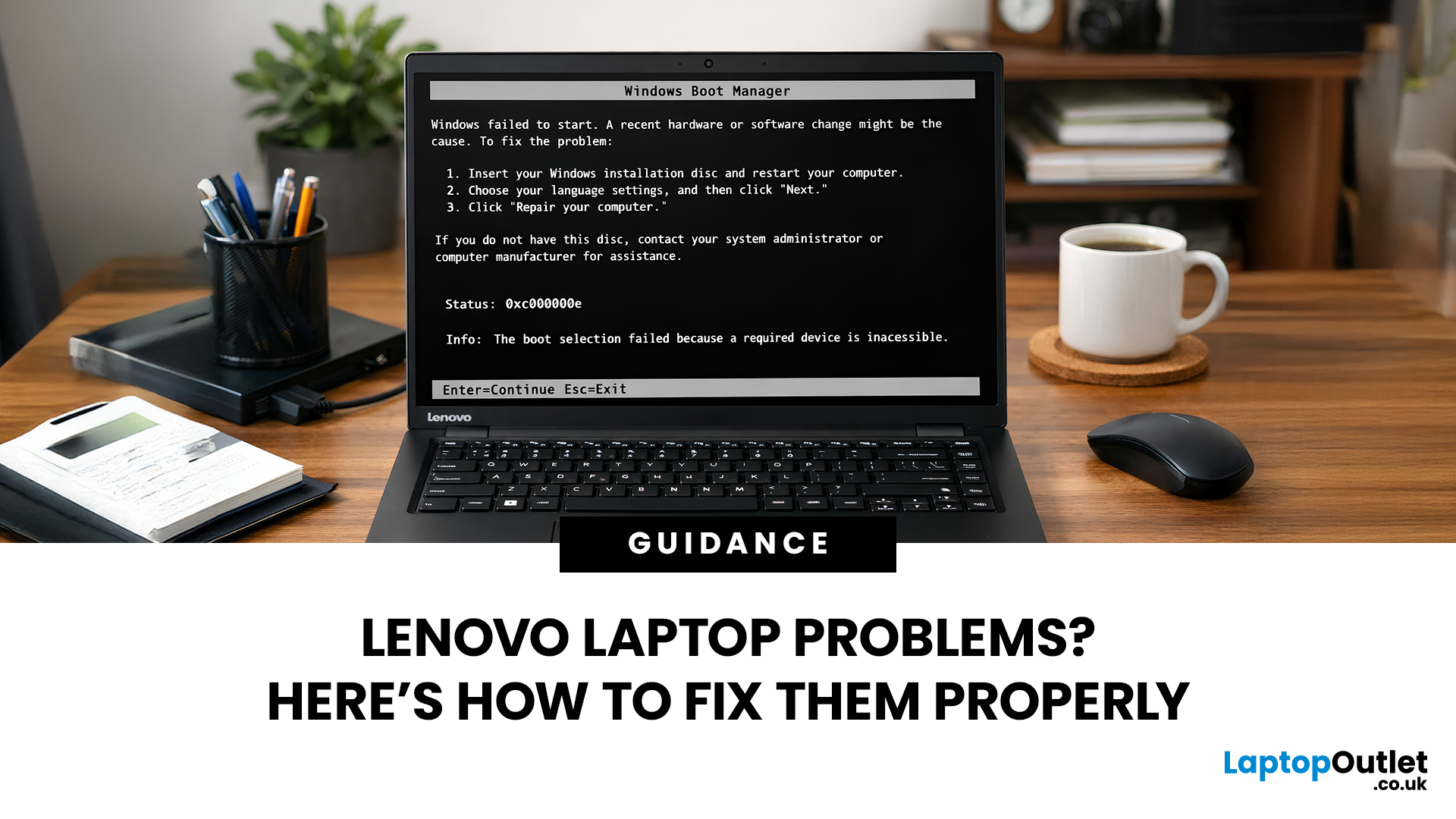
Lenovo laptops are widely trusted across the world, from ThinkPads in corporate offices to IdeaPads in student halls and Legion machines built for gaming. They’re generally dependable, however, even well-built machines can develop faults over time.
We regularly see the same issues cropping up across different Lenovo ranges, and in most cases the fix is simpler than people expect.
Before assuming your device is finished, it’s worth slowing down and checking a few things properly. Many common Lenovo laptop issues are software-related or power-related rather than serious hardware faults.
Below are some of the most common Lenovo laptop issues, why they occur, and what you can realistically do to solve them.
Quick Diagnostic Check Before You Start

Before diving into specific faults, ask yourself:
- Did this issue begin after a Windows update?
- Has the laptop recently overheated?
- Was it dropped or exposed to liquid?
- Is the battery older than three years?
- Does the problem occur only on battery

February 19, 2026
New year, new goals and let’s be honest, maybe a laptop that doesn’t sound like it’s about to take off every time you open a browser. If an upgrade is on your 2026 checklist, New Year Laptop Deals are one of the smartest (and calmest) times to buy.
Unlike peak sales seasons where everything disappears in minutes, New Year brings steady, genuinely good discounts across cheap laptops, premium models, gaming machines, and even business-grade devices. Whether you’re shopping for work, study, gaming, or just everyday life, this is where value really shows up.
In this guide, we’ll break down the best laptops New Year deals, highlight savings on ASUS, HP, Lenovo, and explain how to choose the right laptop—without drowning in specs or hype.
Why New Year Is the Best Time to Buy a Laptop

While Black Friday grabs attention, January quietly delivers better long-term value. Retailers clear remaining stock, refresh product lines, and offer strong discounts across multiple categories.
Here’s why New
September 22, 2026
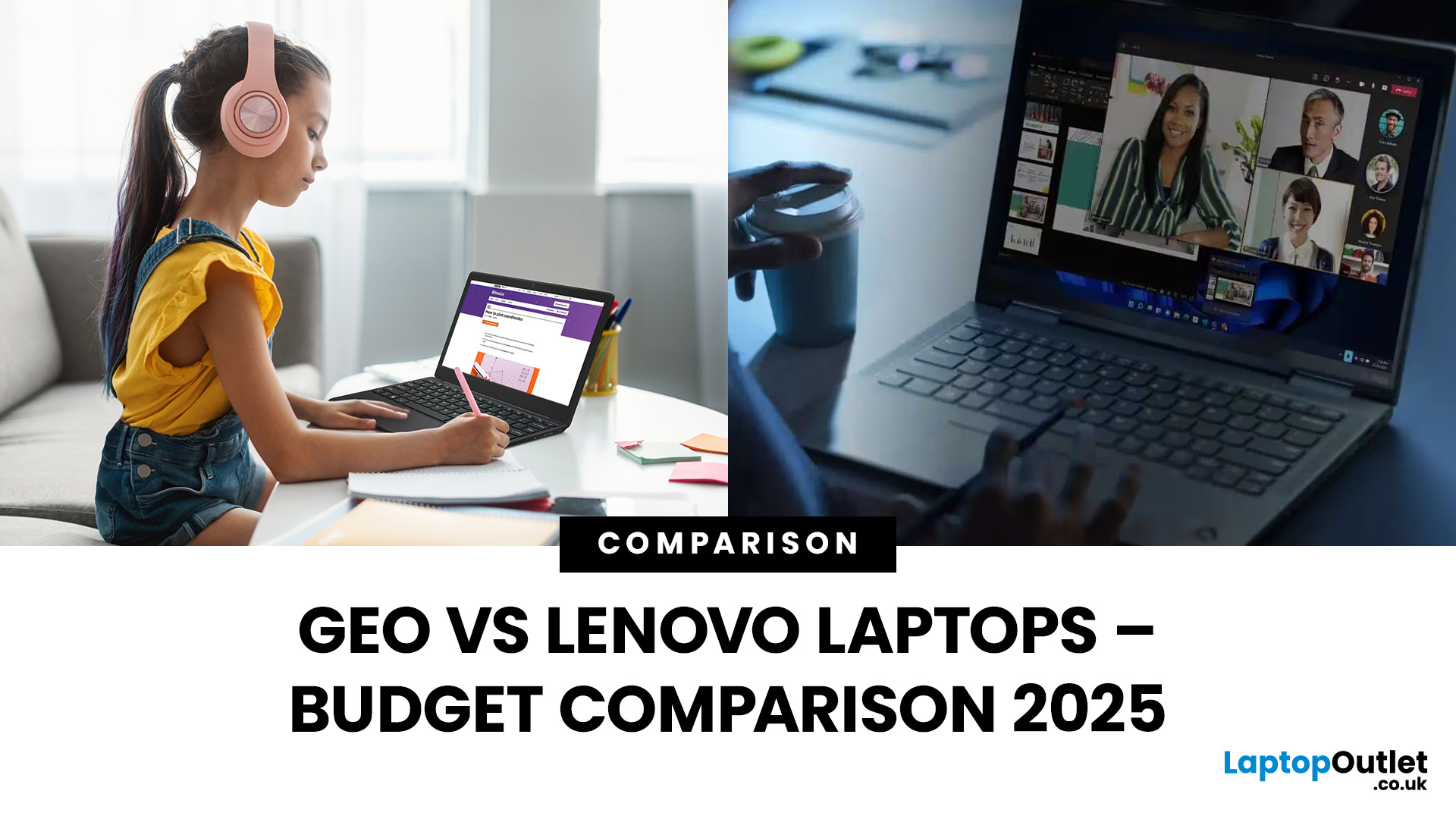
Did you know the average UK student spends more on coffee in a year than on their laptop? That’s because budget-friendly brands like Geo have changed the game, offering functional laptops for less than the cost of a high-end smartphone. While they might not turn heads in a boardroom, Geo laptops are built for one thing: getting the basics done without draining your wallet.
But then there’s Lenovo, a brand that plays in every league, from affordable IdeaPads to premium ThinkPads. For budget buyers, Lenovo has carved a sweet spot where price and performance actually meet. Unlike Geo, it doesn’t only bank on affordability; it promises longevity, a wider feature set, and that little extra polish.
So, when the decision is between Geo vs Lenovo laptops, it’s not just about saving a few pounds. It’s about deciding whether you want the bare minimum that works or a budget-friendly machine that lasts.
TL;DR – Geo vs Lenovo Laptops
- Geo = Ultra-Budget Choice
- Price: £150–£300.
- Best for: Students,
September 19, 2025
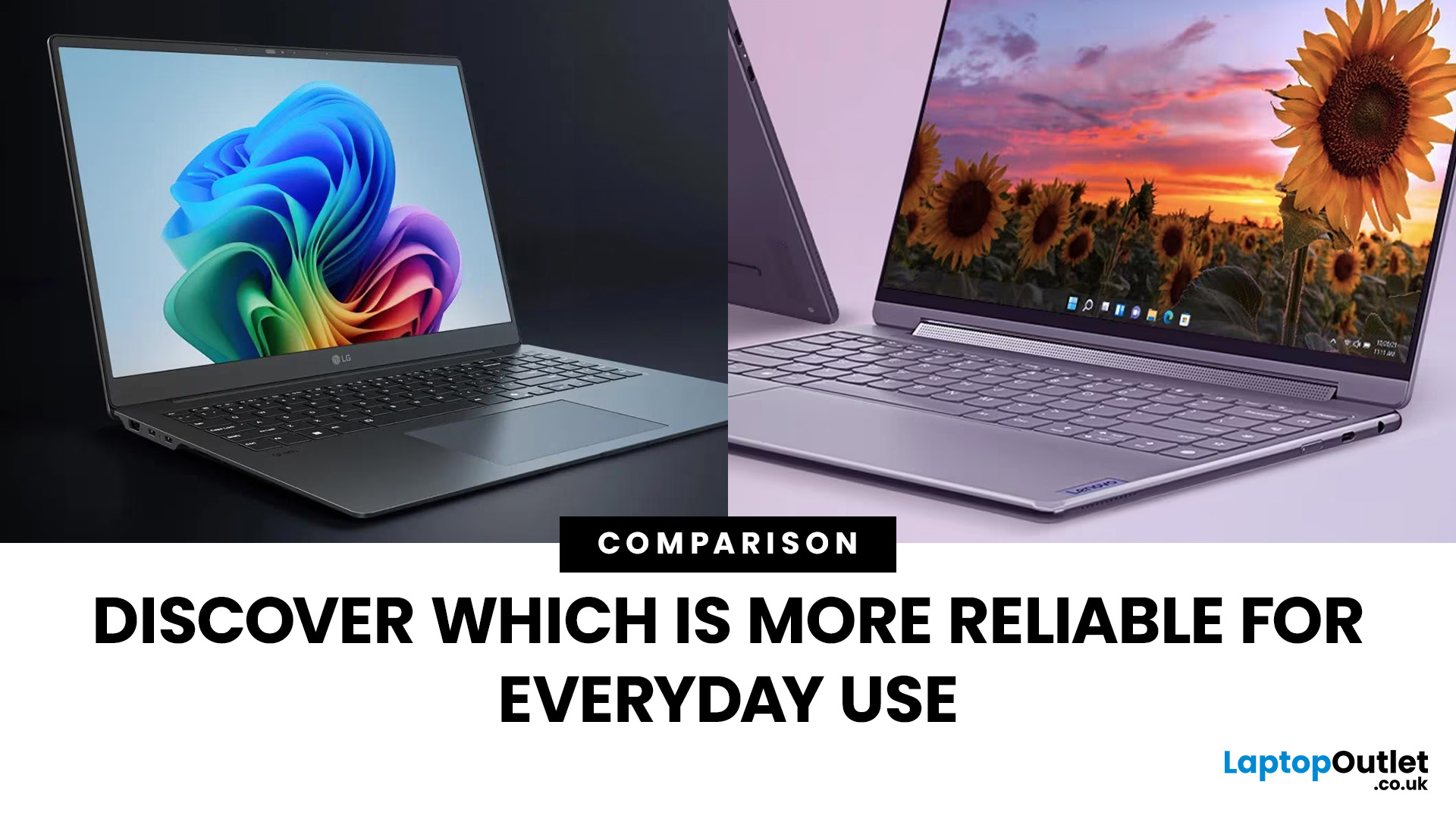
When it comes to everyday computing, both LG and Lenovo deliver laptops that check most of the boxes, but they cater to very different audiences. LG laptops, led by the Gram and Gram Pro lines, are known for being feather-light, ultra-portable, and battery champions. On the flip side, Lenovo laptops (ThinkPad, ThinkBook, Legion, and more) are business and performance powerhouses which are rugged, versatile, and trusted in workplaces worldwide.
So, which one should you choose in 2025? Let’s dive into this LG vs Lenovo laptops comparison and find out.
What’s the Difference Between LG and Lenovo Laptops?
- LG, especially through the Gram/Gram Pro lines, focuses on ultra-portability, thin builds, light weight, and modern features like long battery life, OLED options, and new AI-assist tools.
- Lenovo offers a wider lineup: from ultraportables (ThinkPad X / T series), to business workhorses (ThinkBook, ThinkPad business), to gaming/performance lines. They tend to emphasize durability (MIL-STD

September 19, 2025
In the laptop world, Lenovo is a household name. But a UK specialist like Entity has been making waves, especially for buyers looking for budget-friendly or niche options. This post compares “Entity vs Lenovo laptops” so you can decide which suits your needs better - whether for study, work, or general use and help you get the best value from Laptop Outlet.
Brand Profiles: Who They Are
Entity
- UK-based specialist focusing on “high-quality, affordable laptops and tablets to suit all your online needs.”
- Their product range tends to target entry-level / casual use: browsing, streaming, word-processing, light home tasks.
- Models often have basic processors (e.g. Intel Celeron), modest RAM and storage, but decent displays and essentials like USB ports, webcam, etc.
Lenovo
- Global major with a wide portfolio: from budget machines through business laptops (ThinkPad), Ultrabook (Yoga, Slim), to gaming (Legion) and premium devices.
- Known for good build quality, durability, variety in performance
September 17, 2025
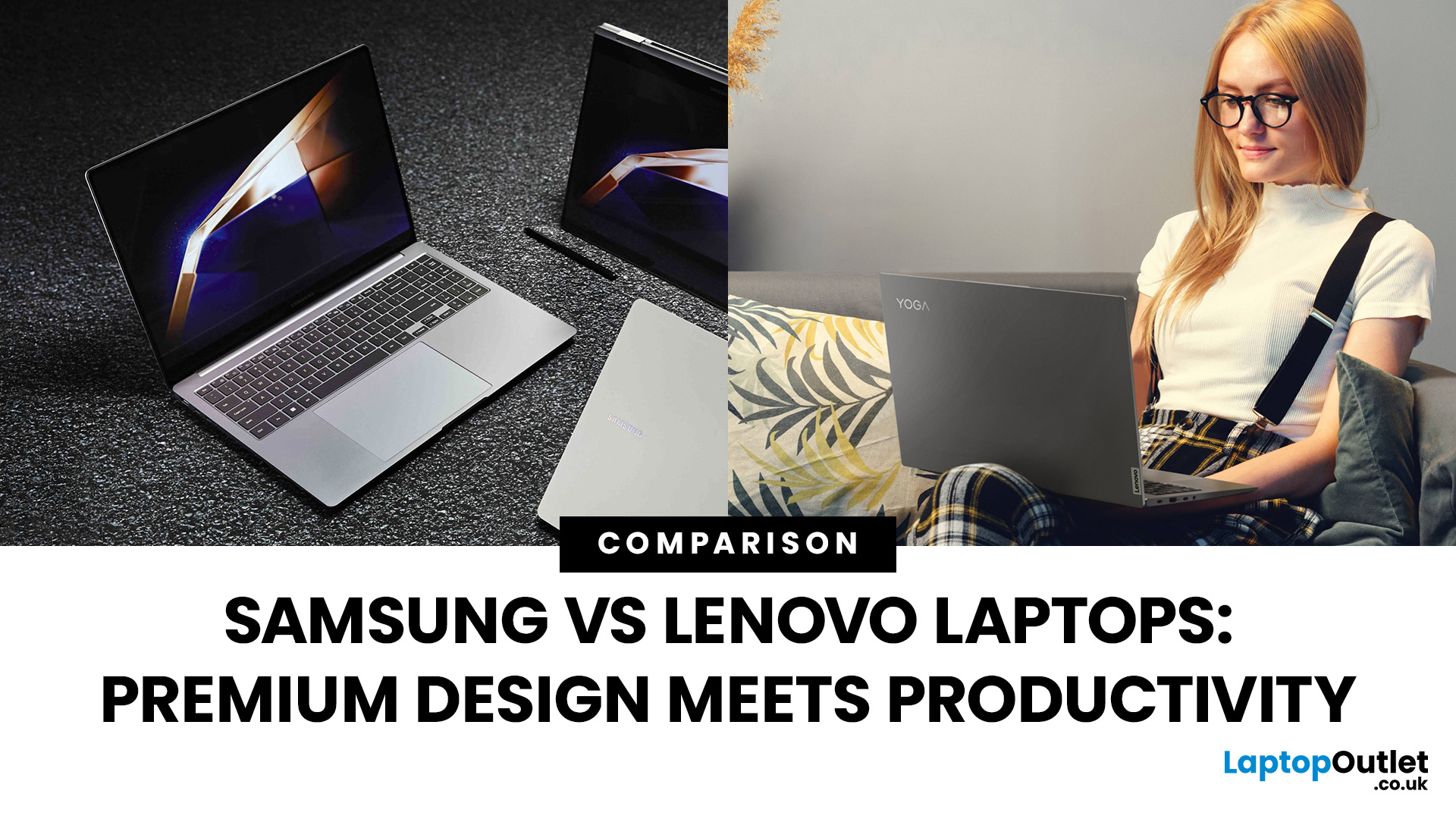
Shopping for a new laptop in 2025 and torn between Samsung vs Lenovo laptops? Both brands deliver big innovation but shine in different ways. Samsung is known for premium design, AMOLED displays, and portability, while Lenovo dominates the productivity space with ThinkPad reliability, Yoga flexibility, and Legion gaming power.
So, which one deserves your money? Let’s compare Samsung and Lenovo across design, performance, battery, and price to help you choose the right fit.
Samsung vs Lenovo: Key Differences
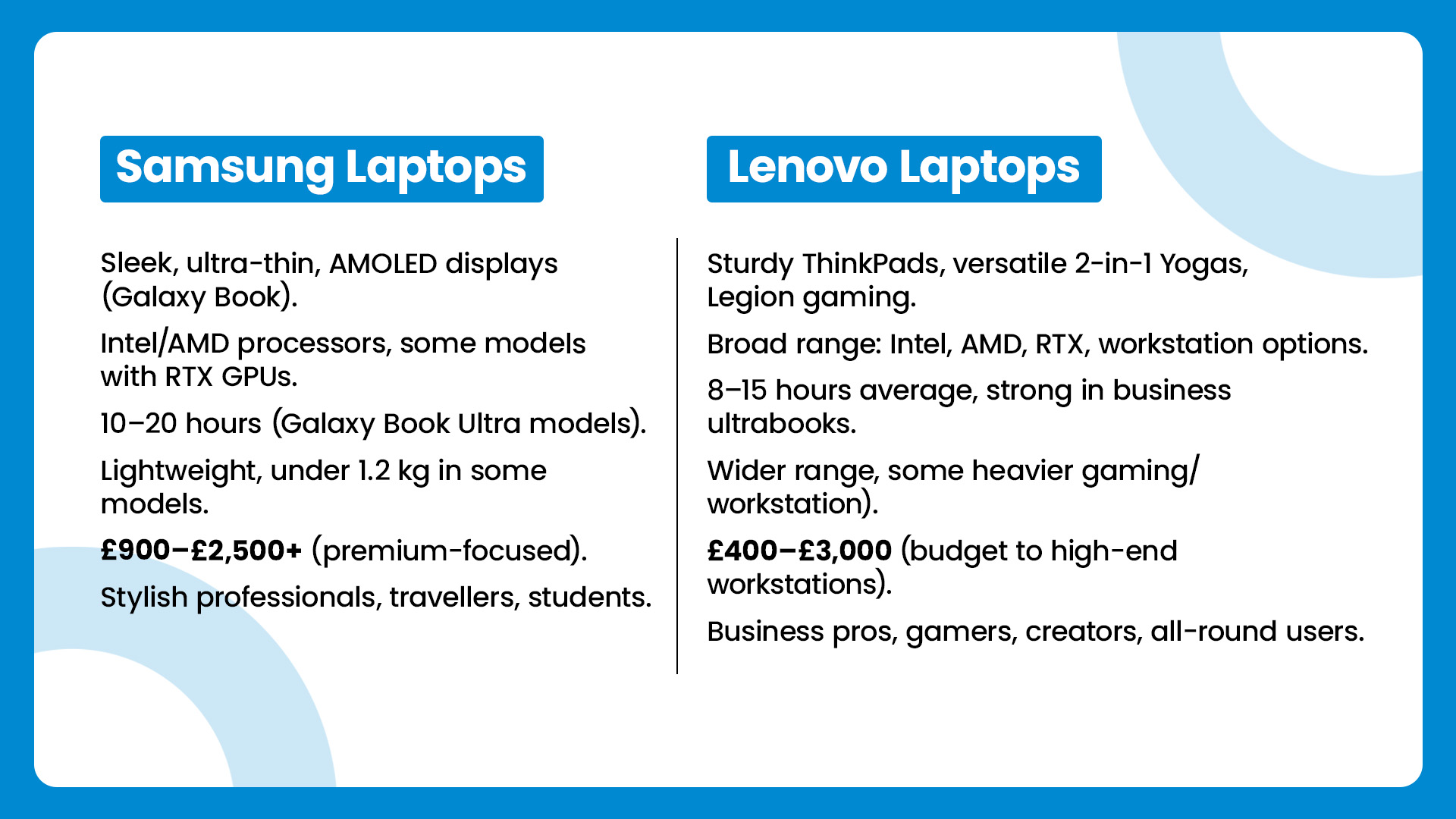
| Feature | Samsung Laptops | Lenovo Laptops |
| Design & Build | Sleek, ultra-thin, AMOLED displays (Galaxy Book) | Sturdy ThinkPads, versatile 2-in-1 Yogas, Legion gaming |
| Performance | Intel/AMD processors, some models with RTX GPUs | Broad range: Intel, AMD, RTX, workstation options |
| Battery Life | 10–20 hours (Galaxy Book Ultra models) | 8–15 hours average, strong in business ultrabooks |
| Portability | Lightweight, under 1.2 kg in some models | Wider range, some heavier (gaming/workstation) |
| Price Range | £900–£2,500+ |

September 09, 2025
What’s the main difference between Lenovo and Dell laptops?
Lenovo (ThinkPad, Yoga, Legion, IdeaPad) is known for MIL-STD-tested durability, spill-resistant keyboards, and the ThinkShield security stack on business lines. Great for students and professionals who prioritise reliability and manageability. On the other hand, Dell (XPS, Latitude, Inspiron, Alienware/ G-Series) is famous for premium XPS ultrabooks with excellent battery life and ProSupport/ProSupport Plus service for businesses, plus fast-charge (ExpressCharge) options.
Lenovo vs Dell laptops: Quick Comparison
| Feature | Lenovo | Dell |
| Build & Durability | MIL-STD testing on ThinkPads; spill-resistant keyboards. | Premium metal builds on XPS; robust Latitude chassis. |
| Battery Life | Strong on premium models; varies by series. | Standout on XPS (widely reviewed as “all-day+”). |
| Security/Manageability | ThinkShield stack & enterprise controls. | ProSupport/ProSupport Plus, ExpressCharge & fleet tools. |
| Key Lines | ThinkPad, Yoga, Legion, IdeaPad | XPS, |

October 06, 2025
Lenovo vs Acer: What’s the Difference?
- Lenovo: Focuses on durability, productivity, and professional-grade performance. ThinkPad models are a global business staple, while Yoga and IdeaPad lines balance style and function.
- Acer: Known for affordability, Acer offers everything from ultra-cheap student laptops to high-performance gaming rigs under the Predator and Nitro brands.
Feature Comparison Table
| Feature | Lenovo Laptops | Acer Laptops |
| Build Quality | Rugged, business-tested (esp. ThinkPad) | Varies. Slim and lightweight but less rugged |
| Performance Range | From student models to enterprise workstations | From Chromebooks to powerful gaming rigs |
| Price Range (UK) | ~£350–£2,000+ | ~£250–£1,800+ |
| Best For | Professionals, students needing reliability | Students, gamers, budget buyers |
| Popular Series | ThinkPad, IdeaPad, Yoga, Legion | Aspire, Swift, Nitro, Predator |
| Battery Life | Often strong, especially ThinkPads (10–15 hrs) | Decent (6–10 hrs on most models) |
| Design | Sleek, minimalist, premium finishes | Flashy (gaming), |

September 09, 2025
What’s the Main Difference Between Lenovo Slim and Yoga?
Lenovo’s “Slim” laptops are razor-thin ultra-portables with emphasis on design, OLED quality, and battery performance, great for professionals and creatives on the go. Meanwhile, the “Yoga” series focuses on premium versatility as 2-in-1 devices, offering flexible use in laptop, tablet, stand, or tent modes thanks to their 360° hinge design.
Lenovo Slim vs Yoga: Feature Comparison Table
| Feature | Lenovo Slim Series | Lenovo Yoga Series |
| Form Factor | Traditional clamshell, ultra-thin (~13–15 mm) | 360° convertible hinge - laptop, tablet, stand, tent modes |
| Build & Design | Premium aluminum, minimalist, lightweight | Sleek 2-in-1 build with flexible hinge, styluses supported |
| Display Quality | OLED touch or FHD IPS - high brightness, vivid colours (e.g., Slim 7i Gen 9 reaching 134% DCI-P3) | Touch-enabled IPS/scalable panels; Yoga often lags in colour gamut (47% DCI-P3) |
| Performance | Higher configuration ceiling (up to 32 GB RAM, Core Ultra 7, OLED) |
April 02, 2026
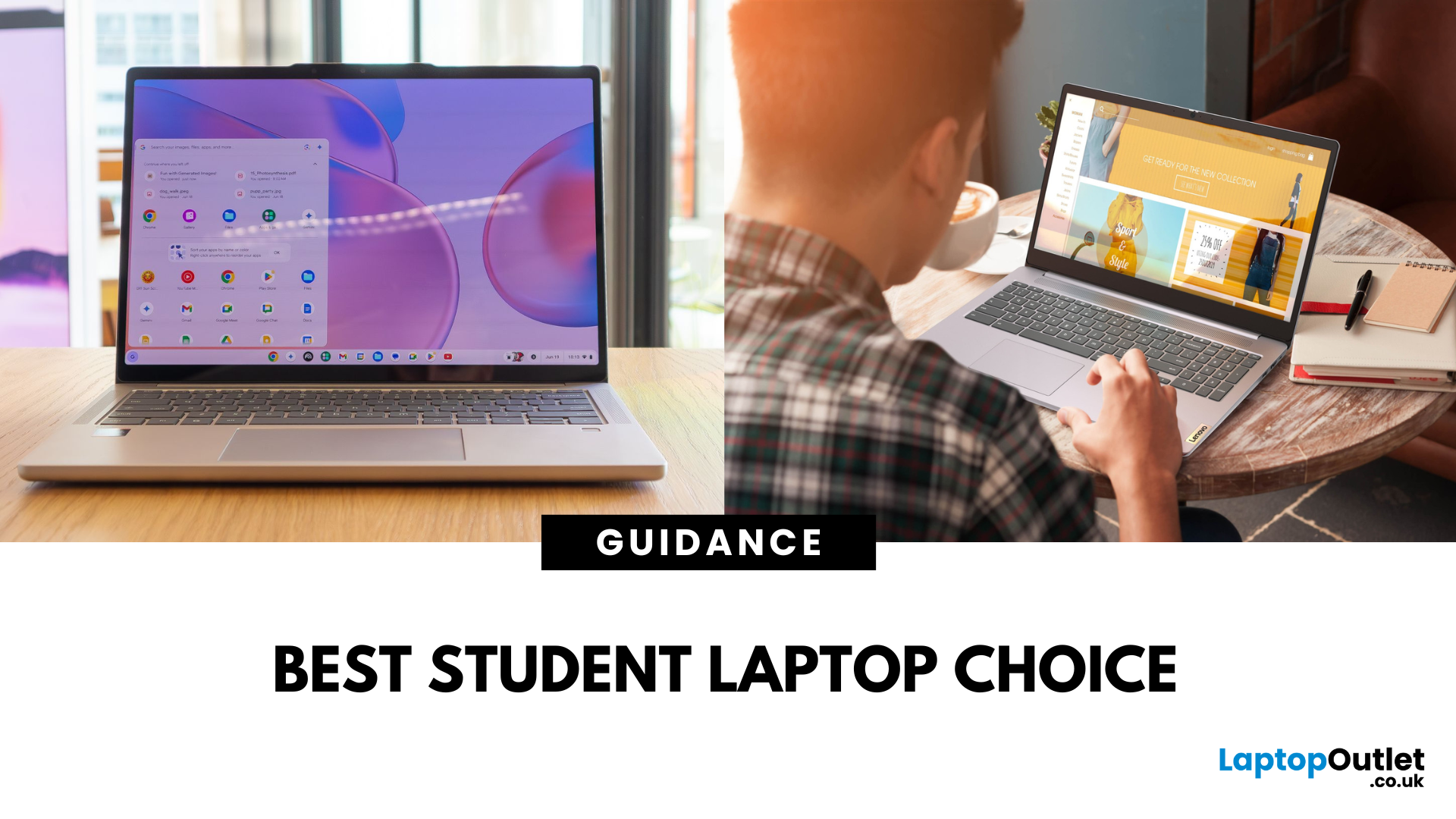
A Lenovo Chromebook runs ChromeOS - a lightweight, Linux-based operating system that’s optimised for Google’s ecosystem. It’s secure, updates automatically for a decade, and works brilliantly for browser-based productivity, Android apps, and streaming. A Lenovo IdeaPad usually runs Windows 11 and covers everything from budget laptops to higher-spec Ultrabook, offering the ability to install virtually any software, making it better suited for heavier workloads, creative tools, and offline functionality.
Feature Comparison Table
| Feature | Lenovo Chromebook | Lenovo IdeaPad |
| Operating System | ChromeOS | Windows 11 Home/Pro |
| Processor (CPU) | Intel Celeron N4020/N4120, Intel Core i3/i5 U-series, AMD 3015Ce/MediaTek Kompanio | Intel Core i3/i5/i7 (U or H series), AMD Ryzen 3/5/7 U-series |
| Graphics (GPU) | Integrated Intel UHD or Iris Xe, AMD Radeon iGPU, ARM Mali graphics | Integrated Intel Iris Xe/AMD Radeon Vega or discrete NVIDIA MX/RTX |
| Performance & Storage | eMMC 5.1 (64–128 GB) in most models, some with NVMe |
May 07, 2026
AI Snippet - Featured Summary
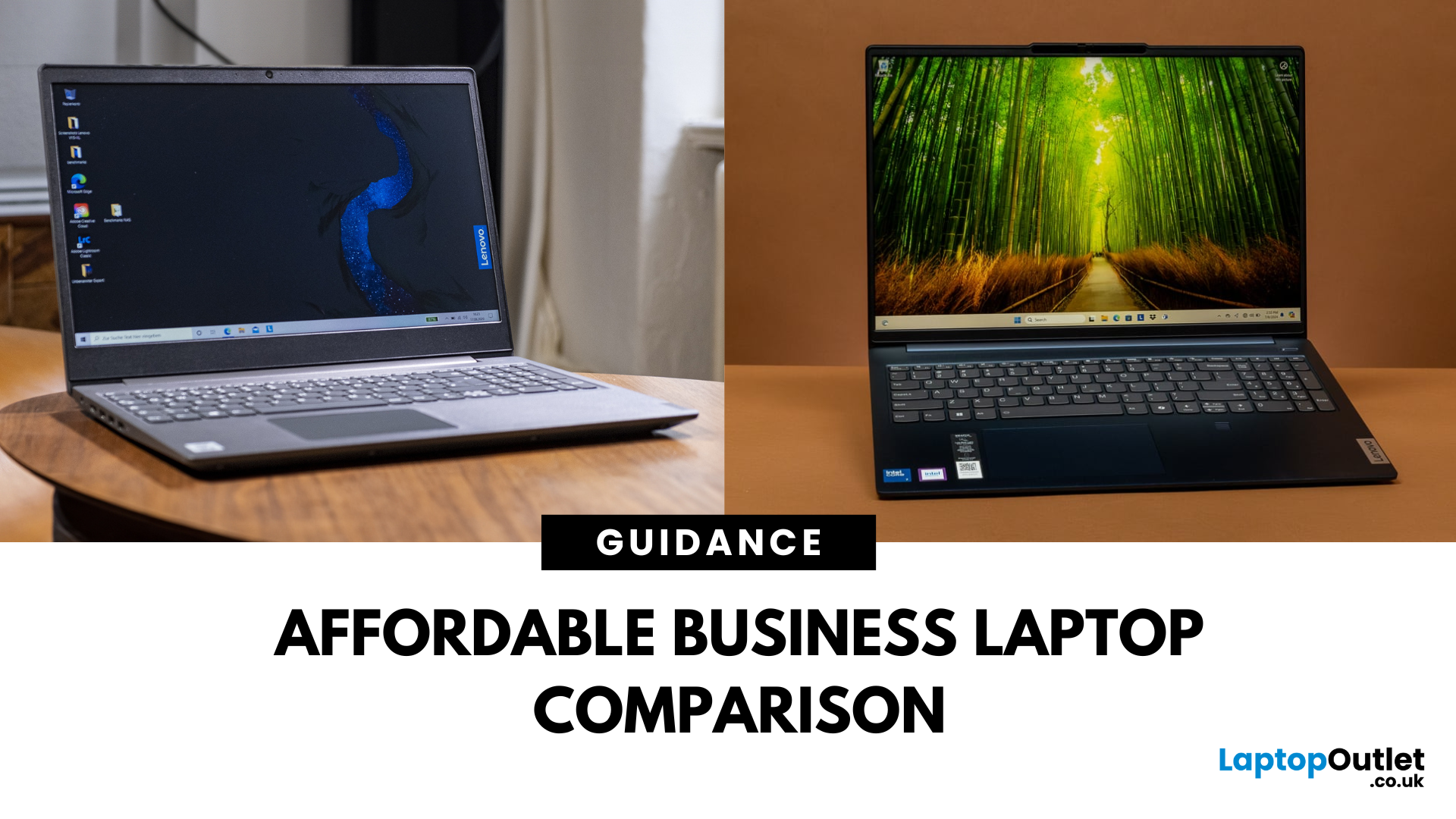
The Lenovo V Series is your go-to for budget-friendly business use, offering pro-ready features like Windows 11 Pro, strong Ryzen CPUs, and extra memory right out of the box. The Lenovo IdeaPad lineup focuses on versatility with slimmer designs, touchscreen options, and consumer-grade value. Choose V Series if you want performance, security, and business durability. Choose IdeaPad if portability, budget variety, and casual everyday use are your priorities.
What’s the Main Difference Between V Series and IdeaPad?
The V Series is Lenovo’s entry-level business line - solid, dependable, and crafted for small businesses with features like Windows 11 Pro, MIL-STD-inspired designs, and strong CPU options . In contrast, the IdeaPad range is more consumer-focused, offering stylish, versatile laptops for students and home users—including touchscreens and lighter weight.
Feature Comparison Table
| Feature | Lenovo V Series | Lenovo IdeaPad |
| Target Audience | Small businesses, |

September 09, 2025
The Lenovo IdeaPad is your straightforward, affordable everyday laptop—with reliable performance, solid keyboard, and value pricing. The Lenovo Yoga delivers premium 2in1 flexibility with a 360° hinge and touchscreen, perfect for creators or anyone who wants tablet-style versatility. Choose IdeaPad for costeffective practicality. Choose Yoga if you want sleek, convertible power.
What’s the Main Difference Between IdeaPad and Yoga?
Lenovo “IdeaPad” targets everyday users with a range of reliable, budget to mid-range laptops designed for typical computing tasks and content consumption. The “Yoga” series, on the other hand, leans into versatility and premium feel - most models feature a touchscreen with a 360° hinge, letting you use them as tablets or laptops.
Feature Comparison Table
| Feature | IdeaPad (Everyday Laptop) | Yoga (2-in-1 Convertible) |
| Design & Form Factor | Traditional clamshell design with fixed hinge. | 360° convertible hinge supports laptop, tent, stand, |