



Top 10 Laptops with 17-Inch Screens for Gamers in 2026

A 17-inch display changes how gaming feels. You get more screen space for HUD elements, a larger view of the game world, and a more comfortable experience during long sessions. For many gamers, it is also the sweet spot for doing more than just playing. A bigger panel is useful for streaming dashboards, editing clips, schoolwork, and keeping multiple windows open side by side.
The idea that 17-inch laptops must be bulky and awkward is outdated. In 2026, slimmer bezels, stronger cooling, and more efficient components have made the category far more practical. You can still buy full-power machines designed to live on a desk, but you can also find big-screen laptops that fit everyday life better than older generations did.
This guide is written for UK buyers searching for a 17-inch gaming laptops in 2026. It includes powerful gaming models and a few big-screen everyday options for people who want a larger display for light gaming, study, or work, while still keeping the focus on what gamers usually care about: graphics performance, refresh rate, cooling, and value.
How We Picked These 17-Inch Laptops for 2026
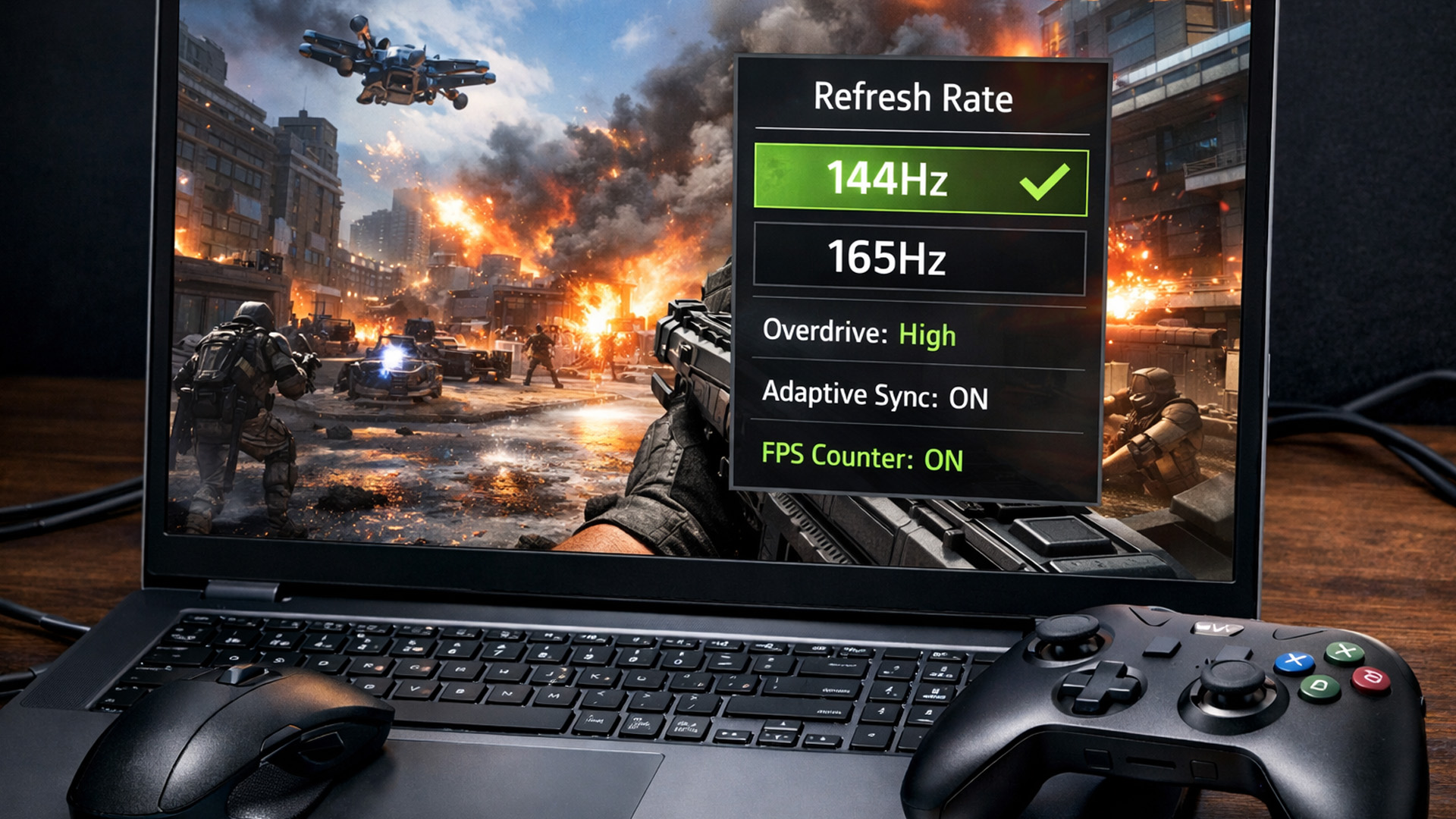
When someone searches for a 17-inch gaming laptop, they’re usually after one thing: a bigger, more comfortable screen without giving up performance. For this list, we focused on real-world value for UK buyers in 2026.
Each laptop here earns its place for a specific type of buyer. Some are proper gaming machines with dedicated RTX graphics and high refresh panels. Others are big-screen everyday laptops that suit lighter gaming and general use, which still matters because plenty of people want the 17.3-inch experience without paying for a full gaming setup.
Graphics Card and VRAM
For gaming performance, the graphics card is the main driver. In this list, the dedicated gaming models use RTX 50-series laptop GPUs, and the important detail is VRAM.
Your RTX 5050, RTX 5060, and RTX 5070 configurations are all 8GB GDDR7 setups, which is a solid place to be for modern gaming in 2026, especially at Full HD with high refresh rate screens.
At the extreme end, the RTX 5090 laptop tier steps into a different class entirely with 24GB GDDR7, which is aimed at maximum headroom for demanding titles, higher resolutions, and heavier creative workloads.
Practical way to choose:
- RTX 5050 is a strong modern entry point for big-screen gaming at sensible settings
- RTX 5060 and RTX 5070 are better for pushing higher settings and keeping performance comfortable for longer
- RTX 5090 is for buyers who want the most headroom possible and treat the laptop like a desktop replacement
Screen Quality and Refresh Rate
A 17.3-inch Full HD IPS display is still a great match for gaming, especially when refresh rate is high. That’s why the 144Hz and 165Hz panels in your gaming models matter - they make fast games feel smoother and more responsive, and they’re simply nicer to use when you’re gaming for hours. If you mainly play esports titles, refresh rate can be just as important as raw GPU power.
CPU Choice
Gaming laptops can look similar until you check the processor. For high frame-rate gaming, streaming, and multitasking, the CPU matters.
That’s why the list includes both high-power HX/H series chips for gaming machines and more efficient processors in the everyday models. In real terms: if you game hard, you want the higher-power CPUs; if you mostly browse, stream, and play lighter games, the efficient chips are the better value.
Memory and Storage
RAM and storage don’t sound exciting, but they change how a laptop feels every day. For gaming in 2026, 16GB is a sensible baseline. Your 24GB and 32GB options are excellent for people who multitask, stream, or keep lots of apps running while gaming.
Storage is the other big one. Modern games are huge, so 1TB is comfortable, and 2TB is ideal if you install several AAA titles at once and don’t want to constantly delete and reinstall.
Top 10 17-Inch Laptops to Buy in 2026
1) Lenovo LOQ 17IRX10
Intel Core i7-13650HX, 24GB RAM, 1TB SSD, RTX 5050 8GB GDDR7, 17.3-inch Full HD IPS 165Hz, Windows 11 Home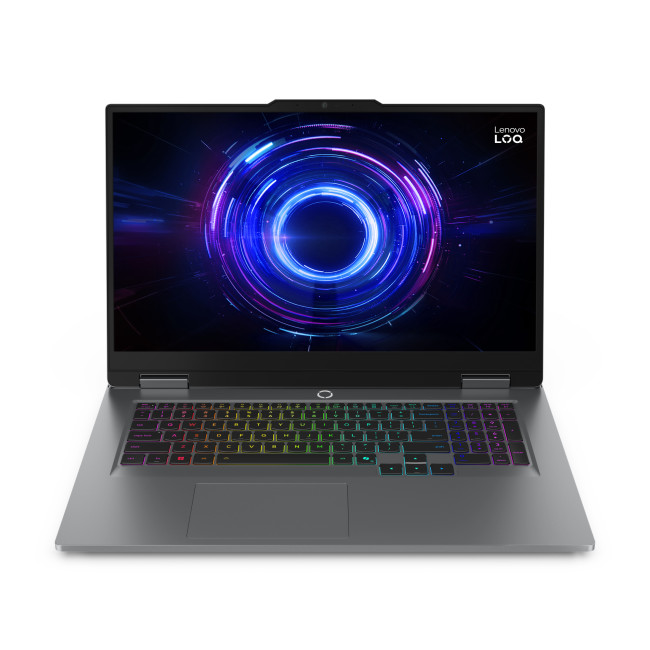
If you want a big-screen gaming laptop that hits the modern sweet spot, this Lenovo LOQ configuration is one of the most balanced options in this list. The Core i7-13650HX gives you a strong high-power CPU foundation, while 24GB RAM is a practical upgrade over standard 16GB for people who keep Discord, browsers, launchers, and background apps running while gaming. The standout here is the pairing of a 165Hz IPS panel with an RTX 5050 laptop GPU.
Who it suits best: Competitive gamers who want a smooth 165Hz experience, plus AAA players who want a modern GPU tier and enough RAM to keep everything responsive.
Key specs: 17.3-inch 1080p IPS 165Hz, RTX 5050 8GB, 24GB RAM, 1TB SSD, Wi-Fi 6, Bluetooth 5.2, HDMI, USB-C, 2.9kg.
2) Medion Erazer Defender 17 P1 (Core 9 270H)
Intel Core 9 270H, 32GB RAM, 2TB SSD, RTX 5070 8GB GDDR7, 17.3-inch Full HD IPS 144Hz, Windows 11 Home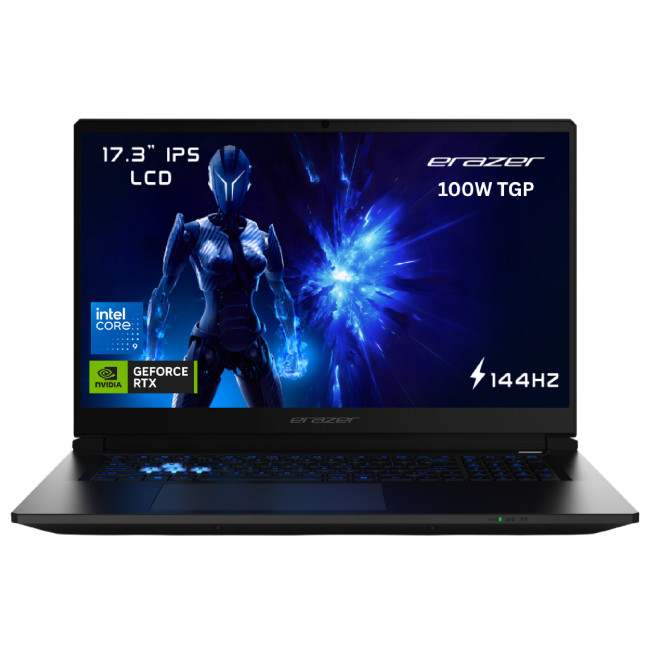
This is your step-up performance pick for 2026. The combination of Core 9 270H and RTX 5070 targets gamers who want stronger graphics headroom for demanding games, higher settings, and a more future-proof feel. The Core 9 270H is widely described as a 14-core mobile chip with boost speeds up to 5.8GHz.
Paired with 32GB RAM and 2TB SSD, this laptop suits buyers who don’t want to manage storage and want strong multitasking headroom.
Who it suits best: AAA gamers, streamers, and buyers who want high-end performance with huge RAM and storage.
Key specs: 17.3-inch 1080p IPS 144Hz, RTX 5070 8GB, 32GB RAM, 2TB SSD, Wi-Fi 6E, Bluetooth 5.3, HDMI, USB-C, Ethernet, MicroSD, 2.65kg.
3) ASUS VivoBook 17 X1704VA-AU523W
Intel Core i5-1334U, 16GB RAM, 512GB SSD, 17.3-inch Full HD IPS, Windows 11 Home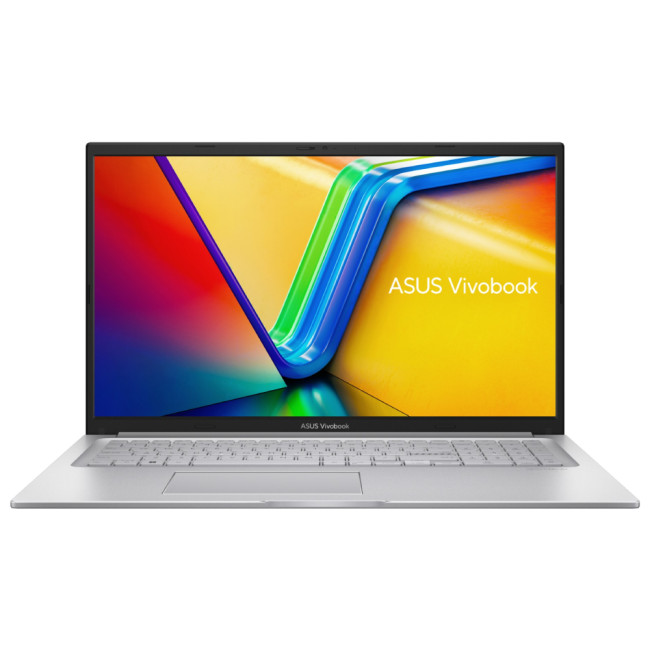
Not everyone wants a hardcore gaming laptop. Some buyers want a big screen for study, work, streaming, and light gaming. This VivoBook fits that role well, with an efficient CPU, 16GB RAM for smooth day-to-day multitasking, and a comfortable 17.3-inch Full HD IPS panel.
Who it suits best: Students, home users, and light gamers who want a big-screen everyday laptop.
Key specs: 17.3-inch 1080p IPS 60Hz, Intel Iris Xe graphics, 16GB RAM, 512GB SSD, Wi-Fi 5, Bluetooth 5.1, USB-C, HDMI, 2.1kg.
4) HP 17-cn0105na (8B2M1EA#ABU)
Intel Core i5-1135G7, 8GB RAM, 512GB SSD, 17.3-inch Full HD, Windows 11 Home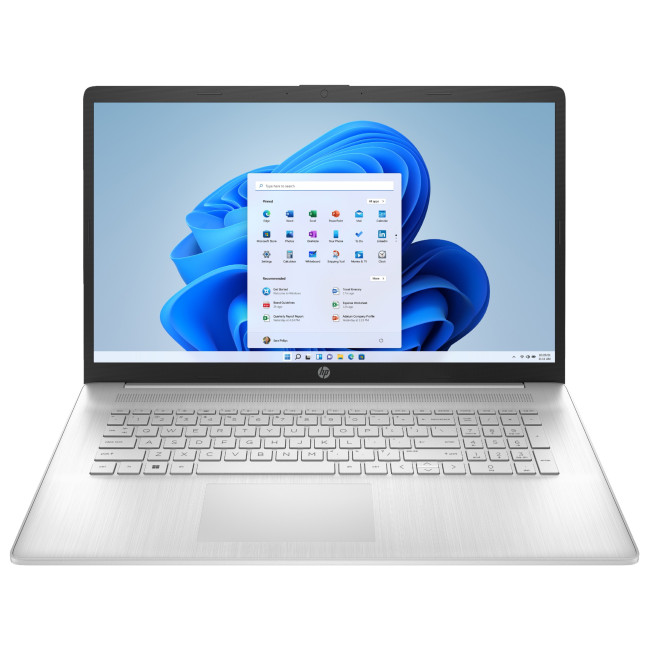
This HP 17 model is a straightforward big-screen laptop for everyday use with occasional light gaming. The 17.3-inch Full HD display is the main reason to choose it, paired with an SSD for everyday responsiveness.
Who it suits best: Everyday users who want a large screen for browsing, streaming, and office tasks.
Key specs: 17.3-inch 1080p, Intel Iris Xe graphics, 8GB RAM, 512GB SSD, Wi-Fi 5, Bluetooth 4.2, USB-C, HDMI, 2.08kg.
5) Medion Erazer Defender 17 P1 (Core i7-13620H)
Intel Core i7-13620H, 32GB RAM, 2TB SSD, RTX 5060 8GB GDDR7, 17.3-inch Full HD IPS 144Hz, Windows 11 Home
A strong value-performance choice for 2026. You get a modern dedicated GPU, a fast CPU, plus 32GB RAM and 2TB storage - the kind of setup that stays comfortable even as games and file sizes grow.
Who it suits best: Gamers who want strong performance and lots of memory and storage for the long term.
Key specs: 17.3-inch 1080p IPS 144Hz, RTX 5060 8GB, 32GB RAM, 2TB SSD, Wi-Fi 6E, Bluetooth 5.3, HDMI, USB-C, 2.65kg.
6) Acer Aspire Go AG17-31P-33KH
Intel Core 3 N355, 8GB RAM, 128GB SSD, 17.3-inch Full HD IPS, Windows 11 Home S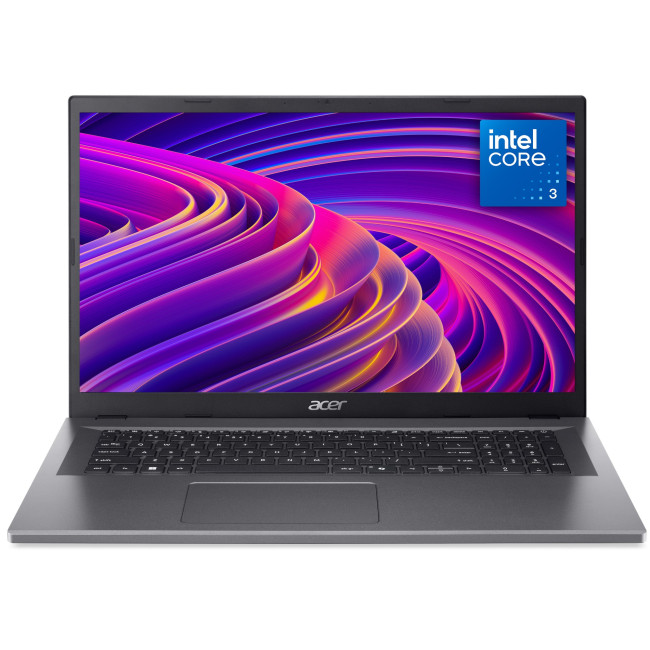
This is the budget big-screen option. It is designed for everyday use and light workloads, with a comfortable 17.3-inch Full HD IPS display and modern Wi-Fi 6 support.
Who it suits best: Budget buyers who want a large screen for browsing, streaming, and basic gaming.
Key specs: 17.3-inch 1080p IPS, integrated graphics, 8GB RAM, 128GB SSD, Wi-Fi 6, USB-C, HDMI, 2.04kg.
7) ASUS VivoBook 17 X1704VA-AU811W
Intel Core 5 120U, 8GB RAM, 512GB SSD, 17.3-inch Full HD IPS, Windows 11 Home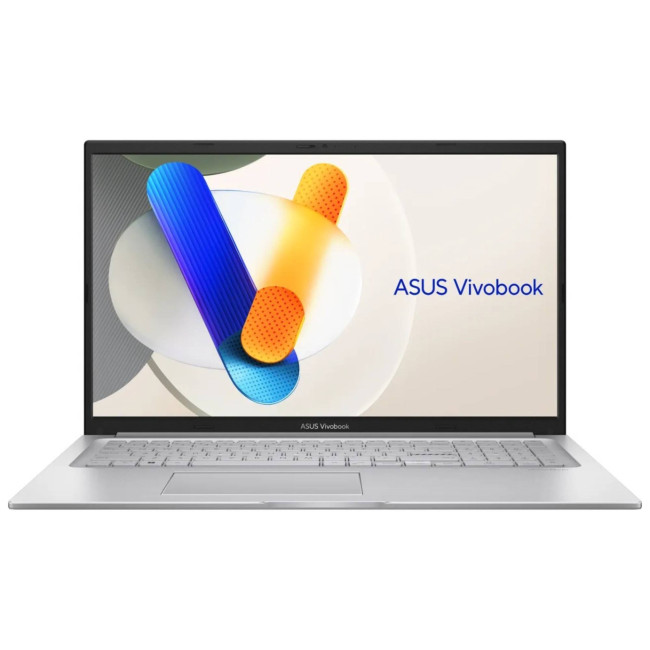
A simple big-screen everyday laptop option with a newer Core 5 series CPU and a decent 512GB SSD. It suits general use and light gaming rather than high-end graphics demands.
Who it suits best: Everyday users who want a modern CPU and big display for general work.
Key specs: 17.3-inch 1080p IPS, integrated graphics, 8GB RAM, 512GB SSD, Bluetooth 5.2, USB-C, HDMI, 2.1kg.
8) Acer Predator Helios 18 AI
Intel Core Ultra 9 275HX, 192GB RAM, 5TB SSD, RTX 5090 24GB GDDR7, 18-inch 3840 x 2400 IPS 120Hz, Windows 11 Home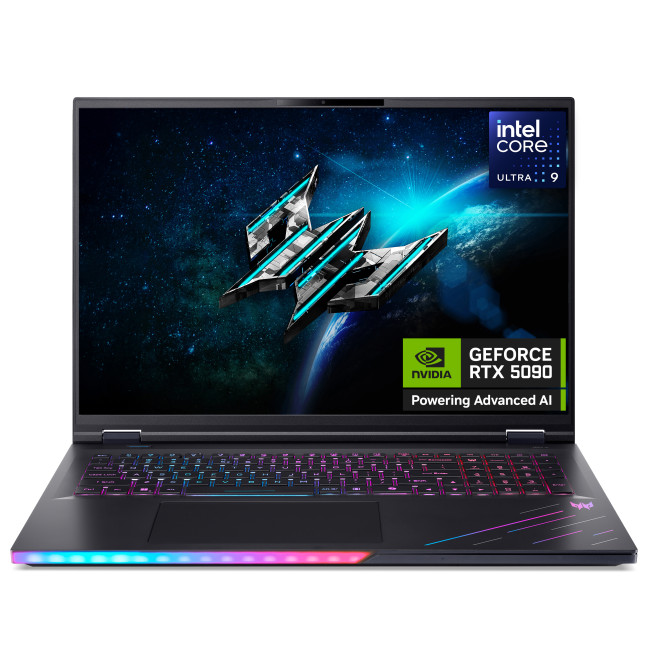
This is the extreme performance flagship. It’s technically an 18-inch model, but it fits the “large-screen gaming powerhouse” intent better than almost anything else. The Core Ultra 9 275HX is described as a 24-core CPU with boost up to 5.4GHz. With RTX 5090 graphics and an ultra-high resolution 18-inch display, this is built for gamers who want maximum capability without compromise.
Who it suits best: Enthusiasts who want a top-tier laptop replacement for a high-end desktop setup.
Key specs: 18-inch 3840 x 2400 IPS 120Hz, RTX 5090 24GB, 192GB RAM, 5TB SSD, Wi-Fi 7, Bluetooth 5.4, 3.5kg.
9) Lenovo V17 G4 IRU
Intel Core i7-13620H, 16GB RAM, 512GB SSD, 17.3-inch Full HD IPS, Windows 11 Pro
A big-screen productivity-first laptop with a strong CPU and Windows 11 Pro. It’s not a dedicated gaming laptop, but it can suit lighter gaming alongside work and creating tasks.
Who it suits best: Buyers who want a big-screen laptop for work, creating, and occasional light gaming.
Key specs: 17.3-inch Full HD IPS, Intel UHD graphics, 16GB RAM, 512GB SSD, Wi-Fi 6, Bluetooth 5.2, Windows 11 Pro, 2.02kg.
10) Medion Erazer Defender 17 P1 (Core 7 240H)
Intel Core 7 240H, 32GB RAM, 2TB SSD, RTX 5060 8GB GDDR7, 17.3-inch Full HD 144Hz, Windows 11 Home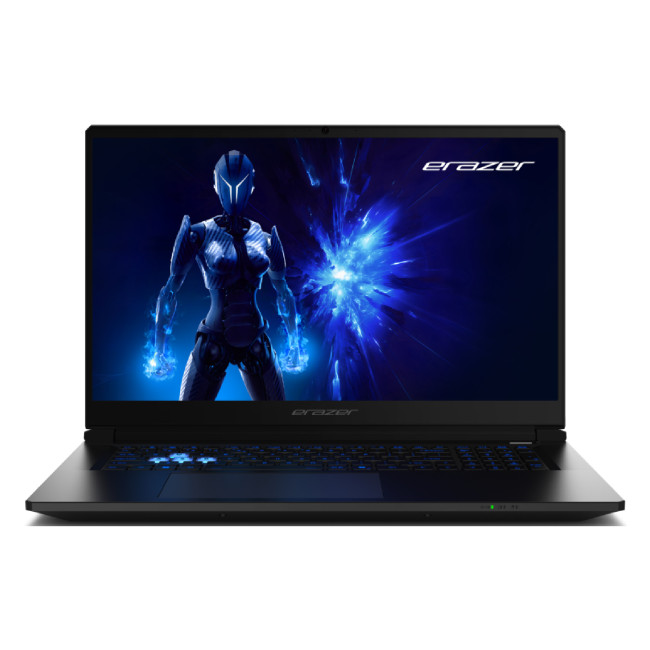
This is a proper gaming-focused finisher for the list and a strong pick for buyers who want high refresh smoothness and modern RTX performance without stepping into the most expensive tiers. The Core 7 240H (boost up to 5.2GHz) gives you plenty of power for gaming and everyday multitasking, while 32GB RAM and a 2TB SSD make it feel ready for the long run, especially if you keep multiple large games installed at once.
The RTX 5060 with 8GB GDDR7 is a solid match for a 17.3-inch Full HD display, and the 144Hz refresh rate is exactly what you want if you play shooters, competitive titles, or anything where smoother motion makes gameplay feel more responsive.
Who it suits best: Gamers who want a big-screen 144Hz experience, modern RTX graphics, and a “no compromises” memory and storage setup.
Key specs: 17.3-inch 1920 x 1080 LCD 144Hz, RTX 5060 8GB GDDR7, Core 7 240H, 32GB RAM, 2TB SSD, Wi-Fi 6E, Bluetooth 5.3, HDMI, DisplayPort 1.4, 3× USB-A, USB-C, RJ45, 2.65kg.
What to Look for in a 17-Inch Gaming Laptop in 2026
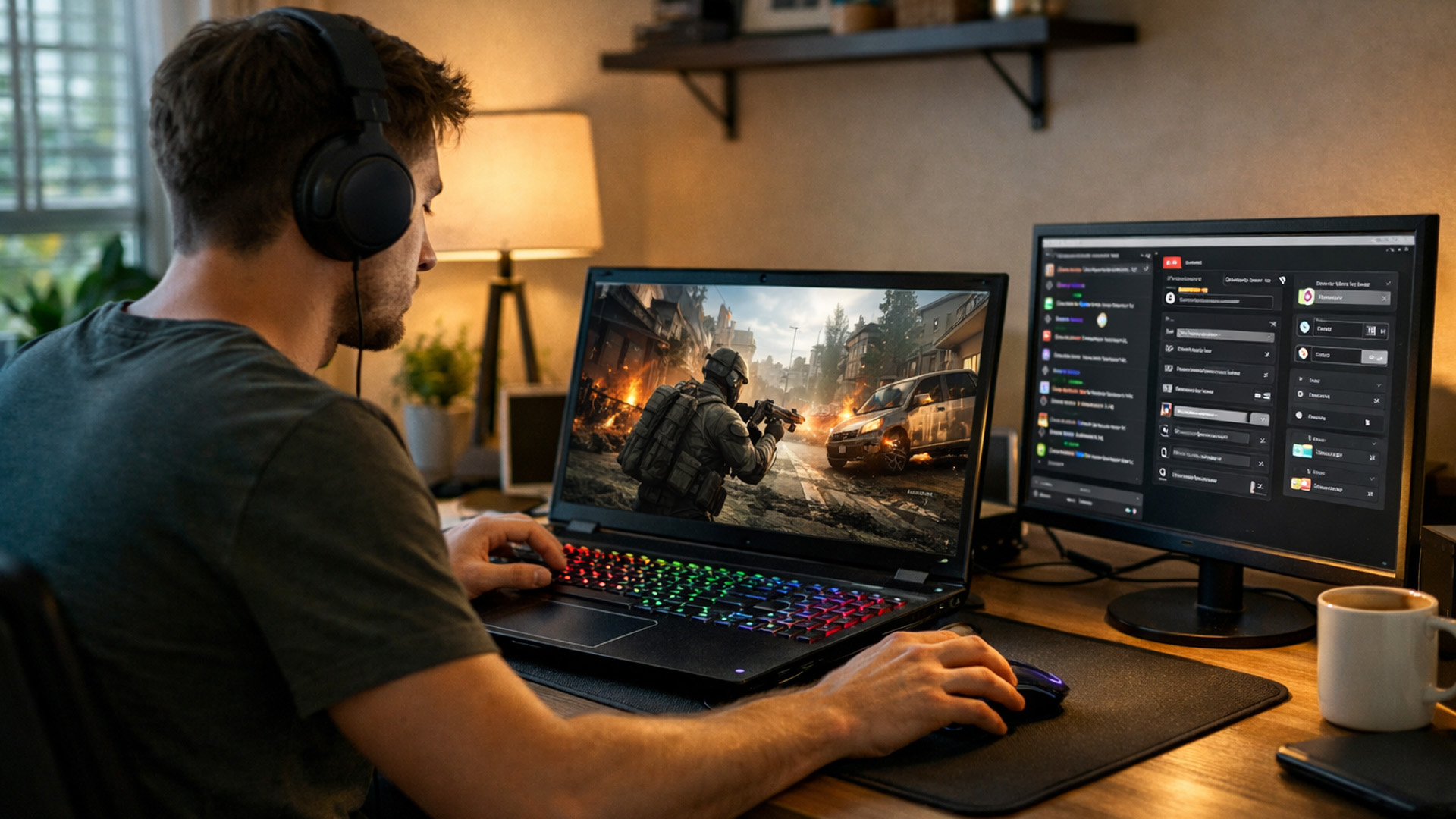
Choose your GPU tier first
If you play modern AAA games, prioritise the strongest GPU you can afford. If you mainly play esports titles, you can often get excellent results without pushing into premium tiers.
Match refresh rate to your play style
144Hz and 165Hz are ideal for competitive titles. For slower-paced story games, you may care more about resolution and panel quality.
Don’t ignore cooling
A powerful laptop is only as good as its ability to hold performance during long sessions. Stable thermals often matter more than a small spec bump.
Pick storage based on how you install games
AAA titles eat space fast. If you install several big games at once, 1TB feels far more comfortable, and 2TB is ideal if you hate managing space.

Key Takeaways
17-inch laptops remain a favourite for gamers because they deliver a more immersive view and a more comfortable gaming experience. In 2026, you also have more choice than ever from high refresh gaming machines built for competitive play to big-screen everyday laptops that suit lighter gaming and general use.
If your goal is pure gaming performance, focus on the models here with dedicated RTX graphics and high refresh displays. If you mainly want the large screen for comfort, streaming, and daily tasks, the everyday models offer a more budget-friendly way to get that 17.3-inch experience.
Need options other than gaming? Explore the latest 17-inch laptops at Laptop Outlet and find the right big-screen model for your budget and use case.

Questions UK Buyers Ask
Which is better for a 17.3-inch gaming laptop: 144Hz or 165Hz
Both are great for gaming. If you play esports or fast shooters, 165Hz can feel slightly smoother, especially in motion-heavy scenes. For most players, the bigger difference comes from stable performance and a responsive panel rather than the jump from 144Hz to 165Hz.
Is Full HD enough on a 17.3-inch gaming laptop in 2026
Yes. Full HD still makes a lot of sense on 17.3 inches, especially if you want high frame rates and smoother gameplay. It’s also easier on the GPU, which helps you keep settings strong without sacrificing performance. QHD is a nice upgrade if the laptop is powerful enough, but Full HD remains the practical choice for many gamers.
How much RAM do I need for gaming on a 17-inch laptop
16GB is still the baseline most gamers are comfortable with. If you stream, multitask heavily, or keep lots of background apps running while gaming, 24GB or 32GB feels noticeably more relaxed and future-friendly.
Is 1TB storage enough for modern games
It can be, but it depends on what you play. AAA games are large now, and a few installs can eat most of a 1TB drive quickly. If you rotate between multiple big titles, 2TB is a much more comfortable option and saves you from constantly uninstalling and reinstalling games.
Do I need Wi-Fi 6E or is Wi-Fi 6 fine for gaming
Wi-Fi 6 is already strong for most home setups. Wi-Fi 6E can be a bonus if you have a compatible router and want access to the 6GHz band, which can mean less congestion in busy areas. For the most stable online gaming, wired Ethernet is still the best option when available.
| Read More: |
| Everything You Need to Know About Gaming Laptops: Buying Guide & Expert Tips |
| How to boost FPS and Optimise processor speed for gaming |
| AOC Monitor Settings for Gaming |
Related Articles


Last Updated: January 28, 2026
We don’t usually abandon a tech purchase because of the price. It’s the delivery that makes us hesitate to move the things from whislist to place the order. Unexpected charges, unclear arrival dates, or slow dispatch can stop us right at checkout. And it feels unfair and cruel that we need to sacrifice our favourite gadget due to this delivery obstacle.
That’s why Laptop Outlet’s free standard delivery is kept clear and upfront, so you know exactly what you’re paying and when your order will arrive before you commit.
Let’s make it simple for you to understand that how free standard delivery by Laptop Outlet works, explore the key shipping benefits, and explain why it’s one of the smartest ways to stretch your tech budget further.
What Is Laptop Outlet’s Free Standard Delivery?
Free standard delivery by Laptop Outlet is designed to keep things simple, transparent, and affordable for customers across the UK.
Here’s how it works:
- Spend over £200 and your order qualifies for free standard
Last Updated: January 28, 2026
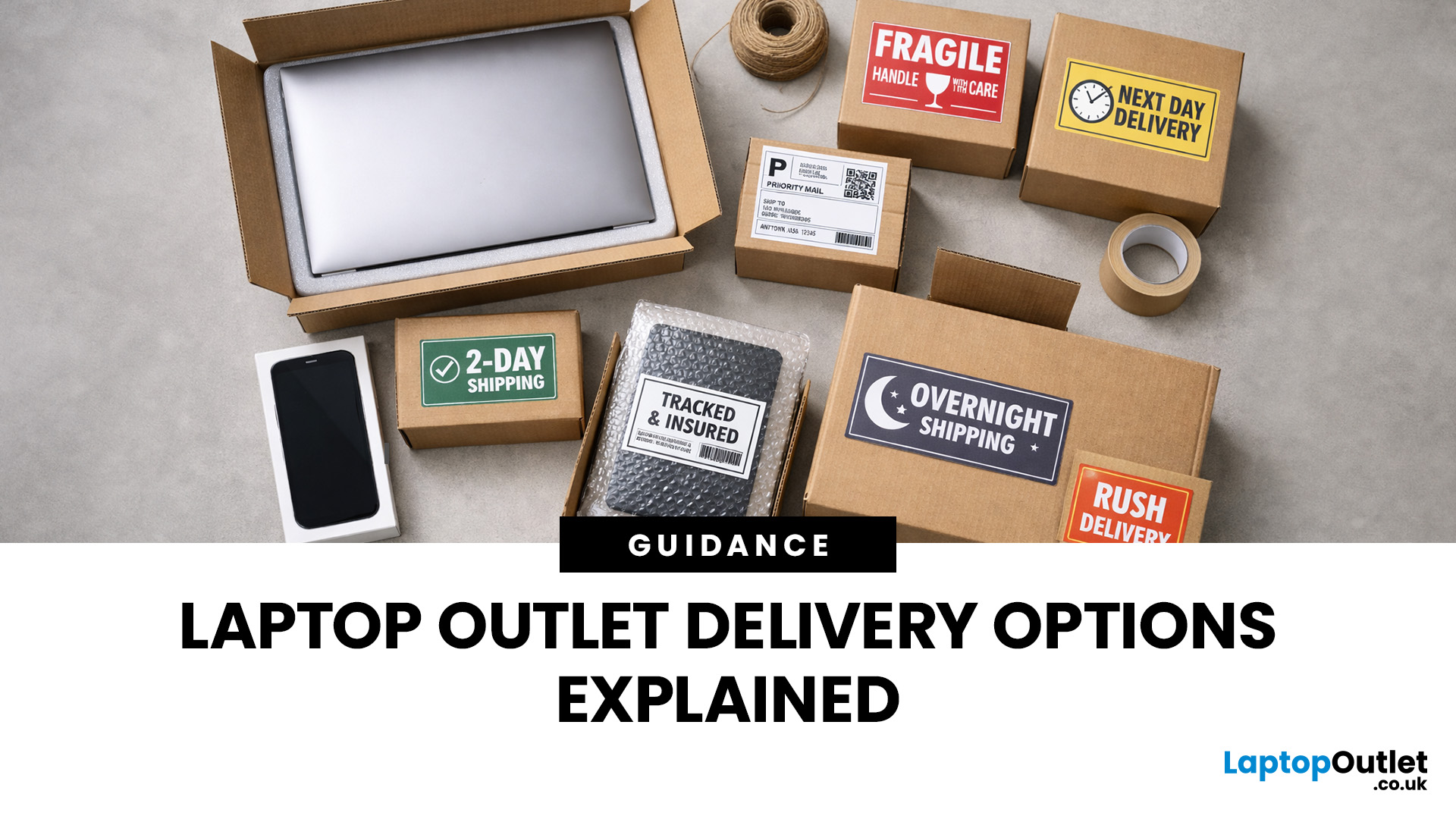
Buying tech online isn’t just about specs and price; delivery speed, flexibility, and reliability matter just as much. Whether you’re replacing a broken work laptop, upgrading your home setup, or ordering a last-minute gift, knowing your delivery options can make all the difference. In this guide, we explain Laptop Outlet delivery services options, how they work, and which service is best for your needs, from free standard delivery to next-day and book-a-slot delivery.
What Delivery Options Does Laptop Outlet Offer?
Laptop Outlet provides multiple delivery services designed to suit different customer needs, budgets, and timeframes. Each option is clearly shown at checkout, so you can choose the delivery speed and convenience level that works best for you. These include:
- Free Standard Delivery
- Next-Day/Priority Delivery
- Book-a-Slot Scheduled Delivery
How Does Laptop Outlet Delivery Work?
For full details, customers can always refer to the dedicated delivery info page. Laptop Outlet’s
Last Updated: January 28, 2026
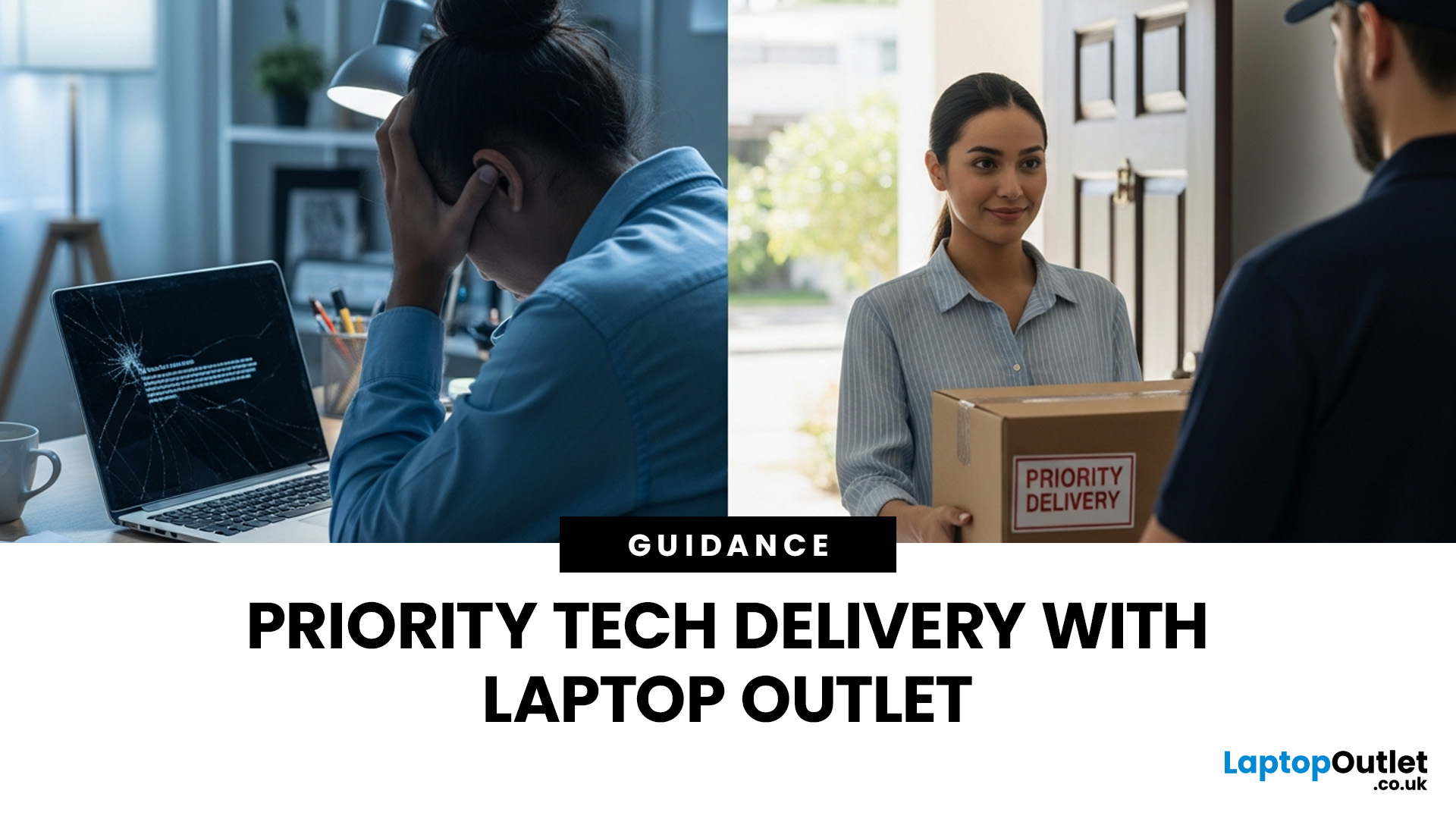
Let’s be honest — when your tech lets you down, waiting is the last option you want. Maybe your laptop stopped working the night before a deadline, your PC failed mid-project, or you’ve just realised you need a new device now, not next week. That’s exactly where Laptop Outlet next-day / priority delivery comes in. If you need fast, reliable tech delivery in the UK, this guide explains how Laptop Outlet’s next-day service works, what you can order, and why it’s the smart choice for urgent tech needs.
Why Speed Matters When Ordering Tech Online
When your laptop or PC breaks, everything slows down — work, study, gaming, even staying connected. Waiting days for a replacement just isn’t practical. With next-day laptop delivery, you don’t have to put life on pause. Laptop Outlet’s express service is built for:
- Last-minute replacements
- Urgent work-from-home setups
- Business and study deadlines
- Time-sensitive gifts or upgrades
If speed matters to you, Laptop Outlet Express shipping delivers when

Last Updated: January 28, 2026
Let’s be real — waiting around all day for a delivery is no one’s idea of fun. You’ve got meetings, errands, school runs, and about a million other things going on. The last thing you want is to be stuck at home wondering “Will it arrive now… or later?” That’s exactly why customers love Laptop Outlet book-a-slot delivery.
This delivery option puts you in control, letting you choose when your tech arrives, not the other way around. Here’s how it works, why it’s so popular, and whether it’s the right choice for your next order.
What is Laptop Outlet Book-a-Slot Delivery?
Laptop Outlet’s book-a-slot delivery service is a scheduled tech delivery service that allows you to pick a specific delivery day and time slot at checkout. Instead of waiting around all day, you get a clearly defined delivery window, so you know exactly when your order is arriving. In short:
- You choose the day, time, and location
- The courier delivers within that slot
- Your tech arrives when it suits you
It’s one of Laptop

Last Updated: June 17, 2026
Valentine’s Day is basically a high-pressure speedrun of “prove you know me.” Flowers are fine. Chocolate is predictable. But if you want a gift that lands (and lasts), tech is the move.
This year, we’re making it easy to shop Valentine’s Day laptop gifts and other Valentine’s Day tech gifts that feel personal, useful, and genuinely exciting, without paying full-price panic-tax. At Laptop Outlet, we stock both new and refurbished tech in the UK, so you can pick something premium, practical, and still stay in your budget.
Why a Laptop is a Top-Tier Valentine’s Gift in 2026
A laptop gift for Valentine’s Day isn’t just “a laptop.” It’s a whole lifestyle upgrade. It’s better WFH days, smoother university deadlines, cleaner creative projects, cosier film nights, and finally not fighting with a slow machine that sounds like it’s trying to take off.
And because 2026 is not the year to overpay, laptop deals for Valentine’s Day (especially on refurbished models) can get you more performance for
Last Updated: September 04, 2026
If you’re shopping for a new laptop this year, HP continues to be one of the most reliable and exciting brands to watch. From premium Ultrabooks and powerful gaming machines to flexible 2-in-1 devices built for modern work and study, the latest releases bring something for everyone.
In this guide, we’ll explore the latest HP laptops you shouldn’t miss in 2026, highlighting what makes them stand out, which users they suit best, and why HP remains a top choice for shoppers across the UK. Whether you’re upgrading your home setup, buying for university, or looking for a performance machine that keeps up with your workload, these HP laptop models are worth considering.
Top HP Laptop Models You Can Choose in 2026
The latest HP laptops in 2026 are redefining versatility, performance and AI-enabled productivity across the board. Let’s explore few of them:
HP OmniBook X FlipNGAI 14-fm0005na – Compact AI-Ready Performance
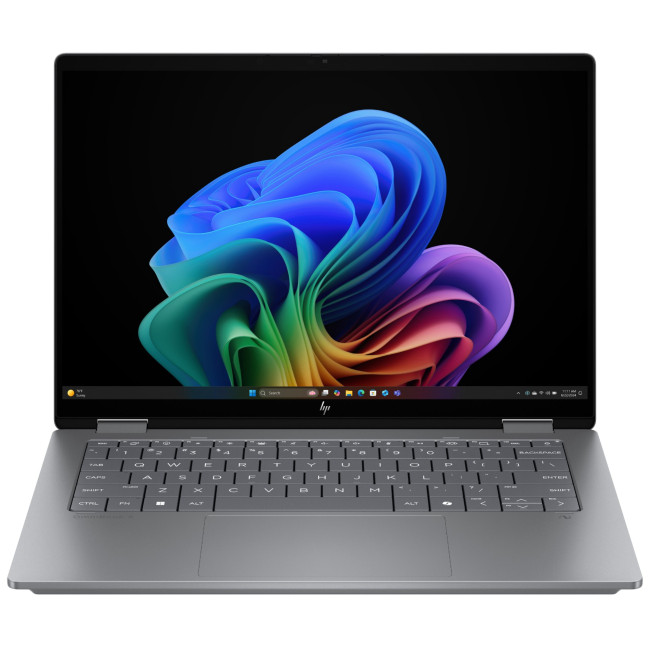
The HP OmniBook X FlipNGAI 14-fm0005na Intel® Core™ Ultra 5 226V

Last Updated: February 13, 2026
Laptops are essential to modern life. Whether you’re working from home, studying, gaming, streaming, or running a business, your device needs to perform reliably every single day. But even the best machines can run into trouble. From frustrating slowdowns to sudden shutdowns, understanding common laptop problems can save you time, stress, and unnecessary expense.
In this comprehensive laptop troubleshooting guide, we’ll walk you through the most common laptop issues and fixes, explain what causes them, and show you practical steps to get your device back on track. Whether you’re using everyday notebook laptop or a gaming laptop, this guide will help you stay in control.
1. Slow Performance and Freezing
One of the most frustrating common laptop problems is sluggish performance. Over time, even premium notebook laptops can slow down if they’re not properly maintained. If your laptop takes ages to boot up, struggles to open applications, or freezes mid-task, you’re likely dealing with performance
Last Updated: February 13, 2026
You press the power button, hear the familiar hum of the fan, and wait for the logo to appear. But this time, nothing happens. Your screen stays as dark as a midnight sky. A laptop screen not working is more than a technical glitch; it feels like your entire digital life has been put on hold.
Before you panic and start looking for a replacement, take a breath. From laptop screen flickering to total blackouts, many display issues are actually software-bound and easily fixed at home. This guide will help you diagnose the problem and find a black laptop screen fix without the expensive repair bill.
Common Laptop Display Issues
Before jumping into repairs, it is helpful to identify exactly what is happening with your screen. Not every "blank" screen is caused by the same fault.

The Black Screen of Death
A laptop display not turning on at all is the most common complaint. You might hear the fans spinning or see the power lights glowing, but the panel remains lifeless.
Screen Flickering or
Last Updated: February 17, 2026
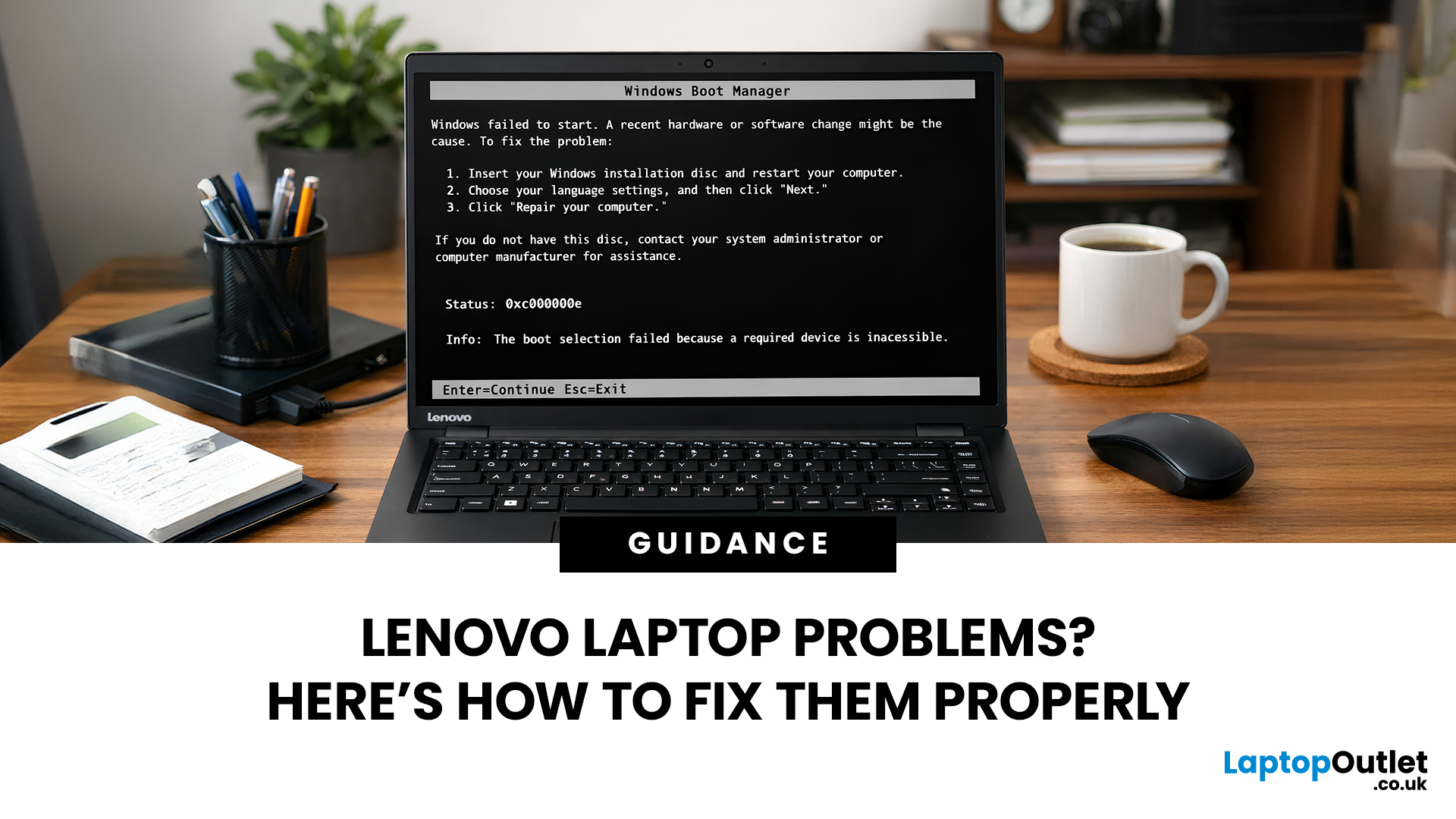
Lenovo laptops are widely trusted across the world, from ThinkPads in corporate offices to IdeaPads in student halls and Legion machines built for gaming. They’re generally dependable, however, even well-built machines can develop faults over time.
We regularly see the same issues cropping up across different Lenovo ranges, and in most cases the fix is simpler than people expect.
Before assuming your device is finished, it’s worth slowing down and checking a few things properly. Many common Lenovo laptop issues are software-related or power-related rather than serious hardware faults.
Below are some of the most common Lenovo laptop issues, why they occur, and what you can realistically do to solve them.
Quick Diagnostic Check Before You Start

Before diving into specific faults, ask yourself:
- Did this issue begin after a Windows update?
- Has the laptop recently overheated?
- Was it dropped or exposed to liquid?
- Is the battery older than three years?
- Does the problem occur only on battery
Last Updated: June 05, 2026
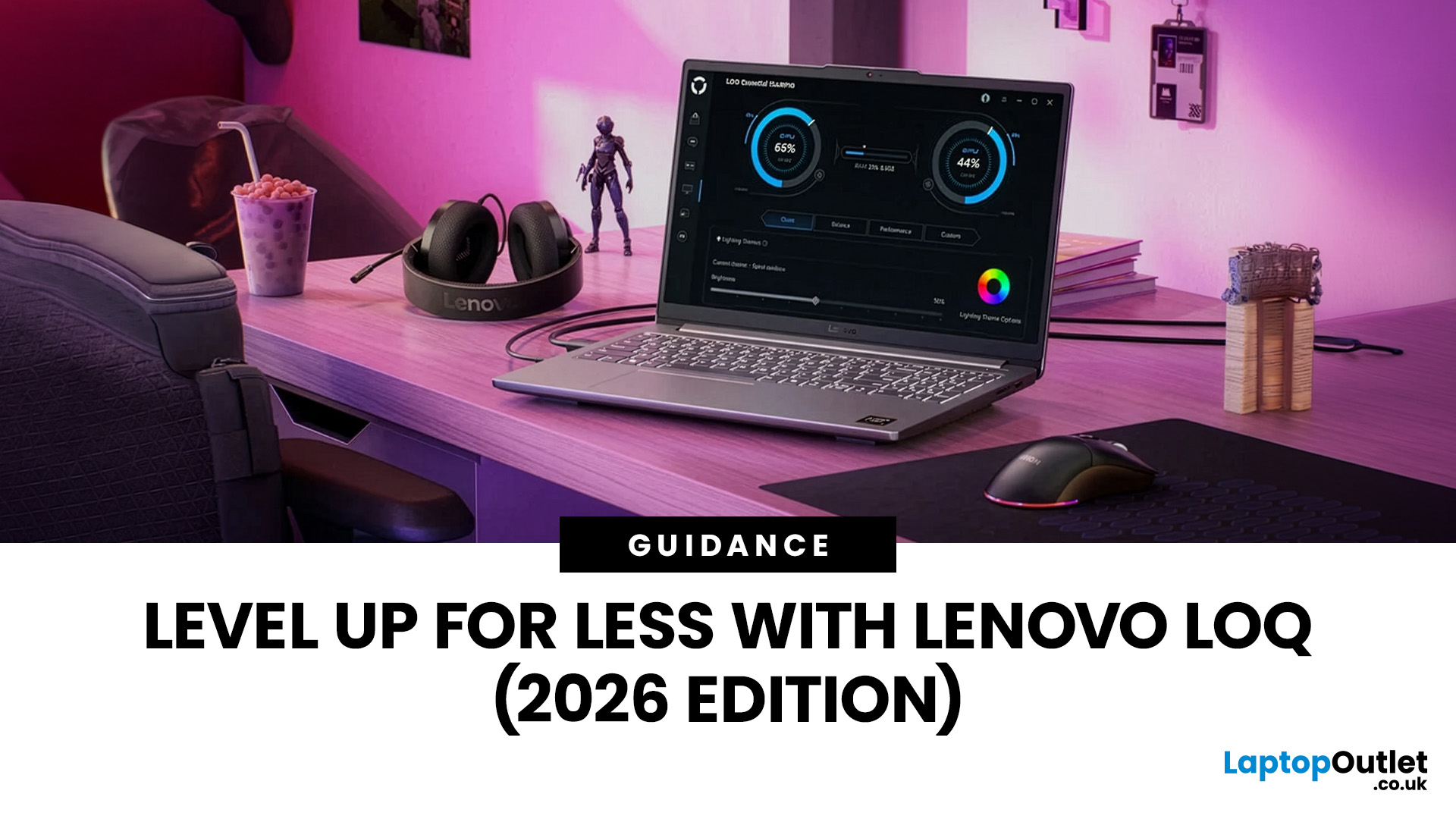
In 2026, you don’t need a four-figure budget to enjoy smooth, high-FPS gaming. With modern RTX 50-series graphics and 16GB RAM becoming the new standard, budget gaming laptops are more powerful and more accessible than ever. That’s where the Lenovo LOQ lineup comes in.
Designed as Lenovo’s entry-level gaming range, LOQ models deliver serious performance without the premium Legion price tag. Whether you’re grinding ranked matches, exploring open-world titles, or just want reliable everyday power, the best Lenovo LOQ laptops strike that sweet spot between price and performance.
In this guide, we’re breaking down the top Lenovo LOQ gaming laptops for 2026, who they’re perfect for, and how to choose the right one without overspending. Let’s get into it.
Why Lenovo LOQ Is Perfect for Budget Gaming in 2026
If you’re looking for a gaming laptop that doesn’t destroy your wallet but still runs modern games smoothly, Lenovo LOQ is basically the sweet spot in 2026.
Lenovo created the LOQ series

