



Wood-Front PC Cases: Style, Ventilation and Maintenance Explained
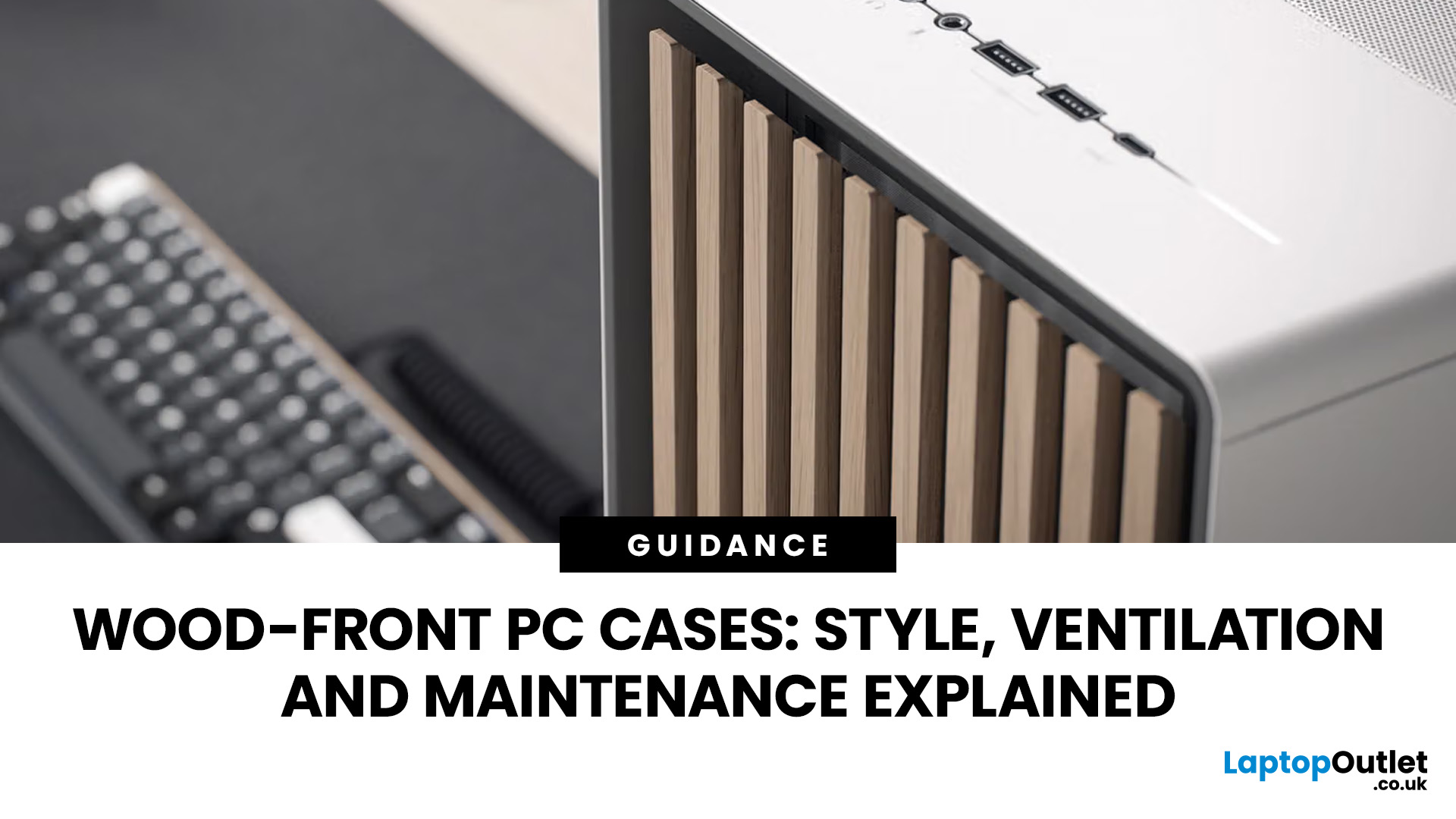
PC cases no longer have to look like traditional gaming towers. With natural wood finishes, clean lines and subtle detailing, modern cases can fit comfortably into a home office, living room or minimalist gaming setup.
A wood PC case offers a different approach to PC design, combining natural materials with the familiar construction of a modern computer chassis. Models such as the Fractal Design North and Corsair FRAME 4000D WOOD RS show how manufacturers are incorporating genuine wood into cases designed for everyday computing and high-performance systems.
But is a wooden front panel purely decorative, or can it provide effective ventilation too? And does real wood require special maintenance?
This guide explains how wood-front cases work, what makes them different and what to consider before choosing one.
What Is a Wood Front PC Case?
A wooden front PC case is a computer chassis featuring natural wood or a wood-effect finish on its front panel. Rather than constructing the entire case from timber, manufacturers typically use a metal chassis with carefully designed wooden accents.
This approach combines the durability and hardware compatibility of conventional cases with the warmer appearance of natural materials.
Common front-panel finishes include:
- Solid wood: Genuine timber, often oak or walnut, incorporated into decorative slats or panels.
- Wood veneer: A thin layer of real wood applied over a supporting material.
- Wood-effect finishes: Synthetic materials designed to recreate the appearance of natural timber.
Some cases also feature removable front panels, allowing compatible wooden alternatives to be fitted without replacing the entire chassis.
For example, the Fractal Design North uses genuine wooden slats alongside an open, ventilated front. Corsair offers wood-front configurations and separate wooden panels for selected FRAME cases.
Why Are Wood-Front PC Cases Appealing?
A PC case with wooden front panel combines natural finishes with practical design, offering an alternative to traditional gaming towers. Its appeal goes beyond appearance.
A Natural Look That Fits Modern Interiors
Most conventional PC cases feature metal, plastic, tempered glass or RGB lighting. These remain popular, but they do not suit every environment.
Wood-front designs introduce warmer colours, visible grain and more understated detailing.
A black chassis with walnut accents can complement darker furniture, while a white case with lighter oak detailing works well alongside pale desks and neutral interiors.
Real timber also varies naturally in colour and grain, meaning individual panels may have slightly different appearances.
A More Subtle Gaming Setup
Not every gaming PC needs bright lighting or an aggressive design.
A wood front gaming PC case can house powerful hardware while maintaining a discreet appearance. Depending on the model, users can combine wooden accents with tempered glass, mesh side panels or minimal lighting.
A wood-front case with a glass side panel lets you showcase internal components, while a wood-front case with a mesh side panel offers a more understated appearance and potentially better ventilation.
Familiar Hardware Compatibility
Wooden detailing does not mean giving up modern components or customisation.
Many wood PC cases support standard motherboards, graphics cards, power supplies and cooling equipment. Some also offer modular panels, removable filters and multiple fan mounting positions.
The important distinction is that hardware compatibility depends on the individual chassis, not the material covering its front.
Do Wood-Front PC Cases Have Good Airflow?
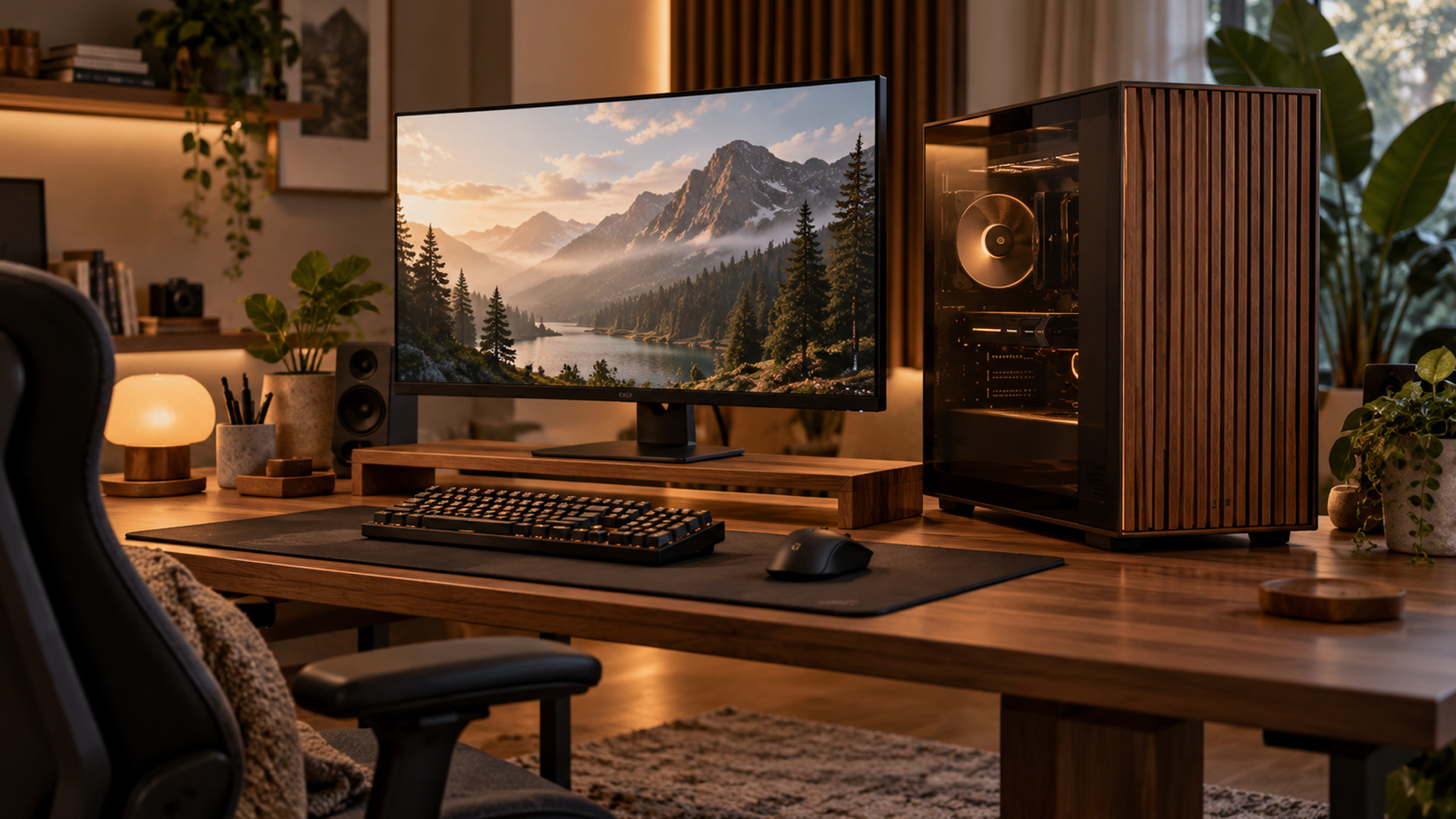
Yes, a well-designed wood panel PC case can provide effective airflow. The important factor is how much air passes through the front panel and how efficiently the cooling system moves it around the components.
Wood itself does not determine cooling performance. A case with open wooden slats can provide a suitable intake path, while another design with restrictive openings may struggle to supply enough fresh air.
How Front-Panel Design Affects Cooling
Several design features influence ventilation:
- Opening size: Wider gaps between wooden slats can reduce airflow resistance.
- Panel construction: Internal supports, backing materials and mesh can affect how easily air enters.
- Fan positioning: Front intake fans help direct cooler air towards the processor and graphics card.
- Dust filters: Filters reduce dust entering the chassis but can also introduce airflow resistance.
- Internal layout: Drive cages, cables and other obstructions can influence how air circulates.
These factors explain why two visually similar wood-front cases may perform differently.
Independent thermal testing is particularly useful when comparing models, as it shows how the complete case performs rather than simply how open the front panel looks.
Cooling Considerations for Gaming PCs
Gaming systems with powerful processors and graphics cards generate considerable heat under load. An effective cooling arrangement is therefore essential.
Most airflow-focused builds use front intake fans to bring in cooler air, with rear or top exhaust fans helping remove heated air.
Additional PC cooling fans may improve ventilation when the case supports their installation. However, adding fans is not always necessary, particularly when a chassis already includes a capable cooling setup.
The CPU also needs a suitable processor cooler , whether that's a tower-style air cooler or an all-in-one liquid cooling system.
For high-performance builds, check the supported fan sizes, radiator positions and available clearance before choosing components.
Wood-Front vs Mesh vs Glass PC Cases: What's the Difference?
Different front-panel materials offer different visual styles and ventilation arrangements. None is automatically better for every build.
|
Feature |
Wood-Front Case |
Mesh-Front Case |
Glass-Front Case |
|
Appearance |
Natural, furniture-inspired |
Functional, contemporary |
Display-focused |
|
Airflow |
Depends on slat spacing and openings |
Often relatively unrestricted |
Relies on alternative intake paths |
|
Maintenance |
Wood care and dust removal |
Mesh and filter cleaning |
Glass and ventilation cleaning |
|
Main appeal |
Balanced styling and functionality |
Airflow-focused design |
Showcase builds and lighting |
Which should you choose?
A mesh-front case is often a straightforward option when unrestricted airflow is the priority.
A walnut or oak PC case can provide a similar balance of cooling and functionality while offering a more natural appearance. However, performance varies between models.
Glass-front cases are particularly appealing for display-focused builds, although they need sufficient ventilation through side, bottom or other intake openings.
Fractal Design vs Corsair: Popular Wood-Front PC Cases
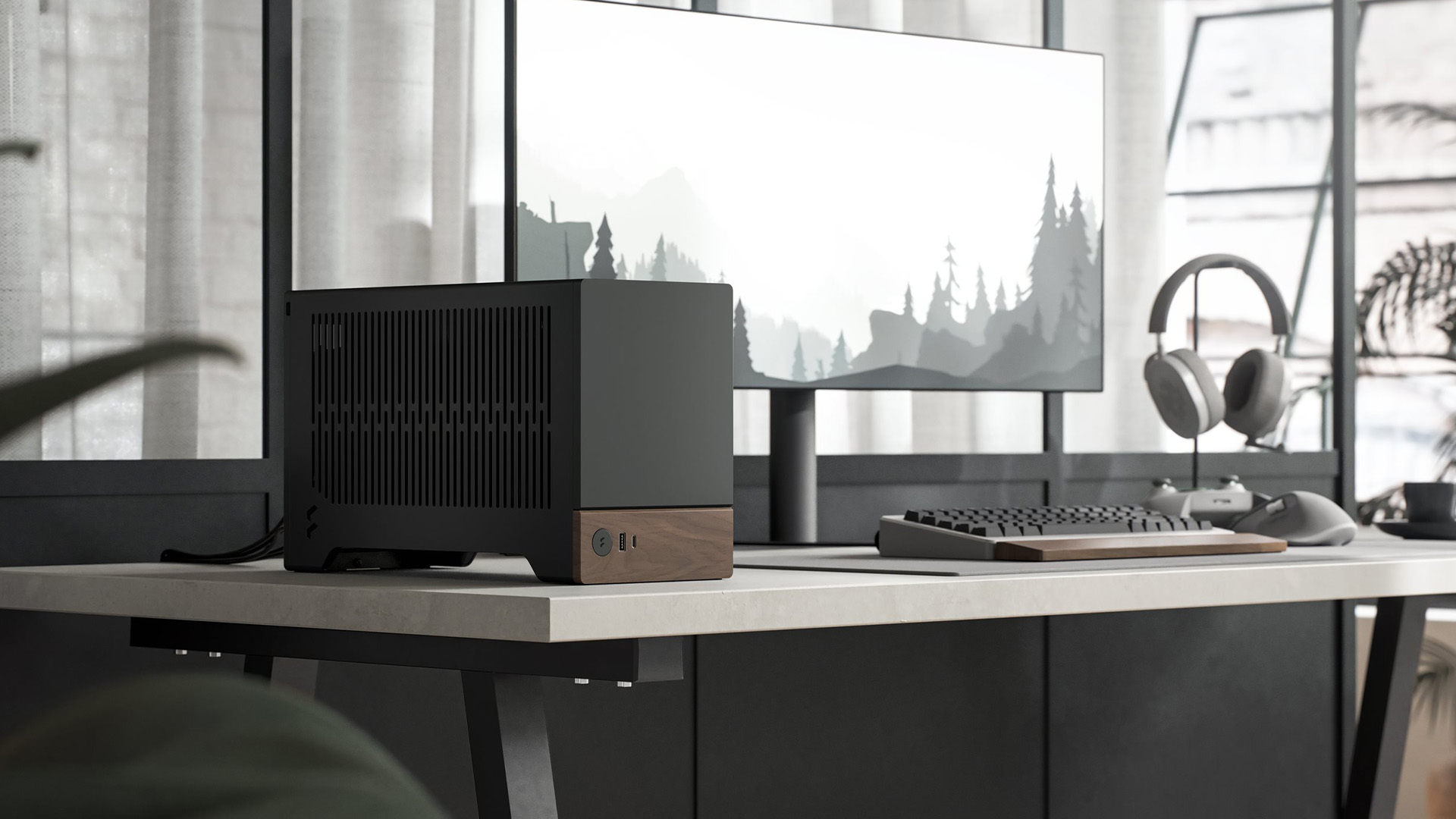
Fractal Design and Corsair offer different approaches to wood slat PC case styling. Their designs demonstrate how natural materials can be incorporated without abandoning modern cooling features.
Fractal Design North and North XL
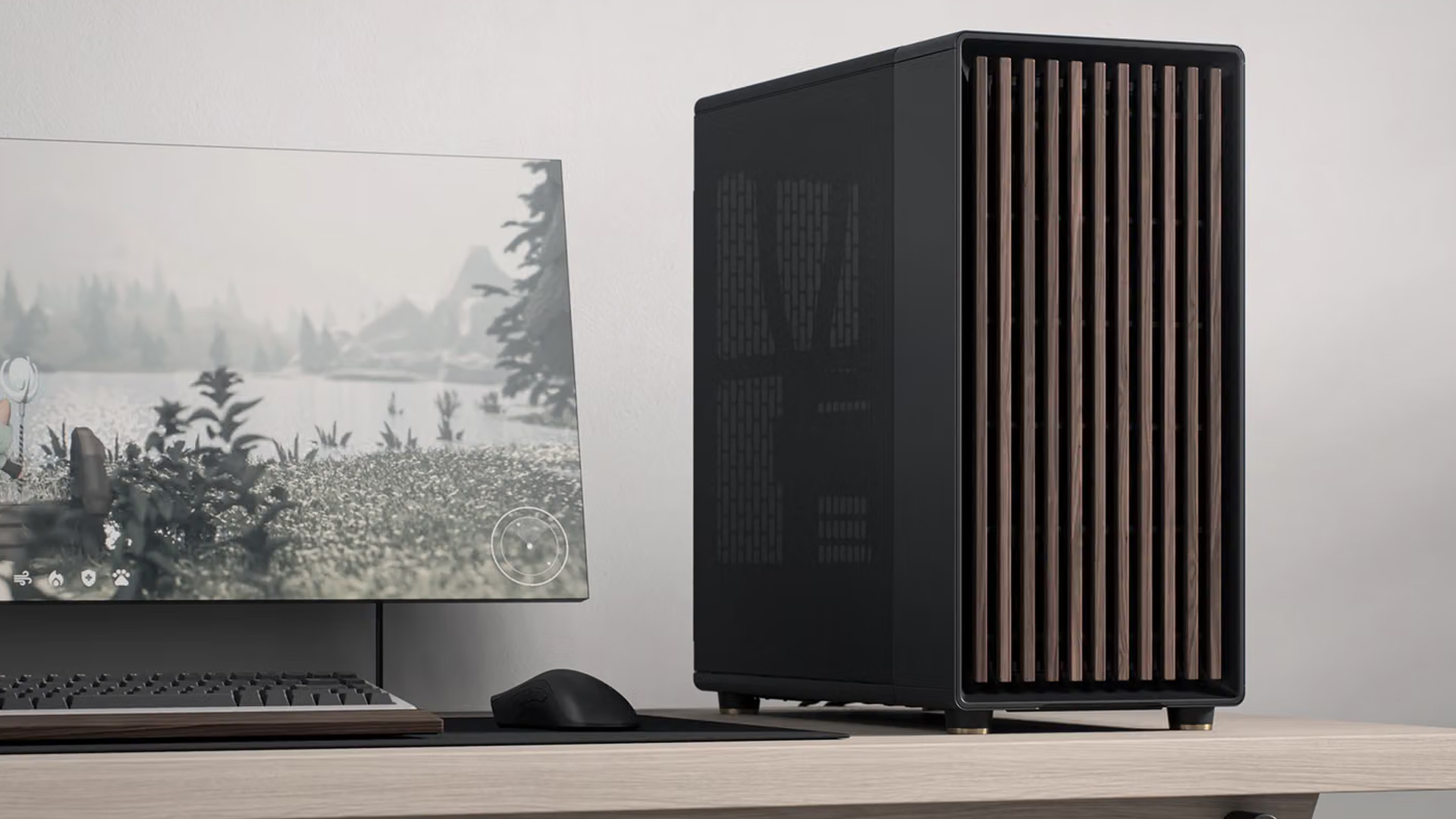
The Fractal Design North series is recognised for its vertical wooden front slats, minimalist styling and open ventilation.
The original North is an ATX mid-tower case with genuine oak or walnut detailing, depending on the finish. It includes two 140mm front fans and supports graphics cards up to 355mm long, although front radiator installations can reduce the available space.
The North XL retains the same design language but provides a larger interior. Standard models support E-ATX motherboards, include three 140mm front fans and offer greater flexibility for larger components and cooling systems.
Independent testing found the North XL to be a strong thermal performer against several competing cases. This demonstrates that wooden detailing does not necessarily compromise cooling.
Users can compare Fractal Design desktop cases to assess available sizes, finishes and side-panel configurations.
Corsair FRAME Wood-Front Designs
Corsair takes a more modular approach to wooden PC cases.
The FRAME 4000D WOOD RS features a real-wood front panel and includes four RS120 PWM fans. It is available in black with walnut detailing and white with oak detailing.
Its modular construction supports alternative panels, flexible fan mounting and multiple radiator positions, making it appealing to builders who want more control over their case configuration.
Corsair also offers separate solid-wood front panels for compatible FRAME 4000 Series cases. These can be installed without tools, allowing the appearance of an existing compatible chassis to be changed.
However, compatibility matters. Older Corsair 4000 Series panels are not interchangeable with FRAME 4000D models, and a standard FRAME case does not necessarily include a wooden front.
When comparing Corsair wooden front PC cases , check the exact model and whether the wooden panel is included or sold separately.
What Should You Check Before Buying a Wood PC Case?
The appearance might catch your attention first, but choosing the right chassis means checking how well it accommodates your hardware and everyday requirements.
Motherboard Compatibility and Case Size
Start with your motherboard format. Common options include Mini-ITX, Micro-ATX, ATX and E-ATX, although compatibility varies by case.
A case may support several motherboard sizes without being physically compact. For example, a wood-front ATX case typically offers room for full-size motherboards, expansion cards and flexible cooling configurations. Meanwhile, Micro ATX wooden PC cases can suit smaller desk setups, provided their dimensions and component clearances meet your requirements.
Graphics Card and CPU Cooler Clearance
Check the manufacturer's maximum supported graphics card length and CPU cooler height.
Remember that front-mounted radiators and fans may reduce the available space for a graphics card.
Large GPUs can also require additional clearance around their power connectors, particularly when the side panel sits close to the card.
Included Fans and Radiator Support
Some wood-front cases include multiple cooling fans, while others require additional purchases.
Before buying, check:
- Number and size of pre-installed fans.
- Available intake and exhaust mounting positions.
- Supported radiator dimensions.
- Dust filter placement and accessibility.
- Clearance around cooling components.
These details are especially important if you're building a system that will regularly handle demanding games, editing or rendering workloads.
Front Ports and Everyday Convenience
A well-designed oak and walnut PC case should also be convenient to use.
Look at the available USB-A, USB-C and audio connections, particularly if you frequently connect headphones, external storage or other accessories.
Removable side panels, accessible dust filters and cable-routing space can also make building, upgrading and cleaning the computer easier.
How to Clean and Maintain a Wood-Front PC Case
Wood-front cases are not necessarily difficult to maintain, but natural timber requires slightly different care from painted metal or plastic.
The aim is to remove dust while protecting the finish and keeping moisture away from electronic components.
1. Remove Surface Dust Gently
Switch off and unplug the PC before cleaning.
Use a clean, dry microfibre cloth to wipe the wooden surface. For slatted panels, a soft brush can help remove dust from narrow gaps.
Avoid abrasive cloths or cleaning pads that could scratch the finish.
2. Avoid Excessive Moisture and Cleaning Products
Natural wood can react to prolonged moisture exposure, even when treated.
Do not spray water or cleaning solutions directly onto the front panel. If the manufacturer permits damp cleaning, use a lightly dampened cloth and dry the surface immediately.
Avoid furniture polish, waxes and oils unless specifically recommended by the manufacturer.
3. Keep Dust Filters and Fans Clean
Dust can accumulate behind wooden slats, around intake fans and inside filters.
Remove accessible filters according to the manufacturer's instructions and clear any buildup.
Only wash filters when the manufacturer permits it, and ensure they are completely dry before reinstalling them.
Fans can be cleaned carefully with a soft brush or suitable compressed air. Prevent the fan blades from spinning while cleaning.
4. Protect the Case from Heat and Sunlight
Keep the computer away from radiators, heaters and prolonged direct sunlight.
Exposure to excessive heat, humidity or sunlight may affect the colour and appearance of natural wood over time.
Leave sufficient clearance around intake and exhaust vents rather than positioning the case tightly against furniture or walls.
5. Follow the Manufacturer's Maintenance Instructions
Different cases use different wood treatments, coatings and panel attachment systems.
Always check the manufacturer's guidance before removing a front panel or applying cleaning products, particularly when working with natural veneer or replaceable wooden accessories.

Are Wood-Front PC Cases Worth It?
A wood PC case is worth considering if you want a desktop that fits naturally into your room without sacrificing the practical features expected from a modern chassis.
The strongest designs combine attractive materials with effective ventilation, suitable component clearance and straightforward maintenance.
However, wooden detailing alone does not guarantee good cooling or build quality. The right choice depends on the case's complete construction, your hardware requirements and the space available.
Whether you prefer natural wood accents or a traditional airflow-focused design, explore our PC cases at Laptop Outlet to compare different styles, sizes and cooling configurations for your next build.

Your Questions Answered
Are wood PC cases safe?
Yes. Manufacturer-designed wood-front cases use conventional chassis construction and are safe when properly assembled, ventilated and operated according to specifications.
Do wooden PC cases overheat?
Not necessarily. Cooling depends on ventilation openings, fan configuration and component heat output. A well-designed wooden front can allow sufficient airflow.
Is real wood better than a wood-effect finish?
Real wood offers natural grain and texture, while wood-effect finishes provide a more consistent appearance. Neither automatically improves cooling performance.
Can I replace a normal PC case front panel with wood?
Yes, if the manufacturer offers a compatible replacement. Always verify model compatibility before changing the original panel.
How often should I clean a wood-front PC case?
Lightly dust the wooden panel every few weeks. Clean filters and fans as needed, depending on your environment and dust accumulation.
Are wood-front PC cases suitable for high-end gaming?
Yes, provided the case supports your graphics card, processor cooling and ventilation requirements. Check independent thermal tests and component clearance before buying.
Related Articles


Last Updated: August 18, 2026
Choosing the best AMD gaming PC in 2026 is less about buying the fastest processor and more about matching the CPU, GPU, memory and monitor to your target resolution. AMD Ryzen processors scale from efficient integrated-graphics systems for light Full HD gaming to X3D-equipped towers built for demanding AAA titles.
This guide compares six current AMD Ryzen gaming PCs across 1080p, 1440p and 4K use. It explains where each system makes sense, where it has limitations and which games suit its hardware.
Best AMD Gaming PCs at a Glance
The six systems below cover very different levels of gaming performance. That matters because an office-focused PC with integrated graphics should not be judged in the same way as dedicated gaming desktop PCs equipped with RTX graphics.
| PC | Processor | Graphics | RAM | Storage | Best For |
| Lenovo ThinkCentre M75s Gen 2 | Ryzen 5 5600G | Integrated Radeon | 8GB DDR4 | 256GB SSD | Light 1080p gaming |
| Lenovo IdeaCentre AIO 24ARR9 | Ryzen 5 7533HS | Radeon 660M | 16GB DDR5 | 512GB SSD | Casual 1080p |

Last Updated: August 20, 2026
Choosing the best Intel PC for gaming and creative work in 2026 means looking beyond the processor name. CPU performance matters, but your graphics card, system memory, storage and cooling can have just as much impact on how the PC handles games and demanding applications.
This guide compares eight Intel-powered desktops for different types of gamers and creators, from accessible 1080p systems to powerful 4K gaming and content-creation PCs.
Why Intel PCs Make Sense for Gaming and Content Creation
Intel is a strong choice for gaming and content creation because its desktop range covers everything from mainstream Core i5 systems to more powerful Core i7 and Core Ultra configurations. That gives buyers plenty of choice when matching performance to gaming, streaming or creative workloads.
Many high-performance Intel processors use a hybrid architecture with Performance-cores and Efficient-cores. With Intel Thread Director, compatible systems can help the operating system prioritise demanding
Last Updated: August 24, 2026
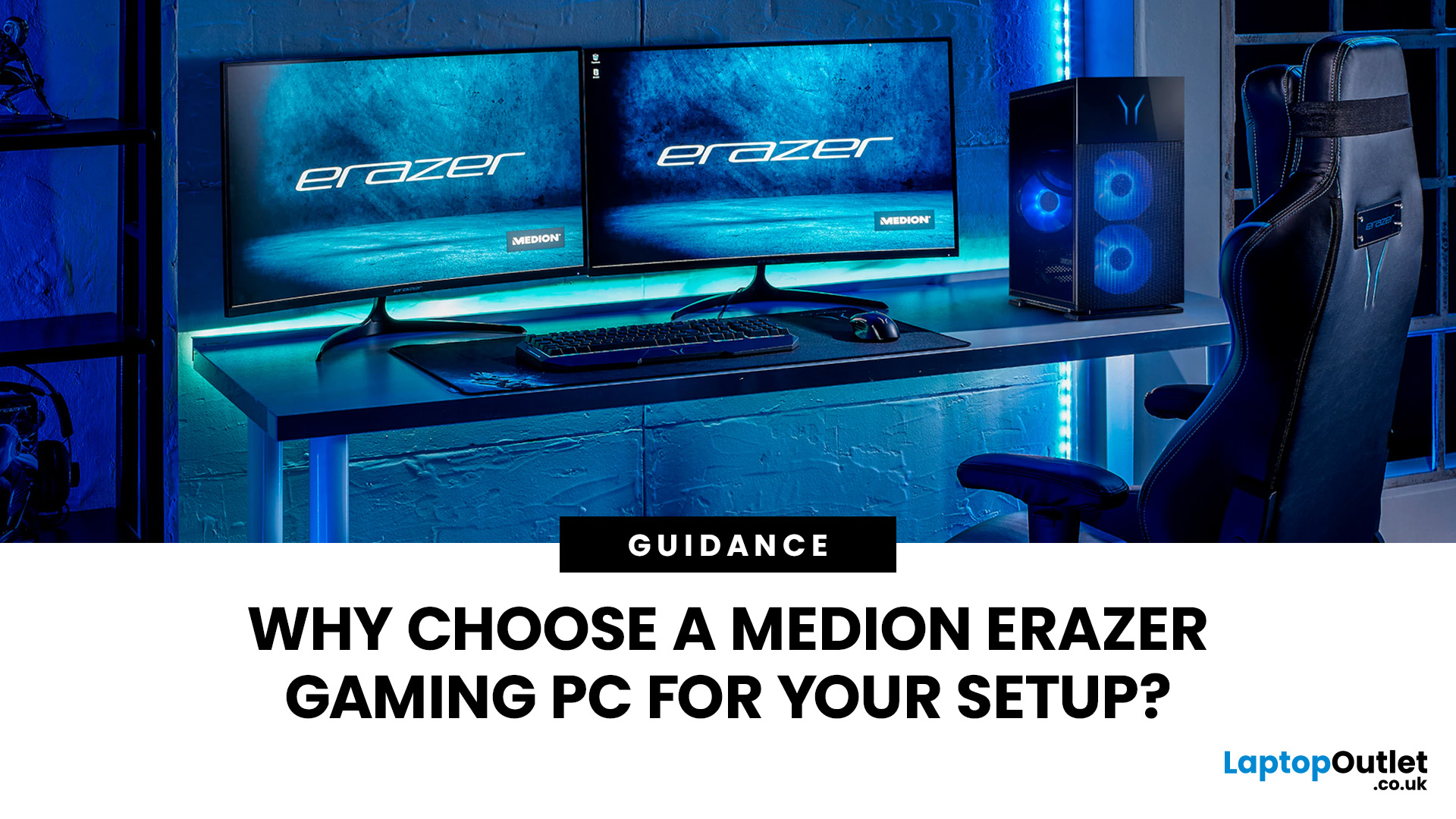
A Medion Erazer gaming PC is a solid choice for desktop gaming without the hassle of building your own system.
The range covers 1080p, 1440p and high-end gaming with NVIDIA GeForce RTX graphics, Intel or AMD processors, SSD storage and Windows 11.
However, not every model suits every gamer. Entry-level options work well for esports and 1080p gaming, while AAA titles, streaming and higher resolutions need stronger specs. The key is to match the PC to your games, not just its design.
This guide covers where Medion Erazer desktops

Published: September 17, 2026
The amount of RAM in a Dell PC affects how comfortably it can handle everyday programs, multitasking, and more demanding applications. Too little memory can hold performance back, while paying for far more than your workload needs often brings little practical benefit.
RAM, or Random Access Memory, is the short-term working space your PC uses for active applications and data. As your workload becomes heavier or you run more programs at once, the amount of memory you need generally increases.
For most Dell desktop buyers, 16GB of RAM is the safest choice. Choose 8GB for basic browsing, email, and light office work, while 32GB or more makes sense for heavier creative, technical or multitasking workloads. RAM matters, but processor performance, SSD storage, graphics capability and upgrade options also shape how responsive the PC feels.
How Much Dell PC RAM Do You Need?
Your ideal Dell PC RAM capacity depends mainly on the applications you run and how many you expect to use simultaneously.

Last Updated: September 17, 2026
An AI PC differs from a standard business PC by using dedicated hardware, such as an NPU, to accelerate supported AI workloads locally. Standard desktops can still run cloud-based AI services and Microsoft Copilot without an NPU.
Dell Pro Essential desktops are business PCs designed primarily for everyday productivity, not a dedicated AI PC range. Some configurations may include processors with an NPU for on-device AI acceleration, while others do not. Businesses should check the exact processor, NPU capability and workload requirements before deciding between Dell Pro Essential and an AI-ready Dell Pro PC.
For Dell Pro Essential, AI capability depends on the exact processor and configuration. UK businesses should therefore weigh on-device AI needs against everyday performance, security, upgradeability and cost.
What Is an AI PC?
An AI PC is a computer with hardware designed to accelerate artificial intelligence workloads. In addition to the familiar CPU and GPU, many modern AI PCs include
Published: September 22, 2026

Published: September 22, 2026
Choosing a Medion computer is not only about processor speed, RAM or storage. Form factor affects desk space, display choice, upgrades, repairs and how easily the system can adapt later.
A Medion desktop PC is usually the better choice if you want greater upgrade flexibility, more display freedom and stronger options for demanding workloads. A Medion all-in-one PC suits users who prioritise a cleaner, space-saving setup with the screen built in. The right choice depends on your performance needs, desk space, upgrade plans and the exact model specifications.
The Medion desktop vs all-in-one PC decision therefore needs more than a simple winner. Both can work well for home, office and family use, but they solve different problems. This guide compares them around real needs so you can choose the setup that fits your space and workload.
Medion Desktop vs All-in-One: The 1-Minute Take
Choose a Medion desktop PC if you want more freedom over the monitor, broader upgrade potential and greater
Published: September 25, 2026

Last Updated: October 08, 2026
Published: October 08, 2026

