



What Is a USB Stick?
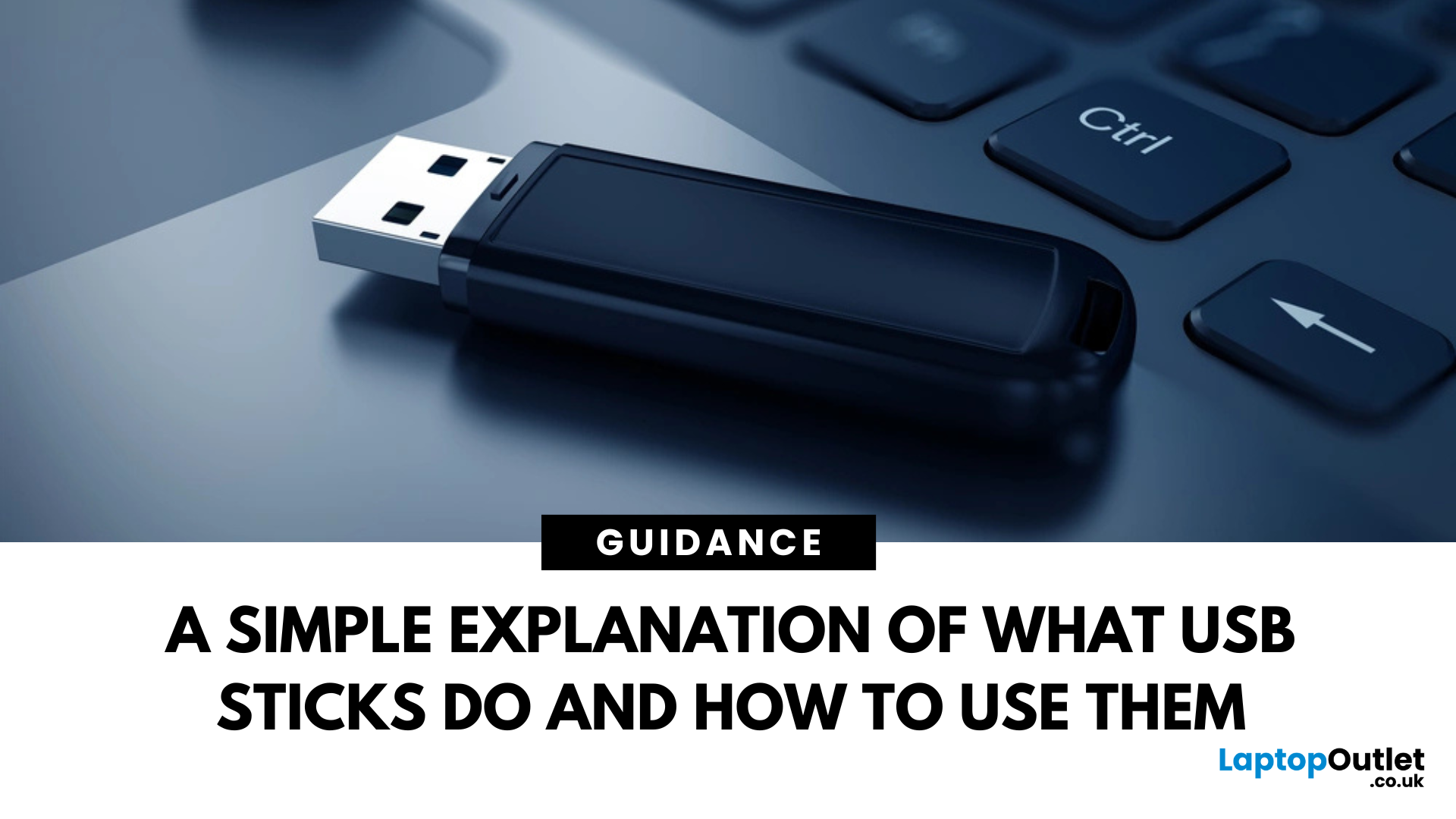
Pocket-Sized Power
A USB stick, also known as a USB flash drive, is one of the most convenient and widely used storage tools available. Small, portable, and incredibly useful—it’s your go-to device for storing, transferring, and backing up files in seconds. But what exactly is a USB stick, and how does it work?
1. What Is a USB Stick?
A USB stick is a small, portable storage device that plugs into a computer or compatible device via a USB (Universal Serial Bus) port. It uses flash memory to store data and requires no external power source.
Also known as thumb drive, flash drive, or pen drive
2. How Does a USB Stick Work?
- Plug it into a USB port on your laptop, PC, or compatible device
- It appears as an external drive
- You can drag and drop files, create folders, and even run portable software
3. Common Uses for USB Flash Drives
- Storing documents, photos, videos, and music
- Transferring files between computers or devices
- Creating system backups or recovery tools
- Installing software or operating systems
4. USB Stick Capacities
USB drives come in different sizes, from 4GB to 1TB or more. Choose one based on how much data you need to store.
A 64GB USB stick can hold over 10,000 photos or hours of HD video
5. USB Types and Speeds
- USB 2.0: Standard speed, common for older devices
- USB 3.0 / 3.1: Faster read/write speeds, backward compatible
- USB-C: Compact and reversible, compatible with modern laptops and phones
6. Advantages of USB Sticks
- Compact and portable
- No internet required
- Quick and easy file transfer
- Durable and reusable
7. Security Features
Some USB sticks come with:
- Password protection
- Encryption software
- Hardware-based security
Perfect for storing confidential files on the go
8. Tips for Using USB Sticks Safely
- Eject properly before removing to avoid data corruption
- Don’t store sensitive data on unencrypted drives
- Avoid viruses—scan regularly with antivirus software
Final Thoughts: Small Tool, Big Impact
A USB stick may seem like a basic tool, but it’s incredibly powerful when it comes to data portability and convenience. Whether you're a student, professional, or just want a safe place for your photos, it's a must-have tech essential.
Explore a wide range of USB sticks at Laptop Outlet—from compact drives to high-speed storage solutions.
FAQs: USB Sticks Explained
1. What’s the difference between a USB stick and a hard drive?
A USB stick is smaller and uses flash memory, while hard drives are larger and offer more capacity.
2. Can I use a USB stick on a phone?
Yes—if your phone supports OTG (On-The-Go) and has a compatible port.
3. How long does a USB stick last?
Typically, they can last for 10+ years with normal use.
4. Are USB sticks waterproof?
Some models are—always check the specifications.
5. Can I install Windows from a USB stick?
Yes—it’s commonly used to boot and install operating systems.
Read More:
| How Do I Format a USB Stick on a Mac |
| How to Factory Reset a Chromebook |
| How to Find Hidden Files on a Mac |
Related Articles

Last Updated: September 11, 2025
Last Updated: September 11, 2025
Introduction
Are you frustrated with wires scattered across your desktop and need a simple fix to keep your gadgets charged and organised?
In the world of desktop technology, the USB-C port has emerged as a versatile force with streamlined connectivity and enhanced functionality. As desktop setups become sophisticated, the demand for efficient cable management and expanded connectivity has grown.
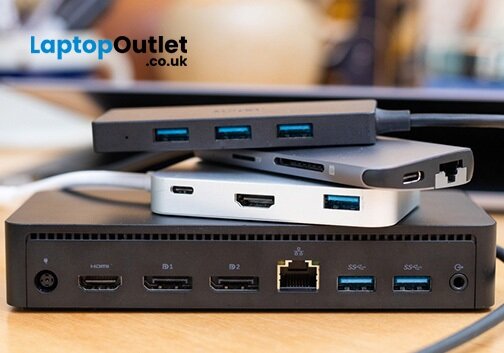
Desktop docking stations can enhance productivity, improve ergonomics and ensure convenience for content creation, 3D designers, and CAD engineers. They allow connections between the monitor, keyboard, mouse, storage drive, network port, headphone jack, SD card, and charging ports.
This comprehensive guide explores USB-C docks and their compatibility with various desktop systems. You will learn everything from understanding the fundamentals of USB-C technology to choosing the right dock for your specific desktop needs.
So, let's get into it!
Standard Ports Available in USB-C Docks
USB-C docks are
Last Updated: October 28, 2025
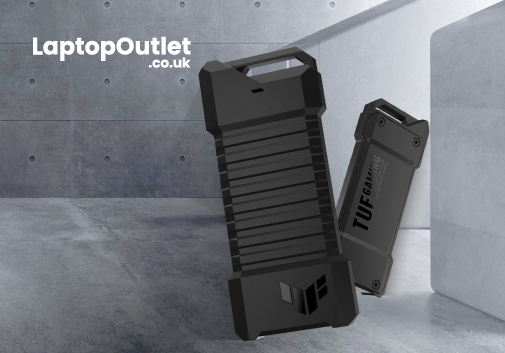
Are you looking for an ultrafast hard drive for video editing or a rugged device to back up your photos? The best external hard drives are a convenient way to backup and store important data.
Let's face it. Cloud storage costs a mere pounds per month, and trim, slim external SSDs are extremely handy and cheaper. The latest portable SSDs are more stylish and more durable due to the absence of moving parts. While these would be great reasons to choose external SSD drives, the advantage of having efficient backup is the primary reason.
However, with the hundreds of hard drive options ranging from dirt cheap to super expensive—choosing which one is right for your needs is not a DIY job. The storage space is the most important factor; you can increase or decrease it per your preferences. Physical size, quality, connectivity and colour also make sense.
We have tested dozens of brands to find the best portable hard drives for your workflow. Below here, check out our favourite external hard drive

Last Updated: May 05, 2026
The best external hard drives offer a convenient way to back up large amounts of data and keep them safe from malware attacks, hardware failures and theft.
The demand for storage capacity continues to grow rapidly as individuals and businesses accumulate vast amounts of data. Whether it's storing essential documents, multimedia files, or complex software applications, having sufficient storage space is crucial for maintaining productivity and efficiency.
However, the considerations extend beyond mere capacity regarding hard drives. Robustness and reliability are pivotal in ensuring that stored data remains safe and accessible over time.
This blog will explore the intricacies of hard drive prices and how storage capacity, robustness, and reliability influence purchasing decisions.
Whether you're a casual user needing extra storage for personal files or a business professional seeking dependable data storage solutions, understanding these factors is essential for making informed choices and
Last Updated: December 11, 2025
Microsoft introduced the world’s fastest and most powerful Windows PCs ever, Surface Copilot+ PCs. These are not just your run-of-the-mill updates to their previous models; instead, they are complete game changers. With the announcement of these AI-powered systems, Microsoft has again put itself at the vanguard of innovation.
Copilot+ PCs are powered by Qualcomm’s new Snapdragon X chips (or optionally Intel Core Ultra series in business variants), which feature an NPU (Neural Processing Unit) specially designed to handle complex AI (artificial intelligence) tasks that traditional PCs aren’t capable of.
Microsoft’s concept of AI is exciting (as is the technology behind Copilot+ PC), and the advantages are out-of-the-box. For instance, you don’t necessarily need a cloud connection for certain features (since some AI processing runs locally), and the security is top-notch as you’re not sharing all your information with third-party AI tool providers. All tools should be already embedded
Last Updated: September 11, 2025
A Fresh Start for Your USB Drive
Whether you're clearing space, fixing errors, or preparing your USB stick for Windows or macOS, formatting is the way to go. Luckily, it’s super simple on a Mac. Here’s a clear step-by-step on how to format a USB stick on macOS.
1. Plug In the USB Stick
- Insert your USB drive into an available port
- If prompted, choose to ignore or open Finder
Make sure to back up any important files—formatting erases everything
2. Open Disk Utility
- Go to Applications > Utilities > Disk Utility
- Or search for Disk Utility via Spotlight (Cmd + Spacebar)
3. Select Your USB Drive
- In the sidebar, click your USB stick (look under 'External')
- Double-check the name and capacity to avoid formatting the wrong drive
4. Click 'Erase'
- At the top of the window, click the Erase button
Format Options:
- Mac OS Extended (Journaled): For Mac-only use
- ExFAT: For both Mac and Windows compatibility
- MS-DOS (FAT): Best for small drives under 32GB
Use ExFAT if you

